MP200M-U2-4K - Camera Telycam - Free user manual and instructions
Find the device manual for free MP200M-U2-4K Telycam in PDF.


User questions about MP200M-U2-4K Telycam
0 question about this device. Answer the ones you know or ask your own.
Ask a new question about this device
Download the instructions for your Camera in PDF format for free! Find your manual MP200M-U2-4K - Telycam and take your electronic device back in hand. On this page are published all the documents necessary for the use of your device. MP200M-U2-4K by Telycam.
USER MANUAL MP200M-U2-4K Telycam
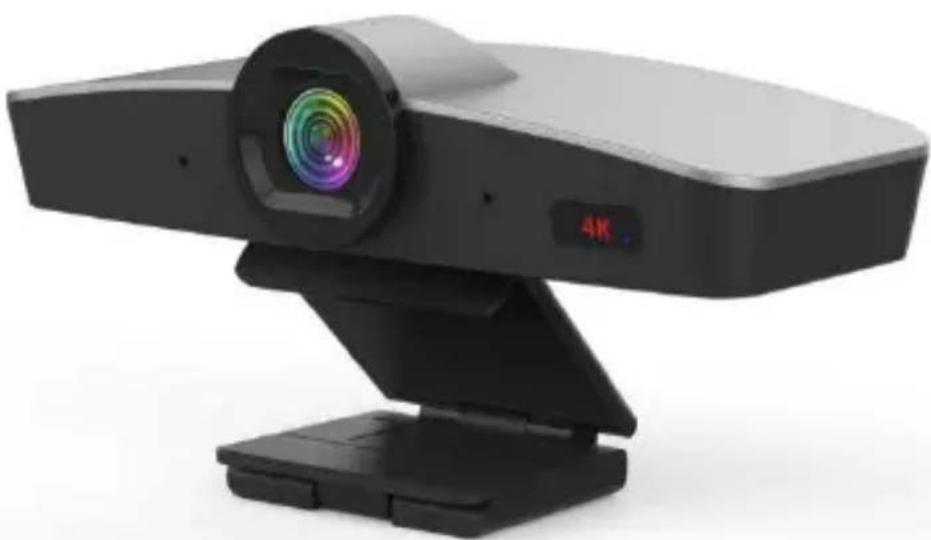
4K UHD Mic Video Camera
natural_image
Modern video camera with a 4K display and lens, mounted on a stand (no text or symbols visible)(V2.0)
Product Advantages:
- Ultra crystal video quality: adopts advanced DSP, 1/2.8 inch 8.42 megapixel sensor and high quality 12 megapixel lens.
● Support Auto Framing: Auto Framing participants at meeting start or enter, leave, or change positions. - All video, control and power over single USB cable.
● Smart and solid design. - Plug & play, avoid focal length setting.
- Flexible hinge design: fit for monitor, PC, tripod, wall mount and on desk mounting.
- USB2.0 YUY2/NV12/MJPG/H.264/H.265 video format, works with Windows, MAC OS, Android, Linux.
- Standard UVC 1.1 protocol, compatible with most VC application.
● Built in dual microphone, pick up distance reach 5m.
Product Features:
- USB2.0 super speed output.
- 12 megapixel fixed lens, 4x digital zoom.
● 120 degree field of viewing. - Lens distortion rate less than 4% (120° FOV).
- 3840*2160p30 ultra high resolution.
- Auto frame is supported only for 1920*1080P30 HD resolution and below.
- Without motor inside, zero mechanical failure risk.
- Mirror, Flip, Anti-flicker feature.
• UVC control (via USB port).
• Audio communication protocol: UAC1.0.
• Audio encoding format: PMC.
Model Spec
| Sensor | 1/2.8 inch high quality, 8.42 megapixel SON CMOS sensor |
| Video Format | YUY2/NV12:1280*720@15;1024*576@20;640*480@30 |
| MJPG:3840*2160@30;2560*1440@30;1920*1080@30;1280*720@30;1024*576@30;640*480@30 | |
| H.264/H.265:3840*2160@30;2560*1440@30;1920*1080@30;1280*720@30;1024*576@30;640*480@30 | |
| Optical Zoom | 12 megapixel fixed lens |
| Digital Zoom | 4X |
| Field of Viewing | 120° |
| Sensor Resolution | 8.42 megapixel |
| Control Port | USB2.0 (UVC/UAC) |
| Video Port | USB2.0 |
| S/N Ratio | >50dB |
| Focal Length | f=2.20mm |
| Minimum Lux. | 0.1 lux |
| White Balance | Auto/Manual |
4K UHD Mic Video Camera
| Iris | F 2.2 |
| Electronic Shutter | Auto |
| Anti-Flicker | 50HZ/60HZ/OFF |
| WDR | Supported |
| Polar distance | 3~5 meters |
| Sensitivity | -26±2dB RL=2.2KΩ Vs=2.0V |
| Input Voltage | 4.4~5.25V@500mA (USB port) |
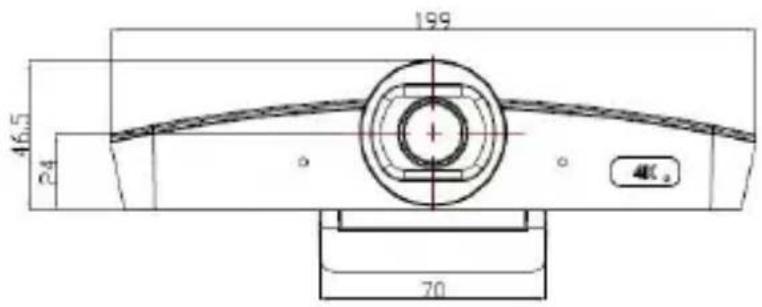
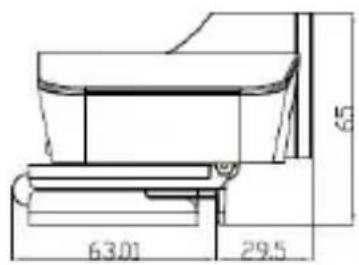
| Dimension(L x W x H) | 199mm×92.5mm×65mm |
| Net Weight | 0.32KG |
Explanation:
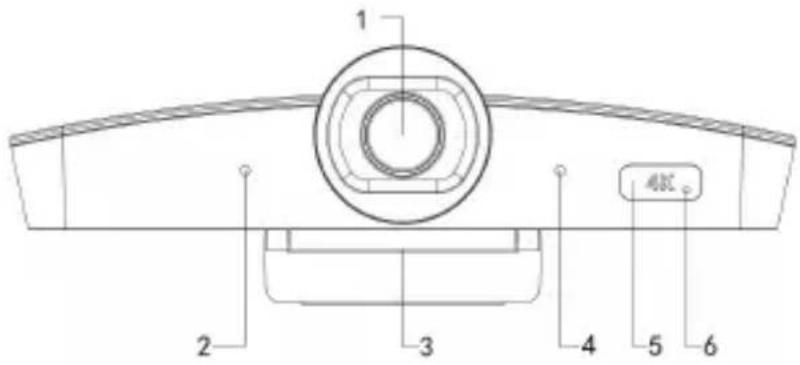
1.Lens
- Microphone 1
3.Base bracket
- Microphone 2
5.Remote receiver
- Indicator light
Dimension Drawing: (mm)
IR REMOTE CONTROLLER
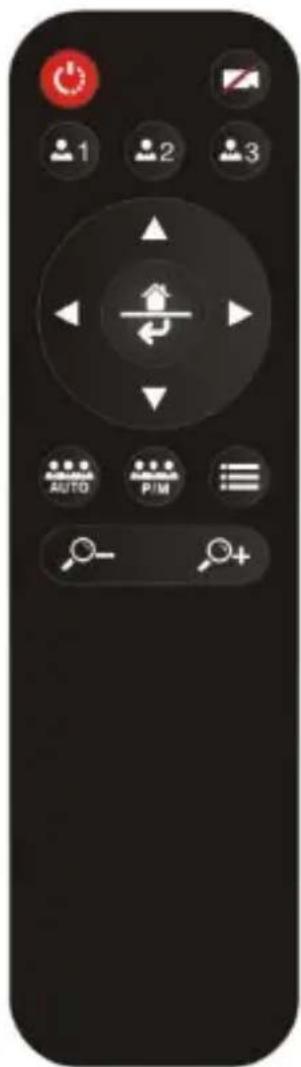
Power: Standby/Start camera. (This button is temporarily disabled.) Image: on/off.
Preset: long press for 3 seconds to save the current position to the corresponding preset, short press to run the preset, only available when Auto Framing is closed.
natural_image
Circular control knob with directional arrows and a central symbol (no text or labels)Navigation keys: up and down, left and right
In normal working mode, it is used to adjust the position of the electric pan tilt and to select menu items after entering the menu.
Home/Confirm key:
In normal working mode, a short press returns the electric pan tilt to the Home position, which is used to confirm the menu options
after entering the menu.
Auto: Turn on Auto Framing.
P/M(Push/Manual): Close Auto Framing, and trigger Auto Framing once.
Zoom keys: +/-
Adjust the magnification of the electronic zoom, only available when Auto Framing is closed.
OSD MENU:
| SYSTEM | LANGUAGE | ENGLISH/CHINESE | |
| PROTOCOL | Optional item:VISCA | Default: VISCA | |
| ADDRESS | VISCA:1~7 | Default: 1 | |
| BAUDRATE | 2400,4800,9600,115200 optional | Default: 9600 | |
| RETURN | Back to the main menu |
| EXPOSURE | EXP.MODE | AUTO/MANU | Default: AUTO |
| SHUTTER | Shutter speed:1/30~1/10000, only valid under MANU mode | Default: 1/100 | |
| GAIN | Gain setting:0~15, only valid under MANU mod | Default: 0 | |
| FLICK | OFF/50HZ/60HZ | Default: 50HZ | |
| BACKLIGHT | ON/OFF | Default: OFF | |
| GAMMA | 0~15 | Default: 8 | |
| RETURN | Back to the main menu |
| IMAGE | WB_MODE | AUTO/MANU | Default: AUTO |
| B_GAIN | Blue gain level:0~256, only valid under manua | Default: 100 | |
| R_GAIN | Red gain level:0~256, only valid under manua | Default: 100 | |
| DEFOG | Set the image permeability:OFF/1~15 | Default: OFF | |
| RETURN | Back to the main menu |
| QUALITY | 2D NR | Set 2D noise reduction level:ON/OFF | Default: OFF |
| 3D NR | Set 3D noise reduction level:OFF/AUTO/1~4 | Default: AUTO | |
| SHARPNESS | Sharpness setting:0~15 | Default: 8 | |
| CONTRAST | Contrast setting:0~15 | Default: 8 | |
| SATURATION | Saturation setting:0~15 | Default: 8 | |
| BRIGHT | Bright setting:0~15 | Default: 8 | |
| RETURN | Back to the main menu |
| CTRL | MIRROR | Turn the screen left and right ON/OFF | Default: OFF |
| FLIP | Picture up and down (hoisting mode) | Default: OFF | |
| AUTO FRAME | AUTO/MANU | Default: AUTO | |
| RETURN | Back to the main menu |
| RESET | CAM RESET | Reset camera parameter to default |
| RETURN | Back to the main menu |
| INFO | CTRL VER | Camera movement control program version |
| CTRL DATE | Release date of camera movement control program | |
| RETURN | Back to the main menu |
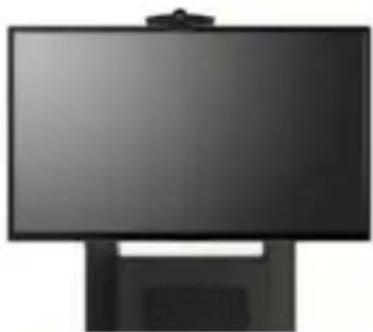
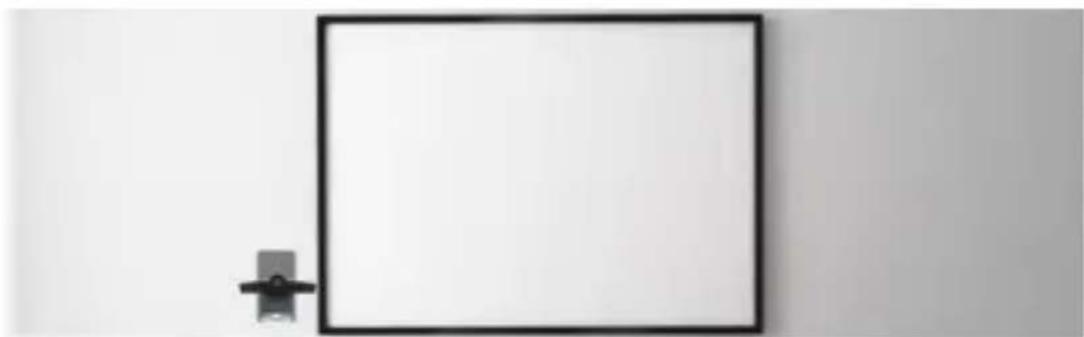
Suggested Installation Modes:
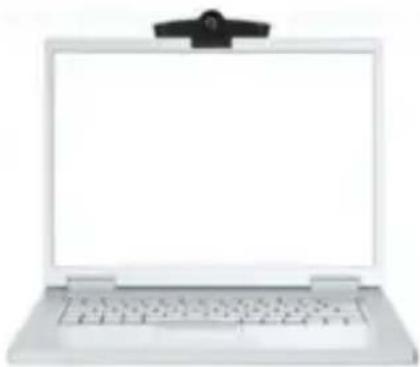
natural_image
White laptop with a small black clip attached on top, shown from front and back (no text or symbols visible)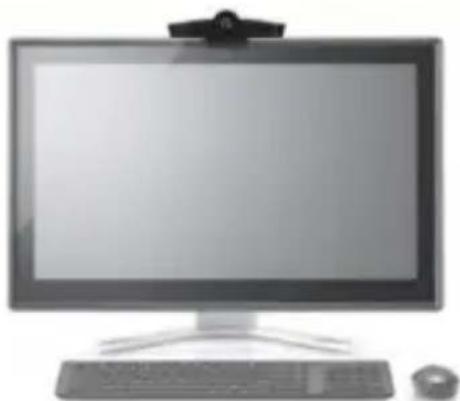
natural_image
Front view of a desktop computer monitor with keyboard, tower, and mouse (no visible text or symbols)Model 1: on top of laptop Model 2: on top of monitor
natural_image
Black rectangular monitor with a stand, no visible text or symbols on the screen or stand.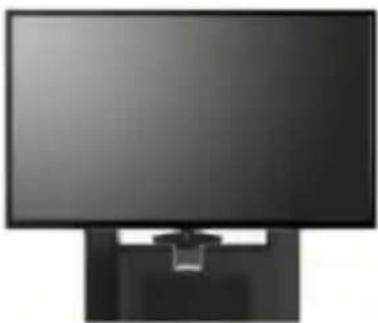
natural_image
Front view of a black computer monitor with a stand (no visible text or symbols)Model 3: on top of flat TV screen Model 4: at the bottom of TV
natural_image
Simple black square frame mounted on a wall with a small bracket beside it (no text or symbols)Model 5: wall mount
Brand : Telycam
Model : MP200M-U2-4K
Category : Camera