
SB-TB4K - Uncategorized Sabrent - Free user manual and instructions
Find the device manual for free SB-TB4K Sabrent in PDF.


User questions about SB-TB4K Sabrent
0 question about this device. Answer the ones you know or ask your own.
Ask a new question about this device
Download the instructions for your Uncategorized in PDF format for free! Find your manual SB-TB4K - Sabrent and take your electronic device back in hand. On this page are published all the documents necessary for the use of your device. SB-TB4K by Sabrent.
USER MANUAL SB-TB4K Sabrent
SABRENT Connecting Differently™
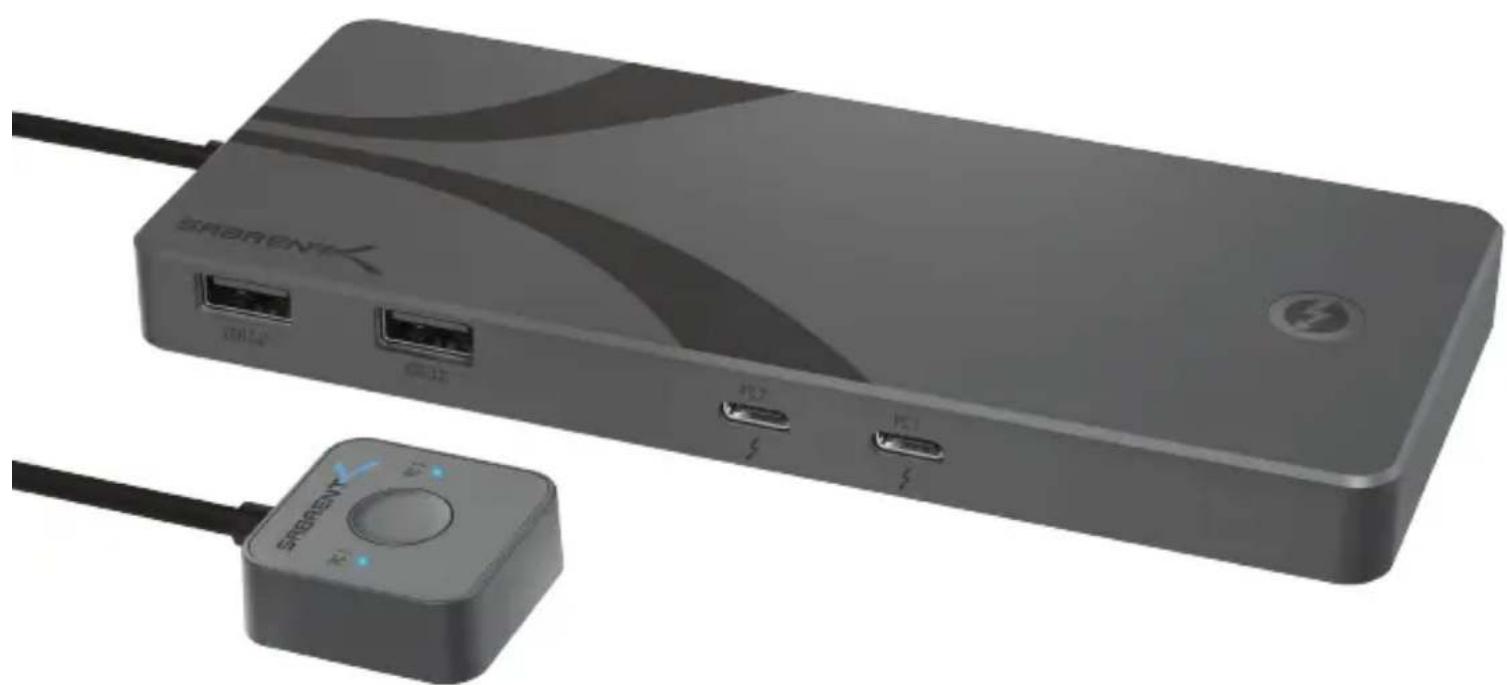
THUNDERBOLT 4™ KVM SWITCH WITH 8K DISPLAY AND 60W CHARGING
natural_image
Exterior view of a modern electronic device with USB ports and a power switch (no visible text or symbols)
SB-TB4K / USER MANUAL
FEATURES
- KVM mode can connect and switch between 2x DisplayPort Alternate Mode (DP Alt Mode) compatible computers over 2x USB-C Thunderbolt™ ports
- 3x Thunderbolt 4^TM ports transfer at up to 40Gbps with BC1.2 charging
- 4x Type-A USB 3.2 Gen 2x1 ports transfer at up to 10Gbps with BC1.2 (5V@2.4A) charging for iPad, cell phones, and more
• Supports DisplayPort 1.4 up to 8K@60Hz (DSC1.2 with enabled) and 5K@60Hz output (needs TB4 to DP dongle or USB-C to DP dongle) with systems that support DP Alt Mode over USB-C - High-quality aluminum body for optimized heat dissipation with integrated cable and LED indicators for upstream source and power delivery
- Bus-powered, and also supports PD3.0 bypass charging for laptops at up to 60W via USB-C with the included power adapter
SYSTEM REQUIREMENTS
- Windows
- macOS
PACKAGE CONTENT
• Thunderbolt 4™ KVM Switch
• Thunderbolt 4™ cable (70cm)
• Power adapter (24V/5A)
- User manual
PRODUCT OVERVIEW


A. USB 3.2 Gen 2 Type-A Ports (x4)
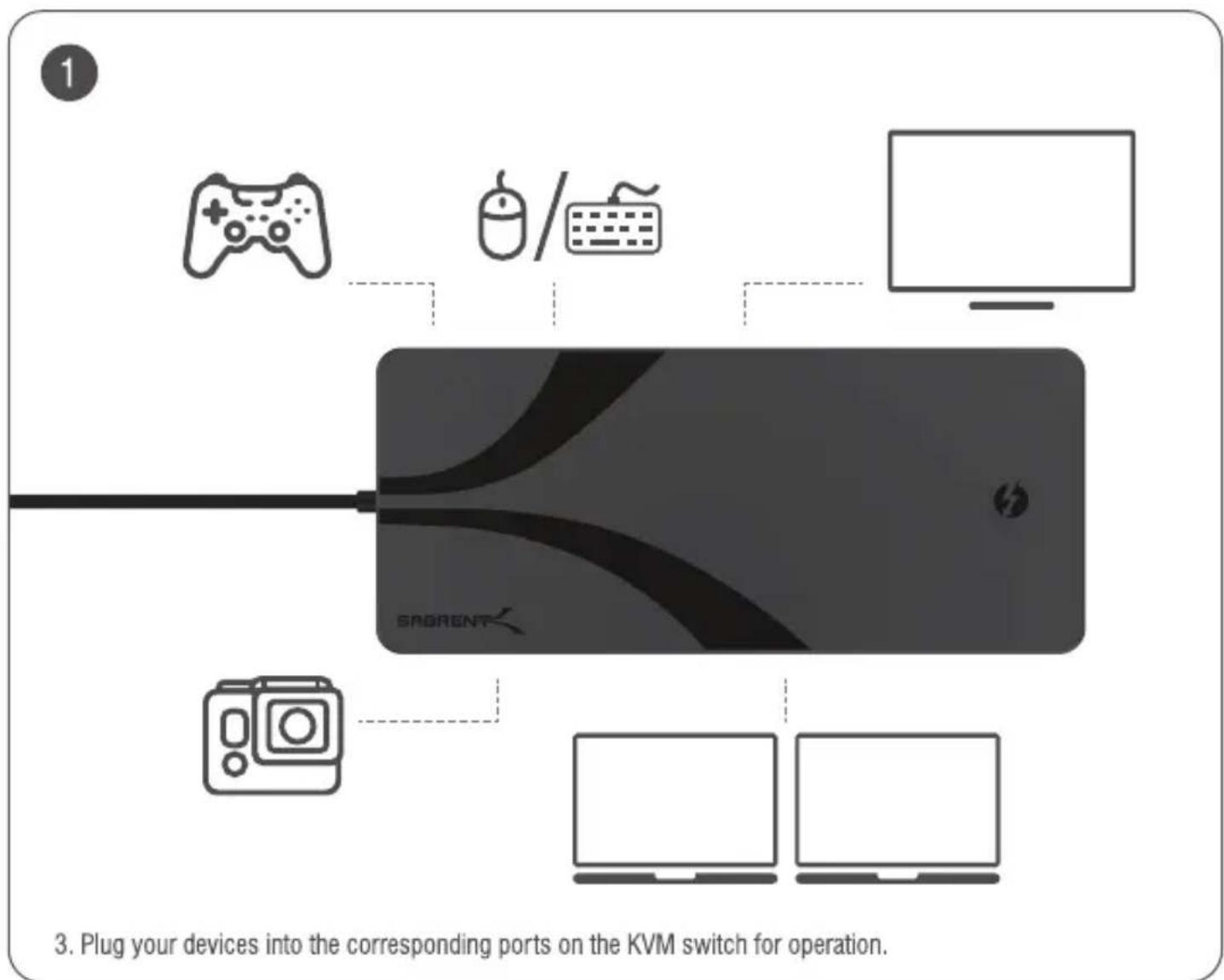
Connect hard drives, mice, keyboards, and more Transfer speed up to 10Gbps and BC1.2 support
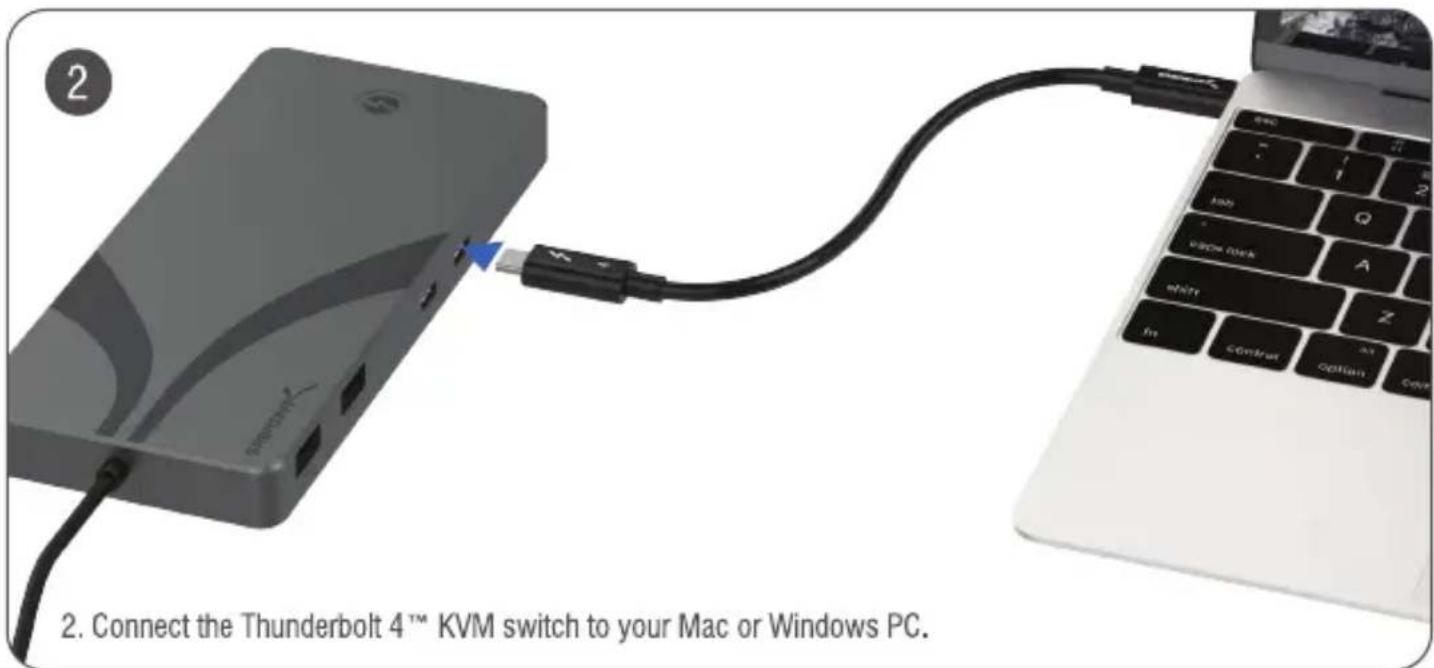
B. Connect a Mac or PC with USB-C
Supports PD3.0 60W Charging
DisplayPort Alternate Mode (DP Alt Mode)
C. Thunderbolt 4™ Ports (x3)
Connect displays, adapters, storage, and more Transfer speed up to 40Gbps and BC1.2 support
D. DC Jack
24V/5A DC power input
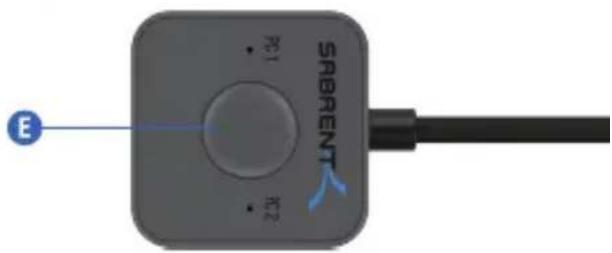
E. Switch Button
Switches between systems with a click
LED Indicators:
| # | Color | Function | Description |
| 1 | Blue | PC 1 Power delivery indicator | Solid blue when PC connected |
| 2 | Blue | PC 2 Power delivery indicator |
flowchart
graph TD
    A["Game Controller"] --> D["Central Device"]
    B["Computer"] --> D
    C["Desktop Computer"] --> D
    D --> E["SAGRENT"]
SABRENT
FOR HELP, COMMENTS, QUESTIONS OR CONCERNS PLEASE CONTACT OUR TECH SUPPORT TEAM VIA OUR WEBSITE
WWW.SABRENT.COM
Brand : Sabrent
Model : SB-TB4K
Category : Uncategorized