CPW-22 - Uncategorized Rexing - Free user manual and instructions
Find the device manual for free CPW-22 Rexing in PDF.


| Product Type | Wireless CarPlay & Android Auto Adapter |
| Brand | Rexing |
| Model | CPW-22 |
| Compatible Cars | Vehicles with factory Apple CarPlay or Android Auto |
| Compatible Phones | iPhone with iOS 10 or newer; Android with 8.0 (Oreo) or newer |
| Connectivity | Wi-Fi & Bluetooth |
| Input Power | USB 5V (via USB Type-C port) |
| LED Indicator | Blue light: flashing (power on/connecting), solid (connected), rapid flash (updating), solid after update |
| Control Method | OEM touchscreen, steering wheel, and joy stick |
| Installation | Plug into car USB port designated for wired CarPlay/Android Auto |
| Firmware Update | Via www.rexingusa.com (recommended only if issues occur) |
| Warranty | 12 months standard, extensible to 18 months with product registration |
| Dimensions (approx.) | 2.2 x 1.8 x 0.6 inches (56 x 46 x 15 mm) |
| Weight (approx.) | 1.1 oz (31 g) |
| Package Contents | Wireless adapter, USB-C to A cable, USB-C to C cable, user manual |
| Maintenance | Clean with a soft, dry cloth; do not use liquids or abrasives |
| Safety | Keep away from extreme heat, moisture, and direct sunlight; use only supplied cables |
| Spare Parts / Repairability | No user-serviceable parts; contact support for issues |
| Certifications | FCC Part 15, CE, RoHS |
| Country of Origin | China |
| Support Contact | care@rexingusa.com / (877) 740-8004 |
Frequently Asked Questions - CPW-22 Rexing
User questions about CPW-22 Rexing
0 question about this device. Answer the ones you know or ask your own.
Ask a new question about this device
Download the instructions for your Uncategorized in PDF format for free! Find your manual CPW-22 - Rexing and take your electronic device back in hand. On this page are published all the documents necessary for the use of your device. CPW-22 by Rexing.
USER MANUAL CPW-22 Rexing
The information in this manual is subject to change without notice.
www.rexingusa.com
Model: CPW-22
REV10042024
Activate Your
18-Month Warranty
& Choose Your
FREE Gift!
Activate within 30 days of purchase to claim your free gift and extend your limited 12-month warranty to 18 months.
Scan The QR To Activate & Select Your Free Gift
SCAN ME!

https://www.rexingusa.com/productreg/
Overview
Thank you for choosing REXING!
We hope you love your new Wireless Carplay and AndroidAuto Adapter as much as we do. If you need assistance, or have any suggestions to improve it, please contact us.

care@rexingusa.com

(877) 740-8004
Our support team will respond to you as soon as possible.
Always a surprise with Rexing
Check us out here.
- https://www.facebook.com/rexingusa/
- https://www.instagram.com/rexingdashcam/
- https://www.rexingusa.com/support/registration/





Site


Product Support

Important Information
This adapter is designed for wireless CarPlay with iPhones running iOS 10 or newer, and for wireless Android Auto with Android phones running Android 8.0 (Oreo) or higher, through vehicle infotainment systems that have built-in Apple CarPlay or Android Auto. Refer to the next page for instructions on how to check if your vehicle has built-in CarPlay or Android Auto.
However, NOT every vehicle with built-in Apple CarPlay or Android Auto is compatible with this adapter. If you encounter any issues while using this adapter, please do not hesitate to contact us.
| Function | Convert OEM Apple CarPlay/Android Auto to wireless CarPlay/Android Auto |
| Compatibility | Car: with OEM Apple CarPlay/Android Auto |
| Phone: Running ios 10/Android 8.0 or newer | |
| Control | OEM touchscreen, steering wheel, and joy stick control |
| Input Power | USB 5V |
| Connectivity | WiFi & Bluetooth |
How To Check If A Car Has Apple CarPlay/Android Auto
- Plug your phone (running iOS 10 or newer, or Android 8.0 or newer) into the car USB port with the cable. If your car has built-in Apple CarPlay, a notification like the one below will pop up on your iPhone. (Android phones may not have a notification.)
Allow CarPlay with "XXXX" while phone is locked?
You contacts and other information will appear on this car's display without unlocking your iPhone.
Not Now
Allow
- Look for the icons below on the menu of your vehicle's infotainment system. If you see either of the four icons, then your vehicle has built-in Apple CarPlay/Android Auto.

or


or

- If you're unsure whether or not your vehicle has built-in Apple CarPlay or Android Auto, contact your car dealer for further assistance.
What's in the box?
1.
|2.
natural_image
Simple U-shaped tube with two connectors (no text or symbols)3.
natural_image
Pure U-shaped tube diagram without any text, numbers, or symbols4.
- User Manual
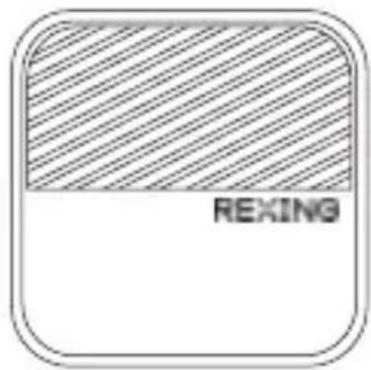
- Wireless Adapter
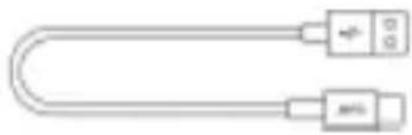
- USB Cable (Type-C to A)
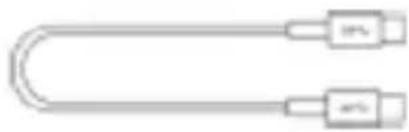
- USB Cable (Type-C to C)
Product Overview
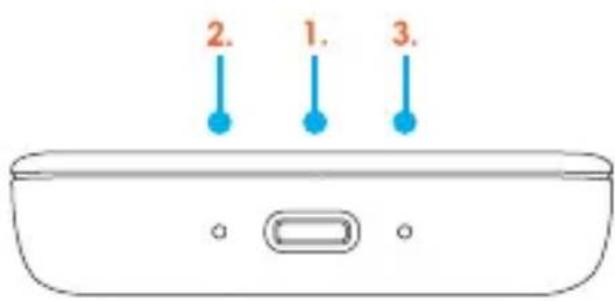
- USB Type-C Port: connect to car
- LED Indicator
• Power ON: Blue light flashing.
• Connecting: Blue light flashes slowly.
• Connected to Car Successfully: Blue light remains solid.
- Updating: Blue light flashes rapidly.
- Update Successful: Blue light remains solid.
- Reset Button
How To Install
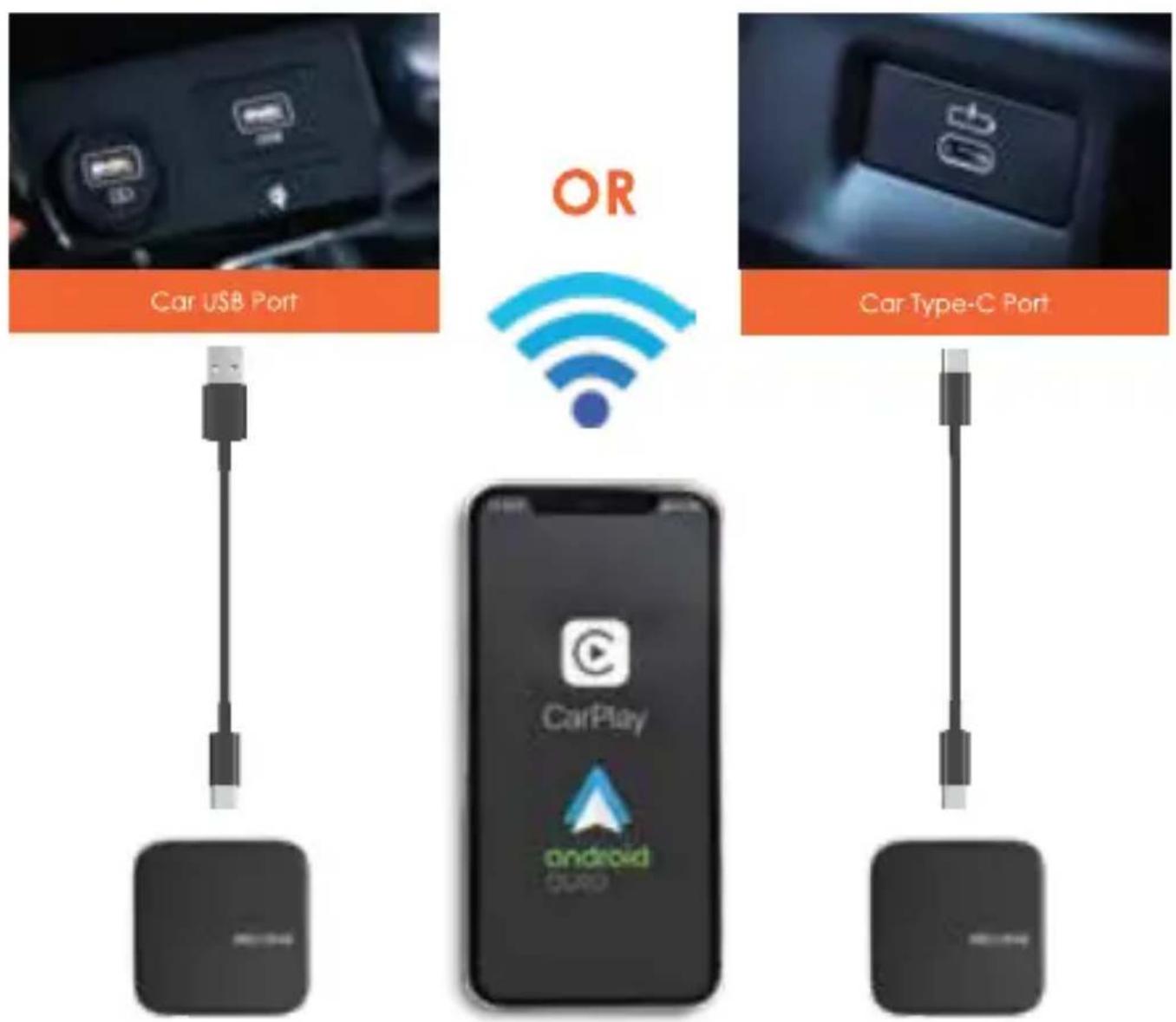
Note: If there are multiple USB ports in your car, the adapter should be plugged into the USB port that is for wired Apple CarPlay/Andriod Auto connection.
How To Connect
- Turn on your Phone's Wi-Fi and Bluetooth
- Pair your Phone's Bluetooth with Auto-xxxx
- A pop-up message will appear on your Phone. Choose Pair-Allow-Use CarPlay/Android Auto.
- Connecting to Wireless CarPlay/Android Auto will take a few seconds.
Note: Before connecting to a new Phone, please disconnect the previous Phone.
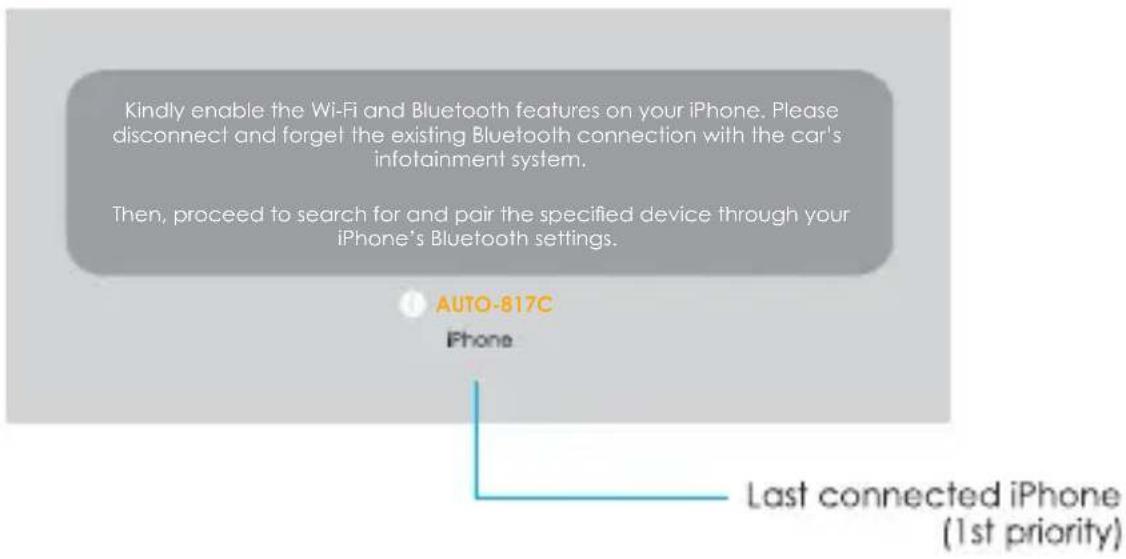
Note: This screen may not display on some Android Auto-only systems, but the connection can still be completed.
Firmware Update
Updating firmware is only recommended when you encounter issues with your product
How To Update:
Please check www.rexingusa.com for information on firmware updates.
Report An Issue
How To Report An Issue:
- Any issues encountered while using the adapter can be reported directly on our website, and we will fix the issue as soon as possible.
- Please visit www.rexingusa.com and navigate to our product support page, then select the model "CPW-22" OR scan the QR code below.

Warranty & Support
Warranty
The Rexing Wireless CarPlay and AndroidAuto Adapter comes with a full 12-month warranty. If you register your product on our official site (https://www.rexingusa.com/support/registration), you can extend the warranty to 18 months.
If you have any questions regarding your product, please do not hesitate to contact us at care@rexingusa.com, or call us at (877) 740-8004. Queries are typically answered within 12-24 hours.
Your opinion matters
Rexing is firmly committed to always improving our products, services, and user experience. If you have any thoughts on how we can do even better, we welcome your constructive feedback and suggestions.
Connect with us today at care@rexingusa.com
Thank you for choosing Rexing!
FCC ID: 2AW5W-CPW
This device complies with part 15 of the FCC Rules. Operation is subject to the following two conditions: (1) This device may not cause harmful interference, and (2) this device must accept any interference received, including interference that may cause undesired operation.
Changes or modifications not expressly approved by the party responsible for compliance could void the user's authority to operate this equipment.
REXING®

RoHS

CE

MADE IN CHINA
- Activate Your
- 18-Month Warranty
- & Choose Your
- FREE Gift!
- Overview
- Thank you for choosing REXING!
- Check us out here.
- Important Information
- How To Check If A Car Has Apple CarPlay/Android Auto
- What's in the box?
- Product Overview
- How To Install
- How To Connect
- Firmware Update
- Report An Issue
- How To Report An Issue:
- Warranty & Support
- Warranty
- Your opinion matters
- FCC ID: 2AW5W-CPW
Brand : Rexing
Model : CPW-22
Category : Uncategorized