HSA-CSMSA - Flash Vello - Free user manual and instructions
Find the device manual for free HSA-CSMSA Vello in PDF.


| Product Type | Hot Shoe Adapter / Converter |
| Brand | Vello |
| Models Covered | HSA-PCU, HSA-PCS, HSA-PSC, HSA-PSS, HSA-PSN, HSA-PSU, HSA-CSC, HSA-CCS |
| Compatibility | Cameras with standard hot shoe; specific models for Sony/Minolta (CSC, CCS) |
| PC Sync Terminal | Yes, standard PC type |
| Top Hot Shoe | Yes (on models PSC, PSS, PSN, PSU, CSC, CCS) |
| TTL Support | Yes on models PSC, PSS, PSN, PCU, PCS; No on PSU, CSC, CCS |
| Mounting Method | Sliding with locking ring or automatic lock (depending on model) |
| Maximum Trigger Voltage | 6V (do not use with higher voltage flashes) |
| Material | Plastic and metal contacts |
| Dimensions (approx.) | 5 × 5 × 2 cm |
| Weight (approx.) | 50 g |
| Power Source | None (passive) |
| Warranty | 1-year limited warranty |
| Country of Origin | China (typical for Vello) |
| Maintenance | Keep contacts clean; avoid oil, saltwater; no user-serviceable parts |
| Safety | Do not disassemble; use only with flashes ≤6V trigger voltage |
| Included Accessories | Hot shoe adapter unit only |
Frequently Asked Questions - HSA-CSMSA Vello
User questions about HSA-CSMSA Vello
0 question about this device. Answer the ones you know or ask your own.
Ask a new question about this device
Download the instructions for your Flash in PDF format for free! Find your manual HSA-CSMSA - Vello and take your electronic device back in hand. On this page are published all the documents necessary for the use of your device. HSA-CSMSA by Vello.
USER MANUAL HSA-CSMSA Vello
- When in use with Canon camera: A non Canon flash or strobe may not fire during live view shooting. See your camera manual for more details.
- Not to be used with older flash units having a trigger voltage of more than 6v. High voltage flash units may cause damage to your camera's electronic circuit.
• There are no user-serviceable parts inside the device. Do not attempt to disassemble or perform any unauthorized modification. - Donot allow the adapter and/or converter to come into contact with either oil or saltwater.
- Keep all contacts clean.
VELLO PC ADAPTER SERIES
Thank you for choosing our Vello Hot Shoe Adapter. Our hot shoe adapters and converters extend the functionality of your camera by adding support for a wide variety of off-camera flashes and studio lighting.
This guide will provide descriptions and instructions for the Vello Adapters listed below. Please refer to the specific instructions for the model you selected:
natural_image
Orange icon set showing a camera, a folder, and a lamp with a plus sign (no text or symbols)Models PCU and PCS add a PC sync terminal to your camera, allowing you to connect a flash sync cord fitted with a standard PC type connector via the camera's built in hot shoe.
HSA-PCU HSA-PCS
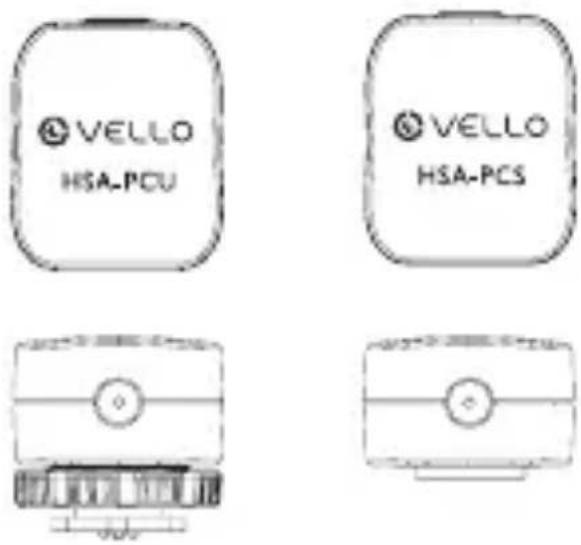
PC + TOP SHOE CONVERTER

natural_image
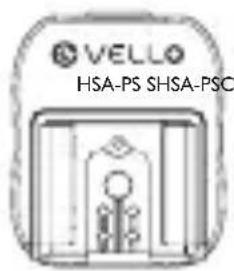
Orange icon set showing a camera, lamp, and flashlight with no text or symbolsModels PSC, PSS, and PSN allow you to have a flash mounted on the camera while simultaneously connecting the camera to a studio light via a PC sync cord. The adapter's top hot shoe offers full TTL metering for the specified camera.
HSA-PSC
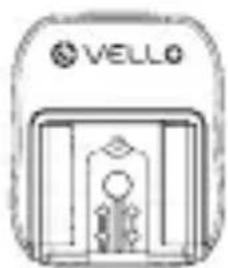
natural_image
Simple line drawing of a VELLO device with no text or symbols on the bodyHSA-PSS
HSA-PSN
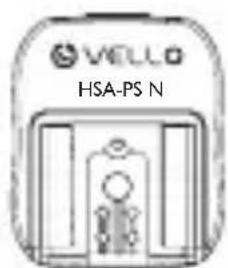
PC + TOP SHOE CONVERTER

natural_image
Three orange icons representing camera, flash, and lamp components (no text or symbols)The PSU model is a universal adapter with a PC sync terminal and a top hot shoe that allows you to have a flash mounted on the camera while simultaneously connecting the camera to a studio light via a PC sync cord. This adapter does not offer TTL metering.
HSA-PSU
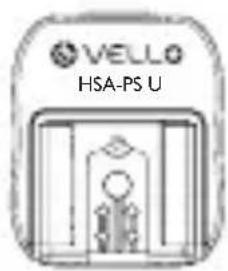
HOT SHOE
CONVERTER + PC
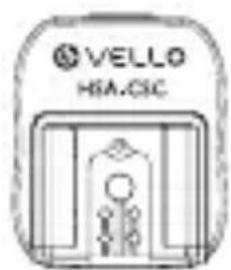
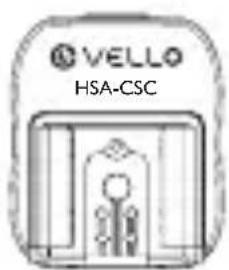
Model CSC allows you to use universal flashguns on Sony and Konica Minolta cameras. Modal CCS allows you to use Sony and Konica Minolta flashes on non-Sony or Konica Minolta cameras. The converter also incorporates a PC sync terminal, enabling you to simultaneously connect your camera to a studio light via a PC sync cord. These models do not offer TTL support.
HSA-CSC HSA-CCS
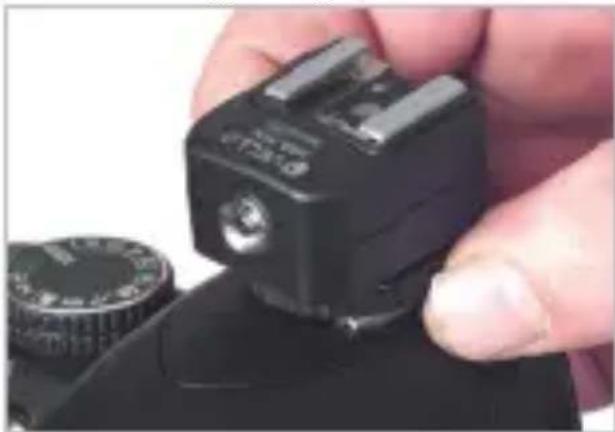
MOUNTING THE ADAPTER
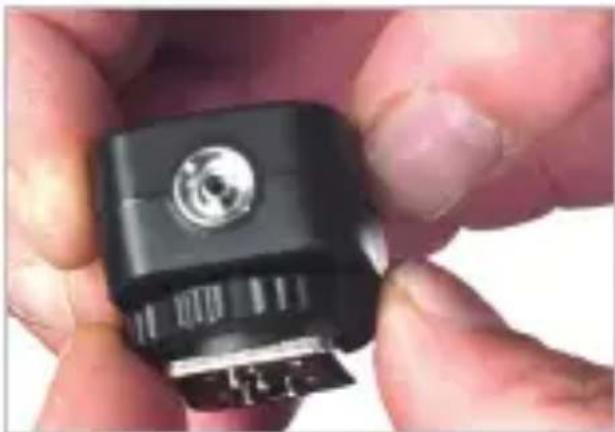
[Models CCS, PCU, PSC, PSN, PSU]
- With your camera and lights OFF, loosen the adapter's hot shoe locking ring.
natural_image
Close-up of hands holding a black USB flash drive (no visible text or symbols)-
Insert the adapter's hot shoe into the camera's hot shoe mount.
-
Tighten the hot shoe locking ring.
natural_image
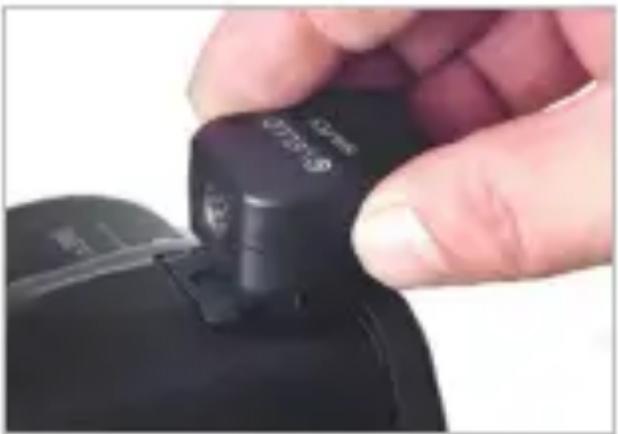
Close-up of a hand holding a black camera lens component, with a circular dial visible on the side (no text or symbols)MOUNTING THE ADAPTER
[Models CSC, PCS, PSS]
With your camera and lights OFF, slide the adapter's hot shoe into the camera's hot shoe mount. The shoe adapter will lock into place automatically.
natural_image
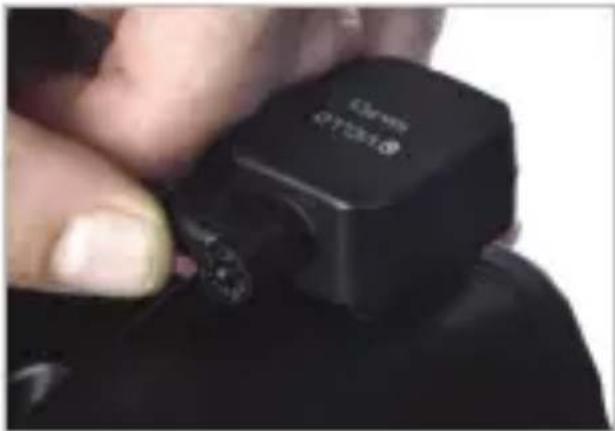
Close-up of a hand holding a black electronic device with a knob (no visible text or symbols)CONNECTING TO A FLASH UNIT
[Models CSC, PSC, PSN, PSU]
- Unlock your flash unit's locking mechanism.
-
Insert the flash's hot shoe foot into the adapter's hot shoe mount
-
Engage your flash unit's locking mechanism to stabilize the unit and lock the flash to the adapter.
To obtain more detailed information, refer to your flash's manual for instructions.
CONNECTING AND REMOVING A FLASH UNIT
[Models CCS, PSS]
While the flash unit is turned off, push the mounting foot firmly onto the adapter's hot shoe mount, until it stops. The flash unit will lock into place automatically. To remove the flash unit, press the mounting foot release button located on your flash.
To obtain more detailed information, refer to your flash's manual for instructions.
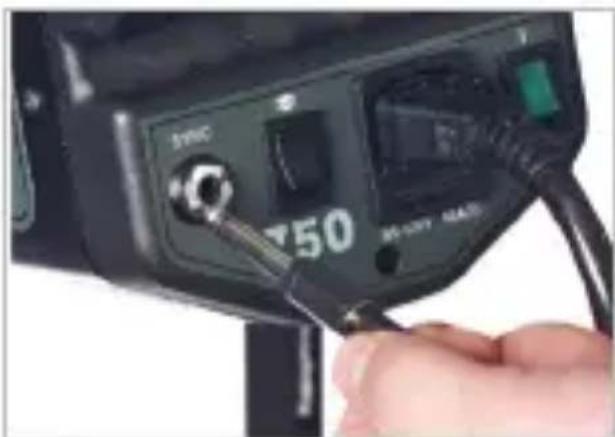
CONNECTING A STUDIO STROBE VIA THE PC SYNC CORD
[All Models]
- Plug the PC side of your cable into the adapter's PC sync terminal
natural_image
Close-up of a hand holding a black USB flash drive (no visible text or symbols)- Plug the other side of the cable into your studio light.
Warning: Not to be used with older flash units having a trigger voltage of more than 6v.
One-Year Limited Warranty
This VELLO product is warranted to the original purchaser to be free from defects in materials and workmanship under normal consumer use for a period of one (1) year from the original purchase date or thirty (3) days after replacement, whichever occurs later. The warranty provider's responsibility with respect to this limited warranty shall be limited solely to repair or replacement, at the provider's discretion, of any product that fails during normal use of this product in its intermanner and in its intended environment.
Inoperability of the product or part(s) shall determined by the warranty provider. If the product has been discontinued, the warrant provider reserves the right to replace it with model of equivalent quality and function.
This warranty does not cover damage or de- caused by misuse, neglect, accident, alteratic abuse, improper installation or maintenance EXCEPT AS PROVIDED HEREIN, THE WARRANTY PROVIDER MAKES NEITHER ANY EXPRESS WARRANTIES NOR ANY IMPLIED WARRANTIES, INCLUDING BUT NOT LIMITED TO ANY IMPLIED WARRANTY OF MERCHANTABILITY OR FITNESS FOR A PARTICULAR PURPOSE.
This warranty provides you with specific leg rights, and you may also have additional right that vary from state to state.
To obtain warranty coverage, contact the V Customer Service Department to obtain a return merchandise authorization ("RMA") number, and return the defective product to Vello along with the RMA number and proof purchase. Shipment of the defective product at the purchaser's own risk and expense.
For more information or to arrange service, www.vellogear.com or call Customer Service at 212-594-2353.
Product warranty provided by the Gradus Group.
www.gradusgroup.com
VELLO is a registered trademark of the Gra Group. © 2014 Gradus Group LLC. All Rights Reserved.
© Copyright 2014 Gradus Group
Brand : Vello
Model : HSA-CSMSA
Category : Flash