
Hue Play Gradient Lightstrip - Lighting PHILIPS - Free user manual and instructions
Find the device manual for free Hue Play Gradient Lightstrip PHILIPS in PDF.


| Product Type | LED Gradient Lightstrip |
| Length | 2000 mm (standard), customizable via extension |
| Width | 10 mm |
| Height | 8 mm |
| Weight | 200 g |
| Power Supply | AC 100-240V, 50/60Hz (via included adapter) |
| Power Consumption | 30 W (max) |
| Connectivity | Bluetooth 4.2, Zigbee (requires Hue Bridge for full features) |
| Control | Philips Hue app, voice assistants (Alexa, Google Assistant, Siri via HomeKit), Hue dimmer switch (optional) |
| Light Source | LED (RGB Gradient, 16 million colors) |
| Brightness | 1500 lumens (adjustable) |
| Color Temperature | 2000K - 6500K (tunable white) |
| Features | Gradient lighting effects, TV sync via HDMI sync box, music sync, scenes, routines, adaptive lighting |
| Installation | Indoor use only, adhesive back, plug-and-play |
| Cleaning | Wipe with a dry, soft cloth; do not use liquids |
| Safety | IP20 (indoor), do not immerse, avoid moisture |
| Repairability | Not user-serviceable; no replaceable parts |
| Warranty | 2 years (subject to region) |
| Compatibility | Philips Hue ecosystem, works with Hue Bridge, Bluetooth app (limited features without Bridge) |
| Operating Temperature | 0°C to 40°C |
Frequently Asked Questions - Hue Play Gradient Lightstrip PHILIPS
User questions about Hue Play Gradient Lightstrip PHILIPS
0 question about this device. Answer the ones you know or ask your own.
Ask a new question about this device
Download the instructions for your Lighting in PDF format for free! Find your manual Hue Play Gradient Lightstrip - PHILIPS and take your electronic device back in hand. On this page are published all the documents necessary for the use of your device. Hue Play Gradient Lightstrip by PHILIPS.
USER MANUAL Hue Play Gradient Lightstrip PHILIPS
personal wireless lighting
Philips Hue Play gradient lightstrip
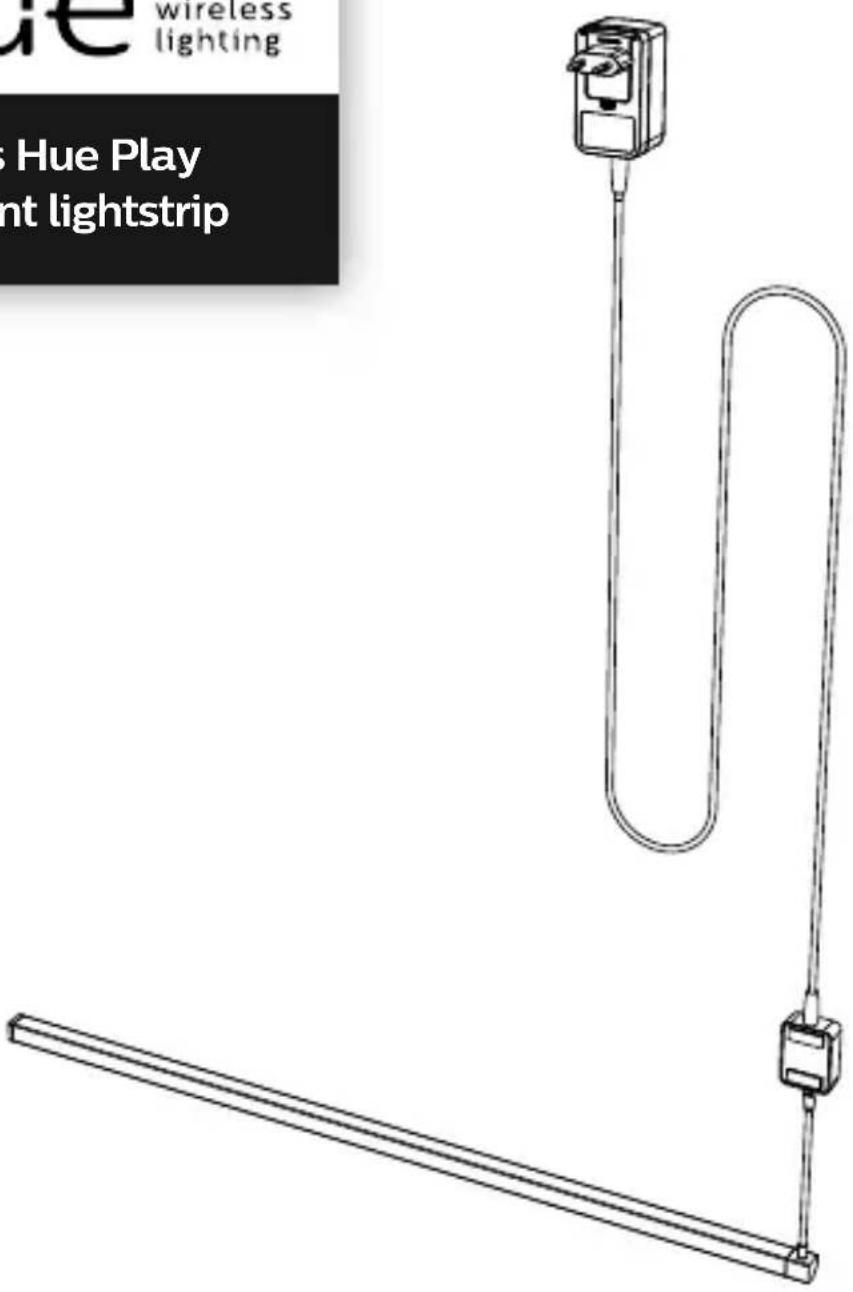

Installation guide
Incl.
A

B


natural_image
Pure line drawing of a U-shaped mechanical component (no text or symbols)x3

x2

natural_image
Pure geometric diagram of a curved, segmented structure with intersecting lines (no text or symbols)

natural_image
Line drawing of a portable water heater device (no text or symbols)
natural_image
Line drawing of a coiled cable or hose with two connectors (no text or symbols)


natural_image
Two people holding a large screen, no text or symbols visible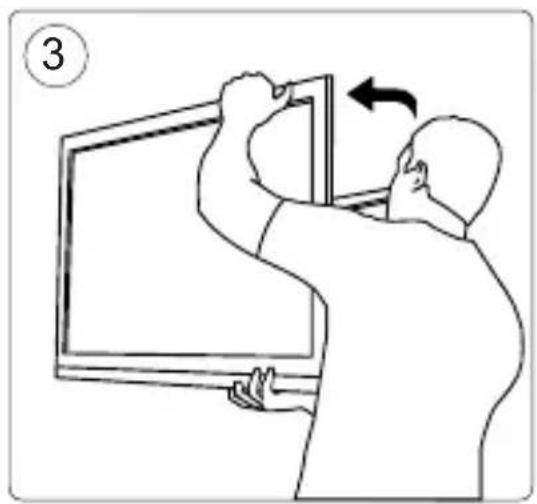
natural_image
Illustration of a person installing or adjusting a wall-mounted device on a whiteboard (no text or symbols)
natural_image
Illustration of a computer monitor with a hand holding a paper and an exclamation mark above it (no text or symbols on the screen)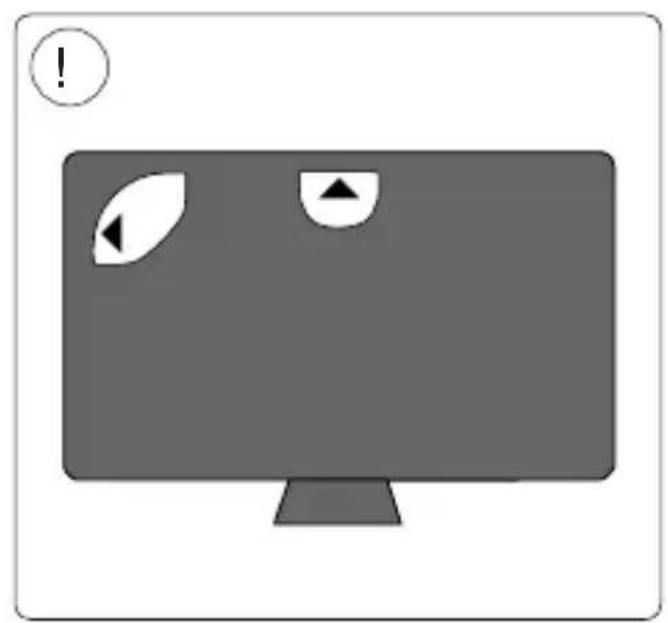
natural_image
Simple illustration of a computer monitor with two circular icons and triangular symbols on the screen (no text or labels)

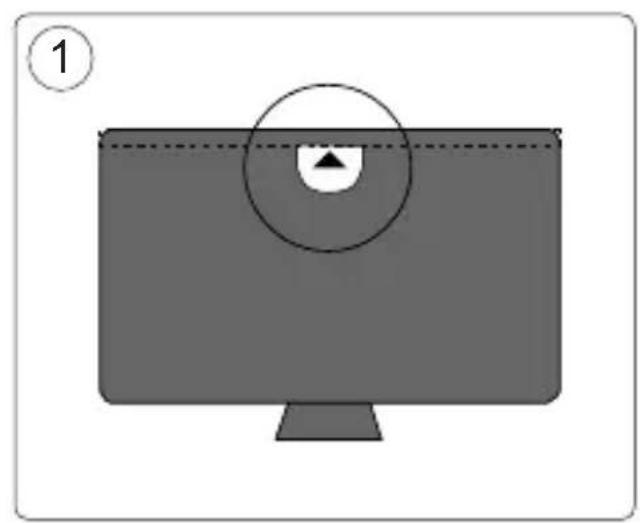
natural_image
Simple diagram of a computer monitor with a circular overlay showing a small icon, no text or symbols present.
natural_image
Illustration of a computer monitor with two eyes and circular arrows, no text or symbols present
natural_image
Simple line drawing of a computer monitor with screen, buttons, and a handle (no text or symbols)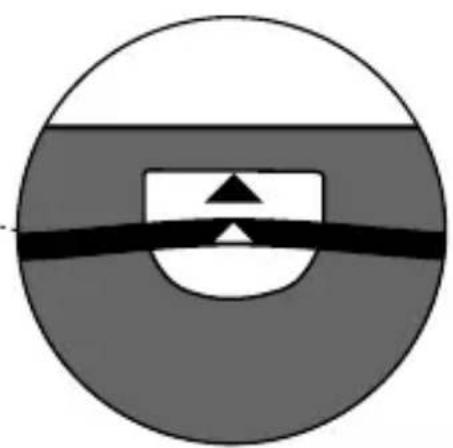
natural_image
Abstract geometric diagram with concentric circles and a central rectangle, no text or symbols present
natural_image
Diagram of a computer monitor with ventilation ducts and a numbered label (4), no text or symbols present.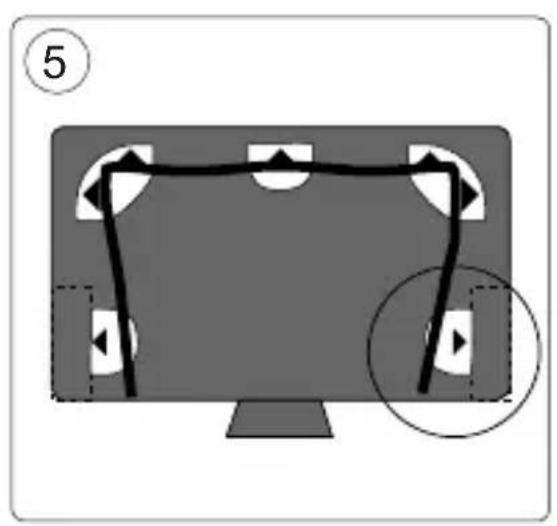
natural_image
Diagram of a computer monitor with a black outline and a magnified view showing a play button (no text or symbols)
natural_image
Diagram of a computer monitor with two circular wheels and a central screen, showing no text or symbols.

natural_image
Illustration of a person using a computer to adjust or install a wall-mounted device, with no visible text or symbols.

Signify
All rights reserved.
www.meethue.com
3222 639 05861
Last update: 06/04/20
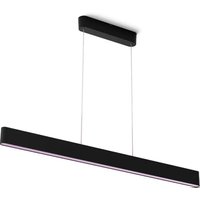

Brand : PHILIPS
Model : Hue Play Gradient Lightstrip
Category : Lighting