
SES 9010CH - Coffee maker SENCOR - Free user manual and instructions
Find the device manual for free SES 9010CH SENCOR in PDF.


| Product Type | Automatic espresso machine with built-in grinder and milk frother |
| Brand | Sencor |
| Model | SES 9010CH |
| Dimensions (approximate) | 30 x 25 x 40 cm (W x D x H) |
| Weight (approximate) | 5 kg |
| Power Supply | 220-240 V ~ 50/60 Hz, 1450 W |
| Water Tank Capacity | 1.5 L (removable) |
| Bean Hopper Capacity | 250 g |
| Ground Coffee Bypass | Yes (for pre-ground coffee) |
| Pump Pressure | 15 bar |
| Grinder Type | Steel conical burr grinder |
| Grind Settings | Adjustable (multiple levels) |
| Milk Frother | Integrated steam wand for microfoam milk |
| Beverage Options | Espresso, lungo, cappuccino, latte macchiato, hot water |
| Control Panel | Touchscreen with LED display |
| Programmable Settings | Coffee strength, temperature, cup size, milk quantity |
| Auto Shut-Off | Yes (adjustable standby time) |
| Descaling Indicator | Yes (alerts when descaling needed) |
| Cleaning | Removable drip tray, brew group, and water tank; dishwasher-safe parts |
| Safety Features | Automatic shut-off, overheat protection, child lock |
| Spare Parts Availability | Replacement parts available (water filter, brew group, etc.) |
| Color | Black and silver |
| Warranty | 2 years |
Frequently Asked Questions - SES 9010CH SENCOR
User questions about SES 9010CH SENCOR
0 question about this device. Answer the ones you know or ask your own.
Ask a new question about this device
Download the instructions for your Coffee maker in PDF format for free! Find your manual SES 9010CH - SENCOR and take your electronic device back in hand. On this page are published all the documents necessary for the use of your device. SES 9010CH by SENCOR.
USER MANUAL SES 9010CH SENCOR
natural_image
Modern coffee machine with a glass mug and milk dispenser, next to a glass of milk labeled 'MICRO-FOAM MILK' (no visible text on device or background)SENCOR®
SES 9010CH
POPIS DOTYKOVÉHO OVLÁDACÍHO PANELU S DISPLEJEM....7
PŘED PRVNÍM POUŽITÍM SPOTŘEBIČE 8
NAPLNĚNÍ ZÁSOBNÍKU NA VODU....8
NAPLNĚNÍ ZÁSOBNÍKU NA KÁVOVÁ ZRNA....9
NASTAVENÍ HRUBOSTI MLETÍ 9
natural_image
Line drawing of a hand washing a water bottle with a faucet, no text or symbols present2
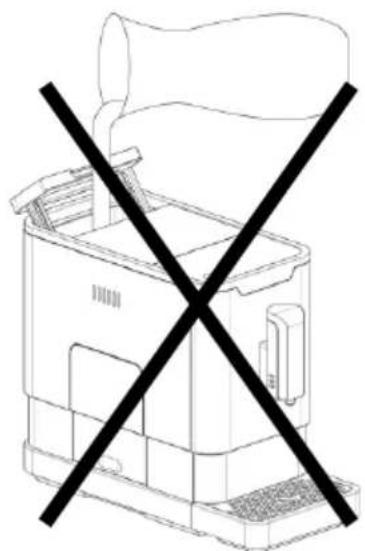
natural_image
Line drawing of a printer with a crossed-out black X symbol (no text or labels)natural_image
Line drawing of a hand placing a small object into a container filled with gravel (no text or symbols)natural_image
Line drawing of hands holding a small container with a black arrow indicating direction (no text or symbols)2
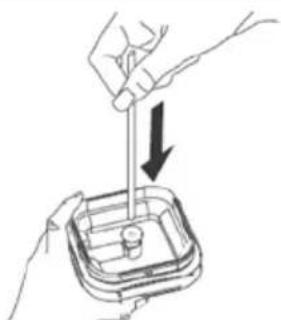
natural_image
Illustration of hands using a tool to lift a component into a container (no text or symbols)3
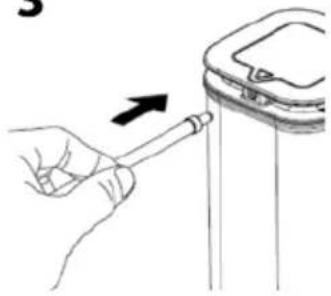
natural_image
Hand holding a tool interacting with a vertical object, no text or symbols visible4
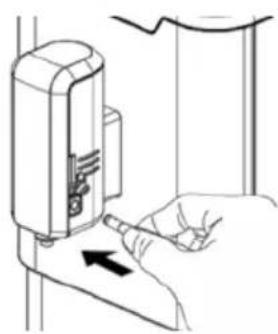
natural_image
Line drawing of a hand using a sewing machine to press or install a piece of material (no text or symbols present)5
natural_image
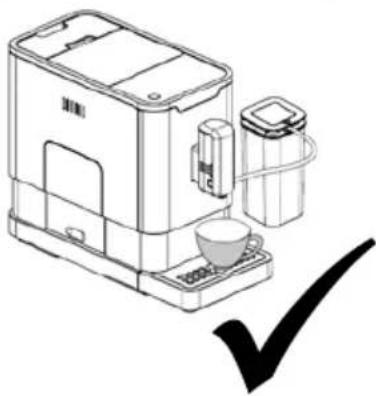
Line drawing of a coffee machine with a cup and lid, plus a checkmark (no text or symbols)Brand : SENCOR
Model : SES 9010CH
Category : Coffee maker