
Your Stick - Hi-Fi System CANTON - Free user manual and instructions
Find the device manual for free Your Stick CANTON in PDF.


| Product Type | 2.4GHz Wireless Audio Transmitter (USB Adapter) |
| Brand | Canton |
| Model | Your Stick |
| Dimensions | Approximately 5 x 2 x 1 cm (USB dongle) |
| Weight | Approximately 20 g |
| Power Supply | USB bus-powered (from PC/Mac) |
| Wireless Technology | 2.4 GHz |
| Channels | 3 (red, green, blue) for multi-room |
| Compatibility | PC/Mac with USB port; Canton your_World series speakers |
| Maximum Sources | Up to 3 simultaneously (one per channel) |
| Maximum Receivers | Unlimited (expandable) |
| External Audio Input | Line-In (3.5mm jack) |
| Installation | Plug & Play, no software required |
| Operating Range | Up to 30 meters (typical indoor) |
| Maintenance | Avoid moisture, direct sunlight, extreme cold/heat, vibrations |
| Warranty | 2 years (see manual for details) |
| Certifications | CE, RoHS, WEEE |
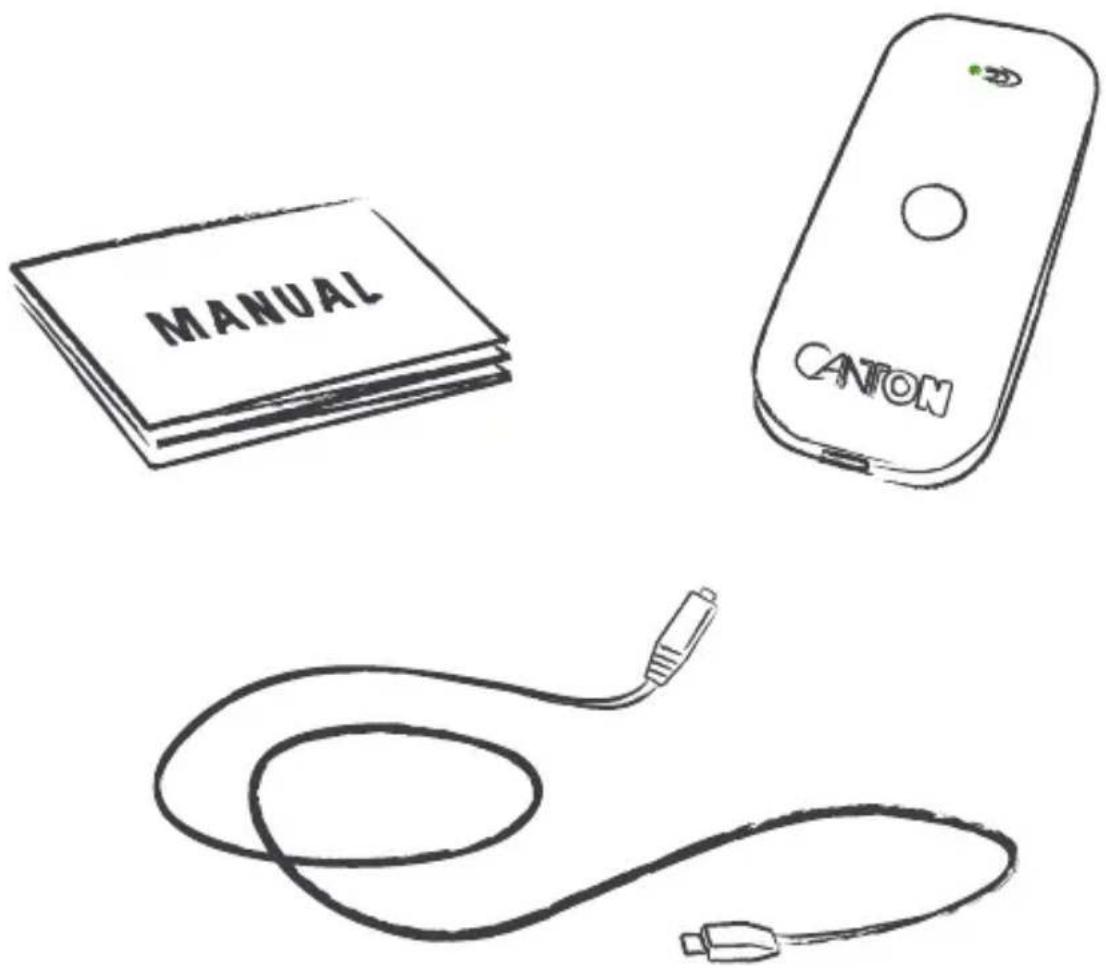
| Package Contents | Your Stick transmitter, USB extension cable (optional), manual |
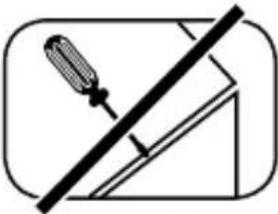
| Repairability | Not repairable by user; contact service center for defects |
Frequently Asked Questions - Your Stick CANTON
User questions about Your Stick CANTON
0 question about this device. Answer the ones you know or ask your own.
Ask a new question about this device
Download the instructions for your Hi-Fi System in PDF format for free! Find your manual Your Stick - CANTON and take your electronic device back in hand. On this page are published all the documents necessary for the use of your device. Your Stick by CANTON.
USER MANUAL Your Stick CANTON
German loudspeaker tradition
Find out more about the limitless combination possibilities of Canton your_World at:
yourworld.canton.de
natural_image
Two black rectangular electronic devices with no visible text or symbols on the devices themselves.
Optionen · Options
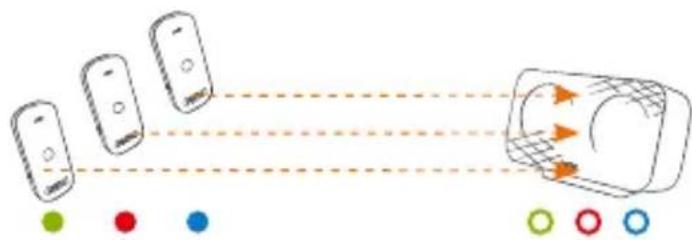
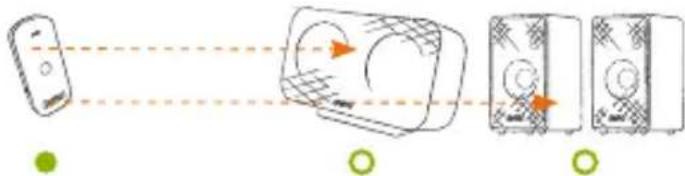
Mehrere Quellen
→ Use the Channel button to select different channels (red/green/blue)
→ Up to three sources possible at the same time
Mehrere Empfänger
→ Use the Channel button to select the same channel. Infinitely expandable
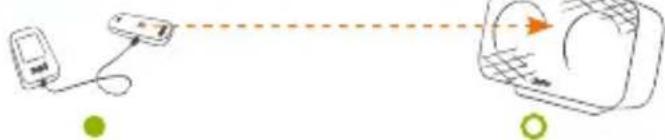
Externe Tonquellen
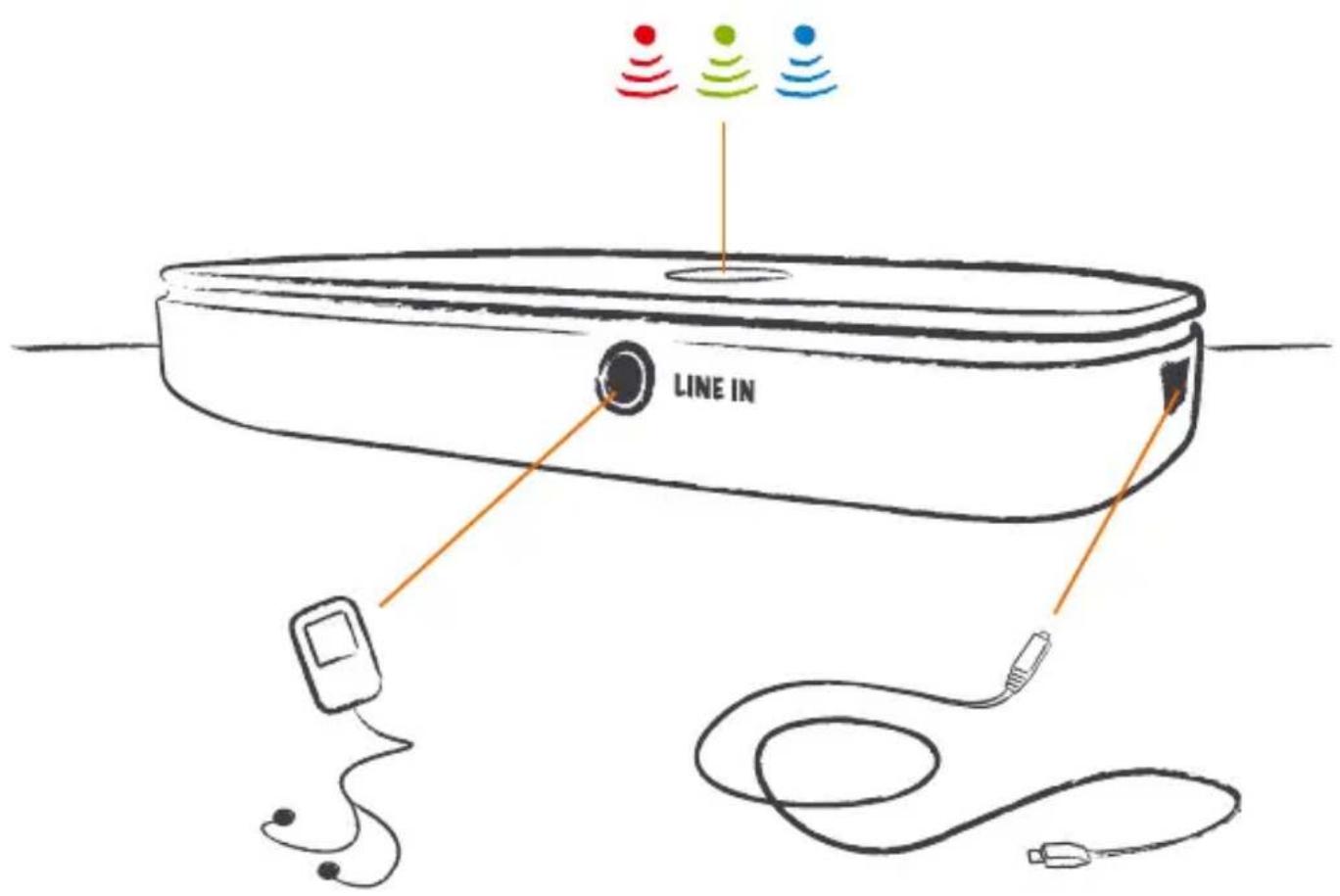
External audio sources
→ Connection via Line-In
flowchart
graph LR
    A["Device"] -->|Dashed Line| B["Keyboard"]
    style A fill:#f9f,stroke:#333
    style B fill:#bbf,stroke:#333
your\_Stick
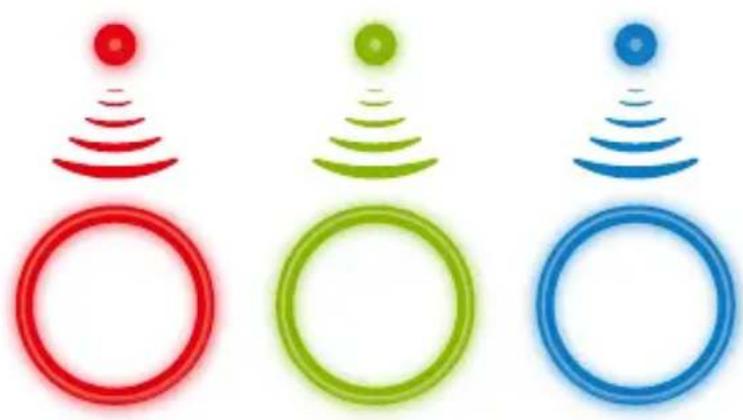
The your_World Sound Network is a three-channel system. Each transmission channel has its own colour. If the colours on the transmitter and receiver match then music can be transmitted.
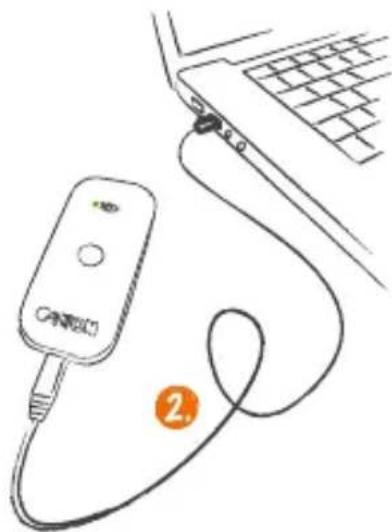
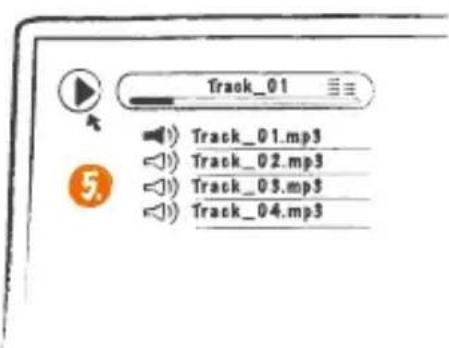
your_Stick is a USB adapter for PC/Mac, which can be installed easily without the need for additional software.
natural_image
Three circular icons with red, green, and blue signal waves above their respective red, green, and blue circles (no text or symbols)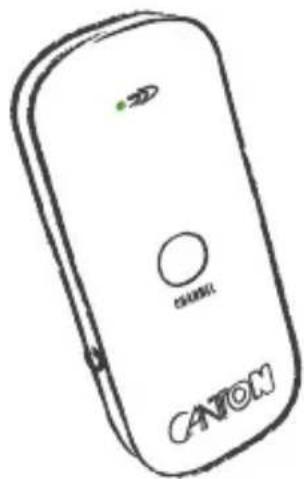
Lieferumfang · Purchased parts package
Funktion · Function
natural_image
Line drawing of a connected device with a cable and connector, next to a laptop keyboard (no text or symbols)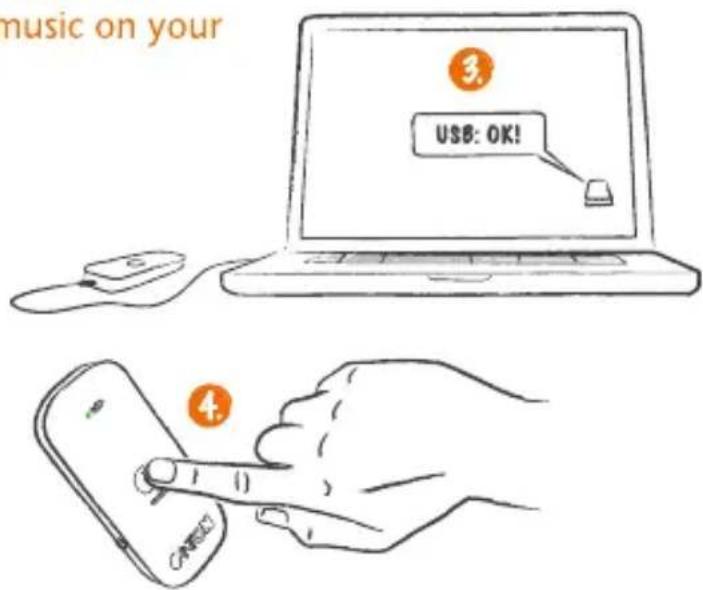
Anschlüsse · Connections
EC - Declaration of Conformity
CE - marking
We, Manufacturer / Importer
German loudspeaker tradition
confirm and declare under our sole responsibility that the product
your\_Stick
(2.4GHz wireless audio transmitter, designed to be used with a computer using the USB connector and additional your_World – series devices (speakers))
is in conformity with the directives of the European Parliament and of the Council
Directive 1999/5/EC (Radio and Telecommunications Terminal Equipment)
Directive 2006/95/EC (Low Voltage Directive)
Directive 2011/65/EU (Restriction of the use of certain Hazardous Substances)
Directive 2002/96/EC (Waste of Electric and Electronic Equipment)
Directive 2009/125/EC (Ecodesign requirements for Energy-related Products)
Operation is permitted within all countries of the European Union, without exception.
A complete Declaration of Conformity is placed at: www.canton.de/en/doc.htm
Authorized Signature:
Guin Xu Chen
Date: June 15 ^th 2012
Name: Günther Seitz
Function: CEO
Sicherheitshinweise · Safety advice
Please follow the safety advice when positioning and maintaining your your_World products.
natural_image
Simple line drawing of a rectangular object with a central slot and horizontal line (no text or symbols)natural_image
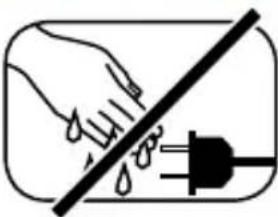
Simple diagram with a diagonal line crossing through a rectangle, containing raindrops (no text or symbols)Feuchtigkeit vermeiden Avoid moisture
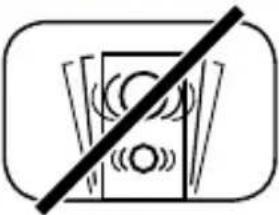
Erschütterungen vermeiden Avoid vibrations
natural_image
Symbol of a trash bin with a diagonal line crossing it, representing no waste or elimination (no text present)Nicht in den
Hausmüll werfen
Do not discard in household rubbish

natural_image
Simple line drawing of a sun with a diagonal line crossing through it, no text or symbols present.Direkte
Sonneneinstrahlung
vermeiden
Avoid direct sunlight
natural_image
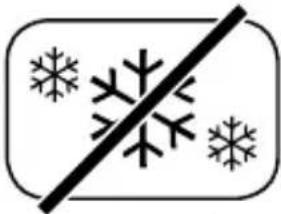
Symbol of prohibition with a diagonal line crossing through snowflakes (no text or numbers present)Vor extremer Kälte schützen Protect against extreme cold
natural_image
Simple line drawing of a screwdriver on an inclined plane (no text or symbols)natural_image
Simple diagram of a battery with two terminals and one charge, no text or symbols presentnatural_image
Simple line drawing of a hand holding a tool over a foot, with no text or symbols present.Abstand zu Wärmequellen Keep away from heat sources
Above and beyond the statutory guarantee Canton offers a 2-year warranty on all your_World products. The warranty period begins on the point of purchase and only applies to the initial purchaser. The warranty does not cover transport damages and damages caused by inappropriate use. A warranty claim will only be accepted if the product is submitted in its original packaging.
The claim is not extended by the exchange of component parts within the warranty period. This applies to all your_World products purchased from an authorised Canton retailer. In the case of damage please contact your retailer or the Canton Service team.
German loudspeaker tradition
Brand : CANTON
Model : Your Stick
Category : Hi-Fi System