
SVC 8000S TANGO - Vacuum Cleaner SENCOR - Free user manual and instructions
Find the device manual for free SVC 8000S TANGO SENCOR in PDF.


| Product Type | Robotic Vacuum Cleaner |
| Brand | Sencor |
| Model | SVC 8000S TANGO |
| Dimensions (Approx) | 330 x 330 x 80 mm |
| Weight | 2.5 kg |
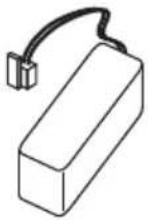
| Power Supply | 14.4 V Li-ion rechargeable battery |
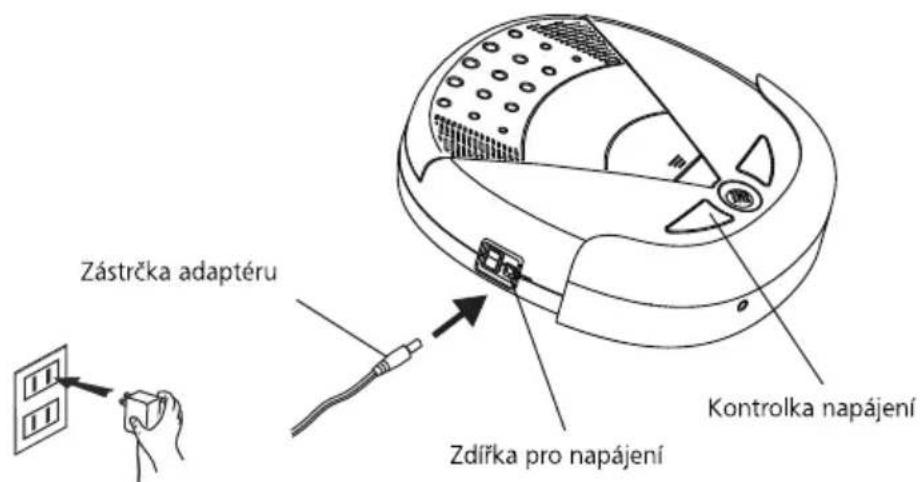
| Charging Station | Automatic docking and charging |
| Cleaning Modes | Auto, Edge, Spot, Scheduled |
| Dustbin Capacity | 0.6 L |
| Filtration System | HEPA filter |
| Side Brush | Yes, for edge cleaning |
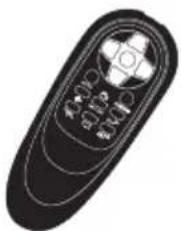
| Remote Control | Included |
| Noise Level | Approx. 55 dB |
| Navigation | Random bounce with sensors |
| Battery Runtime | Approx. 90 minutes |
| Charging Time | Approx. 3-4 hours |
| Surface Type | Hard floors, low pile carpets |
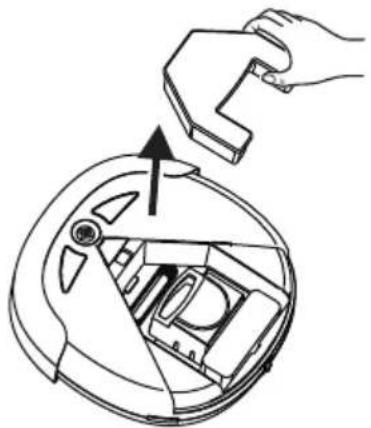
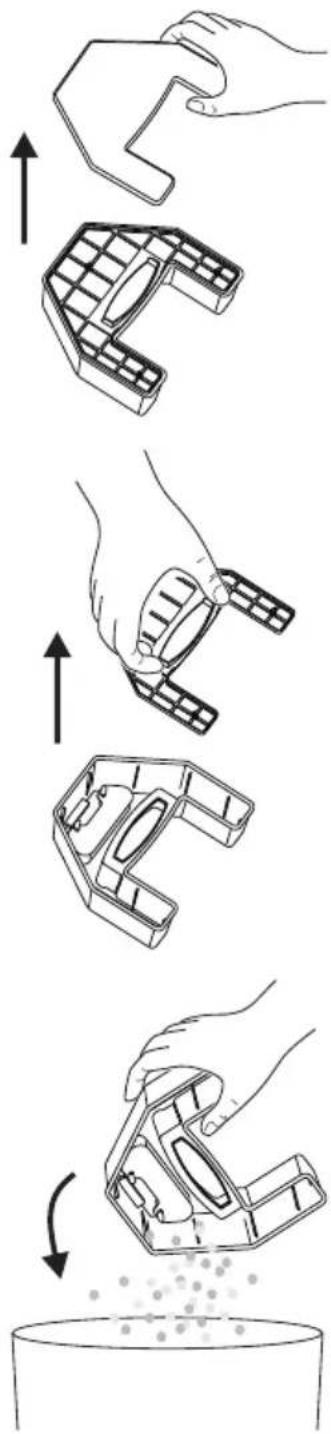
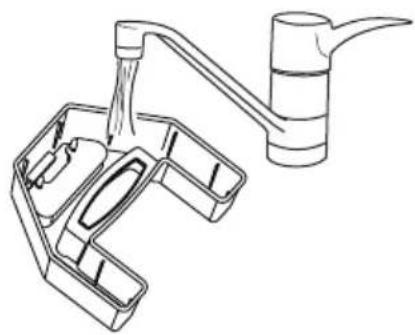
| Maintenance | Clean dustbin and filter regularly; replace side brush when worn |
| Safety Features | Overcurrent protection, automatic shut-off when lifted, low voltage |
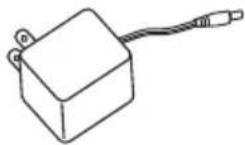
| Included Accessories | Charging dock, power adapter, remote control, side brush, HEPA filter |
| Repairability | User-replaceable: side brush, filter, battery (by qualified technician) |
Frequently Asked Questions - SVC 8000S TANGO SENCOR
User questions about SVC 8000S TANGO SENCOR
0 question about this device. Answer the ones you know or ask your own.
Ask a new question about this device
Download the instructions for your Vacuum Cleaner in PDF format for free! Find your manual SVC 8000S TANGO - SENCOR and take your electronic device back in hand. On this page are published all the documents necessary for the use of your device. SVC 8000S TANGO by SENCOR.
USER MANUAL SVC 8000S TANGO SENCOR
natural_image
Black circular device with brand labels including SENCOR and Tangelo, featuring a radar or scanning device (no readable text beyond branding)SENCOR®
SVC 8000B / SVC 8000S
natural_image
Diagram of a mechanical component with concentric circles and shaded regions, no text or symbols present②
③
natural_image
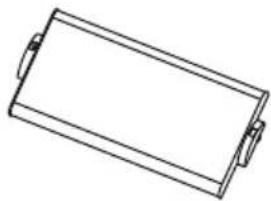
Simple line drawing of a rectangular battery or tray (no text or symbols)④

natural_image
Simple line drawing of three stacked papers or documents (no text or symbols)⑤
natural_image
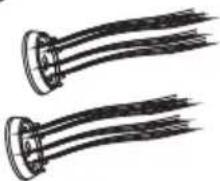
Two identical black-and-white illustrations of coiled cable or wires with no text or symbols⑥
⑦
natural_image
Illustration of a remote control with stylized buttons and antenna (no text or symbols)⑧

natural_image
Simple geometric shape: a plain white rectangle with no text, numbers, or symbols.⑨
natural_image
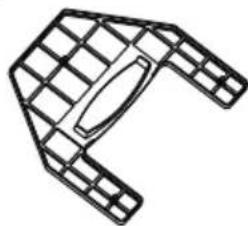
Technical line drawing of a mechanical component with grid pattern (no text or symbols)⑩
natural_image
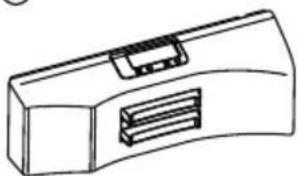
Line drawing of a mechanical component with a curved body and internal slots (no text or symbols)B
C
POPIS DOBÍJECÍ STANICE
D
natural_image
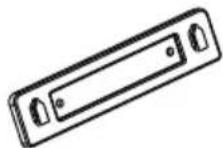
Line drawing of a mechanical component with a handle and internal slots (no text or symbols)②
③
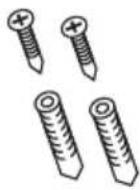
E
natural_image
Line drawing of a portable air conditioner unit with ventilation slots and a control panel (no text or symbols)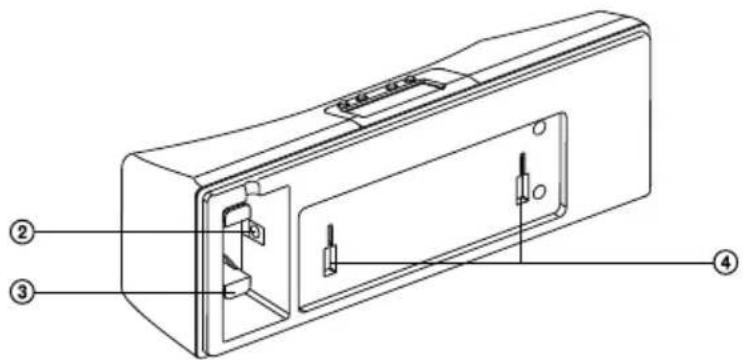
POPIS OVLÁDACÍHO PANELU VYSAVAČE
F
②
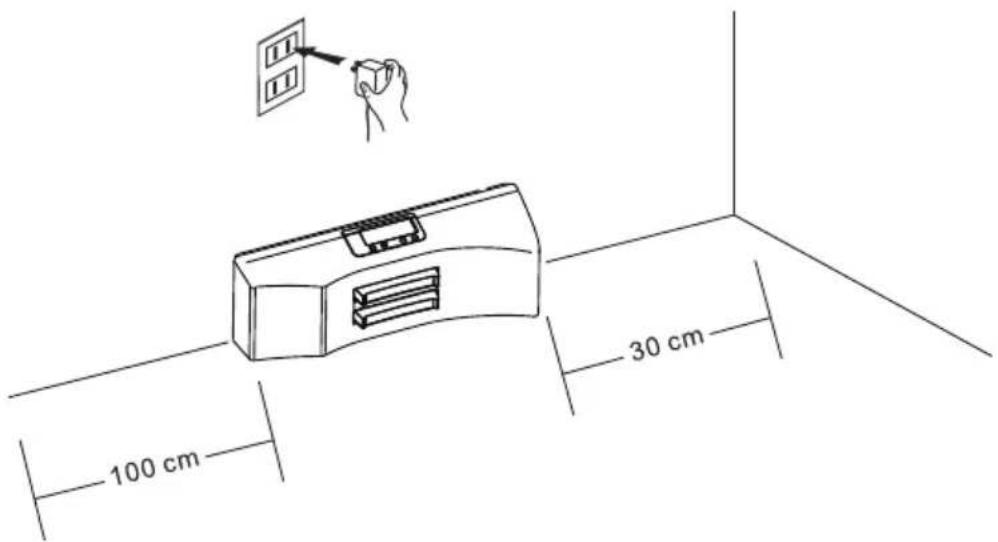
CZ-13
Zkouška
natural_image
Technical line drawing of a robotic device with two fan-like components and control panel (no text or symbols)natural_image
Interior view of a device casing with labeled components and an arrow pointing to a component (no text or symbols present)natural_image
Technical line drawing of a device interior showing a circular component and a fan-like structure with a grid pattern (no text or symbols)②
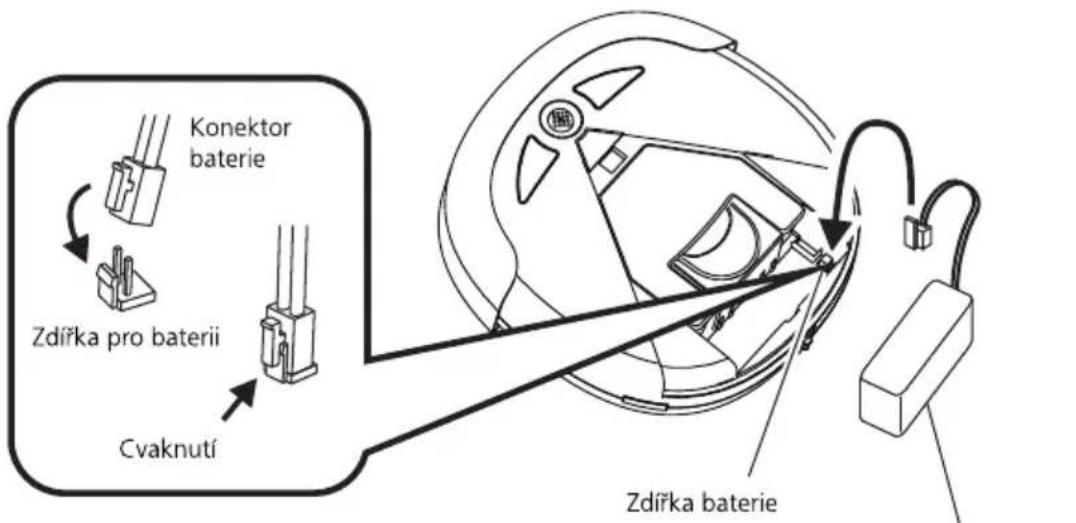
natural_image
Diagram of a vacuum cleaner with a close-up view showing internal components (no text or symbols)②
natural_image
Diagram showing a mechanical component before and after assembly, with no visible text or symbols②
natural_image
Diagram showing a hand using a tool to clean or inspect internal components, with no visible text or symbols.0
③
④
⑤
flowchart
graph TD
    A["Hand Tool Application"] --> B["Step 1: Screen Layout"]
    B --> C["Step 2: Screen Layout"]
    C --> D["Step 3: Screen Layout"]
    D --> E["Step 4: Screen Layout"]
    E --> F["Step 5: Screen Layout"]
    F --> G["Final Product Inspection"]
    G --> H["Final Product Inspection"]
    style A fill:#f9f,stroke:#333
    style B fill:#ccf,stroke:#333
    style C fill:#cfc,stroke:#333
    style D fill:#fcc,stroke:#333
    style E fill:#cff,stroke:#333
    style F fill:#ffc,stroke:#333
    style G fill:#cfc,stroke:#333
    style H fill:#fcc,stroke:#333
0
⑥
natural_image
Line drawing of a faucet with a handle and side panel (no text or symbols)⑦
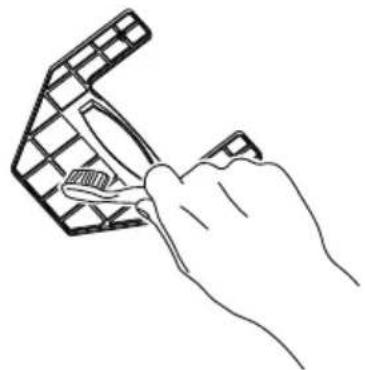
natural_image
Line drawing of a hand using scissors to cut a grid-patterned object (no text or symbols)⑧
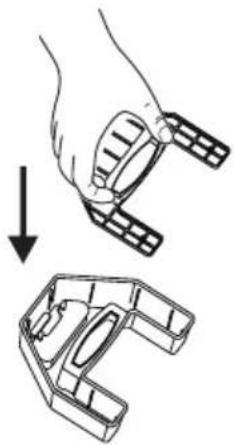
natural_image
Illustration of a hand holding a mechanical component with an arrow indicating downward motion (no text or symbols)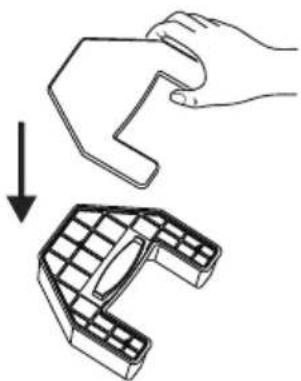
natural_image
Diagram showing a hand holding a small object being processed into a 3D mechanical component (no text or symbols present)⑨
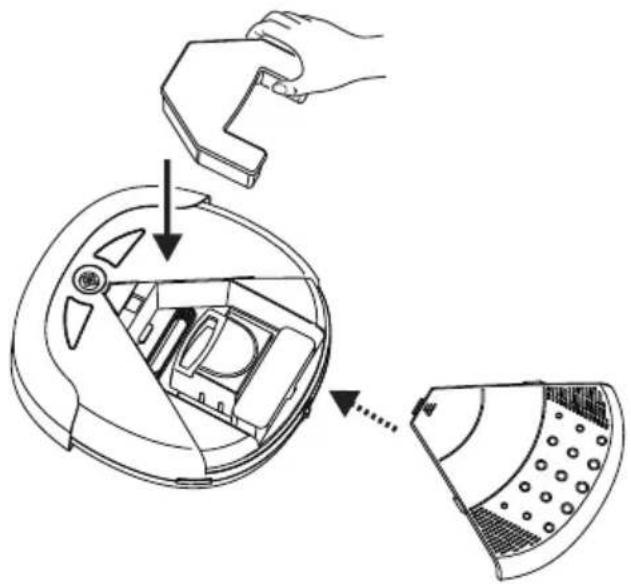
POZOR!!
natural_image
Top-down schematic of a device casing with internal components and no visible text or symbolsnatural_image
Diagram of an electronic device showing internal components and cable connections (no text or labels)Boční kartáč
ODSTRANOVANI PROBLEMU
CZ-23
Brand : SENCOR
Model : SVC 8000S TANGO
Category : Vacuum Cleaner