
MI161 - Mouse SWEEX - Free user manual and instructions
Find the device manual for free MI161 SWEEX in PDF.


Pick your language and provide your email: we'll send you a specifically translated version.
| Product Type | Mouse |
| Brand | Sweex |
| Model | MI161 |
| Connection Type | PS/2 and USB |
| Compatibility | Windows, Mac, Linux |
| Cable Length | 1.5 m |
| Buttons | 3 (left, right, scroll) |
| Scroll Wheel | Yes, with click |
| Resolution | 800 dpi |
| Color | Black |
| Weight | 80 g |
| Dimensions (W x D x H) | 115 x 60 x 35 mm |
| Power Source | USB bus-powered |
| Battery Required | No |
| Installation | Plug & Play |
| Maintenance & Cleaning | Clean with a dry, soft cloth. Do not use liquids or abrasive cleaners. |
| Safety | Avoid exposure to liquids and extreme temperatures. Do not disassemble. |
| Spare Parts & Repairability | No user-serviceable parts. Contact support for issues. |
| General Information | Optical mouse with PS/2 and USB connectivity. Suitable for desktop use. |
Frequently Asked Questions - MI161 SWEEX
How do I connect the Sweex MI161 mouse to my computer?
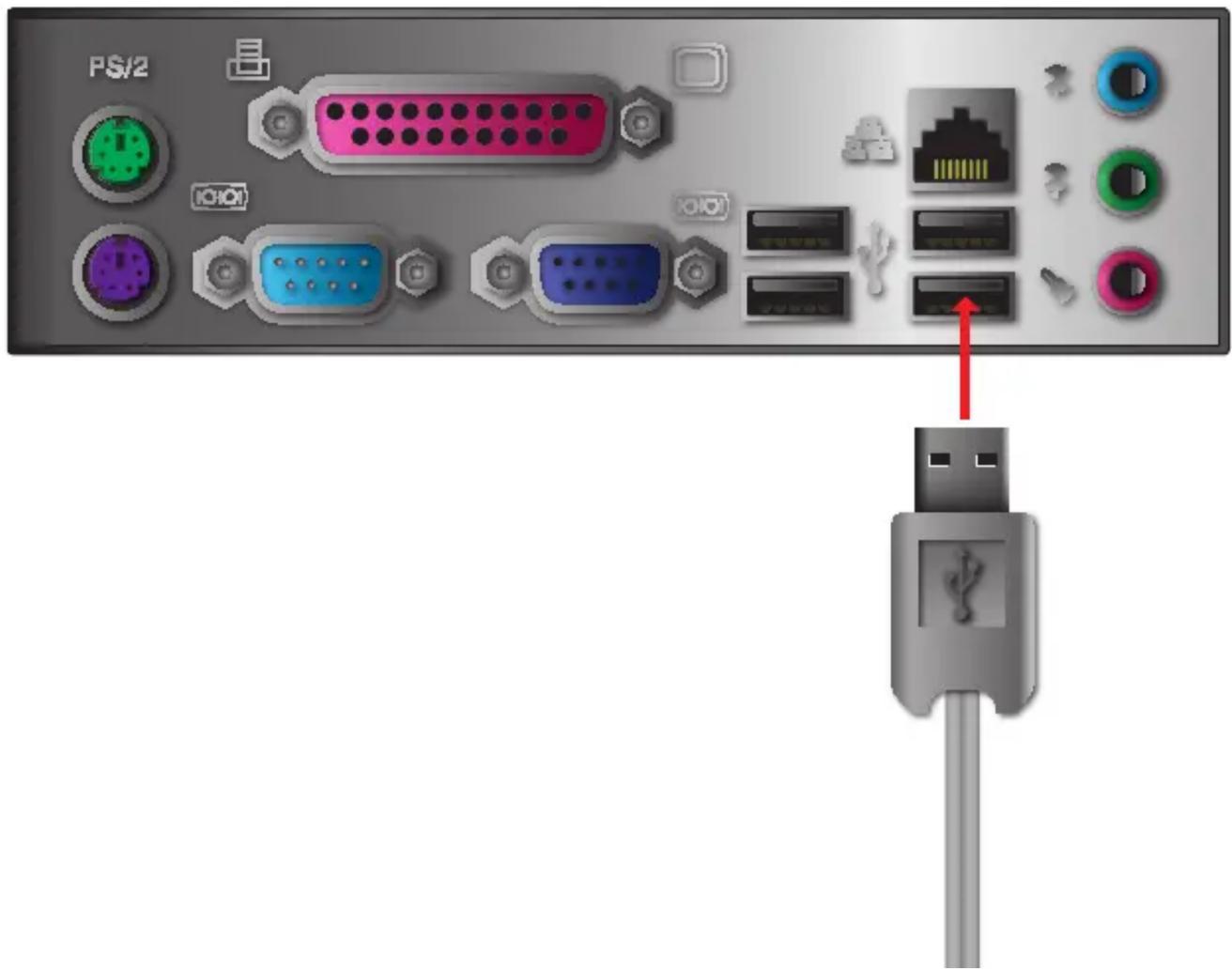
Connect the mouse to a USB or PS/2 port on your computer. For USB, plug and play; for PS/2, restart may be required. No drivers needed.
Does the Sweex MI161 mouse require any software installation?
No, it is Plug & Play and works with standard operating system drivers.
Can I use the Sweex MI161 mouse with a PS/2 port on a modern computer?
Some newer computers lack PS/2 ports. Use a USB-to-PS/2 adapter if needed, but USB connection is recommended.
How do I clean the Sweex MI161 mouse?
Use a dry, soft cloth to wipe the exterior. Avoid liquids and abrasive cleaners. Do not clean while connected.
What should I do if the cursor moves erratically?
Try cleaning the mouse sensor area and ensure the surface is non-reflective. Restart your computer or try a different USB port.
Is the Sweex MI161 mouse compatible with macOS or Linux?
Yes, it works with macOS and Linux without additional drivers due to standard HID support.
How long is the cable on the Sweex MI161 mouse?
The cable length is approximately 1.5 meters.
Does the Sweex MI161 mouse have a scroll wheel?
Yes, it features a scroll wheel that also acts as a middle button click.
What is the DPI of the Sweex MI161 mouse?
The mouse has an optical resolution of 800 dpi, suitable for everyday tasks.
Where can I find the user manual for the Sweex MI161?
The manual is available for free download in PDF from notice-facile.com or other manual websites.
User questions about MI161 SWEEX
0 question about this device. Answer the ones you know or ask your own.
Ask a new question about this device
No questions yet. Be the first to ask one.
Download the instructions for your Mouse in PDF format for free! Find your manual MI161 - SWEEX and take your electronic device back in hand. On this page are published all the documents necessary for the use of your device. MI161 by SWEEX.
USER MANUAL MI161 SWEEX

forward living
Manual assistant
Powered by Anthropic
Waiting for your message
Product information
Brand : SWEEX
Model : MI161
Category : Mouse