
KRC55 - Câble pour ordinateur et périphériques KICKER - Free user manual and instructions
Find the device manual for free KRC55 KICKER in PDF.


| Product Type | Wired Remote Control for Media Center |
| Brand | KICKER |
| Model | KRC55 |
| Compatibility | KMC100 and KMC5 Media Centers |
| Connection Type | Wired via Digital Remote Port |
| Required Cable | KRCEXT25 25-foot extension cable (sold separately) |
| Multiple Remote Support | Yes, using KRCY1 Y-adapter splitter cable (sold separately) |
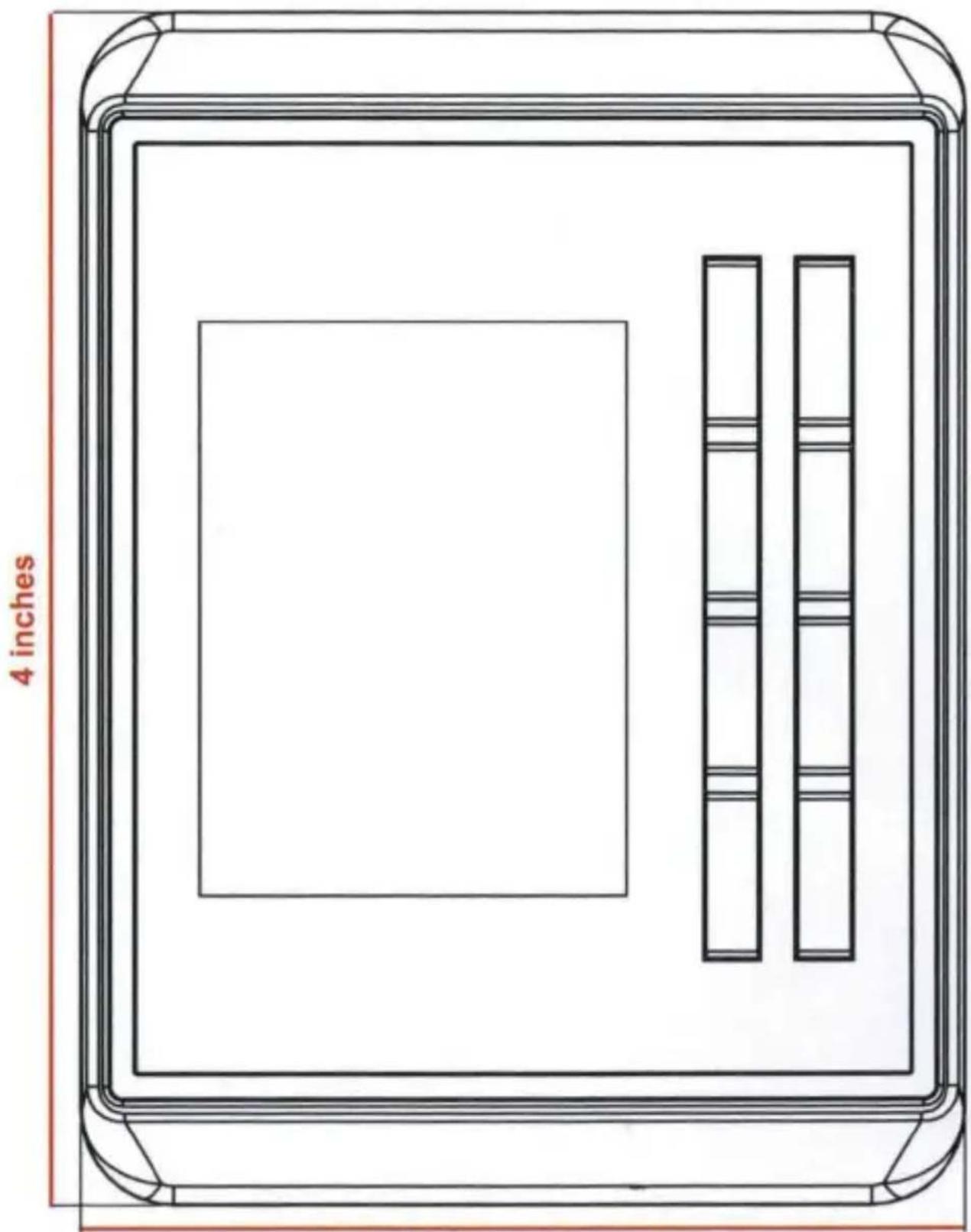
| Dimensions (Approx.) | 2.0 x 4.0 x 0.75 inches (50 x 100 x 20 mm) |
| Weight | 1.5 oz (42 g) |
| Power Source | Powered by connected stereo via cable |
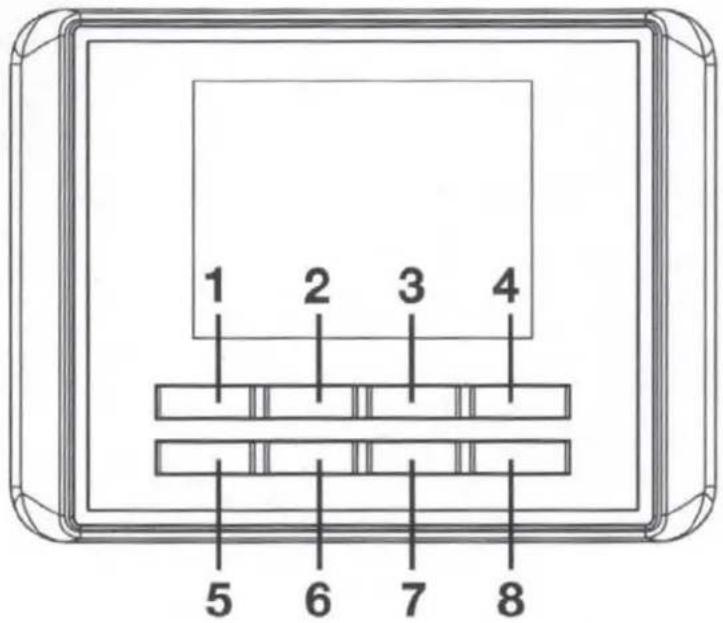
| Buttons | 8 buttons: Source/Power, Enter/Select, Volume Down, Volume Up, Back/Return, Seek/Tune Down, Play/Pause, Seek/Tune Up |
| Functions | Power On/Off, Source Selection, Volume Control, Seek/Tune, Play/Pause, Mute, Menu Navigation, Audio Settings Access |
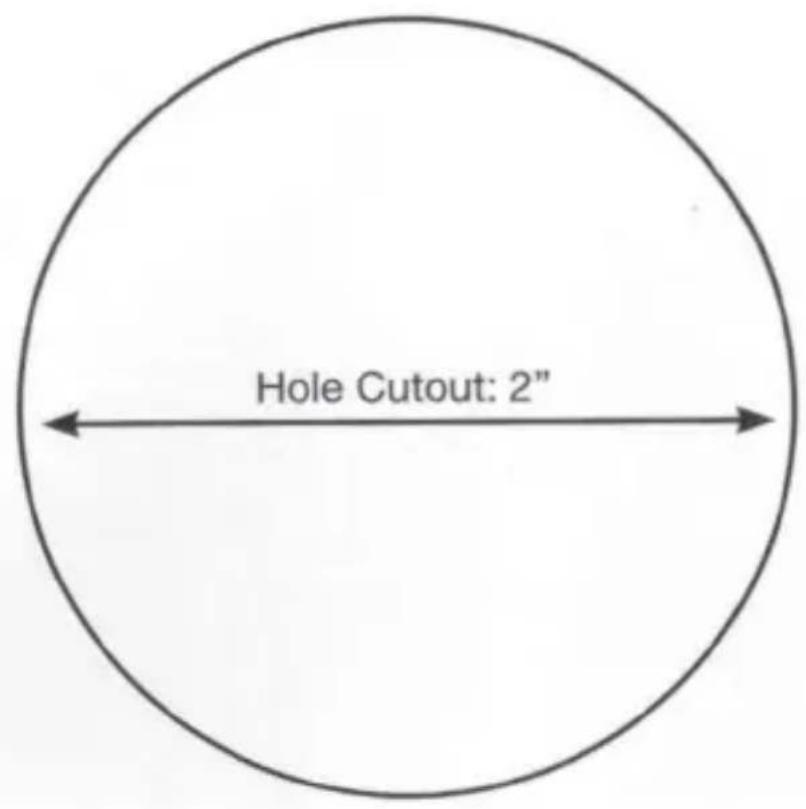
| Mounting | User must ensure secure mounting; cutout template provided |
| Trim Ring | Removable trim ring snaps onto face |
| Warranty | Standard KICKER warranty; contact support |
| Customer Support | Phone: 1-800-256-KICK (5425), Email: support@kicker.com |
| Manual Languages | English (as provided) |
Frequently Asked Questions - KRC55 KICKER
User questions about KRC55 KICKER
0 question about this device. Answer the ones you know or ask your own.
Ask a new question about this device
Download the instructions for your Câble pour ordinateur et périphériques in PDF format for free! Find your manual KRC55 - KICKER and take your electronic device back in hand. On this page are published all the documents necessary for the use of your device. KRC55 by KICKER.
USER MANUAL KRC55 KICKER
KRC Media Center Remote
KRC55
Owner's Manual | English
Media Center Remote
Wired Remote Control
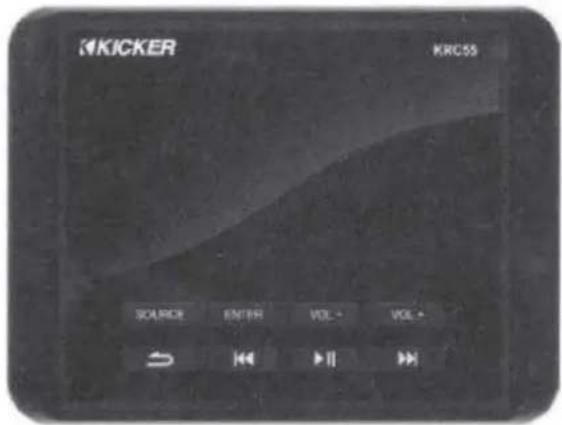
Thank you for purchasing the KRC55 Media Center Remote.
For support please call: 1-800-844-2774
Tear Here
3 inches
Tear Here
CONNECTION:
Connect the KRC55 to the KMC100 Media Center using the KRCEXT25 cable (25' connection cable, sold separately) to the Digital Remote Port of the stereo.
Works exclusively with KMC100 Media Center.
For multiple KRC55 Remotes, connect a KRCY1 Y-adapter cable.
BUTTONS:
1 - Source/Power
2 - Enter/Select
3 - Volume Down
4 - Volume Up
5-Back/Return
6 - Seek/Tune Down
7 - Play/Pause
8 - Seek/Tune Up
| FUNCTION: | HOW TO: | |
| Power On | Hold Source (1) button for 2 seconds. | |
| Power Off | Hold Source (1) button for 2 seconds. | |
| Change Source | Press Source (1) button once. | |
| Menu Scroll | Press Volume up (4)/down (3) once. | |
| Volume Up | Press (4) increase volume once. | |
| Volume Down | Press (3) decrease volume once. | |
| Seek Up | Press (8) Seek Up once. | |
| Seek Down | Press (6) Seek Down once. | |
| Tune Up | Hold Seek/Tune up (8) 2 seconds then press once. | |
| Tune Down | Hold Seek/Tune down (6) 2 seconds then press once. | |
| Track Forward | Press (8) Next Track once. | |
| Track Back | Press (6) Previous Track once. | |
| Fast Forward | Hold Seek/Tune (8) button down. | |
| Rewind | Hold Seek/Tune (6) button down. | |
| Enter/Select | Press (2) once. | |
| Audio Settings | Hold Enter/Select (2) button for 2 seconds. | |
| Pause/Play | Press Play/Pause (7) once. | |
| Mute | Press Play/Pause (7) once. | |
| Back/Return | Press Back (5) once. | |
OPERATION:
Selecting a Source
- Press the Source (1) button once.
- Use the Volume Up (4) button to scroll right or Volume Down button (3) to scroll left.
- When the desired Source is highlighted press the Enter (2) button once.
Accessing the Audio Settings
- Press and hold the Enter (2) button for 2 seconds.
- Use the Volume Up (4) button to scroll down or Volume Down (3) button to scroll up.
- When the desired setting is highlighted press the Enter (2) button once. (please refer to KMC100 Owners Manual for Audio Settings Instructions.
KICKER® KRC55™ CUSTOMER INFO CARD | INFORMACION DEL USUARIO INFORMATIONS DE L'UTILISATEUR | NUTZERINFORMATION
KICKER
Be careful not to drill into wiring or vehicle mechanisms. You are solely responsible for securely mounting the KRC55 Remote. See reverse page for mounting hole cutout template and operation. Refer to the KMC5 or KMC100 Owner's Manual for information regarding audio settings.
Connect the KRC55 to the Digital Remote Port of the KMC5/KMC100 using the KRCEXT25 25-foot extension cable (sold separately). The KRC55 works exclusively with the KMC5 and KMC100. To install multiple KRC55 Remotes, use the KRCY1 Y-adapter splitter cable (sold separately). Removable Trim Ring snaps onto the face of the KRC55.
NOTE: Use short and long presses to operate. Some input sources do not support all functions.
If you have a problem,
STOP
Please do not return
product to the store.
KICKER Tech Support can assist you.
Call us at 800-256-KICK (5425), or contact us at support@kicker.com with any questions or problems.
Thank you for your
KICKER purchase!
U.S. Customers Only
Brand : KICKER
Model : KRC55
Category : Câble pour ordinateur et périphériques