
Space One - Headphones KEF - Free user manual and instructions
Find the device manual for free Space One KEF in PDF.


| Product Type | Wireless over-ear headphones with active noise cancellation |
| Model | Space One Wireless |
| Brand | KEF |
| Dimensions (H × W × D) | 195 × 170 × 82 mm |
| Weight | 330 g |
| Power Supply | Built-in rechargeable Li-ion battery 850 mAh, DC 5V 600mA via Micro USB |
| Battery Playtime | 30 hrs (BT + ANC on), 40 hrs (BT on, ANC off), 110 hrs (ANC on, BT off) |
| Driver Size | 40 mm |
| Frequency Range | 20 - 20000 Hz |
| Sensitivity | 94 dB |
| Impedance | 16 Ω |
| Bluetooth Version | 4.1 with Qualcomm® aptX™ |
| Bluetooth Range | 10 m |
| Active Noise Cancellation | Yes, switchable (ANC on/off) |
| Audio Cable Included | Yes, with microphone |
| Carrying Case Included | Yes |
| Airline Adapter Included | Yes |
| Voice Prompts | Power, battery level, connection status, mute/unmute |
| LED Indicators | White solid (charged/connected), slow pulsing white (charging), fast pulsing white (low battery), blue pulsing (pairing) |
| Call Controls | Accept/end, reject, hold, mute |
| Music Controls | Play/pause, volume, track skip |
| Corded Operation | Yes, with audio mic cable (disables Bluetooth) |
| Maintenance & Cleaning | Wipe with dry cloth; do not use liquids or solvents |
| Safety Information | Not operable while charging; avoid excessive volume to prevent hearing damage |
| Spare Parts & Reparability | Contact KEF support; no user-serviceable parts |
| General Information | Designed by Porsche Design, sound by KEF |
Frequently Asked Questions - Space One KEF
User questions about Space One KEF
0 question about this device. Answer the ones you know or ask your own.
Ask a new question about this device
Download the instructions for your Headphones in PDF format for free! Find your manual Space One - KEF and take your electronic device back in hand. On this page are published all the documents necessary for the use of your device. Space One by KEF.
USER MANUAL Space One KEF
natural_image
Line drawing of a pair of wireless headphones (no text or symbols)PORSCHE DESIGN
SOUND
KEF
In the Box
|
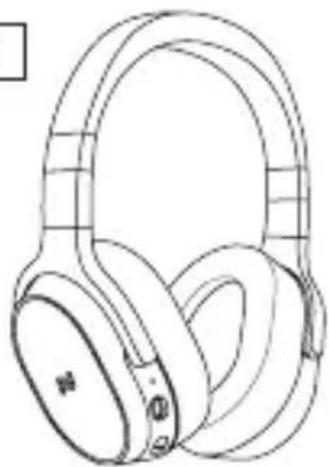
natural_image
Line drawing of a pair of wireless headphones (no text or symbols)2
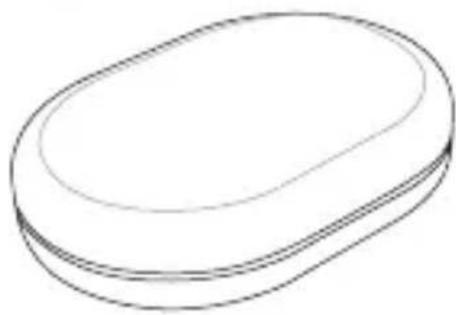
natural_image
Simple line drawing of an oval-shaped object with no text or symbols3
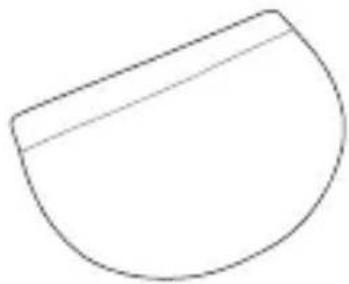
natural_image
Simple line drawing of a semi-circular shape with a horizontal line through its top edge (no text or symbols)4
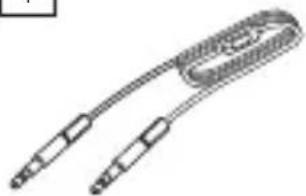
natural_image
Line drawing of a coiled cable or connector with two connectors (no text or symbols)5
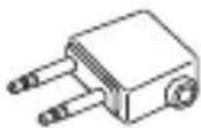
6
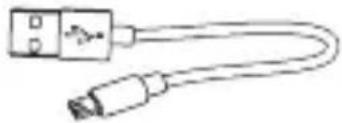
natural_image
Simple line drawing of a USB cable with connector (no text or symbols)| 1 | SPACE ONE WIRELESS |
| 2 | Carrying case |
| 3 | Accessory pouch |
| 4 | Audio mic cable |
| 5 | Airline adapter |
| 6 | USB charging cable |
Headphones Overview
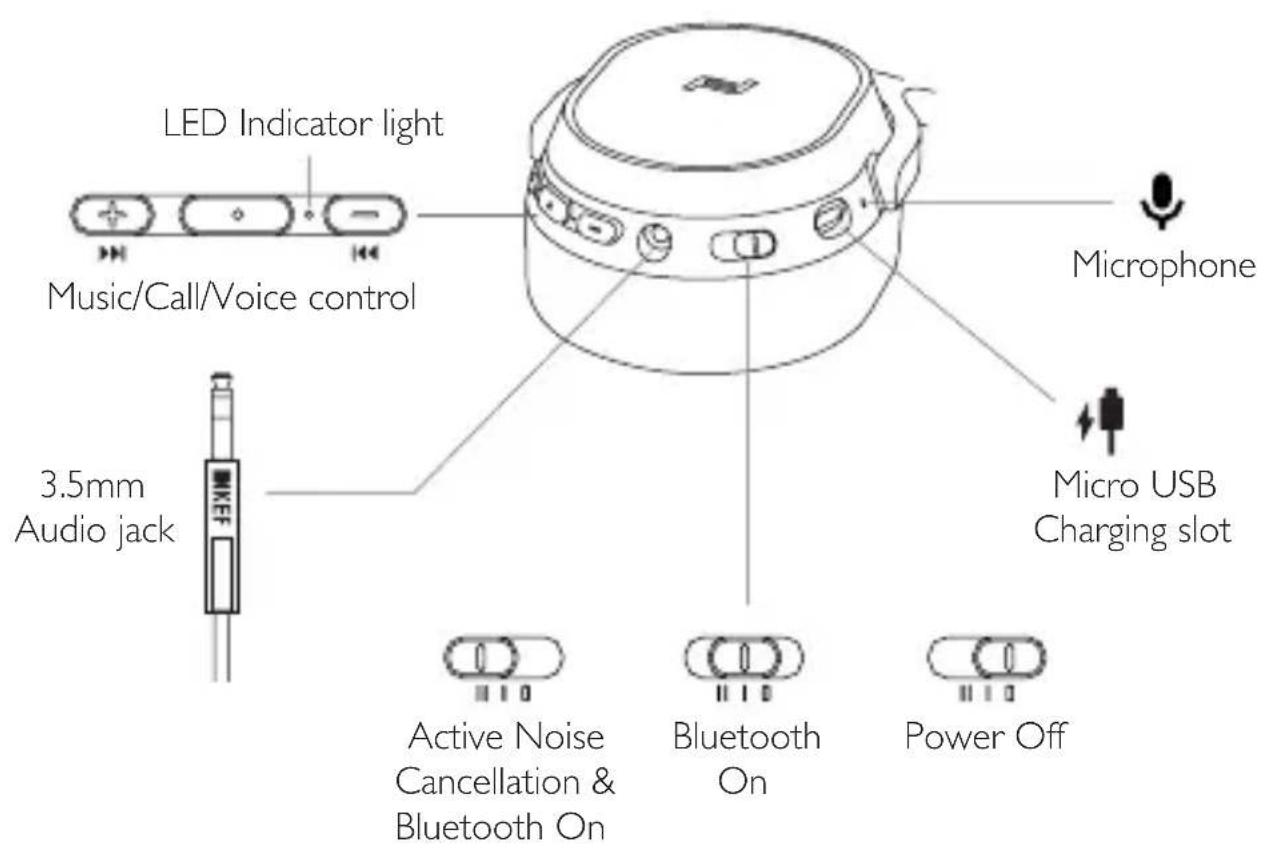
Get Started
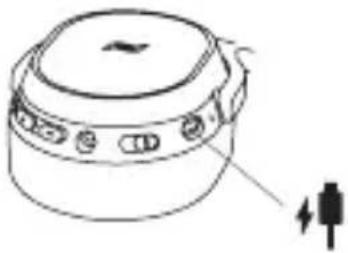
Charge the battery
I. Plug the Micro USB end of the charging cable into the headphones charging slot.
2. Plug the USB end of the charging cable into the charger or a USB port on a computer.
* SPACE ONE WIRELESS is inoperable when charging.
natural_image
Line drawing of a cylindrical device with a lid and control buttons, showing no text or symbols.Enabling ANC (Active Noise Cancellation)
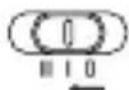
I. Slide the button to enable the ANC function
2. Slide the button to 📄 to disable the ANC function
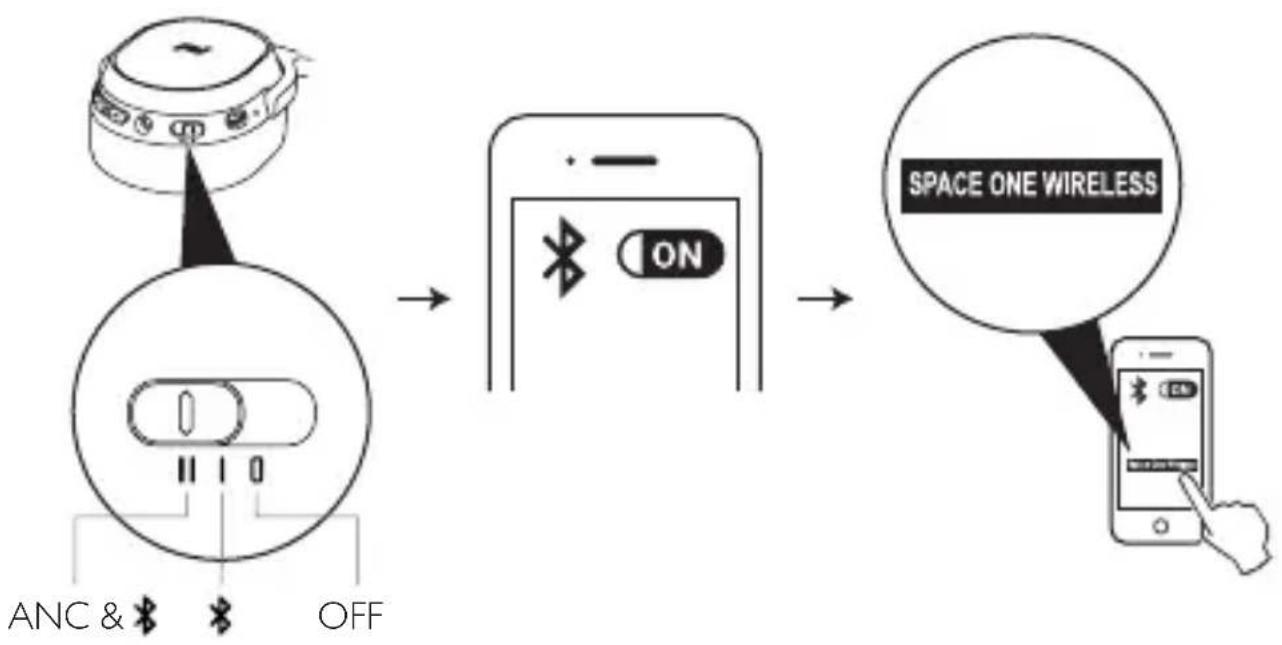
Pair the headphones with your phone
- Slide the button to
- The blue LED will light up
- Turn on the Bluetooth function on your phone
Get Started
flowchart
graph LR
    A["Device with AC/DC switch"] --> B["Switch ON"]
    B --> C["Space One Wireless"]
    D["Analog device with ANC & OFF"] --> E["Switch ON"]
    E --> F["Mobile phone with hand pointing to 'SPACE ONE WIRELESS'"]
- Your phone will start searching for SPACE ONE WIRELESS headphones
- When paired, the blue LED will change to solid white
- "Connected" will be heard in the headphones
- The LED will flash blue and white for 5 seconds
Music/Call/Voice Control
Music Controls
| Function Press button | ||
 | Play/Pause Short press |  |
 | Vol + Short press |  |
 | Vol - Short press |  |
 | Next track Long press |  |
 | Previous track Long press |  |
Voice Controls
 | Voice command Long press |  |
Music/Call/Voice Control
Call Controls
| Function Press button | ||
 | Accept / End call Short press |  |
 | Reject call Long press |  |
 | Accept incoming call(2) and hold ongoing call(1) | Short press  |
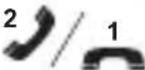 | Accept incoming call(2) and end ongoing call(1) | Long press  |
 | Mute/ Unmute the mic Long press |  |
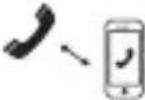 | Transfer call to phone Long press |  |
Voice Prompt
| Function Voice prompt | |
| Power on “Power on” | |
| Power off “Power off” | |
| >80% “Battery high” | |
| <80% “Battery medium” | |
| <30% “Battery low” | |
| <10% “Please charge” | |
| Device connected “Connected” | |
| Device disconnected “Disconnected” | |
| Call muted “Microphone off” | |
| Call unmuted “Microphone on” |
Battery Status
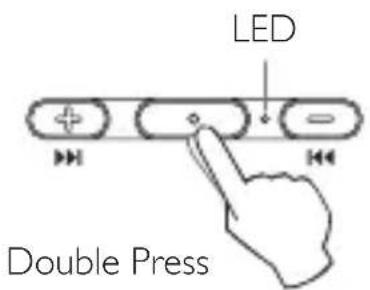
| Voice Prompt LED | ||
| >80% “Battery high” -- | ||
| <80% “Battery medium” -- | ||
| <30% “Battery low” -- | ||
| <10% “Please charge” Fast pulsing white | ||
LED Indicator Light
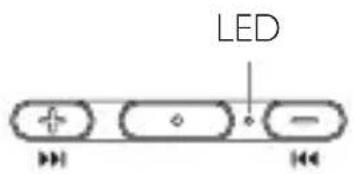
| LED indicator Function | ||
| Solid white Charged full | ||
| Slow pulsing white Charging | ||
| Fast pulsing white Battery low |
* SPACE ONE WIRELESS is inoperable when charging
| * | Solid white Connected | |
| Blue pulsing LED Pairing |
* Disconnect any connected device
- Press and together and hold for 4 seconds to enter pairing mode
Corded Audio Mic Cable
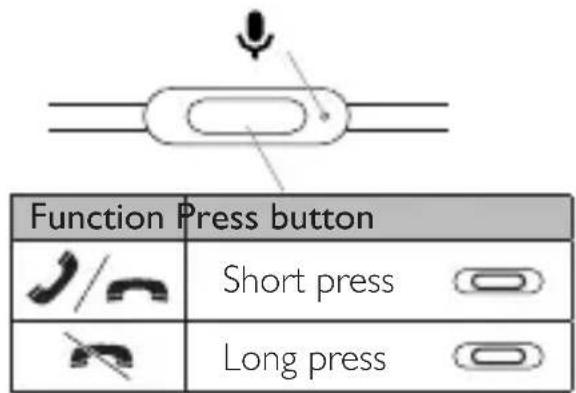
- You may choose to use the included audio mic cable (i.e. when battery is low, when inflight, or to listen to high resolution audio)
-
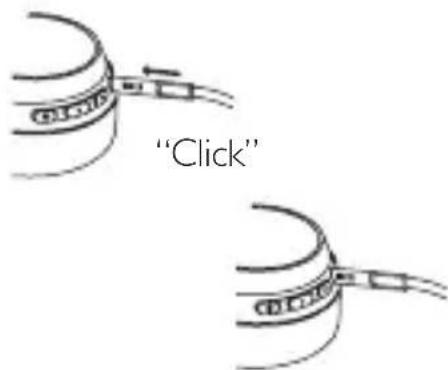
Insert the cable jack (KEF logo end) into the socket. To ensure the best connection, push until you hear a “click”, and the jack feels secure in the socket.
• After plugging in the audio mic cable, Bluetooth and button functions are disabled. -
Slide the button to enable the ANC function
- Slide the button to disable the ANC function
Specifications
| Model SPACE ONE WIRELESS | |
| Speaker drivers 40mm | |
| Frequency range 20-20000 Hz | |
| Sensitivity 94dB | |
| Impedance 16 | Ω |
| Max power output 12mW | |
| Bluetooth 4.1 with Qualcomm® aptXTM | |
| Bluetooth power Class 2 | |
| Bluetooth range 10m | |
| Bluetooth frequency 2.402-2.48 GHz | |
| Li-ion rechargeable battery 850mAh | |
| Battery play time 30hrs (BT on + ANC on) | 40hrs (BT on + ANC off)110hrs (ANC on + BT off) |
| Dimension (H × W × D) 195 × 170 × 82 mm | |
| Weight 330g | |
| Power input DC 5V 600mA | |
For further information and troubleshooting, please visit KEF website: KEF.COM KEF reserve the right, in line with continuous research and development, to amend or change specifications without prior notice. E. & O.E
SOUND BY KEF, MAIDSTONE, U.K.
GP Acoustics (UK) Limited
Eccleston Road, Tovil, Maidstone
Kent, ME15 6QP UK

KEF.COM

Brand : KEF
Model : Space One
Category : Headphones