
CSV-1431 - Computer Accessories CLUB3D - Free user manual and instructions
Find the device manual for free CSV-1431 CLUB3D in PDF.


| Product Type | USB 3.0 4-Port Hub with Power Adapter |
| Brand | CLUB3D |
| Model | CSV-1431 |
| Ports | 4 x USB 3.0 Type A (downstream); 1 x USB 3.0 Type A (upstream) |
| Interface Standard | USB 3.0 (backward compatible with USB 2.0 and 1.1) |
| Data Transfer Rate | Low-speed (1.5 Mbps), Full-speed (12 Mbps), High-speed (480 Mbps), Super-speed (5 Gbps) |
| Power Input (Hub) | DC 5V/2.5A or 5V/4A via included power adapter |
| Power Mode | Auto switching between AC power and USB bus power |
| Charging Support | Battery Charging 1.2 (BC1.2) for fast charging; Apple charging compatible |
| Compatible Operating Systems | Windows 7, 8, 8.1, 10; Mac OS X |
| Material | Slim aluminum casing |
| Dimensions (Approx.) | 100 mm x 50 mm x 20 mm |
| Weight (Approx.) | 100 g (hub only) |
| Included Accessories | USB 3.0 cable, power adapter, driver CD (or download) |
| Driver Requirement | Drivers must be installed for full functionality |
| Maintenance | Keep dry and dust-free; wipe with soft cloth; avoid liquid cleaners |
| Safety | Use only provided power adapter; do not expose to moisture; avoid overloading |
| Spare Parts & Repairability | No user-serviceable parts; contact CLUB3D for support |
| Intended Use | Expand laptop/PC USB connectivity; charge mobile devices |
| Warranty | Refer to seller or manufacturer warranty terms |
Frequently Asked Questions - CSV-1431 CLUB3D
User questions about CSV-1431 CLUB3D
0 question about this device. Answer the ones you know or ask your own.
Ask a new question about this device
Download the instructions for your Computer Accessories in PDF format for free! Find your manual CSV-1431 - CLUB3D and take your electronic device back in hand. On this page are published all the documents necessary for the use of your device. CSV-1431 by CLUB3D.
USER MANUAL CSV-1431 CLUB3D
SenseVision USB 3.0 Hub 4-Port with Power Adapter
SenseVision USB 3.0 Hub 4-Port with Power Adapter
USER INSTRUCTIONS
CSV - 1431

CONNECT AND DO MORE

SenseVision USB 3.0 Hub 4-Port with Power Adapter
USB 3.0 Type A to 4x USB Type A

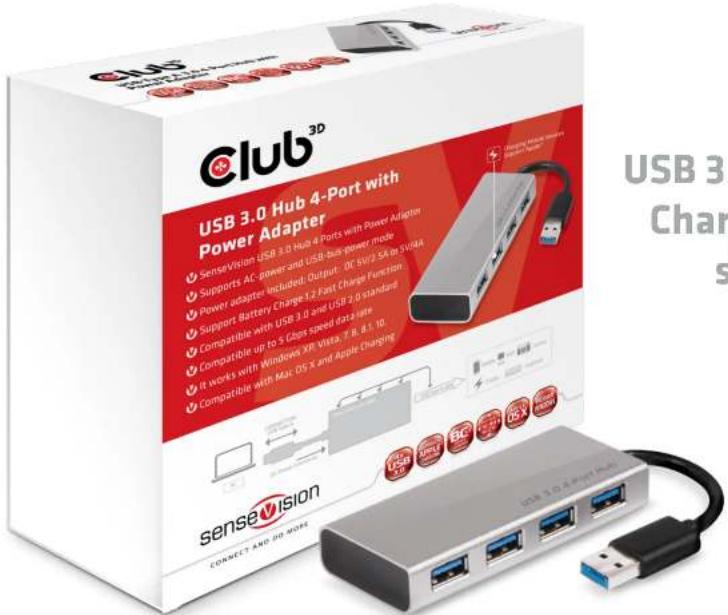
USB 3.0 Data and Fast Charging through a single cable

SenseVision USB 3.0 Hub 4-Port with Power Adapter
- SenseVision USB 3.0 Hub 4-Port with Power Adapter
- Slim design with aluminum casing.
- Support auto switching between AC-power and USB-bus-power mode
- Switching power adapter included; Output: DC 5V/2.5A or 5V/4A
- Compatible with USB 3.0 standard and downwards compatible with USB 2.0 standard
- Support the following speed data rate as follows; Low-speed (1.5 Mbps) / Full-speed (12 Mbps) / High-speed (480 Mbps) / Super-speed (5 Gbps)
- It works with Windows, 7, 8, 8.1, 10, Mac OS X
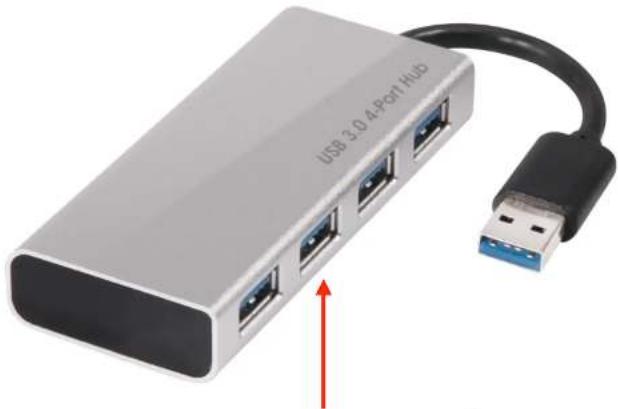
natural_image
Exterior view of a USB 3.0.4-Port Hub device with USB cable and port ports (no text or symbols on the device itself)- Support Battery Charge 1.2 Fast Charge Function and Apple Charging.

CONNECT AND DO MORE
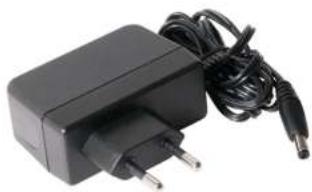
natural_image
Black electronic charger with power plug and cable (no visible text or symbols)
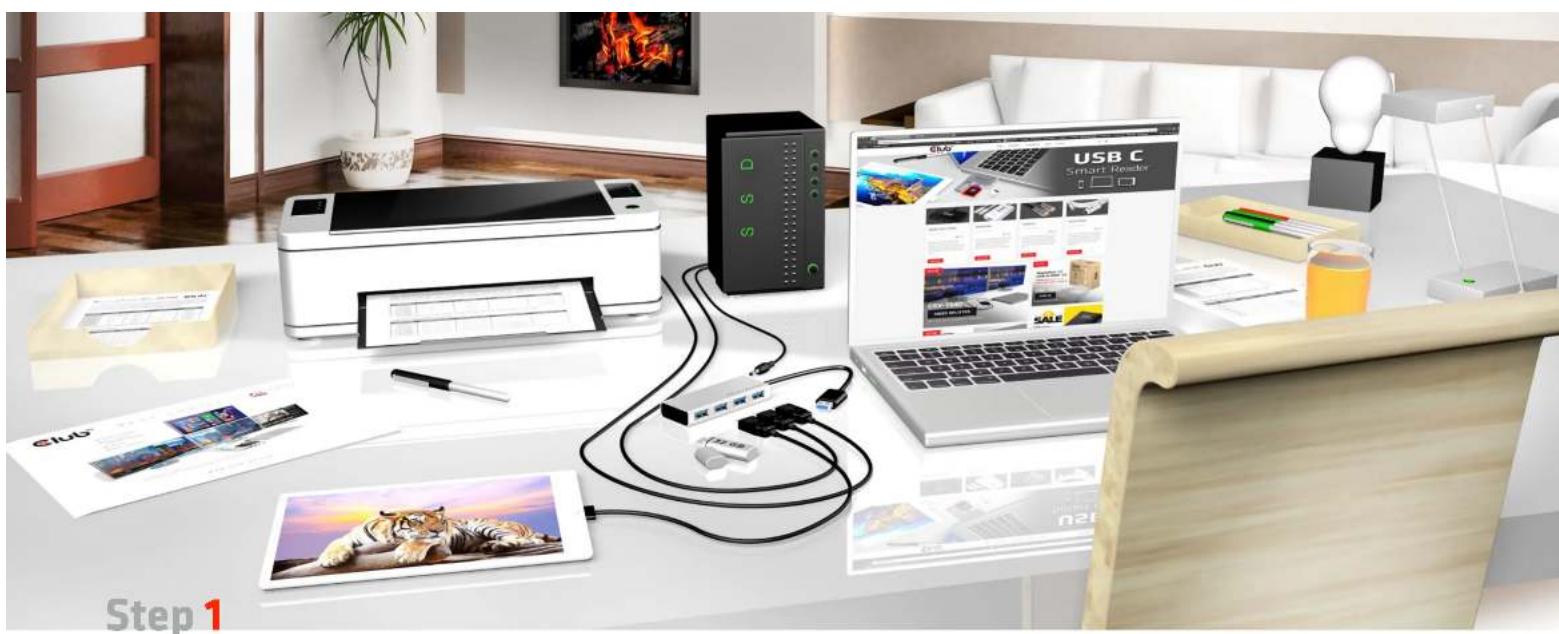
natural_image
Office setup with printer, USB C device, and tablet on a desk (no visible text or symbols)sensevision
CONNECT AND DO MORE
USB Type A Splitter, your laptop and USB devices up to 4
Please install the drivers included with the splitter

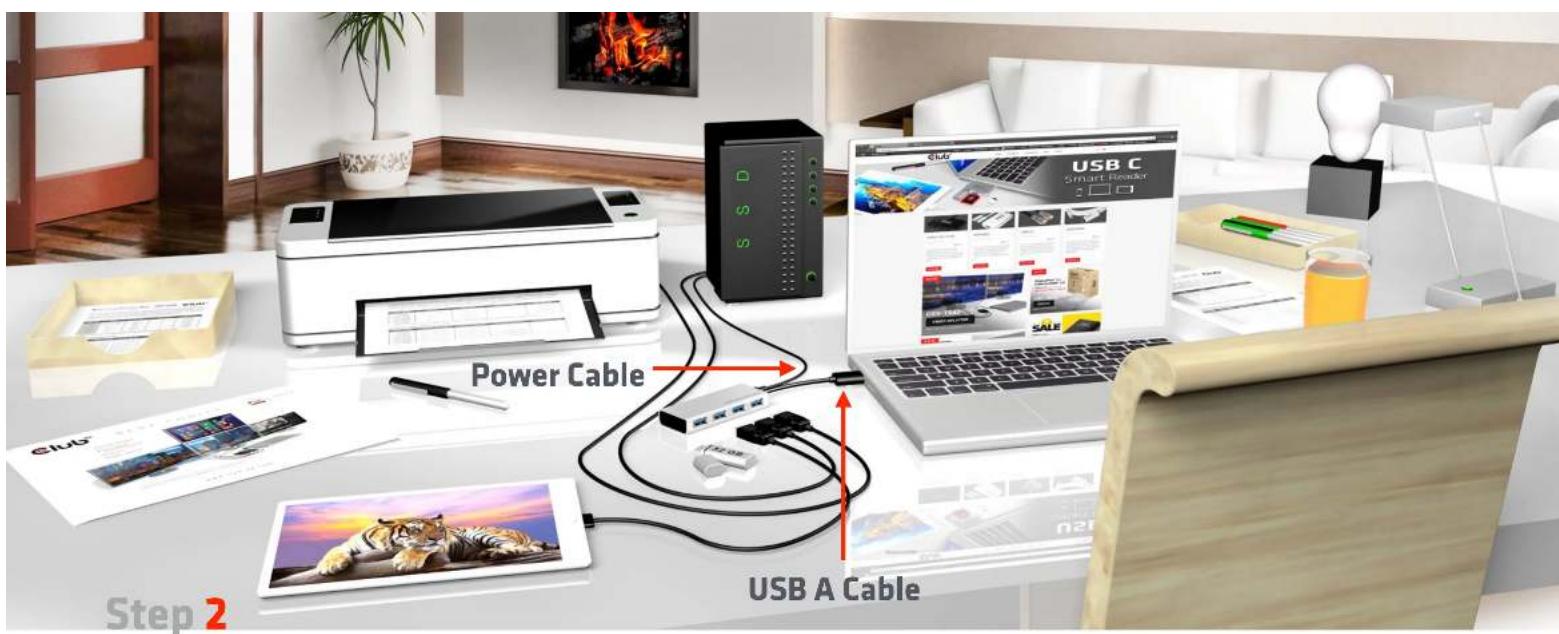
sensevision
CONNECT AND DO MORE
Connect your USB Type A
splitter
with your laptop

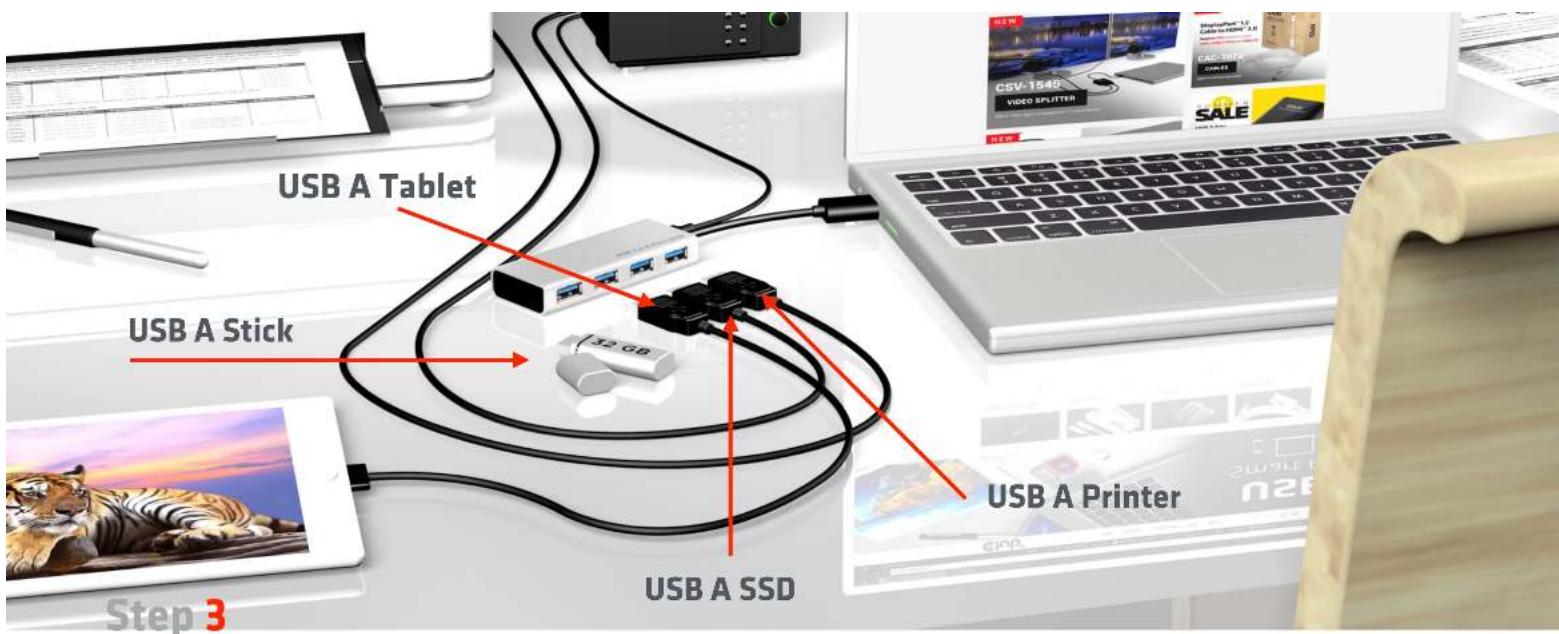
sensevision
CONNECT AND DO MORE
Connect your USB Type A Splitter with your USB A devices for example printer, SSD, tablet (Fast Charge Port BC1.2) or USB memory stick

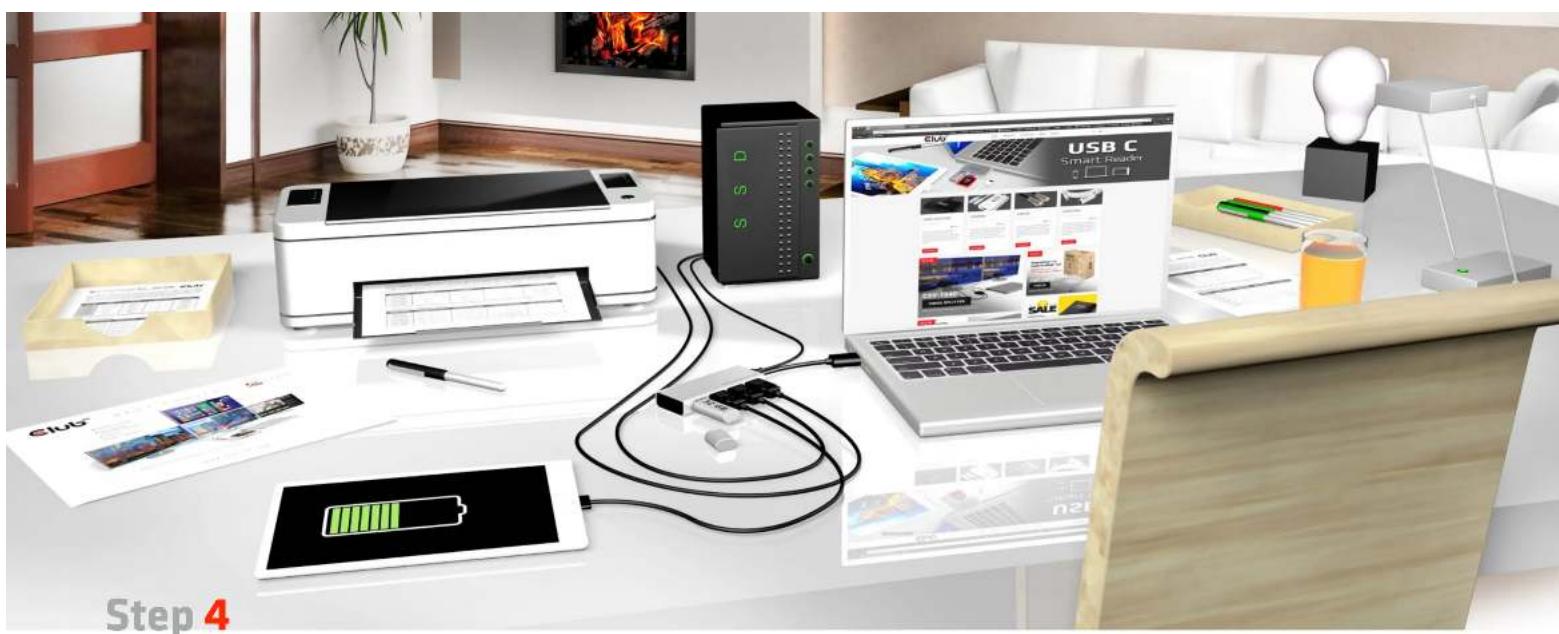
natural_image
Office setup with printer, USB C device, and laptop displaying smart reader interface (no readable text or symbols)sensevision CONNECT AND DO MORE
Simplify your connections with Club3d USB Splitter

sensevision

Thanks for watching
www.club-3d.com
Brand : CLUB3D
Model : CSV-1431
Category : Computer Accessories