
SEO 2000BK - Oven SENCOR - Free user manual and instructions
Find the device manual for free SEO 2000BK SENCOR in PDF.


Pick your language and provide your email: we'll send you a specifically translated version.
| Product Type | Microwave Oven |
| Brand | SENCOR |
| Model | SEO 2000BK |
| Color | Black |
| Capacity | 20 liters |
| Control Type | Knobs |
| Power Output | 700 W |
| Power Consumption | 1050 W |
| Voltage | 220-240 V |
| Frequency | 50 Hz |
| Dimensions (W x D x H) | 455 x 350 x 260 mm |
| Weight | 10.5 kg |
| Functions | Defrost, Timer, Auto Cook |
| Timer | Up to 30 minutes |
| Turntable | Yes, 25 cm diameter |
| Door Type | Side opening |
| Interior Light | Yes |
| Safety Features | Child lock, Overheat protection |
| Cleaning Instructions | Wipe with damp cloth, avoid abrasive cleaners |
| Spare Parts Available | Turntable, glass tray, fuse |
| Warranty | 2 years |
| User Manual | Free PDF download |
Frequently Asked Questions - SEO 2000BK SENCOR
How do I set the timer on the SENCOR SEO 2000BK?
Turn the timer knob clockwise to the desired time, up to 30 minutes. The microwave will start automatically.
Can I use metal containers in this microwave?
No, do not use metal or aluminum foil as it can cause arcing and damage the oven.
How do I defrost food with this oven?
Use the defrost function by turning the function knob to the snowflake symbol. Set the weight of the food if adjustable.
What should I do if the microwave is not heating?
Check that the door is fully closed, the timer is set, and the power cord is plugged in. If it still doesn't heat, contact a service center.
How do I clean the interior of the microwave?
Wipe the interior with a damp cloth and mild detergent. Do not use abrasive cleaners or immerse the oven in water.
Is there a child lock feature?
Yes, press and hold the stop button for 3 seconds to activate the child lock. Repeat to deactivate.
What is the maximum cooking time?
The timer allows up to 30 minutes. For longer cooking, you can reset the timer after it stops.
Where can I find the model number and serial number?
The rating label is located on the back or side of the microwave. It contains the model number SEO 2000BK and serial number.
Can I use the microwave without the turntable?
No, the turntable must be in place to ensure even cooking. If missing, replace it.
How do I download the user manual?
Visit the official SENCOR website or use the QR code on the device to download the PDF manual for free.
User questions about SEO 2000BK SENCOR
0 question about this device. Answer the ones you know or ask your own.
Ask a new question about this device
No questions yet. Be the first to ask one.
Download the instructions for your Oven in PDF format for free! Find your manual SEO 2000BK - SENCOR and take your electronic device back in hand. On this page are published all the documents necessary for the use of your device. SEO 2000BK by SENCOR.
USER MANUAL SEO 2000BK SENCOR
natural_image
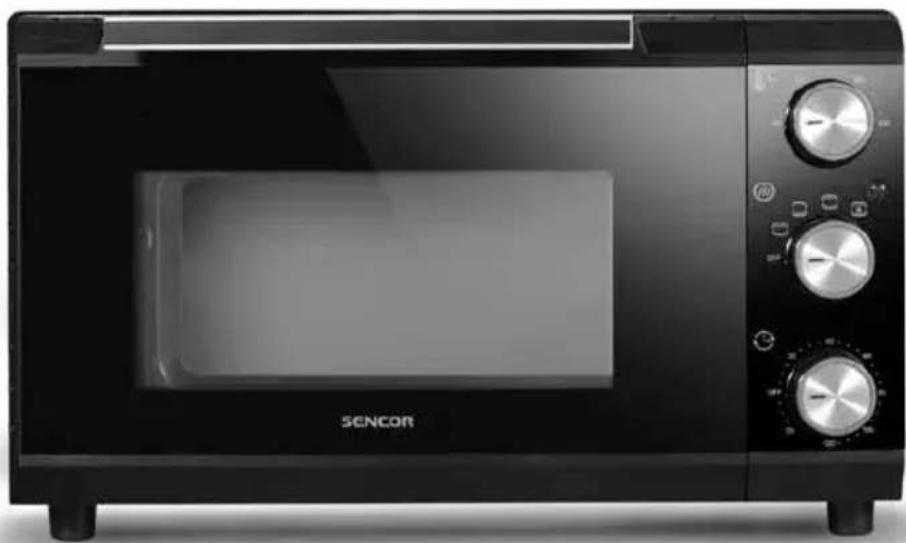
Black SENCOR microwave oven with control knobs and a blank display (no visible text or symbols on main body)

D
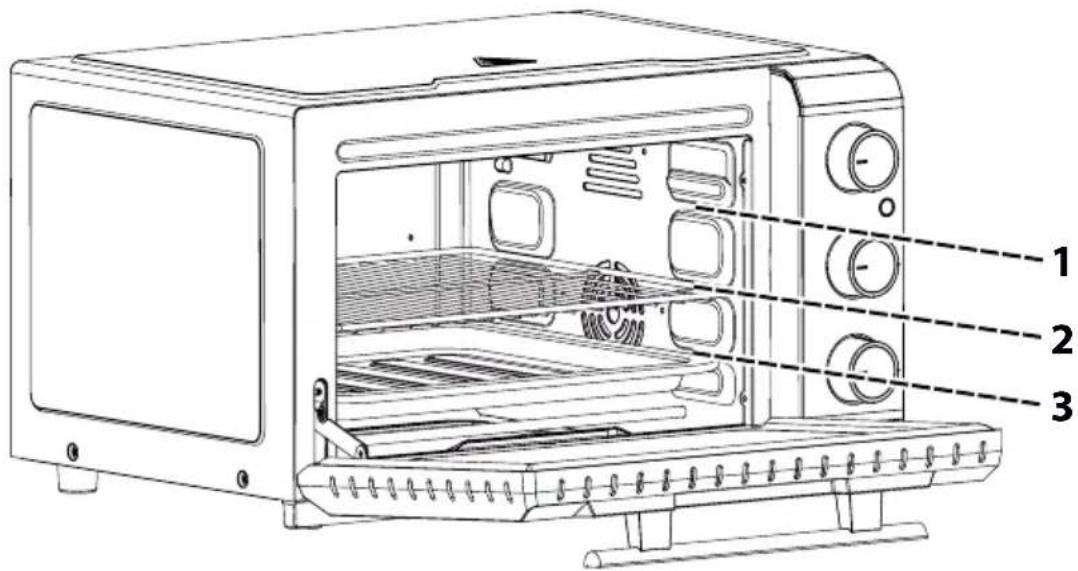
CZ
Elektrická trouba
Návod k použití



Table of contents
Click a title to access it
Manual assistant
Powered by Anthropic
Waiting for your message
Product information
Brand : SENCOR
Model : SEO 2000BK
Category : Oven