CO1710MUE - Hi-Fi System Watson - Free user manual and instructions
Find the device manual for free CO1710MUE Watson in PDF.


| Product Type | Micro Hi-Fi System |
| Model | CO1710MUE |
| Brand | Watson |
| Playback Media | CD, MP3, USB, SD/MMC |
| Power Output | 2 x 20W RMS (estimated) |
| Dimensions (Main Unit) | Approx. 30 x 20 x 10 cm (W x D x H) |
| Weight (Main Unit) | Approx. 2.5 kg |
| Power Supply | 220-240 V, 50 Hz |
| Power Consumption | Approx. 50 W (max) |
| Standby Power Consumption | < 1 W |
| Supported Audio Formats | MP3, WMA (CD/USB/SD) |
| Connectivity | USB (2.0), SD/MMC slot, AUX input (3.5mm), Headphone output |
| FM Radio | FM stereo tuner with presets |
| Display | LCD with backlight |
| Remote Control | Included (battery CR2025 or similar) |
| Cleaning Instructions | Wipe with dry, soft cloth; avoid liquid cleaners |
| Safety Features | Overload protection, auto standby after 15 min idle |
| Spare Parts / Repairability | Contact support or authorized service center |
| General Information | Designed for home use; digital amplifier technology |
Frequently Asked Questions - CO1710MUE Watson
User questions about CO1710MUE Watson
0 question about this device. Answer the ones you know or ask your own.
Ask a new question about this device
Download the instructions for your Hi-Fi System in PDF format for free! Find your manual CO1710MUE - Watson and take your electronic device back in hand. On this page are published all the documents necessary for the use of your device. CO1710MUE by Watson.
USER MANUAL CO1710MUE Watson
natural_image
Simple line drawing of a rectangular box with a recessed slot (no text or symbols)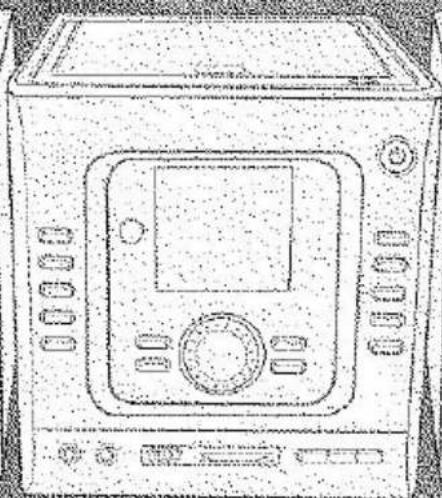
natural_image
Line drawing of a vintage microwave oven with control panel and buttons (no text or symbols)
natural_image
Simple line drawing of a rectangular box with a circular recess on top (no text or symbols)
natural_image
A white rectangular object with a speckled pattern, lying on a textured gray surface (no text or symbols visible)Micro stereosystem
Micro - Stereo System
CD / MP3 / USB / SD MMC
CO1710MUE
Geachte klant,
natural_image
Diagram showing a funnel with two input boxes and a dashed line connecting to a central object, no text or symbols present.Zitplaats
INGEBRUIKNEMING
natural_image
Hand-drawn sketch of three sequential steps of a hand holding a small object, no text or symbols presentCOMPACT disc DIGITAL AUDIO
natural_image
Simple line drawing of a rectangular box with a recessed slot (no text or symbols)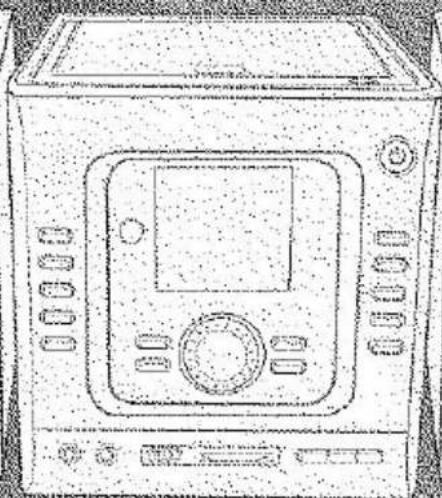
natural_image
Line drawing of a vintage microwave oven with control panel and buttons (no text or symbols)
natural_image
Simple line drawing of a rectangular box with a circular recess on top (no text or symbols)
natural_image
A white rectangular object with a speckled pattern, lying on a textured gray surface (no text or symbols visible)Micro stereosystem
Micro - Stereo System
CD / MP3 / USB / SD MMC
CO1710MUE
Brand : Watson
Model : CO1710MUE
Category : Hi-Fi System