
WAC704G - Air conditioner Wood's - Free user manual and instructions
Find the device manual for free WAC704G Wood's in PDF.
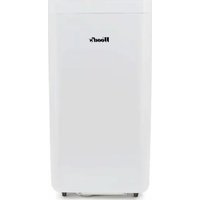


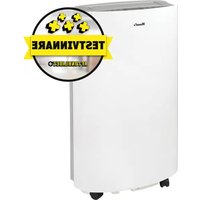
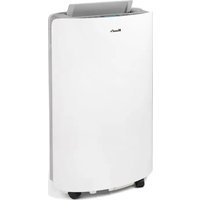
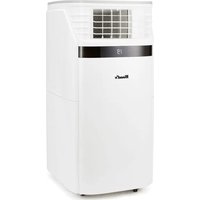
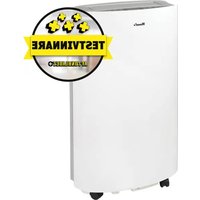
| Product type | Mobile air conditioner |
| Brand | Wood's |
| Model | WAC704G |
| Power supply | Mains 230 V ~ 50 Hz |
| Main functions | Cooling, dehumidification, ventilation, night mode, timer, WiFi control via Woods Connect app |
| Control | Smartphone app (iOS/Android) and remote control |
| Connectivity | Wi-Fi 2.4 GHz |
| Maintenance | Regular cleaning of the air filter (every 15 days) |
| Safety | Automatic shutdown in case of overheating, anti-freeze protection |
| Spare parts | Filters, remote control (available on request) |
| Repairability | Repair manual downloadable at notice-facile.com |
| Warranty | 2 years |
Frequently Asked Questions - WAC704G Wood's
User questions about WAC704G Wood's
0 question about this device. Answer the ones you know or ask your own.
Ask a new question about this device
Download the instructions for your Air conditioner in PDF format for free! Find your manual WAC704G - Wood's and take your electronic device back in hand. On this page are published all the documents necessary for the use of your device. WAC704G by Wood's.
USER MANUAL WAC704G Wood's
Guide for getting started with Woods Connect
Milan / Como
INDEX
English....01
Swedish 13
Norwegian 25
Danish....37
Finnish 49
German....61
French....73
Spanish 85
Estonian....97
Greek.... 109
Icelandic....121
Lithuanian 133
Latvian 145
Polish....157
Romanian....169
Dutch 181
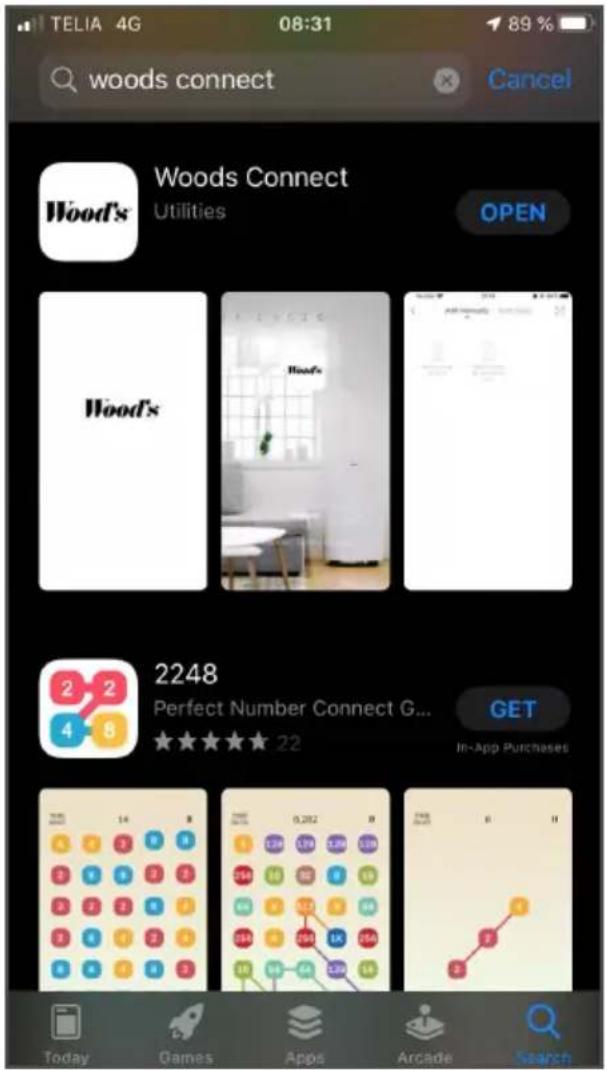
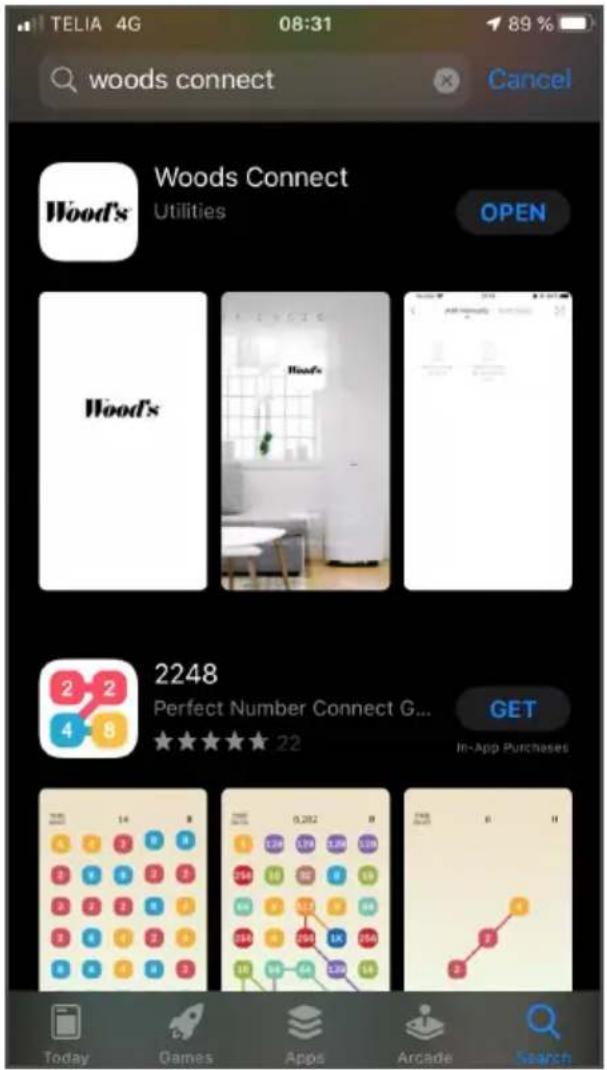
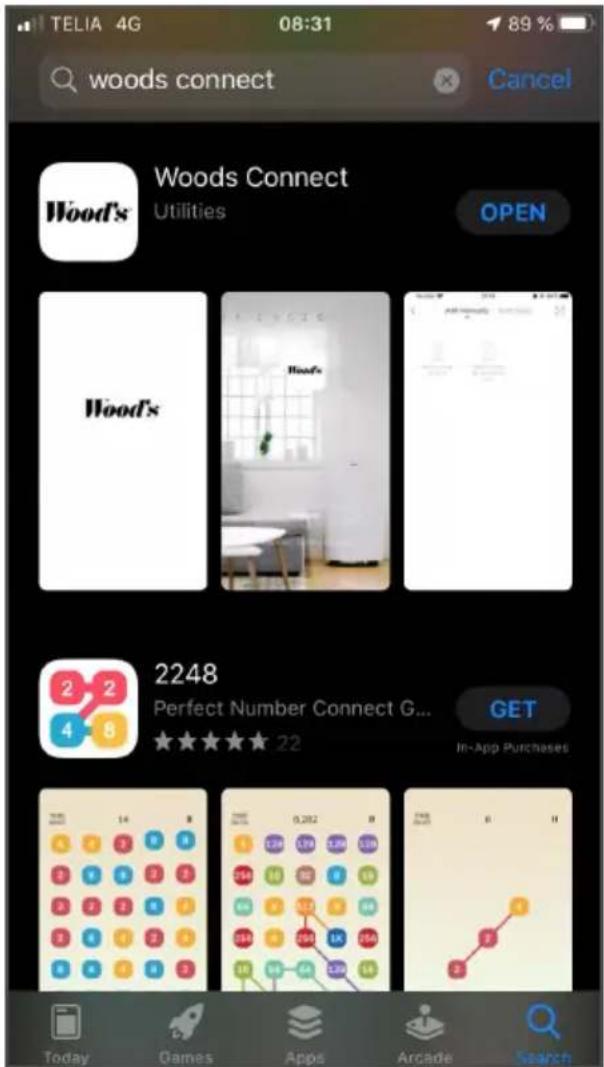
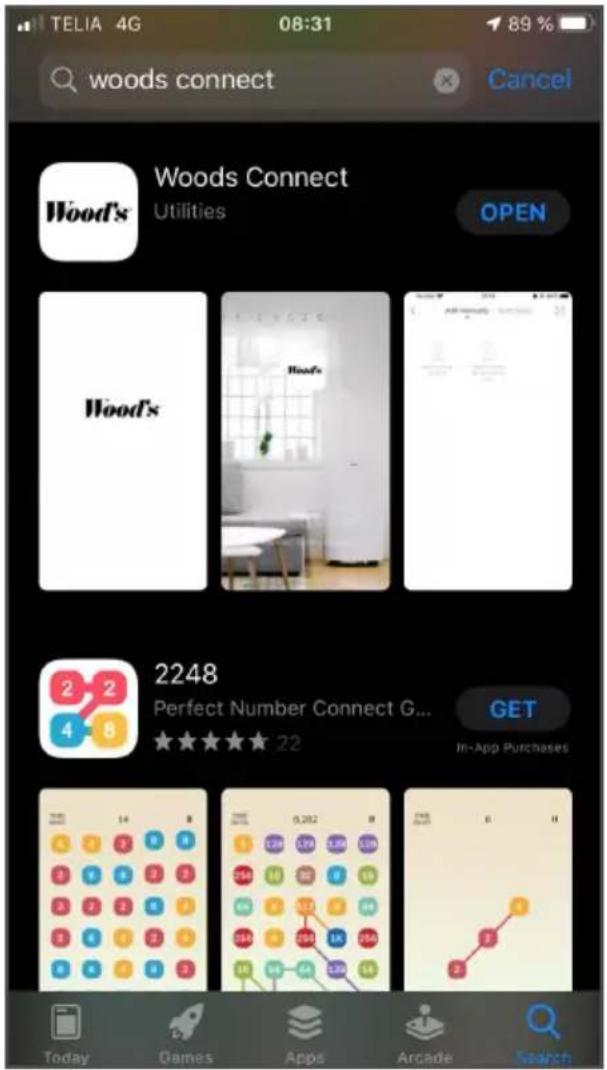
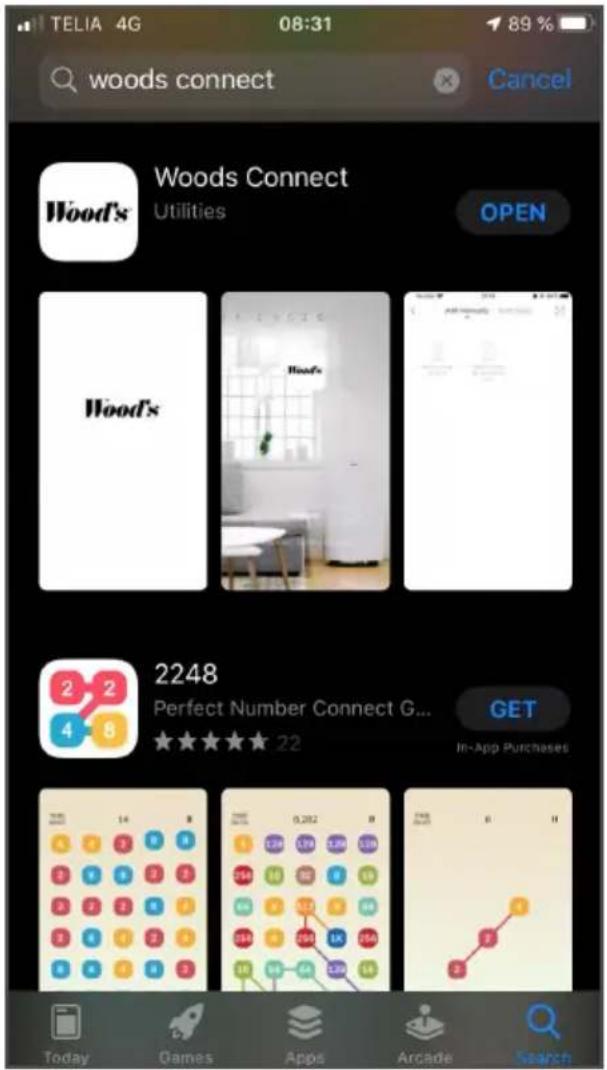
Download the app
Wood's
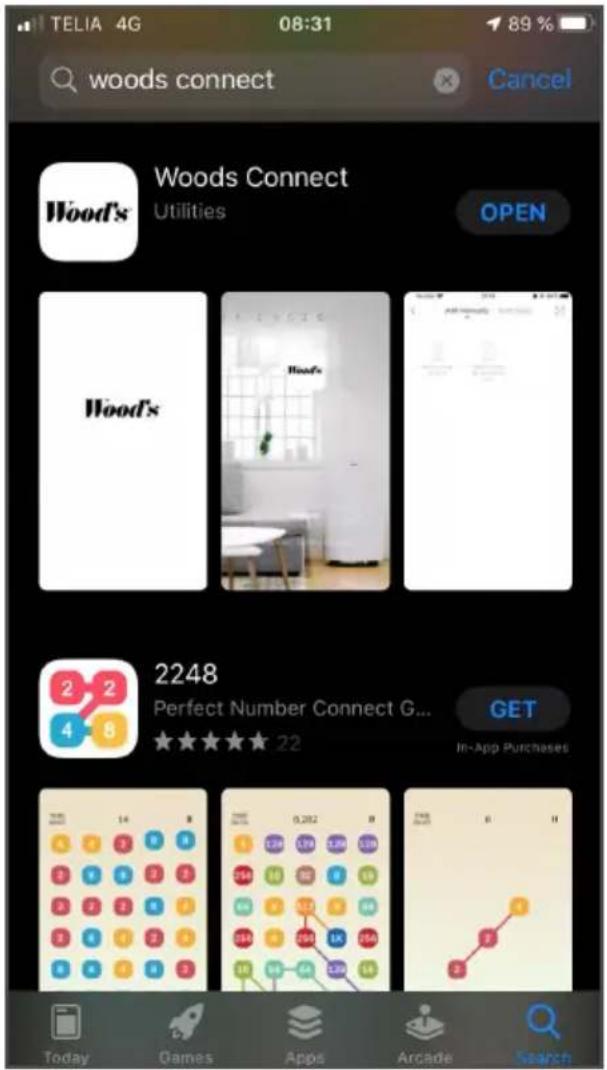
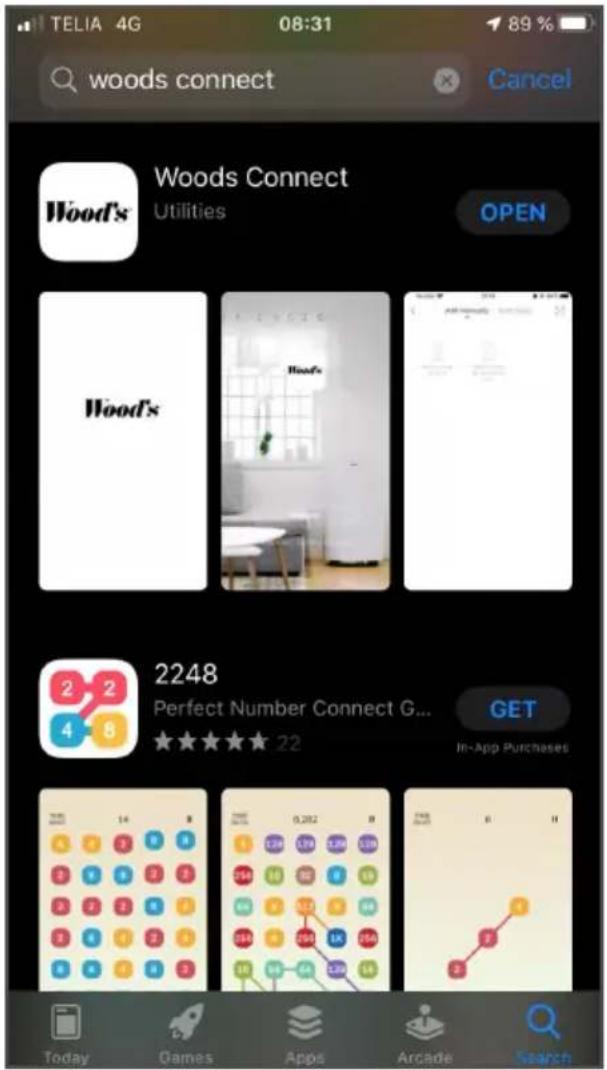
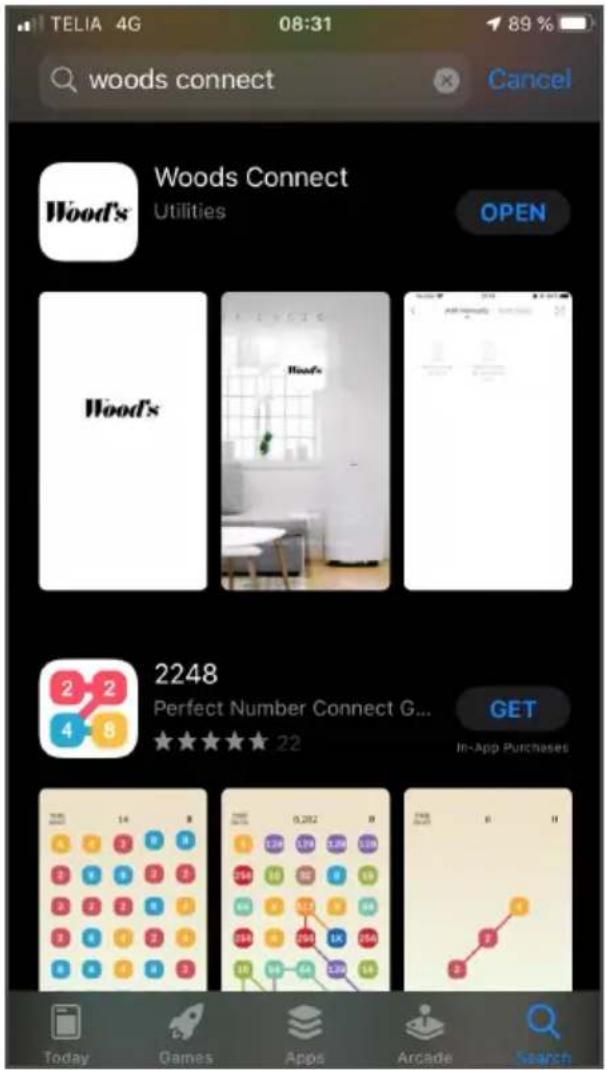
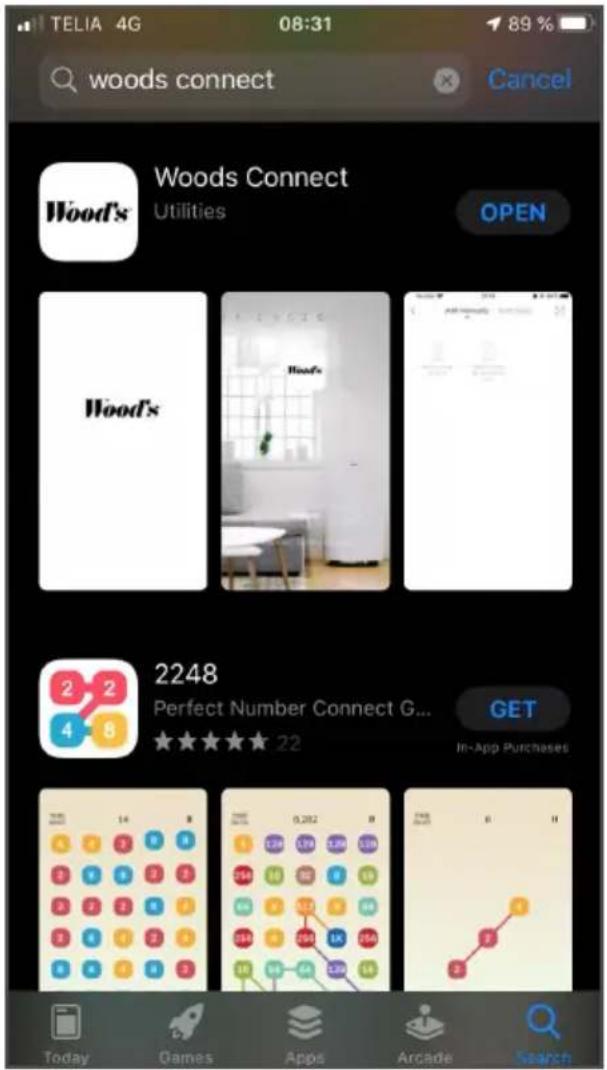
- Search for "Woods Connect" in App Store or Google Play.
- Tap "Download".
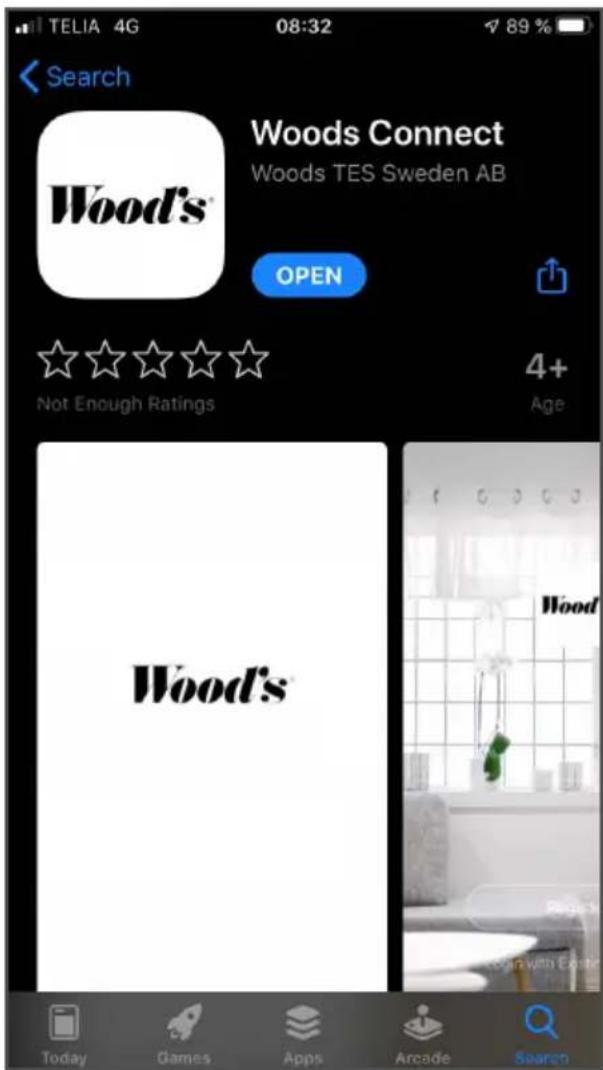
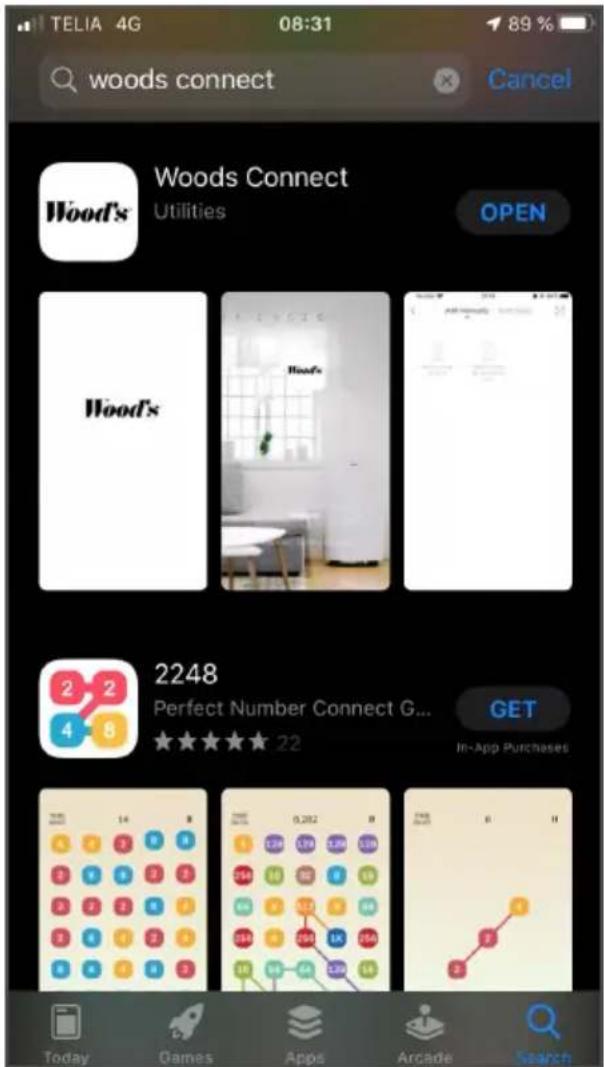
- Wait while downloading is underway. This may take a little while.
- Tap "Open" to launch the app.
OR
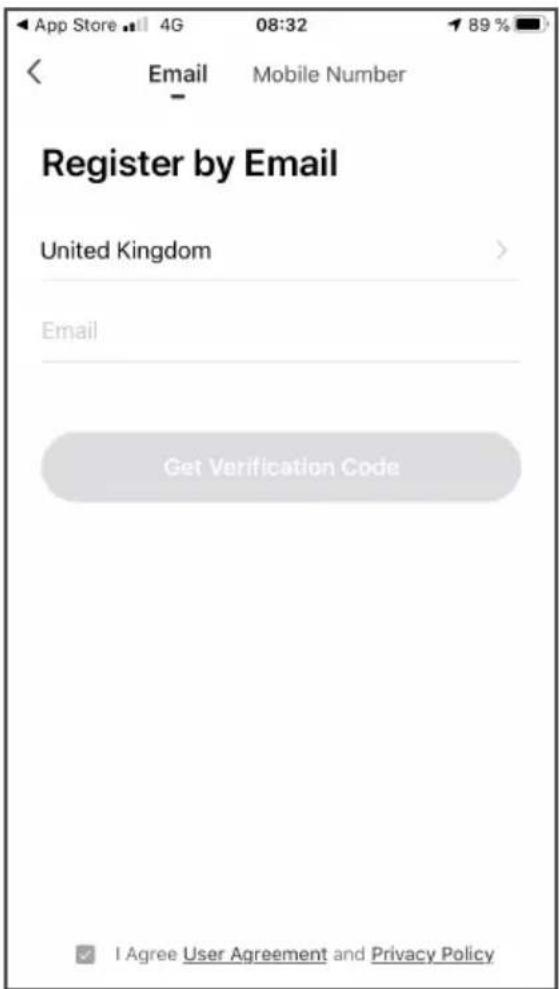
Choose to register via Email
- Fill in your email address.
- Read our user agreement and privacy policy.
- If you approve the agreements, check the box at the bottom.
- Tap "Get verification code".
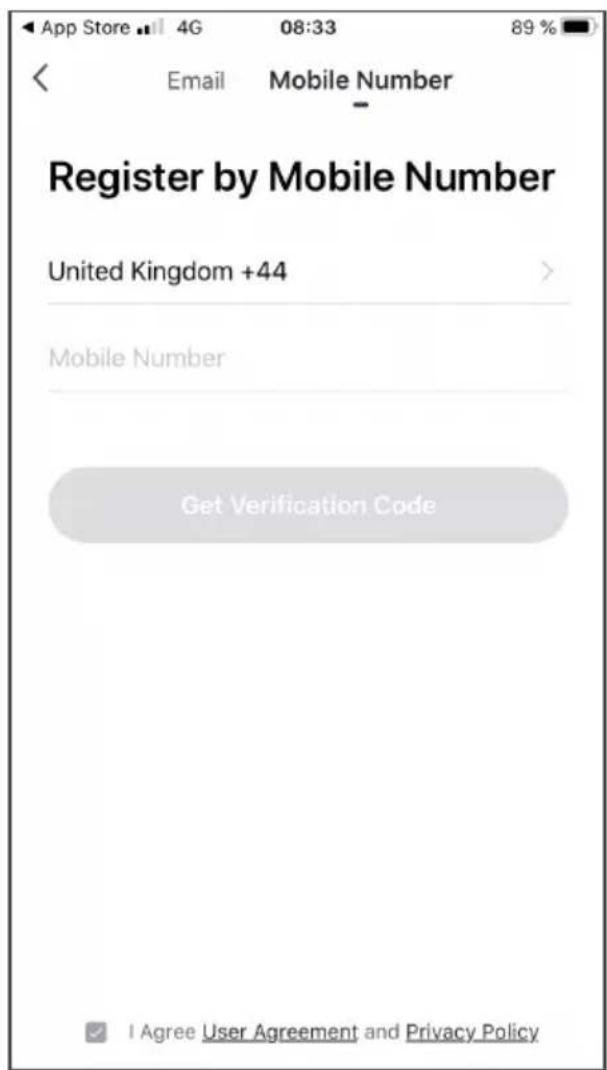
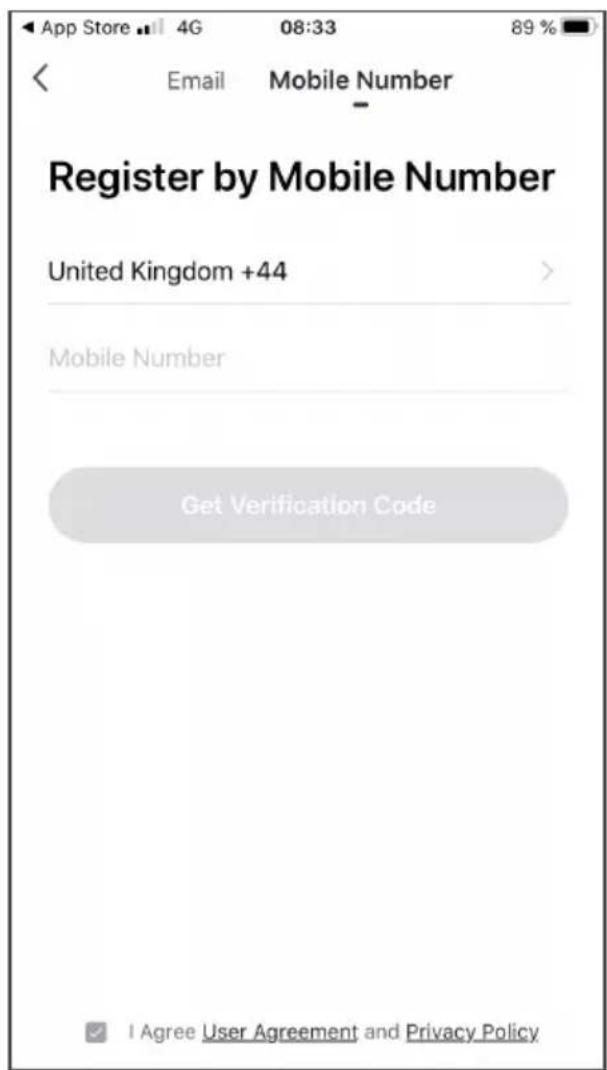
Choose to register via mobile number
- Fill in your mobile number
- Read our user agreement and privacy policy.
- If you approve the agreements, check the box at the bottom.
- Tap "Get verification code".
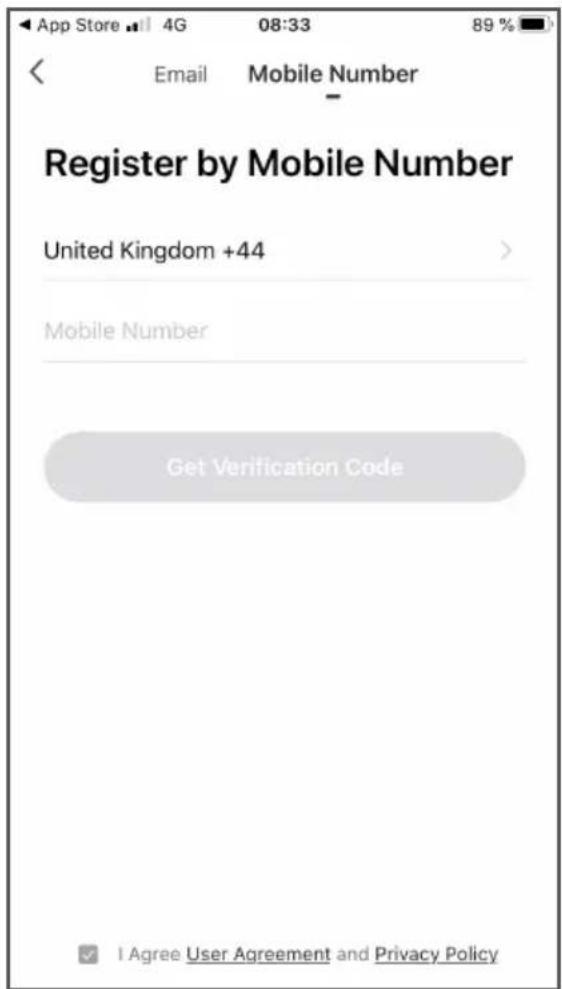
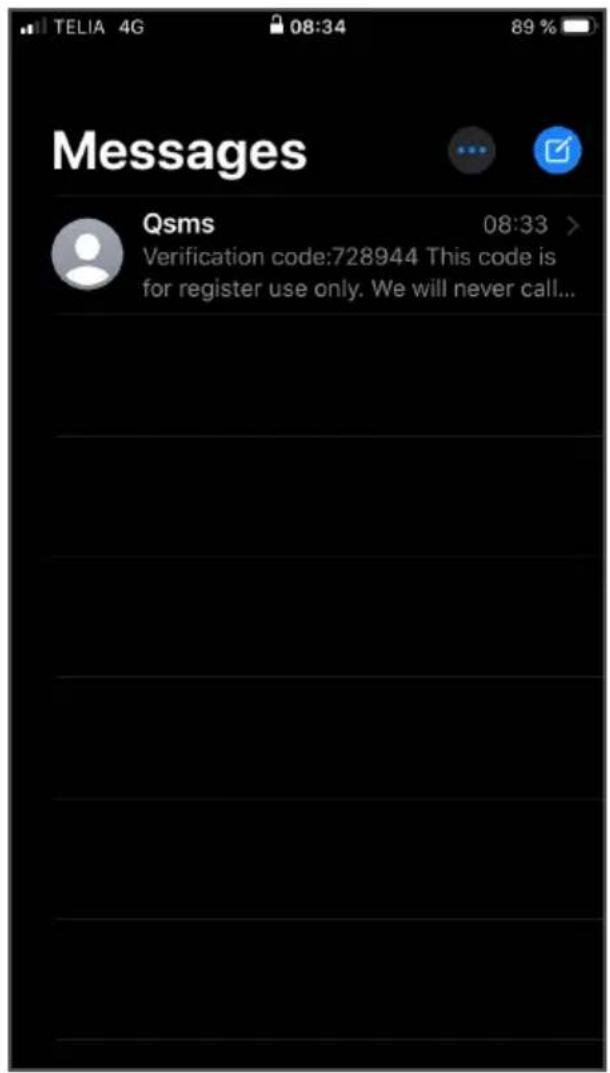
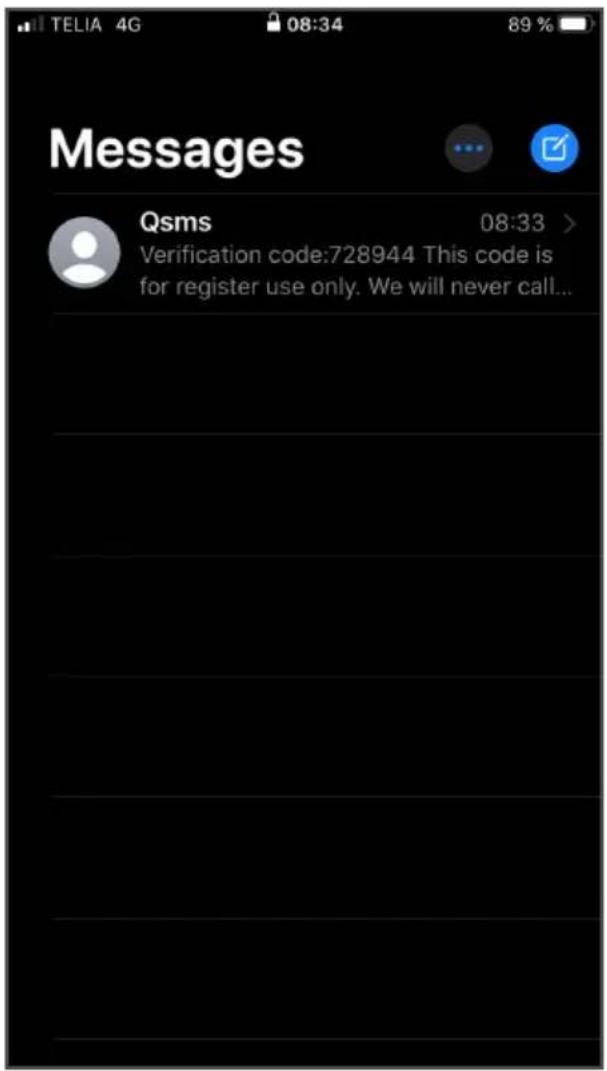
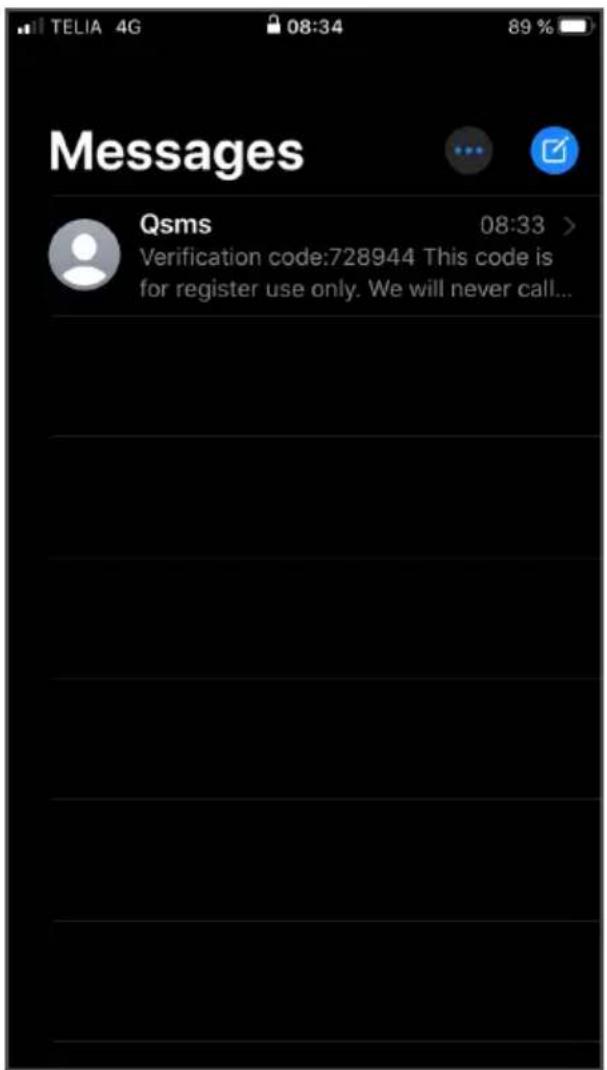
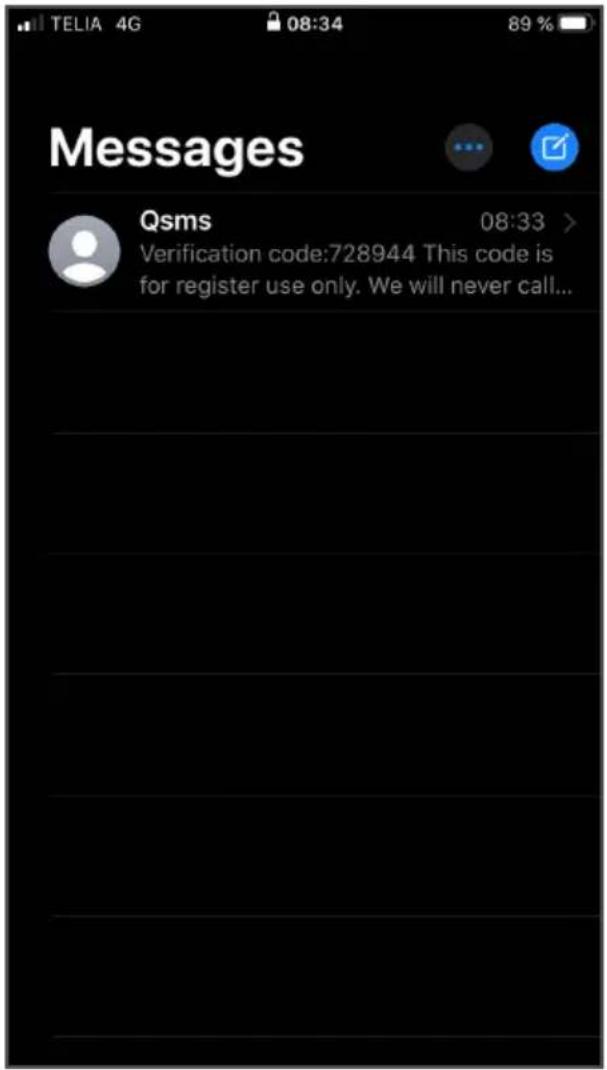
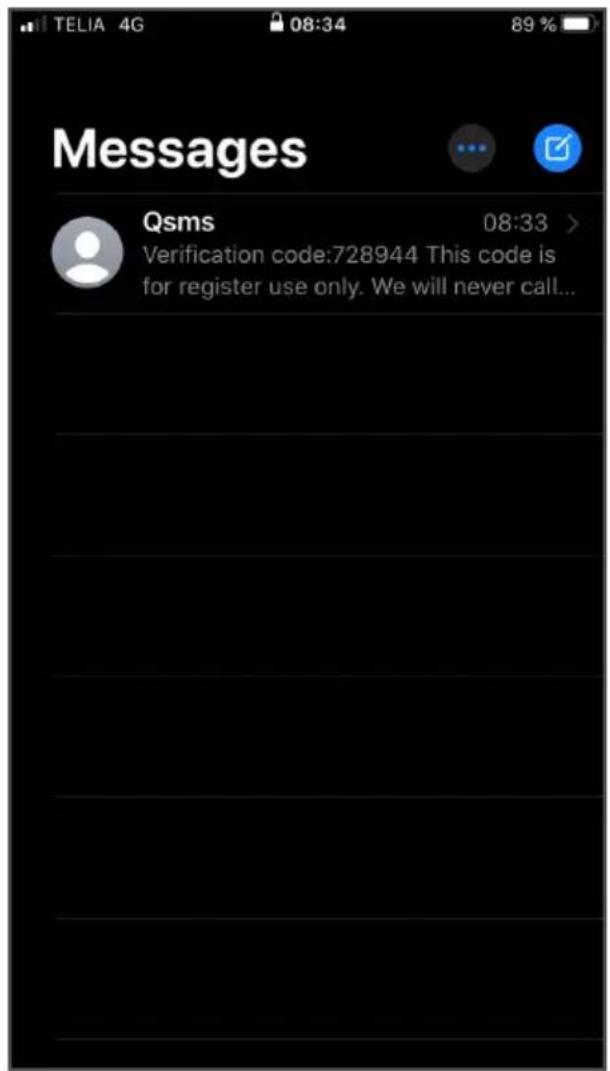
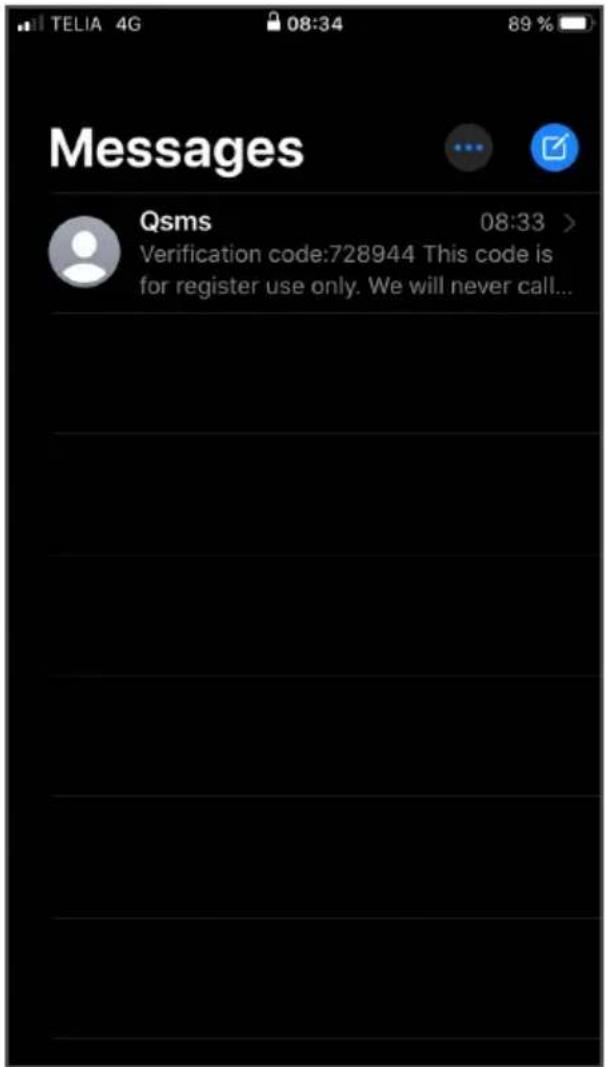
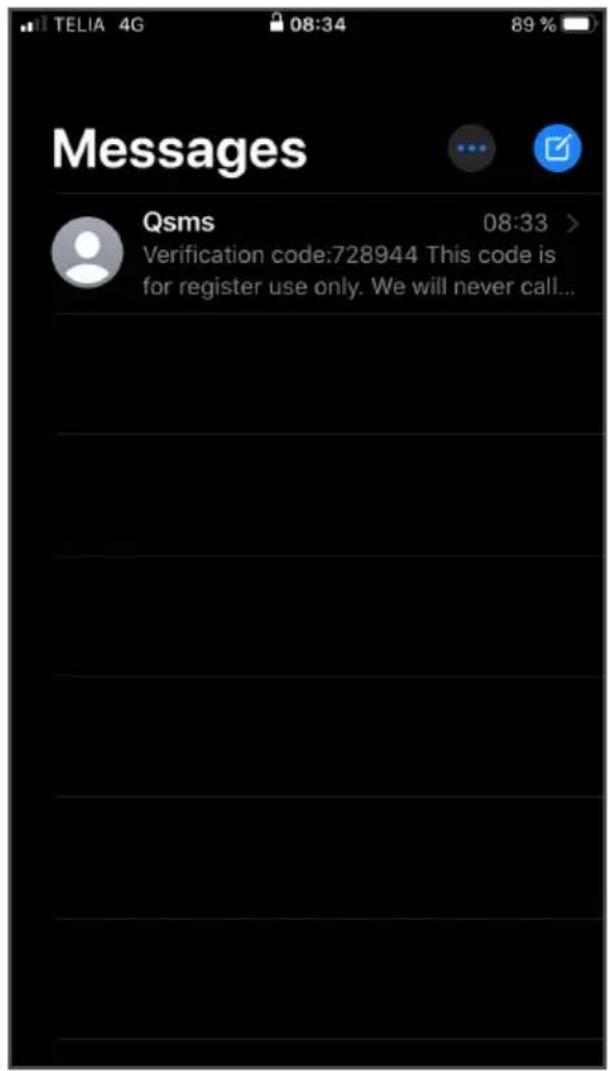
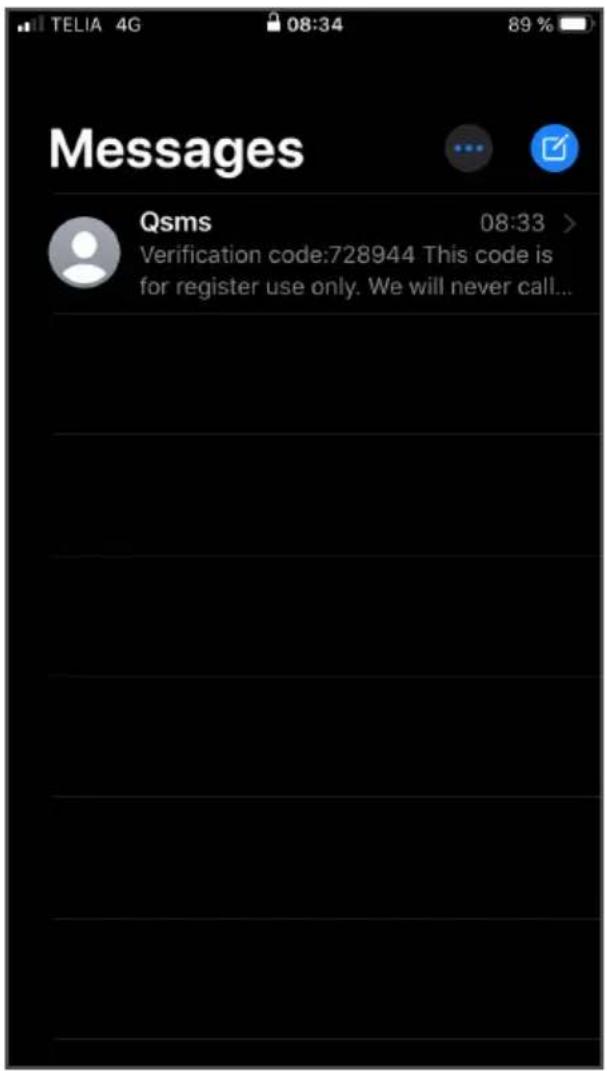
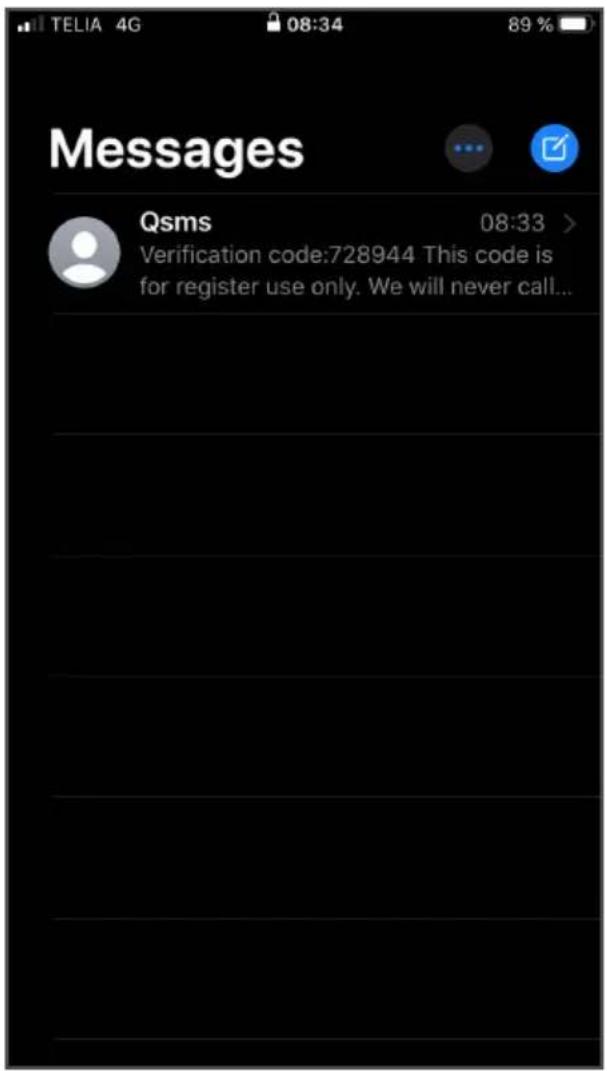
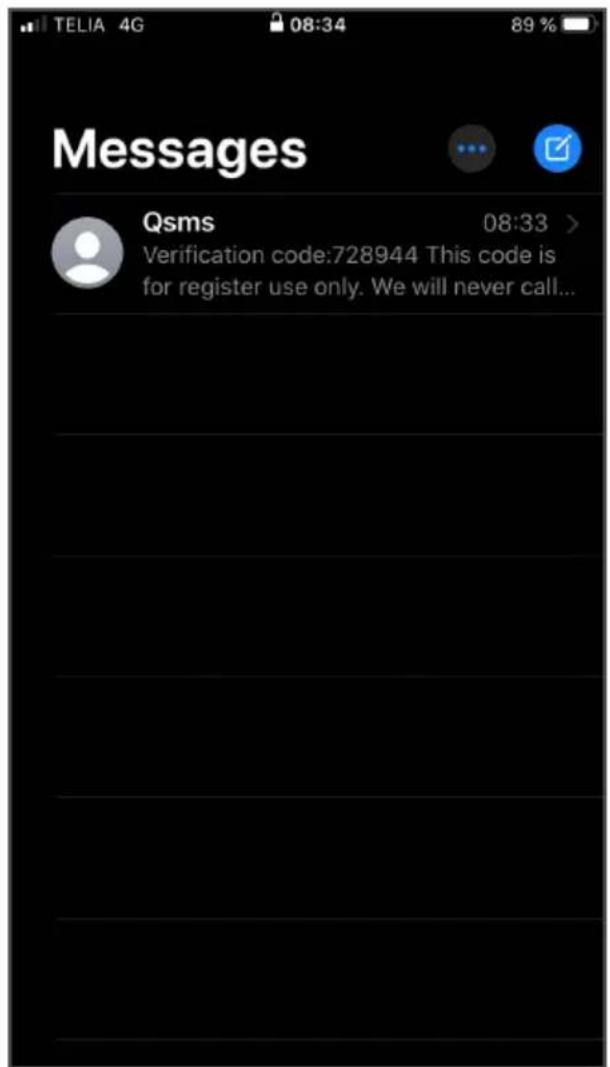
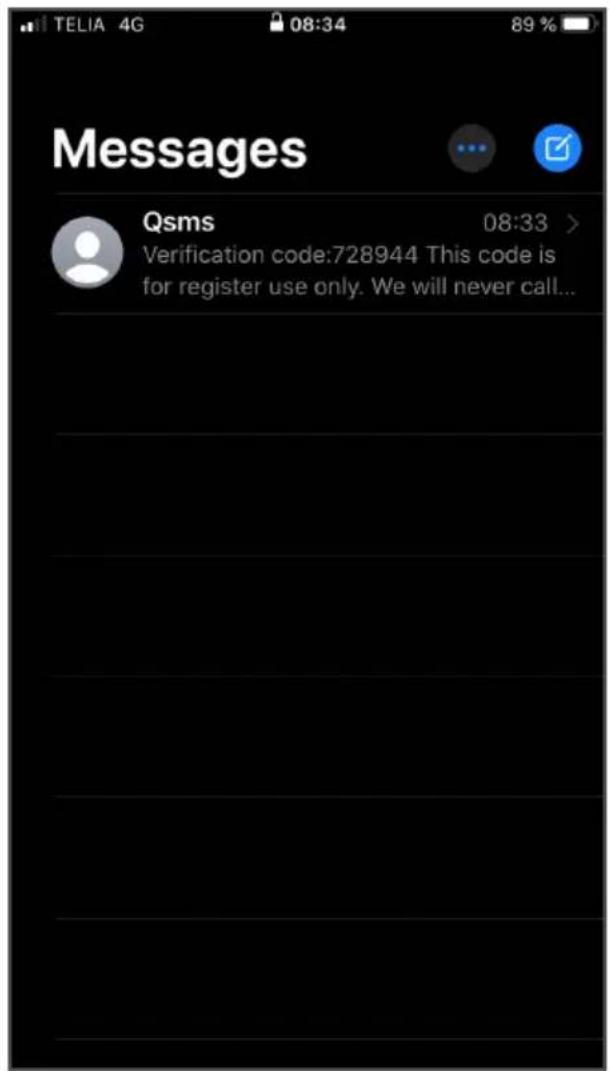
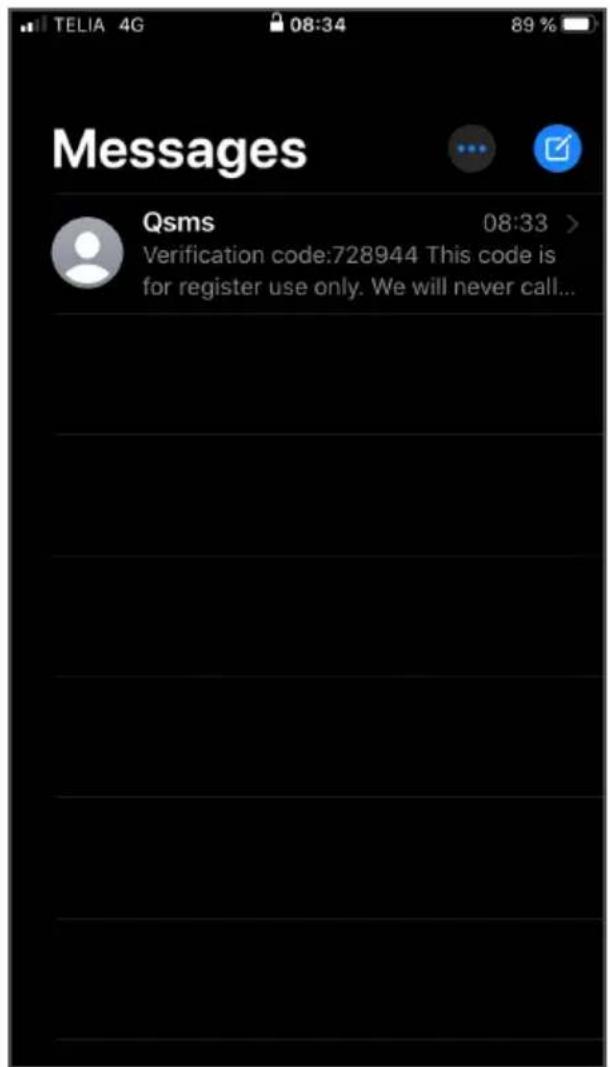
Tap "Verification code" under "From message".
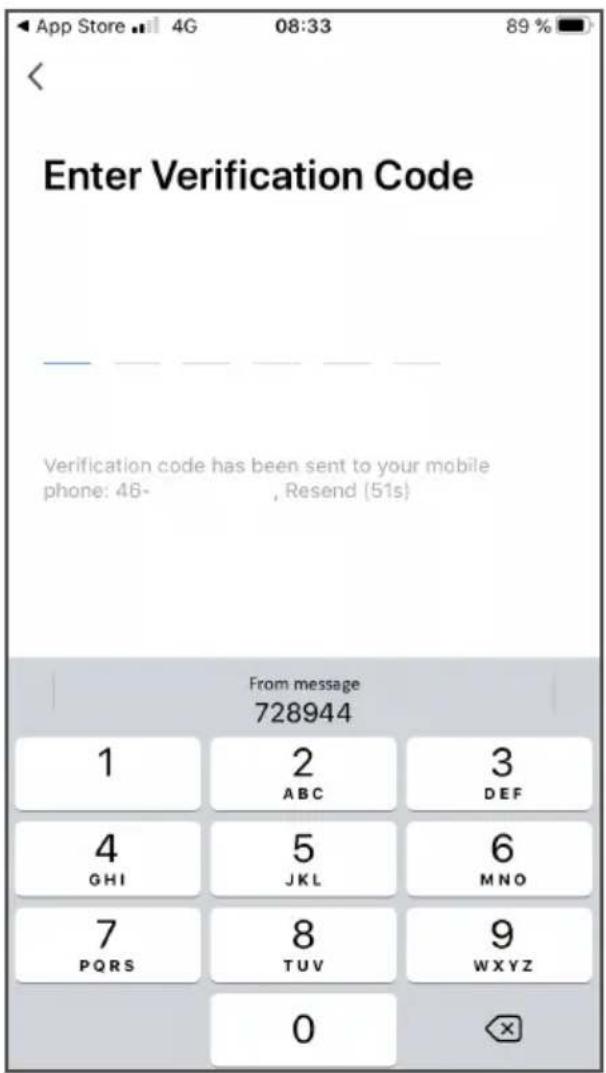
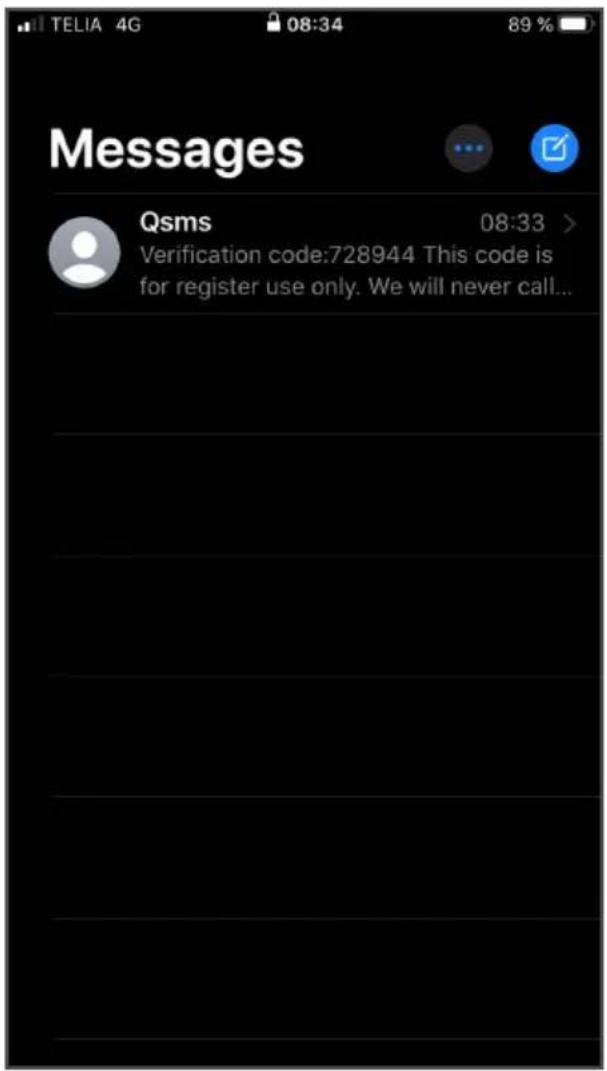
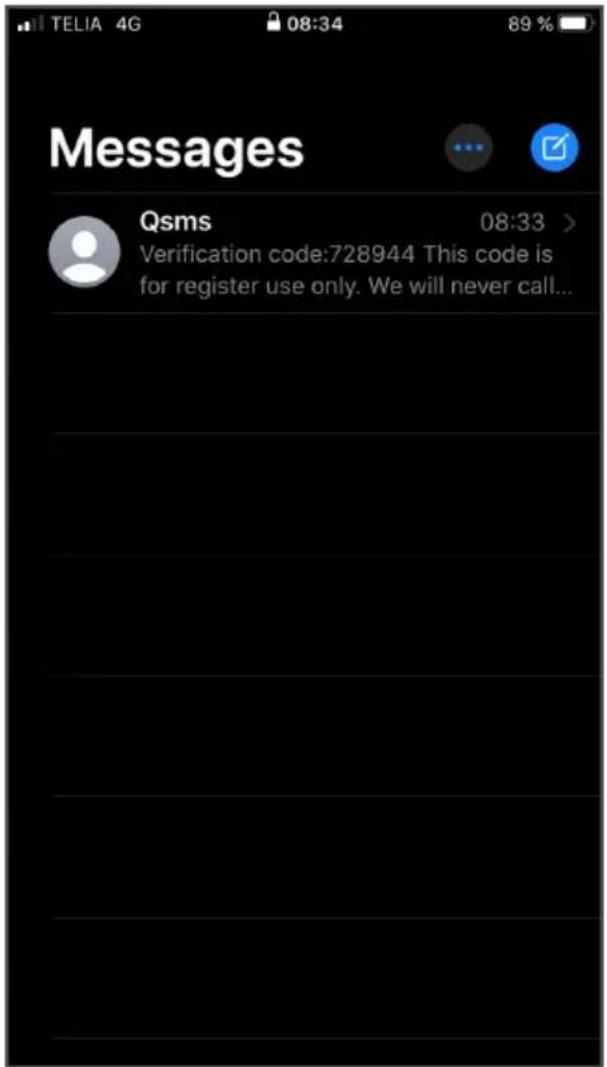
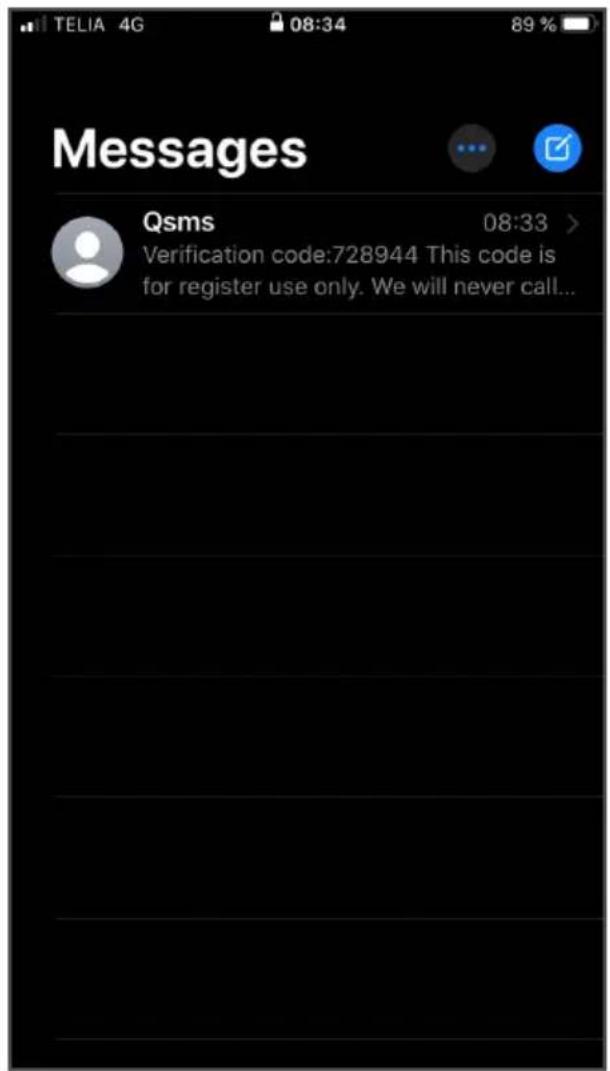
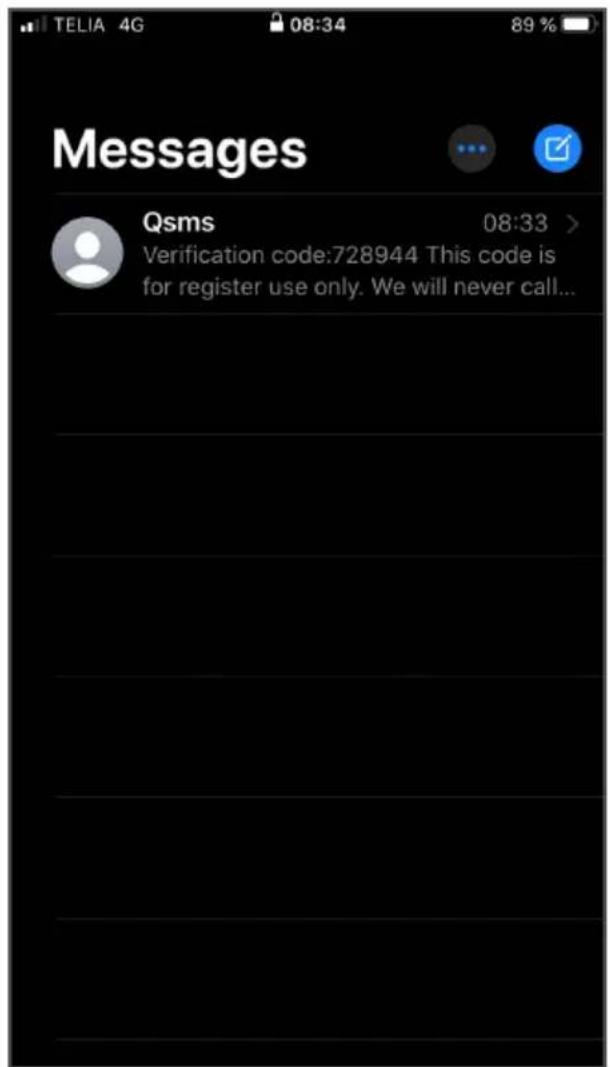
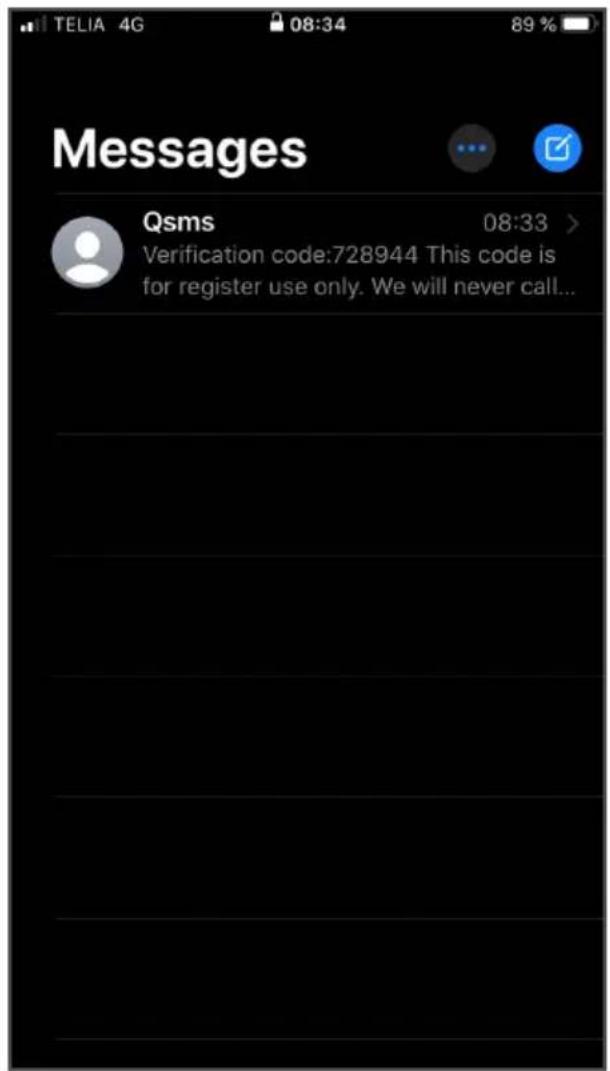
If you don't receive the code automatically, it's sometimes available in your messages.
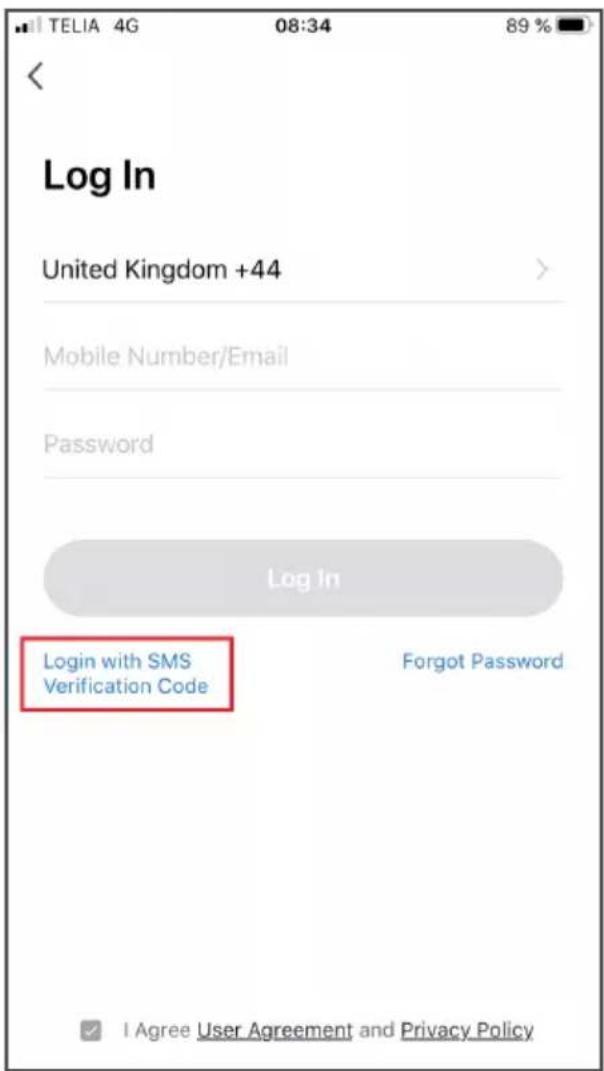
- Tap the red-marked "Sign in with SMS verification code".
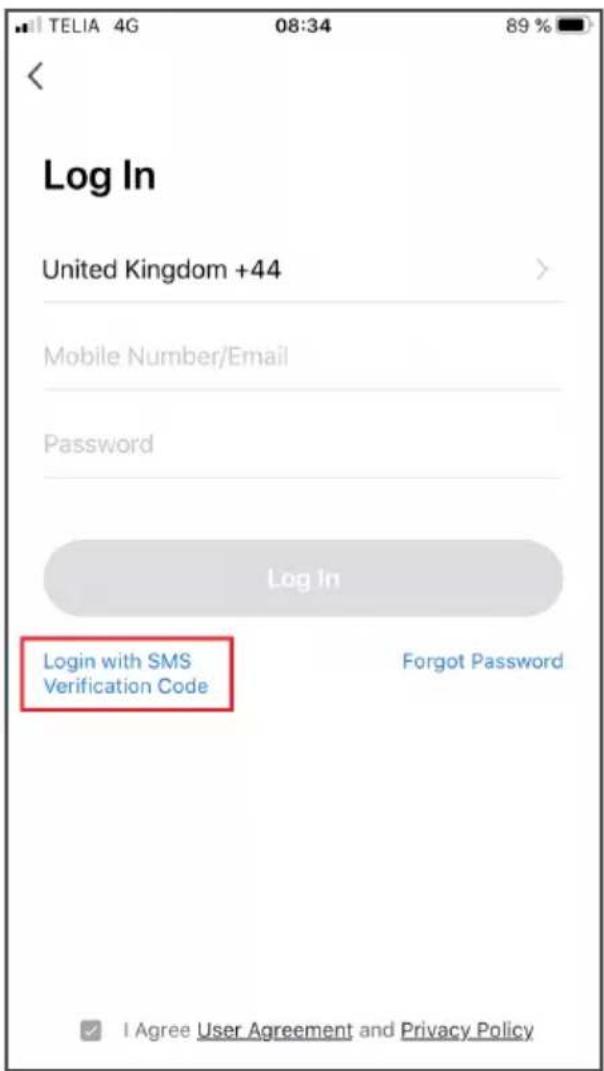
- Fill in your mobile number.
- Read our user agreement and privacy policy.
- If you approve the agreements, check the box at the bottom.
- Tap "Get verification code".
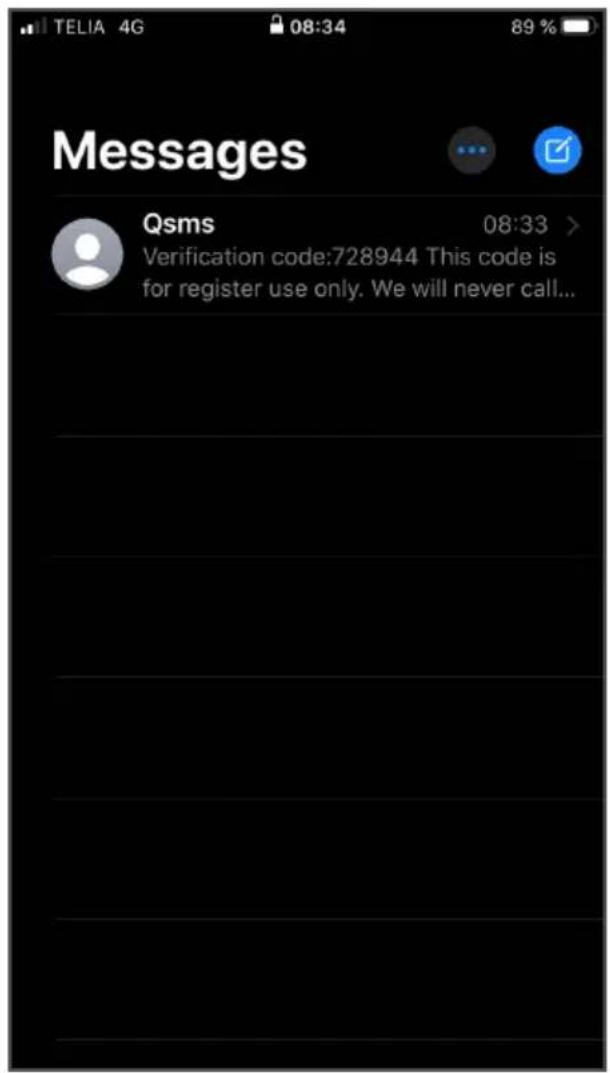
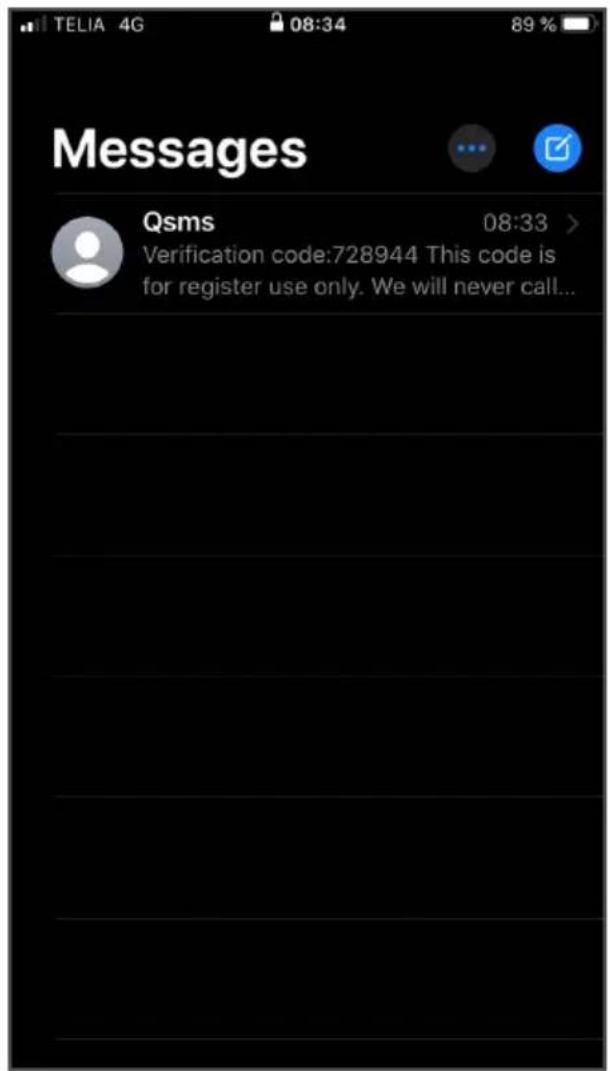
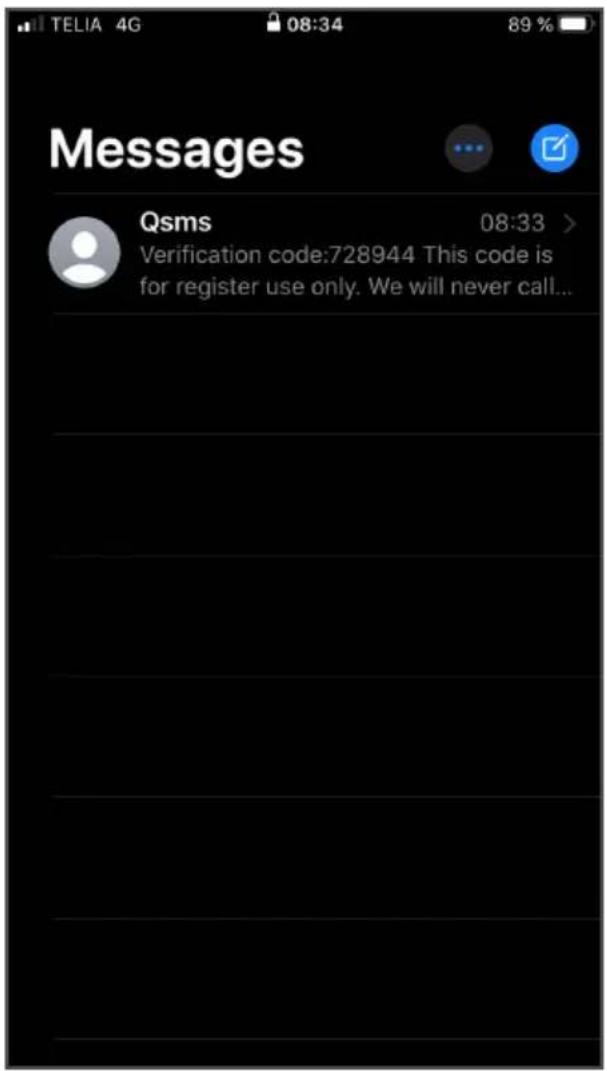
Tap "Verification code" under "From message".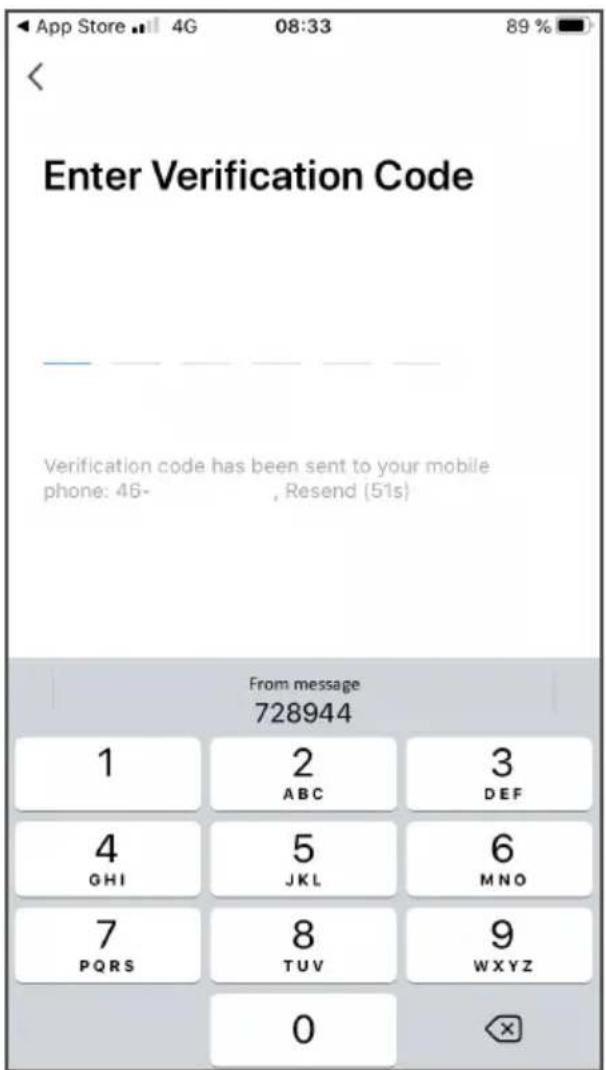
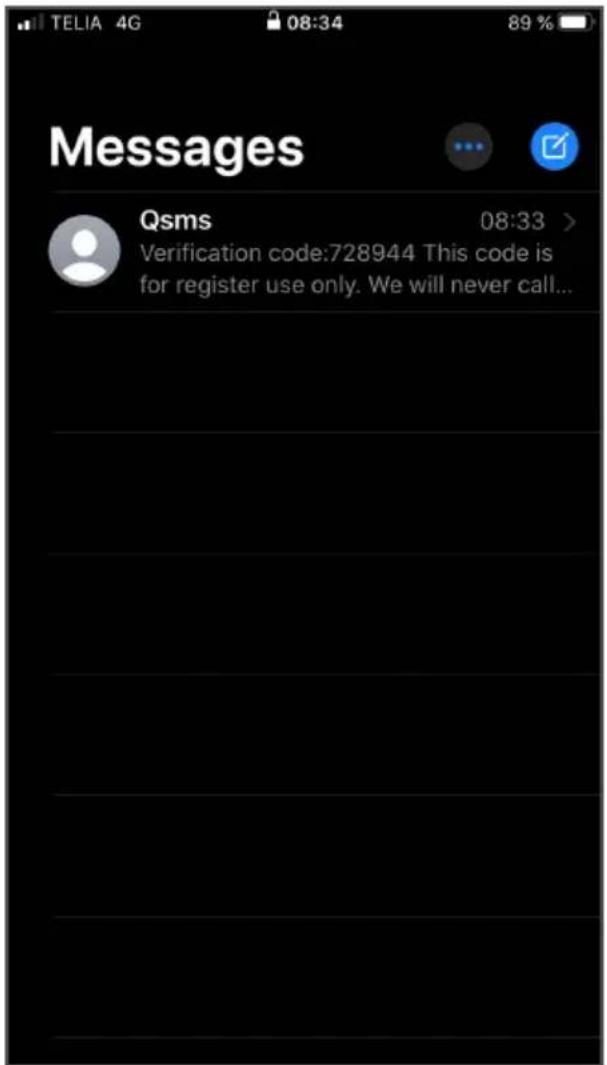
If you don't receive the code automatically, it's sometimes available in your messages.
Recover your password
- Tap the red-marked "Forgot your password".
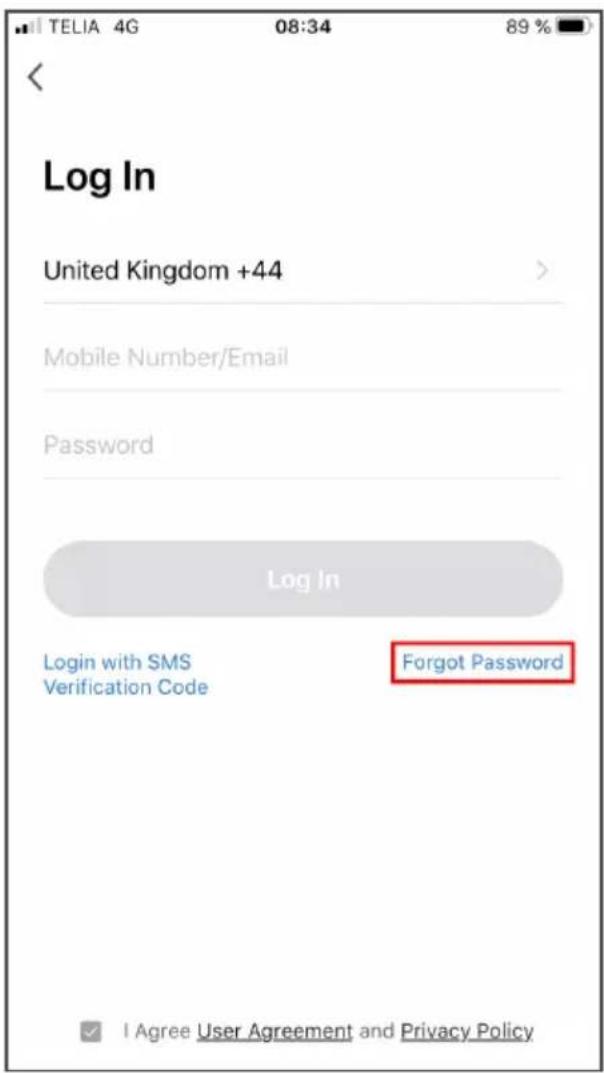
- Fill in your mobile number / Email
- Read our user agreement and privacy policy.
- If you approve the agreements, check the box at the bottom.
- Tap "Get verification code".
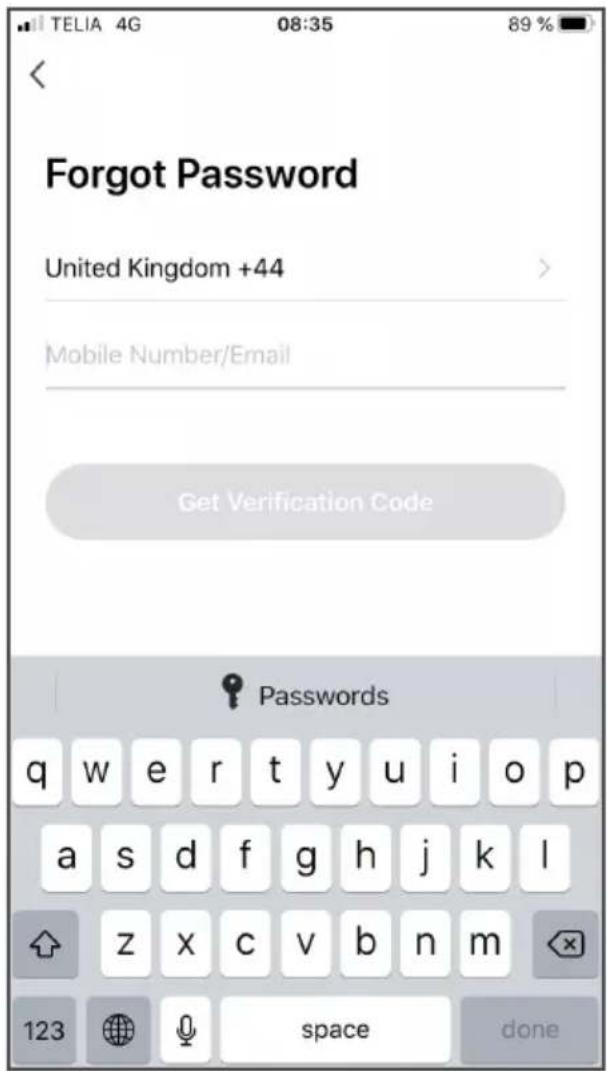
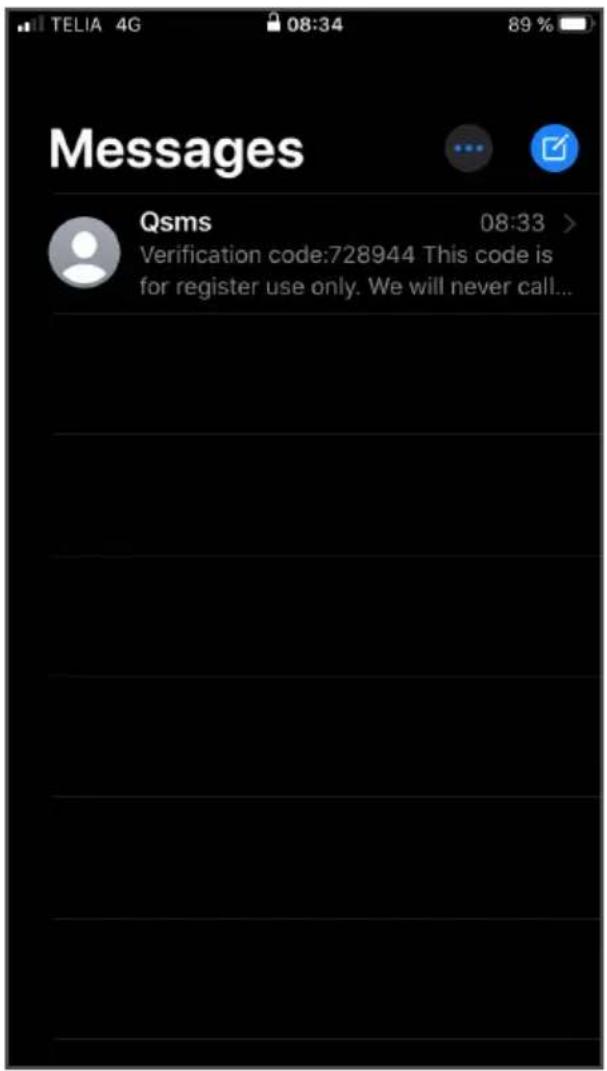
Tap "Verification code" under "From message".
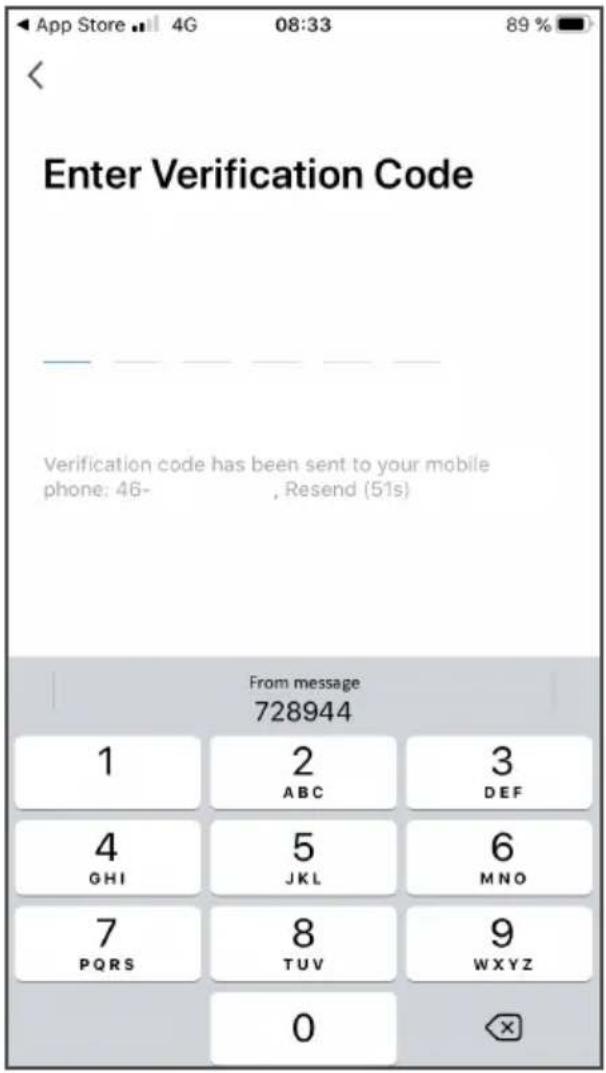
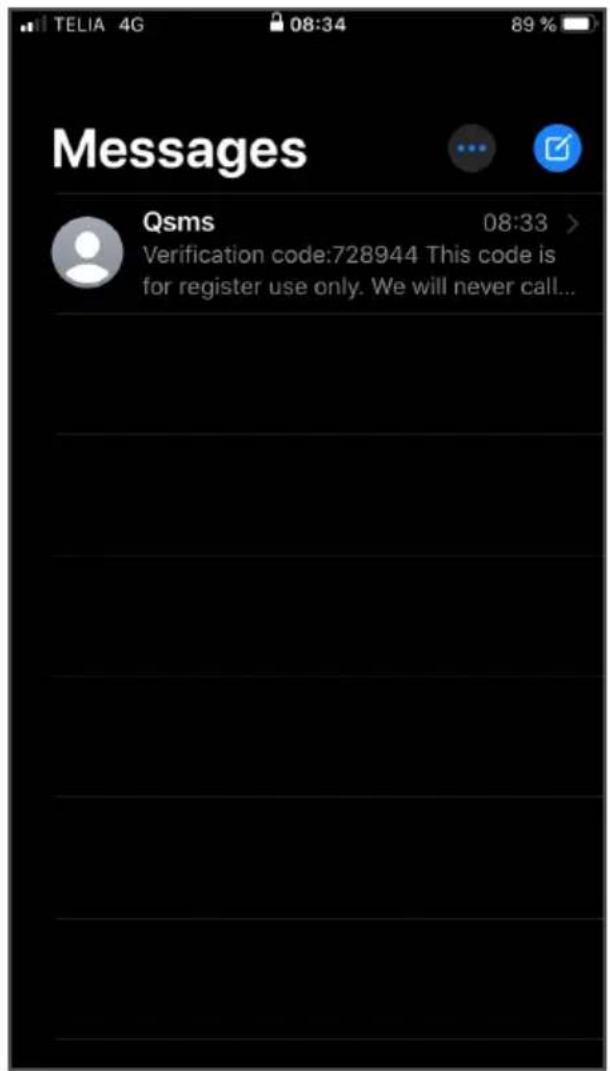
If you don't receive the code automatically, it's sometimes available in your messages.
Under the Home menu:
- Tap the red-marked "Add device".
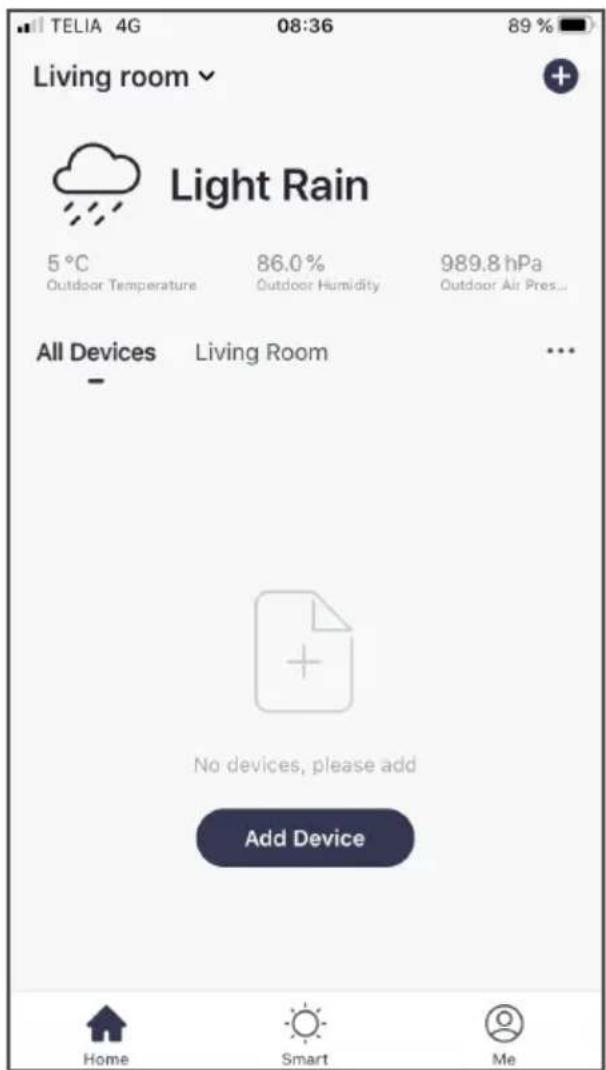
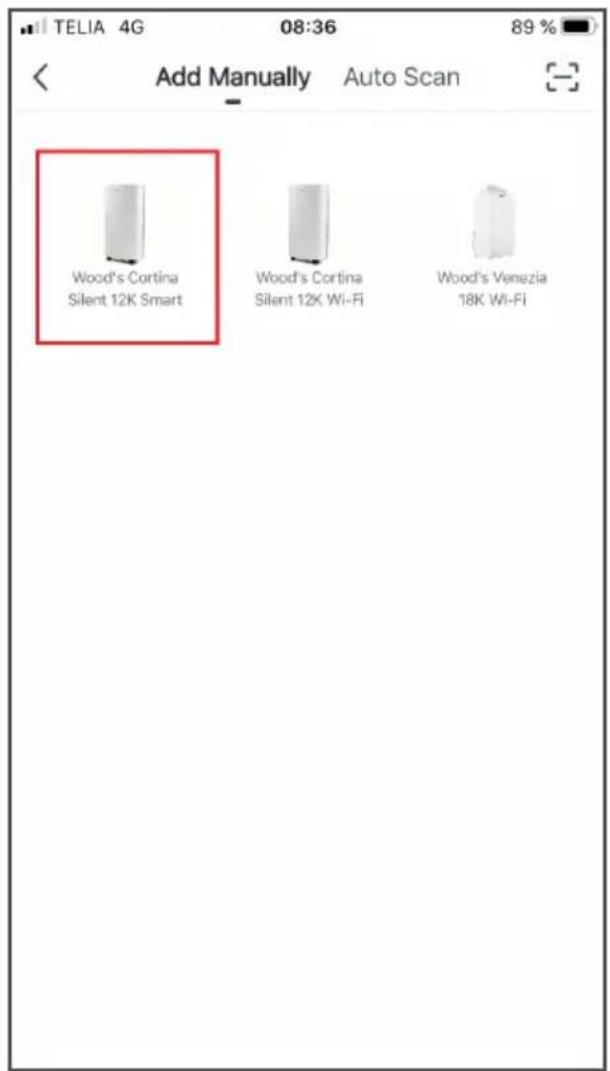
Choose product.
- Tap the product you want to add and control via WiFi.
For example: Wood's Cortina Silent 12K Smart Home
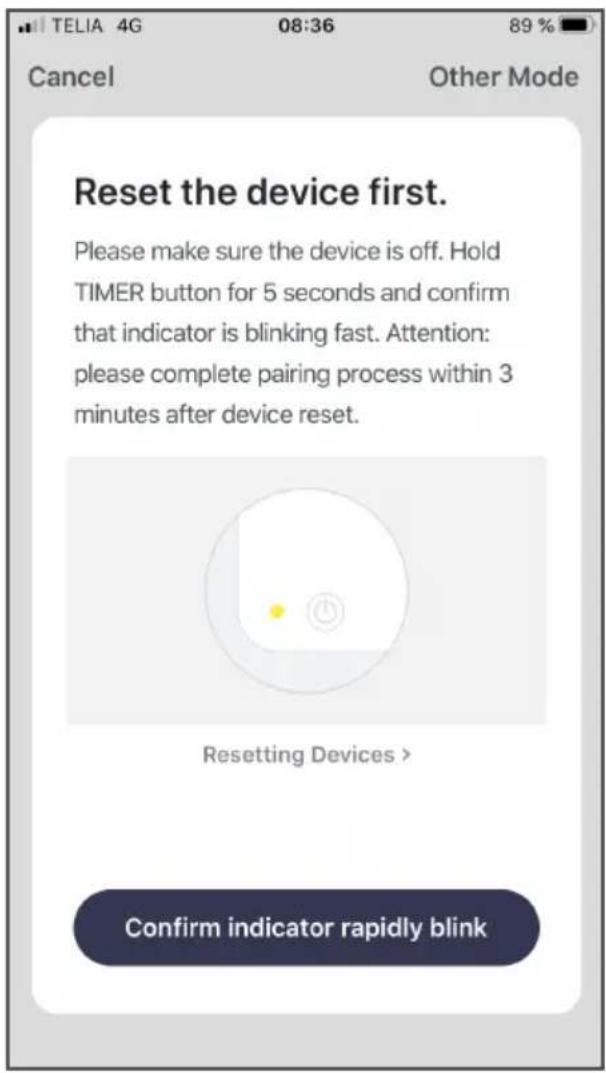
Reset device Sign in to your local WiFi
- Reset the device in this case by holding down the + button for 5 seconds.
NOTE:
How a device is reset can differ between models. Always follow the on-screen instructions in the Woods Connect app for guidance.
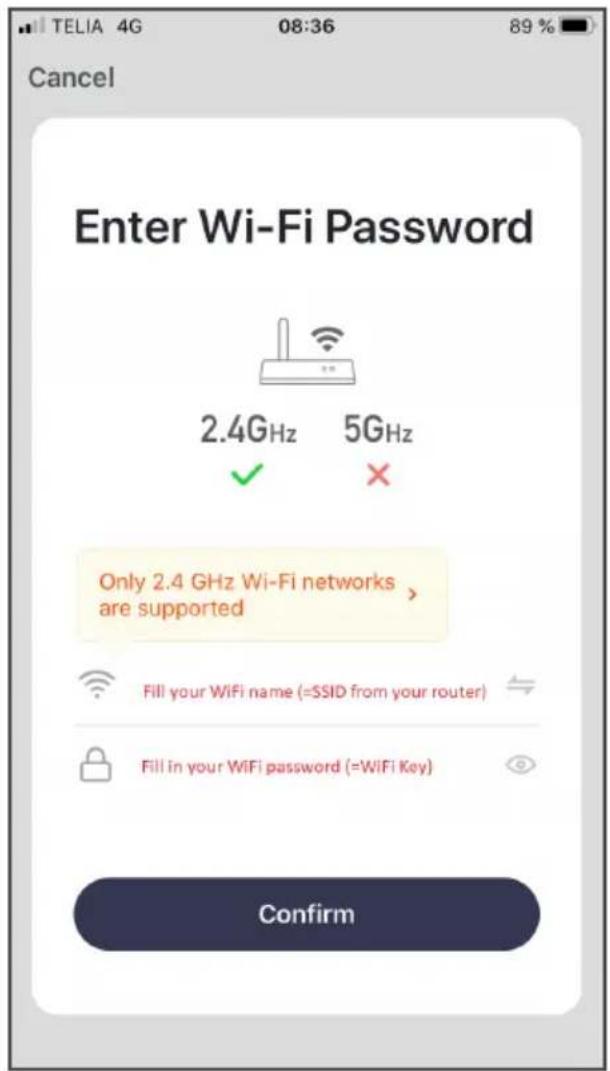
- Fill in your local WiFi name. In some cases, this is the same as SSID.
- Fill in your local WiFi password. In some cases, this is the same as WiFi Key.
Connect...
1. Let the app work.
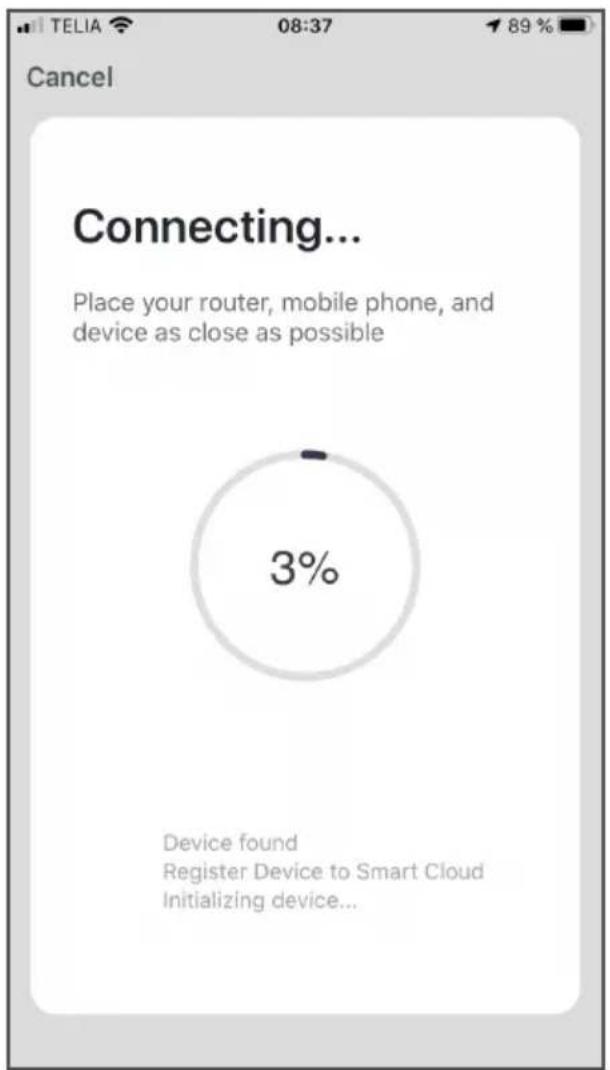
2. After a while, your device will be connected to the app and your WiFi.
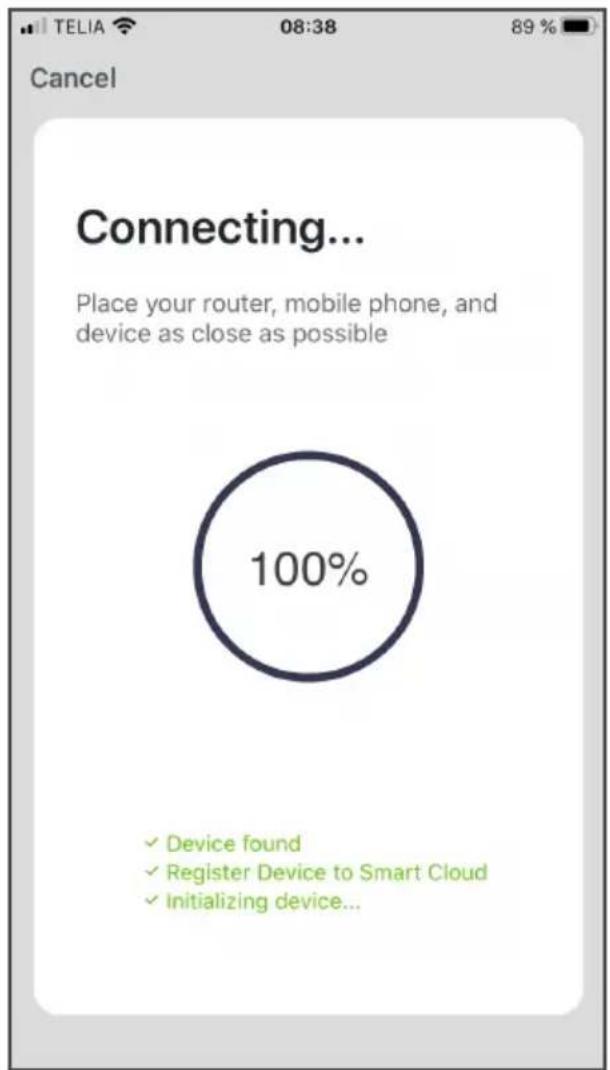
Connect...
Finished.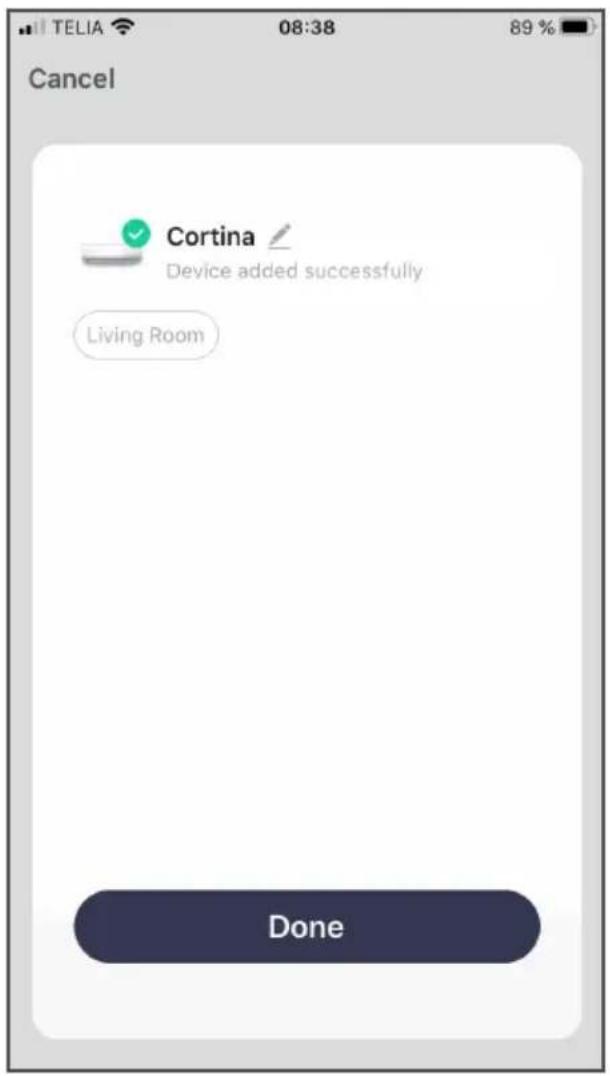
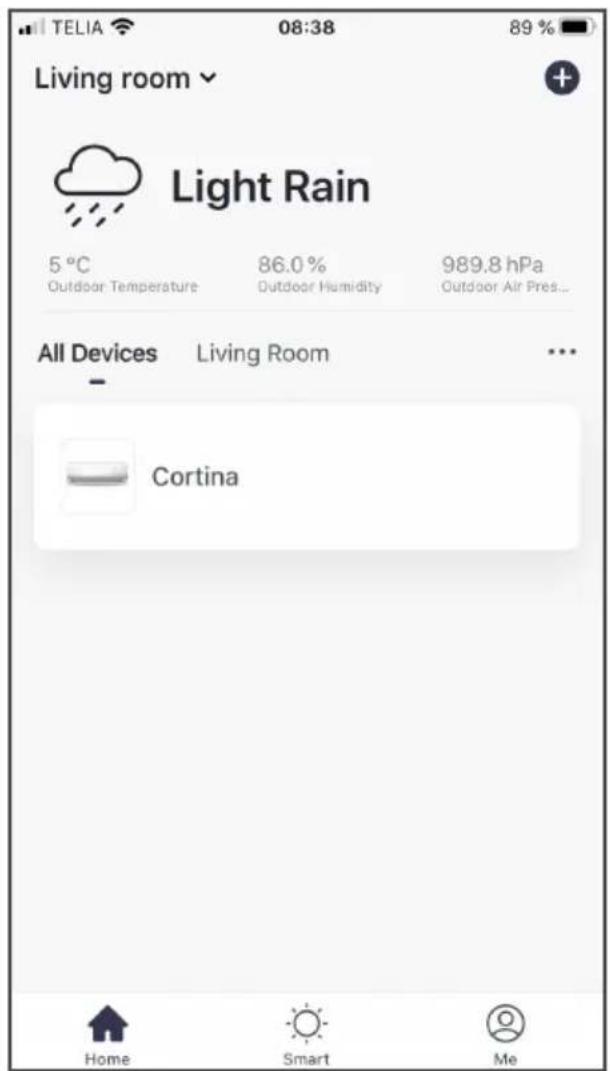
The device is now available in the Woods Connect app under "Home".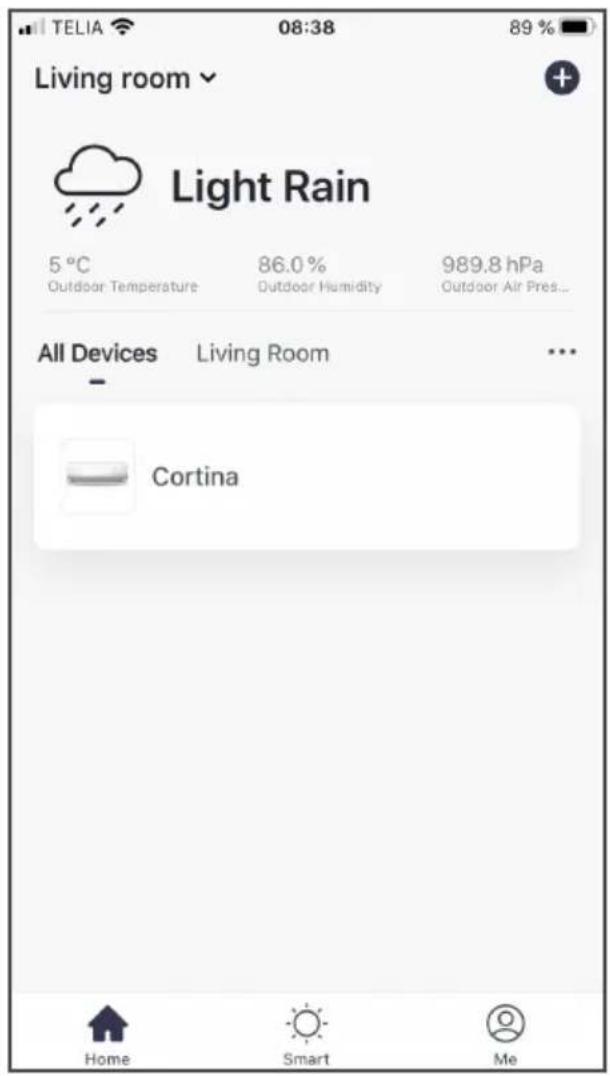
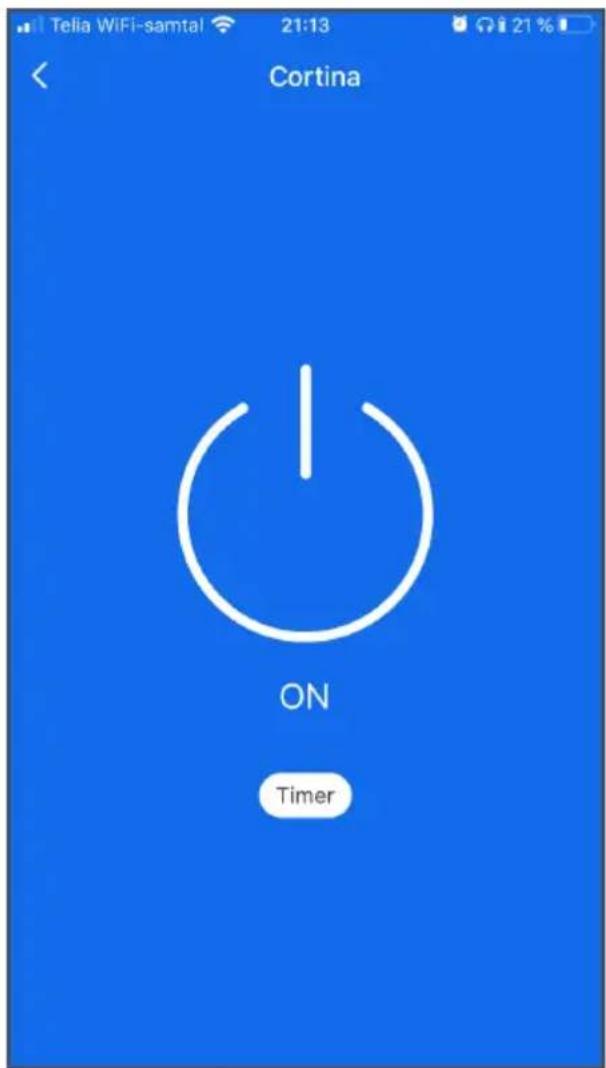
Tap the button
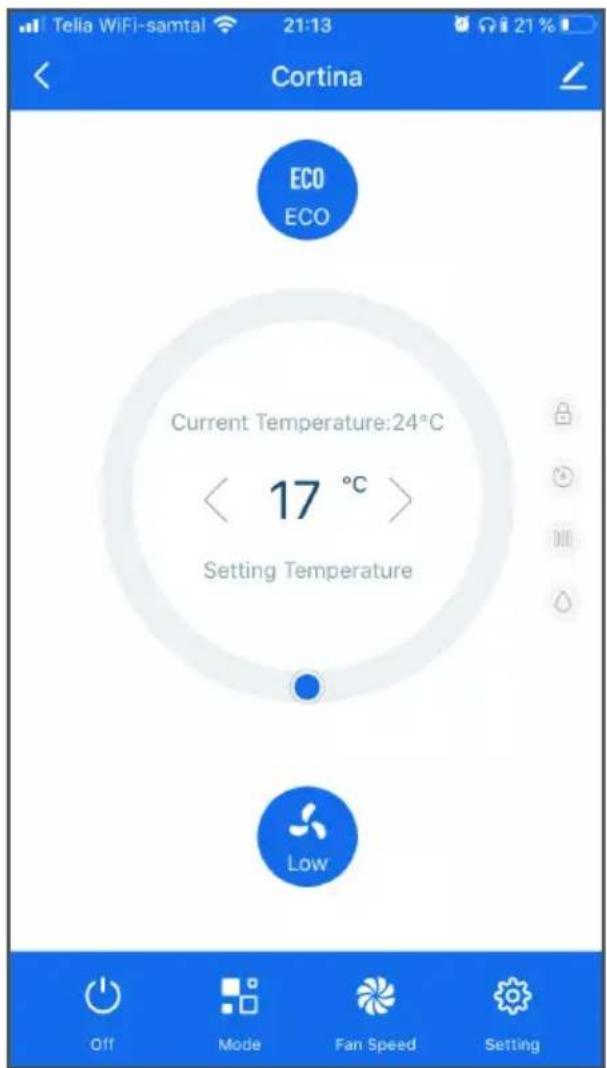
- Tap the ON button to start the device.
Settings
- You can now select fan modes, working mode, temperature and more.
Tip:
You can naturally control your device when you're not near your local WiFi. For example, you can start your AC in the afternoon even before you leave work for home. So that you arrive home to a cool environment.
OBS!
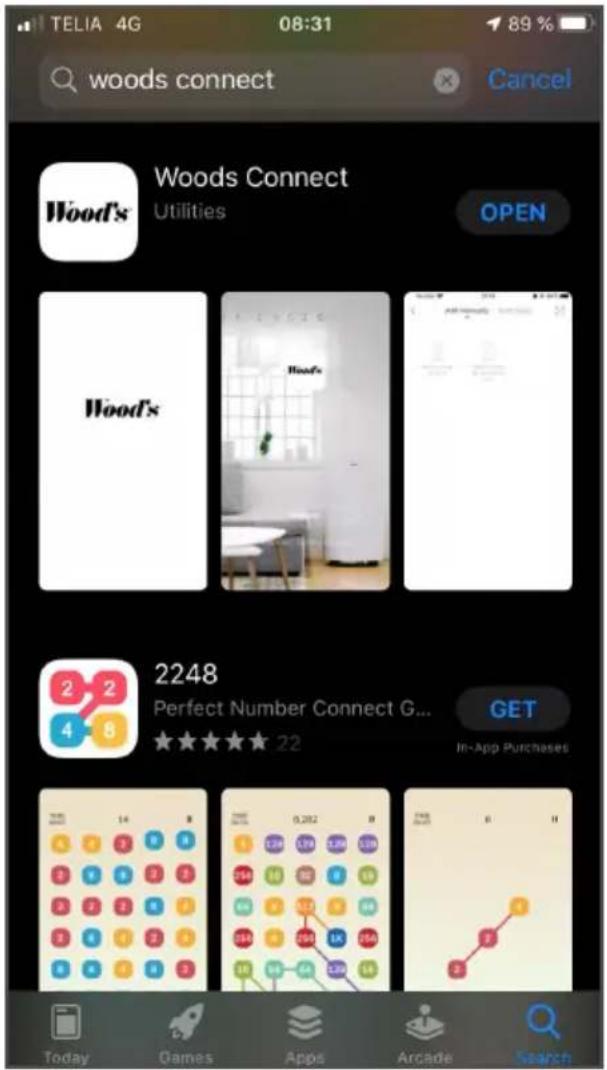
- Note: Wait for the app to download. It may take a little time.
- Tap "Open" to start the app.
OR
Choose to register via email.
In the Home menu:
NOTE:
Connect...
Connect...
Done.
Tap the button

NOTE:
Connect...
Connect...
Finished.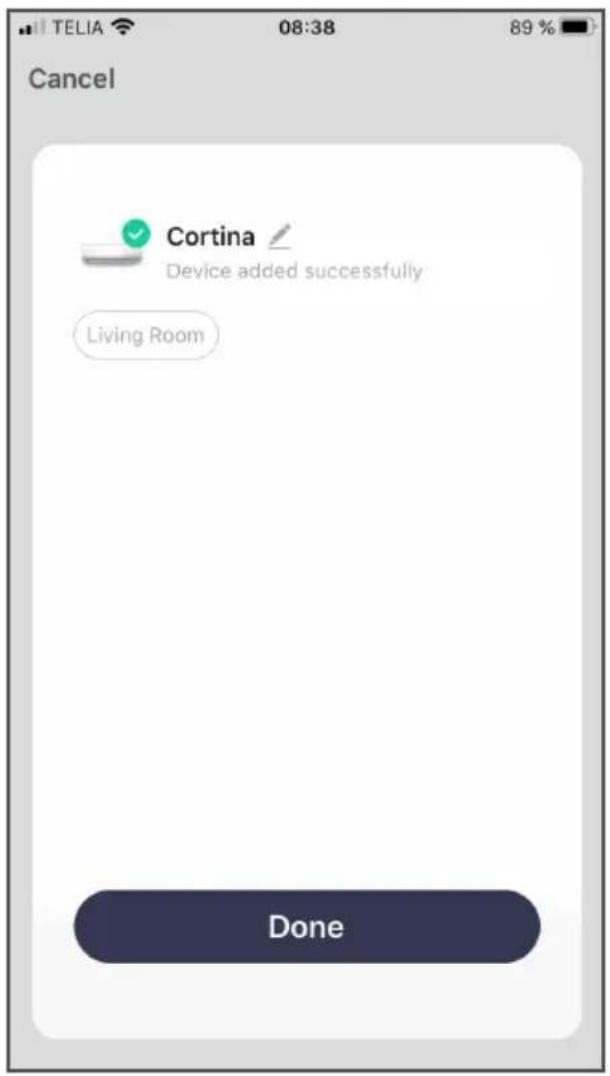
Select registration with mobile number
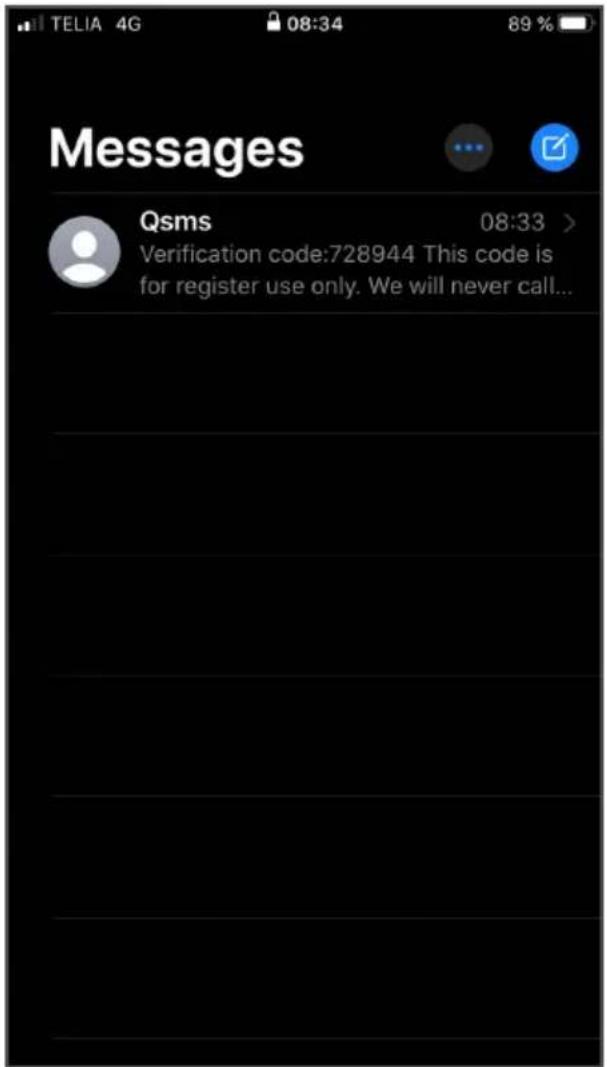
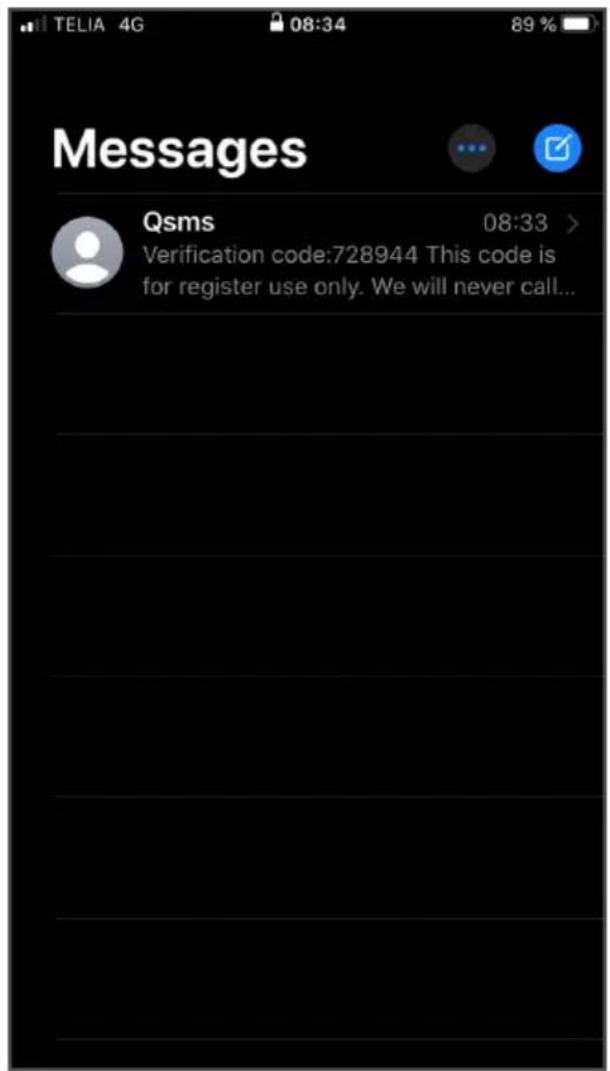
NOTE.
Connecting...
Connecting...
Completed.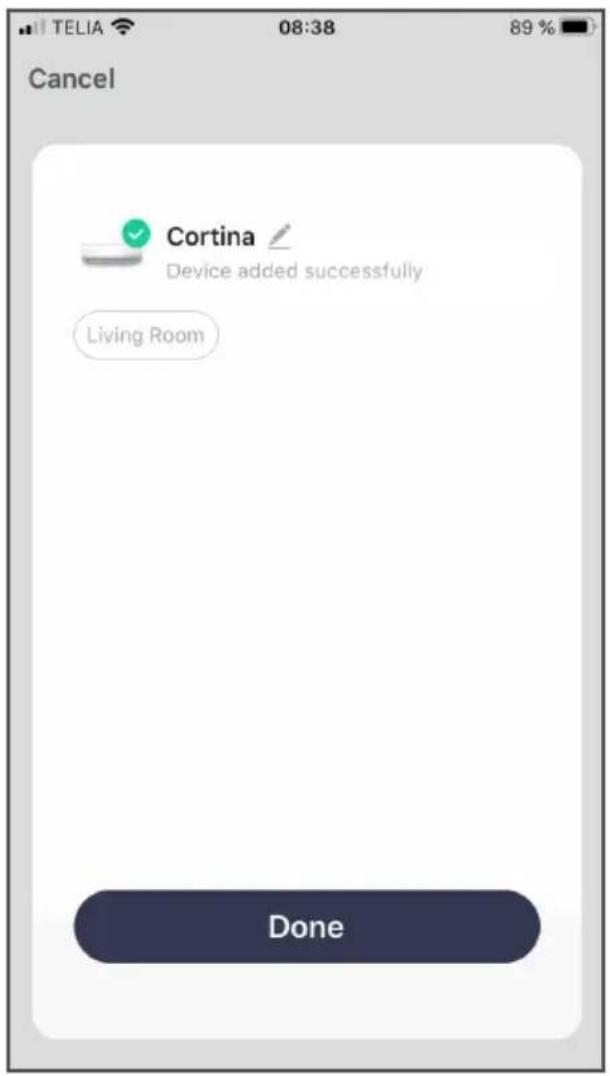
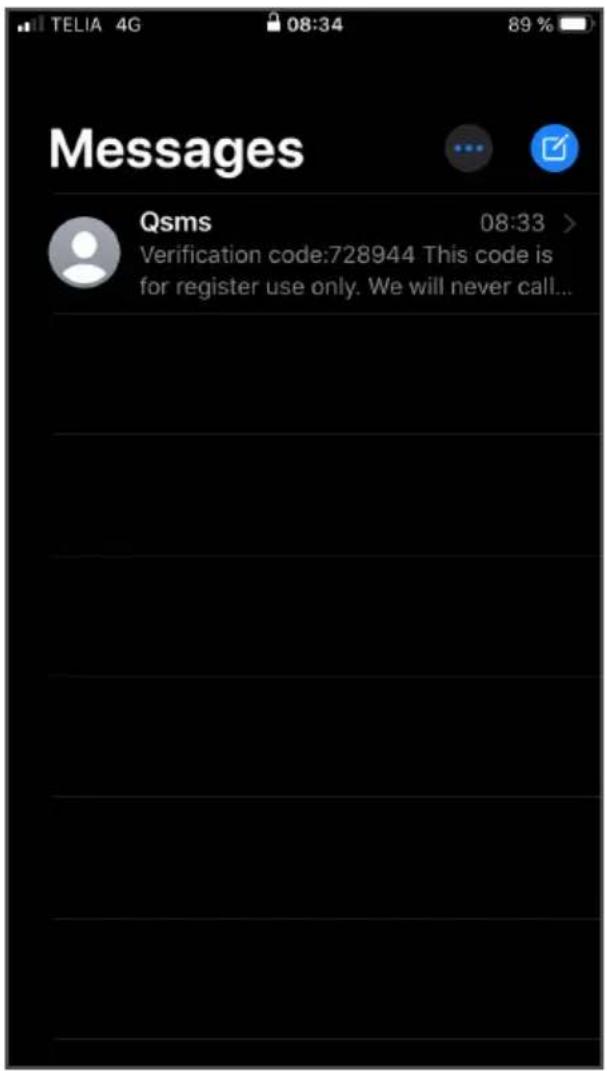
- Tap the red-marked "Sign in with SMS verification code".
- Fill in your mobile number.
- Read our user agreement and privacy policy.
- If you approve the agreements, check the box at the bottom.
- Tap "Get verification code".
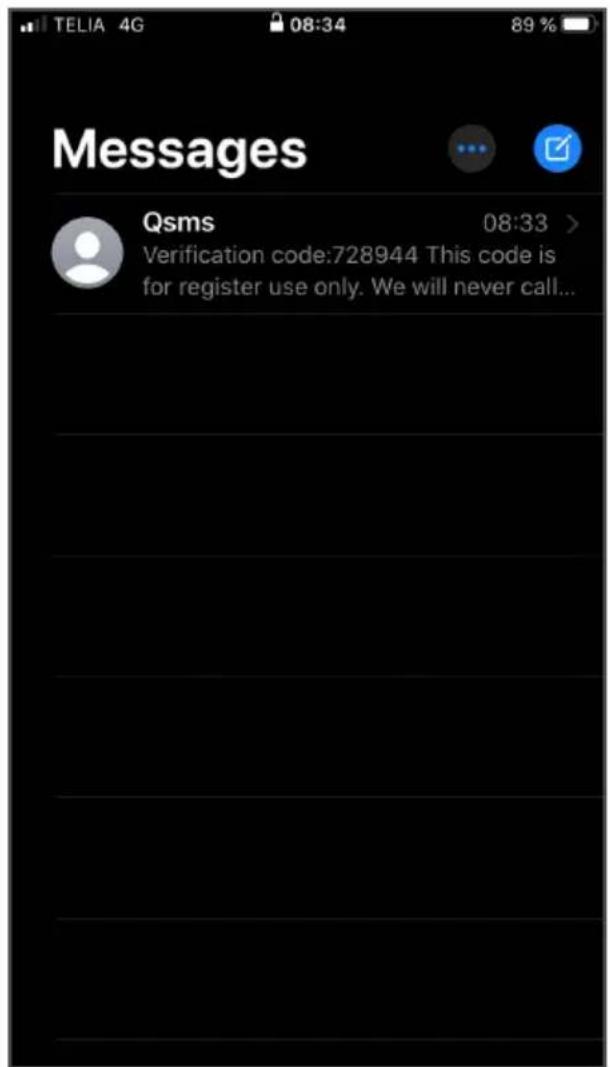
NOTE:
Connecting...
Connecting...
Completed.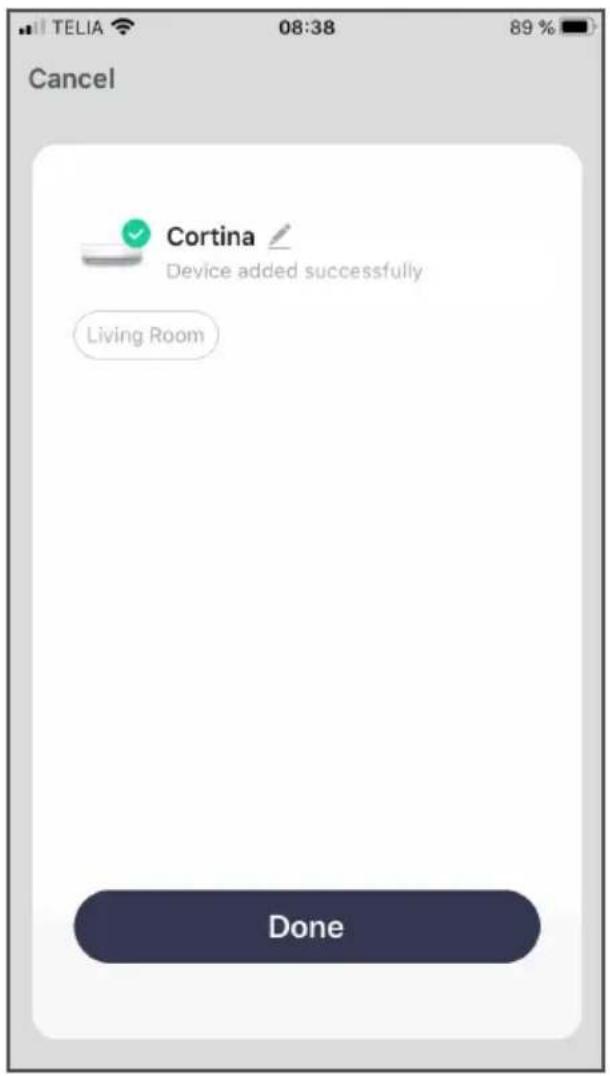
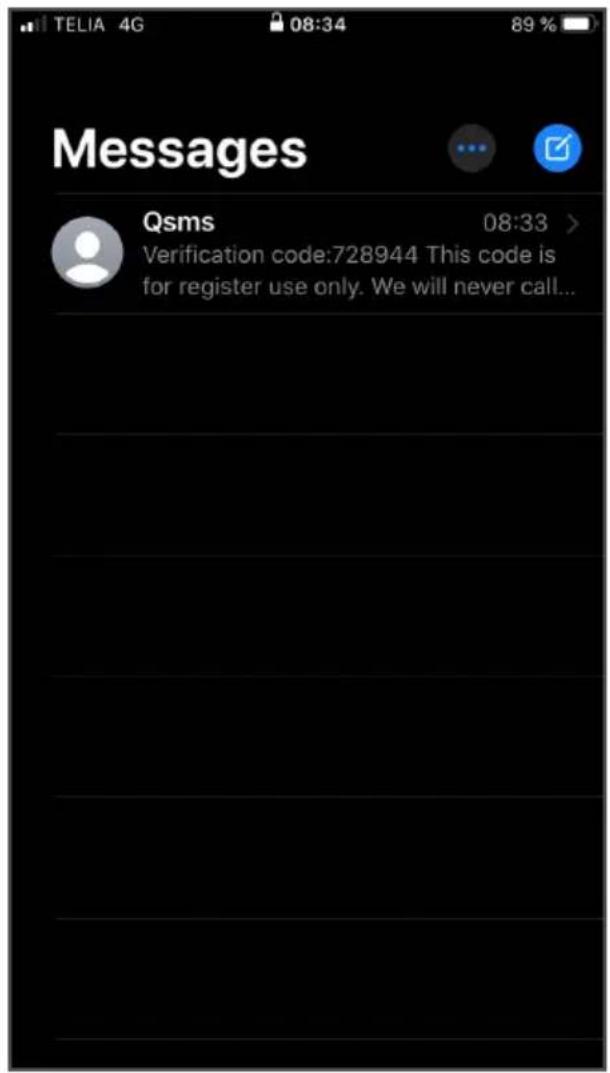
Example of connecting via mobile phone number
Wood's
NOTE:
Connecting...
Connecting...
Ready.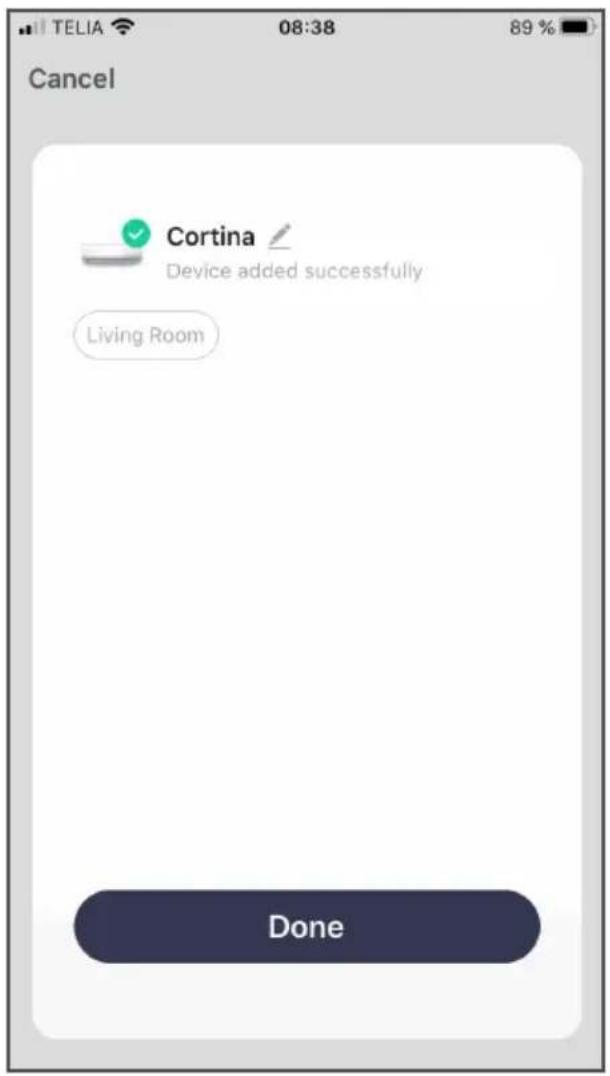
NOTE:
Connecting...
Connecting...
Done.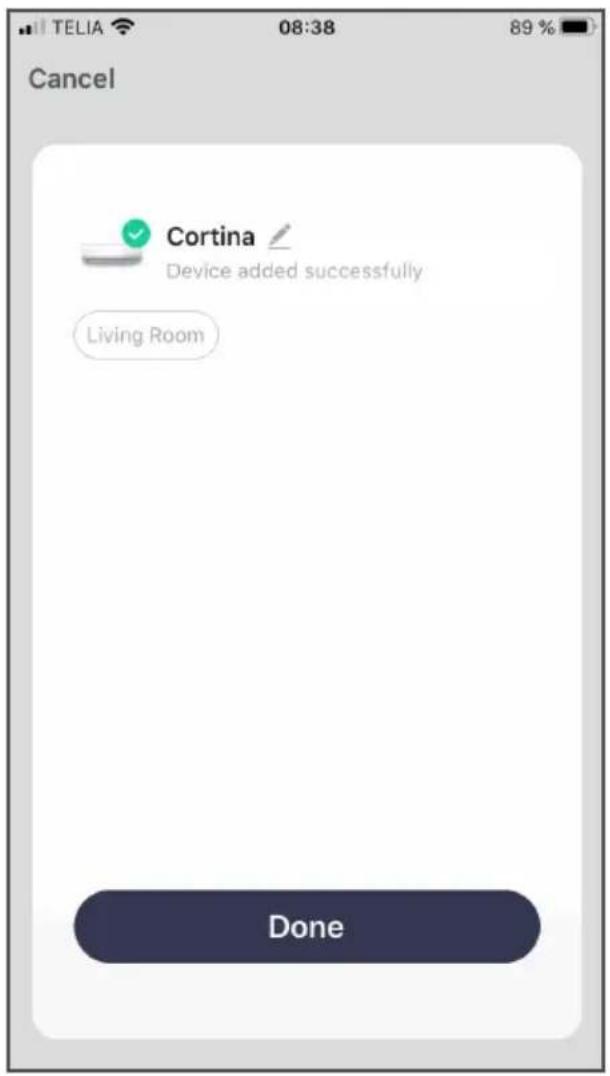
NOTE:
Connecting...
- Allow the app to run.
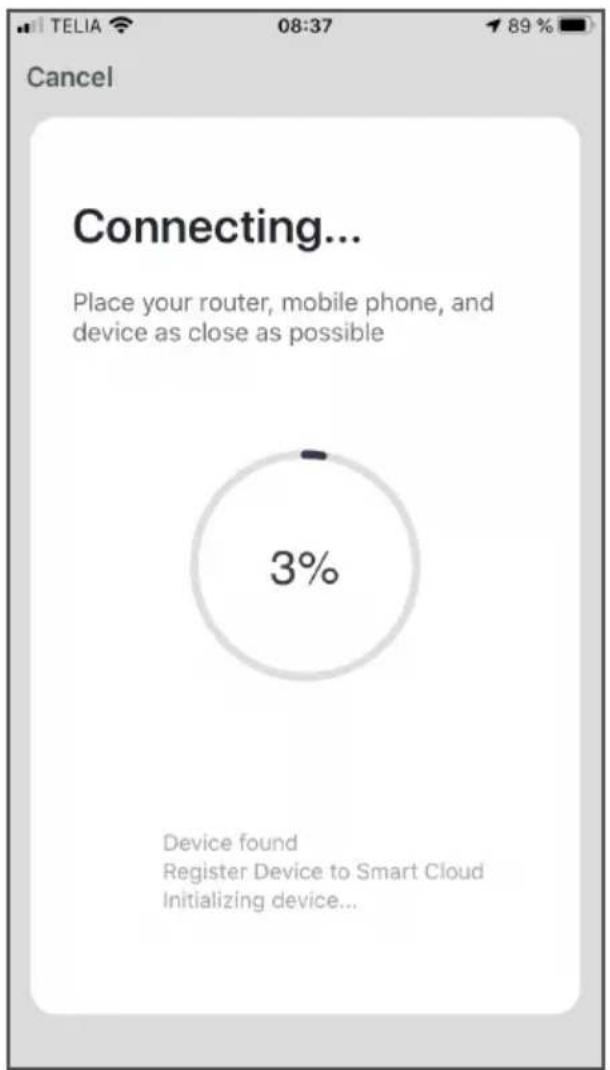
Connecting...
Completed.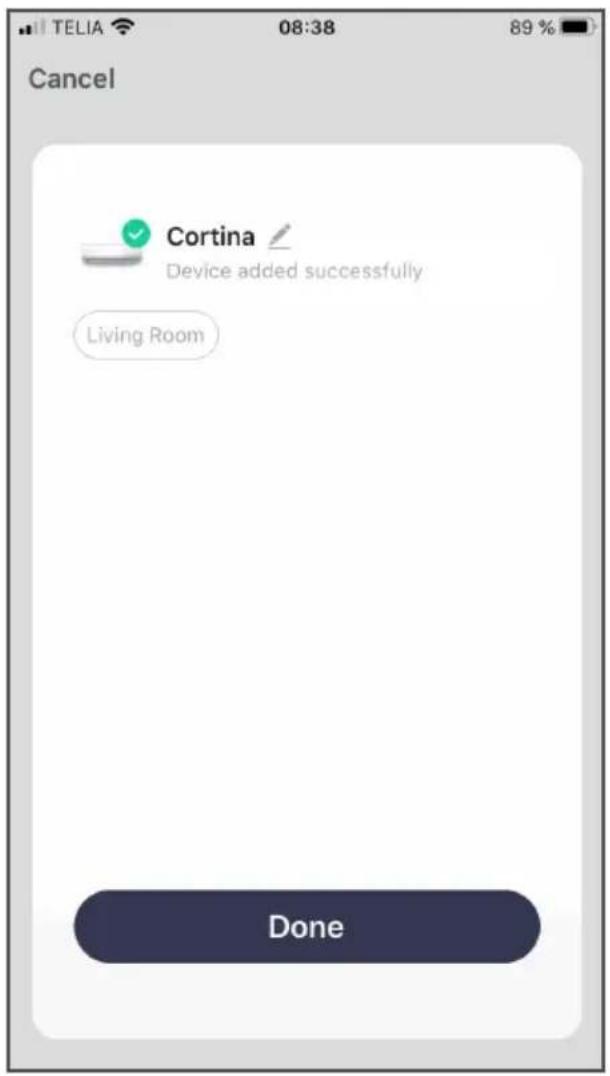
WARNING:
OBSERVATION:
Connecting...
Connecting...
Done.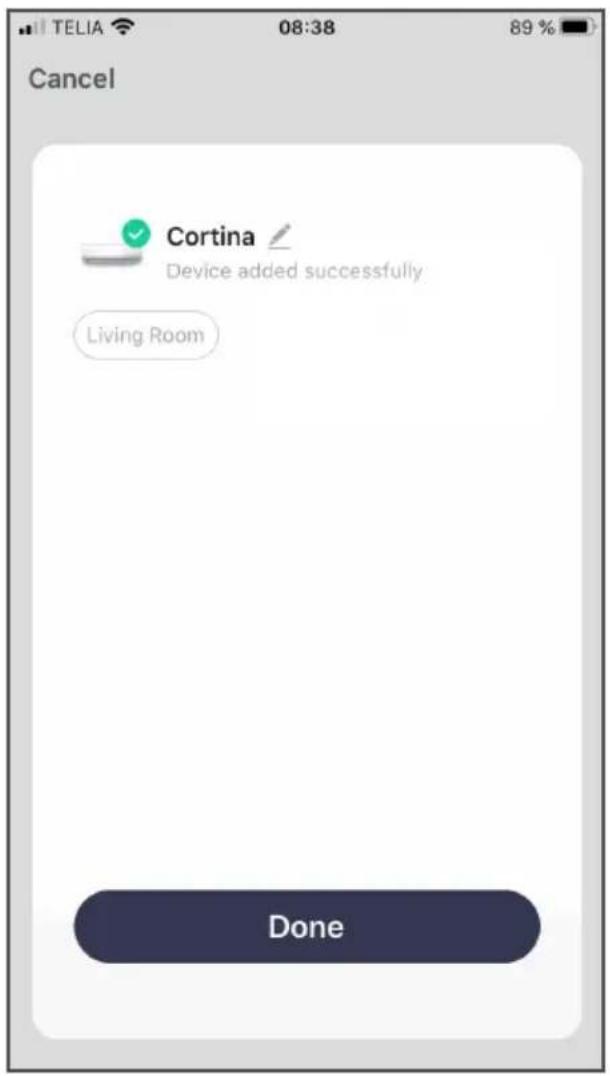
NOTE:
Connecting...
Connecting...
Ready.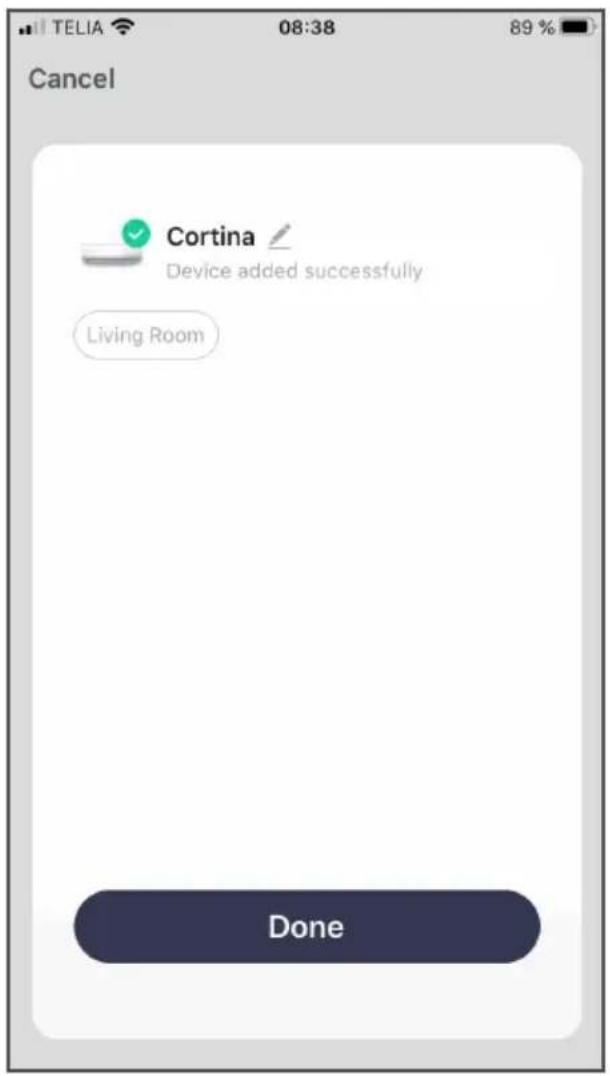
Wood's is marketed and distributed by:
Woods Production Sweden AB
Box 356
441 27, Alingsås
Sweden.
woods.se
info@woods.se
+46 317613610
- INDEX
- DOWNLOAD THE APP
- WOOD'S
- OR
- CHOOSE TO REGISTER VIA EMAIL
- CHOOSE TO REGISTER VIA MOBILE NUMBER
- RECOVER YOUR PASSWORD
- UNDER THE HOME MENU
- CHOOSE PRODUCT
- RESET DEVICE SIGN IN TO YOUR LOCAL WIFI
- NOTE
- CONNECT
- LET THE APP WORK
- AFTER A WHILE, YOUR DEVICE WILL BE CONNECTED TO THE APP AND YOUR WIFI
- TAP THE BUTTON
- SETTINGS
- TIP
- OBS
- IN THE HOME MENU
- SELECT REGISTRATION WITH MOBILE NUMBER
- CONNECTING
- EXAMPLE OF CONNECTING VIA MOBILE PHONE NUMBER
- WARNING
- OBSERVATION
Brand : Wood's
Model : WAC704G
Category : Air conditioner