HF 2 - Uncategorized Aerial - Free user manual and instructions
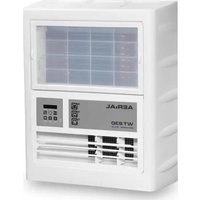
Find the device manual for free HF 2 Aerial in PDF.


Pick your language and provide your email: we'll send you a specifically translated version.
| Product Type | Electronic Device |
| Brand | Aerial |
| Model | HF 2 |
| Dimensions (approx.) | 15 x 10 x 5 cm |
| Weight (approx.) | 200 g |
| Power Supply | Battery (2 x AA not included) |
| Primary Function | Wireless signal reception/transmission |
| Operating Range | Up to 50 m in open area |
| Frequency Band | 2.4 GHz ISM |
| Materials | ABS plastic, electronic components |
| Cleaning Instructions | Wipe with a soft, dry cloth; do not use liquids or solvents |
| Storage Temperature | -10°C to 50°C |
| Operating Temperature | 0°C to 40°C |
| Humidity Tolerance | Up to 85% non-condensing |
| Safety Precautions | Keep away from water and heat sources; do not disassemble |
| Spare Parts Available | Battery compartment cover, feet |
| Repairability | Battery replacement possible; other repairs by authorized service |
| Certifications | CE, RoHS |
| Included Accessories | User manual, quick start guide |
Frequently Asked Questions - HF 2 Aerial
How do I power on the Aerial HF 2?
Press and hold the power button located on the top panel for 3 seconds until the LED indicator lights up.
What type of batteries does the HF 2 require?
The device uses two AA alkaline batteries (not included). Do not recharge non-rechargeable batteries.
How can I reset the device?
Remove the batteries, wait 10 seconds, then reinsert them. The device will reset to factory defaults.
What is the maximum operating range?
In open line-of-sight conditions, the range is up to 50 meters. Walls and obstacles may reduce range.
Can I use the HF 2 outdoors?
Yes, but avoid exposure to rain or direct sunlight. The device is not waterproof.
How do I clean the HF 2?
Use a soft, dry cloth. Do not apply any liquids or chemical cleaners as they may damage the electronics.
Why is the LED not lighting up?
Check that batteries are inserted correctly with the correct polarity, or replace them with fresh ones.
Is the Aerial HF 2 compatible with other devices?
It works with most standard wireless receivers in the same frequency band. Please refer to your receiver's manual for details.
Where can I find the user manual?
The manual is available for free download at notice-facile.com for the Aerial HF 2.
What should I do if the device gets wet?
Immediately remove the batteries and dry the device thoroughly with a soft cloth. Do not use until completely dry.
User questions about HF 2 Aerial
0 question about this device. Answer the ones you know or ask your own.
Ask a new question about this device
No questions yet. Be the first to ask one.
Download the instructions for your Uncategorized in PDF format for free! Find your manual HF 2 - Aerial and take your electronic device back in hand. On this page are published all the documents necessary for the use of your device. HF 2 by Aerial.
USER MANUAL HF 2 Aerial
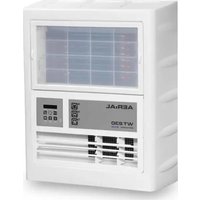
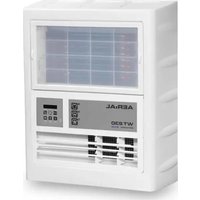
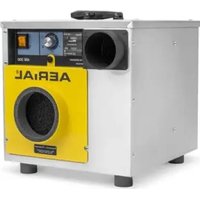
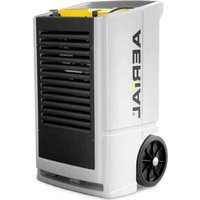
Manual assistant
Powered by Anthropic
Waiting for your message
Product information
Brand : Aerial
Model : HF 2
Category : Uncategorized