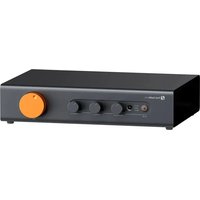
ZP3 - Uncategorized Fosi Audio - Free user manual and instructions
Find the device manual for free ZP3 Fosi Audio in PDF.


| Product Type | Phono Preamplifier |
| Brand | Fosi Audio |
| Model | ZP3 |
| Dimensions (W x D x H) | 12 cm x 8 cm x 4 cm |
| Weight | 300 g |
| Power Supply | DC 12V, 2A |
| Input | RCA (Phono) |
| Output | RCA (Line) |
| RIAA Equalization | Yes, accurate to ±0.5 dB |
| Gain | 40 dB (adjustable) |
| Signal-to-Noise Ratio | >80 dB |
| Total Harmonic Distortion | <0.01% |
| Frequency Response | 20 Hz – 20 kHz ±0.5 dB |
| Input Impedance | 47 kΩ |
| Output Impedance | 100 Ω |
| Chassis Material | Aluminum alloy |
| Color | Black |
| Compatible Cartridges | MM (Moving Magnet) and MC (Moving Coil) |
| Maintenance | Wipe with a soft, dry cloth. Avoid liquids. |
| Safety | Keep away from moisture and heat sources. Use only provided power adapter. |
| Spare Parts & Repairability | Contact Fosi Audio support for replacement parts. Designed for easy access to internal components. |
| General Information | Compact phono preamp for vinyl enthusiasts. Enhances turntable sound quality. |
Frequently Asked Questions - ZP3 Fosi Audio
User questions about ZP3 Fosi Audio
0 question about this device. Answer the ones you know or ask your own.
Ask a new question about this device
Download the instructions for your Uncategorized in PDF format for free! Find your manual ZP3 - Fosi Audio and take your electronic device back in hand. On this page are published all the documents necessary for the use of your device. ZP3 by Fosi Audio.
USER MANUAL ZP3 Fosi Audio
Introduction
Thank you for purchasing Fosi Audio ZP3 preamplifier.
The ZP3 is a balanced HiFi preamplifier developed from a deep understanding of user needs, featuring our proprietary balanced amplification architecture. This design offers enhanced audio quality, interference resistance, and dynamic range while effectively minimizing ground loop noise, making it ideal for both audiophiles and professional settings. Equipped with XLR balanced inputs and outputs, it also includes tone and balance controls, along with remote control functionality. We believe the ZP3 will greatly enrich your HiFi music experience.
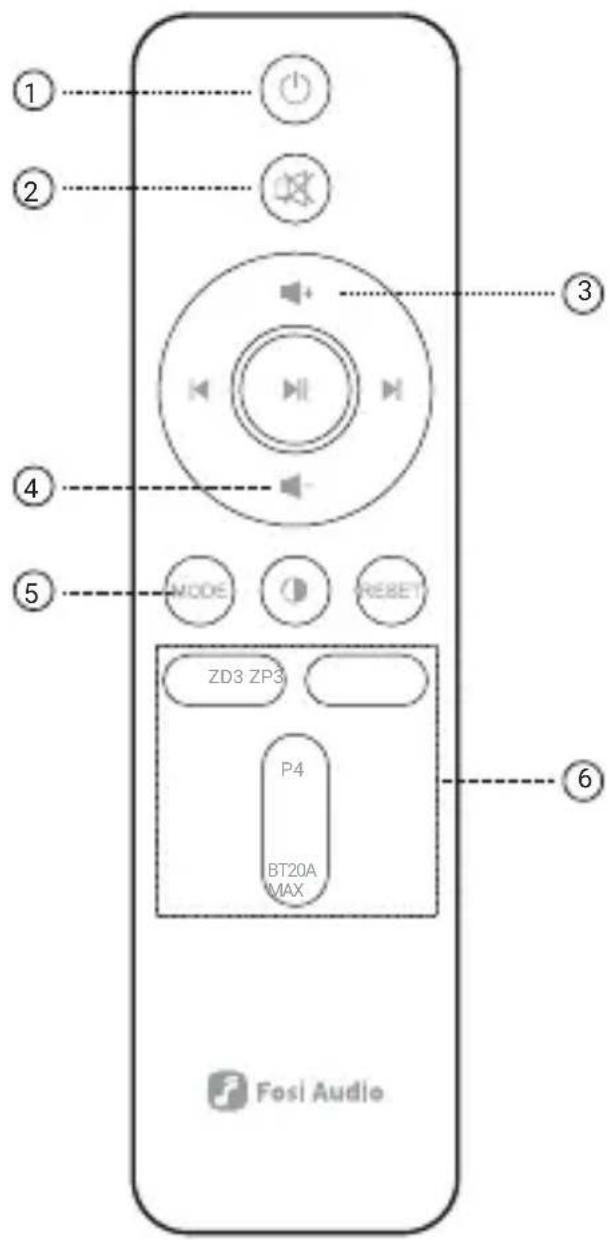
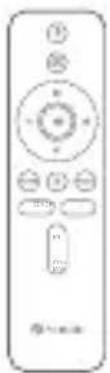
① Power Switch
② Mute/Unmute
③ Volume +
④ Volume -
⑤ Input Switch
⑥ Product Selection (press the button to control the corresponding product)
Note: This remote control is compatible with selected Fosi Audio products. Functions not labeled cannot be used to control the ZP3.


① Power Switch/Input Selector
② Input Indicators
③ IR Receiver
④ Balance Control:
Adjusts the volume balance between the left and right channels. Turning the knob counterclockwise decreases the right channel volume without affecting the left channel; turning it clockwise decreases the left channel volume while the right remains unchanged.
⑤ Bass Control
⑥ Treble Control
⑦ Volume Control
⑧ RCA/XLR Input
⑨ RCA/SUB/XLR Output
⑩ 12V Trigger Input
⑪ 12V Trigger Output
⑫ AC110-240V Power Connection
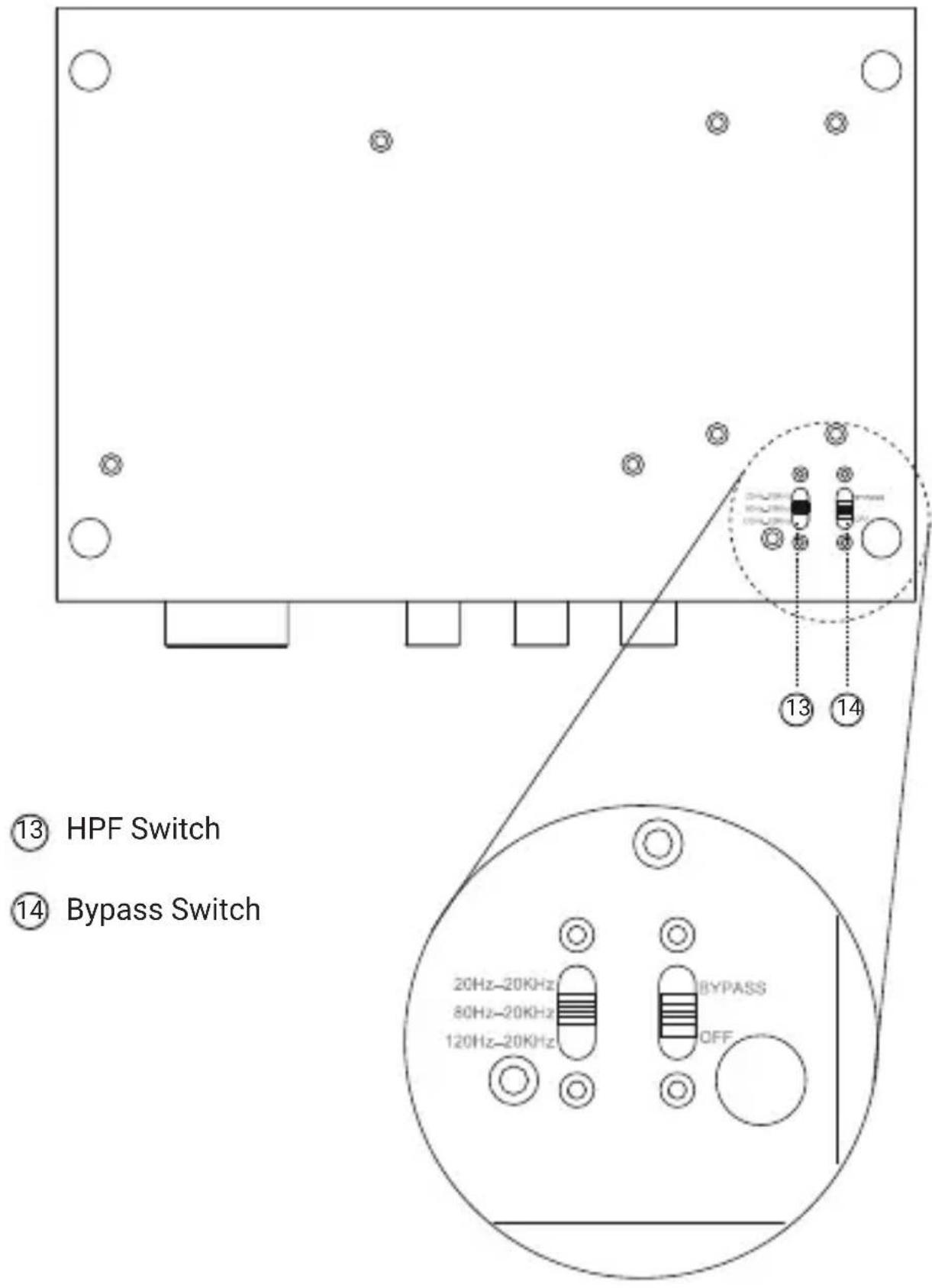
⑬ HPF Switch
⑭ Bypass Switch
Specifications
| General Specs | ||
| Channel | 2.0 | |
| Input | RCA 1, RCA 2, XLR | |
| Output | RCA, XLR, SUB | |
| Bass and Treble Control Range | Treble: ±6dB Bass: ±12dB | |
| Frequency Response | XLR/RCA | 20Hz-20kHz (±0.2dB) 80Hz-20kHz (±0.2dB) 120Hz-20kHz (±0.2dB) |
| SUB | 20Hz-200Hz (±0.2dB) | |
| Input Voltage Tange | AC 110-240V | |
| Balanced Output (XLR) | ||
| SNR | ≥112dB | |
| Dynamic Range | ≥112dB | |
| THD+N | ≤0.0007% | |
| Noise Floor | ≤6μV | |
| Single-ended Output (RCA) | ||
| SNR ≥115dB | ||
| Dynamic Range ≥115dB | ||
| THD+N ≤0.0008% | ||
| Noise Floor ≤4μV | ||
Package Contents


AC Power CableZP3

Remote Control (batteries not included)
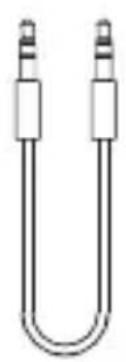
12V Trigger Cable
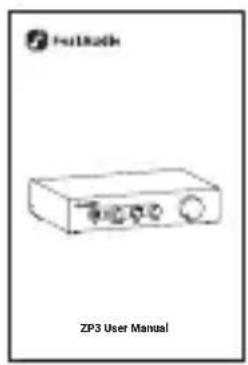
User Manual
Operation Guide
- Connect the ZP3 to your audio source using an RCA cable;
- For active speakers, connect them to the ZP3 with an RCA cable. For passive speakers, connect the ZP3 to an amplifier with an RCA cable, then connect the amplifier to the speakers;
-
Attach the power cord provided in the package to the power input on the ZP3;
-
Toggle the power switch located on the back panel;
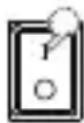
-
Press the power button briefly (or use the remote control) to turn on the device. Select the desired input channel by clicking the input switch button (or using the mode button on the remote);
-
Start with the volume at its lowest setting before playing music, then gradually adjust to the desired level. You can also adjust the bass and treble to your preference.
Important Notes:
- Ensure all cables are connected before powering on.
• Always turn the volume down to the lowest level before playing music to avoid damaging your speakers or your hearing. - Press the power button briefly to turn on the unit; hold it down for two seconds to turn it off.
Function Usage
Volume Memory
The ZP3 supports multiple input modes and offers a volume memory feature to enhance user experience.
When switching between inputs with varying signal strengths, users often need to manually adjust the volume each time. The ZP3 automatically remembers the volume setting for each input mode, adjusting to the previous volume level when switched to the corresponding input.
HPF Adjustment
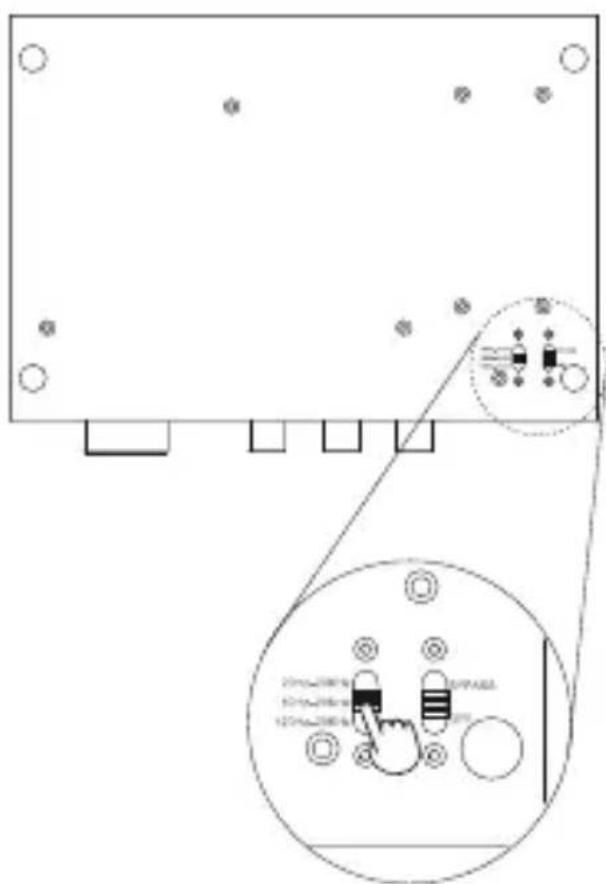
For the RCA/XLR output frequency range, the ZP3 supports high-pass filter (HPF) adjustment to filter out low-frequency signals, allowing only high-frequency signals to pass through. This ensures that high frequencies are delivered to the main speakers, while low frequencies are handled by the subwoofer.
The HPF switch at the bottom of the ZP3 offers three adjustable cutoff frequencies, allowing users to fine-tune it based on their needs.
Bypass
When this feature is enabled, the signal bypasses the bass and treble adjustment.

12V Trigger
It allows seamless power on/off synchronization with Fosi Audio ZD3 DAC and ZA3 amp, eliminating the need for separate device power management.
![graph LR A["Luna3"] --> C["ZP3ZD3"] B["Merak"] --> C["ZP3ZD3"] C --> D["ZA3 Audio"] D --> E["Output"]](/content/2026/07/1491411/images/dbed1d5f2e6e00fe1d6e061cbd7eb2c5bccfe1045e52c5947af6789a3b4c3ba7.jpg)
Op-Amp Replacement
The ZP3 supports rolling the op-amps to tailor sound signatures to your preference.
Replacement Steps:
-
Identify the op-amp locations for the left and right channels on the PCBA, marked as L-OPAMP and R-OPAMP respectively. Determine which channel's op-amp needs replacement;
-
Use tweezers to carefully remove the op-amp from the side. Op-amps are directional; locate the number '1' mark or the circular/semicircular notch on the op-amp. Align this with the '01' mark on the PCB, and carefully insert the op-amp into its socket;

Markings of channels and op-amp's 01pin

Round/semi-circular notch No 1 marking

- Ensure the op-amp is correctly oriented before installation to prevent damage.
Frequently Asked Questions
1. No sound after powering on and playing?
A. Please check if the cables are properly connected.
B. Ensure the correct input mode is selected.
C. Verify if the volume on both the source device and ZP3 is adjusted properly.
2. One channel is louder than the other?
A. The ZP3 has balance adjustment; ensure the balance knob is set to the center position.
B. Check if the input signal is unbalanced between the two channels.
If you have any further questions, please contact our support team at support@fosiaudio.com.
Warranty and Maintenance
Fosi Audio pledges to give a 24-month limited warranty and support from the date of purchase. If you encounter any problem when using our product, please contact our support team at support@fosiaudio.com.
About Us
Fosi Audio designs and builds innovative audio products with all your music in mind. Great sound, simple but elegant designs, high-quality components, and truly useful features are what Fosi Audio pursues. We sincerely hope you can get as much enjoyment from our products as we've had to create them!
Official Website: www.fosiaudio.com
Amazon Store: www.amazon.com/fosiaudio
Facebook Page: www.facebook.com/fosiaudioglobal
Youtube Channel: www.youtube.com/@fosiaudio
Official Forum: community.fosiaudio.com
Whatsapp: +86 13716612254
After-Sales Service and Technical Support Email:
support@fosiaudio.com
产品概述
感谢您购买ZP3前级放大器!

AC电源线*1ZP3
遥控器 (不含电池) *1
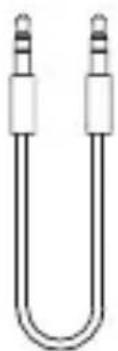
12V Trigger线*1

使用说明书*1
使用指南
Bypass
12V Trigger
support@fosiaudio.com
产品保修
扫码查看在线帮助
製品について
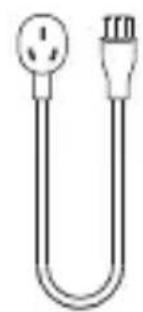
AC電源ケーブルZP3

リモコン (電池は付属しません)

12V トリガーケーブル

ユーザーマニュアル
操作ガイド
Bypass
12V Trigger
円形/半円形の溝 ナンバー1マーク

オンラインサポートを受ける


- INTRODUCTION
- SPECIFICATIONS
- PACKAGE CONTENTS
- OPERATION GUIDE
- IMPORTANT NOTES
- FUNCTION USAGE
- VOLUME MEMORY
- HPF ADJUSTMENT
- BYPASS
- 12V TRIGGER
- OP-AMP REPLACEMENT
- REPLACEMENT STEPS
- FREQUENTLY ASKED QUESTIONS
- NO SOUND AFTER POWERING ON AND PLAYING
- ONE CHANNEL IS LOUDER THAN THE OTHER
- WARRANTY AND MAINTENANCE
- ABOUT US
- 产品概述
- 使用指南
- 产品保修
- 製品について
- 操作ガイド
Brand : Fosi Audio
Model : ZP3
Category : Uncategorized