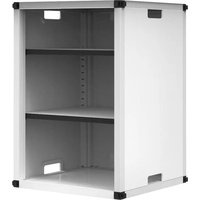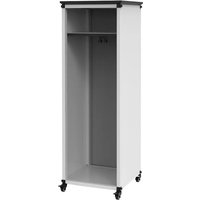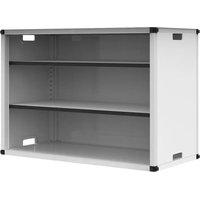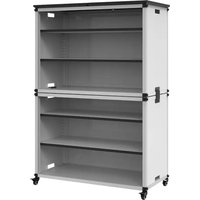
Luxor MBSCB07 - Wardrobe

MBSCB07 - Wardrobe Luxor - Free user manual and instructions

Find the device manual for free MBSCB07 Luxor in PDF.

📄 37 pages English EN Download 💬 AI Question 10 questions ⚙️ Specs
Notice Luxor MBSCB07 - page 11
Pick your language and provide your email: we'll send you a specifically translated version.
Type of product Wardrobe
Brand Luxor
Model MBSCB07
Dimensions (approx.) 180 cm (H) x 90 cm (W) x 50 cm (D)
Weight (approx.) 45 kg
Material Engineered wood (particleboard) with melamine finish
Color White / Oak (depending on variant)
Number of doors 2 sliding doors
Internal layout 1 hanging rod, 2 shelves, 2 drawers
Maximum load per shelf 15 kg
Mounting type Freestanding, floor standing
Assembly required Yes, instructions included
Tools needed for assembly Phillips screwdriver, hammer (not included)
Care and cleaning Wipe with a damp cloth, avoid abrasive cleaners
Safety features Anti-tip kit included (must be wall-anchored)
Spare parts availability Contact Luxor customer service for replacements
Warranty 2 years against manufacturing defects
Country of origin China
Suitable for Bedroom, dressing room

Frequently Asked Questions - MBSCB07 Luxor

What are the overall dimensions of the Luxor MBSCB07 wardrobe?
The wardrobe measures approximately 180 cm in height, 90 cm in width, and 50 cm in depth. Always measure your space before assembly.
How long does assembly typically take?
With two people, assembly usually takes about 1.5 to 2 hours. Ensure you have a Phillips screwdriver and a hammer ready.
Is the wardrobe easy to clean?
Yes, simply wipe the surfaces with a damp cloth. Avoid using harsh chemical cleaners or abrasive sponges to prevent damage to the finish.
Can I paint or customize the wardrobe?
The wardrobe has a melamine finish that is not designed for painting. Customization may void the warranty. Use removable decals if desired.
Does it come with anti-tip safety features?
Yes, an anti-tip kit is included. It is strongly recommended to anchor the wardrobe to the wall, especially in homes with children or pets.
What is the weight capacity per shelf?
Each shelf can hold up to 15 kg evenly distributed. Do not exceed this limit to avoid sagging or damage.
How do I adjust the sliding doors?
If the doors are misaligned, use the adjustment screws at the bottom of each door panel. Turn clockwise to raise, counterclockwise to lower. Refer to the manual for details.
Can I wash the drawers or shelves?
Remove the shelves and drawers if possible. Clean with a slightly damp cloth and dry immediately. Do not soak any parts in water.
What should I do if a part is missing or damaged?
Contact Luxor customer service with your model number (MBSCB07) and purchase details. They can provide replacement parts under warranty or for a fee.
Is the wardrobe suitable for heavy clothing?
The hanging rod can support up to 20 kg. Use quality hangers and distribute weight evenly to prevent bending.

User questions about MBSCB07 Luxor

0 question about this device. Answer the ones you know or ask your own.

Ask a new question about this device

The email remains private: it is only used to notify you if someone responds to your question.

No questions yet. Be the first to ask one.

Download the instructions for your Wardrobe in PDF format for free! Find your manual MBSCB07 - Luxor and take your electronic device back in hand. On this page are published all the documents necessary for the use of your device. MBSCB07 by Luxor.

USER MANUAL MBSCB07 Luxor

MODULAR CUBBIES - MBSCB

Isometric line drawing of a multi-level industrial shelving unit with multiple compartments and wheels (no text or symbols)

Compatible with the following-

Select Modular Storage

Select Lab Table

Select Teacher Table

Select Reading Writing Station

LUXOR

WORKSPACES

Questions or concerns?

Contact us directly!

Luxor MBSCB07 - MODULAR CUBBIES - MBSCB - 2

Luxor MBSCB07 - MODULAR CUBBIES - MBSCB - 3

1-800-323-4656

Info@LuxorWorkspaces.com

KIT BREAKDOWN
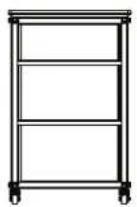
Luxor MBSCB07 - KIT BREAKDOWN - 1
MBSCB01 MBSC

Pure structural frame diagram with no text, numbers, or symbols

MBSCB02
MBSCB01

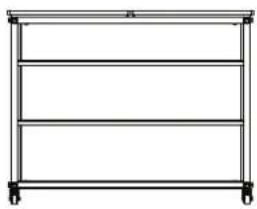
Simple line drawing of a three-tiered rectangular frame with wheels at both ends (no text or symbols)

MBSCB03

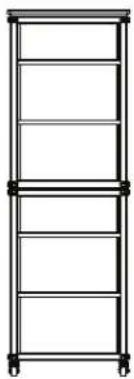
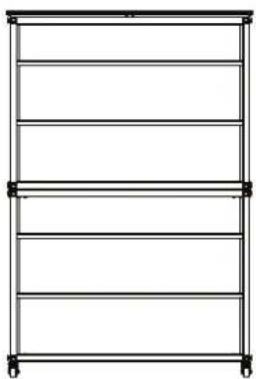
Simple line drawing of a multi-level shelving unit with wheels at both ends (no text or symbols)

MBSCB07
MBSCB04
MBSCB03

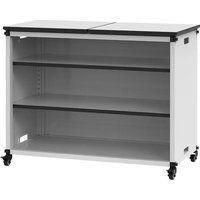
Simple line drawing of a two-door cabinet with wheels (no text or symbols)

MBSCB05

PARTS INCLUDED NOT TO SCALE

Luxor MBSCB07 - PARTS INCLUDED NOT TO SCALE - 1

HARDWARE INCLUDED NOT TO SCALE

1 QTY: 16

PARTS INCLUDED NOT TO SCALE

Luxor MBSCB07 - PARTS INCLUDED NOT TO SCALE - 1

HARDWARE INCLUDED NOT TO SCALE

1 QTY: 16

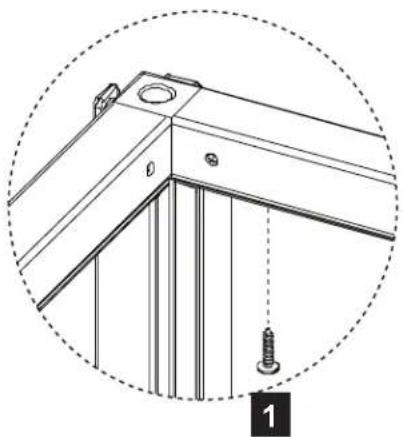
1
C B C For part C, primary holes face toward "front", but note orientation of secondary holes For part B, primary holes face toward "back" A B C For part A, "bottom" is missing screws

2

Isometric line drawing of a rectangular metal frame structure with mounting holes and internal supports (no text or symbols)

3
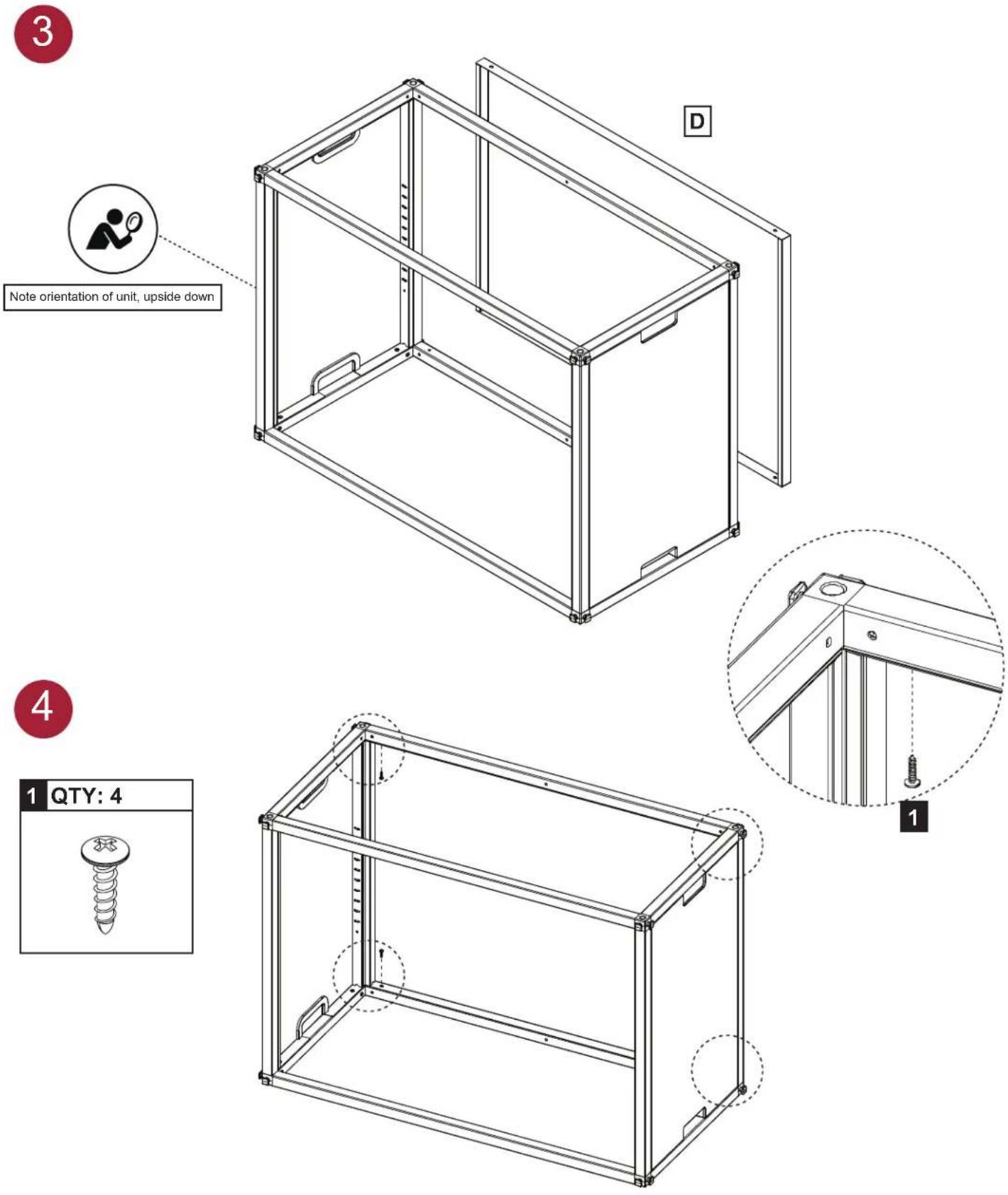
Note orientation of unit, upside down D

Technical line drawing of a structural bracket with screw and mounting holes, enclosed in a dashed circular boundary (no text or symbols)

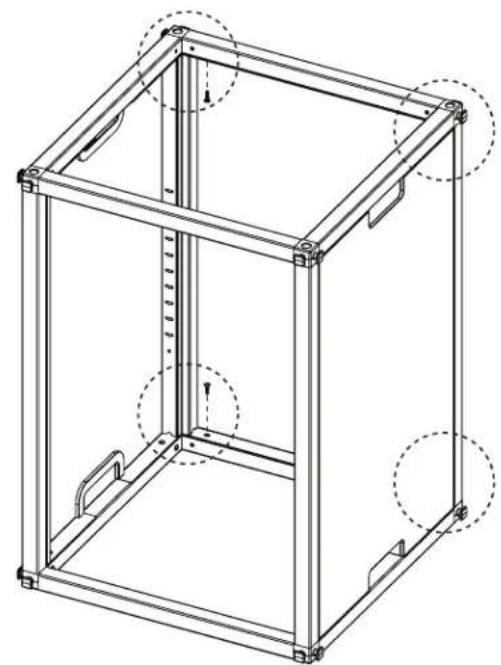
4
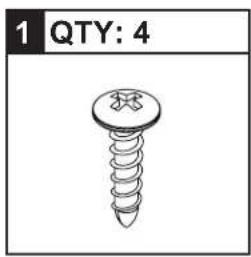
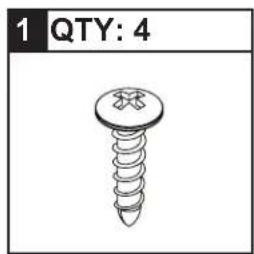
1 QTY: 4

Technical line drawing of a 3D rectangular frame structure with mounting holes and internal features (no text or symbols)

Luxor MBSCB07 - HARDWARE INCLUDED NOT TO SCALE - 8

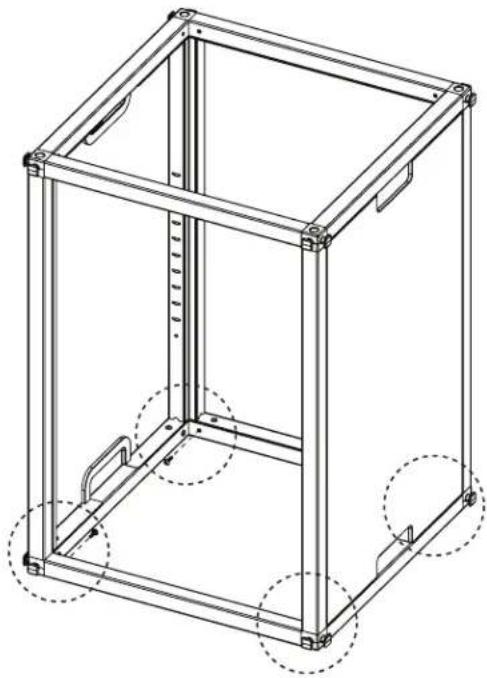
1 QTY: 4

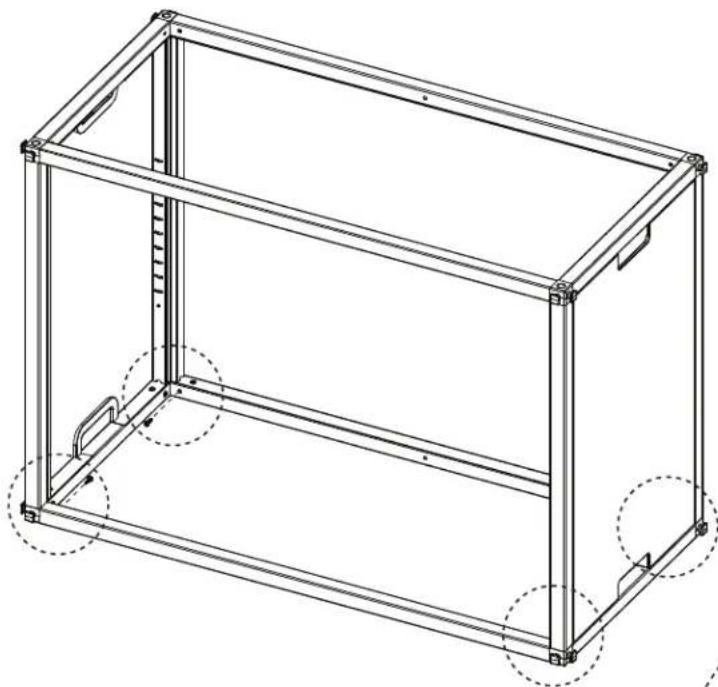
Technical line drawing of a 3D mechanical frame structure with mounting holes and dashed circular annotations (no text or symbols)

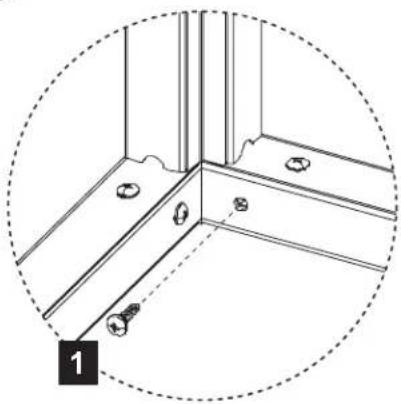
Technical line drawing of a corner joint with mounting holes and bolts, enclosed in a dashed circular boundary (no text or symbols)

Luxor MBSCB07 - HARDWARE INCLUDED NOT TO SCALE - 12

Isometric line drawing of a modular metal frame structure with no text or symbols

Luxor MBSCB07 - HARDWARE INCLUDED NOT TO SCALE - 14

1 QTY: 8

Technical line drawing of a 3D rectangular frame structure with mounting holes and internal components (no text or symbols)

Technical line drawing of a mechanical bracket with mounting holes and bolts, enclosed in a dashed circular boundary (no text or symbols)

Luxor MBSCB07 - HARDWARE INCLUDED NOT TO SCALE - 18

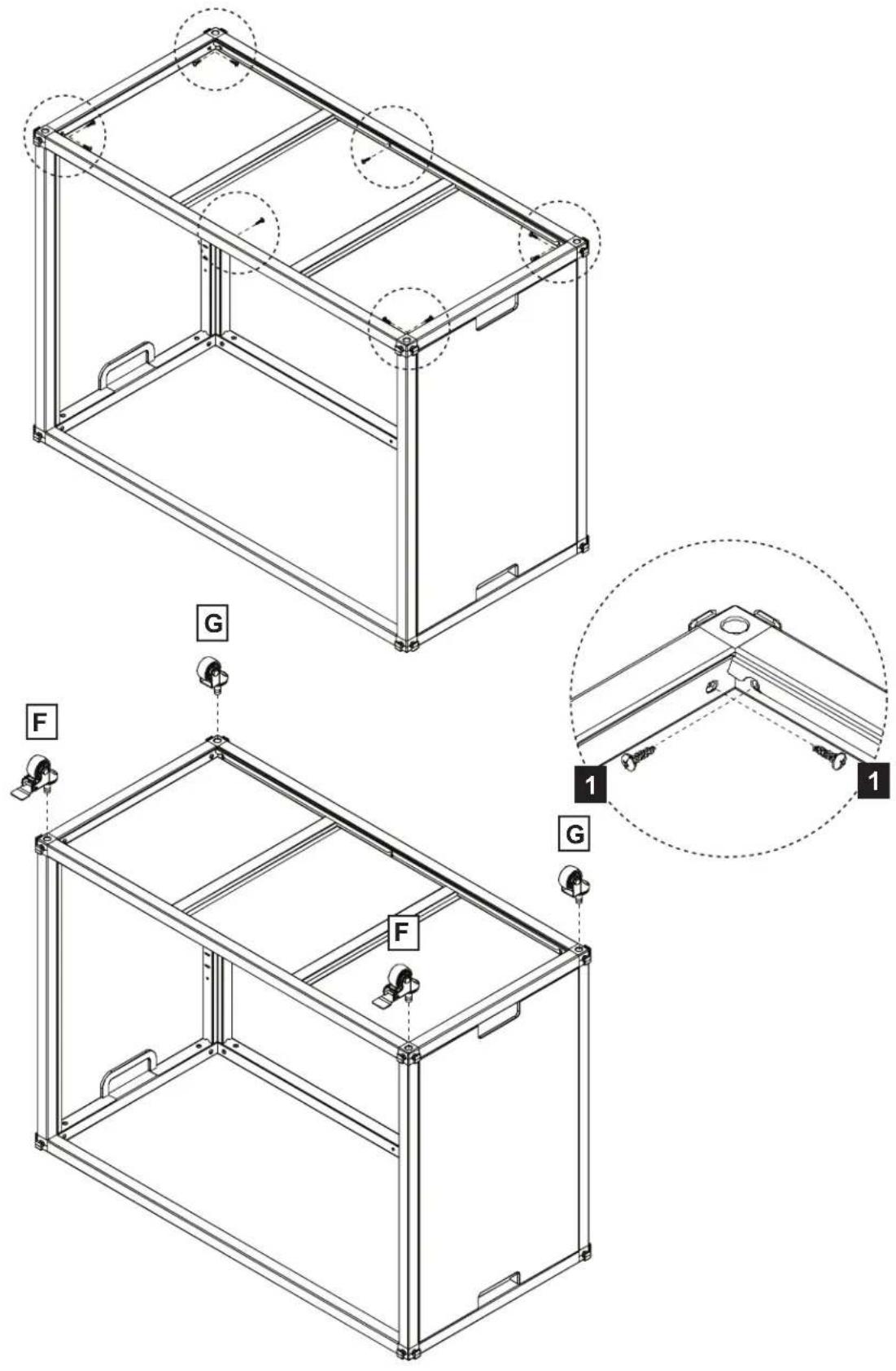
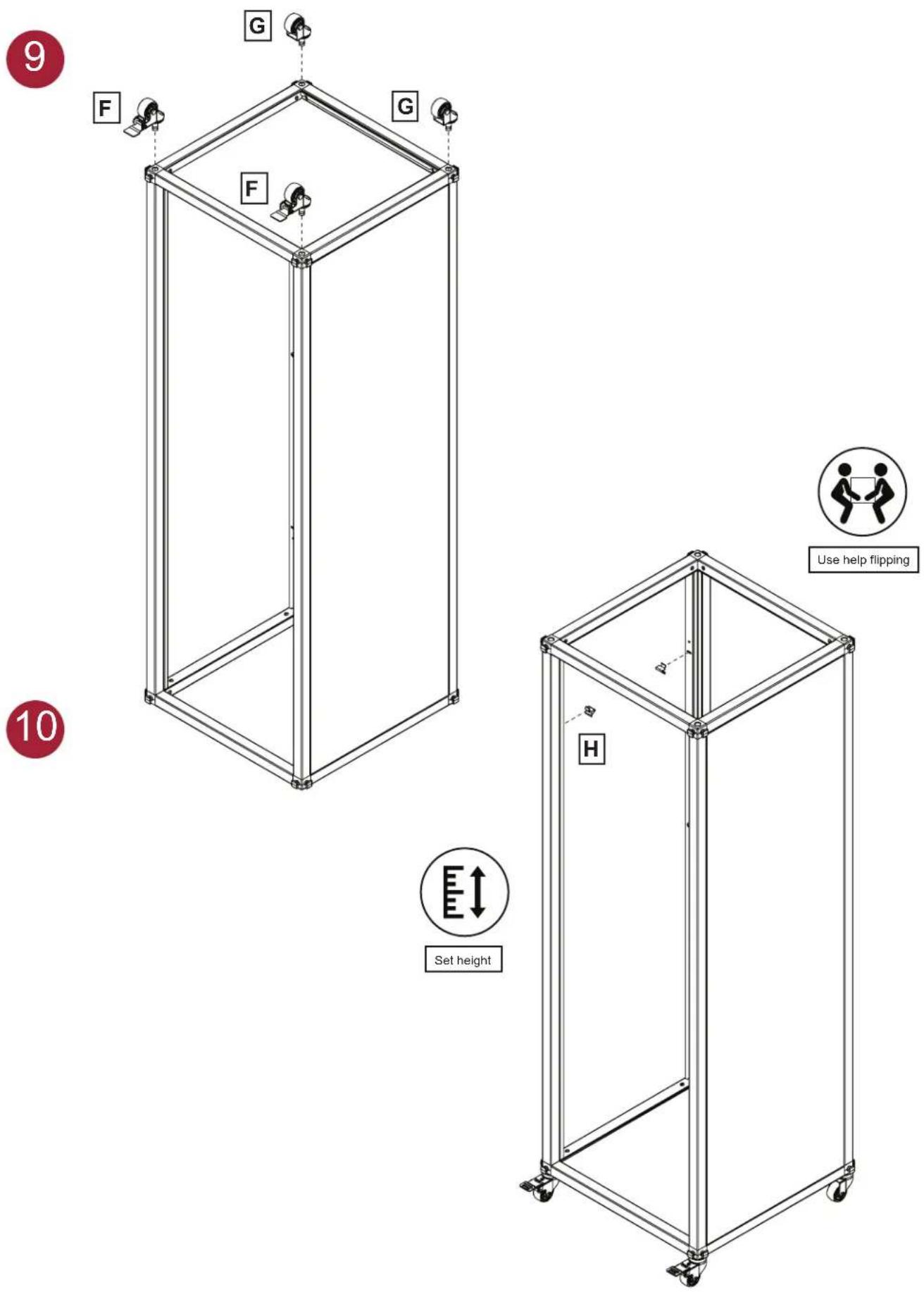
F G F G

Luxor MBSCB07 - HARDWARE INCLUDED NOT TO SCALE - 20

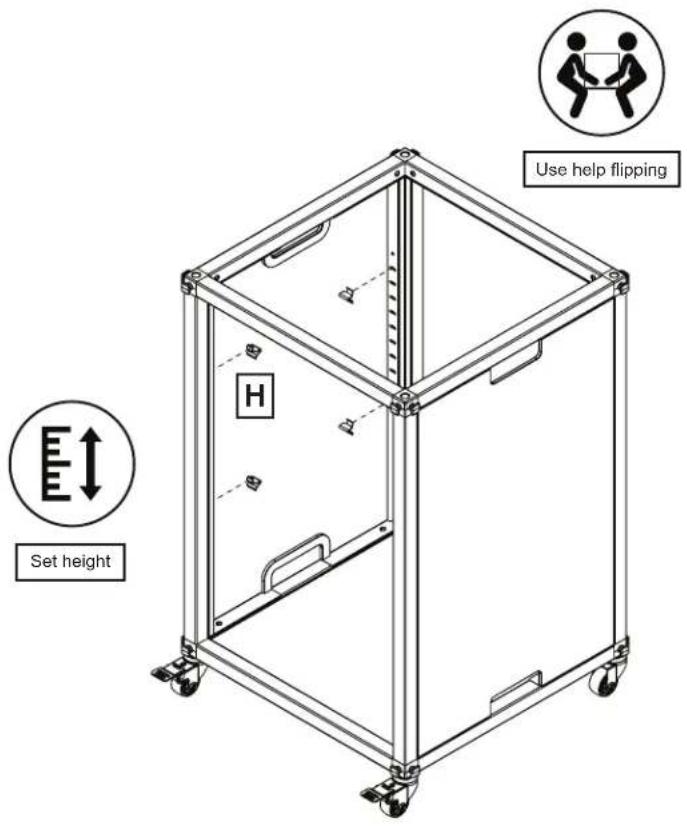
Use help flipping Set height H

Luxor MBSCB07 - HARDWARE INCLUDED NOT TO SCALE - 22

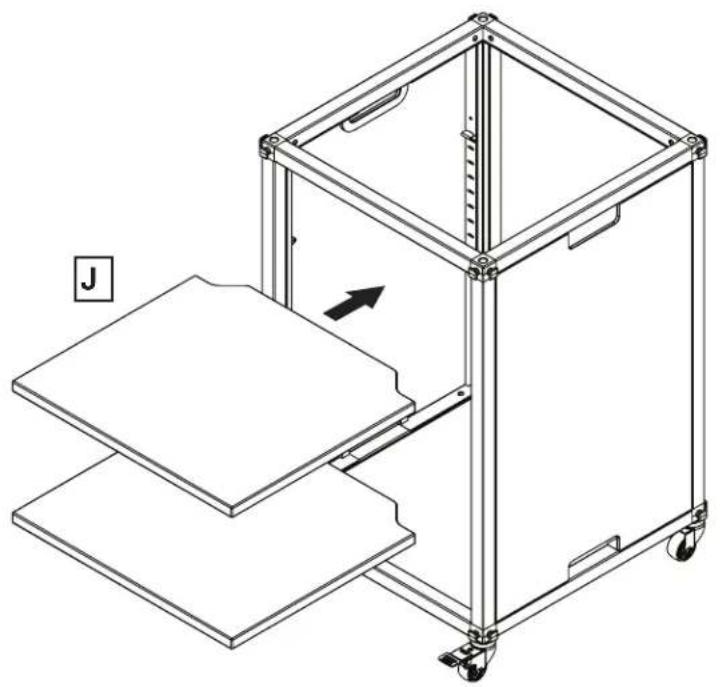
Technical line drawing of a mechanical device with a labeled component 'J' and an arrow indicating motion (no text or symbols beyond label)

11

Isometric line drawing of a multi-tiered mechanical cart or frame unit with wheels and side supports (no text or symbols)

12

Line drawing of a multi-level industrial cart with wheels and a flat top panel (no text or symbols)

Luxor MBSCB07 - HARDWARE INCLUDED NOT TO SCALE - 26

If you purchased MBSCB02, continue by re-following steps 1-7 and 9-12, with part L belonging to MBSCB01

13
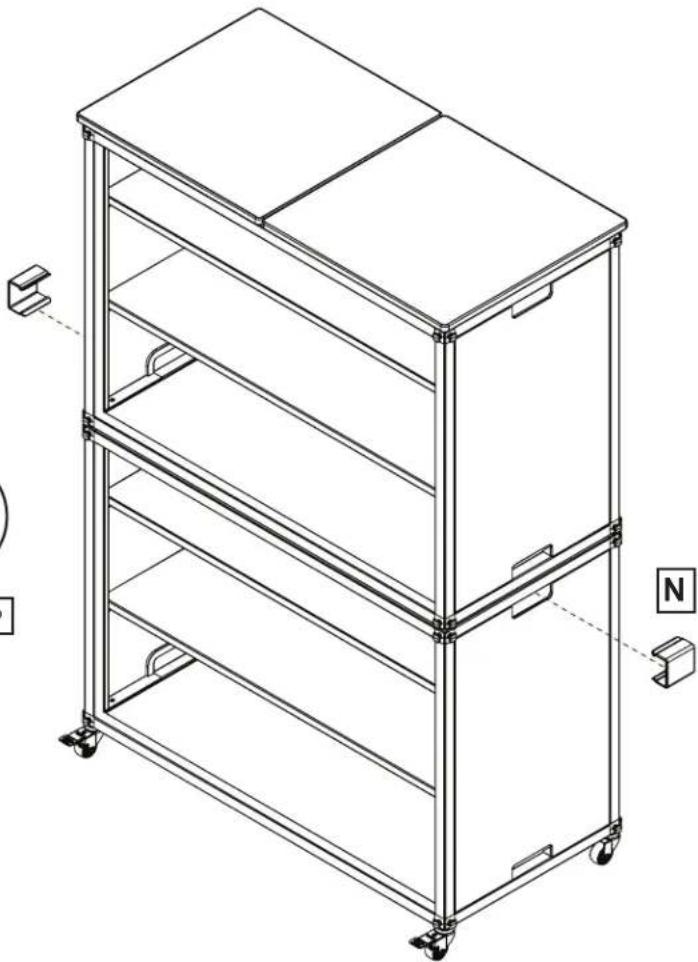
Always install and between unit and -intructions incl Use help lifting Listen for snap N

Luxor MBSCB07 - HARDWARE INCLUDED NOT TO SCALE - 28
Always install anchors between unit and wall -instructions included-

Luxor MBSCB07 - HARDWARE INCLUDED NOT TO SCALE - 29

M Listen for snap Example of MBSCB06 connected horizontally

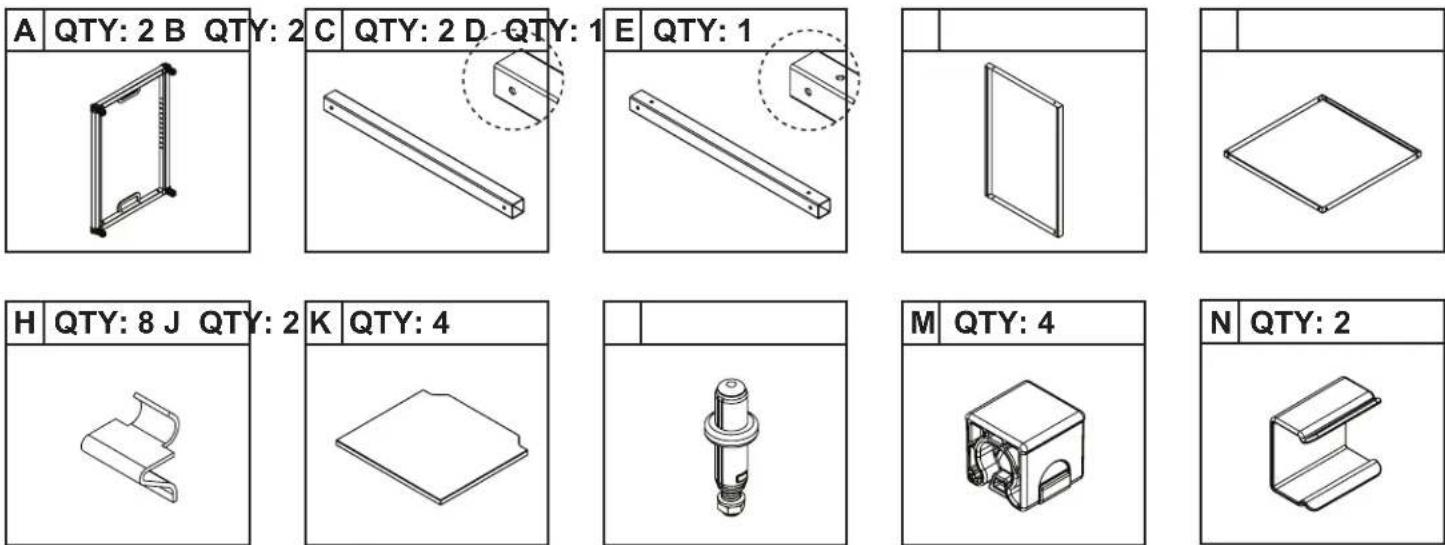
PARTS INCLUDED NOT TO SCALE

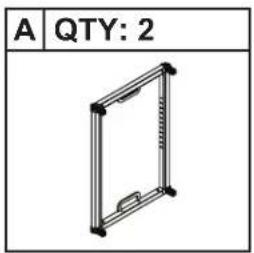
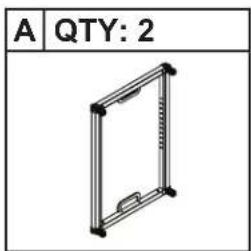
A QTY: 2

Technical line drawing of a mechanical part with a bracket and rod, no text or symbols present

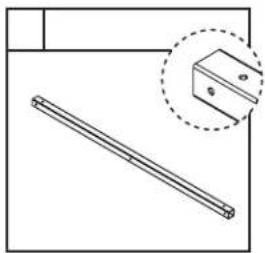
Technical line drawing of a mechanical part with a dashed inset showing a bracket detail (no text or symbols)

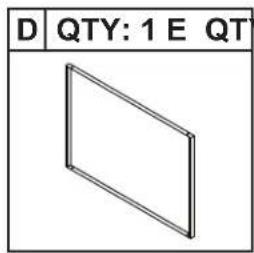
D QTY: 1 E QT

Y: 1C QTY: 2B QTY: 2

F QTY: 2 G QT

Technical line drawing of a mechanical component with a wheel and cylindrical head (no text or symbols)

H QTY: 8

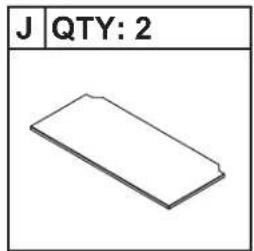
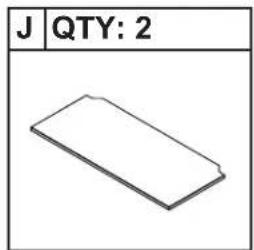
J QTY: 2

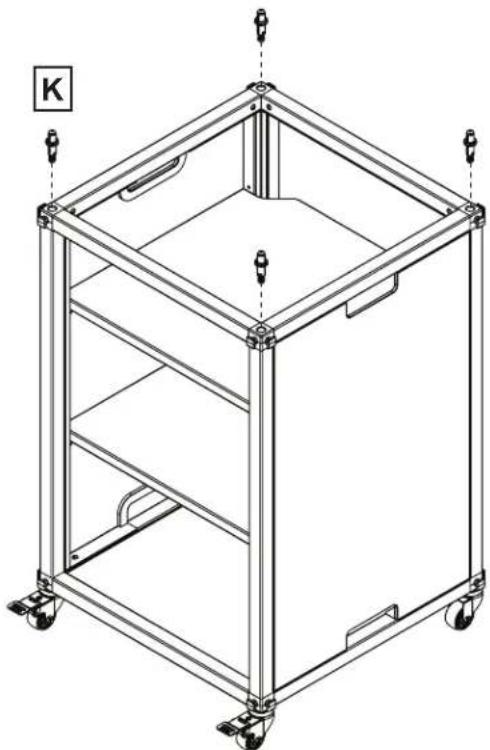
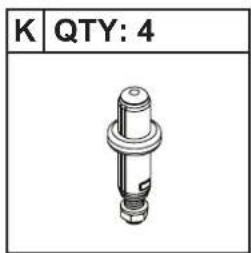
K QTY: 4

L QTY: 2

M QTY: 4

P QTY: 2

HARDWARE INCLUDED NOT TO SCALE

1 QTY: 18

PARTS INCLUDED NOT TO SCALE

A QTY: 2

Technical line drawing of a mechanical part with a bracket and rod, no text or symbols present

Technical line drawing of a mechanical part with a cylindrical rod and a dashed inset showing a bracket (no text or symbols)

D QTY: 1 E QT

C QTY: 2B QTY: 2

H QTY: 8

J QTY: 2

K QTY: 4

M QTY: 4

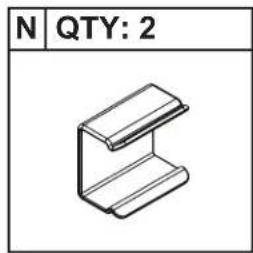
N QTY: 2

P QTY: 2

HARDWARE INCLUDED NOT TO SCALE

1 QTY: 18

1 B C B C For part C, primary holes face toward "front", but note orientation of secondary holes For part B, primary holes face toward "back" A A For part A, "bottom" is missing screws

2

Technical line drawing of a 3D rectangular frame structure with mounting holes and internal supports, labeled 'A' and '15' (no text or symbols on the diagram itself)

Luxor MBSCB07 - HARDWARE INCLUDED NOT TO SCALE - 4

Luxor MBSCB07 - HARDWARE INCLUDED NOT TO SCALE - 5

1 QTY: 4

Technical line drawing of a rectangular metal frame structure with dashed circular annotations indicating mounting points (no text or symbols present)

Technical diagram of a corner joint with mounting holes and bolts, enclosed in a dashed circle (no text or symbols)

Luxor MBSCB07 - HARDWARE INCLUDED NOT TO SCALE - 9

Technical line drawing of a two-tiered modular device with mounting brackets and structural supports (no text or symbols)

7
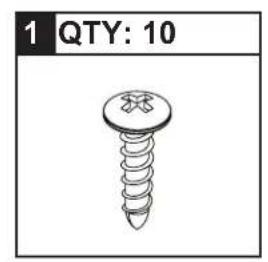
1 QTY: 10

Technical diagram of a modular device with labeled components and assembly views, including G and F annotations.

8

Luxor MBSCB07 - HARDWARE INCLUDED NOT TO SCALE - 13

Use help flipping Set height H

Luxor MBSCB07 - HARDWARE INCLUDED NOT TO SCALE - 15

Technical line drawing of a mechanical device with a frame structure and a labeled component 'J' (no text or symbols on the diagram itself)

11

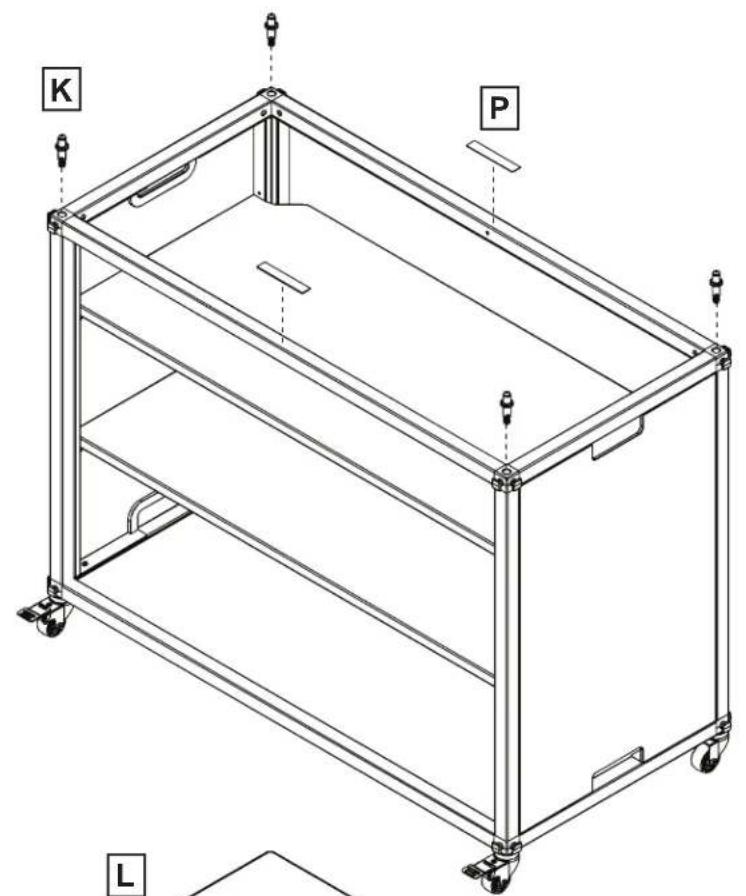
K P L

12

Line drawing of a multi-level industrial cart with wheels and a flat top panel (no text or symbols)

Luxor MBSCB07 - HARDWARE INCLUDED NOT TO SCALE - 19

If you purchased MBSCB04, continue by re-following steps 1-7 and 9-12, with part L belonging to MBSCB03

13
Isometric line drawing of a multi-tiered modular shelving unit (no text or symbols)

Luxor MBSCB07 - HARDWARE INCLUDED NOT TO SCALE - 21
Use help lifting

Luxor MBSCB07 - HARDWARE INCLUDED NOT TO SCALE - 22
Always install anchors between unit and wall -instructions included-

14
Luxor MBSCB07 - HARDWARE INCLUDED NOT TO SCALE - 23

Listen for snap
Isometric line drawing of a multi-tiered shelving unit with wheels and a labeled mounting bracket (no text or symbols)

15
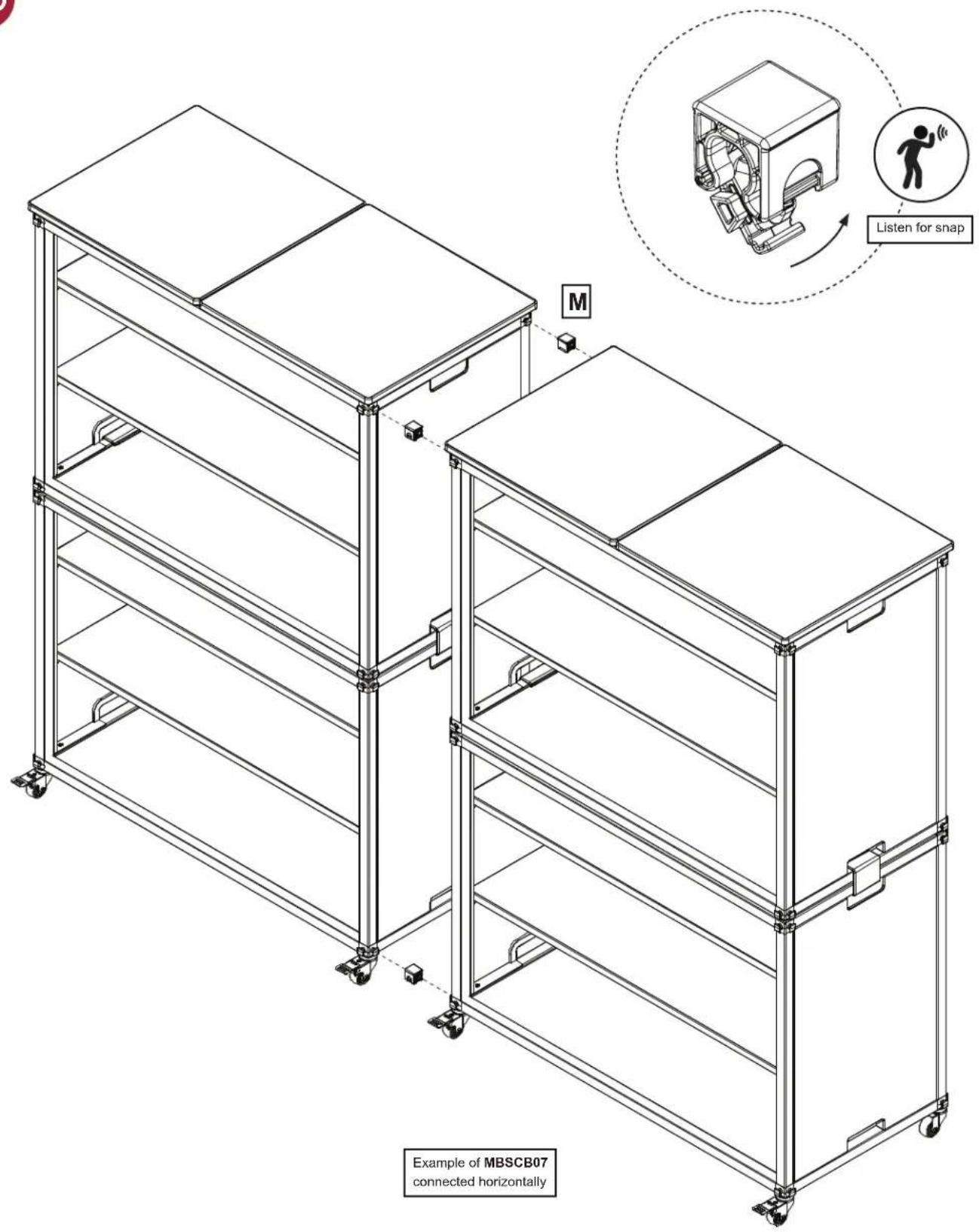
M Listen for snap Example of MBSCB07 connected horizontally

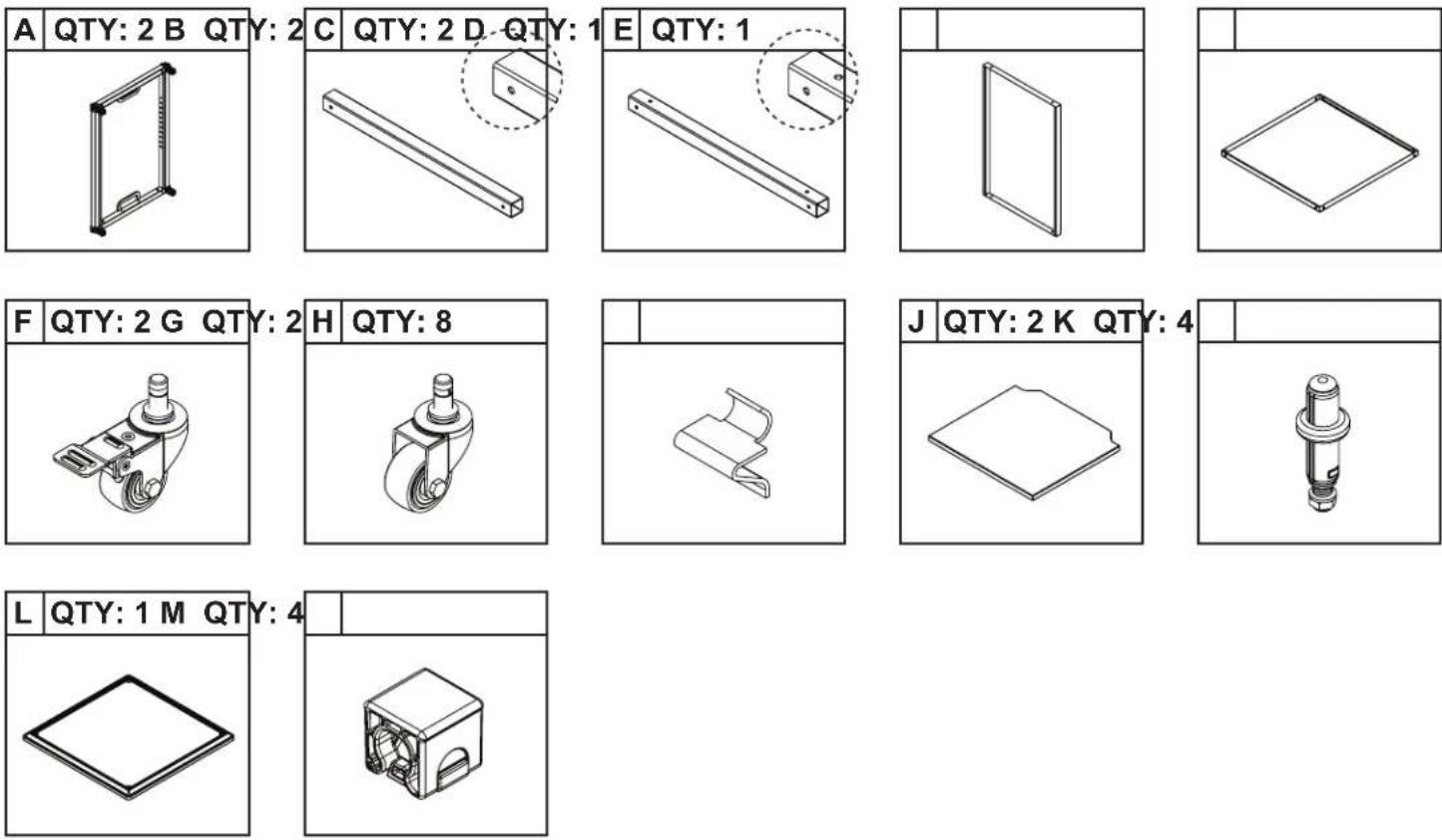
PARTS INCLUDED NOT TO SCALE

Simple line drawing of a door frame inside a rectangular frame (no text or symbols)

Simple line drawing of a door frame inside a rectangular frame (no text or symbols)

Technical line drawing of a metal bracket with an inset close-up view (no text or symbols)

C QTY: 2B QTY

D QTY: 1A1 QTY:

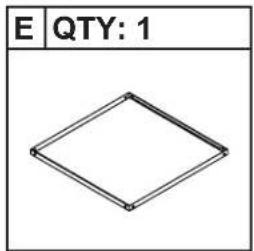
E QTY: 1

F QTY: 2

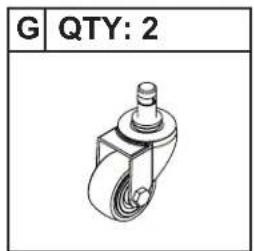
G QTY: 2

H QTY: 4

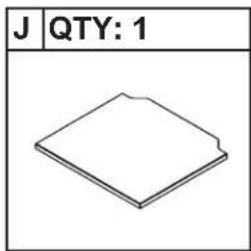
J QTY: 1

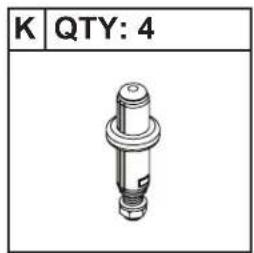
K QTY: 4

L QTY: 1

M QTY: 4

Q QTY: 1

HARDWARE INCLUDED NOT TO SCALE
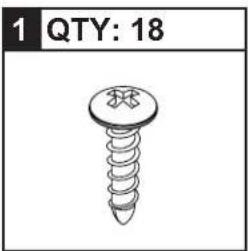
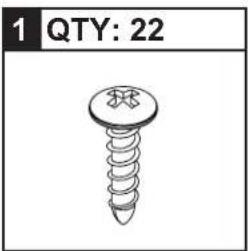
1 QTY: 22

2 QTY: 2

1 B C For part B, primary holes face toward "back" C B A1 2 A2 For part A, "bottom" is missing screws

Luxor MBSCB07 - HARDWARE INCLUDED NOT TO SCALE - 4

5
Technical line drawing of a rectangular metal frame structure with two circular cutouts and centerlines (no text or symbols)

Diagram of a mechanical component with a circular cross-section and labeled parts (no text or symbols)

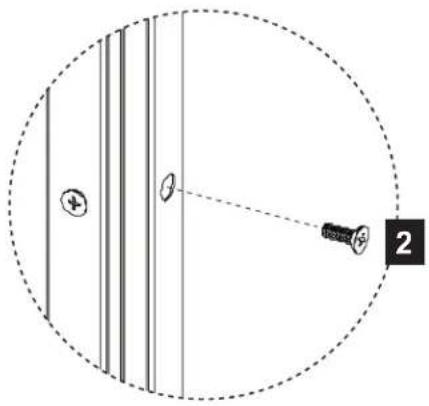
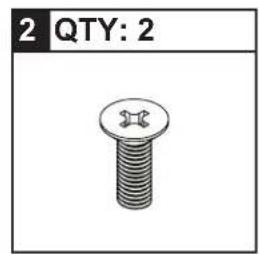
2 QTY: 2

6
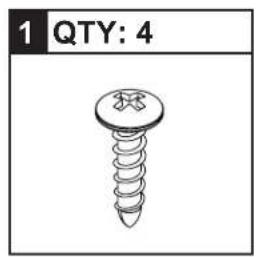
1 QTY: 4

Technical diagram of a corner joint with mounting holes and a bolt, enclosed in a dashed circular boundary (no text or symbols)

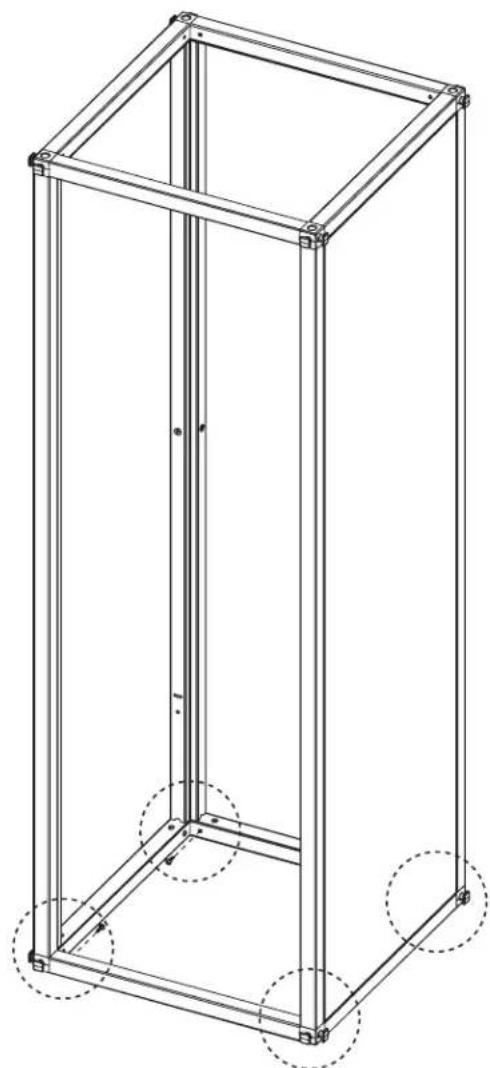
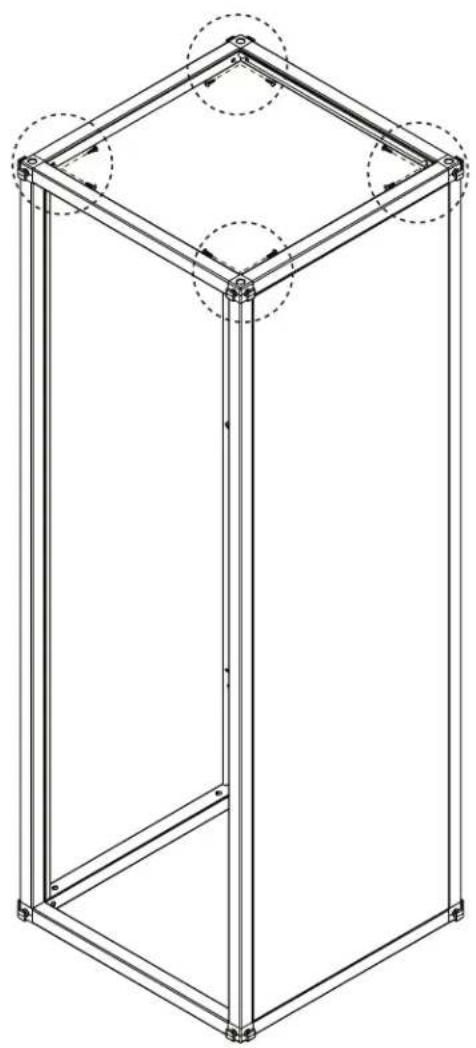
Technical line drawing of a rectangular frame structure with dashed circular annotations at the bottom (no text or symbols present)

7
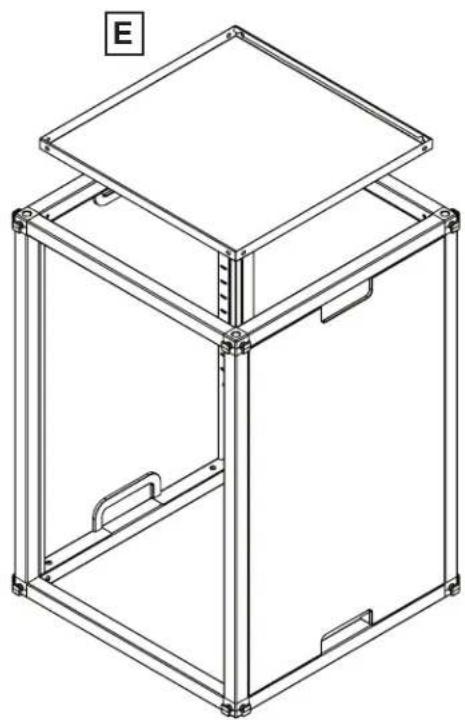
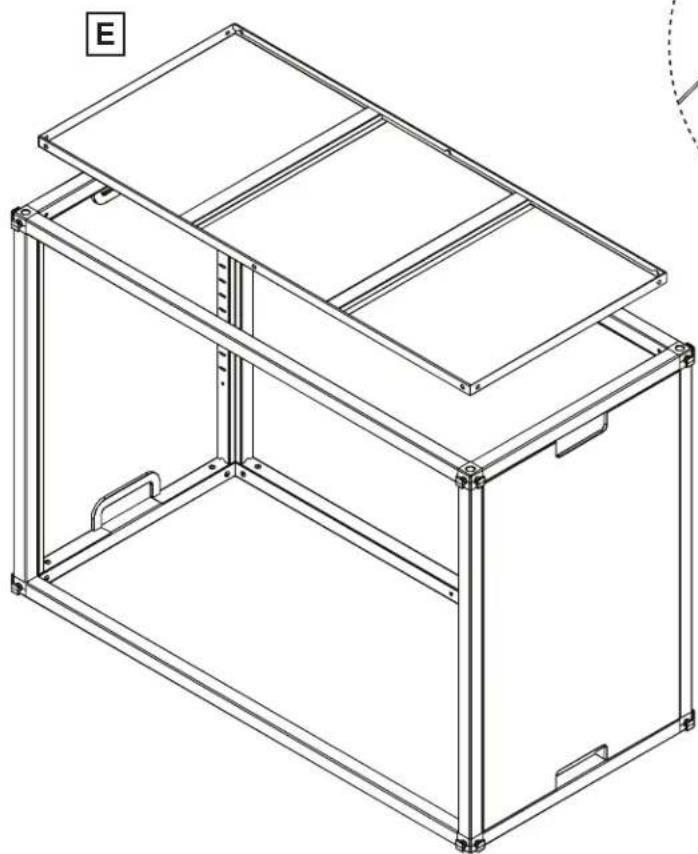
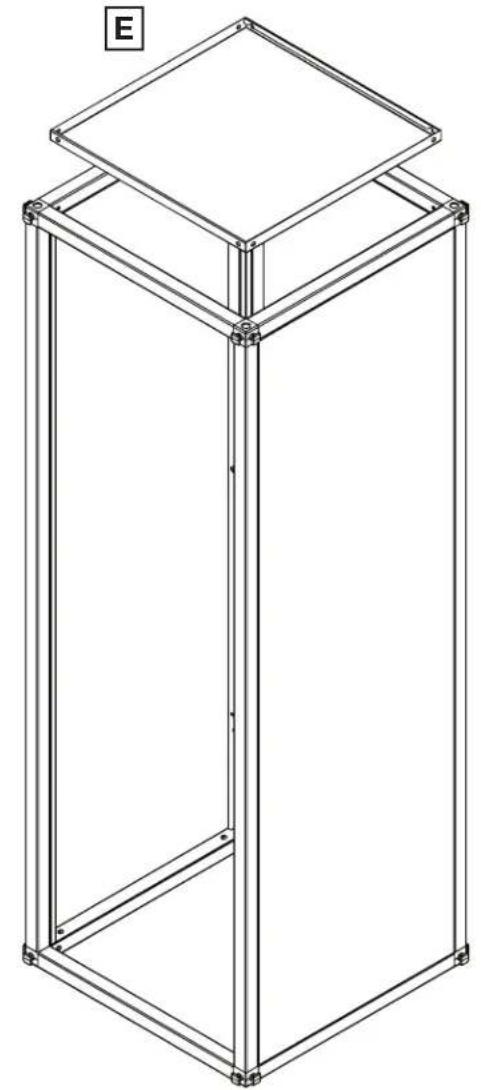
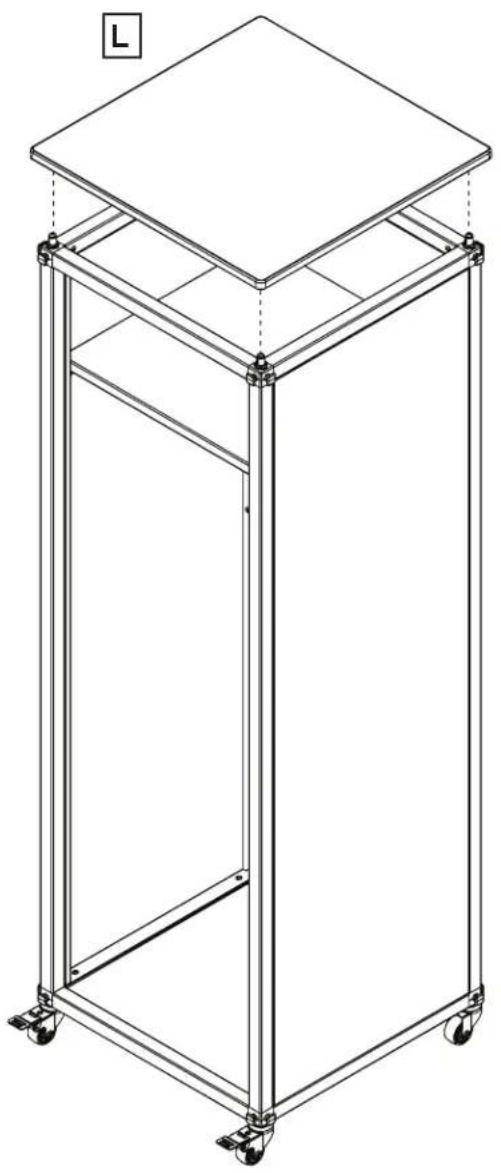
Isometric line drawing of a multi-story rectangular frame structure with a square top panel, no text or symbols present.

8
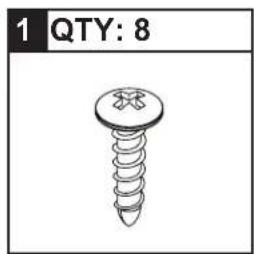
1 QTY: 8

Technical line drawing of a mechanical bracket assembly with mounting holes and fasteners, enclosed in a dashed circular boundary (no text or symbols)

Technical line drawing of a 3D rectangular frame structure with circular cutouts and mounting holes (no text or symbols)

Luxor MBSCB07 - HARDWARE INCLUDED NOT TO SCALE - 15

11

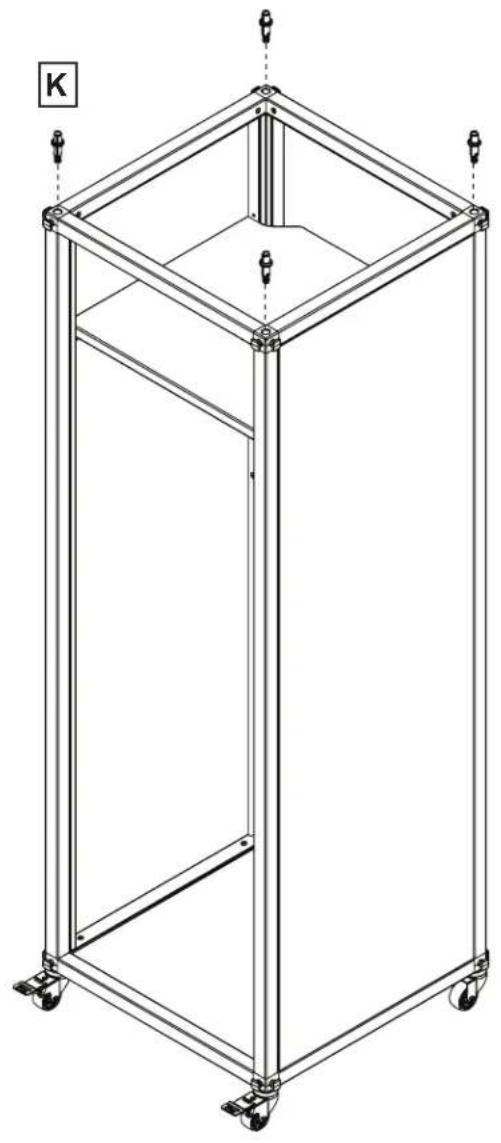
1 QTY: 6

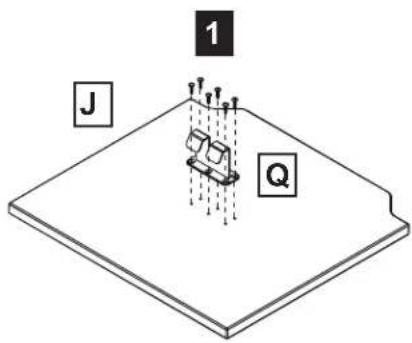
1 J Q

12

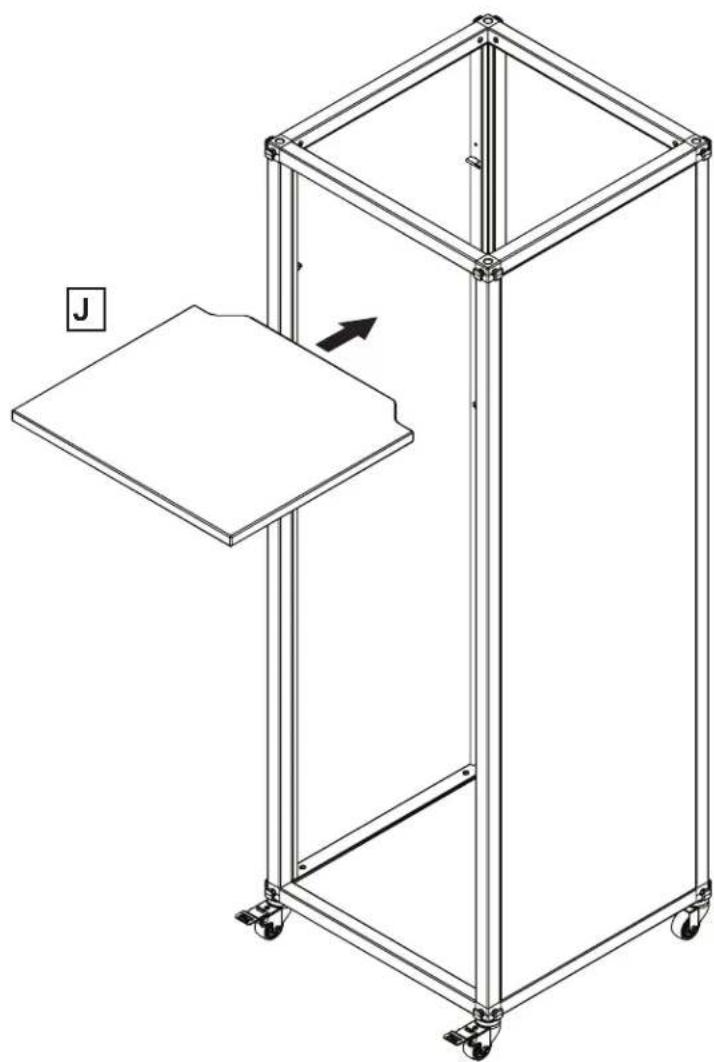
Line drawing of a multi-tiered mechanical cart with a labeled component 'J' and an arrow indicating direction (no text or symbols on the cart itself)

13
Line drawing of a rectangular metal frame with wheels and a central vertical support (no text or symbols)

Luxor MBSCB07 - 12 - 3
Always install anchors between unit and wall -instructions included-

14
Line drawing of a multi-tiered metal stand with wheels and a flat top panel (no text or symbols)

Luxor MBSCB07 - 12 - 5

Listen for snap M

Example of MBSCB05 connected horizontally

ADDITIONAL PRODUCTS TO PURCHASE
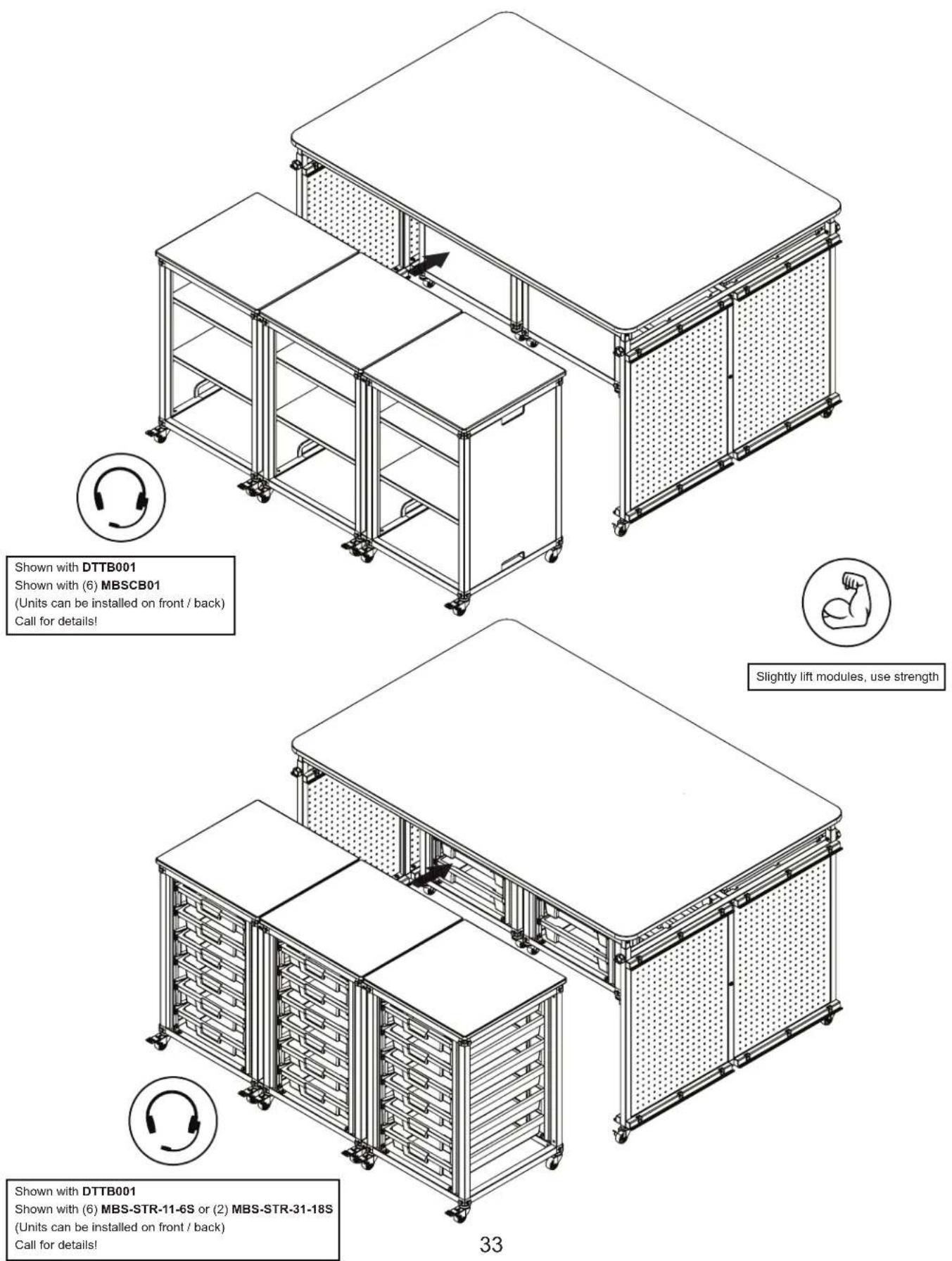
Luxor MBSCB07 - ADDITIONAL PRODUCTS TO PURCHASE - 1

ADDITIONAL PRODUCTS TO PURCHASE

Luxor MBSCB07 - ADDITIONAL PRODUCTS TO PURCHASE - 1

ADDITIONAL PRODUCTS TO PURCHASE

Luxor MBSCB07 - ADDITIONAL PRODUCTS TO PURCHASE - 1
Shown with DTTB002 Shown with (3) MBSCB01 Call for details!
Slightly lift modules, use strength
Shown with DTTB002 Shown with (3) MBS-STR-11-6S or (1) MBS-STR-31-18S Call for details!

ADDITIONAL PRODUCTS TO PURCHASE
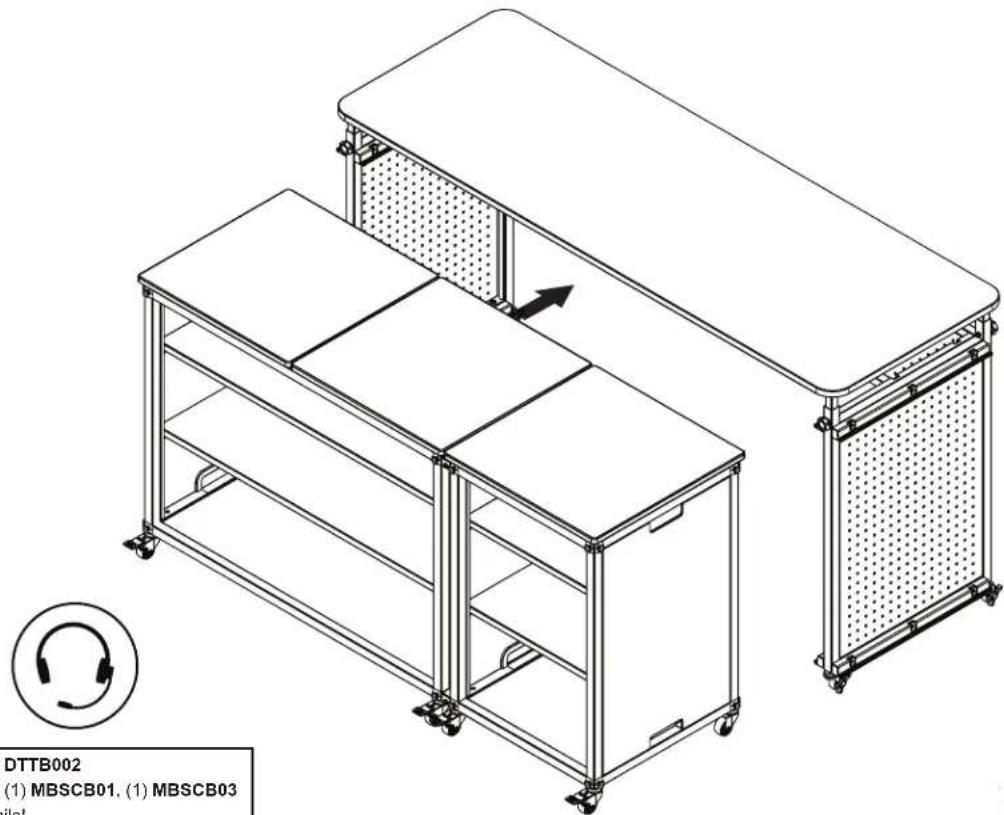
DTTB002 (1) MBSCB01. (1) MBSCB03 mails!

Luxor MBSCB07 - ADDITIONAL PRODUCTS TO PURCHASE - 2
Shown with DTTB002
Shown with (1) MBSCB01, (1) MBSCB03
Call for details!
Slightly lift modules, use strength

Slightly TB002 MRSCB01 (1) MRS-STR-11-6S

Shown with DTTB002
Shown with (1) MBSCB01, (1) MBS-STR-11-6S
Call for details!
Manual assistant
Powered by Anthropic
Waiting for your message
Product information

Brand : Luxor

Model : MBSCB07

Category : Wardrobe