
Big Cobber - Bike light Knog - Free user manual and instructions
Find the device manual for free Big Cobber Knog in PDF.


| Product Type | Bike Light |
| Brand | Knog |
| Model | Big Cobber |
| Dimensions | Approx. 100 x 40 x 30 mm |
| Weight | Approx. 100 g |
| Power Source | Rechargeable Li-ion battery, USB-C charging |
| Battery Capacity | 2000 mAh |
| Charging Time | ~3 hours |
| Runtime | Up to 20 hours in eco mode |
| Light Modes | High, Medium, Low, Flash, Pulsing |
| Lumen Output | Up to 500 lumens |
| Beam Distance | Up to 100 meters |
| Water Resistance | IPX4 (splash resistant) |
| Mounting | Silicone strap (tool-free) with multiple positions |
| Material | Anodized aluminum body, polycarbonate lens |
| Battery Indicator | LED indicator on unit |
| Compliance | CE, RoHS, and US DOT compliant |
| Maintenance | Clean with soft dry cloth; avoid solvents |
| Storage | Store in cool dry place; charge every 6 months |
| Spare Parts | USB cable, mounting straps available separately |
| Repairability | Battery replaceable by manufacturer; housing sealed |
Frequently Asked Questions - Big Cobber Knog
User questions about Big Cobber Knog
0 question about this device. Answer the ones you know or ask your own.
Ask a new question about this device
Download the instructions for your Bike light in PDF format for free! Find your manual Big Cobber - Knog and take your electronic device back in hand. On this page are published all the documents necessary for the use of your device. Big Cobber by Knog.
USER MANUAL Big Cobber Knog
QUICK START GUIDE
CHARGE BEFORE FIRST USE

OPERATION

Long press the power button to turn light on and off.
Short press to cycle between modes.
When the LED ring around the power button lights up, the battery is low.
The LED ring glows red when charging, and glows green when the Cobber is fully charged.
FITMENT
Cobber Front & Rear
3 Straps included in each pack
- SML: ∅ 22-27MM
- MED: ∅ 27-32MM
- LRG: ∅ 32+MM

1.


3.
EYESAVER MODE

FRONT LIGHT:
Top channel disables in Eyesaver mode.
MODEMAKER
Knog's ModeMaker app allows you to update the modes for Cobber bike lights. Simply download the software from knog.com.au, plug your light in, using the supplied USB-A extension cable*, then select and tailor modes from the menu.
- Download the app from knog.com.au/modemaker
- Plug the light in and follow on-screen prompts to register your product.
- Follow tutorial to update your modes.
MOUNTING

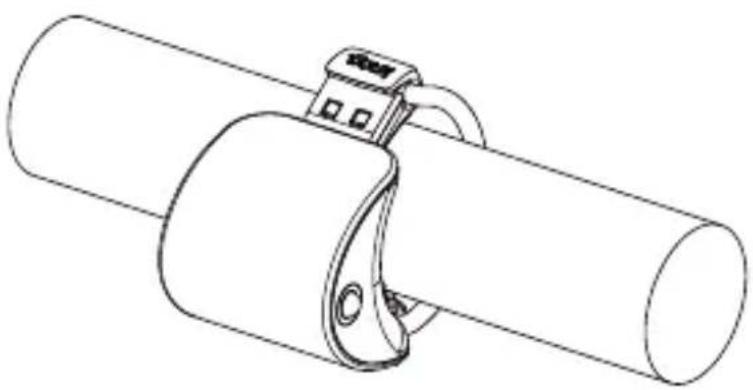
- Hook silicone strap into one side of the mount. Pull around the seat post or steerer tube and secure strap in opposite hook.
MOUNTING
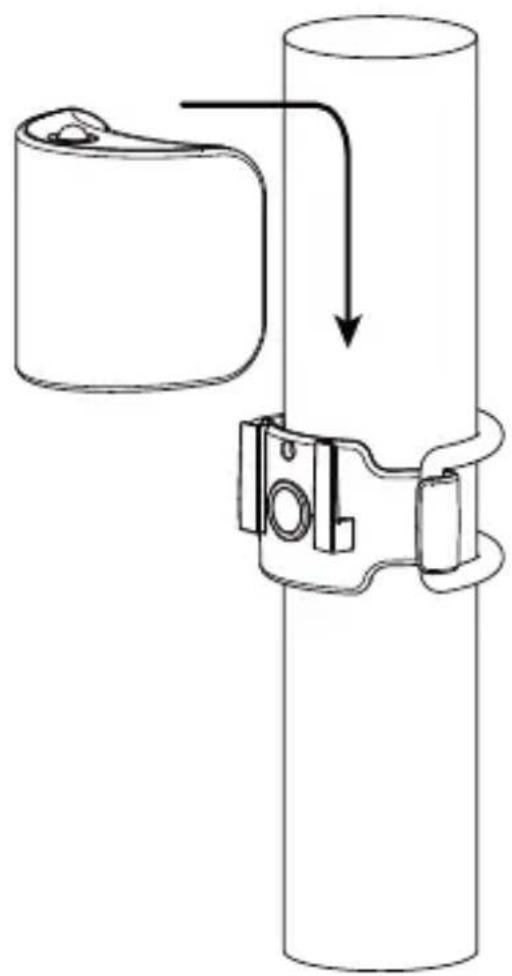
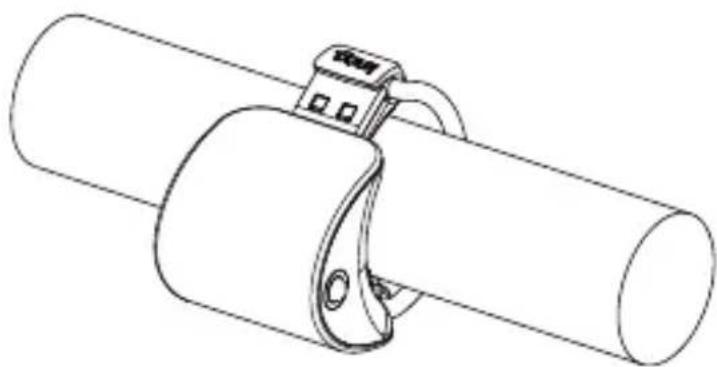
- Slide Cobber onto mount. Ensure that it snaps into place.
MOUNTING

- Place on seatpost or steerer for 330° beam & vertical flash. patterns.
Place on handle- bars using Eyesaver mode.
WARRANTY INFORMATION
This light is guaranteed for 2 years against manufacturing defects only.
The battery is guaranteed for 6 months against manufacturing defects only. See the website for more details.
For more information and updates go to
KNOG.COM.AU
Go to Cobber video


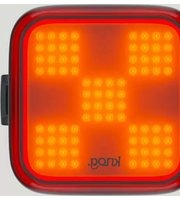
Brand : Knog
Model : Big Cobber
Category : Bike light