
0906 - Dash cam MINI - Free user manual and instructions
Find the device manual for free 0906 MINI in PDF.


| Product Type | Dash Cam |
| Brand | MINI |
| Model | 0906 |
| Dimensions (approx.) | 90 x 50 x 30 mm |
| Weight (approx.) | 80 g |
| Power Supply | 5V DC via car charger |
| Video Resolution | Full HD 1080p |
| Frame Rate | 30 fps |
| Lens Aperture | F2.0 |
| Viewing Angle | 140° |
| Storage Support | MicroSD card up to 64 GB |
| Loop Recording | Yes |
| G-Sensor | Yes (auto event detection) |
| Night Vision | Yes (low-light enhancement) |
| Display | 2.0-inch LCD |
| Mount Type | Suction cup |
| Battery | Built-in rechargeable Li-ion |
| Recording Format | MOV |
| Audio | Built-in microphone and speaker |
| Warranty | 1 year |
Frequently Asked Questions - 0906 MINI
User questions about 0906 MINI
0 question about this device. Answer the ones you know or ask your own.
Ask a new question about this device
Download the instructions for your Dash cam in PDF format for free! Find your manual 0906 - MINI and take your electronic device back in hand. On this page are published all the documents necessary for the use of your device. 0906 by MINI.
USER MANUAL 0906 MINI
User's Guide For DASH CAMERA
SPECIFICATION
camera specification
|

natural_image
A plain gradient bar with no text, symbols, or identifiable features.|

natural_image
A plain gradient bar with no text, symbols, or identifiable features.[Non-Text]
[Non-Text]
[Non-Text]
1
|
[Non-Text]
[Non-Text]
[Non-Text]
[Non-Text]
[Non-Text]
[Non-Text]
[Non-Text]
[Non-Text]
[Non-Text]
[Non-Text]
[Non-Text]
|
[Non-Text]
[Non-Text]
[Non-Text]
[Non-Text]
[Non-Text]
[Non-Text]
[Non-Text]
natural_image
Diagram of a computer monitor with labeled ports and a red diagonal line indicating alignment or measurement (no text or symbols present)
natural_image
Line drawing of a projector with ventilation grille and control panel (no text or symbols)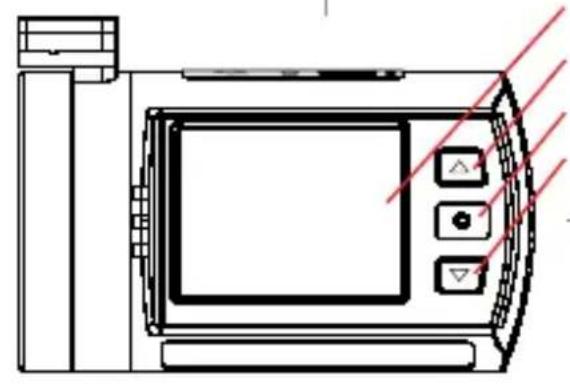
natural_image
Line drawing of a digital camera with control panel and display screen (no text or symbols)
natural_image
Simple diagram of a circular power button with a pointer and red laser line (no text or symbols)
natural_image
Technical line drawing of a device rear panel with red laser lines indicating light paths (no text or symbols)
natural_image
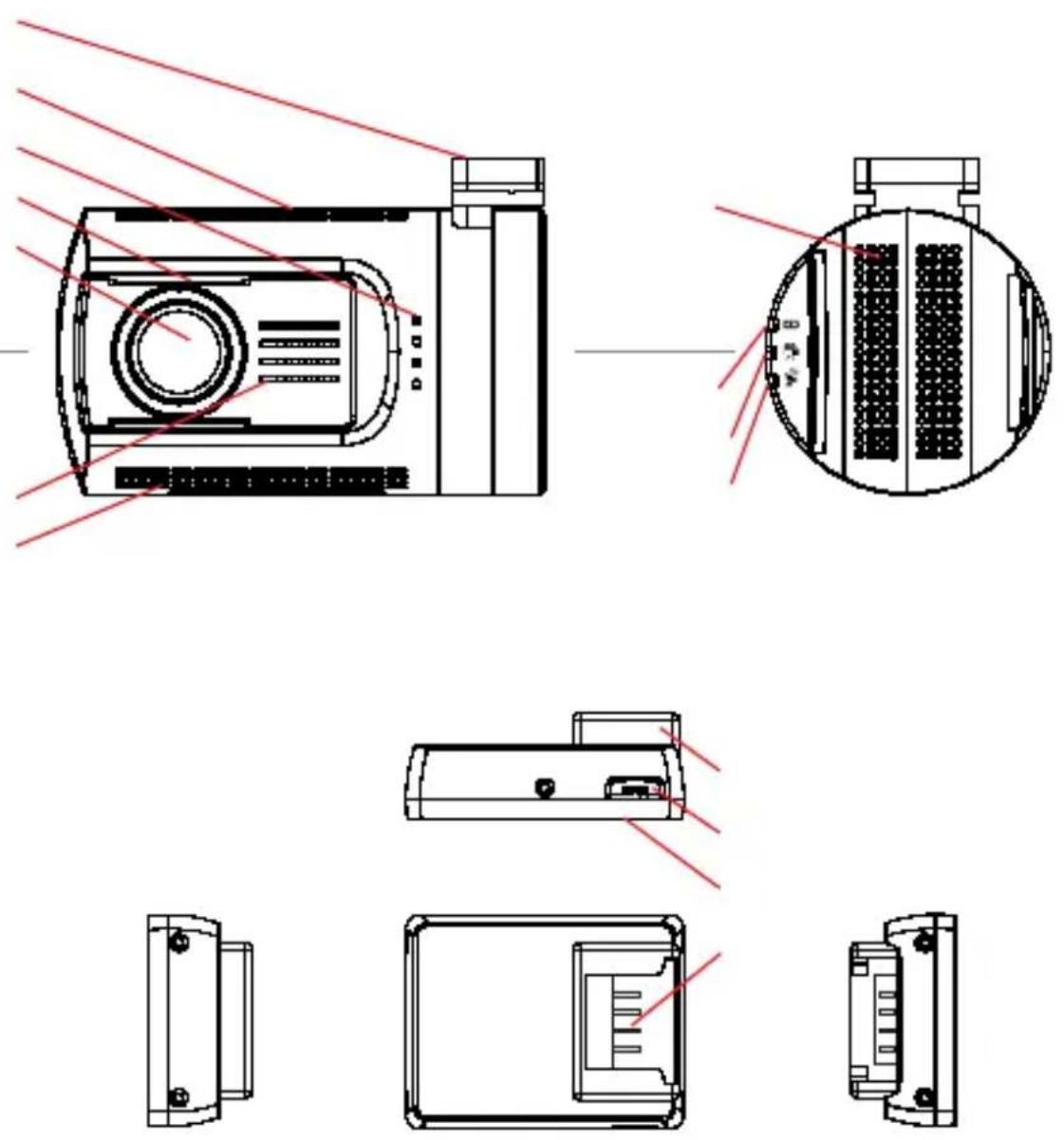
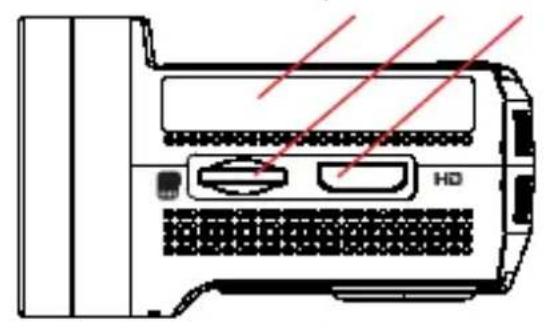
Close-up of a dark, circular object with concentric rings and a small protrusion (no visible text or symbols)12 - sticker
13 - microSD card slot
14 - HDMI output
15 - 1.5" TFT screen
16 - UP button
17 - OK button
18 - DOWN button
19 - mounting contacts
20 - MIC holes
21 - microUSB port
22 -
23 - POWER button
24 - mount
25 - microUSB port
26 - VHB pad
27 - mounting contacts
28 - reset button
OPERATION
TURN ON /OFF YOUR CAMERA
Here you can define the indicating function of the Green Indicator.
options: GPS STATUS
MIC STATUS
G-SENSOR SENSITIVITY
POWER OFF DELAY
SCREEN OFF DELAY
GPS STAMPING
SPEED STAMPING
DRIVER NUMBER STAMPING
DRIVER NUMBER
DATE STAMPING
Here you can define the date stamping format on video.
options: OFF
YYMMDD
MMDDYY
DDMMYY
TIME STAMPING
Here you can define the time stamping format on video.
options: OFF
12 HOURS
24 HOURS


natural_image
Blank gradient image with no visible text, symbols, or identifiable objects
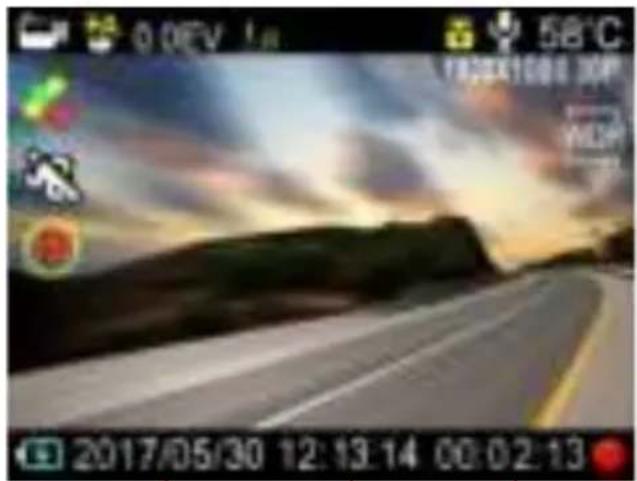
UI

LOOP RECORDING
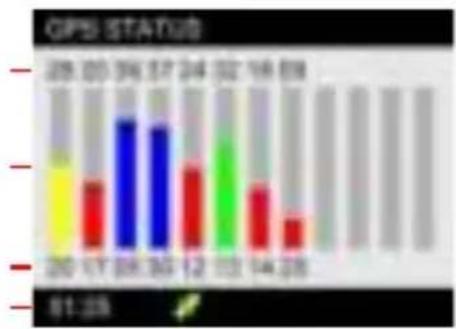
bar
GPS STATUS | Category | Value | |---|---| | 20 | 81.35 | | 17 | 14.28 | | 28 | 14.38 | | 30 | 14.38 | | 12 | 14.38 | | 13 | 14.38 | | 24 | 14.38 | | 32 | 14.38 | | 16 | 14.38 | | 69 | 14.38 | | 25 | 14.38 | | 34 | 14.38 | | 57 | 14.38 | | 24 | 14.38 | | 32 | 14.38 | | 16 | 14.38 | | 69 | 14.38 | | 25 | 14.38 | | 34 | 14.38 | | 57 | 14.38 | | 24 | 15.00 | | 32 | 15.00 | | 16 | 15.00 | | 69 | 15.00 | | 25 | 15.00 | | 34 | 15.00 | | 57 | 15.00 | | 24 | 15.00 | | 32 | 15.00 | | 16 | 15.00 | | 69 | 15.00 | | 25 | 15.00 | | 34 | 15.00 | | 57 | 15.00 | | 24 | 15.00 | | 25 | 15.00 | | 34 | 15.00 | | 57 | 15.00 | | 24 | 15.00 | | 32 | 15.00 | | 16 | 15.00 | | 69 | 15.00 | | 25 | 16.00 | | 34 | 16.00 | | 57 | 16.00 | | 24 | 16.00 | | 32 | 16.00 | | 16 | 16.00 | | 69 | 16.00 | | 25 | 16.00 | | 34 | 16.00 | | 57 | 16.00 | | 24 | 16.00 | | 25 | 16.00 | | 34 | 16.00 | | 57 | 16.00 | | 24 | 16.00 | | 32 | 16.00 | | 16 | 16.00 | | 69 | 16.00 | | 25 | 17.00 | | 34 | 17.00 | | 57 | 17.00 | | 24 | 17.00 | | 32 | 17.00 | | 16 | 17.00 | | 69 | 17.00 | | 25 | 17.00 | | 34 | 17.00 | | 57 | 17.00 | | 24 | 17.00 | | 25 | 17.00 | | 34 | 17.00 | | 57 | 17.00 | | 24 | 17.00 | | 32 | 17.00 | | 16 | 17.00 | | 69 | 17.00 | | 25 | 18.00 | | 34 | 18.00 | | 57 | 18.00 | | 24 | 18.00 | | 32 | 18.00 | | 16 | 18.00 | | 69 | 18.00 | | 25 | 18.00 | | 34 | 18.00 | | 57 | 18.00 | | 24 | 18.00 | | 25 | 18.00 | | 34 |PLAYER
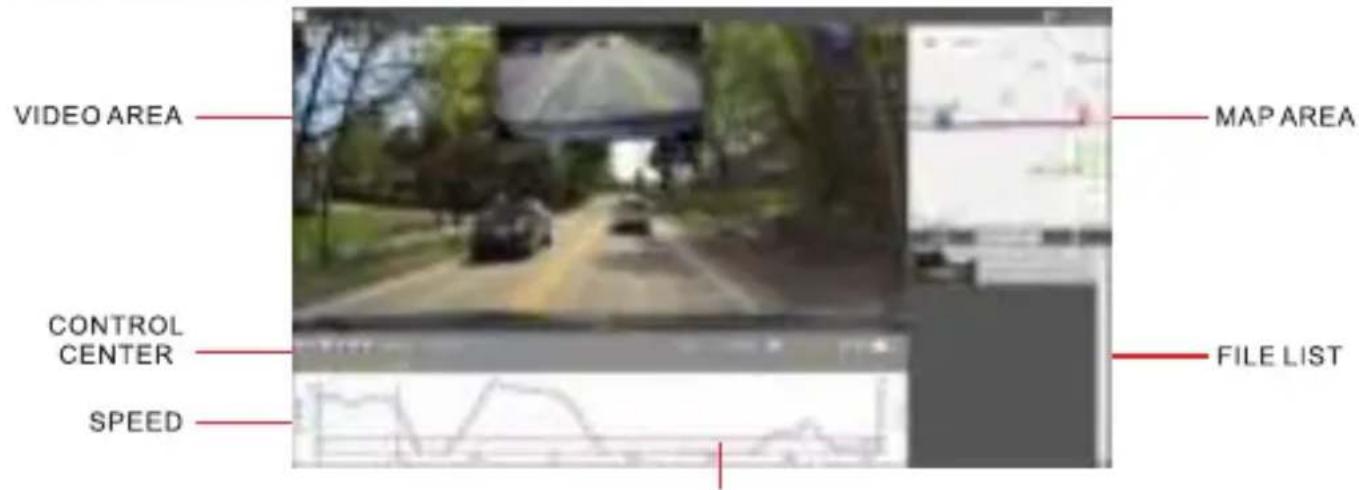
This image may be different with the real one according to version update.

natural_image
Exterior view of a rectangular electronic component (no visible text or symbols)
natural_image
Close-up of a black rectangular electronic component (no visible text or symbols)
natural_image
Black rectangular electronic component with a small protrusion (no visible text or symbols)
natural_image
Interior view of a modern car cockpit with steering wheel, dashboard, and seatbelt (no visible text or symbols)
natural_image
Product photo showing various electronic devices including flashlights, batteries, and earplugs (no visible text or labels)
natural_image
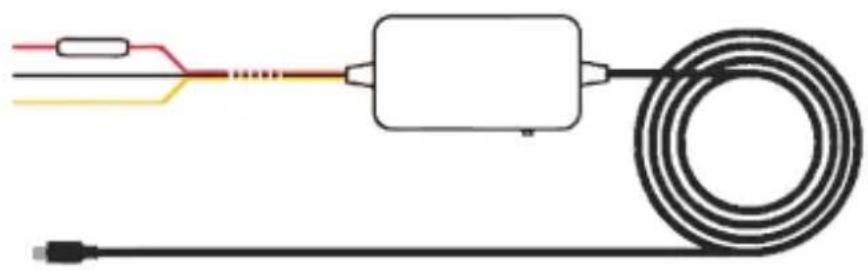
Technical line drawing of a digital camera with an inset showing internal components (no text or symbols)Parking Guard Hardwire Kit
natural_image
Pure electrical circuit lines without any symbolsParking Guard

natural_image
Pure electrical circuit lines without any symbols
natural_image
Blank gradient image with no visible text, symbols, or identifiable objects
natural_image
Three horizontal lines with no text or symbols, arranged horizontally on a white background (no text or symbols present)
natural_image
Black cylindrical digital camera with a screen and antenna (no visible text or symbols)



Brand : MINI
Model : 0906
Category : Dash cam