
BTR-002 - Bluetooth Receiver Gembird - Free user manual and instructions
Find the device manual for free BTR-002 Gembird in PDF.


| Product Type | Bluetooth Audio Receiver |
| Brand | Gembird |
| Model | BTR-002 |
| Bluetooth Version | 5.0 |
| Supported Profiles | A2DP, AVRCP |
| Audio Output | 3.5 mm stereo jack |
| Wireless Range | Up to 10 meters (33 feet) |
| Power Source | Built-in 250 mAh lithium battery |
| Battery Life | Up to 8 hours of music playback |
| Charging Time | 1-2 hours via micro USB |
| Dimensions (L x W x H) | 5.5 x 2.5 x 1.2 cm |
| Weight | 15 g |
| Compatibility | Smartphones, tablets, laptops, desktops with Bluetooth |
| Color | Black |
| Package Contents | Bluetooth receiver, micro USB cable, 3.5 mm audio cable, user manual |
| Scratch Resistance | Matte plastic finish resists minor scratches |
| Cleaning Instructions | Wipe with a soft, dry cloth. Do not use liquids. |
| Safety Precautions | Do not expose to water or extreme temperatures. Keep away from children. |
| Repairability | Not user-serviceable. Contact Gembird support for issues. |
| Country of Origin | China |
Frequently Asked Questions - BTR-002 Gembird
User questions about BTR-002 Gembird
0 question about this device. Answer the ones you know or ask your own.
Ask a new question about this device
Download the instructions for your Bluetooth Receiver in PDF format for free! Find your manual BTR-002 - Gembird and take your electronic device back in hand. On this page are published all the documents necessary for the use of your device. BTR-002 by Gembird.
USER MANUAL BTR-002 Gembird
natural_image
Abstract logo design featuring a stylized arrow and 'GE' letters, no readable text or symbols beyond the graphic elements.GEMBIRD®
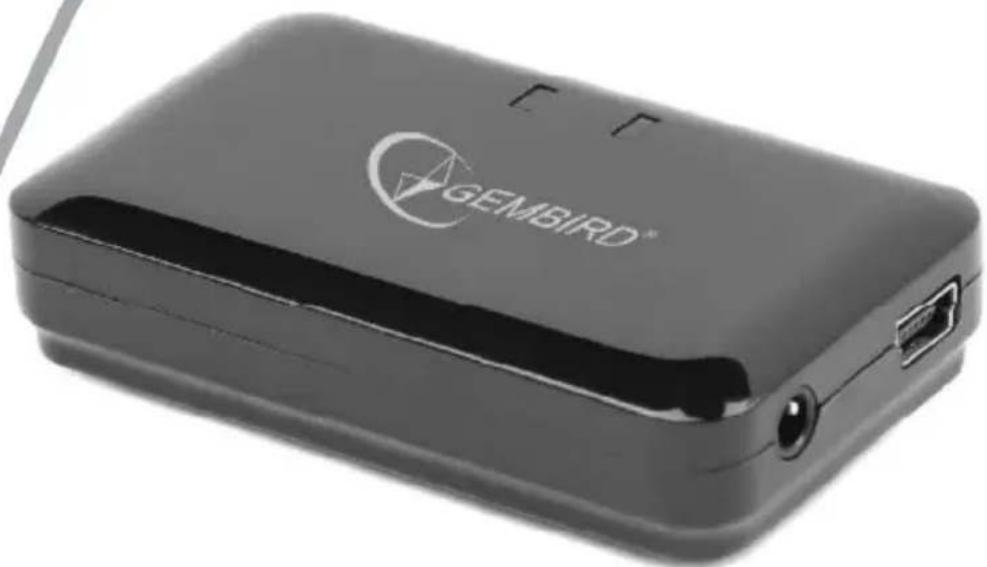
natural_image
Black GEIMBIRD device with USB port and logo (no visible text or symbols beyond branding)BLUETOOTH AUDIO RECEIVER
- Bluetooth audio receiver
- USB charging cable
• 3.5 mm audio cable
• 3.5 mm to 2x RCA audio cable - User manual
Specifications
• Interface: Bluetooth v.2.1, Class II
- Bluetooth frequency range: 2.402 GHz – 2.480 GHz
• Supported profiles: A2DP and AVRCP
• DC input: 5 V / 300 mA
• Audio output: 3.5 mm stereo jack
• Battery: 250 mAh Li-Polymer
• Recharging time: 2.5 hours
• USB charging cable length: 1 m
• Audio cable length120 mm
• Dimensions: 45 mm x 33 mm x 8 mm
- Net weight: 14 g

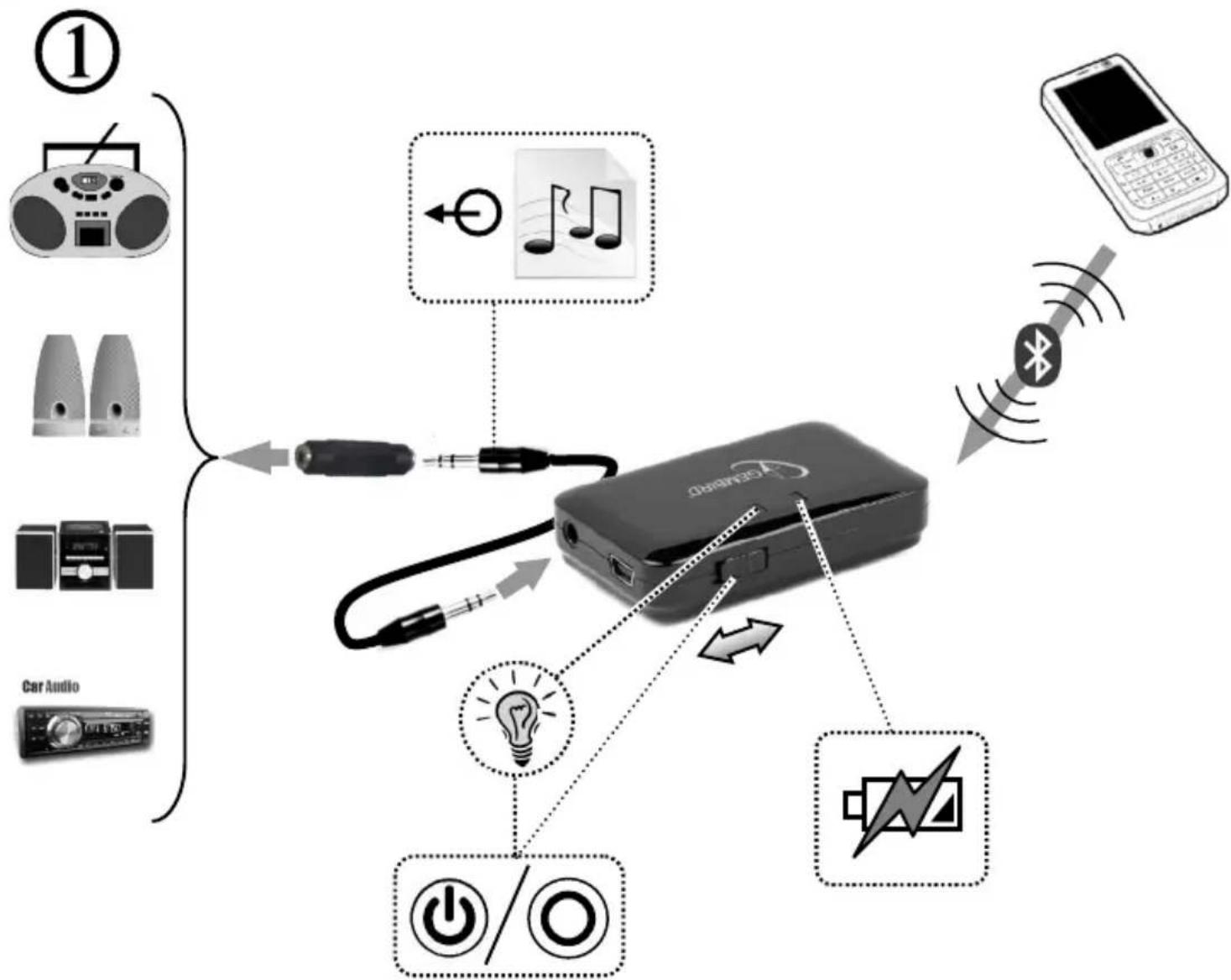
flowchart
graph TD
    A["Device"] -->|Power/Control| B["Mobile Phone"]
    A -->|Power/Control| C["Car Audio"]
    A -->|Power/Control| D["Radio Signal"]
    A -->|Power/Control| E["Signal Generator"]
    A -->|Power/Control| F["Audio Receiver"]
    A -->|Power/Control| G["Radio Generator"]
    style A fill:#f9f,stroke:#333
    style B fill:#ccf,stroke:#333
    style C fill:#cfc,stroke:#333
    style D fill:#fcc,stroke:#333
    style E fill:#cff,stroke:#333
    style F fill:#ffc,stroke:#333
    style G fill:#fcc,stroke:#333
    style_H["Radio Signal Generator"] --> I["Switch"]
    I --> J["Wireless Signal"]
    J --> K["Car Audio"]
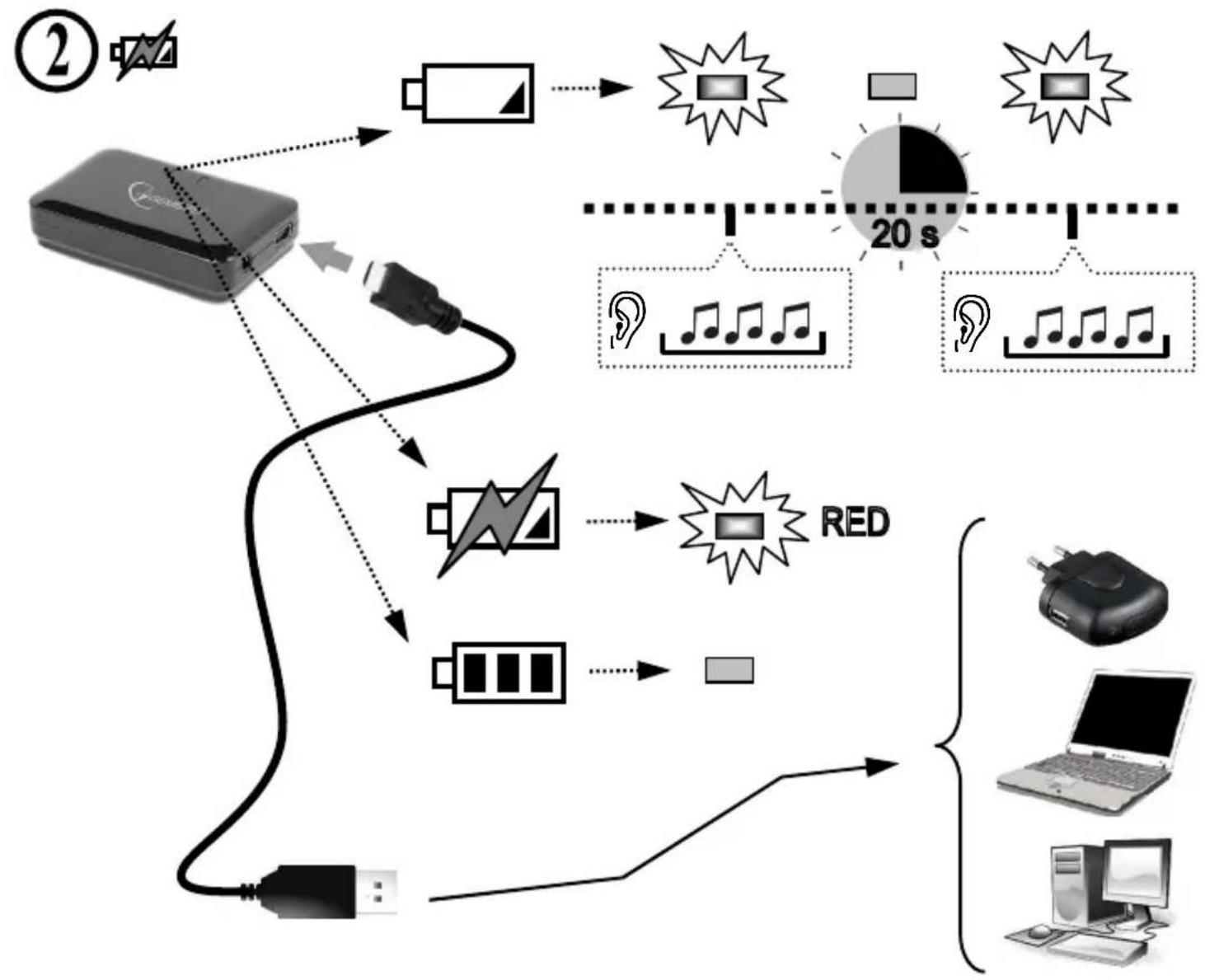
flowchart
graph TD
    A["Device ②"] --> B["Battery"]
    B --> C["Audio"]
    C --> D["20 s"]
    D --> E["Audio Record"]
    E --> F["20 s"]
    F --> G["Audio Record"]
    G --> H["20 s"]
    H --> I["Audio Record"]
    I --> J["20 s"]
    J --> K["Audio Record"]
    K --> L["20 s"]
    L --> M["Audio Record"]
    M --> N["20 s"]
    N --> O["Audio Record"]
    O --> P["20 s"]
    P --> Q["Audio Record"]
    Q --> R["20 s"]
    R --> S["Audio Record"]
    S --> T["20 s"]
    T --> U["Audio Record"]
    U --> V["20 s"]
    V --> W["Audio Record"]
    W --> X["20 s"]
    X --> Y["Audio Record"]
    Y --> Z["20 s"]
    Z --> AA["Audio Record"]
    AA --> AB["20 s"]
    AB --> AC["Audio Record"]
    AC --> AD["20 s"]
    AD --> AE["Audio Record"]
    AE --> AF["20 s"]
    AF --> AG["Audio Record"]
    AG --> AH["20 s"]
    AH --> AI["Audio Record"]
    AI --> AJ["20 s"]
    AJ --> AK["Audio Record"]
    AK --> AL["20 s"]
    AL --> AM["Audio Record"]
    AM --> AN["20 s"]
    AN --> AO["Audio Record"]
    AO --> AP["20 s"]
    AP --> AQ["Audio Record"]
    AQ --> AR["20 s"]
    AR --> AS["Audio Record"]
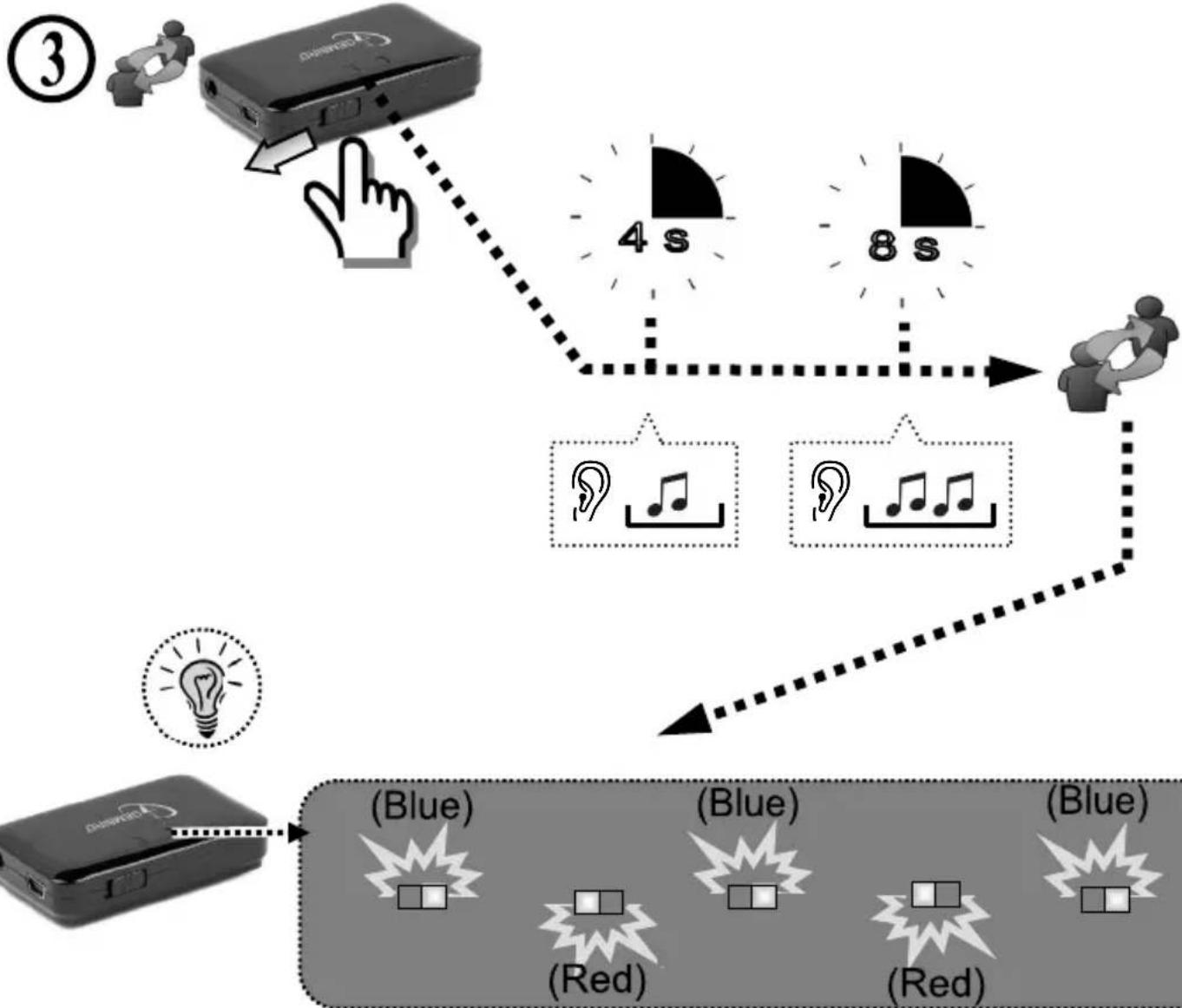
flowchart
graph TD
    A["Input Device"] --> B{Delay: 4 s}
    B --> C["Output Signal"]
    C --> D["Blue Signal (Red)"]
    C --> E["Blue Signal (Blue)"]
④
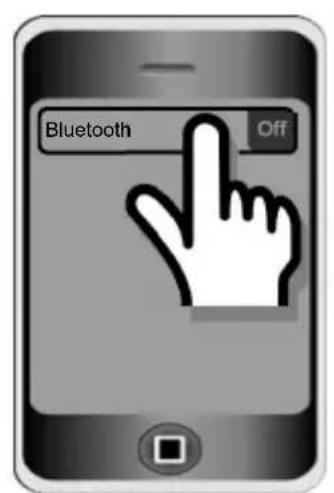
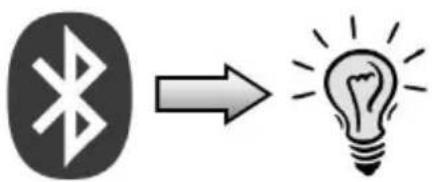
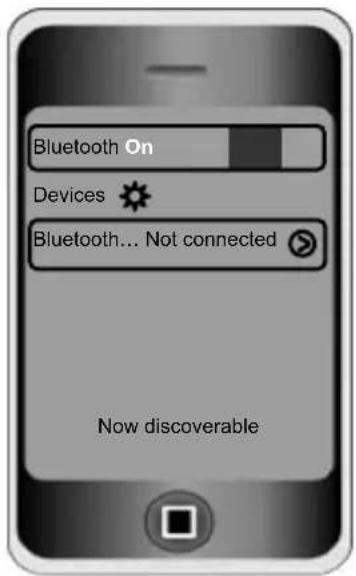
⑤
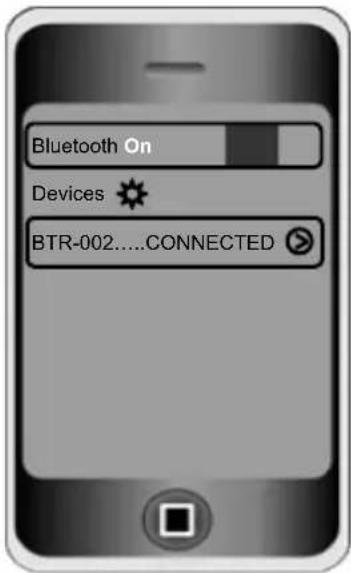

GEMBIRD®
This product is tested and complies with the essential requirements of the laws of member states concerning Safety Requirements of § 4 EMVG and of the Directives 2006/95/EC; 93/68/EEC and 2004/108/EC. The CE declaration can be found under www.gembird.eu
natural_image
Simple line drawing of a hand washing a cup with water droplets falling (no text or symbols)
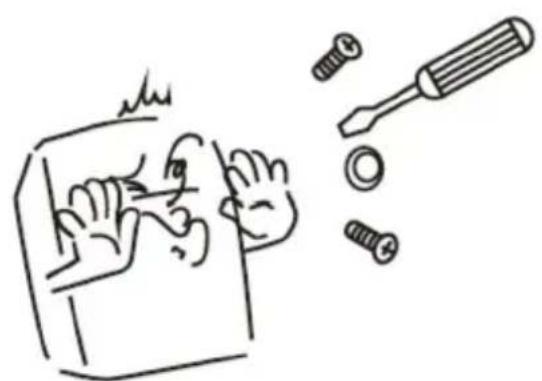
natural_image
Hand-drawn sketch of a hand using a tool to cut a screwdriver into a screw, with no text or symbols present.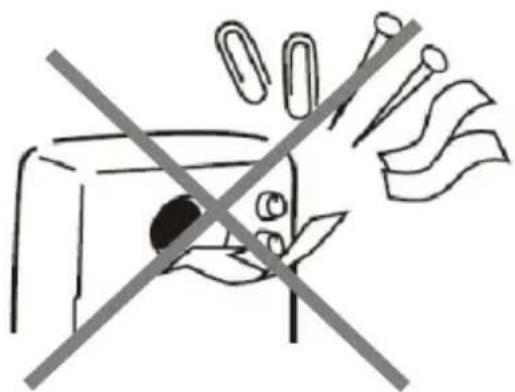
natural_image
Simple line drawing of a hand holding a bag with a diagonal line crossing through it, no text or symbols present.Waste disposal:

Do not deposit this equipment with the household waste. Improper disposal can harm both the environment and human health. For Information about waste collection facilities for used electrical and electronic devices, please contact your city council or an authorized company for the disposal of electrical and electronic equipment.
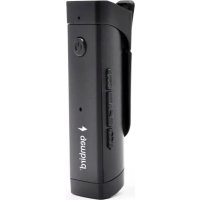
Brand : Gembird
Model : BTR-002
Category : Bluetooth Receiver