
KBS-P7-DE - Keyboard Gembird - Free user manual and instructions
Find the device manual for free KBS-P7-DE Gembird in PDF.


| Product Type | Keyboard |
| Brand | Gembird |
| Model | KBS-P7-DE |
| Layout | German (QWERTZ) |
| Connection Type | USB Wired |
| Key Type | Membrane |
| Dimensions (W x D x H) | Photography approximately 460 x 160 x 25 mm |
| Weight | Approximately 600 g |
| Cable Length | 1.5 m |
| Operating Systems Supported | Windows, macOS, Linux |
| Key Life | 10 million keystrokes |
| Features | Multimedia keys, waterproof membrane |
| Power Source | USB bus power |
| Maintenance | Clean with a soft, dry cloth; avoid liquids |
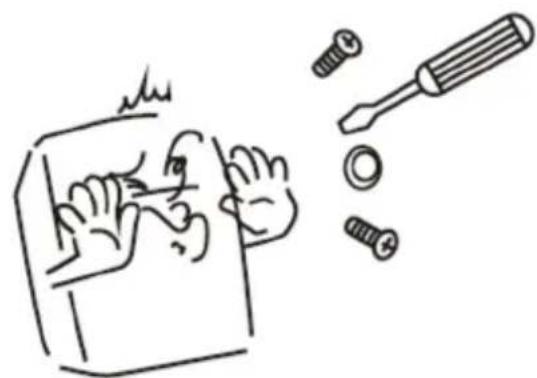
| Safety | Use in dry environments only; do not disassemble |
| Spare Parts Availability | Contact Gembird support |
| Repairability | Not designed for user repair |
Frequently Asked Questions - KBS-P7-DE Gembird
User questions about KBS-P7-DE Gembird
0 question about this device. Answer the ones you know or ask your own.
Ask a new question about this device
Download the instructions for your Keyboard in PDF format for free! Find your manual KBS-P7-DE - Gembird and take your electronic device back in hand. On this page are published all the documents necessary for the use of your device. KBS-P7-DE by Gembird.
USER MANUAL KBS-P7-DE Gembird
natural_image
Abstract logo design featuring a stylized arrow and 'GE' letters, no readable text or symbols beyond the graphic elements.GEMBIRD®
natural_image
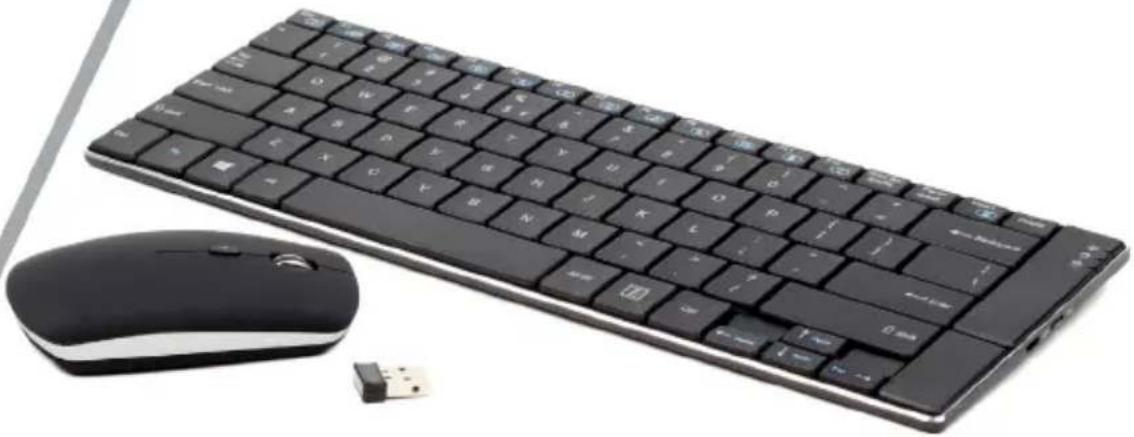
Black desktop computer keyboard and mouse with USB port, no visible text or symbols on the keys or background.WIRELESS DESKTOP SET
WIRELESS TASTATUR- UND MAUS-SET
WIRELESS DESKTOP SET
ENSEMBLE DE BUREAU SANS FIL
- Compact and thin wireless keyboard and mouse
• Durable and strong black coated aluminium base - Smooth scissor keystroke structure for more comfortable typing
• Intelligent power saving technology for longer battery life
• Practical multimedia buttons
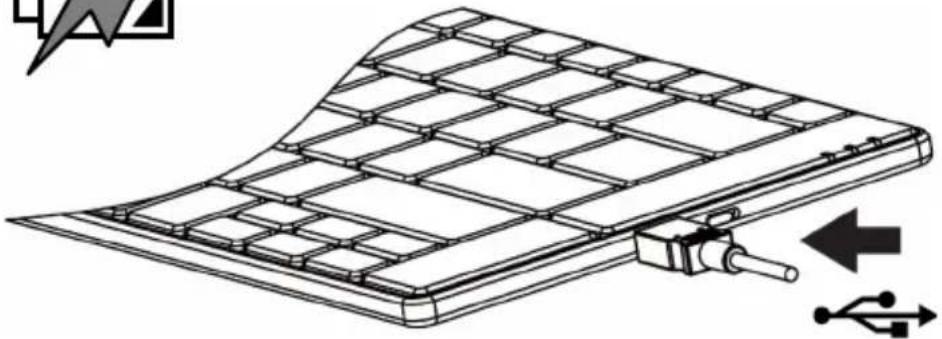
• Powerful built-in rechargeable battery(keyboard)
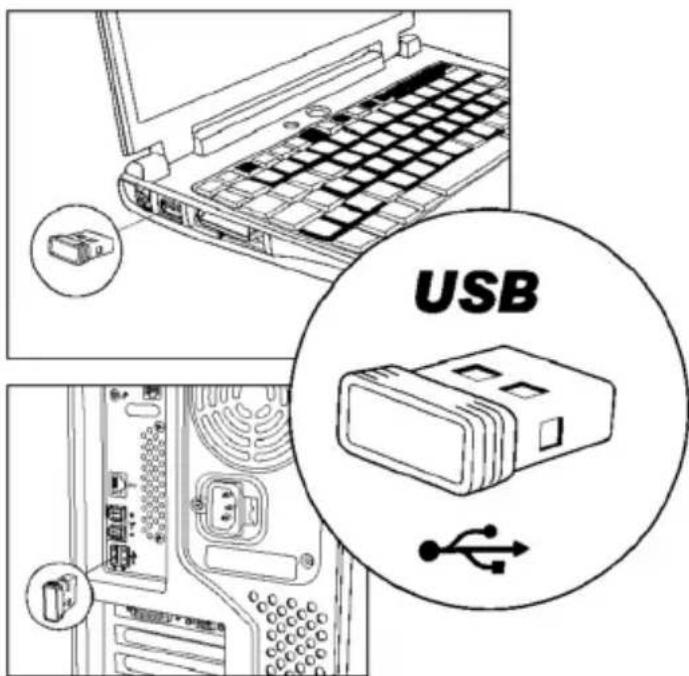
• 4-button slimline wireless optical mouse with DPI button - Single USB nano-receiver for both keyboard and mouse
Specifications
• Technology: 2.4 GHz, RF power up to 1 mW
- Dimensions: 310 x 112 x 5.5 mm (keyboard), 99 x 59 x 24 mm (mouse)
• Weight: 290 g (keyboard), 75 g (mouse with batteries)
• Keyboard keys: 82 pcs + 14 "Hot" - combinations with FN-key
• Mouse: 800, 1200, 1600 DPI
• Keyboard battery: built-in Li-ON 120 mAh
• Working distance: up to 10 m
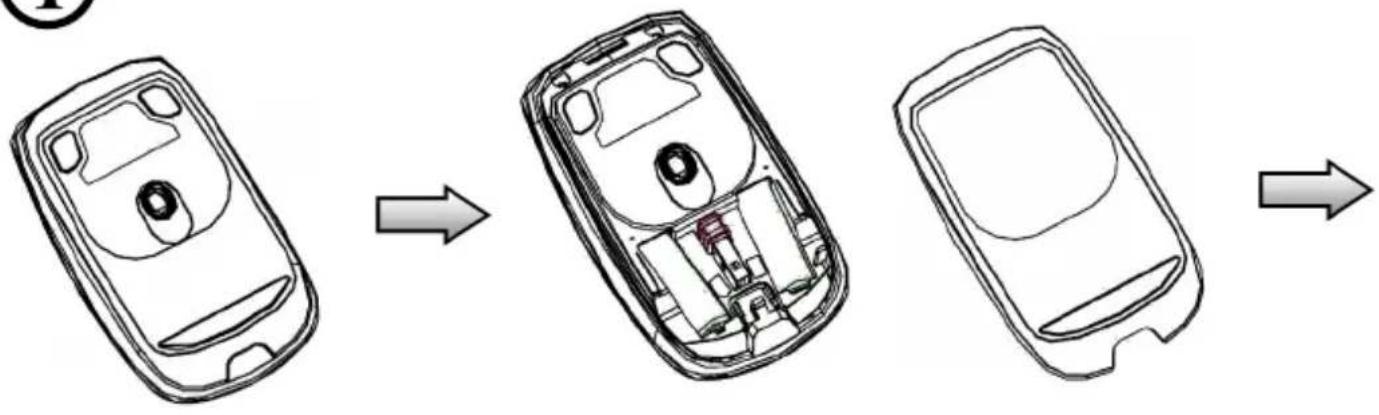
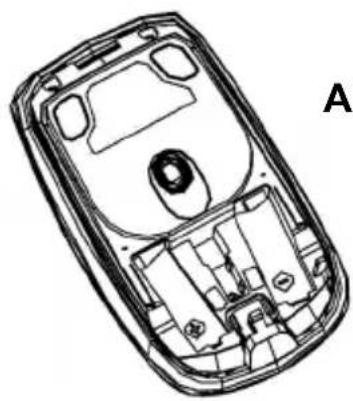
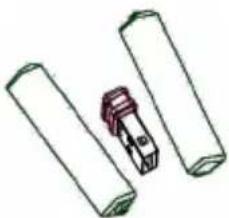
- Mouse battery: 2 x AAA battery
• Keyboard power consumption: up to 3 mA
• Mouse power consumption: 3 V DC up to 6 mA
• Operating temperature: 0°C \~ 50°C (Humidity: 20% \~ 90%)
• Storing temperature: -10^ C \~ 60^ C (Humidity: 20% \~ 90%)

①
flowchart
graph TD
    A["Top: Phone Body with Internal Components"] --> B["Internal Component"]
    B --> C["Bottom: Open Body with Screen and Cover"]

natural_image
Line drawing of a mobile phone casing with internal compartments and a labeled section A (no text or symbols on the diagram itself)2 x AAA Alkaline battery
natural_image
Simple line drawing of three cylindrical objects with a small red object on top (no text or symbols)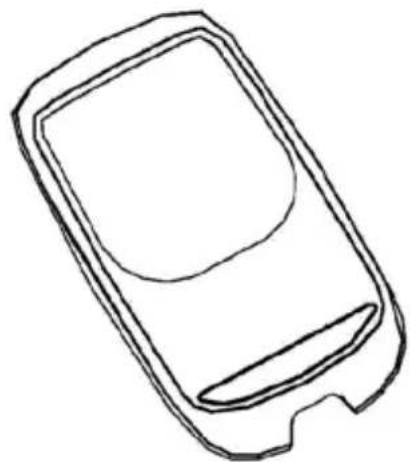
natural_image
Simple line drawing of a mobile phone casing (no text or symbols)②
natural_image
Diagram of a flexible solar panel with grid structure and USB connection indicator (no text or symbols)③
This product is tested and complies with the essential requirements of the laws of member states concerning R&TTE(1999/5/EC). The CE declaration can be found under www.gembird.eu
natural_image
Simple line drawing of a hand washing a cup with water droplets falling (no text or symbols)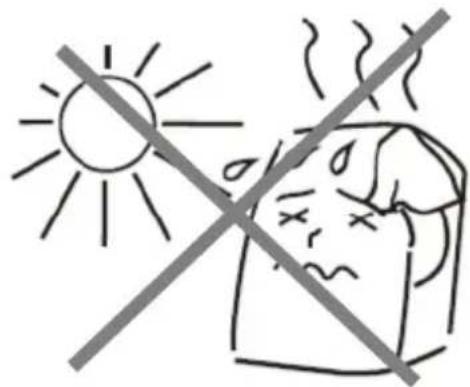
natural_image
Simple line drawing of a hand using a tool to cut a screwdriver into a screwdriver (no text or symbols)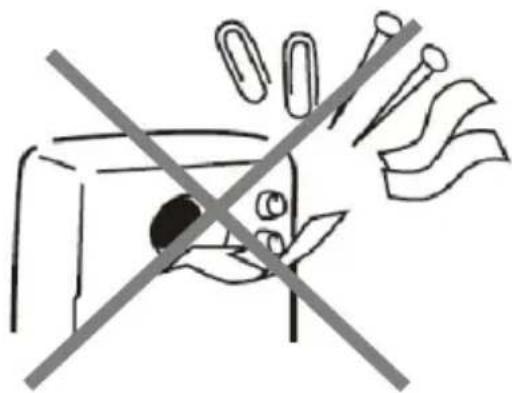
natural_image
Simple line drawing of a hand holding a device with a diagonal line crossing through it, no text or symbols present.Waste disposal:

Do not deposit this equipment with the household waste. Improper disposal can harm both the environment and human health. For Information about waste collection facilities for used electrical and electronic devices, please contact your city council or an authorized company for the disposal of electrical and electronic equipment.
Brand : Gembird
Model : KBS-P7-DE
Category : Keyboard