
RAM 1500 (2012) - Car DODGE - Free user manual and instructions
Find the device manual for free RAM 1500 (2012) DODGE in PDF.


| Type | Car |
| Brand | Dodge |
| Model | RAM 1500 (2012) |
| Document Type | Owner's Manual |
| Language | English |
| Pages | 730 |
| Key System | Key Fob with Remote Keyless Entry (RKE), Sentry Key Immobilizer |
| Remote Start | Available with automatic transmission |
| Security Alarm | Vehicle Security Alarm with horn and lights |
| Windows | Power windows with Auto-Down/Auto-Up (driver and front passenger), anti-pinch |
| Seats | Heated seats, power seats (if equipped) |
| Seat Belts | Lap/shoulder belts with pretensioners, ALR mode for child restraints |
| Airbags | Advanced Front Air Bags, Supplemental Side Air Bags (SABIC), Knee Bolsters |
| Lighting | Automatic headlights, fog lights, cargo light, illuminated entry |
| Instrument Panel | Electronic Vehicle Information Center (EVIC) with personal settings |
| Transmission | Automatic transmission (if equipped) with Electronic Range Select |
| Brakes & Stability | Anti-lock Brake System (ABS), Electronic Stability Program (ESP), Traction Control |
| Maintenance | Scheduled maintenance intervals in manual; oil change indicator |
| Warranty | Separate Warranty Information book provided |
| VIN Location | Left front corner of instrument panel, visible through windshield |
Frequently Asked Questions - RAM 1500 (2012) DODGE
User questions about RAM 1500 (2012) DODGE
0 question about this device. Answer the ones you know or ask your own.
Ask a new question about this device
Download the instructions for your Car in PDF format for free! Find your manual RAM 1500 (2012) - DODGE and take your electronic device back in hand. On this page are published all the documents necessary for the use of your device. RAM 1500 (2012) by DODGE.
USER MANUAL RAM 1500 (2012) DODGE
RAM
2012
OWNER'S MANUAL
Thismanualillustratesanddescribestheoperationoffeatures andequipmentthatareeitherstandardoroptionalonthis vehicle. Thismanualmayalsoincludeadescriptionoffeatures andequipmentthatarenolongeravailableorwerenotordered onthisvehicle. Pleasedisregardanyfeaturesandequipment describedin thismanualthatarenotonthisvehicle.
ChryslerGroupLLCreservestherighttomakechangesin designandspecifications,and/ormakeadditionstoorim-provementstoitsproductswithoutimposinganyobligation uponitselftoinstallthemonproductspreviouslymanufactured.
Copyright©2011ChryslerGroupLLC

SECTIONPAGE
TABLEOFCONTENTS
1 INTRODUCTION 3 1
2 THINGSTOKNOWBEFORESTARTINGYOURVEHICLE 9 2
3 UNDERSTANDINGTHEFEATURESOFYOURVEHICLE 913
4 UNDERSTANDING YOUR INSTRUMENT PANEL 2414
5 STARTINGANDOPERATING 3695
6 WHATTODOINEMERGENCIES 5816
7 MAINTAINING YOUR VEHICLE 617
8 MAINTENANCESCHEDULES 6798
9 IFYOUNEEDCONSUMERASSISTANCE 6979
10 INDEX 70710
INTRODUCTION
CONTENTS
■Introduction.... 4 ■Van Conversions/Campers.... 6
■How To Use This Manual.... 4 ■Vehicle Identification Number.... 6
■Warnings And Cautions....6 ■Vehicle Modifications/Alterations....7
4 INTRODUCTION
INTRODUCTION
Congratulations on selecting your new Chrysler Group LLC vehicle. Be assured that it represents precision workmanship, distinctive styling, and high quality - all essentials that are traditional to our vehicles.
This Owner's Manual has been prepared with the assistance of service and engineering specialists to acquaint you with the operation and maintenance of your vehicle. It is supplemented by Warranty Information, and various customer-oriented documents. Please take the time to read these publications carefully. Following the instructions and recommendations in this manual will help assure safe and enjoyable operation of your vehicle.
NOTE: After reviewing the owner information, it should bestored in the vehicle for convenient referencing and remain with the vehicle when sold.
When it comes to service, remember that your authorized dealer knows your vehicle best, has factory-trained technicians and genuine MOPAR® parts, and cares about your satisfaction.
HOWTOUSETHISMANUAL
Consult the Table of Contents to determine which section contains the information you desire.
Since the specification of your vehicle depends on the items of equipment ordered, certain descriptions and illustrations may differ from your vehicle's equipment.
The detailed index at the back of this Owner's Manual contains a complete listing of all subjects.
Consult the following table for a description of the symbols that may be used on your vehicle or throughout this Owner's Manual:

WATTS IN FUEL

BEAR WINDOW

WHODSHOLD WIPER

EXTERIOR RULE

情况说明

TURN SIGNALS

UPPERAR

HEATED ASIE

DODRUDOS

ADJUSTA

ELECTRONIC:

ELECTRONIC STABILITY PROGRAM/SEASE


PEAK WINDOW

WHODHILL

BASTER LIGHTING

LOWSEAM

KEY ACTINATE

UPPER AND LOWER

HEATED SEAT

WINDOW LIST

ORE PRESSURE

MILL DEBEGEM

WARNING PARKING

FUEL FILL SIZE

YEAR WINDOW

HINDSHIELD WISHER

DOME LIGHT

FRONT FOG LIGHT

0000 RELEASE

LOWER

RECRECULATION

CONVEIDIBLE

ELECTRONIC

ALL WHEEL

HALLIE OF ANIOLOCA

ENGINE OIL

SEAR WINDOW

ELECTRICALLY

PARK LIGHTS

CAR FOG LAIN

AND LIFTGATE

DLHUS: AN

VENTLATING / AN

FINDOR LOCK

THROTTLE

FOURWHEEL

AENINO PARATHO

BATTERY

WATTO NETO

WIKOSHIE

INSTRUMENT NAME

HEAT BELT

SLING DOOD

TRUNK/DEC

AR CONNOMOVAL

CHILDBEAT

RECOGNITION

WATERMUS

TOWI KAIJ

GLOW PLUG

POWER

WINDSHIELD

SIDE ARRAG

AIRSAC

SLIDING DOOM

EMERGENCY

LONTER

LOWER ANCHORS AND TETHER FOR

UCORNEUT

H21A001

FOUR WHEEL

MALFUNCTION INDICATOR LIGHT

TRANS
OF TENS

ENGINE COOLANT
TEMPORATING

SUPPLEMENTAL

RASBENGER

DOOR AJAR

CONVERTIBLE

CONVERTIBLE

HORN

SEE OWNERS

AIR
CONDITIONER

ELECTRONIC
STABILITY
CONTROL OFF
010533317
6 INTRODUCTION
WARNINGSANDCAUTIONS
This Owner's Manual contains WARNINGS against operating procedures that could result in a collision or bodily injury. It also contains CAUTIONS against procedures that could result in damage to your vehicle. If you do not read this entire manual, you may miss important information. Observe all Warnings and Cautions.
VANCONVERSIONS/CAMPERS
The Manufacturer's Warranty does not apply to body modifications or special equipment installed by van conversion/camper manufacturers/body builders. Refer to the Warranty Information book, Section 2.1.C. Such equipment includes video monitors, VCRs, heaters, stoves, refrigerators, etc. For warranty coverage and service on these items, contact the applicable manufacturer.
Operating instructions for the special equipment installed by the conversion/camper manufacturer should also be supplied with your vehicle. If these instructions are missing, please contact your authorized dealer for assistance in obtaining replacement documents from the applicable manufacturer.
For information on the Body Builders Guide refer to: www.dodgebodybuilder.com. This website contains dimensional and technical specifications for your vehicle. It is intended for Second Stage Manufacturer's technical support. For service issues, contact your authorized dealer.
VEHICLEIDENTIFICATIONNUMBER
The Vehicle Identification Number (VIN) is found on the left front corner of the instrument panel, visible through the windshield. This number also appears on the bottom of the frame rail, on the right hand side, near the center of the vehicle and underbody as well as the Automobile Information Disclosure Label affixed to a window on your vehicle, the vehicle registration and title.

VEHICLEMODIFICATIONS/ALTERATIONS
WARNING!
Anymodificationsoralterationstothisvehiclecould seriouslyaffectitsroadworthinessandsafetyand mayleadtoanaccidentresultinginseriousinjuryor death.
VehicleIdentificationNumber
NOTE: It is illegal to remove or alter the VIN.
THINGSTOKNOWBEFORESTARTINGYOURVEHICLE
CONTENTS
■A Word About Your Keys....12
□Wireless Ignition Node (WIN) — If Equipped.... 1 2
□KeyFob....
□Removing Key Fob From Ignition 14
□Key-In-Ignition Reminder.... 16
■Sentry Key ® 16
□Replacement Keys.... 17
□Customer Key Programming 18
□General Information.... 1 8
■ Vehicle Security Alarm — If Equipped ..... 19
□Rearming Of The System 19
13 □To Arm The System 19
□To Disarm The System 19
□ Security System Manual Override ..... 20
■Illuminated Entry — If Equipped ..... 2 0
■ Remote Keyless Entry (RKE) — If Equipped . . . 21
□ Remote Unlock The Doors ..... 21
□Programming Additional Transmitters.... 25
□Transmitter Battery Replacement.... 2 5
□General Information....26
■Remote Starting System — If Equipped . . . . . . 2 6
□How To Use Remote Start.... 27
■Door Locks 30
□Manual Door Locks 30
□Power Door Locks — If Equipped ..... 3 1
□Child-Protection Door Lock.... 3 2
Windows 34
□ Power Windows — If Equipped ..... 34
□Wind Buffeting 37
■ Occupant Restraints 38
□Lap/Shoulder Belts 41
□Lap/Shoulder Belt Untwisting Procedure.... 49
□ Adjustable Upper Shoulder Belt Anchorage . . . 50
□ Center Lap Belts 50
□Seat Belts In Passenger Seating Positions ..... 51
☐Automatic Locking Retractor (ALR) Mode – If Equipped 52
□Energy Management Feature....53
□Seat Belt Pretensioners — If Equipped . . . . . 5 3
□Enhanced Seat Belt Use Reminder System (BeltAlert®) 54
□Seat Belts And Pregnant Women.... 5 5
□Seat Belt Extender 55
□Supplemental Restraint System (SRS) — Air Bags 56
□Air Bag System Components....57
□Advanced Front Air Bag Features....58
□Air Bag Deployment Sensors And Controls . . . 62
□Event Data Recorder (EDR) 69
□Child Restraints 70
THINGSTOKNOWBEFORESTARTINGYOURVEHICLE11
■Engine Break-In Recommendations....85
■Safety Tips 85
□Transporting Passengers....85
□Exhaust Gas 86
□Safety Checks You Should Make Inside The Vehicle.... 87
☐Periodic Safety Checks You Should Make Outside The Vehicle.... 8 9
12THINGSTOKNOWBEFORESTARTINGYOURVEHICLE AWORDABOUTYOURKEYS
Key Fob with Remote Keyless Entry (RKE) — If Equipped
Your vehicle may use a keyless ignition system. This system consists of a Key Fob with Remote Keyless Entry (RKE) transmitter and a Wireless Ignition Node (WIN) with integral ignition switch. You can insert the Key Fob into the ignition switch with either side up.
Standard Blade Ignition Key — If Equipped
Your vehicle may use a standard blade key ignition system. The authorized dealer that sold you your vehicle has the key code numbers for your vehicle locks. These numbers can be used to order duplicate keys from your authorized dealer. Ask your authorized dealer for these numbers and keep them in a safe place. You can insert the double-sided standard blade key into the ignition switch with either side up.
WirelessIgnitionNode(WIN)—IfEquipped
The Wireless Ignition Node (WIN) operates similar to an ignition switch. It has four operating positions, three with detents and one that is spring-loaded. The detent positions are OFF, ACC, and ON/RUN. The START position is a spring-loaded momentary contact position. When released from the START position, the switch automatically returns to the ON/RUN position.

WirelessIgnitionNode(WIN)
1—OFF
2 — ACC (ACCESSORY)
3—ON/RUN
4 — START
THINGSTOKNOWBEFORESTARTINGYOURVEHICLE13
KeyFob
The Key Fob operates the ignition switch. Insert the square end of the key fob into the ignition switch located on the instrument panel and rotate to the desired position. It also contains the Remote Keyless Entry (RKE) transmitter and an emergency key, which stores in the rear of the Key Fob.
The emergency key allows for entry into the vehicle should the battery in the vehicle or the RKE transmitter go dead. You can keep the emergency key with you when valet parking.
To remove the emergency key, slide the mechanical latch at the top of the Key Fob sideways with your thumb and then pull the key out with your other hand.
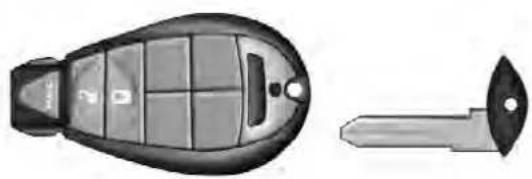
020207436
EmergencyKeyRemoval
NOTE: You can insert the double-sided emergency key into the lock cylinder with either side up.
RemovingKeyFobFromIgnition
Place the shift lever in PARK (if equipped with an automatic transmission). Turn the Key Fob to the OFF position and then remove the Key Fob.
NOTE:
- For vehicles not equipped with the Electronic Vehicle Information Center (EVIC), the power window switches, radio, power sunroof (if equipped), and power outlets will remain active for 45 seconds after the ignition switch is turned to the OFF position. Opening either front door will cancel this feature.
- For vehicles equipped with the EVIC, the power window switches, radio, power sunroof (if equipped), and power outlets will remain active for up to 10 minutes after the ignition switch is turned to the OFF position. Opening either front door will cancel this feature. The time for this feature is programmable. Refer to "Electronic Vehicle Information Center
(EVIC)/Personal Settings (Customer-Programmable Features)" in "Understanding Your Instrument Panel" for further information.
CAUTION!
- If your vehicle battery becomes slow or dead, your KeyFob will become locked in the ignition.
- DonotattempttoremovetheKeyFobwhilein thiscondition,damagecouldoccurtotheKeyFob orignitionmodule.Onlyremovetheemergency keyforlockingandunlockingthedoors.
- LeavetheKeyFobintheignitionandeither:
- JumpStartthevehicle.
- Chargethebattery.
WARNING!
- Beforeexitingavehicle,alwaysapplytheparking brake,shiftthetransmissionintoPARK,andremovethekeyfobfromtheignition.Whenleaving thevehicle,alwayslockyourvehicle.
- Neverleavechildrenaloneinvehicle,orwith accesstoanunlockedvehicle.
- Allowingchildrentobeinavehicleunattendedis dangerousforanumberofreasons.Achildor otherscouldbeseriouslyorfatallyinjured.Childrenshouldbewarnednottotouchtheparking brake,brakepedalortheshiftlever.
- Donotleavethekeyfobinornearthevehicle, and donotleaveKeylessEnter-N-GointheACCor ON/RUNmode.Achildcouldoperatepowerwindows, othercontrols, ormovethevehicle.
(Continued)
- Donotleavechildrenoranimalsinsideparked vehiclesinhotweather.Interiorheatbuild-upmay causeseriousinjuryordeath.
CAUTION!
An unlocked carisan invitation to thieves. Always removethe key from the ignition and lockalldoors when leaving the vehicle unattended.
Key-In-IgnitionReminder
Opening the driver's door when the Key Fob is in the ignition and the ignition switch position is OFF or ACC, a chime will sound to remind you to remove the Key Fob.
NOTE:
- The Key-In-Ignition reminder only sounds when the Key Fob is placed in the OFF or ACC ignition position.
- If equipped with Electronic Vehicle Information Center (EVIC) the EVIC will display "Key In Ignition".
SENTRYKEY®
The Sentry Key® Immobilizer System prevents unauthorized vehicle operation by disabling the engine. The system does not need to be armed or activated. Operation is automatic, regardless of whether the vehicle is locked or unlocked.
The system uses a Key Fob with a factory-mated Remote Keyless Entry (RKE) transmitter and Wireless Ignition Node (WIN) to prevent unauthorized vehicle operation. Therefore, only Key Fobs that are programmed to the vehicle can be used to start and operate the vehicle. The system will not allow the engine to crank if an invalid Key Fob is used to start and operate the vehicle. The system will shut the engine off in two seconds if an invalid Key Fob is used to start the engine.
THINGSTOKNOWBEFORESTARTINGYOURVEHICLE17
NOTE: A Key Fob that has not been programmed is also considered an invalid key.
During normal operation, after turning on the ignition switch, the Vehicle Security Light will turn on for three seconds for a bulb check. If the light remains on after the bulb check, it indicates that there is a problem with the electronics. In addition, if the light begins to flash after the bulb check, it indicates that someone used an invalid Key Fob to try to start the engine. Either of these conditions will result in the engine being shut off after two seconds.
If the Vehicle Security Light turns on during normal vehicle operation (vehicle running for longer than 10 seconds), it indicates that there is a fault in the electronics. Should this occur, have the vehicle serviced as soon as possible by an authorized dealer.
CAUTION!
The SentryKey® Immobilizersystemisnotcompatiblewithsomeafter-marketremotestartingsystems. Useofthesesystemsmayresultinvehiclestarting problemsandlossofsecurityprotection.
All of the Key Fobs provided with your new vehicle have been programmed to the vehicle electronics.
ReplacementKeys
NOTE: Only Key Fobs that are programmed to the vehicle electronics can be used to start and operate the vehicle. Once a Key Fob is programmed to a vehicle, it cannot be programmed to any other vehicle.
Alwaysremove the Sentry Keys ® from the vehicle and lock all doors when leaving the vehicle unattended.
At the time of purchase, the original owner is provided with a four-digit Personal Identification Number (PIN). Keep the PIN in a secure location. This number is required for authorized dealer replacement of Key Fobs. Duplication of Key Fobs may be performed at an authorized dealer, this procedure consists of programming a blank Key Fob to the vehicle electronics. A blank Key Fob is one that has never been programmed.
NOTE:
- When having the Sentry Key® Immobilizer System serviced, bring all vehicle keys with you to an authorized dealer.
- If a programmed Key Fob is lost, see your authorized dealer to have all remaining Key Fobs erased from the system's memory. This will prevent the lost Key Fobs from starting your vehicle. The remaining Keys Fobs must then be reprogrammed.
CustomerKeyProgramming
Programming Key Fobs or RKE transmitters may be performed at an authorized dealer.
GeneralInformation
The Sentry Key ® system complies with FCC rules Part 15 and with RSS-210 of Industry Canada. Operation is subject to the following conditions:
- This device may not cause harmful interference.
- This device must accept any interference that may be received, including interference that may cause undesired operation.
THINGSTOKNOWBEFORESTARTINGYOURVEHICLE19
VEHICLESECURITYALARM—IFEQUIPPED
The Vehicle Security Alarm monitors the vehicle doors and ignition for unauthorized operation. When the Vehicle Security Alarm is activated, interior switches for door locks are disabled. The system provides both audible and visible signals, for the first three minutes the horn will sound and the headlights will turn on, the park lamps and/or turn signals will flash and Vehicle Security Light will flash repeatedly. For an additional 15 minutes only, the headlights will turn on, the park lamps and/or turn signals and Vehicle Security Light will flash.
RearmingOfTheSystem
The Vehicle Security Alarm will rearm itself after the 15 additional minutes of headlights turning on and Vehicle Security Light flashing, if the system has not been disabled. If the condition which initiated the alarm is still present, the system will ignore that condition and monitor the remaining doors and ignition.
ToArmTheSystem
The Vehicle Security Alarm will set when you use the power door locks, or use the Remote Keyless Entry (RKE) transmitter to lock the doors. After all the doors are locked and closed, the Vehicle Security Light in the instrument panel cluster will flash rapidly for about 16 seconds to indicate that the alarm is being set. After the alarm is set, the Vehicle Security Light will flash at a slower rate to indicate that the system is armed.
ToDisarmTheSystem
Use the RKE transmitter to unlock the door. If something has triggered the Vehicle Security Alarm in your absence, the horn will sound three times when you unlock the doors and the exterior lights will blink three times. Check the vehicle for tampering.
20THINGSTOKNOWBEFORE STARTING YOURVEHICLE
The Vehicle Security Alarm will also disarm if a programmed Sentry Key®is inserted into the ignition switch. To exit the alarming mode, press the RKE transmitter UNLOCK button, or insert a programmed Sentry Key®into the ignition switch.
The Vehicle Security Alarm is designed to protect your vehicle; however, you can create conditions where the system will give you a false alarm. If one of the previously described arming sequences has occurred, the Vehicle Security Alarm will arm regardless of whether you are in the vehicle or not. If you remain in the vehicle and open a door, the alarm will sound. If this occurs, disarm the Vehicle Security Alarm.
SecuritySystemManualOverride
The Vehicle Security Alarm will not arm if you lock the doors using the manual door lock plunger.
ILLUMINATEDENTRY—IFEQUIPPED
The courtesy lights will turn on when you use the Remote Keyless Entry (RKE) transmitter to unlock the doors or open any door.
This feature also turns on the approach lighting in the outside mirrors (if equipped). Refer to "Mirrors" in "Understanding The Features Of Your Vehicle" for further information.
The lights will fade to off after approximately 30 seconds, or they will immediately fade to off once the ignition switch is turned to ON/RUN from the OFF position.
NOTE:
- The front courtesy overhead console and door courtesy lights do not turn off if the dimmer control is in the "Dome ON" position (extreme top position).
- The illuminated entry system will not operate if the dimmer control is in the "dome defeat" position (extreme bottom position).
REMOTEKEYLESSENTRY(RKE)—IF EQUIPPED
The RKE system allows you to lock or unlock the doors and activate the Panic Alarm from distances up to approximately 66 ft (20 m) using a Key Fob with RKE transmitter. The transmitter does not need to be pointed at the vehicle to activate the system.
NOTE: Inserting the Key Fob with RKE transmitter into the ignition switch disables the system from responding to any button presses from that RKE transmitter. Driving at speeds 5 mph (8 km/h) and above disables the system from responding to all RKE transmitter buttons for all RKE transmitters.
THINGSTOKNOWBEFORESTARTINGYOURVEHICLE21

020207434
KeyFobWithRemoteKeylessEntry(RKE)Transmitter RemoteUnlockTheDoors
Press and release the UNLOCK button on the RKE transmitter once to unlock the driver's door (If EVIC is setup for driver door first, otherwise this will unlock all doors), or press the unlock button twice within five
seconds to unlock all doors. The turn signal lights will flash to acknowledge the unlock signal. The illuminated entry system will also turn on.
RemoteKeyUnlock, DriverDoor/AllDoorsFirst
This feature lets you program the system to unlock either the driver's door or all doors on the first press of the UNLOCK button on the RKE transmitter. To change the current setting, proceed as follows:
- For vehicles equipped with the EVIC, refer to "Electronic Vehicle Information Center (EVIC)/Customer-Programmable Features (System Setup)" in "Understanding Your Instrument Panel" for further information.
-
For vehicles not equipped with the EVIC, perform the following procedure:
-
Press and hold the LOCK button on a programmed RKE transmitter for at least four seconds, but no longer
than ten seconds. Then, press and hold the UNLOCK button while still holding the LOCK button.
- Release both buttons at the same time.
- Test the feature while outside of the vehicle by pressing the LOCK/UNLOCK buttons on the RKE transmitter with the ignition switch in the OFF position and the key removed.
- Repeat these steps if you want to return this feature to its previous setting.
NOTE: Pressing the LOCK button on the RKE transmitter while you are inside the vehicle will activate the Vehicle Security Alarm System. Opening a door with the Vehicle Security Alarm System activated will cause the alarm to sound. Press the UNLOCK button to deactivate the Vehicle Security Alarm System.
FlashLampsWithRemoteKeyLock
This feature will cause the turn signal lights to flash when the doors are locked or unlocked with the RKE transmitter. This feature can be turned on or turned off. To change the current setting, proceed as follows:
- For vehicles equipped with the EVIC, refer to "Electronic Vehicle Information Center (EVIC)/Customer-Programmable Features (System Setup)" in "Understanding Your Instrument Panel" for further information.
-
For vehicles not equipped with the EVIC, perform the following procedure:
-
Press and hold the UNLOCK button on a programmed RKE transmitter for at least four seconds, but no longer than ten seconds. Then, press and hold the LOCK button while still holding the UNLOCK button.
- Release both buttons at the same time.
THINGSTOKNOWBEFORESTARTINGYOURVEHICLE23
- Test the feature while outside of the vehicle by pressing the LOCK/UNLOCK buttons on the RKE transmitter with the ignition switch in the OFF position and the key removed.
- Repeat these steps if you want to return this feature to its previous setting.
NOTE: Pressing the LOCK button on the RKE transmitter while you are in the vehicle will activate the Vehicle Security Alarm System. Opening a door with the Vehicle Security Alarm System activated will cause the alarm to sound. Press the UNLOCK button to deactivate the Vehicle Security Alarm System.
ToLockTheDoors
Press and release the LOCK button on the RKE transmitter to lock all doors. The turn signal lights will flash and the horn will chirp to acknowledge the signal.
24 THINGSTOKNOWBEFORESTARTINGYOURVEHICLE
SoundHornWithRemoteKeyLock
This feature will cause the horn to chirp when the doors are locked with the RKE transmitter. This feature can be turned on or turned off. To change the current setting, proceed as follows:
- For vehicles equipped with the EVIC, refer to "Electronic Vehicle Information Center (EVIC)/Customer-Programmable Features (System Setup)" in "Understanding Your Instrument Panel" for further information.
-
For vehicles not equipped with the EVIC, perform the following procedure:
-
Press the LOCK button on a programmed RKE transmitter for at least four seconds, but no longer than ten seconds. Then, press the PANIC button while still holding the LOCK button.
-
Release both buttons at the same time.
-
Test the feature while outside of the vehicle by pressing the LOCK button on the RKE transmitter with the ignition switch in the OFF position and the key removed.
- Repeat these steps if you want to return this feature to its previous setting.
NOTE: Pressing the LOCK button on the RKE transmitter while you are in the vehicle will activate the Vehicle Security Alarm System. Opening a door with the Vehicle Security Alarm System activated will cause the alarm to sound. Press the UNLOCK button to deactivate the Vehicle Security Alarm System.
UsingThePanicAlarm
To turn the Panic Alarm feature ON or OFF, press and hold the PANIC button on the RKE transmitter for at least one second and release. When the Panic Alarm is on, the headlights will turn on, the park lights will flash, the horn will pulse on and off, and the interior lights will turn on.
The Panic Alarm will stay on for three minutes unless you turn it off by either pressing the PANIC button a second time or drive the vehicle at a speed of 5 mph (8 km/h) or greater.
NOTE:
- The interior lights will turn off if you turn the ignition switch to the ACC or ON/RUN position while the Panic Alarm is activated. However, the exterior lights and horn will remain on.
- You may need to be less than 35 ft (11 m) from the vehicle when using the RKE transmitter to turn off the Panic Alarm due to the radio frequency noises emitted by the system.
ProgrammingAdditionalTransmitters
If you do not have a programmed RKE transmitter, contact your authorized dealer for details.
THINGSTOKNOWBEFORESTARTINGYOURVEHICLE25
TransmitterBatteryReplacement
The recommended replacement battery is one CR2032 battery.
NOTE:
- Perchlorate Material — special handling may apply. See www.dtsc.ca.gov/hazardouswaste/perchlorate
-
Do not touch the battery terminals that are on the back housing or the printed circuit board.
-
With the RKE transmitter buttons facing down, use a flat blade screwdriver to pry the two halves of the RKE transmitter apart. Make sure not to damage the seal during removal.
-
Remove and replace the battery. Avoid touching the new battery with your fingers. Skin oils may cause battery deterioration. If you touch a battery, clean it with rubbing alcohol.
- To assemble the RKE transmitter case, snap the two halves together.
GeneralInformation
This device complies with Part 15 of the FCC rules and RSS 210 of Industry Canada. Operation is subject to the following conditions:
- This device may not cause harmful interference.
- This device must accept any interference received, including interference that may cause undesired operation.
NOTE: Changes or modifications not expressly approved by the party responsible for compliance could void the user's authority to operate the equipment.
If your RKE transmitter fails to operate from a normal distance, check for these two conditions:
- A weak battery in the RKE transmitter. The expected life of the battery is a minimum of three years.
- Closeness to a radio transmitter such as a radio station tower, airport transmitter, and some mobile or CB radios.
REMOTESTARTINGSYSTEM—IFEQUIPPED

This system uses the Remote Keyless Entry (RKE) transmitter to start the engine conveniently from outside the vehicle while still maintaining security. The system has a range of approximately 300 ft (91 m).
NOTE:
- The vehicle must be equipped with an automatic transmission to be equipped with Remote Start.
- Obstructions between the vehicle and the RKE transmitter may reduce this range.
THINGSTOKNOWBEFORESTARTINGYOURVEHICLE27
HowToUseRemoteStart
All of the following conditions must be met before the engine will remote start:
- Shift lever in PARK
- Doors closed
- Hood closed
- HAZARD switch off
- BRAKE switch inactive (brake pedal not pressed)
- Ignition key removed from ignition switch
- Battery at an acceptable charge level
• RKE PANIC button not pressed
• Fuel meets minimum requirement - System not disabled from previous remote start event
• Vehicle theft alarm not active
WARNING!
- Donotstartorrunanengineinaclosedgarageor confinedarea.ExhaustgascontainsCarbonMonoxide(CO)whichisodorlessandcolorless.CarbonMonoxideispoisonousandcancauseserious injuryordeathwheninhaled.
- KeepRemoteKeylessEntry(RKE)transmitters awayfromchildren.OperationoftheRemoteStart System,windows,doorlocksorothercontrols couldcauseseriousinjuryordeath.
RemoteStartAbortMessageOnElectronicVehicle InformationCenter(EVIC)—IfEquipped
The following messages will display in the EVIC if the vehicle fails to remote start or exits remote start prematurely:
• Remote Start Aborted — Door Ajar
- Remote Start Aborted — Hood Ajar
- Remote Start Aborted — Fuel Low
- Remote Start Aborted — System Fault
- Remote Start Disabled — Start Vehicle to Reset
The EVIC message stays active until the ignition is turned to the ON/RUN position.
ToEnterRemoteStartMode

Press and release the REMOTE START button on the RKE transmitter twice within five seconds. The parking lights will flash and the horn will chirp twice (if programmed). Once the vehicle has started, the engine will run for 15 minutes.
NOTE:
- If your power door locks were unlocked, Remote Start will automatically lock the doors.
- If an engine fault is present or fuel level is low, the vehicle will start and then shut down in 10 seconds.
- The park lamps will turn on and remain on during Remote Start mode.
- For security, power window and power sunroof operation (if equipped) are disabled when the vehicle is in the Remote Start mode.
- The engine can be started two consecutive times (two 15-minute cycles) with the RKE transmitter. However, the ignition switch must be cycled to the ON/RUN position before you can repeat the start sequence for a third cycle.
ToExitRemoteStartModeWithoutDrivingThe Vehicle
Press and release the REMOTE START button one time or allow the engine to run for the entire 15-minute cycle.
NOTE: To avoid unintentional shut downs, the system will disable the one time press of the REMOTE START button for two seconds after receiving a valid Remote Start request.
ToExitRemoteStartModeAndDriveTheVehicle
Before the end of the 15-minute cycle, press and release the UNLOCK button on the RKE transmitter to unlock the doors and disarm the Vehicle Security Alarm System (if equipped). Insert the Key Fob into the ignition switch and turn the switch to the ON/RUN position.
NOTE:
- The ignition switch must be in the ON/RUN position in order to drive the vehicle.
- For vehicles equipped with the Electronic Vehicle Information Center (EVIC), the message "Insert Key/ Turn To On" will flash in the EVIC until you insert the Key Fob into the ignition switch. Once inserted, the
THINGSTOKNOWBEFORESTARTING YOUR VEHICLE29
message "Turn To On" will flash in the EVIC until you turn the ignition switch to the ON/RUN position.
- "Remote Start Active — Key To Run" will display in the EVIC until you insert and turn the key to ON/RUN position. Refer to "Electronic Vehicle Information Center (EVIC)" for further information.
RemoteStartComfortSystems—IfEquipped
When remote start is activated, the heated steering wheel, and driver heated seat features will automatically turn on in cold weather. In warm weather, the driver vented seat feature will automatically turn on when the remote start is activated. These features will stay on through the duration of remote start or until the ignition switch is turned to the ON/RUN position.
The Remote Start Comfort System can be activated and deactivated through the Electronic Vehicle Information Center (EVIC). For more information on Remote Start Comfort System operation refer to "Electronic Vehicle
Information Center (EVIC)/Customer-Programmable Features (System Setup)" in "Understanding Your Instrument Panel".
DOORLOCKS
ManualDoorLocks
Front and rear doors may be locked by moving the lock knob down or unlocked by moving the lock knob up.
Front doors may be opened with the inside door handle without lifting the lock knob.
Doors locked before closing will remain locked when closed.
The emergency key will unlock the driver door lock on your vehicle.
WARNING!
- Donotleavechildrenoranimalsinsideparked vehiclesinhotweather.Interiorheatbuild-upmay causeseriousinjuryordeath.
- Forpersonalsecurityandsafetyintheeventofan accident,lockthevehicledoorsasyoudriveas wellaswhenyouparkandleavethevehicle.
- Beforeexitingvehicle,alwaysapplytheparking brake,shiftthetransmissionintoPARK,andremovethekeyfobfromtheignition.Whenleaving thevehicle,alwayslockyourvehicle.
- Neverleavechildrenaloneinavehicle,orwith accesstoanunlockedvehicle.
(Continued)
THINGSTOKNOWBEFORESTARTINGYOURVEHICLE31
WARNING!(Continued)
- Allowingchildrentobeinavehicleunattendedis dangerousforanumberofreasons.Achildor otherscouldbeseriouslyorfatallyinjured.Childrenshouldbewarnednottotouchtheparking brake,brakepedalortheshiftlever.
- Donotleavethekeyfobinornearthevehicle, and donotleavetheignitionintheACCorON/RUN position. Achildcouldoperatepowerwindows, othercontrols, ormovethevehicle.
PowerDoorLocks—IfEquipped
A power door LOCK switch is on each front door trim panel. Use this switch to lock or unlock the doors.
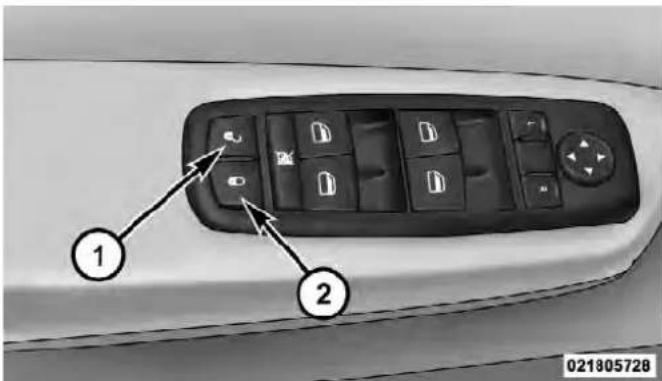
PowerDoorLockSwitchLocation
1 - Unlock 2 - Lock
If you press the power door LOCK switch while the Key Fob is in the ignition, and any front door is open, the power locks will not operate. This prevents you from accidentally locking your Key Fob in the vehicle. Removing the Key Fob or closing the door will allow the locks to operate. A chime will sound if the Key Fob is in the ignition switch and a door is open, as a reminder to remove the Key Fob.
AutomaticDoorLocks—IfEquipped
When enabled, the door locks will lock automatically when the vehicle's speed exceeds 15 mph (24 km/h). The auto door lock feature can be enabled or disabled by your authorized dealer per written request of the customer. Please see your authorized dealer for service.
AutoUnlockDoors—IfEquipped
This feature unlocks all of the doors of the vehicle when either front door is opened. This will occur only after the vehicle has been shifted into the PARK position after the vehicle has been driven (shifted out of PARK and all doors closed).
AutoUnlockDoorsProgramming—IfEquipped
The Auto Unlock Doors feature can be enabled or disabled as follows:
For vehicles equipped with the EVIC, refer to "Electronic Vehicle Information Center (EVIC)/Personal Settings (System Setup)" in "Understanding Your Instrument Panel" for further information.
NOTE: Use the Auto Unlock Doors feature in accordance with local laws.
Child-ProtectionDoorLock
To provide a safer environment for children riding in the rear seat, the rear doors (if equipped) of your vehicle have the Child-Protection Door Lock system.

THINGSTOKNOWBEFORESTARTINGYOURVEHICLE33

022605852
Child-ProtectionDoorLockLocationChildLockControl
To use the system, open each rear door, use a flat blade screwdriver (or emergency key) and rotate the dial to engage and disengage the Child-Protection locks. When the system on a door is engaged, that door can only be opened by using the outside door handle even if the inside door lock is in the unlocked position.
WARNING!
Avoidtrappinganyoneinvehicleinacollision. Rememberthatthereardoorscanonlybeopened fromtheoutsidewhentheChild-Protectionlocksare engaged.
- After setting the Child-Protection Door Lock system, always test the door from the inside to make certain it is in the desired position.
- For emergency exit with the system engaged, move the door lock switch to the UNLOCK position, roll down the window and open the door with the outside door handle.
WINDOWS
PowerWindows—IfEquipped
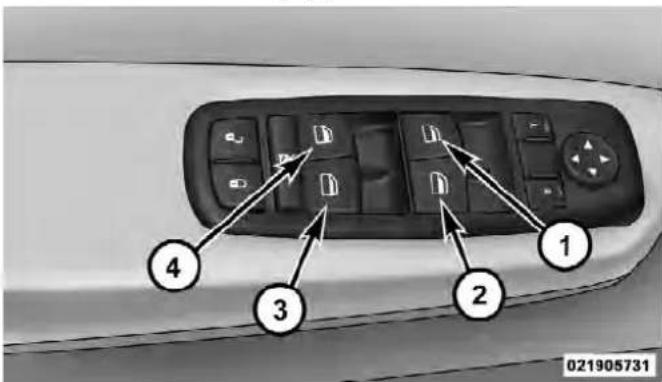
PowerWindowSwitches
1 - Left Front 3 - Right Rear 2 - Right Front 4 - Left Rear
THINGSTOKNOWBEFORESTARTINGYOURVEHICLE35
The control on the left front door panel has UP-DOWN switches that give you fingertip control of all power windows. There is a single opening and closing switch on the front passenger door for passenger window control and on the rear doors of Quad Cab ® , Mega Cab ® and Crew Cab models. The windows will operate when the ignition switch is turned to the ON/RUN or ACC position, and for up to 10 minutes after the ignition is turned OFF or until a front door is opened.
NOTE: The Key Off Power Delay feature will allow the power windows to operate for up to 10 minutes after the ignition is turned OFF. This feature is cancelled when either front door is opened.
WARNING!
Neverleavechildrenaloneinavehicle.Leaving unattendedchildreninavehicleisdangerousfora numberofreasons.Achildorotherscouldbeseriouslyorfatallyinjured.Don'tleavethekeyinthe ignition.Achildcouldoperatepowerwindows, othercontrols,ormovethevehicle.
Auto-Down
Both the driver and front passenger window switch have an Auto-Down feature. Press the window switch past the first detent, release, and the window will go down automatically. To cancel the Auto-Down movement, operate the switch in either the up or down direction and release the switch.
To stop the window from going all the way down during the Auto-Down operation, pull up on the switch briefly.
To open the window part way, press to the first detent and release it when you want the window to stop.
Auto-UpFeatureWithAnti-PinchProtection (4-DoorModelsDriverAndFrontPassengerDoor Only)—IfEquipped
Lift the window switch fully upward to the second detent, release, and the window will go up automatically.
To stop the window from going all the way up during the Auto Up operation, push down on the switch briefly.
To close the window part way, lift the window switch to the first detent and release when you want the window to stop.
NOTE: If the window runs into any obstacle during the auto-closure, it will reverse direction and then go back down. Remove the obstacle and use the window switch again to close the window. Any impact due to rough road conditions may trigger the auto reverse function unexpectedly during auto closure. If this happens, pull the switch lightly to the first detent and hold to close the window manually.
WARNING!
Thereisnoanti-pinchprotectionwhenthewindow isalmostclosed.Besuretoclearalobjectsfromthe windowbeforeclosing.
Auto-UpReset
It may be necessary at some point in time to reactivate the Auto-up/Auto-down feature. To do so, perform the following steps:
- Pull the window switch up to close the window completely and continue to hold the switch up for an additional two seconds after the window is closed.
THINGSTOKNOWBEFORESTARTINGYOURVEHICLE37
- Push the window switch down firmly to the second detent to open the window completely and continue to hold the switch down for an additional two seconds after the window is fully open.
WindowLOCKOUTSwitch—4-DoorModels
The window LOCKOUT switch on the driver's door allows you to disable the window control on the rear passenger doors. To disable the window controls on the rear passenger doors, press the window LOCK button into the latched or down position. To enable the window controls, press the window LOCK button again and return the switch to the released or up position.

WindowLockoutSwitch
1 - Window Lockout Switch
WindBuffeting
Wind buffeting can be described as the perception of pressure on the ears or a helicopter-type sound in the ears. Your vehicle may exhibit wind buffeting with the windows down or in partially open positions. This is a
normal occurrence and can be minimized. If the rear windows are open and buffeting occurs, open the front and rear windows together to minimize the buffeting.
OCCUPANTRESTRAINTS
Some of the most important safety features in your vehicle are the restraint systems:
- Three-point lap and shoulder belts for the driver and all passengers
- Front seat belts may incorporate pretensioners that may enhance occupant protection by managing occupant energy during an impact event
- Advanced Front Air Bags for driver and front passenger
-
Supplemental Side Air Bag Inflatable Curtains (SABIC) — if equipped
-
Supplemental Seat-Mounted Side Air Bags (SAB) — if equipped
- An energy-absorbing steering column and steering wheel
- Knee bolsters/blockers for front seat occupants
- All seat belt systems (except driver's and second row center position) include Automatic Locking Retractors (ALRs), which lock the seat belt webbing into position by extending the belt all the way out and then adjusting the belt to the desired length to restrain a child seat or secure a large item in a seat — if equipped
Please pay close attention to the information in this section. It tells you how to use your restraint system properly, to keep you and your passengers as safe as possible.
THINGSTOKNOWBEFORESTARTINGYOURVEHICLE39
If you will be carrying children too small for adult-sized seat belts, the seat belts or the Lower Anchors and Tether for CHildren (LATCH) feature also can be used to hold infant and child restraint systems. For more information on LATCH, refer to Lower Anchors and Tether for CHildren (LATCH).
NOTE: The Advanced Front Air Bags have a multistage inflator design. This allows the air bag to have different rates of inflation based on the severity and type of collision.
Here are some simple steps you can take to minimize the risk of harm from a deploying air bag:
- Children12yearsoldandundershouldalwaysride buckledupinarearseat.
WARNING!
Infantsinrearfacingchildrestraintsshouldnever rideinthefrontseatofavehiclewithapassenger AdvancedFrontAirBag.Anairbagdeploymentcan causesevereinjuryordeathtoinfantsinthatposition.
Children that are not big enough to wear the vehicle seat belt properly (see section on Child Restraints) should be secured in the rear seat in child restraints or belt-positioning booster seats. Older children who do not use child restraints or belt-positioning booster seats should ride properly buckled up in the rear seat. Never allow children to slide the shoulder belt behind them or under their arm.
If a child from 1 to 12 years old (not in a rear facing child seat) must ride in the front passenger seat, move the seat as far back as possible and use the proper child restraint. (Refer to “Child Restraints”)
You should read the instructions provided with your child restraint to make sure that you are using it properly.
- Alloccupantsshouldalwaysweartheirlapand shoulderbeltsproperly.
- Thedriverandfrontpassengerseatsshouldbe movedbackasfaraspracticaltoallowtheAdvanced FrontAirBagsroomtoinflate.
-
Donotleanagainstthedoororwindow.Ifyour vehiclehassideairbags,anddeploymentoccurs,the sideairbagswillinflateforcefullyintothespace betweenyouandthedoor.
-
If the air bagsystem in this vehicle need stobe modified to accommodate a disabled person, contact the Customer Center. Phonenumbers are provided under "If You Need Assistance".
WARNING!
- Relyingontheairbagsalonecouldleadtomore severeinjuriesinacollision.Theairbagswork withyourseatbelttorestrainyouproperly.In somecollisions,theairbagswon'tdeployatall. Alwayswearyourseatbeltseventhoughyouhave airbags.
(Continued)
WARNING!(Continued)
- Beingtooclosetothesteeringwheelorinstrument panelduringAdvancedFrontAirBagdeployment couldcauseseriousinjury,includingdeath.Air Bagsneedroomtoinflate.Sitback,comfortably extendingyourarmstoreachthesteeringwheelor instrumentpanel.
- SupplementalSideAirBagInflatableCurtain (SABIC)andSeat-MountedSideAirBags(SAB)alsoneedroomtoinflate.Donotleanagainstthe doororwindow.Situprightinthecenterofthe seat.
- Inacollision, you and your passengers can suffer much greater injuries if you are not properly buckled up. You can strike the interior of your vehicle or other passengers, or you can be thrown out of the vehicle. Always besure you and others in your vehicle are buckled up properly.
THINGSTOKNOWBEFORESTARTINGYOURVEHICLE
Buckle up even though you are an excellent driver, even on short trips. Someone on the road may be a poor driver and cause a collision that includes you. This can happen far away from home or on your own street.
Research has shown that seat belts save lives, and they can reduce the seriousness of injuries in a collision. Some of the worst injuries happen when people are thrown from the vehicle. Seat belts reduce the possibility of ejection and the risk of injury caused by striking the inside of the vehicle. Everyone in a motor vehicle should be belted at all times.
Lap/ShoulderBelts
All seating positions except the Quad Cab ® , Mega Cab ® and Crew Cab front center seating position have combination lap/shoulder belts. The belt webbing retractor is designed to lock during very sudden stops or accidents. This feature allows the shoulder part of the belt to move freely with you under normal conditions. However, in a
collision the belt will lock and reduce the risk of you striking the inside of the vehicle or being thrown out.
WARNING!
- Wearingaseatbeltincorrectlyisdangerous.Seat beltsaredesignedtogoaroundthelargebonesof yourbody.Thesearethestrongestpartsofyour bodyandcantaketheforcesofacollisionbest.
- Twopeopleshouldneverbebeltedintoasingle seatbelt.Peoplebeltedtogethercancrashintoone anotherinacollision,hurtingoneanotherbadly. Neverusealap/shoulderbeltoralapbeltformore thanoneperson,nomatterwhattheirsize.
- Itisdangeroustorideinacargoarea,insideor outsideofvehicle.Inacollision,peopleridingin theseareasaremorelikelytobeseriouslyinjured orkilled.
WARNING!(Continued)
- Donotallowpeopletorideinanyareaofyour vehiclethatisnotequippedwithseatsandseat belts.
- Besureeveryoneinyourvehicleisinaseatand usingaseatbeltproperly.
- Wearingyourbeltinthewrongplacecouldmake yourinjuriesinacollisionmuchworse.Youmight sufferinternalinjuries,oryoucouldevenslideout ofpartofthebelt.Followtheseinstructionsto wearyourseatbeltsafelyandtokeepyourpassengerssafe,too.
Lap/ShoulderBeltOperatingInstructions
- Enter the vehicle and close the door. Sit back and adjust the seat.
(Continued)
- The seat belt latch plate is above the back of the front seat, next to your arm in the rear seat. Grasp the latch plate and pull out the belt. Slide the latch plate up the webbing as far as necessary to allow the belt to go around your lap.

PullingOutLatchPlateAndWebbing
THINGSTOKNOWBEFORESTARTINGYOURVEHICLE43
- When the belt is long enough to fit, insert the latch plate into the buckle until you hear a "click."
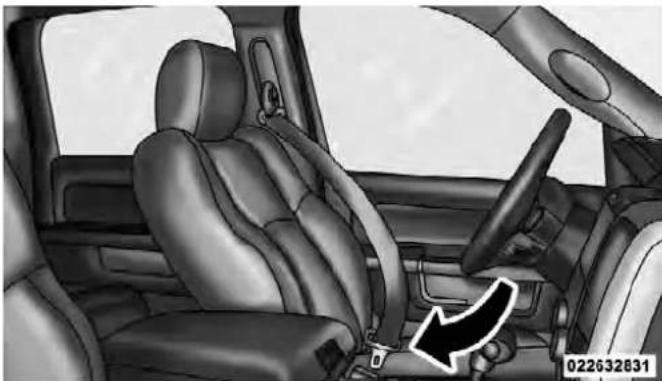
LatchPlateToBuckle
- Abeltbuckledintothewrongbucklewillnot protectyouproperly. Thelapportioncouldride toohighonyourbody, possiblycausinginternal injuries. Alwaysbuckleyourbeltintothebuckle nearestyou.
- Abeltthatistooloosewillnotprotectyou properly.Inasuddenstopyoucouldmovetoofar forward,increasingthepossibilityofinjury.Wear yourseatbeltsnugly.
(Continued)
WARNING!(Continued)
- Abeltthatiswornunderyourarmisdangerous. Yourbodycouldstriketheinsidesurfacesofthe vehicleinacollision,increasingheadandneck injury.Abeltwornunderthearmcancause internalinjuries.Ribsaren'tasstrongasshoulder bones.Wearthebeltoveryourshouldersothat yourstrongestboneswilltaketheforceina collision.
-
Ashoulderbeltplacedbehindyouwillnotprotect youfrominjuryduringacollision.Youaremore likelytohityourheadinacollisionifyoudonot wearyourshoulderbelt.Thelapandshoulderbelt aremeanttbeusedtogether.
-
Position the lap belt across your thighs, below your abdomen. To remove slack in the lap belt portion, pull up on the shoulder belt. To loosen the lap belt if it is too tight, tilt the latch plate and pull on the lap belt. A snug belt reduces the risk of sliding under the belt in a collision.
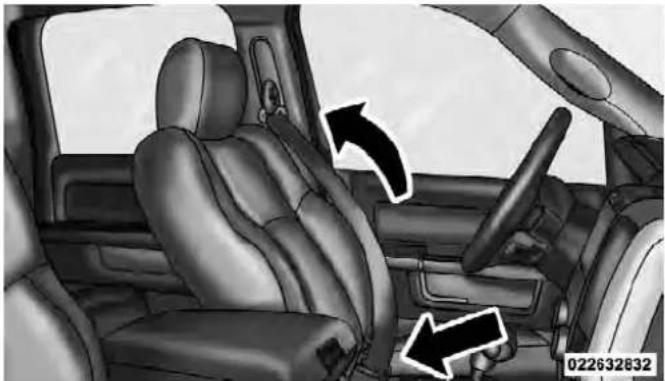
RemovingSlackFromBelt
THINGSTOKNOWBEFORESTARTINGYOURVEHICLE45
WARNING!
- Alapbeltworntoohighcanincreasetheriskof internalinjuryinacollision.Thebeltforceswon't beatthestronghipandpelvicbones,butacross yourabdomen.Alwayswearthelapbeltaslowas possibleandkeepitsnug.
- Atwistedbeltmaynotprotectyouproperly.Ina collision,itcouldevencutintoyou.Besurethe beltisstraight.Ifyoucan'tstraightenabeltina vehicle,takeittoyourauthorizeddealerimmediatelyandhaveitfixed.
- Position the shoulder belt on your chest so that it is comfortable and not resting on your neck. The retractor will withdraw any slack in the belt.
- To release the belt, push the red button on the buckle. The belt will automatically retract to its stowed position. If necessary, slide the latch plate down the webbing to allow the belt to retract fully.
WARNING!
Afrayedortornbeltcouldripapartinacollisionand leaveyouwithnoprotection.Inspectthebeltsystem periodically,checkingforcuts,frays,orlooseparts. Damagedpartsmustbereplacedimmediately.Do notdisassembleormodifythesystem.Seatbelt assembliesmustbereplacedafteracollisionifthey havebeendamaged(bentretractor,tornwebbing, etc.)oriftheairbagdeployed.
RegularCabFrontCenterThreePointBelt
- The front center seat belt on the Regular Cab may be disconnected to open up utilization of the storage areas behind the front seats. The black latch plate can be detached from the black keyed seat belt buckle located on the inboard side of the passenger seat. Insert the seat belt tongue into the center red slot on the black buckle. The black buckle latch plate can be removed when the seat belt tongue is pressed into the buckle. Allow the retractor to take up the extra webbing, and the buckles will hang vertically from the cab back exit bezel, thus freeing up all the area behind the front seats.

DetachingBuckleWithSeatBeltTongue
THINGSTOKNOWBEFORESTARTINGYOURVEHICLE47
- To reattach the seat belt to the front center seat, pull the black buckle latch plate forward from the cab back panel and insert it into the black keyed buckle until there is an audible "click". For proper seat belt usage, refer "Lap/Shoulder Belt Operating Instructions".
- Iftheblacklatchandblackbucklearenotproperlyconnectedwhentheseatbeltisusedbyan occupant,theseatbeltwillnotbeabletoprovide properrestraintandwillincreasetheriskofinjury inacollision.
- Whenreattachingtheblacklatchandblack buckle,ensuretheseatbeltwebbingisnot twisted.Ifthewebbingistwisted,followthe precedingproceduretodetachtheblacklatchand blackbuckle,untwistthewebbing,andreattach theblacklatchandblackbuckle.
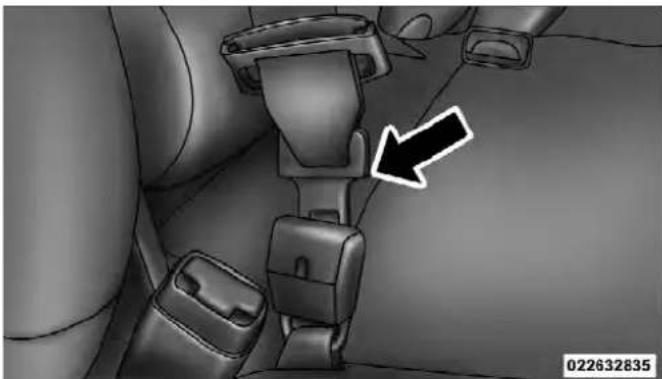
InsertingLatchPlate

InUsePosition
THINGSTOKNOWBEFORESTARTINGYOURVEHICLE49
Lap/ShoulderBeltUntwistingProcedure
Use the following procedure to untwist a twisted lap/shoulder belt.
- Position the latch plate as close as possible to the anchor point.
- At about 6 to 12 in (15 to 30 cm) above the latch plate, grasp and twist the belt webbing 180 degrees to create a fold that begins immediately above the latch plate.
- Slide the latch plate upward over the folded webbing. The folded webbing must enter the slot at the top of the latch plate.
- Continue to slide the latch plate up until it clears the folded webbing.
AdjustableUpperShoulderBeltAnchorage
In the front row outboard seats, the shoulder belt can be adjusted upward or downward to help position the belt away from your neck. Squeeze the anchorage button located on the upper belt guide to release the anchorage, and then move it up or down to the position that fits you best.

AdjustingUpperShoulderBelt
As a guide, if you are shorter than average you will prefer a lower position, and if you are taller than average you will prefer a higher position. When you release the anchorage, try to move it up or down to make sure that it is locked in position.
CenterLapBelts
The center seating position for the Quad Cab ® , Mega Cab ® and Crew Cab front seat has a lap belt only. To fasten the lap belt, slide the latch plate into the buckle until you hear a "click." To lengthen the lap belt, tilt the latch plate and pull. To remove slack, pull the loose end of the webbing. Wear the lap belt snug against the hips. Sit back and erect in the seat, then adjust the belt as tightly as is comfortable.
THINGSTOKNOWBEFORESTARTINGYOURVEHICLE 51
WARNING!
- Alapbeltworntoolooseortoohighisdangerous.
- Abeltworntooloosecanallowyoutoslipdown andunderthebeltinacollision.
- Abeltthatistoolooseortoohighwillapplycrash forcestotheabdomen,nottothestrongerhip bones.Ineithercase,theriskofinternalinjuriesis greater.Wearalapbeltlowandsnug.
SeatBeltsInPassengerSeatingPositions
The seat belts in the passenger seating positions are equipped with Automatic Locking Retractors (ALR) which are used to secure a child restraint system. For additional information, refer to “Installing Child Restraints Using The Vehicle Seat Belt” under the “Child Restraints” section. The chart below defines the type of feature for each seating position.
| Driver Center Passenger | |||
| First Row | N/A | N/A | ALR |
| Second Row | ALR | Cinch | ALR |
| Third Row | N/A | N/A | N/A |
• N/A — Not Applicable
• ALR — Automatic Locking Retractor
ForRegularCabOnly
| Driver Center Passenger | |||
| First Row | N/A | ALR | ALR |
| Second Row | N/A | N/A | N/A |
• N/A — Not Applicable
• ALR — Automatic Locking Retractor
If the passenger seating position is equipped with an ALR and is being used for normal usage:
Only pull the belt webbing out far enough to comfortably wrap around the occupant's mid-section so as to not activate the ALR. If the ALR is activated, you will hear a ratcheting sound as the belt retracts. Allow the webbing to retract completely in this case and then carefully pull out only the amount of webbing necessary to comfortably wrap around the occupant's mid-section. Slide the latch plate into the buckle until you hear a "click."
AutomaticLockingRetractor(ALR)Mode-If Equipped
In this mode, the shoulder belt is automatically pre-locked. The belt will still retract to remove any slack in the shoulder belt.
WhenToUseTheAutomaticLockingMode
Use the Automatic Locking Mode anytime a child safety seat is installed in a seating position that has a belt with this feature. Children 12 years old and under should always be properly restrained in the rear seat.
HowToEngageTheAutomaticLockingMode
- Buckle the combination lap and shoulder belt.
- Grasp the shoulder portion and pull downward until the entire belt is extracted.
- Allow the belt to retract. As the belt retracts, you will hear a clicking sound. This indicates the safety belt is now in the Automatic Locking Mode.
HowToDisengageTheAutomaticLockingMode
Unbuckle the combination lap/shoulder belt and allow it to retract completely to disengage the Automatic Locking Mode and activate the vehicle sensitive (emergency) locking mode.
- Thebeltandretractorassemblymustbereplaced iftheseatbeltassemblyAutomaticLockingRetractor(ALR)featureoranyotherseatbeltfunctionisnotworkingproperlywhencheckedaccordingtotheproceduresintheServiceManual.
- Failuretoreplacethebeltandretractorassembly couldincreaseetheriskofinjuryincollisions.
WARNING!
- Thebeltandretractorassemblymustbereplaced iftheseatbeltassembly"AutomaticLockingRetractor(ALR)"featureoranyotherseatbeltfunctionisnotworkingproperlywhencheckedaccordingtotheproceduresintheServiceManual.
- Failuretoreplacethebeltandretractorassembly couldincreaseetheriskofinjuryinaccidents.
EnergyManagementFeature
This vehicle has a safety belt system with an energy management feature in the front seating positions to help further reduce the risk of injury in the event of a head-on collision.
This safety belt system has a retractor assembly that is designed to release webbing in a controlled manner. This feature is designed to help reduce the belt force acting on the occupant's chest.
SeatBeltPretensioners—IfEquipped
The seat belts for both front seating positions may be equipped with pretensioning devices that are designed to remove slack from the seat belt in the event of a collision. These devices may improve the performance of the seat belt by assuring that the belt is tight around the occupant early in a collision. Pretensioners work for all size occupants, including those in child restraints.
54 THINGS TO KNOW BEFORE STARTING YOUR VEHICLE
NOTE: These devices are not a substitute for proper seat belt placement by the occupant. The seat belt still must be worn snugly and positioned properly.
The pretensioners are triggered by the Occupant Restraint Controller (ORC). Like the air bags, the pretensioners are single use items. A deployed pretensioner or a deployed air bag must be replaced immediately.
EnhancedSeatBeltUseReminderSystem (BeltAlert®)
BeltAlert ® is a feature intended to remind the driver and front passenger (if equipped with front passenger BeltAlert ® ) to fasten their seat belts. The feature is active whenever the ignition is on. If the driver or front seat passenger is unbelted, the Seat Belt Reminder Light will turn on and remain on until both front seat belts are fastened.
The BeltAlert® warning sequence begins after the vehicle speed is over 5 mph (8 km/h), by blinking the Seat Belt Reminder Light and sounding an intermittent chime. Once the sequence starts, it will continue for the entire duration or until the respective seatbelts are fastened. After the sequence completes, the Seat Belt Reminder Light remains illuminated until the respective seat belts are fastened. The driver should instruct all other occupants to fasten their seat belts. If a front seat belt is unbuckled while traveling at speeds greater than 5 mph (8 km/h), BeltAlert® will provide both audio and visual notification.
The front passenger seat BeltAlert ® is not active when the front passenger seat is unoccupied. BeltAlert ® may be triggered when an animal or heavy object is on the front passenger seat or when the seat is folded flat (if equipped). It is recommended that pets be restrained in the rear seat in pet harnesses or pet carriers that are secured by seat belts, and cargo is properly stowed.
BeltAlert® can be enabled or disabled by your authorized dealer. Chrysler Group LLC does not recommend deactivating BeltAlert®.
NOTE: Although BeltAlert® has been deactivated, the Seat Belt Reminder Light will continue to illuminate while the driver's or front passenger (if equipped with BeltAlert®) seat belt remains unfastened.
SeatBeltsAndPregnantWomen
We recommend that pregnant women use seat belts throughout their pregnancies. Keeping the mother safe is the best way to keep the baby safe.
Pregnant women should wear the lap part of the belt across the thighs and as snug across the hips as possible. Keep the belt low so that it does not come across the abdomen. That way the strong bones of the hips will take the force if there is a collision.
SeatBeltExtender
If a seat belt is too short even when fully extended, and the adjustable upper shoulder belt anchorage (if so equipped) is in its lowest position, your authorized dealer can provide you with a seat belt extender. This extender should be used only if the existing belt is not long enough. When it is not required, remove the extender and store it.
WARNING!
Usingaseatbeltextenderwhennot needed can increase the risk of injury in a collision. Only use the seatbeltextenderwhenthelapbeltisnotlong enoughwhenitiswornlowandsnug,andinthe recommendedseatingpositions.Removeandstore theextenderwhennotneeded.
SupplementalRestraintSystem(SRS)—AirBags
This vehicle has Advanced Front Air Bags for both the driver and front passenger as a supplement to the seat belt restraint systems. The driver's Advanced Front Air Bag is mounted in the center of the steering wheel. The passenger's Advanced Front Air Bag is mounted in the instrument panel, above the glove compartment. The words SRS AIRBAG are embossed on the air bag covers.

AdvancedFrontAirBagAndKneeBolsterLocations
1 — Driver And Passenger Advanced Front Air Bags
2 — Knee Bolster
NOTE: These air bags are certified to the new Federal regulations for Advanced Air Bags.
The Advanced Front Air Bags have a multistage inflator design. This allows the air bag to have different rates of inflation based on the severity and type of collision.
This vehicle may be equipped with driver and/or front passenger seat track position sensors that may adjust the inflation rate of the Advanced Front Air Bags based upon seat position.
This vehicle may be equipped with a driver and/or front passenger seat belt buckle switch that detects whether the driver or front passenger seat belt is fastened. The seat belt buckle switch may adjust the inflation rate of the Advanced Front Air Bags.
This vehicle may also be equipped with Supplemental Side Air Bag Inflatable Curtains (SABIC) to protect the driver, front, and rear passengers sitting next to a window. If the vehicle is equipped with SABIC air bags, they are located above the side windows and their covers are also labeled: SRS AIRBAG.
THINGSTOKNOWBEFORESTARTINGYOURVEHICLE57
This vehicle may also be equipped with Supplemental Seat-Mounted Side Air Bags (SAB) to provide enhanced protection for an occupant during a side impact. If the vehicle is equipped with Supplemental Seat-Mounted Side Air Bags they are located in the outboard side of the front seats.
NOTE:
- Air Bag covers may not be obvious in the interior trim, but they will open during air bag deployment.
- After any accident, the vehicle should be taken to an authorized dealer immediately.
AirBagSystemComponents
Your vehicle may be equipped with the following air bag system components:
• Occupant Restraint Controller (ORC)
• Air Bag Warning Light
• Steering Wheel and Column
- Instrument Panel
- Knee Impact Bolster
- Driver Advanced Front Air Bag
- Passenger Advanced Front Air Bag
- Supplemental Seat-Mounted Side Air Bags (SAB) — if equipped
- Supplemental Side Air Bag Inflatable Curtains (SABIC) — if equipped
• Front and Side Impact Sensors
- Seat Belt Buckle Switch
AdvancedFrontAirBagFeatures
The Advanced Front Air Bag system has multistage driver and front passenger air bags. This system provides output appropriate to the severity and type of collision as determined by the Occupant Restraint Controller (ORC), which may receive information from the front impact sensors (if equipped).
The first stage inflator is triggered immediately during an impact that requires air bag deployment. This low output is used in less severe collisions. A higher energy output is used for more severe collisions.
THINGSTOKNOWBEFORESTARTINGYOURVEHICLE59
WARNING!
- Noobjectsshouldbeplacedoverorneartheair bagontheinstrumentpanel,becauseanysuch objectscouldcauseharmifthevehicleisina collisionsevereenoughtocausetheairbagto inflate.
- Donotputanythingonoraroundtheairbag coversorattempttoopenthemmanually.Youmay damagetheairbagsandyoucouldbeinjured because the airbags maynolongerbefunctional. The protective covers for the airbag cushions are designed to open only when the airbags are inflating.
- Donotdrill, cutortamperwiththekneebolsterin anyway.
- Donotmountanyaccessoriestothekneebolster suchasalarmlights, stereos, citizenbandradios, etc.
SupplementalSeat-MountedSideAirBags(SAB) —IfEquipped
Supplemental Seat-Mounted Side Air Bags (SAB) may provide enhanced protection to help protect an occupant during a side impact. The SAB is marked with an air bag label sewn into the outboard side of the front seats.

SupplementalSeat-MountedSideAirBagLabel
When the air bag deploys, it opens the seam between the front and side of the seat's trim cover. Each air bag deploys independently; a left side impact deploys the left air bag only and a right-side impact deploys the right air bag only.
SupplementalSideAirBagInflatableCurtain (SABIC)—IfEquipped
SABIC air bags may offer side-impact protection to front and rear seat outboard occupants in addition to that provided by the body structure. Each air bag features inflated chambers placed adjacent to the head of each outboard occupant that reduce the potential for side-impact head injuries. The SABIC deploy downward, covering both windows on the impact side.
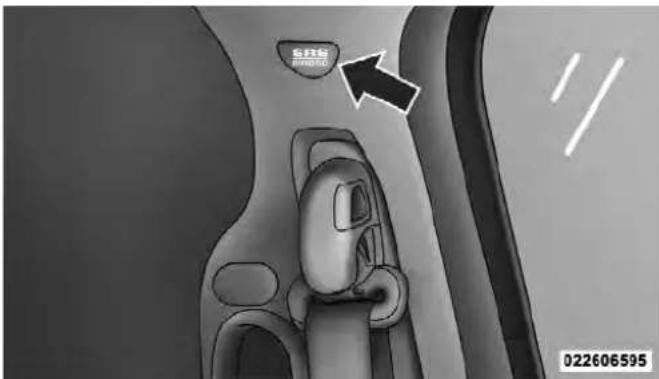
SupplementalSideAirBagInflatable Curtain(SABIC)LabelLocation
NOTE:
- Air Bag covers may not be obvious in the interior trim, but they will open during air bag deployment.
- Being too close to the SAB and SABIC air bags during deployment could cause you to be severely injured or killed.
The system includes side impact sensors that are calibrated to deploy the side air bags during impacts that require air bag occupant protection.
WARNING!
- If your vehicle is equipped with left and right Supplemental Side Air Bag Inflatable Curtain (SABIC), donot stack luggage or other cargroup highenought to block the location of the SABIC. The are a where the SABIC is located should remain free from any obstructions.
(Continued)
- Donotuseaccessoryseatcoversorplaceobjects betweenyouandthesideairbags;theperformancecouldbeadverselyaffectedand/orobjects couldbepushedintoyou,causingseriousinjury.
- If your vehicle is equipped with SABICairbags, do not have any accessory items installed which will alter the roof, including adding as unroof to your vehicle. Donot addroof rack that require permanent attachments (boltsorscrews) for installation on the vehicler of. Donot drill into a thereof of the vehicle for any reason.
KneeImpactBolsters
The Knee Impact Bolsters help protect the knees of the driver and the front passenger, and position front occupants for the best interaction with the Advanced Front Air Bags.
62THINGSTOKNOWBEFORESTARTINGYOURVEHICLE
Along with seat belts and pretensioners, Advanced Front Air Bags work with the knee bolsters to provide improved protection for the driver and front passenger. Side air bags also work with seat belts to improve occupant protection.
AirBagDeploymentSensorsAndControls
OccupantRestraintController(ORC)
The ORCis part of a Federally regulated safety system required for this vehicle.
The ORC determines if deployment of the front and/or side air bags in a frontal or side collision is required. Based on the impact sensor's signals, a central electronic ORC deploys the Advanced Front Air Bags, SABIC air bags — if equipped, SAB air bags — if equipped, and front seat belt pretensioners — if equipped, as required, depending on the severity and type of impact.
Advanced Front Air Bags are designed to provide additional protection by supplementing the seat belts in certain frontal collisions depending on the severity and type of collision. Advanced Front Air Bags are not expected to reduce the risk of injury in rear, rollover, or side collisions.
The Advanced Front Air Bags will not deploy in all frontal collisions, including some that may produce substantial vehicle damage — for example, some pole collisions, truck underrides, and angle offset collisions. On the other hand, depending on the type and location of impact, Advanced Front Air Bags may deploy in crashes with little vehicle front-end damage but that produce a severe initial deceleration.
The side air bags will not deploy in all side collisions. Side air bag deployment will depend on the severity and type of collision.
Because air bag sensors measure vehicle deceleration over time, vehicle speed and damage by themselves are not good indicators of whether or not an air bag should have deployed.
Seat belts are necessary for your protection in all accidents, and also are needed to help keep you in position, away from an inflating air bag.
The ORC monitors the readiness of the electronic parts of the air bag system whenever the ignition switch is in the START or ON/RUN position. If the key is in the LOCK position, in the ACC position, or not in the ignition, the air bag system is not on and the air bags will not inflate.
The ORC contains a backup power supply system that may deploy the air bags even if the battery loses power or it becomes disconnected prior to deployment.
THINGSTOKNOWBEFORESTARTINGYOURVEHICLE63

Also, the ORC turns on the Air Bag Warning Light in the instrument panel for approximately four to eight seconds for a self-check when the ignition is first turned on. After the self-check, the Air Bag Warning Light will turn off. If the ORC detects a malfunction in any part of the system, it turns on the Air Bag Warning Light, either momentarily or continuously. A single chime will sound if the light comes on again after initial startup.
It also includes diagnostics that will illuminate the instrument cluster Air Bag Warning Light if a malfunction is noted that could affect the air bag system. The diagnostics also record the nature of the malfunction.
IgnoringtheAirBagWarningLightinyourinstrumentpanelcouldmeanyouwon'thavetheairbags toprotectyouinacollision.Ifthelightdoesnotcome onasabulbcheckwhentheignitionisfirstturned on,staysonafteryoustartthevehicle,orifitcomes onasyoudrive,haveanauthorizeddealerservicethe airbagsystemimmediately.
DriverAndPassengerAdvancedFrontAirBag InflatorUnits
The Driver and Passenger Advanced Front Air Bag Inflator Units are located in the center of the steering wheel and on the right side of the instrument panel. When the ORC detects a collision requiring the Advanced Front Air Bags, it signals the inflator units. A large quantity of non-toxic gas is generated to inflate the Advanced Front Air Bags. Different air bag inflation rates are possible, based on the collision type and severity. The steering wheel hub trim cover and the upper right side of the instrument panel separate and fold out of the way as the air bags inflate to their full size. The air bags fully inflate in about 50 to 70 milliseconds. This is about half of the time it takes to blink your eyes. The air bags then quickly deflate while helping to restrain the driver and front passenger.
The Advanced Front Air Bag gas is vented through the vent holes in the sides of the air bag. In this way, the air bags do not interfere with your control of the vehicle.
SupplementalSeat-MountedSideAirBag(SAB) InflatorUnits—IfEquipped
The Supplemental Seat-Mounted Side Air Bags are designed to activate only in certain side collisions.
The ORC determines if a side collision requires the side air bags to inflate, based on the severity and type of collision.
Based on the severity and type of collision, the side air bag inflator on the crash side of the vehicle may be triggered, releasing a quantity of non-toxic gas. The inflating SAB exits through the seat seam into the space between the occupant and the door. The SAB fully inflate in about 10 milliseconds. The side air bag moves at a very high speed and with such a high force that it could injure you if you are not seated properly, or if items are positioned in the area where the side air bag inflates. This especially applies to children.
SupplementalSideAirBagInflatableCurtain (SABIC)InflatorUnits—IfEquipped
During collisions where the impact is confined to a particular area of the side of the vehicle, the ORC may deploy the SABIC air bags, depending on the severity and type of collision. In these events, the ORC will deploy the SABIC only on the impact side of the vehicle.
THINGSTOKNOWBEFORESTARTINGYOURVEHICLE 65
A quantity of non-toxic gas is generated to inflate the side curtain air bag. The inflating side curtain air bag pushes the outside edge of the headliner out of the way and covers the window. The air bag inflates in about 30 milliseconds (about one-quarter of the time that it takes to blink your eyes) with enough force to injure you if you are not belted and seated properly, or if items are positioned in the area where the side curtain air bag inflates. This especially applies to children. The side curtain air bag is only about 3-1/2 in (9 cm) thick when it is inflated.
Because air bag sensors estimate deceleration over time, vehicle speed and damage are not good indicators of whether or not an air bag should have deployed.
FrontAndSideImpactSensors—IfEquipped
In front and side impacts, impact sensors can aid the ORC in determining appropriate response to impact events.
EnhancedAccidentResponseSystem
In the event of an impact causing air bag deployment, if the communication network remains intact, and the power remains intact, depending on the nature of the event the ORC will determine whether to have the Enhanced Accident Response System perform the following functions:
- Cut off fuel to the engine.
- Flash hazard lights as long as the battery has power or until the ignition key is turned off.
- Turn on the interior lights, which remain on as long as the battery has power or until the ignition key is removed.
- Unlock the doors automatically.
In order to reset the Enhanced Accident Response System functions after an event, the ignition switch must be changed from IGN ON to IGN OFF.
IfADeploymentOccurs
The Advanced Front Air Bags are designed to deflate immediately after deployment.
NOTE: Front and/or side air bags will not deploy in all collisions. This does not mean something is wrong with the air bag system.
If you do have a collision which deploys the air bags, any or all of the following may occur:
- The nylon air bag material may sometimes cause abrasions and/or skin reddening to the driver and front passenger as the air bags deploy and unfold. The abrasions are similar to friction rope burns or those you might get sliding along a carpet or gymnasium floor. They are not caused by contact with chemicals. They are not permanent and normally heal quickly. However, if you haven't healed significantly within a few days, or if you have any blistering, see your doctor immediately.
THINGSTOKNOWBEFORESTARTINGYOURVEHICLE67
- As the air bags deflate, you may see some smoke-like particles. The particles are a normal by-product of the process that generates the non-toxic gas used for air bag inflation. These airborne particles may irritate the skin, eyes, nose, or throat. If you have skin or eye irritation, rinse the area with cool water. For nose or throat irritation, move to fresh air. If the irritation continues, see your doctor. If these particles settle on your clothing, follow the garment manufacturer's instructions for cleaning.
Do not drive your vehicle after the air bags have deployed. If you are involved in another collision, the air bags will not be in place to protect you.
WARNING!
Deployedairbagsandseatbeltpretensionerscannot protectyouinanothercollision.Havetheairbags, seatbeltpretensioners,andthefrontseatbeltretractorassembliesreplacedbyanauthorizeddealerimmediately.Also,havetheOccupantRestraintController(ORC)systemservicedaswell.
MaintainingYourAirBagSystem
WARNING!
- Modificationstoanypartoftheairbagsystem couldcauseittofailwhenyouneedit.Youcould beinjurediftheairbagsystemisnotthereto protectyou.Donotmodifythecomponentsor wiring,includingaddinganykindofbadgesor stickerstothesteeringwheelhubtrimcoverorthe upperrightsideoftheinstrumentpanel.Donot modifythefrontbumper,vehiclebodystructure, oraddaftermarketsidestepsorrunningboards.
- Itisdangeroustotrytorepairanypartoftheair bagsystemyourself.Besuretotellanyonewho worksonyourvehiclethatithasanairbagsystem.
WARNING!(Continued)
- Donotattempttomodifyanypartofyourairbag system. The airbag may inflate accidentally or may not function properly if modifications are made. Take your vehicle to an authorized dealer for any air bags systems service. If your seat, including your trim cover and cushion, need to be serviced in any way (including removal or loosening/tightening of seat attachment bolts), takethe vehicle to your authorized dealer. Only manufacturer approved seat accessories maybe used. If it is necessary to modify the airbag system for persons with disabilities, contact your authorized dealer.
(Continued)
AirBagWarningLight

You will want to have the air bags ready to inflate for your protection in a collision. The Air Bag Warning Light monitors the internal circuits and interconnecting wiring associated with air bag system electrical components. While the air bag system is designed to be maintenance free, if any of the following occurs, have an authorized dealer service the air bag system immediately.
- The Air Bag Warning Light does not come on during the four to eight seconds when the ignition switch is first turned to the ON/RUN position.
- The Air Bag Warning Light remains on after the four to eight-second interval.
- The Air Bag Warning Light comes on intermittently or remains on while driving.
NOTE: If the speedometer, tachometer, or any engine related gauges are not working, the Occupant Restraint Controller (ORC) may also be disabled. The air bags may not be ready to inflate for your protection. Promptly check the fuse block for blown fuses. Refer to the label located on the inside of the fuse block cover for the proper air bag fuses. See your authorized dealer if the fuse is good.
EventDataRecorder(EDR)
This vehicle is equipped with an event data recorder (EDR). The main purpose of an EDR is to record, in certain crash or near crash-like situations, such as an air bag deployment or hitting a road obstacle, data that will assist in understanding how a vehicle's systems performed. The EDR is designed to record data related to vehicle dynamics and safety systems for a short period of time, typically 30 seconds or less. The EDR in this vehicle is designed to record such data as:
- How various systems in your vehicle were operating;
- Whether or not the driver and passenger safety belts were buckled/fastened;
- How far (if at all) the driver was depressing the accelerator and/or brake pedal; and,
• How fast the vehicle was traveling.
These data can help provide a better understanding of the circumstances in which crashes and injuries occur.
NOTE: EDR data are recorded by your vehicle only if a non-trivial crash situation occurs; no data are recorded by the EDR under normal driving conditions and no personal data (e.g., name, gender, age, and crash location) are recorded. However, other parties, such as law enforcement, could combine the EDR data with the type of personally identifying data routinely acquired during a crash investigation.
To read data recorded by an EDR, special equipment is required, and access to the vehicle or the EDR is needed. In addition to the vehicle manufacturer, other parties, such as law enforcement, that have the special equipment, can read the information if they have access to the vehicle or the EDR.
ChildRestraints
Everyone in your vehicle needs to be buckled up all the time, including babies and children. Every state in the United States and all Canadian provinces require that small children ride in proper restraint systems. This is the law, and you can be prosecuted for ignoring it.
Children 12 years or under should ride properly buckled up in a rear seat, if available. According to crash statistics, children are safer when properly restrained in the rear seats rather than in the front.
WARNING!
Inacollision, an unrestrained child, even atiny baby, can become a projectile inside the vehicle. The force required to hold even an infant on your lap can becomes greater that you could not hold the child, no matter how strongly you are. The child and others could be badly injured. Any child riding in your vehicles should be in proper restraint for the child's size.
There are different sizes and types of restraints for children from newborn size to the child almost large enough for an adult safety belt. Always check the child seat Owner's Manual to ensure you have the right seat for your child. Use the restraint that is correct for your child.
THINGSTOKNOWBEFORESTARTINGYOURVEHICLE 71
InfantsAndChildRestraints
Safety experts recommend that children ride rearward-facing in the vehicle until they are two years old or until they reach either the height or weight limit of their rear facing child safety seat. Two types of child restraints can be used rearward-facing: infant carriers and convertible child seats.
The infant carrier is only used rearward-facing in the vehicle. It is recommended for children from birth until they reach the weight or height limit of the infant carrier. Convertible child seats can be used either rearward-facing or forward-facing in the vehicle. Convertible child seats often have a higher weight limit in the rearward-facing direction than infant carriers do, so they can be used rearward-facing by children who have outgrown their infant carrier but are still less than at least two years old. Children should remain rearward-facing until they reach the highest weight or height allowed by their convertible child seat. Both types of child restraints are
held in the vehicle by the lap/shoulder belt or the LATCH child restraint anchor system. Refer to "Lower Anchors and Tether for CHildren (LATCH)".
WARNING!
Rearward-facingchildseatsmustneverbeusedin thefrontseatofvehiclewiththefrontpassengerair bagunlesstheairbagisturnedoff.Anairbag deploymentcouldcauseseverinjuryordeathto infantsinthisposition.
OlderChildrenAndChildRestraints
Children who are two years old or who have outgrown their rear-facing convertible child seat can ride forward-facing in the vehicle. Forward-facing child seats and convertible child seats used in the forward-facing direction are for children who are over two years old or who have outgrown the rear-facing weight or height limit of their rear-facing convertible child seat. Children should remain in a forward-facing child seat with a harness for as long as possible, up to the highest weight or height allowed by the child seat. These child seats are also held in the vehicle by the lap/shoulder belt or the LATCH child restraint anchorage system. Refer to "Lower Anchors and Tether for CHildren (LATCH)".
All children whose weight or height is above the forward-facing limit for the child seat should use a belt-positioning booster seat until the vehicle's seat belts fit properly. If the child cannot sit with knees bent over the vehicle's seat cushion while the child's back is against the seatback, they should use a belt-positioning booster seat. The child and belt-positioning booster seat are held in the vehicle by the lap/shoulder belt.
NOTE: For additional information, referto www.seatcheck.orgorcall1-866-SEATCHECK.CanadianresidentsshouldrefertoTransportCanada'sweb-siteforadditionalinformation:http://www.tc.gc.ca/roadsafety/safedrivers/childsafety/index.htm
WARNING!
- Improperinstallationcanleadtofailureofan infantorchildrestraint.Itcouldcomelooseina collision.Thechildcouldbebadlyinjuredorkilled.Followthemanufacturer'sdirectionsexactlywheninstallinganinfantorchildrestraint.
- Arearward-facingchildrestraint should only be usedinarearseat.
- Arearward-facinginfantrestraintinthefrontseat maybestruckbyadeployingapassengerairbag whichmaycausesevereorfatalinjurytothe infant.
ChildrenTooLargeForBoosterSeats
Children who are large enough to wear the shoulder belt comfortably and whose legs are long enough to bend over the front of the seat when their back is against the seatback should use the lap/shoulder belt in a rear seat.
• Make sure that the child is upright in the seat.
- The lap portion should be low on the hips and as snug as possible.
- Check belt fit periodically. A child's squirming or slouching can move the belt out of position.
- If the shoulder belt contacts the face or neck, move the child closer to the center of the vehicle. Never allow a child to put the shoulder belt under an arm or behind their back.
Herearesometipsforgettingthemostoutofyourchild restraint:
- Before buying any restraint system, make sure that it has a label certifying that it meets all applicable Safety Standards. Chrysler Group LLC also recommends that you make sure that you can install the child restraint in the vehicle where you will use it before you buy it.
- The restraint must be appropriate for your child's weight and height. Check the label on the restraint for weight and height limits.
- Carefully follow the instructions that come with the restraint. If you install the restraint improperly, it may not work when you need it.
THINGSTOKNOWBEFORESTARTINGYOURVEHICLE75
- In the rear seat, you may have trouble tightening the lap/shoulder belt on the child restraint because the buckle or latch plate is too close to the belt path opening on the restraint. Disconnect the latch plate from the buckle and twist the short buckle-end belt several times to shorten it. Insert the latch plate into the buckle with the release button facing out.
- If the belt still can't be tightened, or if pulling and pushing on the restraint loosens the belt, disconnect the latch plate from the buckle, turn the latch plate around, and insert the latch plate into the buckle again. If you still can't make the child restraint secure, try a different seating position.
- Buckle the child into the seat according to the child restraint manufacturer's directions.
WARNING!
- Improperinstallationcanleadtofailureofan infantorchildrestraint.Itcouldcomelooseina collision.Thechildcouldbebadlyinjuredorkilled.Followthemanufacturer'sdirectionsexactlywheninstallinganinfantorchildrestraint.
- When your child restraint is not in use, secure it in the vehicle with these seat belt or remove it from the vehicle. Don't leave it loose in the vehicle. In a sudden stop or accident, it could strike the occupants or seat backs and causes serious personal injury.
Each vehicle is equipped with the child restraint anchorage system called LATCH, which stands for Lower Anchors and Tether for CHildren. The LATCH system provides for the installation of the child restraint without using the vehicle seat belt, instead securing the child restraint using lower anchorages and upper tether straps from the child restraint to the vehicle structure. LATCH child restraint anchorage systems are installed in the Quad Cab ® , Mega Cab ® and Crew Cab rear seat outboard positions. LATCH equipped seating positions feature both lower anchor bars, located at the back of the seat cushion, and tether strap anchorages, located behind the seat back (refer to “Child Restraint Tether Anchor”).

QuadCab®/MegaCab®/CrewCab RearOutboardSeatsDriverSide
Child restraint systems having attachments designed to connect to the lower anchorages are now available. Child restraints having tether straps and hooks for connection to the seat back tether anchorage have been available for some time. In fact, many child restraint manufacturers will provide add-on tether strap kits for some of their older products.
Because the lower anchorages are to be introduced to passenger carrying vehicles over a period of years, child restraint systems having attachments for those anchorages will continue to have features for installation in vehicles using the lap or lap/shoulder belt. They will also have tether straps, and you are urged to take advantage of all of the available attachments provided with your child restraint in any vehicle.
THINGSTOKNOWBEFORESTARTINGYOURVEHICLE77
NOTE:
- When using the LATCH attaching system to install a child restraint, please ensure that all seat belts not being used for occupant restraints are stowed and out of reach of children. It is recommended that before installing the child restraint, buckle the seat belt so the seat belt is tucked behind the child restraint and out of reach. If the buckled seat belt interferes with the child restraint installation, instead of tucking the seat belt behind the child restraint, route the seat belt through the child restraint belt path and then buckle it. This should stow the seat belt out of the reach of an inquisitive child. Remind all children in the vehicle that the seat belts are not toys and should not be played with, and never leave your child unattended in the vehicle.
- If your child restraint seat is not LATCH-compatible, install the restraint using the vehicle seat belting.
InstallingTheChildRestraintSystem
WARNING!
Donotinstallchildrestraintsystemsequipped with LATCHmechanismsinthecenterpositionofaQuad Cab®rearseat,orCrewCabmodelwithabenchrear seat.Achildmaybeplacedintherearcenterseating positionofaQuadCab®,orCrewCabbenchmodel usingtheseatbeltandchildtetheranchorage.The LATCHanchoragesintherearseataredesignedfor thetwooutboardseatingpositionsforQuadCab®, CrewCab®withafullbenchrearseat,andallthree positions for Mega Cab®, Quad Cab® and Crew Cab® withasplitbenchrearseat.Failureretofollowthis mayresultinseriousorfatalinjury.
We urge you to carefully follow the directions of the manufacturer when installing your child restraint. Many, but not all, restraint systems will be equipped with separate straps on each side, with each having a hook or connector, and a means for adjusting the tension in the strap. Forward-facing toddler restraints and some rearward-facing infant restraints will also be equipped with a tether strap, a hook and means for adjusting the tension in the strap.
In general, you will first loosen the child seat adjusters on the lower straps and tether straps so that you can more easily attach the hook or connector to the lower anchorages and tether anchorages. Then tighten all three straps as you push the child restraint rearward and downward into the seat.
Not all child restraint systems will be installed as we have described here. Again, carefully follow the instructions that come with the child restraint system.
WARNING!
Improperinstallationofachildrestrainttothe LATCHanchoragescanleadtofailureofaninfantor childrestraint.Thechildcouldbebadlyinjuredor killed.Followthemanufacturer'sdirectionsexactly wheninstallinganinfantorchildrestraint.
InstallingTheChildRestraintUsingTheVehicle SeatBelts
The seat belts in the passenger seating positions are equipped with either an Automatic Locking Retractor (ALR) or a cinching latch plate or both. Both types of seat belts are designed to keep the lap portion of the seat belt tight around the child restraint so that it is not necessary to use a locking clip. The ALR will make a ratcheting noise if you extract the entire belt from the retractor and then allow the belt to retract into the retractor. For additional information on ALR, refer to “Automatic Locking Mode”.
THINGSTOKNOWBEFORESTARTINGYOURVEHICLE
The chart below defines the seating positions with an Automatic Locking Retractor (ALR) or a cinching latch plate.
| Driver Center Passenger | |||
| CRS Lock | CRS Lock | CRS Lock | |
| First Row | N/A | N/A | ALR |
| Second Row | ALR | Cinch | ALR |
| Third Row | ALR | N/A | ALR |
• N/A — Not Applicable
• ALR — Automatic Locking Retractor
ForRegularCabOnly
| Driver Center Passenger | |||
| First Row | N/A | ALR | ALR |
| Second Row | N/A | N/A | N/A |
• N/A — Not Applicable
• ALR — Automatic Locking Retractor
Installing a Child Restraint with an ALR:
- To install a child restraint with ALR, first, pull enough of the seat belt webbing from the retractor to route it through the belt path of the child restraint. Slide the latch plate into the buckle until you hear a "click." Next, extract all the seat belt webbing out of the retractor and then allow the belt to retract into the retractor. As the belt retracts, you will hear a ratcheting sound. This indicates the safety belt is now in the Automatic Locking mode.
- Finally, pull on any excess webbing to tighten the lap portion around the child restraint. Any seat belt system will loosen with time, so check the belt occasionally, and pull it tight if necessary.
Installing a Child Restraint with a Cinching Latch Plate:
- To install a child restraint with a cinching latch plate, first, pull enough of the seat belt webbing from the
retractor to route it through the belt path of the child restraint. Slide the latch plate into the buckle until you hear a "click."
2. Finally, pull on any excess webbing to tighten the lap portion around the child restraint. Any seat belt system will loosen with time, so check the belt occasionally, and pull it tight if necessary.
To attach a child restraint tether strap:
- Route the tether strap to provide the most direct path for the strap between the anchor and the child seat, preferably between the head restraint posts underneath the head restraint.
ChildRestraintTetherAnchor
Child restraints having tether straps and hooks for connection to tether anchors have been available for some time. In fact, many child restraint manufacturers will provide add-on tether strap kits for their older products.
Regular Cab models have two tether anchorages, one each behind the front center and right seats. Quad Cab ® , Mega Cab ® and Crew Cab models have three anchorages, one behind each of the rear seats.
WARNING!
Anincorrectlyanchoredtetherstrapcouldleadto seatfailureandinjurytothechild.Inacollision,the seatcouldcomelooseandallowthechildtocrash intotheinsideofthevehicleorotherpassengers,or evenbethrownfromthevehicle.Useonlytheanchor positionsdirectlybehindthechildseattosecurea childrestrainttoptetherstrap.Followtheinstructionsbelow.Seeyourauthorizeddealerforhelpif necessary.
THINGSTOKNOWBEFORESTARTINGYOURVEHICLE81
TetherAnchoragePointsAtTheRightAndCenter FrontSeat(RegularCab-AllSeats)
- Place the child restraint on the seat and adjust the tether strap so that it will reach over the seat back under the head restraint to the tether anchor directly behind the seat.
- Lift the cover (if so equipped), and attach the hook to the square opening in the sheet metal.
- Install the child restraint and remove the slack in the tether strap according to the manufacturer's instructions.

RegularCabTetherStrapMounting
1 — Tether Strap Hook
2 — Tether Strap to Child Restraint
3 — Tether Anchor
MultipleChildRestraintInstallationSequence (QuadCab®/CrewCab/MegaCab®-RearSeats)
Mega Cab®
- Place a child restraint on each outboard rear seat and adjust the tether strap so that it will reach under the head restraint to the tether anchor directly behind the seat.
- Lift the cover, and attach the hook to the square opening in the sheet metal.

MegaCab®TetherStrapMounting
- Install the child restraint and remove the slack in the tether strap according to the manufacturer's instructions.
Quad Cab®/Crew Cab
- The tether straps loops are located between the rear glass and the rear seat. There is a tether strap loop located
THINGSTOKNOWBEFORESTARTINGYOURVEHICLE83
behind each seating position. You can gain access to the center seating position tether strap loop by raising the head restraint and reaching between the rear glass and rear seat.

HeadRestraintAdjustment
-
Place a child restraint on each outboard rear seat and adjust the tether strap so that it will reach under the head restraint, through the outboard tether strap loop, then route it to the tether strap loop located directly behind the center rear seat.
-
Pass each tether strap hook under the head restraint and through the loop of webbing behind the child seat.
-
Route each tether strap to the anchor behind the center seat, and attach the hooks to the anchor loop.
-
Place a child restraint on the center rear seat and adjust the tether strap so that it will reach under the head restraint through the center seat tether strap loop and anchor to the tether strap loop located behind either outboard seating positions.
-
Install each child restraint and remove the slack in the tether strap according to the child restraint manufacturer's instructions.
![graph TD A["1"] --> B["2"] B --> C["3"] C --> D["4"] D --> E["5"] E --> F["6"] style A fill:#f9f,stroke:#333 style B fill:#ccf,stroke:#333 style C fill:#cfc,stroke:#333 style D fill:#fcc,stroke:#333 style E fill:#cff,stroke:#333 style F fill:#ffc,stroke:#333](/content/2026/06/1243909/images/f2cd646522cdddd94a6abc79176d2446259611042dbbf1bc3e9dce6deb880490.jpg)
MultipleChildRestraintQuadCab®/CrewCab
1 — Anchor Loops
2 — Snap Hook
3 — Tether Strap
4 — Passenger's Side Rear Child Seat
5 — Rear Center Child Seat
6 — Driver's Side Rear Child Seat
TransportingPets
Air Bags deploying in the front seat could harm your pet. An unrestrained pet will be thrown about and possibly injured, or injure a passenger during panic braking or in a collision. Pets should be restrained in the rear seat in pet harnesses or pet carriers that are secured by seat belts.
ENGINEBREAK-INRECOMMENDATIONS
A long break-in period is not required for the engine and drivetrain (transmission and axle) in your vehicle.
Drive moderately during the first 300 miles (500 km). After the initial 60 miles (100 km), speeds up to 50 or 55 mph (80 or 90 km/h) are desirable.
While cruising, brief full-throttle acceleration within the limits of local traffic laws contributes to a good break-in. Wide-open throttle acceleration in low gear can be detrimental and should be avoided.
The engine oil installed in the engine at the factory is a high-quality energy conserving type lubricant. Oil changes should be consistent with anticipated climate conditions under which vehicle operations will occur. For the recommended viscosity and quality grades, refer to "Maintenance Procedures" in "Maintaining Your Vehicle". NON-DETERGENT OR STRAIGHT MINERAL OILS MUST NEVER BE USED.
A new engine may consume some oil during its first few thousand miles (kilometers) of operation. This should be considered a normal part of the break-in and not interpreted as an indication of difficulty.
SAFETYTIPS
TransportingPassengers
NEVER TRANSPORT PASSENGERS IN THE CARGO AREA.
- Donotleavechildrenoranimalsinsideparked vehiclesinhotweather.Interiorheatbuild-upmay causeseriousinjuryordeath.
- Itisextremelydangeroustorideinacargoarea, insideoroutsideofavehicle.Inacollision,people ridingintheseareasaremorelikelytobeseriouslyinjuredorkilled.
- Donotallowpeopletorideinanyareaofyour vehiclethatisnotequippedwithseatsandseat belts.
- Besureeveryoneinyourvehicleisinaseatand usingaseatbeltproperly.
ExhaustGas
WARNING!
Exhaustgasescaninjureorkill. They contain carbon monoxide(CO), which is colorless and odorless. Breathing it can make you unconscious and can eventually poison you. To avoid breathing(CO), follow the safety tips:
- Donotruntheengineinaclosedgarageorin confinedareasanylongerthanneededtomove yourvehicleinoroutofthearea.
- If you are required to drivewith the trunk/lift gate open, makes sure that all windows are closed and the climate control BLOWER switch it at high speed. DONOT use there circulation mode.
(Continued)
WARNING!(Continued)
- Ifitisnecessarytositinaparkedvehiclewiththe engineerunning,adjustyourheatingorcooling controlstoforceoutsideairintothevehicle.Set theblowerathighspeed.
The best protection against carbon monoxide entry into the vehicle body is a properly maintained engine exhaust system.
Whenever a change is noticed in the sound of the exhaust system, when exhaust fumes can be detected inside the vehicle, or when the underside or rear of the vehicle is damaged, have a competent mechanic inspect the complete exhaust system and adjacent body areas for broken, damaged, deteriorated, or mispositioned parts. Open seams or loose connections could permit exhaust fumes to seep into the passenger compartment. In addition, inspect the exhaust system each time the vehicle is raised for lubrication or oil change. Replace as required.
THINGSTOKNOWBEFORESTARTINGYOURVEHICLE87
SafetyChecksYouShouldMakeInsideThe Vehicle
SeatBelts
Inspect the belt system periodically, checking for cuts, frays, and loose parts. Damaged parts must be replaced immediately. Do not disassemble or modify the system.
Front seat belt assemblies must be replaced after a collision. Rear seat belt assemblies must be replaced after a collision if they have been damaged (i.e., bent retractor, torn webbing, etc.). If there is any question regarding belt or retractor condition, replace the belt.
AirBagWarningLight
The light should come on and remain on for four to eight seconds as a bulb check when the ignition switch is first turned ON. If the light is not lit during starting, see your authorized dealer. If the light stays on, flickers, or comes on while driving, have the system checked by an authorized dealer.
Check operation by selecting the defrost mode and place the blower control on high speed. You should be able to feel the air directed against the windshield. See your authorized dealer for service if your defroster is inoperable.
FloorMatSafetyInformation
Always use floor mats designed to fit the footwell of your vehicle. Use only floor mats that leave the pedal area unobstructed and that are firmly secured so that they cannot slip out of position and interfere with the pedals or impair safe operation of your vehicle in other ways.
WARNING!
Pedalsthatcannotmovefreelycancauselossof vehiclecontrolandincreasetheriskofseriouspersonalinjury.
(Continued)
WARNING!(Continued)
- Alwaysmakesurethatfloormatsareproperly attachedtothefloormatfasteners.
- Neverplaceorinstallfloormatsorotherfloor coveringsinthevehiclethatcannotbeproperly securedtopreventthemfrommovingandinterferingwiththepedalsortheabilitytocontrolthe vehicle.
- Neverputfloormatsorotherfloorcoveringson topofalreadyinstalledfloormats.Additional floormatsandothercoveringswillreducethesize ofthepedalareaandinterferewiththepedals.
- Checkmountingofmatsonaregularbasis.Alwaysproperlyreinstallandsecurefloormatsthat havebeenremovedforcleaning.
(Continued)
WARNING!(Continued)
- Alwaysmakesurethatobjectscannotfallintothe driverfootwellwhilethevehicleismoving.Objectscanbecometrappedunderthebrakepedal andacceleratorpedalcausingalossofvehicle control.
- Ifrequired,mountingpostsmustbeproperly installed,ifnotequippedfromthefactory. Failuretoproperlyfollowfloormatinstallationor mountingcancauseinterferencewiththebrake pedalandacceleratorpedaloperationcausingloss ofcontrolofthevehicle.
PeriodicSafetyChecksYouShouldMakeOutside TheVehicle
Tires
Examine tires for excessive tread wear and uneven wear patterns. Check for stones, nails, glass, or other objects
THINGSTOKNOWBEFORESTARTINGYOURVEHICLE89
lodged in the tread or sidewall. Inspect the tread for cuts and cracks. Inspect sidewalls for cuts, cracks and bulges. Check the wheel nuts for tightness. Check the tires (including spare) for proper cold inflation pressure.
Lights
Have someone observe the operation of exterior lights while you work the controls. Check turn signal and high beam indicator lights on the instrument panel.
DoorLatches
Check for positive closing, latching, and locking.
FluidLeaks
Check area under vehicle after overnight parking for fuel, engine coolant, oil, or other fluid leaks. Also, if gasoline fumes are detected or if fuel, power steering fluid, or brake fluid leaks are suspected, the cause should be located and corrected immediately.
UNDERSTANDINGTHEFEATURESOFYOURVEHICLE
CONTENTS
■Mirrors 98
□Inside Day/Night Mirror 98
□Automatic Dimming Mirror — If Equipped . . . 98
□Outside Mirrors....99
□Outside Mirrors Folding Feature ..... 1 0 0
□Power Mirrors — If Equipped . . . . . . . . . . 1 0 1
□Heated Mirrors — If Equipped ..... 1 0 2
□Driver's Automatic Dimming Mirror — If Equipped 102
□ Illuminated Vanity Mirror — If Equipped . . . 102
□“Slide-On-Rod” Features Of Sun Visor — If Equipped.... 103
□ Trailer Towing Mirrors — If Equipped ..... 104
■Uconnect™ Phone — If Equipped ..... 1 0 5
□Operation 107
□ Phone Call Features 114
□ Uconnect™ Phone Features 117
□ Advanced Phone Connectivity ..... 121
92 UNDERSTANDING THE FEATURES OF YOUR VEHICLE
□Things You Should Know About Your Uconnect™ Phone 123
□General Information 134
■Voice Command — If Equipped . . . . . . . . . . 1 3 4
□Voice Command System Operation ..... 1 3 4
□Commands.... 135
□Voice Training.... 139
■Seats 139
□Driver's Power Seat — If Equipped . . . . . . 1 3 9
□Passenger's Power Seat — If Equipped ..... 1 4 1
□Power Lumbar — If Equipped . . . . . . . . . 1 4 3
□Heated Seats — If Equipped . . . . . . . . . . . 1 4 3
□Ventilated Seats — If Equipped . . . . . . . . . 1 4 6
□Manual Seat Adjuster — If Equipped . . . . . . 1 4 7
□Manual Reclining Seats — If Equipped . . . . . 1 4 8
□40-20-40 Front Bench Seat — If Equipped . . . 149
□ Mega Cab® Rear Seat Features 150
□Head Restraints 153
■ Driver Memory Seat — If Equipped ..... 156
□Setting Memory Positions And Linking RKE Transmitter To Memory 156
□Memory Position Recall.... 158
□To Disable A RKE Transmitter Linked To Memory 158
□ Easy Entry/Exit Seat 159
■ To Open And Close The Hood 160
■Lights.... 162
□Headlights.... 163
□Automatic Headlights — If Equipped ..... 1 6 3
□Headlights On With Wipers (Available With Automatic Headlights Only)....164
□Headlight Delay 164
□Parking Lights And Panel Lights ..... 1 6 4
□Fog Lights — If Equipped . . . . . . . . . . . . . 1 6 4
□Interior Lights 165
□Cargo Light.... 166
□Lights-On Reminder 167
□Battery Saver.... 167
□Daytime Running Lights (DRL) — If Equipped 167
UNDERSTANDINGTHEFEATURESOFYOURVEHICLE93
□Multifunction Lever.... 167
Windshield Wipers And Washers 169
□Windshield Wipers.... 169
□Windshield Wiper Operation....169
□Intermittent Wiper System.... 170
□Windshield Washers.... 170
□Mist Feature 171
■Tilt Steering Column.... 171
■ Heated Steering Wheel — If Equipped ..... 172
■Driver Adjustable Pedals — If Equipped . . . . . 1 7 3
■ Electronic Speed Control 174
□To Activate 175
□To Set A Desired Speed....176
94UNDERSTANDINGTHEFEATURESOFYOURVEHICLE
□To Deactivate.... 176
□To Resume Speed....176
□To Vary The Speed Setting.... 176
□To Accelerate For Passing.... 177
■Parksense®Rear Park Assist — If Equipped . . . 177
□Parksense®Sensors.... 178
□Parksense®Warning Display 178
□Parksense®Display 179
□Enabling And Disabling Parksense®. . . . . . . 1 8 2
□Service The Parksense®Rear Park Assist System.... 183
□ Cleaning The Parksense® System ..... 184
□ Parksense® System Usage Precautions ..... 184
■Parkview®Rear Back Up Camera — If Equipped 187
□Turning Parkview®On Or Off — With Navigation/Multimedia Radio 188
□Turning Parkview®On Or Off — Without Navigation/Multimedia Radio . . . . . . . . . 1 8 9
■ Overhead Console — If Equipped ..... 189
□Courtesy/Reading Lights 190
■Garage Door Opener — If Equipped . . . . . . . 1 9 1
□Before You Begin Programming
HomeLink®.... 192
□Programming A Rolling Code....193
□Programming A Non-Rolling Code ..... 195
□Canadian/Gate Operator Programming . . . . 196
□Using HomeLink®. 197
□Security 198
□Troubleshooting Tips.... 198
□General Information.... 199
■Power Sunroof — If Equipped ..... 200
□Open Sunroof — Express Mode ..... 201
□Opening Sunroof — Manual Mode ..... 201
□Closing Sunroof — Express ..... 201
□Closing Sunroof — Manual Mode ..... 201
□Pinch Protect Feature.... 201
□Pinch Protect Override....201
□Venting Sunroof — Express ..... 202
□Sunshade Operation 202
UNDERSTANDINGTHEFEATURESOFYOURVEHICLE 95
□Wind Buffeting 202
□Sunroof Maintenance....202
□Ignition Off Operation 202
■Electrical Power Outlets 203
■Cigar Lighter And Ash Receiver — If Equipped 207
■ Power Inverter — If Equipped ..... 208
■Cupholders....209
□Front Instrument Panel Cupholders — (40–20–40 Seats) 209
□Front Instrument Panel Cupholders — Floor Mounted Shifter 210
□Rear Cupholder — Quad Cab®. 2 1 0
□Rear Cupholder — Crew Cab 211
96UNDERSTANDINGTHEFEATURESOFYOURVEHICLE
■Storage 211
□Glove Box Storage....211
□Door Storage....213
☐Center Storage Compartment — If Equipped 214
☐Second Row In-Floor Storage Bin — If Equipped.... 2 1 6
□Seatback Storage....217
□Storage (Regular Cab) 218
□Storage And Seats (Crew Cab)....218
□Plastic Grocery Bag Retainers (Regular Cab Models) 219
■Rear Window Features 2 2 0
□Rear Window Defroster.... 2 2 0
□Power Sliding Rear Window — If Equipped.... 2 2 1
☐Manual Sliding Rear Window — If Equipped.... 2 2 1
■Fold Flat Load Floor — If Equipped . . . . . . . 2 2 1
■Rambox®—If Equipped....2 2 4
□ Rambox® Integrated Box Side Storage Bins .. 224
□ Rambox® Safety Warning 227
□Bed Extender — If Equipped ..... 2 2 8
□Bed Rail Tie-Down System 236
■Slide-In Campers 238
□Camper Applications 238
■Easy-Off Tailgate 238
□Disconnecting The Rear Camera — If Equipped 238
UNDERSTANDINGTHEFEATURESOFYOURVEHICLE97
□Removing The Tailgate.... 239
□Locking Tailgate 240
98UNDERSTANDINGTHEFEATURESOFYOURVEHICLE
MIRRORS
InsideDay/NightMirror
A two-point pivot system allows for horizontal and vertical adjustment of the mirror. Adjust the mirror to center on the view through the rear window. The mirror should be adjusted while set in the day position (toward the windshield).
Headlight glare can be reduced by moving the small control lever under the mirror to the night position (lever flipped toward the rear of vehicle).
030407085
AdjustingRearviewMirror
AutomaticDimmingMirror—IfEquipped
This mirror automatically adjusts for headlight glare from vehicles behind you. You can turn the feature on or off by pressing the button at the base of the mirror. A light
UNDERSTANDINGTHEFEATURESOFYOURVEHICLE99
to the left of the button will illuminate to indicate when the dimming feature is activated. The sensor to the right of the button does not illuminate.
NOTE: This feature is disabled when the vehicle is moving in reverse.
030406002
AutomaticDimmingMirror
CAUTION!
Toavoiddamagetothemirrorduringcleaning,never sprayanycleaningsolutiondirectlyontothemirror. Applythesolutionontoacleanclothandwipethe mirrorclean.
OutsideMirrors
To receive maximum benefit, adjust the outside mirror(s) to center on the adjacent lane of traffic with a slight overlap of the view obtained on the inside mirror.
100UNDERSTANDINGTHEFEATURESOFYOURVEHICLE
WARNING!
Vehiclesandotherobjectsseeninapassengerside convexmirrorwilllooksmallerandfartheraway thantheyreallyare.Relyingtoomuchonyour passengersideconvexmirrorcouldcauseyouto collidewithanothervehicolorotherobject.Useyour insidemirrorwhenjudgingthesizeordistanceofa vehicleseeninthepassengersideconvexmirror. Somevehicleswillnothaveaconvexrightside mirror.
OutsideMirrorsFoldingFeature
All outside mirrors are designed to be able to be manually folded both forward and rearward to prevent damage.

FoldingMirror
CAUTION!
Itisrecommendedtofoldthemirrorsintothefull rearwardpositiontoresistdamagewhenenteringa carwashoranarrowlocation.
PowerMirrors—IfEquipped
The controls for the power mirrors are located on the driver's door trim panel.

PowerMirrorControls
The power mirror controls consist of mirror select buttons and a four-way mirror control switch.
UNDERSTANDINGTHEFEATURESOFYOURVEHICLE101

PowerMirrorControls
1 — Mirror Select Buttons
2 — Four-Way Mirror Control Switch
To adjust a mirror, press either the L (left) or R (right) button to select the mirror that you want to adjust.
NOTE:A light in the select button will illuminate indicating the mirror is activated and can be adjusted.
102UNDERSTANDINGTHEFEATURESOFYOURVEHICLE
Using the mirror control switch, press on any of the four arrows for the direction that you want the mirror to move.

PowerMirrorMovement
HeatedMirrors—IfEquipped
These mirrors are heated to melt frost or ice. This feature is activated whenever you turn on the rear window defroster. Refer to "Rear Window Features" in "Understanding The Features Of Your Vehicle" for further information.
Driver's Automatic Dimming Mirror—If Equipped
The driver's outside mirror will automatically adjust for glare from vehicles behind you. This feature is controlled by the inside automatic dimming mirror and can be turned on or off by pressing the button at the base of the inside mirror. The mirror will automatically adjust for headlight glare when the inside mirror adjusts.
IlluminatedVanityMirror—IfEquipped
Illuminated vanity mirrors are located on each sun visor. To use the mirror, rotate the sun visor down and swing the mirror cover upward. The lights will turn on automatically. Closing the mirror cover turns off the light.

Illuminated VanityMirror
"Slide-On-Rod"FeaturesOfSunVisor—If Equipped
The sun visor "Slide-On-Rod" feature allows for additional flexibility in positioning the visor to block out the sun.
UNDERSTANDINGTHEFEATURESOFYOURVEHICLE103
To use the "Slide-On-Rod" feature, rotate the sun visor downward and unclip it. Pull the sun visor along the "Slide-On-Rod" until the sun visor is in the desired position.

Slide-On-RodExtender
104UNDERSTANDINGTHEFEATURESOFYOURVEHICLE
TrailerTowingMirrors—IfEquipped
These mirrors are designed with an adjustable mirror head to provide a greater vision range when towing extra-wide loads. To change position inboard or outboard, the mirror head should be rotated (flipped in or out).

TrailerTowingPosition
NOTE: Fold the trailer towing mirrors rearward prior to entering an automated car wash.
A small blindspot mirror is located next to main mirror and can be adjusted separately.

BlindspotMirror
Uconnect™Phone—IFEQUIPPED
Uconnect™ Phone is a voice-activated, hands-free, in-vehicle communications system. Uconnect™ Phone allows you to dial a phone number with your mobile phone using simple voice commands (e.g., "Call" ... "Mike" ... "Work" or "Dial" ... "248-555-1212"). Your mobile phone's audio is transmitted through your vehicle's audio system; the system will automatically mute your radio when using the Uconnect™ Phone.
NOTE:The Uconnect™ Phone requires a mobile phone equipped with the Bluetooth® "Hands-Free Profile", Version 0.96 or higher. See the Uconnect™ website for supported phones.
For Uconnect ™ customer support, visit the following websites:
• www.chrysler.com/uconnect
- www.dodge.com/uconnect
UNDERSTANDING THE FEATURES OF YOUR VEHICLE
105
• www.jeep.com/uconnect
• or call 1-877-855-8400
Uconnect™ Phone allows you to transfer calls between the system and your mobile phone as you enter or exit your vehicle and enables you to mute the system's microphone for private conversation.
The Uconnect™ Phone is driven through your Bluetooth®“Hands-Free Profile” mobile phone.
Uconnect™ features Bluetooth® technology - the global standard that enables different electronic devices to connect to each other without wires or a docking station, so Uconnect™ Phone works no matter where you stow your mobile phone (be it your purse, pocket, or briefcase), as long as your phone is turned on and has been paired to the vehicle's Uconnect™ Phone. The Uconnect™ Phone allows up to seven mobile phones to be linked to the
system. Only one linked (or paired) mobile phone can be used with the system at a time. The system is available in English, Spanish, or French languages.
WARNING!
Anyvoicecommandedsystemshouldbeusedonlyinsafedrivingconditionsfollowinglocallawsandphoneuse.Allattentionshouldbekeptontheroadwayahead.Failureretodosomayresultincollisioncausingseriousinjuryordeath.
Uconnect™ Phone Button
The radio or steering wheel controls (if equipped) will contain the two control buttons (Uconnect™ Phone 📋 button and Voice Command button) that will enable you to
access the system. When you press the button you will hear the word Uconnect TM followed by a BEEP. The beep is your signal to give a command.
Voice Command Button
Actual button location may vary with the radio. The individual buttons are described in the "Operation" section.
The Uconnect™ Phone can be used with any Hands-Free Profile certified Bluetooth® mobile phone. See the Uconnect™ website for supported phones. Refer to your mobile service provider or the phone manufacturer for details.
The Uconnect™ Phone is fully integrated with the vehicle's audio system. The volume of the Uconnect™ Phone can be adjusted either from the radio volume control knob or from the steering wheel radio control (right switch), if so equipped.
The radio display will be used for visual prompts from the Uconnect™ Phone such as "CELL" or caller ID on certain radios.
Operation
Voice commands can be used to operate the Uconnect TM Phone and to navigate through the Uconnect TM Phone menu structure. Voice commands are required after most Uconnect TM Phone prompts. You will be prompted for a specific command and then guided through the available options.
- Prior to giving a voice command, one must wait for the beep, which follows the "Ready" prompt or another prompt.
- For certain operations, compound commands can be used. For example, instead of saying "Setup" and then "Pair a Device", the following compound command can be said: "Pair a Bluetooth®Device".
- For each feature explanation in this section, only the compound form of the voice command is given. You can also break the commands into parts and say each part of the command when you are asked for it. For
UNDERSTANDINGTHEFEATURESOFYOURVEHICLE107
example, you can use the compound form voice command "Phonebook New Entry", or you can break the compound form command into two voice commands: "Phonebook" and "New Entry". Please remember, the Uconnect™ Phone works best when you talk in a normal conversational tone, as if speaking to someone sitting a few feet/meters away from you.
VoiceCommandTree
Refer to "Voice Tree" in this section.
HelpCommand
If you need assistance at any prompt, or if you want to know your options at any prompt, say "Help" following the beep. The Uconnect™ Phone will play some of the options at any prompt if you ask for help.
To activate the Uconnect™ Phone, simply press the button and follow the audible prompts for directions.
Uconnect ™ Phone sessions begin with a press of the button on the radio control head.


CancelCommand
At any prompt, after the beep, you can say "Cancel" and you will be returned to the main menu. However, in a few instances the system will take you back to the previous menu.
Pair(Link)Uconnect™PhoneToAMobilePhone
To begin using your Uconnect™ Phone, you must pair your compatible Bluetooth® enabled mobile phone.
To complete the pairing process, you will need to reference your mobile phone Owner's Manual. The Uconnect™ website may also provide detailed instructions for pairing.
The following are general phone to Uconnect™ Phone pairing instructions:
- Press the button to begin.
-
After the "Ready" prompt and the following beep, say "Device Pairing".
-
When prompted, after the beep, say "Pair a Device" and follow the audible prompts.
- You will be asked to say a four-digit Personal Identification Number (PIN), which you will later need to enter into your mobile phone. You can enter any four-digit PIN. You will not need to remember this PIN after the initial pairing process.
- For identification purposes, you will be prompted to give the Uconnect™ Phone a name for your mobile phone. Each mobile phone that is paired should be given a unique phone name.
- You will then be asked to give your mobile phone a priority level between one and seven, with one being the highest priority. You can pair up to seven mobile phones to your Uconnect™ Phone. However, at any given time, only one mobile phone can be in use, connected to your Uconnect™ System. The priority allows the Uconnect™ Phone to know which mobile
phone to use if multiple mobile phones are in the vehicle at the same time. For example, if priority three and priority five phones are present in the vehicle, the Uconnect™ Phone will use the priority three mobile phone when you make a call. You can select to use a lower priority mobile phone at any time (refer to "Advanced Phone Connectivity" in this section).
DialBySayingANumber
- Press the button to begin.
- After the "Ready" prompt and the following beep, say "Dial".
- The system will prompt you to say the number you want to call.
- For example, you can say "234-567-8901".
- The Uconnect™ Phone will confirm the phone number and then dial. The number will appear in the display of certain radios.
UNDERSTANDINGTHEFEATURESOFYOURVEHICLE109
CallBySayingAName
- Press the button to begin.
- After the "Ready" prompt and the following beep, say "Call".
- The system will prompt you to say the name of the person you want to call.
- After the "Ready" prompt and the following beep, say the name of the person you want to call. For example, you can say "John Doe", where John Doe is a previously stored name entry in the Uconnect™ phonebook or downloaded phonebook. To learn how to store a name in the phonebook, refer to "Add Names to Your Uconnect™ Phonebook", in the phonebook.
- The Uconnect™ system will confirm the name and then dial the corresponding phone number, which may appear in the display of certain radios.
110 UNDERSTANDING THE FEATURES OF YOUR VEHICLE
AddNamesToYourUconnect™Phonebook
NOTE: Adding names to the Uconnect TM Phonebook is recommended when the vehicle is not in motion.
- Press the button to begin.
- After the "Ready" prompt and the following beep, say "Phonebook New Entry".
- When prompted, say the name of the new entry. Use of long names helps the Voice Command and it is recommended. For example, say "Robert Smith" or "Robert" instead of "Bob".
- When prompted, enter the number designation (e.g., "Home", "Work", "Mobile", or "Other"). This will allow you to store multiple numbers for each phone-book entry, if desired.
- When prompted, recite the phone number for the phonebook entry that you are adding.
After you are finished adding an entry into the phonebook, you will be given the opportunity to add more phone numbers to the current entry or to return to the main menu.
The Uconnect™ Phone will allow you to enter up to 32 names in the phonebook with each name having up to four associated phone numbers and designations. Each language has a separate 32-name phonebook accessible only in that language. In addition, if equipped and supported by your phone, Uconnect™ Phone automatically downloads your mobile phone's phonebook.
PhonebookDownload-AutomaticPhonebook TransferFromMobilePhone
If equipped and specifically supported by your phone, Uconnect™ Phone automatically downloads names (text names) and number entries from your mobile phone's phonebook. Specific Bluetooth® Phones with Phone Book Access Profile may support this feature. See Uconnect™ website for supported phones.
- To call a name from the Uconnect™ Phonebook or downloaded Phonebook, follow the procedure in "Call by Saying a Name" section.
- Automatic download and update, if supported, begins as soon as the Bluetooth® wireless phone connection is made to the Uconnect™ Phone, for example, after you start the vehicle.
- A maximum of 1000 entries per phone will be downloaded and updated every time a phone is connected to the Uconnect™ Phone.
- Depending on the maximum number of entries downloaded, there may be a short delay before the latest downloaded names can be used. Until then, if available, the previously downloaded phonebook is available for use.
- Only the phonebook of the currently connected mobile phone is accessible.
UNDERSTANDINGTHEFEATURESOFYOURVEHICLE111
- Only the mobile phone's phonebook is downloaded. SIM card phonebook is not part of the Mobile phonebook.
- This downloaded phonebook cannot be edited or deleted on the Uconnect™ Phone. These can only be edited on the mobile phone. The changes are transferred and updated to Uconnect™ Phone on the next phone connection.
EditUconnect™PhonebookEntries
NOTE:
- Editing names in the phonebook is recommended when the vehicle is not in motion.
- Automatic downloaded phonebook entries cannot be deleted or edited.
- Press the button to begin.
112 UNDERSTANDING THE FEATURES OF YOUR VEHICLE
- After the "Ready" prompt and the following beep, say "Phonebook Edit Entry".
- You will then be asked for the name of the phonebook entry that you wish to edit.
- Next, choose the number designation (home, work, mobile, or other) that you wish to edit.
- When prompted, recite the new phone number for the phonebook entry that you are editing.
After you are finished editing an entry in the phonebook, you will be given the opportunity to edit another entry in the phonebook, call the number you just edited, or return to the main menu.
"Phonebook Edit Entry" can be used to add another phone number to a name entry that already exists in the phonebook. For example, the entry John Doe may have a mobile and a home number, but you can add “John Doe’s” work number later using the “Phonebook Edit Entry” feature.
DeleteUconnect™PhonebookEntry
NOTE: Editing phonebook entries is recommended when the vehicle is not in motion.
- Press the button to begin.
- After the "Ready" prompt and the following beep, say "Phonebook Delete".
- After you enter the Phonebook Delete menu, you will then be asked for the name of the entry that you wish to delete. You can either say the name of a phonebook entry that you wish to delete or you can say "List Names" to hear a list of the entries in the phonebook from which you choose. To select one of the entries
from the list, press the button while the
Uconnect™ Phone is playing the desired entry and say "Delete".
- After you enter the name, the Uconnect™ Phone will ask you which designation you wish to delete: home, work, mobile, other, or all. Say the designation you wish to delete.
- Note that only the phonebook entry in the current language is deleted.
- Automatic downloaded phonebook entries cannot be deleted or edited.
Delete/Erase"All"Uconnect™PhonebookEntries
- Press the button to begin.
- After the "Ready" prompt and the following beep, say "Phonebook Erase All".
UNDERSTANDINGTHEFEATURESOFYOURVEHICLE113
- The Uconnect™ Phone will ask you to verify that you wish to delete all the entries from the phonebook.
- After confirmation, the phonebook entries will be deleted.
- Note that only the phonebook in the current language is deleted.
- Automatic downloaded phonebook entries cannot be deleted or edited.
ListAllNamesInTheUconnect™Phonebook
- Press the button to begin.
- After the "Ready" prompt and the following beep, say "Phonebook List Names".
- The Uconnect™ Phone will play the names of all the phonebook entries, including the downloaded phonebook entries, if available.
114 UNDERSTANDING THE FEATURES OF YOUR VEHICLE
- To call one of the names in the list, press the button during the playing of the desired name, and say "Call".
NOTE: The user can also exercise "Edit" or "Delete" operations at this point.
- The Uconnect™ Phone will then prompt you as to the number designation you wish to call.
• The selected number will be dialed.
PhoneCallFeatures
The following features can be accessed through the Uconnect ™ Phone if the feature(s) are available on your mobile service plan. For example, if your mobile service plan provides three-way calling, this feature can be accessed through the Uconnect ™ Phone. Check with your mobile service provider for the features that you have.
AnswerOrRejectAnIncomingCall—NoCall CurrentlyInProgress
When you receive a call on your mobile phone, the Uconnect™ Phone will interrupt the vehicle audio system, if on, and will ask if you would like to answer the call. Press the button to accept the call. To reject the call, press and hold the button until you hear a single beep, indicating that the incoming call was rejected.
AnswerOrRejectAnIncomingCall—Call CurrentlyInProgress
If a call is currently in progress and you have another incoming call, you will hear the same network tones for call waiting that you normally hear when using your mobile phone. Press the √ button to place the current call on hold and answer the incoming call.
NOTE: The Uconnect™ Phone compatible phones in the market today do not support rejecting an incoming call
when another call is in progress. Therefore, the user can only answer an incoming call or ignore it.
MakingASecondCallWhileCurrentCallIsIn Progress
To make a second call while you are currently on a call, press the ( 12 VR button and say "Dial" or "Call" followed by the phone number or phonebook entry you wish to call. The first call will be on hold while the second call is in progress. To go back to the first call, refer to "Toggling Between Calls" in this section. To combine two calls, refer to "Conference Call" in this section.
Place/RetrieveACallFromHold
To put a call on hold, press the button until you hear a single beep. This indicates that the call is on hold. To bring the call back from hold, press and hold the button until you hear a single beep.
UNDERSTANDINGTHEFEATURESOFYOURVEHICLE115
TogglingBetweenCalls
If two calls are in progress (one active and one on hold), press the ⬇ button until you hear a single beep, indicating that the active and hold status of the two calls have switched. Only one call can be placed on hold at a time.
ConferenceCall
When two calls are in progress (one active and one on hold), press and hold the button until you hear a double beep indicating that the two calls have been joined into one conference call.
Three-WayCalling
To initiate three-way calling, press the VR button while a call is in progress, and make a second phone call, as described under "Making a Second Call While Current Call is in Progress". After the second call has established, press and hold the button until you hear a double beep, indicating that the two calls have been joined into one conference call.
116UNDERSTANDINGTHEFEATURESOFYOURVEHICLE
CallTermination
To end a call in progress, momentarily press the button. Only the active call(s) will be terminated and if there is a call on hold, it will become the new active call. If the active call is terminated by the phone far end, a call on hold may not become active automatically. This is cell phone-dependent. To bring the call back from hold, press and hold the button until you hear a single beep.
Redial
- Press the button to begin.
- After the "Ready" prompt and the following beep, say "Redial".
- The Uconnect™ Phone will call the last number that was dialed from your mobile phone.
NOTE: This may not be the last number dialed from the Uconnect™ Phone.
CallContinuation
Call continuation is the progression of a phone call on the Uconnect™ Phone after the vehicle ignition key has been switched to OFF. Call continuation functionality available on the vehicle can be any one of three types:
- After the ignition key is switched to OFF, a call can continue on the Uconnect™ Phone either until the call ends, or until the vehicle battery condition dictates cessation of the call on the Uconnect™ Phone and transfer of the call to the mobile phone.
- After the ignition key is switched to OFF, a call can continue on the Uconnect™ Phone for a certain duration, after which the call is automatically transferred from the Uconnect™ Phone to the mobile phone.
- An active call is automatically transferred to the mobile phone after the ignition key is switched to OFF.
Uconnect™PhoneFeatures
LanguageSelection
To change the language that the Uconnect™ Phone is using:
- Press the button to begin.
- After the "Ready" prompt and the following beep, say the name of the language you wish to switch to English, Espanol, or Francais.
- Continue to follow the system prompts to complete the language selection.
After selecting one of the languages, all prompts and voice commands will be in that language.
NOTE: After every Uconnect™ Phone language change operation, only the language-specific 32-name phone-book is usable. The paired phone name is not language-specific and is usable across all languages.
UNDERSTANDINGTHEFEATURESOFYOURVEHICLE
117
Emergency Assistance
If you are in an emergency and the mobile phone is reachable:
- Pick up the phone and manually dial the emergency number for your area.
If the phone is not reachable and the Uconnect ™ Phone is operational, you may reach the emergency number as follows:
- Press the button to begin.
- After the "Ready" prompt and the following beep, say "Emergency" and the Uconnect™ Phone will instruct the paired mobile phone to call the emergency number. This feature is supported in the U.S., Canada, and Mexico.
NOTE:
- The emergency number dialed is based on the country where the vehicle is purchased (911 for the U.S. and
118 UNDERSTANDING THE FEATURES OF YOUR VEHICLE
Canada and 060 for Mexico). The number dialed may not be applicable with the available mobile service and area.
- If supported, this number may be programmable on some systems. To do this, press the √ button and say "Setup", followed by "Emergency".
- The Uconnect™ Phone does slightly lower your chances of successfully making a phone call as to that for the mobile phone directly.
WARNING!
TouseyourUconnect™PhoneSysteminanemergency,yourmobilephonemustbe:
- turnedon,
• pairedtotheUconnect™System,
• andhavenetworkcoverage.
Towing Assistance
If you need towing assistance:
- Press the button to begin.
- After the "Ready" prompt and the following beep, say "Towing Assistance".
NOTE:
- The towing assistance number dialed is based on the country where the vehicle is purchased (1-800-528-2069 for the U.S., 1-877-213-4525 for Canada, 55-14-3454 for Mexico City and 1-800-712-3040 for outside Mexico City in Mexico). Please refer to the 24-Hour "Towing Assistance" coverage details on the DVD in the Warranty Information Booklet and the 24-Hour Towing Assistance references.
- If supported, this number may be programmable on some systems. To do this, press the ⬤ button and say "Setup", followed by "Towing Assistance".
Paging
To learn how to page, refer to “Working with Automated Systems”. Paging works properly except for pagers of certain companies, which time out a little too soon to work properly with the Uconnect™ Phone.
VoiceMailCalling
To learn how to access your voice mail, refer to "Working with Automated Systems".
WorkingWithAutomatedSystems
This method is used in instances where one generally has to press numbers on the mobile phone keypad while navigating through an automated telephone system.
You can use your Uconnect™ Phone to access a voice mail system or an automated service, such as a paging service or automated customer service line. Some services require immediate response selection. In some instances, that may be too quick for use of the Uconnect™ Phone.
UNDERSTANDING THE FEATURES OF YOUR VEHICLE 119
When calling a number with your Uconnect™ Phone that normally requires you to enter in a touch-tone sequence on your mobile phone keypad, you can press the («ZVR button and say the sequence you wish to enter, followed by the word "Send". For example, if required to enter your PIN followed with a pound, (3 7 4 6 #), you can press the («ZVR button and say, "3 7 4 6 # Send". Saying a number, or sequence of numbers, followed by "Send", is also to be used for navigating through an automated customer service center menu structure, and to leave a number on a pager.
You can also send stored Uconnect™ phonebook entries as tones for fast and easy access to voice mail and pager entries. To use this feature, dial the number you wish to call and then press the («EVR» button and say, "Send." The system will prompt you to enter the name or number and say the name of the phonebook entry you wish to send.
120UNDERSTANDINGTHEFEATURESOFYOURVEHICLE
The Uconnect ™ Phone will then send the corresponding phone number associated with the phonebook entry, as tones over the phone.
NOTE:
- You may not hear all of the tones due to mobile phone network configurations. This is normal.
- Some paging and voice mail systems have system time out settings that are too short and may not allow the use of this feature.
BargeIn—OverridingPrompts
The "Voice Command" button can be used when you wish to skip part of a prompt and issue your voice command immediately. For example, if a prompt is asking "Would you like to pair a phone, clear a...," you could press the (VR) button and say, "Pair a Phone" to select that option without having to listen to the rest of the voice prompt.
TurningConfirmationPromptsON/OFF
Turning confirmation prompts off will stop the system from confirming your choices (e.g., the Uconnect™ Phone will not repeat a phone number before you dial it).
- Press the button to begin.
- After the "Ready" prompt and the following beep, say one of the following:
- "Setup Confirmation Prompts On"
- "Setup Confirmation Prompts Off"
PhoneAndNetworkStatusIndicators
If available on the radio and/or on a premium display such as the instrument panel cluster, and supported by your mobile phone, the Uconnect™ Phone will provide notification to inform you of your phone and network status when you are attempting to make a phone call using Uconnect™ Phone. The status is given for network signal strength, phone battery strength, etc.
DialingUsingTheMobilePhoneKeypad
You can dial a phone number with your mobile phone keypad and still use the Uconnect™ Phone (while dialing via the mobile phone keypad, the user must exercise caution and take precautionary safety measures). By dialing a number with your paired Bluetooth® mobile phone, the audio will be played through your vehicle's audio system. The Uconnect™ Phone will work the same as if you dial the number using Voice Command.
NOTE: Certain brands of mobile phones do not send the dial ring to the Uconnect™ Phone to play it on the vehicle audio system, so you will not hear it. Under this situation, after successfully dialing a number the user may feel that the call did not go through even though the call is in progress. Once your call is answered, you will hear the audio.
UNDERSTANDINGTHEFEATURESOFYOURVEHICLE121
Mute/Un-Mute(MuteOFF)
When you mute the Uconnect™ Phone, you will still be able to hear the conversation coming from the other party, but the other party will not be able to hear you. In order to mute the Uconnect™ Phone:
- Press the button.
- Following the beep, say "Mute".
In order to un-mute the Uconnect™ Phone:
- Press the button.
- Following the beep, say "Mute off".
AdvancedPhoneConnectivity
TransferCallToAndFromMobilePhone
The Uconnect™ Phone allows ongoing calls to be transferred from your mobile phone to the Uconnect™ Phone without terminating the call. To transfer an ongoing call
122 UNDERSTANDING THE FEATURES OF YOUR VEHICLE
from your Uconnect™ Phone paired mobile phone to the Uconnect™ Phone or vice versa, press the (VR) button and say "Transfer Call".
ConnectOrDisconnectLinkBetweenThe Uconnect™PhoneAndMobilePhone
Your mobile phone can be paired with many different electronic devices, but can only be actively “connected” with one electronic device at a time.
If you would like to connect or disconnect the Bluetooth® connection between your mobile phone and the Uconnect™ Phone System, follow the instructions described in your mobile phone User's Manual.
ListPairedMobilePhoneNames
- Press the button to begin.
-
After the "Ready" prompt and the following beep, say "Setup Phone Pairing".
-
When prompted, say "List Phones".
- The Uconnect™ Phone will play the phone names of all paired mobile phones in order from the highest to the lowest priority. To "Select" or "Delete" a paired phone being announced, press the («EVR) button and say "Select" or "Delete". Also, see the next two sections for an alternate way to "Select" or "Delete" a paired phone.
SelectAnotherMobilePhone
This feature allows you to select and start using another phone paired with the Uconnect™ Phone.
- Press the button to begin.
- After the "Ready" prompt and the following beep, say "Setup Select Phone" and follow the prompts.
- You can also press the button at any time while the list is being played, and then choose the phone that you wish to select.
- The selected phone will be used for the next phone call. If the selected phone is not available, the Uconnect™ Phone will return to using the highest priority phone present in or near (approximately within 30 ft (9 m)) the vehicle.
DeleteUconnect™PhonePairedMobilePhones
- Press the button to begin.
- After the "Ready" prompt and the following beep, say "Setup Phone Pairing".
- At the next prompt, say "Delete" and follow the prompts.
- You can also press the button at any time while the list is being played, and then choose the phone you wish to delete.
UNDERSTANDING THE FEATURES OF YOUR VEHICLE
123
ThingsYouShouldKnowAboutYourUconnect™ Phone
Uconnect™PhoneTutorial
To hear a brief tutorial of the system features, press the button and say "Uconnect™ Tutorial."
VoiceTraining
For users experiencing difficulty with the system recognizing their voice commands or numbers, the Uconnect™ Phone Voice Training feature may be used. To enter this training mode, follow one of the two following procedures:
From outside the Uconnect™ Phone mode (e.g., from radio mode):
- Press and hold the 2 VR button for five seconds until the session begins, or,
- Press the ( 2 VR button and say the "Voice Training, System Training, or Start Voice Training" command.
124UNDERSTANDINGTHEFEATURESOFYOURVEHICLE
You can either press the Uconnect™ Phone button to restore the factory setting or repeat the words and phrases when prompted by the Uconnect™ Phone. For best results, the Voice Training session should be completed when the vehicle is parked with the engine running, all windows closed, and the blower fan switched off.
This procedure may be repeated with a new user. The system will adapt to the last trained voice only.
Reset
- press the button.
- After the "Ready" prompt, and the following beep, say "Setup", then "Reset".
This will delete all phone pairing, phone book entries, and other settings in all language modes. The System will prompt you before resetting to factory settings.
VoiceCommand
- For best performance, adjust the rearview mirror to provide at least 1/2 in (1 cm) gap between the overhead console (if equipped) and the mirror.
• Always wait for the beep before speaking. - Speak normally, without pausing, just as you would speak to a person sitting a few feet/meters away from you.
- Make sure that no one other than you is speaking during a Voice Command period.
• Performance is maximized under: - low-to-medium blower setting,
- low-to-medium vehicle speed,
- low road noise,
-
smooth road surface,
-
fully closed windows,
-
dry weather condition.
-
Even though the system is designed for users speaking in North American English, French, and Spanish accents, the system may not always work for some.
- When navigating through an automated system such as voice mail, or when sending a page, at the end of speaking the digit string, make sure to say "Send".
- Storing names in the phonebook when the vehicle is not in motion is recommended.
- It is not recommended to store similar sounding names in the Uconnect™ Phonebook.
- Phonebook (Downloaded and Uconnect™ Phone Local) name recognition rate is optimized when the entries are not similar.
UNDERSTANDINGTHEFEATURESOFYOURVEHICLE125
- Numbers must be spoken in single digits. "800" must be spoken "eight-zero-zero" not "eight hundred".
- You can say "O" (letter "O") for "0" (zero).
- Even though international dialing for most number combinations is supported, some shortcut dialing number combinations may not be supported.
- In a convertible vehicle, system performance may be compromised with the convertible top down.
FarEndAudioPerformance
• Audio quality is maximized under:
- low-to-medium blower setting,
- low-to-medium vehicle speed,
- low road noise,
- smooth road surface,
126UNDERSTANDINGTHEFEATURESOFYOURVEHICLE
-
fully closed windows,
• dry weather conditions, and
• operation from the driver's seat. -
Performance, such as audio clarity, echo, and loudness to a large degree rely on the phone and network, and not the Uconnect™ Phone.
- Echo at the phone far end can sometimes be reduced by lowering the in-vehicle audio volume.
- In a convertible vehicle, system performance may be compromised with the convertible top down.
RecentCalls
If your phone supports "Automatic Phonebook Download", Uconnect™ Phone can list your Outgoing, Incoming and Missed Calls.
SMS
Uconnect™ Phone can read or send new messages on your phone.
Read Messages:
If you receive a new text message while your phone is connected to Uconnect™ Phone, an announcement will be made to notify you that you have a new text message. If you wish to hear the new message:
- Press the button.
- After the "Ready" prompt and the following beep, say "SMS Read" or "Read Messages."
- Uconnect™ Phone will play the new text message for you.
After reading a message, you can "Reply" or "Forward" the message using Uconnect™ Phone.
Send Messages:
You can send messages using Uconnect TM Phone. To send a new message:
- Press the button.
- After the "Ready" prompt and the following beep, say "SMS Send" or "Send Message."
- You can either say the message you wish to send or say "List Messages." There are 20 preset messages.
To send a message, press the 2VR button while the system is listing the message and say "Send."
Uconnect™ Phone will prompt you to say the name or number of the person you wish to send the message to.
List of Preset Messages:
-
Yes
-
No
UNDERSTANDINGTHEFEATURESOFYOURVEHICLE127
- Where are you?
-
I need more direction.
-
LOL
-
Why
-
I love you
-
Call me
-
Call me later
-
Thanks
-
See You in 15 minutes
-
I am on my way
-
I'll be late
-
Are you there yet?
-
Where are we meeting?
128UNDERSTANDINGTHEFEATURESOFYOURVEHICLE
- Can this wait?
- Bye for now
- When can we meet
- Send number to call
- Start without me
Turn SMS Incoming Announcement ON/OFF
Turning the SMS Incoming Announcement OFF will stop the system from announcing the new incoming messages.
- Press the button.
- After the "Ready" prompt and the following beep, say "Setup, SMS Incoming Message Announcement," you will then be given a choice to change it.
Bluetooth®CommunicationLink
Mobile phones have been found to lose connection to the Uconnect™ Phone. When this happens, the connection can generally be reestablished by switching the phone off/on. Your mobile phone is recommended to remain in Bluetooth®ON mode.
Power-Up
After switching the ignition key from OFF to either the ON or ACC position, or after a language change, you must wait at least fifteen seconds prior to using the system.
UNDERSTANDINGTHEFEATURESOFYOURVEHICLE129
![graph TD A["Main Menu"] --> B["Recent Calls"] A --> C["Call"] A --> D["Dial"] A --> E["Redial"] A --> F["Towing Assistance"] A --> G["Emergency"] A --> H["English/ Espanol/ Francais"] A --> I["Phonebook"] A --> J["Setup"] A --> K["Uconnect™ Tutorial"] A --> L["SMS"] C --> M["Enter Name"] D --> N["En…](/content/2026/06/1243909/images/a46fae1f6744f708d923de4b3e2266385f3454e2537c313f51526ab4dbd6be1f.jpg)
Note: Available Voice commands are shown in bold face and are underlined.
030607515
130UNDERSTANDINGTHEFEATURESOFYOURVEHICLE
![graph TD A["Phonebook"] --> B["New Entry"] A --> C["Edit"] A --> D["List Names"] A --> E["Delete"] A --> F["Erase All"] A --> G["Download"] B --> H["Enter Name"] H --> I["Enter Location"] I --> J["Enter Number"] J --> K["New Entry Added"] C --> L["Enter Name"] L --> M["Enter Location"] M --> N["Curr…](/content/2026/06/1243909/images/9fb82e4bd9995ca257cfa8da302ee0c3aa8d19dcffa6864eff0da93797ad8cf2.jpg)
Note: Available Voice commands are shown in bold face and are underlined.
81c6bf80
Voice Tree - Setup
![graph TD A["Setup"] --> B["Confirmation Prompts"] A --> C["Select Audio Devices"] A --> D["SMS. Incoming Message Announcement"] A --> E["Voice Training"] A --> F["Reset"] A --> G["Device Pairing"] A --> H["Emergency"] A --> I["Iowing Assistance"] A --> J["Select Phone"] A --> K["Language"] B --> L["…](/content/2026/06/1243909/images/e4881d50437d0fdded40285e73a3b725ed52edaef116a56fa7c6756e0cfbaf92.jpg)
Note: Available Voice commands are shown in bold face and are underlined.
030605540
132UNDERSTANDINGTHEFEATURESOFYOURVEHICLE
| Voice Commands | |
| Primary Alternate(s) | |
| zero | |
| one | |
| two | |
| three | |
| four | |
| five | |
| six | |
| seven | |
| eight | |
| nine | |
| star (*) | |
| plus (+) | |
| pound (#) | |
| add location | |
| all | |
| Voice Commands | |
| Primary Alternate(s) | |
| call | |
| cancel | |
| confirmation prompts | |
| continue | |
| delete | |
| dial | |
| download | |
| edit | |
| emergency | |
| English | |
| erase all | |
| Espanol | |
| Francais | |
| help | |
| home | |
UNDERSTANDINGTHEFEATURESOFYOURVEHICLE133
| Voice Commands | |
| Primary Alternate(s) | |
| language | |
| list names | |
| list phones | |
| mobile | |
| mute | |
| mute off | |
| new entry | |
| no | |
| other | |
| pair a phone | |
| phone pairing pairing | |
| phonebook phone book | |
| previous | |
| record again | |
| redial | |
| Voice Commands | |
| Primary Alternate(s) | |
| return to main menu return | or main menu |
| select phone select | |
| send | |
| set up phone settings or phone set up | |
| towing assistance | |
| transfer call | |
| UconnectTM Tutorial | |
| try again | |
| voice training | |
| work | |
| yes | |
134UNDERSTANDINGTHEFEATURESOFYOURVEHICLE
GeneralInformation
This device complies with Part 15 of the FCC rules and RSS 210 of Industry Canada. Operation is subject to the following conditions:
- Changes or modifications not expressly approved by the party responsible for compliance could void the user's authority to operate the equipment.
- This device may not cause harmful interference.
- This device must accept any interference received, including interference that may cause undesired operation.
VOICECOMMAND—IFEQUIPPED
VoiceCommandSystemOperation

This Voice Command system allows you to control your AM, FM radio, satellite radio, disc player, and a memo recorder.
NOTE: Take care to speak into the Voice Interface System as calmly and normally as possible. The ability of the Voice Interface System to recognize user voice commands may be negatively affected by rapid speaking or a raised voice level.
WARNING!
Anyvoicecommandedsystemshouldbeusedonlyinsafedrivingconditionsfollowinglocallaws.All attentionshouldbekeptontheroadwayahead.Failuretodosomayresultinacollisioncausingseriousinjuryordeath.
When you press the Voice Command ( 2 VR button, you will hear a beep. The beep is your signal to give a command.
NOTE: If you do not say a command within a few seconds, the system will present you with a list of options.
If you ever wish to interrupt the system while it lists options, press the Voice Command ( V2 VR button, listen for the beep, and say your command.
Pressing the Voice Command ( 2VR button while the system is speaking is known as “barging in.” The system will be interrupted, and after the beep, you can add or change commands. This will become helpful once you start to learn the options.
NOTE: At any time, you can say the words "Cancel", "Help" or "Main Menu".
These commands are universal and can be used from any menu. All other commands can be used depending upon the active application.
When using this system, you should speak clearly and at a normal speaking volume.
UNDERSTANDINGTHEFEATURESOFYOURVEHICLE
The system will best recognize your speech if the windows are closed, and the heater/air conditioning fan is set to low.
At any point, if the system does not recognize one of your commands, you will be prompted to repeat it.
To hear the first available Menu, press the Voice Command ( VR button and say "Help" or "Main Menu".
Commands
The Voice Command system understands two types of commands. Universal commands are available at all times. Local commands are available if the supported radio mode is active.
ChangingtheVolume
- Start a dialogue by pressing the Voice Command (VR) button.
- Say a command (e.g., "Help").
136UNDERSTANDINGTHEFEATURESOFYOURVEHICLE
- Use the ON/OFF VOLUME rotary knob to adjust the volume to a comfortable level while the Voice Command system is speaking. Please note the volume setting for Voice Command is different than the audio system.
MainMenu
Start a dialogue by pressing the Voice Command ( 1 VR button. You may say "Main Menu" to switch to the main menu.
In this mode, you can say the following commands:
- "Radio" (to switch to the radio mode)
- "Disc" (to switch to the disc mode)
- "Memo" (to switch to the memo recorder)
- "Setup" (to switch to system setup)
RadioAM
To switch to the AM band, say "AM" or "Radio AM". In this mode, you may say the following commands:
- "Frequency #" (to change the frequency)
- "Next Station" (to select the next station)
- "Previous Station" (to select the previous station)
- "Radio Menu" (to switch to the radio menu)
- "Main Menu" (to switch to the main menu)
RadioFM
To switch to the FM band, say "FM" or "Radio FM". In this mode, you may say the following commands:
- "Frequency #" (to change the frequency)
- "Next Station" (to select the next station)
-
"Previous Station" (to select the previous station)
-
"Menu Radio" (to switch to the radio menu)
- "Main Menu" (to switch to the main menu)
SatelliteRadio
To switch to satellite radio mode, say "Sat" or "Satellite Radio". In this mode, you may say the following commands:
- "Channel Number" (to change the channel by its spoken number)
- "Next Channel" (to select the next channel)
- "Previous Channel" (to select the previous channel)
- "List Channel" (to hear a list of available channels)
- "Select Name" (to say the name of a channel)
- "Menu Radio" (to switch to the radio menu)
- "Main Menu" (to switch to the main menu)
UNDERSTANDINGTHEFEATURESOFYOURVEHICLE137
Disc
To switch to the disc mode, say "Disc". In this mode, you may say the following commands:
- "Track" (#) (to change the track)
- "Next Track" (to play the next track)
- "Previous Track" (to play the previous track)
- "Main Menu" (to switch to the main menu)
Memo
To switch to the voice recorder mode, say "Memo". In this mode, you may say the following commands:
- "New Memo" (to record a new memo) — During the recording, you may press the Voice Command ( 12 VR) button to stop recording. You proceed by saying one of the following commands:
- "Save" (to save the memo)
138 UNDERSTANDING THE FEATURES OF YOUR VEHICLE
- "Continue" (to continue recording)
- "Delete" (to delete the recording)
- "Play Memos" (to play previously recorded memos) — During the playback you may press the Voice Command (VR) button to stop playing memos. You proceed by saying one of the following commands:
- "Repeat" (to repeat a memo)
- "Next" (to play the next memo)
- "Previous" (to play the previous memo)
- "Delete" (to delete a memo)
- "Delete All" (to delete all memos)
Setup
To switch to system setup, you may say on of the following:
- "Change to setup"
- "Switch to system setup"
- "Change to setup"
- "Main menu setup" or
- "Switch to setup"
In this mode, you may say the following commands:
- "Language English"
- "Language French"
- "Language Spanish"
- "Tutorial"
- "Voice Training"
NOTE: Keep in mind that you have to press the Voice Command (VR) button first and wait for the beep before speaking the "Barge In" commands.
UNDERSTANDINGTHEFEATURESOFYOURVEHICLE139
VoiceTraining
For users experiencing difficulty with the system recognizing their voice commands or numbers the Uconnect ™ Voice “Voice Training” feature may be used.
- Press the Voice Command (VR) button, say "System Setup" and once you are in that menu then say "Voice Training." This will train your own voice to the system and will improve recognition.
- Repeat the words and phrases when prompted by Uconnect™ Voice. For best results, the "Voice Training" session should be completed when the vehicle is parked, engine running, all windows closed, and the blower fan switched off. This procedure may be repeated with a new user. The system will adapt to the last trained voice only.
SEATS
Seats are a part of the Occupant Restraint System of the vehicle.
WARNING!
- Itisdangeroustorideinacargoarea, insideor outsideofvehicle. Inacollision, peopleriding in theseareasaremorelikelytobeseriouslyinjured or killed.
- Donotallowpeopletorideinanyareaofyour vehiclethatisnotequippedwithseatsandseat belts.
- Besureeveryoneinyourvehicleisinaseatand usingaseatbeltproperly.
Driver's Power Seat—If Equipped
Some models may be equipped with an eight-way power driver's seat. The power seat switches are located on the outboard side of the driver's seat cushion. There are two
140UNDERSTANDINGTHEFEATURESOFYOURVEHICLE
power seat switches that are used to control the movement of the seat cushion and the seatback.

PowerSeatSwitches
1 — Power Seat Switch
2 — Power Seatback Switch
AdjustingTheSeatForwardOrRearward
The seat can be adjusted both forward and rearward. Push the seat switch forward or rearward, the seat will move in the direction of the switch. Release the switch when you have reached the desired position.
AdjustingTheSeatUpUpDown
The height of the seats can be adjusted up or down. Pull upward or push downward on the seat switch, the seat will move in the direction of the switch. Release the switch when you have reached the desired position.
TiltingTheSeatUpUpDown
The angle of the seat cushion can be adjusted in four directions. Pull upward or push downward on the front or rear of the seat switch, the front or rear of the seat cushion will move in the direction of the switch. Release the switch when you have reached the desired position.
RecliningTheSeatback
The angle of the seatback can be adjusted forward or rearward. Push the seatback switch forward or rearward, the seat will move in the direction of the switch. Release the switch when you have reached the desired position.
WARNING!
- Adjustingaseatwhiledrivingmaybedangerous. Movingaseatwhiledrivingcouldresultinlossof controlwhichcouldcauseacollisionandserious injuryordeath.
- Seatsshouldbeadjustedbeforefasteningtheseat beltsandwhilethevehicleisparked.Serious injuryordeathcouldresultfromapoorlyadjusted seatbelt.
(Continued)
UNDERSTANDINGTHEFEATURESOFYOURVEHICLE
WARNING!(Continued)
- Donotridewiththeseatbackreclinedsothatthe shoulderbeltisnolongerrestingagainstyour chest.Inacollisionyoucouldslideundertheseat belt,whichcouldresultinseriousinjuryordeath.
CAUTION!
Donotplaceanyarticleunderapowerseator impedeitsabilitytomoveasitmaycausedamageto theseatcontrols.Seattravelmaybecomelimitedif movementisstoppedbyanobstructionintheseat's path.
Passenger's Power Seat—If Equipped
Some models are equipped with a six-way power passenger seat. The power seat switch is located on the outboard side of the seat. The switch is used to control the movement of the seat and seat cushion.
142UNDERSTANDINGTHEFEATURESOFYOURVEHICLE
AdjustingTheSeatForwardOrRearward
The seat can be adjusted both forward and rearward. Push the seat switch forward or rearward, the seat will move in the direction of the switch. Release the switch when you have reached the desired position.
AdjustingTheSeatUpUpDown
The height of the seats can be adjusted up or down. Pull upward or push downward on the seat switch, the seat will move in the direction of the switch. Release the switch when you have reached the desired position.
TiltingTheSeatUpUpDown
The angle of the seat cushion can be adjusted up or down. Pull upward or push downward on the front of the seat switch, the front of the seat cushion will move in the direction of the switch. Release the switch when you have reached the desired position.
WARNING!
- Adjustingaseatwhiledrivingmaybedangerous. Movingaseatwhiledrivingcouldresultinlossof controlwhichcouldcauseacollisionandserious injuryordeath.
- Seatsshouldbeadjustedbeforefasteningtheseat beltsandwhilethevehicleisparked.Serious injuryordeathcouldresultfromapoorlyadjusted seatbelt.
- Donotridewiththeseatbackreclinedsothatthe shoulderbeltisnolongerrestingagainstyour chest.Inacollisionyoucouldslideundertheseat belt,whichcouldresultinseriousinjuryordeath.
UNDERSTANDINGTHEFEATURESOFYOURVEHICLE143
CAUTION!
Donotplaceanyarticleunderapowerseator impedeitsabilitytomoveasitmaycausedamageto theseatcontrols.Seattravelmaybecomelimitedif movementisstoppedbyanobstructionintheseat's path.
PowerLumbar—IfEquipped
Vehicles equipped with power driver or passenger seats may be also be equipped with power lumbar. The power lumbar switch is located on the outboard side of the power seat. Push the switch forward to increase the lumbar support. Push the switch rearward to decrease the lumbar support.
LumbarControlSwitch
HeatedSeats—IfEquipped
On some models, the front and rear seats may be equipped with heaters in both the seat cushions and seatbacks.
144UNDERSTANDINGTHEFEATURESOFYOURVEHICLE
WARNING!
- Persons who are unable to feel a painting the skin because of advanced age, chronic illness, diabetes, spinal cord injury, medication, alcohol use, exhaustion or other physical condition must exercise when using these at least 1 hour. It may cause burns even at low temperatures, especially if used for long period so time.
- Donotplaceanythingontheseatthatinsulates againstheat,suchasablanketorcushion.This maycausetheseatheatertooverheat.Sittingina seatthathasbeenoverheatedcouldcauseserious burnsduetotheincreasedsurfacetemperatureof theseat.
FrontHeatedSeats
There are two heated seat switches that allow the driver and passenger to operate the seats independently. The
controls for each seat are located near the bottom center of the instrument panel (below the climate controls).
You can choose from HIGH, LOW or OFF heat settings. Amber indicator lights in each switch indicate the level of heat in use. Two indicator lights will illuminate for HIGH, one for LOW and none for OFF.
Press the switch once to select HIGH-level heating. Press the switch a second time to select LOW-level heating. Press the switch a third time to shut the heating elements OFF.
NOTE:
- Once a heat setting is selected, heat will be felt within two to five minutes.
- The engine must be running for the heated seats to operate.
UNDERSTANDINGTHEFEATURESOFYOURVEHICLE145
The heated seats switch from HIGH to LOW and from LOW to OFF automatically, based on time and temperature of the seat. The heated seats can operate on HIGH heat for a maximum of 60 minutes before switching to LOW heat. Once a seat has switched to the LOW heat setting it may operate for a maximum of 45 minutes before automatically shutting OFF. The heated seats can shut OFF early or may not turn on when the seat is already warm.
Vehicle Equipped With Remote Start
On models that are equipped with remote start, the driver's heated seat can be programmed to come on during a remote start. Refer to "Remote Starting System — If Equipped" in "Things to Know Before Starting Your Vehicle" for further information.
RearHeatedSeats
On some models, the two outboard seats are equipped with heated seats. The heated seat switches for these seats are located on the rear of the center console.
There are two heated seat switches that allow the rear passengers to operate the seats independently. You can choose from HIGH, LOW or OFF heat settings. Amber indicator lights in each switch indicate the level of heat in use. Two indicator lights will illuminate for HIGH, one for LOW and none for OFF.
Press the switch once to select HIGH-level heating. Press the switch a second time to select LOW-level heating. Press the switch a third time to shut the heating elements OFF.
146UNDERSTANDINGTHEFEATURESOFYOURVEHICLE
NOTE:
- Once a heat setting is selected, heat will be felt within two to five minutes.
- The engine must be running for the heated seats to operate.
When the HIGH-level setting is selected, the heater will provide a boosted heat level during the first four minutes of operation. Then, the heat output will drop to the normal HIGH-level. If the HIGH-level setting is selected, the system will automatically switch to LOW-level after a maximum of 60 minutes of continuous operation. At that time, the number of illuminated LEDs changes from two to one, indicating the change. The LOW-level setting will turn OFF automatically after a maximum of 45 minutes.
VentilatedSeats—IfEquipped
On some models, both the driver and passenger seats are ventilated. Located in the seat cushion and seatback are small fans that draw the air from the passenger compartment and blow air through fine perforations in the seat cover to help keep the driver and front passenger cooler in higher ambient temperatures.
The ventilated seat switches are located in the switch bank in the center stack of the instrument panel, just below the climate controls. The fans operate at two speeds, HIGH and LOW.
Press the switch once to choose HIGH, press it a second time to choose LOW. Pressing the switch a third time will turn the ventilated seat OFF. When HIGH speed is selected both lights on the switch will be illuminated. When LOW speed is selected one light will be illuminated.
NOTE: The engine must be running for the ventilated seats to operate.
UNDERSTANDINGTHEFEATURESOFYOURVEHICLE147
Vehicles Equipped With Remote Start
On models equipped with remote start, the drivers ventilated seat can be programmed to come on during a remote start. Refer to "Remote Starting System — If Equipped" in "Things to Know Before Starting Your Vehicle" for further information.
ManualSeatAdjuster—IfEquipped
Both front seats are adjustable forward or rearward. The manual seat adjustment handle is located under the seat cushion at the front edge of each seat.

ManualSeatAdjuster
While sitting in the seat, pull up on the handle and slide the seat forward or backward. Release the bar once you have reached the desired position. Then, using body pressure, move forward and rearward on the seat to be sure that the seat adjusters have latched.
148UNDERSTANDINGTHEFEATURESOFYOURVEHICLE
WARNING!
- Adjustingaseatwhiledrivingmaybedangerous. Movingaseatwhiledrivingcouldresultinlossof controlwhichcouldcauseacollisionandserious injuryordeath.
- Seatsshouldbeadjustedbeforefasteningtheseat beltsandwhilethevehicleisparked.Serious injuryordeathcouldresultfromapoorlyadjusted seatbelt.
ManualRecliningSeats—IfEquipped
The recliner handle is used to adjust the seatback position and is located on the outside of the seat cushion.

ReclineHandle
UNDERSTANDINGTHEFEATURESOFYOURVEHICLE149
To adjust the seatback, lift upward on the handle, lean back on the seatback and when you reach the desired position, release the handle. To return the seatback, lift upward on the handle, lean forward and release the handle at the desired position.
WARNING!
Donotridewiththeseatbackreclinedsothatthe shoulderbeltisnolongerrestingagainstyourchest. Inacollisionyoucouldslideundertheseatbelt, whichcouldresultinseriousinjuryordeath.
DumpFeature—ManualReclineSeatOnly
Actuating the recliner handle will allow the seatback to swing (dump) forward on manual recliner seats. This "dump" feature allows access to the storage bin behind the seat.
WARNING!
- Donotstandorleaninfrontoftheseatwhile actuatingthehandle.Theseatbackmayswing forwardandhityoucausinginjury.
- To avoid injury, place your hand on these seat back and actuat the handle, then position these seat back in the desired position.
40-20-40FrontBenchSeat—IfEquipped
The seat is divided into three segments. The outboard seat portions are each 40% of the total width of the seat. On some models the back of the center portion (20%) easily folds down to provide an armrest/center storage compartment.
150UNDERSTANDINGTHEFEATURESOFYOURVEHICLE
MegaCab®RearSeatFeatures
RecliningRearSeats—IfEquipped
The recliner handle is located on the outside of the seat cushion. To adjust the seatback, lift upward on the handle, lean back on the seatback and when you reach the desired position, release the handle.

RearSeatReclinerHandle
WARNING!
Donotridewiththeseatbackreclinedsothatthe shoulderbeltisnolongerrestingagainstyourchest. Inacollisionyoucouldslideundertheseatbelt, whichcouldresultinseriousinjuryordeath.
FoldingRearSeat(TableMode)—IfEquipped
Both the left and right rear seatbacks can be folded down and used as a table.
To fold down either rear seatback:
- Lift the handle, located next to the head restraint.

UNDERSTANDINGTHEFEATURESOFYOURVEHICLE151

TableModeHandleTableMode
- Fold the seatback forward. 3. Lift the seatback, to return the seat to the upright
position. Be sure the seatback is locked in place.
FoldingRearSeat—IfEquipped
Both the outboard rear seats will drop and move forward when the seatback is folded flat.
152UNDERSTANDINGTHEFEATURESOFYOURVEHICLE
WARNING!
- Itisdangeroustorideinacargoarea,insideor outsideofvehicle.Inacollision,peopleridingin theseareasaremorelikelytobeseriouslyinjured orkilled.
- Donotallowpeopletorideinanyareaofyour vehiclethatisnotequippedwithseatsandseat belts.
- Besureeveryoneinyourvehicleisinaseatand usingaseatbeltproperly.
- Cargomustbesecurelytieddownbeforedriving yourvehicle.Improperlysecuredcargocanfly aroundinasuddenstoporcollisionandstrike someoneinthevehicle,causingseriousinjuryor death.
To fold either rear seat flat:
- Lift the handle, located on the outboard side of either of the rear seats.
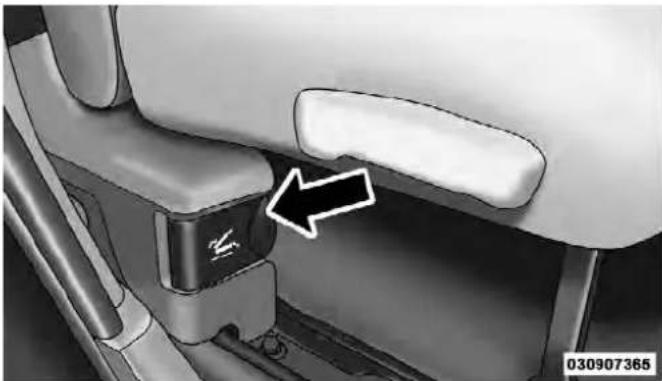
Handle
- Fold the seatback down and push the seat forward.

RearPassengerFoldFlatSeats
- Lift the seatback, to return the seat to the upright position. Be sure the seat is locked in place.
UNDERSTANDINGTHEFEATURESOFYOURVEHICLE153
WARNING!
Animproperlylatchedseatcouldcauseseriousinjuryordeath.Makesurethattheseatbackissecurely lockedintoposition.Iftheseatbackinnotsecurely lockedintopositiontheseatwillnotprovidethe properstabilityforchildseatsand/orpassengers.
HeadRestraints
Head restraints are designed to reduce the risk of injury by restricting head movement in the event of a rear impact. Head restraints should be adjusted so that the top of the head restraint is located above the top of your ear.
154UNDERSTANDINGTHEFEATURESOFYOURVEHICLE
WARNING!
Theheadrestraintsforallooccupantsmustbeproperlyadjustedpriortooperatingthevehicleoroccupyingaseat.Headrestraintsshouldneverbeadjustedwhilethevehicleisinmotion.Drivinga vehiclewiththeheadrestraintsimproperlyadjusted orremovedcouldcauseseriousinjuryordeathinthe eventofacollision.
FrontHeadRestraints
To raise the head restraint, pull upward on the head restraint. To lower the head restraint, press the adjustment button, located on the base of the head restraint, and push downward on the head restraint.

AdjustmentButton
RearHeadRestraints
The two outboard seat are equipped with adjustable head restraints. To raise the head restraint, pull upward on the head restraint. To lower the head restraint, press the adjustment button, located on the base of the head restraint, and push downward on the head restraint.

AdjustmentButton
UNDERSTANDINGTHEFEATURESOFYOURVEHICLE155
NOTE:
- The rear center head restraint (Crew Cab and Quad Cab) has only one adjustment position that is used to aid in the routing of a tether. Refer to "Occupant Restraints" in "Things to Know Before Starting Your Vehicle" for further information.
- The head restraints should only be removed by qualified technicians, for service purposes only. If either of the head restraints require removal, see your authorized dealer.
156UNDERSTANDINGTHEFEATURESOFYOURVEHICLE
DRIVERMEMORYSEAT—IFEQUIPPED
The memory seat buttons are located on the outboard side of the drivers seat cushion.

MemorySeatButtons
The memory buttons 1 and 2 can be programmed to recall the driver's seat position, driver's outside mirror position, adjustable brake, accelerator pedals position
and radio station preset settings. Your Remote Keyless Entry (RKE) transmitters can also be programmed to recall the same positions when the UNLOCK button is pressed.
NOTE: The power lumbar option is not programmable with driver memory seats.
Your vehicle was delivered with two RKE transmitters. One or both RKE transmitters can be linked to either memory position. The memory system can accommodate up to two RKE transmitters, each RKE transmitter linked to either of the two memory positions.
SettingMemoryPositionsAndLinkingRKE TransmitterToMemory
NOTE: Each time the S (SET) button and a numbered button 1 or 2 are pressed, you erase the memory settings for that button and store a new one.
- Insert the ignition key, and turn the ignition switch to the ON/RUN position.
- Press the driver door MEMORY button number 1 if you are setting the memory for driver 1, or button number 2 if you are setting the memory for driver 2. The system will recall any stored settings. Wait for the system to complete the memory recall before continuing to Step 3.
- Adjust the driver's seat, recliner, and driver's sideview mirror to the desired positions.
- Adjust the power adjustable pedals (if equipped) to the desired positions.
- Turn on the radio and set the radio station presets (up to 12 AM and 12 FM stations can be set).
- Turn the ignition switch to the OFF position and remove the key.
UNDERSTANDINGTHE FEATURESOFYOURVEHICLE 157
- Press and release the S (SET) button located on the driver's door.
- Within five seconds, press and release MEMORY button 1 or 2 on the driver's door. The next step must be performed within five seconds if you desire to also use a RKE transmitter to recall memory positions.
- Press and release the LOCK button on one of the RKE transmitters.
- Insert the ignition key, and turn the ignition switch to the ON position.
- Select "Remote Linked to Memory" in the Electronic Vehicle Information Center (EVIC) and enter "Yes". Refer to "Electronic Vehicle Information Center (EVIC)/Customer-Programmable Features" in "Understanding Your Instrument Panel" for further information.
158 UNDERSTANDINGTHE FEATURESOFYOURVEHICLE
- Repeat the above steps to set the next memory position, using the other numbered memory button, or to link another RKE transmitter to memory.
MemoryPositionRecall
NOTE: The vehicle must be in PARK to recall memory positions. If a recall is attempted when the vehicle is not in PARK, a message will be displayed in the Electronic Vehicle Information Center (EVIC).
To recall the memory settings for driver one, press MEMORY button number 1 on the driver's door, or the UNLOCK button on the RKE transmitter linked to memory position 1.
To recall the memory setting for driver two, press MEMORY button number 2 on the driver's door, or the UNLOCK button on the RKE transmitter linked to memory position 2.
A recall can be cancelled by pressing any of the MEMORY buttons on the drivers seat during a recall (S, 1, or 2). When a recall is cancelled, the driver's seat, driver's mirror and the pedals stop moving. A delay of one second will occur before another recall can be selected.
ToDisableARKETransmitterLinkedToMemory
- Turn the ignition switch to the LOCK position, and remove the key.
- Press and release MEMORY button number 1. The system will recall any memory settings stored in position 1. Wait for the system to complete the memory recall before continuing to Step 3.
- Press and release the memory S (SET) button located on the driver's door.
-
Within five seconds, press and release MEMORY button 1 on the driver's door.
-
Within five seconds, press and release the UNLOCK button on the RKE transmitter. To disable another RKE transmitter linked to either memory position, repeat steps 1 through 5 for each RKE transmitter.
NOTE: Once programmed, all RKE transmitters linked to memory can be easily enabled or disabled at one time. Refer to "Electronic Vehicle Information Center (EVIC)/Customer-Programmable Features" in "Understanding Your Instrument Panel" for further information.
EasyEntry/ExitSeat
This feature provides automatic driver's seat positioning which will enhance driver mobility out of and into the vehicle.
There are two possible Easy Entry/Exit adjustments available:
- The seat cushion will move rearward approximately 2.5 in (60 mm), if the starting position of the seat is
UNDERSTANDING THE FEATURES OF YOUR VEHICLE 159
greater than or equal to 2.67 in (68 mm) forward of the rear seat stop when the key is removed from the ignition switch. The seat will then move forward approximately 2.5 in (60 mm) when the key is placed into the ignition and turned out of the LOCK position.
- The seat will move to the position located 0.3 in (8 mm) forward of the rear stop if the starting position is between 0.9 to 2.67 in (23 to 68 mm) forward of the rear stop when the key is removed from the ignition switch. The seat will move forward to the memory/ driving position when the key is placed into the ignition, and turned out of the LOCK position toward the ACC/ON position.
The Easy Entry/Exit feature will be automatically disabled if the seat is already positioned closer than 0.9 in (23 mm) forward of the rear stop. At this position, there is no benefit to the driver by moving the seat for Easy Exit/Entry.
160UNDERSTANDINGTHEFEATURESOFYOURVEHICLE
Each stored memory setting will have an associated Easy Entry/Exit position.
NOTE: The Easy Entry/Exit feature is not enabled when the vehicle is delivered from the factory. The Easy Entry/Exit feature is enabled (or later disabled) through the programmable features in the Electronic Vehicle Information Center (EVIC). Refer to “Electronic Vehicle Information Center (EVIC)/Customer-Programmable Features” in “Understanding Your Instrument Panel” for further information.
TOOPENANDCLOSETHEHOOD
To open the hood, two latches must be released.
- Pull the hood release lever located below the steering wheel at the base of the instrument panel.

HoodRelease
- Reach into the opening beneath the center of the hood and push the safety latch lever from right to left to release it, before raising the hood.
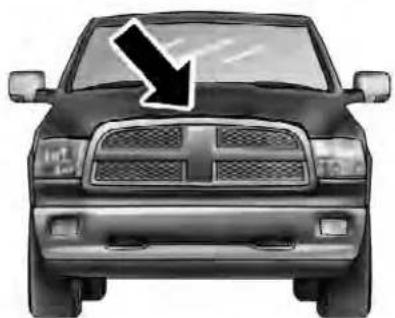
031305529
SafetyLatch(1500SeriesShown)
UNDERSTANDINGTHEFEATURESOFYOURVEHICLE161
CAUTION!
Topreventpossibledamage, donotslamthehood to closeit. Useafirmdownwardpushatthefrontcenter ofthehoodtoensurethatbothlatchesengage.
WARNING!
Besurethehoodisfullylatchedbeforedrivingyour vehicle.Ifthehoodisnotfullylatched,itcouldopen whenthevehicleisinmotionandblockyourvision. Failuretofollowthiswarningcouldresultinserious injuryordeath.
162UNDERSTANDINGTHEFEATURESOFYOURVEHICLE
LIGHTS
The headlight switch is located on the left side of the instrument panel, next to the steering wheel. The headlight switch controls the operation of the headlights, parking lights, instrument panel lights, cargo lights and fog lights (if equipped).
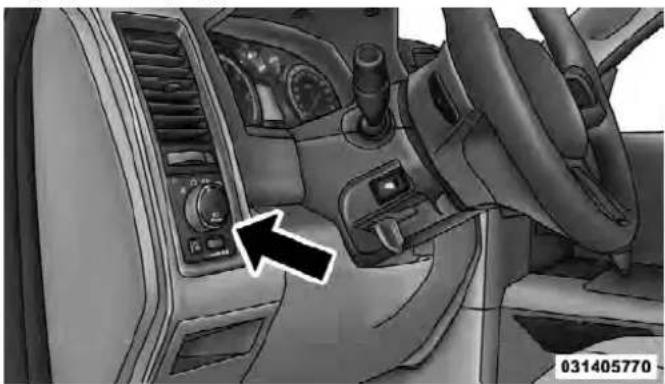
HeadlightSwitchLocation
Your vehicle is equipped with plastic headlight and fog light (if equipped) lenses that are lighter and less susceptible to stone breakage than glass lights. Plastic is not as scratch resistant as glass and therefore different lens cleaning procedures must be followed.
To minimize the possibility of scratching the lenses and reducing light output, avoid wiping with a dry cloth. To remove road dirt, wash with a mild soap solution followed by rinsing.
CAUTION!
Donotuseabrasivecleaningcomponents,solvents,steelwoolorotherabrasivematerialstocleanthelenses.
UNDERSTANDINGTHEFEATURESOFYOURVEHICLE163
Headlights

To turn on the headlights, rotate the headlight switch clockwise to the headlight position.
When the headlight switch is on, the parking lights, taillights, license plate light and instru-
ment panel lights are also turned on. To turn off the headlights, rotate the headlight switch back to the O (Off) position.
AutomaticHeadlights—IfEquipped
This system automatically turns the headlights on or off according to ambient light levels. To turn the system on, rotate the headlight switch to the AUTO position.

031464204
AutomaticHeadlightPosition
When the system is on, the Headlight Delay feature is also on. This means the headlights will stay on for up to 90 seconds after you turn the ignition switch to the OFF position. To turn the automatic headlights off, turn the headlight switch out of the AUTO position.
164 UNDERSTANDINGTHE FEATURESOFYOURVEHICLE
NOTE: The engine must be running before the headlights will turn on in the Automatic Mode.
HeadlightsOnWithWipers (AvailableWithAutomaticHeadlightsOnly)
When this feature is active, the headlights will turn on approximately 10 seconds after the wipers are turned on if the headlight switch is placed in the AUTO position. In addition, the headlights will turn off when the wipers are turned off, if they were turned on by this feature.
Refer to "Electronic Vehicle Information Center (EVIC)/Customer-Programmable Features (SETUP)" in "Understanding Your Instrument Panel" for further information.
HeadlightDelay
To aid in your exit, your vehicle is equipped with a headlight delay that will leave the headlights on for approximately 90 seconds. This delay is initiated when the ignition is turned OFF while the headlight switch is on, and then the headlight switch is cycled off. Headlight delay can be cancelled by either turning the headlight switch on then off, or by turning the ignition ON.
The headlight delay time is programmable on vehicles equipped with an Electronic Vehicle Information Center (EVIC). Refer to “Electronic Vehicle Information Center (EVIC)/Customer-Programmable Features (SETUP)” in “Understanding Your Instrument Panel” for further information.
ParkingLightsAndPanelLights
To turn on the parking lights and instrument panel lights, rotate the headlight switch clockwise to the parking light symbol. To turn off the parking lights, rotate the headlight switch back to the O (Off) position.
FogLights—IfEquipped
The fog lights are turned on by rotating the headlight switch to the parking light or headlight position and pushing in the headlight rotary control.
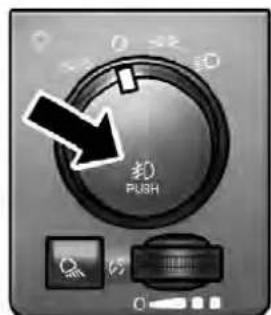
031464205
FogLightSwitch
The fog lights will operate only when the parking lights are on or when the vehicle headlights are on low beam. An indicator light located in the instrument cluster will illuminate when the fog lights are on. The fog lights will turn off when the switch is pushed a second time, when the headlight switch is rotated to the off position, or the high beam is selected.
UNDERSTANDINGTHEFEATURESOFYOURVEHICLE165
InteriorLights
Courtesy and dome lights are turned on when the front doors are opened, when the dimmer control (rotating wheel on the bottom of the switch) is rotated to the far right detent position, or if equipped, when the UNLOCK button is pressed on the Remote Keyless Entry (RKE) transmitter. When a door is open and the interior lights are on, rotating the dimmer control all the way left, to the OFF detent, will cause all the interior lights to go out. This is also known as the "Party" mode because it allows the doors to stay open for extended periods of time without discharging the vehicle's battery.
The brightness of the instrument panel lighting can be regulated by rotating the dimmer control right (brighter) or left (dimmer). When the headlights are on you can supplement the brightness of the odometer, trip odometer, radio and overhead console by rotating the control
166UNDERSTANDINGTHEFEATURESOFYOURVEHICLE
to the right until you hear a click. This feature is termed the "Parade" mode and is useful when headlights are required during the day.
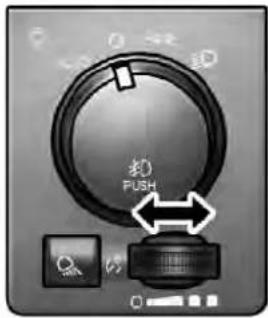
031464206
DimmerControlCargoLightSwitch
CargoLight
The cargo lights are turned on by pressing on the cargo button.

031464207
The cargo lights will also turn on for approximately 30 seconds when a RKE transmitter UNLOCK button is pressed, as part of the Illuminated Entry feature.
Lights-OnReminder
If the headlights, parking lights, or cargo lights are left on after the ignition is turned OFF, a chime will sound when the driver's door is opened.
BatterySaver
To protect the life of your vehicle's battery, load shedding is provided for both the interior and exterior lights.
If the ignition is OFF and any door is left ajar for 10 minutes or the dimmer control is rotated right for 10 minutes, the interior lights will automatically turn off.
If the headlights remain on while the ignition is cycled OFF, the exterior lights will automatically turn off after eight minutes. If the headlights are turned on and left on for eight minutes while the ignition is OFF, the exterior lights will automatically turn off.
NOTE: Battery saver mode is cancelled if the ignition is ON.
UNDERSTANDING THE FEATURES OF YOUR VEHICLE
167
DaytimeRunningLights(DRL)—IfEquipped
The headlights on your vehicle will illuminate when the engine is started and the transmission is in any gear except PARK. This provides a constant "Lights ON" condition until the ignition is turned OFF. The lights illuminate at less than 50% of normal intensity. If the parking brake is applied, the Daytime Running Lights (DRL) will turn OFF. Also, if a turn signal is activated, the DRL lamp on the same side of the vehicle may turn off for the duration of the turn signal activation. Once the turn signal is no longer active, the DRL lamp will illuminate.
MultifunctionLever
The multifunction lever is located on the left side of the steering column.
168UNDERSTANDINGTHEFEATURESOFYOURVEHICLE
TurnSignals
Move the multifunction lever up or down and the arrows on each side of the instrument cluster flash to show proper operation of the front and rear turn signal lights.

TurnSignalLever
NOTE: If either light remains on and does not flash, or there is a very fast flash rate, check for a defective outside light bulb. If an indicator fails to light when the lever is moved, it would suggest that the indicator bulb is defective.
LaneChangeAssist
Tap the lever up or down once, without moving beyond the detent, and the turn signal (right or left) will flash three times then automatically turn off.
Flash-To-Pass
You can signal another vehicle with your headlights by partially pulling the multifunction lever toward the steering wheel. This will cause the high beam headlights to turn on until the lever is released.
High/LowBeamSwitch
Push the multifunction lever toward the instrument panel to switch the headlights to high beam. Pulling the multifunction back toward the steering wheel will turn the low beams back on, or shut the high beams off.
UNDERSTANDINGTHEFEATURESOFYOURVEHICLE169

High/LowBeamSwitch
The wipers and washers are operated by a switch in the multifunction lever. Turn the end of the handle to select the desired wiper speed.

WindshieldWiper/WasherSwitch
WindshieldWiperOperation
Rotate the end of the lever upward, to the first detent past the intermittent settings for low-speed wiper operation. Rotate the end of the lever upward to the second detent past the intermittent settings for high-speed wiper operation.
IntermittentWiperSystem
The intermittent feature of this system was designed for use when weather conditions make a single wiping cycle, with a variable pause between cycles, desirable. For maximum delay between cycles, rotate the control knob into the upper end of the delay range.
The delay interval decreases as you rotate the knob until it enters the low continual speed position. The delay can be regulated from a maximum of about 18 seconds between cycles, to a cycle every one second. The delay intervals will double in duration when the vehicle speed is 10 mph (16 km/h) or less.
WindshieldWashers
To use the windshield washer, push the washer knob, located on the end of the multifunction lever, inward to the second detent. Washer fluid will be sprayed and the wiper will operate for two to three cycles after the washer knob is released from this position. If the washer knob is depressed while in the delay range, the wiper will operate for several seconds after the washer knob is released. It will then resume the intermittent interval previously selected. If the washer knob is pushed while in the off position, the wiper will turn on and cycle approximately three times after the wash knob is released.
To prevent freeze-up of your windshield washer system in cold weather, select a solution or mixture that meets or exceeds the temperature range of your climate. This rating information can be found on most washer fluid containers.
WARNING!
Suddenlossofvisibilitythroughthewindshield couldleadtoacollision.Youmightnotseeother vehiclesorotherobstacles.Toavoidsuddenicingof thewindshieldduringfreezingweather,warmthe windshieldwiththedefrosterbeforeandduring windshieldwasheruse.
MistFeature
When a single wipe to clear off road mist or spray from a passing vehicle is needed, push the washer knob, located on the end of the multifunction lever, inward to the first detent and release. The wipers will cycle one time and automatically shut off.
NOTE: The mist feature does not activate the washer pump; therefore, no washer fluid will be sprayed on the windshield. The wash function must be used in order to spray the windshield with washer fluid.
TILTSTEERINGCOLUMN
This feature allows you to tilt the steering column upward or downward. The tilt lever is located on the steering column, below the multifunction lever.
UNDERSTANDINGTHEFEATURESOFYOURVEHICLE171
Pull the lever toward the steering wheel to unlock the steering column. With one hand firmly on the steering wheel, move the steering column up or down, as desired. Release the lever to lock the steering column firmly in place.

TiltSteeringLever
172UNDERSTANDINGTHEFEATURESOFYOURVEHICLE
WARNING!
Donotadjustthesteeringcolumnwhiledriving. Adjustingthesteeringcolumnwhiledrivingordrivingwiththesteeringcolumnunlocked,couldcause thedrivertolosecontrolofthevehicle.Besurethe steeringcolumnislockedbeforedrivingyourvehicle.Failuretofollowthiswarningmayresultin seriousinjuryordeath.
HEATEDSTEERINGWHEEL—IFEQUIPPED
The steering wheel contains a heating element that helps warm your hands in cold weather. The heated steering wheel has only one temperature setting. Once the heated steering wheel has been turned on it will operate for approximately 58 to 70 minutes before automatically shutting off. The heated steering wheel can shut off early or may not turn on when the steering wheel is already warm.
The heated steering wheel switch is located on the switch bank below the climate controls.

031705825
Press the switch to turn on the heated steering wheel. The light on the switch will illuminate to indicate the steering wheel heater is on. Pressing the switch a second time will turn off the heated steering wheel and light indicator.
NOTE: The engine must be running for the heated steering wheel to operate.
Vehicles Equipped With Remote Start
On models that are equipped with remote start, the heated steering wheel can be programmed to come on during a remote start. Refer to “Remote Starting System — If Equipped” in “Things to Know Before Starting Your Vehicle” for further information.
WARNING!
- Personswhoareunabletofeelpaintotheskin becauseofadvancedage,chronicillness,diabetes, spinalcordinjury,medication,alcoholuse,exhaustion,orotherphysicalconditionsmustexercisecarewhenusingthesteeringwheelheater.It maycauseburnsevenatlowtemperatures,especiallyifusedforlongperiods.
- Donotplaceanythingonthesteeringwheelthat insulatesagainstheat,suchasablanketorsteering wheelcoversofanytypeandmaterial..Thismay causetheeeringwheelheatertooverheat.
DRIVERADJUSTABLEPEDALS—IFEQUIPPED
The adjustable pedals system is designed to allow a greater range of driver comfort for steering wheel tilt and seat position. This feature allows the brake, accelerator, and clutch pedals (if equipped) to move toward or away
UNDERSTANDINGTHEFEATURESOFYOURVEHICLE173
from the driver to provide improved position with the steering wheel.
The adjustable pedal switch is located to the left side of the steering column.

AdjustablePedalsSwitch
- The pedals can be adjusted with the ignition OFF.
174UNDERSTANDINGTHEFEATURESOFYOURVEHICLE
- The pedals cannot be adjusted when the vehicle is in REVERSE or when the Electronic Speed Control System is on. The following messages will be displayed on vehicles equipped with the Electronic Vehicle Information System (EVIC) if the pedals are attempted to be adjusted when the system is locked out ("Adjustable Pedal Disabled — Cruise Control Engaged" or "Adjustable Pedal Disabled — Vehicle In Reverse".
CAUTION!
Donotplaceanyarticleundertheadjustablepedals orimpedeitsabilitytomoveasitmaycausedamage tothepedalcontrols.Pedaltravelmaybecomelimitedifmovementisstoppedbyanobstructioninthe adjustablepedal'spath.
WARNING!
Donotadjustthepedalswhilethevehicleismoving. Youcouldlosecontrolandhaveanaccident.Always adjustthepedalswhilethevehicleisparked.
ELECTRONICSPEEDCONTROL
When engaged, the Electronic Speed Control takes over accelerator operations at speeds greater than 25 mph (40 km/h).
The Electronic Speed Control buttons are located on the right side of the steering wheel.
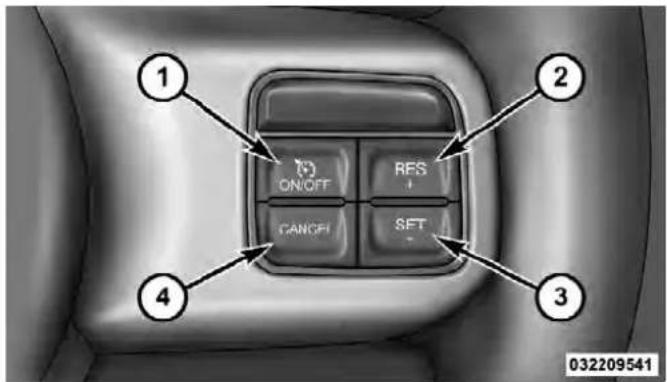
1 — ON/OFF 2 — RES + 4 — CANCEL 3 — SET -
NOTE: In order to ensure proper operation, the Electronic Speed Control System has been designed to shut down if multiple Speed Control functions are operated at the same time. If this occurs, the Electronic Speed Control
UNDERSTANDINGTHEFEATURESOFYOURVEHICLE175
System can be reactivated by pushing the Electronic Speed Control ON/OFF button and resetting the desired vehicle set speed.
ToActivate
Push the ON/OFF button. The Cruise Indicator Light in the instrument cluster will illuminate. To turn the system off, push the ON/OFF button a second time. The Cruise Indicator Light will turn off. The system should be turned off when not in use.
WARNING!
LeavingtheElectronicSpeedControlsystemon whennotinuseisdangerous.Youcouldaccidentally setthesystemorcauseittogofasterthanyouwant. Youcouldlosecontrolandhaveanaccident.Always leavethesystemOFFwhenyouarenotusingit.
176 UNDERSTANDING THE FEATURES OF YOUR VEHICLE
ToSetADesiredSpeed
Turn the Electronic Speed Control ON. When the vehicle has reached the desired speed, press the SET (-) button and release. Release the accelerator and the vehicle will operate at the selected speed.
NOTE: The vehicle should be traveling at a steady speed and on level ground before pressing the SET button.
ToDeactivate
A soft tap on the brake pedal, pushing the CANCEL button, or normal brake pressure while slowing the vehicle will deactivate Electronic Speed Control without erasing the set speed memory. Pressing the ON/OFF button or turning the ignition switch OFF erases the set speed memory.
ToResumeSpeed
To resume a previously set speed, push the RES (+) button and release. Resume can be used at any speed above 20 mph (32 km/h).
ToVaryTheSpeedSetting
When the Electronic Speed Control is set, you can increase speed by pushing the RES (+) button. If the button is continually pressed, the set speed will continue to increase until the button is released, then the new set speed will be established.
Pressing the RES (+) button once will result in a1mph (1.6 km/h) increase in set speed. Each subsequent tap of the button results in an increase of 1 mph (1.6 km/h).
To decrease speed while the Electronic Speed Control is set, push the SET (-) button. If the button is continually held in the SET (-) position, the set speed will continue to decrease until the button is released. Release the button when the desired speed is reached, and the new set speed will be established.
Pressing the SET (-) button once will result in a 1 mph (1.6 km/h) decrease in set speed. Each subsequent tap of the button results in a decrease of 1 mph (1.6 km/h).
UNDERSTANDINGTHEFEATURESOFYOURVEHICLE177
ToAccelerateForPassing
Press the accelerator as you would normally. When the pedal is released, the vehicle will return to the set speed.
UsingElectronicSpeedControlOnHills
The transmission may downshift on hills to maintain the vehicle set speed.
NOTE: The Electronic Speed Control system maintains speed up and down hills. A slight speed change on moderate hills is normal.
On steep hills, a greater speed loss or gain may occur so it may be preferable to drive without Electronic Speed Control.
WARNING!
ElectronicSpeedControlcanbedangerouswherethe systemcannotmaintainaconstantspeed.Yourvehiclecouldgotoofastfortheconditions,andyou couldlosecontrolandhaveanaccident.Donotuse ElectronicSpeedControlinheavytrafficoronroads thatarewinding,icy,snow-coveredorslippery.
PARKSENSE® REARPARKASSIST—IF EQUIPPED
The ParkSense®Rear Park Assist system provides visual and audible indications of the distance between the rear fascia and a detected obstacle when backing up, e.g. during a parking maneuver. Refer to ParkSense®System Usage Precautions for limitations of this system and recommendations.
178UNDERSTANDINGTHEFEATURESOFYOURVEHICLE
ParkSense® will retain the last system state (enabled or disabled) from the last ignition cycle when the ignition is changed to the ON/RUN position.
ParkSense® can be active only when the shift lever is in REVERSE. If ParkSense® is enabled at this shift lever position, the system will remain active until the vehicle speed is increased to approximately 11 mph (18 km/h) or above. The system will become active again if the vehicle speed is decreased to speeds less than approximately 10 mph (16 km/h).
ParkSense®Sensors
The four ParkSense® sensors, located in the rear fascia/bumper, monitor the area behind the vehicle that is within the sensors' field of view. The sensors can detect obstacles from approximately 12 in (30 cm) up to 79 in (200 cm) from the rear fascia/bumper in the horizontal direction, depending on the location, type and orientation of the obstacle.
ParkSense®WarningDisplay
The ParkSense® Warning screen will only be displayed if Sound and Display is selected from the Customer-Programmable Features section of the Electronic Vehicle Information Center (EVIC). Refer to “Electronic Vehicle Information Center (EVIC)/Personal Settings (Customer-Programmable Features)” in “Understanding Your Instrument Panel” for further information.
The ParkSense® Warning Display is located in the Instrument cluster's EVIC display. It provides both visual and audible warnings to indicate the distance between the rear fascia/bumper and the detected obstacle.
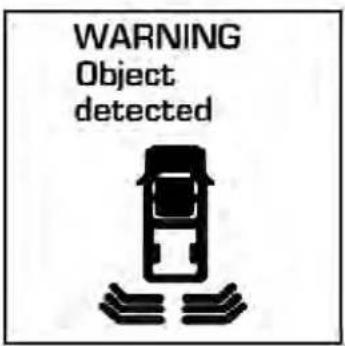
ParkSense®WarningDisplay
032733376
UNDERSTANDINGTHEFEATURESOFYOURVEHICLE179
ParkSense®Display
When the vehicle is in REVERSE, the warning display will turn ON indicating the system status.

032733373
ParkAssistSystemOn
180UNDERSTANDINGTHEFEATURESOFYOURVEHICLE
032733379
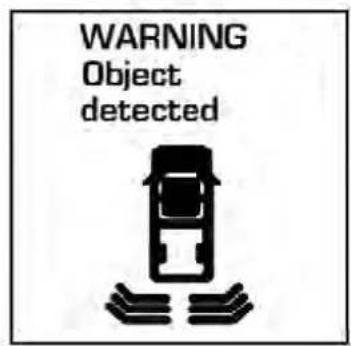
032733376
ParkAssistSystemOffSlowTone
The system will indicate a detected obstacle by showing three solid arcs and will produce a one-half second tone. As the vehicle moves closer to the object the EVIC display will show fewer arcs and the sound tone will change from slow, to fast, to continuous.
UNDERSTANDINGTHEFEATURESOFYOURVEHICLE181

032733377
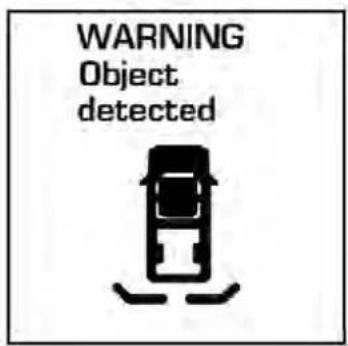
032733378
FastToneContinuousTone
The vehicle is close to the obstacle when the EVIC display shows one flashing arc and sounds a continuous tone. The following chart shows the warning alert operation when the system is detecting an obstacle:
| WARNINGALERTS | |||||
| Rear Distance (in/cm) | Greater than 79 in (200 cm) | 79-39 in (200-100 cm) | 39-25 in (100-65 cm) | 25-12 in (65-30 cm) | Less than 12 in (30 cm) |
| Audible Alert Chime | None Single | 1/2 Second Tone | Slow Fast Continuous | ||
| Display Message | Park Assist System ON | Warning Object Detected | Warning Object Detected | Warning Object Detected | Warning Object Detected |
| Arcs None 3 | Solid | (Continuous) | 3 Slow Flashing | 2 Slow Flashing | 1 Slow Flashing |
| Radio Volume Reduced | No Yes Yes | Yes Yes | |||
NOTE: ParkSense® will reduce the volume of the radio, if on, when the system is sounding an audio tone.
EnablingAndDisablingParkSense®
ParkSense® can be enabled and disabled with a switch located in the switch bank of the instrument panel or through the Customer-Programmable Features section of
the EVIC. The available choices are: OFF, Sound Only, or Sound and Display. Refer to "Electronic Vehicle Information Center (EVIC)/Personal Settings (Customer-Programmable Features)" in "Understanding Your Instrument Panel" for further information.

When the ParkSense® switch is pressed to disable the system, the instrument cluster will display the "PARK ASSIST SYSTEM OFF" message for approximately five seconds. Refer to "Electronic Vehicle Information Center (EVIC)" in "Understanding Your Instrument Panel" for further information. When the shift lever is moved to REVERSE and the system is disabled, the EVIC will display the "PARK ASSIST SYSTEM OFF" message for as long as the vehicle is in REVERSE.
The ParkSense® switch LED will be ON when ParkSense® is disabled or defective. The ParkSense® switch LED will be OFF when the system is enabled.
ServiceTheParkSense®RearParkAssistSystem
When the ParkSense®Rear Park Assist System is malfunctioning, the instrument cluster will actuate a single chime, once per ignition cycle, and it will display the "CLEAN PARK ASSIST SENSORS" or the "SERVICE
UNDERSTANDING THE FEATURES OF YOUR VEHICLE
183
PARK ASSIST SYSTEM" message. Refer to "Electronic Vehicle Information Center (EVIC)" in "Understanding Your Instrument Panel" for further information. When the shift lever is moved to REVERSE and the system has detected a faulted condition, the EVIC will display the "CLEAN PARK ASSIST SENSORS" or the "SERVICE PARK ASSIST SYSTEM" message for as long as the vehicle is in REVERSE. Under this condition, ParkSense® will not operate.
If "CLEAN PARK ASSIST SENSORS" appears in the Electronic Vehicle Information Center (EVIC) make sure the rear fascia/bumper is clean and clear of snow, ice, mud, dirt or other obstruction, and then cycle the ignition. If the message continues to appear, see an authorized dealer.
If "SERVICE PARK ASSIST SYSTEM" appears in the EVIC, see your authorized dealer.
184UNDERSTANDINGTHEFEATURESOFYOURVEHICLE
CleaningTheParkSense®System
Clean the ParkSense® sensors with water, car wash soap and a soft cloth. Do not use rough or hard cloths. Do not scratch or poke the sensors. Otherwise, you could damage the sensors.
ParkSense®SystemUsagePrecautions
NOTE:
- Ensure that the rear bumper is free of snow, ice, mud, dirt and debris to keep the ParkSense® system operating properly.
- Jackhammers, large trucks, and other vibrations could affect the performance of ParkSense®.
-
When you turn ParkSense® off, the instrument cluster will display "PARK ASSIST SYSTEM OFF." Furthermore, once you turn ParkSense® off, it remains off until you turn it on again, even if you cycle the ignition key.
-
When you move the shift lever to the REVERSE position and ParkSense® is turned off, the instrument cluster will display "PARK ASSIST SYSTEM OFF" message for as long as the vehicle is in REVERSE.
- ParkSense®, when on, will reduce the volume of the radio when it is sounding a tone.
- Clean the ParkSense® sensors regularly, taking care not to scratch or damage them. The sensors must not be covered with ice, snow, slush, mud, dirt or debris. Failure to do so can result in the system not working properly. The ParkSense® system might not detect an obstacle behind the fascia/bumper, or it could provide a false indication that an obstacle is behind the fascia/bumper.
UNDERSTANDINGTHEFEATURESOFYOURVEHICLE185
- Objects such as bicycle carriers, trailer hitches, etc., must not be placed within 12 in (30 cm) from the rear fascia/bumper while driving the vehicle. Failure to do so can result in the system misinterpreting a close object as a sensor problem, causing the “SERVICE PARK ASSIST SYSTEM” message to be displayed in the instrument cluster.
- On vehicles equipped with a tailgate, ParkSense® should be disabled when the tailgate is in the lowered or open position and the vehicle is in REVERSE. A lowered tailgate could provide a false indication that an obstacle is behind the vehicle.
CAUTION!
- ParkSense® isonlyaparkingaidanditisunable torecognize everyobstacle, includingsmallobstacles. Parkingcurbsmightbetemporarilydetectedornotdetectedatall. Obstacleslocated above or below the sensors will not be detected when they are in close proximity.
- The vehicle must bedrivenslowly when using ParkSense® inordertobeabletostopintime when an obstacle is detected. It is recommended that the driver look so over his/her shoulder when using ParkSense®.
186UNDERSTANDINGTHEFEATURESOFYOURVEHICLE
WARNING!
- Driversmustbecarefulwhenbackingupeven whenusingtheParkSense®RearParkAssistSystem.Alwayscheckcarefullybehindyourvehicle, lookbehindyou,andbesuretocheckforpedestrians,animals,othervehicles,obstructions,and blindspotsbeforebackingup.Youareresponsible forsafetyandmustcontinuetopayattentionto yoursurroundings.Failureretodosocanresultin seriousinjuryordeath.
(Continued)
WARNING!(Continued)
- BeforeusingtheParkSense®RearParkAssist System,itisstronglyrecommendedthattheball mountandhitchballassemblyisdisconnected fromthevehiclewhenthevehicleisnotusedfor towing.Failureretodosocanresultininjuryor damagetovehiclesorobstaclesbecausethehitch ballwillbemuchclosertotheobstaclethanthe rearfasciawhenthewarningdisplayturnsonthe singleflashingarcandsoundsthecontinuous tone.Also,thesensorscoulddetecttheballmount andhitchballassembly,dependingonitssizeand shape,givingafalseindicationthatanobstacleis behindthevehicle.
PARKVIEW® REARBACKUPCAMERA—IF EQUIPPED
Your vehicle may be equipped with the ParkView®Rear Back Up Camera that allows you to see an on-screen image of the rear surroundings of your vehicle whenever the shift lever is put into REVERSE. The image will be displayed on the Navigation/Multimedia radio display screen along with a caution note to “check entire surroundings” across the top of the screen. After five seconds this note will disappear. The ParkView®camera is located to the left of the tailgate handle.
When the vehicle is shifted out of REVERSE, the rear camera mode is exited and the navigation or audio screen appears again.
UNDERSTANDINGTHEFEATURESOFYOURVEHICLE
When displayed, static grid lines will illustrate the width of the vehicle while a dashed center-line will indicate the center of the vehicle to assist with aligning to a hitch/receiver. The static grid lines will show separate zones that will help indicate the distance to the rear of the vehicle. The following table shows the approximate distances for each zone:
| ZonesDistancetotherearofthevehicle | |
| Red 0 - 1 ft (0 - 30 cm) | |
| Yellow 1 ft - 3 ft (30 cm - 1 m) | |
| Green 3 ft or greater (1 m or greater) | |
188UNDERSTANDINGTHEFEATURESOFYOURVEHICLE
WARNING!
Driversmustbecarefulwhenbackingupevenwhen usingtheParkView®RearBackUpCamera.Always checkcarefullybehindyourvehicle,andbesureto checkforpedestrians,animals,othervehicles,obstructions,orblindspotsbeforebackingup.Youare responsibleforthesafetyofyoursurroundingsand mustcontinuetopayattentionwhilebackingup. Failuretodosocanresultinseriousinjuryordeath.
CAUTION!
- To avoid vehicle damage, Park View® should only be used as a parking aid. The Park View® cameras is unable to view every obstacle or object in your drivepath.
CAUTION!(Continued)
- Toavoidvehicledamage,thevehiclemustbe drivenslowlywhenusingParkView®tobeableto stopintimewhenanobstacleisseen.Itisrecommendedthatthedriverlookfrequentlyoverhis/hershoulderwhenusingParkView®.
NOTE: If snow, ice, mud, or any foreign substance builds up on the camera lens, clean the lens, rinse with water, and dry with a soft cloth. Do not cover the lens.
TurningParkView®OnOrOff—With Navigation/MultimediaRadio
- Press the "menu" hard-key.
- Select "system setup" soft-key.
- Press the "camera setup" soft-key.
(Continued)
- Enable or disable the rear camera feature by selecting "enable rear camera in reverse" soft key and pressing the "save" soft-key.
- Press the "save" soft key.
TurningParkView®OnOrOff—Without Navigation/MultimediaRadio
- Press the "menu" hard-key.
- Select "system setup" soft-key.
- Enable or disable the rear camera feature by selecting "enable rear camera in reverse" soft-key.
OVERHEADCONSOLE—IFEQUIPPED
The overhead console is located on the headliner above the review mirror. The overhead console contains the following features:
• Courtesy/Reading Lights
UNDERSTANDINGTHEFEATURESOFYOURVEHICLE189
• Power Sunroof Switch — If Equipped
• Power Sliding Rear Window Switch — If Equipped
• Universal Garage Door Opener — If Equipped
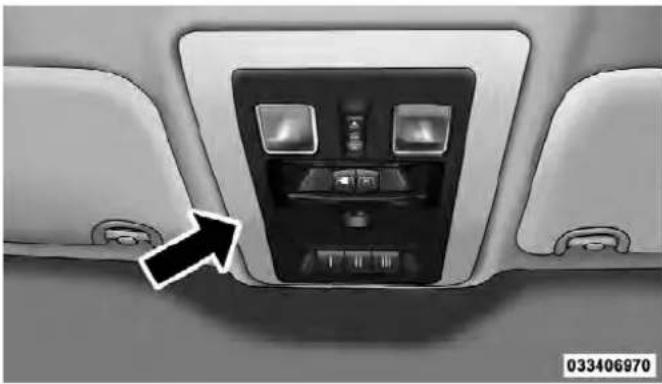
OverheadConsole
190UNDERSTANDINGTHEFEATURESOFYOURVEHICLE
Courtesy/ReadingLights
Both lights in the overhead console and rear passenger compartment will illuminate as courtesy lights when a door is opened, when the dimmer control is rotated to the courtesy light position (full right position), or when the UNLOCK button is pressed on the Remote Keyless Entry (RKE) transmitter, if equipped. These lights are also operated individually as reading lights by pressing on the corresponding lens.

FrontCourtesy/ReadingLights
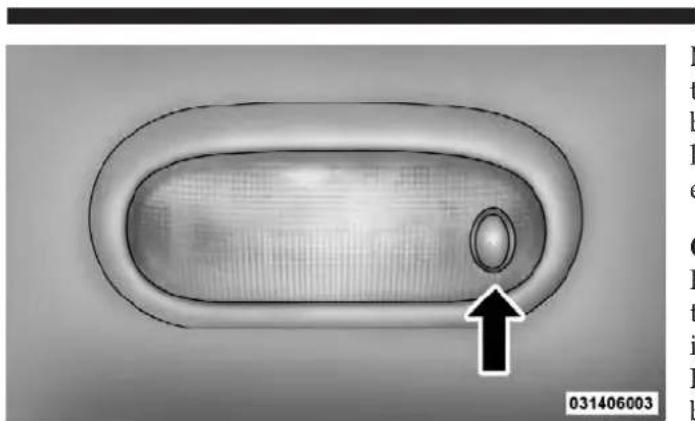
RearPassengerCourtesy/ReadingLight
m
UNDERSTANDINGTHEFEATURESOFYOURVEHICLE191
NOTE: The courtesy/reading lights will remain on until the switch is pressed a second time, so be sure they have been turned off before leaving the vehicle. If the interior lights are left on after the ignition is turned OFF, they will extinguish after 15 minutes.
GARAGEDOOROPENER—IFEQUIPPED
HomeLink® replaces up to three hand-held transmitters that operate devices such as garage door openers, motorized gates, lighting or home security systems. The HomeLink® unit is powered by your vehicles 12 Volt battery.
192UNDERSTANDINGTHEFEATURESOFYOURVEHICLE
The HomeLink®buttons that are located in the overhead console designate the three different HomeLink®channels.

HomeLink®Buttons
NOTE: HomeLink® is disabled when the Vehicle Security Alarm is active.
BeforeYouBeginProgrammingHomeLink®
Be sure that your vehicle is parked outside of the garage before you begin programming.
For more efficient programming and accurate transmission of the radio-frequency signal it is recommended that a new battery be placed in the hand-held transmitter of the device that is being programmed to the HomeLink® system.
Erase all channels before you begin programming. To erase the channels place the ignition in the ON/RUN position and press and hold the two outside HomeLink® buttons (I and III) for up 20 seconds. The Electronic Vehicle Information Center (EVIC) will display "CLEARING CHANNELS". Release the buttons when the EVIC displays "CHANNELS CLEARED".
UNDERSTANDINGTHEFEATURESOFYOURVEHICLE193
NOTE:
- Erasing all channels should only be performed when programming HomeLink® for the first time. Do not erase channels when programming additional buttons.
- If you have any problems, or require assistance, please call toll-free 1-800-355-3515 or, on the Internet at www.HomeLink.com for information or assistance.
ProgrammingARollingCode
For programming garage door openers that were manufactured after 1995. These garage door openers can be identified by the "LEARN" or "TRAIN" button located where the hanging antenna is attached to the garage door opener. It is NOT the button that is normally used to open and close the door. The name and color of the button may vary by manufacturer.

TrainingTheGarageDoorOpener
1 — Door Opener
2 — Training Button
-
Turn the ignition switch to the ON/RUN position.
-
Place the hand-held transmitter 1 to 3 inches (3 to 8 cm) away from the HomeLink® button you wish to program.
194 UNDERSTANDING THE FEATURES OF YOUR VEHICLE
- Simultaneously press and hold both the Homelink® button you want to program and the hand-held transmitter button.
- Continue to hold buttons until the EVIC display changes from "CHANNEL # TRAINING" to "CHANNEL # TRAINED", then release both buttons.
NOTE:
- It may take up to 30 seconds or longer in some cases for the channel to train.
-
If the EVIC displays "DID NOT TRAIN" repeat from Step 2.
-
At the garage door opener motor (in the garage), locate the "LEARN" or "TRAINING" button. This can usually be found where the hanging antenna wire is attached to the garage door opener/device motor. Firmly press and release the "LEARN" or "TRAINING" button.
On some garage door openers/devices there may be a light that blinks when the garage door opener/device is in the LEARN/TRAIN mode.
NOTE: You have 30 seconds in which to initiate the next step after the LEARN button has been pressed.
- Return to the vehicle and press the programmed HomeLink® button twice (holding the button for two seconds each time). The EVIC will display "CHANNEL #TRANSMIT". If the garage door opener/device activates, programming is complete.
NOTE: If the garage door opener/device does not activate, press the button a third time (for two seconds) to complete the training.
To program the remaining two HomeLink®buttons, repeat each step for each remaining button. DO NOT erase the channels.
ReprogrammingASingleHomeLink®Button
To reprogram a channel that has been previously trained, follow these steps:
- Turn the ignition switch to the ON/RUN position.
- Press and hold the desired HomeLink®button until the EVIC displays "CHANNEL # TRAINING" Donot releasethebutton.
- Without releasing the button proceed with "Programming A Rolling Code" Step 2 and follow all remaining steps.
ProgrammingANon-RollingCode
For programming Garage Door Openers manufactured before 1995.
- Turn the ignition switch to the ON/RUN position.
UNDERSTANDINGTHEFEATURESOFYOURVEHICLE195
- Place the hand-held transmitter 1 to 3 inches (3 to 8 cm) away from the HomeLink® button you wish to program.
- Simultaneously press and hold both the Homelink® button you want to program and the hand-held transmitter button.
- Continue to hold buttons until the EVIC display changes from "CHANNEL # TRAINING" to "CHANNEL # TRAINED", then release both buttons.
NOTE:
- It may take up to 30 seconds or longer in some cases for the channel to train.
- If the EVIC displays "DID NOT TRAIN" repeat from Step 2.
196UNDERSTANDINGTHEFEATURESOFYOURVEHICLE
- Press and hold the programmed HomeLink®button. The EVIC will display "CHANNEL # TRANSMIT". If the garage door opener/device activates, programming is complete.
To program the remaining two HomeLink®buttons, repeat each step for each remaining button. DO NOT erase the channels.
ReprogrammingASingleHomeLink®Button
To reprogram a channel that has been previously trained, follow these steps:
-
Turn the ignition switch to the ON/RUN position.
-
Press and hold the desired HomeLink®button until the EVIC displays "CHANNEL # TRAINING" Donot releasethebutton.
-
Withoutreleasingthebuttonproceed with "Programming A Non-Rolling Code" Step 2 and follow all remaining steps.
Canadian/GateOperatorProgramming
For programming transmitters in Canada/United States that require the transmitter signals to “time-out” after several seconds of transmission.
Canadian radio frequency laws require transmitter signals to time-out (or quit) after several seconds of transmission – which may not be long enough for HomeLink® to pick up the signal during programming. Similar to this Canadian law, some U.S. gate operators are designed to time-out in the same manner.
It may be helpful to unplug the device during the cycling process to prevent possible overheating of the garage door or gate motor.
- Turn the ignition switch to the ON/RUN position.
-
Place the hand-held transmitter 1 to 3 inches (3 to 8 cm) away from the HomeLink®button you wish to program.
-
Simultaneously press and hold both the Homelink® button while you press and release ("cycle"), your handheld transmitter every two seconds.
- Continue to hold buttons until the EVIC display changes from "CHANNEL # TRAINING" to "CHANNEL # TRAINED", then release both buttons.
NOTE:
- It may take up to 30 seconds or longer in some cases for the channel to train.
-
If the EVIC displays "DID NOT TRAIN" repeat from Step 2.
-
Press and hold the programmed HomeLink® button. The EVIC will display "CHANNEL # TRANSMIT". If the device is plugged in and activates, programming is complete.
If you unplugged the garage door opener/device for programming, plug it back in at this time.
UNDERSTANDING THE FEATURES OF YOUR VEHICLE
197
ReprogrammingASingleHomeLink®Button
To reprogram a channel that has been previously trained, follow these steps:
- Turn the ignition switch to the ON/RUN position.
- Press and hold the desired HomeLink®button until the EVIC displays "CHANNEL # TRAINING" Donot releasethebutton.
- Withoutreleasingthebuttonproceed with "Canadian/Gate Operator Programming" Step 2 and follow all remaining steps.
UsingHomeLink®
To operate, press and release the programmed HomeLink®button. Activation will now occur for the programmed device (i.e., garage door opener, gate operator, security system, entry door lock, home/office lighting, etc.). The hand-held transmitter of the device may also be used at any time.
198UNDERSTANDINGTHEFEATURESOFYOURVEHICLE
Security
It is advised to erase all channels before you sell or turn in your vehicle.
To erase the channels press and hold the two outside HomeLink®buttons (I and III) for up 20 seconds. The Electronic Vehicle Information Center (EVIC) will display "CLEARING CHANNELS". Release the buttons when the EVIC displays "CHANNELS CLEARED".
The HomeLink® Universal Transceiver is disabled when the Vehicle Security Alarm is active.
TroubleshootingTips
If you are having trouble programming HomeLink ® , here are some of the most common solutions:
- Replace the battery in the original hand-held transmitter.
- Press the LEARN button on the Garage Door Opener to complete the training for a Rolling Code.
- Did you unplug the device for programming and remember to plug it back in?
If you have any problems, or require assistance, please call toll-free 1-800-355-3515 or, on the Internet at www.HomeLink.com for information or assistance.
UNDERSTANDINGTHEFEATURESOFYOURVEHICLE199
WARNING!
- Yourmotorizeddoororgatewillopenandclose whileyouareprogrammingtheuniversaltransceiver.Donotprogramthetransceiverifpeople, petsorotherobjectsareinthepathofthedooror gate.Onlyusethistransceiverwithagaragedoor openerthathasa"stopandreverse"featureas requiredbyFederalsafetystandards.Thisin- cludesmostgaragedooropenermodelsmanufacturedafter1982.Donotuseagaragedooropener withoutthesesafetyfeatures.Calltoll-free1-800- 355-3515or,ontheInternetat www.HomeLink.comforsafetyinformationorassistance.
- Vehicleexhaustcontainscarbonmonoxide,adangerousgas.Donotrunyourvehicleinthegarage whileprogrammingthetransceiver.Exhaustgas cancauseseriousinjuryordeath.
GeneralInformation
This device complies with FCC rules Part 15 and Industry Canada RSS-210. Operation is subject to the following two conditions:
- This device may not cause harmful interference.
- This device must accept any interference that may be received including interference that may cause undesired operation.
NOTE:
- The transmitter has been tested and it complies with FCC and IC rules. Changes or modifications not expressly approved by the party responsible for compliance could void the user's authority to operate the device.
- The term IC before the certification/registration number only signifies that Industry Canada technical specifications were met.
200UNDERSTANDINGTHEFEATURESOFYOURVEHICLE
POWERSUNROOF—IFEQUIPPED
The power sunroof switch is located on the overhead console between the courtesy/reading lights.

PowerSunroofSwitch
WARNING!
- Neverleavechildrenaloneinavehicle.Leaving unattendedchildreninavehicleisdangerousfora numberofreasons.Achildorotherscouldbe seriouslyorfatallyinjured.donotleavethekeyin theignition.Achildcouldoperatepowerwindows,othercontrols,ormovethevehicle.
- Inacollision, thereisagreaterriskofbeing thrownfromvehiclewithanopensunroof. You couldalsobeseriouslyinjuredorkilled. Always fastenyourseatbeltproperlyandmakesureall passengersareproperlysecuredtoo.
- Donotallowsmallchildrentooperatethesun-roof.Neverallowyourfingers,otherbodyparts,or anyobjecttoprojectthroughthesunroofopening. Injurymayresult.
OpenSunroof—ExpressMode
Press the switch rearward and release it and the sunroof will open automatically from any position. The sunroof will open fully and stop automatically. This is called "Express Open". During "Express Open" operation, any movement of the sunroof switch will stop the sunroof.
OpeningSunroof—ManualMode
To open the sunroof, press and hold the switch rearward to full open.
ClosingSunroof—Express
Press the switch forward and release it and the sunroof will close automatically from any position. The sunroof will close fully and stop automatically. This is called "Express Close". During "Express Close" operation, any movement of the switch will stop the sunroof.
ClosingSunroof—ManualMode
To close the sunroof, press and hold the switch in the forward position.
UNDERSTANDINGTHEFEATURESOFYOURVEHICLE201
PinchProtectFeature
This feature will detect an obstruction in the opening of the sunroof during Express Close operation. If an obstruction is detected, the sunroof will automatically retract. Remove the obstruction if this occurs. Next, press the switch forward and release to Express Close.
NOTE: If three consecutive sunroof close attempts result in Pinch Protect reversals, the fourth close attempt will be a Manual Close movement with Pinch Protect disabled.
PinchProtectOverride
If a known obstruction (ice, debris, etc.) prevents closing the sunroof, press the switch forward and hold for two seconds after the reversal occurs. This allows the sunroof to move toward the closed position.
NOTE: Pinch protection is disabled while the switch is pressed.
202UNDERSTANDINGTHEFEATURESOFYOURVEHICLE
VentingSunroof—Express
Press and release the "Vent" button, and the sunroof will open to the vent position. This is called "Express Vent", and will occur regardless of sunroof position. During Express Vent operation, any movement of the switch will stop the sunroof.
SunshadeOperation
The sunshade can be opened manually. However, the sunshade will open automatically as the sunroof opens.
NOTE: The sunshade cannot be closed if the sunroof is open.
WindBuffeting
Wind buffeting can be described as the perception of pressure on the ears or a helicopter-type sound in the ears. Your vehicle may exhibit wind buffeting with the windows down, or the sunroof (if equipped) is in certain open or partially open positions. This is a normal occurrence and can be minimized. If the buffeting occurs with the rear windows open, open the front and rear windows together to minimize the buffeting. If the buffeting occurs with the sunroof open, adjust the sunroof opening to minimize the buffeting or open any window.
SunroofMaintenance
Use only a nonabrasive cleaner and a soft cloth to clean the glass panel.
IgnitionOffOperation
The power sunroof switch remain active for up to approximately 45 seconds after the ignition switch has been turned OFF. Opening either front door will cancel this feature.
For vehicles equipped with the EVIC, the power sunroof switch will remain active for approximately ten minutes after the ignition switch is turned to the LOCK position. Opening either front door will cancel this feature. The
UNDERSTANDINGTHEFEATURESOFYOURVEHICLE203
time is programmable. Refer to "Electronic Vehicle Information Center (EVIC)/Personal Settings (Customer-Programmable Features)" in "Understanding Your Instrument Panel" for further information.
ELECTRICALPOWEROUTLETS
The auxiliary 12 Volt (13 Amp) power outlets can provide power for in-cab accessories designed for use with the standard “cigar lighter” plug. The 12 Volt power outlets have a cap attached to the outlet indicating “12V DC”, together with either a key symbol or a battery symbol.
A key symbol indicates that the key must be in the ON/RUN or ACC positions for the outlet to provide power. The battery symbol indicates that the outlet is connected to the battery, and can provide power at all times.
NOTE: To ensure proper operation a MOPAR ® knob and element must be used.
CAUTION!
- Donotexceedthemaximumpowerof160Watts (13Amps)at12Volts.Ifthe160Watt(13Amp) powerratingisexceededthefuseprotectingthe systemwillneedtobereplaced.
- Poweroutletsaredesignedforaccessoryplugs only.Donotinsertanyotherobjectinthepower outletsasthiswilldamagetheoutletandblowthe fuse.Improperuseofthepoweroutletcancause damagenotcoveredbyyourNewVehicleLimited Warranty.
The auxiliary power outlets can be found in the following locations:
- Lower left and lower right of the center stack — without floor mounted shifter.
204UNDERSTANDINGTHEFEATURESOFYOURVEHICLE
- Inside the top storage tray — with floor mounted shifter.

PowerOutlet—FloorShifter
- Inside the upper lid of the center storage compartment — if equipped.
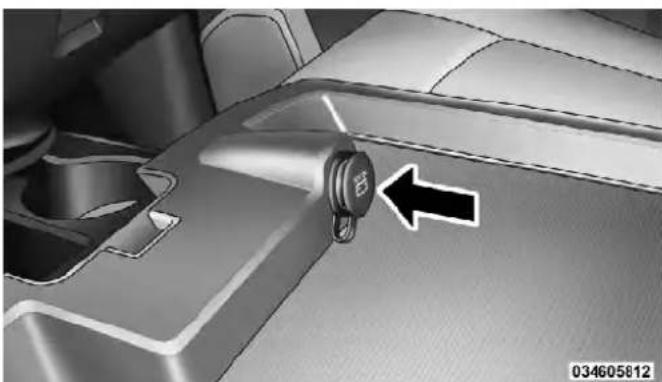
PowerOutlet—UpperLid
- Rear of the center console storage compartment — Quad Cab® or Crew Cab.

UNDERSTANDINGTHEFEATURESOFYOURVEHICLE205

PowerOutlet—RearCenterConsolePowerOutletFuseLocations
The key symbol indicates that this outlet can supply power when the key is in the ON/RUN or ACC positions.
All accessories connected to the outlet(s) should be removed or turned off when the vehicle is not in use to protect the battery against discharge.
1 — M7 Fuse 20 A Yellow Power Outlet Center Seat (Opt) or with Console Rear
2 — M6 Fuse 20 A Yellow Cigar Lighter Instrument Panel or with Console Front
3 — M36 Fuse 20 A Yellow Power Outlet Instrument Panel or with Console Center
WARNING!
Toavoidseriousinjuryordeath:
- Onlydevicesdesignedforuseinthistypeof outletshouldbeinsertedintoany12Voltoutlet.
- Donottouchwithwethands.
- Closethelidwhennotinuseandwhiledriving thevehicle.
- If this outletismishandled, it may cause an electric shock and failure.
CAUTION!
- Manyaccessoriesthatcanbepluggedindraw powerfromthevehicle'sbattery,evenwhennotin use(i.e.,cellularphones,etc.).Eventually,if pluggedinlongenough,thevehicle'sbatterywill dischargesufficientlytodegradebatterylife and/orpreventtheenginefromstarting.
- Accessories that draw higher power (i.e., coolers, vacuum cleaners, lights, etc.), will discharge the battery even more quickly. Only us these intermittently and with greater caution.
- Aftertheuseofhighpowerdrawaccessories,or longperiodsofthevehiclenotbeingstarted(with accessoriesstillpluggedin),thevehiclemustbe drivenasufficientlengthoftimetoallowthe generatortorechargethevehicle'sbattery.
CIGARLIGHTERANDASHRECEIVER—IF EQUIPPED
A removable ash receiver and cigar lighter are available. For vehicles with a bench seat the cupholder tray can be used to hold the ash receiver.

AshReceiverandCigarLighter(BenchSeat)
1 — Cigar Lighter
2 — Ash Receiver
UNDERSTANDINGTHEFEATURESOFYOURVEHICLE207
For vehicles equipped with an optional floor shifter.
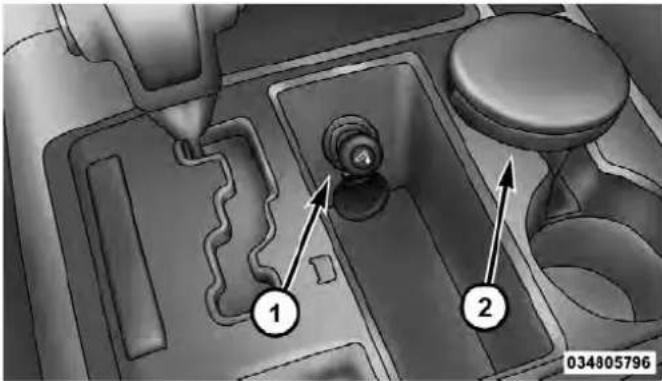
OptionalFloorShifter
1 — Cigar Lighter
2 — Ash Receiver
208UNDERSTANDINGTHEFEATURESOFYOURVEHICLE
POWERINVERTER—IFEQUIPPED
A 115 Volt (150 Watts Maximum) outlet is located on the center stack of the instrument panel, to the right of the radio. This outlet can power cellular phones, electronics and other low power devices requiring power up to 150 Watts. Certain high-end video games, such as PlayStation3 and XBox360 will exceed this power limit, as will most power tools.
The power inverter is designed with built-in overload protection. If the power rating of 150 Watts is exceeded, the power inverter will automatically shut down. Once the electrical device has been removed from the outlet the inverter should automatically reset. If the power rating exceeds approximately 170 Watts, the power inverter may have to be reset manually. To reset the inverter manually press the power inverter button OFF and ON. To avoid overloading the circuit, check the power ratings on electrical devices prior to using the inverter.

PowerInverterOutlet

035005840
The power inverter switch is located on the switch bank below the Climate Controls. To turn on the power outlet, press the switch once. Press the switch a second time to turn the power outlet off.
UNDERSTANDINGTHEFEATURESOFYOURVEHICLE209
NOTE:
- When the power inverter switch is pressed, there will be a delay of approximately one second before the power inverter status indicator turns on. The status indicator of the AC power inverter indicates whether the inverter is producing AC power.
- Due to built-in overload protection, the power inverter will shut down if the power rating is exceeded.
WARNING!
Toavoidseriousinjuryordeath:
- Donotuseathree-prongadapter.
- Donotinsertanyobjectsintothereceptacles.
• Donottouchwithwethands. - Closethelidwhennotinuse.
- If this outletismish handled it may cause an electric shock and failure.
CUPHOLDERS
FrontInstrumentPanelCupholders—(40–20–40Seats)
The cupholders are located in the pull-out tray at the bottom of the center stack. The pull-out tray must be secured when opened. To secure the tray push down until it "clicks".
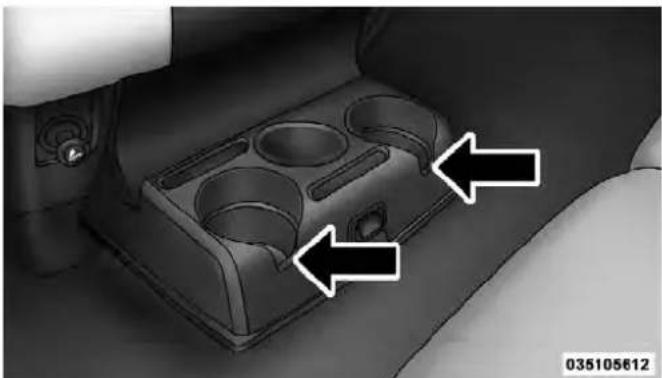
FrontCupholders
210UNDERSTANDINGTHEFEATURESOFYOURVEHICLE
FrontInstrumentPanelCupholders—Floor MountedShifter
For vehicles equipped with bucket seats and a floor mounted shifter there are two cupholders located in the floor console.
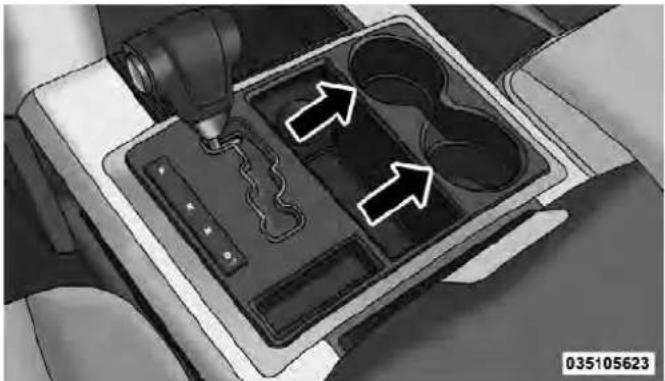
Cupholders(FloorMountedShifter)
RearCupholder—QuadCab®
Quad Cab ® vehicles may be equipped with a rear cup-holder that consists of two cup wells for rear passenger convenience.

RearCupWells
RearCupholder—CrewCab
Crew Cab vehicles are equipped with rear cupholders located in the center armrest.

CrewCabRearArmrestCupholder
UNDERSTANDINGTHEFEATURESOFYOURVEHICLE211
STORAGE
GloveBoxStorage
The glove box is located on the passenger side of the instrument panel and features both an upper and lower storage area.
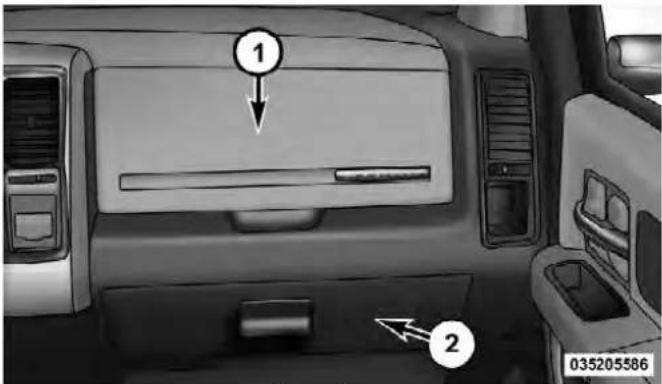
GloveBox
1 — Upper Glove Box
2 — Lower Glove Box
212UNDERSTANDINGTHEFEATURESOFYOURVEHICLE
To open the upper glove box push upward on the handle release. The glove box door will automatically open.
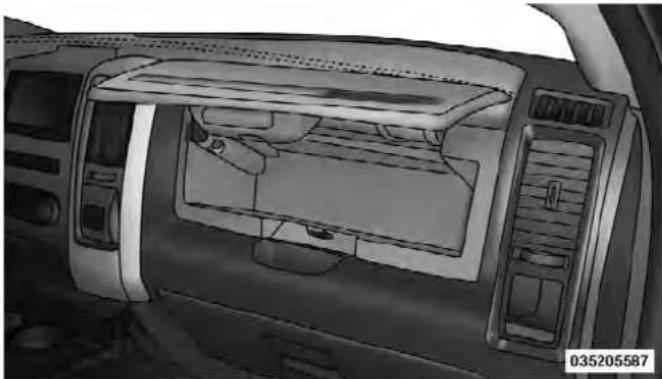
UpperGloveBox
To open the lower glove box, pull on the handle to release the latch and lower the door.

LowerGloveBox
DoorStorage
FrontDoorStorage—IfEquipped
Storage areas and bottle holders (drivers side only) are located in the door trim panels.

FrontDoorStorage
UNDERSTANDINGTHEFEATURESOFYOURVEHICLE213
RearDoorStorage—CrewCab
Storage compartments are located in both the driver and passenger door trim panels.

RearDoorStorage
214UNDERSTANDINGTHEFEATURESOFYOURVEHICLE
CenterStorageCompartment—IfEquipped
The center storage compartment is located between the driver and passenger seats. The storage compartment provides an armrest and contains both and upper and lower storage area.

CenterStorageCompartment
WARNING!
- Thisarmrestisnotaseat.Anyoneseatedonthe armrestcouldbeseriouslyinjuredduringvehicle operation,oracollision.Onlyusethecenter seatingpositionwhenthearmrestisfullyupright.
- Inacollision, the latch may open if the total weight of the items stored exceeds about 10 lbs (4.5 kg). These item should be thrown about endangering occupants of the vehicle. Items stored should not exceed a total of 10 lbs (4.5 kg).
Pull on the upper handle on the front of the armrest to raise the cover. The upper storage area contains a 12 Volt power outlet that can be used to power small electrical devices, refer to "Electrical Power Outlets" for further information.

UNDERSTANDINGTHEFEATURESOFYOURVEHICLE215

UpperStorageCompartmentLowerStorageBin
With the upper lid closed, pull on the lower handle to open the lower storage bin.
216UNDERSTANDINGTHEFEATURESOFYOURVEHICLE
WARNING!
Donotoperatethisvehiclewithaconsolecompartmentlidintheopenposition.Cellularphones,music players,andotherhandheldelectronicdevices shouldbestowedwhiledriving.Useofthesedevices whiledrivingcancauseanaccidentduetodistraction,resultingindeathorinjury.
SecondRowIn-FloorStorageBin—IfEquipped
In-floor storage bins are located in front of the second row seats and can be used for extra storage. The storage bins have removable liners that can be easily removed for cleaning.

In-FloorStorageBinAndLatch
To open in-floor storage bin, lift upward on the handle of the latch and open the lid.
NOTE: The front seat may have to be moved forward to fully open the lid.

OpenedStorageBin
UNDERSTANDINGTHEFEATURESOFYOURVEHICLE217
SeatbackStorage
Located in the back of both the driver and passenger front seats are pockets that can be used for storage.
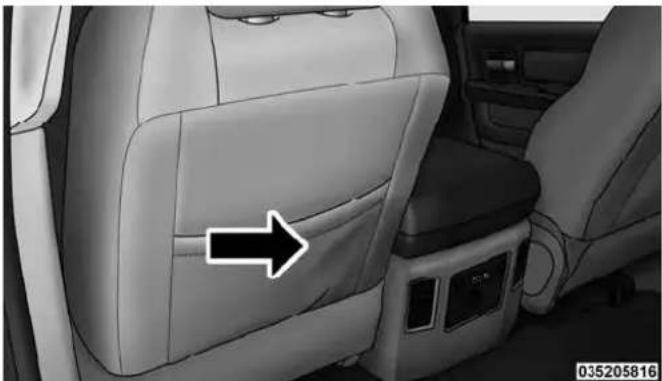
DriversSideSeatbackStorage
218UNDERSTANDINGTHEFEATURESOFYOURVEHICLE
Storage(RegularCab)
The storage bin is located behind the front seats and runs the length of the cab.

StorageBin
StorageandSeats(CrewCab)
The Crew Cab models provide additional storage under the rear seats. Lift the seats to access the storage compartment.
To open the storage compartments, lift upward on the handle of the latch and open the lid.

CrewCabStorage
UNDERSTANDINGTHEFEATURESOFYOURVEHICLE219
CAUTION!
Alwaysliftthestoragecompartmentlidsbyusing thehandle.Failureretoliftthelidsbyusingthehandle canresultindamagetothelids.
PlasticGroceryBagRetainers (RegularCabModels)
Retainer hooks which will hold plastic grocery bag handles are built into the back panel of the cab, behind the rear seat.
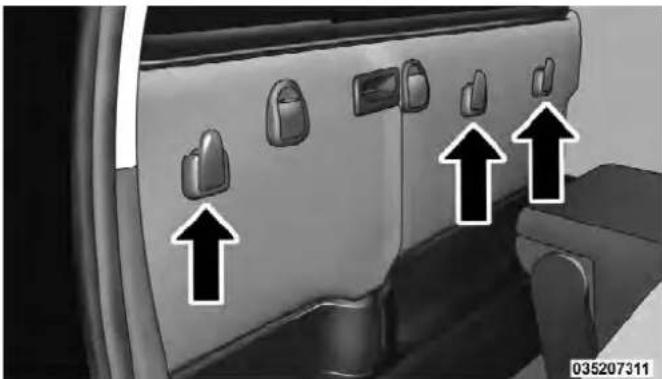
GroceryBagHooks
220UNDERSTANDINGTHEFEATURESOFYOURVEHICLE
REARWINDOWFEATURES
RearWindowDefroster
The rear window defroster button is located on the climate control panel. Press this button to turn on the rear window defroster and the heated outside mirrors (if equipped). An indicator in the button will illuminate when the rear window defroster is on. The rear window defroster automatically turns off after approximately 10 minutes. For an additional five minutes of operation, press the button a second time.
NOTE: To prevent excessive battery drain, use the rear window defroster only when the engine is operating.
CAUTION!
Failuretofollowthesecautionscancausedamageto theheatingelements:
- Usecarewhenwashingtheinsideoftherear window.Donotuseabrasivewindowcleanerson theinteriorsurfaceofthewindow.Useasoftcloth andamildwashingsolution,wipingparallelto theheatingelements.Labelscanbepeeledoff aftersoakingwithwarmwater.
- Donotusescrapers, sharpinstruments, or abrasive window cleanerson the interiorsurface of the window.
- Keepallobjectsasafedistancefromthewindow.
PowerSlidingRearWindow—IfEquipped
The switch for the power sliding rear window is located on the overhead console.

RearWindowSwitch
Push the switch to the right to open the glass. Pull the switch to the left to close the glass.
UNDERSTANDINGTHEFEATURESOFYOURVEHICLE221
ManualSlidingRearWindow—IfEquipped
A locking device in the center of the window helps to prevent entry from the rear of the vehicle. Squeeze the lock to release the window.
FOLDFLATLOADFLOOR—IFEQUIPPED
Quad Cab ® and Crew Cab models with a 60/40 rear seat may be equipped with a folding load floor.
WARNING!
Donotoperatethevehiclewithlooseitemsstoredon theloadfloor. Whiledrivingorinanaccidentyou mayexperienceabruptstopping,rapidacceleration, orsharpturns. Looseobjectsstoredontheloadfloor maymovearoundwithforceandstrikeoccupants, resultinginseriousorfatalinjury.
222UNDERSTANDINGTHEFEATURESOFYOURVEHICLE
Unfolding the Load Floor
- Lift the 60/40 seat cushion(s) to the upward position.

UnfoldingTheLoadFloor
- Grasp the knob on the load floor and lift the knob until the load floor unfolds into position.

LoadFloorInOpenPosition
- Reverse the procedure to store the load floor.
UNDERSTANDINGTHEFEATURESOFYOURVEHICLE223
Positioning the Load Floor for Storage Access Under the Seat
- Lift the 60/40 seat cushion(s) to the upward position.
- Unsnap the securing snap located at either side of the load floor.
- Lift the load floor up to access storage under the load floor.
WARNING!
Donotdrivewiththeloadfloorintheupposition. Whenstoppingfastorinanaccident,theloadfloor couldmovetothedownpositioncausingserious injury.

LoadFloorSecuringStraps
- Reverse the procedure to put the load floor back in the secured down position before you operate the vehicle.
224UNDERSTANDINGTHEFEATURESOFYOURVEHICLE
RAMBOX®—IFEQUIPPED
The RamBox ® system is an integrated pickup box storage and cargo management system consisting of three features:
- Integrated box side storage bins
- Cargo extender/divider
• Bed rail tie-down system
RamBox®IntegratedBoxSideStorageBins
Cargo storage bins are located on both sides of the pickup box. The cargo storage bins provide watertight, lockable, illuminated storage for up to 150 lbs (68 kg) of evenly distributed cargo.

RamBox®CargoStorageBins
UNDERSTANDINGTHEFEATURESOFYOURVEHICLE225
CAUTION!
Failuretofollowthefollowingitemscouldcause damagetothevehicle:
• Assurethatallcargoinsidethestoragebinsis properlysecured.
- Donotexceedcargoweightratingof150lb(68kg) perbin.
To open a storage bin, press and release the button located on the lid. The RamBox ® lid will open upward to allow hand access. Lift the lid to fully open.

RamBox®PushbuttonAndLock
226UNDERSTANDINGTHEFEATURESOFYOURVEHICLE
The interior of the RamBox® will automatically illuminate when the lid is opened. In addition to the automatic illumination switch, there is a manual on/off switch located at the rear of each storage bin. Pushing the switch once will turn off the bin lights, pushing the switch again will turn the lights back on.

RamBox®LightSwitch
CAUTION!
Leavingthelidopenforextendedperiodsoftime couldcausethevehiclebatterytodischarge.Ifthelid isrequiredtostayopenforextendedperiodsoftime, itisrecommendedthatthebinlightsbeturnedoff manuallyusingtheon/offswitch.
The RamBox ® storage bins can be locked using the vehicle key. To lock the storage bin, insert the key into the keyhole on the pushbutton and turn clockwise to lock.
CAUTION!
- Ensurecargobinlidsareclosedandlatchedbefore movingordrivingvehicle.
(Continued)
CAUTION!(Continued)
- Loadsappliedtothetopofthebinlidshouldbe minimizedtopreventdamagethelidand latching/hingingmechanisms.
- DamagetotheRamBox®binmayoccurdueto heavy/sharpobjectsplacedinbinthatshiftdueto vehiclemotion. Inordertominimize potential for damage, secure all cargotoprevent movement and protect insidesurfaces of bin from heavy/sharp objects with appropriate padding.
Cargo bins feature two removable drain plugs (to allow water to drain from bins). To remove plug, pull up on the edge. To install push plug downward into drain hole.
NOTE:Provisions are provided in the bins for cargo dividers and shelf supports. These accessories (in addition to other RamBox® accessories) are available from MOPAR®.
RamBox®SafetyWarning
Carefully follow these warnings to help prevent personal injury or damage to your vehicle:
WARNING!
- Alwaysclosethestoragebincoverswhenyour vehicleisunattended.
- Donotallowchildrentohaveaccesstothestorage bins.Onceinthestoragebin,youngchildrenmay notbeabletoescape.Iftrappedinthestoragebin, childrencandiefromsuffocationorheatstroke.
- Inanaccident,seriousinjurycouldresultifthe storagebincoversarenotproperlylatched.
- Donotdrivethevehiclewiththestoragebin coversopen.
- Keepthestoragebincoversclosedandlatched whilethevehicleisinmotion.
- Donotuseastoragebinlatchasatiedown.
228UNDERSTANDINGTHEFEATURESOFYOURVEHICLE
RamBox®StorageBinCoverEmergencyRelease Lever—IfEquipped
As a security measure, a Storage Bin Cover Emergency Release is built into the storage bin cover latching mechanism.

StorageBinCoverEmergencyReleaseLever
NOTE: In the event of an individual being locked inside the storage bin, the storage bin cover can be opened from inside of the bin by pulling on the glow-in-the-dark lever attached to the storage bin cover latching mechanism.
BedExtender—IfEquipped
The bed extender has three functional positions:
- Storage Position
- Divider Position
- Extender Position
StoragePosition
The storage position for the bed extender is at the front of the truck bed which maximizes the bed cargo area when not in use.
To install the bed extender into the storage position, perform the following:
- Make sure the center handle is unlocked using the vehicle key and rotate the center handle vertically to release the extender side gates.
UNDERSTANDINGTHEFEATURESOFYOURVEHICLE229

CenterHandleAndLock
1 — Center Handle Lock
2 — Handle
230UNDERSTANDINGTHEFEATURESOFYOURVEHICLE
- With the side gates open, position the extender fully forward in the bed against the front panel.

StoragePositionCargoTieDownLoop
- Rotate the side gates closed allowing the outboard ends to be positioned in front of the cargo tie down loops.

- Rotate the center handle horizontally to secure the side gates in the closed position.

SideGatesClosed
UNDERSTANDINGTHEFEATURESOFYOURVEHICLE231
- Lock the center handle using the vehicle key to secure the panel into place and assist against theft.
DividerPosition
The divider position is intended for managing your cargo and assisting in keeping cargo from moving around the bed. There are 11 divider slots along the bed inner panels which allow for various positions to assist in managing your cargo.
232UNDERSTANDINGTHEFEATURESOFYOURVEHICLE
To install the bed extender into a divider position perform the following:
- Make sure the center handle is unlocked using the vehicle key and rotate the center handle vertically to release the extender side gates.

CenterHandleAndLock
1 — Center Handle Lock
2 — Handle
- With the side gates open, position the extender so the outboard ends align with the intended slots in the sides of the bed.

UNDERSTANDINGTHEFEATURESOFYOURVEHICLE233
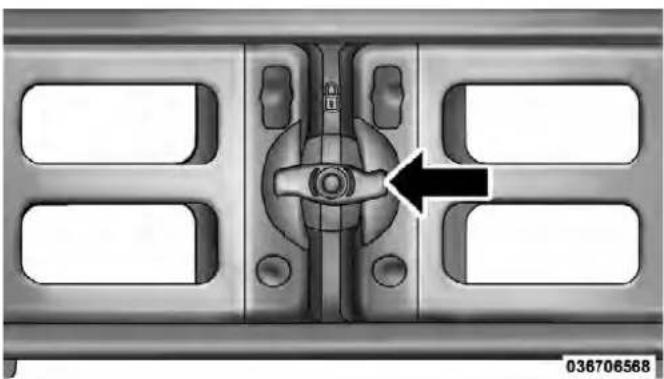
AligningGateToSlotsSideGatesClosed
- Rotate the side gates closed so that the outboard ends are secured into the intended slots of the bed.
-
Rotate the center handle horizontally to secure the side gates in the closed position.
-
Lock the center handle to secure the panel into place and assist against theft.
ExtenderPosition
The extender position allows you to load the bed of the truck beyond the tail gate. The bed extender will add an additional 15 in (38 cm) in the back of the truck when
234UNDERSTANDINGTHEFEATURESOFYOURVEHICLE
additional cargo room is needed. The extender position utilizes a locating pin and rotating handle located on both sides of the truck bed near the tailgate.

ExtenderPosition
To install the bed extender into the extender position perform the following:
-
Lower the tailgate.
-
Make sure the center handle is unlocked and rotate the center handle vertically in order to release the extender side gates.
- Fit the end of the side gate ends onto the pin and handle.

ExtenderInstallation
- Rotate the handles to the horizontal position to secure into place.

LockingTab
UNDERSTANDINGTHEFEATURESOFYOURVEHICLE235
WARNING!
Toreducetheriskofpotentialinjuryorproperty damage:
• Cargomustbesecured.
- Donotexceedcargoloadratingofyourvehicle.
- Secureallloadstotruckutilizingcargotiedowns.
- Extendershouldnotbeusedascargotiedown.
- Whenvehicleisinmotiondonotexceed150lbs (68kg)loadonthetailgate.
• Thebedextenderisnotintendedforoffroaduse.
- Whennotinuse, theextender/dividershouldbeinstowedordividerpositionwiththetailgateclosed.
- Wheninuseallhandlesaretobeinthelocked position.
236UNDERSTANDINGTHEFEATURESOFYOURVEHICLE BedRailTie-DownSystem
CAUTION!
Themaximumloadpercleatshouldnotexceed 250lbs(113kg)andtheangleoftheloadoneachcleat shouldnotexceed45degreesabovehorizontal,or damagetothecleatorcleatrailmayoccur.
There are two adjustable cleats on each side of the bed that can be used to assist in securing cargo.
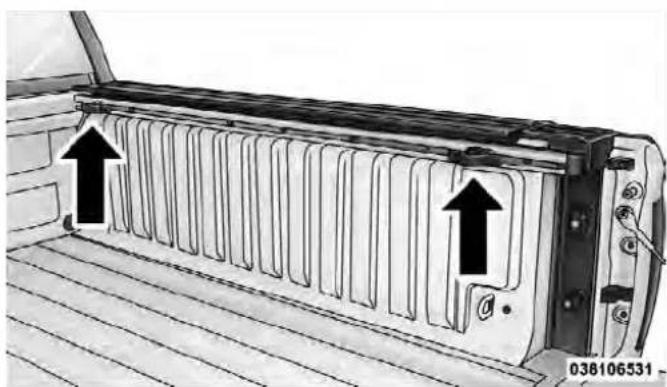
AdjustableCleats
Each cleat must be located and tightened down in one of the detents, along either rail, in order to keep cargo properly secure.
To move the cleat to any position on the rail, turn the nut counterclockwise, approximately three turns. Then pull out on the cleat and slide it to the detent nearest the desired location. Make sure the cleat is seated in the detent and tighten the nut.

1 — Utility Rail Detent
2 — Cleat Retainer Nut
3 — Utility Rail Cleat
UNDERSTANDINGTHEFEATURESOFYOURVEHICLE237
To remove the cleats from the utility rail, remove the end cap by pushing up on the locking tab, located on the bottom of the end cap. Slide the cleat off the end of the rail.

UtilityRailEndCap
238UNDERSTANDINGTHEFEATURESOFYOURVEHICLE
SLIDE-INCAMPERS
CamperApplications
Certain truck models are not recommended for slide-in campers. To determine if your vehicle is excluded, please refer to the "Consumer Information Truck-Camper Loading" document available from your authorized dealer. For safety reasons, follow all instructions in this important document.
NOTE: When a cap or pickup camper is installed on a vehicle, an alternate Center High-Mounted Stop Light (CHMSL) must be provided.
EASY-OFFTAILGATE
To simplify mounting of a camper unit with an overhang, the tailgate can be removed.
NOTE: If your vehicle is equipped with a rear camera the electrical connector must be disconnected prior to removing the tailgate.
DisconnectingtheRearCamera—IfEquipped
- Open the tailgate to access the rear camera connector bracket located on the rear sill.

ConnectorBracket
- Remove the connector bracket from the sill by pressing inward in the locking tab.

036906362
LockingTab
- Disconnect the chassis wiring harness, ensuring the connector bracket does not fall into the sill.
- Connect the chassis plug and bracket (provided in the glove box) to the chassis wiring harness and insert the bracket back into the sill.
UNDERSTANDINGTHEFEATURESOFYOURVEHICLE239
- Connect the tailgate plug (provided in the glove box) to the tailgate wiring harness to ensure that the terminals do not corrode.
- Tape the tailgate harness and bracket against the forward-facing surface of the tailgate. This will prevent damaging the connector and bracket when storing or reinstalling the tailgate.
RemovingTheTailgate
- Disconnect the wiring harness for the rear camera (if equipped), refer to "Disconnecting the Rear Camera — If Equipped" in this section.
- Unlatch the tailgate and remove the support cables by releasing the lock tang from the pivot.
240UNDERSTANDINGTHEFEATURESOFYOURVEHICLE
NOTE: Make sure tailgate is supported when removing support cables.
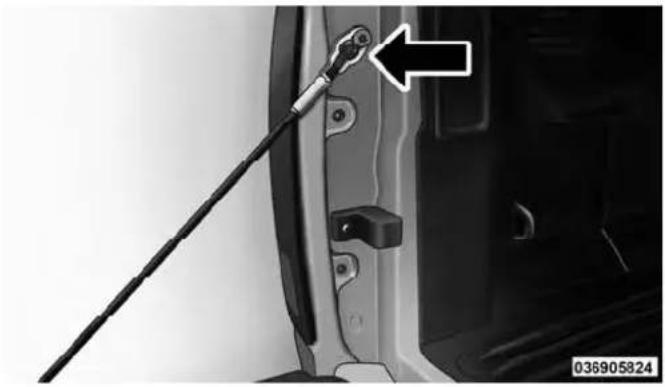
LockingTang
-
Raise the tailgate to a 45 degree angle.
-
Raise the right side of the tailgate until the right side pivot clears the hanger bracket.
-
Slide the entire tailgate to the right to free the left side pivot.
- Remove the tailgate from the vehicle.
NOTE: Do not carry the tailgate loose in the truck pickup box.
WARNING!
To avoid inhaling carbon monoxide, which is deadly, the exhaust system on vehicle equipped with "Cap or Slide-In Campers" should extend beyond the overhanging camper compartment and be free of leaks.
LockingTailgate
The lock is located next to the tailgate handle. The tailgate can be locked using the vehicle key.
UNDERSTANDING YOUR INSTRUMENT PANEL
CONTENTS
■Instrument Panel Features.... 2 4 5
■Switch Bank Button Description....246
□Upper Switch Bank 246
□Lower Switch Bank.... 246
■Instrument Cluster — Base ..... 2 4 8
■Instrument Cluster — Premium ..... 2 4 9
■Instrument Cluster Descriptions.... 250
Electronic Vehicle Information Center (EVIC) — If Equipped 26
□EVIC Displays 269
☐Fuel Economy / Fuel Saver Mode / Distance To Empty (DTE) — If Equipped ..... 276
□Trip Functions 277
□Vehicle Info
(Customer Information Features) 278
□TirePSI 279
□Units 279
242UNDERSTANDINGYOURINSTRUMENTPANEL
□Compass / Temperature Display ..... 280
□Customer-Programmable Features (System Setup) 282
■Media Center 730N/430/430N (RHR/RER/RBZ/RHB) CD/DVD/HDD/NAV — If Equipped.... 288
☐Operating Instructions (Voice Command System) — If Equipped ..... 289
☐Operating Instructions (Uconnect™ Phone) — If Equipped ..... 289
■Media Center 130 (Sales Code RES) ..... 2 8 9
□Operating Instructions — Radio Mode ..... 289
☐Operation Instructions — CD Mode For CD And MP3 Audio Play 292
□Notes On Playing MP3 Files 294
□Operation Instructions - Auxiliary Mode . . . . 2 9 7
■Media Center 130 With Satellite Radio (Sales Code RES+RSC). 298
□Operating Instructions — Radio Mode ..... 298
☐Operation Instructions — CD Mode For CD And MP3 Audio Play 304
□Notes On Playing MP3 Files 306
□List Button (CD Mode For MP3 Play) ..... 3 0 8
□Info Button (CD Mode For MP3 Play) ..... 3 0 8
□Uconnect™ Multimedia (Satellite Radio) — If Equipped 309
☐Operating Instructions (Uconnect™ Phone) — If Equipped 313
UNDERSTANDING YOUR INSTRUMENT PANEL 243
■ iPod®/USB/MP3 Control — If Equipped ..... 313
□Connecting The iPod®Or External USB Device.... 3 1 4
□Using This Feature.... 3 1 5
□Controlling The iPod®Or External USB Device Using Radio Buttons.... 3 1 5
□Play Mode.... 316
□List Or Browse Mode.... 3 1 7
□Bluetooth Streaming Audio (BTSA)....319
■Uconnect™ Multimedia Video Entertainment System (VES)™ — If Equipped . . . . . . . . . . 3 2 0
□Getting Started.... 320
□Single Video Screen.... 3 2 1
□Play Video Games.... 3 2 4
□Listen To An Audio Source On Channel 2 While A Video Is Playing On Channel 1 . . . . 3 2 7
□Important Notes For Single Video Screen System 329
□Play A DVD Using The Touch-Screen Radio 329
□Remote Control 3 3 2
□Remote Control Storage 3 3 4
□Locking The Remote Control.... 3 3 5
□ Replacing The Batteries 335
□Headphones Operation 336
□Controls 337
□ Replacing The Batteries 338
244UNDERSTANDINGYOURINSTRUMENT PANEL
□Unwired®Stereo Headphone Lifetime Limited Warranty 338
□System Information 339
■Steering Wheel Audio Controls — If Equipped. 3 5 3
□Radio Operation.... 3 5 4
□CD Player 354
■CD/DVD Disc Maintenance....354
■Radio Operation And Mobile Phones ..... 3 5 5
■Climate Controls 355
□Manual Heating And Air Conditioning System 356
□Automatic Temperature Control (ATC) — If Equipped 360
□Summer Operation.... 365
□Winter Operation.... 365
□Vacation/Storage 366
□ Window Fogging And Frosting 366
□Outside Air Intake 366
□Operating Tips 367
INSTRUMENTPANELFEATURES
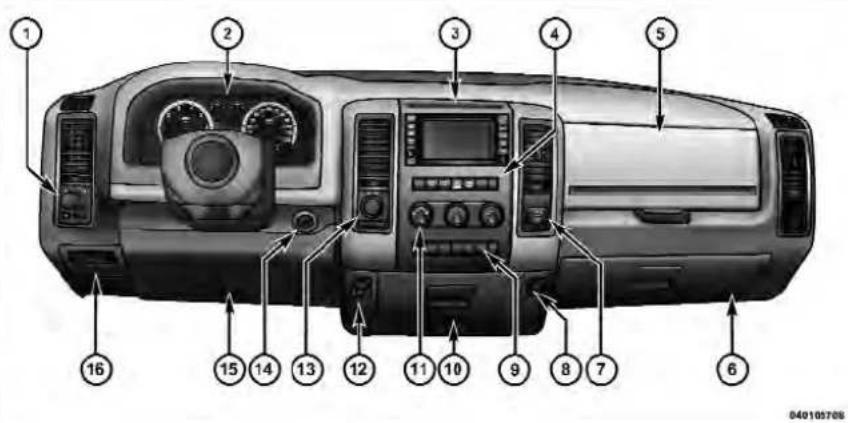
1 — Headlight Switch 7 — 115v Power Inverter Outlet 13 — Transfer Case Position Switch
2 — Instrument Cluster 8 — Power Outlet 14 — Ignition Switch
3 — Radio 9 — Lower Switch Bank 15 — Hood Release
4 — Upper Switch Bank 10 — Cup Holders 16 — Parking Brake Release
5 — Upper Glove Compartment 11 — Climate Controls
6 — Lower Glove Compartment 12 — Power Outlet/Cigar Lighter
246UNDERSTANDINGYOURINSTRUMENTPANEL
SWITCHBANKBUTTONDESCRIPTION
UpperSwitchBank
The upper switch bank is located on the center of the instrument panel.
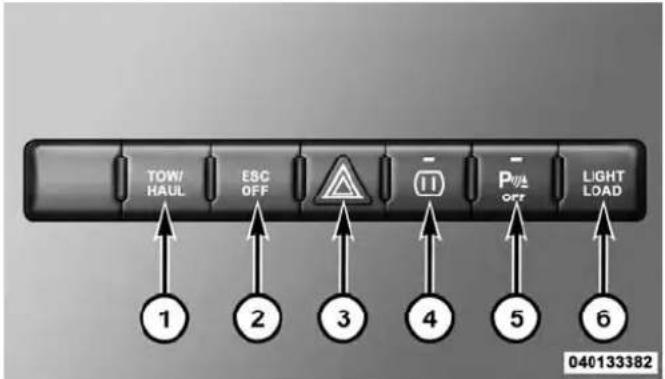
1. TOW/HAUL
Refer to "Starting And Operating" for more information.
2. ESC OFF
Refer to "Starting And Operating" for more information.
3. HAZARD WARNING FLASHER
Refer to "What To Do In Emergencies" for more information.
4. 115V POWER INVERTER
Refer to "Understanding The Features Of Your Vehicle" for more information.
5. REAR PARK ASSIST
Refer to "Understanding The Features Of Your Vehicle" for more information.
6. TPMS LIGHT LOAD — IF EQUIPPED
Refer to "Starting And Operating" for more information.
LowerSwitchBank
The lower switch bank is located on the center of the instrument panel.
UNDERSTANDING YOUR INSTRUMENT PANEL 247

1. HEATED SEATS
Refer to "Understanding The Features Of Your Vehicle" for more information.
2. VENTILATED SEATS
Refer to "Understanding The Features Of Your Vehicle" for more information.
3. HEATED STEERING WHEEL
Refer to "Understanding The Features Of Your Vehicle" for more information.
248UNDERSTANDINGYOURINSTRUMENTPANEL
INSTRUMENTCLUSTER—BASE
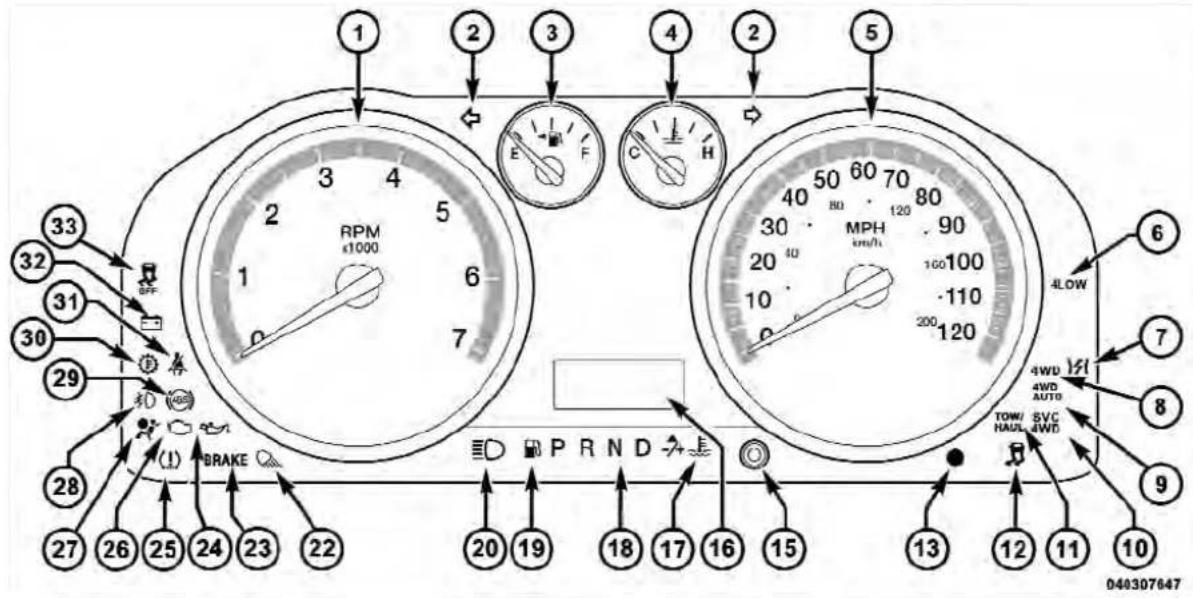
INSTRUMENTCLUSTER—PREMIUM

250UNDERSTANDINGYOURINSTRUMENTPANEL
INSTRUMENTCLUSTERDESCRIPTIONS
1. Tachometer
The tachometer indicates engine speed in Revolutions Per Minute (RPM x 1000).
CAUTION!
Donotoperatetheenginewiththetachometer pointerathighRPMforextendedperiods.Engine damagemayoccur.
2. Turn Signal Indicators

The arrow will flash with the exterior turn signal when the turn signal lever is operated.
NOTE:
- A continuous chime will sound if the vehicle is driven more than 1 mile (1.6 km) with either turn signal on.
- Check for an inoperative outside light bulb if either indicator remains on and does not flash, or flashes at a rapid rate.
3. Fuel Gauge
Shows level of fuel in tank when ignition switch is in the ON/RUN position.
4. Temperature Gauge
The temperature gauge shows engine coolant temperature. Any reading within the normal range indicates that the engine cooling system is operating satisfactorily.
The gauge pointer will likely indicate a higher temperature when driving in hot weather, up mountain grades, or when towing a trailer. It should not be allowed to exceed the upper limits of the normal operating range.
CAUTION!
Drivingwithahotenginecoolingsystemcould damageyourvehicle.Ifthetemperaturegaugereads "H"pulloverandstopthevehicle.Idlethevehicle withtheairconditionerturnedoffuntilthepointer dropsbackintothenormalrange.Ifthepointer remainsonthe"H"andyouhearcontinuouschimes, turntheengineoffimmediatelyandcallanaauthorizeddealershipforservice.
WARNING!
Ahotenginecoolingsystemisdangerous. Youor otherscouldbebadlyburnedbysteamorboiling coolant. Youmaywanttocallanaauthorizeddealer-shipforserviceifyourvehicleoverheats. If you decidetolookunderthehoodyourself, see "MaintainingYourVehicle". Followthewarningsunderthe CoolingSystemPressureCappagraph.
5. Speedometer
The speedometer shows the vehicle speed in miles per hour and/or kilometers per hour (mph/km/h).
6.4 LOW

This light alerts the driver that the vehicle is in the four-wheel drive LOW mode. The front and rear driveshafts are mechanically locked together forcing the front and rear wheels to
252UNDERSTANDINGYOURINSTRUMENTPANEL
rotate at the same speed. Low range provides a greater gear reduction ratio to provide increased torque at the wheels.
For further information on four-wheel drive operation and proper use, refer to "Four-Wheel Drive Operation — If Equipped" in "Starting And Operating".
7. Electronic Throttle Control (ETC) Light

This light informs you of a problem with the Electronic Throttle Control (ETC) system. The light will come on when the ignition is first turned to ON/RUN and remain on briefly as a bulb check. If the light does not come on during starting, have the system checked by an authorized dealer.
If a problem is detected, the light will come on while the engine is running. Cycle the ignition key when the vehicle has completely stopped and the shift lever is placed in the PARK position, the light should turn off.
If the light remains lit with the engine running, your vehicle will usually be drivable; however, see an authorized dealer for service as soon as possible. If the light is flashing when the engine is running, immediate service is required and you may experience reduced performance, an elevated/rough idle or engine stall and your vehicle may require towing.
For vehicles equipped with a premium cluster this indicator will display in the Electronic Vehicle Information Center (EVIC). Refer to "Electronic Vehicle Information Center (EVIC) — If Equipped" for further information.
8. 4WD Indicator
4WD This light indicates the vehicle is in four-wheel drive and 4LOCK. 4WD allows all four wheels to receive torque from the engine simultaneously.
9. 4WD Auto Indicator

The 4WD auto indicator will be illuminated whenever the four-wheel drive mode is automatically engaged.
10. SVC (Service) 4WD

The SVC 4WD light monitors the electric shift four-wheel drive system. If the SVC 4WD light stays on or comes on during driving, it means that the four-wheel drive system is not func-roperly and that service is required.
For vehicles equipped with a premium cluster this indicator will display in the Electronic Vehicle Information Center (EVIC). Refer to "Electronic Vehicle Information Center (EVIC) — If Equipped" for further information.
UNDERSTANDING YOUR INSTRUMENTPANEL
11. TOW/HAUL

The TOW HAUL button is located on the center stack upper switch bank. This light will illuminate when TOW HAUL mode is selected.
12. Electronic Stability Control (ESC) Activation/Malfunction Indicator Light — If Equipped

The "ESC Activation/Malfunction Indicator Light" in the instrument cluster will come on when the ignition switch is turned to the ON/RUN position. It should go out with the engine running. If the “ESC Activation/Malfunction Indicator Light” comes on continuously with the engine running, a malfunction has been detected in the ESC system. If this light remains on after several ignition cycles, and the vehicle has been driven several miles (kilometers) at speeds greater than 30 mph (48 km/h), see your authorized dealer as soon as possible to have the problem diagnosed and corrected.
254UNDERSTANDINGYOURINSTRUMENTPANEL
NOTE:
- The "ESC Off Indicator Light" and the "ESC Activation/Malfunction Indicator Light" come on momentarily each time the ignition switch is turned to ON/RUN.
- Each time the ignition is turned to ON/RUN, the ESC system will be ON, even if it was turned off previously.
- The ESC system will make buzzing or clicking sounds when it is active. This is normal; the sounds will stop when ESC becomes inactive following the maneuver that caused the ESC activation.
13. Vehicle Security Light — If Equipped
This light will flash at a fast rate for approximately 15 seconds, when the vehicle security alarm is arming, and then will flash slowly until the vehicle is disarmed.
14. Oil Pressure Gauge
The pointer should always indicate some oil pressure when the engine is running. A continuous high or low reading under normal driving conditions may indicate a lubrication system malfunction. Immediate service should be obtained from an authorized dealer.
15. Odometer/Trip Odometer Button/ECO (Fuel Saver Indicator) Button — If Equipped
Press this button to toggle between the odometer display, trip odometer display or the "ECO" display in the base cluster. Holding the button in resets the trip odometer reading when in trip mode.
If equipped with Electronic Vehicle Information Center (EVIC) the "ECO" message will be displayed in the EVIC display in the instrument cluster. Refer to "Electronic Vehicle Information Center (EVIC) — If Equipped" for further information.
16. Odometer Display / Electronic Vehicle Information Center (EVIC) Display Area — If Equipped
Odometer Display
The odometer display shows the total distance the vehicle has been driven. U.S. Federal regulations require that upon transfer of vehicle ownership, the seller certify to the purchaser the correct mileage that the vehicle has been driven. If your odometer needs to be repaired or serviced, the repair technician should leave the odometer reading the same as it was before the repair or service. If s/he cannot do so, then the odometer must be set at zero, and a sticker must be placed in the door jamb stating what the mileage was before the repair or service. It is a good idea for you to make a record of the odometer reading before the repair/service, so that you can be sure that it is properly reset, or that the door jamb sticker is accurate if the odometer must be reset at zero.
UNDERSTANDING YOUR INSTRUMENT PANEL
The two trip odometers show individual trip mileage. To switch from odometer to trip odometers, press and release the TRIP ODOMETER button.
To reset a trip odometer, display the desired trip odometer to be reset then push and hold the button for approximately two seconds until the display resets.
Vehicle Odometer Messages
When the appropriate conditions exist, the following messages will display in the odometer:
ECO. FuelSaverIndicatorOff
ECO-ON. FuelSaverIndicatorOn
noFUSE. . . . . . . . . . . . . . . . . . . . . . . . . . . . . . . . . . . . . . . . . . . . . . . . . . . . . . . . . . FuseFault
LoW tirE . . . . . . . . . . . . . . . . . . . . . . . . . . . . . . . . . . . . . . . . . . . . . . . . . . Tire Pressure Low
CHANgE OIL.... Oil Change Required
ESCOFF. . . . . . . . . . ElectronicStabilityControlOff
gASCAP . . . . . . . . . . . . . . . . . . . . . . . . . . . . . . . . . . . . . Gas Cap Loose
HOTOIL Engine Oil Too Hot
LoCOOL..... Low Engine Coolant
NOTE: There is also an engine hour function. This indicates the total number of hours the engine has been running. To display the engine hours on the base cluster, perform the following: Place the ignition in the ON/RUN, but do not start the engine. With the odometer value displayed, hold the TRIP button down for a period of six seconds. The odometer will change to trip value first, then it will display the engine hour value. The engine hours will be displayed for a period of 30 seconds until the ignition is turned OFF or the engine is started.
If equipped, some of the above warnings will be displayed in the Electronic Vehicle Information Center (EVIC) in the instrument cluster. Refer to "Electronic Vehicle Information Center (EVIC) — If Equipped" for further information.
ECO / ECO-ON (Fuel Saver Indicator) — If Equipped The ECO-ON indicator will illuminate when you are driving in a fuel efficient manner and can be used to
modify driving habits in order to increase fuel economy. The ECO display will toggle between ECO and ECO-ON depending on driving habits and vehicle usage. Press the Odometer / Trip Odometer / ECO (Fuel Saver Indicator) button to change the display from odometer to either of the two trip odometer settings or the "ECO" display.
gASCAP
If the vehicle diagnostic system determines that the fuel filler cap is loose, improperly installed, or damaged, a loose gascap indicator or the message "gASCAP" will display in the odometer display area. Tighten the fuel filler cap properly and press the TRIP button to turn off the message. If the problem continues, the message will appear the next time the vehicle is started.
A loose gas cap indicator will display in the Electronic Vehicle Information Center (EVIC) for the premium cluster (Refer to "Electronic Vehicle InformationCenter (EVIC) — If Equipped" for further information).
A loose, improperly installed, or damaged fuel filler cap may also turn on the Malfunction Indicator Light (MIL).
LoW tirE
When the appropriate condition exists, the odometer display will toggle between Lo and tirE for three cycles.
noFUSE
If the vehicle diagnostic system determines that the Ignition Off Draw (IOD) fuse is improperly installed, or damaged, a “noFUSE” message will display in the odometer display area. For further information on fuses and fuse locations refer to “Fuses” in “Maintaining Your Vehicle”.
CHANgE OIL
Your vehicle is equipped with an engine oil change indicator system. The CHANGEOILmessage will flash in the instrument cluster odometer for approximately 12 seconds after a single chime has sounded to indicate the next scheduled oil change interval. The engine oil
UNDERSTANDING YOUR INSTRUMENT PANEL
change indicator system is duty cycle-based, which means the engine oil change interval may fluctuate dependent upon your personal driving style.
Unless reset, this message will continue to display each time you turn the ignition switch to the ON/RUN position. To turn off the message temporarily, press and release the Trip Odometer button on the instrument cluster. To reset the oil change indicator system (after performing the scheduled maintenance), refer to the following procedure:
- Turn the ignition switch to the ON/RUN position (donotstarttheengine).
- Fully depress the accelerator pedal slowly three times within 10 seconds.
- Turn the ignition switch to the OFF/LOCK position.
NOTE: If the indicator message illuminates when you start the vehicle, the oil change indicator system did not reset. If necessary, repeat this procedure.
17. Engine Temperature Warning Light
This light warns of an overheated engine condition. As engine coolant temperatures rise and the gauge approaches H, this indicator will illuminate and a single chime will sound after reaching a set threshold. Further overheating will cause the temperature gauge to pass H, the indicator will continuously flash and a continuous chime will occur until the engine is allowed to cool.
If the light turns on while driving, safely pull over and stop the vehicle. If the A/C system is on, turn it off. Also, shift the transmission into NEUTRAL and idle the vehicle. If the temperature reading does not return to normal, turn the engine off immediately and call for service. Refer to "If Your Engine Overheats" in "What To Do In Emergencies" for further information.
For vehicles equipped with a premium cluster this indicator will display in the Electronic Vehicle Information Center (EVIC). Refer to "Electronic Vehicle Information Center (EVIC) — If Equipped" for further information.
18. Shift Lever Indicator
The Shift Lever Indicator is self-contained within the instrument cluster. It displays the gear position of the automatic transmission.
NOTE: In vehicles with 4.7L or 5.7L engines, the highest available transmission gear is displayed in the lower right corner of the Electronic Vehicle Information Center (EVIC) whenever the Electronic Range Select (ERS) feature is active. Use the +/- selector on the shift lever to activate ERS. Refer to "Automatic Transmission" in "Starting And Operating" for further information.
UNDERSTANDING YOUR INSTRUMENT PANEL 259
19. Low Fuel Light

When the fuel level reaches approximately 3.0 gal (11.0 L) this light will turn on, and remain on until fuel is added.
For vehicles equipped with a premium cluster this indicator will display in the Electronic Vehicle Information Center (EVIC). Refer to "Electronic Vehicle Information Center (EVIC) — If Equipped" for further information.
20. High Beam Indicator
This indicator shows that headlights are on high beam. Push the multifunction lever forward to switch the headlights to high beam, and pull toward yourself (normal position) to return to low beam.
21. Voltmeter
When the engine is running, the gauge indicates the electrical system voltage. The pointer should stay within the normal range if the battery is charged. If the pointer moves to either extreme left or right and remains there during normal driving, the electrical system should be serviced.
NOTE: The voltmeter may show a gauge fluctuation at various engine temperatures. This cycling operation is caused by the post-heat cycle of the intake manifold heater system. The number of cycles and the length of the cycling operation is controlled by the engine control module. Post-heat operation can run for several minutes, and then the electrical system and voltmeter needle will stabilize.
22. Cargo Light

The cargo light will illuminate when the cargo light is activated by pressing the cargo light button on the headlight switch.
260UNDERSTANDINGYOURINSTRUMENTPANEL
23. Brake Warning Light
This light monitors various brake functions, including brake fluid level and parking brake application. If the brake light turns on it may indicate that the parking brake is applied, that the brake fluid level is low, or that there is a problem with the Anti-lock Brake System reservoir.
If the light remains on when the parking brake has been disengaged, and the fluid level is at the full mark on the master cylinder reservoir, it indicates a possible brake hydraulic system malfunction or that a problem with the Brake Booster has been detected by the Anti-Lock Brake System (ABS) / Electronic Stability Control (ESC) system. In this case, the light will remain on until the condition has been corrected. If the problem is related to the brake booster, the ABS pump will run when applying the brake and a brake pedal pulsation may be felt during each stop.
The dual brake system provides a reserve braking capacity in the event of a failure to a portion of the hydraulic system. A leak in either half of the dual brake system is indicated by the Brake Warning Light, which will turn on when the brake fluid level in the master cylinder has dropped below a specified level.
The light will remain on until the cause is corrected.
NOTE: The light may flash momentarily during sharp cornering maneuvers, which change fluid level conditions. The vehicle should have service performed, and the brake fluid level checked.
If brake failure is indicated, immediate repair is necessary.
UNDERSTANDING YOUR INSTRUMENT PANEL 261
WARNING!
Drivingvehiclewiththeredbrakelightonis dangerous.Partofthebrakesystemmayhavefailed. Itwilltakelongertostopthevehicle.Youcouldhave acollision.Havethevehiclecheckedimmediately.
Vehicles equipped with the ABS, are also equipped with Electronic Brake Force Distribution (EBD). In the event of an EBD failure, the Brake Warning Light will turn on along with the ABS Light. Immediate repair to the ABS system is required.
Operation of the Brake Warning Light can be checked by turning the ignition switch from the OFF position to the ON/RUN position. The light should illuminate for approximately two seconds. The light should then turn off unless the parking brake is applied or a brake fault is detected. If the light does not illuminate, have the light inspected by an authorized dealer.
The light also will turn on when the parking brake is applied with the ignition switch in the ON/RUN position.
NOTE: This light shows only that the parking brake is applied. It does not show the degree of brake application.
24. Oil Pressure Warning Light
This light indicates low engine oil pressure. The light should turn on momentarily when the engine is started. If the light turns on while driving, stop the vehicle and shut off the engine as soon as possible. A chime will sound for four minutes when this light turns on.
Do not operate the vehicle until the cause is corrected. This light does not indicate how much oil is in the engine. The engine oil level must be checked under the hood.
262 UNDERSTANDING YOUR INSTRUMENT PANEL
For vehicles equipped with a premium cluster this indicator will display in the Electronic Vehicle Information Center (EVIC). Refer to "Electronic Vehicle Information Center (EVIC) — If Equipped" for further information.
25. Tire Pressure Monitoring Telltale Light

Each tire, including the spare (if provided), should be checked monthly when cold and inflated to the inflation pressure recommended by the vehicle manufacturer on the vehicle placard or tire inflation pressure label. (If your vehicle has tires of a different size than the size indicated on the vehicle placard or tire inflation pressure label, you should determine the proper tire inflation pressure for those tires.)
As an added safety feature, your vehicle has been equipped with a Tire Pressure Monitoring System (TPMS) that illuminates a low tire pressure telltale when one or more of your tires is significantly under-inflated. Accordingly, when the low tire pressure telltale illuminates, you should stop and check your tires as soon as possible, and inflate them to the proper pressure. Driving on a significantly under-inflated tire causes the tire to overheat and can lead to tire failure. Under-inflation also reduces fuel efficiency and tire tread life, and may affect the vehicle's handling and stopping ability.
Please note that the TPMS is not a substitute for proper tire maintenance, and it is the driver's responsibility to maintain correct tire pressure, even if under-inflation has not reached the level to trigger illumination of the TPMS low tire pressure telltale.
Your vehicle has also been equipped with a TPMS malfunction indicator to indicate when the system is not operating properly. The TPMS malfunction indicator is combined with the low tire pressure telltale. When the system detects a malfunction, the telltale will flash for approximately one minute and then remain continuously illuminated. This sequence will continue upon subsequent vehicle start-ups as long as the malfunction exists. When the malfunction indicator is illuminated, the system may not be able to detect or signal low tire pressure as intended. TPMS malfunctions may occur for a variety of reasons, including the installation of replacement or alternate tires or wheels on the vehicle that prevent the TPMS from functioning properly. Always check the TPMS malfunction telltale after replacing one or more tires or wheels on your vehicle, to ensure that the replacement or alternate tires and wheels allow the TPMS to continue to function properly.
CAUTION!
TheTPMShasbeenoptimizedfortheoriginal equipmenttiresandwheels.TPMSpressuresand warninghavebeenestablishedforthetiresize equippedonyourvehicle.Undesirablesystemoperationorsensordamagemayresultwhenusingreplacementequipmentthatisnotofthesamesize, type,and/orstyle.Aftermarketwheelscancause sensordamage.Donotusetiresealantfromacanor balancebeadsifyourvehicleisequippedwitha TPMS,asdamagetothesensorsmayresult.
NOTE: The TPMS telltale is also accompanied by a "Low Tire" message in the odometer (Base Cluster), or in the Electronic Vehicle Information Center (EVIC) screen indicating "Low Tire" for EVIC enabled clusters.
264UNDERSTANDING YOUR INSTRUMENT PANEL
26. Malfunction Indicator Light (MIL)
The Malfunction Indicator Light (MIL) is part of an onboard diagnostic (OBDII) system which monitors the emissions and engine control system. If the vehicle is ready for emissions testing, the light will come on when the ignition is first turned on and remain on, as a bulb check, until the engine is started. If the vehicle is not ready for emissions testing the light will come on when the ignition is first turned on and remain on for 15 seconds, then blink for 5 seconds, and remain on until the vehicle is started. If the bulb does not come on during starting, have the condition investigated promptly.
If this light comes on and remains on while driving, it suggests a potential engine control problem and the need for system service.
Although your vehicle will usually be drivable and not need towing, see your authorized dealer for service as soon as possible.
CAUTION!
ProlongeddrivingwiththeMILoncouldcause damagetotheenginecontrolsystem.Italsocould affectfueleconomyanddrivability.IftheMILis flashing,severecatalyticconverterdamage and powerlosswillsoonoccur.Immediateserviceis required.
WARNING!
Amalfunctioningcatalyticconverter, as referenced above, can reach higher temperatures than innormal operating conditions. This can cause a fire if you drive slowly or park over flammable substances such as dry plants, wood, cardboard, etc. This could result in deathor serious injury to the driver, occupants or others.
- Air Bag Warning Light

This light will turn on for four to eight seconds as a bulb check when the ignition switch is first turned to ON/RUN. If the light is either not on during starting, stays on, or turns on while driving, have the system inspected at an authorized dealer as soon as possible. Refer to “Occupant Restraints” in “Things To Know Before Starting Your Vehicle” for further information.
- Front Fog Light Indicator — If Equipped

This indicator will illuminate when the front fog lights are on.
- Anti-Lock Brake (ABS) Light

This light monitors the Anti-lock Brake System (ABS). The light will turn on when the ignition switch is turned to the ON/RUN position and may stay on for as long as four seconds.
If the ABS light remains on or turns on while driving, it indicates that the anti-lock portion of the brake system is not functioning and that service is required. However, the conventional brake system will continue to operate normally if the BRAKE warning light is not on.
If the ABS light is on, the brake system should be serviced as soon as possible to restore the benefits of anti-lock brakes. If the ABS light does not turn on when the ignition switch is turned to the ON/RUN position, have the light inspected by an authorized dealer.
- Transmission Temperature Warning Light

This light indicates that there is excessive transmission fluid temperature that might occur with severe usage such as trailer towing. It may also occur when operating the vehicle in a high torque converter slip condition, such as 4-wheel-drive operation (e.g., snow plowing, off-road operation). If this
266UNDERSTANDINGYOURINSTRUMENTPANEL
light comes on, stop the vehicle and run the engine at idle or faster with the transmission in NEUTRAL until the light goes off.
CAUTION!
ContinuousdrivingwiththeTransmissionTemperatureWarningLightilluminatedwilleventuallycauseseveretransmissiondamageortransmissionfailure.
WARNING!
If the Transmission Temperature Warning Light is illuminated and you continue operating the vehicle, insome circumstances you could cause the fluid to boil over, come in contact with hot engine exhaust components and cause a fire.
For vehicles equipped with a premium cluster this warning light will display in the Electronic Vehicle Information Center (EVIC). Refer to "Electronic Vehicle Information Center (EVIC) — If Equipped" for further information.
31. Seat Belt Reminder Light

When the ignition switch is first turned to ON/RUN, this light will turn on for four to eight seconds as a bulb check. During the bulb check, if driver's seat belt is unbuckled, a chime will sound. The bulb check or when driving, if the driver's seat remains unbuckled, the seat belt reminder light will or remain on continuously. Refer to "Occupantints" in "Things To Know Before Starting Your Use" for further information.
UNDERSTANDING YOUR INSTRUMENT PANEL 267
32. Charging System Light
This light shows the status of the electrical charging system. The light should come on when the ignition switch is first turned to ON/RUN and remain on briefly as a bulb check. If the light stays on or comes on while driving, turn off some of the vehicle's non-essential electrical devices or increase engine speed (if at idle). If the charging system light remains on, it means that the vehicle is experiencing a problem with the charging system. Obtain SERVICE IMMEDIATELY. See an authorized dealer.
If jump starting is required, refer to "Jump Starting Procedures" in "What To Do In Emergencies".
For vehicles equipped with a premium cluster this indicator will display in the Electronic Vehicle Information Center (EVIC). Refer to "Electronic Vehicle Information Center (EVIC) — If Equipped" for further information.
33. Electronic Stability Control (ESC) OFF Indicator Light — If Equipped

This light indicates the Electronic Stability Control (ESC) is off.
268UNDERSTANDINGYOURINSTRUMENTPANEL
ELECTRONICVEHICLEINFORMATIONCENTER (EVIC)—IFEQUIPPED
The Electronic Vehicle Information Center (EVIC) features a driver-interactive display that is located in the instrument cluster.

ElectronicVehicleInformationCenter(EVIC)
NOTE:
- The compass on your vehicle is self-calibrating, eliminating the need to manually calibrate the compass.
- The EVIC main menu will display Radio Off, AM/FM and SAT radio stations, and AUX/HDD sources at the top of the main menu above Fuel Economy.
This system conveniently allows the driver to select a variety of useful information by pressing the switches mounted on the steering wheel. The EVIC consists of the following:
• Compass and Outside Temperature
- Audio Information
- Fuel Economy
• Vehicle Information
- Warning Messages
- Customer Programmable Features (System Setup)
- Trip Information (in Odometer line)
EVIC Steering Wheel Buttons

Press and release the UP button to scroll upward through the main menus and submenus.
UNDERSTANDING YOUR INSTRUMENT PANEL 269

Press and release the DOWN button to scroll downward through the main menus and submenus.
SELECT Button

Press and release the SELECT button for access to main menus or sub-menus. Press and hold the SELECT button for two seconds to reset features.
BACK Button
Press the BACK button to scroll back to a previous menu or sub-menu.
EVIC Displays
When the appropriate conditions exist, the EVIC displays the following messages:
• Left front turn signal lamp out
270UNDERSTANDINGYOURINSTRUMENTPANEL
• Right front turn signal lamp out
- Left rear turn signal lamp out
• Right rear turn signal lamp out
- Service air filter
- Perform service
- ESC System Off
- Coolant Low
- Check Trailer Brake Wiring
• Service Trailer Brake System
- Trailer Brake Connected
- Lights On
- RKE Battery Low
• ECO (Fuel Saver Indicator) — If Equipped
- Wrong Key
- Damaged Key
• Key not programmed
• Key In Ignition - Turn Signal On
• Park Assist System On - Park Assist System Off
• Oil Change Due > Dealer Info - Warning Object Detected
• Service Park Assist System - System Setup Unavailable — Vehicle Not in Park
- Remote start aborted — Door ajar
- Remote start aborted — Hood ajar
UNDERSTANDING YOUR INSTRUMENT PANEL 271
- Remote start aborted — Fuel low
- Remote start active — Key to Run
- Remote start disabled — System fault
- System Setup Unavailable — Vehicle in Motion (manual transmission)
- Remote Start Disable — Start Vehicle to Reset
• Service Four Wheel Drive System - Clean Park Assist sensors
- Front Park Assist Not available - Blinded
- Rear Park Assist Not available - Blinded
- Low Fuel
• Service blind spot system -
Blind spot system off
-
Blind spot detection unavailable
• Automatic High Beams on
• Automatic High Beams off - Clearing channels
- Channels cleared
- Channels defaulted
- Channel X transmitting
- Channel X training
- Channel X trained
- Did not train
- Memory 1 Profile Set
• Memory 2 Profile Set
• Memory System Unavailable — Not in Park
272UNDERSTANDINGYOURINSTRUMENTPANEL
• Memory 1 Profile Recall
• Memory 2 Profile Recall
- Adjustable Pedals Unavail — Veh in Reverse
- Adjustable Pedals Unavail — Cruise Engaged
EVICWarningLights
- Door Ajar

This light will turn on to indicate that one or more doors may be ajar.
• Oil Pressure Warning Light
This light indicates low engine oil pressure. The light should turn on momentarily when the engine is started. If the light turns on while driving, stop the vehicle and shut off the engine as soon as possible. A chime will sound for four minutes when this light turns on.
Do not operate the vehicle until the cause is corrected. This light does not show how much oil is in the engine. The engine oil level must be checked under the hood.
- Charging System Light
This light shows the status of the electrical charging system. The light should come on when the ignition switch is first turned ON and remain on briefly as a bulb check. If the light stays on or comes on while driving, turn off some of the vehicle's non-essential electrical devices or increase engine speed (if at idle). If the charging system light remains on, it means that the vehicle is experiencing a problem with the charging system. Obtain SERVICE IMMEDIATELY. See an authorized dealer.
If jump starting is required, refer to "Jump Starting Procedures" in "What To Do In Emergencies".
• Electronic Speed Control Light

This light will turn on when the electronic speed control is ON.
• Electronic Throttle Control (ETC) Light

This light informs you of a problem with the Electronic Throttle Control (ETC) system. The light will come on when the ignition is first turned ON and remain on briefly as a bulb check. If the light does not come on during starting, have the system checked by an authorized dealer.
If a problem is detected, the light will come on while the engine is running. Cycle the ignition key when the vehicle has completely stopped and the shift lever is placed in the PARK position. The light should turn off.
UNDERSTANDING YOURINSTRUMENT PANEL 273
If the light remains lit with the engine running, your vehicle will usually be drivable. However, see an authorized dealer for service as soon as possible. If the light is flashing when the engine is running, immediate service is required. You may experience reduced performance, an elevated/rough idle or engine stall and your vehicle may require towing.
• Engine Temperature Warning Light

This light warns of an overheated engine condition. As temperatures rise and the gauge approaches H, this indicator will illuminate and a chime will sound after reaching a set threshold.
Further overheating will cause the temperature gauge to pass H, the indicator will continuously flash and a continuous chime will occur until the engine is allowed to cool.
If the light turns on while driving, safely pull over and stop the vehicle. If the A/C system is on, turn it off. Also,
274UNDERSTANDINGYOURINSTRUMENTPANEL
shift the transmission into NEUTRAL and idle the vehicle. If the temperature reading does not return to normal, turn the engine off immediately and call for service. Refer to "If Your Engine Overheats" in "What To Do In Emergencies" for more information.
- SERV 4WD

The SERV 4WD light monitors the electric shift 4WD system. If the SERV 4WD light stays on or comes on during driving, it means that the 4WD system is not functioning properly and that service is required.
• Transmission Temperature Light

This light indicates that there is excessive transmission fluid temperature that might occur with severe usage such as trailer towing. It may also occur when operating the vehicle in a high torque converter slip condition, such as 4-wheel-drive operation (e.g., snow plowing, off-road operation). If this
light comes on, stop the vehicle and run the engine at idle or faster, with the transmission in NEUTRAL until the light goes off.
CAUTION!
ContinuousdrivingwiththeTransmissionTemperatureIndicatorilluminatedwilleventuallycauseseveretransmissiondamageortransmissionfailure.
WARNING!
If the Transmission Temperature Warning Light is illuminated and you continue operating the vehicle, insome circumstances you could cause the fluid to boil over, come in contact with hot engine exhaust components and cause a fire.
UNDERSTANDING YOUR INSTRUMENT PANEL 275
- Loose Gascap Indicator

If the vehicle diagnostic system determines that the fuel filler cap is loose, improperly installed, or damaged, a loose gascap indicator will display in the telltale display area. Tighten the fuel filler cap properly and press the SELECT button to turn off the message. If the problem continues, the message will appear the next time the vehicle is started.
A loose, improperly installed, or damaged fuel filler cap may also turn on the Malfunction Indicator Light (MIL).
OilChangeDue
Your vehicle is equipped with an engine oil change indicator system. The OilChangeDuemessage will flash in the EVIC display for approximately 10 seconds after a single chime has sounded to indicate the next scheduled oil change interval. The engine oil change
indicator system is duty-cycle based, which means the engine oil change interval may fluctuate dependent upon your personal driving style.
Unless reset, this message will continue to display each time you turn the ignition switch to the ON position. To turn off the message temporarily, press and release the BACK button. To reset the oil change indicator system (after performing the scheduled maintenance), perform the following steps.
- Turn the ignition switch to the ON position. (Do not start the engine)
- Fully depress the accelerator pedal slowly three times within 10 seconds.
- Turn the ignition switch to the OFF position.
NOTE: If the indicator message illuminates when you start the engine, the oil change indicator system did not reset. If necessary, repeat these steps.
276UNDERSTANDINGYOURINSTRUMENTPANEL
FuelEconomy/FuelSaverMode/DistanceTo Empty(DTE)—IfEquipped
AverageFuelEconomy
Shows the average fuel economy since the last reset. When the fuel economy is reset, the display will read "0" or show dashes for two seconds. Then, the history information will be erased, and the averaging will continue from the last fuel average reading before the reset.
FuelSaverMode
ECO will display in the Compass / Outside Temperature line of the EVIC. This message will appear whenever the Multi-Displacement System (MDS) (if equipped) allows the engine to operate on four cylinders, or if you are driving in a fuel efficient manner.
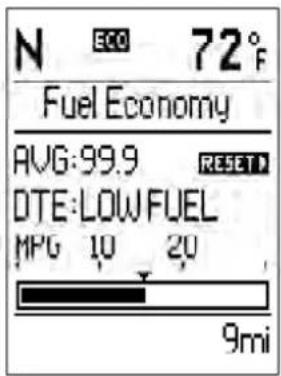
041009379
FuelSaverMode—On
This feature allows you to monitor when you are driving in a fuel efficient manner, and it can be used to modify driving habits in order to increase fuel economy.
DistanceToEmpty(DTE)
Distance To Empty (DTE) Shows the estimated distance that can be traveled with the fuel remaining in the tank. This estimated distance is determined by a weighted average of the instantaneous and average fuel economy, according to the current fuel tank level. DTE cannot be reset through the RETURN button.
NOTE: Significant changes in driving style or vehicle loading will greatly affect the actual drivable distance of the vehicle, regardless of the DTE displayed value.
When the DTE value is less than 10 miles (16 km) estimated driving distance, the DTE display will change to a text display of "LOW FUEL." This display will continue until the vehicle runs out of fuel. Adding a significant amount of fuel to the vehicle will turn off the "LOW FUEL" text and a new DTE value will display.
TripFunctions
Press and release the ODOMETER/TRIP ODOMETER button until one of the following Trip Functions display in the EVIC odometer line:
- Trip A
- Trip B
- Elapsed Time
Press the ODOMETER/TRIP ODOMETER button to cycle through all the Trip Computer functions.
The Trip Functions mode displays the following information:
- Trip A
Shows the total distance traveled for Trip A since the last reset.
278 UNDERSTANDING YOUR INSTRUMENT PANEL
- Trip B
Shows the total distance traveled for Trip B since the last reset.
- Elapsed Time
Shows the total elapsed time of travel since the last reset when the ignition switch is in the ACC position. Elapsed time will increment when the ignition switch is in the ON or START position.
ToResetTheDisplay
Reset will only occur while a resettable function is being displayed. Press (for approximately two seconds) and release the ODOMETER/TRIP ODOMETER button once to clear the resettable function being displayed. To reset all resettable functions, press and release the ODOMETER/TRIP ODOMETER button a second time within three seconds of resetting the currently-displayed function. (Reset ALL will display during this three-second window).
VehicleInfo(CustomerInformationFeatures)
Press and release the UP or DOWN button until "Vehicle Info" displays in the EVIC and press the SELECT button. Press the UP and DOWN button to scroll through the available information displays, then press SELECT to display any one of the following choices.
- Coolant Temp
Displays the actual coolant temperature.
- Oil Pressure
Displays the actual oil pressure.
• Trans Temperature — If Equipped
Displays the actual transmission temperature.
- Trailer Brake — If Equipped
Displays trailer brake output power and trailer brake status indicator.
- Engine Hours
Displays the number of hours of engine operation.
TirePSI
Press and release the UP or DOWN button until "Tire PSI" displays in the EVIC and press the SELECT button. This will display the Tire Pressure Monitor System (shows the current pressure of all four road tires). For additional information, refer to "Tire Pressure Monitor System" in "Starting And Operating".

TirePressureDisplay
041009895
UNDERSTANDING YOUR INSTRUMENT PANEL 279
NOTE:
- Tires heat up during normal driving conditions. Heat will cause the tire pressure to increase from 2 to 6 psi (14 to 41 kPa) during normal driving conditions. Refer to "Tires-General Information/Tire Inflation Pressures" in "Starting And Operating" for additional information.
- Your system can be set to display pressure units in PSI, kPa, or BAR.
Units
Press and release the UP or DOWN button until "Units" displays in the EVIC and press the SELECT button. The EVIC, odometer, and navigation system (if equipped) can be changed between English and Metric units of measure. To make your selection, scroll up or down until the preferred setting is highlighted, then press and release the SELECT button until a check-mark appears next to the setting, showing that the setting has been selected.
280UNDERSTANDINGYOURINSTRUMENTPANEL
Compass/TemperatureDisplay
The compass readings indicate the direction the vehicle is facing. The EVIC will display one of eight compass readings and the outside temperature.
NOTE:
- The system will display the last known outside temperature when starting the vehicle and may need to be driven several minutes before the updated temperature is displayed. Engine temperature can also affect the displayed temperature; therefore, temperature readings are not updated when the vehicle is not moving.
- During snowplow usage on vehicles equipped with outside temperature display, the display may show higher temperatures than the outside ambient temperature. The higher displayed temperature is due to blocked or reduced airflow to the underhood ambient
temperature sensor caused by the snowplow. In addition, on vehicles equipped with Automatic Temperature Control (ATC), it is suggested that the interior cabin temperature be manually controlled should the system not perform as desired while in automatic mode. Both the outside temperature display and ATC operation will return to normal when the snowplow is removed.
AutomaticCompassCalibration
This compass is self-calibrating, which eliminates the need to manually reset the compass. When the vehicle is new, the compass may appear erratic and the EVIC will display CAL until the compass is calibrated. You may also calibrate the compass by completing one or more 360-degree turns (in an area free from large metal or metallic objects) until the CAL indicator displayed in the EVIC turns off. The compass will now function normally.
UNDERSTANDING YOUR INSTRUMENT PANEL 281
NOTE:A good calibration requires a level surface and an environment free from large metallic objects such as buildings, bridges, underground cables, railroad tracks, etc.
ManualCompassCalibration
If the compass appears erratic and the CAL indicator does not appear in the EVIC display, you must put the compass into the Calibration Mode manually, as follows:
- Turn ON the ignition switch.
- Press the UP or DOWN button until the System Setup (Customer-Programmable Features) menu is reached, then press the SELECT button.
-
Press the DOWN button until "Calibrate Compass" is displayed in the EVIC then press and release the SELECT button.
-
Press and release the SELECT button to start the calibration. The "CAL" indicator will be displayed in the EVIC.
- Complete one or more 360-degree turns (in an area free from large metal or metallic objects) until the "CAL" indicator turns off. The compass will now function normally.
CompassVariance
Compass Variance is the difference between Magnetic North and Geographic North. To compensate for the differences the variance should be set for the zone where the vehicle is driven, per the zone map. Once properly set, the compass will automatically compensate for the differences, and provide the most accurate compass heading. For the most accurate compass performance, the compass must be set using the following steps.
282UNDERSTANDING YOUR INSTRUMENT PANEL
NOTE: Keep magnetic materials away from the top of the instrument panel, such as iPod's, Mobile Phones, Laptops and Radar Detectors. This is where the compass module is located, and it can cause interference with the compass sensor, and it may give false readings.
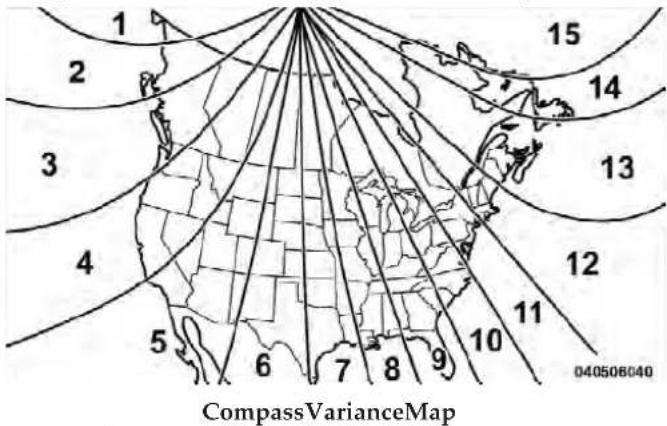
-
Turn the ignition switch ON.
-
Press the UP or DOWN button until the System Setup (Customer-Programmable Features) menu is reached, then press the SELECT button.
- Press the DOWN button until the "Compass Variance" message is displayed in the EVIC, then press the SELECT button. The last variance zone number displays in the EVIC.
- Press and release the SELECT button until the proper variance zone is selected, according to the map.
- Press and release the BACK button to exit.
Customer-ProgrammableFeatures (SystemSetup)
Personal Settings allows you to set and recall features when the transmission is in PARK. If the transmission is out of PARK or the vehicle begins moving, a warning message SYSTEMSETUPNOTAVAILABLE, is followed in three seconds by, VEHICLENOTINPARK.
UNDERSTANDING YOUR INSTRUMENT PANEL 283
Press and release the UP or DOWN button until System Setup displays in the EVIC. Press the SELECT button to enter the System Setup Sub-Menu.
Use the UP or DOWN button to display one of the following choices.
SelectLanguage
When in this display you may select one of five languages for all display nomenclature, including the trip functions and the navigation system (if equipped). Press the UP or DOWN button while in this display and scroll through the language choices. Press the SELECT button to select English, Spanish (Español), French (Français), Italian (Italiano), German (Deutsch), and Dutch (Nederlands). Then, as you continue, the information will display in the selected language.
Nav-TurnByTurn
When this feature is selected, the navigation system utilizes voice commands, guiding through the drive route, mile by mile, turn-by-turn until the final destination is reached. To make your selection, press and release the SELECT button until a check-mark appears next to the feature showing the system has been activated or the check-mark is removed showing the system has been deactivated.
ParkAssistSystem
The Rear Park Assist system will scan for objects behind the vehicle when the transmission is in the REVERSE position and the vehicle speed is less than 11 mph (18 km/h). The system can be enabled with Sound Only, Sound and Display, or turned OFF through the EVIC. To make your selection, scroll up or down until the preferred setting is highlighted, then press and release the SELECT button until a check-mark appears next to the setting, showing that the setting has been selected. Refer to "Rear Park Assist System" in "Understanding The Features Of Your Vehicle" for system function and operating information.
284UNDERSTANDINGYOURINSTRUMENTPANEL
AutoUnlockDoors
When this feature is selected, all doors will unlock when the vehicle is stopped and the transmission is in the PARK or NEUTRAL position and the driver's door is opened. To make your selection, press and release the SELECT button until a check-mark appears next to the feature showing the system has been activated, or the check-mark is removed showing the system has been deactivated.
RemoteUnlockSequence
When UnlockDriverDoorOnlyOn1stPressis selected, only the driver's door will unlock on the first press of the RKE transmitter UNLOCK button. When Driver Door 1st Press is selected, you must press the RKE transmitter UNLOCK button twice to unlock the passenger's doors. When UnlockAllDoorsOn1stPressis selected, all of the doors will unlock on the first press of the RKE transmitter UNLOCK button. To make your selection, scroll up or down until the preferred setting is highlighted, then press and release the SELECT button until a check-mark appears next to the setting, showing that the setting has been selected.
RKELinkedToMemory
When this feature is selected the memory seat, mirror, pedals, and radio settings will return to the memory set position when the RKE transmitter UNLOCK button is pressed. If this feature is not selected then the memory seat, mirror, and radio settings can only return to the memory set position using the seat mounted switch. To make your selection, press and release the SELECT button until a check-mark appears next to the feature showing the system has been activated or the check-mark is removed showing the system has been deactivated.
RemoteStartComfortSys.
When this feature is selected and the remote start is activated, the heated steering wheel and driver heated
seat features will automatically turn on when temperatures are below 40° F ( 4.4° C). When temperatures are above 80° F ( 26.7° C) the driver vented seat will turn on when remote start is activated. These features will stay on through the duration of remote start or until the key is turned to RUN. To make your selection, press and release the SELECT button until a check-mark appears next to the feature showing the system has been activated or the check-mark is removed showing the system has been deactivated.
HornWithRemoteStart
When this feature is selected, a short horn sound will occur when the RKE transmitter REMOTE START button is pressed. To make your selection, press and release the SELECT button until a check-mark appears next to the feature showing the system has been activated or the check-mark is removed showing the system has been deactivated.
SoundHornWithLock
When this feature is selected, a short horn sound will occur when the RKE transmitter LOCK button is pressed. This feature may be selected with or without the Flash Lamps with Lock feature. To make your selection, press and release the SELECT button until a check-mark appears next to the feature showing the system has been activated or the check-mark is removed showing the system has been deactivated.
FlashLampsWithLock
When this feature is selected, the front and rear turn signals will flash when the doors are locked or unlocked with the RKE transmitter. This feature may be selected with or without the sound horn on lock feature selected. To make your selection, press and release the SELECT button until a check-mark appears next to the feature showing the system has been activated or the check-mark is removed showing the system has been deactivated.
HeadlampOffDelay
When this feature is selected, the driver can choose to have the headlights remain on for 0, 30, 60, or 90 seconds when exiting the vehicle. To make your selection, scroll up or down until the preferred setting is highlighted, then press and release the SELECT button until a checkmark appears next to the setting, showing that the setting has been selected.
HeadlampsWithWipers
When this feature is selected and the HEADLIGHT switch is in the AUTO position, the headlights will turn on approximately 10 seconds after the wipers are turned on. The headlights will also turn off when the wipers are turned off if they were turned on by this feature. To make your selection, press and release the SELECT button until a check-mark appears next to the feature showing the system has been activated or the check-mark is removed showing the system has been deactivated.
AutomaticHighBeams—IfEquipped
When this feature is selected, the high beam headlights will deactivate automatically under certain conditions. To make your selection, press and release the SELECT button until a check-mark appears next to the feature showing the system has been activated or the check-mark is removed showing the system has been deactivated. Refer to "Lights/SmartBeam™ — If Equipped" in "Understanding The Features Of Your Vehicle" for further information.
IntermittentWiperOptions—IfEquipped
When this feature is selected, the system will automatically activate the windshield wipers if it senses moisture on the windshield. To make your selection, press and release the SELECT button until a check-mark appears next to the feature showing the system has been activated or the check-mark is removed showing the system has been deactivated. When this feature is deactivated, the system reverts to the standard intermittent wiper operation.
UNDERSTANDING YOUR INSTRUMENT PANEL287
EasyEntry/ExitSeat—IfEquipped
When this feature is selected it provides automatic driver seat positioning to enhance driver mobility when entering and exiting the vehicle. To make your selection, press and release the SELECT button until a check-mark appears next to the feature showing the system has been activated or the check-mark is removed showing the system has been deactivated.
NOTE: The seat will return to the memorized seat location (if Recall Memory with Remote Key Unlock is set to ON) when the RKE transmitter is used to unlock the door. Refer to "Driver Memory Seat" in "Understanding The Features Of Your Vehicle" for further information.
Key-OffPowerDelay
When this feature is selected, the power window switches, radio, hands-free system (if equipped), DVD video system (if equipped), power sunroof (if equipped), and power outlets will remain active for up to 10 minutes after the ignition switch is turned OFF. Opening either front vehicle door will cancel this feature. To make your selection, scroll up or down until the preferred setting is highlighted, then press and release the SELECT button until a check-mark appears next to the setting, showing that the setting has been selected.
IlluminatedApproach
When this feature is selected, the headlights will activate and remain on for 0, 30, 60, or 90 seconds when the doors are unlocked with the RKE transmitter. To make your selection, scroll up or down until the preferred setting is highlighted, then press and release the SELECT button until a check-mark appears next to the setting, showing that the setting has been selected.
HillStartAssist(HSA)
When on is selected, the HSA system is active. Refer to "Electronic Brake Control System" in "Starting And
288UNDERSTANDING YOUR INSTRUMENTPANEL
Operating" for system function and operating information. To make your selection, press and release the SELECT button until a check-mark appears next to the feature showing the system has been activated or the check-mark is removed showing the system has been deactivated.
DisplayFuelSaver—IfEquipped
The "Fuel Saver Mode" message is located in the Compass/Temperature display; this message can be turned on or off. To make your selection, press and release the SELECT button until a check-mark appears next to the feature showing the system has been activated or the check-mark is removed showing the system has been deactivated.
TrailerBrakeType
When this feature is selected, the Trailer Brake Type can be changed between "Light Electric" and "Heavy Electric". To make your selection, scroll up or down until the preferred setting is highlighted, then press and release the SELECT button until a check-mark appears next to the setting, showing that the setting has been selected. Refer to "Integrated Trailer Brake Module" in "Starting And Operating."
CalibrateCompass
Refer to "Compass Display" for more information.
CompassVariance
Refer to "Compass Display" for more information.
MEDIACENTER730N/430/430N(RHR/RER/RBZ/RHB)CD/DVD/HDD/NAV—IFEQUIPPED
NOTE: The sales code is located on the lower right side of the unit's faceplate.
Refer to your Uconnect™ Multimedia RHR, RER, RBZ or RHB user's manual for detailed operating instructions.
OperatingInstructions(VoiceCommandSystem)—IfEquipped
Refer to "Voice Command" in the Uconnect™ User Manual located on the DVD for further details.
OperatingInstructions(Uconnect™Phone)—If Equipped
Refer to "Uconnect™ Phone" in the Uconnect™ User Manual located on the DVD for further details.
MEDIACENTER130(SALESCODERES)
NOTE: The radio sales code is located on the lower right side of the radio faceplate.
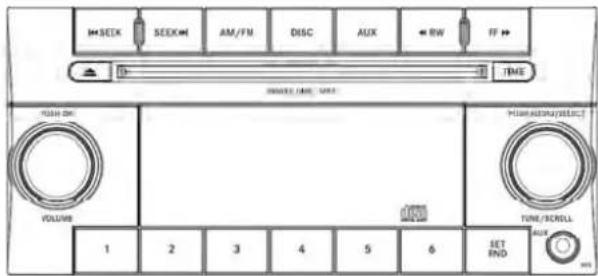
042305232
MediaCenter130(RES)
OperatingInstructions—RadioMode
NOTE: The ignition switch must be in the ON or ACC position to operate the radio.
290 UNDERSTANDING YOUR INSTRUMENT PANEL
PowerSwitch/VolumeControl(Rotary)
Push the ON/VOLUME control knob to turn on the radio. Push the ON/VOLUME control knob a second time to turn off the radio.
ElectronicVolumeControl
The electronic volume control turns continuously (360 degrees) in either direction, without stopping. Turning the ON/VOLUME control knob to the right increases the volume, and to the left decreases it.
When the audio system is turned on, the sound will be set at the same volume level as last played.
SEEKButtons
Press and release the SEEK buttons to search for the next listenable station in AM/FM mode. Press the right switch to seek up and the left switch to seek down. The radio will remain tuned to the new station until you make another selection. Holding either button will bypass stations without stopping, until you release it.
TIMEButton
Press the TIME button to alternate display of the time and radio frequency.
ClockSettingProcedure
- Press and hold the TIME button until the hours blink.
- Adjust the hours by turning the right side TUNE/SCROLL control knob.
- After adjusting the hours, press the right side TUNE/SCROLL control knob to set the minutes. The minutes will begin to blink.
- Adjust the minutes using the right side TUNE/SCROLL control knob. Press the TUNE/SCROLL control knob to save time change.
- To exit, press any button/knob, or wait five seconds.
UNDERSTANDING YOUR INSTRUMENT PANEL 291
RW/FF
Pressing the RW (Rewind) or FF (Fast Forward) buttons causes the tuner to search for the next frequency in the direction of the arrows. This feature operates in either AM or FM frequencies.
TUNEControl
Turn the rotary TUNE/SCROLL control knob clockwise to increase or counterclockwise to decrease the frequency.
SettingtheTone,Balance,andFade
Push the rotary TUNE/SCROLL control knob and BASS will display. Turn the TUNE/SCROLL control knob to the right or left to increase or decrease the bass tones.
Push the rotary TUNE/SCROLL control knob a second time and MID will display. Turn the TUNE/SCROLL control knob to the right or left to increase or decrease the mid-range tones.
Push the rotary TUNE/SCROLL control knob a third time and TREBLE will display. Turn the TUNE/SCROLL control knob to the right or left to increase or decrease the treble tones.
Push the rotary TUNE/SCROLL control knob a fourth time and BALANCE will display. Turn the TUNE/ SCROLL control knob to the right or left to adjust the sound level from the right or left side speakers.
Push the rotary TUNE/SCROLL control knob a fifth time and FADE will display. Turn the TUNE/SCROLL control knob to the left or right to adjust the sound level between the front and rear speakers.
Push the rotary TUNE/SCROLL control knob again to exit setting tone, balance, and fade.
AM/FMButton
Press the buttons to select either AM or FM mode.
292UNDERSTANDINGYOURINSTRUMENTPANEL
SET/RNDButton—ToSetthePushbutton Memory
When you are receiving a station that you wish to commit to pushbutton memory, press the SET/RND button. The symbol SET 1 will now show in the display window. Select the button (1 to 6) you wish to lock onto this station and press and release that button. If a button is not selected within five seconds after pressing the SET/RND button, the station will continue to play but will not be stored into pushbutton memory.
You may add a second station to each pushbutton by repeating the above procedure with this exception: Press the SET/RND button twice and SET 2 will show in the display window. Each button can be set for SET 1 and SET 2 in both AM and FM. This allows a total of 12 AM and 12 FM stations to be stored into pushbutton memory. The stations stored in SET 2 memory can be selected by pressing the pushbutton twice.
Every time a preset button is used, a corresponding button number will display.
Buttons 1 - 6
These buttons tune the radio to the stations that you commit to pushbutton memory (12 AM and 12 FM stations).
DISCButton
Pressing the DISC button will allow you to switch from AM/FM modes to Disc modes.
OperationInstructions—CDMODEForCDAndMP3AudioPlay
NOTE:
- The ignition switch must be in the ON or ACC position to operate the radio.
- This radio is capable of playing compact discs (CD), recordable compact discs (CD-R), rewritable compact discs (CD-RW), compact discs with MP3 tracks and multisession compact discs with CD and MP3 tracks.
InsertingCompactDisc(s)
Gently insert one CD into the CD player with the CD label facing up. The CD will automatically be pulled into the CD player and the CD icon will illuminate on the radio display. If a CD does not go into the slot more than 1.0 in (2.5 cm), a disc may already be loaded and must be ejected before a new disc can be loaded.
If you insert a disc with the ignition ON and the radio ON, the unit will switch from radio to CD mode and begin to play when you insert the disc. The display will show the track number, and index time in minutes and seconds. Play will begin at the start of track 1.
CAUTION!
- ThisCDplayerwillaccept4-3/4in(12cm)discs only. Theuseofothersizeddiscsmaydamagethe CDplayermechanism.
- Donotuseadhesivelabels.Theselabelscanpeel awayandjamtheplayermechanism.
- TheRESMediaCenterisasingleCDplayer.Do notattempttoinsertasecondCDifoneisalready loaded.
EJECTButton-EjectingaCD

Press the EJECT button to eject the CD.
If you have ejected a disc and have not removed it within 10 seconds, it will be reloaded. If the CD is not removed, the radio will reinsert the CD but will not play it.
A disc can be ejected with the radio and ignition OFF.
294UNDERSTANDINGYOURINSTRUMENTPANEL
NOTE: Ejecting with the ignition OFF is not allowed on convertible or soft-top models (if equipped).
SEEKButton
Press the right SEEK button for the next selection on the CD. Press the left SEEK button to return to the beginning of the current selection, or return to the beginning of the previous selection if the CD is within the first second of the current selection. Pressing and holding the SEEK button will allow faster scrolling through the tracks in CD and MP3 modes.
TIMEButton
Press this button to change the display from a large CD playing time display to a small CD playing time display.
RW/FF
Press and hold the FF (Fast Forward) button and the CD player will begin to fast forward until FF is released, or RW or another CD button is pressed. The RW (Reverse) button works in a similar manner.
AM/FMButton
Press the button to select either AM or FM mode.
SET/RNDButton(RandomPlayButton)
Press this button while the CD is playing to activate Random Play. This feature plays the selections on the compact disc in random order to provide an interesting change of pace.
Press the right SEEK button to move to the next randomly selected track.
Press the RND button a second time to stop Random Play.
NotesonPlayingMP3Files
The radio can play MP3 files; however, acceptable MP3 file recording media and formats are limited. When writing MP3 files, pay attention to the following restrictions.
UNDERSTANDING YOUR INSTRUMENT PANEL 295
SupportedMedia(DiscTypes)
The MP3 file recording media supported by the radio are CDDA, CD-R, CD-RW, MP3, and CDDA+MP3.
SupportedMediumFormats(FileSystems)
The medium formats supported by the radio are ISO 9660 Level 1 and Level 2 and includes the Joliet extension. When reading discs recorded using formats other than ISO 9660 Level 1 and Level 2, the radio may fail to read files properly and may be unable to play the file normally. UDF and Apple HFS formats are not supported.
The radio uses the following limits for file systems:
• Maximum number of folder levels: 8
• Maximum number of files: 255
- Maximum number of folders. (The radio display of file names and folder names is limited. For large numbers of files and/or folders, the radio may be unable to display the file name and folder name, and will assign
a number instead. With a maximum number of files, exceeding 20 folders will result in this display. With 200 files, exceeding 50 folders will result in this display.)
• Maximum number of characters in file/folder names:
- Level 1: 12 (including a separator "." and a three-character extension)
- Level 2: 31 (including a separator "." and a three-character extension)
Multisession disc formats are supported by the radio. Multisession discs may contain combinations of normal CD audio tracks and computer files (including MP3 files). Discs created with an option such as "keep disc open after writing" are most likely multisession discs. The use of multisession for CD audio or MP3 playback may result in longer disc loading times.
296UNDERSTANDINGYOURINSTRUMENTPANEL
SupportedMP3FileFormats
The radio will recognize only files with the *.MP3 extension as MP3 files. Non-MP3 files named with the *.MP3 extension may cause playback problems. The radio is designed to recognize the file as an invalid MP3 and will not play the file.
When using the MP3 encoder to compress audio data to an MP3 file, the bit rate and sampling frequencies in the following table are supported. In addition, variable bit rates (VBR) are also supported. The majority of MP3 files use a 44.1 kHz sampling rate and a 192, 160, 128, 96 or VBR bit rate.
| MPEG Specification | SamplingFrequency(kHz) | BitRate(kbps) |
| MPEG-1 Audio Layer 3 | 48, 44.1, 32 | 320, 256, 224, 192, 160, 128, 112, 96, 80, 64, 56, 48, 40, 32 |
| MPEG-2 Audio Layer 3 | 24, 22.05, 16 | 160, 128, 144, 112, 96, 80, 64, 56, 48, 40, 32, 24, 16, 8 |
ID3 Tag information for artist, song title, and album title are supported for version 1 ID3 tags. ID3 version 2 is not supported by the radios.
Playlist files are not supported. MP3 Pro files are not supported.
PlaybackofMP3Files
When a medium containing MP3 data is loaded, the radio checks all files on the medium. If the medium contains a lot of folders or files, the radio will take more time to start playing the MP3 files.
Loading times for playback of MP3 files may be affected by the following:
• Media - CD-RW media may take longer to load than CD-R media
- Medium formats - Multisession discs may take longer to load than non-multisession discs
- Number of files and folders - Loading times will increase with more files and folders
To increase the speed of disc loading, it is recommended to use CD-R media and single-session discs. To create a single-session disc, enable the “Disc at Once” option before writing to the disc.
OperationInstructions-AuxiliaryMode
The auxiliary (AUX) jack is an audio input jack, which allows the user to plug in a portable device, such as an MP3 player, or cassette player, and utilize the vehicle's audio system to amplify the source and play through the vehicle speakers.
Pressing the DISC/AUX button will change the mode to auxiliary device if the AUX jack is connected.
NOTE: The AUX device must be turned on and the device's volume set to proper level. If the AUX audio is not loud enough, turn the device's volume up. If the AUX audio sounds distorted, turn the device's volume down.
TIMEButton(AuxiliaryMode)
Press this button to change the display to time of day. The time of day will display for five seconds (when ignition is OFF).
298UNDERSTANDINGYOURINSTRUMENTPANEL
MEDIACENTER130WITHSATELLITERADIO (SALESCODERES+RSC)
NOTE: The radio sales code is located on the lower right side of the radio faceplate.

042340030
MediaCenter130(RES/RSC)
OperatingInstructions—RadioMode
NOTE: The ignition switch must be in the ON/RUN or ACC position to operate the radio.
PowerSwitch/VolumeControl(Rotary)
Push the ON/VOLUME control knob to turn on the radio. Push the ON/VOLUME control knob a second time to turn off the radio.
ElectronicVolumeControl
The electronic volume control turns continuously (360 degrees) in either direction without stopping. Turning the ON/VOLUME control knob to the right increases the volume and to the left decreases it.
When the audio system is turned on, the sound will be set at the same volume level as last played.
SEEKButtons
Press and release the SEEK buttons to search for the next listenable station in AM/FM mode. Press the right switch
to seek up and the left switch to seek down. The radio will remain tuned to the new station until you make another selection. Holding either button will bypass stations without stopping until you release it.
VoiceCommandSystem(Radio)—IfEquipped
Refer to "Voice Command" in the Uconnect™ User Manual located on the DVD for further details.
VoiceCommandButtonUconnect™Phone—If Equipped
Press this button to operate the Uconnect™ Phone feature (if equipped). Refer to "Voice Command" in the Uconnect™ User Manual located on the DVD for further details.
If your vehicle is not equipped with or this feature is not available on your vehicle, a "Not Equipped With Uconnect Phone" message will display on the radio screen.
PhoneButtonUconnect™Phone—IfEquipped
Press this button to operate the Uconnect™ Phone feature (if equipped). Refer to "Uconnect™ Phone" in the Uconnect™ User Manual located on the DVD for further details.
If your vehicle is not equipped with or this feature is not available on your vehicle, a "Not Equipped With Uconnect Phone" message will display on the radio screen.
TIMEButton
Press the TIME button to alternate display of the time and radio frequency.
ClockSettingProcedure
- Press and hold the TIME button until the hours blink.
- Adjust the hours by turning the right side TUNE/SCROLL control knob.
300UNDERSTANDING YOUR INSTRUMENTPANEL
- After adjusting the hours, press the right side TUNE/SCROLL control knob to set the minutes. The minutes will begin to blink.
- Adjust the minutes using the right side TUNE/SCROLL control knob. Press the TUNE/SCROLL control knob to save time change.
- To exit, press any button/knob or wait five seconds.
The clock can also be set by pressing the SETUP button. For vehicles equipped with satellite radio, press the SETUP button, use the TUNE/SCROLL control to select SET CLOCK, and then follow the above procedure, starting at Step 2. For vehicles not equipped with satellite radio, press the SETUP button and then follow the above procedure, starting at Step 2.
INFOButton
Press the INFO button for an RDS station (one with call letters displayed). The radio will return a Radio Text message broadcast from an FM station (FM mode only).
RW/FF
Pressing the RW (Rewind) or FF (Fast Forward) buttons causes the tuner to search for the next frequency in the direction of the arrows. This feature operates in either AM or FM frequencies.
TUNEControl
Turn the rotary TUNE/SCROLL control knob clockwise to increase or counterclockwise to decrease the frequency.
SettingtheTone,Balance,andFade
Push the rotary TUNE/SCROLL control knob and BASS will display. Turn the TUNE/SCROLL control knob to the right or left to increase or decrease the bass tones.
Push the rotary TUNE/SCROLL control knob a second time and MID will display. Turn the TUNE/SCROLL control knob to the right or left to increase or decrease the mid-range tones.
Push the rotary TUNE/SCROLL control knob a third time and TREBLE will display. Turn the TUNE/SCROLL control knob to the right or left to increase or decrease the treble tones.
Push the rotary TUNE/SCROLL control knob a fourth time and BALANCE will display. Turn the TUNE/SCROLL control knob to the right or left to adjust the sound level from the right or left side speakers.
Push the rotary TUNE/SCROLL control knob a fifth time and FADE will display. Turn the TUNE/SCROLL control knob to the left or right to adjust the sound level between the front and rear speakers.
Push the rotary TUNE/SCROLL control knob again to exit setting tone, balance, and fade.
MUSICTYPEButton
Pressing this button once will turn on the Music Type mode for five seconds. Pressing the MUSIC TYPE button or turning the TUNE/SCROLL control knob within five seconds will allow the program format type to be selected. Many radio stations do not currently broadcast Music Type information.
Toggle the MUSIC TYPE button to select the following format types:
| ProgramType16-DigitCharacterDisplay | |
| No program type or undefined | None |
| Adult Hits Adlt Hit | |
| Classical Classicl | |
| Classic Rock Cls Rock | |
| College | College |
| Country | Country |
| Foreign Language | Language |
| Information Inform | |
| Jazz Jazz | |
| News News | |
| Nostalgia Nostalga | |
| Oldies Oldies | |
| Personality Persnity | |
| Public Public | |
| Rhythm and Blues R & B | |
| Religious Music Rel Musc | |
| Religious Talk Rel Talk | |
| Rock Rock | |
| Soft Soft | |
| Soft Rock Soft Rck | |
| Soft Rhythm and Blues | Soft R&B |
| Sports | Sports |
| Talk | Talk |
| ProgramType16-DigitCharacterDisplay | |
| Top 40 | Top 40 |
| Weather | Weather |
By pressing the SEEK button when the Music Type icon is displayed, the radio will be tuned to the next frequency station with the same selected Music Type name. The Music Type function only operates when in the FM mode.
If a preset button is activated while in the Music Type (Program Type) mode, the Music Type mode will be exited and the radio will tune to the preset station.
SETUPButton
Pressing the SETUP button allows you to select between the following items:
- Set Clock — Pressing the SELECT button will allow you to set the clock. Adjust the hours by turning the TUNE/SCROLL control knob. After adjusting the
hours, press the TUNE/SCROLL control knob to set the minutes. The minutes will begin to blink. Adjust the minutes using the right side TUNE/SCROLL control knob. Press the TUNE/SCROLL control knob to save time change.
AM/FMButton
Press the button to select either AM or FM mode.
SET/RNDButton—ToSetthePushbutton Memory
When you are receiving a station that you wish to commit to pushbutton memory, press the SET/RND button. The symbol SET 1 will now show in the display window. Select the button (1–6) you wish to lock onto this station and press and release that button. If a button is not selected within five seconds after pressing the SET/RND button, the station will continue to play but will not be stored into pushbutton memory.
UNDERSTANDING YOUR INSTRUMENT PANEL
You may add a second station to each pushbutton by repeating the above procedure with this exception: Press the SET/RND button twice and SET 2 will show in the display window. Each button can be set for SET 1 and SET 2 in both AM and FM. This allows a total of 12 AM and 12 FM stations to be stored into pushbutton memory. The stations stored in SET 2 memory can be selected by pressing the pushbutton twice.
Every time a preset button is used, a corresponding button number will display.
Buttons 1 - 6
These buttons tune the radio to the stations that you commit to pushbutton memory (12 AM and 12 FM stations).
DISC/AUXButton
Pressing the DISC/AUX button will allow you to switch from AM/FM modes to DISC/AUX mode.
304UNDERSTANDINGYOURINSTRUMENTPANEL
OperationInstructions—CDMODEforCDand MP3AudioPlay
NOTE:
- The ignition switch must be in the ON/RUN or ACC position to operate the radio.
- This radio is capable of playing compact discs (CD), recordable compact discs (CD-R), rewritable compact discs (CD-RW), compact discs with MP3 tracks and multisession compact discs with CD and MP3 tracks.
InsertingCompactDisc(s)
Gently insert one CD into the CD player with the CD label facing up. The CD will automatically be pulled into the CD player and the CD icon will illuminate on the radio display. If a CD does not go into the slot more than 1.0 in (2.5 cm), a disc may already be loaded and must be ejected before a new disc can be loaded.
If you insert a disc with the ignition ON/RUN and the radio ON, the unit will switch from radio to CD mode and begin to play when you insert the disc. The display will show the track number, and index time in minutes and seconds. Play will begin at the start of track 1.
CAUTION!
- ThisCDplayerwillaccept4–3/4in(12cm)discs only. Theuseofothersizeddiscsmaydamagethe CDplayermechanism.
- Donotuseadhesivelabels.Theselabelscanpeel awayandjamtheplayermechanism.
- TheRESMediaCenterisasingleCDplayer.Do notattempttoinsertasecondCDifoneisalready loaded.
EJECTButton-EjectingaCD

Press the EJECT button to eject the CD.
If you have ejected a disc and have not removed it within 10 seconds, it will be reloaded. If the CD is not removed, the radio will reinsert the CD but will not play it.
A disc can be ejected with the radio and ignition OFF.
NOTE: Ejecting with the ignition OFF is not allowed on convertible or soft-top models (if equipped).
SEEKButton
Press the right SEEK button for the next selection on the CD. Press the left SEEK button to return to the beginning of the current selection, or return to the beginning of the previous selection if the CD is within the first second of the current selection. Pressing and holding the SEEK button will allow faster scrolling through the tracks in CD and MP3 modes.
TIMEButton
Press this button to change the display from a large CD playing time display to a small CD playing time display.
RW/FF
Press and hold FF (Fast Forward) and the CD player will begin to fast forward until FF is released or RW or another CD button is pressed. The RW (Reverse) button works in a similar manner.
AM/FMButton
Press the button to select either AM or FM mode.
SET/RNDButton(RandomPlayButton)
Press this button while the CD is playing to activate Random Play. This feature plays the selections on the compact disc in random order to provide an interesting change of pace.
Press the right SEEK button to move to the next randomly selected track.
Press the SET/RND button a second time to stop Random Play.
306UNDERSTANDINGYOURINSTRUMENTPANEL
NotesOnPlayingMP3Files
The radio can play MP3 files; however, acceptable MP3 file recording media and formats are limited. When writing MP3 files, pay attention to the following restrictions.
SupportedMedia(DiscTypes)
The MP3 file recording media supported by the radio are CDDA, CD-R, CD-RW, MP3, and CDDA+MP3.
SupportedMediumFormats(FileSystems)
The medium formats supported by the radio are ISO 9660 Level 1 and Level 2 and includes the Joliet extension. When reading discs recorded using formats other than ISO 9660 Level 1 and Level 2, the radio may fail to read files properly and may be unable to play the file normally. UDF and Apple HFS formats are not supported.
The radio uses the following limits for file systems:
• Maximum number of folder levels: 8
• Maximum number of files: 255
- Maximum number of folders. (The radio display of file names and folder names is limited. For large numbers of files and/or folders, the radio may be unable to display the file name and folder name and will assign a number instead. With a maximum number of files, exceeding 20 folders will result in this display. With 200 files, exceeding 50 folders will result in this display.)
• Maximum number of characters in file/folder names:
- Level 1: 12 (including a separator "." and a three-character extension)
- Level 2: 31 (including a separator "." and a three-character extension)
Multisession disc formats are supported by the radio. Multisession discs may contain combinations of normal CD audio tracks and computer files (including MP3 files).
UNDERSTANDING YOUR INSTRUMENT PANEL 307
Discs created with an option such as "keep disc open after writing" are most likely multisession discs. The use of multisession for CD audio or MP3 playback may result in longer disc loading times.
SupportedMP3FileFormats
The radio will recognize only files with the *.MP3 extension as MP3 files. Non-MP3 files named with the *.MP3 extension may cause playback problems. The radio is designed to recognize the file as an invalid MP3 and will not play the file.
When using the MP3 encoder to compress audio data to an MP3 file, the bit rate and sampling frequencies in the following table are supported. In addition, variable bit rates (VBR) are also supported. The majority of MP3 files use a 44.1 kHz sampling rate and a 192, 160, 128, 96 or VBR bit rates.
| MPEG Specification | SamplingFrequency(kHz) | BitRate(kbps) |
| MPEG-1 Audio Layer 3 | 48, 44.1, 32 | 320, 256, 224, 192, 160, 128, 112, 96, 80, 64, 56, 48, 40, 32 |
| MPEG-2 Audio Layer 3 | 24, 22.05, 16 | 160, 128, 144, 112, 96, 80, 64, 56, 48, 40, 32, 24, 16, 8 |
ID3 Tag information for artist, song title, and album title are supported for version 1 ID3 tags. ID3 version 2 is not supported by the radios.
Playlist files are not supported. MP3 Pro files are not supported.
308UNDERSTANDINGYOURINSTRUMENTPANEL
PlaybackofMP3Files
When a medium containing MP3 data is loaded, the radio checks all files on the medium. If the medium contains a lot of folders or files, the radio will take more time to start playing the MP3 files.
Loading times for playback of MP3 files may be affected by the following:
• Media - CD-RW media may take longer to load than CD-R media
- Medium formats - Multisession discs may take longer to load than non-multisession discs
- Number of files and folders - Loading times will increase with more files and folders
To increase the speed of disc loading, it is recommended to use CD-R media and single-session discs. To create a single-session disc, enable the “Disc at Once” option before writing to the disc.
LISTButton(CDModeforMP3Play)
Pressing the LIST button will bring up a list of all folders on the disc. Scrolling up or down the list is done by turning the TUNE/SCROLL control knob. Selecting a folder by pressing the TUNE/SCROLL control knob will begin playing the files contained in that folder (or the next folder in sequence if the selection does not contain playable files).
The folder list will time out after five seconds.
INFOButton(CDModeforMP3Play)
Pressing the INFO button repeatedly will scroll through the following TAG information: Song Title, Artist, File Name, and Folder Name (if available).
Press the INFO button once more to return to "elapsed time" priority mode.
Press and hold the INFO button for three seconds or more and the radio will display song titles for each file.
Press and hold the INFO button again for three seconds to return to "elapsed time" display.
OperationInstructions-AuxiliaryMode
The auxiliary (AUX) jack is an audio input jack which allows the user to plug in a portable device such as an MP3 player or cassette player and utilize the vehicle's audio system to amplify the source and play through the vehicle speakers.
Pressing the AUX button will change the mode to auxiliary device if the AUX jack is connected.
NOTE: The AUX device must be turned on and the device's volume set to the proper level. If the AUX audio is not loud enough, turn the device's volume up. If the AUX audio sounds distorted, turn the device's volume down.
TIMEButton(AuxiliaryMode)
Press this button to change the display to time of day. The time of day will display for five seconds (when the ignition is OFF).
Uconnect™Multimedia(SatelliteRadio)—If Equipped
Satellite radio uses direct satellite-to-receiver broadcasting technology to provide clear digital sound, coast to coast. The subscription service provider is Sirius Satellite Radio. This service offers over 130 channels of music, sports, news, entertainment, and programming for children, directly from its satellites and broadcasting studios.
NOTE:Sirius service is not available in Hawaii and has limited coverage in Alaska.
SystemActivation
Sirius Satellite Radio service is pre-activated, and you may begin listening immediately to the one year of audio service that is included with the factory-installed satellite
310 UNDERSTANDING YOUR INSTRUMENT PANEL
radio system in your vehicle. Sirius will supply a welcome kit that contains general information, including how to setup your on-line listening account. For further information, call the toll-free number 888-539-7474, or visit the Sirius web site at www.sirius.com, or at www.siriuscanada.ca for Canadian residents.
ElectronicSerialNumber/SiriusIdentification Number(ESN/SID)
Please have the following information available when calling:
- The Electronic Serial Number/Sirius Identification Number (ESN/SID).
- Your Vehicle Identification Number.
To access the ESN/SID, refer to the following steps:
ESN/SIDAccess
With the ignition switch in the ON/RUN or ACC position and the radio on, press the SETUP button and scroll using the TUNE/SCROLL control knob until Sirius ID is selected. Press the TUNE/SCROLL control knob and the Sirius ID number will display. The Sirius ID number display will time out in two minutes. Press any button on the radio to exit this screen.
SelectingUconnect™Multimedia(Satellite)Mode
Press the SAT button until "SAT" appears in the display. A CD may remain in the radio while in the Satellite radio mode.
SatelliteAntenna
To ensure optimum reception, do not place items on the roof around the rooftop antenna location. Metal objects placed within the line of sight of the antenna will cause decreased performance. Larger luggage items such as bikes should be placed as far rearward as possible, within the loading design of the rack. Do not place items directly on or above the antenna.
UNDERSTANDING YOURINSTRUMENT PANEL 311
ReceptionQuality
Satellite reception may be interrupted due to one of the following reasons:
- The vehicle is parked in an underground parking structure or under a physical obstacle.
- Dense tree coverage may interrupt reception in the form of short audio mutes.
- Driving under wide bridges or along tall buildings can cause intermittent reception.
- Placing objects over or too close to the antenna can cause signal blockage.
OperatingInstructions-Uconnect™Multimedia (Satellite)Mode
NOTE: The ignition switch must be in the ON/RUN or ACC position to operate the radio.
SEEKButtons
Press and release the SEEK buttons to search for the next channel in Satellite mode. Press the right switch to seek up and the left switch to seek down. The radio will remain tuned to the new channel until you make another selection. Holding either button will bypass channels without stopping until you release it.
SCANButton
Pressing the SCAN button causes the tuner to search for the next channel, pausing for eight seconds before continuing to the next. To stop the search, press the SCAN button a second time.
INFOButton
Pressing the INFO button will cycle the display information between Artist, Song Title, and Composer (if available). Also, pressing and holding the INFO button for an additional three seconds will make the radio display the Song Title all of the time (press and hold again to return to normal display).
312 UNDERSTANDING YOUR INSTRUMENT PANEL
RW/FF
Pressing the RW (Rewind) or FF (Fast Forward) buttons causes the tuner to search for the next channel in the direction of the arrows.
TUNEControl(Rotary)
Turn the rotary TUNE/SCROLL control knob clockwise to increase or counterclockwise to decrease the channel.
MUSICTYPEButton
Pressing this button once will turn on the Music Type mode for five seconds. Pressing the MUSIC TYPE button or turning the TUNE/SCROLL control knob within five seconds will allow the program format type to be selected.
Toggle the MUSIC TYPE button again to select the music type.
By pressing the SEEK button when the Music Type function is active, the radio will be tuned to the next channel with the same selected Music Type name.
If a preset button is activated while in the Music Type (Program Type) mode, the Music Type mode will be exited and the radio will tune to the preset channel.
SETUPButton
Pressing the SETUP button allows you to select the following items:
- Display Sirius ID number — Press the AUDIO/SELECT button to display the Sirius ID number. This number is used to activate, deactivate, or change the Sirius subscription.
SETButton-ToSetthePushbuttonMemory
When you are receiving a channel that you wish to commit to pushbutton memory, press the SET button. The symbol SET 1 will now show in the display window.
Select the button (1-6) you wish to lock onto this channel and press and release that button. If a button is not selected within five seconds after pressing the SET button, the channel will continue to play but will not be stored into pushbutton memory.
You may add a second channel to each pushbutton by repeating the above procedure with this exception: Press the SET button twice and SET 2 will show in the display window. Each button can be set for SET 1 and SET 2. This allows a total of 12 Satellite channels to be stored into pushbutton memory. The channels stored in SET 2 memory can be selected by pressing the pushbutton twice.
Every time a preset button is used, a corresponding button number will display.
Buttons 1 - 6
These buttons tune the radio to the channels that you commit to pushbutton memory (12 Satellite stations).
OperatingInstructions(Uconnect™Phone)—If Equipped
Refer to "Uconnect™ Phone" in the Uconnect™ User Manual located on the DVD for further details.
iPod®/USB/MP3CONTROL—IFEQUIPPED
NOTE: This section is for sales code RES and REQ/REL/RET radios only with Uconnect™. For sales code RBZ/RHB, RHR, RHP, RHW or RB2 touch-screen radio iPod®/USB/MP3 control feature, refer to the separate RBZ/RHB, RHR, RHP, RHW or RB2 User's Manual. iPod®/USB/MP3 control is available only if equipped as an option with these radios.
This feature allows an iPod ® or external USB device to be plugged into the USB port, located in the glove compartment.
314UNDERSTANDINGYOURINSTRUMENTPANEL
iPod® control supports Mini, 4G, Photo, Nano, 5G iPod® and iPhone® devices. Some iPod® software versions may not fully support the iPod® control features. Please visit Apple's website for software updates.
NOTE:
- If the radio has a USB port, refer to the appropriate Uconnect™ Multimedia radio User's Manual for iPod® or external USB device support capability.
- Connecting an iPod® or consumer electronic audio device to the AUX port located in the radio faceplate, plays media, but does not use the iPod® /MP3 control feature to control the connected device.
ConnectingTheiPod®OrExternalUSBDevice
Use the connection cable to connect an iPod® or external USB device to the vehicle's USB connector port which is located in the glove compartment.

USBConnectorPort
NOTE: The glove compartment will have a position where the iPod® or consumer electronic audio device cable can be routed through without damaging the cable when closing the lid. This allows routing of the cable without damaging it while closing the lid. If a cut out is
not available in the glove compartment, route the cable away from the lid latch and in a place that will allow the lid to close without damaging the cable.
Once the audio device is connected and synchronized to the vehicle's iPod®/USB/MP3 control system (iPod® or external USB device may take a few minutes to connect), the audio device starts charging and is ready for use by pressing radio switches, as described below.
NOTE: If the audio device battery is completely discharged, it may not communicate with the iPod®/USB/MP3 control system until a minimum charge is attained. Leaving the audio device connected to the iPod®/USB/MP3 control system may charge it to the required level.
UsingThisFeature
By using iPod cable or external USB device to connect to USB port:
- The audio device can be played on the vehicle's sound system, providing metadata (artist, track title, album, etc.) information on the radio display.
- The audio device can be controlled using the radio buttons to Play, Browse, and List the iPod®contents.
- The audio device battery charges when plugged into the USB/AUX connector (if supported by the specific audio device)
ControllingTheiPod®OrExternalUSBDevice UsingRadioButtons
To get into the iPod®/USB/MP3 control mode and access a connected audio device, either press the "AUX" button on the radio faceplate or press the VR button and say "USB" or "Switch to USB". Once in the iPod®/USB/MP3
control mode, audio tracks (if available from audio device) start playing over the vehicle's audio system.
PlayMode
When switched to iPod®/USB/MP3 control mode, the iPod® or external USB device automatically starts Play mode. In Play mode, the following buttons on the radio faceplate may be used to control the iPod® or external USB device and display data:
- Use the TUNE control knob to select the next or previous track.
- Turning it clockwise (forward) by one click, while playing a track, skips to the next track or press the VR button and say "Next Track".
-
Turning it counterclockwise (backward) by one click, will jump to the previous track in the list or press the VR button and say "Previous Track"
-
Jump backward in the current track by pressing and holding the << RWbutton. Holding the << RW button long enough will jump to the beginning of the current track.
- Jump forward in the current track by pressing and holding the FF>> button.
- A single press backward << RW or forward FF >> will jump backward or forward respectively, for five seconds.
- Use the << SEEK and SEEK >> buttons to jump to the previous or next track. Pressing the SEEK >> button during play mode will jump to the next track in the list, or press the VR button and say "Next or Previous Track".
- While a track is playing, press the INFO button to see the associated metadata (artist, track title, album, etc.) for that track. Pressing the INFO button again jumps
to the next screen of data for that track. Once all screens have been viewed, the last INFObutton press will go back to the play mode screen on the radio.
- Pressing the REPEATbutton will change the audio device mode to repeat the current playing track or press the VR button and say "Repeat ON" or "Repeat Off".
- Press the SCANbutton to use iPod®/USB/MP3 device scan mode, which will play the first 10 seconds of each track in the current list and then forward to the next song. To stop SCAN mode and start playing the desired track, when it is playing the track, press the SCANbutton again. During Scan mode, pressing the << SEEKand SEEK>> buttons will select the previous and next tracks.
- RNDbutton (available on sales code RES radio only): Pressing this button toggles between Shuffle ON and Shuffle OFF modes for the iPod® or external USB
device, or press the VR button and say "Shuffle ON" or "Shuffle Off". If the RND icon is showing on the radio display, then the shuffle mode is ON.
ListOrBrowseMode
During Play mode, pressing any of the buttons described below, will bring up List mode. List mode enables scrolling through the list of menus and tracks on the audio device.
- TUNE control knob: The TUNE control knob functions in a similar manner as the scroll wheel on the audio device or external USB device.
- Turning it clockwise (forward) and counterclockwise (backward) scrolls through the lists, displaying the track detail on the radio display. Once the track to be played is highlighted on the radio display, press the TUNEcontrol knob to select and start playing the track. Turning the TUNEcontrol knob
318 UNDERSTANDING YOUR INSTRUMENT PANEL
fast will scroll through the list faster. During fast scroll, a slight delay in updating the information on the radio display may be noticeable.
- During all List modes, the iPod® displays all lists in "wrap-around" mode. So if the track is at the bottom of the list, just turn the wheel backward (counterclockwise) to get to the track faster.
-
In List mode, the radio PRESET buttons are used as shortcuts to the following lists on the iPod® or external USB device.
-
Preset 1 – Playlists
- Preset 2 – Artists
- Preset 3 – Albums
- Preset 4 – Genres
- Preset 5 – Audiobooks
-
Preset 6 – Podcasts
-
Pressing a PRESET button will display the current list on the top line and the first item in that list on the second line.
-
To exit List mode without selecting a track, press the same PRESETbutton again to go back to Play mode.
-
LISTbutton: The LISTbutton will display the top level menu of the iPod® or external USB device. Turn the TUNE control knob to list the top-menu item to be selected and press the TUNEcontrol knob. This will display the next sub-menu list item on the audio device, then follow the same steps to go to the desired track in that list. Not all iPod® or external USB device sub-menu levels are available on this system.
- MUSICTYPEbutton: The MUSICTYPEbutton is another shortcut button to the genre listing on your audio device.
CAUTION!
- LeavingtheiPod®orexternalUSBdevice(orany supporteddevice)anywhereinthevehiclein extremeheatorcoldcanaltertheoperationor damagethedevice.Followthedevicemanufacturer'sguidelines.
- PlacingitemsontheiPod®orexternalUSBdevice, orconnectionstotheiPod®orexternalUSBdevice inthevehicle, cancausedamagetothedevice and/ortotheconnectors.
WARNING!
DonotpluginorremovetheiPod®orexternalUSB devicewhiledriving.Failureretofollowthiswarning couldresultinanaccident.
BluetoothStreamingAudio(BTSA)
Music can be streamed from your cellular phone to the Uconnect ™ phone system.
ControllingBTSAUsingRadioButtons
To get into the BTSA mode, press either "AUX" button on the radio or press the VR button and say "Bluetooth Streaming Audio".
PlayMode
When switched to BTSA mode, some audio devices can start playing music over the vehicle's audio system, but some devices require the music to be initiated on the device first, then it will get streamed to the Uconnect™ phone system. Seven devices can be paired to the Uconnect™ phone system, but just one can be selected and played.
SelectingDifferentAudioDevice
- Press PHONE button to begin.
320UNDERSTANDINGYOURINSTRUMENTPANEL
-
After the "Ready" prompt and the following beep, say "Setup", then "Select Audio Devices".
-
Say the name of the audio device or ask the Uconnect™ phone system to list audio devices.
NextTrack
Use the SEEK UP button, or press the VR button on the radio and say "Next Track" to jump to the next track music on your cellular phone.
PreviousTrack
Use the SEEK DOWN button, or press the VR button on the radio and say "Previous Track" to jump to the previous track music on your cellular phone.
Browse
Browsing is not available on a BTSA device. Only the current song that is playing will display info.
UCONNECT™ MULTIMEDIAVIDEO ENTERTAINMENTSYSTEM(VES)™—IFEQUIPPED
GettingStarted
- Screenlocatedintheoverheadconsole: Unfold the overhead LCD screen by pushing the button on the overhead console behind the screen.
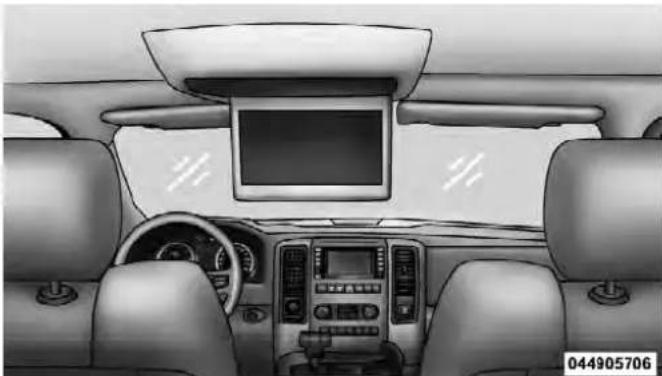
OverheadVideoScreen
UNDERSTANDING YOUR INSTRUMENT PANEL 321
- With the ignition switch in the ON or ACC position, turn the radio on by pushing the ON/OFF Volume Control knob.
- When the Video Screen are open and a DVD is inserted into the radio, the screen turns on automatically, the headphone transmitters turn on and playback begins.
SingleVideoScreen
NOTE: Typically there are two different ways to operate the features of the Video Entertainment System (VES) ™ .
- The Remote Control
• The Touch-Screen Radio (If Equipped)
PlayADVD
- Press the OPEN/CLOSE or LOAD hard-key on the radio faceplate (Touch-Screen).
Or
Press the LOAD button then corresponding number (1–6) where the DVD is to be loaded (Non-Touch-Screen).
- Insert the DVD with the label facing up. The radio automatically selects the appropriate mode after the disc is recognized and displays the menu screen or starts playing the first track.
- Ensure the VESTM Remote Control and the Headphone switch is on Channel 1.
UsingTheRemoteControl
- Press the MODE button on the Remote Control.
322UNDERSTANDINGYOURINSTRUMENTPANEL
- While looking at the video screen, highlight DISC by either pressing Up/Down/Left/Right buttons or by repeatedly pressing the MODE button, then press ENTER on the Remote Control.

NOTE: The VES ™ system will retain the last setting when turned off.
UsingTheTouch-ScreenRadioControls
- Press the MENU hard-key on the radio faceplate.
- Touch the Rear VES soft-key to display the Rear VES Controls. If a channel list appears on the right side of the screen, touch the HIDE LIST soft-key to display the Rear VES Controls screen.

RearVESSoft-key
- Touch the 1 soft-key and then the DISC soft-key in the MEDIA column. To exit touch the back arrow soft-key at the top left of the screen.
NOTE: The "1" and "2" soft-keys are displayed for the headphone channels. Touch 1 or 2 based on which channel you want to change, select the new mode from the available list on the right. Modes that are unavailable are greyed-out.
UNDERSTANDING YOUR INSTRUMENT PANEL 323
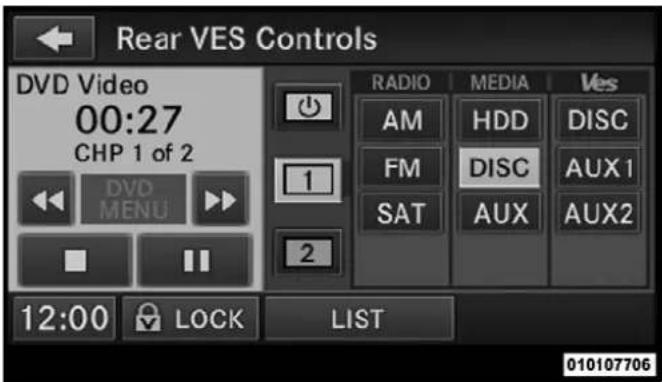
SelectChannel/Screen1And DISCInTheMEDIAColumn
NOTE:
- To view a DVD on the radio press the RADIO/MEDIA hard-key, on the radio faceplate, then touch the DISC tab soft-key and then the VIEW VIDEO soft-key.
324UNDERSTANDINGYOURINSTRUMENTPANEL
- Viewing a DVD on the Touch-Screen radio screen is not available in all states/provinces, and the vehicle must be stopped, and the shift lever must be in the PARK position for vehicles with automatic transmission. In vehicles with manual transmission the parking brake must be engaged.
- Touching the screen on a Touch-Screen radio while a DVD is playing brings up basic remote control functions for DVD play such as scene selection, Play, Pause, FF, RW, and Stop. Pressing the X in the upper corner will turn off the remote control screen functions.
PlayVideoGames
Connect the video game console to the Auxiliary RCA input jacks located on the back of the center console.

- Video In - Yellow
- Left Audio In - White
- Right Audio In - Red
UNDERSTANDING YOUR INSTRUMENT PANEL 325
When connecting an external source to the AUX input, be sure to follow the standard color coding for the VES TM jacks:
NOTE: Certain high-end video games, such as PlayStation3 and XBox360 will exceed the power limit of the vehicle's Power Inverter. Refer to the Power Inverter section in your vehicle's Owner's Manual for more information.
Ensure the Remote Control and Headphone switch is on Channel 1.
UsingTheRemoteControl
- Press the MODE button on the Remote Control.
- While looking at the video screen, highlight VES AUX 1, by either pressing Up/Down/Left/Right buttons or by repeatedly pressing the MODE button, then press ENTER on the Remote Control.
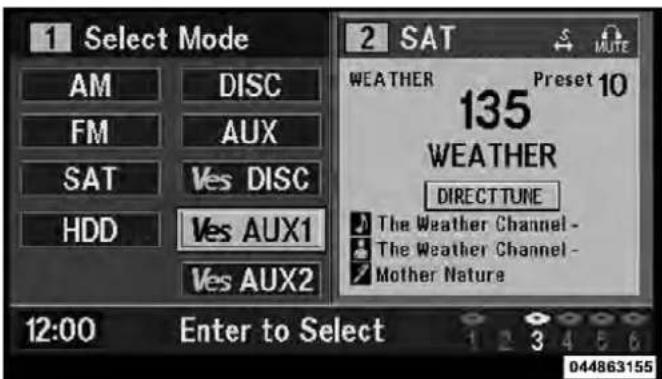
SelectVESAUX1ModeOnTheVESScreen
326UNDERSTANDINGYOURINSTRUMENTPANEL
UsingTheTouch-ScreenRadioControls
- Press the MENU hard-key on the radio faceplate.
- Touch the Rear VES soft-key to display the Rear VES Controls. If a channel list is displayed, press the HIDE LIST soft-key to display the Rear VES Controls screen.

RearVESSoft-key
- Touch the 1 or 2 based on the headphone channel you want to change. To exit press the back arrow soft-key at the top of the screen.

SelectChannel/Screen1And AUX1InTheVESColumn
UNDERSTANDING YOUR INSTRUMENT PANEL 327
ListenToAnAudioSourceOnChannel2WhileA VideosPlayingOnChannel1
Ensure the Remote Control and Headphone switch is on Channel 2.
UsingTheRemoteControl
- Press the MODE button on the Remote Control and the Mode Select Screen will display, unless a video is playing then only a small banner will appear on the bottom of the screen.
- While looking at the video screen, either press Up/Down/Left/Right on the Remote Control to highlight the desired audio source or repeatedly press the MODE button on the remote until the desired audio source appears on the screen.

SelectFMModeOnTheVESScreen
328UNDERSTANDINGYOURINSTRUMENTPANEL
UsingTheTouch-ScreenRadioControls
- Press the MENU hard-key on the radio faceplate.
- Touch the Rear VES soft-key to display the Rear VES Controls. If a channel list is displayed, press the HIDE LIST soft-key to display the Rear VES Controls screen.

RearVESSoft-key
- To listen to an audio source on Channel 2 while a video is playing on Channel 1, touch the 2 soft-key and choose an audio source. To exit touch the back arrow soft-key at the top left of the left screen.

SelectChannel/Screen2AndHDD InTheMEDIAColumn
ImportantNotesForSingleVideoScreenSystem
- VESTM is able to transmit two channels of stereo audio simultaneously.
- In split screen mode the left side equates to Channel 1 and right side equates to Channel 2.
- If a video source is selected on Channel 1, then Channel 2 is for audio only. Selecting a video source (DVD) will not show the video on the screen.
- When selecting a video source on Channel 1, the video will display on the screen and the audio could be heard on Channel 1 in the headphones.
- Audio can be heard through the headphones even when the Video Screen is closed
PlayADVDUsingTheTouch-ScreenRadio
- Press the OPEN/CLOSE or LOAD hard-key on the radio faceplate (Touch-Screen).
- Insert the DVD with the label facing up. The radio automatically selects the appropriate mode after the disc is recognized and displays the menu screen or starts playing the first track.
- To watch a DVD on Screen 1 for second row passengers, ensure the Remote Control and Headphone switch is on Channel 1.
330UNDERSTANDINGYOURINSTRUMENTPANEL
UsingTheRemoteControl
- Press the MODE button on the Remote Control.
- While looking at Screen 1, highlight DISC by either pressing Up/Down/Left/Right buttons or by repeatedly pressing the MODE button, then press ENTER.
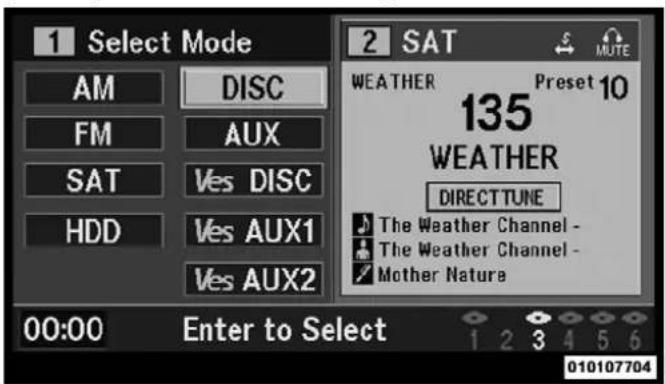
- Channel/Screen 1 select mode information is shown on the left side of the screen.
- Channel/Screen 2 select mode information is shown on the right side of the screen.
UsingTheTouch-ScreenRadioControls
- Press the MENU hard-key on the radio faceplate.
- Touch the Rear VES soft-key to display the Rear VES Controls. If a channel list is displayed, press the HIDE LIST soft-key to display the Rear VES Controls screen.
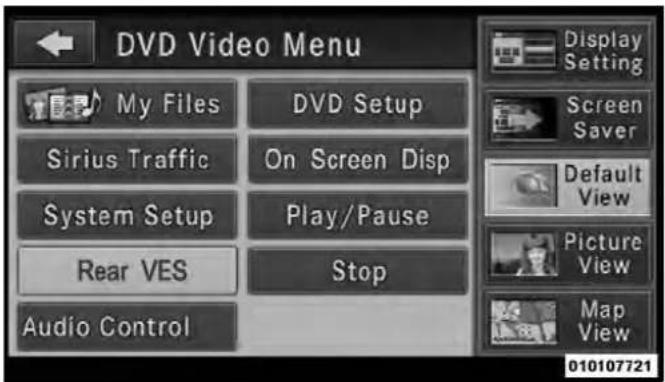
RearVESSoft-key
- Touch the 1 or 2 soft-key based on the channel you want to change and then the DISC soft-key in the MEDIA column. To exit touch the back arrow at the top left of the screen.
UNDERSTANDING YOUR INSTRUMENT PANEL 331
NOTE:
- To view a DVD on the radio press the RADIO/MEDIA hard-key, on the radio faceplate, then touch the DISC tab soft-key and then the VIEW VIDEO soft-key.
- Viewing a DVD on the Touch-Screen radio screen is not available in all states/provinces, and the vehicle must be stopped, and the shift lever must be in the PARK position for vehicles with automatic transmission. In vehicles with manual transmission the parking brake must be engaged.
- Touching the screen on a Touch-Screen radio while a DVD is playing brings up basic remote control functions for DVD play such as scene selection, Play, Pause, FF, RW, and Stop. Pressing the X in the upper corner will turn off the remote control screen functions.
332UNDERSTANDINGYOURINSTRUMENTPANEL
RemoteControl
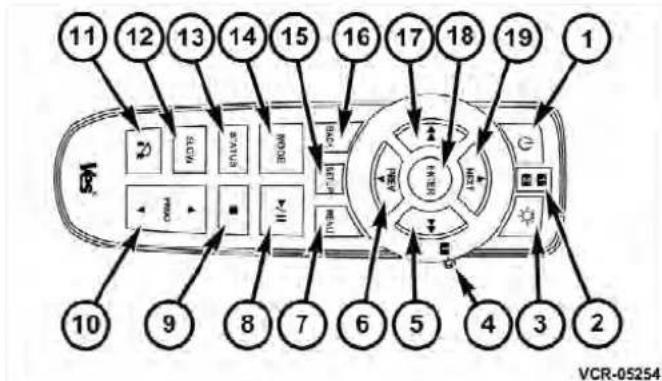
RemoteControl
ControlsAndIndicators
-
Power – Turns the screen and wireless headphone transmitter for the selected Channel on or off. To hear audio while the screen is closed, press the Power button to turn the headphone transmitter on.
-
Channel Selector Indicators – When a button is pressed, the currently affected channel or channel button is illuminated momentarily.
- Light – Turns the remote control backlighting on or off. The remote backlighting turns off automatically after five seconds.
- Channel/Screen Selector Switch - Indicates which channel is being controlled by the remote control. When the selector switch is in the Channel 1 position, the remote controls the functionality of headphone Channel 1 (right side of the screen). When the selector switch is in the Channel 2, position the remote controls the functionality of headphone Channel 2 (left side of the screen).
- ▶▶- In radio modes, press to seek the next tunable station. In disc modes, press and hold to fast forward through the current audio track or video chapter. In menu modes use to navigate in the menu.
UNDERSTANDING YOUR INSTRUMENT PANEL 333
- ▼/ Prev – In radio modes, press to select to the previous station. In disc modes, press to advance to the start of the current or previous audio track or video chapter. In menu modes, use to navigate in the menu.
- MENU – Press to return to the main menu of a DVD disc, to select a satellite audio channel from the Station list, or select playback modes (SCAN/RANDOM for a CD).
- ▶ / ∥ (Play/Pause) – Begin/resume or pause disc play.
- ■(Stop) - Stops disc play
- PROG Up/Down – When listening to a radio mode, pressing PROG Up selects the next preset and pressing PROG Down selects the previous preset stored in the radio. When listening to compressed audio on a data disc, PROG Up selects the next directory and PROG Down selects the previous directory. When listening to a
disc in a radio with a multiple-disc changer, PROG Up selects the next disc and PROG Down selects the previous disc.
- MUTE - Press to mute the headphone audio output for the selected channel.
- SLOW – Press to slow playback of a DVD disc. Press play (▶) to resume normal play.
- STATUS – Press to display the current status.
- MODE – Press to change the mode of the selected channel. See the Mode Selection section of this manual for details on changing modes.
- SETUP – When in a video mode, press the SETUP button to access the display settings (see the display settings section) to access the DVD setup menu, select the menu button on the radio. When a disc is loaded in the DVD player (if equipped) and the VESTM mode is selected
334UNDERSTANDINGYOURINSTRUMENTPANEL
and the disc is stopped, press the SETUP button to access the DVD Setup menu. (see the DVD Setup Menu of this manual.)
- BACK – When navigating in menu mode, press to return to the previous screen. When navigating a DVDs disc menu, the operation depends on the disc's contents.
- ◀◀- In radio modes, press to seek to the previous tunable station. In disc modes, press and hold to fast rewind through the current audio track or video chapter. In menu modes use to navigate in the menu.
- ENTER – Press to select the highlighted option in a menu.
- ▲/ NEXT – In radio modes, press to select to the next station. In disc modes, press to advance to the next audio track or video chapter. In menu modes, use to navigate in the menu.
The video screen(s) come with a built in storage compartment for the remote control which is accessible when the screen is opened. To remove the remote, use your index finger to pull and rotate the remote towards you. Do not try to pull the remote straight down as it will be very difficult to remove. To return the remote back into its storage area, insert one long edge of the remote into the two retaining clips first, and then rotate the remote back up into the other two retaining clips until it snaps back into position.

TheRemoteControlStorage
LockingTheRemoteControl
All remote control functionality can be disabled as a parental control feature.
- To disable the Remote Control from making any changes, press the Video Lock button add follow the radio's instructions (select menu, rear ves, lock). If the
UNDERSTANDING YOUR INSTRUMENT PANEL 335
vehicle is not equipped with a DVD player, follow the radio's instructions to turn Video Lock on. The radio and the video screen(s) indicate when Video Lock is active.
- Pressing the Video Lock again or turning the ignition OFF turns Video Lock OFF and allows remote control operation of the VES™.
ReplacingTheBatteries
The remote control requires two AAA batteries for operation. To replace the batteries:
- Locate the battery compartment on the back of the remote, then slide the battery cover downward.
- Replace the batteries, making sure to orient them according to the polarity diagram shown.
- Replace the battery compartment cover.
336UNDERSTANDINGYOURINSTRUMENTPANEL
HeadphonesOperation
The headphones receive two separate channels of audio using an infrared transmitter from the video screen.
Front seat occupants receive some headphone audio coverage to allow them to adjust the headphone volume for the young rear seat occupants that may not be able to do so for themselves.
If no audio is heard after increasing the volume control, verify that the screen is turned on and in the down position and that the channel is not muted and the headphone channel selector switch is on the desired channel. If audio is still not heard, check that fully charged batteries are installed in the headphones.

- Volume Control
- Power Button
- Channel Selection Switch
- Power Indicator
UNDERSTANDING YOUR INSTRUMENT PANEL 337
Controls
The headphone power indicator and controls are located on the right ear cup.
NOTE: The rear video system must be turned on before sound can be heard from the headphones. To conserve battery life, the headphones will automatically turn off approximately three minutes after the rear video system is turned off.
ChangingtheAudioModeforHeadphones
- Ensure the Remote Control channel/screen selector switch is in the same position as the headphone selector switch..
NOTE:
- When both switches are on Channel 1, the Remote is controlling Channel 1 and the headphones are tuned to the audio of the VES™ Channel 1.
- When both switches are on Channel 2, the Remote is controlling Channel 2 and the headphones are tuned to the audio of the VESTM Channel 2.
- Press the MODE button on the remote control.
- If the video screen is displaying a video source (such as a DVD Video), pressing STATUS shows the status on a popup banner at the bottom of the screen. Pressing the MODE button will advance to the next mode. When the mode is in an audio only source (such as FM), the Mode Selection menu appears on screen.
- When the Mode Selection menu appears on screen, use the cursor buttons on the remote control to navigate to the available modes and press the ENTER button to select the new mode.
- To cancel out of the Mode Selection menu, press the BACK button on the remote control.
338 UNDERSTANDING YOUR INSTRUMENT PANEL
ReplacingTheBatteries
Each set of headphones requires two AAA batteries for operation. To replace the batteries:
- Locate the battery compartment on the left ear cup of the headphones, and then slide the battery cover downward.
- Replace the batteries, making sure to orient them according to the polarity diagram shown.
- Replace the battery compartment cover.
Unwired®StereoHeadphoneLifetimeLimited Warranty
WhoDoesThisWarrantyCover?This warranty covers the initial user or purchaser ("you" or "your") of this particular Unwired Technology LLC ("Unwired") wireless headphone ("Product"). The warranty is not transferable.
How Long Does The Coverage Last? This warranty lasts as long as you own the Product.
What Does This Warranty Cover? Except as specified below, this warranty covers any Product that in normal use is defective in workmanship or materials.
WhatDoesThisWarrantyNotCover?This warranty does not cover any damage or defect that results from misuse, abuse or modification of the Product other than by Unwired. Foam earpieces, which will wear over time through normal use, are specifically not covered (replacement foam is available for a nominal charge). UNWIRED TECHNOLOGY IS NOT LIABLE FOR ANY INJURIES OR DAMAGES TO PERSONS OR PROPERTY RESULTING FROM THE USE OF, OR ANY FAILURE OR DEFECT IN, THE PRODUCT, NOR IS UNWIRED LIABLE FOR ANY GENERAL, SPECIAL, DIRECT, INDIRECT, INCIDENTAL, CONSEQUENTIAL, EXEMPLARY, PUNITIVE OR OTHER DAMAGES OF ANY KIND OR
NATURE WHATSOEVER. Some states and jurisdictions may not allow the exclusion or limitation of incidental or consequential damages, so the above limitation may not apply to you. This warranty gives you specific legal rights. You may also have other rights, which vary from jurisdiction to jurisdiction.
What Will Unwired® Do? Unwired®, at its option, will repair or replace any defective Product. Unwired® reserves the right to replace any discontinued Product with a comparable model. THIS WARRANTY IS THE SOLE WARRANTY FOR THIS PRODUCT, SETS FORTH YOUR EXCLUSIVE REMEDY REGARDING DEFECTIVE PRODUCTS, AND IS IN LIEU OF ALL OTHER WARRANTIES (EXPRESS OR IMPLIED), INCLUDING ANY WARRANTY OR MERCHANTABILITY OR FITNESS FOR A PARTICULAR PURPOSE.
If you have any questions or comments regarding your Unwired® wireless headphones, please phone 1-888-293-3332 or email customersupport@unwiredtechnology.com. You may register your Unwired® wireless headphones online at www.unwiredtechnology.com or by phone at 1-888-293-3332.
SystemInformation
SharedModes
This allows the VES TM to output radio sources to the headphones and the radio to output VES TM sources to the vehicle speakers. When the radio and VES TM channel 1 or 2 are in the same (shared) mode, a VES TM icon will be visible on the radio's display for that channel, and the shared icon will be visible on the VES TM screen. When in shared mode, the same audio source is heard in the shared headphone channel 1 or channel 2.
If the radio functions (FM, AM, or SAT) are in the shared mode with the VES TM , only the radio is able to control the radio functions. In this case, VES TM can share the radio mode, but not change stations until the radio mode is changed to a mode that is different from the VES TM
340UNDERSTANDINGYOURINSTRUMENTPANEL
selected radio mode. When shared, the radio has priority over the VES TM or all radio modes (FM, AM). The VES TM has the ability to switch tuner (AM/FM), SEEK, SCAN, TUNE, and recall presets in radio modes as long as it is not in shared mode.
When in shared disc both the radio and the VESTM have control of the video functions. The VESTM has the ability to control the following video modes:
- CD: Ability to Fast Forward, Rewind, Scan, and Track Up/Down.
- CD Changer (in radio): Ability to Disk Up/Down and program all listed CD controls (Fast Forward, Rewind, Scan, and Track Up/Down).
The VES TM can even control radio modes or video modes while the radio is turned off. The VES TM can access the radio modes or disc modes by navigating to those modes on the VES TM and activating a radio mode or disc mode.
InformationModeDisplay

InformationModeVideoScreenDisplay
- Channel 1 Mode
- Channel 1 Shared Status
- Channel 1 Audio Only/Mute
- Channel 2 Mode
UNDERSTANDING YOUR INSTRUMENT PANEL 341
- Channel 2 Shared Status
- Channel 2 Audio Only/Mute
- Channel 1 ENTER Button Action
- Channel 2 ENTER Button Action
- Clock
- Video Lock
- Not Available / Error
- Disc Changer Status
NumericKeypadMenu

NumericKeypadMenu
When the display for either Channel 1 or Channel 2 shows DIRECT TUNE, pressing the remote control's ENTER button activates a numeric keypad menu. This
342UNDERSTANDINGYOURINSTRUMENTPANEL
screen makes it easy to enter a specific tuner frequency, satellite channel, or track number. To enter the desired digit:
- Press the remote control's navigation buttons (▲, ▼, ▶, ◀) to navigate to the desired digit.
- When the digit is highlighted, press the remote control's ENTER button to select the digit. Repeat these steps until all digits are entered.
- To delete the last digit, navigate to the Del button and press the remote control's ENTER button.
- After all of the digits are entered, navigate to the Go button and press the remote control's ENTER button.
StationListMenu
When listening to Satellite audio, pressing the remote control's MENU button displays a list of all available channels. Navigate this list using the remote control's navigation buttons (▲, ▼) to find the desired station,
press the remote control's ENTER button to tune to that station. To jump through the list more quickly, navigate to the Page Up and Page Down icons on the screen.
DiscMenu
DiscMenuForCDs
UNDERSTANDING YOUR INSTRUMENT PANEL 343
When listening to a CD Audio or CD Data disc, pressing the remote control's MENU button displays a list of all commands which control playback of the disc. Using the options you can activate or cancel Scan play and Random play.
DisplaySettings

VideoScreenDisplaySettings
When watching a video source (DVD Video with the disc in Play mode, Aux Video, SIRIUS Backseat TV™, etc.), pressing the remote control's SETUP button activates the Display Settings menu. These settings control the appearance of the video on the screen. The factory default settings are already set for optimum viewing, so there is no need to change these settings under normal circumstances.
To change the settings, press the remote control's navigation buttons (▲, ▼) to select an item, then press the remote control's navigation buttons (▶, ◀) to change the value for the currently selected item. To reset all values back to the original settings, select the Default Settings menu option and press the remote control's ENTER button.
Disc Features control the remote DVD player's (if equipped) settings of DVD being watched in the remote player.
344UNDERSTANDINGYOURINSTRUMENTPANEL
ListeningToAudioWithTheScreenClosed
To listen to only audio portion of the channel with the screen closed:
- Set the audio to the desired source and channel.
- Close the video screen.
- To change the current audio mode, press the remote control's MODE button. This will automatically select the next available audio mode without using the Mode Select menu.
- When the screen is reopened, the video screen will automatically turn back on and show the appropriate display menu or media.
If the screen is closed and there is no audio heard, verify that the headphones are turned on (the ON indicator is illuminated) and the headphone selector switch is on the desired channel. If the headphones are turned on, press
the remote control's power button to turn audio on. If audio is still not heard, check that fully charged batteries are installed in the headphones.
DiscFormats
The VES ™ DVD player is capable of playing the following types of discs (12 mm or 8 mm diameter):
- DVD-Video discs (MPEG-2 video compression) (see notes about DVD Region Codes)
• DVD-Audio discs (2 channel audio output only)
• Audio Compact Discs (CDs) - CD Data discs with MP3 and WMA compressed audio format files
• Video CDs (MPEG-1 video compression)
DVDRegionCodes
The VESTM DVD player and many DVD discs are coded by geographic region. These region codes must match in order for the disc to play. If the region code for the DVD disc does not match the region code for the player, the disc will not play and will be ejected.
DVDAudioSupport
When a DVD-Audio disc is inserted in the VES ™ DVD player, the DVD-Audio title on the disc is played by default (most DVD-Audio discs also have a Video title, but the Video title is ignored). All multi-channel program material is automatically mixed down to two channels, which may result in a lowered apparent volume level. If you increase the volume level to account for this change in level, remember to lower the volume before changing the disc or to another mode.
RecordedDiscs
The VES ™ DVD player will play CD-R and CD-RW discs recorded in CD-Audio or Video-CD format, or as a CD-ROM containing MP3 or WMA files. The player will also play DVD-Video content recorded to a DVD-R or DVD-RW disc. DVD-ROM discs (either pressed or recorded) are not supported.
If you record a disc using a personal computer, there may be cases where the VES ™ DVD player may not be able to play some or the entire disc, even if it is recorded in a compatible format and is playable on other players. To help avoid playback problems, use the following guidelines when recording discs.
- Open sessions are ignored. Only sessions that are closed are playable.
- For multi-session CDs that contain only multiple CD-Audio sessions, the player will renumber the tracks so each track number is unique.
346UNDERSTANDINGYOURINSTRUMENTPANEL
- For CD Data (or CD-ROM) discs, always use the ISO-9660 (Level 1 or Level 2), Joliet, or Romeo format. Other formats (such as UDF, HFS, or others) are not supported.
- The player recognizes a maximum of 512 files and 99 folders per CD-R and CD-RW disc.
- Mixed media recordable DVD formats will only play the Video_TS portion of the disc.
If you are still having trouble writing a disc that is playable in the VES ™ DVD player, check with the disc recording software publisher for more information about burning playable discs.
The recommended method for labeling recordable discs (CD-R, CD-RW, and DVD-R) is with a permanent marker. Do not use adhesive labels as they may separate from the disc, become stuck, and cause permanent damage to the DVD player.
CompressedAudioFiles(MP3andWMA)
The DVD player is capable of playing MP3 (MPEG-1 Audio Layer 3) and WMA (Windows Media Audio) files from a CD Data disc (usually a CD-R or CD-RW).
- The DVD player always uses the file extension to determine the audio format, so MP3 files must always end with the extension ".mp3" or ".MP3" and WMA files must always end with the extension ".wma" or ".WMA". To prevent incorrect playback, do not use these extensions for any other types of files.
- For MP3 files, only version 1 ID3 tag data (such as artist name, track title, album, etc.) are supported.
-
Any file that is copy protected (such as those downloaded from many online music stores) will not play. The DVD player will automatically skip the file and begin playing the next available file.
-
Other compression formats such as AAC, MP3 Pro, Ogg Vorbis, and ATRAC3 will not play. The DVD player will automatically skip the file and begin playing the next available file.
- If you are creating your own files, the recommended fixed bit rate for MP3 files is between 96 and 192Kbps and the recommended fixed bit rate for WMA files is between 64 and 192Kbps. Variable bit rates are also supported. For both formats, the recommended sample rate is either 44.1kHz or 48kHz.
- To change the current file, use the remote control's or DVD player's ▲button to advance to the next file, or the ▼button to return to the start of the current or previous file.
- To change the current directory, use the remote control's PROG Up and Down buttons.
DiscErrors
If the DVD player is unable to read the disc, a "Disc Error" message is displayed on the VESTM and Radio displays and the disc is automatically ejected. A dirty, damaged, or incompatible disc format are all potential causes for a "Disc Error" message.
If a disc has a damaged track which results in audible or visible errors that persists for 2.0 seconds, the DVD player will attempt to continue playing the disc by skipping forward 1.0 to 3.0 seconds at a time. If the end of the disc is reached, the DVD player will return to the beginning of the disc and attempt to play the start of the first track.
348UNDERSTANDINGYOURINSTRUMENTPANEL
The DVD player may shut down during extremely hot conditions, such as when the vehicle's interior temperature is above 120°F. When this occurs, the DVD player will display "VES High Temp" and will shut off the VESTM displays until a safe temperature is reached. This shutdown is necessary to protect the optics of the DVD player.
Display
OtherLanguageSetup
DVDPlayerLanguageMenu
All of the Language settings have a special "Other" setting to accommodate languages other than Japanese or English. These languages are selected using a special four-digit code.
To enter a new language code, activate the DVD Setup Menu. To enter DVD Setup Menu stop the DVD, enter radio disc mode, then DVD setup and follow these additional instructions:
- Using the remote control Up and Down cursor buttons, highlight the Language item you want to edit, and then press the remote control ENTER button.
- Using the remote control Down cursor button, select the "Other" setting, then press the remote control's Right cursor button to begin editing the setting.
UNDERSTANDING YOUR INSTRUMENT PANEL 349
- Using the remote control Up and Down cursor buttons, select a digit for the current position. After selecting the digit, press the remote control's Right cursor button to select the next digit. Repeat this digit selection sequence for all four digits.
- When the entire four-digit code is entered, press the remote control's ENTER button. If the language code is not valid, the numbers all change back to "*". If the digits are visible after this step, then the language code is valid.
Here is an abbreviated list of language codes. For more language codes, please contact the dealer where the vehicle was purchased.
| LanguageCode | LanguageCode | ||
| Dutch | 2311 | French | 1517 |
| German | 1304 | Italian | 1819 |
| Portuguese | 2519 | Spanish | 1418 |
350UNDERSTANDINGYOURINSTRUMENTPANEL
RatingandPasswordSetup
The Rating and Password settings work together to control the types of DVDs that your family watches. Most DVD-Video discs have a rating (from 1 to 8) assigned to them where lower numbers are designated for all audiences and higher numbers are designated for more adult audiences.
When a DVD-Video disc is loaded, its rating is compared to the setting in the DVD player. If the rating of the disc is higher than the setting in the player, a Password screen is displayed. In order to watch the disc, the rear passenger must enter the correct password using the password entry method described below.
To play all discs without requiring a password, set the DVD player's rating to Level 8. Setting the rating to Level 1 always requires the password to play any DVD disc. Not all DVD discs encode a Rating, so it is still possible that discs designed for adult audiences can still play without requiring a password.
The default rating is Level 8 (play all discs without a password) and the default password is 0000.
![Lang Rating Mark AC-3 Aspect Please input a 4-digit password. * * * * Get: [ENTER] Cancel: [RETURN]](/content/2026/06/1243909/images/261788fa6fc64315ae1d6e3b2908778f7d0460eadcb55c8b64f2a13bc1be31fc.jpg)
DVDPasswordEntry
UNDERSTANDING YOUR INSTRUMENT PANEL 351
To set the password, activate the DVD Setup Menu and follow these additional instructions:
- Using the remote control Left and Right cursor buttons, select the Rating tab.
- Highlight "Change Password", and then press the remote control's ENTER button.
- Enter the current password. Select a digit, use the remote control Up and Down cursor buttons to set the value for the current digit, and then press the remote control's Right cursor button to select the next digit. Repeat this digit selection sequence for all four digits.
- After the four-digit password is entered, press the remote control's ENTER button. If the password is correct, the set password screen is displayed.
- Using the remote control's Up and Down cursor buttons to set the value for the current digit and the remote control's Right cursor button to select digits, enter the new password.
- After the four-digit password is entered, press the remote control's ENTER button to accept the change.
DVDPlayerLevelMenu
352UNDERSTANDINGYOURINSTRUMENTPANEL
To set the rating, activate the DVD Setup Menu and follow these additional instructions:
- Using the remote control's Left and Right cursor buttons, select the Rating tab.
- Highlight "Change Rating", and then press the remote control's ENTER button.
- Enter the current password. Select a digit, use the remote control's Up and Down cursor buttons to set the value for the current digit, and then press the remote control's Right cursor button to select the next digit. Repeat this digit selection sequence for all four digits.
- After the four-digit password is entered, press the remote control's ENTER button. If the password is correct, the Rating Level menu is displayed.
- Using the remote control's Up and Down cursor buttons, select the new rating level, and then press the remote control's ENTER button to accept the change.
ProductAgreement
This product incorporates copyright protection technology that is protected by U.S. patents and other intellectual property rights. Use of this copyright protection technology must be authorized by Macrovision, and is intended for home or other limited viewing uses otherwise authorized by Macrovision. Reverse engineering or disassembly is prohibited.
DOLBY®Digital and MLP Lossless Manufactured under license from Dolby Laboratories. "Dolby", "MLP Lossless", and the double-D symbol are trademarks of Dolby Laboratories. Confidential unpublished works. Copyright 1992-1997 Dolby Laboratories. All right reserved.
UNDERSTANDING YOUR INSTRUMENT PANEL 353
GeneralInformation
This system complies with Part 15 of the FCC Operation is subject to the following two conditions:
- This device may not cause harmful interference.
- This device must accept any interference received, including interference that may cause undesired operation.
STEERINGWHEELAUDIOCONTROLS—IF EQUIPPED
The remote sound system controls are located on the rear surface of the steering wheel. Reach behind the wheel to access the switches.
045035198
RemoteSoundSystemControls (BackViewOfSteeringWheel)
The right hand control is a rocker type switch with a pushbutton in the center. Pressing the top of the switch will increase the volume, and pressing the bottom of the switch will decrease the volume.
354UNDERSTANDINGYOURINSTRUMENTPANEL
The button located in the center of the right hand control will switch modes to Radio, CD or other valid audio source.
The left hand control is a rocker type switch with a pushbutton in the center. The function of the left hand control is different depending on which mode you are in.
The following describes the left hand control operation in each mode.
RadioOperation
Pressing the top of the switch will SEEK up for the next listenable station and pressing the bottom of the switch will SEEK down for the next listenable station.
The button located in the center of the left hand control will tune to the next pre-set station that you have programmed in the radio pre-set pushbuttons.
CDPlayer
Pressing the top of the switch once will go to the next track on the CD. Pressing the bottom of the switch once will go to the beginning of the current track or to the beginning of the previous track if it is within one second after the current track begins to play.
If you press the switch up or down twice it plays the second track, three times, it will play the third, etc.
The button in the center of the left hand switch changes CDs on the 6-Disc in-dash CD changer radio. This button does not function for all other radios.
CD/DVDDISCMAINTENANCE
To keep a CD/DVD in good condition, take the following precautions:
-
Handle the disc by its edge; avoid touching the surface.
-
If the disc is stained, clean the surface with a soft cloth, wiping from center to edge.
- Do not apply paper or tape to the disc; avoid scratching the disc.
- Do not use solvents such as benzene, thinner, cleaners, or anti-static sprays.
- Store the disc in its case after playing.
- Do not expose the disc to direct sunlight.
- Do not store the disc where temperatures may become too high.
NOTE: If you experience difficulty in playing a particular disc, it may be damaged (i.e., scratched, reflective coating removed, a hair, moisture or dew on the disc) oversized, or have protection encoding. Try a known good disc before considering disc player service.
RADIOOPERATIONANDMOBILEPHONES
Under certain conditions, the mobile phone being on in your vehicle can cause erratic or noisy performance from your radio. This condition may be lessened or eliminated by relocating the mobile phone antenna. This condition is not harmful to the radio. If your radio performance does not satisfactorily “clear” by the repositioning of the antenna, it is recommended that the radio volume be turned down or off during mobile phone operation when not using Uconnect™ (if equipped).
CLIMATECONTROLS
The Climate Control System allows you to regulate the temperature, amount, and direction of air circulating throughout the vehicle. The controls are located on the instrument panel below the radio.
356UNDERSTANDINGYOURINSTRUMENTPANEL
NOTE: During snowplow usage on vehicles equipped with outside temperature display, the display may show higher temperatures than the outside ambient temperature. The higher displayed temperature is due to blocked or reduced airflow to the underhood ambient temperature sensor caused by the snowplow. In addition, on vehicles equipped with Automatic Temperature Control (ATC), it is suggested that the interior cabin temperature be manually controlled should the system not perform as desired while in automatic mode. Both the outside temperature display and ATC operation will return to normal when the snowplow is removed.
ManualHeatingAndAirConditioningSystem
The controls for the manual heating and air conditioning system in this vehicle consist of a series of outer rotary dials and inner push knobs. These comfort controls can be set to obtain desired interior conditions.

1 - Front Blower 4 - DEFROST Mode
2 - Temperature Control 5 - Air Conditioning (A/C)
3 - MODE Control 6 - RECIRCULATION Control
FrontBlowerControl

045532841
There are four blower speeds. Use this control to regulate the amount of air forced through the system in any mode you select. The blower speed increases as you move the control clockwise from the OFF position.
NOTE: For vehicles equipped with Remote Start, the climate controls will not function during Remote Start operation if the blower control is left in the OFF position.
Temperature Control

1. 2. 3. 4. 5. 6. 7. 8. 9. 10. 11. 12. 13. 14. 15. 16. 17. 18. 19. 20. 21. 22. 23. 24. 25. 26. 27. 28. 29. 30. 31. 32. 33. 34. 35. 36. 37. 38. 39. 40. 41. 42. 43. 44. 45. 46. 47. 48. 49. 50. 51. 52. 53. 54. 55. 56. 57. 58. 59. 60. 61. 62. 63. 64. 65. 66. 67. 68. 69. 70. 71. 72. 73. 74. 75. 76. 77. 78. 79. 80. 81. 82. 83. 84. 85. 86. 87. 88. 89. 90. 91. 92. 93. 94. 95. 96. 97. 98. 99.
Use this control to regulate the temperature of the air inside the passenger compartment. Rotating the knob counterclockwise, from top center into the blue area of the scale, indicates cooler
temperatures. Rotating the knob clockwise, into the red area, indicates warmer temperatures.
NOTE: If your air conditioning performance seems lower than expected, check the front of the A/C condenser (located in front of the radiator), for an accumulation of dirt or insects. Clean with a gentle water spray from behind the radiator and through the condenser. Fabric front fascia protectors may reduce airflow to the condenser, reducing air conditioning performance.
Mode ControlAirDirection)

045664091
Mode control allows you to choose from several patterns of air distribution. You can select either a primary mode, as identified by the symbols, or a blend of two of these modes. The closer the control is to a particular mode, the more air distribution you
receive from that mode.
358 UNDERSTANDING YOUR INSTRUMENT PANEL
PanelMode
Air is directed through the outlets in the instrument panel. These outlets can be adjusted to direct airflow.
Bi-LevelMode
Air is directed through the panel and floor outlets.
NOTE: There is a difference in temperature (in any conditions other than full cold or full hot), between the upper and lower outlets for added comfort. The warmer air goes to the floor outlets. This feature gives improved comfort during sunny but cool conditions.
FloorMode
Air is directed through the floor outlets with a small amount through the defrost and side window demist outlets.
MixMode
Air is directed through the floor, defrost and side window demist outlets. This setting works best in cold or snowy conditions that require extra heat at the windshield. This setting is good for maintaining comfort, while reducing moisture on the windshield.
DefrostMode
Air is directed through the windshield and side window demist outlets. Use the DEFROST mode with maximum blower and warm temperature settings for best windshield and side window defrosting.
NOTE: The air conditioning compressor operates in MIX and DEFROST, or a blend of these modes even if the A/C button is not pressed. This dehumidifies the air to help dry the windshield. To improve fuel economy, use these modes only when necessary.
RecirculationControl

Press this button to choose between outside air intake or recirculation of the air inside the vehicle. A LED will illuminate when you are in Recirculation mode. Only use the Recirculation mode to temporarily block out any outside odors, smoke, or dust, and to
cool the interior rapidly upon initial start-up in very hot or humid weather.
NOTE:
- If the RECIRCULATION button is pressed when the system is in Mix or Defrost mode the Recirculation LED indicator will flash three times and then turn off to indicate Recirculation mode is not allowed.
- Continuous use of the Recirculation mode may make the inside air stuffy and window fogging may occur. Extended use of this mode is not recommended.
UNDERSTANDING YOUR INSTRUMENT PANEL 359
- In cold or damp weather, the use of the Recirculation mode will cause windows to fog on the inside because of moisture buildup inside the vehicle. For maximum defogging, select the outside air position.
- The A/C can be deselected manually without disturbing the mode control selection by pressing the A/C button.
AirOutlets
The airflow from each of the instrument panel outlets can be adjusted for direction, and turned on or off to control airflow.
NOTE: For maximum airflow to the rear, the center instrument panel outlets can be directed toward the rear seat passengers.
360UNDERSTANDINGYOURINSTRUMENTPANEL
EconomyMode
If ECONOMY mode is desired, press the A/C button to turn off the LED indicator and the A/C compressor. Rotate the temperature control knob to the desired temperature.
Air Conditioning Operation
Push this button to engage the Air Conditioning (A/C). A LED will illuminate when the A/C system is engaged.
MAXA/C

015532845
For maximum cooling, when MAX A/C is selected the A/C is turned on automatically and the air is recirculated.
NOTE: A/C cannot be deselected when in MAX A/C position. The LED will blink three times if the A/C button is pushed
Automatic Temperature Control (ATC) — If Equipped
- The Automatic Temperature Control (ATC) allows both driver and front passenger seat occupants to select individual comfort settings.
- When occupants in the vehicle select an Auto mode operation, Auto blower operation is set by using rotary knobs on the control unit and a comfort temperature setting by using the temperature up and down buttons.
- The system provides set-and-forget operation for optimum comfort and convenience.
- The system can be controlled manually, if desired.
- SYNC feature links the temperature controls, the passenger side temperature becomes the same as the temperature selected by the driver.
The ATC system automatically maintains the interior comfort level desired by the driver and all passengers.

AutomaticTemperatureControl(ATC)Panel
1 - Blower Control 9 - DEFROST
2 - Left Temperature Up 10 - Right Temperature Down
3 - SYNC Indicator 11 - A/C
4 - Left Temperature Indicator 12 - A/C Indicator
5 - Right Temperature 13 - SYNC Temperature Button
Indicator
6 - DELAY Indicator 14 - Left Temperature Down
7 - Right Temperature Up 15 - RECIRCULATE
8 - MODE
362UNDERSTANDING YOUR INSTRUMENT PANEL
AutomaticOperation
- Position the MODE control knob to the Auto position on the Automatic Temperature Control (ATC) Panel.
- Position the BLOWER control knob in the Auto position on the ATC Panel.
- Next, adjust the temperature you would like the system to maintain by adjusting the driver and front passenger temperature buttons. Once the desired temperature is displayed, the system will achieve and automatically maintain that comfort level.
- When the system is set up for your comfort level, it is not necessary to change the settings. You will experience the greatest efficiency by simply allowing the system to function automatically.
NOTE:
- It is not necessary to move the temperature settings for cold or hot vehicles. The system automatically adjusts the temperature, mode and fan speed to provide comfort as quickly as possible.
- The temperature can be displayed in U.S. or Metric units by selecting the US/M customer-programmable feature. Refer to the “Electronic Vehicle Information Center (EVIC) — Customer-Programmable Features (SETUP)” in this section of the manual.
To provide you with maximum comfort in the Automatic mode, during cold start-ups the blower fan will remain on low and the DELAY symbol will appear in the ATC display until the engine warms up. The blower will increase in speed and transition into Auto mode and DELAY will no longer be illuminated in the display. The blower will engage immediately if the Defrost mode is selected, or by adjusting the blower control knob and setting the fan to any fixed speed.
ManualOperation
This system offers a full complement of manual override features.
NOTE: Each of these features operate independently from each other. If any one feature is controlled manually, the temperature doors will continue to operate automatically.

045605986
There are six fixed blower speeds. Use this control to regulate the amount of air forced through the system in any mode you select. The blower speed increases as you move the control clockwise from the OFF position.
BlowerControl
The blower fan speed can be set to any fixed speed by adjusting the blower control knob. The fan will now operate at a fixed speed until additional speeds are
selected. This allows the front occupants to control the volume of air circulated in the vehicle and cancel the Auto mode.
The operator can also select the direction of the airflow by selecting one of the following positions.
PanelMode
Air comes from the outlets in the instrument panel. Each of these outlets can be individually adjusted to direct the flow of air. The air vanes of the center outlets and outboard outlets can be rotated to regulate or shut off the airflow from these outlets.
Bi-LevelMode
Air comes from the instrument panel outlets, floor outlets and defrost outlets.
NOTE: In many temperature positions, the BI-LEVEL mode is designed to provide cooler air out of the panel outlets and warmer air from the floor outlets.
364UNDERSTANDINGYOURINSTRUMENTPANEL
FloorMode
Air comes from the floor outlets. A slight amount of air is directed through the defrost and side window demister outlets.
MixMode
Air comes from the floor, defrost and side window demist outlets. This mode works best in cold or snowy conditions. It allows you to stay comfortable while keeping the windshield clear.
DefrostMode
Air comes from the windshield and side window demist outlets. Use Defrost mode with maximum blower and temperature settings for best windshield and side window defrosting.
NOTE: While operating in the other modes, the system will not automatically sense the presence of fog, mist or ice on the windshield. Defrost mode must be manually selected to clear the windshield and side glass.
The Air Conditioning (A/C) button allows the operator to manually activate or deactivate the air conditioning system. When in A/C mode and the ATC is set to a cool temperature, dehumidified air flows through the air outlets. If Economy mode is desired, press the A/C button to turn off the A/C mode in the ATC display and deactivate the A/C system.
NOTE:
- If the system is in Mix, Bi-Level or Defrost Mode, the A/C can be turned off, but the A/C system shall remain active to prevent fogging of the windows.
- If fog or mist appears on the windshield or side glass, select Defrost mode and increase blower speed.
RecirculationControl

When outside air contains smoke, odors, or high humidity, or if rapid cooling is desired, you may wish to recirculate interior air by pressing the RECIRCULATION control button. Recirculation mode should only be used temporarily. The recirculation LED will illuminate on the blower control knob when this button is selected. Push the button a second time to turn off the Recirculation mode LED and allow outside air into the vehicle.
NOTE: In cold weather, use of Recirculation mode may lead to excessive window fogging. The Recirculation mode is not allowed in the Floor/Defrost Mix and Defrost modes to improve window clearing operation. Recirculation will be disabled automatically if these modes are selected.
SummerOperation
The engine cooling system in air conditioned vehicles must be protected with a high-quality antifreeze coolant to provide proper corrosion protection and to protect against engine overheating. A solution of 50% ethylene glycol antifreeze coolant and 50% water is recommended. Refer to “Maintenance Procedures” in “Maintaining Your Vehicle” for proper coolant selection.
WinterOperation
To ensure the best possible heater and defroster performance, make sure the engine cooling system is functioning properly and the proper amount, type, and concentration of coolant is used. Refer to “Maintenance Procedures” in “Maintaining Your Vehicle” for proper coolant selection. Use of the air Recirculation mode during Winter months is not recommended because it may cause window fogging.
366 UNDERSTANDING YOUR INSTRUMENT PANEL
Vacation/Storage
Any time you store your vehicle or keep it out of service (i.e., vacation) for two weeks or more, run the air conditioning system at idle for about five minutes in fresh air with the blower setting in high. This will ensure adequate system lubrication to minimize the possibility of compressor damage when the system is started again.
Window Fogging and Frosting
Vehicle windows tend to fog on the inside of the glass in mild, rainy and/or humid weather. Windows may frost on the inside of the glass in very cold weather. To clear the windows, select Defrost or Mix mode and increase the front blower speed. Do not use the Recirculation mode without A/C for long periods, as fogging may occur.
Outside Air Intake
Make sure the air intake, located directly in front of the windshield, is free of obstructions such as leaves. Leaves collected in the air intake may reduce airflow, can cause odor, and if they enter the plenum they could plug the water drains. In Winter months make sure the air intake is clear of ice, slush and snow.
OperatingTips
| WEATHER | CONTROL SETTINGS |
Hot weather and vehicle interior is very hot  | Set the mode control to  on, and blower on high. Roll down the windows for a minute to flush out the hot air. Once comfort is achieved adjust controls for comfort. on, and blower on high. Roll down the windows for a minute to flush out the hot air. Once comfort is achieved adjust controls for comfort. |
| Warm weather |  and set the mode control to the and set the mode control to the  position. position. |
Cool  | |
Cool & Humid conditions  | Set the mode control to and turn on to keep windows clear. |
| Cold Weather | Set the mode control to the position. If windshield fogging starts to occur, move the control towards the position. |
□Shifting Procedure – Manually Shifted Transfer Case.... 4 1 4
□Transfer Case Position Indicator Light ..... 4 1 5
□Electronically Shifted Transfer Case (Four-Position Switch) – If Equipped ..... 4 1 5
□Shifting Procedure....419
□Electronically Shifted Transfer Case (Five-Position Switch) – If Equipped ..... 4 2 2
□Shifting Procedure 426
■Axle Locker System (2500 Models Only) — If Equipped.... 4 2 8
■Stabilizer/Sway Bar System — Power Wagon Only 431
■Safe Off-Road Driving — Power Wagon Only 433
□Off-Road Driving Tips And Vehicle Characteristics 433
□ Driving In Snow, Mud And Sand ..... 435
□Crossing Obstacles (Rocks And Other High Points)....437
□Hill Climbing 439
□ Driving Through Water 442
□ Airing Down For Off-Road Driving ..... 444
□Vehicle Recovery 4 4 5
□ After Driving Off-Road 449
■ Limited-Slip Differential 450
□Flowing/Rising Water 452
□Shallow Standing Water.... 4 5 3
■Off-Road Driving Tips 454
□After Driving Off-Road 455
■Winch Usage (Power Wagon Only) — If Equipped 45
□Things To Know Before Using Your Winch .. 456
□Understanding The Features Of Your Winch 458
□Winch Accessories....460
□ Operating Your Winch 461
□ Rigging Techniques 474
■Power Steering.... 476
□ Power Steering Fluid Check 477
■Multi-Displacement System (MDS) (If Equipped) — 5.7L Engine Only ..... 4 7 8
■ Parking Brake 478
■Brake System 480
□3500 Dual Rear Wheel Models Only . . . . . . 4 8 0
Electronic Brake Control System 481
□Anti-Lock Brake System (ABS) 481
☐Traction Control System (TCS) – If Equipped 481
□ Brake Assist System (BAS) – If Equipped ... 482
☐Tire Pressures For High Speed Operation ...505
□ Radial Ply Tires 505
☐Spare Tire Matching Original Equipped Tire And Wheel – If Equipped . . . . . . . . . . . . . 5 0 6
□Compact Spare Tire – If Equipped ..... 506
□Full Size Spare – If Equipped ..... 507
□Limited-Use Spare – If Equipped ..... 5 0 7
□Tire Spinning 508
□Tread Wear Indicators 509
□Life Of Tire 509
□ Replacement Tires 510
■Supplemental Tire Pressure Information — If Equipped.... 5 11
■Tire Chains 512
□Dual Rear Wheels – If Equipped ..... 5 1 6
■Tire Pressure Monitor System (TPMS) ..... 5 1 7
□Base System 520
□Premium System - If Equipped . . . . . . . . . 5 2 2
☐Tire Pressure Monitor System (TPMS) Tire Light Load Inflation Switch Description (2500 Models) – If Equipped . . . . . . . . . . 5 2 6
□General Information 530
■Fuel Requirements 531
□3.7L And 4.7L Engine....531
□5.7L Engine 531
□Reformulated Gasoline 532
□Gasoline/Oxygenate Blends 532
□E-85 Usage In Non-Flex Fuel Vehicles ..... 5 3 2
□MMT In Gasoline 533
□ Materials Added To Fuel 534
□Fuel System Cautions 534
□Carbon Monoxide Warnings 53
■Flexible Fuel (4.7L Engine Only) — If Equipped 536
□E-85 General Information 536
□ Ethanol Fuel (E-85) 537
□Fuel Requirements 537
☐Selection Of Engine Oil For Flexible Fuel Vehicles (E-85) And Gasoline Vehicles ..... 5 3 8
374 STARTING AND OPERATING
□Starting 538
□Cruising Range 539
□Replacement Parts 539
□Maintenance....539
■Adding Fuel.... 540
□Loose Fuel Filler Cap Message....541
■Vehicle Loading.... 5 4 1
□Certification Label 541
■Trailer Towing.... 5 4 4
□Common Towing Definitions.... 544
□Trailer Hitch Classification.... 548
□Trailer Towing Weights (Maximum Trailer Weight Ratings) ..... 5 4 9
□ Trailer And Tongue Weight 553
□Towing Requirements....554
□Towing Tips 564
■Snowplow 566
□1500 Models Only 566
□2500/3500 Models Only 566
■Recreational Towing (Behind Motorhome, Etc.) 570
□Towing This Vehicle Behind Another Vehicle 570
□Recreational Towing – Two-Wheel Drive Models 571
□Recreational Towing – Four-Wheel Drive Models 572
STARTINGPROCEDURES
Before starting your vehicle, adjust your seat, adjust both inside and outside mirrors, and fasten your seat belt.
The starter should not be operated for more than 15-second intervals. Waiting a few seconds between such intervals will protect the starter from overheating.
WARNING!
Neverleavechildrenaloneinavehicle.Leaving childreninavehicleunattendedisdangerousfora numberofreasons.Achildorotherscouldbeseriouslyorfatallyinjured.Childrenshouldbewarned nottotouchtheparkingbrake,brakepedalorthe shiftlever.Donotleavethekeyfobinthevehicle.A childcouldoperatepowerwindows,othercontrols,ormovethevehicle.
NormalStarting
Normal starting of either a warm or cold engine is obtained without pumping or pressing the accelerator pedal. Turn the key fob to the START position and release when the engine starts. If the engine fails to start within 10 seconds, turn the key fob to the OFF position, wait five seconds, then repeat the "Normal Starting" procedure.
AutomaticTransmission
Start the engine with the shift lever in the NEUTRAL or PARK position. Apply the brake before shifting into any driving range.
NOTE: This vehicle is equipped with at transmission shiftinterlockingsystem. The brake pedal must be pressed to shift out of PARK.
Donotpress the accelerator. Turn the ignition switch briefly to the START position and release it. The starter motor will continue to run but will automatically disengage when the engine is running.
ExtremeColdWeather(Below-20°For-29°C)
To ensure reliable starting at these temperatures, use of an externally powered electric engine block heater (available from your authorized dealer) is recommended.
IfEngineFailsToStart
If the engine fails to start after you have followed the "Normal Starting" procedure, it may be flooded. Push the accelerator pedal all the way to the floor and hold it there while cranking the engine. This should clear any excess fuel in case the engine is flooded.
CAUTION!
Topreventdamagetothestarter, donotcrank the engineformorethan15secondsatatime. Wait10to 15secondsbeforetryingagain.
WARNING!
- Neverpourfuelorotherflammableliquidsinto thethrottlebodyairinletopeninginanattemptto startthevehicle. This could result in a flashfire causing serious personal injury.
- Donotattempttopushortowyourvehicletoget itstarted.Vehiclesequippedwithanautomatic transmissioncannotbestartedthisway.Unburned fuelcouldenterthecatalyticconverterandonce theenginehasstarted,igniteanddamagethe converterandvehicle.
(Continued)
WARNING!(Continued)
- Ifthevehiclehasadischargedbattery,booster cablesmaybeusedtoobtainastartfromabooster batteryorthebatteryinanothervehicle. Thistype ofstartcanbedangerousifdoneimproperly.Refer to"JumpStarting"in"WhatToDoInEmergencies"forfurtherinformation.
If the engine has been flooded, it may start to run, but not have enough power to continue running when the key fob is released. If this occurs, continue cranking with the accelerator pedal pushed all the way to the floor. Release the accelerator pedal and the key fob once the engine is running smoothly.
If the engine shows no sign of starting after two 15-second periods of cranking with the accelerator pedal held to the floor, the “Normal Starting” procedure should be repeated.
AfterStarting
The idle speed is automatically controlled and will decrease as the engine warms up.
ENGINEBLOCKHEATER—IFEQUIPPED
The engine block heater warms the engine, and permits quicker starts in cold weather. Connect the cord to a standard 110-115 Volt AC electrical outlet with a grounded, three-wire extension cord.
1500 Models
The engine block heater cord is routed under the hood on the passenger side of the vehicle near the right head lamp assembly. It is located between the front grill and the radiator, but underneath the black upper seal.
2500/3500 Models
The engine block heater cord is routed through the grille by the right front tow hook.
378 STARTING AND OPERATING
It includes a removable cap that is secured by a tethered strap. It also has a c-clip that is used for storage when not in use for the winter months. During winter months, remove the heater cord wiring assembly from itself on the c-clip.
The engine block heater must be plugged in at least one hour to have an adequate warming effect on the engine.
WARNING!
Remembertodisconnecttheengineblockheater cordbeforedriving.Damagetothe110-115Volt electricalcordcouldcauseelectrocution.
AUTOMATICTRANSMISSION
CAUTION!
Damagetothetransmissionmayoccurifthefollowingprecautionsarenotobserved:
- ShiftintoPARKonlyafterthevehiclehascometo acompletestop.
- ShiftintooroutofREVERSEonlyafterthe vehiclehascometoacompletestopandtheengine isatidlespeed.
- DonotshiftbetweenPARK, REVERSE, NEUTRAL, orDRIVEwhentheengineisaboveidle speed.
- Beforeshiftingintoanygear,makesureyourfoot isfirmlypressingthebrakepedal.
WARNING!
- Unintendedmovementofvehiclecouldinjure thoseinornearthevehicle.Aswithallvehicles, youshouldneverexitavehiclewhiletheengineis running.Beforeexitingavehicle,alwaysapplythe parkingbrake,shiftthetransmissionintoPARK, andremovethekeyfob.Oncethekeyfobis removed,theshiftleverislockedinthePARK position,securingthevehicleagainstunwanted movement.Furthermore,youshouldneverleave unattendedchildreninsideavehicle.
(Continued)
WARNING!(Continued)
- Leavingchildreninavehicleunattendedisdangerousforanumberofreasons.Achildorothers couldbeseriouslyorfatallyinjured.Children shouldbewarnednottotouchtheparkingbrake, brakepedalortheshiftlever.Donotleavethekey fobinthevehicle.Achildcouldoperatepower windows,othercontrols,ormovethevehicle.
- ItisdangeroustomovetheshiftleveroutofPARK orNEUTRALiftheenginespeedishigherthan idlespeed.Ifyourfootisnotfirmlypressingthe brakepedal,thevehiclecouldacceleratequickly forwardorinreverse.Youcouldlosecontrolofthe vehicleandhitsomeoneorsomething.Onlyshift intogearwhentheengineisidlingnormallyand whenyourfootisfirmlypressingthebrakepedal.
This vehicle is equipped with a Key Ignition Park Interlock which requires the shift lever to be placed in PARK before the ignition switch can be turned to the LOCK/OFF position. The key fob can only be removed from the ignition when the ignition is in the LOCK/OFF position, and once removed the shift lever is locked in PARK.
Brake/TransmissionShiftInterlockSystem
This vehicle is equipped with a Brake Transmission Shift Interlock System (BTSI) that holds the shift lever in the PARK position unless the brakes are applied. To move the shift lever out of the PARK position, the ignition switch must be turned to the ON/RUN position (engine running or not) and the brake pedal must be pressed.
Four-SpeedAutomaticTransmission (3.7LEngine)—IfEquipped
The shift lever position display (located in the instrument panel cluster) indicates the transmission gear range. The shift lever is mounted either on the right side of the steering column (if equipped) or on the console (if equipped). You must press the brake pedal to move the shift lever out of the PARK position (refer to "Brake/Transmission Shift Interlock System" in this section). To drive, move the shift lever from PARK or NEUTRAL to the DRIVE position. Pull the shift lever toward you when shifting into REVERSE or PARK, or when shifting out of PARK (column shift only).
The electronically-controlled transmission provides a precise shift schedule. The transmission electronics are self-calibrating; therefore, the first few shifts on a new vehicle may be somewhat abrupt. This is a normal condition, and precision shifts will develop within a few hundred miles (kilometers).
Shifting from DRIVE to PARK or REVERSE should be done only after the accelerator pedal is released and the vehicle is stopped. Be sure to keep your foot on the brake pedal when moving the shift lever between these gears.
The transmission shift lever has only PARK, REVERSE, NEUTRAL, and DRIVE shift positions. Manual downshifts can be made using the Electronic Range Select (ERS) shift control (described later in this section). Pressing the ERS (-/+) switches (column shift) or moving the shift lever to the left or right (-/+) (console shift) while in the DRIVE position will select the highest available transmission gear, and will display that gear in the instrument cluster as 4, 3, 2, 1.
GearRanges
DO NOT race the engine when shifting from PARK or NEUTRAL into another gear range.
PARK
This range supplements the parking brake by locking the transmission. The engine can be started in this range. Never attempt to use PARK while vehicle is in motion. Apply the parking brake when leaving the vehicle in this range.
When parking on a level surface, you may place the shift lever in the PARK position first, and then apply the parking brake
When parking on a hill, apply the parking brake before placing the shift lever in PARK, otherwise the load on the transmission locking mechanism may make it difficult to move the shift lever out of PARK. As an added precaution, turn the front wheels toward the curb on a downhill grade and away from the curb on an uphill grade.
WARNING!
- NeverusethePARKpositionasasubstitutefor theparkingbrake.Alwaysapplytheparking brakefullywhenparkedtoguardagainstvehicle movementandpossibleinjuryordamage.
- Yourvehiclecouldmoveandinjureyouandothers ifitisnotcompletelyinPARK.Checkbytryingto movetheshiftleverclockwisewithoutfirstpullingittowardyou(columnshift),orrearwardwith thebrakepedalreleased(floorshift),afteryou haveplaceditinPARK.MakesurethetransmissionisinPARKbeforeleavingthevehicle.
WARNING!(Continued)
- ItisdangeroustomovetheshiftleveroutofPARK orNEUTRALiftheenginespeedishigherthan idlespeed.Ifyourfootisnotfirmlypressingthe brakepedal,thevehiclecouldacceleratequickly forwardorinreverse.Youcouldlosecontrolofthe vehicleandhitsomeoneorsomething.Onlyshift intogearwhentheengineisidlingnormallyand whenyourfootisfirmlypressingthebrakepedal.
(Continued)
(Continued)
WARNING!(Continued)
- Unintendedmovementofvehiclecouldinjure thoseinornearthevehicle.Aswithallvehicles, youshouldneverexitavehiclewhiletheengineis running.Beforeexitingavehicle,alwaysapplythe parkingbrake,shiftthetransmissionintoPARK, andremovethekeyfob.Oncethekeyfobis removed,theshiftleverislockedinthePARK position,securingthevehicleagainstunwanted movement.Furthermore,youshouldneverleave unattendedchildreninsideavehicle.
- Neverleavechildrenaloneinavehicle.Leaving unattendedchildreninavehicleisdangerousfora numberofreasons.Achildorotherscouldbe seriouslyorfatallyinjured.Donotleavethekey fobinthevehicle.Achildcouldoperatepower windows,othercontrols,ormovethevehicle.
CAUTION!
- BeforemovingtheshiftleveroutofPARK,you mustturntheignitionswitchfromtheLOCK/OFF positiontotheON/RUNposition,andalsopress thebrakepedal.Otherwise,damagetotheshift levercouldresult.
- DONOTracetheenginewhenshiftingfrom PARKorNEUTRALintoanothergearrange,as thiscandamagethedrivetrain.
The following indicators should be used to ensure that you have engaged the shift lever into the PARK position:
- When shifting into PARK, pull the column-mounted shift lever toward you and move it all the way counterclockwise until it stops. For console-mounted shifter, move the shift lever all the way forward and to the left until it stops.
- Release the shift lever and make sure it is fully seated in the PARK gate.
- Look at the shift lever position display and verify that it indicates the PARK position.
- With brake pedal released, verify that the shift lever will not move out of PARK.
REVERSE
This range is for moving the vehicle rearward. Shift into REVERSE only after the vehicle has come to a complete stop.
NEUTRAL
Use this range when the vehicle is standing for prolonged periods with the engine running. The engine may be started in this range. Set the parking brake and shift the transmission into PARK if you must leave the vehicle.
WARNING!
DonotcoastinNEUTRALandneverturnoffthe ignitiontocoastdownahill.Theseareunsafe practicesthatlimityourresponsetochangingtraffic orroadconditions.Youmightlosecontrolofthe vehicleandhaveacollision.
CAUTION!
Towingthevehicle,coasting,ordrivingforanyother reasonwithshiftleverinNEUTRALcanresultin severetransmissiondamage.Referto"Recreational Towing"in"StartingandOperating"and"Towinga DisabledVehicle"in"WhatToDoInEmergencies" forfurtherinformation.
DRIVE
This range should be used for most city and highway driving. It provides the smoothest upshifts and downshifts, and the best fuel economy. The transmission automatically upshifts through all forward gears. The DRIVE position provides optimum driving characteristics under all normal operating conditions.
When frequent transmission shifting occurs (such as when operating the vehicle under heavy loading conditions, in hilly terrain, traveling into strong head winds, or while towing heavy trailers), use the Electronic Range Select (ERS) feature (described below) to select a lower gear range. Under these conditions, using a lower gear range will improve performance and extend transmission life by reducing excessive shifting and heat buildup.
If the transmission operating temperature exceeds normal operating limits, the powertrain controller will modify the transmission shift schedule and expand the range of torque converter clutch engagement. This is done to prevent transmission damage due to overheating.
If the transmission becomes extremely hot, the “Transmission Temperature Warning Light” may illuminate and the transmission may downshift out of Overdrive until the transmission cools down.
During cold temperatures, transmission operation may be modified depending on engine and transmission temperature as well as vehicle speed. This feature improves warm up time of the engine and transmission to achieve maximum efficiency. Engagement of the torque converter clutch is inhibited until the transmission fluid is warm (refer to the "Note" under "Torque Converter Clutch" in this section). During extremely cold temperatures (-20°F [-29°C] or below), operation may briefly be limited to second gear only. Normal operation will resume once the transmission temperature has risen to a suitable level.
386STARTING AND OPERATING
TransmissionLimpHomeMode
Transmission function is monitored electronically for abnormal conditions. If a condition is detected that could result in transmission damage, Transmission Limp Home Mode is activated. In this mode, the transmission remains in second gear regardless of which forward gear is selected. PARK, REVERSE, and NEUTRAL will continue to operate. Limp Home Mode allows the vehicle to be driven to an authorized dealer for service without damaging the transmission.
In the event of a momentary problem, the transmission can be reset to regain all forward gears by performing the following steps:
- Stop the vehicle.
-
Shift the transmission into PARK.
-
Turn the ignition switch to the LOCK/OFF position.
- Wait approximately 10 seconds.
- Restart the engine.
- Shift into the desired gear range. If the problem is no longer detected, the transmission will return to normal operation.
NOTE: Even if the transmission can be reset, we recommend that you visit your authorized dealer at your earliest possible convenience. Your authorized dealer has diagnostic equipment to determine if the problem could recur.
If the transmission cannot be reset, authorized dealer service is required.
ElectronicRangeSelect(ERS)Operation
The Electronic Range Select (ERS) shift control allows the driver to limit the highest available gear when the shift lever is in the DRIVE position. For example, if you shift the transmission into 3 (third gear), the transmission will never shift above third gear, but will shift down into second and first gear normally.
You can switch between DRIVE and ERS mode at any vehicle speed. When the shift lever is in the DRIVE position, the transmission will operate automatically, shifting between all available gears. Tapping the shift lever to the left (-) (console shift) or the ERS (-) switch (column shift) will activate ERS mode, display the current gear in the instrument cluster, and maintain that gear as the top available gear. Once in ERS mode, tapping the shift lever to the left (-) or right (+) (console shift) or the ERS (-) or (+) switch (column shift) will change the top available gear.

ColumnShiftLever
ConsoleShiftLever
To exit ERS mode, simply press and hold the shift lever to the right (+) (console shift) or the ERS (+) switch (column shift) until "D" is once again displayed in the shift lever position indicator in the instrument cluster.
| WARNING! |
| Donotdownshiftforadditionalenginebrakingona slipperysurface.Thedrivewheelscouldlosetheir gripandthevehiclecouldskid,causinganaccident orpersonalinjury. |
| Screen Display 1 | 2 | 3 | 4 | D | |
| Actual Gear(s) Allowed | 1 1-2 | 1-3 1- | 4 1-4 |
NOTE: To select the proper gear position for maximum deceleration (engine braking), tap the shift lever to the left (-) (console shift) or the ERS (-) switch down (column shift) repeatedly as the vehicle slows. The transmission will shift to the range from which the vehicle can best be slowed down.
The automatic transmission includes an electronically controlled Overdrive (fourth gear). The transmission will automatically shift into the Overdrive gear if the following conditions are present:
• the shift lever is in the DRIVE position,
- the transmission fluid has reached an adequate temperature,
- the engine coolant (antifreeze) has reached an adequate temperature,
• vehicle speed is sufficiently high, and
• the TOW/HAUL switch has not been activated;
WhentoUseTOW/HAULMode
When driving in hilly areas, towing a trailer, carrying a heavy load, etc., and frequent transmission shifting occurs, press the TOW/HAUL switch to select TOW/ HAUL mode. This will improve performance and reduce the potential for transmission overheating or failure due to excessive shifting. When operating in TOW/HAUL mode, the transmission will downshift into third gear.

TOW/HAULSwitch
NOTE:TOW/HAUL mode locks out Overdrive.
The “TOW/HAUL Indicator Light” will illuminate in the instrument cluster to indicate that TOW/HAUL mode has been activated. Pressing the switch a second time restores normal operation. If the TOW/HAUL mode is desired, the switch must be pressed each time the engine is started.
TorqueConverterClutch
A feature designed to improve fuel economy has been included in the automatic transmission on your vehicle. A clutch within the torque converter engages automatically at calibrated speeds. This may result in a slightly different feeling or response during normal operation in the upper gears. When the vehicle speed drops or during some accelerations, the clutch automatically disengages.
NOTE: The torque converter clutch will not engage until the transmission fluid and engine coolant are warm [usually after 1 to 3 miles (1.6 to 4.8 km) of driving]. Because the engine speed is higher when the torque converter clutch is not engaged, it may seem as if the transmission is not shifting into Overdrive when cold. This is normal. Using the Electronic Range Select (ERS) feature, when the transmission is sufficiently warm, will demonstrate that the transmission is able to shift into and out of Overdrive.
Six-SpeedAutomaticTransmission (4.7LAnd5.7LEngine)—1500ModelsOnly
The shift lever position display (located in the instrument panel cluster) indicates the transmission gear range. The shift lever is mounted either on the right side of the steering column (if equipped) or on the console (if equipped). You must press the brake pedal to move the shift lever out of the PARK position (refer to "Brake/Transmission Shift Interlock System" in this section). To drive, move the shift lever from PARK or NEUTRAL to the DRIVE position. Pull the shift lever toward you when shifting into REVERSE or PARK, or when shifting out of PARK (column shift only).
The electronically-controlled transmission provides a precise shift schedule. The transmission electronics are self-calibrating; therefore, the first few shifts on a new vehicle may be somewhat abrupt. This is a normal condition, and precision shifts will develop within a few hundred miles (kilometers).
Shifting from DRIVE to PARK or REVERSE should be done only after the accelerator pedal is released and the vehicle is stopped. Be sure to keep your foot on the brake pedal when moving the shift lever between these gears.
The transmission shift lever has only Park, Reverse, Neutral, and Drive shift positions. Manual downshifts can be made using the Electronic Range Select (ERS) shift control (refer to “Electronic Range Select (ERS)” in this section). Pressing the ERS (-/+) switches (column shift) or moving the shift lever to the left or right (-/+) (console shift) while in the DRIVE position will select the highest available transmission gear, and will display that gear in the instrument cluster as 6, 5, 4, 3, 2, 1.
GearRanges
DO NOT race the engine when shifting from PARK or NEUTRAL into another gear range.
PARK
This range supplements the parking brake by locking the transmission. The engine can be started in this range. Never attempt to use PARK while vehicle is in motion. Apply the parking brake when leaving vehicle in this range.
When parking on a level surface, you may place the shift lever in the PARK position first, and then apply the parking brake.
When parking on a hill, apply the parking brake before placing the shift lever in PARK, otherwise the load on the transmission locking mechanism may make it difficult to move the shift lever out of PARK. As an added precaution, turn the front wheels toward the curb on a downhill grade and away from the curb on an uphill grade
WARNING!
- NeverusethePARKpositionasasubstitutefor theparkingbrake.Alwaysapplytheparking brakefullywhenparkedtoguardagainstvehicle movementandpossibleinjuryordamage.
- Yourvehiclecouldmoveandinjureyouandothers ifitisnotcompletelyinPARK.Checkbytryingto movetheshiftleverclockwisewithoutfirstpull-ingittowardyou(columnshift),orrearwardwith thebrakepedalreleased(floorshift),afteryou haveplaceditinPARK.MakesurethetransmissionisinPARKbeforeleavingthevehicle.
WARNING!(Continued)
- ItisdangeroustomovetheshiftleveroutofPARK orNEUTRALiftheenginespeedishigherthan idlespeed.Ifyourfootisnotfirmlypressingthe brakepedal,thevehiclecouldacceleratequickly forwardorinreverse.Youcouldlosecontrolofthe vehicleandhitsomeoneorsomething.Onlyshift intogearwhentheengineisidlingnormallyand whenyourfootisfirmlypressingthebrakepedal.
(Continued)
(Continued)
WARNING!(Continued)
- Unintendedmovementofvehiclecouldinjure thoseinandnearthevehicle.Aswithallvehicles, youshouldneverexitavehiclewhiletheengineis running.Beforeexitingavehicle,alwaysapplythe parkingbrake,shiftthetransmissionintoPARK, andremovethekeyfob.Oncethekeyfobis removed,theshiftleverislockedinthePARK position,securingthevehicleagainstunwanted movement.Furthermore,youshouldneverleave unattendedchildreninsideavehicle.
- Neverleavechildrenaloneinavehicle.Leaving unattendedchildreninavehicleisdangerousfora numberofreasons.Achildorotherscouldbe seriouslyorfatallyinjured.Donotleavethekey fobinthevehicle.Achildcouldoperatepower windows,othercontrols,ormovethevehicle.
CAUTION!
- BeforemovingtheshiftleveroutofPARK,you mustturntheignitionswitchfromtheLOCK/OFF positiontotheON/RUNposition,andalsopress thebrakepedal.Otherwise,damagetotheshift levercouldresult.
- DONOTracetheenginewhenshiftingfrom PARKorNEUTRALintoanothergearrange,as thiscandamagethedrivetrain.
The following indicators should be used to ensure that you have engaged the shift lever into the PARK position:
- When shifting into PARK, pull the column-mounted shift lever toward you and move it all the way counterclockwise until it stops. For console-mounted shifter, move the shift lever all the way forward and to the left until it stops.
- Release the shift lever and make sure it is fully seated in the PARK gate.
- Look at the shift lever position display and verify that it indicates the PARK position.
- With brake pedal released, verify that the shift lever will not move out of PARK.
REVERSE
This range is for moving the vehicle rearward. Use this range only after the vehicle has come to a complete stop.
NEUTRAL
This range is for when the vehicle is standing for prolonged periods with the engine running. The engine may be started in this range. Set the parking brake and shift the transmission into PARK if you must leave the vehicle.
WARNING!
DonotcoastinNEUTRALandneverturnoffthe ignitiontocoastdownahill.Theseareunsafe practicesthatlimityourresponsetochangingtraffic orroadconditions.Youmightlosecontrolofthe vehicleandhaveacollision.
CAUTION!
Towingthevehicle,coasting,ordrivingforanyother reasonwiththetransmissioninNEUTRALcanresult inseveretransmissiondamage.Referto"RecreationalTowing"in"StartingAndOperating"and "TowingADisabledVehicle"in"WhatToDoIn Emergencies"forfurtherinformation.
DRIVE
This range should be used for most city and highway driving. It provides the smoothest upshifts and downshifts, and the best fuel economy. The transmission automatically upshifts through underdrive first and second gears, direct third gear and overdrive fourth and fifth gears. The DRIVE position provides optimum driving characteristics under all normal operating conditions.
To access all six available gears, you must use the Electronic Range Select (ERS) feature, described below.
When frequent transmission shifting occurs (such as when operating the vehicle under heavy loading conditions, in hilly terrain, traveling into strong head winds, or while towing heavy trailers), use the Electronic Range Select (ERS) feature (refer to “Electronic Range Select (ERS)” in this section) to select a lower gear range. Under these conditions, using a lower gear range will improve performance and extend transmission life by reducing excessive shifting and heat buildup.
If the transmission operating temperature exceeds normal operating limits, the powertrain controller will modify the transmission shift schedule and expand the range of torque converter clutch engagement. This is done to prevent transmission damage due to overheating.
If the transmission becomes extremely hot, the “Transmission Temperature Warning Light” may illuminate and the transmission may downshift out of Overdrive until the transmission cools down.
NOTE: Use caution when operating a heavily loaded vehicle at low speeds (such as towing a trailer up a steep grade, or in stop-and-go traffic) during hot weather. In these conditions, torque converter slip can impose a significant additional heat load on the cooling system. Downshifting the transmission to the lowest possible gear (when climbing a grade), or shifting to NEUTRAL (when stopped in heavy traffic) can help to reduce this excess heat generation.
During cold temperatures, transmission operation may be modified depending on engine and transmission temperature as well as vehicle speed. This feature improves warm up time of the engine and transmission to achieve maximum efficiency. Engagement of both the torque converter clutch and the top overdrive gear are inhibited until the transmission fluid is warm (refer to the "Note" under "Torque Converter Clutch" in this section). During extremely cold temperatures (-16°F [-27°C] or below), operation may briefly be limited to first and direct gears only. Normal operation will resume once the transmission temperature has risen to a suitable level.
TransmissionLimpHomeMode
Transmission function is monitored electronically for abnormal conditions. If a condition is detected that could result in transmission damage, Transmission Limp Home Mode is activated. In this mode, the transmission remains in third gear regardless of which forward gear is selected. PARK, REVERSE, and NEUTRAL will continue to operate. Limp Home Mode allows the vehicle to be driven to an authorized dealer for service without damaging the transmission.
In the event of a momentary problem, the transmission can be reset to regain all forward gears by performing the following steps:
- Stop the vehicle.
- Shift the transmission into PARK.
- Turn the ignition switch to the LOCK/OFF position.
- Wait approximately 10 seconds.
- Restart the engine.
- Shift into the desired gear range. If the problem is no longer detected, the transmission will return to normal operation.
NOTE: Even if the transmission can be reset, we recommend that you visit your authorized dealer at your earliest possible convenience. Your authorized dealer has diagnostic equipment to determine if the problem could recur.
If the transmission cannot be reset, authorized dealer service is required.
ElectronicRangeSelect(ERS)Operation
The Electronic Range Select (ERS) shift control allows the driver to limit the highest available gear when the shift lever is in the DRIVE position. For example, if you shift the transmission into 3 (third gear), the transmission will never shift above third gear, but will shift down into second and first gear normally.
Use of ERS (or TOW/HAUL mode) also enables an additional underdrive gear which is not normally used during through-gear accelerations. This additional gear can improve vehicle performance and cooling capability when towing a trailer on certain grades. In ERS mode, gears 1 though 3 are underdrive gears, and ERS 4 is direct drive. ERS 5 and 6 (Overdrive gears) are the same as the normal fourth and fifth gears.
You can switch between DRIVE and ERS mode at any vehicle speed. When the shift lever is in the DRIVE position, the transmission will operate automatically, shifting between all available gears. Tapping the ERS (-) switch (column shift) or the shift lever to the left (-) (console shift) will activate ERS mode, display the current gear in the instrument cluster, and maintain that gear as the top available gear. For example, if you are in DRIVE and are in third (direct) gear, when you tap the shift lever/switch one time in the (-) direction, the display will show 4 (ERS 4 is direct gear). Another tap down (-) will
shift the transmission down to ERS 3 (the added under-drive gear). Once in ERS mode, tapping ERS (-) or (+) will change the top available gear.
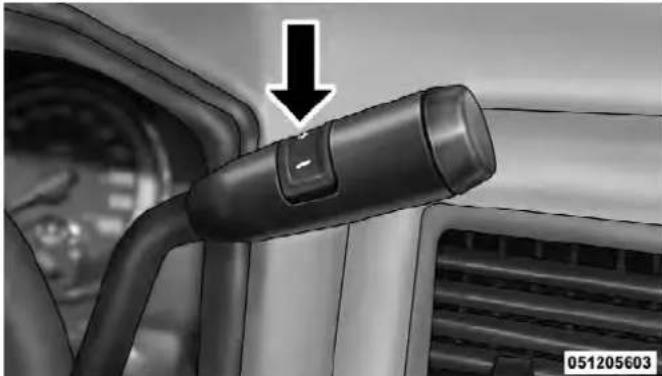
ColumnShiftLever
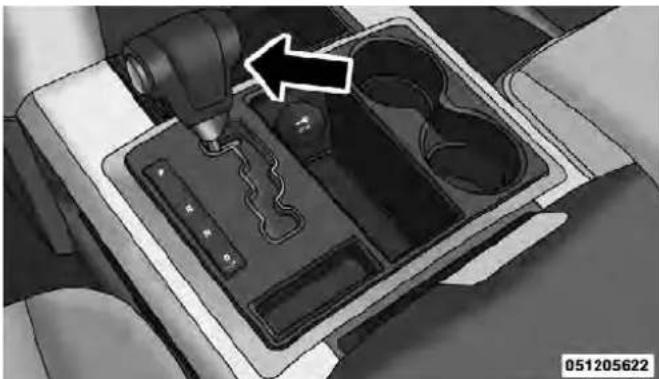
ConsoleShiftLever
To exit ERS mode, simply press and hold the shift lever to the right (+) (console shift) or the ERS (+) switch (column shift) until "D" is once again displayed in the shift lever position indicator in the instrument cluster.
WARNING!
Donotdownshiftforadditionalenginebrakingona slipperysurface. Thedrivewheelscouldlosetheir gripandthevehiclecouldskid,causingandaccident orpersonalinjury.
| Screen Display 1 | 2 | 3 | 4 | 5 | 6 | D | |
| Actual Gear(s) Allowed | 1 1- | 2 1-3 | 1, 2, | 4 | 1, 2, 4, 5 | 1, 2, 4-6 | 1-5 |
NOTE: To select the proper gear position for maximum deceleration (engine braking), simply press and hold the shift lever to the left (-) (console shift) or the ERS (-) switch down (column shift). The transmission will shift to the range from which the vehicle can best be slowed down.
OverdriveOperation
The automatic transmission includes an electronically controlled Overdrive (fourth and fifth gears). The transmission will automatically shift into the Overdrive gear if the following conditions are present:
• the shift lever is in the DRIVE position,
- the transmission fluid has reached an adequate temperature,
- the engine coolant (antifreeze) has reached an adequate temperature,
• vehicle speed is sufficiently high, and
- the TOW/HAUL switch has not been activated.
WhenToUseTOW/HAULMode
When driving in hilly areas, towing a trailer, carrying a heavy load, etc., and frequent transmission shifting occurs, press the TOW/HAUL switch to select TOW/
HAUL mode. This will improve performance and reduce the potential for transmission overheating or failure due to excessive shifting. When operating in TOW/HAUL mode, transmission upshifts are delayed, and the transmission will automatically downshift (for engine braking) during steady braking maneuvers.
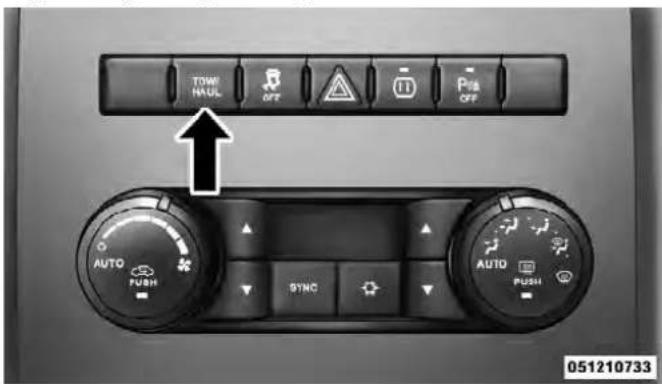
TOW/HAULSwitch
The "TOW/HAUL Indicator Light" will illuminate in the instrument cluster to indicate that TOW/HAUL mode has been activated. Pressing the switch a second time restores normal operation. If the TOW/HAUL mode is desired, the switch must be pressed each time the engine is started.
TorqueConverterClutch
A feature designed to improve fuel economy has been included in the automatic transmission on your vehicle. A clutch within the torque converter engages automatically at calibrated speeds. This may result in a slightly different feeling or response during normal operation in the upper gears. When the vehicle speed drops or during some accelerations, the clutch automatically disengages.
NOTE:
- The torque converter clutch will not engage, and the transmission will not shift into the top overdrive gear, until the transmission fluid and engine coolant are
warm [usually after 1 to 3 miles (1.6 to 4.8 km) of driving]. Because top gear is disabled, and the engine speed is higher when the torque converter clutch is not engaged, it may seem as if the transmission is not shifting properly when cold. This is normal. Using the Electronic Range Select (ERS) feature, when the transmission is sufficiently warm, will demonstrate that the transmission is able to shift into and out of Overdrive.
- If the vehicle has not been driven for several days, the first few seconds of operation after shifting the transmission into gear may seem sluggish. This is due to the fluid partially draining from the torque converter into the transmission. This condition is normal and will not cause damage to the transmission. The torque converter will refill within five seconds after starting the engine.
Six-SpeedAutomaticTransmission (5.7LEngine)—2500ModelsOnly
The shift lever position display (located in the instrument panel cluster) indicates the transmission gear range. The shift lever is mounted on the right side of the steering column. You must press the brake pedal to move the shift lever out of the PARK position (refer to "Brake/Transmission Shift Interlock System" in this section). To drive, move the shift lever from PARK or NEUTRAL to the DRIVE position. Pull the shift lever toward you when shifting into REVERSE or PARK, or when shifting out of PARK.
The electronically-controlled transmission provides a precise shift schedule. The transmission electronics are self-calibrating; therefore, the first few shifts on a new vehicle may be somewhat abrupt. This is a normal condition, and precision shifts will develop within a few hundred miles (kilometers).
Shifting from DRIVE to PARK or REVERSE should be done only after the accelerator pedal is released and the vehicle is stopped. Be sure to keep your foot on the brake pedal when moving the shift lever between these gears.
The transmission shift lever has only PARK, REVERSE, NEUTRAL, and DRIVE shift positions. Manual downshifts can be made using the Electronic Range Select (ERS) shift control (refer to “Electronic Range Select (ERS)” in this section). Pressing the ERS (-/+) switches on the shift lever while in the DRIVE position will select the highest available transmission gear, and will display that gear in the instrument cluster as 6, 5, 4, 3, 2, 1.
GearRanges
DO NOT race the engine when shifting from PARK or NEUTRAL into another gear range.
PARK
This range supplements the parking brake by locking the transmission. The engine can be started in this range. Never attempt to use PARK while vehicle is in motion. Apply the parking brake when leaving vehicle in this range.
When parking on a level surface, you may place the shift lever in the PARK position first, and then apply the parking brake.
When parking on a hill, apply the parking brake before placing the shift lever in PARK, otherwise the load on the transmission locking mechanism may make it difficult to move the shift lever out of PARK. As an added precaution, turn the front wheels toward the curb on a downhill grade and away from the curb on an uphill grade
WARNING!
- NeverusethePARKpositionasasubstitutefor theparkingbrake.Alwaysapplytheparking brakefullywhenparkedtoguardagainstvehicle movementandpossibleinjuryordamage.
- Yourvehiclecouldmoveandinjureyouandothers ifitisnotcompletelyinPARK.Checkbytryingto movetheshiftleverclockwisewithoutfirstpull-ingittowardyouafteryouhaveplaceditinPARK. MakesurethetransmissionisinPARKbefore leavingthevehicle.
WARNING!(Continued)
- ItisdangeroustomovetheshiftleveroutofPARK orNEUTRALiftheenginespeedishigherthan idlespeed.Ifyourfootisnotfirmlypressingthe brakepedal,thevehiclecouldacceleratequickly forwardorinreverse.Youcouldlosecontrolofthe vehicleandhitsomeoneorsomething.Onlyshift intogearwhentheengineisidlingnormallyand whenyourfootisfirmlypressingthebrakepedal.
(Continued)
(Continued)
WARNING!(Continued)
- Unintendedmovementofvehiclecouldinjure thoseinandnearthevehicle.Aswithallvehicles, youshouldneverexitavehiclewhiletheengineis running.Beforeexitingavehicle,alwaysapplythe parkingbrake,shiftthetransmissionintoPARK, andremovethekeyfob.Oncethekeyfobis removed,theshiftleverislockedinthePARK position,securingthevehicleagainstunwanted movement.Furthermore,youshouldneverleave unattendedchildreninsideavehicle.
- Neverleavechildrenaloneinavehicle.Leaving unattendedchildreninavehicleisdangerousfora numberofreasons.Achildorotherscouldbe seriouslyorfatallyinjured.Donotleavethekey fobinthevehicle.Achildcouldoperatepower windows,othercontrols,ormovethevehicle.
CAUTION!
- BeforemovingtheshiftleveroutofPARK,you mustturntheignitionswitchfromtheLOCK/OFF positiontotheON/RUNposition,andalsopress thebrakepedal.Otherwise,damagetotheshift levercouldresult.
- DONOTracetheenginewhenshifting from PARKorNEUTRALintoanothergearrange, as thiscandamagethedrivetrain.
The following indicators should be used to ensure that you have engaged the shift lever into the PARK position:
- When shifting into PARK, pull the shift lever toward you and move it all the way counterclockwise until it stops.
-
Release the shift lever and make sure it is fully seated in the PARK gate.
-
Look at the shift lever position display and verify that it indicates the PARK position.
- With brake pedal released, verify that the shift lever will not move out of PARK.
REVERSE
This range is for moving the vehicle rearward. Use this range only after the vehicle has come to a complete stop.
NEUTRAL
Use this range when the vehicle is standing for prolonged periods with the engine running. The engine may be started in this range. Set the parking brake and shift the transmission into PARK if you must leave the vehicle.
WARNING!
DonotcoastinNEUTRALandneverturnoffthe ignitiontocoastdownahill.Theseareunsafe practicesthatlimityourresponsetochangingtraffic orroadconditions.Youmightlosecontrolofthe vehicleandhaveacollision.
CAUTION!
Towingthevehicle,coasting,ordrivingforanyother reasonwiththetransmissioninNEUTRALcanresult inseveretransmissiondamage.Referto"RecreationalTowing"in"StartingAndOperating"and "TowingADisabledVehicle"in"WhatToDoIn Emergencies"forfurtherinformation.
DRIVE
This range should be used for most city and highway driving. It provides the smoothest upshifts and downshifts, and the best fuel economy. The transmission automatically upshifts through underdrive first, second, and third gears, direct fourth gear and overdrive fifth and sixth gears. The DRIVE position provides optimum driving characteristics under all normal operating conditions.
When frequent transmission shifting occurs (such as when operating the vehicle under heavy loading conditions, in hilly terrain, traveling into strong head winds, or while towing heavy trailers), use the Electronic Range Select (ERS) feature (refer to “Electronic Range Select (ERS)” in this section) to select a lower gear range. Under these conditions, using a lower gear range will improve performance and extend transmission life by reducing excessive shifting and heat buildup.
If the transmission operating temperature exceeds normal operating limits, the powertrain controller will modify the transmission shift schedule and expand the range of torque converter clutch engagement. This is done to prevent transmission damage due to overheating.
If the transmission becomes extremely hot, the “Transmission Temperature Warning Light” may illuminate and the transmission may downshift out of Overdrive until the transmission cools down.
NOTE: Use caution when operating a heavily loaded vehicle at low speeds (such as towing a trailer up a steep grade, or in stop-and-go traffic) during hot weather. In these conditions, torque converter slip can impose a significant additional heat load on the cooling system. Downshifting the transmission to the lowest possible gear (when climbing a grade), or shifting to NEUTRAL (when stopped in heavy traffic) can help to reduce this excess heat generation.
During cold temperatures, transmission operation may be modified depending on engine and transmission temperature as well as vehicle speed. This feature improves warm up time of the engine and transmission to achieve maximum efficiency. Engagement of both the torque converter clutch and the top overdrive gear are inhibited until the transmission fluid is warm (refer to the "Note" under "Torque Converter Clutch" in this section). During extremely cold temperatures (-16°F [-27°C] or below), operation may briefly be limited to first and direct gears only. Normal operation will resume once the transmission temperature has risen to a suitable level.
TransmissionLimpHomeMode
Transmission function is monitored electronically for abnormal conditions. If a condition is detected that could result in transmission damage, Transmission Limp Home Mode is activated. In this mode, the transmission remains in fourth gear regardless of which forward gear is selected. PARK, REVERSE, and NEUTRAL will continue to operate. Limp Home Mode allows the vehicle to be driven to an authorized dealer for service without damaging the transmission.
In the event of a momentary problem, the transmission can be reset to regain all forward gears by performing the following steps:
- Stop the vehicle.
- Shift the transmission into PARK.
- Turn the ignition switch to the LOCK/OFF position.
- Wait approximately 10 seconds.
-
Restart the engine.
-
Shift into the desired gear range. If the problem is no longer detected, the transmission will return to normal operation.
NOTE: Even if the transmission can be reset, we recommend that you visit your authorized dealer at your earliest possible convenience. Your authorized dealer has diagnostic equipment to determine if the problem could recur.
If the transmission cannot be reset, authorized dealer service is required.
ElectronicRangeSelect(ERS)Operation
The Electronic Range Select (ERS) shift control allows the driver to limit the highest available gear when the shift lever is in the DRIVE position. For example, if you shift the transmission into 3 (third gear), the transmission will never shift above third gear, but will shift down into second and first gear normally.
You can switch between DRIVE and ERS mode at any vehicle speed. When the shift lever is in the DRIVE position, the transmission will operate automatically, shifting between all available gears. Tapping the ERS (-) switch will activate ERS mode, display the current gear in the instrument cluster, and maintain that gear as the top available gear. Once in ERS mode, tapping ERS (-) or (+) will change the top available gear.

ColumnShiftLever
To exit ERS mode, simply press and hold the ERS (+) switch until "D" is once again displayed in the shift lever position indicator in the instrument cluster.
WARNING!
| Donotdownshiftforadditionalenginebrakingona slipperysurface. Thedrivewheelscouldlosetheir gripandthevehiclecouldskid,causinganaccident orpersonalinjury. | |||||||
| Screen Display 1 | 2 | 3 | 4 | 5 | 6 | D | |
| Actual Gear(s) Allowed | 1 1- | 2 1-3 | 1-4 1-5 | 1-6 1-6 | |||
NOTE: To select the proper gear position for maximum deceleration (engine braking), simply press and hold the ERS (-) switch down. The transmission will shift to the range from which the vehicle can best be slowed down.
OverdriveOperation
The automatic transmission includes an electronically controlled Overdrive (fifth and sixth gears). The transmission will automatically shift into the Overdrive gear if the following conditions are present:
• the shift lever is in the DRIVE position,
- the transmission fluid has reached an adequate temperature,
- the engine coolant (antifreeze) has reached an adequate temperature,
• vehicle speed is sufficiently high, and
- the TOW/HAUL switch has not been activated.
WhenToUseTOW/HAULMode
When driving in hilly areas, towing a trailer, carrying a heavy load, etc., and frequent transmission shifting occurs, press the TOW/HAUL switch to select TOW/
HAUL mode. This will improve performance and reduce the potential for transmission overheating or failure due to excessive shifting. When operating in TOW/HAUL mode, transmission upshifts are delayed, and the transmission will automatically downshift (for engine braking) during steady braking maneuvers.

TOW/HAULSwitch
The “TOW/HAUL Indicator Light” will illuminate in the instrument cluster to indicate that TOW/HAUL mode has been activated. Pressing the switch a second time restores normal operation. If the TOW/HAUL mode is desired, the switch must be pressed each time the engine is started.
TorqueConverterClutch
A feature designed to improve fuel economy has been included in the automatic transmission on your vehicle. A clutch within the torque converter engages automatically at calibrated speeds. This may result in a slightly different feeling or response during normal operation in the upper gears. When the vehicle speed drops or during some accelerations, the clutch automatically disengages.
NOTE:
- The torque converter clutch will not engage, and the transmission will not shift to sixth gear, until the
transmission fluid and engine coolant are warm [usually after 1 to 3 miles (1.6 to 4.8 km) of driving]. Because sixth gear is disabled, and engine speed is higher when the torque converter clutch is not engaged, it may seem as if the transmission is not shifting properly when cold. This is normal. Using the Electronic Range Select (ERS) feature, when the transmission is sufficiently warm, will demonstrate that the transmission is able to shift into and out of Overdrive.
- If the vehicle has not been driven for several days, the first few seconds of operation after shifting the transmission into gear may seem sluggish. This is due to the fluid partially draining from the torque converter into the transmission. This condition is normal and will not cause damage to the transmission. The torque converter will refill within five seconds after starting the engine.
FOUR-WHEELDRIVEOPERATION—IF EQUIPPED
Four-wheel drive trucks are equipped with either a manually shifted transfer case or an electronically shifted transfer case. Refer to the operating instructions for your transfer case, located in this section for further information.
ManuallyShiftedTransferCase—IfEquipped
The transfer case provides four mode positions.
- Two-wheel drive high range (2H)
• Four-wheel drive high range (4H) - Neutral (N)
• Four-wheel drive low range (4L)
This transfer case is intended to be driven in the 2H position for normal street and highway conditions such as dry, hard surfaced roads.
412STARTING AND OPERATING
When additional traction is required, the 4H and 4L positions can be used to lock the front and rear drive-shafts together and force the front and rear wheels to rotate at the same speed. This is accomplished by simply moving the shift lever to the desired positions. The 4H and 4L positions are intended for loose, slippery road surfaces only. Driving in the 4H and 4L positions on dry, hard surfaced roads may cause increased tire wear and damage to the driveline components.
The “Transfer Case Position Indicator Light” in the instrument cluster will alert the driver that the vehicle is in four-wheel drive and that the front and rear drive-shafts are locked together. This light will illuminate when the transfer case is shifted into either the 4H or 4L position. There is no light for the 2H or NEUTRAL positions.
When operating your vehicle in 4L, the engine speed is approximately three times that of the 2H or 4H positions at a given road speed. Take care not to overspeed the engine and do not exceed 25 mph (40 km/h).
Proper operation of four-wheel drive vehicles depends on tires of equal size, type and circumference on each wheel. Any difference will adversely affect shifting and can cause damage to the drivetrain.
NOTE: Do not attempt to make a shift while only the front or rear wheels are spinning. The transfer case is not equipped with a synchronizer and therefore the front and rear driveshaft speeds must be equal for the shift to take place. Shifting while only the front or rear wheels are spinning can cause damage to the transfer case.
Because four-wheel drive provides improved traction, there is a tendency to exceed safe turning and stopping speeds. Do not go faster than road conditions permit.
NOTE: Delayed shifts out of four-wheel drive may be experienced due to uneven tire wear, low or uneven tire pressures, excessive vehicle loading, or cold temperatures.
WARNING!
Youorotherscouldbeinjuredifyouleavethe vehicleunattendedwiththetransfercaseinthe NEUTRALpositionwithoutfirstfullyengagingthe parkingbrake. ThetransfercaseNEUTRALposition disengagesboththefrontandreardriveshaftsfrom thepowertrainandwillallowthevehicletomove regardlessofthetransmissionposition. Theparking brakeshouldalwaysbeappliedwhenthedriveris notinthevehicle.
STARTING AND OPERATING
For additional information on the appropriate use of each transfer case mode position, see the information below:
2H
Rear-Wheel Drive High Range - This range is for normal street and highway driving on dry hard surfaced roads.
4H
Four-Wheel Drive High Range - This range locks the front and rear driveshafts together forcing the front and rear wheels to rotate at the same speed. Additional traction for loose, slippery road surfaces only.
N
Neutral - This range disengages the front and rear driveshafts from the powertrain. To be used for flat towing behind another vehicle. Refer to “Recreational Towing” in “Starting and Operating” for further information.
Four-Wheel Drive Low Range - This range locks the front and rear driveshafts together forcing the front and rear wheels to rotate at the same speed. Additional traction and maximum pulling power for loose, slippery road surfaces only. Do not exceed 25 mph (40 km/h).
ShiftingProcedure-ManuallyShiftedTransfer Case
2H ⇔ 4H
Shifting between 2H and 4H can be made with the vehicle stopped or in motion. If the vehicle is in motion, shifts can be made up to 55 mph (88 km/h). With the vehicle in motion, the transfer case will engage/disengage faster if you momentarily release the accelerator pedal after completing the shift. Apply a constant force when shifting the transfer case lever.
2HOr4H⇔ 4L
With the vehicle rolling at 2 to 3 mph (3 to 5 km/h), shift the transmission into NEUTRAL. While the vehicle is coasting at 2 to 3 mph (3 to 5 km/h), shift the transfer case lever firmly to the desired position. Do not pause in transfer case NEUTRAL.
NOTE:
- Pausing in transfer case NEUTRAL in vehicles equipped with an automatic transmission may require shutting the engine OFF to avoid gear clash while completing the shift. If difficulty occurs, shift the transmission into NEUTRAL, hold foot on brake, and turn the engine OFF. Make shift to the desired mode.
- Shifting into or out of 4L is possible with the vehicle completely stopped, however difficulty may occur due to the mating clutch teeth not being properly aligned. Several attempts may be required for clutch teeth alignment and shift completion to occur. The preferred
method is with the vehicle rolling 2 to 3 mph (3 to 5 km/h). Avoid attempting to engage or disengage 4L with the vehicle moving faster than 2 to 3 mph (3 to 5 km/h).
- Do not attempt to shift into or from 4L while the transmission is in gear.
TransferCasePositionIndicatorLight
The "Transfer Case Position Indicator Light" in the instrument cluster is used to alert the driver that the front axle is fully engaged and all four wheels are driving.
ElectronicallyShiftedTransferCase (Four-PositionSwitch)—IfEquipped
This is an electronic shift transfer case and is operated by the 4WD Control Switch (Transfer Case Switch), which is located on the instrument panel.
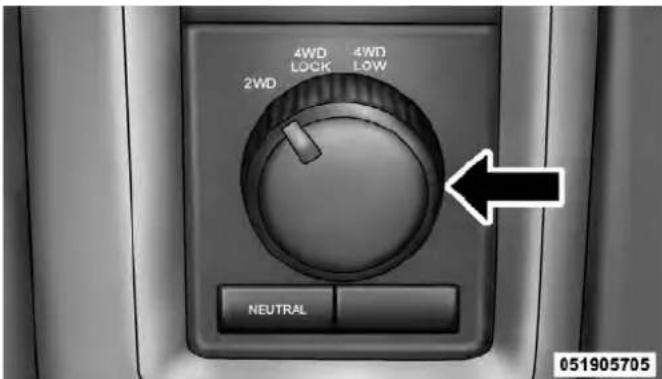
TransferCaseSwitch(Four-Position)
This electronically shifted transfer case provides four mode positions:
- Two-wheel drive high range (2WD)
• Four-wheel drive lock range (4WD LOCK)
• Four-wheel drive low range (4WD LOW)
• Neutral (NEUTRAL)
416 STARTING AND OPERATING
This electronically shifted transfer case is designed to be driven in the two-wheel drive position (2WD) for normal street and highway conditions on dry, hard surfaced roads.
When additional traction is required, the transfer case 4WD LOCK and 4WD LOW positions can be used to lock the front and rear driveshafts together, forcing the front and rear wheels to rotate at the same speed. This is accomplished by rotating the 4WD Control Switch to the desired position. Refer to "Shifting Procedure" in this section for specific shifting instructions. The 4WD LOCK and 4WD LOW positions are designed for loose, slippery road surfaces only. Driving in the 4WD LOCK and 4WD LOW positions on dry hard surfaced roads may cause increased tire wear and damage to the driveline components.
NOTE: The transfer case NEUTRAL position is selected by pressing the recessed button located on the lower left
hand corner of the 4WD Control Switch. The transfer case NEUTRAL position is to be used for recreational towing only. Refer to "Recreational Towing" in "Starting and Operating" for further information.
TransferCasePositionIndicatorLights
The Transfer Case Position Indicator Lights (4WD and 4LOW) are located in the instrument cluster and indicate the current and desired transfer case selection. When you select a different transfer case position, the indicator lights will do the following:
IfAllShiftConditionsAreMet:
- The current position indicator light will turn OFF.
- The selected position indicator light will flash until the transfer case completes the shift.
- When the shift is complete, the indicator light for the selected position will stop flashing and remain ON.
IfOneOrMoreShiftConditionsAreNotMet:
- The indicator light for the current position will remain ON.
- The newly selected position indicator light will continue to flash.
- The transfer case willnotshift.
NOTE: Before retrying a selection, make certain that all the necessary requirements for selecting a new transfer case position have been met. To retry the selection, turn the control knob back to the current position, wait five seconds, and retry selection. To find the shift requirements, refer to the "Shifting Procedure" for your transfer case, located in this section.
The “SVC 4WD Warning Light” monitors the electronic shift four-wheel drive system. If this light remains on after engine start up or illuminates during driving, it means that the four-wheel drive system is not functioning properly and that service is required.
WARNING!
Alwaysengagetheparkingbrakewhenpowering downthevehicleifthe"SVC4WDWarningLight"is illuminated. Notengagingtheparkingbrakemay allowthevehicletoroll,whichmaycausepersonal injury.
NOTE: Do not attempt to make a shift while only the front or rear wheels are spinning, as this can cause damage to driveline components.
418 STARTING AND OPERATING
When operating your vehicle in 4WD LOW, the engine speed is approximately three times that of the 2WD or 4WD LOCK positions at a given road speed. Take care not to overspeed the engine and do not exceed 25 mph (40 km/h).
Proper operation of four-wheel drive vehicles depends on tires of equal size, type and circumference on each wheel. Any difference in tire size can cause damage to the drivetrain.
Because four-wheel drive provides improved traction, there is a tendency to exceed safe turning and stopping speeds. Do not go faster than road conditions permit.
WARNING!
Youorotherscouldbeinjuredifyouleavethe vehicleunattendedwiththetransfercaseinthe NEUTRALpositionwithoutfirstfullyengagingthe parkingbrake. ThetransfercaseNEUTRALposition disengagesboththefrontandreardriveshaftsfrom thepowertrainandwillallowthevehicletomove regardlessofthetransmissionposition. Theparking brakeshouldalwaysbeappliedwhenthedriveris notinthevehicle.
For additional information on the appropriate use of each transfer case mode position, see the information below:
2WD
Rear Wheel Drive High Range - This range is for normal street and highway driving on dry, hard surfaced roads.
4WD LOCK
Four-Wheel Drive Lock Range - This range locks the front and rear driveshafts together forcing the front and rear wheels to rotate at the same speed. This range provides additional traction for loose, slippery road surfaces only.
4WD LOW
Four-Wheel Drive Low Range - This range provides low speed four-wheel drive. It locks the front and rear driveshafts together forcing the front and rear wheels to rotate at the same speed. This range provides additional traction and maximum pulling power for loose, slippery road surfaces only. Do not exceed 25 mph (40 km/h).
N
Neutral - This range disengages both the front and rear driveshafts from the powertrain. To be used for flat towing behind another vehicle. Refer to “Recreational Towing” in “Starting and Operating” for further information.
ShiftingProcedure
NOTE:
- If any of the requirements to select a new transfer case position have not been met, the transfer case will not shift. The position indicator light for the previous position will remain ON and the newly selected position indicator light will continue to flash until all the requirements for the selected position have been met. To retry a shift: return the control knob back to the original position, make certain all shift requirements have been met, wait five seconds and try the shift again.
- If all the requirements to select a new transfer case position have been met, the current position indicator light will turn OFF, the selected position indicator light will flash until the transfer case completes the shift. When the shift is complete, the position indicator light for the selected position will stop flashing and remain ON.
Rotate the 4WD control switch to the desired position. Shifts between 2WD and 4WD LOCK can be done with the vehicle stopped or in motion. With the vehicle in motion, the transfer case will engage/disengage faster if you momentarily release the accelerator pedal after turning the control switch. If the vehicle is stopped, the ignition switch must be in the ON position with the engine either running or off. This shift cannot be completed if the ignition switch is in the ACC position.
NOTE: The four-wheel drive system will not allow shifts between 2WD/4WD LOCK if the front and/or rear wheels are spinning (no traction). In this situation, the selected position indicator light will flash and the original position indicator light will remain ON. At this time, reduce speed and stop spinning the wheels to complete the shift.
2WDOr4WDLOCK⇔ 4WDLOW
NOTE: When shifting into or out of 4WD LOW some gear noise may be heard. This noise is normal and is not detrimental to the vehicle or occupants.
Shifting can be performed with the vehicle rolling 2 to 3 mph (3 to 5 km/h) or completely stopped. You can use either of the following procedures:
PreferredProcedure
- With the engine running, slow the vehicle to 2 to 3 mph (3 to 5 km/h).
- Shift the transmission into NEUTRAL.
- While still rolling, rotate the transfer case control switch to the desired position.
- After the desired position indicator light is ON (not flashing), shift the transmission back into gear.
AlternateProcedure
- Bring the vehicle to a complete stop.
- With the ignition switch in the ON position and the engine either OFF or running, shift the transmission into NEUTRAL.
- Rotate the transfer case control switch to the desired position.
- After the desired position indicator light is ON (not flashing), shift the transmission back into gear.
NOTE:
- If Steps 1 or 2 of either the Preferred or Alternate Procedure are not satisfied prior to attempting the shift, then the desired position indicator light will flash continuously while the original position indicator light is ON, until all requirements have been met.
- The ignition switch must be in the ON position for a shift to take place and for the position indicator lights to be operable. If the ignition switch is not in the ON position, the shift will not take place and no position indicator lights will be on or flashing.
ElectronicallyShiftedTransferCase (Five-PositionSwitch)—IfEquipped
This is an electronic shift transfer case and is operated by the 4WD Control Switch (Transfer Case Switch), which is located on the instrument panel.

TransferCaseSwitch(Five-Position)
This electronically shifted transfer case provides five mode positions:
- Two-wheel drive high range (2WD)
• Four-wheel drive automatic range (4WD AUTO)
• Four-wheel drive lock range (4WD LOCK)
• Four-wheel drive low range (4WD LOW) - Neutral (NEUTRAL)
This electronically shifted transfer case is designed to be driven in the two-wheel drive position (2WD) or four-wheel drive position (4WD AUTO) for normal street and highway conditions on dry hard surfaced roads). Driving the vehicle in 2WD will have greater fuel economy benefits as the front axle is not engaged in 2WD.
For variable driving conditions, the 4WD AUTO mode can be used. In this mode, the front axle is engaged, but the vehicle's power is sent to the rear wheels. Four-wheel
STARTING AND OPERATING423
drive will be automatically engaged when the vehicle senses a loss of traction. Because the front axle is engaged, this mode will result in lower fuel economy than the 2WD mode.
When additional traction is required, the transfer case 4WD LOCK and 4WD LOW positions can be used to lock the front and rear driveshafts together forcing the front and rear wheels to rotate at the same speed. This is accomplished by rotating the 4WD Control Switch to the desired position. Refer to "Shifting Procedure" for specific shifting instructions. The 4WD LOCK and 4WD LOW positions are designed for loose, slippery road surfaces only. Driving in the 4WD LOCK and 4WD LOW positions on dry hard surfaced roads may cause increased tire wear and damage to the driveline components.
NOTE: The transfer case NEUTRAL position is selected by depressing the recessed button located on the lower left hand corner of the 4WD Control Switch. The transfer case NEUTRAL position is to be used for recreational towing only. Refer to "Recreational Towing" in "Starting and Operating" for further information.
TransferCasePositionIndicatorLights
The Transfer Case Position Indicator Lights (4WD, 4LOW, and 4WD AUTO) are located on the instrument cluster and indicate the current and desired transfer case selection. When you select a different transfer case position, the position indicator lights will do the following:
IfAllShiftConditionsAreMet:
- The current position indicator light will turn OFF.
- The selected position indicator light will flash until the transfer case completes the shift.
- When the shift is complete, the indicator light for the selected position will stop flashing and remain ON.
- The indicator light for the current position will remain ON.
- The newly selected position indicator light will continue to flash.
- The transfer case willnotshift.
NOTE: Before retrying a selection, make certain that all the necessary requirements for selecting a new transfer case position have been met. To retry the selection, turn the control knob back to the current position, wait five seconds, and retry selection. To find the shift requirements, refer to the "Shifting Procedure" for your transfer case, located in this section of the owner's manual.
The “SVC 4WD Warning Light” monitors the electronic shift four-wheel drive system. If this light remains on after engine start up or illuminates during driving, it means that the four-wheel drive system is not functioning properly and that service is required.
WARNING!
Alwaysengagetheparkingbrakewhenpowering downthevehicleifthe"SVC4WDWarningLight"is illuminated. Notengagingtheparkingbrakemay allowthevehicletorollwhichmaycausepersonal injury.
NOTE: Do not attempt to make a shift while only the front or rear wheels are spinning. This could cause damage to driveline components.
When operating your vehicle in 4WD LOW, the engine speed is approximately three times that of the 2WD, 4WD AUTO or 4WD LOCK positions at a given road speed. Take care not to overspeed the engine and do not exceed 25 mph (40 km/h).
Proper operation of four-wheel drive vehicles depends on tires of equal size, type and circumference on each wheel. Any difference in tire size can cause damage to the drivetrain.
Because four-wheel drive provides improved traction, there is a tendency to exceed safe turning and stopping speeds. Do not go faster than road conditions permit.
WARNING!
Youorotherscouldbeinjuredifyouleavethe vehicleunattendedwiththetransfercaseinthe NEUTRALpositionwithoutfirstfullyengagingthe parkingbrake. ThetransfercaseNEUTRALposition disengagesboththefrontandreardriveshaftsfrom thepowertrainandwillallowthevehicletomove regardlessofthetransmissionposition. Theparking brakeshouldalwaysbeappliedwhenthedriveris notinthevehicle.
For additional information on the appropriate use of each transfer case mode position, see the information below:
2WD
Rear-Wheel Drive High Range - This range is for normal street and highway driving on dry hard surfaced roads.
4WD AUTO
Four-Wheel Drive Auto Range - This range sends power to the rear wheels. The four-wheel drive system will be automatically engaged when the vehicle senses a loss of traction. Additional traction for varying road conditions.
4WD LOCK
Four-Wheel Drive Lock Range - This range locks the front and rear driveshafts together forcing the front and rear wheels to rotate at the same speed. Additional traction for loose, slippery road surfaces only.
4WD LOW
Four-Wheel Drive Low Range - This range provides low speed four-wheel drive. Locks the front and rear drive-shafts together forcing the front and rear wheels to rotate at the same speed. Additional traction and maximum pulling power for loose, slippery road surfaces only. Do not exceed 25 mph (40 km/h).
N
Neutral - This range disengages both the front and rear driveshafts from the powertrain. To be used for flat towing behind another vehicle. Refer to “Recreational Towing” in “Starting and Operating” for further information.
ShiftingProcedure
NOTE:
- If any of the requirements to select a new transfer case position have not been met, the transfer case will not shift. The position indicator light for the previous position will remain ON, and the newly selected position indicator light will continue to flash until all the requirements for the selected position have been met. To retry a shift: return the control knob back to the original position, make certain all shift requirements have been met, wait five seconds and try the shift again.
- If all the requirements to select a new transfer case position have been met, the current position indicator light will turn OFF, the selected position indicator light will flash until the transfer case completes the shift. When the shift is complete, the position indicator light for the selected position will stop flashing and remain ON.
2WD⇔ 4WDAUTOOr4WDLOCK
Rotate the 4WD Control Switch to the desired position. Shifts between 2WD and 4WD AUTO and 4WD LOCK can be done with the vehicle stopped or in motion. With the vehicle in motion, the transfer case will engage/disengage faster if you momentarily release the accelerator pedal after turning the control switch. If the vehicle is stopped, the ignition switch must be in the ON position with the engine either running or OFF. This shift cannot be completed if the ignition switch is in the ACC position.
2WDOr4WDAUTOOr4WDLOCK⇔ 4WD LOW
NOTE: When shifting into or out of 4WD LOW some gear noise may be heard. This noise is normal and is not detrimental to the vehicle or occupants.
Shifting can be performed with the vehicle rolling 2 to 3 mph (3 to 5 km/h) or completely stopped. Use either of the following procedures:
PreferredProcedure
- With the engine running, slow the vehicle to 2 to 3 mph (3 to 5 km/h).
- Shift the transmission into NEUTRAL.
- While still rolling, rotate the transfer case control switch to the desired position.
- After the desired position indicator light is ON (not flashing), shift the transmission back into gear.
- Bring the vehicle to complete stop.
- With the ignition switch in the ON position and the engine either OFF or running, shift the transmission into NEUTRAL.
- Rotate the transfer case control switch to the desired position.
- After the desired position indicator light is ON (not flashing), shift the transmission back into gear.
NOTE:
- If Steps 1 or 2 of either the Preferred or Alternate Procedure are not satisfied prior to attempting the shift or if they no longer are being met while the shift attempt is in process, the desired position indicator light will flash continuously while the original position indicator light is ON, until all requirements have been met.
- The ignition switch must be in the ON position for a shift to take place and for the position indicator lights to be operable. If the ignition switch is not in the ON position, then the shift will not take place and no position indicator lights will be on or flashing.
AXLELOCKERSYSTEM(2500MODELSONLY)—IFEQUIPPED
This vehicle is equipped with electronically locking front and rear differentials. These differentials, when engaged, mechanically lock together the axle shafts forcing the wheels to spin at an equal rate. This allows the vehicle to maintain its momentum and prevents it from becoming stuck. The locking front and rear differentials should only be engaged during low-speed, extreme off-road situations where one wheel is likely to not be in contact with the ground. It is not recommended to drive the vehicle with the differentials locked on pavement due to the reduced ability to turn and speed limitations.
CAUTION!
- Donotlockthefrontorrearaxleonhardsurfaced roads. Theabilitytosteerthevehicleisreduced anddamagetothedrivetrainmayoccurwhenthe axlesarelockedonhardsurfacedroads.
- Donottrytolocktherearaxleifthevehicleis stuckandthetiresarespinning.Youcandamage drivetraincomponents.Locktherearaxlebefore attemptingssituationsornavigatingterrain,which couldpossiblycausethevehicletobecomestuck.
The locking axles are controlled by the axle locker switch.
The switch has three positions, AXLE UNLOCK, REAR LOCK, and FRONT/REAR LOCK. Under normal driving conditions, the switch should be left in the AXLE UNLOCK position. In the AXLE UNLOCK position, the front and rear axles are unlocked. In the REAR LOCK
position, the rear axle is locked. In the FRONT/REAR LOCK position, the front and rear axles are locked.
NOTE: Even when the axles are in the AXLE UNLOCK position, the limited slip differential in the rear axle still provides torque biasing capability for moderate low traction environments.
During the command to lock the axle, the indicator light will flash until the axle is locked. After the lock command has been successfully executed, the light will remain on solid.
To lock the rear axle, place the vehicle in 4LO. Refer to "Four Wheel Drive Operation" in "Starting and Operating" for further information. Move the axle locker switch position to REAR LOCK while traveling less than 3 mph (5 km/h). The RR indicator light will remain on when the rear axle is locked.
NOTE: Left to right wheel speed difference may be necessary to allow the axle to fully lock. If the indicator light is flashing after placing the switch in the REAR LOCK or FRONT/REAR LOCK position, drive the vehicle in a turn or on loose gravel to expedite the locking action.
WARNING!
Donotusethelockedaxlepositionfornormal driving.Alockedfrontaxleisintendedforoff-road drivingonly.Lockingthefrontaxleduringon-road drivingwillreducethesteeringability.Thiscould causeacollisionandyoumaybeseriouslyinjured.
To lock the front axle; move the axle locker switch to FRONT/REAR LOCK while traveling less than 3 mph (5 km/h). The indicator light will be solid when the front axle is locked.
NOTE: The rear axle must be locked before the front axle will lock.
To unlock the front axle; move the axle locker switch to REAR LOCK. The FRONT/REAR LOCK indicator light will go out when the axle is unlocked.
NOTE: The axle lockers could be torque locked due to side to side loads on the axle. Driving slowly while turning the steering wheel from a left hand turn to a right hand turn or driving in REVERSE for a short distance may be required to release the torque lock and unlock the axles.
To unlock the rear axle; move the axle locker switch to AXLE UNLOCK. The REAR LOCK indicator light will go out when the rear axle is unlocked.
STABILIZER/SWAYBARSYSTEM—POWER WAGONONLY
Your vehicle is equipped with an electronic disconnecting stabilizer/sway bar. This system allows greater front suspension travel in off-road situations.
Due to the use of taller springs, this vehicle has an increased ride height of approximately 1.9 in (48.3 mm) in the front and 1.5 in (38.1 mm) in the rear. A major advantage to increasing ride height is the positive effect it has on approach/departure and break over angles.
This system is controlled by the electronic control sway bar switch located on the instrument panel.

052307134
1 — On Road
2 — Off Road
The switch has two positions; On-Road and Off-Road. The system is normally in the On-Road mode, indicated by a solid green light. The stabilizer/sway bar should remain in the On-Road mode during normal driving conditions.
WARNING!
Donotdisconnectthestabilizerbaranddriveon hardsurfacedroadsoratspeedsabove18mph (29km/h),youmaylosecontrolofthevehicle,which couldresultinserious injury. Thefrontstabilizerbar enhances vehicle stability and is necessary for maintaining control of the vehicle. Thesystem monitors vehiclespeed and will attempt to reconnect the stabilizer bar at speed over 18mph (29km/h). This is indicated by a flashing off road light and solid on road light. Once vehicles speed is reduced below 14mph (22km/h), the system will attempt to return to the Off-Road mode.
To disconnect the stabilizer/sway bar, shift to either 4HI or 4LO as shown in "Four Wheel Drive Operation" and press the top of the stabilizer/sway bar button to obtain the Off-Road position. The amber indicator light will flash until the stabilizer/sway bar has been fully disconnected.
NOTE: The stabilizer/sway bar may be torque locked due to left and right suspension height differences. This condition is due to driving surface differences or vehicle loading. In order for the stabilizer/sway bar to disconnect/reconnect, the right and left halves of the bar must be aligned. This alignment may require that the vehicle be driven onto level ground or rocked from side to side.
To return to the On-Road mode; press the bottom of the stabilizer/sway bar button.
WARNING!
Ifthestabilizer/swaybarwillnotreturntoOn-Road mode,vehiclestabilityisgreatlyreduced.Donot attempttodrivethevehicleover18mph(29km/h). Drivingfasterthan18mph(29km/h)maycauseloss ofcontrolofthevehicle,whichcouldresultin seriousinjury.Contactyourlocalservicecenterfor assistance.
SAFEOFF-ROADDRIVING—POWERWAGON ONLY
Off-RoadDrivingTipsAndVehicleCharacteristics
Your vehicle has excellent on and off-road capabilities. These off-road capabilities will allow you to explore those wilderness trails where few travel, providing a source of exciting and satisfying recreation. Before you venture out, you should contact your local governmental agency to determine the designated off-road vehicle
(ORV) trails or recreation areas. You should always tread lightly and only use established roads, trails or ORV recreational areas. The National Forest Service, Bureau of Land Management or local Department of Natural Resources are a wealth of information and usually have maps with marked trails.
SkidPlatesAndUnderbodyProtection
Steel skid plates protect the major driveline components of the truck including the fuel tank, transfer case and steering damper. In addition, this vehicle is equipped with boxed cross members and fore/aft rails. This additional protection allows the vehicle to be utilized in severe off-road situations that would be considered impassable by a normal truck.
RampTravelIndex(RTI)
The ramp travel index is the distance, in inches, that you can drive your vehicle with one wheel on a 20-degree ramp without lifting any other wheel off the ground. This
distance up the ramp divided by the wheelbase of the vehicle and multiplied by 1,000 is the RTI. This vehicle has an RTI of 655, which means you can articulate one front wheel 32 inches in the air while the other three wheels remain in contact with the ground.
WaterFordingCharacteristics
Water fording characteristic is the vehicle's ability to cross a body of still water, where the powertrain and drivetrain are safe from water ingestion. This vehicle has high water fording characteristics with the ability to cross a pool of water, without stopping, 24 inches deep at a maximum speed of 10mph (16km / h) and a pool of water 30 inches deep at a maximum speed of 5mph (8km / h) , both with an entrance ramp angle of 1.3 degrees.
CAUTION!
Thedoorsillheightis25inches.Watermayintrude intotheinteriorofthevehicleatgreaterdepths.
Simultaneous Brake And Throttle Operation
Many off-road driving conditions require the simultaneous use of the brake and throttle (two footed driving). When climbing rocks, logs, or other stepped objects, using light brake pressure with light throttle will keep the vehicle from jerking or lurching. This technique is also used when you need to stop and restart a vehicle on a steep incline.
TheBasicsOfOff-RoadDriving
You will encounter many types of terrain driving off-road. You should be familiar with the terrain and area before proceeding. There are many types of surface conditions: hard packed dirt, gravel, rocks, grass, sand, mud, snow and ice. Every surface has a different effect on your vehicle's steering, handling and traction. Controlling your vehicle is one of the keys to successful off-road driving, so always keep a firm grip on the steering wheel and maintain a good driving posture. Avoid sudden accelerations, turns or braking. In most cases there are no
road signs, posted speed limits or signal lights. Therefore you will need to use your own good judgment on what is safe and what isn't. When on a trail you should always be looking ahead for surface obstacles and changes in terrain. The key is to plan your future driving route while remembering what you are currently driving over.
CAUTION!
Neverparkyourvehicleoverdrygrassorother combustiblematerials.Theheatfromyourvehicle exhaustsystemcouldcauseafire.
WARNING!
Alwayswearyourseatbeltandfirmlytiedown cargo. Unsecuredcargocanbecomeprojectilesinan off-roadsituation.
WhenToUseLowRange
When driving off-road, shift into 4L (Low Range) for additional traction or to improve handling and control on slippery or difficult terrain. Due to the lower gearing, low range will allow the engine to operate in a higher power range. This will allow you to idle over obstacles and down hills, with improved control and less effort. Also, use 4L (Low Range) in rain, ice, snow, mud, sand, to get heavy loads rolling, improve traction, or whenever 4H (High Range) traction will not do the job.
DrivingInSnow,MudAndSand
There is a drastic reduction in traction when driving in snow, mud or sand. The vehicle will be less responsive to steering, acceleration and braking inputs. Therefore you should accelerate slowly, leave greater stopping distances and avoid abrupt vehicle maneuvers. You want to keep a slow constant steady pace. The key is to maintain the vehicle's momentum.
- Snow– In heavy snow or for additional control and traction at slower speeds, shift the transmission to a low gear and shift the transfer case to 4L (Low Range) if necessary. Do not shift to a lower gear than necessary to maintain headway. Over-revving the engine can spin the wheels and traction will be lost. If you start to slow to a stop, try turning your steering wheel no more than a 1/4 turn quickly back and forth, while still applying throttle. This will allow the tires to get a fresh "bite" and help maintain your momentum.
CAUTION!
Onicyorslipperyroads, donotdownshiftathigh engineRPMsorvehiclespeedsbecauseenginebrakingmaycauseskiddingandlossofcontrol.
- Mud– Deep mud creates a great deal of suction around the tires and is very difficult to get through. You should use 4L (Low Range) with a gear low
enough to maintain your momentum without shifting. If you start to slow to a stop, try turning your steering wheel no more than a 1/4 turn quickly back and forth for additional traction. Mud holes pose an increased threat of vehicle damage and getting stuck. They are normally full of debris from previous vehicles getting stuck. As a good practice before entering any mud hole, get out and determine how deep it is, if there are any hidden obstacles and if the vehicle can be safely recovered if stuck.
- Sand– Soft sand is very difficult to travel through with full tire pressure. When crossing soft sandy spots in a trail maintain your vehicle's momentum and do not stop. The key to driving in soft sand using the appropriate tire pressure, accelerating slowly, avoiding abrupt maneuvers and maintaining the vehicle's momentum. If you are going to be driving on large soft sandy areas or dunes, reduce your tire pressure to a minimum of 15 psi (103 kPa) to allow for a greater tire
surface area. Reduced tire pressure will drastically improve your traction and handling, while driving on the soft sand, but you must return the tires to normal air pressure before driving on pavement or other hard surfaces. Be sure you have a way to air the tires back up prior to reducing the pressure.
CAUTION!
Reduced tire pressures may cause inflation and total loss of air pressure. Toreducether is soft tire unseating, while a reduced tire pressure, reduce your speed and avoid sharp turns or abrupt maneuvers.
CrossingObstacles
(RocksAndOtherHighPoints)
While driving off road, you will encounter many types of terrain. These varying types of terrain bring different types of obstacles. Before proceeding review the path ahead to determine the correct approach and your ability to safely recover the vehicle if something goes wrong. Keeping a firm grip on the steering wheel, bring the vehicle to a complete stop and then inch the vehicle forward until it makes contact with the object. Apply the throttle lightly while holding a light brake pressure and ease the vehicle up and over the object.
WARNING!
Crossingobstaclescancauseabruptsteeringsystem loadingwhichcouldcauseyoutoloosecontrolof yourvehicle.
UsingASpotter
There are many times where it is hard to see the obstacle or determine the correct path. Determining the correct path can be extremely difficult when you are confronting many obstacles. In these cases have someone guide you over, through, or around the obstacle. Have the person
438 STARTING AND OPERATING
stand a safe distance in front of you where they can see the obstacle, watch your tires and undercarriage, and guide you through.
CrossingLargeRocks
When approaching large rocks, choose a path which ensures you drive over the largest with your tires. This will lift your undercarriage over the obstacle. The tread of the tire is tougher and thicker than the side wall and is designed to take the abuse. Always look ahead and make every effort to cross the large rocks with your tires.
CAUTION!
- Neverattempttostraddlearockthatislarge enoughtostrikeyouraxlesorundercarriage.
- Neverattempttodriveoverarockwhichislarge enoughtocontactthedoorsills.
CrossingARavine, Gully, Ditch, WashoutOrRut
When crossing a ravine, gully, ditch, washout or a large rut, the angled approach is the key to maintaining your vehicle's mobility. Approach these obstacles at a 45-degree angle and let each tire go through the obstacle independently. You need to use caution when crossing large obstacles with steep sides. Do not attempt to cross any large obstacle with steep sides at an angle great enough to put the vehicle at risk of a rollover. If you get caught in a rut, dig a small trench to the right or left at a 45-degree angle ahead of the front tires. Use the removed dirt to fill the rut ahead of the turnout you just created. You should now be able to drive out following the trench you just created at a 45-degree angle.
WARNING!
Thereisanincreasedriskofrolloverwhencrossing anobstacle, atanyangle, withsteepsides.
To cross a log, approach it at a slight angle (approximately 10 to 15 degrees). This allows one front tire to be on top of the log while the other just starts to climb the log. While climbing the log, modulate your brake and accelerator to avoid spinning the log out from under your tires. Then ease the vehicle off the log using your brakes.
CAUTION!
Donotattempttocrossalogwithagreaterdiameter thantherunninggroundclearanceorthevehiclewill becomehighcentered.
GettingHighCentered
If you get hung up or high centered on an object, get out of the vehicle and try to determine what the vehicle is hung up on, where it is contacting the underbody and what is the best direction to recover the vehicle. Depending on what you are in contact with, jack the vehicle up
and place a few rocks under the tires so the weight is off of the high point when you let the vehicle down. You can also try rocking the vehicle or winching the vehicle off the object.
CAUTION!
Winchingorrockingthevehicleoffhardobjects increasestheriskofunderbodydamage.
HillClimbing
Hill climbing requires good judgment and a good understanding of your abilities and your vehicle's limitations. Hills can cause serious problems. Some are just too steep to climb and should not be attempted. You should always feel confident with the vehicle and your abilities. You should always climb hills straight up and down. Never attempt to climb a hill on an angle.
- BeforeClimbingASteepHill– As you approach a hill consider its grade or steepness. Determine if it is too steep. Look to see what the traction is on the hill side trail. Is the trail straight up and down? What is on top and the other side? Are there ruts, rocks, branches or other obstacles on the path? Can you safely recover the vehicle if something goes wrong? If everything looks good and you feel confident, then change transmission into a lower gear, shift the transfer case into 4L (Low) and proceed with caution. You should use first gear and 4L (Low Range) for very steep hills.
- DrivingUpHill– Once you have determined your ability to proceed and have shifted into the appropriate gear, line your vehicle up for the straightest possible run. Accelerate with an easy constant throttle and apply more power as you start up the hill. Do not race forward into a steep grade, the abrupt change of grade could cause you to lose control. If the front end begins to bounce, ease off the throttle slightly to bring
all four tires back on the ground. As you approach the crest of the hill ease off the throttle and slowly proceed over the top. If the wheels start to slip as you approach the crest of a hill, ease off the accelerator and maintain headway by turning the steering wheel no more than a 1/4 turn quickly back and forth. This will provide a fresh "bite" into the surface and will usually provide enough traction to complete the climb. If you do not make it to the top, place the vehicle in REVERSE and back straight down the grade using engine resistance along with the vehicle brakes.
WARNING!
Neverattempttoclimbahillatanangleorturn aroundonasteepgrade.Drivingacrossanincline increasestheriskofarollover,whichmayresultin severeinjury.
- Driving Down Hill – Before driving down a steep hill you need to determine if it is too steep for a safe descent. What is the surface traction? Is the grade too steep to maintain a slow controlled descent? Are there obstacles? Is it a straight descent? Is there plenty of distance at the base of the hill to regain control if the vehicle descends too fast? If you feel confident in your ability to proceed then make sure you are in 4L (Low Range) with the transmission in first gear (manually select first gear on automatic transmissions) and proceed with caution. Allow engine braking to control the descent and apply your brakes if necessary, but do not allow the tires to lock.
WARNING!
DonotdescendasteepgradeinNEUTRAL.Use vehiclebrakesinconjunctionwithenginebraking. Descendingagradetoofastcouldcauseyoutolose controlandbeseriouslyinjured.
- DrivingAcrossAnIncline– If at all possible avoid driving across an incline. If it is necessary, know your vehicle's abilities. Driving across an incline places more weight on the down hill wheels, which increases the possibilities of a down hill slide or rollover. Make sure the surface has good traction with firm and stable soils. If possible transverse the incline at an angle heading slightly up or down.
WARNING!
Drivingacrossaninclineincreasetheriskofa rollover,whichmayresultinsevereinjury.
- IfYouStallOrBeginToLoseHeadway—If you stall or begin to lose headway while climbing a steep hill, allow your vehicle to come to a stop and immediately apply the brake. Restart the engine and shift into REVERSE. Back slowly down the hill allowing the compression braking of the engine and transmission to
help regulate your speed. If the brakes are required to control vehicle speed, apply them lightly and avoid locking or skidding the tires.
WARNING!
Iftheenginestallsoryouloseheadwayorcannot makeittothetopofasteephillorgrade,never attempttoturnaround.Todosomayresultin tippingandrollingthevehicle,whichmayresultin severeinjury.Alwaysbackcarefullystraightdowna hillinREVERSE.NeverbackdownahillinNEU-TRALusingonlythevehiclebrakes.Neverdrive diagonallyacrossahill,alwaysdrivestraightupor down.
Driving Through Water
Extreme care should be taken crossing any type of water. Water crossings should be avoided if possible and only be attempted when necessary, in a safe responsible
manner. You should only drive through areas which are designated and approved. You should tread lightly and avoid damage to the environment. You should know your vehicle's abilities and be able to recover it if something goes wrong. You should never stop or shut a vehicle off when crossing deep water unless you ingested water into the engine air intake. If the engine stalls do not attempt to restart it. Determine if it has ingested water first. The key to any crossing is low and slow. You want to use first gear in 4L (Low Range) and proceed very slowly with a constant slow speed (3-5 mph [5–8 km/h] maximum) and light throttle. Keep the vehicle moving; do not try to accelerate through the crossing. After crossing any water higher than the bottom of the axle differentials, you should inspect all of the vehicle fluids for signs of water ingestion.
CAUTION!
Wateringestionintotheaxles,transmission,transfer case,engineorvehicleinteriorcanoccurifyoudrive toofastorthroughtoodeepofwater.Watercancause permanentdamagetoengine,drivelineother vehiclecomponentsandyourbrakeswillbeless effectiveoncewetand/ormuddy
- BeforeYouCrossAnyTypeOfWater– As you approach any type of water you need to determine if you can cross it safely and responsibly. If necessary, get out and walk through the water or probe it with a stick. You need to be sure of its depth, approach angle, current and bottom condition. Be careful of murky or muddy waters, check for hidden obstacles. Make sure you will not be intruding on any wildlife and you can recover the vehicle if necessary. The key to a safe crossing is the water depth, current and bottom conditions. On soft bottoms the vehicle will sink in,
effectively increasing the water level on the vehicle. Be sure to consider this when determining the depth and the ability to safely cross.
- CrossingPuddles, Pools, FloodedAreasOrOther StandingWater– Puddles, pools, flooded or other standing water areas normally contain murky or muddy waters. These water types normally contain hidden obstacles and make it difficult to determine an accurate water depth, approach angle, and bottom condition. Murky or muddy water holes are where you want to hook up tow straps prior to entering. This makes for a faster, cleaner and easier vehicle recovery. If you are able to determine you can safely cross, than proceed using the low and slow method.
CAUTION!
Muddywaterscanreducethecoolingsystemeffectivenessbydepositingdebrisontotheradiator.
444STARTING AND OPERATING
- CrossingDitches, Streams, Shallow Rivers Or Other Flowing Water – Flowing water can be extremely dangerous. Never attempt to cross a fast running stream or river even in shallow water. Fast moving water can easily push your vehicle downstream sweeping it out of control. Even in very shallow water, a high current can still wash the dirt out from around your tires putting you and your vehicle in jeopardy. There is still a high risk of personal injury and vehicle damage with slower water currents in depths greater than the vehicle's running ground clearance. You should never attempt to cross flowing water which is deeper than the vehicle's running ground clearance. Even the slowest current can push the heaviest vehicle downstream out of control if the water is deep enough to push on the large surface area of the vehicle's body. Before you proceed determine the speed of the current, the water's depth, approach angle, bottom condition
and if there are any obstacles, then cross at an angle heading slightly upstream using the low and slow technique.
WARNING!
Neverdrivethroughfastmovingdeepwater.Itcan pushyourvehicledownstream,sweepingitoutof control.Thiscouldputyouandyourpassengersat riskofinjuryordrowning.
AiringDownForOff-RoadDriving
Running lower tire pressure off-road can improve your ride comfort and vehicle traction. Reducing the tire air pressure allows the tire to bulge slightly, improving its surface area for better flotation and ability to mold or form to the ground contour. Different terrain, tires, and vehicles require different tire pressure. Hard surfaces like rock and heavier vehicles require higher pressures than softer surfaces such as sand and lighter vehicles. You will
need to experiment to determine what is right for your situation. It is easier and faster to let air out than it is to replace it so, start high and lower it as required. Remember you must return the tires to normal air pressure before driving on road or at highway conditions. Be sure you have a way to return the tires to their normal on road air pressure.
CAUTION!
Reduced tire pressure increase estheriskoftired damage and may cause tire unseating with total loss of air pressure. Toreducetheriskoftire unseating, while at areduced tire pressure, drive at slower speeds and avoid sharp turns or abrupt maneuvers.
VehicleRecovery
If you drive off-road, you may encounter a situation where you will need to recover your vehicle. Vehicle recovery should always be given consideration before
attempting a questionable obstacle. You should never go off-road driving without the ability to recover your vehicle from a situation. Having another vehicle with you usually works best for most situations. The first thing to do is assess the situation. Why are you stuck?
Are you hung up on something? Would it be easier to go forward or to go backward? Can you still move the vehicle? Is there an anchor point to winch to? Are you alone or do you have another vehicle to help? Is there high risk of vehicle damage during the recovery process?
Answering these questions will help you determine the best method of recovery. If you can still move the vehicle slightly and the only issue is slick ground, then rock cycling your vehicle would be the first choice. If you have ample room, an additional vehicle and there is low risk of vehicle impingement on the surroundings, then using a tow strap to the vehicle tow hooks would be fast and easy. If the vehicle is severely hung up or in a situation where great care needs to be taken during the recovery,
then nothing can do the job better than a winch. If you are severely hung up on something you should jack the vehicle up and stack something under the wheels to allow the vehicle to roll off the object without causing further damage. This should be tried before attempting any recovery method.
CAUTION!
Pullingthevehicleoffanobstacle, without first clearingtheobject, may result in additional under-body damage.
- RockCyclingYourVehicle–Rock cycling your vehicle is one of the easiest, fastest and most commonly used methods. This simply involves shifting your vehicle from DRIVE to REVERSE, while applying throttle after each shift. During this process, for additional traction, try turning your steering wheel quickly back and forth no more than a 1/4 turn. If you are stuck
in mud, sand, or snow try spinning your tires during this process to clean the debris from the tread and improve the traction. You want to create a rocking motion with the vehicle. This helps build vehicle momentum, which hopefully gets you out. Remember to ease off and on the accelerator before and after the shift. If after a few rock cycles your vehicle is not free, stop and try another method of recovery. Continuous rock cycling will only cause unnecessary damage to your vehicle and the environment.
CAUTION!
Damagecanoccurwhenspinningyourtiresatan excessivehighspeed.Donotspinyourtiresfaster thananindicated35mph(56km/h).
- UsingTheTowHooksWithATowStrap– T o w straps are a quick and easy way to recover your vehicle from minor situations if you have a secondary
vehicle which is not stuck. The tow hooks on your vehicle are designed to take the abusive force generated during vehicle recovery. Do not use the bumper or any other vehicle component as an attachment point. Using tow straps requires coordination between the two drivers. Good communication and line of sight are required for a safe recovery. First connect the tow strap to the correct attachment points on both vehicles. There should be a least 20 to 30 feet between the vehicles to allow for a safe recovery. If necessary join two tow straps together using a 1 1/2 inch hard wood dowel. This will keep the straps from becoming knotted and is safer than using a clevis pin if the strap breaks. Next have the tow vehicle backup, leaving two to three feet worth of slack in the strap. Then the tow vehicle, using light throttle, should accelerate tightening the strap providing the pulling force needed to free the vehicle. The vehicle being recovered should assist in the recovery, at the time of the snap, by slowly spinning the tires in the same direction as the pulling vehicle. After the vehicle becomes free, the driver of the previously stuck vehicle should signal they are free and should hit their brakes stopping both vehicles. The driver of the pulling vehicle should let off the throttle without using the brakes, once signaled by the other driver. This sequence is important to avoid having the recovered vehicle hit the pulling vehicle.
WARNING!
Neverusetowstrapswithendhooksorlinktwo strapswithaclevispin.Theseheavymetalobjects couldbecomeprojectilesifastrapbreaks,which couldcausesevereinjury.Neverleavemorethantwo orthreefeetofslackinthestrap.Moreslackthanthis greatlyincreasestheriskofinjuryandvehicledam- age.Alwayskeepeveryoneatleast30feetawayfrom astrappingorwinchingsituation.
- Winching(ReferTo"WinchOperation"ForAdditionalInformation)—Winching is most commonly used in the following situations: there is no support vehicle available, a high controlled force is required to recover the vehicle, there is a high risk of environmental or vehicle damage, or where nothing else seems to work. A winch can deliver a high pulling force with a great deal of control. It allows you to walk the vehicle out of the situation in a slow controlled manner. This control works well for avoiding further vehicle damage. Once you decide it is time to use the winch look for a good anchor point. It needs to be strong enough to hold more than the vehicle's weight and provide a direction of pull as straight as possible. Use block and tackle if necessary to improve the angle of pull or increase the winch's pulling force. If the anchor point is a tree use a strap around its base and hook the cable
to the strap. If it is another vehicle, then place that vehicle in PARK and block the front tires. If you cannot find an anchor point within reach try using your spare tire by burying it. Once you have determined an anchor point hook up the cable, ensuring there are a least five wraps of cable left on the drum, and place a floor mat or something else over the strung out cable. Placing something over the strung out cable helps keep the cable on the ground if it breaks. Next, place the vehicle in first gear and apply a very light throttle as you power the winch in. Be careful not to allow slack in the cable as you recover the vehicle. Do not try to guide the cable into the drum. If it starts to bunch up on one end, let it. You can re-spool the cable afterwards. Never use a winch cable as a tow strap and always stand back while winching.
Winchcablesareunderhightensionwheninuseand canbecomeaprojectileiftheyfail.Neverstandover orstraddlethewinchcable.Neverjerkoroverload thewinchcable.Neverstandinfrontofthevehicle whilewinching.Failureretofollowtheseinstructions canresultinseriousorfatalinjury.
AfterDrivingOff-Road
Off-road operation puts more stress on your vehicle than does most on-road driving. After going off-road, it is always a good idea to check for damage. That way you can get any problems taken care of right away and have your vehicle ready when you need it.
- Completely inspect the underbody of your vehicle. Check tires, body structure, steering, suspension, and exhaust system for damage.
- Inspect the radiator for mud and debris and clean as required.
- Check threaded fasteners for looseness, particularly on the chassis, drivetrain components, steering, and suspension. Retighten them, if required, and torque to the values specified in the Service Manual.
- Check for accumulations of plants or brush. These things could be a fire hazard. They might hide damage to fuel lines, brake hoses, axle pinion seals, and propeller shafts.
- After extended operation in mud, sand, water, or similar dirty conditions, have the radiator, fan, brake rotors, wheels, brake linings, and axle yokes inspected and cleaned as soon as possible.
WARNING!
Abrasivematerialinanypartofthebrakesmaycause excessivewearorunpredictablebraking.Youmight nothavefullbrakingpowerwhenyouneeditto preventacollision.Ifyouhavebeenoperatingyour vehicleindirtyconditions,getyourbrakeschecked andcleanedasnecessary.
- If you experience unusual vibration after driving in mud, slush or similar conditions, check the wheels for impacted material. Impacted material can cause a wheel imbalance and freeing the wheels of it will correct the situation.
LIMITED-SLIPDIFFERENTIAL
The limited-slip differential provides additional traction on snow, ice, mud, sand and gravel, particularly when there is a difference between the traction characteristics of the surface under the right and left rear wheels. During normal driving and cornering, the limited-slip unit performs similarly to a conventional differential. On slippery surfaces, however, the differential delivers more of the driving effort to the rear wheel having the better traction.
The limited-slip differential is especially helpful during slippery driving conditions. With both rear wheels on a slippery surface, a slight application of the accelerator will supply maximum traction. When starting with only one rear wheel on an excessively slippery surface, slight momentary application of the parking brake may be necessary to gain maximum traction.
WARNING!
Onvehiclesequippedwithalimited-slipdifferential neverruntheenginewithonerearwheeloffthe groundsincethevehiclemaydrivethroughtherear wheelremainingontheground.Youcouldlose controlofthevehicle.
Care should be taken to avoid sudden accelerations when both rear wheels are on a slippery surface. This could cause both rear wheels to spin, and allow the vehicle to slide sideways on the crowned surface of a road or in a turn.
DRIVINGONSLIPPERYSURFACES
Acceleration
Rapid acceleration on snow covered, wet, or other slippery surfaces may cause the driving wheels to pull erratically to the right or left. This phenomenon occurs when there is a difference in the surface traction under the rear (driving) wheels.
WARNING!
Rapidacceleration on slipperysurfaces is dangerous. Unequaltraction can cause sudden pulling of therear wheels. You could lose control of the vehicle and possibly have a collision. Accelerates slowly and carefully whenever there is likely to be poor traction (ice, snow, wet mud, looses and, etc.).
When driving on wet or slushy roads, it is possible for a wedge of water to build up between the tire and road surface. This is known as hydroplaning and may cause partial or complete loss of vehicle control and stopping ability. To reduce this possibility, the following precautions should be observed:
- Slow down during rainstorms or when the roads are slushy.
- Slow down if the road has standing water or puddles.
- Replace tires when tread wear indicators first become visible.
- Keep tires properly inflated.
- Maintain sufficient distance between your vehicle and the vehicle in front of you to avoid a collision in a sudden stop.
DRIVINGTHROUGHWATER
Driving through water more than a few inches/centimeters deep will require extra caution to ensure safety and prevent damage to your vehicle.
Flowing/RisingWater
WARNING!
Donotdriveonoracrossaroadorpathwherewater isflowingand/orrising(asinstormrun-off).Flowingwatercanwearawaytheroadorpath'ssurface andcauseyourvehicletosinkintodeeperwater. Furthermore,flowingand/orrisingwatercancarry yourvehicleawaysswiftly.Failureretofollowthis warningmayresultininjuriesthatareseriousor fataltoyou,yourpassengers,andothersaroundyou.
ShallowStandingWater
Although your vehicle is capable of driving through shallow standing water, consider the following Caution and Warning before doing so.
CAUTION!
- Alwayscheckthedepthofthestandingwater beforedrivingthroughit.Neverdrivethrough standingwaterthatisdeeperthanthebottomof thetirerimsmountedonthevehicle.
- Determinetheconditionoftheroadorthepath thatisunderwaterandifthereareanyobstaclesin thewaybeforedrivingthroughthestandingwater.
- Donotexceed5mph(8km/h)whendriving throughstandingwater. This will minimizewave effects.
CAUTION!(Continued)
- Drivingthroughstandingwatermaycausedamagetoyourvehicle'sdrivetraincomponents.Alwaysinspectyourvehicle'sfluids(i.e.,engineoil, transmission,axle,etc.)forsignsofcontamination (i.e.,fluidthatismilkyorfoamyinappearance) afterdrivingthroughstandingwater.Donotcontinuetooperatethevehicleifanyfluidappears contaminated,asthismayresultinfurtherdamage.SuchdamageisnotcoveredbytheNew VehicleLimitedWarranty.
- Gettingwaterinsideyourvehicle'senginecan causeittolockupandstallout,andcauseserious internaldamagetotheengine.Suchdamageisnot coveredbytheNewVehicleLimitedWarranty.
(Continued)
WARNING!
- Drivingthroughstandingwaterlimitsyourvehicle'stractioncapabilities.Donotexceed5mph (8km/h)whendrivingthroughstandingwater.
- Drivingthroughstandingwaterlimitsyourvehicle'sbrakingcapabilities,whichincreasesstoppingdistances.Therefore,afterdrivingthroughstandingwater,driveslowlyandlightlypressonthebrakepedalseveraltimestodrythebrakes.
- Gettingwaterinsideyourvehicle'senginecan causeittolockupandstallout, andleaveyou stranded.
- Failuretofollowthesewarningsmayresultin injuriesthatareseriousorfataltoyou,your passengers,andothersaroundyou.
OFF-ROADDRIVINGTIPS
Care should be taken when attempting to climb steep hills or driving diagonally across a hill or slope. If natural obstacles force you to travel diagonally up or down a hill, choose a mild angle and keep as little side tilt as possible. Keep the vehicle moving and make turns slowly and cautiously.
If you must back down a hill, back straight down using REVERSE gear. Never back down in NEUTRAL or diagonally across the hill.
When driving over sand, mud, and other soft terrain, shift to low gear and drive steadily. Apply the accelerator slowly to avoid spinning the wheels.
Do not reduce the tire pressures for this type of driving.
AfterDrivingOff-Road
Off-road operation puts more stress on your vehicle than does most on-road driving. After going off-road, it is always a good idea to check for damage. That way you can get any problems taken care of right away and have your vehicle ready when you need it.
- Completely inspect the underbody of your vehicle. Check tires, body structure, steering, suspension, and exhaust system for damage.
- Inspect the radiator for mud and debris and clean as required.
-
Check threaded fasteners for looseness, particularly on the chassis, drivetrain components, steering, and suspension. Retighten them, if required, and torque to the values specified in the Service Manual.
-
Check for accumulations of plants or brush. These things could be a fire hazard. They might hide damage to fuel lines, brake hoses, axle pinion seals, and propeller shafts.
- After extended operation in mud, sand, water, or similar dirty conditions, have the radiator, fan, brake rotors, wheels, brake linings, and axle yokes inspected and cleaned as soon as possible.
WARNING!
Abrasivematerialinanypartofthebrakesmaycause excessivewearorunpredictablebraking.Youmight nothavefullbrakingpowerwhenyouneeditto preventacollision.Ifyouhavebeenoperatingyour vehicleindirtyconditions,getyourbrakeschecked andcleanedasnecessary.
- If you experience unusual vibration after driving in mud, slush or similar conditions, check the wheels for impacted material. Impacted material can cause a wheel imbalance and freeing the wheels of it will correct the situation.
WINCHUSAGE(POWERWAGONONLY)—IF EQUIPPED
ThingsToKnowBeforeUsingYourWinch
GeneralWinchInformation
Your vehicle is equipped with an electric vehicle recovery winch. This winch uses the electrical power from the vehicle charging system to power a motor that winds wire rope into the winch drum via planetary gear reduction. By nature, a winch is capable of generating very high forces and should be used with care. Do not operate the winch without reading and understanding the complete winch owner's manual.
TensioningTheWireRope
The winch rope must be properly tensioned before use. Follow the instructions below to tension the rope:
- Un-spool the wire rope leaving five wraps of rope on the winch drum.
- Attach the hook to a suitable anchor point.
CAUTION!
Becertaintheanchorwillwithstandtheloadrequiredtotensionthewirerope.
- Apply at least 500 lbs (227 kg) of tension to the rope while winding the rope. Always use care to ensure the rope does not pile up on one side of the drum and is neatly wound onto the drum.
CAUTION!
Wireropemustspoolonthewinchdruminthe directionindicatedonthedrumrotationdecalonthe winch.
LowVoltageInterrupt
Your winch is equipped with a device that will interrupt winch function if the vehicle charging system voltage drops to a low level. The winch will not power-in or out for 30 seconds if this device is tripped. If the interrupt is tripped, the vehicle should be operated at high idle for a few minutes to allow the vehicle charging system to recover before continuing to winch.
WinchMotorThermalProtection
Your winch is equipped with a thermal protection device in the motor. If the winch is operated for an excessive duration, the device may interrupt motor function to protect the winch motor. During this time the winch will power-out but will not power-in. Allow the winch motor to cool for a few minutes before continuing to winch. The winch will resume normal function once the motor cools.
814a6beb
WinchComponents
- Motor: The winch motor is powered by the vehicle charging system and features a thermal protection switch that automatically stops motor function in the power-in direction if the motor gets too hot.
- RemoteSocket: The remote socket allows the remote control to be attached to the control pack to allow the winch to function.
- WinchDrumWithIntegralBrake:The winch drum allows the wire rope to be stored on the winch and transmits force to the wire rope. The winch is equipped with an integral brake that will stop rotation of the winch drum if the winch motor is stopped.
- 3-StagePlanetaryGearSet: Provides balance between speed and pulling power.
-
WireRope: The wire rope allows the winch to be connected to an anchor to provide a pulling force.
-
Clutch Lever: The clutch lever allows the winch drum to be disconnected from the winch motor to allow the wire rope to be pulled from the winch by hand.
- RemoteControl: The remote control provides the interface between the winch operator and the winch. The remote control provides the ability to power the winch in, out, and stop the winch. To operate the winch, the toggle switch is pressed down to power the winch in and up to power the winch out. The winch will stop if the switch is left in the neutral (center) position.
CAUTION!
If not installed, the hook strap must be placed on the hook.
Fairlead: The fairlead acts as a guide for the wire rope and minimizes damage to the rope.
460STARTING ANDOPERATING
WinchAccessories
The following accessories are necessary to attach the winch to anchors, change direction of pull, and for safe winching.

8149d0ee
Gloves: Wire rope, through use, will develop "barbs" which can slice skin. It is extremely important to wear protective gloves while operating the winch or handling the wire rope. Avoid loose fitting clothes or anything that could become entangled in the wire rope and other moving parts.

8149d0ea
Snatch/BlockPulley:Used properly, the multi-purpose snatch block allows you to (1) increase the winch's pulling power; and (2) change your pulling direction without damaging the wire rope. Proper use of the snatch block is covered in "Before You Pull."

8149d0e6
Clevis/D-Shackles:The
D-Shackle is a safe means of connecting the looped ends of cables, straps and snatch blocks. The shackle's pin is threaded to allow easy removal.
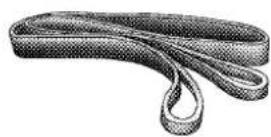
8149d0fd
TreeTrunkProtector: Typically made of tough, high-quality nylon, it provides the operator an attachment point for the winch rope to a wide variety of anchor points and objects, as well as protect living trees.
OperatingYourWinch
WARNING!
Failuretoobserveanyofthesewarningsregarding properwinchusagemayresultinsevereinjury.
- Alwaysusesuppliedhookstraptoholdthehook whenspoolingwireropeinorout.
- Neveruseasahoist.
- Neverusetomovepersons.
• Neverexceedwinchorwireroperatedcapacity. - Alwayswearheavyleathergloveswhenhandling thewirerope.
- Never touch wire rope or hook while in tension or underload.
- Neverengageordisengageclutchifwinchis underload, wireropeisintension, or wirerope drumismoving.
(Continued)
WARNING!(Continued)
- Alwaysstandclearofwireropeandloadandkeep othersawayduringwinching.
- Alwayskeephandsandclothingclearofthewire rope,hookandfairleadopeningduringoperation andwhenspooling.
- Neverwrapwireropebackontoitself.Alwaysuse achokerchain,wirechokerropeortreetrunk protectorontheanchor.
- Neverattacharecoverystraptothewinchhookto increasethelengthofapull.
- Neverattempttotowavehiclewiththerecovery strapattacheddirectlytothewinchhook.
WARNING!(Continued)
- Neveruse "bungee" strapsthatdeveloptremendousandpotentiallydangerousamountsofforce whenstretched.
- Always disconnecttheremotecontrolwhennotin use.
- Neverwinchwhentherearelessthanfivewraps ofwireropearoundthewinchdrum.
- Alwayspassremotecontrolthroughawindowto avoidpinchingleadindoor,thenusingremote insideavehicle.
- Neverleavetheremotecontrolpluggedintothe winchwhilefreespooling,riggingorsittingidle.
(Continued)
GeneralInformation
Practice using your winch before you get stuck. Some key points to remember when using your winch are:
- Always take your time to assess the situation and plan your pull carefully.
- Always take your time when using a winch.
- Use the right equipment for the situation.
- Always wear leather gloves and do not allow the wire rope to slip through your hands when handling the rope.
- Only the operator should handle the wire rope and remote control.
- Think safety at all times.
VehicleRecoveryUsingTheWinch
CAUTION!
- AlwaysKnowYourWinch: Takethetimetofully readandunderstandtheincludedInstallationandOperationsGuide, and BasicGuidetoWinching Techniques, inordertounderstandyourwinch and thewinchingoperation.
- Alwaysinspectwinchinstallationandwirerope conditionbeforeoperatingthewinch.Frayed, kinkedordamagedwireropemustbereplaced immediately. Looseordamagedwinchinstallation mustbecorrectedimmediately.
- Alwaysbesureanyelementwhichcaninterfere withsafewinchingoperationsisremovedpriorto initiatingwinching.
(Continued)
• Alwayskeepremotecontrolleadclearofthe drum, wireropeandrigging.
- Inspectforcracks, pinches, frayedwires, or loose connections. Replace if damaged.
- BecarefulnottopulltheWinchCableCollar throughtherollers.WatchandlistentoWinchfor propersnugness.

- Inspect the winch, winch mount, and wire rope for damage. Do not use the winch if the mount is loose or rope shows excessive wear or damage.
- Put on gloves.
- Disengage the clutch to allow free spooling of the winch drum, rotate the clutch lever on the winch to disengage. Freespooling conserves battery power.
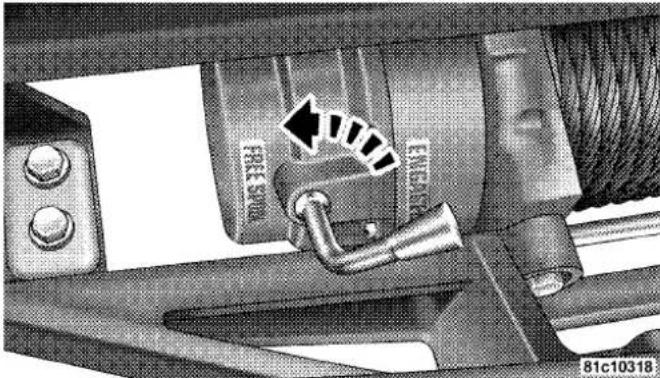
FreeSpool
- Free the winch hook and attach the hook strap. Free the winch hook from its anchor point. Attach the hook strap to the hook (if not attached).

814a0dd4
HookStrap
- Pull the wire to the anchor point. Pull out enough wire rope to reach your anchor point. Be sure to keep a certain amount of tension on the wire as it can become twisted and over-wrapped when slackened, leading to wire rope damage. To prevent losing the end, hold the hook strap while you work.
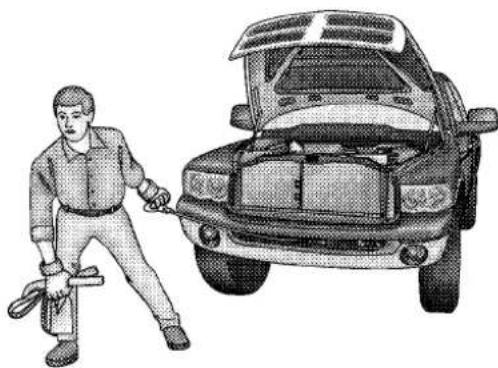
- Secure to the anchor point. Once you have established your anchor point, secure the tree-trunk protector or choker-chain around the object.

8149d10f
TreeTrunkProtector
NOTE: Howtochooseananchorpoint: A secure anchor is critical to winching operations. An anchor must be strong enough to hold while winching. Natural anchors include trees, stumps and rocks. Hook the cable as low as possible. If no natural anchors are available when recovering another vehicle, your vehicle becomes the anchor point. In this case, be sure to put the transmission in NEUTRAL, apply the hand brake and block its wheels to prevent your vehicle from moving. Ideally, you'll want an anchor point that will enable you to pull straight in the direction the vehicle will move. This allows the wire rope to wind tightly and evenly onto the spooling drum. An anchor point as far away as possible will provide the winch with its greatest pulling power.
- Attach the Clevis/D-shackle and Tree Trunk Protector. Attach the shackle to the two ends of the strap or chain and through the hook loop, being careful not to over tighten (tighten and back-off 1/2 turn).
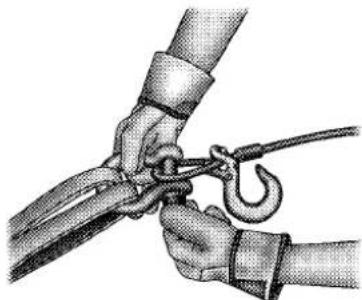
8149d116
Clevis/D-Shackles
- Lock the clutch. Lock the winch drum by rotating the clutch lever on the winch to engage.
NOTE: Always ensure the clutch is fully engaged or disengaged.
- Connect the remote control to the winch control box, located behind the front bumper. Be careful not to let the remote control cord dangle in front of the winch. If you choose to control the winch from inside your vehicle, always pass the remote through a window to avoid pinching the cord in the door. Always disconnect the remote control when not in use.
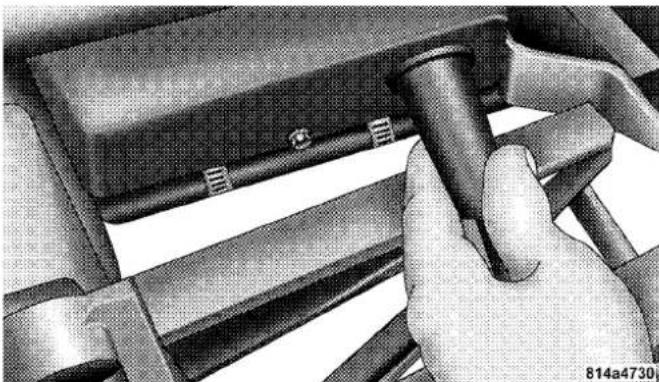
- Put wire rope under tension. Using the remote control switch, slowly wind the wire rope until no slack remains. Once the wire rope is under tension, stand well clear of it and never step over it.
-
Check your anchor. Make sure all connections are secured and free of debris before continuing with the winching procedure.
-
Check wire rope. The wire rope should be neatly wound around the spooling drum. Improper winding can cause damage to the wire rope.

- In certain situations you may decide to throw a heavy blanket or similar object over the wire rope. A heavy blanket can absorb energy should the wire rope break. Place it on the wire rope midway between the winch and the anchor point. Do this before the wire rope is put under ten-
sion. Do not approach or move the blanket once tension is applied. Do not allow it to get pulled into the fairlead. If it is necessary to move or remove the blanket, slack the tension on the wire rope first.
- Establish "no people" zones: Make your intentions clear. Be sure that everyone in the immediate vicinity surrounding the winching operation is completely aware of your intentions before you pull. Declarewherethe spectatorsshouldnotstand-neverbehindorinfrontof
thevehicleandnevernearthewireropeorsnatch block.Yoursituationmayhaveother"nopeople"zones.

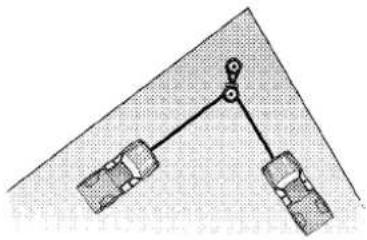
814a0ddc
NoPeopleZones
- Begin winching. With the winching vehicles engine on and light tension already on the wire rope, begin winching slowly and steadily. Be sure that the wire rope is winding evenly and tightly around the spooling drum.
For additional assistance, the winched vehicle can be slowly driven while being pulled by the winch. Continue pulling until the vehicle is on stable ground. If you are able to drive the vehicle, the winching operation is complete.
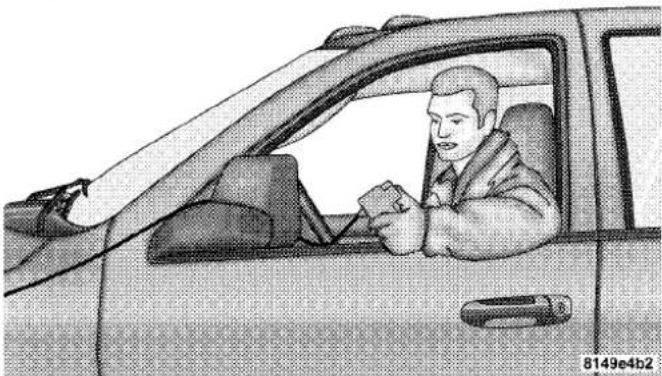
UsingTheRemoteControl
NOTE:
- Avoid overheating the winch motor. For extended winching, stop at reasonable intervals to allow the winch motor to cool down.
- Whatolookforunderload:The wire rope must always spool onto the drum as indicated by the drum rotation decal on the winch. As you power-in, make sure the wire rope winds evenly and tightly on the drum. This prevents the outer wire wraps from drawing into the inner wraps, binding and damaging the wire rope. Avoid shock loads by using the control switch intermittently to take up wire rope slack. Shock loads can momentarily far exceed the winch and wire rope ratings. During side pulls the wire rope tends to stack up at one end of the drum. This stack can become large enough to cause serious damage to the winch. So, line up pulls as straight ahead as possible and stop winching if the wire rope comes close to the tie rods or mounting plate. To fix an uneven stack, spool out that
section of the rope and reposition it to the opposite end of the drum, which will free up space for continued winching.
- Secure vehicle. Once recovery of the vehicle's is complete, be sure to secure the vehicle's brakes and put the transmission in PARK. Release tension in the wire rope.
- Disconnect the wire rope, and disconnect from the anchor.
- Rewind the wire rope. The person handling the wire rope should walk the rope in and not let it slide through the hand, control the winch at all times.

WARNING!
Topreventseriousinjury, NEVERputyourfingers insidethehookareaasyouarepowering-in.
NOTE:Howtospoolundernoload:Arrange the remote control lead so it cannot be caught in the winch. Arrange the wire rope so it will not kink or tangle when spooled. Be sure any wire rope already on the spooling drum is wound tightly and evenly layered. Tighten and straighten the layer if necessary. Keep the wire rope under light tension and spool the wire rope back and onto the winch drum in even layers. Stop frequently to tighten and straighten the layers as necessary. Repeat this process until the winch hook is the same distance as the full length of the remote control from the winch. Pinch the hook between your thumb and forefinger and attach the hook strap. Hold the hook strap between the thumb and forefinger to keep tension on the wire rope. Walk the wire rope towards the fairlead, carefully spooling in the remaining wire rope. By pulsing the remote control switch.
- Store the hook on the most outboard loop of the tow hook.

- Disconnect the remote control. Disconnect the remote control cord from the control box and store in a clean and dry place. Winching operations are now complete. Put the cap on the solenoid plug-in.
NOTE: Always store the remote control in a protected, clean, dry area.
Various winching situations will require application of other winching techniques. These could range from too little distance to achieve maximum pull using straight line rigging, simply increasing pulling power, or maintaining a straight-line pulling situation. You will have to assess what technique is correct for your situation. Think "safety" at all times.
HowToChangeThePullingDirection

ChangePullingDirections
814a0e01
All winching operations should have a straight line from the winch to the object being pulled. This minimizes the wire rope collecting on one side of the drum affecting pulling efficiency and damaging wire rope. A snatch block, secured to a point directly in front of the vehicle will enable you to change your pulling direction while still allowing the wire rope to be at 90° to wind properly onto the spooling drum.
IncreasingPullingPower
In some cases, you may find yourself needing more pulling power. The use of snatch blocks increases mechanical advantage and that increases your pulling power.
DoubleLine

814a4734
Because pulling power decreases with the number of layers of wire rope on the winch drum, you can use a snatch block to double line out more wire rope. This decreases the number of layers of wire rope on the drum, and increases pulling power. Start by feeding out enough wire rope to free the winch hook. Attach the hook to your
476 STARTING AND OPERATING
vehicle's frame/tow hook and run the wire rope through a snatch block. Disengage the clutch and, using the snatch block, pull out enough wire to reach your anchor point. Do not attach the hook to the mounting kit. Secure to the anchor point with a tree trunk protector or choker chain. Attach the clevis/shackle. Attach the shackle to the two ends of the strap/chain, being careful not to over tighten (tighten and back-off 1/2 turn).
POWERSTEERING
The standard power steering system will give you good vehicle response and increased ease of maneuverability in tight spaces. The system will provide mechanical steering capability if power assist is lost.
If for some reason the power assist is interrupted, it will still be possible to steer your vehicle. Under these conditions, you will observe a substantial increase in steering effort, especially at very low vehicle speeds and during parking maneuvers.
NOTE:
- Increased noise levels at the end of the steering wheel travel are considered normal and do not indicate that there is a problem with the power steering system.
- Upon initial start-up in cold weather, the power steering pump may make noise for a short amount of time. This is due to the cold, thick fluid in the steering system. This noise should be considered normal, and it does not in any way damage the steering system.
WARNING!
Continuedoperationwithreducedpowersteering assistcouldposeasafetyrisktoyourselfandothers.
Services should be obtained as soon as possible.
CAUTION!
Prolongedoperationofthesteeringsystemattheend ofthesteeringwheeltravelwillincreasethesteering fluidtemperatureanditshouldbeavoidedwhen possible.Damagetothepowersteeringpumpmay occur.
PowerSteeringFluidCheck
Checking the power steering fluid level at a defined service interval is not required. The fluid should only be checked if a leak is suspected, abnormal noises are apparent, and/or the system is not functioning as anticipated. Coordinate inspection efforts through an authorized dealer.
CAUTION!
Donotusechemicalflushesinyourpowersteering systemasthechemicalscandamageyourpower steeringcomponents.Suchdamageisnotcoveredby theNewVehicleLimitedWarranty.
WARNING!
Fluidlevelshouldbecheckedonalevelsurfaceand withtheengineofftopreventinjuryfrommoving partsandtoensureaccuratefluidlevelreading.Do notoverfill.Useonlymanufacturer'srecommended powersteeringfluid.
If necessary, add fluid to restore to the proper indicated level. With a clean cloth, wipe any spilled fluid from all surfaces. Refer to “Fluids, Lubricants, and Genuine Parts” in “Maintaining Your Vehicle” for further information.
This feature offers improved fuel economy by shutting off four of the engine's eight cylinders during light load and cruise conditions. The system is automatic with no driver inputs or additional driving skills required.
NOTE: The MDS system may take some time to return to full functionality after a battery disconnect.
PARKINGBRAKE
Before leaving the vehicle, make sure that the parking brake is fully applied. Also, be certain to leave the transmission in PARK.
The foot operated parking brake is located below the lower left corner of the instrument panel. To apply the park brake, firmly push the park brake pedal fully. To release the parking brake, pull the parking brake release handle.

ParkingBrakeRelease
When the parking brake is applied with the ignition switch ON, the "Brake Warning Light" in the instrument cluster will illuminate.
NOTE:
- When the parking brake is applied and the transmission is placed in gear, the "Brake Warning Light" will flash. If vehicle speed is detected, a chime will sound to alert the driver. Fully release the parking brake before attempting to move the vehicle.
- This light only shows that the parking brake is applied. It does not show the degree of brake application.
When parking on a hill, it is important to turn the front wheels toward the curb on a downhill grade and away from the curb on an uphill grade. Apply the parking brake before placing the shift lever in PARK, otherwise the load on the transmission locking mechanism may make it difficult to move the shift lever out of PARK. The parking brake should always be applied whenever the driver is not in the vehicle.
WARNING!
- NeverusethePARKpositionasasubstitutefor theparkingbrake.Alwaysapplytheparking brakefullywhenparkedtoguardagainstvehicle movementandpossibleinjuryordamage.
- Neverleavechildrenaloneinavehicle.Leaving unattendedchildreninavehicleisdangerousfora numberofreasons.Achildorotherscouldbe seriouslyorfatallyinjured.
- Donotleavethekeyfobinthevehicle.Achild could operate power windows, other controls, or movethevehicle.
- Besuretheparkingbrakeisfullydisengaged beforedriving;failuretodosocanleadtobrake failureandacollision.
(Continued)
- Alwaysfullyapplytheparkingbrakewhenleavingyourvehicleoritmayrollandcausedamageor injury. Also, becertaintoleavethetransmission in PARK. Failuretodosomaycausethevehicletorollandcausedamageorinjury.
CAUTION!
IftheBrakeSystemWarningLightremainsonwith theparkingbrakereleased,abrakesystemmalfunctionisindicated.Havethebrakesystemservicedby anauthorizeddealerimmediately.
BRAKESYSTEM
If power assist is lost for any reason (for example, repeated brake applications with the engine off), the brakes will still function. However, you will experience a substantial increase in braking effort to stop the vehicle.
If either the front or rear hydraulic system loses normal braking capability, the remaining system will still function with some loss of overall braking effectiveness. This will be evident by increased pedal travel during application, greater pedal force required to slow or stop, and activation of the “Brake Warning Light” and the “ABS Warning Light” (if equipped) during brake use.
3500DualRearWheelModelsOnly
The brake system power assist is provided by a hydro-boost unit which shares fluid with the power steering system. You may experience some clicking or hissing noises from the hydro-boost system during hard braking conditions.
NOTE: Under cold temperatures, pedal effort will be higher than normal until the power steering fluid reaches operating temperature.
ELECTRONICBRAKECONTROLSYSTEM
Your vehicle is equipped with an advanced electronic brake control system that includes Anti-Lock Brake System (ABS), Traction Control System (TCS), Brake Assist System (BAS), Hill Start Assist (HSA), Electronic Stability Control (ESC) and Trailer Sway Control (TSC). All of the systems work together to enhance vehicle stability and control in various driving conditions, and are commonly referred to as ESC.
Anti-LockBrakeSystem(ABS)
The ABS aids the driver in maintaining vehicle control under adverse braking conditions. The system controls hydraulic brake pressure to prevent wheel lockup and help avoid skidding on slippery surfaces during braking.
NOTE: ABS improves steering control of the vehicle during hard braking maneuvers.
WARNING!
- ABScannotpreventthenaturallawsofphysics fromactingonthevehicle,norcanitincrease brakingorsteeringefficiencybeyondthataffordedbytheconditionofthevehiclebrakesand tiresorthetractionafforded.
- TheABScannotpreventcollisions,including thoseresultingfromexcessivespeedinturns, followinganothervehicletooclosely,orhydroplaning.
- The capabilities of an ABS-equipped vehicle must neverbeexploitedina reckless ordangerous mannerwhichcouldjeopardizetheuser'ssafety orthesafetyofothers.
TractionControlSystem(TCS)-IfEquipped
The TCS monitors the amount of wheel spin of each of the driven wheels. If wheel spin is detected, brake
pressure is applied to the slipping wheel(s), and engine power is reduced to provide enhanced acceleration and stability. A feature of the TCS functions similarly to a limited-slip differential and controls the wheel spin across a driven axle. If one wheel on a driven axle is spinning faster than the other, the system will apply the brake of the spinning wheel. This will allow more engine torque to be applied to the wheel that is not spinning. This feature remains active even if TCS and ESC are in the "Partial Off" mode. Refer to "Electronic Stability Control (ESC)" in this section of this manual. This brake pressure modulation transfers drive torque from slipping to non-slipping wheels to provide optimal forward traction.
BrakeAssistSystem(BAS)-IfEquipped
The BAS is designed to optimize the vehicle's braking capability during emergency braking maneuvers. The BAS detects an emergency braking situation by sensing the rate and amount of brake application and then
applies optimum pressure to the brakes. The system applies optimum pressure to the brakes in emergency braking conditions. This can help reduce braking distances. The BAS complements the ABS. Applying the brakes very quickly results in the best BAS assistance. To receive the benefit of BAS, you must apply continuous braking pressure during the stopping sequence. Do not reduce brake pedal pressure unless braking is no longer desired.
Once the brake pedal is released, the BAS is deactivated.
WARNING!
- The BAS cannot prevent then natural law so physics from acting on the vehicle, nor can it increase braking efficiency beyond that afforded by the condition of the vehicle brakes and tires or the traction afforded.
(Continued)
WARNING!(Continued)
- The BAS cannot prevent collisions, including those resulting from excessive speedinturns, following another vehicle to closely, or hydroplaning.
- ThecapabilitiesofaBAS-equippedvehiclemust neverbeexploitedinarecklessordangerous mannerwhichcouldjeopardizetheuser'ssafety orthesafetyofothers.
HillStartAssist(HSA)—IfEquipped
The HSA system is designed to assist the driver in launching a vehicle on an incline. HSA will maintain the level of brake pressure the driver inputs for a short duration once the driver takes his foot off of the brake pedal. If the driver does not apply the throttle during this short duration, the system will release brake pressure and the vehicle will roll down the incline. The system will release brake pressure in proportion to the amount of throttle applied.
During operation, HSA will activate the brake control system and a clicking noise may occur. If your foot is on the brake pedal during operation you may feel a slight pedal movement. The clicking and pedal movement is normal and both will stop when HSA becomes inactive.
HSAACTivationCriteria
The following criteria must be met in order for HSA to activate:
• Vehicle must be stopped
• Vehicle must be on a 7% or greater incline
- Gear selection matches vehicle uphill direction (i.e., vehicle facing uphill is in forward gear; vehicle backing uphill is in REVERSE gear).
WARNING!
Theremaybesituationsonminorhills(i.e.,lessthan 7%),withaloadedvehicleorwhilepullingatraler wherethesystemwillnotactivateandslighttrolling mayoccur,whichcouldcauseacollisionwithanothervehicolorobject.Alwaysrememberthedriver isresponsibleforbrakingthevehicle.
The system will only work if the intended direction of the vehicle and vehicle gear match. For example, if the intended direction is forward up a hill and the vehicle is in DRIVE and the activation criteria are met, HSA will activate.
The system will work in REVERSE and all forward gears, and will not activate if the vehicle is placed in NEUTRAL.
TowingAndHaulingWithHSA
The HSA system does not know if your vehicle is loaded or towing a trailer unless the TOW/HAUL switch, located on the center stack, is selected. When activated, the "TOW/HAUL Indicator Light" will illuminate in the instrument cluster. Refer to "Automatic Transmission" in "Starting and Operating" for further information. In order to accommodate the extra weight entailed under towing and hauling conditions and to increase driver comfort while launching on a hill, the system recognizes when the TOW/HAUL switch is activated and compensates by releasing brake pressure at a slower rate while throttle is applied in order to prevent the vehicle from rolling down the hill.
WARNING!
- If you use a trailer brake controller with your trailer, your trailer brakes may be activated and deactivated with the brakes switch. If so, when the brake pad is released, ther may not been enough brake pressure to hold the vehicle and trailer on a hill and this could cause a collision with another vehicle or object behind you. In order to avoid rolling down the inclinewhileresuming acceleration, manually activatethetailer brake or apply more vehicle brake pressure prioritoreleasing the brake pedal. Always remember the driver responsible for braking the vehicle.
(Continued)
WARNING!(Continued)
- HSAisnotaparkingbrake. If you stop the vehicle on a hill without putting the transmission in PARK or using the parking brake, it will rolldown the incline and could collidewith another vehicle, object person, and causes serious or fatal injury. Always remembertouset the parking brakewhile parking on a hill and that the driver is responsible for braking the vehicle.
HSAOff
Non-EVIC Equipped Vehicles
If you wish to turn off the HSA system, follow this procedure:
- Start with the engine OFF, and the vehicle in PARK with the wheels straight.
- Start the engine.
- With the engine running and the brake applied, rotate the steering wheel 180° counterclockwise from center.
- Press the "ESC Off" switch four times within 20 seconds. The "ESC Off Indicator Light" should appear and disappear four times.
- Rotate the steering wheel 360° clockwise ( 180° clockwise from center).
- Cycle ignition switch OFF then ON.
- If the sequence was completed properly, the "ESC Off Indicator Light" will blink several times to confirm HSA is off.
Steps 1 through 7 must be completed within 90 seconds to turn off HSA. Repeat steps 1 through 7 to re-enable HSA functionality.
EVIC Equipped Vehicles
HSA is a Customer Programmable Feature on a EVIC equipped vehicle. If you wish to turn off the HSA feature, refer to “Electronic Vehicle Information Center (EVIC)/Customer Programmable Features” in “Understanding Your Instrument Panel” for further information.
ElectronicStabilityControl(ESC)—IfEquipped
The ESC system enhances directional control and stability of the vehicle under various driving conditions. ESC corrects for oversteering or understeering of the vehicle by applying the brake of the appropriate wheel to assist in counteracting the oversteer or understeer condition. Engine power may also be reduced to help the vehicle maintain the desired path.
ESC uses sensors in the vehicle to determine the vehicle path intended by the driver and compares it to the actual path of the vehicle. When the actual path does not match the intended path, ESC applies the brake of the appropriate wheel to assist in counteracting the oversteer or understeer condition.
- Oversteer - when the vehicle is turning more than appropriate for the steering wheel position.
- Understeer - when the vehicle is turning less than appropriate for the steering wheel position.
AllTwo-WheelDriveVehiclesAndFour-Wheel DriveVehiclesIn2WD,4WDAUTO,Or4WD LOCKModesCanChooseTheFollowingESC OperatingModes:
ESC On
This is the normal operating mode for ESC in 2WD/4WD AUTO/4WD LOCK modes and in 2WD vehicles. Whenever the vehicle is started or the transfer case (if equipped) is shifted from 4WD LOW or Neutral, back to 4WD LOCK or 4WD AUTO, the ESC system will be in this mode. This mode should be used for almost all driving situations. ESC should only be turned to "Partial Off" or "ESP Off" for specific reasons as noted below.
WARNING!
ElectronicStabilityControl(ESC) cannot prevent the naturallawsofphysicsfromactingonthevehicle, norcanitincreasethetractionaffordedbyprevailing roadconditions. ESC cannot prevent accidents, including those resulting from loss of vehicle control duetoinappropriated driver input for the conditions. Only as safe, attentive, and skillful driver can prevent accidents. The capabilities of an ESC equipped vehicle must never be exploited in areckless or dangerous manner which could jeopardize the user's safety or the safety of others.
ESC Partial Off
This mode is entered by momentarily pressing the "ESC Off" switch. When in "Partial Off" mode, the TCS portion of ESC, except for the "limited slip" feature described in the TCS section, has been disabled and the "ESC Off
Indicator Light"will be illuminated. All other stability features of ESC function normally. This mode is intended to be used if the vehicle is in deep snow, sand, or gravel conditions and more wheel spin than ESC would normally allow is required to gain traction. To turn ESC on again, momentarily press the "ESC Off" switch. This will restore the normal "ESC On" mode of operation.
NOTE: To improve the vehicle's traction when driving with snow chains or starting off in deep snow, sand or gravel, it may be desirable to switch to the "Partial Off" mode by pressing the "ESC Off" switch. Once the situation requiring ESC to be switched to the "Partial Off" mode is overcome, turn ESC back on by momentarily pressing the "ESC Off" switch. This may be done while the vehicle is in motion.
Inthe"PartialOff"mode,theenginetorquereductionandstabilityfeaturesaredesensitized.Therefore,theenhancedvehiclestabilityofferedbyESCis reduced.
AllFour-WheelDriveVehiclesIn4WDAUTOAnd 4WDLOCKModesCanAlsoChooseThe FollowingESCOOperatingMode.ThisIsTheOnly ESCOperatingModein4WDLOW:
Full Off
This mode is intended for off-road use when ESC stability features could inhibit vehicle maneuverability due to trail conditions. This mode is entered by pressing and holding the "ESC Off" switch for five seconds when the vehicle is stopped and the engine is running. After five seconds, the "ESP Off Indicator Light" will illuminate
and the "ESC Off" message will appear in the odometer. Press and release the trip odometer button located on the instrument cluster to clear this message.
NOTE: The "ESC OFF" message will display and the audible chime will sound when the shift lever is placed into the PARK position from any other position and then moved out of the PARK position. This will occur even if the message was previously cleared.
In this mode, ESC and TCS except for the “limited slip” feature described in the TCS section are turned off until the vehicle reaches a speed of 40 mph (64 km/h). At 40 mph (64 km/h) the system returns to “Partial Off” mode, described above. When the vehicle speed drops below 35 mph (56 km/h) the ESC system shuts off. ESC is off at low vehicle speeds so that it will not interfere with off-road driving but ESC function returns to provide the stability feature at speeds above 40 mph (64 km/h). The “ESC Off Indicator Light” will always be illuminated
when ESC is off. To turn ESC on again, momentarily press the "ESC Off" switch. This will restore the normal "ESC On" mode of operation.
"ESC Off" is the only operating mode for ESC in 4WD LOW. Whenever the vehicle is started in 4WD LOW or the transfer case (if equipped) is shifted from 4WD LOCK or NEUTRAL, to 4WD LOW, the ESC system will be in this mode.
WARNING!
WiththeESCswitchedoff, theenhancedvehicle stabilityofferedbyESCisunavailable. InanemergencyevasivemaneuvertheESCsystemwillnot engagetoassistinmaintainingstability."ESCOff" modeisintendedforoff-highwayoroff-roaduse only.
ESCAvitation/MalfunctionIndicatorLightAnd ESCOFFIndicatorLight

The “ESC Activation/Malfunction Indicator Light” in the instrument cluster will come on when the ignition switch is turned to the ON position. It should go out with the engine
running. If the “ESC Activation/Malfunction Indicator Light” comes on continuously with the engine running, a malfunction has been detected in the ESC system. If this light remains on after several ignition cycles, and the vehicle has been driven several miles (kilometers) at speeds greater than 30 mph (48 km/h), see your authorized dealer as soon as possible to have the problem diagnosed and corrected.
The “ESC Activation/Malfunction Indicator Light” (located in the instrument cluster) starts to flash as soon as the tires lose traction and the ESC system becomes active. The “ESC Activation/Malfunction Indicator Light” also flashes when TCS is active. If the “ESC Activation/
Malfunction Indicator Light" begins to flash during acceleration, ease up on the accelerator and apply as little throttle as possible. Be sure to adapt your speed and driving to the prevailing road conditions.
NOTE:
- The "ESC Activation/Malfunction Indicator Light" and the "ESC OFF Indicator Light" come on momentarily each time the ignition switch is turned ON.
- Each time the ignition is turned ON, the ESC system will be ON even if it was turned off previously.
- The ESC system will make buzzing or clicking sounds when it is active. This is normal; the sounds will stop when ESC becomes inactive following the maneuver that caused the ESC activation.

The "ESC OFF Indicator Light" indicates the Electronic Stability Control (ESC) is off.
TrailerSwayControl(TSC)-IfEquipped
The TSC system uses sensors in the vehicle to recognize an excessively swaying trailer and will take the appropriate actions to attempt to stop the sway. The system may reduce engine power and apply the brake of the appropriate wheel(s) to counteract the sway of the trailer. TSC will become active automatically once an excessively swaying trailer is recognized. No driver action is required. Note that TSC cannot stop all trailers from swaying. Always use caution when towing a trailer and follow the trailer tongue weight recommendations. Refer to "Trailer Towing" in "Starting and Operating" for further information. When TSC is functioning, the "ESP Off Indicator Light" will flash, the engine power may be reduced and you may feel the brakes being applied to individual wheels to attempt to stop the trailer from swaying. TSC is disabled when the ESC system is in the "Partial Off" or "Full Off" modes.
TSC is only active in the default "ESC On" mode. TSC can be disabled by pressing the "ESC Off" switch and entering "ESC Partial Off" mode. It is not active in the "ESC Partial Off" or "ESC Off" modes. Refer to the ESC portion of this section for an explanation of the different ESC operating modes.
WARNING!
IfTSCactivateswhiledriving,slowthevehicle down,stopatthenearestsafelocation,andadjustthe trailerloadtoeliminatetrailersway.
TIRESAFETYINFORMATION
TireMarkings

1 — U.S. DOT Safety 4 — Maximum Load
Standards Code (TIN)
2 — Size Designation 5 — Maximum Pressure
3 — Service Description 6 — Treadwear, Traction and Temperature Grades
- P (Passenger) - Metric tire sizing is based on U.S. design standards. P-Metric tires have the letter "P" molded into the sidewall preceding the size designation. Example: P215/65R15 95H.
- European-Metric tire sizing is based on European design standards. Tires designed to this standard have the tire size molded into the sidewall beginning with the section width. The letter "P" is absent from this tire size designation. Example: 215/65R15 96H.
- LT (Light Truck) - Metric tire sizing is based on U.S. design standards. The size designation for LT-Metric
tires is the same as for P-Metric tires except for the letters "LT" that are molded into the sidewall preceding the size designation. Example: LT235/85R16.
- Temporary spare tires are spares designed for temporary emergency use only. Temporary high pressure compact spare tires have the letter "T" or "S" molded into the sidewall preceding the size designation. Example: T145/80D18 103M.
- High flotation tire sizing is based on U.S. design standards and it begins with the tire diameter molded into the sidewall. Example: 31x10.5 R15 LT.
| EXAMPLE: |
| SizeDesignation: |
| P= Passenger car tire size based on U.S. design standards"....blank....." = Passenger car tire based on European design standardsLT= Light truck tire based on U.S. design standardsT or S = Temporary spare tire31= Overall diameter in inches (in) |
| 215= Section width in millimeters (mm) |
| 65= Aspect ratio in percent (%)— Ratio of section height to section width of tire10.5= Section width in inches (in) |
| R= Construction code— "R"means radial construction— "D"means diagonal or bias construction |
| 15= Rim diameter in inches (in) |
| ServiceDescription: |
| 95= Load Index— A numerical code associated with the maximum load a tire can carry |
| H= Speed Symbol— A symbol indicating the range of speeds at which a tire can carry a load corresponding to its load index under certain operating conditions— The maximum speed corresponding to the speed symbol should only be achieved under specified operating conditions (i.e., tire pressure, vehicle loading, road conditions, and posted speed limits) |
| LoadIdentification: |
| "....blank..." = Absence of any text on the sidewall of the tire indicates a Standard Load (SL) tire |
| ExtraLoad(XL)= Extra load (or reinforced) tire |
| LightLoad(LL)= Light load tire |
| C, D, E, F, G = Load range associated with the maximum load a tire can carry at a specified pressure |
| MaximumLoad— Maximum load indicates the maximum load this tire is designed to carry |
| Maximum Pressure — Maximum pressure indicates the maximum permissible cold tire inflation pressure for this tire |
The TIN may be found on one or both sides of the tire, however, the date code may only be on one side. Tires with white sidewalls will have the full TIN, including the date code, located on the white sidewall side of the tire.
Look for the TIN on the outboard side of black sidewall tires as mounted on the vehicle. If the TIN is not found on the outboard side, then you will find it on the inboard side of the tire.
| EXAMPLE: |
| DOTMAL9ABCD0301 |
| DOT= Department of Transportation— This symbol certifies that the tire is in compliance with the U.S. Department of Transportation tire safety standards and is approved for highway use |
| MA= Code representing the tire manufacturing location (two digits) |
| L9= Code representing the tire size (two digits) |
| ABCD= Code used by the tire manufacturer (one to four digits) |
| 03= Number representing the week in which the tire was manufactured (two digits)—03 means the 3rd week. |
| 01= Number representing the year in which the tire was manufactured (two digits)—01 means the year 2001— Prior to July 2000, tire manufacturers were only required to have one number to represent the year in which the tire was manufactured. Example: 031 could represent the 3rd week of 1981 or 1991 |
TireTerminologyAndDefinitions
| TermDefinition | |
| B-PillarThe vehicle B-Pillar is the structural member of the body located behind the front door. | |
| Cold Tire Inflation Pressure | Cold tire inflation pressure is defined as the tire pressure after the vehicle has not been driven for at least 3 hours, or driven less than 1 mile (1.6 km) after sitting for a three hour period. Inflation pressure is measured in units of PSI (pounds per square inch) or kPa (kilopascals). |
| MaximumInflationPressureThe maximum inflation pressure is the maximum permissible cold tire inflation pressure for this tire. The maximum inflation pressure is molded into the sidewall. | |
| RecommendedColdTireInflation Pressure | Vehicle manufacturer's recommended cold tire inflation pressure as shown on the tire placard. |
| TirePlacardA paper label permanently attached to the vehicle describing the vehicle's loading capacity, the original equipment tire sizes and the recommended cold tire inflation pressures. | |
NOTE: The proper cold tire inflation pressure is listed on the driver's side B-Pillar or the rear edge of the driver's side door.

TirePlacardLocation
TireAndLoadingInformationPlacard
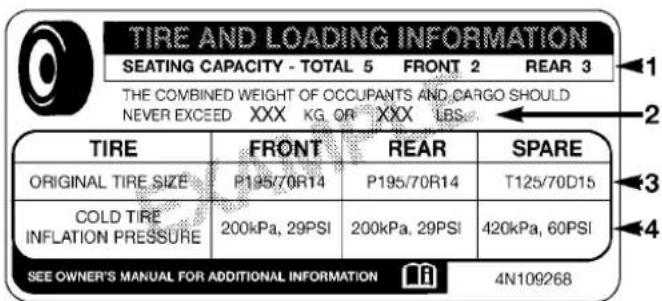
811b5a9a
TireandLoadingInformationPlacard
This placard tells you important information about the:
1) number of people that can be carried in the vehicle
2) total weight your vehicle can carry
3) tire size designed for your vehicle
4) cold tire inflation pressures for the front, rear, and spare tires.
Loading
The vehicle maximum load on the tire must not exceed the load carrying capacity of the tire on your vehicle. You will not exceed the tire's load carrying capacity if you adhere to the loading conditions, tire size, and cold tire inflation pressures specified on the Tire and Loading Information placard and in the "Vehicle Loading" section of this manual.
NOTE: Under a maximum loaded vehicle condition, gross axle weight ratings (GAWRs) for the front and rear axles must not be exceeded. For further information on GAWRs, vehicle loading, and trailer towing, refer to "Vehicle Loading" in this section.
To determine the maximum loading conditions of your vehicle, locate the statement "The combined weight of occupants and cargo should never exceed XXX lbs or XXX kg" on the Tire and Loading Information placard. The combined weight of occupants, cargo/luggage and trailer tongue weight (if applicable) should never exceed the weight referenced here.
Steps For Determining Correct Load Limit
- Locate the statement "The combined weight of occupants and cargo should never exceed XXX lbs or XXX kg" on your vehicle's placard.
- Determine the combined weight of the driver and passengers that will be riding in your vehicle.
- Subtract the combined weight of the driver and passengers from XXX lbs or XXX kg.
- The resulting figure equals the available amount of cargo and luggage load capacity. For example, if "XXX" amount equals 1,400 lbs (635 kg) and there will be five 150 lb (68 kg) passengers in your vehicle, the amount of available cargo and luggage load capacity is 650 lbs (295 kg) (since 5 x 150 = 750, and 1400 - 750 = 650 lbs [295 kg]).
- Determine the combined weight of luggage and cargo being loaded on the vehicle. That weight may not safely exceed the available cargo and luggage load capacity calculated in Step 4.
- If your vehicle will be towing a trailer, load from your trailer will be transferred to your vehicle. Consult this manual to determine how this reduces the available cargo and luggage load capacity of your vehicle.
NOTE:
- The following table shows examples on how to calculate total load, cargo/luggage, and towing capacities of your vehicle with varying seating configurations and number and size of occupants. This table is for illustration purposes only and may not be accurate for the seating and load carry capacity of your vehicle.
- For the following example, the combined weight of occupants and cargo should never exceed 865 lbs (392 kg).
811a4d11
WARNING!
Overloading of your tires is dangerous. Overloading can cause it re failure, affect vehicle handling, and increase your stopping distance. Usetires of the recommended load capacity for your vehicle. Never overload them.
TIRES—GENERALINFORMATION
TirePressure
Proper tire inflation pressure is essential to the safe and satisfactory operation of your vehicle. Three primary areas are affected by improper tire pressure:
Safety
WARNING!
- Improperlyinflatedtiresaredangerousandcan causecollisions.
- Under-inflationincreasestireflexingandcanresultinover-heatingandtirefailure.
- Over-inflationreducesatire'sabilitytocushion shock.Objectsontheroadandchuckholescan causedamagethatresultintirefailure.
- Over-inflatedorunder-inflatedtirescanaffect vehiclehandlingandcanfailsuddenly, resulting inlossofvehiclecontrol.
- Unequaltirepressurescancausesteeringproblems.Youcouldlosecontrolofyourvehicle.
(Continued)
WARNING!(Continued)
- Unequaltirepressuresfromonesideofthevehicletotheothercancausethevehicletodrifttotherightorleft.
- Alwaysdrivewitheachtireinflatedtotherecommendedcoldtireinflationpressure.
Economy
Improper inflation pressures can cause uneven wear patterns to develop across the tire tread. These abnormal wear patterns will reduce tread life resulting in a need for earlier tire replacement. Under-inflation also increases tire rolling resistance resulting in higher fuel consumption.
RideComfortAndVehicleStability
Proper tire inflation contributes to a comfortable ride. Over-inflation produces a jarring and uncomfortable ride.
TireInflationPressures
The proper cold tire inflation pressure is listed on the driver's side "B" Pillar or rear edge of the driver's side door.
Some vehicles may have Supplemental Tire Pressure Information for vehicle loads that are less than the maximum loaded vehicle condition. Refer to “Supplemental Tire Pressure Information” in “Starting and Operating” for further information.
The pressure should be checked and adjusted as well as inspecting for signs of tire wear or visible damage at least once a month. Use a good quality pocket-type gauge to check tire pressure. Do not make a visual judgement when determining proper inflation. Radial tires may look properly inflated even when they are under-inflated.
Afterinspectingoradjustingthetirepressure,alwaysreinstallthevalvestemcap.Thiswillprevent moistureanddirtfromenteringthevalvestem, whichcoulddamagethevalvestem.
Inflation pressures specified on the placard are always “cold tire inflation pressure.” Cold tire inflation pressure is defined as the tire pressure after the vehicle has not been driven for at least three hours or driven less than 1 mile (1.6 km) after a three hour period. The cold tire inflation pressure must not exceed the maximum inflation pressure molded into the tire sidewall.
Check tire pressures more often if subject to a wide range of outdoor temperatures as tire pressures vary with temperature changes.
Tire pressures change by approximately 1 psi (7 kPa) per 12° F ( 7° C) of air temperature change. Keep this in mind when checking tire pressure inside a garage, especially in the Winter.
Example: If garage temperature = 68° F ( 20° C) and the outside temperature = 32° F ( 0° C) then the cold tire inflation pressure should be increased by 3 psi (21 kPa), which equals 1 psi (7 kPa) for every 12° F ( 7° C) for this outside temperature condition.
Tire pressure may increase from 2 to 6 psi (13 to 40 kPa) during operation. Do not reduce this normal pressure build up or your tire pressure will be too low.
TirePressuresForHighSpeedOperation
The manufacturer advocates driving at safe speeds within posted speed limits. Where speed limits or conditions are such that the vehicle can be driven at high speeds, maintaining correct tire inflation pressure is very important. Increased tire pressure and reduced vehicle loading may be required for high-speed vehicle operation. Refer to original equipment or an authorized tire dealer for recommended safe operating speeds, loading and cold tire inflation pressures.
WARNING!
Highspeeddrivingwithyourvehicleundermaximumloadisdangerous.Theaddedstrainonyour tirescouldcausethemtofail.Youcouldhavea seriouscollision.Donotdrivevehicleloadedtothe maximumcapacityatcontinuousspeedsabove 75mph(120km/h).
RadialPlyTires
WARNING!
Combiningradialplytireswithothertypesoftires onyourvehiclewillcauseyourvehicletohandle poorly.Theinstabilitycouldcauseacollision.Alwaysuseradialplytiresinsetsoffour(orsix,inthe caseoftruckswithdualrearwheels).Nevercombine themwithothertypesoftires.
Cuts and punctures in radial tires are repairable only in the tread area because of sidewall flexing. Consult your authorized tire dealer for radial tire repairs.
Your vehicle may be equivalent with a spare tire and wheel in look and function as the original equipment tire and wheel found on the front or rear axle of your vehicle. This spare tire may be used in the tire rotation for your vehicle. If your vehicle has this option refer to an authorized tire dealer for the recommended tire rotation pattern.
If your vehicle is not equipped with an original equipment tire and wheel as a spare, a non-matching temporary emergency use spare may be equipped with your vehicle. Temporary use spares are engineered to be used only with your vehicle. Your vehicle may be equipped with one of the following types of non-matching temporary use spares; compact, full size, or limited-use. Do not install more than one non-matching temporary use spare tire/wheel on the vehicle at any given time.
CAUTION!
Because of the reduced ground clearance, donottake your vehicle through an automatic car wash with a compact, full size or limited -usetemporary spare installed. Damageto the vehicle may result.
CompactSpareTire—IfEquipped
The compact spare is for temporary emergency use only. You can identify if your vehicle is equipped with a compact spare by looking at the spare tire description on the Tire and Loading Information Placard located on the driver's side door opening or on the sidewall of the tire. Compact spare tire descriptions begin with the letter "T" or "S" preceding the size designation. Example: T145/80D18 103M.
T, S = Temporary Spare Tire
Since this tire has limited tread life the original equipment tire should be repaired (or replaced) and reinstalled on your vehicle at the first opportunity.
Do not install a wheel cover or attempt to mount a conventional tire on the compact spare wheel, since the wheel is designed specifically for the compact spare tire. Do not install more than one compact spare tire and wheel on the vehicle at any given time
WARNING!
Compactsparesarefortemporaryemergencyuse only.Withthesespares,donotdrivemorethan 50mph(80km/h).Temporaryusespareshavelimited treadlife.Whenthetreadisworntothetreadwear indicators,thetemporaryusesparetireneedstobe replaced.Besuretofollowthewarnings,which applytoyourspare.Failureretodosocouldresultin sparetirefailureandlossofvehiclecontrol.
FullSizeSpare—IfEquipped
The full size spare is for temporary emergency use only. This tire may look like the original equipped tire on the front or rear axle of your vehicle, but it is not. This spare tire may have limited tread life. When the tread is worn to the tread wear indicators, the temporary use full size spare tire needs to be replaced. Since it is not the same as your original equipment tire, replace (or repair) the original equipment tire and reinstall on the vehicle at the first opportunity.
Limited-UseSpare—IfEquipped
The limited-use spare tire is for temporary emergency use only. This tire is identified by a label located on the limited-use spare wheel. This label contains the driving limitations for this spare. This tire may look like the original equipped tire on the front or rear axle of your vehicle, but it is not. Installation of this limited-use spare tire affects vehicle handling. Since it is not the same as
your original equipment tire, replace (or repair) the original equipment tire and reinstall on the vehicle at the first opportunity.
WARNING!
Limited-usesparesareforemergencyuseonly.Installationofthislimited-usesparetireaffectsvehicle handling.Withthistire,donotdrivemorethanthe speedlistedonthelimit-usesparewheel.Keep inflatedtothecoldtireinflationpressurelistedon yourTireandLoadingInformationPlacardlocated onthedriver'ssidedooropening.Replace(orrepair) theoriginalequipmenttireatthefirstopportunity andreinstallitonyourvehicle.Failureretodosocould resultinlossofvehiclecontrol.
TireSpinning
When stuck in mud, sand, snow, or ice conditions, do not spin your vehicle's wheels faster than 30 mph (48 km/h) or for longer than 30 seconds continuously without stopping when you are stuck.
Refer to "Freeing A Stuck Vehicle" in "What To Do In Emergencies" for further information.
WARNING!
Fastspinningtirescanbedangerous. Forces generated by excessive wheels speeds may cause a damage or failure. Atire could explode and injuresome one. Donot spiny our vehicle's wheels faster than 30 mph (48 km/h) or more than 30 seconds continuously when you are stuck, and donot let any onear aspinning wheel, no matter what the speed.
Tread wear indicators are in the original equipment tires to help you in determining when your tires should be replaced.
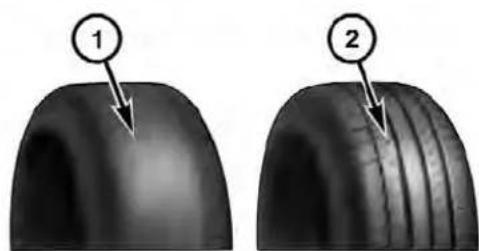
055007576
1—WornTire
2—New Tire
These indicators are molded into the bottom of the tread grooves. They will appear as bands when the tread depth becomes 1/16 in (2 mm). When the tread is worn to the tread wear indicators, the tire should be replaced.
LifeOfTire
The service life of a tire is dependent upon varying factors including, but not limited to:
- Driving style
- Tire pressure
- Distance driven
WARNING!
Tiresandthesparetireshouldbereplacedaftersix years,regardlessoftheremainingtread.Failureto followthiswarningcanresultinsuddentirefailure. Youcouldlosecontrolandhaveacollisionresulting inseriousinjuryordeath.
510 STARTING AND OPERATING
Keep dismounted tires in a cool, dry place with as little exposure to light as possible. Protect tires from contact with oil, grease, and gasoline.
ReplacementTires
The tires on your new vehicle provide a balance of many characteristics. They should be inspected regularly for wear and correct cold tire inflation pressure. The manufacturer strongly recommends that you use tires equivalent to the originals in size, quality and performance when replacement is needed. (Refer to the paragraph on "Tread Wear Indicators"). Refer to the "Tire and Loading Information" placard for the size designation of your tire. The Load Index and Speed Symbol for your tire will be found on the original equipment tire sidewall. See the Tire Sizing Chart example found in the Tire Safety Information section of this manual for more information relating to the Load Index and Speed Symbol of a tire.
It is recommended to replace the two front tires or two rear tires as a pair. Replacing just one tire can seriously affect your vehicle's handling. If you ever replace a wheel, make sure that the wheel's specifications match those of the original wheels.
It is recommended you contact your original equipment or an authorized tire dealer with any questions you may have on tire specifications or capability. Failure to use equivalent replacement tires may adversely affect the safety, handling, and ride of your vehicle.
WARNING!
- Donotuseatire, wheelsizeorratingotherthan thatspecifiedforyourvehicle. Some combinations of unapprovedtiresandwheelsmaychangesuspensiondimensionsandperformancecharacteristics, resultinginchangestosteering, handling, and brakingofyourvehicle. This can cause unpredictablehandlingandstresstosteeringandsuspensioncomponents. You could lose control and have a collision resulting in serious injury or death. Use only the tire and wheelsizes with load ratings approved for your vehicle.
- Neveruseatirewithasmallerloadindexor capacityotherthanwhatwasoriginallyequipped onyourvehicle.Usingatirewithasmallerload indexcouldresultintireoverloadingandfailure. Youcouldlosecontrolandhaveacollision.
WARNING!(Continued)
- Failuretoequipyourvehiclewithtireshaving adequatespeedcapabilitycanresultinsuddentire failureandlossofvehiclecontrol.
CAUTION!
Replacingoriginaltireswithtiresofadifferentsize mayresultinfalsespeedometerandodometerreadings.
SUPPLEMENTALTIREPRESSURE INFORMATION—IFEQUIPPED
A light load vehicle condition is defined as two passengers [150 lbs (68 kg) each] plus 200 lbs (91 kg) of cargo. Cold tire inflation pressures for a lightly loaded vehicle will be found on the face of the driver's door.
(Continued)
Use "Class S" chains, or other traction aids that meet SAE Type "S" specifications.
Use “Class U” chains on 2500/3500 model trucks, or other traction aids that meet SAE Type “U” specifications.
NOTE: Chains must be the proper size for the vehicle as recommended by the chain manufacturer.
CAUTION!
To avoid damagetoyour vehicle, tiresorchains, observethe following precautions:
(Continued)
CAUTION!(Continued)
- Because of limited chain clearance between tires and others suspension components, it is important that only chains in good condition are used. Broken chains can cause serious vehicle damage. Stop the vehicle immediately if noise occurs that could suggest chain breakage. Removethedamaged part of the chain before further use.
- Installchainsastightlyaspossibleandthen retightenafterdrivingabout0.5mile(0.8km).
- Donotexceed45mph(72km/h).
- Drivecautiouslyandavoidsevereturnsandlarge bumps,especiallywithaloadedvehicle.
- Donotinstalltirechainsonfrontwheelsof4x2 vehicles.
- Donotdriveforaprolongedperiodondrypavement.
(Continued)
- Observethetirechainmanufacturer's instructions on methodofinstallation,operatingspeed,and conditionsforusage.Alwaysusethelowersuggestedoperatingspeedofthechainmanufacturer ifdifferentthanthespeedrecommendedbythe manufacturer.
These cautions apply to all chain traction devices, including link and cable (radial) chains.
NOTE:
- On 4x2 and 4x4 1500 model trucks, the use of class "S" snow chains is permitted on the rear wheels only of trucks equipped with P265/70R17 tires.
-
On 4x2 2500 model trucks, the use of class "U" snow chains is permitted on the rear wheels only of trucks equipped with LT245/70R17 or LT265/70R17 tires.
-
On 4x4 2500 model trucks, the use of class "U" snow chains is permitted on the rear wheels only of trucks equipped with LT245/70R17, LT265/70R17, or LT285/70R17 tires.
- On 4x2 and 4x4 3500 SRW (Single Rear Wheel) model trucks, the use of class "U" snow chains is permitted on the rear wheels only of trucks equipped with LT265/70R17 tires.
- On 4x2 and 4x4 3500 DRW (Dual Rear Wheel) model trucks, the use of class "U" snow chains is permitted on the front and rear wheels of trucks equipped with LT235/80R17 tires.
Some areas of the country require the use of snow tires during the winter. All season tires can be identified by the M+S designation on the tire sidewall.
If you need snow tires, select tires equivalent in size and type to the original equipment tires. Use snow tires only in sets of four; failure to do so may adversely affect the safety and handling of your vehicle.
Snow tires generally have lower speed ratings than what was originally equipped with your vehicle and should not be operated at sustained speeds over 75 mph (120 km/h). For speeds above 75 mph (120 km/h) refer to original equipment or an authorized tire dealer for recommended safe operating speeds, loading and cold tire inflation pressures.
While studded tires improve performance on ice, skid and traction capability on wet or dry surfaces may be poorer than that of non-studded tires. Some states prohibit studded tires; therefore, local laws should be checked before using these tire types.
Tires on the front and rear axles of vehicles operate at different loads and perform different steering, driving, and braking functions. For these reasons, they wear at unequal rates.
These effects can be reduced by timely rotation of tires. The benefits of rotation are especially worthwhile with aggressive tread designs such as those on all season type tires. Rotation will increase tread life, help to maintain mud, snow and wet traction levels and contribute to a smooth, quiet ride.
Refer to the "Maintenance Schedule" for the proper maintenance intervals. More frequent rotation is permissible if desired. The reasons for any rapid or unusual wear should be corrected prior to rotation being performed.
The suggested rotation method is the "forward cross" shown in the following diagram. This rotation pattern does not apply to some directional tires that must not be reversed.
![graph TD A["Vehicle 1"] --> B["Vehicle 2"] C["Vehicle 3"] --> B D["Vehicle 4"] --> B A <--> E["Vehicle 5"] C <--> E D <--> E](/content/2026/06/1243909/images/ba977d32ae1f89fb7d9c9cb8fc4f9ec8ef7fcd49f615092f11a35dea15227843.jpg)
055703771
TireRotation
DirectionalTires-IfEquipped
For the R/T package with 22" tires & wheels, tire rotation must be performed with consideration of the tire rotation direction. The recommended rotation pattern for directional tires is shown below.
![graph LR A["Top Channel"] <--> B["Left Channel"] C["Bottom Channel"] <--> D["Right Channel"] E["Vehicle Icon"] --> A E --> C](/content/2026/06/1243909/images/215a6c25599eb0d109f41a9f11460ece4eccdbbb39310ace0318fda8e38d3d79.jpg)
055710740
TireRotation
DualRearWheels-IfEquipped
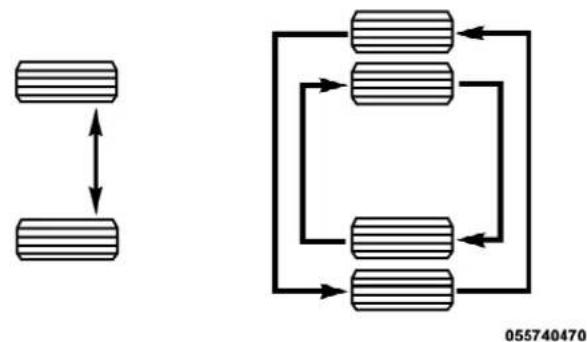
The tires used on dual wheel assemblies should be matched for wear to prevent overloading one tire in a set. To check if tires are even, lay a straight edge across all four tires. The straight edge should touch all the tires.
CAUTION!
3500DualRearTireshaveonlyoneapproveddirectionofrotation. Thisistoaccommodatetheasymmetricaldesign(treadpattern)oftheOn/Off-Road tireandtheuseofOutlineWhiteLetter(OWL)tires.
- Whenreplacingaflat,thesparetiremayhaveto beremountedontherim,orinstalledatadifferent location,tomaintainthecorrectplacementofthe tireonthewheelrelativetothetire/wheelposition onthetruck.Forexample,ifthespareisusedto replaceanouterreartireitwillhavetobere-mountedontherimsothatthewheelisdished inward.Thatwaythetreaddesignofasymmetrical tiresandthewhitewritingoftheOWLtireswill maintainproperposition.
TIREPRESSUREMONITORSYSTEM(TPMS)
The Tire Pressure Monitor System (TPMS) will warn the driver of a low tire pressure based on the vehicle recommended cold placard pressure.
The tire pressure will vary with temperature by about 1 psi (6.9 kPa) for every 12°F (6.5°C). This means that when the outside temperature decreases, the tire pressure will decrease. Tire pressure should always be set based on cold inflation tire pressure. This is defined as the tire pressure after the vehicle has not been driven for at least three hours, or driven less than 1 mile (1.6 km) after a three hour period. The cold tire inflation pressure must not exceed the maximum inflation pressure molded into the tire sidewall. Refer to “Tires – General Information” in “Starting and Operating” for information on how to properly inflate the vehicle’s tires. The tire pressure will also increase as the vehicle is driven - this is normal and there should be no adjustment for this increased pressure.
518 STARTING AND OPERATING
The TPMS will warn the driver of a low tire pressure if the tire pressure falls below the low-pressure warning limit for any reason, including low temperature effects and natural pressure loss through the tire.
The TPMS will continue to warn the driver of low tire pressure as long as the condition exists, and will not turn off until the tire pressure is at or above the recommended cold placard pressure. Once the low tire pressure warning (Tire Pressure Monitoring [TPM] Telltale Light) illuminates, you must increase the tire pressure to the recommended cold placard pressure in order for the TPM Telltale Light to turn off. The system will automatically update and the TPM Telltale Light will turn off once the system receives the updated tire pressures. The vehicle may need to be driven for up to 20 minutes above 15 mph (24 km/h) in order for the TPMS to receive this information.
For example, your vehicle may have a recommended cold (parked for more than three hours) placard pressure of 30 psi (207 kPa). If the ambient temperature is 68°F (20°C) and the measured tire pressure is 27 psi (186 kPa), a temperature drop to 20°F (-7°C) will decrease the tire pressure to approximately 23 psi (158 kPa). This tire pressure is sufficiently low enough to turn ON the TPM Telltale Light. Driving the vehicle may cause the tire pressure to rise to approximately 27 psi (186 kPa), but the TPM Telltale Light will still be ON. In this situation, the TPM Telltale Light will turn OFF only after the tires are inflated to the vehicle's recommended cold placard pressure value.
CAUTION!
- TheTPMShasbeenoptimizedfortheoriginal equipmenttiresandwheels.TPMSpressuresand warninghavebeenestablishedforthetiresize equippedonyourvehicle.Undesirablesystem operationorsensordamagemayresultwhenusingreplacementequipmentthatisnotofthesame size,type,and/orstyle.Aftermarketwheelscan causesensordamage.Donotuseaftermarkettire sealantsorbalancebeadsifyourvehicleis equippedwithaTPMS,asdamagetothesensors mayresult.
- Afterinspectingoradjustingthetirepressure, alwaysreinstallthevalvestemcap. This will preventmoistureanddirtfromenteringthevalve stem, whichcoulddamagetheTPMsensor.
NOTE:
- The TPMS is not intended to replace normal tire care and maintenance or to provide warning of a tire failure or condition.
- The TPMS should not be used as a tire pressure gauge while adjusting your tire pressure.
- Driving on a significantly under-inflated tire causes the tire to overheat and can lead to tire failure. Under-inflation also reduces fuel efficiency and tire tread life, and may affect the vehicle's handling and stopping ability.
- The TPMS is not a substitute for proper tire maintenance, and it is the driver's responsibility to maintain correct tire pressure using an accurate tire pressure gauge, even if under-inflation has not reached the level to trigger illumination of the TPM Telltale Light.
- Seasonal temperature changes will affect tire pressure, and the TPMS will monitor the actual tire pressure in the tire.
BaseSystem
The Tire Pressure Monitor System (TPMS) uses wireless technology with wheel rim mounted electronic sensors to monitor tire pressure levels. Sensors mounted to each wheel as part of the valve stem transmit tire pressure readings to the receiver module.
NOTE: It is particularly important for you to check the tire pressure in all of the tires on your vehicle monthly and to maintain the proper pressure.
The TPMS consists of the following components:
- Receiver module,
• Four TPM sensors, and - TPM Telltale Light
The matching full size spare wheel and tire assembly (if equipped) has a TPM sensor. The matching full size spare can be used in place of any of the four road tires. The TPMS will only monitor the pressure in the full size spare when it is used in place of a road tire. Otherwise, a spare with a pressure below the low-pressure limit will not cause the TPM Telltale Light to illuminate or the chime to sound.
TirePressureMonitoringLowPressureWarnings
The TPM Telltale Light will illuminate in the instrument cluster, a "LOW TIRE PRESSURE" message will display in the EVIC, and a chime will sound when tire pressure is low in one or more of the four active road tires. Should this occur, you should stop as soon as possible, check the inflation pressure of each tire on your vehicle, and inflate each tire to the vehicle's recommended cold placard pressure value. Once the system receives the updated tire pressures, the system will automatically update and the TPM Telltale Light will
turn off. The vehicle may need to be driven for up to 20 minutes above 15 mph (24 km/h) in order for the TPMS to receive this information.
ServiceTPMSWarning
If a system fault is detected, the TPM Telltale Light will flash on and off for 75 seconds and then remain on solid. The system fault will also sound a chime. If the ignition switch is cycled, this sequence will repeat, providing the system fault still exists. The TPM Telltale Light will turn off when the fault condition no longer exists. A system fault can occur due to any of the following:
- Signal interference due to electronic devices or driving next to facilities emitting the same radio frequencies as the TPM sensors.
- Installing aftermarket window tinting that contains materials that may block radio wave signals.
-
Accumulation of snow or ice around the wheels or wheel housings.
-
Using tire chains on the vehicle.
- Using wheels/tires not equipped with TPM sensors.
Vehicles With Full Size Spare
- The matching full size spare wheel and tire assembly has a TPM sensor that can be monitored by the TPMS.
- If you install the full size spare in place of a road tire that has a pressure below the low-pressure warning limit, upon the next ignition switch cycle, a chime will sound, a "LOW TIRE PRESSURE" message will be displayed, and the TPM Telltale Light will turn ON.
- Driving the vehicle for up to 20 minutes above 15 mph (24 km/h) will turn off the TPM Telltale Light and "LOW TIRE PRESSURE" text message, as long as no tire pressure is below the low-pressure warning limit in any of the four active road tires.
The Tire Pressure Monitor System (TPMS) uses wireless technology with wheel rim mounted electronic sensors to monitor tire pressure levels. Sensors mounted to each wheel as part of the valve stem transmit tire pressure readings to the receiver module.
NOTE: It is particularly important for you to check the tire pressure in all of the tires on your vehicle monthly and to maintain the proper pressure.
The TPMS consists of the following components:
- Receiver module,
- Four TPM sensors,
- Various TPMS messages, which display in the Electronic Vehicle Information Center (EVIC), and
- TPM Telltale Light
The matching full size spare wheel and tire assembly (if equipped) has a TPM sensor. The full size spare can be used in place of any of the four road tires. A spare with a pressure below the low-pressure limit will not cause the TPM Telltale Light to illuminate or the chime to sound.
TirePressureMonitoringLowPressureWarnings
The TPM Telltale Light will illuminate in the instrument cluster and a chime will sound when tire pressure is low in one or more of the four active road tires. In addition, the EVIC will display a "LOW TIRE PRESSURE" message for a minimum of five seconds and a graphic showing the pressure values of each tire with the low tire pressure values flashing.
Should this occur, you should stop as soon as possible and inflate the tires with a low pressure condition (those flashing in the EVIC graphic) to the vehicle's recommended cold placard pressure inflation value. Once the system receives the updated tire pressures, the system will automatically update, the graphic display in the EVIC will stop flashing, and the TPM Telltale Light will turn off. The vehicle may need to be driven for up to 20 minutes above 15 mph (24 km/h) in order for the TPMS to receive this information.
819793fc
If a system fault is detected, the TPM Telltale Light will flash on and off for 75 seconds and then remain on solid. The system fault will also sound a chime. In addition, the EVIC will display a "SERVICE TPM SYSTEM" message for five seconds and then display dashes (- -) in place of the pressure value to indicate which sensor is not being received.


If the ignition switch is cycled, this sequence will repeat, providing the system fault still exists. If the system fault no longer exists, the TPM Telltale Light will no longer flash, and the "SERVICE TPM SYSTEM" message will no longer display, and a pressure value will display in place of the dashes. A system fault can occur due to any of the following:
- Signal interference due to electronic devices or driving next to facilities emitting the same radio frequencies as the TPM sensors.
- Installing aftermarket window tinting that contains materials that may block radio wave signals.
- Accumulation of snow or ice around the wheels or wheel housings.
- Using tire chains on the vehicle.
- Using wheels/tires not equipped with TPM sensors.
The EVIC will also display a “SERVICE TPM SYSTEM” message for a minimum of five seconds when a system fault possibly related to an incorrect sensor location fault is present. In this case, the “SERVICE TPM SYSTEM” message is then followed by a graphic display with pressure values still shown. This indicates that the pressure values are still being received from the TPM sensors but they may not be in the correct vehicle position. The system still needs to be serviced as long as the “SERVICE TPM SYSTEM” message exists.
Vehicles With Full Size Spare
- The matching full size spare wheel and tire assembly has a TPM sensor that can be monitored by the TPMS.
- If you install the full size spare in place of a road tire that has a pressure below the low-pressure warning limit, upon the next ignition switch cycle, a chime will sound and the TPM Telltale Light will turn ON. In addition, the EVIC will display a low pressure message and a graphic showing the low tire pressure value flashing.
- After driving the vehicle for up to 20 minutes above 15 mph (24 km/h) the TPM Telltale Light will turn OFF, as long as no tire pressure is below the low-pressure warning limit in any of the four active road tires.
The TPMS tire light load inflation switch will allow the driver to switch between the max load inflation pressure (cold) low pressure warning threshold and the light load inflation pressure (cold) low pressure warning threshold depending on the vehicle's load condition. The Tire and Loading Information label defines the recommended front and rear cold tire inflation pressures for the vehicle when operating in the Max Load condition. A Supplemental Tire Pressure Information label is also available defining Light Load tire inflation pressures when operating in the Light Load condition. When the tire light load inflation switch LED is ON, the TPMS is using the light load inflation pressure (cold) low inflation warning thresholds.
- This vehicle may have different recommended tire pressure values between the front and rear tires as shown in both the Tire Loading Information Label and the Supplemental Tire Pressure Information Label. It is also equipped to be driven with tire pressures appropriate to either a Light Load condition or the vehicle Max Load condition.
- The tire light load inflation switch will allow the driver to change between the max load inflation pressure (cold) low pressure warning threshold and the light load inflation pressure (cold) low pressure warning threshold depending on the vehicle's load condition. Refer to the "Supplemental Tire Pressure Information" label for the vehicle's Light Load inflation pressures and "Tire and Loading Information" label for the vehicle's Max Load inflation pressures.

81c57c10
ExampleSupplementalTirePressureLabel
To switch from the max load inflation pressure (cold) low pressure warning threshold to the light load inflation pressure (cold) low pressure warning threshold, begin by placing the ignition switch in the RUN position. Next, lower all four road tire pressures to the Light Load Inflation Pressure values as listed on the Supplemental
Tire Pressure Information label. The Supplemental Tire Pressure Information label is located on the rear face of the driver door opening. Use an accurate tire gauge to check the tire pressures when lowering all four tire pressures. The vehicle may need to be driven above 15 mph (24 km/h) to receive this updated pressure information. After all four tire pressures have been lowered to the Light Load inflation pressures, press the tire light load inflation switch. If the tire light load inflation switch's amber colored LED turns ON, the TPMS is using the light load inflation pressure (cold) low pressure warning thresholds.
If the tire light load inflation switch amber colored LED flashes on and off for 10 seconds, after all four tire pressures have been lowered to the Light Load inflation pressures, the pressure in any one of the four tires may not be at the light load inflation pressure (cold) values as indicated for the Light Load condition as defined on the Supplemental Tire Pressure Information label located on the rear face of the driver door. Using an accurate tire pressure gauge, re-check the tire pressures for the light load inflation pressure (cold) value.
WARNING!
Itisthedriver's responsibility to changetothemax loadinflation pressure (cold) low pressure warning threshold condition when not driving in the light load condition as defined as two occupants (150 lbs [68 kg] each) plus 200 lbs (91 kg) of cargo. The vehicle "Light Load Definition" is found in the Supplemental Tire Pressure Information label located on therear face of the driver door. Failure to do so may cause you to lose control resulting in a collision, causing serious or fatal injury.
To switch back to the max load inflation pressure (cold) low pressure warning threshold, press the tire light load inflation switch. It is not necessary to first fill the tires to the max load inflation pressure (cold) values to switch the TPMS system to the max load inflation pressure (cold) low pressure warning threshold. If after pressing the tire light load inflation switch, and tire pressures are below the max load inflation pressure (cold) low pressure warning thresholds, the TPMS low pressure warning telltale light (located in the instrument cluster) will turn ON and a chime will sound. The tire pressures are now required to be inflated to the max load inflation pressure (cold) values described on the Tire and Loading Information label. The Tire and Loading Information label is located on the drivers side B-pillar. If the tire light load inflation switch LED turns OFF, the TPMS has been reset and the TPMS is using the max load inflation pressure (cold) low pressure warning thresholds.
GeneralInformation
This device complies with Part 15 of the FCC rules and RSS 210 of Industry Canada. Operation is subject to the following conditions:
- This device may not cause harmful interference.
- This device must accept any interference received, including interference that may cause undesired operation.
The TPM sensors are regulated under one of the following licenses:
United States....M R X C 4 W 4 M A 4
Canada 2546A-C4W4MA4
FUELREQUIREMENTS
3.7Land4.7LEngine

These engines are designed to meet all emissions regulations and provide excellent fuel economy and performance when using high quality unleaded “regular” gasoline having an octane rating of 87. The use of premium gasoline is not recommended, as it will not provide any benefit over regular gasoline in these engines.
5.7LEngine

This engine is designed to meet all emissions regulations and provide satisfactory fuel economy and performance when using high quality unleaded gasoline having an octane range of 87 to 89. The manufacturer recommends the use of 89 octane for
optimum performance. The use of premium gasoline is not recommended, as it will not provide any benefit over regular gasoline in these engines.
Light spark knock at low engine speeds is not harmful to your engine. However, continued heavy spark knock at high speeds can cause damage and immediate service is required. Poor quality gasoline can cause problems such as hard starting, stalling, and hesitations. If you experience these symptoms, try another brand of gasoline before considering service for the vehicle.
Over 40 auto manufacturers worldwide have issued and endorsed consistent gasoline specifications (the Worldwide Fuel Charter, WWFC) which define fuel properties necessary to deliver enhanced emissions, performance, and durability for your vehicle. The manufacturer recommends the use of gasoline that meets the WWFC specifications if they are available.
Reformulated Gasoline
Many areas of the country require the use of cleaner burning gasoline referred to as “Reformulated Gasoline.” Reformulated gasolines contain oxygenates and are specifically blended to reduce vehicle emissions and improve air quality.
The manufacturer supports the use of reformulated gaso-lines. Properly blended reformulated gasolines will provide excellent performance and durability for the engine and fuel system components.
Gasoline/OxygenateBlends
Some fuel suppliers blend unleaded gasoline with oxygenates such as Ethanol. Fuels blended with oxygenates may be used in your vehicle.
CAUTION!
DONOTusegasolinecontainingMethanolorgasolinecontainingmorethan10%Ethanol.Useofthese blendsmayresultinstartinganddriveabilityproblems,damagecriticalfuelsystemcomponents,cause emissionstoexceedtheapplicablestandard,and/or causethe"MalfunctionIndicatorLight"toilluminate.Pumplabelsshouldclearlycommunicateifa fuelcontainsgreaterthan10%Ethanol.
Problems that result from using gasoline containing Methanol or gasoline containing more than 10% Ethanol are not the responsibility of the manufacturer and may not be covered under warranty.
E-85UsageInNon-FlexFuelVehicles
Non-FFV vehicles are compatible with gasoline containing 10% ethanol (E10). Gasoline with higher ethanol content may void the vehicle's warranty.
If a Non-FFV vehicle is inadvertently fueled with E-85 fuel, the engine will have some or all of these symptoms:
• operate in a lean mode
- OBD II "Malfunction Indicator Light" on
• poor engine performance
• poor cold start and cold drivability
- increased risk for fuel system component corrosion
To fix a Non-FFV vehicle inadvertently fueled once with E-85 perform the following:
- drain the fuel tank (see your authorized dealer)
• change the engine oil and oil filter - disconnect and reconnect the battery to reset the engine controller memory
More extensive repairs will be required for prolonged exposure to E-85 fuel.
MMTInGasoline
MMT is a manganese containing metallic additive that is blended into some gasoline to increase octane. Gasoline blended with MMT provides no performance advantage beyond gasoline of the same octane number without MMT. Gasoline blended with MMT reduces spark plug life and reduces emissions system performance in some vehicles. The manufacturer recommends that gasoline without MMT be used in your vehicle. The MMT content of gasoline may not be indicated on the gasoline pump, therefore, you should ask your gasoline retailer whether or not his/her gasoline contains MMT. It is even more important to look for gasolines without MMT in Canada, because MMT can be used at levels higher than those allowed in the United States. MMT is prohibited in Federal and California reformulated gasoline.
MaterialsAddedToFuel
All gasoline sold in the United States is required to contain effective detergent additives. Use of additional detergents or other additives is not needed under normal conditions and would result in unnecessary cost. Therefore, you should not have to add anything to the fuel.
FuelSystemCautions
CAUTION!
Followtheseguidelinestomaintainyourvehicle's performance:
- TheuseofleadedgasisprohibitedbyFederallaw. Usingleadedgasolinecanimpairengineperformanceanddamagetheemissioncontrolsystem.
(Continued)
CAUTION!(Continued)
- Anout-of-tuneengineorcertainfuelorignition malfunctionscancausethecatalyticconverterto overheat.Ifyounoticeapungentburningodoror somelightsmoke,yourenginemaybeoutoftune ormalfunctioningandmayrequireimmediate service.Contactyourauthorizeddealerforservice assistance.
- Theuseoffueladditives, which are now being sold as octaneenhancers are not recommended. Most of these products contain high concentration of methanol. Fuelsystemdamage or vehicle performance problems resulting from the use of such fuels or additives is not the responsibility of the manufacturer.
NOTE: Intentional tampering with emissions control systems can result in civil penalties being assessed against you.
CarbonMonoxideWarnings
WARNING!
Carbonmonoxide(CO)inexhaustgasesisdeadly. Followtheprecautionsbelowtopreventcarbon monoxidepoisoning:
(Continued)
WARNING!(Continued)
- Donotinhaleexhaustgases. They contain carbon monoxide, acolorless and odorless gas which can kill. Never run the engine in a closed area such as agarage, and never sit in a parked vehicle with the engineer running for an extended period. If the vehicle is stopped in an open area with the engine running form more than a short period, adjust the ventilation system to force fresh, outside air into the vehicle.
- Guardagainstcarbonmonoxidewithproper maintenance.Havetheexhaustsysteminspected everytimethevehicleisraised.Haveanyabnormalconditionsrepairedpromptly.Untilrepaired, drivewithallsidewindowsfullyopen.
The information in this section is for Flexible Fuel vehicles only. These vehicles can be identified by a unique fuel filler door label that states Ethanol(E-85)orUnleadedGasolineOnly. This section only covers those subjects that are unique to these vehicles. Please refer to the other sections of this manual for information on features that are common between Flexible Fuel and gasoline-only powered vehicles.

E-85FuelCap
CAUTION!
OnlyvehicleswiththeE-85fuelfillerdoorlabelcan operateonE-85.

81ae46a9
E-85Badge
EthanolFuel(E-85)
E-85 is a mixture of approximately 85% fuel ethanol and 15% unleaded gasoline.
WARNING!
Ethanolvaporsareextremelyflammableandcould causeseriouspersonalinjury.Neverhaveanysmokingmaterialslitinornearthevehiclewhenremovingthefuelfillertubecap(gascap)orfillingthe tank.DonotuseE-85asacleaningagentandnever useitnearanopenflame.
FuelRequirements
Your vehicle will operate on both unleaded gasoline with an octane rating of 87, or E-85 fuel, or any mixture of these two. For best results, a refueling pattern that alternates between E-85 and unleaded gasoline should be avoided.
When you do switch fuel types it is recommended that:
- you do not switch when the fuel gauge indicates less than 1/4 full
- you do not add less than 5 gallons (19 Liters) when refueling
- you operate the vehicle immediately after refueling for a period of at least 5 minutes
Observing these precautions will avoid possible hard starting and/or significant deterioration in driveability during warm up.
NOTE:
- When the ambient temperature is above 90° F ( 32° C), you may experience hard starting and rough idle following start up even if the above recommendations are followed.
- Some additives used in regular gasoline are not fully compatible with E-85 and may form deposits in your engine. To eliminate driveability issues that may be caused by these deposits, a supplemental gasoline additive, such as MOPAR®Injector Cleanup or Techron may be used.
SelectionOfEngineOilForFlexibleFuelVehicles (E-85)AndGasolineVehicles
FFV vehicles operated on E-85 require specially formulated engine oils. These special requirements are included in MOPAR® engine oils, and in equivalent oils meeting Chrysler Specification MS-6395. The manufacturer requires engine oils that are API Certified and meet the requirements of Material Standard MS-6395. MS-6395 contains additional requirements, developed during extensive fleet testing, to provide additional protection to Chrysler Group LLC engines. Use MOPAR® or an equivalent oil meeting the specification MS-6395.
Starting
The characteristics of E-85 fuel make it unsuitable for use when ambient temperatures fall below 0° F ( -18° C). In the range of 0° F ( -18° C) to 32° F ( 0° C), you may experience an increase in the time it takes for your engine to start, and a deterioration in driveability (sags and/or hesitations) until the engine is fully warmed up.
NOTE: Use of the engine block heater (if equipped) is beneficial for E-85 startability when the ambient temperature is less than 32° F ( 0° C).
CruisingRange
Because E-85 fuel contains less energy per gallon/liter than gasoline, you will experience an increase in fuel consumption. You can expect your miles per gallon (mpg)/miles per liter and your driving range to decrease by about 30%, compared to gasoline operation.
ReplacementParts
Many components in your Flexible Fuel Vehicle (FFV) are designed to be compatible with ethanol. Always be sure that your vehicle is serviced with correct ethanol compatible parts.
CAUTION!
Replacingfuelsystemcomponentswithnon-ethanol compatiblecomponentscandamageyourvehicle.
Maintenance
CAUTION!
Donotuseethanolmixturegreaterthan85%inyour vehicle.Itwillcausedifficultyincoldstartingand mayaffectdriveability.
The fuel filler cap (gas cap) is located behind the fuel filler door, on the left side of the vehicle. Open the fuel door and remove the fuel cap by turning it counterclockwise.

FuelFillerCap
NOTE: When removing the fuel filler cap, lay the cap tether in the hook, located on the fuel filler door.
CAUTION!
- Damagethefuelsystemoremissionscontrol systemcouldresultfromusinganimproperfuel tankfillertubecap(gascap).
- Apoorlyfittinggascapcouldletimpuritiesinto thefuelsystem.
- Apoorlyfittinggascapmaycausethe"MalfunctionIndicatorLight(MIL)"toturnon.
- Toavoidfuelspillageandoverfilling,donot"top off"thefueltankafterfilling.Whenthefuel nozzle"clicks"orshutsoff,thefueltankisfull.
WARNING!
- Neverhaveanysmokingmaterialslitinornear thevehiclewhenthegascapisremovedorthe tankisbeingfilled.
- Neveraddfueltothevehiclewhentheengineis running.
- Afiremayresultifgasolineispumpedintoa portablecontainerthatisinsideofavehicle.You couldbeburned.Alwaysplacegascontainerson thegroundwhilefilling.
NOTE:
- Tighten the gas cap until you hear a “clicking” sound. This is an indication that the gas cap is tightened properly. The MIL in the instrument cluster may turn on if the gas cap is not secured properly. Make sure that the gas cap is tightened each time the vehicle is refueled.
- When the fuel nozzle "clicks" or shuts off, the fuel tank is full.
LooseFuelFillerCapMessage

If the vehicle diagnostic system determines that the fuel filler cap is loose, improperly installed, or damaged, a loose gascap indicator will display in the EVIC telltale display area.
Refer to "Electronic Vehicle Information Center (EVIC) in "Understanding Your Instrument Panel" for further information. Tighten the fuel filler cap properly and press the SELECT button to turn off the message. If the problem continues, the message will appear the next time the vehicle is started.
VEHICLELOADING
CertificationLabel
As required by National Highway Traffic Safety Administration regulations, your vehicle has a certification label affixed to the driver's side door or pillar.
This label contains the month and year of manufacture, Gross Vehicle Weight Rating (GVWR), Gross Axle Weight Rating (GAWR) front and rear, and Vehicle Identification Number (VIN). A Month-Day-Hour (MDH) number is included on this label and indicates the Month, Day and Hour of manufacture. The bar code that appears on the bottom of the label is your VIN.
GrossVehicleWeightRating(GVWR)
The GVWR is the total permissible weight of your vehicle including driver, passengers, vehicle, options and cargo. The label also specifies maximum capacities of front and rear axle systems (GAWR). Total load must be limited so GVWR and front and rear GAWR are not exceeded.
Payload
The payload of a vehicle is defined as the allowable load weight a truck can carry, including the weight of the driver, all passengers, options and cargo.
GrossAxleWeightRating(GAWR)
The GAWR is the maximum permissible load on the front and rear axles. The load must be distributed in the cargo area so that the GAWR of each axle is not exceeded.
Each axle GAWR is determined by the components in the system with the lowest load carrying capacity (axle, springs, tires or wheels). Heavier axles or suspension components sometimes specified by purchasers for increased durability does not necessarily increase the vehicle's GVWR.
TireSize
The tire size on the label represents the actual tire size on your vehicle. Replacement tires must be equal to the load capacity of this tire size.
RimSize
This is the rim size that is appropriate for the tire size listed.
This is the cold tire inflation pressure for your vehicle for all loading conditions up to full GAWR.
CurbWeight
The curb weight of a vehicle is defined as the total weight of the vehicle with all fluids, including vehicle fuel, at full capacity conditions, and with no occupants or cargo loaded into the vehicle. The front and rear curb weight values are determined by weighing your vehicle on a commercial scale before any occupants or cargo are added.
Loading
The actual total weight and the weight of the front and rear of your vehicle at the ground can best be determined by weighing it when it is loaded and ready for operation.
The entire vehicle should first be weighed on a commercial scale to insure that the GVWR has not been exceeded. The weight on the front and rear of the vehicle should then be determined separately to be sure that the load is properly distributed over the front and rear axle. Weighing the vehicle may show that the GAWR of either the front or rear axles has been exceeded but the total load is within the specified GVWR. If so, weight must be shifted from front to rear or rear to front as appropriate until the specified weight limitations are met. Store the heavier items down low and be sure that the weight is distributed equally. Stow all loose items securely before driving.
Improper weight distributions can have an adverse effect on the way your vehicle steers and handles and the way the brakes operate.
CAUTION!
DonotloadyourvehicleanyheavierthantheGVWR orthemaximumfrontandrearGAWR.Ifyoudo, partsonyourvehiclecanbreak,oritcanchangethe wayyourvehiclehandles.Thiscouldcauseyouto losecontrol.Alsooverloadingcanshortenthelifeof yourvehicle.
TRAILERTOWING
In this section you will find safety tips and information on limits to the type of towing you can reasonably do with your vehicle. Before towing a trailer, carefully review this information to tow your load as efficiently and safely as possible.
To maintain warranty coverage, follow the requirements and recommendations in this manual concerning vehicles used for trailer towing.
CommonTowingDefinitions
The following trailer towing related definitions will assist you in understanding the following information:
GrossVehicleWeightRating(GVWR)
The GVWR is the total allowable weight of your vehicle. This includes driver, passengers, cargo and tongue weight. The total load must be limited so that you do not exceed the GVWR. Refer to "Vehicle Loading/Vehicle Certification Label" in "Starting and Operating" for further information.
GrossTrailerWeight(GTW)
The GTW is the weight of the trailer plus the weight of all cargo, consumables and equipment (permanent or temporary) loaded in or on the trailer in its "loaded and ready for operation" condition.
The recommended way to measure GTW is to put your fully loaded trailer on a vehicle scale. The entire weight of the trailer must be supported by the scale.
GrossCombinationWeightRating(GCWR)
The GCWR is the total permissible weight of your vehicle and trailer when weighed in combination.
NOTE: The GCWR rating includes a 150 lbs (68 kg) allowance for the presence of a driver.
GrossAxleWeightRating(GAWR)
The GAWR is the maximum capacity of the front and rear axles. Distribute the load over the front and rear axles evenly. Make sure that you do not exceed either front or rear GAWR. Refer to “Vehicle Loading/Vehicle Certification Label” in “Starting and Operating” for further information.
WARNING!
It is important that you donot exceed them maximum frontorrear GAWR. Adangerous driving condition can result if either rating is exceeded. You could lose control of the vehicle and have a collision.
TongueWeight(TW)
The tongue weight is the downward force exerted on the hitch ball by the trailer. In most cases it should not be less than 10% or more than 15% of the trailer load. You must consider this as part of the load on your vehicle.
FrontalArea
The frontal area is the maximum height multiplied by the maximum width of the front of a trailer.
TrailerSwayControl
The trailer sway control can be a mechanical telescoping link that can be installed between the hitch receiver and the trailer tongue that typically provides adjustable friction associated with the telescoping motion to dampen any unwanted trailer swaying motions while traveling.
If equipped, the electronic Trailer Sway Control (TSC) recognizes a swaying trailer and automatically applies individual wheel brakes and/or reduces engine power to attempt to eliminate the trailer sway.
Weight-CarryingHitch
A weight-carrying hitch supports the trailer tongue weight, just as if it were luggage located at a hitch ball or some other connecting point of the truck. These kind of hitches are the most popular on the market today and they are commonly used to tow small- and medium-sized trailers.
Weight-DistributingHitch
A weight-distributing system works by applying leverage through spring (load) bars. They are typically used for heavier loads to distribute trailer tongue weight to the tow vehicle's front axle and the trailer axle(s). When used in accordance with the manufacturer's directions, it provides for a more level ride, offering more consistent steering and brake control, thereby enhancing towing safety. The addition of a friction/hydraulic sway control also dampens sway caused by traffic and crosswinds and contributes positively to tow vehicle and trailer stability. Trailer sway control and a weight distributing (load
equalizing) hitch are recommended for heavier Tongue Weights (TW) and may be required depending on vehicle and trailer configuration/loading to comply with GAWR requirements.
WARNING!
- Animproperlyadjustedweightdistributinghitch systemmayreduce handling, stability and braking performance and could result in acollision.
- Weightdistributingsystemsmaynotbecompatiblewithsurgebrakecouplers.Consultwithyour hitchandtrailermanufacturerorareputableRecreational Vehicle dealer for additional information.
057003770
EXAMPLE—WithoutWeight-Distributing Hitch(Incorrect)

057003769
EXAMPLE—WithWeight-DistributingHitch(Correct)
057003768
EXAMPLE—ImproperAdjustment of Weight-DistributingHitch(Incorrect)
Fifth-WheelHitch
The fifth-wheel hitch is a special high platform with a coupling that mounts over the rear axle of the tow vehicle in the truck bed. It connects a vehicle and fifth-wheel trailer with a coupling king pin.
GooseneckHitch
The gooseneck hitch employs a pivoted coupling arm which attaches to a ball mounted in the bed of a pickup truck. The coupling arm connects to the hitch mounted over the rear axle in the truck bed.
TrailerHitchClassification
The following chart provides the industry standard for the maximum trailer weight a given trailer hitch class can tow and should be used to assist you in selecting the correct trailer hitch for your intended towing condition.
| TrailerHitchClassificationDefinitions | |
| ClassMax.TrailerHitchIndustryStandards | |
| Class I - Light Duty 2,000 lbs (907 kg) | |
| Class II - Medium Duty | 3,500 lbs (1587 kg) |
| Class III - Heavy Duty 5,000 lbs (2268 kg) | |
| Class IV - Extra Heavy Duty | 10,000 lbs (4540 kg) |
| Fifth Wheel/ Gooseneck | Greater than 10,000 lbs (4540 kg) |
| Refer to the “Trailer Towing Weights (Maximum Trailer Weight Ratings)” for the Maximum Gross Trailer Weight (GTW) towable for your given drivetrain. | |
All trailer hitches should be professionally installed on your vehicle.
TrailerTowingWeights (MaximumTrailerWeightRatings)
The rear bumper is intended to tow trailers up to 5,000 lbs (2 268 kg) without added equipment or alterations to the standard equipment.
| STSLT/Outdoorsman/Sport | Laramie | ||
| 3.7LV-64-Speed AutomaticTransmission | Towing: 3,750 lbs(1701 kg) - maxPayload: 1,860 lbs(839 kg) - max | — | — |
| 4.7LV-86-Speed AutomaticTransmission | Towing: 5,000 lbs(2268 kg) - std 7,600 lbs(3447 kg) - maxPayload: 1,700 lbs(771 kg) - max | Towing: 5,000 lbs(2268 kg) - std 7,650 lbs(3470 kg) - maxPayload: 1,730 lbs(785 kg) - max | — |
| 5.7LHEMI®V-86-Speed AutomaticTransmission | Towing: 5,000 lbs(2268 kg) - std 10,400 lbs(4717 kg) - maxPayload: 1,660 lbs(753 kg) - max | Towing: 5,000 lbs(2268 kg) - std 10,450 lbs(4740 kg) - maxPayload: 1,670 lbs(757 kg) - max | Towing: 5,000 lbs(2268 kg) - std 10,050 lbs(4559 kg) - maxPayload: 1,610 lbs(730 kg) - max |
Ram15004x4
| STSLT/Outdoorsman/Sport | Laramie | ||
| 4.7LV-86-Speed AutomaticTransmission | Towing: 5,000 lbs(2268 kg) - std 7,400 lbs(3356 kg) - maxPayload: 1,540 lbs(698 kg) - max | Towing: 5,000 lbs(2268 kg) - std 7,450 lbs(3379 kg) - maxPayload: 1,560 lbs(708 kg) - max | — |
| 5.7LHEMI®V-86-Speed AutomaticTransmission | Towing: 5,000 lbs(2268 kg) - std 10,250 lbs(4649 kg) - maxPayload: 1,510 lbs(685 kg) - max | Towing: 5,000 lbs(2268 kg) - std 10,250 lbs(4649 kg) - maxPayload: 1,530 lbs(694 kg) - max | Towing: 5,000 lbs(2268 kg) - std 9,850 lbs(4468 kg) - maxPayload: 1,610 lbs(730 kg) - max |
| 2500PowerWagon®2500STS | LTBighorn/LonestarLaramieOut-doorsman | 3500STSLTBighorn/LonestarLaramieOut-doorsman | |
| 5.7LHEMI®V-86-Speed AutomaticTransmission | Towing: 10,100 lbs (4581 kg) - maxPayload: 1,780 lbs (807 kg) - max | Towing: 12,300 lbs (5579 kg) - maxPayload: 3,120 lbs (1415 kg) - max | — |
| 6.7LCummins®Turbo DieselI-66-Speed ManualTransmission | — | Towing: 13,350 lbs (6055 kg) - maxPayload: 2,490 lbs (1129 kg) - max | Towing: 14,050 lbs (6372 kg) - maxPayload: 5,050 lbs (2291 kg) - max |
| 6.7LCummins®Turbo DieselI-66-Speed AutomaticTransmission | — | Towing: 15,450 lbs (7008 kg) - maxPayload: 2,580 lbs (1170 kg) - max | Towing: 22,700 lbs (10296 kg) - maxPayload: 5,130 lbs (2327 kg) - max |
NOTE: For additional trailer towing information (maximum trailer weight ratings) refer to the following website addresses:
- http://www.ramtrucks.com.
- http://www.ramtruck.ca(Canada).
TrailerAndTongueWeight
Always load a trailer with 60% to 65% of the weight in the front of the trailer. This places 10% to 15% of the GTW on the tow hitch of your vehicle. Loads balanced over the wheels or heavier in the rear can cause the trailer to sway severelyside to side which will cause loss of control of the vehicle and trailer. Failure to load trailers heavier in front is the cause of many trailer collisions.

Consider the following items when computing the weight on the rear axle of the vehicle:
• The tongue weight of the trailer
- The weight of any other type of cargo or equipment put in or on your vehicle
• The weight of the driver and all passengers.
NOTE: Remember that everything put into or on the trailer adds to the load on your vehicle. Also, additional factory-installed options or dealer-installed options must be considered as part of the total load on your vehicle. Refer to "Tire Safety Information/Tire and Loading Information Placard" in "Starting and Operating" for further information.
TowingRequirements
To promote proper break-in of your new vehicle drivetrain components the following guidelines are recommended:
CAUTION!
- Donottowatraileratallduringthefirst500miles (805km)thenewvehicleisdriven.Theengine, axleorotherpartscouldbedamaged.
(Continued)
CAUTION!(Continued)
- Then, during the first 500 miles (805 km) that a traileristowed, donot drive over 50 mph (80 km/h) and donot make starts at full throttle. This help the engine and other part of the vehicle wear in the heavier loads.
WARNING!
Impropertowingcanleadtoacollision.Followthese guidelinestomakeyourtrailertowingassafeas possible:
(Continued)
WARNING!(Continued)
- Make certain that the load is secured in the trailer and will not shift during travel. Whentrailing cargothatis not fully secured, dynamic load shifts can occur that may be difficult for the driver to control. You could lose control of your vehicle and have a collision.
- Whenhaulingcargoortowingatrailer, donot overload your vehicle or trailer. Overloading can cause a loss of control, poor performance or damage to brakes, axle, engine, transmission, steering, suspension, chassis structure or tires.
- Safetychainsmustalwaysbeusedbetweenyour vehicleandtrailer.Alwaysconnectthechainsto thehookretainersofthevehiclehitch.Crossthe chainsunderthetrailertongueandallowenough slackforturningcorners.
(Continued)
WARNING!(Continued)
- Vehicleswithtrailersshouldnotbeparkedona grade.Whenparking,applytheparkingbrakeon thetowvehicle.Putthetowvehicletransmission inPARK.Forfour-wheeldrivevehicles,makesure thetransfercaseisnotinNEUTRAL.Always,blockor"chock"thetrailerwheels.
• GCWRmustnotbeexceeded. - Totalweightmustbedistributedbetweenthetow vehicleandthetrailersuchthatthefollowingfour ratingsarenotexceeded:
1.GVWR
2.GTW
3.GAWR - Trailertongueweightratingforthetrailerhitch utilized(Thisrequirementmaylimittheabilityto alwaysachievethe10%to15%rangeoftongue weightasapercentageoftotaltrailerweight).
556STARTING AND OPERATING
TowingRequirements-Tires
- Do not attempt to tow a trailer with less than the full size spare tire.
- Proper tire inflation pressures are essential to the safe and satisfactory operation of your vehicle. Refer to "Tires – General Information" in "Starting and Operating" for proper tire inflation procedures.
- Check the trailer tires for proper tire inflation pressures before trailer usage.
-
Check for signs of tire wear or visible tire damage before towing a trailer. Refer to "Tires – General Information" in "Starting and Operating" for the proper inspection procedure.
-
When replacing tires, refer to "Tires – General Information" in "Starting and Operating" for proper tire replacement procedures. Replacing tires with a higher load carrying capacity will not increase the vehicle's GVWR and GAWR limits.
TowingRequirements-TrailerBrakes
- Do notinterconnect the hydraulic brake system or vacuum system of your vehicle with that of the trailer. This could cause inadequate braking and possible personal injury.
- An electronically actuated trailer brake controller is required when towing a trailer with electronically actuated brakes. When towing a trailer equipped with a hydraulic surge actuated brake system, an electronic brake controller is not required.
- Trailer brakes are recommended for trailers over 1,000 lbs (454 kg) and required for trailers in excess of 2,000 lbs (907 kg).
CAUTION!
If the trailer weighsmorethan 1,000 lbs (454 kg) loaded, it should have its own brakes and they should be of adequate capacity. Failure to this could lead to accelerated brakelining wear, higher brake pedaleffort, and longer stopping distances.
WARNING!
- Donotconnecttrailerbrakestoyourvehicle's hydraulicbrakelines.Itcanoverloadyourbrake systemandcauseittofail.Youmightnothave brakeswhenyouneedthemandcouldhavea collision.
- Towinganytrailerwillincreaseyourstopping distance. Whentowingyoushouldallowforadditionalspacebetweenyourvehicleandthevehicleinfrontofyou.Failurertodosocouldresultina collision.
IntegratedTrailerBrakeModule-IfEquipped
Your vehicle may have an Integrated Trailer Brake Module (ITBM) for Electric and Electric Over Hydraulic (EOH) trailer brakes.
NOTE: This module has been designed and verified with electric trailer brakes and new electric over hydraulic systems. Some previous EOH systems may not be compatible with ITBM.
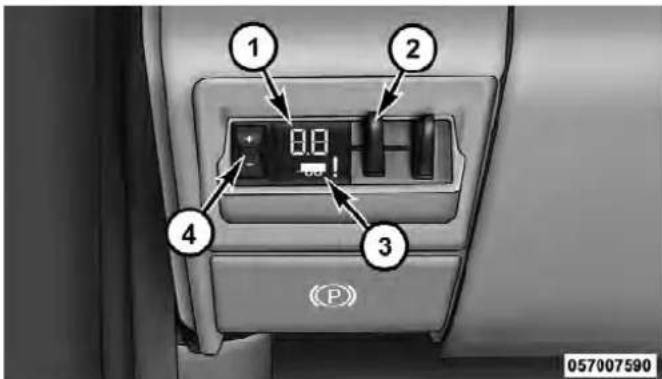
1 — GAIN/Brake Output Power Display
2 — Manual Brake Control Lever
3 — Trailer Brake Status Indicator Light
4 — GAIN Adjustment Buttons
The user interface consists of the following:
GAIN/ Brake Output Power Display Shows the current GAIN setting.
This display may also be used to display diagnostic information, if needed.
• SC — Short Circuit to Ground
- Sb — Short to Battery
- CF — Controller Fault – If this message appears on the display, see your authorized dealer.
When the vehicle brakes are applied, the display will no longer show GAIN and will change to the output to the trailer brakes.
Manual Brake Control Lever
Slide the manual brake control lever to the right to activate power to the trailer's electric brakes independent of the tow vehicle's brakes. If the manual brake control
lever is activated while the brake is also applied, the greater of the two inputs determines the power sent to the trailer brakes.
The trailer and the vehicle's brake lamps will come on when either vehicle braking or manual trailer brakes are applied.
Trailer Brake Status Indicator Light
This light indicates the trailer electrical connection status.
If no electrical connection is detected after the ignition is turned on, pressing the GAIN adjustment button or sliding the manual brake control lever will display the GAIN setting for 10 seconds and the "Trailer Brake Status Indicator Light" will not be displayed.
If a fault is detected in the trailer wiring or the Integrated Trailer Brake Module (ITBM), the "Trailer Brake Status Indicator Light" will flash.
GAIN Adjustment Buttons (+/-)
Pressing these buttons will adjust the brake control power output to the trailer brakes in 0.5 increments. The GAIN setting can be increased to a maximum of 10 or decreased to a minimum of 0 (no trailer braking).
GAIN
The GAIN setting is used to set the trailer brake control for the specific towing condition and should be changed as towing conditions change. Changes to towing conditions include trailer load, vehicle load, road conditions and weather.
AdjustingGAIN
NOTE: This should only be performed in a traffic free environment at speeds of approximately 20–25 mph (30–40 km/h).
- Make sure the trailer brakes are in good working condition, functioning normally, and properly adjusted. See your trailer dealer if necessary.
- Hook up the trailer and make the electrical connections according to the trailer manufacturer's instructions.
- When a trailer with electric/EOH brakes is plugged in, the trailer connected message should appear in the EVIC (if the connection is not recognized by the ITBM, braking functions will not be available), the GAIN setting will illuminate and the correct type of trailer must be selected from the EVIC options.
- Press the UP or DOWN button on the steering wheel until System Setup appears on the screen.

057064401
- Press the SELECT button and then press the UP or DOWN buttons until Trailer Brake Type appears on the screen.
057064402
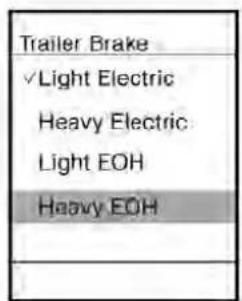
057064403
- Press the SELECT button and then press the UP or DOWN buttons until the proper Trailer Brake Type appears on the screen.
NOTE:1500ModelsOnly– Light Electric and Heavy Electric will only be available due to the tow capacities of the vehicle.
-
Use the GAIN adjustment (+/-) buttons to increase or decrease the GAIN setting to the desired starting point. A GAIN setting of 5 is a good starting point.
-
In a traffic-free environment, tow the trailer on a dry, level surface at a speed of 20–25 mph (30–40 km/h) and squeeze the manual brake control lever completely.
- If the trailer wheels lockup (indicated by squealing tires), reduce the GAIN setting; if the trailer wheels turn freely, increase the GAIN setting.
Repeat Steps 8 and 9 until the GAIN setting is at a point just below trailer wheel lockup. If towing a heavier trailer, trailer wheel lockup may not be attainable even with the maximum GAIN setting of 10.
EVIC Display Messages
The trailer brake control interacts with the Electronic Vehicle Information Center (EVIC). Display messages, along with a single chime, will be displayed when a malfunction is determined in the trailer connection, trailer brake control, or on the trailer. Refer to “Electronic Vehicle Information Center” in “Understanding Your Instrument Panel” for further information.
CAUTION!
Connectingatrailerthatisnotcompatiblewiththe ITBMsystemmayresultinreducedorcompleteloss oftrailerbraking.Theremaybeaincreaseinstoppingdistanceortrailerinstabilitywhichcouldresult indamagetoyourvehicle,trailer,orotherproperty.
WARNING!
Connectingatrailerthatisnotcompatiblewiththe ITBMsystemmayresultinreducedorcompleteloss oftrailerbraking.Theremaybeaincreaseinstoppingdistanceortrailerinstabilitywhichcouldresult inpersonalinjury.
NOTE:
- An aftermarket controller may be available for use with air trailer brake systems and other systems not
compatible with ITBM. To determine the type of brakes on your trailer and the availability of controllers, check with your trailer manufacturer or dealer.
- Removal of the ITBM will cause errors and it may cause damage to the electrical system and electronic modules of the vehicle. See your authorized dealer if an aftermarket module is to be installed.
TowingRequirements–TrailerLightsAndWiring
Whenever you pull a trailer, regardless of the trailer size, stop lights and turn signals on the trailer are required for motoring safety.
The Trailer Tow Package will include a four and seven-pin wiring harness. Use a factory approved trailer harness and connector.
NOTE: Do not cut or splice wiring into the vehicle's wiring harness.
The electrical connections are all complete to the vehicle but you must mate the harness to a trailer connector. Refer to the following illustrations.
![graph TD A["6"] --> B[" "] C["5"] --> D[" "] E["4"] --> F[" "] G["3"] --> H[" "] B --> I[" "] D --> J[" "] F --> K[" "] H --> L[" "] I --> M["1"] J --> N["2"]](/content/2026/06/1243909/images/265bce3a6debdae9c74fccfa4639f4b79cf61272cc85190386b9a4b5c6d649d6.jpg)
057003766
Four-PinConnector
1 — Female Pins 4 — Park
2 — Male Pin 5 — Left Stop/Turn
3 — Ground 6 — Right Stop/Turn
![graph TD A["Pin 1"] --> B["Pin 2"] B --> C["Pin 3"] C --> D["Pin 4"] D --> E["Pin 5"] E --> F["Pin 6"] F --> G["Pin 7"] G --> H["Pin 8"] H --> I["Pin 9"] I --> J["Pin 10"] style A fill:#f9f,stroke:#333 style B fill:#f9f,stroke:#333 style C fill:#f9f,stroke:#333 style D fill:#f9f,stroke:#333 style E…](/content/2026/06/1243909/images/8c3a51c23633be71d24f90964d65a19ec7330bf8e7a2146cb8fa822397c17bd3.jpg)
057003765
Seven-PinConnector
1 — Battery 5 — Ground
2 — Backup Lamps 6 — Left Stop/Turn
3 — Right Stop/Turn 7 — Running Lamps
4 — Electric Brakes
WARNING!
Anyworkdonetothevehicle'selectricalsystemor wiringshouldbeperformedbyaqualifiedautomotivetechnician. Ifdoneimproperlyitmaycause damagetotheelectricalsystemwiringandcould resultinseriousorfatalinjury.
TowingTips
Before setting out on a trip, practice turning, stopping and backing the trailer up in an area away from heavy traffic.
AutomaticTransmission
The "DRIVE" range can be selected when towing. However, if frequent shifting occurs while in this range, select "TOW/HAUL" mode (if equipped) or select a lower gear using the Electronic Range Select (ERS) feature.
NOTE: Using "TOW/HAUL" mode or a lower gear range while operating the vehicle under heavy operating conditions will improve performance and extend transmission life by reducing excessive shifting and heat build up. This action will also provide better engine braking.
The automatic transmission fluid and filter should be changed if you regularly tow a trailer for more than 45 minutes of continuous operation. Refer to “Maintenance Schedule” for the proper maintenance intervals.
NOTE: Check the automatic transmission fluid level before towing.
Tow/Haul
To reduce potential for automatic transmission overheating, turn the "TOW/HAUL" feature ON when driving in hilly areas, or select a lower gear range (using the Electronic Range Select (ERS) feature) on more severe grades.
ElectronicSpeedControl-IfEquipped
- Do not use in hilly terrain or with heavy loads.
- When using the speed control, if you experience speed drops greater than 10 mph (16 km/h), disengage until you can get back to cruising speed.
- Use speed control in flat terrain and with light loads to maximize fuel efficiency.
CoolingSystem
To reduce potential for engine and transmission overheating, take the following actions:
- City Driving
When stopped for short periods of time, shift the transmission into NEUTRAL and increase engine idle speed.
- Highway Driving
Reduce speed.
- Air Conditioning
Turn off temporarily.
SNOWPLOW
1500ModelsOnly
NOTE: Do not use this model vehicle for snowplow applications.
WARNING!
Snowplowsandotheraftermarketequipments should not be added to the frontend of your vehicle. The airbagcrash sensors may be affected by the change in the frontend structure. The airbags could deploy unexpectedly or could fail to deploy during a collision resulting in serious injury or death.
CAUTION!
Using this vehicle for snow plow applications can cause damage to the vehicle.
WARNING!
Attachingasnowplowtothisvehiclecouldadversely affectperformanceoftheairbagsysteminacollision. Donotexpectthattheairbagwillperformasdescribedearlierinthismanual
2500/3500ModelsOnly
Snowplow Prep Packages are available as a factory installed option. These packages include components necessary to equip your vehicle with a snowplow.
NOTE: Before installation of a snowplow it is highly recommended that the owner/installer obtain and follow the recommendations contained within the current Body
Builders Guide. See your authorized dealer, installer or snowplow manufacturer for this information. There are unique electrical systems that must be connected to properly assure operator safety and prevent overloading vehicle systems.
WARNING!
Attachingasnowplowtothisvehiclecouldadversely affectperformanceoftheairbagsysteminacollision. Donotexpectthattheairbagwillperformasdescribedearlierinthismanual
CAUTION!
The "LampOut" indicator could illuminate if exterior lamps are not properly installed.
BeforePlowing
- Check the hydraulic system for leaks and proper fluid level.
- Check the mounting bolts and nuts for proper tightness.
- Check the runners and cutting edge for excessive wear. The cutting edge should be 1/4 to 1/2 in (6 cm to 1.2 cm) above ground in snow plowing position.
- Check that snowplow lighting is connected and functioning properly.
SnowplowPrepPackageModelAvailability ForInformationaboutsnowplowapplicationsvisit www.ramtrucks.comorrefertothecurrentBodyBuildersGuide.
-
The maximum number of occupants in the truck should not exceed two.
-
The total GVWR or the Front GAWR or the Rear GAWR should never be exceeded.
- Cargo capacity will be reduced by the addition of options or passengers, etc.
The loaded vehicle weight, including the snowplow system, all aftermarket accessories, driver, passengers, options, and cargo, must not exceed either the Gross Vehicle Weight (GVWR) or Gross Axle Weight (GAWR) ratings. These weights are specified on the Safety Compliance Certification Label on the driver's side door opening.
NOTE: Detach the snowplow when transporting passengers.
Vehicle front end wheel alignment was set to specifications at the factory without consideration for the weight of the plow. Front end toe-in should be checked and reset
if necessary at the beginning and end of the snowplow season. This will help prevent uneven tire wear.
The blade should be lowered whenever the vehicle is parked.
Maintain and operate your vehicle and snowplow equipment following the recommendations provided by the specific snowplow manufacturer.
OverTheRoadOperationWithSnowplow Attached
The blade restricts air flow to the radiator and causes the engine to operate at higher than normal temperatures. Therefore, when transporting the plow, angle the blade completely and position it as low as road or surface conditions permit. Do not exceed 40 mph (64 km/h). The operator should always maintain a safe stopping distance and allow adequate passing clearance.
OperatingTips
Under ideal snow plowing conditions, 20 mph (32 km/h) should be maximum operating speed. The operator should be familiar with the area and surface to be cleaned. Reduce speed and use extreme caution when plowing unfamiliar areas or under poor visibility.
NOTE: During snowplow usage on vehicles equipped with outside temperature display, the display may show higher temperatures than the outside ambient temperature. The higher displayed temperature is due to blocked or reduced airflow to the underhood ambient temperature sensor caused by the snowplow. In addition, on vehicles equipped with Automatic Temperature Control (ATC), it is suggested that the interior cabin temperature be manually controlled should the system not perform as desired while in automatic mode. Both the outside temperature display and ATC operation will return to normal when the snowplow is removed.
GeneralMaintenance
Snowplows should be maintained in accordance with the plow manufacturer's instructions.
Keep all snowplow electrical connections and battery terminals clean and free of corrosion.
When plowing snow, to avoid transmission and drivetrain damage, the following precautions should be observed.
- Operate with transfer case in 4L when plowing small or congested areas where speeds are not likely to exceed 15 mph (24 km/h). At higher speeds operate in 4H.
- Vehicles with automatic transmissions should use 4L range when plowing deep or heavy snow for extended periods of time to avoid transmission overheating.
- Do not shift the transmission unless the engine has returned to idle and wheels have stopped. Make a practice of stepping on the brake pedal before shifting the transmission.
RECREATIONAL TOWING(BEHINDMOTORHOME, ETC.) Towing This Vehicle Behind Another Vehicle
| TowingConditionWheelsOFFThe Ground | Two-WheelDrive Models | Four-WheelDriveModels |
| Flat Tow NONE NOTALLOWED | See Instructions• Transmission in PARK• Transfer case in NEUTRAL (N)• Tow in forward direction | |
| Dolly Tow | Front NOTALLOWEDNOTALLOWED | |
| Rear OK | NOTALLOWED | |
| On Trailer | ALL OK | OK |
Recreational Towing—Two-Wheel Drive Models DONOT flattow this vehicle. Damagethe drivetrain will result.
Recreational towing (for two-wheel drive models) is allowed ONLY if the rear wheels are OFF the ground. This may be accomplished using a tow dolly or vehicle trailer. If using a tow dolly, follow this procedure:
- Properly secure the dolly to the tow vehicle, following the dolly manufacturer's instructions.
- Drive the rear wheels onto the tow dolly.
- Firmly set the parking brake. Place the transmission in PARK.
-
Properly secure the rear wheels to the dolly, following the dolly manufacturer's instructions.
-
Remove the key fob from the ignition switch.
- Install a suitable clamping device, designed for towing, to secure the front wheels in the straight position.
CAUTION!
- Towingwiththerearwheelsonthegroundwill causeseveretransmissiondamage.Damagefrom impropertowingisnotcoveredundertheNew VehicleLimitedWarranty.
- Donotdisconnectthedriveshaftbecausefluid mayleakfromthetransmission,causingdamage tointernalparts.
RecreationalTowing—Four-WheelDriveModels
NOTE: Both the manual shift and electronic shift transfer cases must be shifted into NEUTRAL (N) for recreational towing. Automatic transmissions must be shifted into PARK for recreational towing. Refer to the following for the proper transfer case NEUTRAL (N) shifting procedure for your vehicle.
CAUTION!
- Frontorrearwheelliftsshouldnotbeused. Internaldamagetothetransmissionortransfer casewilloccurifafrontorrearwheelliftisused whenrecreationaltowing.
- Towonlyintheforwarddirection.Towingthis vehiclebackwardscancauseseveredamagetothe transfercase.
(Continued)
CAUTION!(Continued)
- Automatictransmissionsmustbeplacedinthe PARKpositionforrecreationaltowing.
- Before recreational towing, perform the procedure outlined under "Shifting Into NEUTRAL(N)" to be certain that the transfer case is fully in NEUTRAL(N). Otherwise, internal damage will result.
- Towing this vehicle inviolation of the above requirements can cause severe transmission and/or transfercased damage. Damage from impropertowing is not covered under the New Vehicle Limited Warranty.
- Donotdisconnectthereardriveshaftbecause fluidwillleakfromthetransfercase,causing damagetointernalparts.
- Donotuseabumper-mountedclamp-ontowbar onyourvehicle.Thebumperfacebarwillbe damaged.
ShiftingIntoNEUTRAL(N)-ManualShift TransferCase(IfEquipped)
Use the following procedure to prepare your vehicle for recreational towing.
WARNING!
Youorotherscouldbeinjuredifyouleavethe vehicleunattendedwiththetransfercaseinthe NEUTRAL(N)positionwithoutfirstfullyengaging theparkingbrake. ThetransfercaseNEUTRAL(N) positiondisengagesboththefrontandredrive-shaftsfromthepowertrainandwillallowthevehicle tomove, evenifthetransmissionisinPARK. The parkingbrakeshouldalwaysbeappliedwhenthe driverisnotinthevehicle.
CAUTION!
Itisnecessarytofollowthesestepstobecertainthat thetransfercaseisfullyinNEUTRAL(N)before recreationaltowingtopreventdamagetointernal parts.
- Bring the vehicle to a complete stop.
- Turn OFF the engine.
- Press and hold the brake pedal.
- Shift the transmission into NEUTRAL.
- Shift the transfer case lever into NEUTRAL (N).
- Start the engine.
- Shift the transmission into REVERSE.
- Release the brake pedal for five seconds and ensure that there is no vehicle movement.
- Repeat steps 7 and 8 with transmission in DRIVE.
- Turn OFF the engine.
- Firmly apply the parking brake.
- Shift the transmission into PARK.
CAUTION!
Damagetothetransmissionmayoccurifthetrans- missionisshiftedintoPARKwiththetransfercasein NEUTRAL(N)andtheengine running.Withthe transfercaseinNEUTRAL(N)ensurethattheengine isOFFpriortoshiftingthetransmissionintoPARK.
- Remove the key fob from the ignition switch.
- Attach the vehicle to the tow vehicle using a suitable tow bar.
- Release the parking brake.
ShiftingOutOfNEUTRAL(N)-ManualShift TransferCase(IfEquipped)
Use the following procedure to prepare your vehicle for normal usage.
- Bring the vehicle to a complete stop, leaving it connected to the tow vehicle.
- Firmly apply the parking brake.
- Turn the ignition switch to the ON/RUN position, but do not start the engine.
- Press and hold the brake pedal.
- Shift the transmission into NEUTRAL.
- Shift the transfer case lever to the desired position.
NOTE: When shifting out of transfer case NEUTRAL (N), turning the engine OFF may be required to avoid gear clash.
- Shift the transmission into PARK.
- Release the brake pedal.
- Disconnect vehicle from the tow vehicle.
- Start the engine.
- Press and hold the brake pedal.
- Release the parking brake.
- Shift the transmission into gear, release the brake pedal, and check that the vehicle operates normally.
ShiftingIntoNEUTRAL-ElectronicShiftTransfer Case(IfEquipped)
Use the following procedure to prepare your vehicle for recreational towing:
WARNING!
Youorotherscouldbeinjuredifyouleavethe vehicleunattendedwiththetransfercaseinthe NEUTRALpositionwithoutfirstfullyengagingthe parkingbrake. ThetransfercaseNEUTRALposition disengagesboththefrontandreadriveshaftsfrom thepowertrainandwillallowthevehicletomove, evenifthetransmissionisinPARK. Theparking brakeshouldalwaysbeappliedwhenthedriveris notinthevehicle.
- Bring the vehicle to a complete stop. Shift automatic transmission into PARK.
- Turn OFF the engine.
- Turn the ignition switch to the ON/RUN position, but do not start the engine.
- Press and hold the brake pedal.
- Shift the transmission into NEUTRAL.
- Press and hold the transfer case NEUTRAL button (located by the selector switch). The NEUTRAL indicator
light will blink while the shift is in progress. The light will stop blinking (stay on solid) when the shift to NEUTRAL is complete.
- After the shift is completed and the NEUTRAL light stays on, release the NEUTRAL button.
- Start the engine.
- Shift the transmission into REVERSE.
- Release the brake pedal for five seconds and ensure that there is no vehicle movement.
- Repeat steps 9 and 10 with transmission in DRIVE.
- Turn OFF the engine.
- Firmly apply the parking brake.
- Shift the transmission into PARK.
- Remove the key fob from the ignition switch.
- Attach the vehicle to the tow vehicle using a suitable tow bar.
- Release the parking brake.
NOTE:
- The transfer case cannot be shifted into NEUTRAL from the 4WD AUTO (if equipped) position.
- Steps 1 through 5 are requirements that must be met prior to pressing the NEUTRAL button, and must continue to be met until the shift has been completed. If any of these requirements are not met prior to pressing the NEUTRAL button or are no longer met during the shift, the NEUTRAL indicator light will flash continuously until all requirements are met or until the NEUTRAL button is released.
- The ignition switch must be in the ON/RUN position for a shift to take place and for the position indicator lights to be operable. If the ignition switch is not in the ON/RUN position, the shift will not take place and no position indicator lights will be on or flashing.
- A flashing NEUTRAL indicator light indicates that shift requirements have not been met.
578 STARTING AND OPERATING
ShiftingOutOfNEUTRAL-ElectronicShift TransferCase(IfEquipped)
Use the following procedure to prepare your vehicle for normal usage:
- Bring the vehicle to a complete stop, leaving it connected to the tow vehicle.
- Firmly apply the parking brake.
- Turn the ignition switch to the ON/RUN position, but do not start the engine.
- Press and hold the brake pedal.
- Shift the transmission into NEUTRAL.
- Press and hold the transfer case NEUTRAL button (located by the selector switch) until the NEUTRAL indicator light turns off.
-
After the NEUTRAL indicator light turns off, release the NEUTRAL button.
-
After the NEUTRAL button has been released, the transfer case will shift to the position indicated by the selector switch.
NOTE: When shifting out of transfer case NEUTRAL, turning the engine OFF may be required to avoid gear clash. - Shift the transmission into PARK.
- Release the brake pedal.
- Disconnect vehicle from the tow vehicle.
- Start the engine.
- Press and hold the brake pedal.
- Release the parking brake.
- Shift the transmission into gear, release the brake pedal, and check that the vehicle operates normally.
- Steps 1 through 5 are requirements that must be met prior to pressing the transfer case NEUTRAL button and must continue to be met until the shift has been completed. If any of these requirements are not met prior to pressing the NEUTRAL button, or are no longer met during the shift, the NEUTRAL indicator light will flash continuously until all requirements are met or until the NEUTRAL button is released.
- The ignition switch must be in the ON/RUN position for a transfer case shift to take place and for the position indicator lights to be operable. If the ignition switch is not in the ON/RUN position, the shift will not take place and no position indicator lights will be on or flashing.
- A flashing NEUTRAL position indicator light indicates that shift requirements have not been met.
WHATODOINEMERGENCIES
CONTENTS
■Hazard Warning Flashers....583
■If Your Engine Overheats....583
■Jacking And Tire Changing.... 584
□Jack Location 585
□Removing The Spare Tire 590
□Preparations.... 591
□Instructions.... 592
☐Hub Caps/Wheel Covers — If Equipped . . . 599
□Wheel Nuts 600
□To Stow The Flat Or Spare . . . . . . . . . . . . . 6 0 3
■Hoisting 604
■Jump-Starting Procedures....604
□Preparations For Jump-Start....605
□Jump-Starting Procedure....606
■ Freeing A Stuck Vehicle 608
Emergency Tow Hooks — If Equipped ..... 6 0 9
■Shift Lever Override....610
□ Column Shifter — If Equipped ..... 610
582WHATODOINEMERGENCIES
□Center Console Shifter — If Equipped ..... 6 1 1
□Two-Wheel Drive Models....614
■Towing A Disabled Vehicle....612
□Four-Wheel Drive Vehicles....615
□Towing Without The Ignition Key Fob ..... 6 1 4
The Hazard Warning flasher switch is located on the upper switch bank just below the radio.

Press the switch to turn on the Hazard Warning flasher. When the switch is activated, all directional turn signals will flash on and off to warn oncoming traffic of an emergency. Press the switch a second time to turn off the Hazard Warning flashers.
This is an emergency warning system and it should not be used when the vehicle is in motion. Use it when your vehicle is disabled and it is creating a safety hazard for other motorists.
When you must leave the vehicle to seek assistance, the Hazard Warning flashers will continue to operate even though the ignition is placed in the OFF position.
NOTE: With extended use the Hazard Warning flashers may wear down your battery.
IFYOURENGINEOVERHEATS
In any of the following situations, you can reduce the potential for overheating by taking the appropriate action.
- On the highways — slow down.
- In city traffic — while stopped, place the transmission in NEUTRAL, but do not increase the engine idle speed.
NOTE: There are steps that you can take to slow down an impending overheat condition:
- If your air conditioner (A/C) is on, turn it off. The A/C system adds heat to the engine cooling system and turning the A/C off can help remove this heat.
- You can also turn the temperature control to maximum heat, the mode control to floor and the blower control to high. This allows the heater core to act as a supplement to the radiator and aids in removing heat from the engine cooling system.
CAUTION!
Drivingwithahotcoolingsystemcoulddamage yourvehicle.Ifthetemperaturegaugereads“H,” pulloverandstopthevehicle.Idlethevehiclewith theairconditionerturnedoffuntilthepointerdrops backintothenormalrange.Ifthepointerremainson the“H,”turntheengineoffimmediatelyandcallfor service.
WARNING!
Youorotherscanbebadlyburnedbyhotengine coolant(antifreeze)orsteamfromyourradiator.If youseeorhearsteamcomingfromunderthehood, donotopenthehooduntiltheradiatorhashadtime tocool.Nevertrytoopenacoolingsystempressure capwhetheradiatororcoolantbottleishot.
JACKINGANDTIRECHANGING
WARNING!
- Donotattempttochangeatireonthesideofthe vehicleclosetomovingtraffic.Pullfarenoughoff theroadtoavoidthedangerofbeinghitwhen operatingthejackorchangingthewheel.
- Beingunderajacked-upvehicleisdangerous. The vehiclecouldslipoffthejackandfallonyou. You couldbecrushed. Neverputanypartofyourbody underavehiclethatisonajack.
- Neverstartorruntheenginewhilethevehicleis onajack. If you need to get under a raised vehicle, take it to as service center where it can be raised on alift.
(Continued)
WHATODOINEMERGENCIES585
WARNING!(Continued)
- Thejackisdesignedtobeusedasatoolfor changingtiresonly.Thejackshouldnotbeusedto liftthevehicleforservicepurposes.Thevehicle shouldbejackedonafirmlevelsurfaceonly. Avoidiceorslipperyareas.
JackLocation
The jack and jack tools are stored under the front passenger seat.
Removal
To access the jack and jack tools you must remove the plastic access cover, located on the side of the seat. To remove the cover, pull the front part of the cover (closest to the front of the seat) toward you to release a locking tab. Once the front of the cover is loose, slide the cover toward the front of the seat until it is free from the seat frame.

JackAccessCover
586WHATODOINEMERGENCIES
Remove the jack and tools by removing the wing bolt and sliding the assembly from under the seat.
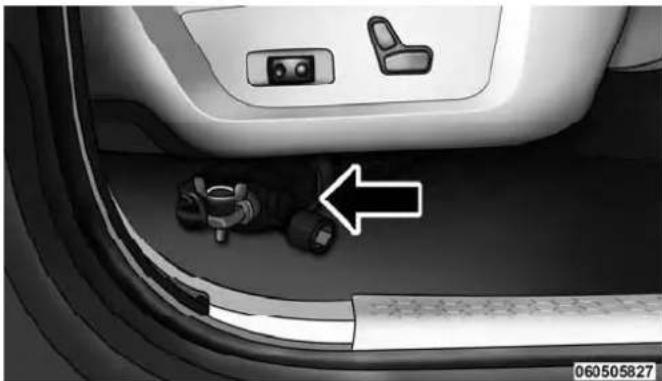
JackAndTools(1500Series)

JackAndTools(2500/3500Series)
WARNING!
Afterusingthejackandtools,alwaysreinstallthem intheoriginalcarrierandlocation.Whiledriving youmayexperienceabruptstopping,rapidaccelerationorsharpturns.Aloosejack,tools,bracketor otherobjectsinthevehiclemaymovearoundwith force,resultinginseriousinjury.
ReinstallingTheJackAndTools(1500Series)
- Lower the jack all the way down by turning the jack turn-screw until the jack is snug.
- Position the jack and tool bag (unrolled). Make sure the lug wrench is under the jack near the jack turn-screw.
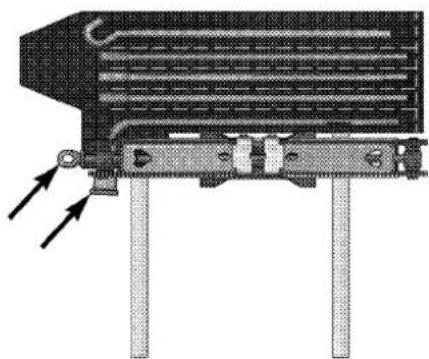
TurnScrewAndLug
8105e6b6
588WHATODOINEMERGENCIES
- Fold the flap and roll the jack tool kit into a cylindrical package (in direction of arrows) and tie to the jack using the tie straps.

FoldingFlapAndRollingBag
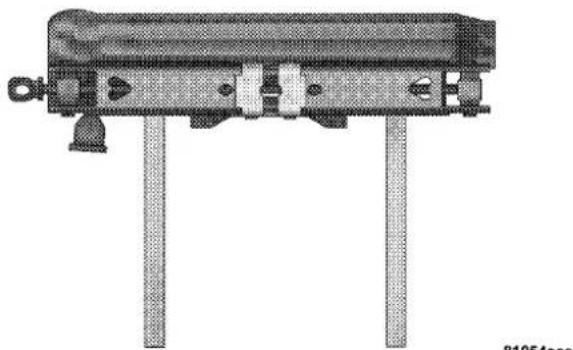
TyingBagToJackWithStraps
WHATODOINEMERGENCIES589

JackAndToolsTied
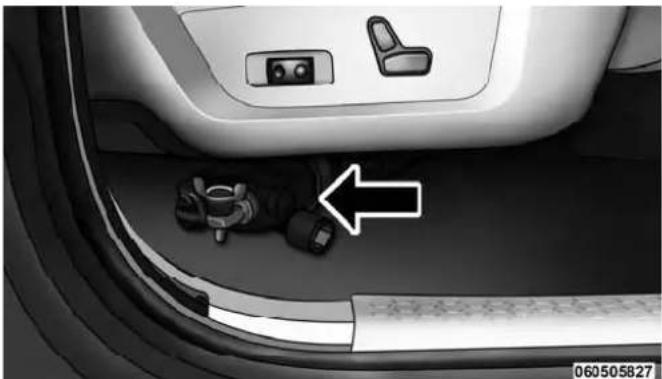
JackAndTools(1500Series)
- Place the jack and tools in the storage position holding the jack by the jack turn-screw, slip the jack and tools under the seat so that the bottom slot engages into the fastener on the floor, and then secure to the floor pan using the wing bolt. Reinstall the plastic cover.
590WHATODOINEMERGENCIES
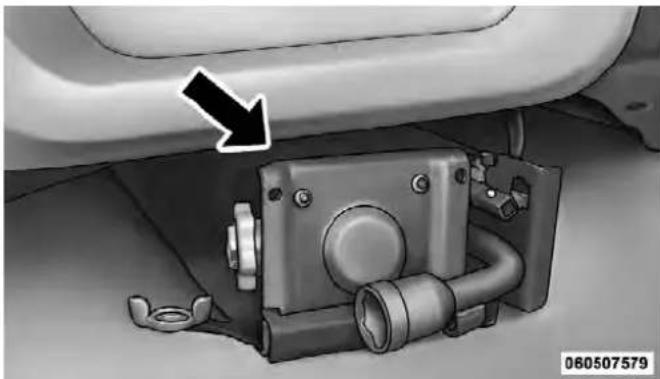
JackAndTools(2500/3500Series)
RemovingTheSpareTire
Remove the spare tire before attempting to jack up the truck. Attach the wheel wrench to the jack extension tube. Insert the tube through the access hole between the lower tailgate and the top of the bumper and into the winch mechanism tube. Rotate the wheel wrench handle counterclockwise until the spare tire is on the ground with enough cable slack to allow you to pull it out from under the vehicle. When the spare is clear, tilt the retainer at the end of the cable and pull it through the center of the wheel.
NOTE: Always stow the spare tire with the valve stem facing the ground.
WHATODOINEMERGENCIES591

RemovingTheSpareTire
1 — Wheel Wrench
2 — Spare Tire
It is recommended that you stow the flat or spare to avoid tangling the loose cable.
NOTE: The winch mechanism is designed for use with the jack extension tube only. Use of an air wrench or other power tools is not recommended and can damage the winch.
Preparations
- Park the vehicle on a firm, level surface. Avoid ice or slippery areas.
WARNING!
Donotattempttochangeatireonthesideofthe vehicleclosetomovingtraffic,pullfarenoughoff theroadtoavoidthedangerofbeinghitwhen operatingthejackorchangingthewheel.
- Turn on the Hazard Warning flasher.
- Set the parking brake.
592WHATODOINEMERGENCIES
- Place the shift lever into PARK. On four-wheel drive vehicles, shift the transfer case to the 4L position.
- Turn the ignition OFF.

- Block both the front and rear of the wheel diagonally opposite the jacking position. For example, if the right front wheel is being changed, block the left rear wheel.
NOTE: Passengers should not remain in the vehicle when the vehicle is being jacked.
Instructions
WARNING!
Carefully follow the set of receiving warning to help prevent personal injury or damage to your vehicle:
- Alwaysparkonafirm, levelsurfaceasfarfrom theedgeoftheroadwayaspossiblebeforeraising thevehicle.
• TurnontheHazardWarningflasher. - Blockthewheeldiagonallyoppositethewheelto beraised.
- Settheparkingbrakefirmlyandsetanautomatic transmissioninPARK;amanualtransmissionin REVERSE.
- Neverstartorruntheenginewiththevehicleona jack.
(Continued)
WARNING!(Continued)
- Donotletanyonesitinthevehiclewhenitisona jack.
- Donotgetunderthevehiclewhenitisonajack.
- Onlyusethejackinthepositionsindicatedand forliftingthisvehicleduringatirechange.
- Ifworkingonorneararoadway,beextremely carefulofmotortraffic.
- Toassurethatsparetires,flatorinflated,are securelystowed,sparesmustbestowedwiththe valvestemfacingtheground.
CAUTION!
Donotattempttoraisethevehiclebyjackington locationsotherthanthoseindicatedintheJacking Instructionsforthisvehicle.
- Remove the spare wheel, jack, and tools from storage.
- Using the wheel wrench, loosen, but do not remove, the wheel nuts by turning them counterclockwise one turn while the wheel is still on the ground.
- Placement of the jack:

JackWarningLabel
594WHATODOINEMERGENCIES
• 1500 Series Trucks
When changing a front wheel, place the scissors jack under the rear portion of the lower control arm as shown below.

80ef9f80
4X2JackingLocation
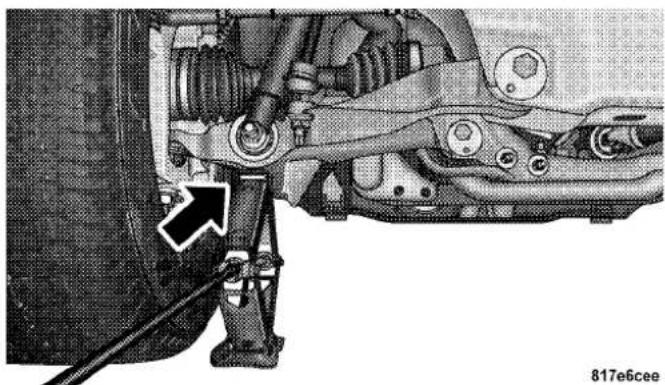
4X4JackingLocation
Operate the jack using the jack drive tube and the wheel wrench. The tube extension may be used but is not required.
WHATODOINEMERGENCIES595
For 4x2 and 4x4 trucks, when changing a rear wheel, assemble the jack drive tube to the jack and connect the drive tube to the extension tube. Place the jack under the axle between the wheel and the shock bracket with the drive tubes extending to the rear.

060606563
RearJackingLocation
Connect the jack tube extension and wheel wrench.
CAUTION!
Before raising the wheel off the ground, makes sure that the jack will not damage surrounding truck parts and adjust the jack position as required.
596WHATODOINEMERGENCIES
• 2500/3500 Series Trucks
For 2500/3500 4x2 series trucks, when changing a front wheel, place the bottle jack under the frame rail behind the wheel. Locate the jack as far forward as possible on the straight part of the frame.

060609051
4x2JackingLocation
Operate the jack using the jack drive tube and the wheel wrench. The tube extension, may be used, but is not required.
For 2500/3500 4x4 series trucks, when changing the front wheel, assemble the jack drive tube to the jack and connect the drive tube to the extension tube. Place the jack under the axle as close to the tire as possible with the drive tubes extending to the front. Connect the jack tube extension and wheel wrench.
WHATODOINEMERGENCIES597


4x4JackingLocationRearJackingLocation(All)
For 4x2 and 4x4 trucks, when changing a rear wheel, assemble the jack drive tube to the jack and connect the drive tube to the extension tube. Place the jack under the axle between the spring and the shock absorber with the drive tubes extending to the rear.
Connect the jack tube extension and wheel wrench.
598WHATODOINEMERGENCIES
CAUTION!
Beforeraisingthewheelofftheground,makesure thatthejackwillnotdamagesurroundingtruckparts andadjustthejackpositionasrequired.
NOTE: If the bottle jack will not lower by turning the dial (thumbwheel) by hand, it may be necessary to use the jack drive tube in order to lower the jack.
- By rotating the wheel wrench clockwise, raise the vehicle until the wheel just clears the surface.
WARNING!
Raisingthevehiclehigherthannecessarycanmake thevehicleunstableandcauseacollision.Itcould slipoffthejackandhurtsomeonenearit.Raisethe vehicleonlyenoughtoremovethetire.
- Remove the wheel nuts and pull the wheel off. On single rear-wheel (SRW) trucks, install the spare wheel and wheel nuts with the cone shaped end of the wheel nuts toward the wheel. On 3500 dual rear-wheel models (DRW) the wheel nuts are a two-piece assembly with a flat face. Lightly tighten the wheel nuts. To avoid the risk of forcing the vehicle off the jack, do not fully tighten the wheel nuts until the vehicle has been lowered.
- Using the wheel wrench, finish tightening the wheel nuts using a crisscross pattern. The correct wheel nut tightness is 130 ft lbs (177 N·m) torque (1500 Series), 135 ft lbs (183 N·m) torque for 2500/3500 single-rear wheel (SRW) models, and 145 ft lbs (197 N·m) for 3500 dual rear-wheel models. If in doubt about the correct tightness, have them checked with a torque wrench by your authorized dealer or at a service station.
WARNING!
Aloosetireorjackthrownforwardinacollisionor hardstopcouldinjuresomeoneinthevehicle.Alwaysstowthejackpartsandtheextratireandwheel intheplacesprovided.
- Install the wheel center cap and remove the wheel blocks. Do not install chrome or aluminum wheel center caps on the spare wheel. This may result in cap damage.
- Lower the jack to its fully closed position. If the bottle jack will not lower by turning the dial (thumbwheel) by hand, it may be necessary to use the jack drive tube in order to lower the jack. Stow the replaced tire, jack, and tools as previously described.
- Adjust the tire pressure when possible.
NOTE: Do not oil wheel studs. For chrome wheels, do not substitute with chrome plated wheel nuts.
HubCaps/WheelCovers—IfEquipped
The hub caps must be removed before raising the vehicle off the ground.
For 2500/3500 single rear-wheel (SRW) models, use the blade on the end of the lug wrench to pry the hub cap off. Insert the blade end into the pry-off notch and carefully pop off the hub cap with a back-and-forth motion.
On 3500 models with dual rear wheels (DRW), you must first remove the hub caps. The jack handle driver has a hook at one end that will fit in the pry off notch of the rear hub caps. Position the hook and pull out on the ratchet firmly. The hub cap should pop off. The wheel skins can now be removed. For the front hub cap on 3500 models use the blade on the end of the lug wrench to pry the caps off. The wheel skin can now be removed.
CAUTION!
- Useaback-and-forthmotiontoremovethehub cap. Donotuseatwistingmotionwhenremoving thehubcap, damagetothehubcapfinishmay occur.
- Therearhubcapsonthedualrearwheelhastwo pry-offnotches.Makesurethatthehookofthe jackhandledriverislocatedsquarelyinthecap notchbeforeattemptingtopulloff.
You must use the flat end of the lug wrench to pry off the wheel skins. Insert the flat tip completely and using a back-and-forth motion, loosen the wheel skin. Repeat this procedure around the tire until the skin pops off.
Replace the wheel skins first using a rubber mallet. When replacing the hub caps, tilt the cap retainer over the lug
nut bolt circle and strike the high side down with a rubber mallet. Be sure that the hub caps and wheel skins are firmly seated around the wheel.
WheelNuts
All wheel nuts should be tightened occasionally to eliminate the possibility of wheel studs being sheared or the bolt holes in the wheels becoming elongated. This is especially important during the first few hundred miles/kilometers of operation to allow the wheel nuts to become properly set. All wheel nuts should first be firmly seated against the wheel. The wheel nuts should then be tightened to recommended torque. Tighten the wheel nuts to final torque in increments. Progress around the bolt circle, tightening the wheel nut opposite to the wheel nut just previously tightened until final torque is achieved. Recommended torques are shown in the following chart.
| DiscWheelsType | NutStudSize | HexSize | TorqueFtLbs | TorqueNewton | Meters | |
| Cone M14 x 1.5 | 22 mm | 120-150 | 160-200 | |||
| Flanged M14 x 1.5 | 22 mm | 130-160 | 190-220 |
8-Stud—DualRearWheels
Dual wheels are flat-mounted and center-piloted. The lug nuts are a two-piece assembly. When the tires are being rotated or replaced, clean these lug nuts and add two drops of oil at the interface between the hex and the washer.
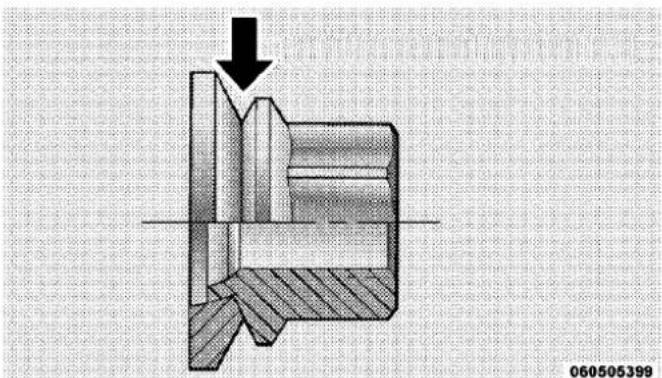
Oiling Location
602WHATODOINEMERGENCIES
Slots in the wheels will assist in properly orienting the inner and outer wheels. Align these slots when assembling the wheels for best access to the tire valve on the inner wheel. The tires of both dual wheels must be completely off the ground when tightening, to ensure wheel centering and maximum wheel clamping.
Dual wheel models require a special heavy-duty lug nut tightening adapter (included with the vehicle) to correctly tighten the lug nuts. Also, when it is necessary to remove and install dual rear wheels, use a proper vehicle lifting device.
NOTE: When installing a spare tire as part of a dual rear wheel end combination, the tire diameter of the two individual tires must be compared. If there is a significant difference, the larger tire should be installed in a front location. The correct direction of rotation for dual tire installations must also be observed.
Thesedualrearwheelsshouldbetightenedasfollows:

060505400
TighteningPattern
-
Tighten the wheel nuts in the numbered sequence to a snug fit.
-
Retighten the wheel nuts in the same sequence to the torques listed in the table. Go through the sequence a second time to verify that specific torque has been achieved. Retighten to specifications at 100 miles (160 km) and after 500 miles (800 km).
It is recommended that wheel stud nuts be kept torqued to specifications at all times. Torque wheel stud nuts to specifications at each lubrication interval.
ToStowTheFlatOrSpare
NOTE: Vehicles equipped with aluminum wheels cannot be stored under the vehicle because the wheel retainer will not fit through the wheel pilot hole. Secure the flat tire in the bed of the truck. Havetheflattire repaired or replaced immediately.
WARNING!
Aloosetirethrownforwardinacollisionorhard stopcouldinjuretheoccupantsinthevehicle.Have thedeflated(flat)tirerepairedorreplacedimmediately.
Turn the wheel so that the valve stem is down. Slide the wheel retainer through the center of the wheel and position it properly across the wheel opening.
For convenience in checking the spare tire inflation, stow with the valve stem toward the rear of the vehicle.
Attach the wheel wrench to the extension tube. Rotate the winch mechanism until the wheel is drawn into place against the underside of the vehicle. Continue to rotate until you feel the winch mechanism slip, or click three or four times. It cannot be overtightened. Push against the tire several times to be sure it is firmly in place.
HOISTING
A conventional floor jack may be used at the jacking locations. Refer to the graphics that show jacking locations. However, a floor jack or frame hoist must never be used on any other parts of the underbody.
CAUTION!
Neveruseafloorjackdirectlyunderthedifferential housingofaloadedtruckordamagetoyourvehicle mayresult.
JUMP-STARTINGPROCEDURES
If your vehicle has a discharged battery it can be jump-started using a set of jumper cables and a battery in another vehicle or by using a portable battery booster pack. Jump-starting can be dangerous if done improperly so please follow the procedures in this section carefully.
NOTE: When using a portable battery booster pack follow the manufacturer's operating instructions and precautions.
CAUTION!
Donotuseaportablebatteryboosterpackorany otherboostersourcewithasystemvoltagegreater than12Voltsordamagetothebattery,startermotor, alternatororelectricalsystemmayoccur.
WARNING!
Donotattemptjump-startingifthebatteryisfrozen. Itcouldruptureorexplodeandcausepersonalinjury.
PreparationsForJump-Start
The battery in your vehicle is located in the front of the engine compartment, behind the left headlight assembly.
NOTE: The positive battery post is covered with a protective cap. Lift up on the cap to gain access to the positive battery post.

PositiveBatteryPost
WARNING!
- Takecaretoavoidtheradiatorcoolingfanwheneverthehoodisraised.Itcanstartanytimetheignitionswitchison.Youcanbeinjuredbymovingfanblades.
- Removeanymetaljewelrysuchaswatchbandsor braceletsthatmightmakeaninadvertentelectrical contact.Youcouldbeseriouslyinjured.
-
Batteriescontainsulfuricacidthatcanburnyour skinoreyesandgeneratehydrogengaswhichis flammableandexplosive.Keepopenflamesor sparksawayfromthebattery.
-
Set the parking brake, shift the automatic transmission into PARK and turn the ignition to LOCK.
- Turn off the heater, radio, and all unnecessary electrical accessories.
606WHATODOINEMERGENCIES
- If using another vehicle to jump-start the battery, park the vehicle within the jumper cables reach, set the parking brake and make sure the ignition is OFF.
WARNING!
Donotallowvehiclestotoucheachotherasthis couldestablishagroundconnectionandpersonal injurycouldresult.
Jump-StartingProcedure
WARNING!
Failure to follow this procedure could result in personal injury or property damaged by battery explosion.
CAUTION!
Failure to follow these procedures could result in damageto the charging system of the booster vehicle orthedischarged vehicle.
- Connect the positive (+) end of the jumper cable to the positive (+) post of the discharged vehicle.
- Connect the opposite end of the positive (+)jumper cable to the positive (+)post of the booster battery.
- Connect the negative end (-) of the jumper cable to the negative (-) post of the booster battery.
- Connect the opposite end of the negative (-)jumper cable to a good engine ground (exposed metal part of the discharged vehicle's engine) away from the battery and the fuel injection system.
WARNING!
Donotconnectthecabletothenegativepost(-)ofthe dischargedbattery. Theresultingelectricalspark couldcausethebatterytoexplodeandcouldresultin personalinjury.
- Start the engine in the vehicle that has the booster battery, let the engine idle a few minutes, and then start the engine in the vehicle with the discharged battery.
Once the engine is started, remove the jumper cables in the reverse sequence: - Disconnect the negative (-)jumper cable from the engine ground of the vehicle with the discharged battery.
-
Disconnect the negative end (-) of the jumper cable from the negative (-) post of the booster battery.
-
Disconnect the opposite end of the positive (+) jumper cable from the positive (+) post of the booster battery.
- Disconnect the positive (+)end of the jumper cable from the positive (+)post of the discharged vehicle.
If frequent jump-starting is required to start your vehicle you should have the battery and charging system inspected at your authorized dealer.
CAUTION!
Accessories that can be plugged into the vehicle power outlets draw power from the vehicle's battery, even when not in use (i.e., cellular phones, etc.). Eventually, if plugged in long enough, the vehicle's battery will discharge sufficiently to degrade battery life and/or prevent the engine from starting.
608WHATODOINEMERGENCIES
If the vehicle becomes stuck in snow, sand or mud, it can often be moved by a rocking motion. Move the shift lever rhythmically between DRIVE and REVERSE while applying slight pressure to the accelerator. In general, the least amount of accelerator pedal pressure to maintain the rocking motion without spinning the wheels or racing the engine is most effective.
CAUTION!
Racingtheengineorspinningthewheelsmayleadto transmissionoverheatingandfailure.AllowtheenginetoidlewiththeshiftleverinNEUTRALforat leastoneminuteaftereveryfiverocking-motion cycles.Thiswillminimizeoverheatingandreduce theriskoftransmissionfailureduringprolonged effortstofreeastuckvehicle.
CAUTION!
- When "rocking" astuck vehicle by moving between DRIVE and REVERSE, donotspin the wheels faster than 15 mph (24 km/h), or drivetrain damagemay result.
- Revvingtheengineorspinningthewheelstoofast mayleadtotransmissionoverheatingandfailure. Itcanalsodamagethetires.Donotspinthe wheelsabove30mph(48km/h)whileingear(no transmissionshiftingoccurring).
WARNING!
Fastspinningtirescanbedangerous. Forces generated by excessive wheels speeds may caused damage, or even failure, of the axle and tires. Atire could explode and injuresomeone. Donot spiny our vehicle's wheels faster than 30 mph (48 km/h) or for longer than 30 seconds continuously without stopping when you are stuck and donot let any one near aspinning wheel, no matter what the speed.
EMERGENCYTOWHOOKS—IFEQUIPPED
Your vehicle may be equipped with emergency tow hooks.
NOTE: For off-road recovery, it is recommended to use both of the front tow hooks to minimize the risk of damage to the vehicle.
WARNING!
- Chainsarenotrecommendedforfreeingastuck vehicle.Chainsmaybreak,causingseriousinjury ordeath.
- Standclearofvehicleswhenpullingwithtow hooks.Towstrapsmaybecomedisengaged,causingseriousinjury.
CAUTION!
Towhooksareforemergencyuseonlytorescuea vehiclestrandedoff-road.Donotusetowhooksfor towtruckhookuporhighwaytowing.Youcould damageyourvehicle.
610WHATODOINEMERGENCIES
SHIFTLEVEROVERRIDE
If a malfunction occurs and the shift lever cannot be moved out of the PARK position, you can use one of the following procedures to temporarily move the shift lever:
ColumnShifter—IfEquipped
- Firmly set the parking brake.
- Turn the ignition switch to the ON/RUN position without starting the engine.
- Tilt the steering wheel to the full up position
- Press and maintain firm pressure on the brake pedal.
- Using a screwdriver or similar tool, press and hold the override tab through the access port (ringed circle) on the bottom of the steering column.
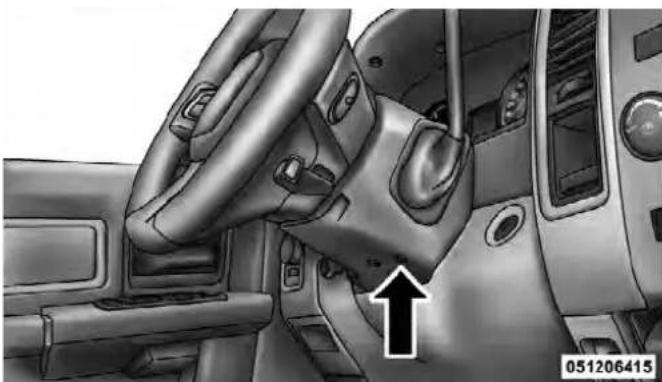
ShiftLeverOverrideAccessPort
- Move the shift lever into the NEUTRAL position.
- The vehicle may then be started in NEUTRAL.
CenterConsoleShifter—IfEquipped
To access the override, carefully remove (using a flat-bladed screwdriver) the override access cover which is located on the right of the shift lever gate.
- Firmly set the parking brake.
- Turn the ignition switch to the ON/RUN position without starting the engine.
- Press and maintain firm pressure on the brake pedal.
- Using a screwdriver or similar tool, press and hold the override tab through the access port on the center console.

ShiftLeverOverrideAccessCover
- Move the shift lever into the NEUTRAL position.
- The vehicle may then be started in NEUTRAL.
- Reinstall the shift lever override access cover.
TOWINGADISABLEDVEHICLE
This section describes procedures for towing a disabled vehicle using a commercial wrecker service. If the transmission and drivetrain are operable, disabled vehicles may also be towed as described under “Recreational Towing” in the “Starting and Operating” section.
| Towing Condition | WheelsOFF theGround | 2WDModels4WDModels | |
| Flat Tow NONE | If transmission is operable:• Transmission in NEUTRAL• 30 mph (48 km/h)maxspeed• 15 miles (24 km) maxdistance | See instructions in “Recreational Towing” under “Starting and Operating”• Transmission in PARK• Transfer Case in NEUTRAL• Tow in forward direction | |
| Wheel Lift or Dolly Tow | Front NOTALLOWED | ||
| Rear OK NOTALLOWED | |||
| Flatbed ALLBESTMETHOD BESTMETHOD | |||
Proper towing or lifting equipment is required to prevent damage to your vehicle. Use only tow bars and other equipment designed for the purpose, following equipment manufacturer's instructions. Use of safety chains is mandatory. Attach a tow bar or other towing device to main structural members of the vehicle, not to bumpers or associated brackets. State and local laws applying to vehicles under tow must be observed.
If you must use the accessories (wipers, defrosters, etc.) while being towed, the ignition must be in the ON/RUN position, not the ACC position.
If the vehicle's battery is discharged, see "Shift Lever Override" in "What To Do In Emergencies" for instructions on shifting the automatic transmission out of the PARK position for towing.
CAUTION!
Donotattempttouseslingtypeequipmentwhen towing. Whensecuringthevehicletoaflatbedtruck, donotattachtofrontorrearsuspensioncomponents. Damagetoyourvehiclemayresultfromimproper towing.
614WHATODOINEMERGENCIES
TowingWithoutThelgnitionKeyFob
Special care must be taken when the vehicle is towed with the ignition in the LOCK/OFF position. The only approved method of towing without the ignition key is with a flatbed truck. Proper towing equipment is necessary to prevent damage to the vehicle.
Two-WheelDriveModels
The manufacturer recommends towing your vehicle with all four wheels OFF the ground using a flatbed.
If flatbed equipment is not available, and the transmission is operable, the vehicle may be towed (with rear wheels on the ground) with the transmission in NEU-TRAL. Speed must not exceed 30 mph (48 km/h) and the distance must not exceed 15 miles (24 km).
CAUTION!
Towingfasterthan30mph(48km/h)orfartherthan 15miles(24km)withrearwheelsonthegroundcan causeseveredamagetothetransmission.SuchdamageisnotcoveredbytheNewVehicleLimited Warranty.
If the transmission is not operable, or the vehicle must be towed faster than 30 mph (48 km/h) or farther than 15 miles (24 km), tow with the rear wheels OFFthe ground. Acceptable methods are to tow the vehicle on a flatbed, or with the front wheels raised and the rear wheels on a towing dolly, or (when using a suitable steering wheel stabilizer to hold the front wheels in the straight position) with the rear wheels raised and the front wheels on the ground.
Four-WheelDriveVehicles
The manufacturer recommends towing with all wheels OFFthe ground. Acceptable methods are to tow the vehicle on a flatbed or with one end of vehicle raised and the opposite end on a towing dolly.
If flatbed equipment is not available, and the transfer case is operable, the vehicle may be towed (in the forward direction, with ALLwheels on the ground), IF the transfer case is in NEUTRAL and the transmission is in PARK. Refer to “Recreational Towing” in “Starting And Operating” for further information.
CAUTION!
- Frontorrearwheelliftsshouldnotbeused. Internaldamagetothetransmissionortransfer casewilloccurifafrontorrearwheelliftisused whentowing.
- Failuretofollowthesetowingmethodscancause severedamagetothetransmissionand/ortransfer case.SuchdamageisnotcoveredbytheNew VehicleLimitedWarranty.
MAINTAINING YOUR VEHICLE
CONTENTS
■Engine Compartment — 3.7L ..... 6 2 0
■Engine Compartment — 4.7L ..... 6 2 1
■Engine Compartment — 5.7L....622
■Onboard Diagnostic System (OBD II)....623
□Loose Fuel Filler Cap Message....623
■Emissions Inspection And Maintenance Programs 624
■Replacement Parts 625
■Dealer Service 626
■Maintenance Procedures....626
□Engine Oil 627
□Engine Oil Filter 629
□Engine Air Cleaner Filter 630
□Maintenance-Free Battery 630
□Air Conditioner Maintenance....632
□Front Driveshaft Lubrication - 2500/3500
(Four-Wheel Drive) Models
(Ram Trucks Only) 6 3 3
□Body Lubrication 633
618MAINTAININGYOURVEHICLE
□Windshield Wiper Blades 634
□Adding Washer Fluid 634
□Exhaust System 635
□Cooling System 638
□Brake System 644
☐Rear Axle And 4X4 Front Driving Axle Fluid Level....646
□Transfer Case 648
□Automatic Transmission....648
□Appearance Care And Protection From Corrosion.... 6 5 1
■Fuses....658
□Totally Integrated Power Module ..... 6 5 8
■Vehicle Storage 6 6 3
■ Replacement Bulbs 664
■Bulb Replacement 665
□Dual Or Quad Headlamp/Front Park And Turn Signal — If Equipped . . . . . . . . . . . . 6 6 5
□Fog Lamps 667
☐Rear Tail/Stop, Turn Signal And Backup Lamps 6 6 7
☐Center High-Mounted Stoplamp (CHMSL) With Cargo Lamp 6 6 9
□Cab Top Clearance Lamps — If Equipped . . . 671
☐Rear Lamp Bar ID Marker (Dual Rear Wheels) — If Equipped 672
□Side Marker Lamps (Dual Rear Wheels) — If Equipped 673
■Fluid Capacities 674
MAINTAINING YOUR VEHICLE619
■Fluids, Lubricants And Genuine Parts ..... 6 7 6
□Engine 676
□Chassis 678
620MAINTAININGYOURVEHICLE
ENGINECOMPARTMENT—3.7L

071065702
1 — Air Cleaner Filter 7 — Washer Fluid Reservoir
2 — Automatic Transmission Dipstick (If Equipped) 8 — Power Steering Fluid Reservoir
3 — Engine Oil Dipstick 9 — Engine Oil Fill
4 — Brake Fluid Reservoir 10 — Coolant Pressure Cap
5 — Battery 11 — Engine Coolant Reservoir
6 — Integrated Power Module (Fuses)
ENGINECOMPARTMENT—4.7L

1 — Air Cleaner Filter 7 — Washer Fluid Reservoir
2 — Automatic Transmission Dipstick 8 — Power Steering Fluid Reservoir
3 — Engine Oil Dipstick 9 — Engine Oil Fill
4 — Brake Fluid Reservoir 10 — Coolant Pressure Cap
5 — Battery 11 — Engine Coolant Reservoir
6 — Integrated Power Module (Fuses)
622MAINTAININGYOURVEHICLE
ENGINECOMPARTMENT—5.7L

071405704
1 — Air Cleaner Filter 7 — Washer Fluid Reservoir
2 — Automatic Transmission Dipstick 8 — Integrated Power Module (Fuses)
3 — Engine Oil Fill 9 — Power Steering Fluid Reservoir
4 — Engine Oil Dipstick 10 — Coolant Pressure Cap
5 — Brake Fluid Reservoir 11 — Engine Coolant Reservoir
6 — Battery
ONBOARDDIAGNOSTICSYSTEM(OBDII)
Your vehicle is equipped with a sophisticated onboard diagnostic system called OBD II. This system monitors the performance of the emissions, engine, and automatic transmission control systems. When these systems are operating properly, your vehicle will provide excellent performance and fuel economy, as well as engine emissions well within current government regulations.
If any of these systems require service, the OBD II system will turn on the “Malfunction Indicator Light (MIL).” It will also store diagnostic codes and other information to assist your service technician in making repairs. Although your vehicle will usually be drivable and not need towing, see your authorized dealer for service as soon as possible.
CAUTION!
- ProlongeddrivingwiththeMILoncouldcause furtherdamagetotheemissioncontrolsystem.It couldalsoaffectfueleconomyanddrivability.The vehiclemustbeservicedbeforeanyemissions testscanbeperformed.
- IftheMILisflashing,whiletheengineisrunning,severecatalyticconverterdamageandpowerlosswillsoonoccur.Immediateserviceisrequired.
LooseFuelFillerCapMessage

If the vehicle diagnostic system determines that the fuel filler cap is loose, improperly installed, or damaged, a loose gascap indicator will display in the EVIC telltale display area.
Refer to "Electronic Vehicle Information Center (EVIC) in "Understanding Your Instrument Panel" for further information. Tighten the fuel filler cap properly and press
624MAINTAININGYOURVEHICLE
the SELECT button to turn off the message. If the problem continues, the message will appear the next time the vehicle is started.
A loose, improperly installed, or damaged fuel filler cap may also turn on the Malfunction Indicator Light (MIL).
EMISSIONSINSPECTIONANDMAINTENANCE PROGRAMS
In some localities, it may be a legal requirement to pass an inspection of your vehicle's emissions control system. Failure to pass could prevent vehicle registration.

For states that require an Inspection and Maintenance (I/M), this check verifies the "Malfunction Indicator Light (MIL)" is functioning and is not on when the engine is running, and that the OBD II system is ready for testing.
Normally, the OBD II system will be ready. The OBD II system may not be ready if your vehicle was recently serviced, recently had a dead battery or a battery replacement. If the OBD II system should be determined not ready for the I/M test, your vehicle may fail the test.
Your vehicle has a simple ignition key-actuated test, which you can use prior to going to the test station. To check if your vehicle's OBD II system is ready, you must do the following:
- Turn the ignition switch to the ON position, but do not crank or start the engine.
- If you crank or start the engine, you will have to start this test over.
-
As soon as you turn the ignition switch to the ON position, you will see the MIL symbol come on as part of a normal bulb check.
-
Approximately 15 seconds later, one of two things will happen:
a. The MIL will flash for about 10 seconds and then return to being fully illuminated until you turn OFF the ignition or start the engine. This means that your vehicle's OBD II system is notready and you should not proceed to the I/M station.
b. The MIL will not flash at all and will remain fully illuminated until you turn OFF the ignition or start the engine. This means that your vehicle's OBD II system is ready and you can proceed to the I/M station.
If your OBD II system is notready, you should see your authorized dealer or repair facility. If your vehicle was recently serviced or had a battery failure or replacement, you may need to do nothing more than drive your vehicle as you normally would in order for your OBD II system to update. A recheck with the above test routine may then indicate that the system is now ready.
Regardless of whether your vehicle's OBD II system is ready or not, if the MIL is illuminated during normal vehicle operation you should have your vehicle serviced before going to the I/M station. The I/M station can fail your vehicle because the MIL is on with the engine running.
REPLACEMENTPARTS
Use of genuine MOPAR® parts for normal/scheduled maintenance and repairs is highly recommended to ensure the designed performance. Damage or failures caused by the use of non-MOPAR® parts for maintenance and repairs will not be covered by the manufacturer's warranty.
626MAINTAININGYOURVEHICLE
DEALERSERVICE
Your authorized dealer has the qualified service personnel, special tools, and equipment to perform all service operations in an expert manner. Service Manuals are available which include detailed service information for your vehicle. Refer to these Service Manuals before attempting any procedure yourself.
NOTE: Intentional tampering with emissions control systems may void your warranty and could result in civil penalties being assessed against you.
WARNING!
Youcanbebadlyinjuredworkingonorarounda motorvehicle.Onlydoserviceworkforwhichyou havetheknowledgeandtheproperequipment.If youhaveanydoubtaboutyourabilitytoperforma servicejob,takeyourvehicletoacompetentmechanic.
MAINTENANCEPROCEDURES
The pages that follow contain the required maintenance services determined by the engineers who designed your vehicle.
Besides those maintenance items specified in the fixed maintenance schedule, there are other components which may require servicing or replacement in the future.
CAUTION!
- Failuretoproperlymaintainyourvehicleorperformrepairsandservicewhennecessarycould resultinmorecostlyrepairs,damagetoother componentsornegativelyimpactvehicleperformance.Immediatelyhavepotentialmalfunctions examinedbyanauthorizedChryslerGroupLLC dealershiporqualifiedrepaircenter.
(Continued)
CAUTION!(Continued)
- Yourvehiclehasbeenbuiltwithimprovedfluids thatprotecttheperformanceanddurabilityof yourvehicleandalsoallowextendedmaintenance intervals.Donotusechemicalflushesinthese componentsasthechemicalscandamageyour engine,transmission,powersteeringorairconditioning.SuchdamageisnotcoveredbytheNew VehicleLimitedWarranty.Ifaflushisneeded becauseofcomponentmalfunction,useonlythe specifiedfluidfortheflushingprocedure.
EngineOil
CheckingOilLevel
To assure proper lubrication of your vehicle's engine, the engine oil must be maintained at the correct level. Check the oil level at regular intervals, such as every fuel stop.
The best time to check the engine oil level is about five minutes after a fully warmed up engine is shut off.
Checking the oil while the vehicle is on level ground will improve the accuracy of the oil level readings. Always maintain the oil level within the SAFE zone on the dipstick. Adding one quart of oil when the reading is at the bottom of the SAFE zone will result in a reading at the top of the safe zone on these engines.
CAUTION!
Overfillingorunderfillingthecrankcasewillcause oilaerationorlossofoilpressure.Thiscoulddamage yourengine.
ChangeEngineOil
The oil change indicator system will remind you that it is time to take your vehicle in for scheduled maintenance. Refer to "Maintenance Schedule" for further information.
NOTE: Undernocircumstance should oil change intervalsexceed 8,000 miles (13000 km) or six months, whichever occurs first.
EngineOilSelection
For best performance and maximum protection under all types of operating conditions, the manufacturer only recommends engine oils that are API Certified and meet the requirements of Chrysler Material Standard MS-6395.
AmericanPetroleumInstitute(API)EngineOil IdentificationSymbol

This symbol means that the oil has been certified by the American Petroleum Institute (API). The manufacturer only recommends API Certified engine oils.
CAUTION!
Donotusechemicalflushesinyourengineoilasthe chemicalscandamageyourengine.Suchdamageis notcoveredbytheNewVehicleLimitedWarranty.
EngineOilViscosity(SAEGrade)
SAE 5W-20 engine oil is recommended for all operating temperatures. This engine oil improves low temperature starting and vehicle fuel economy. The engine oil filler cap also shows the recommended engine oil viscosity for your engine. For information on engine oil filler cap location, refer to "Engine Compartment" in "Maintaining Your Vehicle" for further information.
NOTE: Vehicles equipped with a 5.7L engine must use SAE 5W-20 oil. Failure to do so may result in improper operation of the Multi-Displacement System (MDS). Refer to "Multi-Displacement System" in "Starting and Operating" for further information.
Lubricants which do not have both the engine oil certification mark and the correct SAE viscosity grade number should not be used.
NOTE: For 2500/3500 trucks with a 5.7L engine operating under a gross combined weight rating of 14,000 lbs (6 350 kg) or greater, SAE 5W-30 engine oil is recommended for all operating temperatures.
SyntheticEngineOils
You may use synthetic engine oils if the recommended oil quality requirements are met and the recommended maintenance intervals for oil and filter changes are followed.
MaterialsAddedToEngineOil
The manufacturer strongly recommends against the addition of any additives (other than leak detection dyes) to the engine oil. Engine oil is an engineered product and its performance may be impaired by supplemental additives.
DisposingOfUsedEngineOilAndOilFilters
Care should be taken in disposing of used engine oil and oil filters from your vehicle. Used oil and oil filters, indiscriminately discarded, can present a problem to the environment. Contact your authorized dealer, service station or governmental agency for advice on how and where used oil and oil filters can be safely discarded in your area.
EngineOilFilter
The engine oil filter should be replaced with a new filter at every engine oil change.
EngineOilFilterSelection
The manufacturer's engines have a full-flow type oil filter. Use a filter of this type for replacement. The quality of replacement filters varies considerably. Only high-quality filters should be used to assure most efficient service. MOPAR® engine oil filters are a high-quality oil filter and are recommended.
630MAINTAININGYOURVEHICLE
EngineAirCleanerFilter
Refer to the "Maintenance Schedule" for the proper maintenance intervals.
WARNING!
Theairinductionsystem(aircleaner,hoses,etc.)can provide a measure of protection in the case of engine backfire. Donotremovetheairinduction system(air cleaner,hoses,etc.) unless such removal is necessary for repair or maintenance. Makes sure that no one is near the engine compartment before starting the vehicle with the air induction system(aircleaner, hoses,etc.) removed. Failure to dosocan results in serious personal injury.
EngineAirCleanerFilterSelection
The quality of replacement engine air cleaner filters varies considerably. Only high quality filters should be used to assure most efficient service. MOPAR® engine air cleaner filters are a high quality filter and are recommended.
Maintenance-FreeBattery
Your vehicle is equipped with a maintenance-free battery. You will never have to add water, nor is periodic maintenance required.
WARNING!
- Batteryfluidisacorrosiveacidsolutionandcan burnorevenblindyou.Donotallowbatteryfluid tocontactyoureyes,skin,orclothing.Donotlean overabatterywhenattachingclamps.Ifacid splashesineyesoronskin,flushtheareaimmediatelywithlargeamountsofwater.Referto "Jump-StartingProcedures"in"WhatToDoIn Emergencies"forfurtherinformation.
(Continued)
WARNING!(Continued)
- Batterygasisflammableandexplosive.Keep flameorsparksawayfromthebattery.Donotuse aboosterbatteryoranyotherboostersourcewith anoutputgreaterthan12Volts.Donotallowcable clampstotoucheachother.
- Batteryposts, terminals, and related accessories contain lead and lead compounds. Washhands after handling.
CAUTION!
- Itisessentialwhenreplacingthecablesonthe batterythatthepositivecableisattachedtothe positivepostandthenegativecableisattachedto thenegativepost.Batterypostsaremarkedpositive(+)andnegative(-)andareidentifiedonthe batterycase.Cableclampsshouldbetightonthe terminalpostsandfreeofcorrosion.
- Ifa "fastcharger" is used while the battery is in the vehicle, disconnect both vehicle battery cables before connecting the chargerto the battery. Do not use a "fastcharger" to provide starting voltage.
632MAINTAININGYOURVEHICLE
AirConditionerMaintenance
For best possible performance, your air conditioner should be checked and serviced by an authorized dealer at the start of each warm season. This service should include cleaning of the condenser fins and a performance test. Drive belt tension should also be checked at this time.
CAUTION!
Donotusechemicalflushesinyourairconditioning systemasthechemicalscandamageyourairconditioningcomponents.Suchdamageisnotcoveredby theNewVehicleLimitedWarranty.
WARNING!
- Useonlyrefrigerantsandcompressorlubricants approvedbythemanufacturerforyourairconditioningsystem.Someunapprovedrefrigerantsare flammableandcanexplode,injuringyou.Other unapprovedrefrigerantsorlubricantscancause thesystemtofail,requiringcostlyrepairs.Referto WarrantyInformationBook,locatedontheDVD, forfurtherwarrantyinformation.
- The airconditioningsystem contains refrigerant underhigh pressure. To avoid risk of personal injury, damage to the system, adding refrigerant or any repair requiring linestobed disconnected should be done by an experienced repairman.
NOTE: Use only manufacturer approved A/C System Sealers, Stop Leak Products, Seal Conditioners, Compressor Oil, or Refrigerants.
Refrigerant Recovery And Recycling
R-134a Air Conditioning Refrigerant is a hydrofluoro-carbon (HFC) that is endorsed by the Environmental Protection Agency (EPA) and is an ozone-saving product. However, the manufacturer recommends that air conditioning service be performed by authorized dealers or other service facilities using recovery and recycling equipment.
FrontDriveshaftLubrication-2500/3500 (Four-WheelDrive)Models(RamTrucksOnly)
Lubricate the front driveshaft grease fitting at each oil change. Refer to the "Maintenance Schedule" for the proper maintenance intervals. Use MOPAR®Type MS-6560 (lithium-based grease), or equivalent.
BodyLubrication
Locks and all body pivot points, including such items as seat tracks, door hinge pivot points and rollers, liftgate,
tailgate, sliding doors and hood hinges, should be lubricated periodically with a lithium based grease, such as MOPAR® Spray White Lube or equivalent, to assure quiet, easy operation and to protect against rust and wear. Prior to the application of any lubricant, the parts concerned should be wiped clean to remove dust and grit. After lubricating, excess oil and grease should be removed. Particular attention should also be given to hood latching components to ensure proper function. When performing other underhood services, the hood latch, release mechanism and safety catch should be cleaned and lubricated.
The external lock cylinders should be lubricated twice a year, preferably in the Fall and Spring. Apply a small amount of a high quality lubricant, such as MOPAR® Lock Cylinder Lubricant or equivalent directly into the lock cylinder.
634MAINTAININGYOURVEHICLE
WindshieldWiperBlades
Clean the rubber edges of the wiper blades and the windshield periodically with a sponge or soft cloth and a mild nonabrasive cleaner. This will remove accumulations of salt or road film.
Operation of the wipers on dry glass for long periods may cause deterioration of the wiper blades. Always use washer fluid when using the wipers to remove salt or dirt from a dry windshield.
Avoid using the wiper blades to remove frost or ice from the windshield. Keep the blade rubber out of contact with petroleum products such as engine oil, gasoline, etc.
NOTE: Life expectancy of wiper blades varies depending on geographical area and frequency of use. Poor performance of blades may be present with chattering, marks, water lines or wet spots. If any of these conditions are present, clean the wiper blades or replace as necessary.
AddingWasherFluid
The fluid reservoir is located under the hood and should be checked for fluid level at regular intervals. Fill the reservoir with windshield washer solvent only (not radiator antifreeze). When refilling the washer fluid reservoir, take some washer fluid and apply it to a cloth or towel and wipe the wiper blades clean. This will help blade performance.
To prevent freeze-up of your windshield washer system in cold weather, select a solution or mixture that meets or exceeds the temperature range of your climate. This rating information can be found on most washer fluid containers.
WARNING!
Commerciallyavailablewindshieldwashersolvents areflammable. They could ignite and burn you. Care must be exercised when filling or working around the washers solution.
After the engine has warmed up, operate the defroster for a few minutes to reduce the possibility of smearing or freezing the fluid on the cold windshield. Windshield washer solution used with water as directed on the container, aids cleaning action, reduces the freezing point to avoid line clogging, and is not harmful to paint or trim.
MAINTAINING YOUR VEHICLE635
ExhaustSystem
The best protection against carbon monoxide entry into the vehicle body is a properly maintained engine exhaust system.
If you notice a change in the sound of the exhaust system; or if the exhaust fumes can be detected inside the vehicle; or when the underside or rear of the vehicle is damaged; have an authorized technician inspect the complete exhaust system and adjacent body areas for broken, damaged, deteriorated, or mispositioned parts. Open seams or loose connections could permit exhaust fumes to seep into the passenger compartment. In addition, inspect the exhaust system each time the vehicle is raised for lubrication or oil change. Replace as required.
WARNING!
- Exhaustgasescaninjureorkill. They contain carbonmonoxide(CO), which is colorless and odorless. Breathing it can make you unconscious and can eventually poison you. To avoid breathing CO, refer to "Safety Tips/ExhaustGas" in "Things To Know Before Starting Your Vehicle" for further information.
- Ahotexhaustsystemcanstartafireifyoupark overmaterialsthatcanburn.Suchmaterialsmight begrassorleavescomingintocontactwithyour exhaustsystem.Donotparkoroperateyourvehicleinareaswhereyourexhaustsystemcan contactanythingthatcanburn.
CAUTION!
- The catalytic converter requires the use of unleaded fuel only. Leaded gasoline will destroy the effectiveness of the catalyst as an emissions control device and may seriously reduce engine performance and causes serious damage to the engine.
- Damagethecatalyticconvertercanresultifyour vehicleisnotkeptinproperoperatingcondition. Intheeventofenginemalfunction, particularly involvingenginemisfireorotherapparentlossof performance, haveyourvehicleservicedpromptly. Continuedoperationofyourvehiclewithasevere malfunctioncouldcausetheconvertertooverheat, resultinginpossibledamagetotheconverterand vehicle.
Under normal operating conditions, the catalytic converter will not require maintenance. However, it is important to keep the engine properly tuned to assure proper catalyst operation and prevent possible catalyst damage.
NOTE: Intentional tampering with emissions control systems can result in civil penalties being assessed against you.
In unusual situations involving grossly malfunctioning engine operation, a scorching odor may suggest severe and abnormal catalyst overheating. If this occurs, stop the vehicle, turn off the engine and allow it to cool. Service, including a tune-up to manufacturer's specifications, should be obtained immediately.
To minimize the possibility of catalytic converter damage:
- Do not shut off the engine or interrupt the ignition, when the transmission is in gear and the vehicle is in motion.
- Do not try to start the engine by pushing or towing the vehicle.
- Do not idle the engine with any spark plug wires disconnected or removed, such as when diagnostic testing, or for prolonged periods during very rough idle or malfunctioning operating conditions.
CoolingSystem
WARNING!
Youorotherscanbebadlyburnedbyhotcoolantor steamfromyourradiator.Ifyouseeorhearsteam comingfromunderthehood,donotopenthehood untiltheradiatorhashadtimetocool.Nevertryto openacoolingsystempressurecapwhentheradiator ishot.
EngineCoolantChecks
Check the engine coolant (antifreeze) protection every 12 months (before the onset of freezing weather, where applicable). If the engine coolant (antifreeze) is dirty or rusty in appearance, the system should be drained, flushed and refilled with fresh coolant. Check the front of the A/C condenser for any accumulation of bugs, leaves, etc. If dirty, clean by gently spraying water from a garden hose vertically down the face of the condenser.
Check the coolant recovery bottle tubing for brittle rubber, cracking, tears, cuts and tightness of the connection at the bottle and radiator. Inspect the entire system for leaks.
With the engine at normal operating temperature (but not running), check the cooling system pressure cap for proper vacuum sealing by draining a small amount of engine coolant (antifreeze) from the radiator drain cock. If the cap is sealing properly, the engine coolant (antifreeze) will begin to drain from the coolant recovery bottle. DO NOT REMOVE THE COOLANT PRESSURE CAP WHEN THE COOLING SYSTEM IS HOT.
CoolingSystem-Drain,Flush,AndRefill
If the engine coolant (antifreeze) is dirty or contains a considerable amount of sediment, clean and flush with a reliable cooling system cleaner. Follow with a thorough rinsing to remove all deposits and chemicals. Properly dispose of old engine coolant (antifreeze) solution.
Refer to the "Maintenance Schedule" for the proper maintenance intervals.
SelectionOfCoolant
Use only the manufacturer's recommended engine coolant (antifreeze). Refer to "Fluids, Lubricants, and Genuine Parts" in "Maintaining Your Vehicle" for further information.
CAUTION!
- Mixingofenginecoolant(antifreeze)otherthan specifiedHOATenginecoolant(antifreeze),may resultinenginedamageandmaydecreasecorrosionprotection.Ifanon-HOATenginecoolant (antifreeze)isintroducedintothecoolingsystem inanemergency,itshouldbereplacedwiththe specifiedenginecoolant(antifreeze)assoonas possible.
(Continued)
CAUTION!(Continued)
- Donotusewateraloneoralcohol-basedengine coolant(antifreeze)products.Donotuseadditionalrustinhibitorsorantirustproducts,asthey maynotbecompatiblewiththeenginecoolant (antifreeze)andmayplugtheradiator.
- Thisvehiclehasnotbeendesignedforusewith PropyleneGlycolbasedenginecoolant(anti-freeze).UseofPropyleneGlycolbasedengine coolant(antifreeze)isnotrecommended.
AddingCoolant
Your vehicle has been built with an improved engine coolant (antifreeze) that allows extended maintenance intervals. This engine coolant (antifreeze) can be used up to five years or 104,000 miles (169 000 km) before replacement. To prevent reducing this extended maintenance period, it is important that you use the same engine coolant (antifreeze) throughout the life of your vehicle.
640MAINTAININGYOURVEHICLE
Please review these recommendations for using Hybrid Organic Additive Technology (HOAT) engine coolant (antifreeze). When adding engine coolant (antifreeze):
- The manufacturer recommends using MOPAR® Antifreeze/Coolant 5 Year/100,000 Mile Formula HOAT (Hybrid Organic Additive Technology) or equivalent.
- Mix a minimum solution of 50% HOAT engine coolant and distilled water. Use higher concentrations (not to exceed 70%) if temperatures below -34°F ( -37°C ) are anticipated.
- Use only high purity water such as distilled or deionized water when mixing the water/engine coolant (antifreeze) solution. The use of lower quality water will reduce the amount of corrosion protection in the engine cooling system.
Please note that it is the owner's responsibility to maintain the proper level of protection against freezing according to the temperatures occurring in the area where the vehicle is operated.
NOTE: Mixing engine coolant (antifreeze) types will decrease the life of the engine coolant (antifreeze) and will require more frequent coolant changes.
CoolingSystemPressureCap
The cap must be fully tightened to prevent loss of engine coolant (antifreeze), and to ensure that the engine coolant (antifreeze) will return to the radiator from the coolant recovery bottle.
The cap should be inspected and cleaned if there is any accumulation of foreign material on the sealing surfaces.
WARNING!
- The warning words "DONOTOPENHOT" on the cooling system pressure cap areas safety precaution. Never add engine coolant (antifreeze) when the engine is overheated. Donot loosenor removal he capt ooolan over heated engine. Heat causes pressure to build up in the cooling system. Top prevent scalding or injury, donot remove the pressure cap while the system is hot or under pressure.
- Donotuseapressurecapotherthantheone specifiedforyourvehicle.Personalinjuryorenginedamagemayresult.
DisposalOfUsedCoolant
Used ethylene glycol-based engine coolant (antifreeze) is a regulated substance requiring proper disposal. Check with your local authorities to determine the disposal rules for your community. To prevent ingestion by animals or children do not store ethylene glycol-based engine coolant (antifreeze) in open containers or allow it to remain in puddles on the ground. If ingested by a child or pet, seek emergency assistance immediately. Clean up any ground spills immediately.
CheckingCoolantLevel-3.7L,4.7L,And5.7L
Engines
With the engine OFF and cold, the level of the engine coolant should be between the MIN and MAX range on the dipstick.
642MAINTAININGYOURVEHICLE
To check the coolant level:
- Open the coolant reservoir.

- Lift and remove the plastic dipstick from the reservoir neck.

- Check the coolant level on the dipstick.
The radiator normally remains completely full, so there is no need to remove the radiator cap unless checking for engine coolant (antifreeze) freeze point or replacing engine coolant (antifreeze). Advise your service attendant of this. As long as the engine operating temperature is satisfactory, the coolant bottle need only be checked once a month.
When additional engine coolant (antifreeze) is needed to maintain the proper level, it should be added to the coolant bottle. Do not overfill.
PointsToRemember
NOTE: When the vehicle is stopped after a few miles (a few kilometers) of operation, you may observe vapor coming from the front of the engine compartment. This is normally a result of moisture from rain, snow, or high humidity accumulating on the radiator and being vaporized when the thermostat opens, allowing hot coolant to enter the radiator.
If an examination of your engine compartment shows no evidence of radiator or hose leaks, the vehicle may be safely driven. The vapor will soon dissipate.
- Do not overfill the coolant recovery bottle.
- Check engine coolant (antifreeze) freeze point in the radiator and in the coolant recovery bottle. If engine coolant (antifreeze) needs to be added, contents of coolant recovery bottle must also be protected against freezing.
- If frequent engine coolant (antifreeze) additions are required, or if the level in the coolant recovery bottle does not drop when the engine cools, the cooling system should be pressure tested for leaks.
- Maintain engine coolant (antifreeze) concentration at 50% HOAT engine coolant (antifreeze) (minimum) and distilled water for proper corrosion protection of your engine, which contains aluminum components.
644MAINTAININGYOURVEHICLE
- Make sure that the radiator and coolant recovery bottle overflow hoses are not kinked or obstructed.
- Keep the front of the radiator clean. If your vehicle is equipped with air conditioning, keep the front of the condenser clean, also.
- Do not change the thermostat for Summer or Winter operation. If replacement is ever necessary, install ONLY the correct type thermostat. Other designs may result in unsatisfactory engine coolant (antifreeze) performance, poor gas mileage, and increased emissions.
BrakeSystem
In order to assure brake system performance, all brake system components should be inspected periodically. Refer to the "Maintenance Schedule" for the proper maintenance intervals.
WARNING!
Ridingthebrakescanleadtobrakefailureand possiblyacollision.Drivingwithyourfootrestingor ridingonthebrakepedalcanresultinabnormally highbraketemperatures,excessiveliningwear,and possiblebrakedamage.Youwouldnothaveyourfull brakingcapacityinanemergency.
BrakeFluidLevelCheck
The fluid level of the master cylinder should be checked when performing under the hood service or immediately if the brake system warning lamp indicates system failure.
The brake master cylinder has a translucent plastic reservoir. On the outboard side of the reservoir, there is a "MAX" dot and an "MIN" dot. The fluid level must be kept within these two dots. Do not add fluid above the MAX mark because leakage may occur at the cap.
With disc brakes the fluid level can be expected to fall as the brake linings wear. However, an unexpected drop in fluid level may be caused by a leak and a system check should be conducted.
Use only the manufacturer's recommended brake fluid. Refer to "Fluids, Lubricants, and Genuine Parts" in "Maintaining Your Vehicle" for further information.
WARNING!
- Useonlymanufacturer's recommended brake fluid. Referto "Fluids, Lubricants, and Genuine Parts" in "Maintaining Your Vehicle" for further information. Using the wrong type of brake fluid can severely damage your brakes system and/or impair performance. The property of brake fluid for your vehicle is also identified on the original factory installed hydraulic master cylinder reservoir.
(Continued)
WARNING!(Continued)
- To avoid contamination from foreign matter or moisture, use only new brake fluid or fluid that has been in tightly closed container. Keep the master cylinder reservoir to secure data all times. Brake fluid a open container absorbsmoisture from the air resulting in lower boiling point. This may cause it to boil unexpectedly during hard or prolonged braking, resulting in sudden brake failure. This could result in a collision.
- Overfillingthebrakefluidreservoircanresultin spillingbrakefluidonhotengineparts, causing thebrakefluidtocatchfire.Brakefluidcanalso damagepaintedandvinylsurfaces,careshouldbe takentoavoiditscontactwiththesesurfaces.
WARNING!(Continued)
- Donotallowpetroleumbasedfluidtocontaminatethebrakefluid.Brakesealcomponentscould bedamaged,causingpartialorcompletebrake failure.Thiscouldresultinacollision.
RearAxleAnd4x4FrontDrivingAxleFluidLevel
For normal service, periodic fluid level checks are not required. When the vehicle is serviced for other reasons the exterior surfaces of the axle assembly should be inspected. If gear oil leakage is suspected inspect the fluid level. Refer to “Fluids, Lubricants, and Genuine Parts” in “Maintaining Your Vehicle” for further information. This inspection should be made with the vehicle in a level position.
(Continued)
For 1500 Model axles, the fluid level should be even with the bottom of the fill hole (within 1/4 in (6.4 mm) of edge of hole) for the FDU215 HD front axle and C235FE rear axle.
For all 2500/3500 Model axles, the fluid level should be 1/4 in ± 1/4 in (6.4 mm ± 6.4 mm) below the fill hole on the 9.25 in front and 3/4 in ± 1/4 in (19 mm ± 6.4 mm) on 10.5 in rear axles. The 11.5 in rear axle level should be 1/4 in ± 1/4 in (6.4 mm ± 6.4 mm) below the fill hole.
DrainAndRefill
Refer to the "Maintenance Schedule" for the proper maintenance intervals.
LubricantSelection
Refer to "Fluids, Lubricants, and Genuine Parts" in "Maintaining Your Vehicle" for further information. NOTE: The presence of water in the gear lubricant will result in corrosion and possible failure of differential components. Operation of the vehicle in water, as may be encountered in some off-highway types of service, will require draining and refilling the axle to avoid damage.
Limited-Slip Differentials
1500 Model rear axles equipped with a Limited Slip Differential require that 5 oz. (148 ml) MOPAR®Limited Slip Additive or equivalent be added to the gear lubricant. Refer to "Fluids, Lubricants, and Genuine Parts" in "Maintaining Your Vehicle" for further information. The MOPAR®Limited Slip Additive or equivalent should be added to the gear lubricant whenever a fluid change is made.
2500/3500 Model axles DONOTREQUIREany limited slip oil additive (friction modifiers).
648MAINTAININGYOURVEHICLE
TransferCase
DrainAndRefill
Refer to the "Maintenance Schedule" for the proper maintenance intervals.
LubricantSelection
Refer to "Fluids, Lubricants, and Genuine Parts" in "Maintaining Your Vehicle" for further information.
FluidLevelCheck
This fluid level can be checked by removing the filler plug. The fluid level should be to the bottom edge of the filler plug hole with the vehicle in a level position.
AutomaticTransmission
SelectionOfLubricant
It is important that the proper lubricant is used in the transmission to assure optimum transmission performance. Use only the manufacturer's recommended transmission fluid. Refer to "Fluids, Lubricants, and Genuine Parts" in "Maintaining Your Vehicle" for further information. It is important that the transmission fluid be maintained at the prescribed level using the recommended fluid.
CAUTION!
- Donotusechemicalflushesinyourtransmission asthechemicalscandamageyourtransmission components.Suchdamageisnotcoveredbythe NewVehicleLimitedWarranty.
(Continued)
CAUTION!(Continued)
- Usingatransmissionfluidotherthanthemanufacturer'srecommendedfluidmaycausedeteriorationintransmissionshiftqualityand/ortorque convertershudder.Usingatransmissionfluid otherthanthemanufacturer'srecommendedfluid willrequiremorefrequentfluidandfilter changes.Referto"Fluids,Lubricants,andGenuineParts"in"MaintainingYourVehicle"forfurtherinformation.
SpecialAdditives
Automatic Transmission Fluid (ATF) is an engineered product and its performance may be impaired by supplemental additives. Therefore, do not add any fluid additives to the transmission. The only exception to this policy is the use of special dyes to aid in detecting fluid leaks. In addition, avoid using transmission sealers as they may adversely affect seals.
FluidLevelCheck
The fluid level should be checked when the engine is fully warmed up and the fluid in the transmission is at normal operating temperature. Operation of the transmission with an improper fluid level will greatly reduce the life of the transmission and of the fluid. Check the fluid level whenever the vehicle is serviced.
Check the fluid level while the transmission is at normal operating temperature 82° C ( 180° F). This occurs after at least 15 miles (25 km) of driving. At normal operating temperature the fluid cannot be held comfortably between the fingertips.
To check the automatic transmission fluid level properly, the following procedure must be used:
- Operate the engine at idle speed and normal operating temperature.
-
The vehicle must be on level ground.
-
Fully apply the parking brake and press the brake pedal.
- Place the shift lever momentarily into each gear position ending with the lever in PARK.
- Remove the dipstick, wipe it clean and reinsert it until seated.
- Remove the dipstick again and note the fluid level on both sides. The fluid level should be between the "HOT" (upper) reference holes on the dipstick at normal operating temperature. Verify that solid coating of oil is seen on both sides of the dipstick. If the fluid is low, add as required into the dipstick tube. Donotoverfill. After adding any quantity of oil through the oil fill tube, wait a minimum of two minutes for the oil to fully drain into the transmission before rechecking the fluid level.
NOTE: If it is necessary to check the transmission below the operating temperature, the fluid level should be
between the two “COLD” (lower) holes on the dipstick with the fluid at approximately 70° F ( 21° C) (room temperature). If the fluid level is correctly established at room temperature, it should be between the “HOT” (upper) reference holes when the transmission reaches 180° F ( 82° C). Remember it is best to check the level at the normal operating temperature.
CAUTION!
Beawarethatifthefluidtemperatureisbelow50°F (10°C)itmaynotregisteronthedipstick.Donotadd fluiduntilthetemperatureiselevatedenoughto produceanaccuratereading.
- Check for leaks. Release parking brake.
To prevent dirt and water from entering the transmission after checking or replenishing fluid, make certain that the dipstick cap is properly reseated. It is normal for the
dipstick cap to spring back slightly from its fully seated position, as long as its seal remains engaged in the dipstick tube.
AutomaticTransmissionFluidAndFilterChange Refer to the "Maintenance Schedule" for the proper maintenance intervals.
NOTE: If the transmission is disassembled for any reason, the fluid and filter(s) should be changed.
It is important that proper lubricant is used in the transmission. Refer to “Fluids, Lubricants, and Genuine Parts” in “Maintaining Your Vehicle” for further information.
AppearanceCareAndProtectionFromCorrosion
ProtectionOfBodyAndPaintFromCorrosion
Vehicle body care requirements vary according to geographic locations and usage. Chemicals that make roads passable in snow and ice, and those that are sprayed on trees and road surfaces during other seasons, are highly corrosive to the metal in your vehicle. Outside parking, which exposes your vehicle to airborne contaminants, road surfaces on which the vehicle is operated, extreme hot or cold weather and other extreme conditions will have an adverse affect on paint, metal trim, and under-body protection.
The following maintenance recommendations will enable you to obtain maximum benefit from the corrosion resistance built into your vehicle.
WhatCausesCorrosion?
Corrosion is the result of deterioration or removal of paint and protective coatings from your vehicle.
The most common causes are:
- Road salt, dirt and moisture accumulation.
- Stone and gravel impact.
- Insects, tree sap and tar.
- Salt in the air near seacoast localities.
• Atmospheric fallout/industrial pollutants.
Washing
- Wash your vehicle regularly. Always wash your vehicle in the shade using MOPAR® Car Wash or equivalent, or a mild car wash soap and rinse the panels completely with clear water.
- If insects, tar or other similar deposits have accumulated on your vehicle, use MOPAR®Super Kleen Bug and Tar Remover or equivalent to remove.
- Use a high quality cleaner wax, such as MOPAR® Cleaner Wax or equivalent to remove road film, stains and to protect your paint finish. Take care never to scratch the paint.
- Avoid using abrasive compounds and power buffing that may diminish the gloss or thin out the paint finish.
CAUTION!
- Donotuseabrasiveorstrongcleaningmaterials suchassteelwoolorscouringpowderwhichwill scratchmetalandpaintedsurfaces.
- Useofpowerwashersexceeding1,200psi (8274kPa)canresultindamageorremovalof paintanddecals.
SpecialCare
- If you drive on salted or dusty roads or if you drive near the ocean, hose off the undercarriage at least once a month.
MAINTAINING YOUR VEHICLE653
- It is important that the drain holes in the lower edges of the doors, rocker panels and trunk be kept clear and open.
- If you detect any stone chips or scratches in the paint, touch them up immediately. The cost of such repairs is considered the responsibility of the owner.
- If your vehicle is damaged due to a collision or similar cause which destroys the paint and protective coating, have your vehicle repaired as soon as possible. The cost of such repairs is considered the responsibility of the owner.
- If you carry special cargo such as chemicals, fertilizers, de-icer salt, etc., be sure that such materials are well packaged and sealed.
-
If a lot of driving is done on gravel roads, consider mud or stone shields behind each wheel.
-
Use MOPAR®Touch Up Paint or equivalent on scratches as soon as possible. Your authorized dealer has touch up paint to match the color of your vehicle.
WheelAndWheelTrimCare
- All wheels and wheel trim, especially aluminum and chrome plated wheels, should be cleaned regularly with a mild soap and water to prevent corrosion.
- To remove heavy soil and/or excessive brake dust, use MOPAR® Wheel Cleaner or equivalent or select a non-abrasive, non-acidic cleaner.
CAUTION!
Donotusescouringpads,steelwool,abristlebrush, ormetalpolishes.Donotuseovencleaner.These productsmaydamagethewheel'sprotectivefinish. Avoidautomaticcarwashesthatuseacidicsolutions orharshbrushesthatmaydamagethewheel'sprotectivefinish.OnlyMOPAR®WheelCleaneror equivalentisrecommended.
StainRepelFabricCleaningProcedure-If Equipped
Stain Repel seats may be cleaned in the following manner:
- Remove as much of the stain as possible by blotting with a clean, dry towel.
-
Blot any remaining stain with a clean, damp towel.
-
For tough stains, apply MOPAR®Total Clean or equivalent, or a mild soap solution to a clean, damp cloth and remove stain. Use a fresh, damp towel to remove soap residue.
- For grease stains, apply MOPAR®Multi-Purpose Cleaner or equivalent to a clean, damp cloth and remove stain. Use a fresh, damp towel to remove soap residue.
- Do not use any harsh solvents or any other form of protectants on Stain Repel products.
InteriorCare
Use MOPAR®Total Clean or equivalent to clean fabric upholstery and carpeting.
Use MOPAR®Total Clean or equivalent to clean vinyl upholstery.
MOPAR® Total Clean or equivalent is specifically recommended for leather upholstery.
Your leather upholstery can be best preserved by regular cleaning with a damp soft cloth. Small particles of dirt can act as an abrasive and damage the leather upholstery and should be removed promptly with a damp cloth. Stubborn soils can be removed easily with a soft cloth and MOPAR®Total Clean or equivalent. Care should be taken to avoid soaking your leather upholstery with any liquid. Please do not use polishes, oils, cleaning fluids, solvents, detergents, or ammonia-based cleaners to clean your leather upholstery. Application of a leather conditioner is not required to maintain the original condition.
WARNING!
Donotusevolatilesolventsforcleaningpurposes. Manyarepotentiallyflammable,andifusedin closedareastheymaycauserespiratoryharm.
CleaningHeadlights
Your vehicle is equipped with plastic headlights and fog lights (if equipped) that are lighter and less susceptible to stone breakage than glass headlights.
Plastic is not as scratch resistant as glass and therefore different lens cleaning procedures must be followed.
To minimize the possibility of scratching the lenses and reducing light output, avoid wiping with a dry cloth. To remove road dirt, wash with a mild soap solution followed by rinsing.
Do not use abrasive cleaning components, solvents, steel wool or other aggressive material to clean the lenses.
GlassSurfaces
All glass surfaces should be cleaned on a regular basis with MOPAR®Glass Cleaner or any commercial household-type glass cleaner. Never use an abrasive type
656MAINTAININGYOURVEHICLE
cleaner. Use caution when cleaning the inside rear window equipped with electric defrosters or the right rear quarter window equipped with the radio antenna. Do not use scrapers or other sharp instruments which may scratch the elements. When cleaning the rearview mirror, spray cleaner on the towel or rag that you are using. Do not spray cleaner directly on the mirror.
CleaningPlasticInstrumentClusterLenses
The lenses in front of the instruments in this vehicle are molded in clear plastic. When cleaning the lenses, care must be taken to avoid scratching the plastic.
-
Clean with a wet soft rag. A mild soap solution may be used, but do not use high alcohol content or abrasive cleaners. If soap is used, wipe clean with a clean damp rag.
-
Dry with a soft cloth.
SeatBeltMaintenance
Do not bleach, dye or clean the belts with chemical solvents or abrasive cleaners. This will weaken the fabric. Sun damage can also weaken the fabric.
If the belts need cleaning, use a mild soap solution or lukewarm water. Do not remove the belts from the car to wash them. Dry with a soft cloth.
Replace the belts if they appear frayed or worn or if the buckles do not work properly.
Spray-OnBedliner-IfEquipped
During ownership, the shine and luster of the Spray-On Bedliner can fade from oxidation, road dirt, heavy-duty hauling and hard water stains. Weathering and UV exposure will lead to fading, dulling, and loss of gloss over time.
To help maintain the appearance of your Spray-On Bedliner, the manufacturer recommends you periodically rinse all loose dirt from your truck bed and clean your truck at least twice per year using the MOPAR® Spray-On Bedliner Conditioner available at your local authorized dealer.
To Help Maintain The Appearance Of Your Spray-On Bedliner, Follow The Steps Below:
- Rinse your truck bed out with water to remove any loose dirt and debris.
- Mix a mild soap or detergent with water with a soft cloth or brush.
-
Rinse bedliner with water.
-
Once dry, apply a small amount of MOPAR® Spray-On Bedliner Conditioner to a moist towel or sponge and wipe over the entire surface of the truck bedliner.
WARNING!
Donotusesilicon-basedprotectionproductstoclean your bedliner. Silicon-based products can become slipperyandmayresultinpersonalinjury.
Spray-On Bedliners are chemically-resistant to many different types of chemicals (including gasoline, oil, hydraulic fluids) for short periods of time. If a spill occurs on your Spray-On Bedliner, rinse the truck out as soon as possible to avoid permanent damage.
658MAINTAININGYOURVEHICLE
Repairing The Spray-On Bedliner
While extremely tough, it is possible to damage a Spray-On Bedliner. One common condition is when loading a heavy pallet and dragging that pallet across the floor of the bed. If a nail or sharp point is exposed under the weight of the pallet a scratch or tear is possible. While not covered by your new vehicle warranty, a cosmetic fix to cover the metal exposed by the scratch is required. To repair a tear or gouge, follow the directions provided in the MOPAR®Quick Repair Kit.
FUSES
TotallyIntegratedPowerModule
The Totally Integrated Power Module is located in the engine compartment near the battery. This center contains cartridge fuses and mini fuses. A description of each fuse and component may be stamped on the inside cover, otherwise the cavity number of each fuse is stamped on the inside cover that corresponds to the following chart.

TotallyIntegratedPowerModule
| CavityCartridge Fuse | Mini Fuse | Description |
| J01 40 Amp Green | Trailer Tow | |
| J02 30 Amp Pink | Electric Brake |
MAINTAINING YOUR VEHICLE659
| CavityCartridge Fuse | Mini Fuse | Description |
| J03 30 Amp Pink | Diesel Powertrain Control Module – If Equipped | |
| J04 25 Amp Natural | Driver Door Node | |
| J05 25 Amp Natural | Passenger Door Node | |
| J06 40 Amp Green | Antilock Brakes Pump/Stability Control System | |
| J07 30 Amp Pink | Antilock Brakes Valve/Stability Control System | |
| J08 40 Amp Green | Power Seat | |
| J10 30 Amp Pink | Sway Bar Module – If Equipped |
| CavityCartridge Fuse | Mini Fuse | Description |
| J11 30 Amp Pink | Transfer Case Module | |
| J12 30 Amp Pink | Rear Defroster | |
| J13 60 Amp Yellow | Main Ignition Off Draw (IOD) Fuse | |
| J14 20 Amp Blue | Trailer Tow Lamps/Park Lamps | |
| J15 40 Amp Green | Front Blower | |
| J17 40 Amp Green | Starter Motor Solenoid | |
| J18 20 Amp Blue | Powertrain Control Module Transmission Range |
660MAINTAININGYOURVEHICLE
| CavityCartridge Fuse | Mini Fuse | Description |
| J19 60 Amp Yellow | Rad Fan Motor HI/ Rad Fan Motor Low | |
| J20 30 Amp Pink | Front Wiper Ground/Low/High | |
| J21 20 Amp Blue | Washer Control | |
| J22 25 Amp Natural | Sunroof Module | |
| M1 15 Amp | Blue | Stop Switch Lamp |
| M5 25 Amp | Natural | 115V AC Inverter |
| M6 20 Amp | Yellow | Power Outlet (Instrument Panel or Front Console)/ Rain Snsr |
| CavityCartridge Fuse | Mini Fuse | Description |
| M7 20 Amp | Yellow | Power Outlet (Rear Console or Center Seat) |
| M8 20 Amp | Yellow | Front Heated Seat & Steering Wheel |
| M9 20 Amp | Yellow | Rear Heated Seats |
| M10 15 Amp | Blue | Hands Free Module/Vanity Lamp/Universal Garage Door Opener Module |
| M11 10 Amp | Red | Climate Control System |
| M12 30 Amp | Green | Radio/Amplifier |
MAINTAININGYOURVEHICLE661
| CavityCartridge Fuse | Mini Fuse | Description | |
| M13 20 | Amp | Yellow | Main #2 Instrument Cluster/Wireless Control Module/ITM/Siren/Multifunction Switch (Steering Column Module) |
| M14 20 | Amp | Yellow | Back Up Camera (Domestic Only) |
| M15 20 | Amp | Yellow | Power Seat Module(s)/Audio Telematics/Daytime Running Lights Relay/Instrument Cluster/Transfer Case Module |
| M16 10 | Amp | Red | Airbag Module |
| CavityCartridge Fuse | Mini Fuse | Description | |
| M18 15 | Amp | Blue | Center Stop Lamp |
| M19 25 | Amp | Natural | Automatic Shut-down 1 and 2 |
| M20 15 | Amp | Blue | Instrument Cluster Interior Lighting /Sw Steering Wheel/Sw Bank |
| M21 20 | Amp | Yellow | Automatic Shutdown 3 |
| M22 10 | Amp | Red | Horns (Low/High) – Right |
| M23 10 | Amp | Red | Horns (Low/High) – Left |
| M25 20 | Amp | Yellow | Fuel Pump Motor/ Diesel Lift Pump – If Equipped |
If you are storing your vehicle for more than 21 days, we recommend that you take the following steps to minimize the drain on your vehicle's battery:
- Disconnect the Ignition-Off Draw (IOD) fuse located in the Integrated Power Module, located in the engine compartment. The IOD cavity includes a snap-in retainer that allows the fuse to be disconnected without removing it from the fuse block.
- As an alternative to the above steps you may disconnect the negative cables from both batteries.
- Any time you store your vehicle or keep it out of service (i.e., vacation) for two weeks or more, run the air conditioning system at idle for about five minutes in the fresh air and high blower setting. This will ensure adequate system lubrication to minimize the possibility of compressor damage when the system is started again.
NOTE:
- When reinstalling the IOD fuse push firmly until fully seated; the gauges in the instrument cluster will do a full sweep when the ignition switch is turned to the RUN position. This is a normal condition.
- When the vehicle is shipped from the factory, the IOD fuse is in the up or extracted position. If the radio, interior lamps, keyless entry or other features do not work with the key OFF, check the position of the fuse (or check to see if the fuse is blown) to ensure that it is fully seated. When the IOD fuse is extracted, the instrument cluster in the odometer window will display "NO FUSE."
REPLACEMENTBULBS
LIGHTBULBS-InteriorBulbNo.
Overhead Console Lamps....T S 212-2
Dome Lamp 7679
NOTE: For lighted switches, see your authorized dealer for replacement instructions.
All of the inside bulbs are brass or glass-wedge base. Aluminum base bulbs are not approved.
LIGHTBULBS-ExteriorBulbNo.
Dual Headlamp H 1 3
Quad Headlamp - Low Beam . . . . . . . . . . . . . . . . . H 1 1
Quad Headlamp - High Beam 9005
Front Turn Signal Lamp (Dual Headlamp) ..... 3 1 5 7 K
Front Turn Signal Lamp (Quad Headlamp) ... 3157NA
Fog Lamp 9145
Center High Mounted Stop Lamp (CHMSL) ..... 9 2 1
Rear Cargo Lamp 921
Cab Roof Marker Lamps 194NA
Rear Tail/Turn and Stop Lamp 3157K
Rear Lamp Bar ID Marker Lamp. 194
Side Marker Lamps (Dual Rear Wheels) ..... 194
Backup Lamp 921
Rear License Plate Lamp 194
BULBREPLACEMENT
DualOrQuadHeadlamp/FrontParkAndTurn Signal—IfEquipped
- Open the hood.
- Disconnect and isolate the negative battery cable.
- Remove the four plastic push-in fasteners that secure the upper radiator seal to the grille support and both fender ledges.
- Remove the two plastic push-in rivets that secure the upper radiator seal to the radiator.
- Remove the upper radiator seal from the vehicle.
- Remove the two headlamp assembly attachment screws.

- Reach into the front wheel house ahead of the front wheel, remove the fastener, and lift the cover over the access hole in the front of the wheel house splash shield. Access to the rear of the lamp can be gained through this access hole.
666MAINTAININGYOURVEHICLE
- Reach through the access hole of the wheel house splash shield and lift the slide lock upward far enough to disengage it from the lock post on the back of the front lamp unit housing.
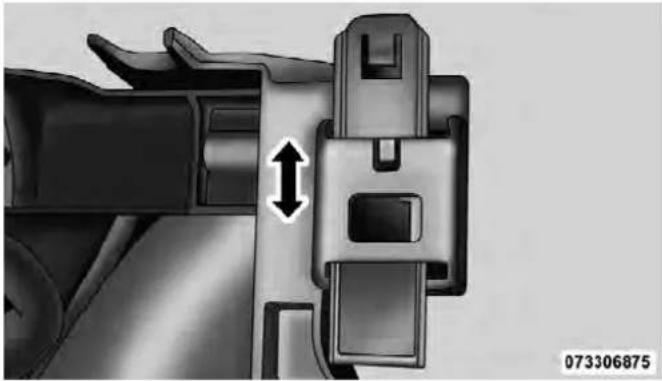
-
Remove the headlamp assembly. Grasp the outboard edge of the lamp and pull it straight forward to disengage the ball stud from the plastic grommet.
-
Disconnect the wiring harness connectors from the bulb socket.
- Replace bulb(s) as necessary.
CAUTION!
- Donotcontaminatethebulbglassbytouchingit withyourfingersorbyallowingittocontactother oilysurfaces.Shortenedbulblifewillresult.
- Alwaysusethecorrectbulbsizeandtypefor replacement.Anincorrectbulbsizeortypemay overheatandcausedamagetothelamp,thebulb socket,orthelampwiring.
NOTE: There are access covers over both headlamp bulb access holes in the quad front lamp unit housing (if equipped). These covers MUST be reinstalled after the bulb has been replaced.
FogLamps
- Reach under and behind the front bumper to access the back of the front fog lamp housing.
- Disconnect the fog lamp wiring harness connector from the fog lamp bulb.
- Rotate the bulb counterclockwise 1/4 turn to unlock the bulb from the housing.
- Pull the bulb straight out from the housing.
CAUTION!
Donotcontaminatethebulbglassbytouchingit withyourfingersorbyallowingittocontactother oilysurfaces.Shortenedbulblifewillresult.
RearTail/Stop, TurnSignalAndBackupLamps
- Remove the two screws that pass through the bed sheetmetal.

668MAINTAININGYOURVEHICLE
- Pull the outboard side of the lamp rearward far enough to unsnap the two receptacles on the outboard side of the lamp housing from the two plastic snap post retainers in the outer box side panel.

- Disconnect the wiring harness connectors from the bulb socket.
- Rotate the bulb socket counterclockwise 1/4 turn to unlock it from the housing.
- Pull the bulb straight out of the socket.
CAUTION!
Donotcontaminatethebulbglassbytouchingit withyourfingersorbyallowingittocontactother oilysurfaces.Shortenedbulblifewillresult.
- Reverse the procedure to install the bulb and housing.
MAINTAININGYOURVEHICLE669
CenterHigh-MountedStoplamp(CHMSL)With CargoLamp
- Remove the two screws holding the housing/lens to the body as shown.
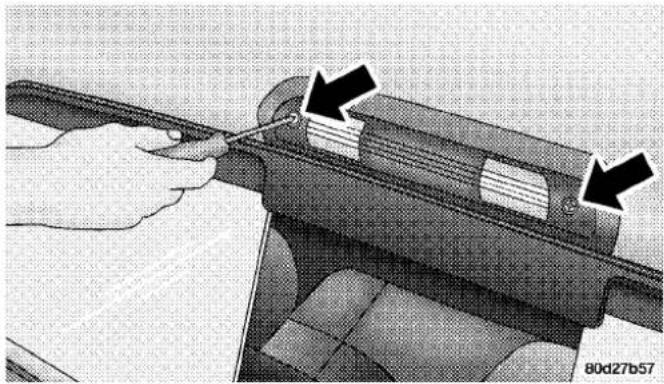
- Separate the connector holding the housing and wiring harness to the body.
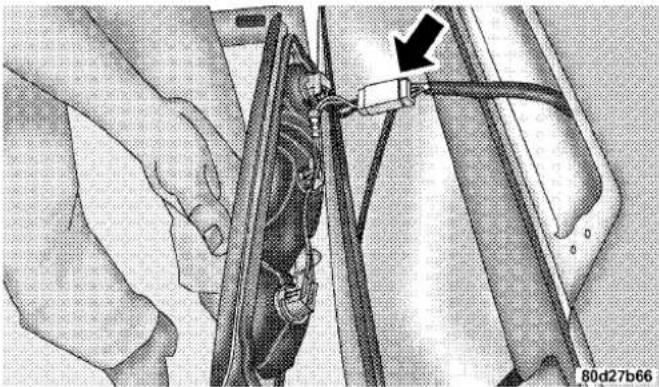
- Turn the desired bulb socket 1/4 turn and remove the socket and bulb from housing.
670MAINTAININGYOURVEHICLE
- Pull the desired bulb straight from the socket.

CAUTION!
Donotcontaminatethebulbglassbytouchingit withyourfingersorbyallowingittocontactother oilysurfaces.Shortenedbulblifewillresult.
• Outside Bulbs: Cargo Lamps
• Inside Bulb: Center High-Mounted Stop Lamp
- Reverse the procedure for installation of bulbs and housing.
CabTopClearanceLamps—IfEquipped
- Remove the two screws from the top of the lamp.

MAINTAININGYOURVEHICLE671
- Rotate the socket 1/4 turn and pull it from the lamp assembly.
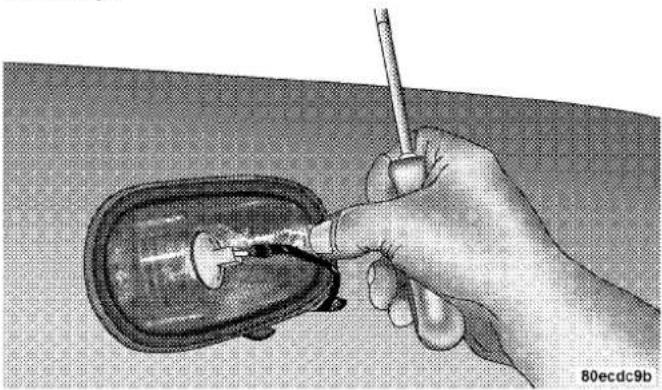
672MAINTAININGYOURVEHICLE
- Pull the bulb straight from it's socket and replace.

RearLampBarIDMarker(DualRearWheels)—If Equipped
- Loosen the two screws and the housing to gain access to the bulb sockets.

- Turn the socket 1/4 turn counterclockwise to access the bulb.
- Pull the bulb straight out from the socket.
- Reverse the procedure for installation of the bulbs and housing.
SideMarkerLamps(DualRearWheels)—If Equipped
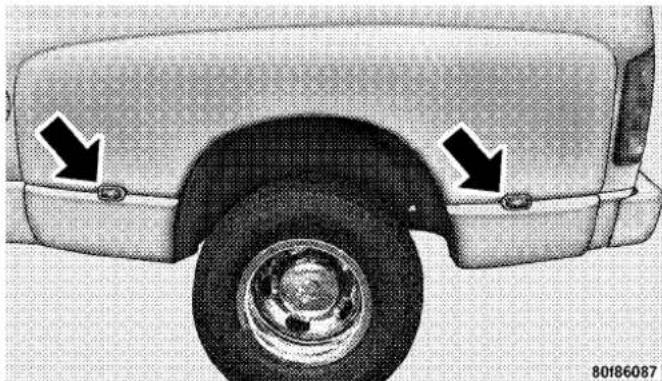
MAINTAINING YOUR VEHICLE673
- Push rearward on the side marker lamp assembly.
- Pull the entire assembly from the fender.
- Turn the socket 1/4 turn counterclockwise and remove from assembly to access the bulb.
- Pull the bulb straight out from socket.
- Reverse the procedure for installation of the bulbs and housing.
674MAINTAININGYOURVEHICLE
FLUIDCAPACITIES
| U.S.Metric | ||
| Fuel(Approximate) | ||
| 1500 Regular Cab Shortbed/Crew Quad Cab Models 26 Gallons 98 Liters | ||
| 1500 Regular Cab Longbed/Crew Quad Cab Models (Optional) | 32 Gallons 121 Liters | |
| 2500/3500 Shortbed Models 34 Gallons 129 Liters | ||
| 2500/3500 Longbed Models 35 Gallons 132 Liters | ||
| EngineOilwithFilter | ||
| 3.7L Engine (SAE 5W-20, API Certified) 5 Quarts 4.7 Liters | ||
| 4.7L Engine (SAE 5W-20, API Certified) 6 Quarts 5.7 Liters | ||
| 5.7L Engine (SAE 5W-20, API Certified) 7 Quarts 6.6 Liters | ||
| 5.7L Engine (SAE 5W-30, API Certified). For 2500/3500 trucks operating under a gross combined weight rating greaterthan 14,000 lbs (6 350 kg). | 7 Quarts 6.6 Liters | |
MAINTAINING YOUR VEHICLE675
| U.S.Metric | ||
| CoolingSystem | ||
| 3.7L Engine (MOPAR®Antifreeze/Coolant 5 Year/100,000 Mile Formula or equivalent) | 14 Quarts 13 Liters | |
| 4.7L Engine (MOPAR®Antifreeze/Coolant 5 Year/100,000 Mile Formula or equivalent) | 14 Quarts 13 Liters | |
| 5.7L Engine — 1500 Models (MOPAR®Antifreeze/Coolant 5 Year/100,000 Mile Formula or equivalent) | 16 Quarts 15 Liters | |
| 5.7L Engine — 2500/3500 Models (MOPAR®Antifreeze/Coolant 5 Year/100,000 Mile Formula or equivalent) | 18.7 Quarts 17.7 Liters | |
| 5.7L Engine — 2500/3500 Models w/Heavy Duty (MOPAR®Antifreeze/Coolant 5 Year/100,000 Mile Formula or equivalent) | 19.2 Quarts 18.2 Liters | |
FLUIDS, LUBRICANTSANDGENUINEPARTS
Engine
| ComponentFluid,Lubricant,orGenuinePart | |
| Engine Coolant MOPAR®Antifreeze/ | Coolant 5 Year/100,000 Mile Formula HOAT (Hybrid Organic Additive Technology) or equivalent. |
| Engine Oil Use API Certified SAE 5W | 20 Engine Oil, meeting the requirements of Chrysler Material Standard MS-6395. Refer to your engine oil filler cap for correct SAE grade. |
| Engine Oil – 5.7L Engine For 2500/3500 trucks operating under a gross combined weight rating greater than 14,000 lbs/(6,350 kg.) | Use API Certified SAE 5W-30 Engine Oil, meeting the requirements of Chrysler Material Standard MS-6395. Refer to your engine oil filler cap for correct SAE grade. |
| Engine Oil Filter MOPAR®Engine Oil | Filter or equivalent. |
| Spark Plugs – 3.7L Engine ZFR6F-11G | (Gap 0.043 in [1.1 mm]) |
MAINTAININGYOURVEHICLE677
| ComponentFluid,Lubricant,orGenuinePart | |
| Spark Plugs – 4.7L Engine Upper Bank | — FR8TE2 (Gap 0.039 in [.99 mm]) Lower Bank — FR8T1332 (Gap 0.051 in [1.30 mm]) |
| Spark Plugs – 5.7L Engine LZFR5C-11 | (Gap 0.043 in [1.1 mm]) |
| Fuel Selection – 3.7L and 4.7L Engines | 87 Octane |
| Fuel Selection – 5.7L Engine 87 Octane | Acceptable - 89 Octane Recommended |
Chassis
| ComponentFluid,Lubricant,orGenuinePart | |
| Automatic Transmission - Gasoline Engines Only | MOPAR® ATF+4® Automatic Transmission Fluid or equivalent licensed ATF+4® product. |
| Transfer Case | MOPAR® ATF+4® Automatic Transmission Fluid or equivalent licensed ATF+4® product. |
| Transfer Case – BW44–44 Only MOPAR®BW44–44 Transfer Case Fluid or equivalent. | |
| Front Axle – 1500 Four-Wheel Drive Models | GL-5 SAE 75W-90 (MS-9763) or equivalent. |
| Rear Axle – 1500 Models MOPAR®Synthetic Gear Lubricant SAE 75W-140 (MS-8985). Limited-Slip Rear Axles require the addition of 5 oz. (148 ml) MOPAR®Limited Slip Additive or equivalent. | |
| Front and Rear Axle – 2500/3500 Models | Synthetic, GL-5 SAE, 75W-90 or equivalent. Limited-Slip 10.5/11.5 inch Rear AxlesLimitedslipadditiveisnotrequired. |
| Brake Master Cylinder MOPAR®DOT | 3 and SAE J1703 or equivalent. If DOT 3 brake fluid is not available, then DOT 4 is acceptable. Use only recommended brake fluids. |
| Power Steering Reservoir | MOPAR® Power Steering Fluid +4, MOPAR® ATF+4® Automatic Transmission Fluid or equivalent licensed ATF+4®product. |
MAINTENANCESCHEDULES
CONTENTS
■Maintenance Schedule 680
□Required Maintenance Intervals....682
680MAINTENANCE SCHEDULES
MAINTENANCESCHEDULE
The Scheduled Maintenance services listed in this manual must be done at the times or mileages specified to protect your vehicle warranty and ensure the best vehicle performance and reliability. More frequent maintenance may be needed for vehicles in severe operating conditions, such as dusty areas and very short trip driving. Inspection and service should also be done anytime a malfunction is suspected.
Your vehicle is equipped with an automatic oil change indicator system. The oil change indicator system will remind you that it is time to take your vehicle in for scheduled maintenance.
On Electronic Vehicle Information Center (EVIC) equipped vehicles, “Oil Change Required” will be displayed in the EVIC and a single chime will sound, indicating that an oil change is necessary.
On Non-EVIC equipped vehicles, "Change Oil" will flash in the instrument cluster odometer and a single chime will sound, indicating that an oil change is necessary.
Based on engine operation conditions, the oil change indicator message will illuminate. This means that service is required for your vehicle. Operating conditions such as frequent short-trips, trailer tow, extremely hot or cold ambient temperatures, and E85 fuel usage will influence when the “Change Oil” message is displayed. Depending on operating conditions, the message may appear as early as 3,500 miles (5 630 km) since last reset. Have your vehicle serviced as soon as possible, within the next 500 miles (805 km).
MAINTENANCESCHEDULES681
NOTE:
- The oil change indicator message will not monitor the time since the last oil change. Change your vehicle's oil if it has been six months since your last oil change, even if the oil change indicator message is NOT illuminated.
- Change your engine oil more often if you drive your vehicle off-road for an extended period of time.
- Under no circumstances should oil change intervals exceed 8,000 miles (13 000 km) or six months, whichever comes first.
Your authorized dealer will reset the oil change indicator message after completing the scheduled oil change. If a scheduled oil change is performed by someone other than your authorized dealer, the message can be reset by referring to the steps described under “Electronic Vehicle Information Center (EVIC)/Oil Change Required” in “Understanding Your Instrument Panel” or under “Instrument Cluster Description/Odometer/Trip Odometer” in “Understanding Your Instrument Panel” for further information.
At Each Stop For Fuel
- Check the engine oil level about five minutes after a fully warmed engine is shut off. Checking the oil level while the vehicle is on level ground will improve the accuracy of the oil level reading. Add oil only when the level is at or below the ADD or MIN mark.
- Check the windshield washer solvent and add if required.
682MAINTENANCESCHEDULES
Once A Month
- Check tire pressure and look for unusual wear or damage.
- Inspect the battery and clean and tighten the terminals as required.
- Check the fluid levels of the coolant reservoir, brake master cylinder, and transmission and add as needed.
- Check all lights and other electrical items for correct operation.
At Each Oil Change
- Change the engine oil filter.
- Inspect the brake hoses and lines.
CAUTION!
Failuretoperformtherequiredmaintenanceitems mayresultindamagetothevehicle.
RequiredMaintenanceIntervals
NOTE:** Vehicles built with the 4.7L engine are equipped with sixteen spark plugs. One set is located on the top of the engine under the coils and the second set is located on the side of the engine.
The spark plugs located under the coils are a standard plug and must be changed every 48,000 miles (78 000 km).
The spark plugs located on the side of the engine are a premium plug and must be changed every 96,000 miles (156 000 km).
8,000Miles(13,000km)or 6MonthsMaintenanceService Schedule
□Changetheengineoilandengineoil filter.
☐Rotatethetires, rotateatthefirstsignof irregularwear, evenifitoccursbefore 8,000 miles (13000km).
□Lubethefrontdriveshaftfitting (2500/3500(4x4)modelsonly).
OdometerReadingDate
RepairOrder#DealerCode
Signature, AuthorizedServiceCenter
16,000Miles(26,000km)or12MonthsMaintenanceService Schedule
□Changetheengineoilandengineoilfilter.
☐Rotatethetires, rotate at the first sign of irregular wear, even if it occurs before 16,000 miles (26000 km).
□Ifusingyourvehicleforanyofthefollowing:Dustyoroff-roadconditions.Inspectthe engineaircleanerfilter;replaceifnecessary.
□Lubethefrontdriveshaftfitting(2500/3500(4x4)modelsonly).
□Inspectthebrakelinings,replaceifnecessary.
☐Inspectexhaustsystem.Performthefirstinspectionat16,000miles(26000km)or 12months.
☐ Inspect the front suspension, tie rod ends and boot seals for cracks or leaks and all parts for damage, wear, improperloosenessorendplay; replace if necessary.
OdometerReadingDate
RepairOrder#DealerCode
Signature, AuthorizedServiceCenter
684MAINTENANCESCHEDULES
24,000Miles(39,000km)or 18MonthsMaintenance ServiceSchedule
□Changetheengineoilandengineoil filter.
☐Rotatethetires, rotateatthefirstsignof irregularwear, evenifitoccursbefore 24,000 miles (39000km).
□Lubethefrontdriveshaftfitting (2500/3500(4x4)modelsonly).
□InspecttheCVjoints.
□Inspectexhaustsystem.
□Inspectthefrontandrearaxlefluid, changeifusingyourvehicleforpolice, taxi,fleet,off-roadofrequenttrailer towing.
OdometerReadingDate
RepairOrder#DealerCode
Signature, AuthorizedServiceCenter
32,000Miles(52,000km)or24MonthsMaintenanceService Schedule
□Changetheengineoilandengineoilfilter.
☐Rotatethetires, rotate at the first sign of irregular wear, even if it occurs before 32,000 miles (52000 km).
☐Replacetheengineaircleanerfilter.
☐Replacethesparkplugs(3.7Land5.7LEngines).
□Lubethefrontdriveshaftfitting(2500/3500(4x4)modelsonly).
□Adjustparkingbrakeonvehiclesequippedwithfour-wheeldiscbrakes.
□Inspectthetransfercasefluid.
□Inspectthebrakelinings,replaceifnecessary.
☐ Inspect the front suspension, tie rod ends and boot seals for cracks or leaks and all parts for damage, wear, improperloosenessorendplay; replace if necessary.
OdometerReadingDate
RepairOrder#DealerCode
Signature, AuthorizedServiceCenter
40,000Miles(65,000km)or 30MonthsMaintenance ServiceSchedule
□Changetheengineoilandengineoil filter.
☐Rotatethetires, rotateatthefirstsignof irregularwear, evenifitoccursbefore 40,000miles(65000km).
□Lubethefrontdriveshaftfitting (2500/3500(4x4)modelsonly).
OdometerReadingDate
RepairOrder#DealerCode
Signature, AuthorizedServiceCenter
48,000Miles(78,000km)or36MonthsMaintenanceService Schedule
□Changetheengineoilandengineoilfilter.
☐Rotatethetires, rotate at the first sign of irregular wear, even if it occurs before 48,000 miles (78000 km).
□Ifusingyourvehicleforanyofthefollowing:Dustyoroff-roadconditions.Inspectthe engineaircleanerfilter;replaceifnecessary.
☐Replacethetoprowofsparkplugs(4.7LEngine).**
☐Lubethefrontdriveshaftfitting(2500/3500(4x4)modelsonly).
□Inspectthebrakelinings,replaceifnecessary.
□InspecttheCVjoints.
□Inspectexhaustsystem.
☐ Inspect the front suspension, tie rod ends and boot seals for cracks or leaks and all parts for damage, wear, improper loosenessorendplay; replace if necessary.
□Inspect the front and rear axle fluid, change if using your vehicle for police, taxi, fleet, off-road or frequent trailertowing.
OdometerReadingDate
RepairOrder#DealerCode
Signature, AuthorizedServiceCenter
686MAINTENANCESCHEDULES
56,000Miles(91,000km)or 42MonthsMaintenance ServiceSchedule
□Changetheengineoilandengineoil filter.
☐Rotatethetires, rotateatthefirstsignof irregularwear, evenifitoccursbefore 56,000 miles (91000 km).
□Lubethefrontdriveshaftfitting (2500/3500(4x4)modelsonly).
OdometerReadingDate
RepairOrder#DealerCode
Signature, AuthorizedServiceCenter
64,000Miles(104,000km)or48MonthsMaintenanceServiceSchedule
□Changetheengineoilandengineoilfilter.
☐ Rotate the tires, rotate at the first sign of irregular wear, even if it occurs before 64,000 miles (104 000 km).
☐Replacetheengineaircleanerfilter.
☐Replacetheignitioncables(3.7LEngine).
☐Replacethsparkplugs(3.7Land5.7LEngine).
☐Lubethefrontdriveshaftfitting(2500/3500(4x4)modelsonly).
□Inspectthebrakelinings;replaceifnecessary.
□Adjustparkingbrakeonvehiclesequippedwithfour-wheeldiscbrakes.
☐ Change the automatic transmission fluid and filter(s) if using your vehicle for any of the following: police, taxi, fleet, or frequent trailer towing.
☐ Change the transfer case fluid if using your vehicle for any of the following: police, taxi, fleet, or frequent trailer towing.
☐ Inspect the front suspension, tie rod ends and boot seals for cracks or leaks and all parts for damage, wear, improper looseness or end play; replace if necessary.
OdometerReadingDate
RepairOrder#DealerCode
Signature, AuthorizedServiceCenter
688MAINTENANCESCHEDULES
72,000Miles(117,000km)or 54MonthsMaintenance ServiceSchedule
□Changetheengineoilandengineoil filter.
☐Rotatethetires, rotateatthefirstsignof irregularwear, evenifitoccursbefore 72,000 miles (117000km).
☐Lubethefrontdriveshaftfitting (2500/3500(4x4)modelsonly).
□InspecttheCVjoints.
□Inspectexhaustsystem.
□Inspectthefrontandrearaxlefluid, changeifusingyourvehicleforpolice, taxi,fleet,off-roadorfrequenttrailer towing.
OdometerReadingDate
RepairOrder#DealerCode
Signature, AuthorizedServiceCenter
80,000Miles(130,000km)or60MonthsMaintenanceService Schedule
□Changetheengineoilandengineoilfilter.
☐Rotatethetires, rotateatthefirstsignofirregularwear, evenifitoccursbefore 80,000miles(130000km).
□Ifusingyourvehicleforanyofthefollowing:Dustyoroff-roadconditions.Inspectthe engineaircleanerfilter;replaceifnecessary.
□Lubethefrontdriveshaftfitting(2500/3500(4x4)modelsonly).
☐Flushandreplacetheenginecoolantat60monthsor104,000miles(169000km)whichever comesfirst.
□Inspectthebrakelinings,replaceifnecessary.
☐ Inspect the front suspension, tie rod ends and boot seals for cracks or leaks and all parts for damage, wear, improperloosenessorendplay; replace if necessary.
OdometerReadingDate
RepairOrder#DealerCode
Signature, AuthorizedServiceCenter
88,000Miles(143,000km)or 66MonthsMaintenance ServiceSchedule
□Changetheengineoilandengineoil filter.
☐Rotatethetires, rotateatthefirstsignof irregularwear, evenifitoccursbefore 88,000 miles (143000 km).
□Lubethefrontdriveshaftfitting (2500/3500(4x4)modelsonly).
OdometerReadingDate
RepairOrder#DealerCode
Signature, AuthorizedServiceCenter
690MAINTENANCESCHEDULES
96,000Miles(156,000km)or72MonthsMaintenanceServiceSchedule
□Changetheengineoilandengineoilfilter.
☐ Rotate the tires, rotate at the first sign of irregular wear, even if it occurs before 96,000 miles (156 000 km).
□Replacetheengineaircleanerfilter.
☐Replacetheignitioncables(4.7LEngine).
□Replacethetoprowandsiderowofsparkplugs(4.7LEngine).**
Replacethsparkplugs(3.7Land5.7LEngines).
□InspectandreplacePCVvalveifnecessary.
□Lubethefrontdriveshaftfitting(2500/3500(4x4)modelsonly).
□Adjustparkingbrakeonvehiclesequippedwithfour-wheeldiscbrakes.
□Inspectthetransfercasefluid.
□Inspectthebrakelinings,replaceifnecessary.
□InspecttheCVjoints.
□Inspectexhaustsystem.
☐ Inspect the front suspension, tie rod ends and boot seals for cracks or leaks and all parts for damage, wear, improper looseness or end play; replace if necessary.
☐ Inspect the front and rear axle fluid, change if using your vehicle for police, taxi, fleet, off-road or frequent trailer towing.
OdometerReadingDate
RepairOrder#DealerCode
Signature, AuthorizedServiceCenter
104,000Miles(169,000km)or 78MonthsMaintenance ServiceSchedule
□Changetheengineoilandengineoil filter.
☐Rotatethetires, rotateatthefirstsignof irregularwear, evenifitoccursbefore 104,000miles(169000km).
□Lubethefrontdriveshaftfitting (2500/3500(4x4)modelsonly).
☐Flushandreplacetheenginecoolantat 104,000miles(169000km)or60months whichevercomesfirst.
OdometerReadingDate
RepairOrder#DealerCode
Signature, AuthorizedServiceCenter
112,000Miles(182,000km)or84MonthsMaintenanceService Schedule
□Changetheengineoilandengineoilfilter.
☐Rotatethetires, rotate at the first sign of irregular wear, even if it occurs before 112,000 miles (182000 km).
□Ifusingyourvehicleforanyofthefollowing:Dustyoroff-roadconditions.Inspectthe engineaircleanerfilter;replaceifnecessary.
□Lubethefrontdriveshaftfitting(2500/3500(4x4)modelsonly).
□Inspectthebrakelinings,replaceifnecessary.
☐ Inspect the front suspension, tie rod ends and boot seals for cracks or leaks and all parts for damage, wear, improperloosenessorendplay; replace if necessary.
OdometerReadingDate
RepairOrder#DealerCode
Signature, AuthorizedServiceCenter
692MAINTENANCESCHEDULES
120,000Miles(195,000km)or90MonthsMaintenanceService Schedule
□Changetheengineoilandengineoilfilter.
☐Rotatethetires, rotateatthefirstsignofirregularwear, evenifitoccursbefore 120,000miles(195000km).
□Lubethefrontdriveshaftfitting(2500/3500(4x4)modelsonly).
□InspecttheCVjoints.
□Inspectexhaustsystem.
Inspectthefrontandrearaxlefluid,changeifusingyourvehicleforpolice,taxi,fleet,off-roadorfrequenttrailertowing.
□Changetheautomatictransmissionfluidandfilter(s).
OdometerReadingDate
RepairOrder#DealerCode
Signature, AuthorizedServiceCenter
128,000Miles(208,000km)or96MonthsMaintenanceService Schedule
□Changetheengineoilandengineoilfilter.
☐Rotatethetires, rotateatthefirstsignofirregularwear, evenifitoccursbefore 128,000 miles (208000 km).
☐Replacetheengineaircleanerfilter.
☐Replacetheignitioncables(3.7LEngine).
☐Replacethesparkplugs(3.7Land5.7LEngine).
□Lubethefrontdriveshaftfitting(2500/3500(4x4)modelsonly).
□Adjustparkingbrakeonvehiclesequippedwithfour-wheeldiscbrakes.
□Changethetransfercasefluid.
□Inspectthebrakelinings,replaceifnecessary.
☐ Inspect the front suspension, tie rod ends and boot seals for cracks or leaks and all parts for damage, wear, improper loosenessorendplay; replace if necessary.
OdometerReadingDate
RepairOrder#DealerCode
Signature, AuthorizedServiceCenter
136,000Miles(221,000km)or 102MonthsMaintenance ServiceSchedule
□Changetheengineoilandengineoil filter.
☐Rotatethetires, rotateatthefirstsignof irregularwear, evenifitoccursbefore 136,000 miles (221000km).
□Lubethefrontdriveshaftfitting (2500/3500(4x4)modelsonly).
OdometerReadingDate
RepairOrder#DealerCode
Signature, AuthorizedServiceCenter
694MAINTENANCESCHEDULES
144,000Miles(234,000km)or108MonthsMaintenanceService Schedule
□Changetheengineoilandengineoilfilter.
☐Rotatethetires, rotateatthefirstsignofirregularwear, evenifitoccursbefore 144,000 miles (234000 km).
□Ifusingyourvehicleforanyofthefollowing:Dustyoroff-roadconditions.Inspectthe engineaircleanerfilter;replaceifnecessary.
□Replacethetoprowofsparkplugs(4.7LEngine).**
□Lubethefrontdriveshaftfitting(2500/3500(4x4)modelsonly).
□Inspectthebrakelinings,replaceifnecessary.
□InspecttheCVjoints.
□Inspectexhaustsystem.
☐ Inspect the front suspension, tie rod ends and boot seals for cracks or leaks and all parts for damage, wear, improper loosenessorendplay; replace if necessary.
□Inspect the front and rear axle fluid, change if using your vehicle for police, taxi, fleet, off-road or frequent trailertowing.
OdometerReadingDate
RepairOrder#DealerCode
Signature, AuthorizedServiceCenter
152,000Miles(247,000km)or 114MonthsMaintenance ServiceSchedule
□Changetheengineoilandengineoil filter.
☐Rotatethetires, rotateatthefirstsignof irregularwear, evenifitoccursbefore 152,000 miles (247000km).
□Lubethefrontdriveshaftfitting (2500/3500(4x4)modelsonly).
OdometerReadingDate
RepairOrder#DealerCode
Signature, AuthorizedServiceCenter
WARNING!
- Youcanbebadlyinjuredworkingonorarounda motorvehicle.Doonlyserviceworkforwhichyou havetheknowledgeandtherightequipment.If youhaveanydoubtaboutyourabilitytoperform aservicejob,takeyourvehicletoacompetent mechanic.
- Failuretoproperlyinspectandmaintainyour vehiclecouldresultinacomponentmalfunction andeffectvehiclehandlingandperformance.This couldcauseanaccident.
IFYOUNEEDCONSUMERASSISTANCE
CONTENTS
■Suggestions For Obtaining Service For Your Vehicle 699
□Prepare For The Appointment....699
□Prepare A List....699
□Be Reasonable With Requests....699
■If You Need Assistance....699
□Chrysler Group LLC Customer Center ..... 7 0 0
□ Chrysler Canada Inc. Customer Center ..... 700
□ In Mexico Contact 700
□Customer Assistance For The Hearing Or Speech Impaired (TDD/TTY)....701
□ServiceContract 701
■Warranty Information....702
■ MOPAR® Parts 702
■ Reporting Safety Defects 702
□In The 50 United States And Washington, D.C. 702
□In Canada 703
■ Publication Order Forms 703
698IFYOUNEEDCONSUMERASSISTANCE
■Department Of Transportation Uniform Tire
Quality Grades 705
□Treadwear.... 705
□Traction Grades 705
□Temperature Grades....706
SUGGESTIONSFOROBTAININGSERVICEFOR YOURVEHICLE
PrepareForTheAppointment
If you're having warranty work done, be sure to have the right papers with you. Take your warranty folder. All work to be performed may not be covered by the warranty. Discuss additional charges with the service manager. Keep a maintenance log of your vehicle's service history. This can often provide a clue to the current problem.
PrepareAList
Make a written list of your vehicle's problems or the specific work you want done. If you've had an accident or work done that is not on your maintenance log, let the service advisor know.
BeReasonableWithRequests
If you list a number of items and you must have your vehicle by the end of the day, discuss the situation with the service advisor and list the items in order of priority. At many authorized dealers, you may obtain a rental vehicle at a minimal daily charge. If you need a rental, it is advisable to make these arrangements when you call for an appointment.
IFYOUNEEDASSISTANCE
The manufacturer and its authorized dealers are vitally interested in your satisfaction. We want you to be happy with our products and services.
Warranty service must be done by an authorized dealer. We strongly recommend that you take the vehicle to an authorized dealer. They know your vehicle the best, and are most concerned that you get prompt and high quality service. The manufacturer's authorized dealers have the facilities, factory-trained technicians, special tools, and the latest information to ensure the vehicle is fixed correctly and in a timely manner.
700IFYOUNEEDCONSUMERASSISTANCE
This is why you should always talk to an authorized dealer's service manager first. Most matters can be resolved with this process.
- If for some reason you are still not satisfied, talk to the general manager or owner of the authorized dealership. They want to know if you need assistance.
- If an authorized dealership is unable to resolve the concern, you may contact the manufacturer's customer center.
Any communication to the manufacturer's customer center should include the following information:
- Owner's name and address
- Owner's telephone number (home and office)
• Authorized dealership name
• Vehicle Identification Number (VIN)
• Vehicle delivery date and mileage
ChryslerGroupLLCCustomerCenter
P.O. Box 21-8004
Auburn Hills, MI 48321-8004
Phone: (866) 726-4636
ChryslerCanadaInc.CustomerCenter
P.O. Box 1621
Windsor, Ontario N9A 4H6
Phone: (800) 465-2001 English / (800) 387-9983 French
InMexicocontact:
In Mexico City: 5081-7568
Outside Mexico City: 1-800-505-1300
CustomerAssistanceForTheHearingOrSpeech Impaired(TDD/TTY)
To assist customers who have hearing difficulties, the manufacturer has installed special TDD (Telecommunication Devices for the Deaf) equipment at its customer center. Any hearing or speech impaired customer, who has access to a TDD or a conventional teletypewriter (TTY) in the United States, can communicate with the manufacturer by dialing 1–800–380–CHRY.
Canadian residents with hearing difficulties that require assistance can use the special needs relay service offered by Bell Canada. For TTY teletypewriter users, dial 711 and for Voice callers, dial 1 800 855-0511 to connect with a Bell Relay Service operator.
ServiceContract
You may have purchased a service contract for a vehicle to help protect you from the high cost of unexpected repairs after the manufacturer's New Vehicle Limited Warranty expires. The manufacturer stands behind only the manufacturer's service contracts. If you purchased a manufacturer's service contract, you will receive Plan Provisions and an Owner Identification Card in the mail within three weeks of the vehicle delivery date. If you have any questions about the service contract, call the manufacturer's Service Contract National Customer Hotline at 1-800-521-9922 (Canadian residents, call (800) 465–2001 English / (800) 387–9983 French).
The manufacturer will not stand behind any service contract that is not the manufacturer's service contract. It is not responsible for any service contract other than the manufacturer's service contract. If you purchased a service contract that is not a manufacturer's service contract, and you require service after the manufacturer's New Vehicle Limited Warranty expires, please refer to the contract documents, and contact the person listed in those documents.
702IFYOUNEEDCONSUMERASSISTANCE
We appreciate that you have made a major investment when you purchased the vehicle. An authorized dealer has also made a major investment in facilities, tools, and training to assure that you are absolutely delighted with the ownership experience. You'll be pleased with their sincere efforts to resolve any warranty issues or related concerns.
WARNING!
Engineexhaust, some of its constituents, and certain vehicle components contain, ormit, chemicals known to the State of Californiatocause cancer and birth defects, or other reproductive harm. In addition, certain fluids contained in vehicles and certain product of component wear contain, ormit, chemicals known to the State of Californiatocause cancer and birth defects, or other reproductive harm.
WARRANTYINFORMATION
See the Warranty Information Booklet, located on the DVD, for the terms and provisions of Chrysler Group LLC warranties applicable to this vehicle and market.
MOPAR®PARTS
MOPAR® fluids, lubricants, parts, and accessories are available from an authorized dealer. They are recommended for your vehicle in order to help keep the vehicle operating at its best.
REPORTINGSAFETYDEFECTS
Inthe50UnitedStatesandWashington,D.C.
If you believe that your vehicle has a defect that could cause a crash or cause injury or death, you should immediately inform the National Highway Traffic Safety Administration (NHTSA) in addition to notifying the manufacturer.
If NHTSA receives similar complaints, it may open an investigation, and if it finds that a safety defect exists in a group of vehicles, it may order a recall and remedy campaign. However, NHTSA cannot become involved in individual problems between you, your authorized dealer, and the manufacturer.
To contact NHTSA, you may either call the Auto Safety Hotline toll free at 1-888-327-4236 (TTY: 1-800-424-9153), or go to http://www.safercar.gov; or write to: Administrator, NHTSA, 1200 New Jersey Avenue, SE., West Building, Washington, D.C. 20590. You can also obtain other information about motor vehicle safety from http://www.safercar.gov.
InCanada
If you believe that your vehicle has a safety defect, you should contact the Customer Service Department immediately. Canadian customers who wish to report a safety defect to the Canadian government should contact Transport Canada, Motor Vehicle Defect Investigations and Recalls at 1-800-333-0510 or go to http://www.tc.gc.ca/roadsafety/
PUBLICATIONORDERFORMS
To order the following manuals, you may use either the website or the phone numbers listed below. Visa, Mastercard, American Express, and Discover orders are accepted. If you prefer mailing your payment, please call for an order form.
NOTE:A street address is required when ordering manuals (no P.O. Boxes).
704IFYOUNEEDCONSUMERASSISTANCE
• ServiceManuals
These comprehensive Service Manuals provide the information that students and professional technicians need in diagnosing/troubleshooting, problem solving, maintaining, servicing, and repairing Chrysler Group LLC vehicles. A complete working knowledge of the vehicle, system, and/or components is written in straightforward language with illustrations, diagrams, and charts.
• DiagnosticProcedureManuals
Diagnostic Procedure Manuals are filled with diagrams, charts and detailed illustrations. These practical manuals make it easy for students and technicians to find and fix problems on computer-controlled vehicle systems and features. They show exactly how to find and correct problems the first time, using step-by-step troubleshooting and drivability procedures, proven diagnostic tests and a complete list of all tools and equipment.
- Owner'sManuals
These Owner's Manuals have been prepared with the assistance of service and engineering specialists to acquaint you with specific Chrysler Group LLC vehicles. Included are starting, operating, emergency and maintenance procedures as well as specifications, capabilities and safety tips.
Call toll free at:
• 1-800-890-4038(U.S.)
• 1-800-387-1143(Canada)
Or
Visit us on the Worldwide Web at:
- www.techauthority.com
DEPARTMENTOFTRANSPORTATIONUNIFORM TIREQUALITYGRADES
The following tire grading categories were established by the National Highway Traffic Safety Administration. The specific grade rating assigned by the tire's manufacturer in each category is shown on the sidewall of the tires on your vehicle.
All passenger car tires must conform to Federal safety requirements in addition to these grades.
Treadwear
The Treadwear grade is a comparative rating, based on the wear rate of the tire when tested under controlled conditions on a specified government test course. For example, a tire graded 150 would wear one and one-half times as well on the government course as a tire graded 100. The relative performance of tires depends upon the actual conditions of their use, however, and may depart significantly from the norm due to variations in driving habits, service practices, and differences in road characteristics and climate.
TractionGrades
The Traction grades, from highest to lowest, are AA, A, B, and C. These grades represent the tire's ability to stop on wet pavement, as measured under controlled conditions on specified government test surfaces of asphalt and concrete. A tire marked C may have poor traction performance.
WARNING!
Thetractiongradeassignedtothistireisbasedon straight-aheadbrakingtractiontests, and does not include acceleration, cornering, hydroplaning, or peaktraction characteristics.
706IFYOUNEEDCONSUMERASSISTANCE
TemperatureGrades
The temperature grades are A (the highest), B, and C, representing the tire's resistance to the generation of heat and its ability to dissipate heat, when tested under controlled conditions on a specified indoor laboratory test wheel. Sustained high temperature can cause the material of the tire to degenerate and reduce tire life, and excessive temperature can lead to sudden tire failure. The grade C corresponds to a level of performance, which all passenger car tires must meet under the Federal Motor Vehicle Safety Standard No. 109. Grades B and A represent higher levels of performance on the laboratory test wheel, than the minimum required by law.
WARNING!
Thetemperaturegradeforthistireisestablished for atirethatisproperlyinflatedandnotoverloaded. Excessivespeed,under-inflation,orexcessiveloading,eitherseparatelyorincombination,cancause heatbuildupandpossibletirefailure.
INDEX
708INDEX
Adding Engine Coolant (Antifreeze)....639
Adding Fuel 540
Adjustable Pedals....173
Air Cleaner, Engine (Engine Air Cleaner Filter) . . . 630
Air Conditioner Maintenance....632
Air Conditioning....356
Air Conditioning Controls....356
Air Conditioning Refrigerant....632,633
Air Conditioning System....356,360,632
Air Conditioning, Operating Tips 367
Air Pressure, Tires....503,511
Airbag 56,65
Airbag Deployment 66
Airbag Light 63,64,69,87,265
Airbag Maintenance 68
Airbag, Side 59,62,64,65
Airbag, Window (Side Curtain) ..... 60,62,65
Alarm (Security Alarm)....19
Alarm Light....254
Alarm System (Security Alarm) 19
Alarm, Panic 24
Alterations/Modifications, Vehicle ..... 7
Antenna, Satellite Radio 310
Anti-Lock Brake System (ABS) 481
Anti-Lock Warning Light 265
Anti-Theft Security Alarm (Theft Alarm) 19
Anti-Theft System 19
Antifreeze (Engine Coolant) 639,674
Disposal....641
Appearance Care 651
Ashtray 207
Assistance Towing 118
Auto Down Power Windows....35
Automatic Dimming Mirror 98
Automatic Door Locks 32
Automatic Headlights 163
Automatic Temperature Control (ATC) ..... 360
INDEX 709
Automatic Transmission....380
Adding Fluid 650
Fluid and Filter Changes . . . . . . . . . . . . . . . . 6 5 1
Fluid Level Check....648,649
Fluid Type 648,678
Gear Ranges 381
Shifting. 390,401
Special Additives....649
Torque Converter 390
Axle Fluid 646,678
Axle Lubrication (Axle Fluid) 6 4 6
B-Pillar Location 498
Back-Up Camera 187
Bar, Stabilizer/Sway System ..... 4 3 1
Battery 630
Keyless Transmitter Replacement (RKE) ..... 2 5
Saving Feature (Protection) 167
Belts, Seat 41,87
Body Builders Guide 6
Body Mechanism Lubrication 633
Brake Assist System 482
Brake Control System, Electronic 481
Brake Fluid 644,678
Brake System 480,644
Anti-Lock (ABS) 481
Fluid Check 644
Master Cylinder 644
Parking 478
Warning Light 260
Brake/Transmission Interlock....380
Break-In Recommendations, New Vehicle ..... 8 5
Bulb Replacement 6 6 5
Bulbs, Light 89,664
Cab Top Clearance Lights 671
Calibration, Compass 281
Camera, Rear 187
Camper 238
Capacities, Fluid 674
Caps, Filler Oil (Engine)....6 2 8 Power Steering....4 7 7 Radiator (Coolant Pressure)....6 4 0
Car Washes 652
Carbon Monoxide Warning....86,535
Cargo Light....166
Cellular Phone....105,355
Center High Mounted Stop Light 6 6 9
Center Lap Belts 50
Center Seat Storage Compartment 214
Certification Label 541
Chart, Tire Sizing 494
Check Engine Light (Malfunction Indicator Light) 264,624
Checking Your Vehicle For Safety 85
Checks, Safety 85
Child Restraint 70,72
Child Restraint Tether Anchors 76,80
Child Seat 78
Cigar Lighter 207
Cleaning Wheels.... 6 5 3
Climate Control 355
Clock....290,299
Cold Weather Operation....376
Compact Disc (CD) Maintenance ..... 3 5 4
Compact Spare Tire 506
Compass 280
Compass Calibration....281
Compass Variance 281
Computer, Trip/Travel 277
Connector U C I 3 1 3
Universal Consumer Interface (UCI) ..... 3 1 3
Conserving Fuel 276,277
INDEX 711
Console, Overhead 189
Contract, Service 701
Coolant Pressure Cap (Radiator Cap) ..... 6 4 0
Cooling System....638
Adding Coolant (Antifreeze)....639
Coolant Capacity 674
Coolant Level....638,641
Disposal of Used Coolant....6 4 1
Drain, Flush, and Refill 638
Inspection 641
Points to Remember 643
Pressure Cap 640
Radiator Cap 640
Selection of Coolant (Antifreeze) . . . . 639,674,676
Cupholders 209
Customer Assistance....699
Data Recorder, Event 69
Daytime Running Lights....167
Dealer Service 626
Defroster, Rear Window 2 2 0
Defroster, Windshield 88,358,364
Delay (Intermittent) Wipers 170
Differential, Limited-Slip 450
Dipsticks Power Steering .... 4 7 7
Disabled Vehicle Towing 612
Disposal Antifreeze (Engine Coolant) 6 4 1
Door Locks 30
Door Locks, Automatic 32
Door Opener, Garage 191
Driving Off-Pavement 433 Off-Road 433 Through Flowing, Rising, or Shallow Standing Water 452
Driving to Achieve Maximum Fuel Economy . . . . 2 7 6
712INDEX
Dual Rear Wheels....516,601
E-85 Fuel 536
Electric Rear Window Defrost 2 2 0
Electrical Power Outlets 203
Electronic Brake Control System . . . . . . . . . . . . 4 8 1
Anti-Lock Brake System 481
Brake Assist System 482
Electronic Stability Program ..... 4 8 6
Traction Control System....481
Electronic Range Select (ERS)....387,397,408
Electronic Speed Control (Cruise Control) ..... 1 7 4
Electronic Stability Program (ESP) ..... 4 8 6
Electronic Vehicle Information Center (EVIC) . . . . 1 8 7
Electronically Shifted Transfer Case ..... 415,422
Emergency Brake 478
Emergency, In Case of
Freeing Vehicle When Stuck 608
Hazard Warning Flasher....583
Jump Starting 604
Overheating....583
Tow Hooks 609
Emission Control System Maintenance ..... 6 2 4
Engine....620,621,622
Air Cleaner 630
Block Heater 377
Break-In Recommendations 85
Compartment Identification ..... 620,621,622
Coolant (Antifreeze) 676
Exhaust Gas Caution 86,535
Flooded, Starting 376
Fuel Requirements 674
Jump Starting 604
Multi-Displacement 478
Oil 627,674,676
Oil Filler Cap 628
Oil Selection 628,674
Oil Synthetic 629
INDEX713
Overheating 583
Temperature Gauge....250
Enhanced Accident Response Feature . . . . . . . . . 6 6
Entry System, Illuminated ..... 2 0
Ethanol 532
Event Data Recorder 69
Exhaust Gas Caution 86,535
Exhaust System 86,635
Exterior Lighting 163
Exterior Lights 89
Filters
Air Cleaner 630
Engine Oil 629,676
Engine Oil Disposal 62
Flashers
Turn Signal 89,168,250
Flat Tire Stowage 603
Flexible Fuel Vehicles
Cruising Range 539
Engine Oil 538
Fuel Requirements 536,537
Maintenance 539
Replacement Parts 539
Starting 538
Flooded Engine Starting 376
Fluid Capacities 674
Fluid Leaks 89
Fluid Level Checks
Brake 644
Power Steering 477
Fluid, Brake 678
Fluids, Lubricants and Genuine Parts ..... 6 7 6
Fog Lights 164,265,667
Fold Flat Load Floor 221
Four Wheel Drive 4 11
Four-Way Hazard Flasher....583
Freeing A Stuck Vehicle 608
Front Axle (Differential) 646
Fuel 53
Adding....540
Conserving....276,277
Ethanol 532
Filler Cap (Gas Cap)....541
Gauge 250
Light 259
Methanol 532
Octane Rating 531,676
Requirements....531,674
Saver Mode 276,277
Tank Capacity 674
Fuel Optimizer 276
Fuel Saver 276
Fuel System Caution 540
Fuel, Flexible 53
Fuses....658
Garage Door Opener (HomeLink®) 191
Gas Cap (Fuel Filler Cap) 541,623
Gasoline (Fuel) 531
Conserving 276,277
Gasoline, Reformulated 532
Gauges
Coolant Temperature 250
Fuel 250
Oil Pressure 254
Speedometer 251
Tachometer 250
Voltmeter 259
Gear Ranges 381,391,402
Gear Select Lever Override 610
General Information 18,26,134,530
Glass Cleaning 655
Grocery Bag Retainer 219
Gross Axle Weight Rating 545
Gross Vehicle Weight Rating 544
INDEX715
Guide, Body Builders ..... 6
GVWR....542
Hands-Free Phone (Uconnect™)....105
Hazard Driving Through Flowing, Rising, or Shallow Standing Water....4 5 2
Hazard Warning Flasher 583
Head Restraints....153
Headlights 665
Automatic....163
Cleaning 655
High Beam....168
High Beam/Low Beam Select Switch ..... 1 6 8
Lights On Reminder 167
Passing....168
Switch....163
Heated Mirrors....102,220
Heated Seats....143
Heater 356
Heater, Engine Block 377
High Beam/Low Beam Select (Dimmer) Switch . . 168
Hitches Trailer Towing....548
Hoisting 604
HomeLink® (Garage Door Opener) Transmitter . . 191
Hood Release 160
Hub Caps 599
Ignition....14 Key....12,14
Ignition Key Removal....1 4
Illuminated Entry 20
Immobilizer (Sentry Key)....16
Infant Restraint 70,71
Inflation Pressure Tires 511
Inside Rearview Mirror 98
Instrument Cluster 246,248,250
Instrument Panel and Controls....245
Instrument Panel Lens Cleaning 656
Integrated Power Module (Fuses) 6 5 8
Integrated Trailer Brake Controls ..... 5 5 7
Interior Appearance Care....6 5 4
Interior Lights 165
Intermittent Wipers (Delay Wipers) ..... 1 7 0
Introduction 4
Inverter Outlet (115V) 208
Jack Location 584
Jump Starting 604
Key-In Reminder....16
Key, Programming....18
Key, Replacement 17
Key, Sentry (Immobilizer) 1 6
Keyless Entry System 2 1
Keys 12
Lane Change and Turn Signals 168
Lane Change Assist 168
Lap Belts 50
Lap/Shoulder Belts 41
LATCH
(Lower Anchors and Tether for CHildren)....76
Latches....89
Leaks, Fluid 89
Life of Tires 509
Light Bulbs 89
Lights 89,162
Airbag 63,64,69,87,265
Alarm 254
Anti-Lock 265
Automatic Headlights 163
Brake Assist Warning 490
Brake Warning 260
Bulb Replacement....664,665
Cap Top Clearance 671
INDEX717
Cargo 166 Oil Pressure 261
Center Mounted Stop 6 6 9 Passing 1 6 8
Check Engine (Malfunction Indicator) ..... 2 6 4 Seat Belt Reminder ..... 2 6 6
Courtesy/Reading....190 Security Alarm (Theft Alarm)....254
Daytime Running....167 Service....664,665
Electronic Stability Program (ESP) Indicator .. 490 Side Marker . . . . . . . . . . . . . . . . . . . . . . . . . . . . . . . . . . . . . . . . . . . . . . . 6 7 3
Exterior 89 Theft Alarm (Security Alarm) 254
F og 164,265,667 Tire Pressure Monitoring (TPMS) 262,517
Four-Wheel Drive Indicator 415 Traction Control 490
Hazard Warning Flasher 583 Transfer Case 415
Headlights....163 Turn Signal....89,168,665,667
High Beam....168,259 Warning
High Beam Indicator . . . . . . . . . . . . . . . . 2 5 9 (Instrument Cluster Description) . . . . . . 246,250
High Beam/Low Beam Select 168 Limited-Slip Differential 450,647
Illuminated Entry 20 Loading Vehicle 541
Instrument Cluster 246,250 Tires 498
Interior 165,190 Locks 30
Lights On Reminder 167 Automatic Door 32
Low Fuel....259 Child Protection....32
718INDEX
Door 30
Power Door....3 1
Low Tire Pressure System....5 1 7
Lower Anchors and Tether for CHildren (LATCH)....7 6
Lubrication, Body 633
Maintenance Free Battery 630
Maintenance Procedures 6 2 6
Maintenance Schedule 680
Malfunction Indicator Light (Check Engine) ..... 6 2 4
Manual Transmission Fluid Level Check....648 Lubricant Selection....678
Manual, Service 703
Memory Seat 156
Methanol 532
Mini-Trip Computer 277
Mirrors 98
Automatic Dimming 98
Electric Powered 101
Heated....102
Memory 156
Outside....99
Rearview....98
Trailer Towing 104
Mode Fuel Saver 276,277
Modifications/Alterations, Vehicle ..... 7
Monitor, Tire Pressure System 517
Mopar Parts 625,702
MTBE/ETBE 532
Multi-Displacement Engine System 478
Multi-Function Control Lever 167
Navigation System (Uconnect™ gps) 187
New Vehicle Break-In Period 85
INDEX 719
Occupant Restraints....38,62,66
Occupant Restraints (Sedan)....59,60,62,65
Octane Rating, Gasoline (Fuel) 531
Odometer 254,255
Trip 254,255 Opener, Garage Door (HomeLink®) 191
Off-Pavement Driving (Off-Road) ..... 433,454
Off-Road Driving (Off-Pavement) ..... 433,454
Oil Change Indicator 257,275
Oil Change Indicator, Reset 257,275
Oil, Engine 627,676
Capacity 674 Overhead Console 189
Change Interval....6 2 7 Overheating, Engine.... 251,583
Dipstick....6 2 7 Owner's Manual (Operator Manual) ....4,703
Disposal 629
Filter 629,676 Panic Alarm 24
Filter Disposal 6 2 9 Park Sense System, Rear 1 7 7
Identification Logo 628 Parking Brake 478
Materials Added to 629 Passing Light 168
Pressure Gauge 2 5 4 Pedals, Adjustable 173
Personal Settings 282
Pets 85
Pets, Transporting 85
Phone, Cellular 105
Phone, Hands-Free (UconnectTM)....105
Pickup Box 2 2 4
Placard, Tire and Loading Information ..... 4 9 8
Power Door Locks....3 1
Mirrors....101
Outlet (Auxiliary Electrical Outlet) ..... 203,208
Seats 139
Sliding Rear Window 2 2 1
Steering 476,477
Sunroof 200
Windows 34
Power Steering Fluid 678
Pregnant Women and Seat Belts ..... 5 5
Pretensioners
Seat Belts 53
Programmable Electronic Features ..... 2 8 2
Programming Transmitters
(Remote Keyless Entry) 2 1
Radial Ply Tires 505
Radiator Cap (Coolant Pressure Cap) ..... 638,640
Radio Operation 355
Ramp Travel Index 433
Rear Axle (Differential) 646
Rear Cargo Area Utility Rails 236
Rear Park Sense System 177
Rear Seat, Folding 150,151
Rear Window Features 2 2 0
Rear Window, Sliding ..... 2 2 1
Reclining Front Seats 148
Reclining Rear Seats 150
Recorder, Event Data 6 9
INDEX721
Recreational Towing 570
Shifting into Transfer Case Neutral (N) .. 573,575
Shifting out of Transfer
Case Neutral (N) 574,578
Reformulated Gasoline 532
Refrigerant....633
Reminder, Seat Belt 54
Remote Control Starting System 26
Remote Keyless Entry (RKE) 2 1
Remote Sound System (Radio) Controls ..... 3 5 3
Remote Starting System 2 6
Replacement Keys 17
Replacement Parts 625
Replacement Tires 510
Reporting Safety Defects 702
Resetting Oil Change Indicator ..... 257,275
Restraint, Head 153
Restraints, Child 70,78
Restraints, Occupant 38
Rotation, Tires....5 1 5
Safety Checks Inside Vehicle 87
Safety Checks Outside Vehicle 89
Safety Defects, Reporting 702
Safety Information, Tire 492
Safety Tips 85
Safety, Exhaust Gas 86
Satellite Radio Antenna 310
Schedule, Maintenance 680
Seat Belt Maintenance 656
Seat Belt Reminder 54
Seat Belts 38,41,87
Adjustable Upper Shoulder Anchorage ..... 5 0
And Pregnant Women . . . . . . . . . . . . . . . . . . . . 5 5
Child Restraint....70,71,74
Extender 5 5
Front Seat 4
722INDEX
Inspection 87
Pretensioners....53
Reminder 266
Untwisting Procedure ..... 4 9
Seats 139,149
Adjustment 139
Child 74
Folding Floor 2 2 1
Heated 143
Memory 156
Power....139
Rear Folding....150,151
Reclining 148
Reclining Rear 150
Security Alarm (Theft Alarm) 19
Selection of Coolant (Antifreeze) ..... 639,676
Sentry Key (Immobilizer) 1 6
Sentry Key Programming....18
Sentry Key Replacement....17
Service Assistance 699
Service Contract 701
Service Manuals 703
Setting the Clock 290,299
Settings, Personal 282
Shift Lever Override....610
Shifting 378
Automatic Transmission....380,390,401
Transfer Case 414
Transfer Case, Shifting into Transfer
Case Neutral (N) 573,575
Transfer Case, Shifting out of Transfer
Case Neutral (N) ..... 574,578
Short Message Service (SMS) 126
Shoulder Belt Upper Anchorage ..... 5 0
Shoulder Belts 41
Side Airbag 64
Signals, Turn 89,168,250
INDEX723
Sliding Rear Window Power 221
Snow Chains (Tire Chains) 5 1 2
Snow Plow....566
Snow Tires....514
Spare Tire 506,507
Spark Plugs 676
Speed Control (Cruise Control)....174
Speedometer 25
Stabilizer/Sway Bar System 431
Starting....26,375 Automatic Transmission....37
Cold Weather 376
Engine Fails to Start 376
Remote 26
Starting Procedures (Gas Engines)....375
Steering Power 476,477
Wheel, Heated 172
Wheel, Tilt 171
Steering Wheel Audio Controls....3 5 3
Steering Wheel Mounted Sound System Controls 353
Storage Compartment, Center Seat . . . . . . . . . . 2 1 4
Storage, Vehicle 366,663
Storing Your Vehicle 6 6 3
Sun Roof....200
Supplemental Tire Pressure Information . . . . . . . 5 11
Sway Control, Trailer 491
Synthetic Engine Oil 629
System, Remote Starting 26
Tachometer 250
Tailgate 238
Temperature Control, Automatic (ATC) ..... 3 6 0
Temperature Gauge, Engine Coolant ..... 250,584
Tether Anchor, Child Restraint ..... 76,80
Text Messaging 126
Tilt Steering Column 171
Tip Start 376
Tire and Loading Information Placard ..... 498,511
Tire Identification Number (TIN) ..... 4 9 6
Tire Markings 492
Tire Safety Information 492
Tires 89,502,705
Aging (Life of Tires) 509
Air Pressure 502
Chains 512
Compact Spare 506
Dual....516,601
General Information 502
High Speed 505
Inflation Pressures 503
Life of Tires 509
Load Capacity 498,499
Pressure Monitor System (TPMS) ..... 5 1 7
Pressure Warning Light 2 6 2 Towing Assistance 118
Quality Grading 705
Radial 505
Replacement 510
Rotation 515
Safety 492,502
Sizes 494
Snow Tires....5 1 4
Spinning 508
Tread Wear Indicators 509
Tongue Weight/Trailer Weight 553
Torque Converter Clutch 390,400,410
Tow Hooks, Emergency 609
Towing 544,612
24-Hour Towing Assistance 118
Disabled Vehicle 612
Guide 549
Recreational 570
Weight 549
INDEX725
Traction 451
Shifting 378
Traction Control 481
Transmitter Battery Service
(Remote Keyless Entry)....2 5
Trailer Sway Control (TSC) 491
Trailer Towing....544
Cooling System Tips....565
Transmitter Programming
(Remote Keyless Entry)....2 1
Hitches 548
Transmitter, Garage Door Opener (HomeLink®) . . 191
Transmitter, Remote Keyless Entry (RKE) ..... 2 1
Minimum Requirements 5 5 4
Tread Wear Indicators 509
Mirrors 104
Trailer and Tongue Weight....5 5 3
Trip Odometer 254,255
Wiring 563
Turn Signals....168,250,665,667
Trailer Towing Guide 549
Trailer Weight....549
UCI Connector....3 1 3
Transfer Case 648
UconnectTM (Hands-Free Phone) ..... 1 0 5
Electronically Shifted 415,422
Uniform Tire Quality Grades 705
Fluid 678
Universal Consumer Interface (UCI) Connector . . . 313
Transmission 38
Universal Transmitter 191
Automatic....380,390,401,648
Untwisting Procedure, Seat Belt 49
Fluid 678
Utility Rails, Rear Cargo Area 236
Maintenance....648
726INDEX
Variance, Compass 281
Vehicle Identification Number (VIN)....6
Vehicle Loading....499,541
Vehicle Modifications/Alterations ..... 7
Vehicle Storage 366,663
Voice Recognition System (VR)....134
Voltmeter 259
Warning Lights
(Instrument Cluster Description) ..... 246,250
Warnings and Cautions 6
Warranty Information....702
Washers, Windshield ..... 170,634
Washing Vehicle....652
Water
Driving Through 452
Wheel and Wheel Trim....6 5 3
Wheel and Wheel Trim Care 65
Wheel Cover 599
Wheel Nut Torque 600
Winch 456
Accessories 460
Operation 461
Rigging Techniques 474
Usage 456
Wind Buffeting 37,202
Window Fogging 366
Windows....34
Power....34
Rear Sliding 2 2 1
Windshield Defroster 8 8
Windshield Washers 169,170,634
Fluid 169,634
Windshield Wiper Blades 634
Windshield Wipers 169
Wiper Blade Replacement 634
Wipers, Intermittent 170
INSTALLATIONOFRADIOTRANSMITTING EQUIPMENT
Specialdesignconsiderationsareincorporatedintothisvehicle'selectronicsystemtoprovideimmunitytoradiofrequency signals.Mobiletwo-wayradiosandtelephoneequipmentmust beinstalledproperlybytrainedpersonnel.Thefollowingmust beobservedduringinstallation.
The positive power connections should be made directly to the battery and fused as closetothe battery as possible. The negative power connections should be made to body sheet metal adjacent to the negative battery connection. This connection should not be refused.
Antennasfortwo-wayradiosshouldbemountedontheroofor therearareaofthevehicle.Careshouldbeusedinmounting antennaswithmagnetbases.Magnetsmayaffecttheaccuracyoroperationofthecompassonvehiclesssoequipped.
Theantennacableshouldbeasshortaspracticalandrouted awayfromthevehiclewiringwhenpossible.Useonlyfully shieldedcoaxialcable.
Carefully match the antenna and cable to other radioto ensure a low Standing Wave Ratio (SWR).
Mobileradioequipmentwithoutputpowergreaterthannormalmayrequirespecialprecautions.
All installation should be checked for possible interference between the communication equipment and the vehicle's electronics systems.

RAM
SERVICE
STICK WITH THE SPECIALISTS"
Chrysler Group LLC
12D241-126-AD

4th Edition
Printed in U.S.A.



- RAM
- SECTIONPAGE
- TABLEOFCONTENTS
- INTRODUCTION
- CONTENTS
- 4 INTRODUCTION
- HOWTOUSETHISMANUAL
- 6 INTRODUCTION
- WARNINGSANDCAUTIONS
- VANCONVERSIONS/CAMPERS
- VEHICLEIDENTIFICATIONNUMBER
- VEHICLEMODIFICATIONS/ALTERATIONS
- WARNING
- THINGSTOKNOWBEFORESTARTINGYOURVEHICLE
- THINGSTOKNOWBEFORESTARTINGYOURVEHICLE11
- 12THINGSTOKNOWBEFORESTARTINGYOURVEHICLE AWORDABOUTYOURKEYS
- KEY FOB WITH REMOTE KEYLESS ENTRY (RKE) — IF EQUIPPED
- STANDARD BLADE IGNITION KEY — IF EQUIPPED
- WIRELESSIGNITIONNODE(WIN)—IFEQUIPPED
- THINGSTOKNOWBEFORESTARTINGYOURVEHICLE13
- KEYFOB
- EMERGENCYKEYREMOVAL
- REMOVINGKEYFOBFROMIGNITION
- NOTE
- CAUTION
- KEY-IN-IGNITIONREMINDER
- SENTRYKEY®
- THINGSTOKNOWBEFORESTARTINGYOURVEHICLE17
- REPLACEMENTKEYS
- CUSTOMERKEYPROGRAMMING
- GENERALINFORMATION
- THINGSTOKNOWBEFORESTARTINGYOURVEHICLE19
- VEHICLESECURITYALARM—IFEQUIPPED
- REARMINGOFTHESYSTEM
- TOARMTHESYSTEM
- TODISARMTHESYSTEM
- 20THINGSTOKNOWBEFORE STARTING YOURVEHICLE
- SECURITYSYSTEMMANUALOVERRIDE
- ILLUMINATEDENTRY—IFEQUIPPED
- REMOTEKEYLESSENTRY(RKE)—IF EQUIPPED
- THINGSTOKNOWBEFORESTARTINGYOURVEHICLE21
- KEYFOBWITHREMOTEKEYLESSENTRY(RKE)TRANSMITTER REMOTEUNLOCKTHEDOORS
- REMOTEKEYUNLOCK, DRIVERDOOR/ALLDOORSFIRST
- FLASHLAMPSWITHREMOTEKEYLOCK
- THINGSTOKNOWBEFORESTARTINGYOURVEHICLE23
- TOLOCKTHEDOORS
- 24 THINGSTOKNOWBEFORESTARTINGYOURVEHICLE
- SOUNDHORNWITHREMOTEKEYLOCK
- USINGTHEPANICALARM
- PROGRAMMINGADDITIONALTRANSMITTERS
- THINGSTOKNOWBEFORESTARTINGYOURVEHICLE25
- TRANSMITTERBATTERYREPLACEMENT
- REMOTESTARTINGSYSTEM—IFEQUIPPED
- THINGSTOKNOWBEFORESTARTINGYOURVEHICLE27
- HOWTOUSEREMOTESTART
- REMOTESTARTABORTMESSAGEONELECTRONICVEHICLE INFORMATIONCENTER(EVIC)—IFEQUIPPED
- TOENTERREMOTESTARTMODE
- TOEXITREMOTESTARTMODEWITHOUTDRIVINGTHE VEHICLE
- TOEXITREMOTESTARTMODEANDDRIVETHEVEHICLE
- THINGSTOKNOWBEFORESTARTING YOUR VEHICLE29
- REMOTESTARTCOMFORTSYSTEMS—IFEQUIPPED
- DOORLOCKS
- MANUALDOORLOCKS
- THINGSTOKNOWBEFORESTARTINGYOURVEHICLE31
- WARNING!(CONTINUED)
- POWERDOORLOCKS—IFEQUIPPED
- AUTOMATICDOORLOCKS—IFEQUIPPED
- AUTOUNLOCKDOORS—IFEQUIPPED
- AUTOUNLOCKDOORSPROGRAMMING—IFEQUIPPED
- CHILD-PROTECTIONDOORLOCK
- WINDOWS
- THINGSTOKNOWBEFORESTARTINGYOURVEHICLE35
- AUTO-DOWN
- AUTO-UPFEATUREWITHANTI-PINCHPROTECTION (4-DOORMODELSDRIVERANDFRONTPASSENGERDOOR ONLY)—IFEQUIPPED
- AUTO-UPRESET
- THINGSTOKNOWBEFORESTARTINGYOURVEHICLE37
- WINDOWLOCKOUTSWITCH—4-DOORMODELS
- WINDBUFFETING
- OCCUPANTRESTRAINTS
- THINGSTOKNOWBEFORESTARTINGYOURVEHICLE39
- LAP/SHOULDERBELTS
- LAP/SHOULDERBELTOPERATINGINSTRUCTIONS
- THINGSTOKNOWBEFORESTARTINGYOURVEHICLE43
- THINGSTOKNOWBEFORESTARTINGYOURVEHICLE45
- REGULARCABFRONTCENTERTHREEPOINTBELT
- THINGSTOKNOWBEFORESTARTINGYOURVEHICLE47
- THINGSTOKNOWBEFORESTARTINGYOURVEHICLE49
- LAP/SHOULDERBELTUNTWISTINGPROCEDURE
- ADJUSTABLEUPPERSHOULDERBELTANCHORAGE
- CENTERLAPBELTS
- THINGSTOKNOWBEFORESTARTINGYOURVEHICLE 51
- SEATBELTSINPASSENGERSEATINGPOSITIONS
- AUTOMATICLOCKINGRETRACTOR(ALR)MODE-IF EQUIPPED
- WHENTOUSETHEAUTOMATICLOCKINGMODE
- HOWTOENGAGETHEAUTOMATICLOCKINGMODE
- HOWTODISENGAGETHEAUTOMATICLOCKINGMODE
- ENERGYMANAGEMENTFEATURE
- SEATBELTPRETENSIONERS—IFEQUIPPED
- 54 THINGS TO KNOW BEFORE STARTING YOUR VEHICLE
- ENHANCEDSEATBELTUSEREMINDERSYSTEM (BELTALERT®)
- SEATBELTSANDPREGNANTWOMEN
- SEATBELTEXTENDER
- SUPPLEMENTALRESTRAINTSYSTEM(SRS)—AIRBAGS
- THINGSTOKNOWBEFORESTARTINGYOURVEHICLE57
- AIRBAGSYSTEMCOMPONENTS
- ADVANCEDFRONTAIRBAGFEATURES
- THINGSTOKNOWBEFORESTARTINGYOURVEHICLE59
- SUPPLEMENTALSEAT-MOUNTEDSIDEAIRBAGS(SAB) —IFEQUIPPED
- SUPPLEMENTALSIDEAIRBAGINFLATABLECURTAIN (SABIC)—IFEQUIPPED
- KNEEIMPACTBOLSTERS
- 62THINGSTOKNOWBEFORESTARTINGYOURVEHICLE
- AIRBAGDEPLOYMENTSENSORSANDCONTROLS
- OCCUPANTRESTRAINTCONTROLLER(ORC)
- THINGSTOKNOWBEFORESTARTINGYOURVEHICLE63
- DRIVERANDPASSENGERADVANCEDFRONTAIRBAG INFLATORUNITS
- SUPPLEMENTALSEAT-MOUNTEDSIDEAIRBAG(SAB) INFLATORUNITS—IFEQUIPPED
- SUPPLEMENTALSIDEAIRBAGINFLATABLECURTAIN (SABIC)INFLATORUNITS—IFEQUIPPED
- THINGSTOKNOWBEFORESTARTINGYOURVEHICLE 65
- FRONTANDSIDEIMPACTSENSORS—IFEQUIPPED
- ENHANCEDACCIDENTRESPONSESYSTEM
- IFADEPLOYMENTOCCURS
- THINGSTOKNOWBEFORESTARTINGYOURVEHICLE67
- MAINTAININGYOURAIRBAGSYSTEM
- AIRBAGWARNINGLIGHT
- EVENTDATARECORDER(EDR)
- CHILDRESTRAINTS
- THINGSTOKNOWBEFORESTARTINGYOURVEHICLE 71
- INFANTSANDCHILDRESTRAINTS
- OLDERCHILDRENANDCHILDRESTRAINTS
- CHILDRENTOOLARGEFORBOOSTERSEATS
- HEREARESOMETIPSFORGETTINGTHEMOSTOUTOFYOURCHILD RESTRAINT
- THINGSTOKNOWBEFORESTARTINGYOURVEHICLE75
- THINGSTOKNOWBEFORESTARTINGYOURVEHICLE77
- INSTALLINGTHECHILDRESTRAINTSYSTEM
- INSTALLINGTHECHILDRESTRAINTUSINGTHEVEHICLE SEATBELTS
- CHILDRESTRAINTTETHERANCHOR
- THINGSTOKNOWBEFORESTARTINGYOURVEHICLE81
- TETHERANCHORAGEPOINTSATTHERIGHTANDCENTER FRONTSEAT(REGULARCAB-ALLSEATS)
- MULTIPLECHILDRESTRAINTINSTALLATIONSEQUENCE (QUADCAB®/CREWCAB/MEGACAB®-REARSEATS)
- MEGA CAB®
- QUAD CAB®/CREW CAB
- THINGSTOKNOWBEFORESTARTINGYOURVEHICLE83
- TRANSPORTINGPETS
- ENGINEBREAK-INRECOMMENDATIONS
- SAFETYTIPS
- TRANSPORTINGPASSENGERS
- EXHAUSTGAS
- THINGSTOKNOWBEFORESTARTINGYOURVEHICLE87
- SAFETYCHECKSYOUSHOULDMAKEINSIDETHE VEHICLE
- SEATBELTS
- FLOORMATSAFETYINFORMATION
- PERIODICSAFETYCHECKSYOUSHOULDMAKEOUTSIDE THEVEHICLE
- TIRES
- THINGSTOKNOWBEFORESTARTINGYOURVEHICLE89
- LIGHTS
- DOORLATCHES
- FLUIDLEAKS
- UNDERSTANDINGTHEFEATURESOFYOURVEHICLE
- 92 UNDERSTANDING THE FEATURES OF YOUR VEHICLE
- UNDERSTANDINGTHEFEATURESOFYOURVEHICLE93
- 94UNDERSTANDINGTHEFEATURESOFYOURVEHICLE
- UNDERSTANDINGTHEFEATURESOFYOURVEHICLE 95
- 96UNDERSTANDINGTHEFEATURESOFYOURVEHICLE
- UNDERSTANDINGTHEFEATURESOFYOURVEHICLE97
- 98UNDERSTANDINGTHEFEATURESOFYOURVEHICLE
- MIRRORS
- INSIDEDAY/NIGHTMIRROR
- AUTOMATICDIMMINGMIRROR—IFEQUIPPED
- UNDERSTANDINGTHEFEATURESOFYOURVEHICLE99
- OUTSIDEMIRRORS
- 100UNDERSTANDINGTHEFEATURESOFYOURVEHICLE
- OUTSIDEMIRRORSFOLDINGFEATURE
- POWERMIRRORS—IFEQUIPPED
- 102UNDERSTANDINGTHEFEATURESOFYOURVEHICLE
- HEATEDMIRRORS—IFEQUIPPED
- DRIVER'S AUTOMATIC DIMMING MIRROR—IF EQUIPPED
- ILLUMINATEDVANITYMIRROR—IFEQUIPPED
- SLIDE-ON-ROD"FEATURESOFSUNVISOR—IF EQUIPPED
- UNDERSTANDINGTHEFEATURESOFYOURVEHICLE103
- 104UNDERSTANDINGTHEFEATURESOFYOURVEHICLE
- TRAILERTOWINGMIRRORS—IFEQUIPPED
- UCONNECT™PHONE—IFEQUIPPED
- UNDERSTANDING THE FEATURES OF YOUR VEHICLE
- UCONNECT™ PHONE BUTTON
- VOICE COMMAND BUTTON
- OPERATION
- UNDERSTANDINGTHEFEATURESOFYOURVEHICLE107
- VOICECOMMANDTREE
- HELPCOMMAND
- CANCELCOMMAND
- PAIR(LINK)UCONNECT™PHONETOAMOBILEPHONE
- DIALBYSAYINGANUMBER
- UNDERSTANDINGTHEFEATURESOFYOURVEHICLE109
- CALLBYSAYINGANAME
- 110 UNDERSTANDING THE FEATURES OF YOUR VEHICLE
- ADDNAMESTOYOURUCONNECT™PHONEBOOK
- PHONEBOOKDOWNLOAD-AUTOMATICPHONEBOOK TRANSFERFROMMOBILEPHONE
- UNDERSTANDINGTHEFEATURESOFYOURVEHICLE111
- EDITUCONNECT™PHONEBOOKENTRIES
- 112 UNDERSTANDING THE FEATURES OF YOUR VEHICLE
- DELETEUCONNECT™PHONEBOOKENTRY
- DELETE/ERASE"ALL"UCONNECT™PHONEBOOKENTRIES
- UNDERSTANDINGTHEFEATURESOFYOURVEHICLE113
- LISTALLNAMESINTHEUCONNECT™PHONEBOOK
- 114 UNDERSTANDING THE FEATURES OF YOUR VEHICLE
- PHONECALLFEATURES
- ANSWERORREJECTANINCOMINGCALL—NOCALL CURRENTLYINPROGRESS
- ANSWERORREJECTANINCOMINGCALL—CALL CURRENTLYINPROGRESS
- MAKINGASECONDCALLWHILECURRENTCALLISIN PROGRESS
- PLACE/RETRIEVEACALLFROMHOLD
- UNDERSTANDINGTHEFEATURESOFYOURVEHICLE115
- TOGGLINGBETWEENCALLS
- CONFERENCECALL
- THREE-WAYCALLING
- 116UNDERSTANDINGTHEFEATURESOFYOURVEHICLE
- CALLTERMINATION
- REDIAL
- CALLCONTINUATION
- UCONNECT™PHONEFEATURES
- LANGUAGESELECTION
- EMERGENCY ASSISTANCE
- 118 UNDERSTANDING THE FEATURES OF YOUR VEHICLE
- TOWING ASSISTANCE
- PAGING
- VOICEMAILCALLING
- WORKINGWITHAUTOMATEDSYSTEMS
- UNDERSTANDING THE FEATURES OF YOUR VEHICLE 119
- 120UNDERSTANDINGTHEFEATURESOFYOURVEHICLE
- BARGEIN—OVERRIDINGPROMPTS
- TURNINGCONFIRMATIONPROMPTSON/OFF
- PHONEANDNETWORKSTATUSINDICATORS
- DIALINGUSINGTHEMOBILEPHONEKEYPAD
- UNDERSTANDINGTHEFEATURESOFYOURVEHICLE121
- MUTE/UN-MUTE(MUTEOFF)
- ADVANCEDPHONECONNECTIVITY
- TRANSFERCALLTOANDFROMMOBILEPHONE
- 122 UNDERSTANDING THE FEATURES OF YOUR VEHICLE
- CONNECTORDISCONNECTLINKBETWEENTHE UCONNECT™PHONEANDMOBILEPHONE
- LISTPAIREDMOBILEPHONENAMES
- SELECTANOTHERMOBILEPHONE
- DELETEUCONNECT™PHONEPAIREDMOBILEPHONES
- THINGSYOUSHOULDKNOWABOUTYOURUCONNECT™ PHONE
- UCONNECT™PHONETUTORIAL
- VOICETRAINING
- 124UNDERSTANDINGTHEFEATURESOFYOURVEHICLE
- RESET
- VOICECOMMAND
- UNDERSTANDINGTHEFEATURESOFYOURVEHICLE125
- FARENDAUDIOPERFORMANCE
- 126UNDERSTANDINGTHEFEATURESOFYOURVEHICLE
- RECENTCALLS
- SMS
- READ MESSAGES
- SEND MESSAGES
- UNDERSTANDINGTHEFEATURESOFYOURVEHICLE127
- 128UNDERSTANDINGTHEFEATURESOFYOURVEHICLE
- TURN SMS INCOMING ANNOUNCEMENT ON/OFF
- BLUETOOTH®COMMUNICATIONLINK
- POWER-UP
- UNDERSTANDINGTHEFEATURESOFYOURVEHICLE129
- 134UNDERSTANDINGTHEFEATURESOFYOURVEHICLE
- VOICECOMMAND—IFEQUIPPED
- VOICECOMMANDSYSTEMOPERATION
- COMMANDS
- CHANGINGTHEVOLUME
- 136UNDERSTANDINGTHEFEATURESOFYOURVEHICLE
- MAINMENU
- RADIOAM
- RADIOFM
- SATELLITERADIO
- UNDERSTANDINGTHEFEATURESOFYOURVEHICLE137
- DISC
- MEMO
- 138 UNDERSTANDING THE FEATURES OF YOUR VEHICLE
- SETUP
- UNDERSTANDINGTHEFEATURESOFYOURVEHICLE139
- SEATS
- DRIVER'S POWER SEAT—IF EQUIPPED
- 140UNDERSTANDINGTHEFEATURESOFYOURVEHICLE
- ADJUSTINGTHESEATFORWARDORREARWARD
- ADJUSTINGTHESEATUPUPDOWN
- TILTINGTHESEATUPUPDOWN
- RECLININGTHESEATBACK
- PASSENGER'S POWER SEAT—IF EQUIPPED
- 142UNDERSTANDINGTHEFEATURESOFYOURVEHICLE
- UNDERSTANDINGTHEFEATURESOFYOURVEHICLE143
- POWERLUMBAR—IFEQUIPPED
- HEATEDSEATS—IFEQUIPPED
- 144UNDERSTANDINGTHEFEATURESOFYOURVEHICLE
- FRONTHEATEDSEATS
- UNDERSTANDINGTHEFEATURESOFYOURVEHICLE145
- VEHICLE EQUIPPED WITH REMOTE START
- REARHEATEDSEATS
- 146UNDERSTANDINGTHEFEATURESOFYOURVEHICLE
- VENTILATEDSEATS—IFEQUIPPED
- UNDERSTANDINGTHEFEATURESOFYOURVEHICLE147
- VEHICLES EQUIPPED WITH REMOTE START
- MANUALSEATADJUSTER—IFEQUIPPED
- 148UNDERSTANDINGTHEFEATURESOFYOURVEHICLE
- MANUALRECLININGSEATS—IFEQUIPPED
- UNDERSTANDINGTHEFEATURESOFYOURVEHICLE149
- DUMPFEATURE—MANUALRECLINESEATONLY
- 40-20-40FRONTBENCHSEAT—IFEQUIPPED
- 150UNDERSTANDINGTHEFEATURESOFYOURVEHICLE
- MEGACAB®REARSEATFEATURES
- RECLININGREARSEATS—IFEQUIPPED
- FOLDINGREARSEAT(TABLEMODE)—IFEQUIPPED
- FOLDINGREARSEAT—IFEQUIPPED
- 152UNDERSTANDINGTHEFEATURESOFYOURVEHICLE
- UNDERSTANDINGTHEFEATURESOFYOURVEHICLE153
- HEADRESTRAINTS
- 154UNDERSTANDINGTHEFEATURESOFYOURVEHICLE
- FRONTHEADRESTRAINTS
- REARHEADRESTRAINTS
- UNDERSTANDINGTHEFEATURESOFYOURVEHICLE155
- 156UNDERSTANDINGTHEFEATURESOFYOURVEHICLE
- DRIVERMEMORYSEAT—IFEQUIPPED
- SETTINGMEMORYPOSITIONSANDLINKINGRKE TRANSMITTERTOMEMORY
- UNDERSTANDINGTHE FEATURESOFYOURVEHICLE 157
- 158 UNDERSTANDINGTHE FEATURESOFYOURVEHICLE
- MEMORYPOSITIONRECALL
- TODISABLEARKETRANSMITTERLINKEDTOMEMORY
- EASYENTRY/EXITSEAT
- UNDERSTANDING THE FEATURES OF YOUR VEHICLE 159
- 160UNDERSTANDINGTHEFEATURESOFYOURVEHICLE
- TOOPENANDCLOSETHEHOOD
- UNDERSTANDINGTHEFEATURESOFYOURVEHICLE161
- 162UNDERSTANDINGTHEFEATURESOFYOURVEHICLE
- UNDERSTANDINGTHEFEATURESOFYOURVEHICLE163
- HEADLIGHTS
- AUTOMATICHEADLIGHTS—IFEQUIPPED
- AUTOMATICHEADLIGHTPOSITION
- 164 UNDERSTANDINGTHE FEATURESOFYOURVEHICLE
- HEADLIGHTSONWITHWIPERS (AVAILABLEWITHAUTOMATICHEADLIGHTSONLY)
- HEADLIGHTDELAY
- PARKINGLIGHTSANDPANELLIGHTS
- FOGLIGHTS—IFEQUIPPED
- FOGLIGHTSWITCH
- UNDERSTANDINGTHEFEATURESOFYOURVEHICLE165
- INTERIORLIGHTS
- 166UNDERSTANDINGTHEFEATURESOFYOURVEHICLE
- CARGOLIGHT
- LIGHTS-ONREMINDER
- BATTERYSAVER
- DAYTIMERUNNINGLIGHTS(DRL)—IFEQUIPPED
- MULTIFUNCTIONLEVER
- 168UNDERSTANDINGTHEFEATURESOFYOURVEHICLE
- TURNSIGNALS
- LANECHANGEASSIST
- FLASH-TO-PASS
- HIGH/LOWBEAMSWITCH
- UNDERSTANDINGTHEFEATURESOFYOURVEHICLE169
- WINDSHIELDWIPEROPERATION
- INTERMITTENTWIPERSYSTEM
- WINDSHIELDWASHERS
- MISTFEATURE
- TILTSTEERINGCOLUMN
- UNDERSTANDINGTHEFEATURESOFYOURVEHICLE171
- 172UNDERSTANDINGTHEFEATURESOFYOURVEHICLE
- HEATEDSTEERINGWHEEL—IFEQUIPPED
- DRIVERADJUSTABLEPEDALS—IFEQUIPPED
- UNDERSTANDINGTHEFEATURESOFYOURVEHICLE173
- ADJUSTABLEPEDALSSWITCH
- 174UNDERSTANDINGTHEFEATURESOFYOURVEHICLE
- ELECTRONICSPEEDCONTROL
- UNDERSTANDINGTHEFEATURESOFYOURVEHICLE175
- TOACTIVATE
- 176 UNDERSTANDING THE FEATURES OF YOUR VEHICLE
- TOSETADESIREDSPEED
- TODEACTIVATE
- TORESUMESPEED
- TOVARYTHESPEEDSETTING
- UNDERSTANDINGTHEFEATURESOFYOURVEHICLE177
- TOACCELERATEFORPASSING
- USINGELECTRONICSPEEDCONTROLONHILLS
- PARKSENSE® REARPARKASSIST—IF EQUIPPED
- 178UNDERSTANDINGTHEFEATURESOFYOURVEHICLE
- PARKSENSE®SENSORS
- PARKSENSE®WARNINGDISPLAY
- UNDERSTANDINGTHEFEATURESOFYOURVEHICLE179
- PARKSENSE®DISPLAY
- 180UNDERSTANDINGTHEFEATURESOFYOURVEHICLE
- PARKASSISTSYSTEMOFFSLOWTONE
- UNDERSTANDINGTHEFEATURESOFYOURVEHICLE181
- ENABLINGANDDISABLINGPARKSENSE®
- SERVICETHEPARKSENSE®REARPARKASSISTSYSTEM
- 184UNDERSTANDINGTHEFEATURESOFYOURVEHICLE
- CLEANINGTHEPARKSENSE®SYSTEM
- PARKSENSE®SYSTEMUSAGEPRECAUTIONS
- UNDERSTANDINGTHEFEATURESOFYOURVEHICLE185
- 186UNDERSTANDINGTHEFEATURESOFYOURVEHICLE
- PARKVIEW® REARBACKUPCAMERA—IF EQUIPPED
- 188UNDERSTANDINGTHEFEATURESOFYOURVEHICLE
- CAUTION!(CONTINUED)
- TURNINGPARKVIEW®ONOROFF—WITH NAVIGATION/MULTIMEDIARADIO
- TURNINGPARKVIEW®ONOROFF—WITHOUT NAVIGATION/MULTIMEDIARADIO
- OVERHEADCONSOLE—IFEQUIPPED
- UNDERSTANDINGTHEFEATURESOFYOURVEHICLE189
- 190UNDERSTANDINGTHEFEATURESOFYOURVEHICLE
- COURTESY/READINGLIGHTS
- UNDERSTANDINGTHEFEATURESOFYOURVEHICLE191
- GARAGEDOOROPENER—IFEQUIPPED
- 192UNDERSTANDINGTHEFEATURESOFYOURVEHICLE
- BEFOREYOUBEGINPROGRAMMINGHOMELINK®
- UNDERSTANDINGTHEFEATURESOFYOURVEHICLE193
- PROGRAMMINGAROLLINGCODE
- 194 UNDERSTANDING THE FEATURES OF YOUR VEHICLE
- REPROGRAMMINGASINGLEHOMELINK®BUTTON
- PROGRAMMINGANON-ROLLINGCODE
- UNDERSTANDINGTHEFEATURESOFYOURVEHICLE195
- 196UNDERSTANDINGTHEFEATURESOFYOURVEHICLE
- CANADIAN/GATEOPERATORPROGRAMMING
- USINGHOMELINK®
- 198UNDERSTANDINGTHEFEATURESOFYOURVEHICLE
- SECURITY
- TROUBLESHOOTINGTIPS
- UNDERSTANDINGTHEFEATURESOFYOURVEHICLE199
- 200UNDERSTANDINGTHEFEATURESOFYOURVEHICLE
- POWERSUNROOF—IFEQUIPPED
- OPENSUNROOF—EXPRESSMODE
- OPENINGSUNROOF—MANUALMODE
- CLOSINGSUNROOF—EXPRESS
- CLOSINGSUNROOF—MANUALMODE
- UNDERSTANDINGTHEFEATURESOFYOURVEHICLE201
- PINCHPROTECTFEATURE
- PINCHPROTECTOVERRIDE
- 202UNDERSTANDINGTHEFEATURESOFYOURVEHICLE
- VENTINGSUNROOF—EXPRESS
- SUNSHADEOPERATION
- SUNROOFMAINTENANCE
- IGNITIONOFFOPERATION
- UNDERSTANDINGTHEFEATURESOFYOURVEHICLE203
- ELECTRICALPOWEROUTLETS
- 204UNDERSTANDINGTHEFEATURESOFYOURVEHICLE
- POWEROUTLET—REARCENTERCONSOLEPOWEROUTLETFUSELOCATIONS
- CIGARLIGHTERANDASHRECEIVER—IF EQUIPPED
- UNDERSTANDINGTHEFEATURESOFYOURVEHICLE207
- 208UNDERSTANDINGTHEFEATURESOFYOURVEHICLE
- POWERINVERTER—IFEQUIPPED
- POWERINVERTEROUTLET
- UNDERSTANDINGTHEFEATURESOFYOURVEHICLE209
- CUPHOLDERS
- FRONTINSTRUMENTPANELCUPHOLDERS—(40–20–40SEATS)
- 210UNDERSTANDINGTHEFEATURESOFYOURVEHICLE
- FRONTINSTRUMENTPANELCUPHOLDERS—FLOOR MOUNTEDSHIFTER
- REARCUPHOLDER—QUADCAB®
- REARCUPHOLDER—CREWCAB
- UNDERSTANDINGTHEFEATURESOFYOURVEHICLE211
- STORAGE
- GLOVEBOXSTORAGE
- 212UNDERSTANDINGTHEFEATURESOFYOURVEHICLE
- DOORSTORAGE
- FRONTDOORSTORAGE—IFEQUIPPED
- UNDERSTANDINGTHEFEATURESOFYOURVEHICLE213
- REARDOORSTORAGE—CREWCAB
- 214UNDERSTANDINGTHEFEATURESOFYOURVEHICLE
- CENTERSTORAGECOMPARTMENT—IFEQUIPPED
- 216UNDERSTANDINGTHEFEATURESOFYOURVEHICLE
- SECONDROWIN-FLOORSTORAGEBIN—IFEQUIPPED
- UNDERSTANDINGTHEFEATURESOFYOURVEHICLE217
- SEATBACKSTORAGE
- 218UNDERSTANDINGTHEFEATURESOFYOURVEHICLE
- STORAGE(REGULARCAB)
- STORAGEANDSEATS(CREWCAB)
- UNDERSTANDINGTHEFEATURESOFYOURVEHICLE219
- PLASTICGROCERYBAGRETAINERS (REGULARCABMODELS)
- 220UNDERSTANDINGTHEFEATURESOFYOURVEHICLE
- REARWINDOWFEATURES
- REARWINDOWDEFROSTER
- POWERSLIDINGREARWINDOW—IFEQUIPPED
- UNDERSTANDINGTHEFEATURESOFYOURVEHICLE221
- MANUALSLIDINGREARWINDOW—IFEQUIPPED
- FOLDFLATLOADFLOOR—IFEQUIPPED
- 222UNDERSTANDINGTHEFEATURESOFYOURVEHICLE
- UNDERSTANDINGTHEFEATURESOFYOURVEHICLE223
- 224UNDERSTANDINGTHEFEATURESOFYOURVEHICLE
- RAMBOX®—IFEQUIPPED
- RAMBOX®INTEGRATEDBOXSIDESTORAGEBINS
- UNDERSTANDINGTHEFEATURESOFYOURVEHICLE225
- 226UNDERSTANDINGTHEFEATURESOFYOURVEHICLE
- RAMBOX®SAFETYWARNING
- 228UNDERSTANDINGTHEFEATURESOFYOURVEHICLE
- RAMBOX®STORAGEBINCOVEREMERGENCYRELEASE LEVER—IFEQUIPPED
- BEDEXTENDER—IFEQUIPPED
- STORAGEPOSITION
- 230UNDERSTANDINGTHEFEATURESOFYOURVEHICLE
- UNDERSTANDINGTHEFEATURESOFYOURVEHICLE231
- DIVIDERPOSITION
- 232UNDERSTANDINGTHEFEATURESOFYOURVEHICLE
- ALIGNINGGATETOSLOTSSIDEGATESCLOSED
- EXTENDERPOSITION
- 234UNDERSTANDINGTHEFEATURESOFYOURVEHICLE
- UNDERSTANDINGTHEFEATURESOFYOURVEHICLE235
- 236UNDERSTANDINGTHEFEATURESOFYOURVEHICLE BEDRAILTIE-DOWNSYSTEM
- UNDERSTANDINGTHEFEATURESOFYOURVEHICLE237
- 238UNDERSTANDINGTHEFEATURESOFYOURVEHICLE
- SLIDE-INCAMPERS
- CAMPERAPPLICATIONS
- EASY-OFFTAILGATE
- DISCONNECTINGTHEREARCAMERA—IFEQUIPPED
- LOCKINGTAB
- UNDERSTANDINGTHEFEATURESOFYOURVEHICLE239
- REMOVINGTHETAILGATE
- 240UNDERSTANDINGTHEFEATURESOFYOURVEHICLE
- LOCKINGTAILGATE
- UNDERSTANDING YOUR INSTRUMENT PANEL
- 242UNDERSTANDINGYOURINSTRUMENTPANEL
- UNDERSTANDING YOUR INSTRUMENT PANEL 243
- 244UNDERSTANDINGYOURINSTRUMENT PANEL
- INSTRUMENTPANELFEATURES
- 246UNDERSTANDINGYOURINSTRUMENTPANEL
- SWITCHBANKBUTTONDESCRIPTION
- UPPERSWITCHBANK
- TOW/HAUL
- ESC OFF
- HAZARD WARNING FLASHER
- 115V POWER INVERTER
- REAR PARK ASSIST
- TPMS LIGHT LOAD — IF EQUIPPED
- LOWERSWITCHBANK
- UNDERSTANDING YOUR INSTRUMENT PANEL 247
- HEATED SEATS
- VENTILATED SEATS
- HEATED STEERING WHEEL
- 250UNDERSTANDINGYOURINSTRUMENTPANEL
- INSTRUMENTCLUSTERDESCRIPTIONS
- TACHOMETER
- TURN SIGNAL INDICATORS
- FUEL GAUGE
- TEMPERATURE GAUGE
- SPEEDOMETER
- 6.4 LOW
- 252UNDERSTANDINGYOURINSTRUMENTPANEL
- ELECTRONIC THROTTLE CONTROL (ETC) LIGHT
- 4WD INDICATOR
- 4WD AUTO INDICATOR
- SVC (SERVICE) 4WD
- UNDERSTANDING YOUR INSTRUMENTPANEL
- ELECTRONIC STABILITY CONTROL (ESC) ACTIVATION/MALFUNCTION INDICATOR LIGHT — IF EQUIPPED
- 254UNDERSTANDINGYOURINSTRUMENTPANEL
- VEHICLE SECURITY LIGHT — IF EQUIPPED
- OIL PRESSURE GAUGE
- ODOMETER/TRIP ODOMETER BUTTON/ECO (FUEL SAVER INDICATOR) BUTTON — IF EQUIPPED
- ODOMETER DISPLAY / ELECTRONIC VEHICLE INFORMATION CENTER (EVIC) DISPLAY AREA — IF EQUIPPED
- ODOMETER DISPLAY
- VEHICLE ODOMETER MESSAGES
- GASCAP
- LOW TIRE
- NOFUSE
- CHANGE OIL
- ENGINE TEMPERATURE WARNING LIGHT
- SHIFT LEVER INDICATOR
- UNDERSTANDING YOUR INSTRUMENT PANEL 259
- LOW FUEL LIGHT
- HIGH BEAM INDICATOR
- VOLTMETER
- CARGO LIGHT
- 260UNDERSTANDINGYOURINSTRUMENTPANEL
- BRAKE WARNING LIGHT
- UNDERSTANDING YOUR INSTRUMENT PANEL 261
- OIL PRESSURE WARNING LIGHT
- 262 UNDERSTANDING YOUR INSTRUMENT PANEL
- TIRE PRESSURE MONITORING TELLTALE LIGHT
- 264UNDERSTANDING YOUR INSTRUMENT PANEL
- MALFUNCTION INDICATOR LIGHT (MIL)
- 266UNDERSTANDINGYOURINSTRUMENTPANEL
- SEAT BELT REMINDER LIGHT
- UNDERSTANDING YOUR INSTRUMENT PANEL 267
- CHARGING SYSTEM LIGHT
- ELECTRONIC STABILITY CONTROL (ESC) OFF INDICATOR LIGHT — IF EQUIPPED
- 268UNDERSTANDINGYOURINSTRUMENTPANEL
- ELECTRONICVEHICLEINFORMATIONCENTER (EVIC)—IFEQUIPPED
- UNDERSTANDING YOUR INSTRUMENT PANEL 269
- SELECT BUTTON
- BACK BUTTON
- EVIC DISPLAYS
- 270UNDERSTANDINGYOURINSTRUMENTPANEL
- UNDERSTANDING YOUR INSTRUMENT PANEL 271
- 272UNDERSTANDINGYOURINSTRUMENTPANEL
- EVICWARNINGLIGHTS
- UNDERSTANDING YOURINSTRUMENT PANEL 273
- 274UNDERSTANDINGYOURINSTRUMENTPANEL
- SERV 4WD
- TRANSMISSION TEMPERATURE LIGHT
- UNDERSTANDING YOUR INSTRUMENT PANEL 275
- LOOSE GASCAP INDICATOR
- OILCHANGEDUE
- 276UNDERSTANDINGYOURINSTRUMENTPANEL
- FUELECONOMY/FUELSAVERMODE/DISTANCETO EMPTY(DTE)—IFEQUIPPED
- AVERAGEFUELECONOMY
- FUELSAVERMODE
- DISTANCETOEMPTY(DTE)
- TRIPFUNCTIONS
- 278 UNDERSTANDING YOUR INSTRUMENT PANEL
- TRIP B
- ELAPSED TIME
- TORESETTHEDISPLAY
- VEHICLEINFO(CUSTOMERINFORMATIONFEATURES)
- COOLANT TEMP
- OIL PRESSURE
- TRANS TEMPERATURE — IF EQUIPPED
- TRAILER BRAKE — IF EQUIPPED
- ENGINE HOURS
- TIREPSI
- UNDERSTANDING YOUR INSTRUMENT PANEL 279
- UNITS
- 280UNDERSTANDINGYOURINSTRUMENTPANEL
- COMPASS/TEMPERATUREDISPLAY
- AUTOMATICCOMPASSCALIBRATION
- UNDERSTANDING YOUR INSTRUMENT PANEL 281
- MANUALCOMPASSCALIBRATION
- COMPASSVARIANCE
- 282UNDERSTANDING YOUR INSTRUMENT PANEL
- CUSTOMER-PROGRAMMABLEFEATURES (SYSTEMSETUP)
- UNDERSTANDING YOUR INSTRUMENT PANEL 283
- SELECTLANGUAGE
- NAV-TURNBYTURN
- PARKASSISTSYSTEM
- 284UNDERSTANDINGYOURINSTRUMENTPANEL
- AUTOUNLOCKDOORS
- REMOTEUNLOCKSEQUENCE
- RKELINKEDTOMEMORY
- REMOTESTARTCOMFORTSYS
- HORNWITHREMOTESTART
- SOUNDHORNWITHLOCK
- FLASHLAMPSWITHLOCK
- HEADLAMPOFFDELAY
- HEADLAMPSWITHWIPERS
- AUTOMATICHIGHBEAMS—IFEQUIPPED
- INTERMITTENTWIPEROPTIONS—IFEQUIPPED
- UNDERSTANDING YOUR INSTRUMENT PANEL287
- EASYENTRY/EXITSEAT—IFEQUIPPED
- KEY-OFFPOWERDELAY
- ILLUMINATEDAPPROACH
- HILLSTARTASSIST(HSA)
- 288UNDERSTANDING YOUR INSTRUMENTPANEL
- DISPLAYFUELSAVER—IFEQUIPPED
- TRAILERBRAKETYPE
- CALIBRATECOMPASS
- MEDIACENTER730N/430/430N(RHR/RER/RBZ/RHB)CD/DVD/HDD/NAV—IFEQUIPPED
- OPERATINGINSTRUCTIONS(VOICECOMMANDSYSTEM)—IFEQUIPPED
- OPERATINGINSTRUCTIONS(UCONNECT™PHONE)—IF EQUIPPED
- MEDIACENTER130(SALESCODERES)
- OPERATINGINSTRUCTIONS—RADIOMODE
- 290 UNDERSTANDING YOUR INSTRUMENT PANEL
- POWERSWITCH/VOLUMECONTROL(ROTARY)
- ELECTRONICVOLUMECONTROL
- SEEKBUTTONS
- TIMEBUTTON
- CLOCKSETTINGPROCEDURE
- UNDERSTANDING YOUR INSTRUMENT PANEL 291
- RW/FF
- TUNECONTROL
- SETTINGTHETONE,BALANCE,ANDFADE
- AM/FMBUTTON
- 292UNDERSTANDINGYOURINSTRUMENTPANEL
- SET/RNDBUTTON—TOSETTHEPUSHBUTTON MEMORY
- BUTTONS 1 - 6
- DISCBUTTON
- OPERATIONINSTRUCTIONS—CDMODEFORCDANDMP3AUDIOPLAY
- INSERTINGCOMPACTDISC(S)
- EJECTBUTTON-EJECTINGACD
- 294UNDERSTANDINGYOURINSTRUMENTPANEL
- SEEKBUTTON
- SET/RNDBUTTON(RANDOMPLAYBUTTON)
- NOTESONPLAYINGMP3FILES
- UNDERSTANDING YOUR INSTRUMENT PANEL 295
- SUPPORTEDMEDIA(DISCTYPES)
- SUPPORTEDMEDIUMFORMATS(FILESYSTEMS)
- 296UNDERSTANDINGYOURINSTRUMENTPANEL
- SUPPORTEDMP3FILEFORMATS
- PLAYBACKOFMP3FILES
- OPERATIONINSTRUCTIONS-AUXILIARYMODE
- TIMEBUTTON(AUXILIARYMODE)
- 298UNDERSTANDINGYOURINSTRUMENTPANEL
- MEDIACENTER130WITHSATELLITERADIO (SALESCODERES+RSC)
- VOICECOMMANDSYSTEM(RADIO)—IFEQUIPPED
- VOICECOMMANDBUTTONUCONNECT™PHONE—IF EQUIPPED
- PHONEBUTTONUCONNECT™PHONE—IFEQUIPPED
- 300UNDERSTANDING YOUR INSTRUMENTPANEL
- INFOBUTTON
- MUSICTYPEBUTTON
- SETUPBUTTON
- DISC/AUXBUTTON
- 304UNDERSTANDINGYOURINSTRUMENTPANEL
- OPERATIONINSTRUCTIONS—CDMODEFORCDAND MP3AUDIOPLAY
- 306UNDERSTANDINGYOURINSTRUMENTPANEL
- 308UNDERSTANDINGYOURINSTRUMENTPANEL
- LISTBUTTON(CDMODEFORMP3PLAY)
- INFOBUTTON(CDMODEFORMP3PLAY)
- UCONNECT™MULTIMEDIA(SATELLITERADIO)—IF EQUIPPED
- SYSTEMACTIVATION
- 310 UNDERSTANDING YOUR INSTRUMENT PANEL
- ELECTRONICSERIALNUMBER/SIRIUSIDENTIFICATION NUMBER(ESN/SID)
- ESN/SIDACCESS
- SELECTINGUCONNECT™MULTIMEDIA(SATELLITE)MODE
- SATELLITEANTENNA
- UNDERSTANDING YOURINSTRUMENT PANEL 311
- RECEPTIONQUALITY
- OPERATINGINSTRUCTIONS-UCONNECT™MULTIMEDIA (SATELLITE)MODE
- SCANBUTTON
- 312 UNDERSTANDING YOUR INSTRUMENT PANEL
- TUNECONTROL(ROTARY)
- SETBUTTON-TOSETTHEPUSHBUTTONMEMORY
- IPOD®/USB/MP3CONTROL—IFEQUIPPED
- 314UNDERSTANDINGYOURINSTRUMENTPANEL
- CONNECTINGTHEIPOD®OREXTERNALUSBDEVICE
- USINGTHISFEATURE
- CONTROLLINGTHEIPOD®OREXTERNALUSBDEVICE USINGRADIOBUTTONS
- PLAYMODE
- LISTORBROWSEMODE
- 318 UNDERSTANDING YOUR INSTRUMENT PANEL
- BLUETOOTHSTREAMINGAUDIO(BTSA)
- CONTROLLINGBTSAUSINGRADIOBUTTONS
- SELECTINGDIFFERENTAUDIODEVICE
- 320UNDERSTANDINGYOURINSTRUMENTPANEL
- NEXTTRACK
- PREVIOUSTRACK
- BROWSE
- UCONNECT™ MULTIMEDIAVIDEO ENTERTAINMENTSYSTEM(VES)™—IFEQUIPPED
- GETTINGSTARTED
- UNDERSTANDING YOUR INSTRUMENT PANEL 321
- SINGLEVIDEOSCREEN
- PLAYADVD
- OR
- USINGTHEREMOTECONTROL
- 322UNDERSTANDINGYOURINSTRUMENTPANEL
- USINGTHETOUCH-SCREENRADIOCONTROLS
- UNDERSTANDING YOUR INSTRUMENT PANEL 323
- 324UNDERSTANDINGYOURINSTRUMENTPANEL
- PLAYVIDEOGAMES
- UNDERSTANDING YOUR INSTRUMENT PANEL 325
- 326UNDERSTANDINGYOURINSTRUMENTPANEL
- UNDERSTANDING YOUR INSTRUMENT PANEL 327
- LISTENTOANAUDIOSOURCEONCHANNEL2WHILEA VIDEOSPLAYINGONCHANNEL1
- 328UNDERSTANDINGYOURINSTRUMENTPANEL
- IMPORTANTNOTESFORSINGLEVIDEOSCREENSYSTEM
- PLAYADVDUSINGTHETOUCH-SCREENRADIO
- 330UNDERSTANDINGYOURINSTRUMENTPANEL
- UNDERSTANDING YOUR INSTRUMENT PANEL 331
- 332UNDERSTANDINGYOURINSTRUMENTPANEL
- CONTROLSANDINDICATORS
- UNDERSTANDING YOUR INSTRUMENT PANEL 333
- 334UNDERSTANDINGYOURINSTRUMENTPANEL
- LOCKINGTHEREMOTECONTROL
- UNDERSTANDING YOUR INSTRUMENT PANEL 335
- REPLACINGTHEBATTERIES
- 336UNDERSTANDINGYOURINSTRUMENTPANEL
- HEADPHONESOPERATION
- UNDERSTANDING YOUR INSTRUMENT PANEL 337
- CONTROLS
- CHANGINGTHEAUDIOMODEFORHEADPHONES
- 338 UNDERSTANDING YOUR INSTRUMENT PANEL
- UNWIRED®STEREOHEADPHONELIFETIMELIMITED WARRANTY
- SYSTEMINFORMATION
- SHAREDMODES
- 340UNDERSTANDINGYOURINSTRUMENTPANEL
- UNDERSTANDING YOUR INSTRUMENT PANEL 341
- NUMERICKEYPADMENU
- 342UNDERSTANDINGYOURINSTRUMENTPANEL
- STATIONLISTMENU
- UNDERSTANDING YOUR INSTRUMENT PANEL 343
- 344UNDERSTANDINGYOURINSTRUMENTPANEL
- LISTENINGTOAUDIOWITHTHESCREENCLOSED
- DISCFORMATS
- DVDREGIONCODES
- DVDAUDIOSUPPORT
- RECORDEDDISCS
- 346UNDERSTANDINGYOURINSTRUMENTPANEL
- COMPRESSEDAUDIOFILES(MP3ANDWMA)
- DISCERRORS
- 348UNDERSTANDINGYOURINSTRUMENTPANEL
- DISPLAY
- OTHERLANGUAGESETUP
- UNDERSTANDING YOUR INSTRUMENT PANEL 349
- 350UNDERSTANDINGYOURINSTRUMENTPANEL
- RATINGANDPASSWORDSETUP
- UNDERSTANDING YOUR INSTRUMENT PANEL 351
- 352UNDERSTANDINGYOURINSTRUMENTPANEL
- PRODUCTAGREEMENT
- UNDERSTANDING YOUR INSTRUMENT PANEL 353
- STEERINGWHEELAUDIOCONTROLS—IF EQUIPPED
- 354UNDERSTANDINGYOURINSTRUMENTPANEL
- RADIOOPERATION
- CDPLAYER
- CD/DVDDISCMAINTENANCE
- RADIOOPERATIONANDMOBILEPHONES
- CLIMATECONTROLS
- 356UNDERSTANDINGYOURINSTRUMENTPANEL
- MANUALHEATINGANDAIRCONDITIONINGSYSTEM
- FRONTBLOWERCONTROL
- TEMPERATURE CONTROL
- MODE CONTROLAIRDIRECTION)
- 358 UNDERSTANDING YOUR INSTRUMENT PANEL
- PANELMODE
- BI-LEVELMODE
- FLOORMODE
- MIXMODE
- DEFROSTMODE
- RECIRCULATIONCONTROL
- UNDERSTANDING YOUR INSTRUMENT PANEL 359
- AIROUTLETS
- 360UNDERSTANDINGYOURINSTRUMENTPANEL
- ECONOMYMODE
- AIR CONDITIONING OPERATION
- MAXA/C
- AUTOMATIC TEMPERATURE CONTROL (ATC) — IF EQUIPPED
- 362UNDERSTANDING YOUR INSTRUMENT PANEL
- AUTOMATICOPERATION
- MANUALOPERATION
- BLOWERCONTROL
- 364UNDERSTANDINGYOURINSTRUMENTPANEL
- SUMMEROPERATION
- WINTEROPERATION
- 366 UNDERSTANDING YOUR INSTRUMENT PANEL
- VACATION/STORAGE
- WINDOW FOGGING AND FROSTING
- OUTSIDE AIR INTAKE
- OPERATINGTIPS
- 374 STARTING AND OPERATING
- STARTINGPROCEDURES
- NORMALSTARTING
- AUTOMATICTRANSMISSION
- EXTREMECOLDWEATHER(BELOW-20°FOR-29°C)
- IFENGINEFAILSTOSTART
- AFTERSTARTING
- ENGINEBLOCKHEATER—IFEQUIPPED
- 1500 MODELS
- 2500/3500 MODELS
- 378 STARTING AND OPERATING
- BRAKE/TRANSMISSIONSHIFTINTERLOCKSYSTEM
- FOUR-SPEEDAUTOMATICTRANSMISSION (3.7LENGINE)—IFEQUIPPED
- GEARRANGES
- PARK
- REVERSE
- NEUTRAL
- DRIVE
- 386STARTING AND OPERATING
- TRANSMISSIONLIMPHOMEMODE
- ELECTRONICRANGESELECT(ERS)OPERATION
- WHENTOUSETOW/HAULMODE
- TORQUECONVERTERCLUTCH
- SIX-SPEEDAUTOMATICTRANSMISSION (4.7LAND5.7LENGINE)—1500MODELSONLY
- OVERDRIVEOPERATION
- SIX-SPEEDAUTOMATICTRANSMISSION (5.7LENGINE)—2500MODELSONLY
- FOUR-WHEELDRIVEOPERATION—IF EQUIPPED
- MANUALLYSHIFTEDTRANSFERCASE—IFEQUIPPED
- 412STARTING AND OPERATING
- STARTING AND OPERATING
- 2H
- 4H
- N
- SHIFTINGPROCEDURE-MANUALLYSHIFTEDTRANSFER CASE
- 2H ⇔ 4H
- 2HOR4H⇔ 4L
- TRANSFERCASEPOSITIONINDICATORLIGHT
- ELECTRONICALLYSHIFTEDTRANSFERCASE (FOUR-POSITIONSWITCH)—IFEQUIPPED
- 416 STARTING AND OPERATING
- TRANSFERCASEPOSITIONINDICATORLIGHTS
- IFALLSHIFTCONDITIONSAREMET
- IFONEORMORESHIFTCONDITIONSARENOTMET
- 418 STARTING AND OPERATING
- 2WD
- 4WD LOCK
- 4WD LOW
- SHIFTINGPROCEDURE
- 2WDOR4WDLOCK⇔ 4WDLOW
- PREFERREDPROCEDURE
- ALTERNATEPROCEDURE
- ELECTRONICALLYSHIFTEDTRANSFERCASE (FIVE-POSITIONSWITCH)—IFEQUIPPED
- STARTING AND OPERATING423
- 4WD AUTO
- 2WD⇔ 4WDAUTOOR4WDLOCK
- 2WDOR4WDAUTOOR4WDLOCK⇔ 4WD LOW
- AXLELOCKERSYSTEM(2500MODELSONLY)—IFEQUIPPED
- STABILIZER/SWAYBARSYSTEM—POWER WAGONONLY
- SAFEOFF-ROADDRIVING—POWERWAGON ONLY
- OFF-ROADDRIVINGTIPSANDVEHICLECHARACTERISTICS
- SKIDPLATESANDUNDERBODYPROTECTION
- RAMPTRAVELINDEX(RTI)
- WATERFORDINGCHARACTERISTICS
- SIMULTANEOUS BRAKE AND THROTTLE OPERATION
- THEBASICSOFOFF-ROADDRIVING
- WHENTOUSELOWRANGE
- DRIVINGINSNOW,MUDANDSAND
- CROSSINGOBSTACLES
- (ROCKSANDOTHERHIGHPOINTS)
- USINGASPOTTER
- 438 STARTING AND OPERATING
- CROSSINGLARGEROCKS
- CROSSINGARAVINE, GULLY, DITCH, WASHOUTORRUT
- GETTINGHIGHCENTERED
- HILLCLIMBING
- DRIVING THROUGH WATER
- 444STARTING AND OPERATING
- AIRINGDOWNFOROFF-ROADDRIVING
- VEHICLERECOVERY
- AFTERDRIVINGOFF-ROAD
- LIMITED-SLIPDIFFERENTIAL
- DRIVINGONSLIPPERYSURFACES
- ACCELERATION
- DRIVINGTHROUGHWATER
- FLOWING/RISINGWATER
- SHALLOWSTANDINGWATER
- OFF-ROADDRIVINGTIPS
- WINCHUSAGE(POWERWAGONONLY)—IF EQUIPPED
- THINGSTOKNOWBEFOREUSINGYOURWINCH
- GENERALWINCHINFORMATION
- TENSIONINGTHEWIREROPE
- LOWVOLTAGEINTERRUPT
- WINCHMOTORTHERMALPROTECTION
- 460STARTING ANDOPERATING
- WINCHACCESSORIES
- CLEVIS/D-SHACKLES:THE
- OPERATINGYOURWINCH
- VEHICLERECOVERYUSINGTHEWINCH
- CLEVIS/D-SHACKLES
- NOPEOPLEZONES
- INCREASINGPULLINGPOWER
- 476 STARTING AND OPERATING
- POWERSTEERING
- POWERSTEERINGFLUIDCHECK
- PARKINGBRAKE
- BRAKESYSTEM
- 3500DUALREARWHEELMODELSONLY
- ELECTRONICBRAKECONTROLSYSTEM
- ANTI-LOCKBRAKESYSTEM(ABS)
- TRACTIONCONTROLSYSTEM(TCS)-IFEQUIPPED
- BRAKEASSISTSYSTEM(BAS)-IFEQUIPPED
- HILLSTARTASSIST(HSA)—IFEQUIPPED
- HSAACTIVATIONCRITERIA
- TOWINGANDHAULINGWITHHSA
- HSAOFF
- EVIC EQUIPPED VEHICLES
- ELECTRONICSTABILITYCONTROL(ESC)—IFEQUIPPED
- ESC ON
- ESC PARTIAL OFF
- FULL OFF
- ESCAVITATION/MALFUNCTIONINDICATORLIGHTAND ESCOFFINDICATORLIGHT
- TRAILERSWAYCONTROL(TSC)-IFEQUIPPED
- TIRESAFETYINFORMATION
- LOADING
- STEPS FOR DETERMINING CORRECT LOAD LIMIT
- TIRES—GENERALINFORMATION
- TIREPRESSURE
- SAFETY
- ECONOMY
- RIDECOMFORTANDVEHICLESTABILITY
- TIREINFLATIONPRESSURES
- TIREPRESSURESFORHIGHSPEEDOPERATION
- RADIALPLYTIRES
- COMPACTSPARETIRE—IFEQUIPPED
- FULLSIZESPARE—IFEQUIPPED
- LIMITED-USESPARE—IFEQUIPPED
- TIRESPINNING
- LIFEOFTIRE
- 510 STARTING AND OPERATING
- REPLACEMENTTIRES
- SUPPLEMENTALTIREPRESSURE INFORMATION—IFEQUIPPED
- DIRECTIONALTIRES-IFEQUIPPED
- TIREPRESSUREMONITORSYSTEM(TPMS)
- 518 STARTING AND OPERATING
- BASESYSTEM
- TIREPRESSUREMONITORINGLOWPRESSUREWARNINGS
- SERVICETPMSWARNING
- VEHICLES WITH FULL SIZE SPARE
- EXAMPLESUPPLEMENTALTIREPRESSURELABEL
- FUELREQUIREMENTS
- 3.7LAND4.7LENGINE
- 5.7LENGINE
- REFORMULATED GASOLINE
- GASOLINE/OXYGENATEBLENDS
- E-85USAGEINNON-FLEXFUELVEHICLES
- MMTINGASOLINE
- MATERIALSADDEDTOFUEL
- FUELSYSTEMCAUTIONS
- CARBONMONOXIDEWARNINGS
- E-85BADGE
- ETHANOLFUEL(E-85)
- SELECTIONOFENGINEOILFORFLEXIBLEFUELVEHICLES (E-85)ANDGASOLINEVEHICLES
- STARTING
- CRUISINGRANGE
- REPLACEMENTPARTS
- MAINTENANCE
- LOOSEFUELFILLERCAPMESSAGE
- VEHICLELOADING
- CERTIFICATIONLABEL
- GROSSVEHICLEWEIGHTRATING(GVWR)
- PAYLOAD
- GROSSAXLEWEIGHTRATING(GAWR)
- TIRESIZE
- RIMSIZE
- CURBWEIGHT
- TRAILERTOWING
- COMMONTOWINGDEFINITIONS
- GROSSTRAILERWEIGHT(GTW)
- GROSSCOMBINATIONWEIGHTRATING(GCWR)
- TONGUEWEIGHT(TW)
- FRONTALAREA
- TRAILERSWAYCONTROL
- WEIGHT-CARRYINGHITCH
- WEIGHT-DISTRIBUTINGHITCH
- FIFTH-WHEELHITCH
- GOOSENECKHITCH
- TRAILERHITCHCLASSIFICATION
- TRAILERTOWINGWEIGHTS (MAXIMUMTRAILERWEIGHTRATINGS)
- TRAILERANDTONGUEWEIGHT
- TOWINGREQUIREMENTS
- 556STARTING AND OPERATING
- TOWINGREQUIREMENTS-TIRES
- TOWINGREQUIREMENTS-TRAILERBRAKES
- MANUAL BRAKE CONTROL LEVER
- TRAILER BRAKE STATUS INDICATOR LIGHT
- GAIN ADJUSTMENT BUTTONS (+/-)
- GAIN
- ADJUSTINGGAIN
- EVIC DISPLAY MESSAGES
- TOWINGREQUIREMENTS–TRAILERLIGHTSANDWIRING
- FOUR-PINCONNECTOR
- SEVEN-PINCONNECTOR
- TOWINGTIPS
- ELECTRONICSPEEDCONTROL-IFEQUIPPED
- COOLINGSYSTEM
- CITY DRIVING
- HIGHWAY DRIVING
- SNOWPLOW
- 1500MODELSONLY
- 2500/3500MODELSONLY
- BEFOREPLOWING
- OVERTHEROADOPERATIONWITHSNOWPLOW ATTACHED
- GENERALMAINTENANCE
- RECREATIONAL TOWING—TWO-WHEEL DRIVE MODELS DONOT FLATTOW THIS VEHICLE. DAMAGETHE DRIVETRAIN WILL RESULT
- RECREATIONALTOWING—FOUR-WHEELDRIVEMODELS
- SHIFTINGINTONEUTRAL(N)-MANUALSHIFT TRANSFERCASE(IFEQUIPPED)
- SHIFTINGOUTOFNEUTRAL(N)-MANUALSHIFT TRANSFERCASE(IFEQUIPPED)
- SHIFTINGINTONEUTRAL-ELECTRONICSHIFTTRANSFER CASE(IFEQUIPPED)
- 578 STARTING AND OPERATING
- SHIFTINGOUTOFNEUTRAL-ELECTRONICSHIFT TRANSFERCASE(IFEQUIPPED)
- WHATODOINEMERGENCIES
- 582WHATODOINEMERGENCIES
- IFYOURENGINEOVERHEATS
- JACKINGANDTIRECHANGING
- WHATODOINEMERGENCIES585
- JACKLOCATION
- REMOVAL
- 586WHATODOINEMERGENCIES
- REINSTALLINGTHEJACKANDTOOLS(1500SERIES)
- 588WHATODOINEMERGENCIES
- WHATODOINEMERGENCIES589
- 590WHATODOINEMERGENCIES
- REMOVINGTHESPARETIRE
- WHATODOINEMERGENCIES591
- PREPARATIONS
- 592WHATODOINEMERGENCIES
- INSTRUCTIONS
- 594WHATODOINEMERGENCIES
- 4X4JACKINGLOCATION
- WHATODOINEMERGENCIES595
- 596WHATODOINEMERGENCIES
- 2500/3500 SERIES TRUCKS
- 598WHATODOINEMERGENCIES
- HUBCAPS/WHEELCOVERS—IFEQUIPPED
- WHEELNUTS
- 8-STUD—DUALREARWHEELS
- 602WHATODOINEMERGENCIES
- TOSTOWTHEFLATORSPARE
- HOISTING
- JUMP-STARTINGPROCEDURES
- PREPARATIONSFORJUMP-START
- 606WHATODOINEMERGENCIES
- JUMP-STARTINGPROCEDURE
- 608WHATODOINEMERGENCIES
- EMERGENCYTOWHOOKS—IFEQUIPPED
- 610WHATODOINEMERGENCIES
- SHIFTLEVEROVERRIDE
- COLUMNSHIFTER—IFEQUIPPED
- CENTERCONSOLESHIFTER—IFEQUIPPED
- TOWINGADISABLEDVEHICLE
- 614WHATODOINEMERGENCIES
- TOWINGWITHOUTTHELGNITIONKEYFOB
- TWO-WHEELDRIVEMODELS
- FOUR-WHEELDRIVEVEHICLES
- MAINTAINING YOUR VEHICLE
- 618MAINTAININGYOURVEHICLE
- MAINTAINING YOUR VEHICLE619
- 620MAINTAININGYOURVEHICLE
- ENGINECOMPARTMENT—3.7L
- 622MAINTAININGYOURVEHICLE
- ENGINECOMPARTMENT—5.7L
- ONBOARDDIAGNOSTICSYSTEM(OBDII)
- 624MAINTAININGYOURVEHICLE
- EMISSIONSINSPECTIONANDMAINTENANCE PROGRAMS
- 626MAINTAININGYOURVEHICLE
- DEALERSERVICE
- MAINTENANCEPROCEDURES
- ENGINEOIL
- CHECKINGOILLEVEL
- CHANGEENGINEOIL
- ENGINEOILSELECTION
- AMERICANPETROLEUMINSTITUTE(API)ENGINEOIL IDENTIFICATIONSYMBOL
- ENGINEOILVISCOSITY(SAEGRADE)
- SYNTHETICENGINEOILS
- MATERIALSADDEDTOENGINEOIL
- DISPOSINGOFUSEDENGINEOILANDOILFILTERS
- ENGINEOILFILTER
- ENGINEOILFILTERSELECTION
- 630MAINTAININGYOURVEHICLE
- ENGINEAIRCLEANERFILTER
- ENGINEAIRCLEANERFILTERSELECTION
- MAINTENANCE-FREEBATTERY
- 632MAINTAININGYOURVEHICLE
- AIRCONDITIONERMAINTENANCE
- REFRIGERANT RECOVERY AND RECYCLING
- FRONTDRIVESHAFTLUBRICATION-2500/3500 (FOUR-WHEELDRIVE)MODELS(RAMTRUCKSONLY)
- BODYLUBRICATION
- 634MAINTAININGYOURVEHICLE
- WINDSHIELDWIPERBLADES
- ADDINGWASHERFLUID
- MAINTAINING YOUR VEHICLE635
- EXHAUSTSYSTEM
- ENGINECOOLANTCHECKS
- COOLINGSYSTEM-DRAIN,FLUSH,ANDREFILL
- SELECTIONOFCOOLANT
- ADDINGCOOLANT
- 640MAINTAININGYOURVEHICLE
- COOLINGSYSTEMPRESSURECAP
- DISPOSALOFUSEDCOOLANT
- CHECKINGCOOLANTLEVEL-3.7L,4.7L,AND5.7L
- ENGINES
- 642MAINTAININGYOURVEHICLE
- POINTSTOREMEMBER
- 644MAINTAININGYOURVEHICLE
- BRAKEFLUIDLEVELCHECK
- REARAXLEAND4X4FRONTDRIVINGAXLEFLUIDLEVEL
- DRAINANDREFILL
- LUBRICANTSELECTION
- LIMITED-SLIP DIFFERENTIALS
- 648MAINTAININGYOURVEHICLE
- TRANSFERCASE
- FLUIDLEVELCHECK
- SELECTIONOFLUBRICANT
- SPECIALADDITIVES
- APPEARANCECAREANDPROTECTIONFROMCORROSION
- PROTECTIONOFBODYANDPAINTFROMCORROSION
- WHATCAUSESCORROSION
- WASHING
- SPECIALCARE
- MAINTAINING YOUR VEHICLE653
- WHEELANDWHEELTRIMCARE
- STAINREPELFABRICCLEANINGPROCEDURE-IF EQUIPPED
- INTERIORCARE
- CLEANINGHEADLIGHTS
- GLASSSURFACES
- 656MAINTAININGYOURVEHICLE
- CLEANINGPLASTICINSTRUMENTCLUSTERLENSES
- SEATBELTMAINTENANCE
- SPRAY-ONBEDLINER-IFEQUIPPED
- TO HELP MAINTAIN THE APPEARANCE OF YOUR SPRAY-ON BEDLINER, FOLLOW THE STEPS BELOW
- 658MAINTAININGYOURVEHICLE
- REPAIRING THE SPRAY-ON BEDLINER
- FUSES
- TOTALLYINTEGRATEDPOWERMODULE
- REPLACEMENTBULBS
- BULBREPLACEMENT
- DUALORQUADHEADLAMP/FRONTPARKANDTURN SIGNAL—IFEQUIPPED
- 666MAINTAININGYOURVEHICLE
- FOGLAMPS
- REARTAIL/STOP, TURNSIGNALANDBACKUPLAMPS
- 668MAINTAININGYOURVEHICLE
- MAINTAININGYOURVEHICLE669
- CENTERHIGH-MOUNTEDSTOPLAMP(CHMSL)WITH CARGOLAMP
- 670MAINTAININGYOURVEHICLE
- CABTOPCLEARANCELAMPS—IFEQUIPPED
- MAINTAININGYOURVEHICLE671
- 672MAINTAININGYOURVEHICLE
- REARLAMPBARIDMARKER(DUALREARWHEELS)—IF EQUIPPED
- MAINTAINING YOUR VEHICLE673
- 674MAINTAININGYOURVEHICLE
- FLUIDS, LUBRICANTSANDGENUINEPARTS
- MAINTENANCESCHEDULES
- 680MAINTENANCE SCHEDULES
- MAINTENANCESCHEDULE
- MAINTENANCESCHEDULES681
- AT EACH STOP FOR FUEL
- 682MAINTENANCESCHEDULES
- ONCE A MONTH
- AT EACH OIL CHANGE
- REQUIREDMAINTENANCEINTERVALS
- 8,000MILES(13,000KM)OR 6MONTHSMAINTENANCESERVICE SCHEDULE
- 16,000MILES(26,000KM)OR12MONTHSMAINTENANCESERVICE SCHEDULE
- 684MAINTENANCESCHEDULES
- 24,000MILES(39,000KM)OR 18MONTHSMAINTENANCE SERVICESCHEDULE
- 32,000MILES(52,000KM)OR24MONTHSMAINTENANCESERVICE SCHEDULE
- 40,000MILES(65,000KM)OR 30MONTHSMAINTENANCE SERVICESCHEDULE
- 48,000MILES(78,000KM)OR36MONTHSMAINTENANCESERVICE SCHEDULE
- 686MAINTENANCESCHEDULES
- 56,000MILES(91,000KM)OR 42MONTHSMAINTENANCE SERVICESCHEDULE
- 64,000MILES(104,000KM)OR48MONTHSMAINTENANCESERVICESCHEDULE
- 72,000MILES(117,000KM)OR 54MONTHSMAINTENANCE SERVICESCHEDULE
- 80,000MILES(130,000KM)OR60MONTHSMAINTENANCESERVICE SCHEDULE
- 88,000MILES(143,000KM)OR 66MONTHSMAINTENANCE SERVICESCHEDULE
- 690MAINTENANCESCHEDULES
- 96,000MILES(156,000KM)OR72MONTHSMAINTENANCESERVICESCHEDULE
- 104,000MILES(169,000KM)OR 78MONTHSMAINTENANCE SERVICESCHEDULE
- 112,000MILES(182,000KM)OR84MONTHSMAINTENANCESERVICE SCHEDULE
- 120,000MILES(195,000KM)OR90MONTHSMAINTENANCESERVICE SCHEDULE
- 128,000MILES(208,000KM)OR96MONTHSMAINTENANCESERVICE SCHEDULE
- 136,000MILES(221,000KM)OR 102MONTHSMAINTENANCE SERVICESCHEDULE
- 694MAINTENANCESCHEDULES
- 144,000MILES(234,000KM)OR108MONTHSMAINTENANCESERVICE SCHEDULE
- 152,000MILES(247,000KM)OR 114MONTHSMAINTENANCE SERVICESCHEDULE
- IFYOUNEEDCONSUMERASSISTANCE
- 698IFYOUNEEDCONSUMERASSISTANCE
- SUGGESTIONSFOROBTAININGSERVICEFOR YOURVEHICLE
- PREPAREFORTHEAPPOINTMENT
- PREPAREALIST
- BEREASONABLEWITHREQUESTS
- IFYOUNEEDASSISTANCE
- 700IFYOUNEEDCONSUMERASSISTANCE
- CHRYSLERGROUPLLCCUSTOMERCENTER
- CHRYSLERCANADAINC.CUSTOMERCENTER
- INMEXICOCONTACT
- CUSTOMERASSISTANCEFORTHEHEARINGORSPEECH IMPAIRED(TDD/TTY)
- SERVICECONTRACT
- 702IFYOUNEEDCONSUMERASSISTANCE
- WARRANTYINFORMATION
- MOPAR®PARTS
- REPORTINGSAFETYDEFECTS
- INTHE50UNITEDSTATESANDWASHINGTON,D.C
- INCANADA
- PUBLICATIONORDERFORMS
- 704IFYOUNEEDCONSUMERASSISTANCE
- SERVICEMANUALS
- DIAGNOSTICPROCEDUREMANUALS
- OWNER'SMANUALS
- CALL TOLL FREE AT
- DEPARTMENTOFTRANSPORTATIONUNIFORM TIREQUALITYGRADES
- TREADWEAR
- TRACTIONGRADES
- 706IFYOUNEEDCONSUMERASSISTANCE
- TEMPERATUREGRADES
- INDEX
- 708INDEX
- INDEX 709
- INDEX 711
- 712INDEX
- INDEX713
- INDEX715
- INDEX717
- 718INDEX
- INDEX 719
- INDEX721
- 722INDEX
- INDEX723
- INDEX725
- 726INDEX
- INSTALLATIONOFRADIOTRANSMITTING EQUIPMENT
Brand : DODGE
Model : RAM 1500 (2012)
Category : Car