
EZ-FP1 - Filler Panel RDL - Free user manual and instructions
Find the device manual for free EZ-FP1 RDL in PDF.


| Product Type | Filler Panel |
| Brand | RDL |
| Model | EZ-FP1 |
| Rack Width | 1/6 Rack Width (approx. 2.9 in / 73 mm) |
| Height | 1U (1.75 in / 44 mm) |
| Depth | Standard depth for EZ series (approx. 3.5 in / 89 mm) |
| Weight | Approx. 0.2 lb (90 g) |
| Material | Black anodized aluminum or steel |
| Finish | Matte black |
| Mounting | Two screws (included) into EZ-RA6 or EZ-CC6 |
| Compatible Racks | EZ-RA6 Rack Adapter, EZ-CC6 Component Chassis |
| Accessories | EZ-SMB1, EZ-SMB2, EZ-UCB2, EZ-SD1, EZ-SD2, EZ-DC1, EZ-DC2 |
| Primary Function | Fill unused 1/6 rack width slot for aesthetic and dust protection |
| Installation | Snap into place and secure with two screws |
| Maintenance | Wipe with dry cloth; no liquids or solvents |
| Safety | No sharp edges; install securely to avoid falling |
| Spare Parts | None; panel is non-serviceable |
| Repairability | Not repairable; replace if damaged |
| Country of Origin | Made in USA |
| Warranty | Standard RDL warranty (refer to manufacturer) |
| Certifications | CE, RoHS |
Frequently Asked Questions - EZ-FP1 RDL
User questions about EZ-FP1 RDL
0 question about this device. Answer the ones you know or ask your own.
Ask a new question about this device
Download the instructions for your Filler Panel in PDF format for free! Find your manual EZ-FP1 - RDL and take your electronic device back in hand. On this page are published all the documents necessary for the use of your device. EZ-FP1 by RDL.
USER MANUAL EZ-FP1 RDL
INSTALLATION MANUAL
EZ-FP1
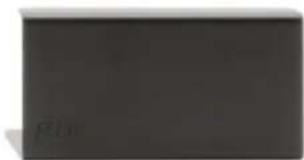
Filler Panel 1/6 Rack width
natural_image
Dark rectangular object with no visible text, symbols, or markingsRDL EZ Series products provide the highest level of value to A/V professionals and A/V users who demand professional quality. For long-term performance, quality and value, you have made the EZ choice. EZ products are made in the USA by RDL, the inventor of application-specific modules bringing decades of experience as the world's leading manufacturer of high-reliability performance products to the A/V industry. Visit the RDL website for hundreds of professional A/V products made in the USA by RDL.

RDL® Radio Design Labs
www.rdlnet.com
Decades of Performance, Quality and Value
RDL • 659 N. 6th Street • Prescott, AZ • USA 86301 • Sales: 800-281-2683 • 928-443-9391 Tech Support: 800-933-1780 • 928-778-3554 • RDL Europe Sales & Support: (31) 20-6238-983
EZ-FP1
Filler Panel
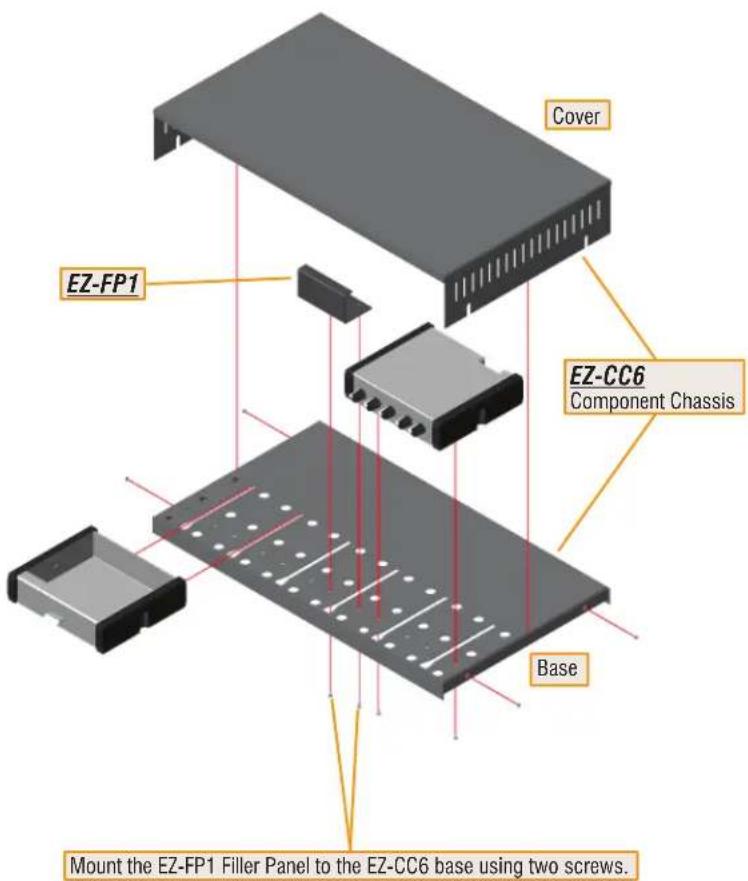
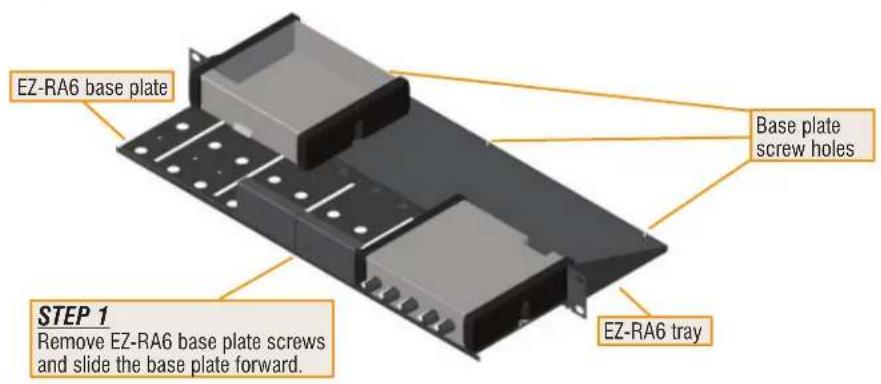
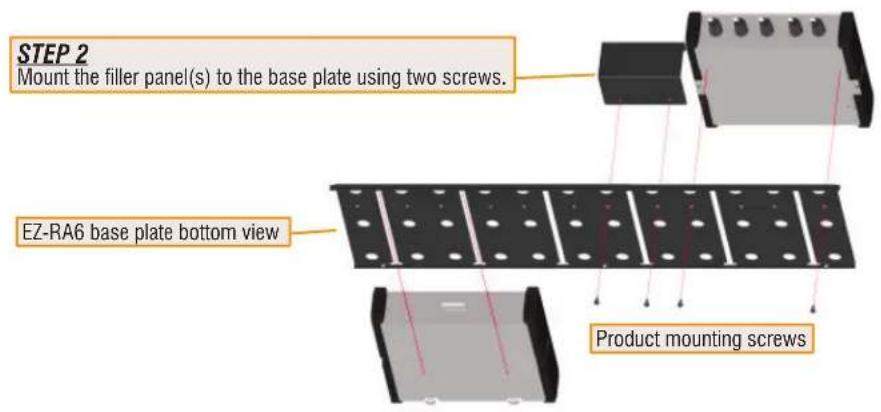
• Mounts in EZ-RA6 and EZ-CC6
• Installs Quickly With Two Screws
• Fills 1/6 Rack Width Space
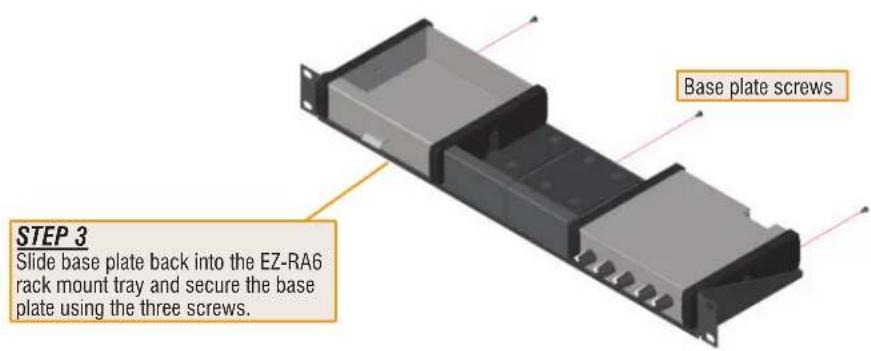
INSTALLATION IN EZ-CC6

SERIES
Made in USA by RDL
INSTALLATION IN EZ-RA6
OTHER SELECTED EZ SERIES MOUNTING ACCESSORIES
EZ-RA6
Rack Adapter for 6 Increments of 1/6 Rack Width

natural_image
Front view of a black rectangular electronic device with mounting holes and ventilation slots (no text or symbols visible)EZ-CC6
Component Chassis for 6 Increments of 1/6 Rack Width

natural_image
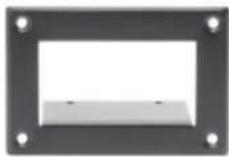
Exterior view of a black rectangular electronic device with ventilation slots and ventilation grilles (no text or symbols visible)EZ-SMB1
Surface Mount Bezel for 1/6 Rack Width Products
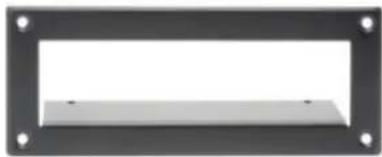
EZ-SMB2
Surface Mount Bezel for 1/3 Rack Width Products
natural_image
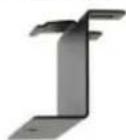
Exterior view of a rectangular frame with four corner holes and a central blank space (no text or symbols)EZ-UCB2
Under-Counter Brackets 1/6 or 1/3 Rack Width

EZ-SD2
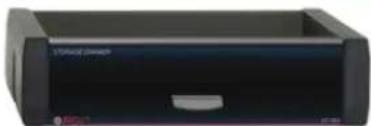
Storage Drawer 1/3 Rack Width
natural_image
Exterior view of a black electronic device labeled 'STMicro Devices' (no additional text or symbols visible)Use EZ-SD1 and EZ-SD2 in Place of Filler Panel(s)
Drawers Hold Adaptors and Cables
Mount in EZ-CC6 and EZ-RA6
EZ-DC1
Desktop Chassis 1/6 Rack Width

EZ-DC2
Desktop Chassis 1/3 Rack Width
natural_image
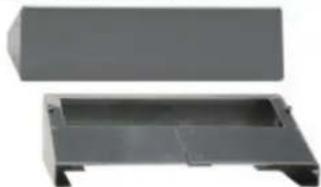
Two gray plastic electronic components with no visible text or symbolsEZ-SD1
Storage Drawer 1/6 Rack Width
Complete accessory listing available at: rdlez.com
CE
891-1629
Copyright © 2005 Fabric Design Labs, Inc. ROL, Fabric Design Labs and Inc. ROL imports are registered trademarks of Fabric Design Labs Inc. Data which product is publication line, subject to change without notice. Media USA applies to FZ products except power supplies.
Brand : RDL
Model : EZ-FP1
Category : Filler Panel