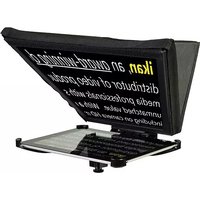
PT-Elite-UGK - Teleprompter Ikan - Free user manual and instructions
Find the device manual for free PT-Elite-UGK Ikan in PDF.


| Product Type | Teleprompter Upgrade Kit |
| Brand | Ikan |
| Model | PT-Elite-UGK |
| Compatible Devices | iPad (various models, with protection bumper) |
| Beamsplitter Glass | 30/70 reflective/transparent ratio |
| Dimensions (approximate) | 15 x 10 x 5 inches (38 x 25 x 13 cm) |
| Weight (approximate) | 2.5 lbs (1.1 kg) |
| Material | Aluminum frame, optical glass, fabric hood |
| Mounting System | 15mm rod clamp (rod not included) |
| Included Accessories | Glass frame, hood, iPad mount, iPad protection bumper, hex keys (3mm & 1/8 inch), D-ring, screws |
| Warranty | 1 year free service for manufacturing defects |
| Power Requirement | None (passive optical device) |
| Maintenance | Clean glass with soft, lint-free cloth; avoid abrasive cleaners |
| Safety | Ensure secure mounting to prevent falls; do not disassemble or modify |
| Spare Parts Availability | Screws, hex keys, and replacement glass available from Ikan |
Frequently Asked Questions - PT-Elite-UGK Ikan
User questions about PT-Elite-UGK Ikan
0 question about this device. Answer the ones you know or ask your own.
Ask a new question about this device
Download the instructions for your Teleprompter in PDF format for free! Find your manual PT-Elite-UGK - Ikan and take your electronic device back in hand. On this page are published all the documents necessary for the use of your device. PT-Elite-UGK by Ikan.
USER MANUAL PT-Elite-UGK Ikan
natural_image
Black triangular lamp stand with adjustable base and support structure (no text or symbols visible)PT-Elite-UGK
Elite iPad Teleprompter Upgrade Kit QUICKSTART GUIDE
CONDITIONS OF WARRANTY SERVICE
- Free service for one year from the day of purchase if the problem is caused by manufacturing errors.
- The components and maintenance service fee will be charged if the warranty period has expired.
Free Service will not be Provided in the Following Situations: (*Even if the product is still within the warranty period.)
- Damage caused by abuse or misuse, dismantling, or changes to the product not made by the company.
- Damage caused by natural disaster, abnormal voltage, and environmental factors etc.
Elite iPad Teleprompter Upgrade Kit QUICKSTART GUIDE
What's included

natural_image
Line drawing of a flatboard-mounted device with mounting bracket (no text or symbols)□ Glass Frame
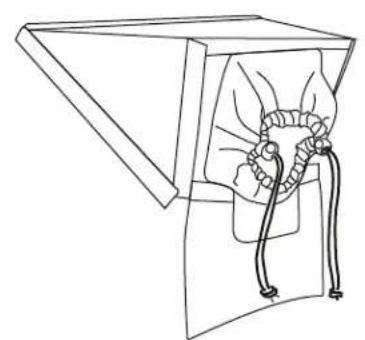
natural_image
Line drawing of a mechanical device with a handle and rope, no text or symbols present
natural_image
Simple geometric shape resembling a trapezoid with two diagonal lines inside (no text or symbols)□ 30/70 Prompter Glass□ Hood
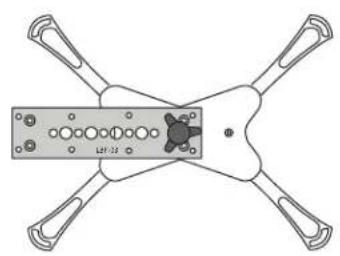
natural_image
Technical line drawing of a four-angle mechanical component with mounting holes and a central hub (no text or symbols)□ iPad Teleprompter Mount

natural_image
Simple line drawing of a curved rectangular shape with an oval cutout on top (no text or symbols)□ iPad Protection Bumper
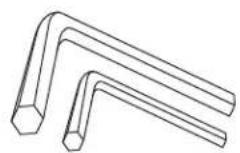
□ 1 x HEX KEY 3mm
1 x HEX KEY 1/8 inch

□ 1 x D-Ring

☐ 2 x 4mm X 20mm Socket Head Countersink Screw
Checked by
Elite iPad Teleprompter Upgrade Kit QUICKSTART GUIDE
GETTING STARTED
- Loosen the thumb screw. Turn LBP-03 90° and tighten it.
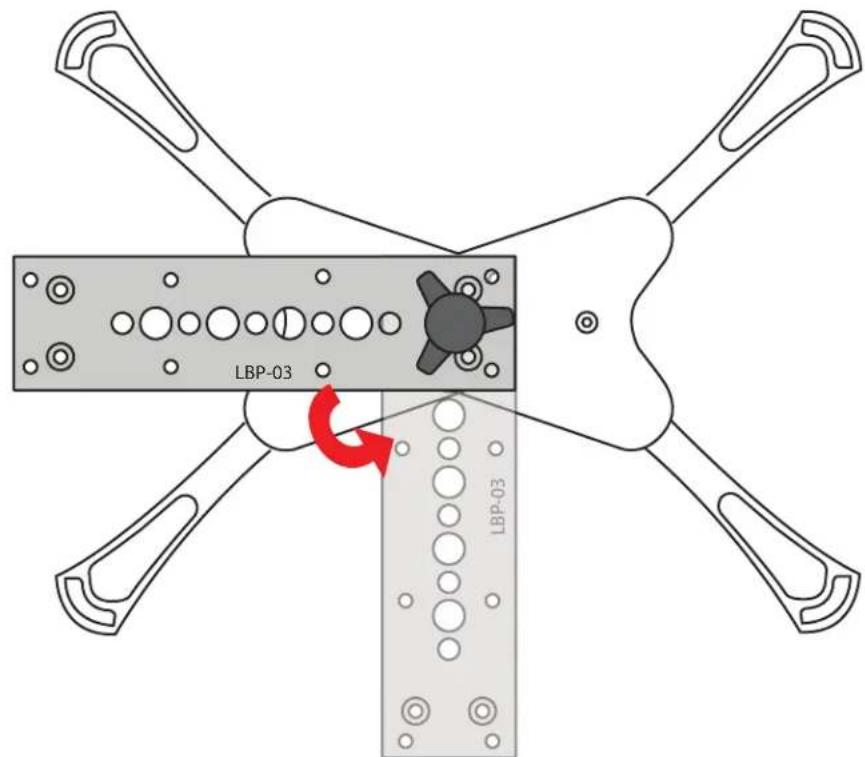
- Slide the iPad Mount through the iPad Protection Bumper.

Note: The use of the iPad Protection Bumper is optional. It is intended to help prevent scratches or wear on your iPad.
Elite iPad Teleprompter Upgrade Kit QUICKSTART GUIDE
- Fit Frame to iPad Mount. Secure with 2 x Socket Head Countersink Screw.

ikan
www.ikancorp.com 713-272-8822
Elite iPad Teleprompter Upgrade Kit QUICKSTART GUIDE
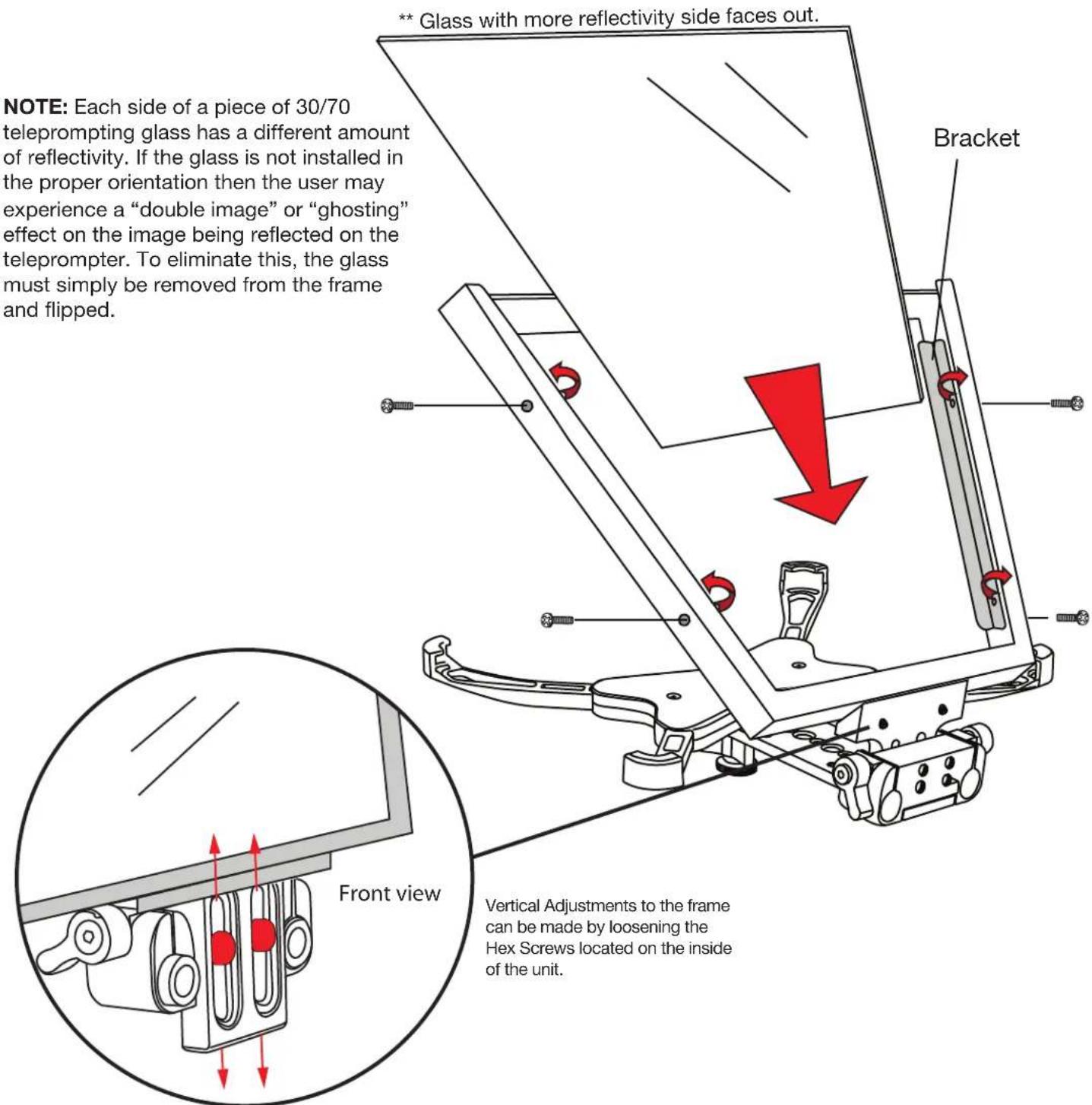
- Remove 4 x small frame screws and 2 x brackets. Insert prompter glass into frame. Secure prompter glass by replacing brackets and screws.
Elite iPad Teleprompter Upgrade Kit QUICKSTART GUIDE
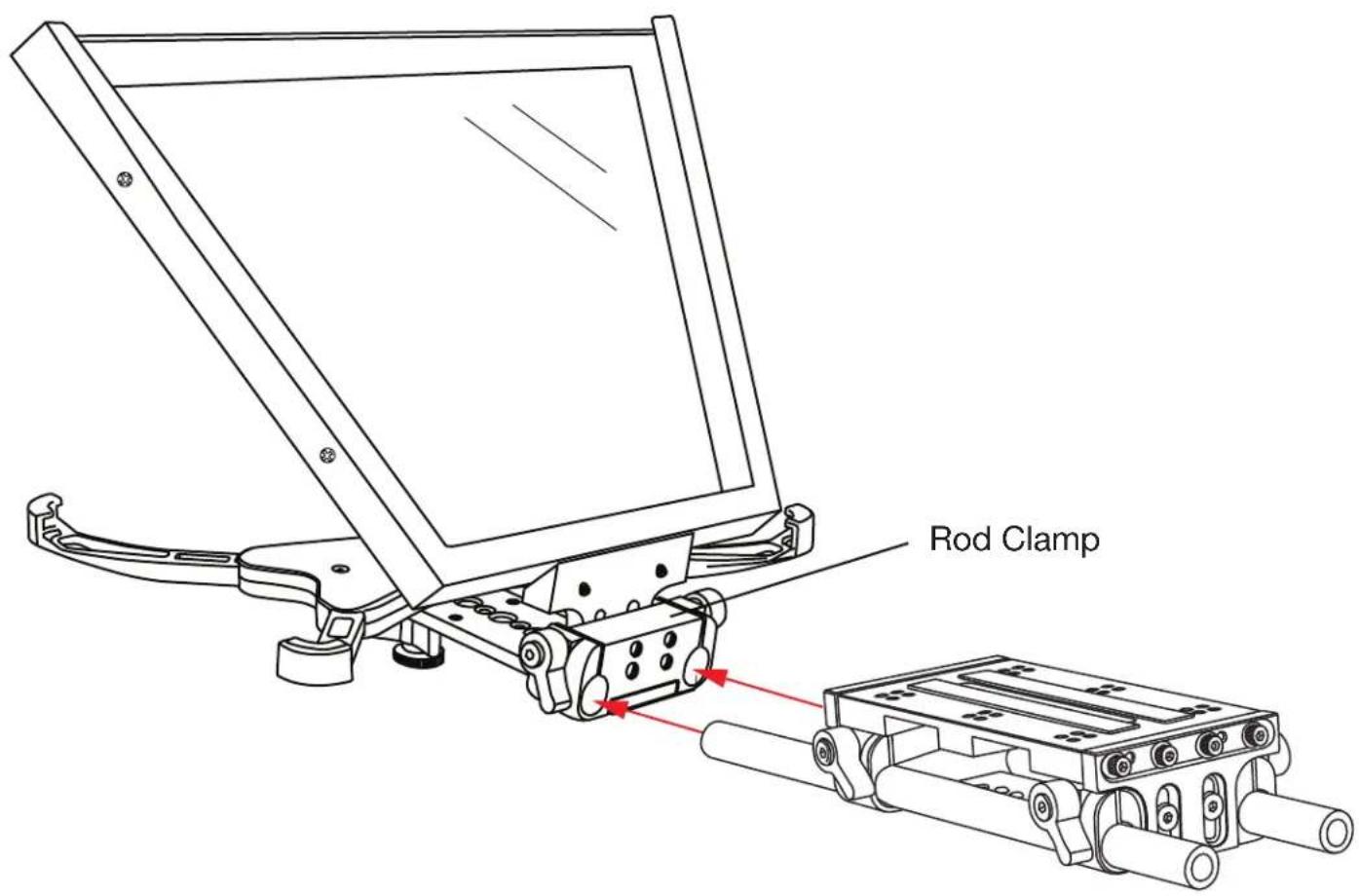
- Secure your 15mm rod based system to the Rod Clamp.
Elite iPad Teleprompter Upgrade Kit QUICKSTART GUIDE
- Apply Velcro to Glass Frame border. Attach Hood.

natural_image
Technical line drawing of a mechanical device with attached wiring and a close-up view of internal components (no text or symbols)


Brand : Ikan
Model : PT-Elite-UGK
Category : Teleprompter