DX-WD1202 - TV Stand Dynex - Free user manual and instructions
Find the device manual for free DX-WD1202 Dynex in PDF.


| Product Type | Corner TV Stand |
| Brand | Dynex |
| Model | DX-WD1202 |
| Overall Dimensions (W x H x D) | 39.25 x 11.38 x 19.5 inches (99.69 x 28.9 x 49.53 cm) |
| Top Surface Dimensions (W x D) | 39.25 x 19.5 inches (99.69 x 49.53 cm) |
| Weight Capacity (Top) | 95 lbs (43.09 kg) |
| Weight Capacity (Middle Shelf) | 25 lbs (11 kg) per side |
| Weight Capacity (Lower Shelf) | 40 lbs (18 kg) total |
| Maximum TV Size | Most 37" and some 42" flat-panel or 27" CRT TVs |
| Number of Doors | 2 |
| Number of Shelves | 1 middle shelf (removable), 1 bottom shelf |
| Materials | Wood composite (particle board, MDF, or similar) |
| Assembly Required | Yes |
| Tools Required | No. 2 Phillips screwdriver, hammer, shim, flatblade screwdriver (electric drill not recommended) |
| Assembly Hardware Included | Hidden cams, cam dowels, cam screws, screws, nails, hinges, pulls, washers, bumpers, hole covers, warning label |
| Door Adjustment | Horizontal, vertical, and depth adjustable via hinges |
| Safety Features | Warning label, adjustable leveling feet, weight limit labels |
| Cleaning Instructions | Furniture polish or damp cloth; wipe dry |
| Customer Support | Call 800-305-2204 (US/Canada) |
| Warranty | Not specified; includes Certificate of Conformity |
Frequently Asked Questions - DX-WD1202 Dynex
User questions about DX-WD1202 Dynex
0 question about this device. Answer the ones you know or ask your own.
Ask a new question about this device
Download the instructions for your TV Stand in PDF format for free! Find your manual DX-WD1202 - Dynex and take your electronic device back in hand. On this page are published all the documents necessary for the use of your device. DX-WD1202 by Dynex.
USER MANUAL DX-WD1202 Dynex
ASSEMBLY INSTRUCTIONS
DX-WD1202
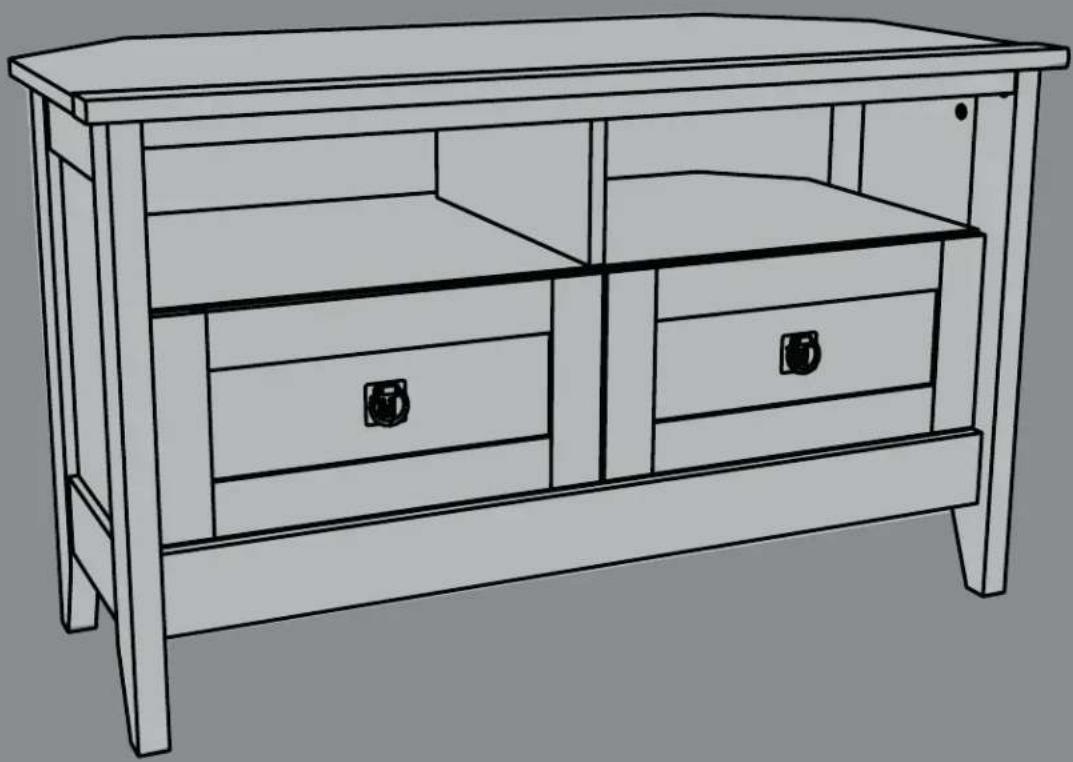
Corner TV Stand
natural_image
Line drawing of a wooden TV set with two drawers and a handle (no text or symbols)Safety information and specifications .....2
Tools needed....3
Package contents 3
Assembly instructions....6
Safety information and specifications

CAUTION:
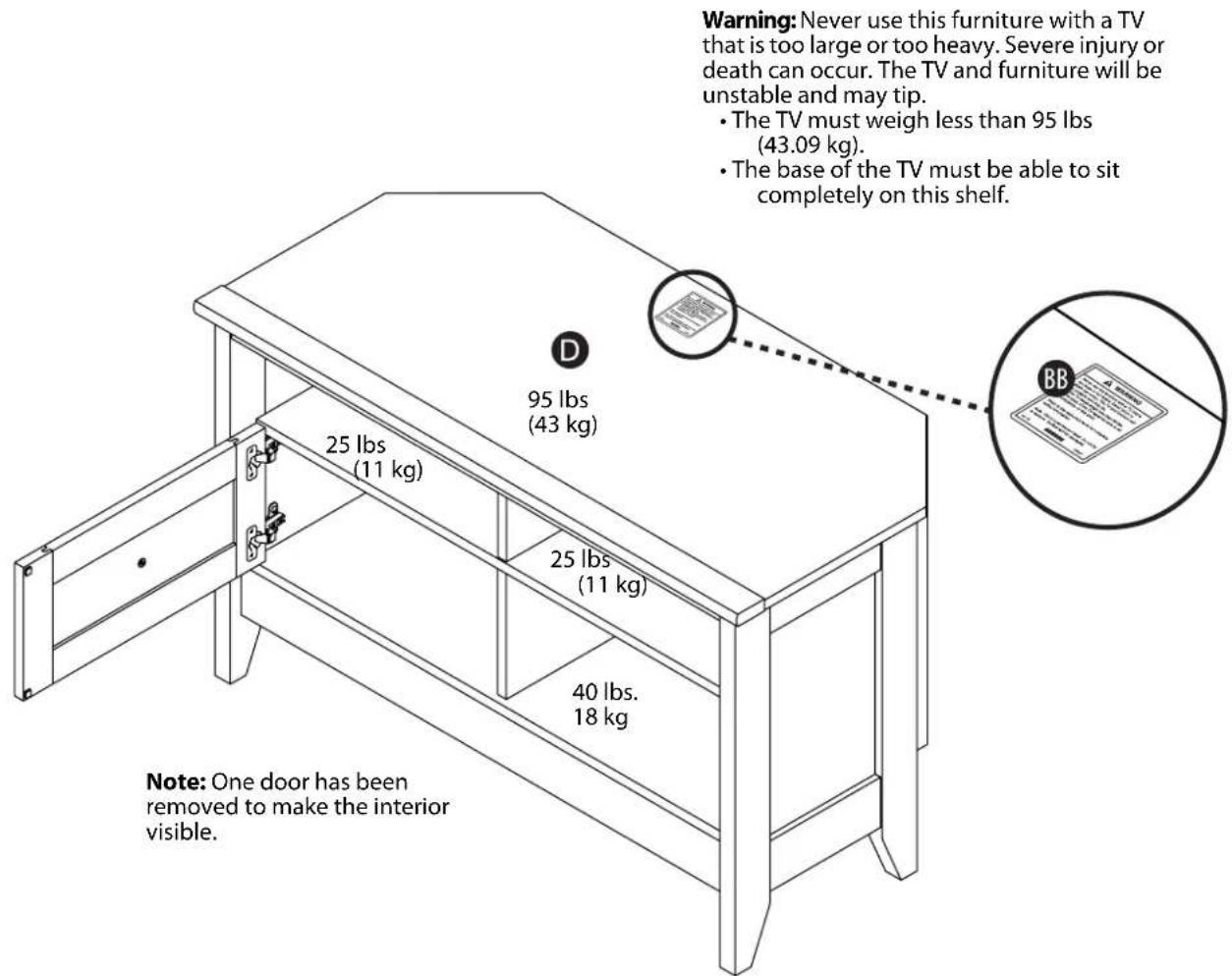
This stand's work surface is intended only for use with a product not weighing more than 95 lbs. (43.09 kg) and accommodates most 37" and some 42" flat-panel TV's or 27" CRT TV's with dimensions that will permit the TV to sit evenly on the stand. Using with other products, including products that weigh more than the maximum weight allowed, may result in instability, which may cause possible injury.
Maximum weight: 95 lbs. (43.09 kg)
Maximum screen size: Most 37" and some 42" flat-panel TV's or 27" CRT TV's
Weight capacity (top of stand): 95 lbs. (43 kg)
Weight capacity (middle shelf): 25 lbs. (11 kg) per side
Weight capacity (total lower shelf): 40 lbs (18 kg)
Overall dimensions: W × H × D
39.25" × 11.38" × 19.5" (99.69 × 28.9 × 49.53 cm)
Top of stand: W ×H
39.25" × 19.5" (99.69 × 49.53 cm)
Usable middle shelf: W × H × D
17.38" × 5.75" × 17" (44.15 × 14.6 × 43.18 cm) per side
Usable lower shelf: W × H × D
- Do not let children climb on your stand or play near it. The stand may tip over causing the TV or stand to injure someone.
- When placing items on the shelves or the top of the stand, load the bottom shelf first and work up to the top of your stand.
- Do not overload the shelves. They may break.
- Do not move your stand with items on the top or shelves. Your stand may tip over and injure someone. Before you move your stand, unload starting with the top of your stand and working to the bottom shelf.
- Do not push your stand to move it. With the help of a second person, lift your stand to move it.
Tools needed
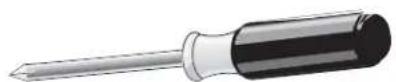
No. 2 Phillips screwdriver
natural_image
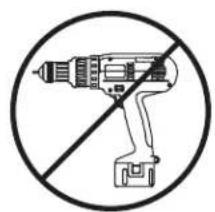
Symbol of a drill crossed out by a diagonal line, representing no power or resistance (no text present)Caution: Do not use an electric drill or screwdriver
natural_image
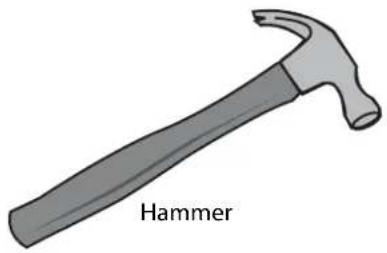
Illustration of a hammer with a textured handle and labeled 'Hammer' (no other text or symbols)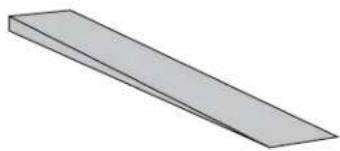
natural_image
Simple 3D illustration of a rectangular prism with no text or symbolsShim
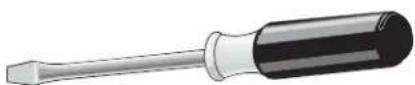
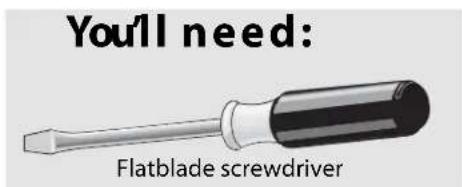
Flatblade screwdriver
Package contents: hardware
Note: You may receive extra hardware with your new TV stand.
Make sure you have all the hardware necessary to assemble your new TV stand:
| Label | Hardware Qty. | ||
| Q |  | Hidden cam | 30 |
| R | 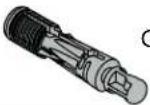 | am dowel | 22 |
| S | 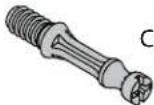 | am screw | 8 |
| T | 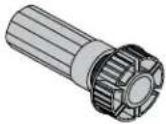 | Foot | 1 |
| U | 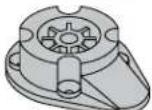 | Foot base | 1 |
| V | 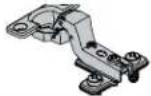 | Hinge | 4 |
| Label | Hardware Qty. | ||
| W | 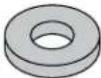 | Washer | 2 |
| X | 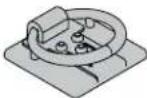 | Pull | 2 |
| Y | 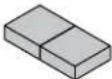 | Bumper card | 2 |
| AA | 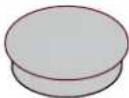 | Hole cover | 2 |
| BB | 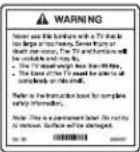 | Warning label | 1 |
Package contents: hardware (continued)
Using a screw that is too long will cause damage to your stand. Before beginning assembly, separate each type of screw. Carefully study the screw table below. You can use the ruler at the bottom of the screw table to measure screws. Pay close attention to the color of each screw.
| Letter Description Qty. | ||
| CC |  | 4 |
| DD | 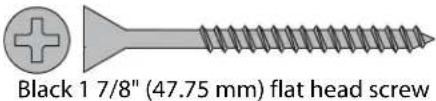 | 4 |
| EE | 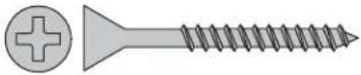 Brown 1 1/2" (38.1 mm) flat head screw Brown 1 1/2" (38.1 mm) flat head screw | 3 |
| FF |  Black 9/16" (14.22 mm) flat head Black 9/16" (14.22 mm) flat head | 8 |
| GG |  Black 9/16" (14.22 mm) pan head screw Black 9/16" (14.22 mm) pan head screw | 4 |
| HH | 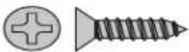 Black 1/2" (12.7 mm) flat head screw Black 1/2" (12.7 mm) flat head screw | 8 |
| II | 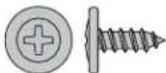 Brown 7/16" (11.17 mm) large head screw Brown 7/16" (11.17 mm) large head screw | 8 |
| JJ | 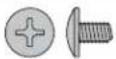 Silver 1/4" (6.35 mm) machine screw Silver 1/4" (6.35 mm) machine screw | 2 |
| KK33 |  Nails Nails | |
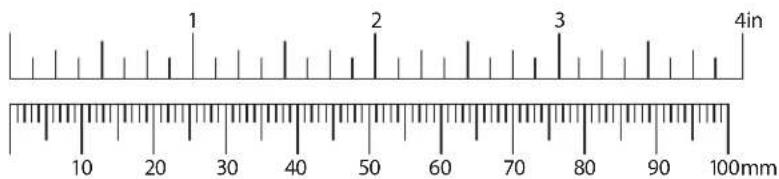
Package contents: parts
A End (2)
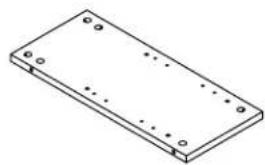
natural_image
Isometric line drawing of a rectangular plate with mounting holes and dot patterns (no text or symbols)B Upright (1)
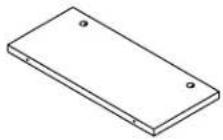
C Lower upright (1)
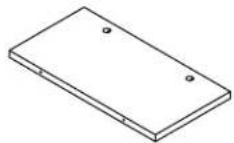
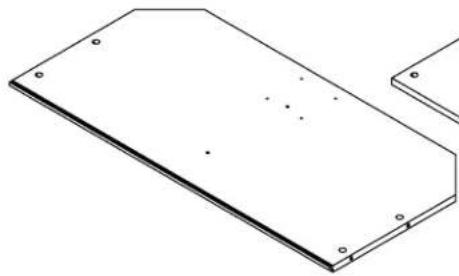
D Top (1)
natural_image
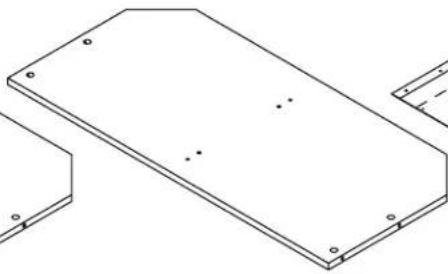
Isometric view of a rectangular metal plate with mounting holes and bolt holes (no text or symbols)E Bottom (1) F Shelf (1)
natural_image
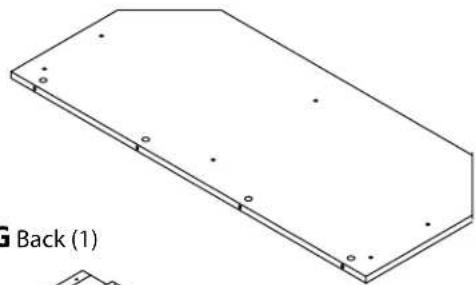
Pure technical line drawing of a rectangular plate with mounting holes and small dots, no text or symbols present.G Back (1)
natural_image
Technical line drawing of a rectangular plate with mounting holes and internal features (no text or symbols)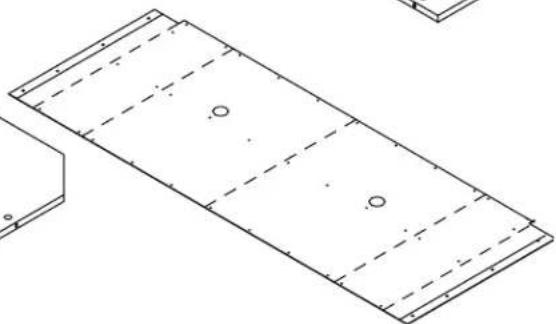
natural_image
Pure technical line drawing of a rectangular plate with dashed internal lines and circular holes, no text or symbols present.H Door (2)
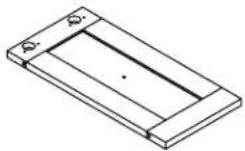
I Right front and left rear leg (2)
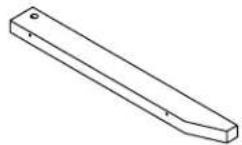
J Left front and right rear leg (2)
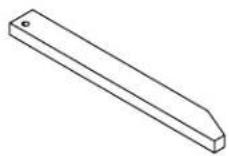
K Extension (2)

L Stop molding (1)
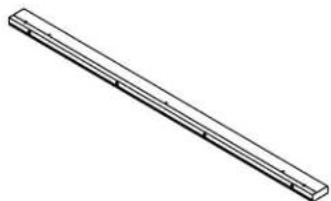
natural_image
Isometric line drawing of a long rectangular object with horizontal grooves and a small protrusion (no text or symbols)M Top molding (1)
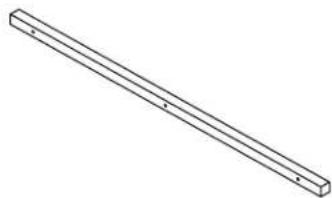
natural_image
Simple line drawing of a long rectangular beam with evenly spaced holes (no text or symbols)N Base (1)
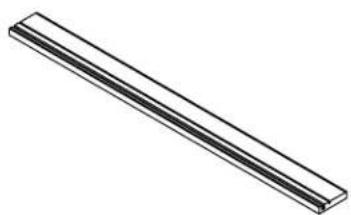
natural_image
Simple 3D illustration of a long horizontal bar with no text or symbols- Top rail (2)
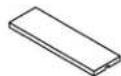
P Bottom rail (2)
Step1:
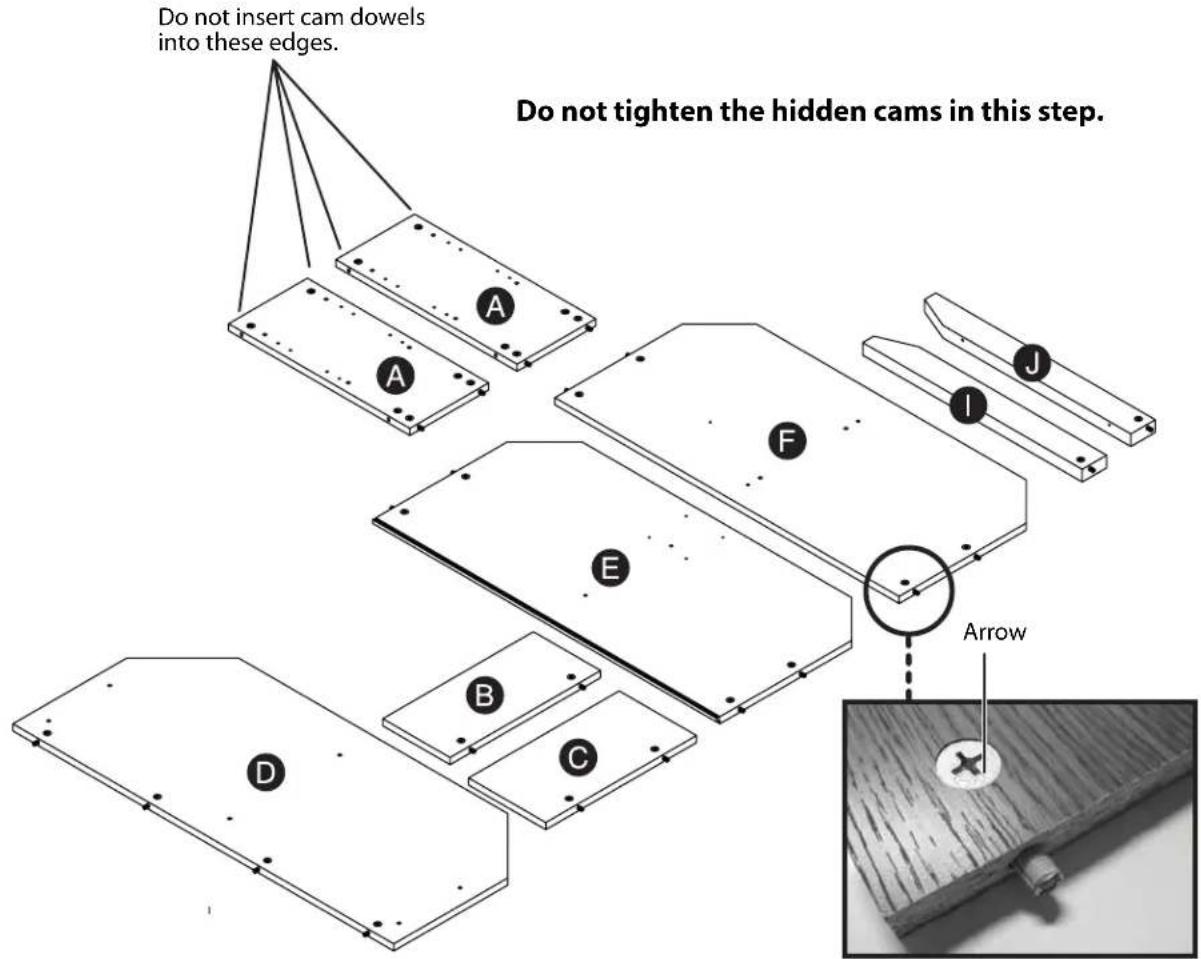
Assemble your stand on a carpeted floor or on the empty carton to avoid scratching your stand or the floor. Push thirty hidden cams (Q) into the ends (A), uprights (B and C), top (D), bottom (E), shelf (F), and one set of legs (I and J). Then, insert twenty-two cam dowels (R) into the hidden cams. Do not insert cam dowels into the hidden cams on the end of (A) as indicated in the illustration.
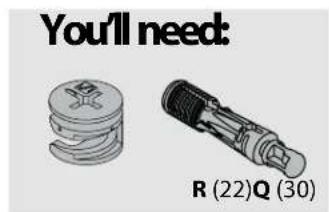
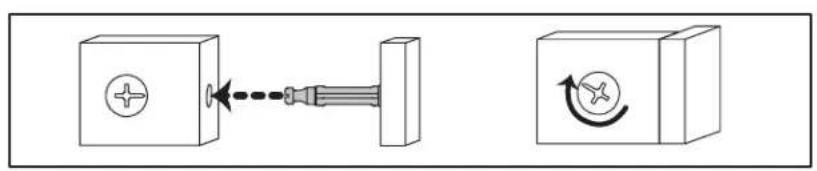
Tightening hidden cams
In the remaining steps, use these illustrations for instructions on tightening hidden cams.
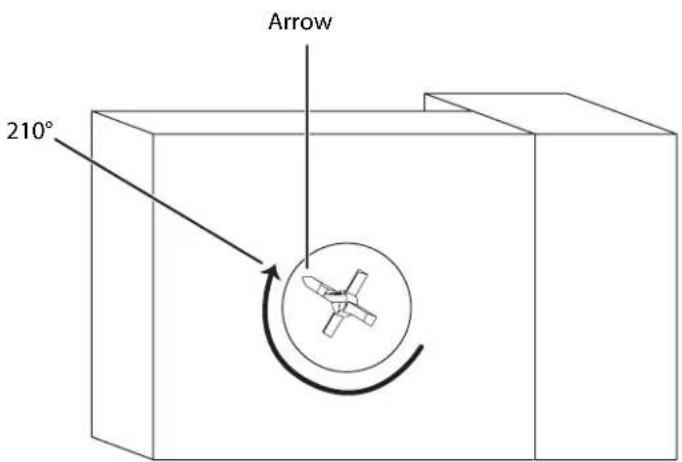
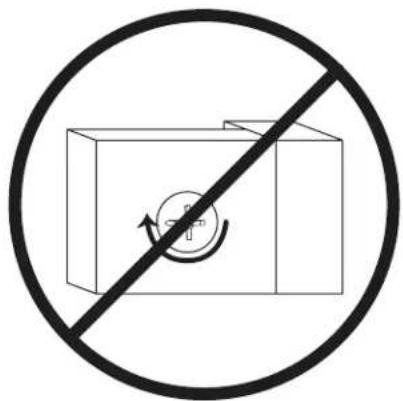
Warning: Risk of damage or injury. Hidden cams must be completely tightened. Hidden cams that are not completely tightened will loosen, and parts may separate.
A hidden cam (Q) has an arrow. When you insert the hidden cam, make sure that the arrow points toward the hole in the side of the part you are inserting it into.
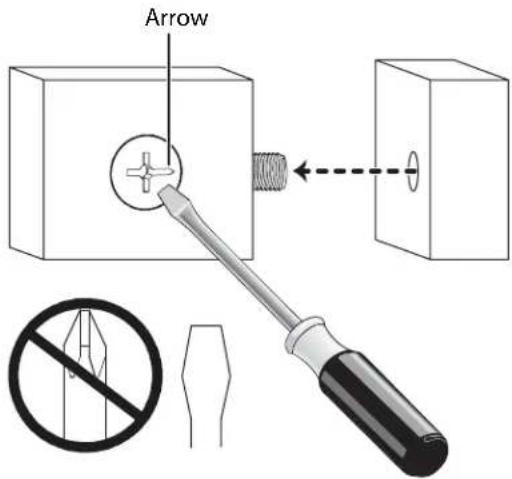
In the illustration below, the hidden cam has not been tightened enough.
Make sure that you turn the hidden cam 210°. Note the position of the arrow on the hidden cam.
Need help? Call 800-305-2204
Step 2:
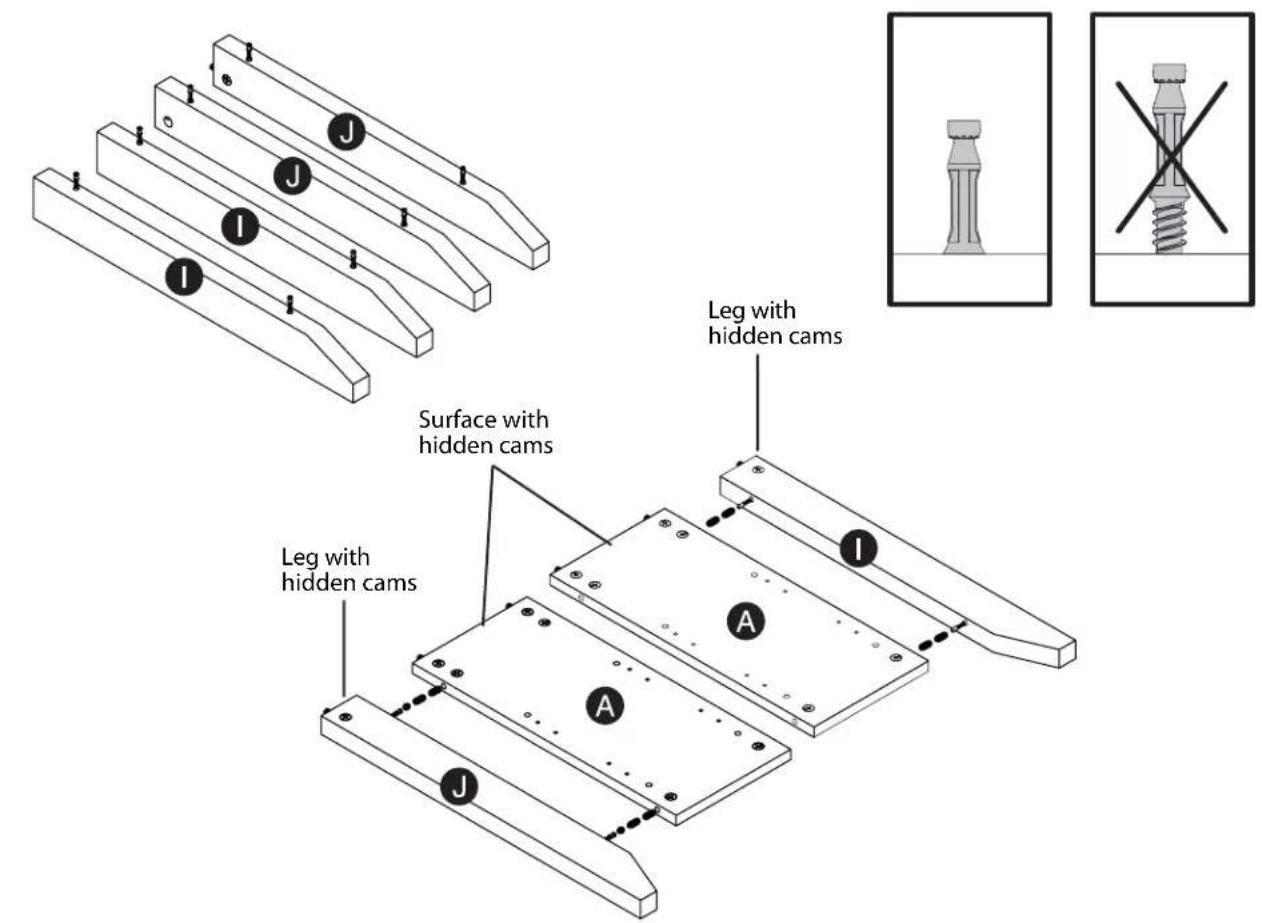
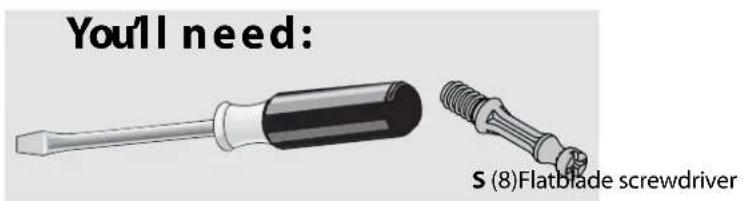
Screw two cam screws (S) into each of the legs (two I and two J).
Place the ends (A) flat with the side with the hidden cams facing up.
Make sure that the sides of the legs with the hidden cams are toward the ends (A).
Insert the cam screws on one of the legs (I) into one of the ends (A) and cam screws on one of the legs (J) into the opposite side of the other end (A).
Tighten the four hidden cams. See "Tightening hidden cams" on page 7.
Need help? Call 800-305-2204
Step 3:
Carefully turn the ends (A) over so the side without the hidden cams is facing up.
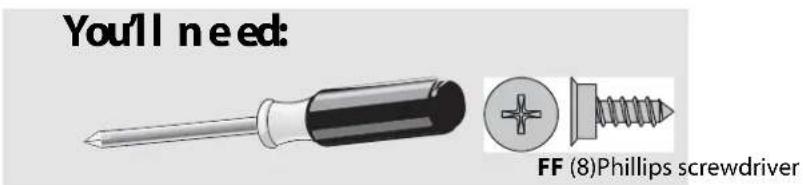
Use a Phillips screwdriver to screw eight black 9/16" flat head screws (FF) (four per end) into the ends (A) until the shoulders of the screws rest on the surface of the ends. Do not screw the screws in all the way.
Align the groove on a top rail (O) over the top screw head on one of the ends (A), then slide the rail over the other screw head. Make sure that the ends of the rail are flush with the edges of the end. Repeat to attach the other top rail (O) to the other end (A).
Align the groove on a bottom rail (P) over the bottom screw head on one of the ends (A), then slide the rail over the other screw head. Make sure that the ends of the rail are flush with the edges of the end. Repeat to attach the other bottom rail (P) to the other end (A).
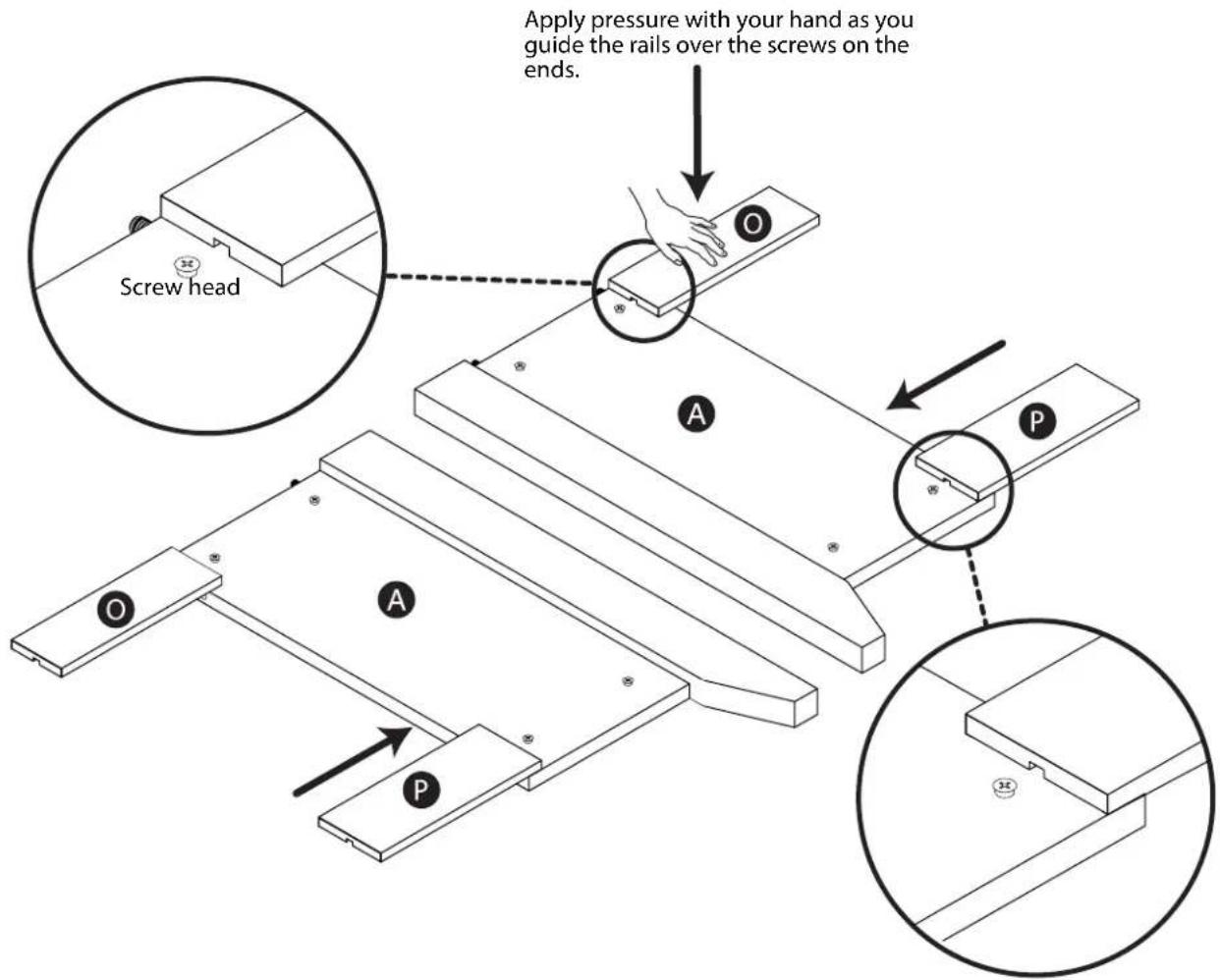
Need help? Call 800-305-2204
Step 4:
Carefully turn the ends over so the sides with the hidden cams face up.
Attach the unattached leg (I) to the left end (A) and the unattached leg (J) to the right end (A). See Step 2 for instructions.
Insert a hole plug (AA) into the holes on the legs (I and J) that you just attached.
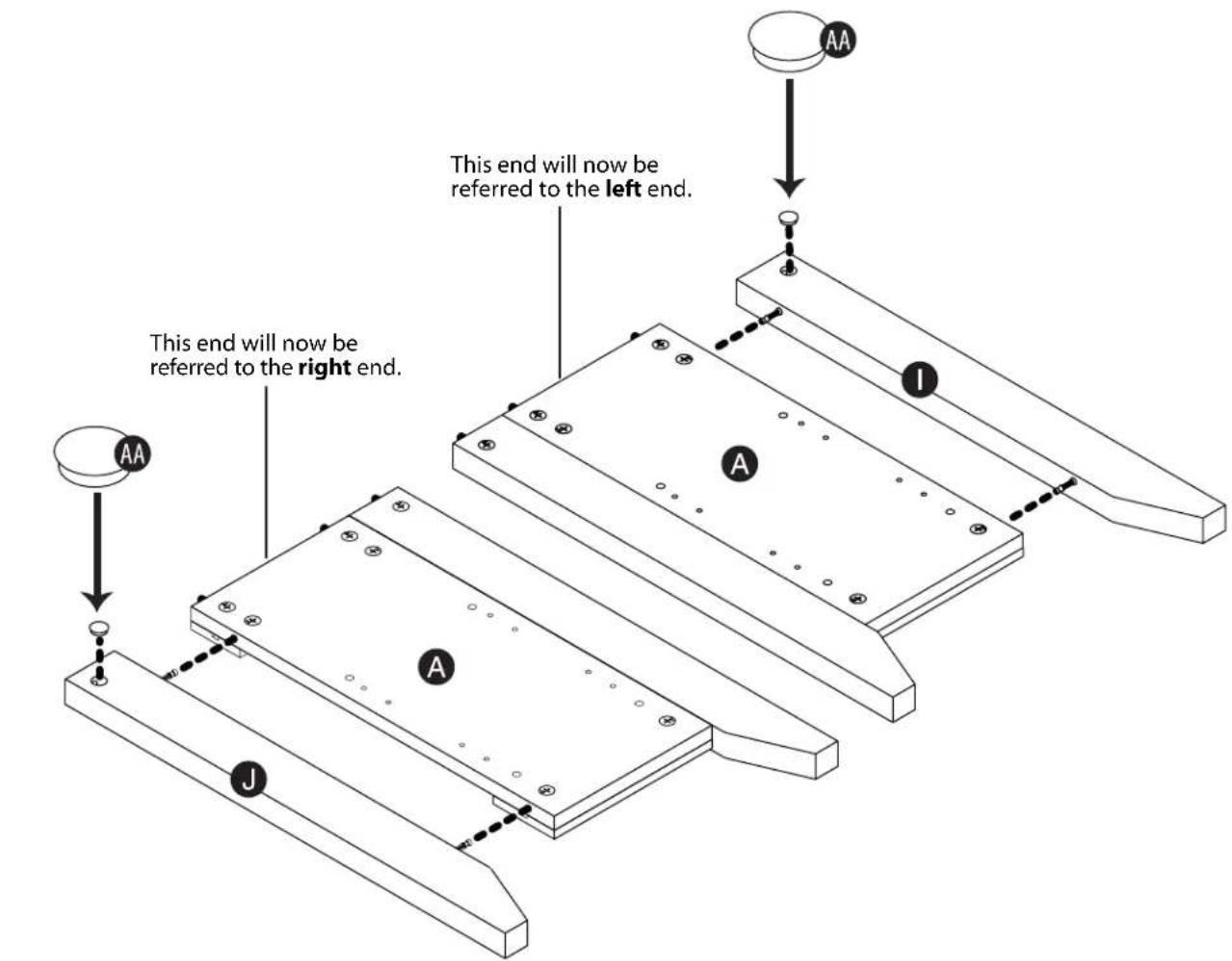
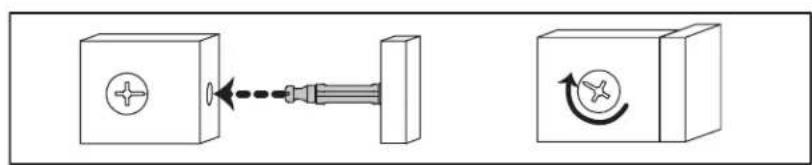
natural_image
Diagram showing a screwdriver interacting with a rectangular block, with no text or symbols present.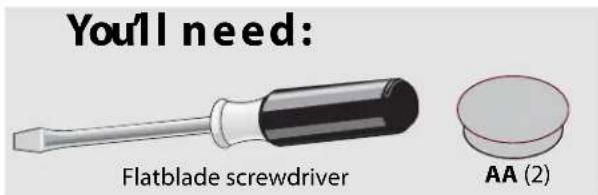
Need help? Call 800-305-2204
Step 5:
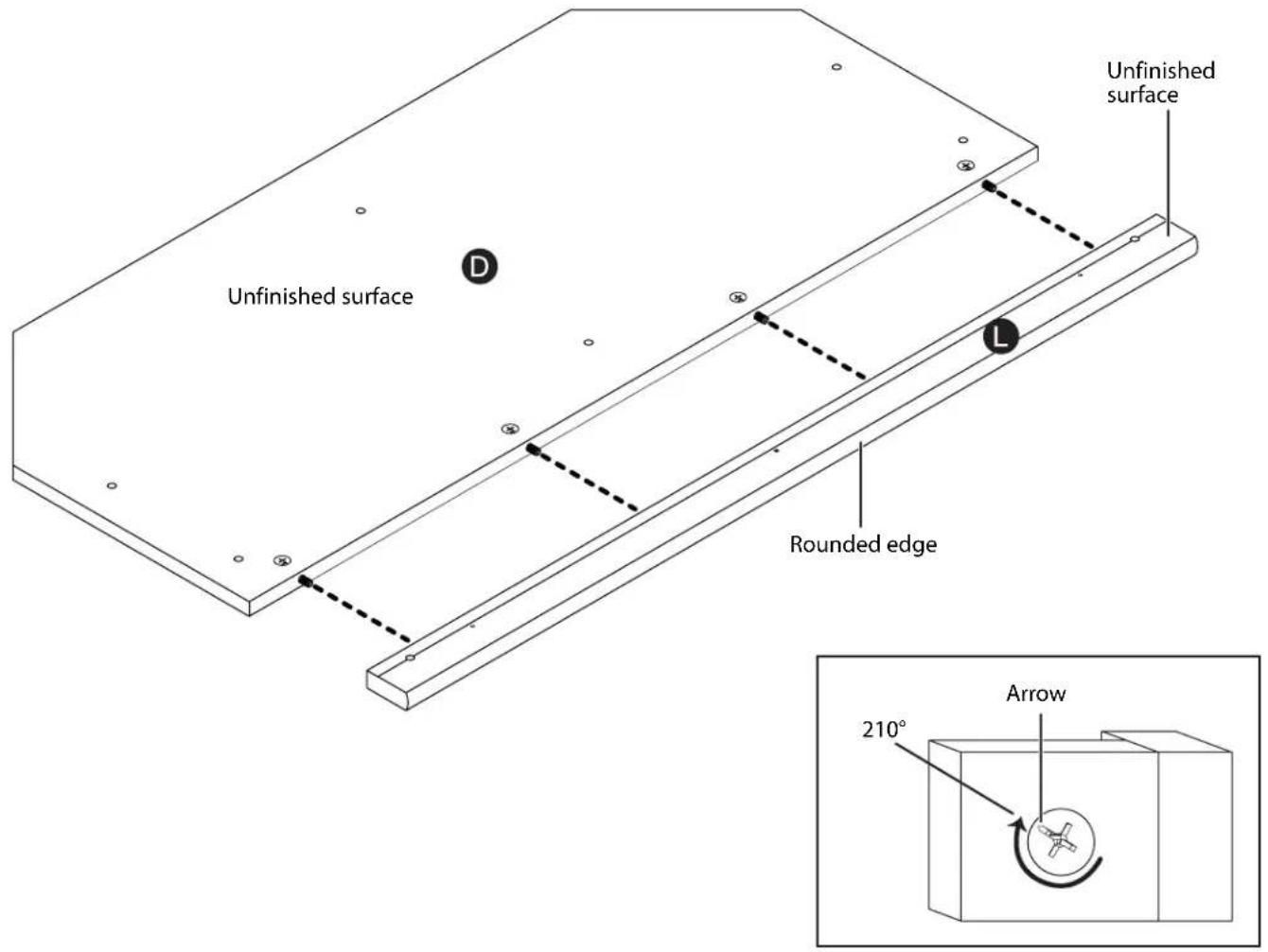
Fasten the stop molding (L) to the top (D). Use a flatblade screwdriver to tighten the four hidden cams. See "Tightening hidden cams" on page 7.
Need help? Call 800-305-2204
Step 6:
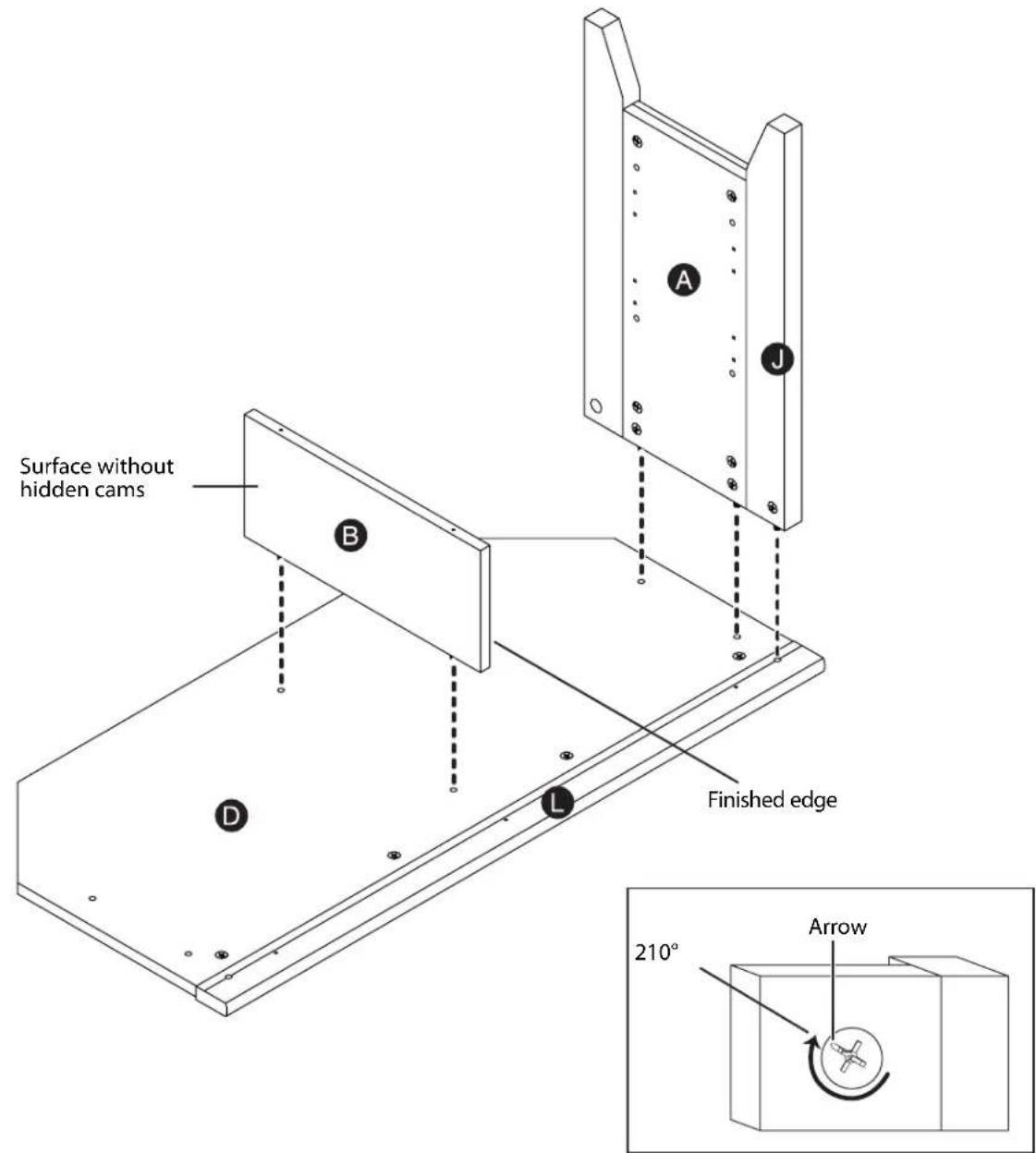
Fasten the upright (B) and the left end (A) with the leg (J) to the top (D) and stop molding (L). Use a flatblade screwdriver to tighten the five hidden cams (two on the upright (B), two on the left end (A), and one on the leg (J)). See "Tightening hidden cams" on page 7.
Need help? Call 800-305-2204
Step 7:
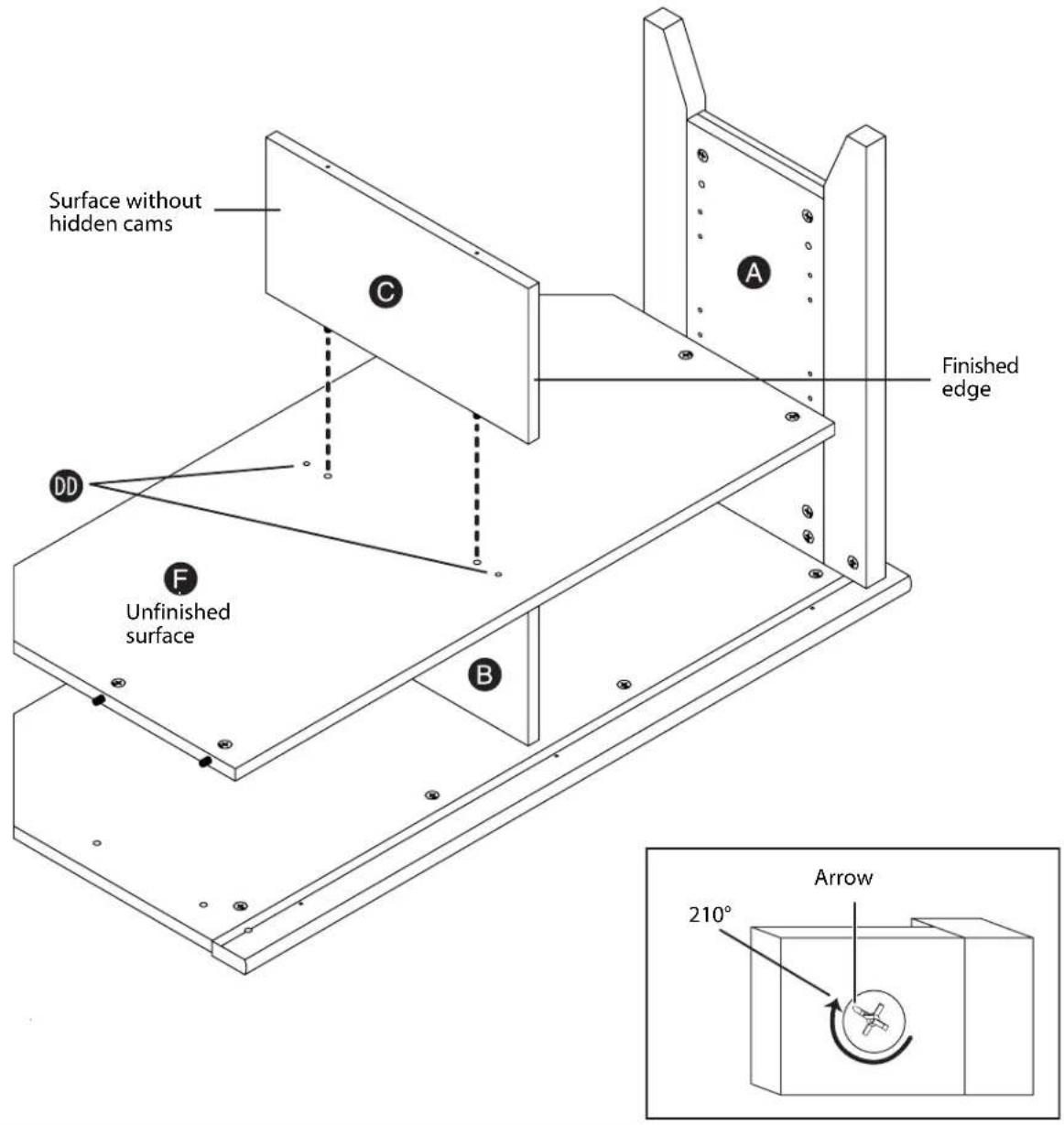
Fasten the shelf (F) to the left end (A). Use a flatblade screwdriver to tighten the two hidden cams. See "Tightening hidden cams" on page 7. Fasten the shelf (F) to the upright (B). Use a Phillips screwdriver and two black 1 7/8" flat head screws (DD). Fasten the lower upright (C) to the shelf (F). Use a flatblade screwdriver to tighten the two hidden cams.

Need help? Call 800-305-2204
Step 8:
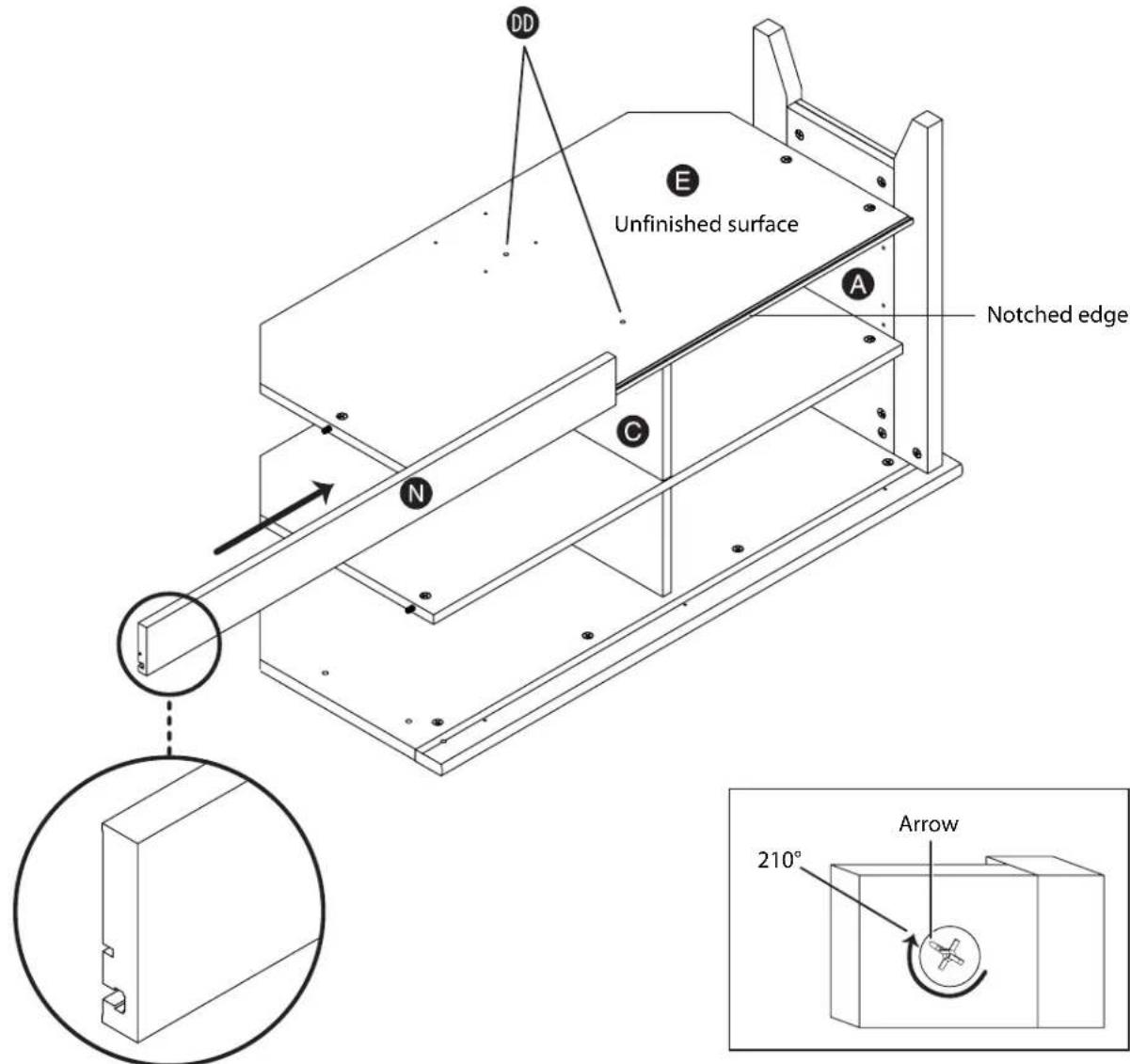
Fasten the bottom (E) to the left end (A). Use a flatblade screwdriver to tighten the two hidden cams. See "Tightening hidden cams" on page 7.
Fasten the bottom (E) to the lower upright (C). Use a Phillips screwdriver and two black 1 7/8" flat head screws (DD).
Slide the base (N) onto the notched edge of the bottom (E) so that the edge of the base is flush with the leg on left end (A).
You'll need:

natural_image
Illustration of screwdrivers and a plus symbol (no text or labels)Flatblade screwdriver Phillips screwdriver
Step 9:
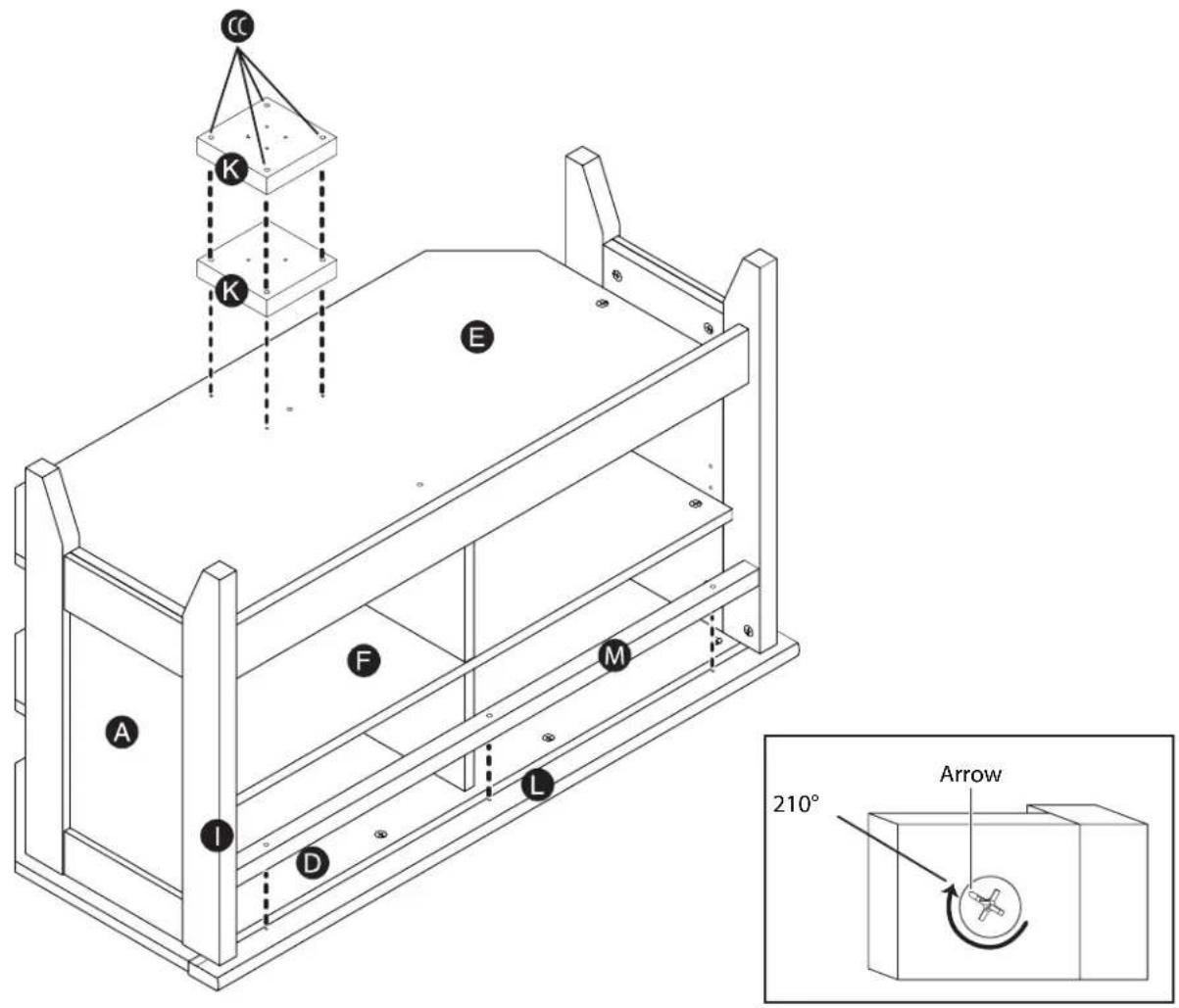
Fasten the right end (A) with the leg (I) to the top (D), bottom (E), shelf (F), and stop molding (L). Use a flatblade screwdriver to tighten the seven hidden cams: A (2), E (2), F(2), and I (1). See "Tightening hidden cams" on page 7.
Fasten the top molding (M) to the stop molding (L). Use a Phillips screwdriver and three brown 1 1/2" flat head screws (EE).
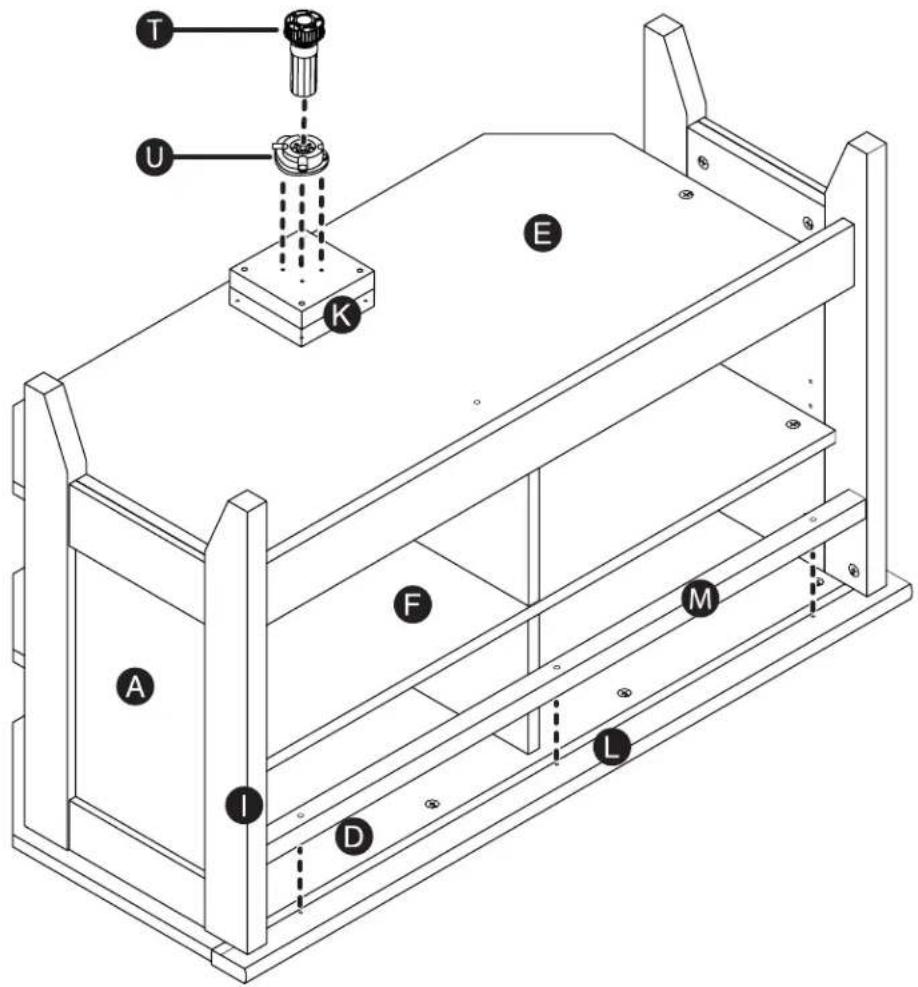
Fasten the extension blocks (K) to the bottom (E). Use a Phillips screwdriver and four black 2 1/2" large head screws (CC).
You'll need:

natural_image
Two types of screwdrivers shown side by side, no text or symbols presentFlatblade screwdriver Phillips screwdriver

Step 10:
With the top of the unit facing down, fasten the foot base (U) to the extension block (K). Use a Phillips screwdriver and four black 9/16" pan head screws (GG). Then, push the foot (T) into the foot base (U).
Note: Turn the foot (T) for adjustments. The foot should not extend beyond the bottom edge of the base (N).
You'll need:
Phillips screwdriver
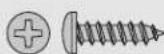
GG (4)
Step 11:
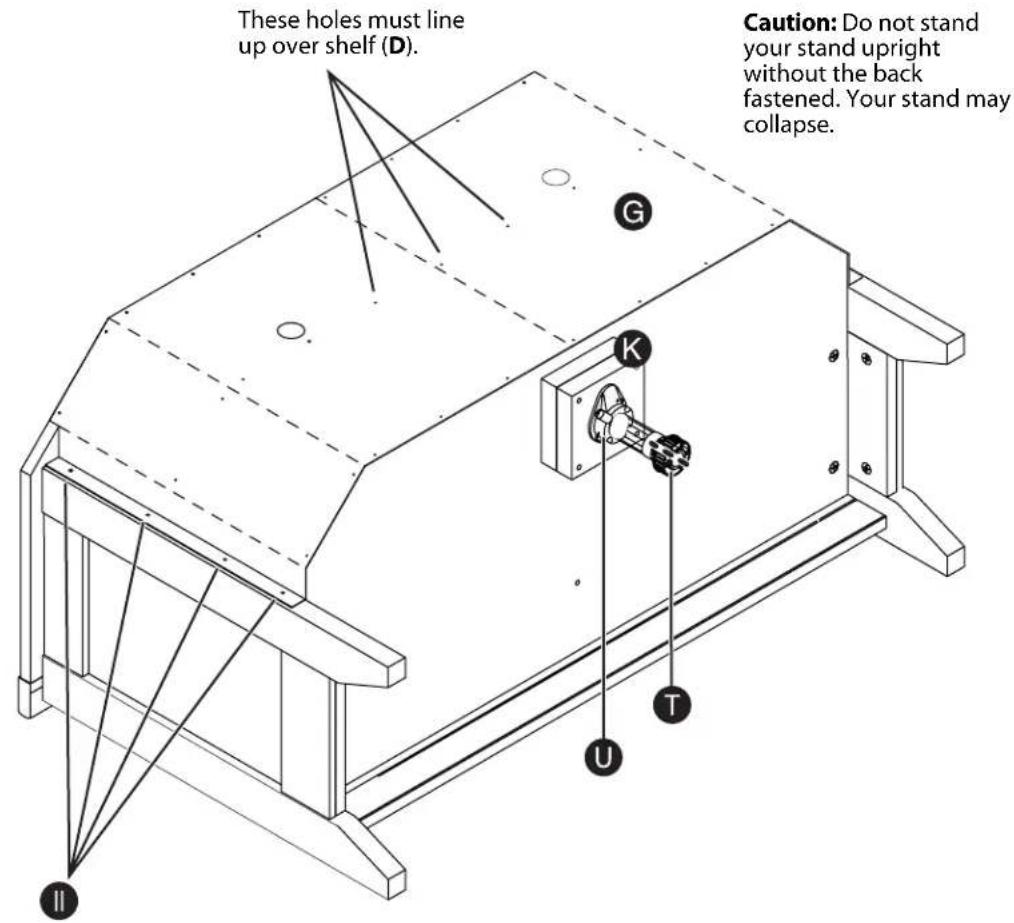
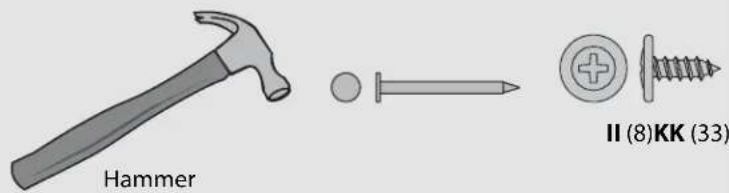
Carefully turn the unit so the front is facing down, then fasten the back (G) to the legs (I and J). Use a Phillips screwdriver and eight brown 7/16" large head screws (II).
Fasten the remaining back (G) to your stand using 33 nails (KK).
Note: Be sure to tap the nails into the holes that line up over the shelf (F). Perforations have been provided for access through the back. Carefully cut out the holes needed.
You'll need:
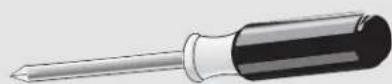
Phillips screwdriver
Step 12:
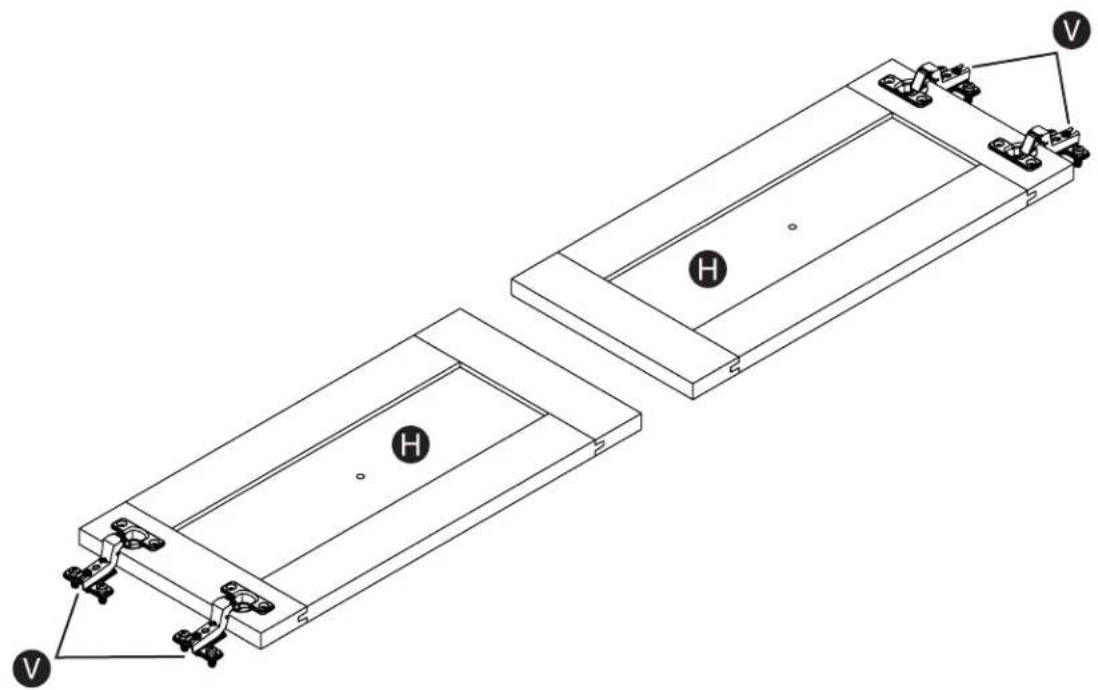
Fasten the hinges (V) to the doors (H). Use a Phillips screwdriver and eight 1/2" flat head screws (HH) (two for each hinge).
natural_image
Technical line drawing of a mechanical assembly with two rectangular components and mounting holes (no text or symbols)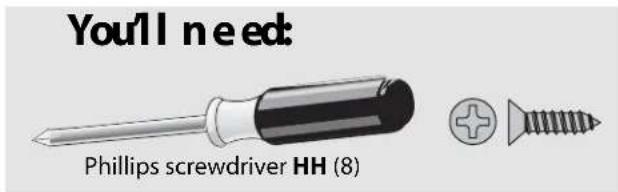
Step 13:
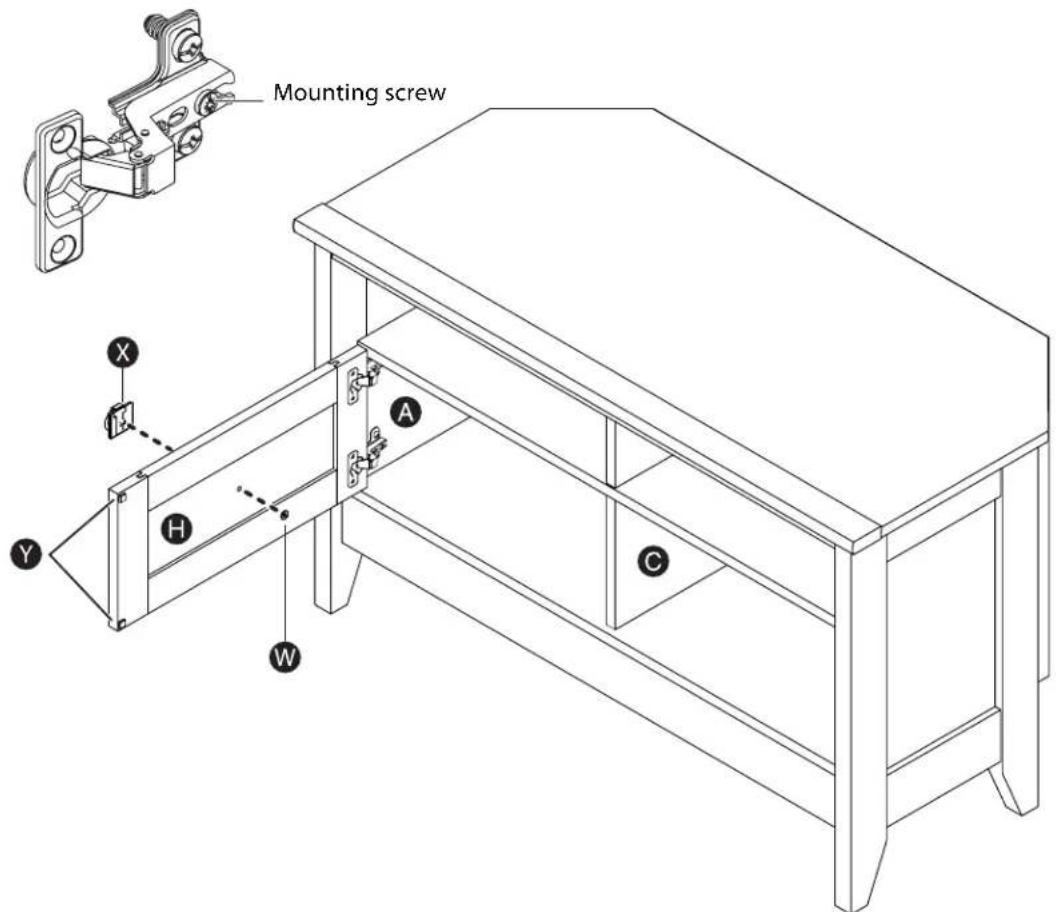
Carefully turn the unit so the left end is facing down, then fasten one of the doors (H) to the left end (A). Use a Phillips screwdriver and the screws in the hinges.
Note: You may need to loosen the mounting screw to slide the hinge part way out of the slot. Retighten the screw before you mount the hinge to the end.
Carefully turn the unit so the right end is facing down, then fasten the other door (H) to the right end (A). Use a Phillips screwdriver and the screws in the hinges.
Carefully turn the unit so it is right side up.
Align a pull (X) with the screw hole in the middle of the door (H). Place a washer (W) over the screw hole on the back of the door, then insert a silver 1/4" machine screw (JJ) through the washer and into the pull screw hole. Tighten the screw. Repeat this step for the other door.
Peel two bumpers from the bumper card (Y) and stick them on the inside of the door where the door comes in contact with the lower upright (C). Repeat this step for the other door.
You'll need:
Phillips screwdriver W (2)
X(2)
Y (4)
JJ(2)
Step 14:
You may need to adjust the doors to make them fit correctly.
To adjust the doors from side to side (horizontal), loosen the mounting screw several turns, then turn the horizontal adjusting screw in or out. Tighten the mounting screw after making adjustments.
To adjust the doors up and down (vertical), loosen both vertical adjustment screws. Move the doors up or down to the best location. Tighten the screws after making adjustments. You can use a shim to help hold the door in place.
To adjust the doors in or out (depth), loosen the mounting screw one turn and move the doors in or out, as needed. Tighten the mounting screw after making adjustments.
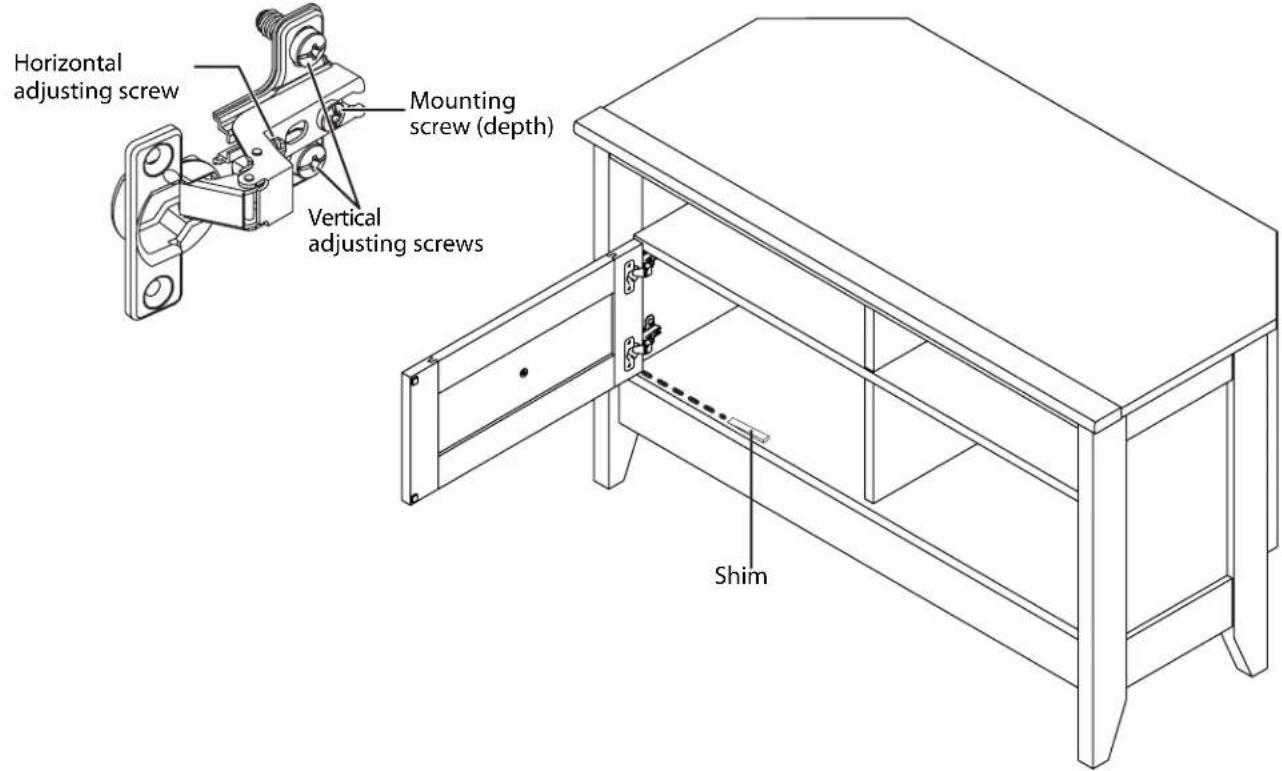
You'll need:
Phillips screwdriver
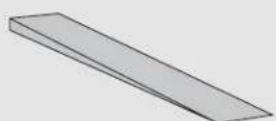
Shim
Step 15:
Apply the warning label (BB) to the top (D). You should be able to read the label when the TV is removed from your stand. When the TV is in place, it should hide the label. Peel off the backing and apply the label as shown.
Caution: This is a permanent label intended to last for the life of the product. Once applied, do not try to remove it. You may damage the finish on the top.
Clean with your favorite furniture polish or a damp cloth. Wipe dry. Your stand is ready to use.
Still need help?
For customer service, call: 800-305-2204 (U.S./Canada markets)
Distributed by Best Buy Purchasing, LLC
7601 Penn Avenue South, Richfield, MN USA 55423-3645
© 2011 BBY Solutions, Inc.
All rights reserved. DYNEX is a trademark of BBY Solutions, Inc. Registered in some countries. All other products and brand names are trademarks of their respective owners.
DYNEX™
Certificate of Conformity
- This certificate applies to the Sauder Woodworking Product identified by this instruction booklet.
- This certificate applies to the compliance of this product with the CPSC Ban on Lead-Containing Paint (16 CFR 1303).
- This product was manufactured by: Sauder Woodworking Company 502 Middle Street Archbold, Ohio 43502 (419) 446-2711
- Date of Manufacture: ____ Lot number: 337023
www.dynexproducts.com (800) 305-2204
Distributed by Best Buy Purchasing, LLC
7601 Penn Ave. South, Richfield, MN 55423 U.S.A.
© 2011 BBY Solutions, Inc.
All rights reserved.
DYNEX is a trademark of BBY Solutions, Inc. Registered in some countries. All other products and brand names are trademarks of their respective owners.
11-0422
ENGLISH
- ASSEMBLY INSTRUCTIONS
- DX-WD1202
- Corner TV Stand
- Safety information and specifications
- CAUTION:
- Package contents: hardware
- Package contents: hardware (continued)
- Package contents: parts
- Step1:
- Tightening hidden cams
- Step 2:
- Step 3:
- Step 4:
- Step 5:
- Step 6:
- Step 7:
- Step 8:
- Step 9:
- Step 10:
- Step 11:
- Step 12:
- Step 13:
- Step 14:
- Step 15:
- Still need help?
- DYNEX™
- Certificate of Conformity
Brand : Dynex
Model : DX-WD1202
Category : TV Stand