H519-BG - Cables for Computers and Peripherals Heckler Design - Free user manual and instructions
Find the device manual for free H519-BG Heckler Design in PDF.


| Product Type | Mounting Bracket |
| Brand | Heckler Design |
| Model | H519-BG |
| Compatibility | Logitech MeetUp camera; Heckler AV Cart |
| Material | Metal |
| Mounting Type | Bracket with lip and security screws |
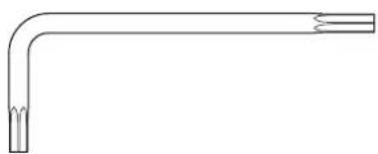
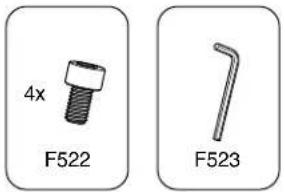
| Included Accessories | 2x cable zip ties, 2x bracket security screws (6-32, 3/8 inch), 4x bracket installation screws (5/64, 2 inch), 1x bracket assembly tool (5/64, 2 inch), 1x bracket security tool (2 inch) |
| Installation Tool Required | Provided bracket assembly tool and security tool |
| Warranty | 2 years on product; 1 year on electronic components |
| Warranty Service | Contact service@hecklerdesign.com for repair or replacement |
| Country of Origin | Not specified |
| Color | Not specified (likely black or silver) |
| Dimensions | Not specified |
| Weight | Not specified |
| Weight Capacity | Not specified |
| Cleaning Instructions | Wipe with a dry cloth; avoid harsh chemicals |
| Safety Warnings | Ensure secure fastening; do not exceed weight capacity |
| Repairability | Contact manufacturer for repair options |
Frequently Asked Questions - H519-BG Heckler Design
User questions about H519-BG Heckler Design
0 question about this device. Answer the ones you know or ask your own.
Ask a new question about this device
Download the instructions for your Cables for Computers and Peripherals in PDF format for free! Find your manual H519-BG - Heckler Design and take your electronic device back in hand. On this page are published all the documents necessary for the use of your device. H519-BG by Heckler Design.
USER MANUAL H519-BG Heckler Design
LOGITECH MEETUP BRACKET Mounting Bracket for Heckler AV Cart
Mounting Bracket for Heckler AV Cart
Assembly & Installation
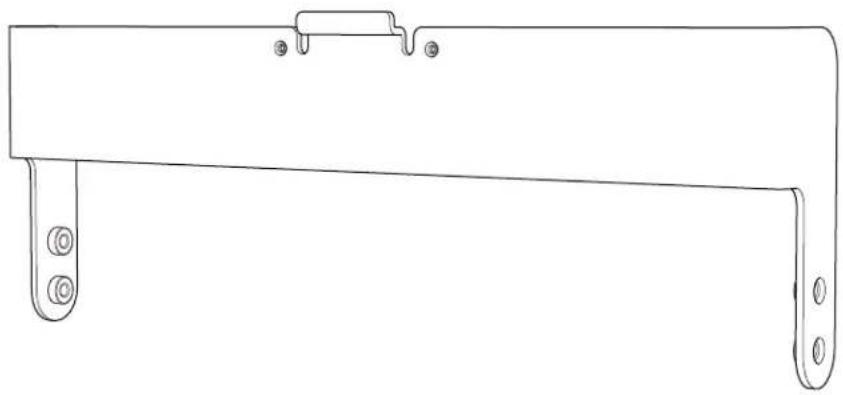
natural_image
Line drawing of a mechanical bracket with mounting holes and a handle (no text or symbols)Compatible with
Logitech MeetUp and Heckler AV Cart
Limited Warranty
Heckler Design warrants your product to be free from defect in material and workmanship for a period of two years from the original date of purchase. Electronic components are warranted to be free from defect for a period of one year from the original date of purchase. If you discover a defect, please contact service@hecklerdesign.com. Heckler Design will repair, at our discretion, using new or refurbished components. If repair is not possible, Heckler Design will replace the item.
1:1
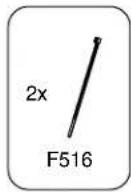
2x
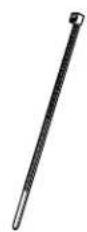

Cable zip ties
F530
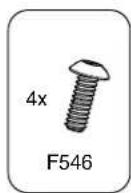
2x


Bracket security screws, (6-32, 3/8 inch) F546
4x
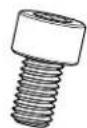
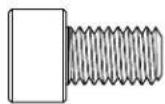
Bracket installation screws, (5/64, 2 inch) F522
1x

natural_image
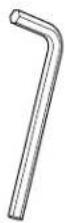
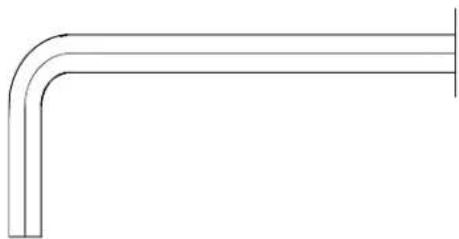
Pure technical line drawing of a bent pipe or elbow joint (no text or symbols)Bracket assembly tool, (5/64, 2 inch) F523
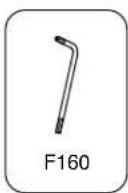
1x

natural_image
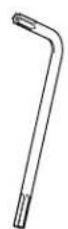
Pure technical line drawing of a bent pipe or elbow joint (no text or symbols)Bracket security tool (2 inch) F160
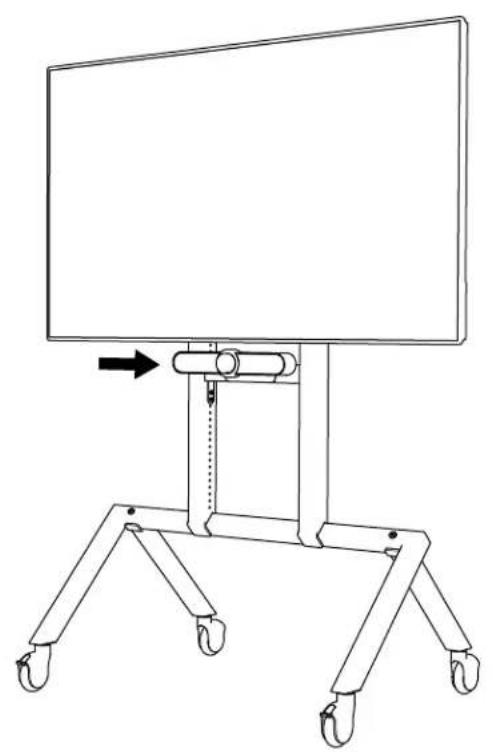
1 Select installation position for MeetUp camera
natural_image
Line drawing of a simple mechanical device with wheels and a vertical rod, no text or symbols present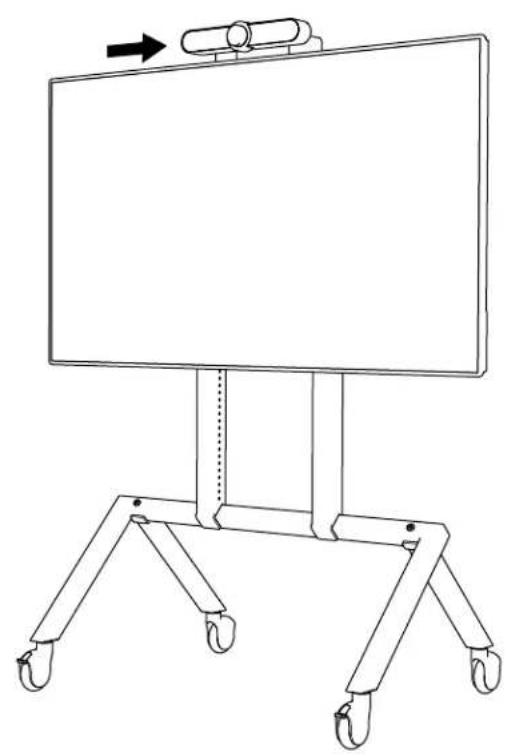
natural_image
Line drawing of a simple rectangular board with four wheels and a vertical support, no text or symbols present.2 Install bracket to Heckler AV Cart
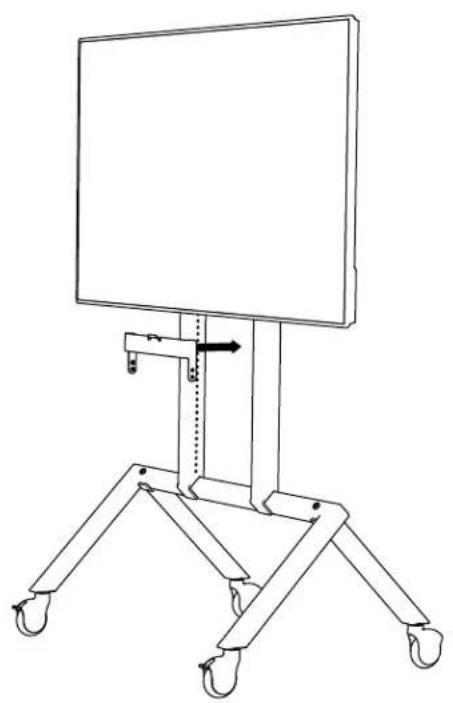
natural_image
Line drawing of a simple stand-mounted device with wheels and a vertical arrow indicating rotation (no text or symbols)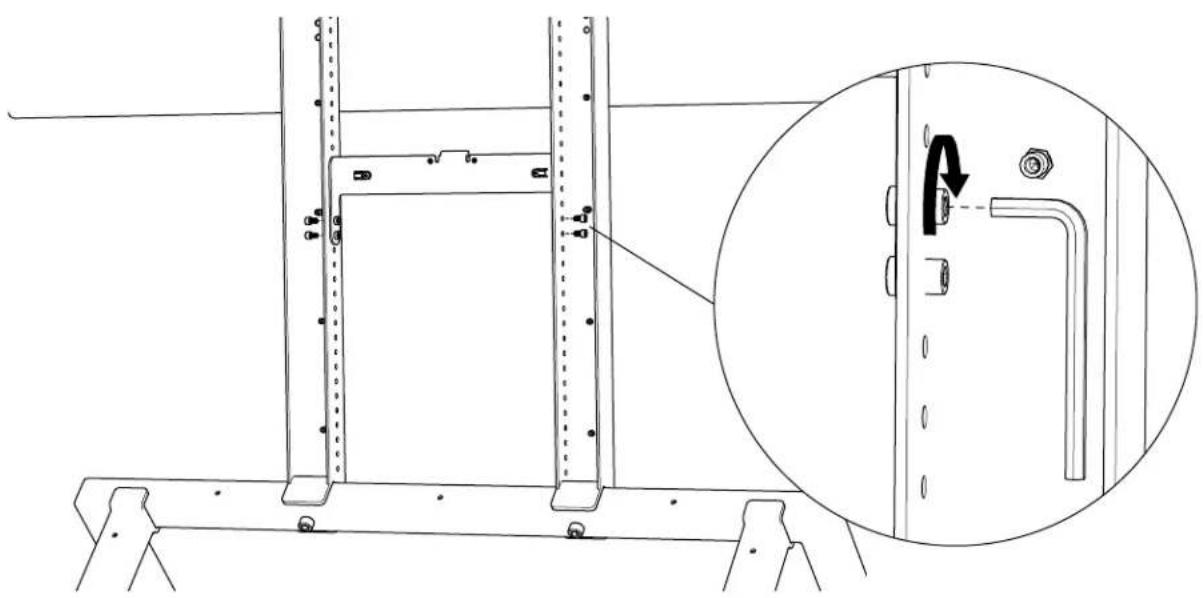
natural_image
Technical line drawing of a mechanical assembly with an inset showing a close-up of a component detail (no text or symbols present)3 Channel cables through MeetUp base
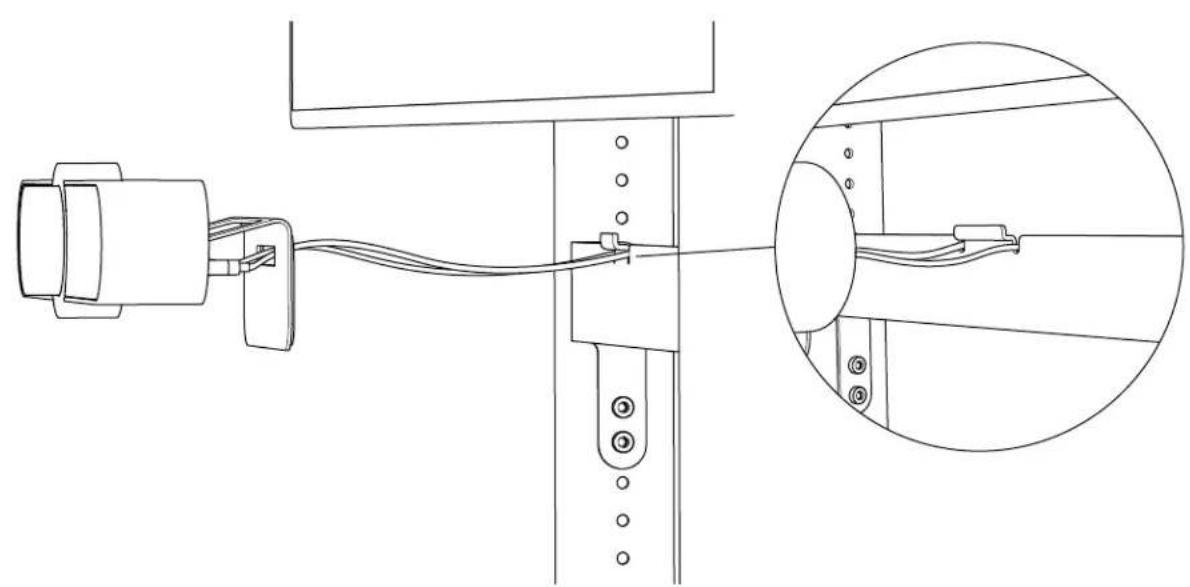
natural_image
Technical line drawing of a mechanical assembly with a close-up inset showing internal components (no text or symbols)4 Hang Logitech Meetup on bracket lip
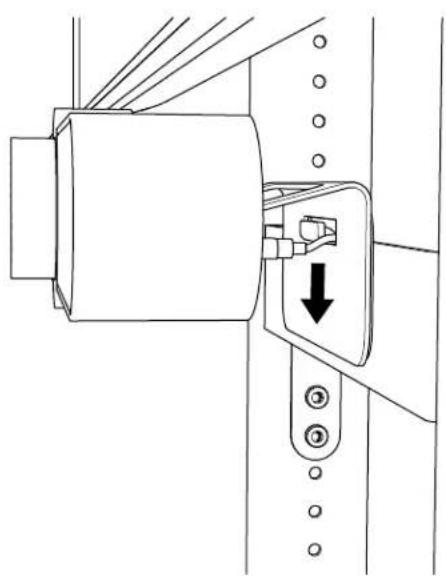
natural_image
Technical line drawing of a mechanical assembly with a highlighted component and arrow indicating direction (no text or symbols)5 Route cables down AV Cart vertical arms
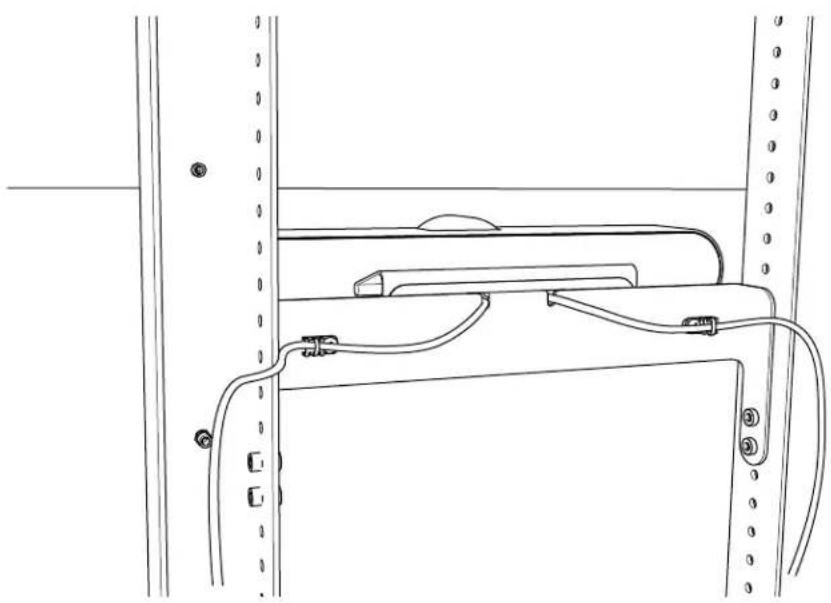
natural_image
Technical line drawing of a mechanical assembly with no visible text or symbols5 Secure Meetup
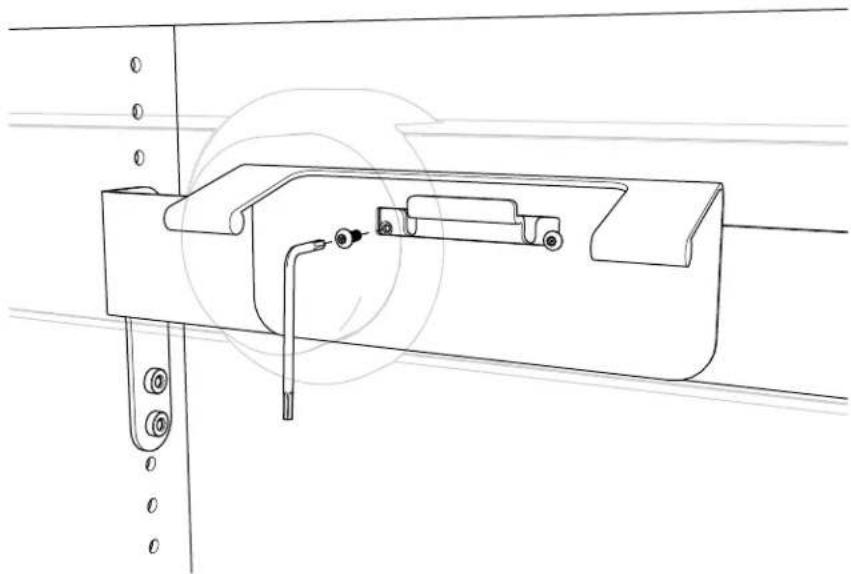
natural_image
Technical line drawing of a mechanical bracket assembly with mounting holes and a tool (no text or symbols)Brand : Heckler Design
Model : H519-BG
Category : Cables for Computers and Peripherals