
Crosby Delux - Uncategorized MIO - Free user manual and instructions
Find the device manual for free Crosby Delux MIO in PDF.


| Product Type | Video Baby Monitor |
| Brand | MIO |
| Model | Crosby Delux |
| Parent Unit Screen Size | 5 inches |
| Parent Unit Display Resolution | 480 x 272 pixels |
| Camera Resolution | 720p HD (1280 x 720) |
| Night Vision | Yes, infrared LEDs (up to 15 ft) |
| Wireless Range (Open Air) | Up to 1000 feet (300 meters) |
| Wireless Frequency | 2.4 GHz FHSS |
| Two-Way Audio | Yes, with talk-back function |
| Temperature Sensor | Yes, displays room temperature on parent unit |
| Lullabies | Yes, 5 built-in lullabies |
| Expandable Cameras | Up to 2 cameras (additional sold separately) |
| Power Source (Parent Unit) | AC adapter (input 100-240V, output 5V/1A) |
| Power Source (Camera) | AC adapter (input 100-240V, output 5V/1A) |
| Battery (Parent Unit) | Rechargeable lithium-ion, 1500 mAh (up to 4 hours runtime) |
| Battery (Camera) | None (requires continuous power) |
| Camera Mounting | Desk stand or wall mount (bracket included) |
| Dimensions (Parent Unit) | 5.5 x 3.2 x 0.8 inches (140 x 81 x 20 mm) |
| Dimensions (Camera) | 3.5 x 3.5 x 4.3 inches (90 x 90 x 110 mm) |
| Weight (Parent Unit) | 6.5 oz (184 g) |
| Weight (Camera) | 5.2 oz (147 g) |
| Cleaning Instructions | Wipe with a dry cloth; do not use liquid cleaners |
| Safety Certification | FCC, CE, RoHS |
Frequently Asked Questions - Crosby Delux MIO
User questions about Crosby Delux MIO
0 question about this device. Answer the ones you know or ask your own.
Ask a new question about this device
Download the instructions for your Uncategorized in PDF format for free! Find your manual Crosby Delux - MIO and take your electronic device back in hand. On this page are published all the documents necessary for the use of your device. Crosby Delux by MIO.
USER MANUAL Crosby Delux MIO
2seater + corner90 + 3seater
natural_image
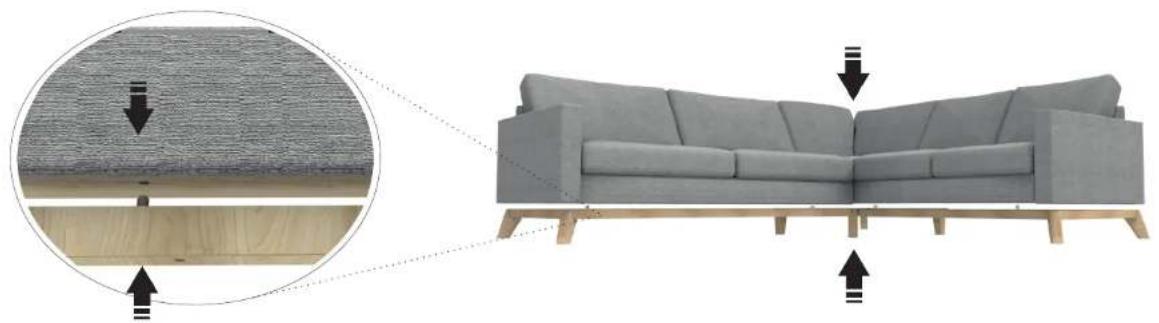
Illustration of a gray sofa with wooden legs and wood shavings, showing texture and seating details (no text or symbols)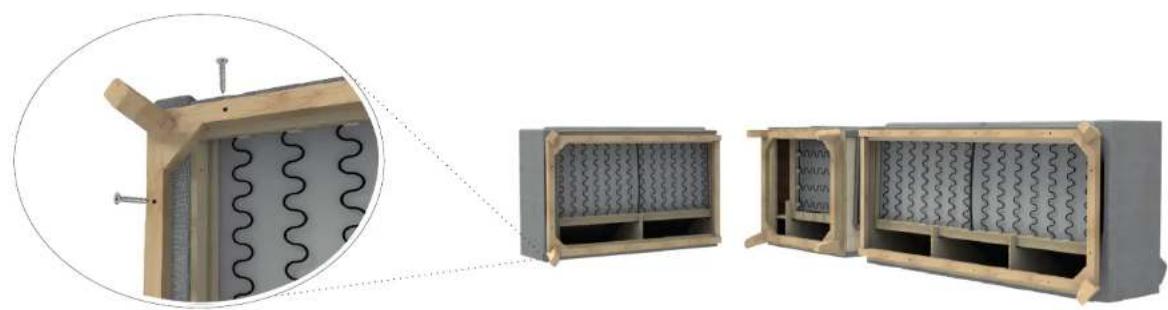
natural_image
Exterior view of a wooden cabinet with coiled insulation and internal compartments (no text or symbols visible)Art. no. 0800
CROSBY
3seater + corner90 + 2seater
natural_image
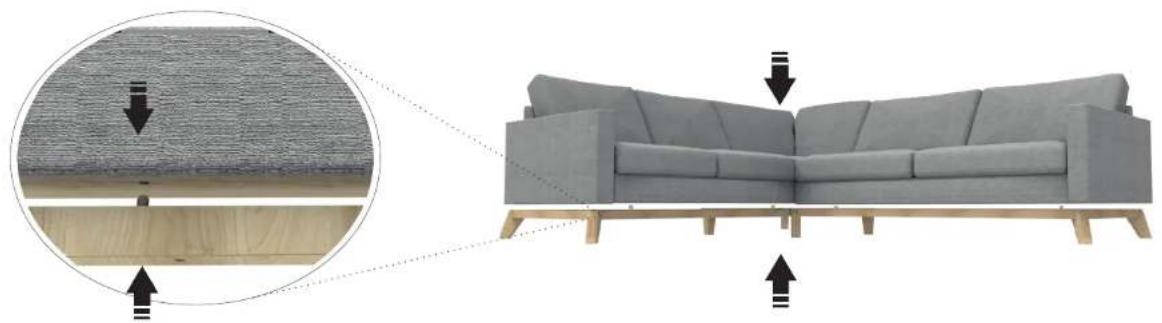
Diagram showing a gray sofa with wooden legs and a close-up of its backrest, highlighting texture and structural details (no text or symbols present)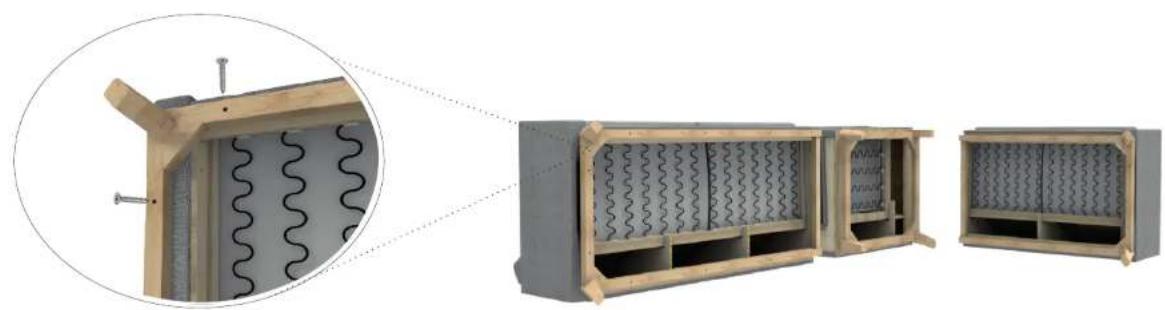
natural_image
Technical illustration of a wall-mounted electrical enclosure with coiled insulation and internal structure (no text or symbols)1 of 1

CROSBY 2-seater + corner 90 + 3-seater
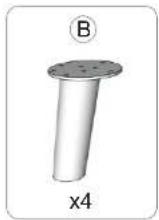
natural_image
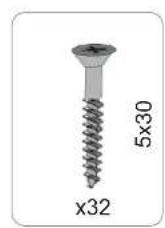
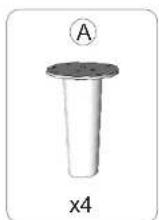
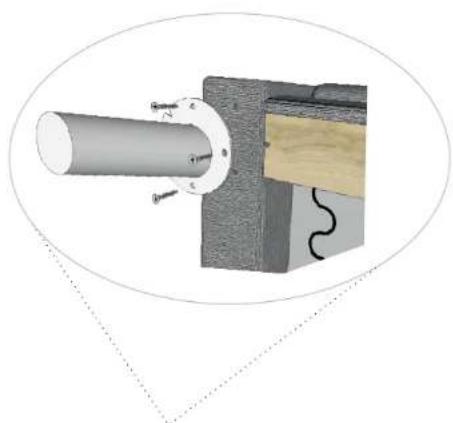
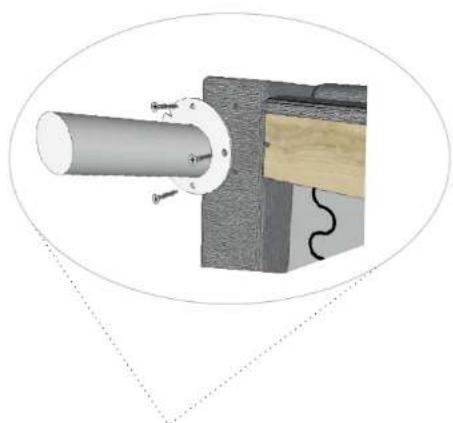
Technical diagram of a mechanical assembly with a cylindrical component and attached wooden base (no text or symbols)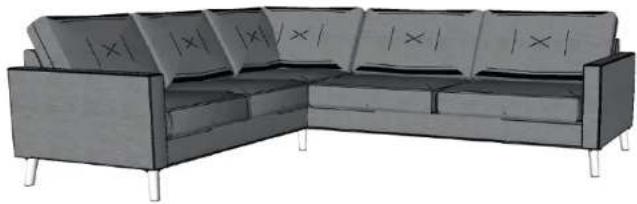
natural_image
Illustration of a U-shaped sofa with visible X-axis symbols (no text or labels on the sofa itself)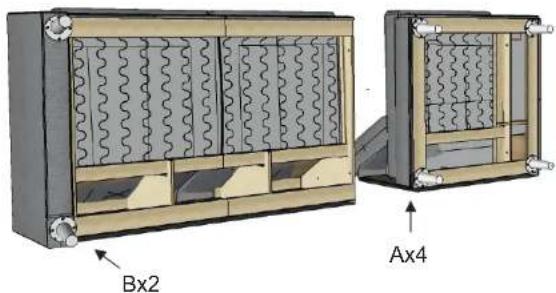
natural_image
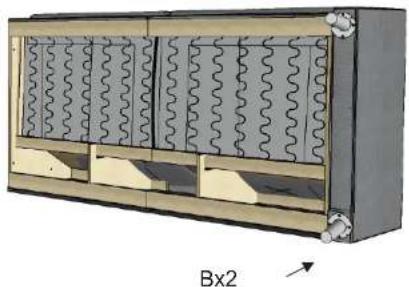
3D diagram of a mechanical or electrical enclosure with wavy internal panels and mounting brackets (no text or symbols)
Art. no. 0868
CROSBY 3-seater + corner 90 + 2-seater
natural_image
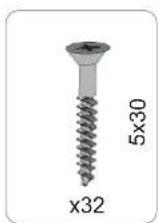
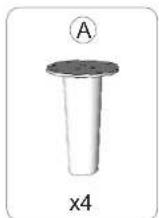
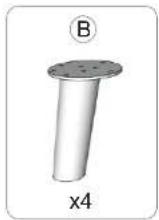
Technical diagram of a mechanical assembly with a cylindrical component and attached wooden base (no text or symbols)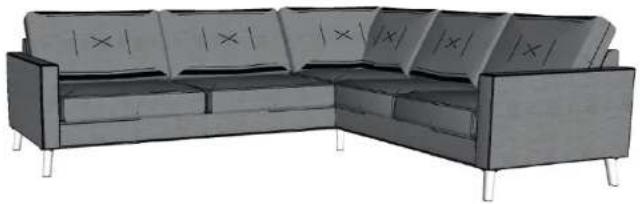
natural_image
Illustration of a U-shaped sofa with visible '×' symbols on the backrest (no text or labels beyond the symbol)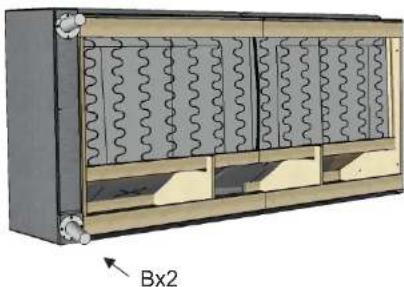
natural_image
3D diagram of a mechanical or electrical enclosure with wavy internal panels and mounting brackets (no text or symbols)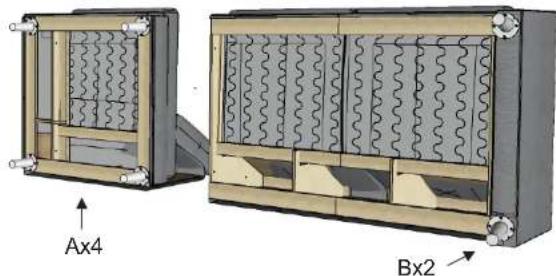
natural_image
Technical diagram of two mechanical components labeled Ax4 and Bx2, showing internal wavy patterns (no text or symbols beyond labels)1 of 1
miO
Brand : MIO
Model : Crosby Delux
Category : Uncategorized