
ST46 - Photo accessory Neewer - Free user manual and instructions
Find the device manual for free ST46 Neewer in PDF.


Pick your language and provide your email: we'll send you a specifically translated version.
| Product Type | LED Video Light Panel |
| Brand | Neewer |
| Model | ST46 |
| Dimensions | 30 x 20 x 5 cm |
| Weight | 1.2 kg |
| Power Source | AC 100-240V, 50/60 Hz |
| Power Consumption | 50W |
| Color Temperature | 3200K - 5600K adjustable |
| Brightness | 0-100% adjustable |
| Number of LEDs | 144 |
| Dimming | Continuous stepless |
| Mounting | 1/4" screw mount |
| Remote Control | 2.4G wireless remote included |
| Battery Compatibility | Two NP-F series batteries (not included) |
| Cooling | Silent fan |
| Material | Aluminum alloy |
| Color | Black |
| Accessories Included | Light diffuser, carrying case, AC adapter, remote |
| Warranty | 1 year limited |
| Certifications | CE, RoHS |
Frequently Asked Questions - ST46 Neewer
How do I turn on the Neewer ST46 light?
Press and hold the power button for 2 seconds. The LCD screen will light up, indicating the device is on.
How can I adjust the brightness?
Use the dimming dial on the side of the light or the included remote control. Turn clockwise to increase brightness, counterclockwise to decrease.
Can I use the light while charging the batteries?
Yes, you can operate the light while it is plugged into AC power, which will also charge any installed NP-F batteries.
What batteries are compatible with the ST46?
The ST46 accepts two NP-F series batteries (e.g., NP-F550, NP-F750, NP-F970) for portable use.
How do I change the color temperature?
Press the 'CCT' button on the rear panel to cycle through preset color temperatures, or use the remote to fine-tune between 3200K and 5600K.
Is the Neewer ST46 suitable for live streaming?
Yes, it is an excellent choice for live streaming due to its adjustable brightness and color temperature, plus silent cooling.
Does the ST46 come with a carrying case?
Yes, a padded carrying case is included for transport and storage.
How do I clean the light?
Disconnect the power and use a soft, dry cloth to gently wipe the surface. Avoid using liquids or abrasive cleaners.
Where can I find spare parts or accessories?
Contact Neewer support or visit the official website. Common spare parts include diffusers, AC adapters, and remote controls.
What is the warranty period?
The Neewer ST46 comes with a 1-year limited warranty against manufacturing defects.
User questions about ST46 Neewer
0 question about this device. Answer the ones you know or ask your own.
Ask a new question about this device
No questions yet. Be the first to ask one.
Download the instructions for your Photo accessory in PDF format for free! Find your manual ST46 - Neewer and take your electronic device back in hand. On this page are published all the documents necessary for the use of your device. ST46 by Neewer.
USER MANUAL ST46 Neewer

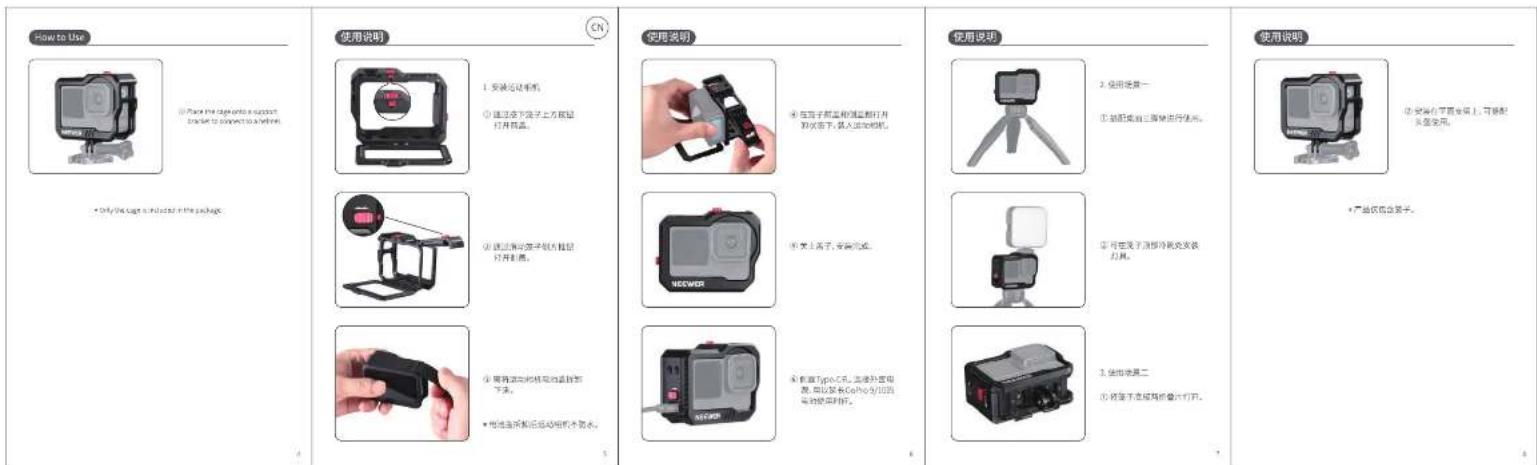
尺寸:400*120mm,4折页
材质:105g双面钢版纸
印刷:四色印刷
Manual assistant
Powered by Anthropic
Waiting for your message
Product information
Brand : Neewer
Model : ST46
Category : Photo accessory