
BSC-9HD4K - Video camera BRIGMTON - Free user manual and instructions
Find the device manual for free BSC-9HD4K BRIGMTON in PDF.


| Product Type | Video Camera |
| Model | BSC-9HD4K |
| Brand | Brigmton |
| Video Resolution | 4K Ultra HD (3840x2160) |
| Sensor Type | CMOS |
| Lens | Fixed focus, wide angle |
| Display | 2.0 inch LCD touchscreen |
| Storage | MicroSD card up to 128 GB (not included) |
| Battery | Rechargeable lithium-ion, 1500 mAh |
| Power Input | DC 5V via USB-C |
| Connectivity | Wi-Fi, Bluetooth, USB-C, HDMI micro |
| Dimensions (WxHxD) | 58 x 110 x 35 mm |
| Weight | 180 g (without battery) |
| Main Functions | 4K video recording, photo capture, time-lapse, slow motion, live streaming |
| Image Stabilization | Electronic image stabilization (EIS) |
| Audio | Built-in stereo microphone |
| Mounting | 1/4 inch tripod screw hole |
| Cleaning | Use a soft, dry cloth to clean the exterior. Do not use liquids. |
| Safety Precautions | Avoid exposure to extreme temperatures, moisture, and direct sunlight. Keep away from children. |
| Spare Parts & Repairability | Battery and USB cable are replaceable. For other repairs, contact authorized service center. |
| Operating Temperature | 0°C to 40°C |
| Package Contents | Camera, USB cable, user manual, wrist strap |
Frequently Asked Questions - BSC-9HD4K BRIGMTON
User questions about BSC-9HD4K BRIGMTON
0 question about this device. Answer the ones you know or ask your own.
Ask a new question about this device
Download the instructions for your Video camera in PDF format for free! Find your manual BSC-9HD4K - BRIGMTON and take your electronic device back in hand. On this page are published all the documents necessary for the use of your device. BSC-9HD4K by BRIGMTON.
USER MANUAL BSC-9HD4K BRIGMTON
natural_image
Abstract curved shape with smooth gradient, no text or symbols presentBRIGMTON
surfing technology


FUNCIONAMIENTO
natural_image
Abstract curved white shape on white background, no text or symbols presentBRIGMTON
surfing technology

INSTRUCTION MANUAL
SPORT CAMERA HD - 4K - WIFI
BSC-8HD
CONTROLS


 | 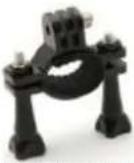 |  |  |
| Waterproof Housing | Handle Bar/Pole Mount | Mount 1 | Mount 2 |
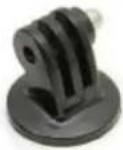 | 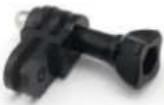 |  |  |
| Mount 3 | Mount 4 | Mount 5 | Mount 6 |
 |  |  | 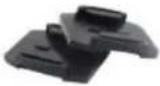 |
| Mount 7 | Clip 1 | Clip 2 | Helmet Mounts |
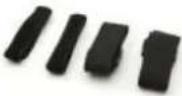 |  |  |  |
| Bandages | Battery | Lens Cloth | Tethers |
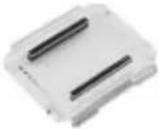 |  |  | |
| Protective Backdoor | USB Cable | Charger |
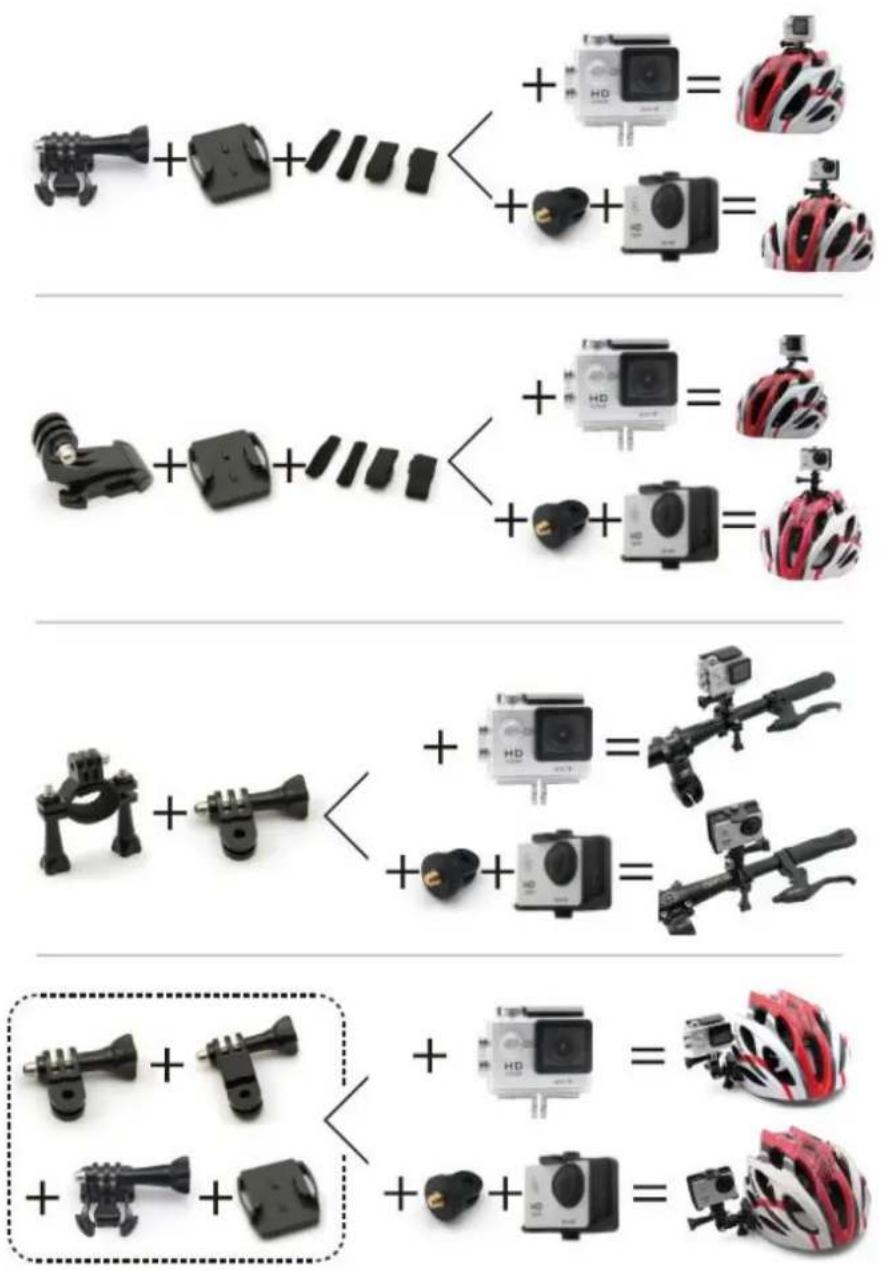
MOUNTING OPTIONS


OPERATION
Press the ON / OFF button to turn on the camera. To turn hold the ON / OFF button.
Once lit press the ON / OFF-Mode button and you can access each of the functions that will be marked on the icon in the upper left corner:

flowchart
graph LR
    A["Video"] --> B["Photo"]
    B --> C["Burst Photo"]
    C --> D["Time Lapse"]
    D --> E["Video Playback, Photo Playback, & Settings"]
Video: Video recording.
Photo: Take a picture.
Photo Burst: Perform a burst of photos.
Capture at different times: Shoot a series of pictures at different time intervals.
Configuration:

flowchart
graph LR
    A["Video Resolution"] --> B["Photo Resolution"]
    B --> C["Power Frequency"]
    C --> D["Update Touch"]
    D --> E["Reset"]
Press the Shutter / Selector button to confirm entry into the setup menu. Then press ONO / OFF-mode to navigate enter the different options and press Shutter / Selector to enter each option. You can also use the Up / Down buttons to navigate between settings. Use ON / OFF to turn back.
- Resolución de Vídeo: 4K25/2.7K30/1080P30
- Looping Video: Enable or disable loop recording.
- Imp. Date: Show the date, time and date or anything on video.
- Exposure: Select the desired exposure.
- Resolution: Select from 2 to 12 mp.
- Burst Photo: Set the photo burst mode.
- Time Lapse: Set of 2-60 seconds.
- Continuous Lapse.
- Frequency: Select the frequency or set it in automatic mode.
- Language.
- Date hour.
- Sounds.
- Turn screen 180 degrees.
- Screensavers.
- Energy savings: You can set the auto off time.
- Format: To format the MicroSD card.
- Factory Reset
- Firmware version.
VIDEO MODE
To record a video into video mode. Then press the shutter set up, the camera will beep and the status light will flash indicating you are recording.
To stop the video press the shutter button and the recording light stops flashing and beeps indicating that it has stopped recording. When the battery is running low, the camera automatically stops recording, so that the video is recorded before shutting down.
PHOTO MODE
To take pictures go to photo mode then press the shutter located above.
BURST MODE
Enter the photo burst mode and press the shutter button above. A burst of photos captured. It will record 3 pictures in 1.5 seconds.
TIME LAPSE MODE
Turn this setting mode and set the desired time. When you press the shutter spend time indicated before the device performs the capture.
HOW FAST
In camera mode, press and hold the shutter button and the quick menu:
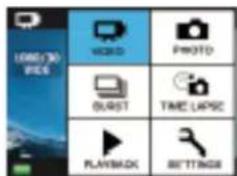
To navigate the menu press the ON / OFF-Mode button. To exit, press the trigger again.
MICRO SD CARDS
It supports Micro SD cards and also 8/16/32 GB MicroSDHC and microSDXC cards with Class 10.
BATTERY
To charge the battery, connect the camera to the charger and connect the charger to power a whole. The charging light will remain on during charging and will turn off when fully charged.
The approximate charging time is 3 to 5 hours.
APPLICATION
The application lets you control the camera remotely using your Smartphone. Download the Ez App iCam app from Google Play or App Store, according to your device.
Connect your Smartphone and your camera via Wi-Fi. Use the "password" 1234567890.
Once connected Ez open the App iCam application.
The application is compatible for:
- Iphone 5 or later (iOS8).
- Quad Core Android.
"Features can change without notice"
BRIGMTON
surfing technology
IMPORTED
FERSON ELECTRÓNICA, S.A.
CIF: A-41111881
SANTA CLARA DE CUBA 12
SEVILLA
ESPAÑA
DECLARATION OF CONFORMITY
Ferson Electrónica, S.A. declares under our responsibility that the equipment meets the requirements indicated in the following directives:
ECM DIRECTIVES
ETSI EN 301 489-17 V2.2.1 (2012-09)
ETSI EN 301 489-1 V1.9.2 (2011-09)
ETSI EN 300 328 V1.8.1 (2012-06)
EN 62479:2010
EN 60950-1:2006+A11:2009+A1:2010+A12:2011+A2:2013
Description of apparatus:
Model BRIGMTON BSC-9HD4K
Phone


BRIGMTON
surfing technology
Brand : BRIGMTON
Model : BSC-9HD4K
Category : Video camera