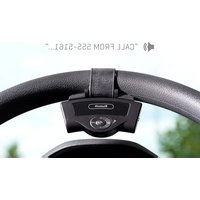
Steering Wheel Bluetooth Speakerphone - Car accessories Sharper Image - Free user manual and instructions
Find the device manual for free Steering Wheel Bluetooth Speakerphone Sharper Image in PDF.


| Product Type | Steering Wheel Bluetooth Speakerphone |
| Brand | Sharper Image |
| Model | 206909 |
| Dimensions (L x W x H) | 98 x 45 x 22.5 mm |
| Weight | 42 g |
| Power Source | Built-in Li-ion battery, 300mAh |
| Charging Voltage | 5V via USB port |
| Bluetooth Version | 2.1 |
| Working Frequency | 2.4 GHz |
| Receiving Range | Up to 10 meters (33 ft) |
| Talking Range (Mic) | 0-1 meter |
| Key Features | DSP technology, full duplex, CVC noise & echo suppression, TTS, A2DP, dual standby, auto reconnect, hands-free calling, music playback, last number redial, call reject, MIC mute, volume control |
| Mounting | Attaches to steering wheel via bracket |
| Indicator | Red/Blue LED for pairing and status |
| Accessories Included | USB cable, car charger |
| Warranty | 1-year limited replacement |
| Customer Service | 1-877-210-3449 (Mon-Fri, 9 AM-6 PM ET) |
Frequently Asked Questions - Steering Wheel Bluetooth Speakerphone Sharper Image
User questions about Steering Wheel Bluetooth Speakerphone Sharper Image
0 question about this device. Answer the ones you know or ask your own.
Ask a new question about this device
Download the instructions for your Car accessories in PDF format for free! Find your manual Steering Wheel Bluetooth Speakerphone - Sharper Image and take your electronic device back in hand. On this page are published all the documents necessary for the use of your device. Steering Wheel Bluetooth Speakerphone by Sharper Image.
USER MANUAL Steering Wheel Bluetooth Speakerphone Sharper Image
STEERING WHEEL BLUETOOTH SPEAKERPHONE
Item No. 206909
User Guide
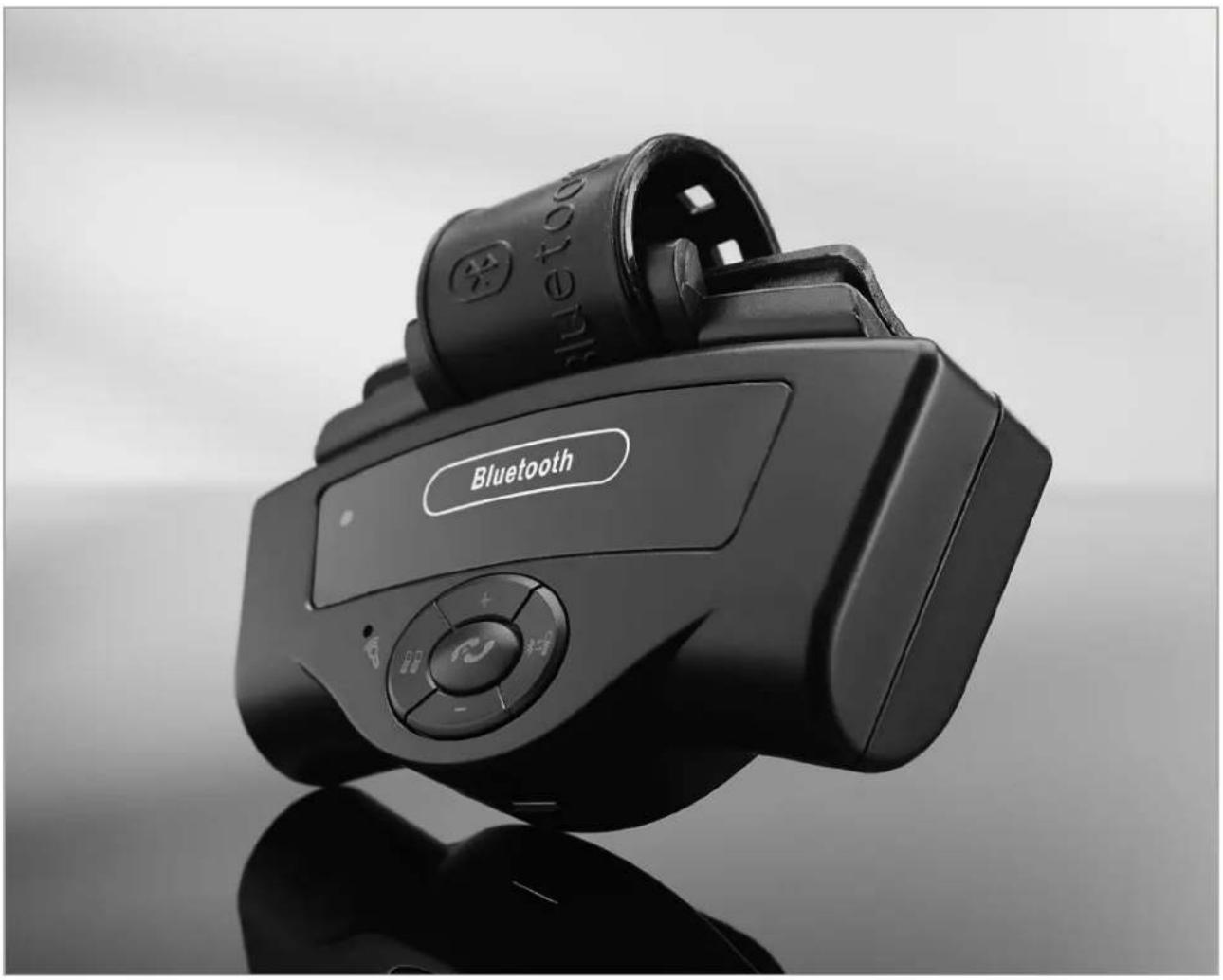
natural_image
Black and white photo of a Bluetooth smartwatch with control buttons and a logo, no visible text or symbols on the device itself.Thank you for purchasing the Steering Wheel Bluetooth Speakerphone. Please read this guide and store it for future reference.
APPEARANCE AND STRUCTURE
- Power On/Off switch
- MIC hole
- Pairing/MIC mute
- Answer/End/Reject/Redial/Language choice
- Decrease volume
- USB port for software updates and charging
- Built-in speaker
- Steering wheel fixed bracket
- Red/Blue indicator
- Increase volume
- Hands free/Cell phone switching
FEATURES
- Easily mounts on any steering wheel
- DSP technology, Full duplex, CVC noise and echo suppression
- Support TTS function
- Support MIC mute function
- Answer/End/Reject a call, last call redialing and call switch
- Support A2DP function [can play cell phone music]
- Built-in microphone
- Built-in Li-ion battery
- USB port for software updates and charging
- Connects automatically when power is on
- Supports dual standby

INSTALLATION
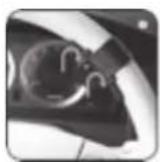
Fix the device directly on the steering wheel.
- Please attach the product to the bracket first.
- Next, install the product bracket to the steering wheel.

OPERATION
When using your Steering Wheel Bluetooth Speakerphone for the first time, your cell phone must pair with it. Please refer to the user manual of your cell phone for specific details on Bluetooth connectivity.
A. Power on and long press 📄 button for 3 seconds to enter pairing mode. While red and blue indicator lights flash, activate your cell phone's Bluetooth function, and search for the "CAR KIT" device on your phone.
B. Select "CAR KIT" device.
C. Enter the pass code "0000".
D. Select "CAR KIT" from the list on the cell phone paired device, then select "connection."
Upon completion, a voice reminder will confirm that the first cell phone has successfully been paired. Only a blue light should flash now.
PAIRING THE SECOND PHONE
Press 📁 button for 3 seconds to enter pairing mode. Red and blue lights flash in turn. Now, pair your second phone the same way you paired the first.
Note: When connecting the second phone, the device will disconnect from the first cell phone automatically. After you succeed in connecting the second, please turn on the Bluetooth function of the first one again. There will be the prompt "Connect CAR KIT or not?" on it. Select "Connect," so that two cell phones are connected to the same Bluetooth hands-free device. Or, restart the device after the second cell phone is connected. Two cell phones can also be connected to the same Bluetooth hands-free device.
FEATURES AND OPERATION
1. Power On/Off
When connected, dial a phone number directly on your cell phone. Your voice will automatically come through via Bluetooth hands free. The device will return to Standby mode after you hang up.
2. Hands-free talking
2.1 Receiving a call
When connected and you have an incoming call, the device will report who is calling via caller ID automatically. Press the 📋 button to answer. You'll return to standby mode after hanging up.
2.2 Rejecting a call
Press the 📋 button for 3 seconds to reject an incoming call.
2.3 Microphone mute
When using Bluetooth hands free and you don't want the other party to hear your voice, press the 🎨 button and the microphone will mute. Press the 🎨 button again and it will unmute, allowing your voice to once again be heard by the other party.
3. Phone call back
When connected, you can press the button for 3 seconds to re-dial the last number you called.
4. Volume adjustment
While the power is on, short press the "+" and "-" buttons to adjust to your desired volume. A voice will prompt "Highest volume" and "Lowest volume."
5. Switching to hands free during a call
During a call, press the ✦= button. You'll switch to hands free. Press the ✦= button again to switch back.
6. Music mode
This device supports A2DP function. You can listen to music stored in your cell phone through the Bluetooth speaker.
6.1 When playing music:
Press the *=B button to Play/Pause
Press the "+" button to increase volume Press the "-" button to decrease volume
6.2 When there is an incoming call, or when dialing, the device will automatically switch from music mode to phone call mode.
6.3 To exit music mode, just turn off the phone's music player.
6.4 Adjust volume accordingly when using the built-in speaker to play music.
7. Charging
The product has a built-in lithium-ion battery. When the battery is running low, please charge in time, otherwise it will power off automatically during use. When power is full, the indicator light changes from red to blue.
FEATURES AND OPERATION [CONT.]
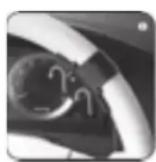
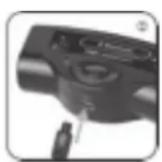
7.1 Remove the device from the steering wheel bracket.
7.2 Plug the 5PIN Mini USB to USB charging port and insert the car charger into car cigarette lighter socket.
TROUBLESHOOTING
-
If you are unable to connect your Steering Wheel Bluetooth Speakerphone to the cell phone, please check the following:
-
Ensure the Steering Wheel Bluetooth Speakerphone is switched ON
- Ensure the Steering Wheel Bluetooth Speakerphone has enough battery power
- Ensure the way your cell phone connects to the Steering Wheel Bluetooth Speakerphone is correct
-
Ensure the device is within a maximum of 30 feet of the mobile phone and there is no interference with other electronic equipment
-
Sound distortion
Adjust the volume accordingly to improve sound effects.
SPECIFICATIONS
- Bluetooth version: 2.1
- Bluetooth working Frequency: 2.4GHz
- Receiving range of the Bluetooth device: 0\~10 meters
- Talking range of the hands-free mic: 0\~1 meters
- Charging voltage: 5V
- Capacity of the built-in lithium-ion battery: 300mAh
- External size [L x W x H] 98 x 45 x 22.5MM
- Weight: 42g
- Operating temperature: -10°F – 70°F
- Storage temperature: -20°F - 80°F
ACCESSORIES
- USB cable
- Car charger
WARRANTY / CUSTOMER SERVICE
This item from SharperImage.com includes a 1-year limited replacement warranty. If you have any questions not covered in this guide, please call our Customer Service department at 1 (877) 210-3449. Customer Service agents are available Monday through Friday, 9:00 a.m. to 6:00 p.m. ET.


- STEERING WHEEL BLUETOOTH SPEAKERPHONE
- APPEARANCE AND STRUCTURE
- FEATURES
- INSTALLATION
- OPERATION
- PAIRING THE SECOND PHONE
- FEATURES AND OPERATION
- Power On/Off
- Hands-free talking
- Receiving a call
- Rejecting a call
- Microphone mute
- Phone call back
- Volume adjustment
- Switching to hands free during a call
- Music mode
- When playing music:
- Charging
- FEATURES AND OPERATION [CONT.]
- TROUBLESHOOTING
- SPECIFICATIONS
- ACCESSORIES
- WARRANTY / CUSTOMER SERVICE
Brand : Sharper Image
Model : Steering Wheel Bluetooth Speakerphone
Category : Car accessories