
PL800D - Computer Adapter DeepCool - Free user manual and instructions
Find the device manual for free PL800D DeepCool in PDF.


| Type de produit | Computer Power Supply Unit |
| Marque | DeepCool |
| Modele | PL800D |
| Puissance nominale | 800W |
| Facteur de forme | ATX |
| Certification | 80+ Bronze |
| Type de refroidissement | Ventilateur 120mm |
| Modulaire | Non-modulaire |
| Dimensions (L x P x H) | 150 x 140 x 86 mm |
| Poids | 1.6 kg |
| Connecteur CPU | 1x 4+4 pin |
| Connecteur PCIe | 2x 6+2 pin |
| Connecteur SATA | 6x |
| Connecteur Molex | 3x |
| Protections | OVP/SCP/OPP/OCP |
| Tension d'entree | 100-240 V AC, 50-60 Hz |
| Ventilateur intelligent | Oui, controle automatique |
| Garantie | 5 ans |
| Entretien | Nettoyer le ventilateur avec un chiffon doux |
| Securite | Conforme aux normes CE/FCC |
Frequently Asked Questions - PL800D DeepCool
User questions about PL800D DeepCool
0 question about this device. Answer the ones you know or ask your own.
Ask a new question about this device
Download the instructions for your Computer Adapter in PDF format for free! Find your manual PL800D - DeepCool and take your electronic device back in hand. On this page are published all the documents necessary for the use of your device. PL800D by DeepCool.
USER MANUAL PL800D DeepCool
natural_image
Line drawing of a rectangular electronic device with a grid-patterned top panel and a small inset image (no text or symbols)A
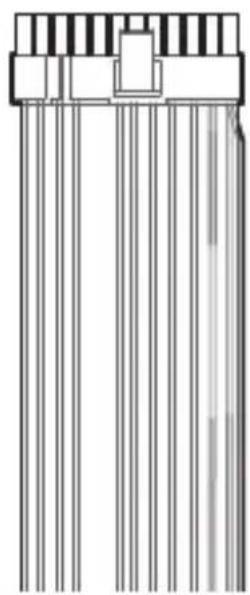
natural_image
Pure electrical circuit lines without any symbolsB
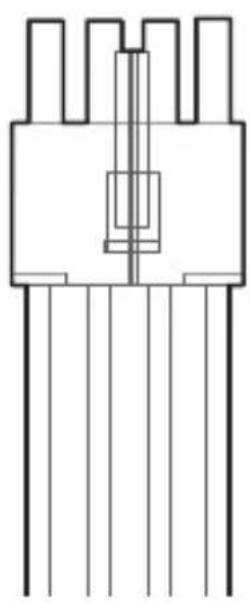
natural_image
Pure electrical connector pinout diagram without any text or symbolsC
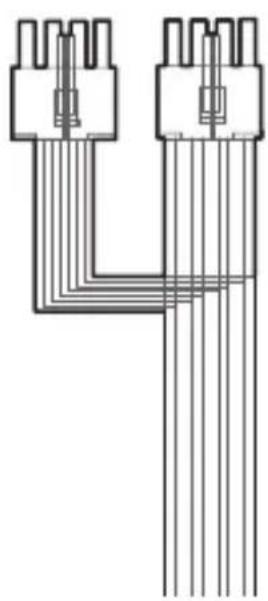
natural_image
Pure electrical connector diagram showing two terminal blocks connected by a U-shaped wire (no text or symbols)D
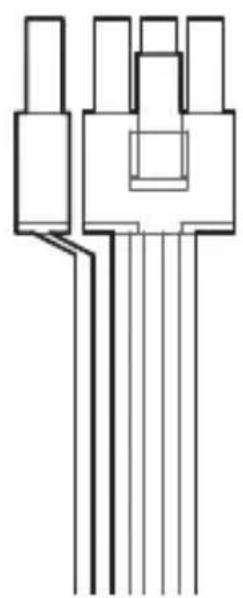
natural_image
Pure electrical connector pinout diagram without any text or symbolsE
natural_image
Pure electrical connector diagram without any text, numbers, or symbolsF
natural_image
Pure electrical circuit lines without any symbolsG
natural_image
Pure electrical connector diagram showing five vertical pins connected to a terminal block (no text or symbols)H
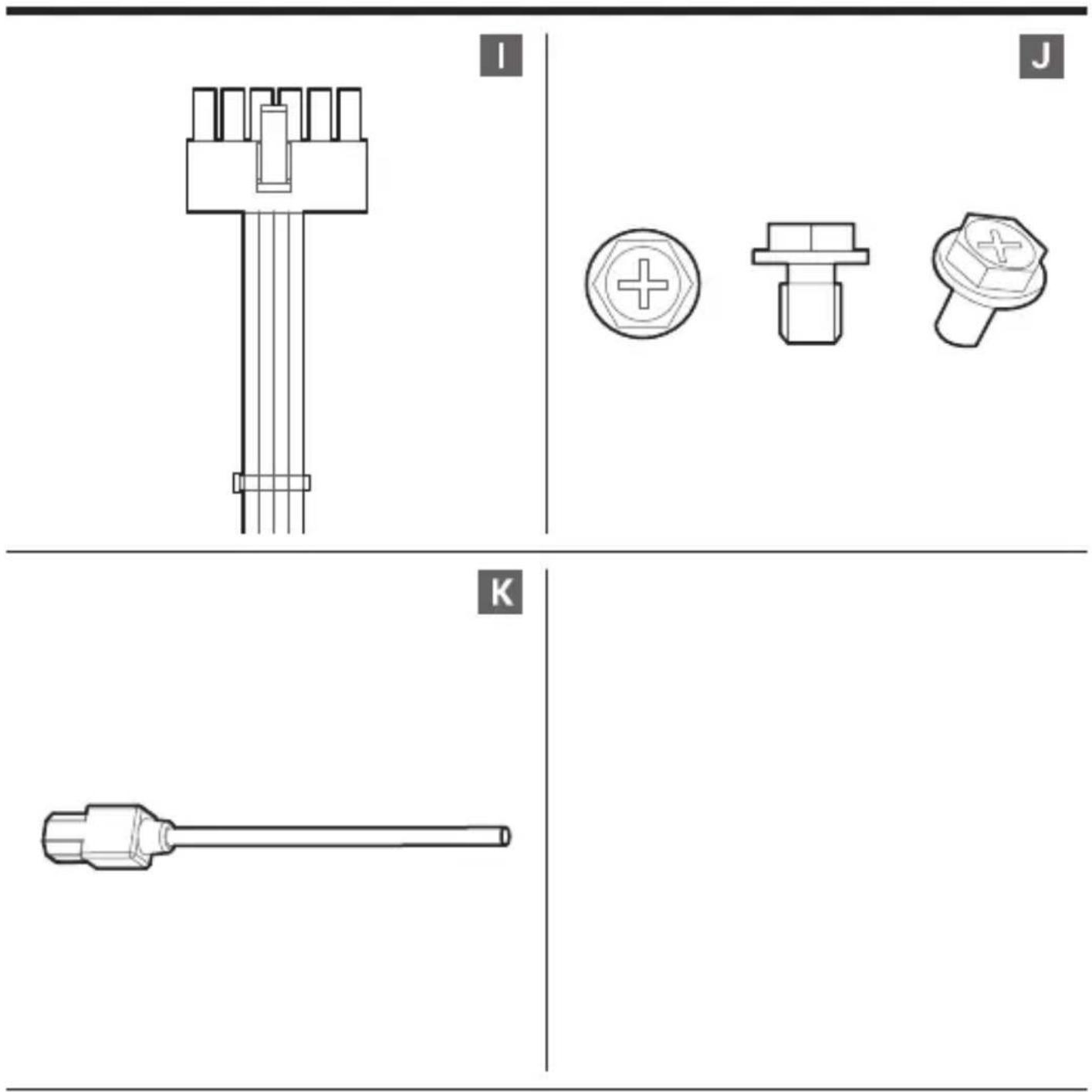
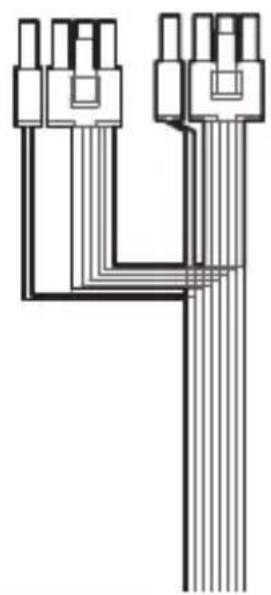
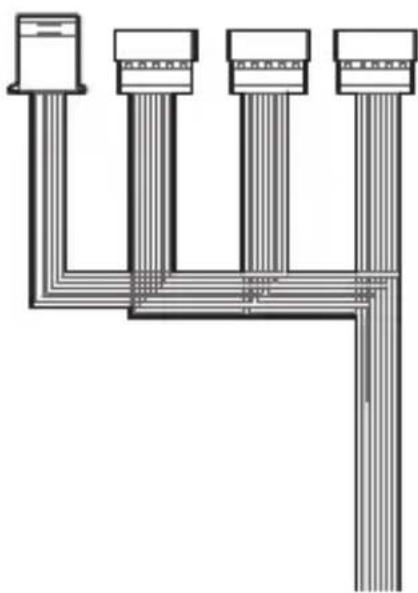
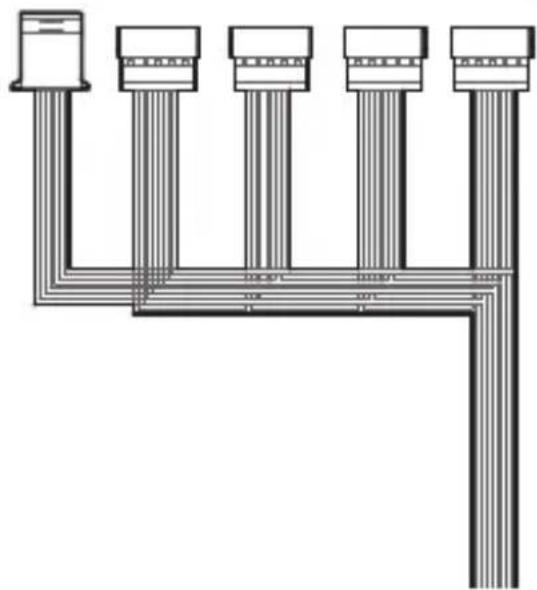
List of parts
Teileliste
Liste des pièces
Lista de piezas
| Type | ATX12V V3.1 | Hold Up Time | ≥16ms |
| Product Dimensions | 150×140×86mm (W x L x H) | Efficiency | ≥85% Under Typical Load(50% Loading) |
| Fan Size | 120mm | Protection | OPP/OVP/SCP/OTP/OCP/UVP/SIP/NLO |
| Fan Bearing | HYB(Hydro Bearing) | Operation Temperature | 0 - 40°C |
| Topology | Active PFC+DC to DC | Erp Regulation | ErP 2014 |
| Capacitors | Chinese Electrolytic Capacitors | MTBF | 100,000 Hours |
| Power Good Signal | 100-150ms | Warranty | 5Years |
DE
natural_image
Line drawing of a computer power supply unit with a cable inserted, showing internal grid structure and connection point (no text or symbols)EN Ensure that the AC power cord of the power supply is not connected.
natural_image
Technical diagram of an internal computer tower case with visible internal components and mounting base (no text or labels)EN Follow the case's manual on installation of a power supply, and install the unit with the provided mounting screws.
EN The 24Pin motherboard cable has a detachable 4Pin connector, which allows support for both 24Pin and 20Pin power sockets on the motherboard.
EN Connect the CPU(4+4)Pin cable to the motherboard.
natural_image
Technical line drawing of a multi-pin electronic component with no visible text or symbolsEN Connect the PCI-E(6+2)Pin cable to the power socket of the PCI-E graphics card (if necessary).
EN If your Graphic Card uses 12V-2x6, please prioritize using the 12V-2x6 (12+4pin) cable configured in our Power Supply to connect to your Graphical Card.
natural_image
Technical diagram of a computer tower internal structure showing drive, socket, and chassis components (no text or labels)EN Connect the AC power cord to the power supply and turn on the power by turning the switch to the "I" position.
DE Verbinden Sie das Netzkabel mit dem Netzanschluss am Netzteil, bringen Sie den Schalter in die Position „I“ (ein).
FR Connectez le cordon d'alimentation CA à l'alimentation électrique et mettez l'appareil sous tension en faisant tourner le commutateur vers la position «b».
ES Conecte el cable de alimentación de CA a la fuente de alimentación y encienda la alimentación girando el interruptor a la posición "F".
IT Collegare il cavo di alimentazione CA all'alimentatore e accendere l'alimentazione portando l'interruttore in posizione "I".
PT Conecte o cabo de alimentação CA à fonte de alimentação e ligue a alimentação girando a chave para a posição"I".
CZ Napájecí připojte kabel ke zdroji napájení a otočením vypinače do polohy „I” zapněte napájení.
SE Anslut växelströmskabeln till strömförsörjningen och slå på strömmen genom att vrida omkopplaren till läget "I"
PL Podłącz przewód zasilający AC do zasilacza i włącz zasilanie, ustawiając przełącznik w pozycji „I”.
TR AC güç kablosunu güç kaynağına bağlayın ve düğmeyi "I" konumuna getirerek enerji verin.
RU Подключите кабель питания переменного тока к блоку питания и включите блок, установив переключатель в положение «І».
UK Під'єднайте шнур живлення змінного струму до блока живлення та ввімкніть живлення, установивши перемикач у положення «І».
KZ. Айнымалы ток куат кабілін'куат блопына косынызжане, аувістырып кросхышлы «ф куйне орнатып, блокты косыныз,
JA AC 電源コードを電源ユニットに接続し、スイッチを「1」位置へ回して電源を入れます。
KO AC 전원 코드를 전원 공급장치에 연결하고 스위치를 "I" 위치로 돌려 전원을 컨니다.
AR
الله عاتعمن ری کوت وپرکا نع مواطلا لی عشنوب میت مواطلا رصدیم دترشمن رایشلا مواط کلیس لی صونت می "ل"
ZH 将交流电源线连接到电源,并通过将开关拨到“I”位置,打开电源。
ZH 將交流電源線連接到電源,並通過將開關撥到“I”位置,打開電源。
EN For more information, please check our website at: www.deepcool.com
DE Weitere Informationen erhalten Sie auf unserer Webseite: www.deepcool.com
FR Pour plus d'informations, visitez notre site internet : www.deepcool.com
ES Para más información, por favor, visite nuestra página en: www.deepcool.com
IT Per ulteriori informazioni, visitate il nostro sito web: www.deepcool.com
PT Para mais informação, visita o nosso website em: www.deepcool.com
CZ Pro více informací navštivte naše webové stránky: www.deepcool.com
SE För mer information, se vår webbplats på: www.deepcool.com
PL Aby uzyskać więcej informacji odwiedź naszą stronę www.deepcool.com
TR Daha fazla bilgi için lütfen www.deepcool.com adresinden web sitemizi kontrol edin
RU Подробнее на www.deepcool.com
UK Докладнішу інформацію див. на вебсайті www.deepcool.com
KZ Толығырақ www.deepcool.com
JA 詳細については、以下URL先の公式WEBサイトをご確認ください www.deepcool.com
KO 자세한 내용은 www.deepcool.com에서 확인하실 수 있습니다
AR www.deepcool.com, للمزيد من المعلومات، يرجى ريازه مودنا على
ZH 如需要更多信息,请浏览网站: www.deepcool.com
ZH 如需要更多信息,請瀏覽網站: www.deepcool.com
BEIJING JZFS SCI-TECH CO., LTD.
No.101, Floor 1-4, Building 10, Dijin Road 9, Haidian Dist., Beijing, China
© 2024 BEIJING JZFS SCI-TECH CO., LTD. All rights reserved.
"DeepCool _F^TM " and other commercial identities are legitimate registered trademarks and commercial identities of the trademarks owner and its affiliates in China and other countries or regions.
Pictures on this package are for reference only, please refer to the actual product.

natural_image
Pure grid pattern with no text, numbers, or symbolswww.deepcool.com
Brand : DeepCool
Model : PL800D
Category : Computer Adapter