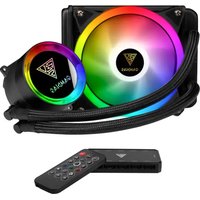
Chione E2-120R - CPU cooler Gamdias - Free user manual and instructions
Find the device manual for free Chione E2-120R Gamdias in PDF.


| Product Type | CPU Air Cooler |
| Brand | Gamdias |
| Model | Chione E2-120R |
| Socket Compatibility | Intel LGA 115X/1200/1700, AMD AM4/AM5 |
| Dimensions (with fan) | 120 x 75 x 155 mm |
| Weight | Approx. 500 g |
| Fan Size | 120 mm x 120 mm x 25 mm |
| Fan Speed | 800 - 1800 RPM ± 10% |
| Airflow | Up to 72.5 CFM |
| Noise Level | 18 - 32 dBA |
| Bearing Type | Hydraulic Bearing |
| Power Connector | 4-Pin PWM |
| Rated Voltage | 12V DC |
| Power Consumption | 1.2 W (fan only) |
| Rated Current | 0.15 A |
| Material | Aluminum fins, copper heat pipes |
| Number of Heat Pipes | 4 (6mm diameter) |
| LED Lighting | No (non-RGB version) |
| Installation Type | Push-pin or screw mount (bracket included) |
| Warranty | 2 years |
| Maintenance | Periodic dust cleaning with compressed air |
| Safety Features | Over-current protection, PWM control for automatic speed adjustment |
| Spare Parts Availability | Replacement fans and mounting kits available from Gamdias |
| Repairability | Fan replaceable; heatsink not user-serviceable |
Frequently Asked Questions - Chione E2-120R Gamdias
User questions about Chione E2-120R Gamdias
0 question about this device. Answer the ones you know or ask your own.
Ask a new question about this device
Download the instructions for your CPU cooler in PDF format for free! Find your manual Chione E2-120R - Gamdias and take your electronic device back in hand. On this page are published all the documents necessary for the use of your device. Chione E2-120R by Gamdias.
USER MANUAL Chione E2-120R Gamdias
STEP by STEP INSTALLATION GUIDE

natural_image
Abstract geometric pattern with nested triangles and a central arrow (no text or symbols)
natural_image
Close-up of a GamDIAS CPU cooler with colorful LED fan and black CPU socket (no text or symbols visible)GAMDIAS
CHIONE | E2 120R
CPU Liquid Cooler
Package Contents
A

natural_image
Line drawing of a GamDIAS air fan with visible blades and mounting feet (no text or symbols beyond brand logo)X1
D
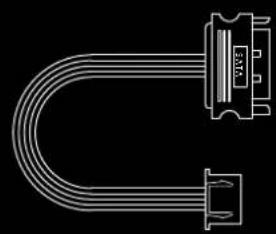
natural_image
Pure electrical circuit lines without any symbolsX1
E

X1
B

X1
F

natural_image
Pure electrical connector diagram without any text, numbers, or symbolsX1
C

X1
G

natural_image
Line drawing of a heat exchanger with a circular component labeled 'QAMNAS' connected to a coiled cable (no text or symbols beyond label)X1
H
IJK


L

X4
X1 X4 X4 X4
M

X4
0

natural_image
Abstract white line drawing on black background with no text or symbolsX1 X1
P
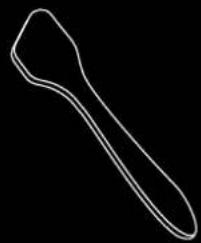
natural_image
Simple line drawing of a tool or tool handle (no text or symbols)S

natural_image
Simple curved line drawing with two circular holes, no text or symbols presentX2
Q

natural_image
Technical line drawing of a mechanical bracket with two mounting holes (no text or symbols)X2 X1X2
R
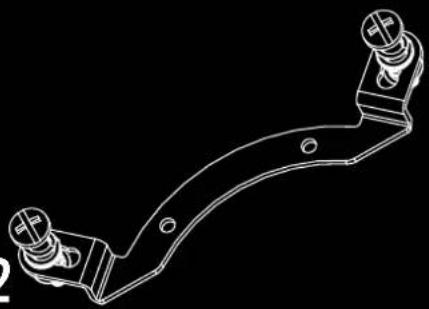
natural_image
Technical line drawing of a mechanical bracket component (no text or symbols)T
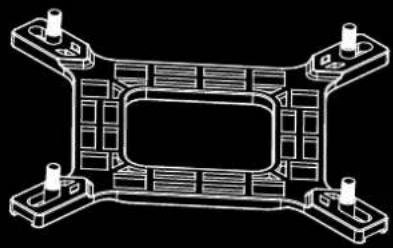
natural_image
Technical line drawing of a mechanical component with four mounting holes and internal structure (no text or symbols)Pump Dimensions

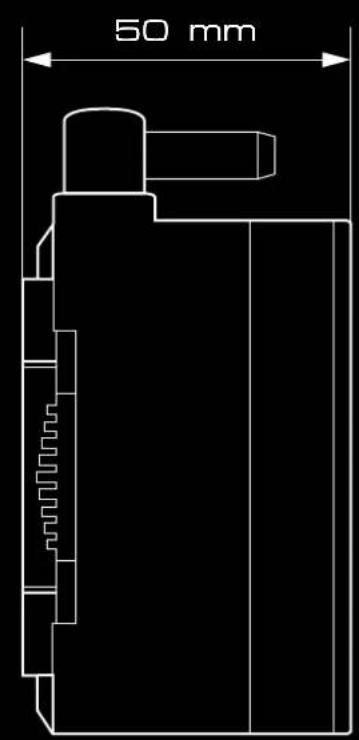
1


2

INTEL (LGA1366/115X/1200)
3
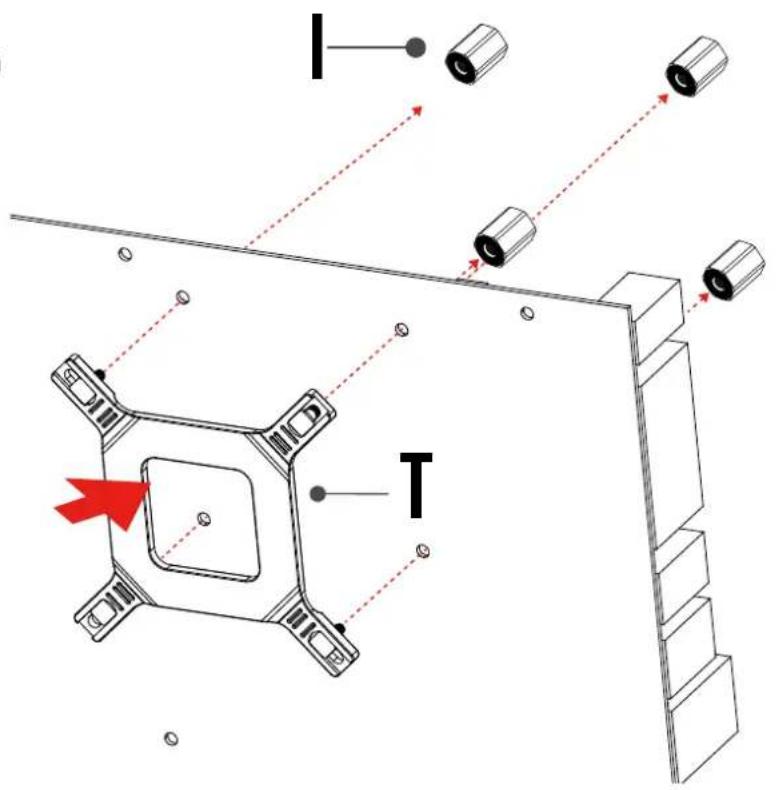
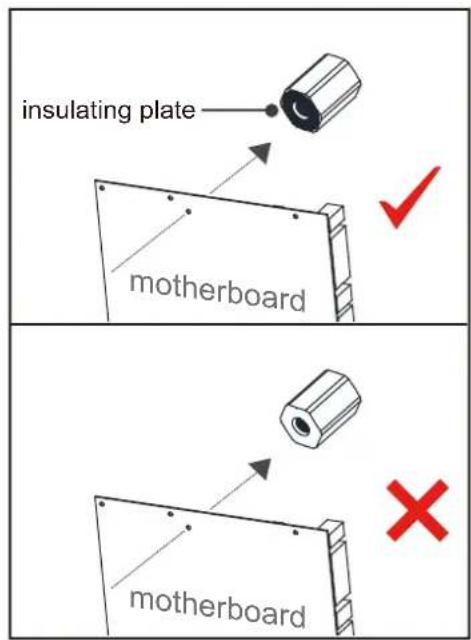

The insulating plate should face with motherboard
4


5


flowchart
graph TD
    1 --> 3
    2 --> 3
    3 --> 1
    2 --> 4
    3 --> 1
    4 --> 1

Please tighten the screws in a diagonal sequence to spread the tension properly.

natural_image
Mechanical assembly diagram showing a spring-loaded component with red bidirectional arrows indicating movement or force (no text or symbols)1
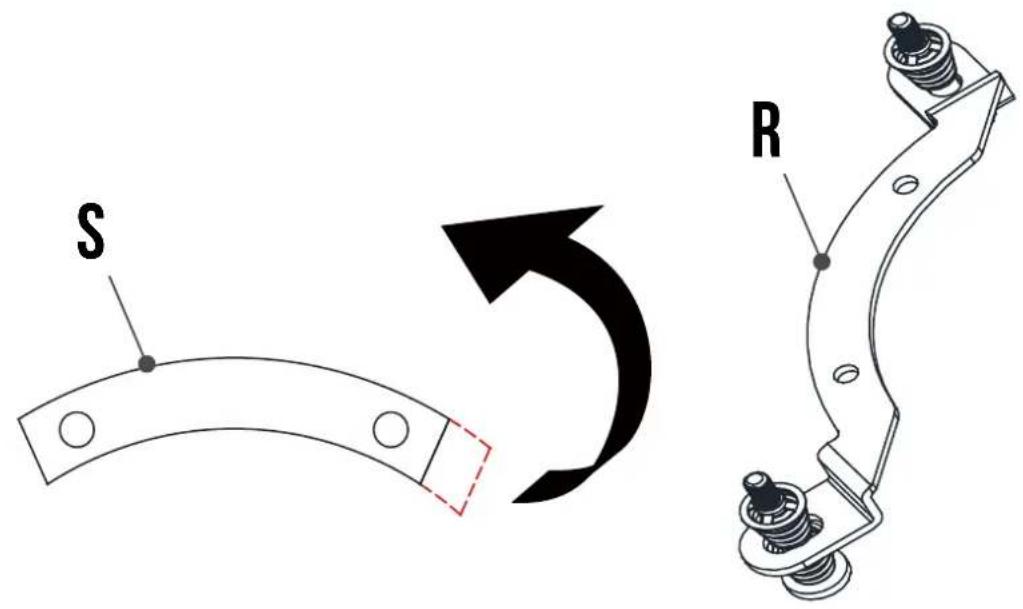
2

3


4

INTEL [ LGA1700 ]
5


![Gamdias Chione E2-120R - INTEL [ LGA1700 ] - 3](/content/2026/05/1063229/images/b561c081c1a4fe6771c8cf0433be5b990d3538a6e79e3e4b5d10769fbf4c4a54.jpg)
The insulating plate should face with motherboard
6


7

![Gamdias Chione E2-120R - INTEL [ LGA1700 ] - 7](/content/2026/05/1063229/images/7f828f995dc7ea28489ac88aa2280e919c2b2b842b762abb85e0674cbf01cbce.jpg)
flowchart
graph TD
    1 --> 3
    2 --> 3
    3 --> 1
    3 --> 2
    4 --> 1
    4 --> 2
![Gamdias Chione E2-120R - INTEL [ LGA1700 ] - 8](/content/2026/05/1063229/images/bca4a6bce90821480c6b091d3bc58c2d4fbd8f55a406310dd2167a39404e448a.jpg)
Please tighten the screws in a diagonal sequence to spread the tension properly.
![Gamdias Chione E2-120R - INTEL [ LGA1700 ] - 9](/content/2026/05/1063229/images/8ecbe98c43f15b820873fd10a424b9bb26b59b150dd56c5dc3af6b5cb358060d.jpg)
natural_image
Mechanical assembly diagram showing a spring-loaded component with red bidirectional arrows indicating movement or force (no text or symbols present)1


2


INTEL [ LGA2066/2011/2011-3 ]
3

![Gamdias Chione E2-120R - INTEL [ LGA2066/2011/2011-3 ] - 2](/content/2026/05/1063229/images/a31aa1f2c246c561c11b0b899fc552a5aed3eaf11da78860e0bc6553cab08a13.jpg)
flowchart
graph TD
    1 --> 3
    2 --> 3
    3 --> 1
    3 --> 2
    4 --> 1
    4 --> 2
![Gamdias Chione E2-120R - INTEL [ LGA2066/2011/2011-3 ] - 3](/content/2026/05/1063229/images/026e04094b5566f96699199e4e4d5c65df781faf51c545e53886c93d51fc0484.jpg)
Please tighten the screws in a diagonal sequence to spread the tension properly.
![Gamdias Chione E2-120R - INTEL [ LGA2066/2011/2011-3 ] - 4](/content/2026/05/1063229/images/055edaba720aacf05ce130892564c1377c4797cf8fb4b858df085e419b9556b6.jpg)
natural_image
Mechanical assembly diagram showing a spring-loaded component with red bidirectional arrows indicating movement or force (no text or symbols present)AMD(AM4/AM3+/AM3/AM2+/AM2/FM2+/FM2/FM1)
1

2

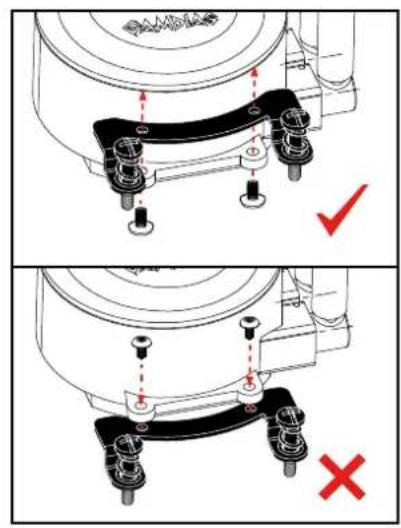
AMD(AM4/AM3+/AM3/AM2+/AM2/FM2+/FM2/FM1)
3
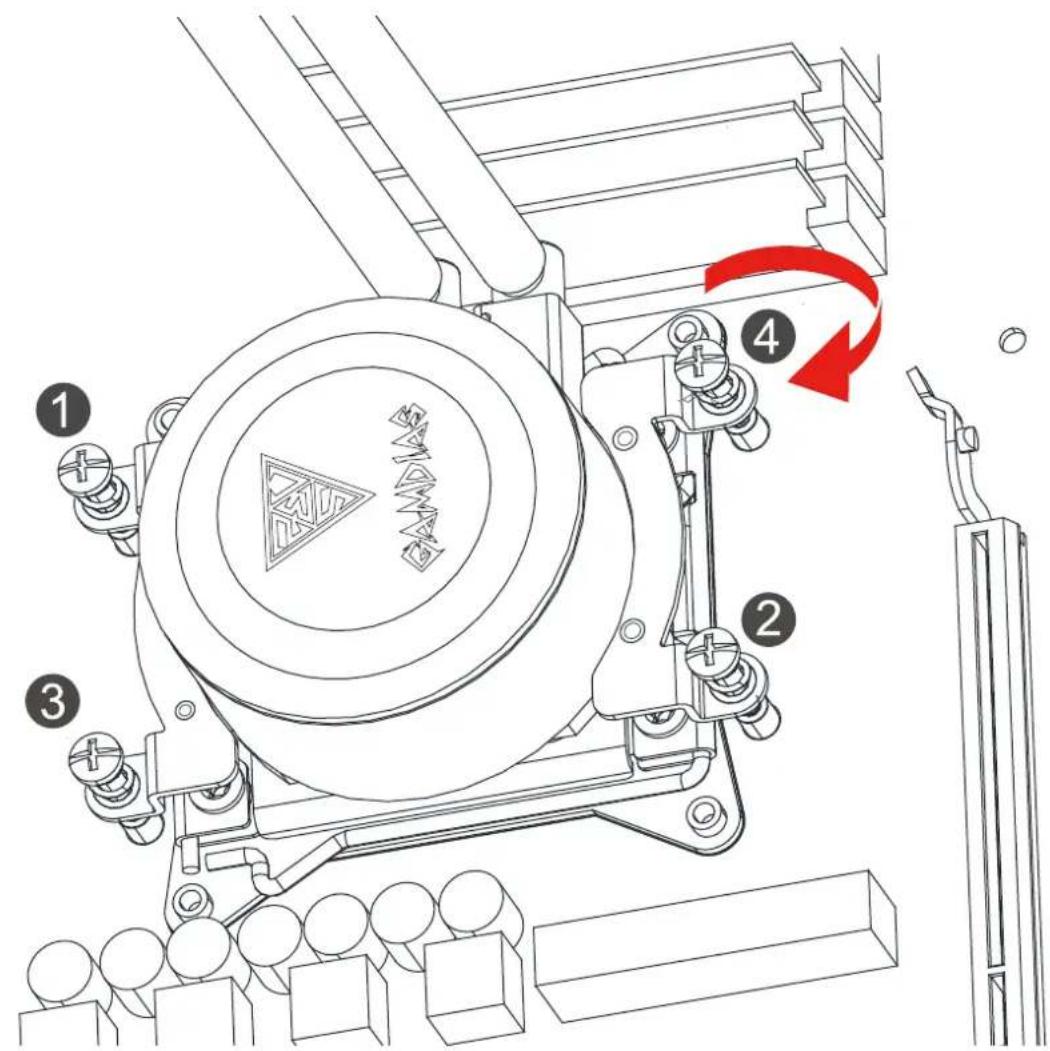

flowchart
graph TD
    1 --> 2
    2 --> 3
    3 --> 1
    3 --> 2
    4 --> 1
    4 --> 2

Please tighten the screws in a diagonal sequence to spread the tension properly.
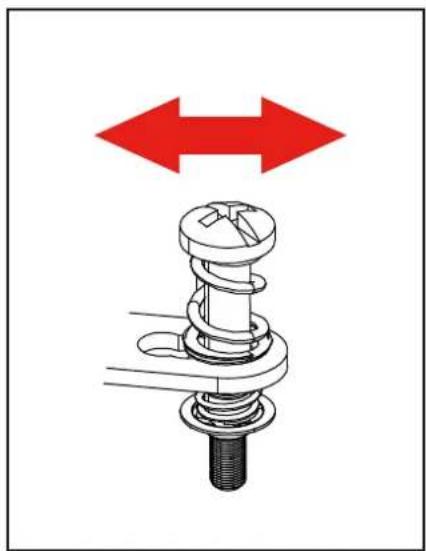
natural_image
Mechanical assembly diagram showing a spring-loaded component with red bidirectional arrows indicating movement or force (no text or symbols)1 Turn off the computer before installing

2

3


Make sure pump firmly touch CPU
4

5
Magnet

B

natural_image
Technical line drawing of a computer tower case with visible internal components and mounting hardware (no text or labels)AEOLUS Box attaches to the computer case via magnet
6

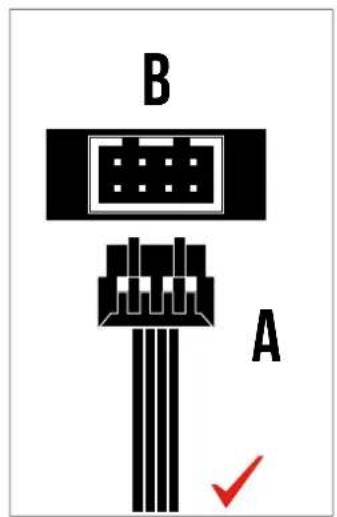

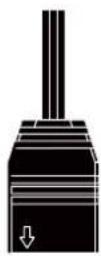
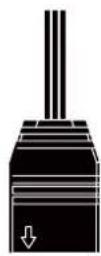
! Foolproof design
English
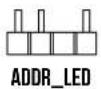
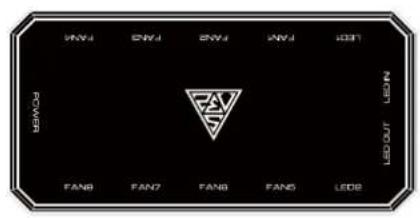
◆ Fans must start at "1" and continue in series. FAN1 → FAN2 → FAN3 → FAN4 → FAN5 → FAN6 → FAN7 → FAN8
- Any fan not connected in series will break communication and the RGB lighting function will not work.
Español
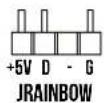
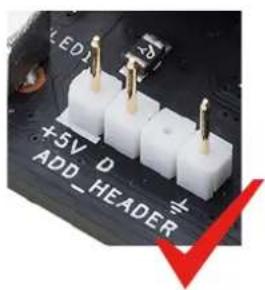
If your motherboard has 5V 3-Pin addressable (digital) RGB header, you can customize RGB lighting via motherboard manufacture sync software


F








natural_image
Close-up of a circuit board with visible LED and resistor components (no readable text or symbols)
natural_image
Close-up of a circuit board with three white 12V power connectors and a red X mark, no readable text or symbols present.


Daisy chain another AEOLUS Box for more lighting effects
B
E

B

B
E

LED-Z

B
E

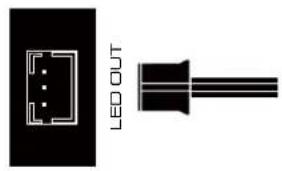
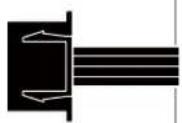
Notice foolproof design
10
B

D


B
POWER
D


D
11
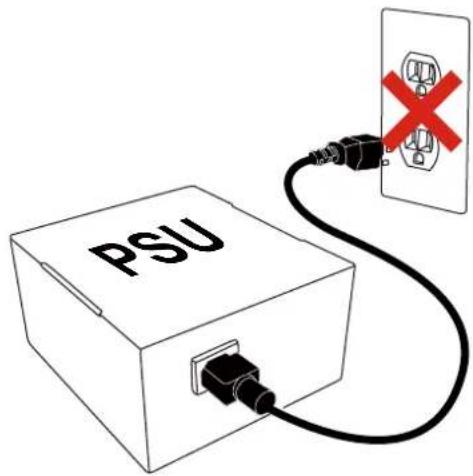
Turn on the computer after installing

12
How to change the Battery
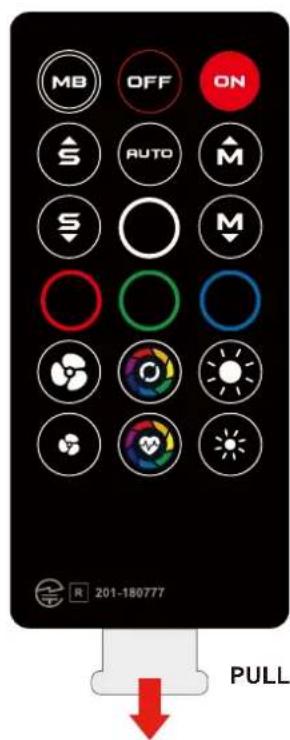

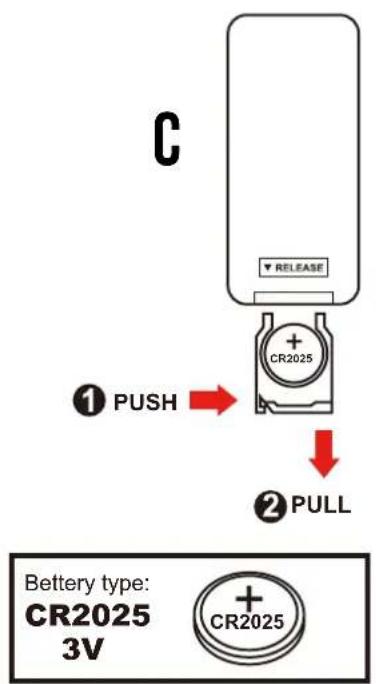

* When press "OFF" button, the remote controller will be automatically disabled.
Please press "ON" button to activate.
* Press "MB" button to switch to motherboard sync mode.

natural_image
Abstract geometric logo with interlocking black and gold shapes inside a golden triangle (no text or symbols)GAMDIAS
GRMING ART IN MOTION

Brand : Gamdias
Model : Chione E2-120R
Category : CPU cooler