CB-D9C3 - Neclasificat Sabrent - Manual de utilizare gratuit
Găsiți gratuit manualul dispozitivului CB-D9C3 Sabrent în format PDF.


Întrebările utilizatorilor despre CB-D9C3 Sabrent
0 întrebare despre acest aparat. Răspundeți la cele pe care le cunoașteți sau puneți-vă propria.
Pune o întrebare nouă despre acest aparat
Descărcați instrucțiunile pentru Neclasificat în format PDF gratuit! Găsiți manualul dvs. CB-D9C3 - Sabrent și luați din nou în mână dispozitivul dvs. electronic. Pe această pagină sunt publicate toate documentele necesare pentru utilizarea dispozitivului dvs. CB-D9C3 mărcii Sabrent.
MANUAL DE UTILIZARE CB-D9C3 Sabrent
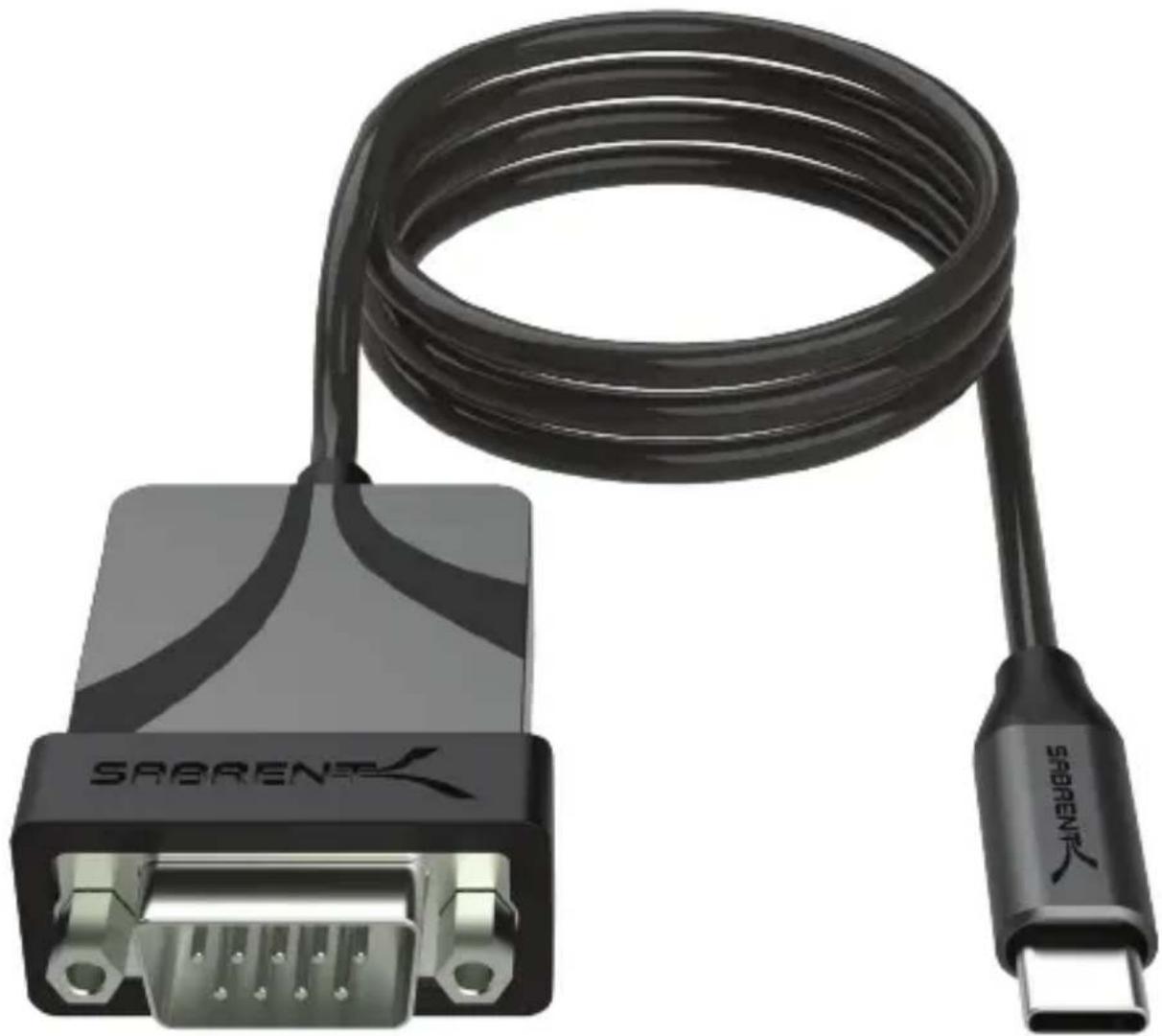
USB TYPE-C TO SERIAL CABLE ADAPTER
natural_image
Black SABRENT cable with connector, showing DNA port and USB port (no text or symbols on the cable itself)WINDOWS
OS
COMPATIBLE
MAC
OS
COMPATIBLE
LINUX
OS
COMPATIBLE
USB

5GBPS
3FT
FEATURES
- USB Type-C to RS-232 serial adapter with 3' (0.91m) integrated cable
• USB 2.0 Full Speed (12Mbps) compatible with a 1bps to 12Mbps baud rate - Male-to-male adapter for use on various equipment including phones, PDAs, cameras, modems, networking equipment, POS, GPS, card readers, medical equipment and more for testing and programming
• Supports common UART features and is bus-powered
SUPPORTED OPERATING SYSTEMS
- Windows
- macOS
- Linux
PACKAGE CONTENTS
• USB Type-C to Serial Cable Adapter (3')
PRODUCT OVERVIEW
text_image
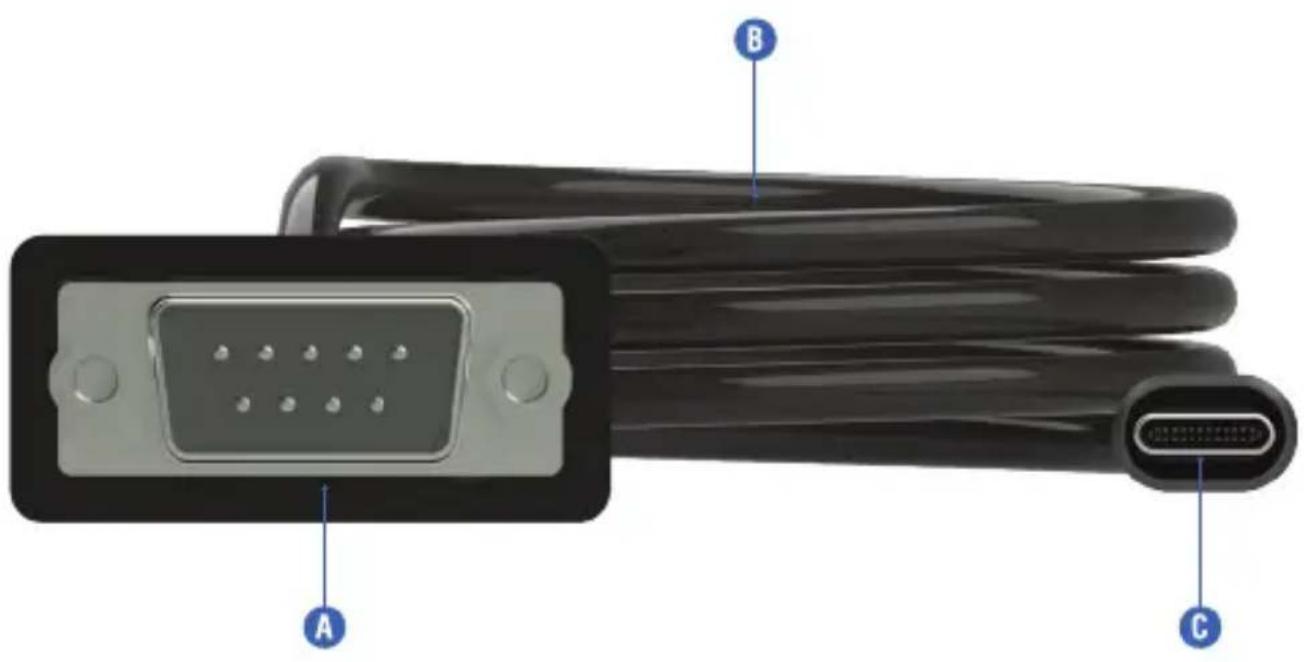
A B CA. (9-pin RS-232) connector
B. 3' cable
C. USB Type-C connector
GETTING STARTED
Step 1. Install any relevant drivers from Prolific's or our website for the PL2303GS chip, selecting the correct operating system driver and, if applicable, the correct driver API. For easier access, scan the QR code on the product.
natural_image
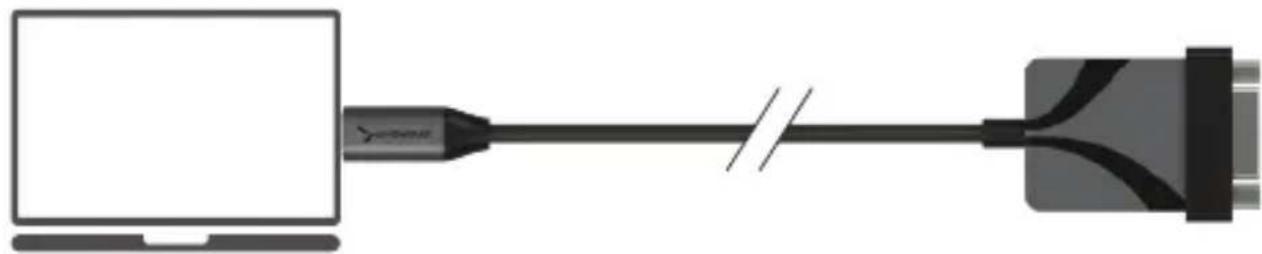
Diagram showing a computer connected to a USB cable, no text or symbols presentStep 2. Insert the USB Type-C connector into a free port on the host system.

natural_image
Diagram showing a printer connected to a computer via a cable, with a printer also shown (no text or symbols present)Step 3. Insert the DB9 serial connector into a free port on the intended RS-232 compliant hardware.
text_image
Save Name New writing Systems File Storage Tobed Unloading Projecting workflow PC Formal application Openset New Start Window DeleteThis page has a few new settings
Some settings from Control Panel have moved here, and you can copy your PC info so it's easier to share.
Related settings
Elasticer setkings
Device Messages
Farsota desktop
System production
Advanced system settings
Reverse (Hi PC (advanced))
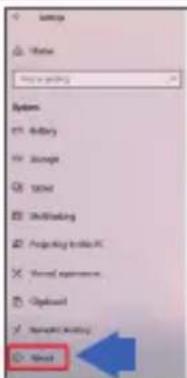
Step 4. Proceed as intended, unless manual driver installation or configuration is required. If so, use Device Manager (Windows) or equivalent to proceed.
FREQUENTLY ASKED QUESTIONS
Q. Is it possible to connect this to a "male" host or device?
A. Appropriate adapters or "gender changers" may be utilized to help the adapter work with a wider range of devices.
Q. Is there a way to test that the adapter is working?
A. A loopback test may be performed to ensure proper adapter operation.
Q. What do I do if the adapter is not recognized by the host operating system?
A. Ensure that the adapter is connected, powered, and recognized in the OS. A different port should be used/tested if uncertain, and checking for device presence in Device Manager or similar should indicate detection. Make sure the proper driver is being used for the OS, differences of which could include 32-bit or 64-bit support for legacy systems.
SABRENT
FOR HELP, COMMENTS, QUESTIONS OR CONCERNS PLEASE CONTACT OUR TECH SUPPORT TEAM VIA OUR WEBSITE WWW.SABRENT.COM