T600HLDAS - Scaun de birou Sidiz - Manual de utilizare gratuit
Găsiți gratuit manualul dispozitivului T600HLDAS Sidiz în format PDF.


Întrebările utilizatorilor despre T600HLDAS Sidiz
0 întrebare despre acest aparat. Răspundeți la cele pe care le cunoașteți sau puneți-vă propria.
Pune o întrebare nouă despre acest aparat
Descărcați instrucțiunile pentru Scaun de birou în format PDF gratuit! Găsiți manualul dvs. T600HLDAS - Sidiz și luați din nou în mână dispozitivul dvs. electronic. Pe această pagină sunt publicate toate documentele necesare pentru utilizarea dispozitivului dvs. T600HLDAS mărcii Sidiz.
MANUAL DE UTILIZARE T600HLDAS Sidiz
T60(Ega) series
제품 설명서 Product Manual

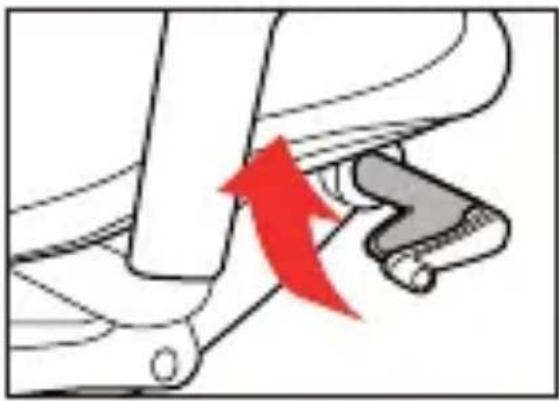
1 의자 높이 조절
Adjusting the height of seat

natural_image
Diagram showing a mechanical component with a red arrow indicating motion or force, no text or symbols present의자를 높이러 할 때에는 상체를 일으켜 의자에 무게를 가하지 않은 상태에서 손잡이를 위로 올리고 적당한 높이에서 놓습니다. 의자들 낮출 때에는 좌판의 중심에 앉아 무게를 가한 상태에서 손잡이를 위로 올려 적당한 높이에서 놓습니다.
When elevating the height of seat, lift up the lever then release it at the height desired. When lowering the height of seat, sit on the center of the chair then lift up the lever, release -se it at the desired height
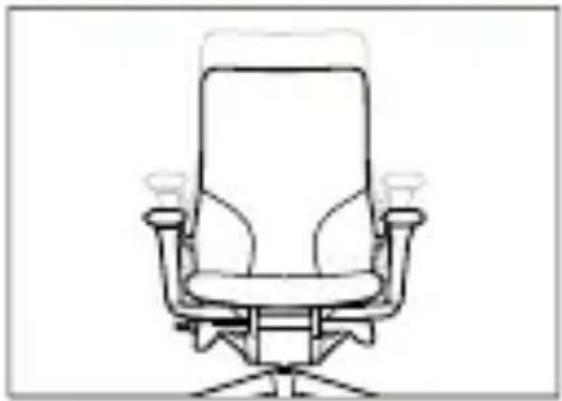
natural_image
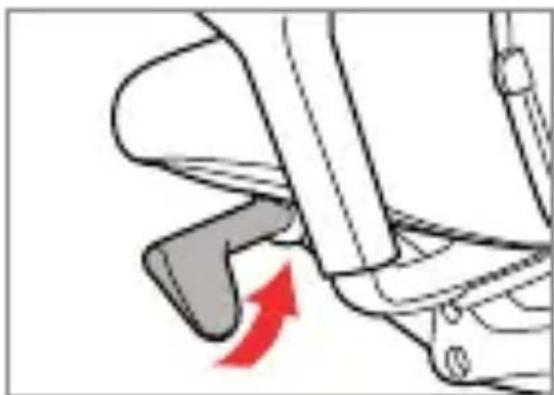
Line drawing of an office chair with adjustable armrest and seat (no text or symbols)2 멀티 리미티드 틸팅
Multi-limited tilting
natural_image
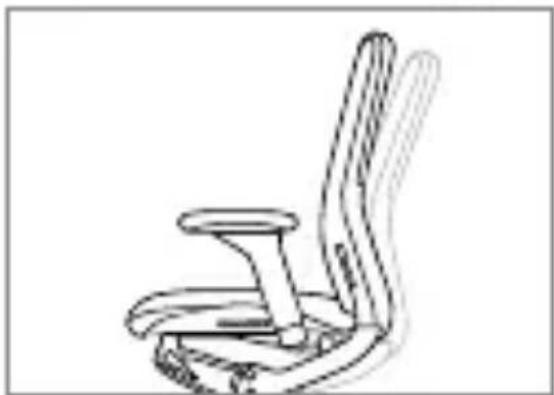
Illustration of a mechanical seatbelt with a red arrow indicating motion direction (no text or symbols)원하는 각도까지 빌팅을 한 후 좌측 레버를 위로 올리면 항상 그 각도까지 빌팅이 됩니다. 다시 레 버를 내리면 끝까지 빌팅이 됩니다.
Tilt the chair up to the angle you feel comforta -ble and pull the left lever up, then you will be able to tilt the chair up to that point at any time. If you pull down the lever to the end, the chair will be tilted for maximum tilting angle.
natural_image
Line drawing of a chair seat with adjustable arm and seat plate (no text or symbols)3
틸팅 강도 조절
Adjusting the strength of tilting
natural_image
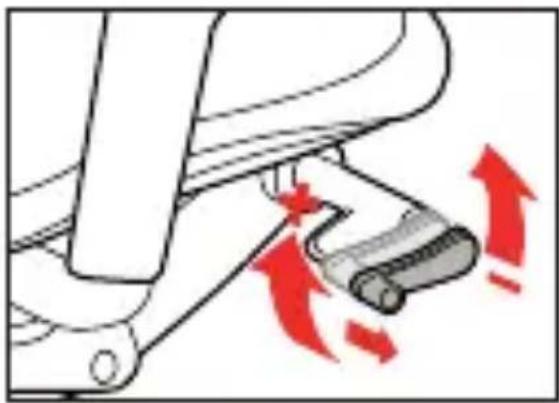
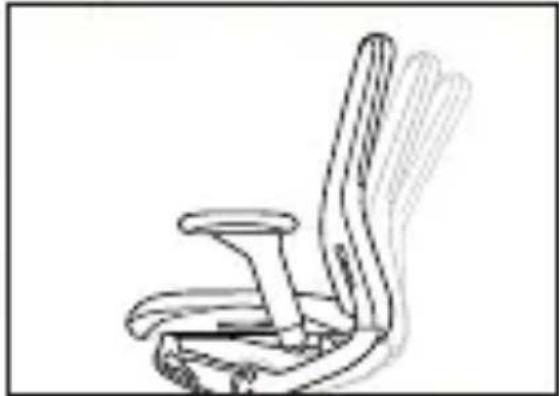
Mechanical device with red directional arrows indicating motion or force (no text or symbols)손잡이를 바깝으로 뚜아 시계 방향으로 돌리면 릔팅이 강해지고, 반시계 방향으로 돌리면 릔팅이 약해집니다. 조절 후에는 손잡이를 다시 인쪽으로 밀어 넣어 주십시오.
natural_image
Line drawing of an office chair with extended arm and seat (no text or symbols)Pull out the handle and rotate it clockwise then the strength of tilting will be stronger and if rotate the handle counterclockwise, the strength will be weaker. When done with controlling, insert the handle to where it was.
4
좌판 전후 조절
Adjusting the depth of seat
natural_image
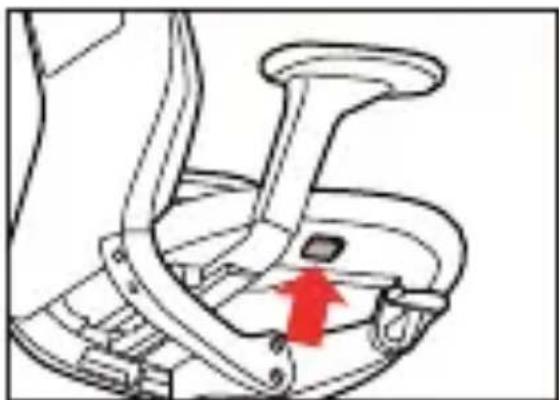
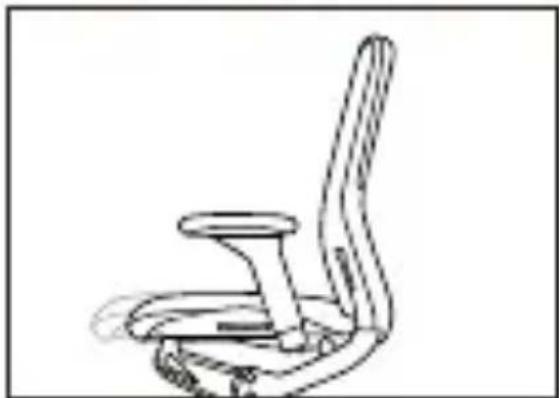
Line drawing of a mechanical seat with a red arrow indicating clockwise motion (no text or symbols)우측 하단에 있는 버튼을 눌러 잠금을 푔상태로 좌판을 앞으로 잡아당기면 5단계로 좌판의 깊이를 조절할 수 있습니다.
To adjust the 5-step depth of the seat, push the lever located on the lower right of the seat.
natural_image
Line drawing of a chair with seat and armrest (no text or symbols)5
요추받이 조절
Adjusting lumbar support

natural_image
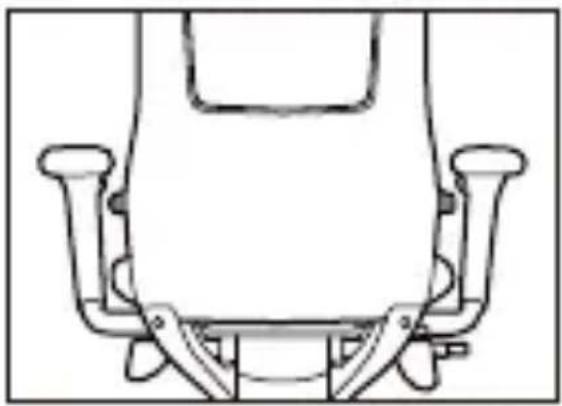
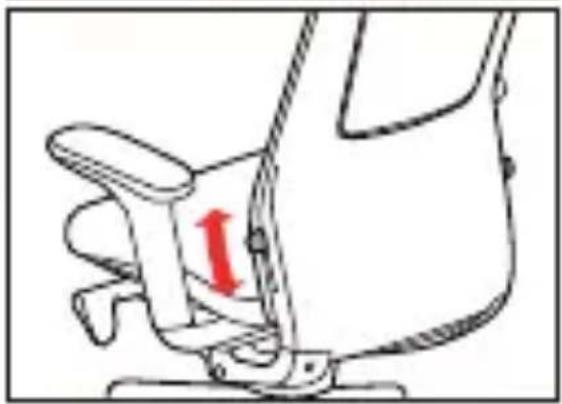
Line drawing of a mechanical seat assembly (no text or symbols)두 레버를 동시에 잡고 위아래로 움직여 적절한 요추받이의 높이를 조절합니다.
The height of the lumbar support can be adjusted by maneuvering two levers up or down.
natural_image
Line drawing of a seatbelt mechanism with a red arrow indicating clockwise motion (no text or symbols)6
팔걸이 조절
Adjusting the armrest
natural_image
Line drawing of a hand holding a small object with a red circular highlight on the stem (no text or symbols)랄걸이 높이
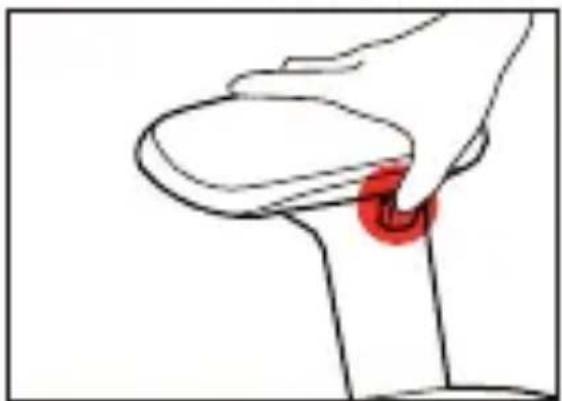
높이 조절은 좌우 임패드 안쪽 하단에 위치한 버 든을 누른 상태로 원하는 높이로 맞추면 달니다.
Armrest height
Push the button located on the lower side of left/right arm pad and adjust the height of armrest.
natural_image
Illustration of a hand pressing down on a circular object with red directional arrows indicating motion (no text or symbols)팔걸이 각도,전후 조절
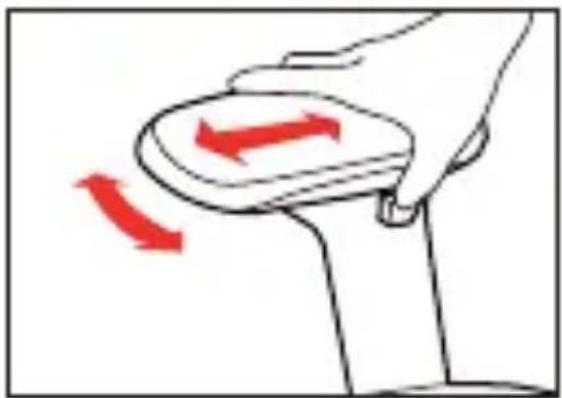
회전과 전후 슬라이딩은 임패드를 잡고 원하는 방향으로 조작하면 됩니다.
Armrest angle, depth
To use rotating/sliding function, grab the arm pad and move it to the direction you want it to be.
7
넥레스트 조절
Adjusting the neckrest
H 코드를 포함한 제품에 해당
A model whose code includes "H"
natural_image
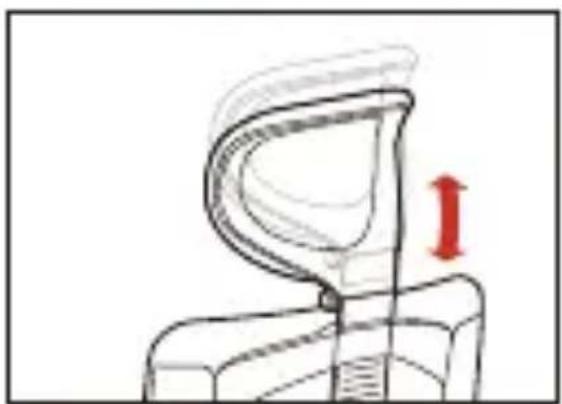
Diagram of a mechanical component with a red arrow indicating direction (no text or symbols)네레스트 높이
넥레스트를 두 손으로 잡고 원하는 높이로 맞춤니다.
Neckrest height
Grab the neckrest using both hands then fix it at the desired height.
natural_image
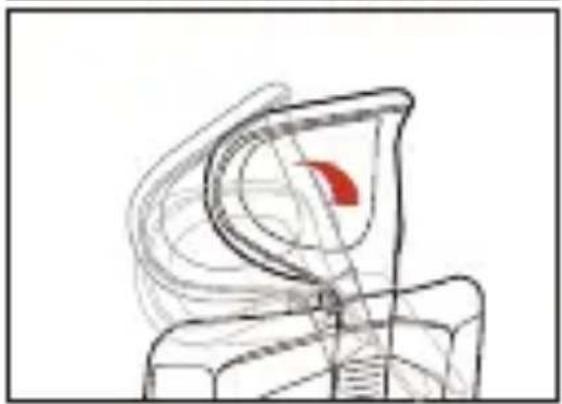
Abstract line drawing of a mechanical or architectural component with no visible text or symbols넥레스트 각도
닉레스트를 두 손으로 잡고 위 아레로 회전시키면서 위치를 맞춤니다.
Neckrest angle
Grab the neckrest using both hands, rotate it up and down then fix it at the angle where you feel comfortable.