XM-GPS05 - System nawigacji GPS Xomax - Bezpłatna instrukcja obsługi
Znajdź bezpłatnie instrukcję urządzenia XM-GPS05 Xomax w formacie PDF.


| Typ produktu | Nawigacja GPS |
| Marka | Xomax |
| Model | XM-GPS05 |
| Wyświetlacz | Ekran dotykowy |
| Funkcje nawigacyjne | Nawigacja głosowa, automatyczne przeliczanie trasy, tryb dzienny/nocny, 8 sposobów wprowadzania celu |
| Mapy | Mapy Navteq 2008 (Europa Środkowo-Wschodnia, Nowa Zelandia, Afryka Południowa, Meksyk i inne) |
| Planowanie trasy | Wielopunktowa trasa (do 20 punktów pośrednich), opcje: szybsza, krótsza, ekonomiczna, unikanie autostrad, dróg płatnych, dróg bocznych, promów |
| Punkty POI | Wyszukiwanie POI według kategorii, wokół miasta, w całym kraju, pobliskie, ulubione, ostatnie, współrzędne |
| Alerty fotoradarów | Konfigurowalne alerty dźwiękowe i wizualne, obsługa danych zewnętrznych (.sca) |
| Języki | Wielojęzyczny interfejs i komunikaty głosowe (m.in. polski, angielski, niemiecki, francuski, hiszpański, rosyjski, arabski) |
| Dodatkowe funkcje | Widok 2D/3D, punkty orientacyjne 3D, wskazówki na skrzyżowaniach, zbliżenia, Smart Zoom, wyszukiwanie pobliskich ulic, przeglądarka zdjęć JPEG z danymi GPS |
| Zasilanie | 12V (gniazdo zapalniczki samochodowej) |
| Bezpieczeństwo | Tryb bezpieczny, strona ostrzegawcza przy starcie |
Często zadawane pytania - XM-GPS05 Xomax
Pytania użytkowników dotyczące XM-GPS05 Xomax
0 pytanie dotyczące tego urządzenia. Odpowiedz na te, które znasz, lub zadaj własne.
Zadaj nowe pytanie dotyczące tego urządzenia
Pobierz instrukcję dla swojego System nawigacji GPS w formacie PDF za darmo! Znajdź swoją instrukcję XM-GPS05 - Xomax i weź swoje urządzenie elektroniczne z powrotem w ręce. Na tej stronie opublikowane są wszystkie dokumenty niezbędne do korzystania z urządzenia. XM-GPS05 marki Xomax.
INSTRUKCJA OBSŁUGI XM-GPS05 Xomax
XOMAX
GPS BOX
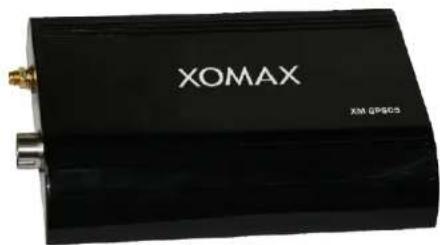
XM-GPS05
■Sensitive touch screen control
■Patch recalculate function
■ Whole trip voice navigation
■ Day and night display mode setting
■8 destination input way
SATELLITE NAVIGATION SYSTEM PLEASE READ ALL INSTRUCTIONS CAREFULLY BEFORE USING
- Fast,Intuitive,Never-lost, Easy-to-use, Advanced Navigation
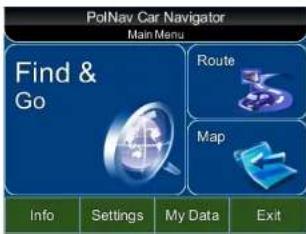

Enriched Map
- Area/River/Railway
• House Number Scheme - One-way marker
• Z-level crossing roads - POIs
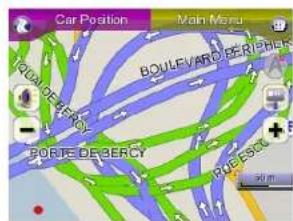
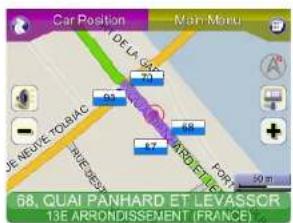
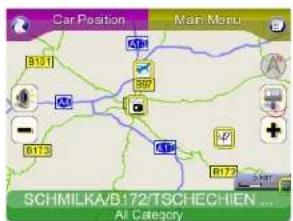
Map Manipulation
• Panning
- Zoom in/out
• POI/Road selection
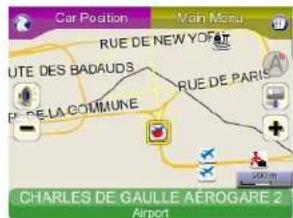
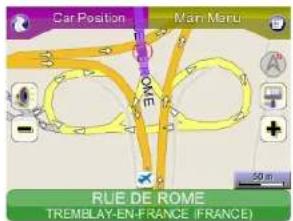
Color Scheme

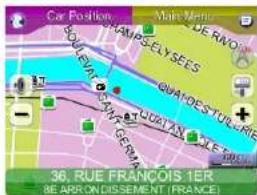

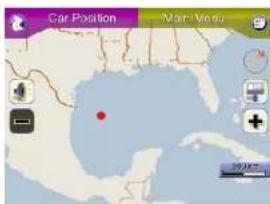
Basemap Presentation
- Global View
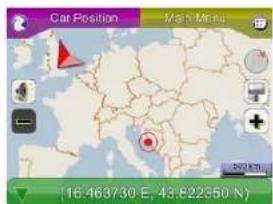
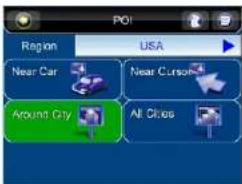
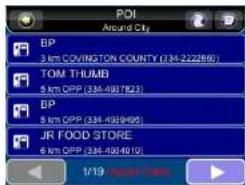
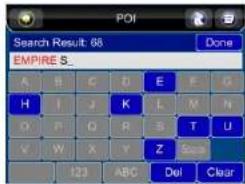
Pol Finding
- Around City
○ Find POI by category/subcategory around a city - All Cities
○ Find any POI in smart key mechanism per country
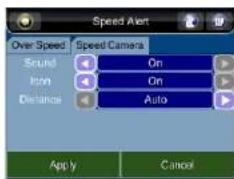
Speed Camera Alert Configuration
- [Setting]-[Advanced]
○ [Speed Alert]
○ Tab [Speed Camera] - Alert Voice
■ Visual Icon


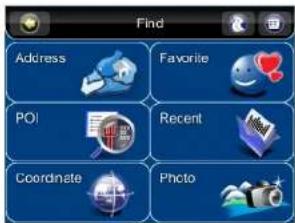
Intuitive Find then Go

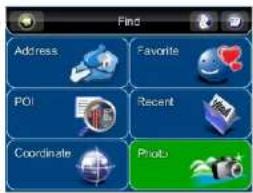
Finding
- Address
○ City/Street/House number
○ Intersection
- City Center
○ POI
○ Around city
○ Per country
- Nearby
○ Coordinate
- Any location
- Favorite
- Recent
- Photo
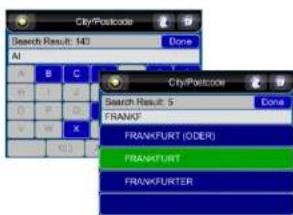
Quick Spelling
- Tokenize
- Multi-language
○ Unicode support

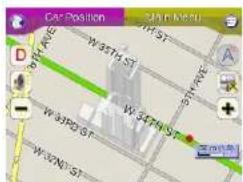
3D Landmarks on Maps(Optional)
• Famous buildings and/or business landmarks can be shown on maps in 3D view

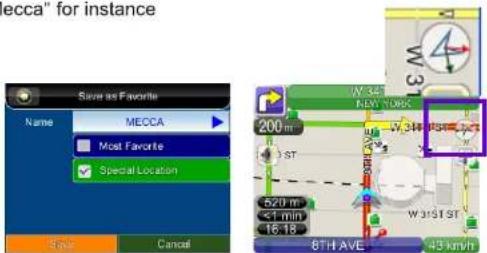
Destination/special Location Indication
• Arrows Indication in Compass
- Destination in red
• Special Location in green
○ Configure one and only one favorite as Special Location
○ Applied for "Mecca" for instance

More Multi Language Support
- Voice and Text
○ English (US), English-UK
○ Danish, Dutch, Finnish, French, Germany, Italian, Portuguese, Swedish, Spanish, Norwegian, Greek
○ Czech, Hungarian, Polish, Slovak, Slovenian
○ Arabic, Russian, Taiwan, Indonesian, Malaysia, Thai, Turkish
Find by Photo
- JPEG Image Browser
- Read GPS Info from
- Exif in JPEG


Plug-in POI
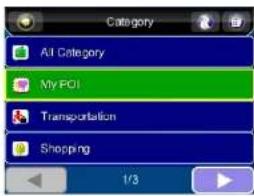
- A converter is provided to convert user collected data to a proprietary format PolNav expects.
○ Refer to documentation
■ "PolNav Application - How To Convert Plugin POI.pdf"
○ Extended POI
My POI - Plug-in POIs can be found on map and Nearby POI finding

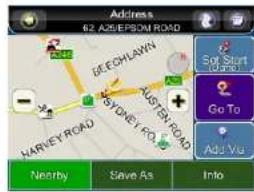
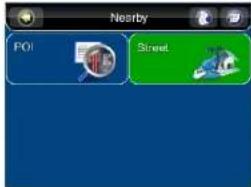
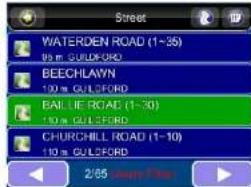
Nearby street Finding
- Find nearby street around car, cursor or any location - Sorted by distance up to 2.5km


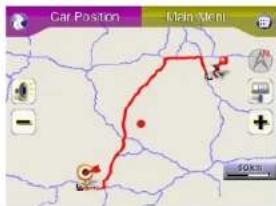
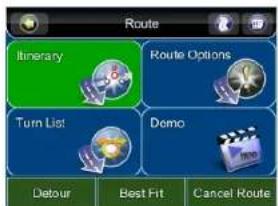
Routing
- Routing options
- Multi-waypoints Itinerary
- Auto re-route
- Bypass/Detour/Avoid

Summary
• PolNav 2008 R5.0 - release on 2008/10/15
- Latest Navteq 2008 maps
○ New maps - Central/Eastern Europe, New Zealand, Southern Africa, Mexico, etc
○ Refer to another document for complete map coverage
- More Multi-language support
○ More than 20 countries/regions
○ Scandinavia, Center Europe, Asian etc
○ New English (US and UK), new Dutch
- Plug-in POI capability
• 3D Landmark on map
- Destination/Special Location indication in compass
• POI Find per country and around city
• Speed Camera Configuration
• Better rendering performance
- TTS (Optional)
○ English version on WinCE ARMV4I platform
- Other feature enhancement and known bugs fixed
Other Features
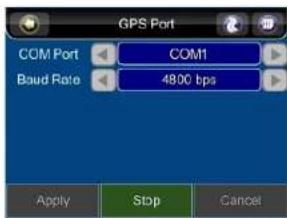
• GPS Port auto detection
- More objects shown on map compared to the previous version
• Dynamic street label size on map to fit various of screen resolution

Routing Options
- Routing Method
- Faster
○ Shorter
○ Economic - Rules
- Avoid highway
- Avoid toll road
- Avoid minor road
○ Avoid ferry
○ Lignore traffic rule


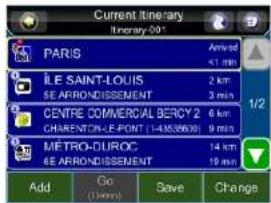
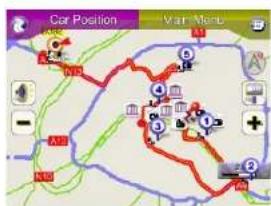
Ltinetary
- Save and restore
- More than 20 waypoints
- Manual/Auto planning


Guidance
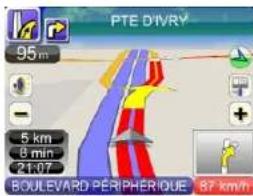
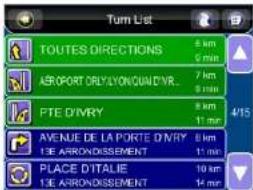
- Map
- Voice
- Turn by Turn
- Auto re-route
- Signpost
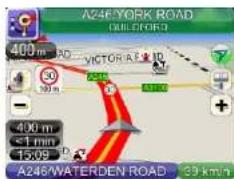
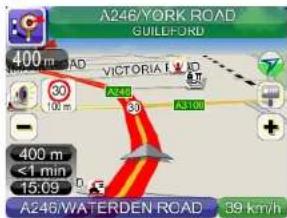
Speed Camera Alert
- Plug-in speed camera data
- Map\SpeedCamera*.sca
- speCamConverter.exe for converting user collected raw data into *.sca
• Audible/Visible alert
○ Sound\xxx\speCamAlert.ogg
- Sound\xxx\speCamRelease.ogg
- Default data
- UK, West Europe, AusNz, USA, Canada, Taiwan

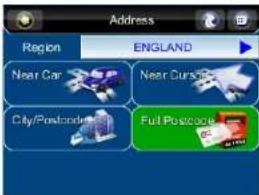
UK Full Postcode
- 7-digits postcode to find a specific location
○ Map\UK Full Postcode\star.fpc
○ UK@Postcode
○ England, Scotland, North Ireland, Wales, Isle Of Man, Channell Islands


Advanced Setting
- Safe Mode

![68km 中華路 72 km 47 min 23:09 1 99 km/h 台中/龍井 [Excl] 181](/content/2026/06/1168407/images/74844bd688e77120c169cd5442a6ed729df6545aeb0f7304d96197e0d7fb7dad.jpg)
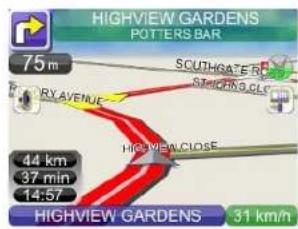
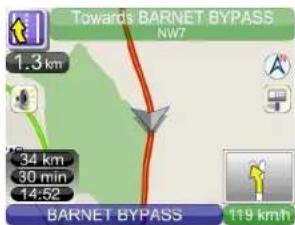
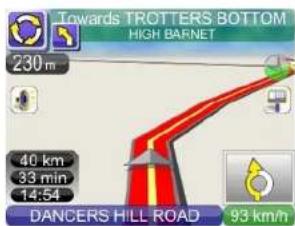
Navigation View
- 2D/3D/North Up
- Turn symbol
- Approaching view
- PIP
- Smart zoom
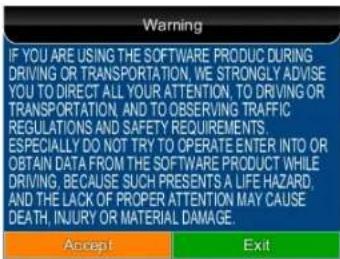
Safety Warning Startup Page (optional)
- Config\Warning.ini
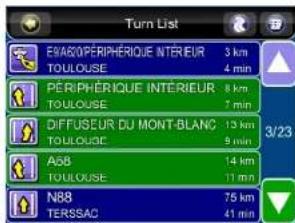
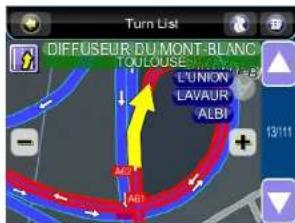
Signpost Indication on Map

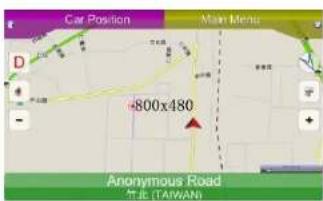
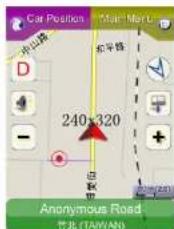
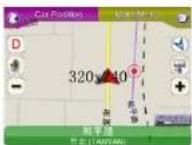
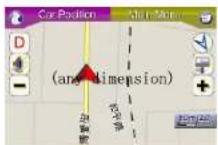
Screen Size
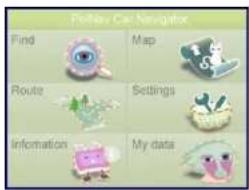
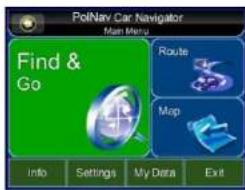
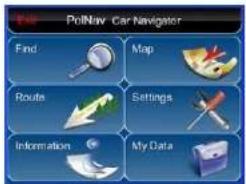
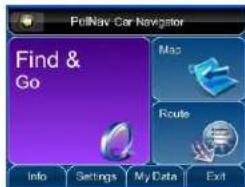
Customized Styles
Information
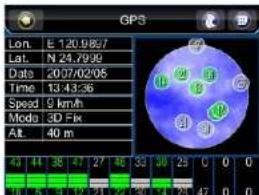
• GPS
• Statistics
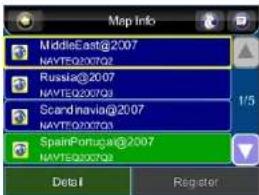
- Map

- XOMAX
- GPS BOX
- XM-GPS05
- Enriched Map
- Map Manipulation
- Color Scheme
- Basemap Presentation
- Pol Finding
- Speed Camera Alert Configuration
- Intuitive Find then Go
- Finding
- Quick Spelling
- 3D Landmarks on Maps(Optional)
- Destination/special Location Indication
- More Multi Language Support
- Find by Photo
- Plug-in POI
- Nearby street Finding
- Routing
- Summary
- Other Features
- Routing Options
- Ltinetary
- Guidance
- Speed Camera Alert
- UK Full Postcode
- Advanced Setting
- Navigation View
- Safety Warning Startup Page (optional)
- Signpost Indication on Map
- Information
Marka : Xomax
Model : XM-GPS05
Kategoria : System nawigacji GPS