Soho MBA - PC-kabinett AKASA - Gratis bruksanvisning og manual
Finn enhetens veiledning gratis Soho MBA AKASA i PDF-format.


Pick your language and provide your email: we'll send you a specifically translated version.
Brukerspørsmål om Soho MBA AKASA
0 spørsmål om dette apparatet. Svar på dem du kjenner, eller still ditt eget.
Still et nytt spørsmål om dette apparatet
Ingen spørsmål ennå. Vær den første til å stille et.
Last ned instruksjonene for din PC-kabinett i PDF-format gratis! Finn veiledningen din Soho MBA - AKASA og ta den elektroniske enheten tilbake i hendene. På denne siden er alle dokumenter som er nødvendige for bruken av enheten din publisert. Soho MBA av merket AKASA.
BRUKSANVISNING Soho MBA AKASA
akasa®
SOHO MBA
Addressable RGB LED strip light
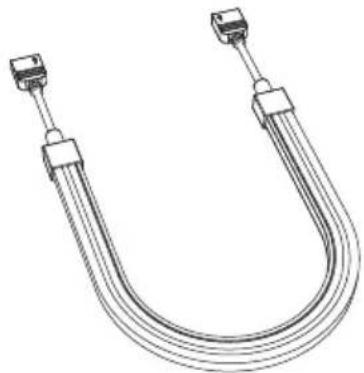
natural_image
Line drawing of a U-shaped electrical connector with two connectors (no text or symbols)USER Manual
Product Code: AK-LD09-30RB
natural_image
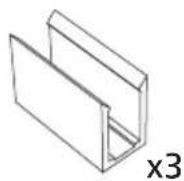
U-shaped metal pipe fitting with connectors (no text or symbols visible)A
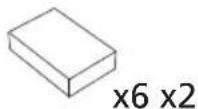
B
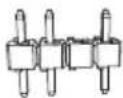
©
D
Installation
1
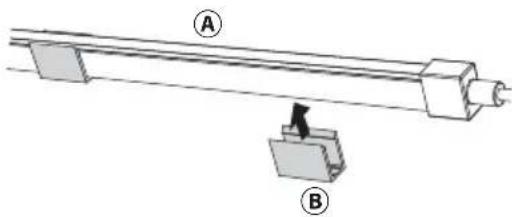
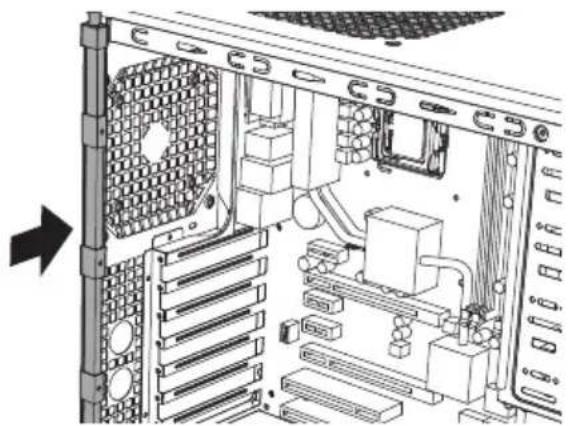
natural_image
Mechanical assembly diagram showing a shaft with two labeled components (A and B), no text or symbols present.3
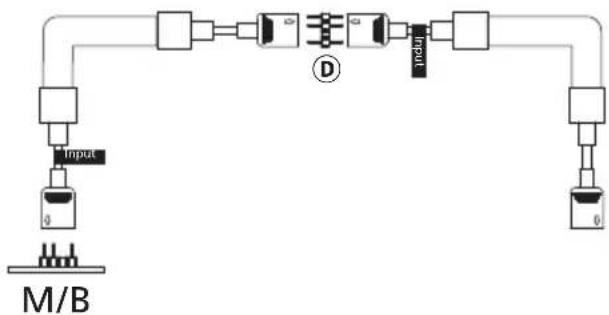
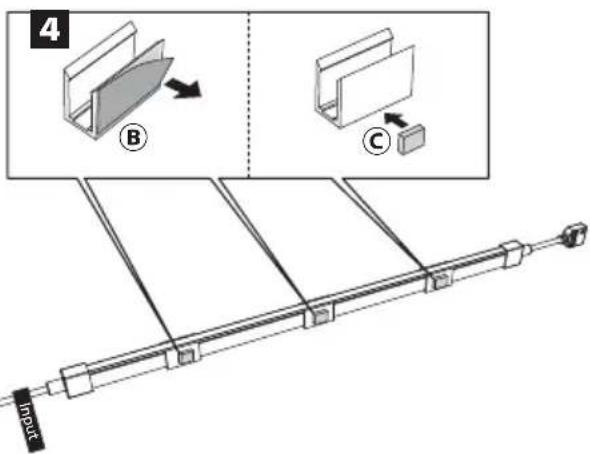
flowchart
graph TD
    A["Input"] --> B["M/B"]
    B --> C["Component 1"]
    C --> D["Component 2"]
    D --> E["Component 3"]
    E --> F["Component 4"]
    F --> G["Component 5"]
    G --> H["Component 6"]
    H --> I["Component 7"]
    I --> J["Component 8"]
    J --> K["Component 9"]
    K --> L["Component 10"]
    L --> M["Component 11"]
    M --> N["Component 12"]
    N --> O["Component 13"]
    O --> P["Component 14"]
    P --> Q["Component 15"]
    Q --> R["Component 16"]
    R --> S["Component 17"]
    S --> T["Component 18"]
    T --> U["Component 19"]
    U --> V["Component 20"]
    V --> W["Component 21"]
    W --> X["Component 22"]
    X --> Y["Component 23"]
    Y --> Z["Component 24"]
    Z --> AA["Component 25"]
    AA --> AB["Component 26"]
    AB --> AC["Component 27"]
    AC --> AD["Component 28"]
    AD --> AE["Component 29"]
    AE --> AF["Component 30"]
    AF --> AG["Component 31"]
    AG --> AH["Component 32"]
    AH --> AI["Component 33"]
    AI --> AJ["Component 34"]
    AJ --> AK["Component 35"]
    AK --> AL["Component 36"]
    AL --> AM["Component 37"]
    AM --> AN["Component 38"]
    AN --> AO["Component 39"]
    AO --> AP["Component 40"]
    AP --> AQ["Component 41"]
    AQ --> AR["Component 42"]
    AR --> AS["Component 43"]
    AS --> AT["Component 44"]
    AT --> AU["Component 45"]
    AU --> AV["Component 46"]
    AV --> AW["Component 47"]
    AW --> AX["Component 48"]
    AX --> AY["Component 49"]
    AY --> AZ["Component 50"]
2