DiVA AVR300 - Mottaker ARCAM - Gratis bruksanvisning og manual
Finn enhetens veiledning gratis DiVA AVR300 ARCAM i PDF-format.


Brukerspørsmål om DiVA AVR300 ARCAM
0 spørsmål om dette apparatet. Svar på dem du kjenner, eller still ditt eget.
Still et nytt spørsmål om dette apparatet
Last ned instruksjonene for din Mottaker i PDF-format gratis! Finn veiledningen din DiVA AVR300 - ARCAM og ta den elektroniske enheten tilbake i hendene. På denne siden er alle dokumenter som er nødvendige for bruken av enheten din publisert. DiVA AVR300 av merket ARCAM.
BRUKSANVISNING DiVA AVR300 ARCAM

natural_image
Three parallel black horizontal bars on white background (no text or symbols)



natural_image
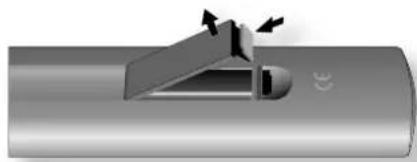
Diagram of a mechanical component with arrows indicating force or movement (no text or symbols)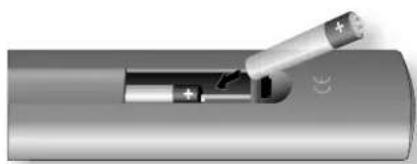
natural_image
Close-up of a battery with a plug inserted into a cylindrical component (no visible text or symbols)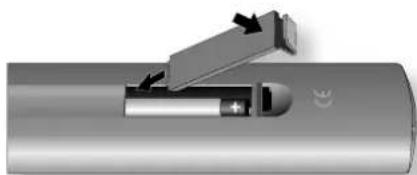
natural_image
Diagram of a battery with an open switch and internal components, no text or symbols present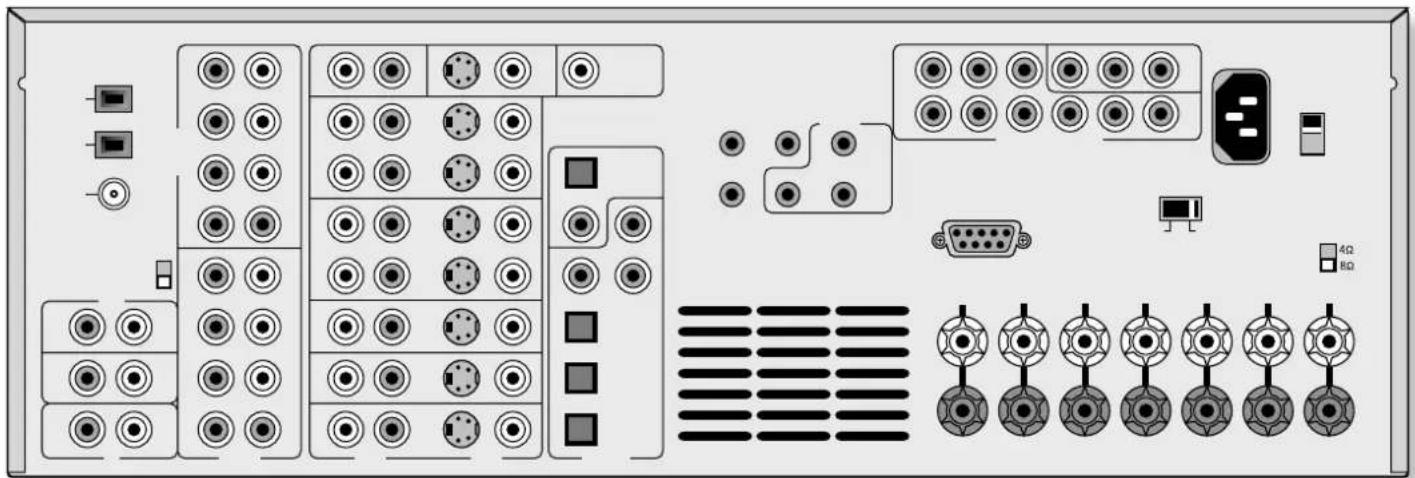
natural_image
Back panel diagram of an electronic device showing various ports, connectors, and indicators (no text or labels visible)
natural_image
Blank white image with no visible content, text, or symbols
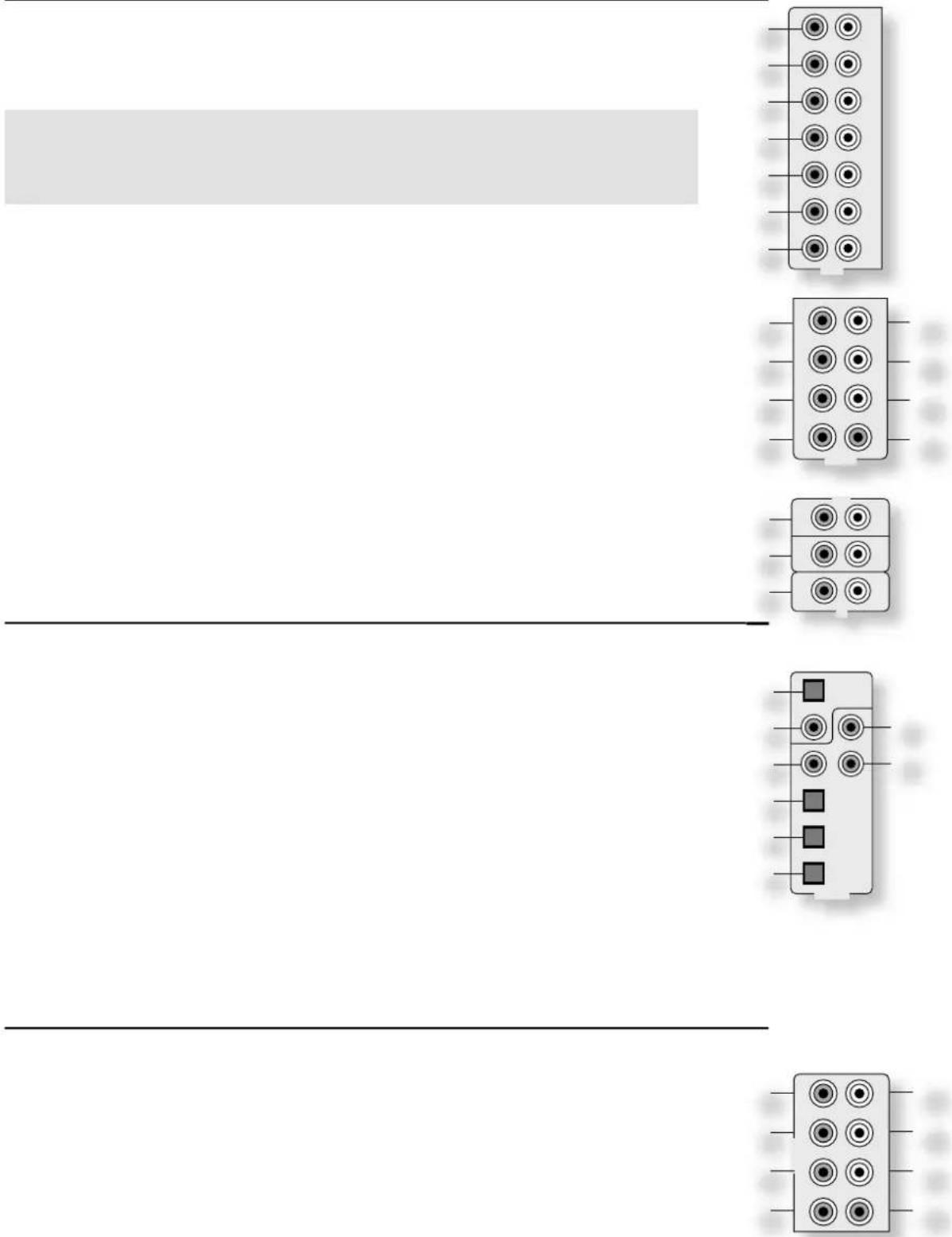
natural_image
Pure electrical connector pinout diagram without any text or symbols
natural_image
Pure electrical connector pinout diagram without any text or symbols
natural_image
Diagram showing two electronic components with pins and connectors (no text or symbols)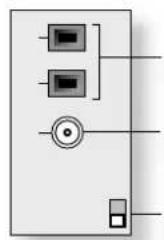
natural_image
Pure electrical circuit lines without any symbols
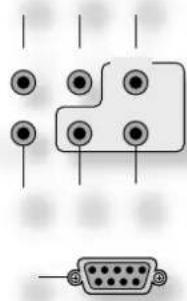
natural_image
Pure electrical connector diagram showing pin layout and terminal connections without any text or symbols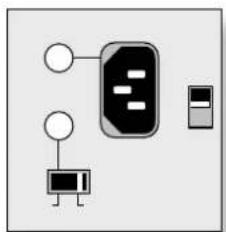
natural_image
Simple diagram showing a device with a central plug and two connection points (no text or symbols)Setup Menu Index
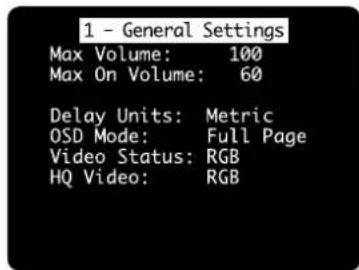
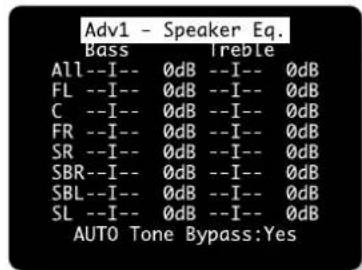
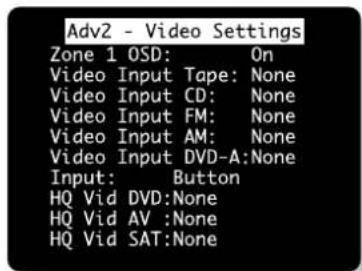
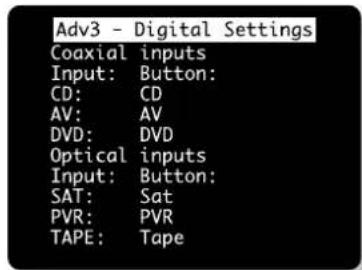
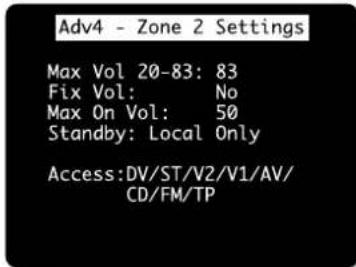
Basic Advance 1.General 1.Speaker Eq.
2.Spkr Size 2.Video
3.Subwoofer 3.Digital
4.Delays 4.Zone 2
5.Level set 5.Input Trim
6.EX
Save Setup Exit menu
2 - Speaker Sizes
Auto Setup: Config1
Front L/R: Small
Centre: Small
Surr L/R: Small
Surr.Back L/R:Small
Sub Woofer: Present
5.1 Rears: Both
3 - Subwoofer Settings
Cross-Over Freq.: 40Hz
Stereo Mode: Large
DFS Lfe Gain: 0dB Normal
Sub Stereo: ----I 0dB
DVD-A Sub Level:
0dB Normal
flowchart
graph TD
    A["Central Unit"] --> B["Component 1"]
    A --> C["Component 2"]
    A --> D["Component 3"]
    A --> E["Component 4"]
    A --> F["Component 5"]
    A --> G["Component 6"]
    A --> H["Component 7"]
    A --> I["Component 8"]
    A --> J["Component 9"]
    A --> K["Component 10"]
    A --> L["Component 11"]
    A --> M["Component 12"]
    A --> N["Component 13"]
    A --> O["Component 14"]
    A --> P["Component 15"]
    A --> Q["Component 16"]
    A --> R["Component 17"]
    A --> S["Component 18"]
    A --> T["Component 19"]
    A --> U["Component 20"]
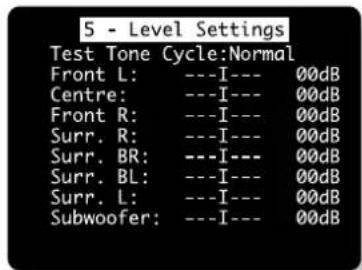
| 4 - Delay Settings | |
| Front Left: | 0.0m |
| Centre: | 0.0m |
| Front Right: | 0.0m |
| Surr. Right: | 0.0m |
| Surr. Back Right: | 0.0m |
| Surr. Back Left: | 0.0m |
| Surr. Left: | 0.0m |
| Sub Woofer: | 0.0m |

• • • • • •






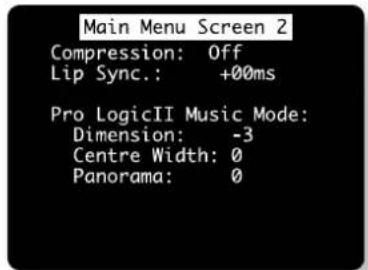
Main Menu Screen 1
Vol: I 29dB
Audio Input:FM
Video Input:VCR
Video Type: 4:3
Stereo Direct:On
Bass N/A
Treble N/A
Bal: ----I---- 0dB
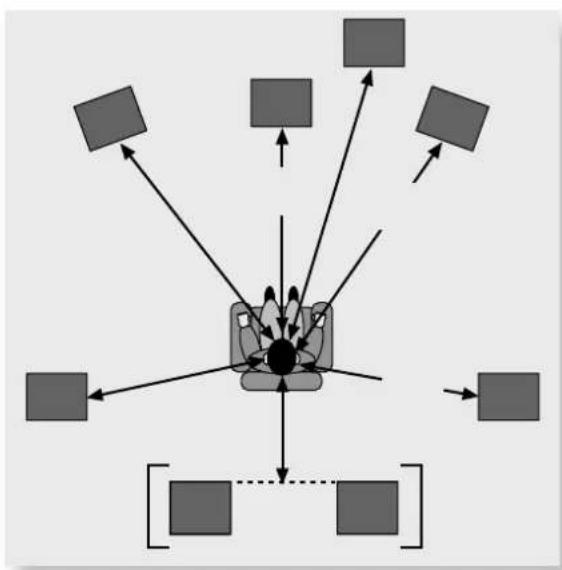
flowchart
graph TD
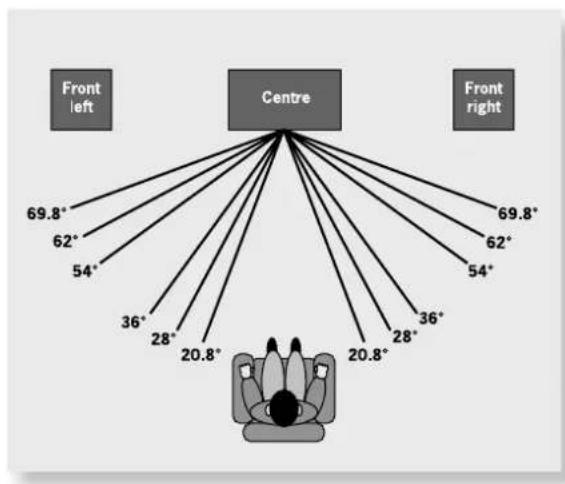
    A["Centre"] --> B["Front left"]
    A --> C["Front right"]
    B --> D["69.8°"]
    B --> E["62°"]
    B --> F["54°"]
    C --> G["69.8°"]
    C --> H["62°"]
    C --> I["54°"]
    D --> J["36°"]
    D --> K["28°"]
    D --> L["20.8°"]
    E --> M["36°"]
    E --> N["28°"]
    E --> O["20.8°"]
    F --> P["36°"]
    F --> Q["28°"]
    F --> R["20.8°"]
    G --> S["36°"]
    G --> T["28°"]
    G --> U["20.8°"]
    H --> V["36°"]
    H --> W["28°"]
    H --> X["20.8°"]
    I --> Y["36°"]
    I --> Z["28°"]
    I --> AA["20.8°"]
    J --> AB["36°"]
    J --> AC["28°"]
    J --> AD["20.8°"]
    K --> AE["36°"]
    K --> AF["28°"]
    K --> AG["20.8°"]
    L --> AH["36°"]
    L --> AI["28°"]
    L --> AJ["20.8°"]
    M --> AK["36°"]
    M --> AL["28°"]
    M --> AM["20.8°"]
    N --> AN["36°"]
    N --> AO["28°"]
    N --> AP["20.8°"]



natural_image
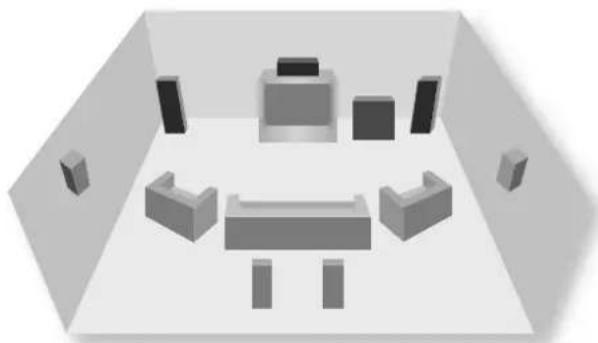
3D-rendered interior view of a room with furniture and wall-mounted fixtures (no text or symbols)
natural_image
Pure electrical circuit lines without any symbols





The image contains only two horizontal lines, which are stylistic or background elements. According to Rule 2, such elements must be ignored by the OCR result. Therefore, the corrected OCR text is:
[Empty String]



GB

F
D
NL
GB
F
D
NL
GB
F
D
NL
GB
F
D
NL

| GBFDNLGBFDNL | ||
| GB | ||
| F | ||
| D | ||
| NL | ||
| GB | ||
| F | ||
| D | ||
| NL | ||
| GB | ||
| F | ||
| D | ||
| NL | ||
| GB | ||
| F | ||
| D | ||
| NL | ||
| GB | ||
| F | ||
| D | ||
| NL | ||
| GB | ||
| F | ||
| D | ||
| NL | ||
| GB | ||
| F | ||
| G | ||
| D | ||
| NL | ||
| GB | ||
| F | ||
| D | ||
| NL | ||
| GB | ||
| F | ||
| D | ||
| NL | ||
| GB | ||
| F | ||
| D | ||
| NL | ||
| GB | ||
| F | ||
| D | ||
| NL |


GB
F
D
NL
GB
F
D
NL
GB
F
D
NL
GB
F
D
NL

