
KAWLPB10MSA - 503 Kogan - Panduan pengguna gratis
Temukan panduan perangkat secara gratis KAWLPB10MSA Kogan dalam format PDF.


Pertanyaan pengguna tentang KAWLPB10MSA Kogan
0 pertanyaan tentang perangkat ini. Jawab yang Anda tahu atau ajukan milik Anda sendiri.
Ajukan pertanyaan baru tentang perangkat ini
Unduh instruksi untuk 503 dalam format PDF gratis! Temukan panduan Anda KAWLPB10MSA - Kogan dan ambil kembali perangkat elektronik Anda. Di halaman ini diterbitkan semua dokumen yang diperlukan untuk penggunaan perangkat Anda. KAWLPB10MSA merek Kogan.
PANDUAN PENGGUNA KAWLPB10MSA Kogan
natural_image
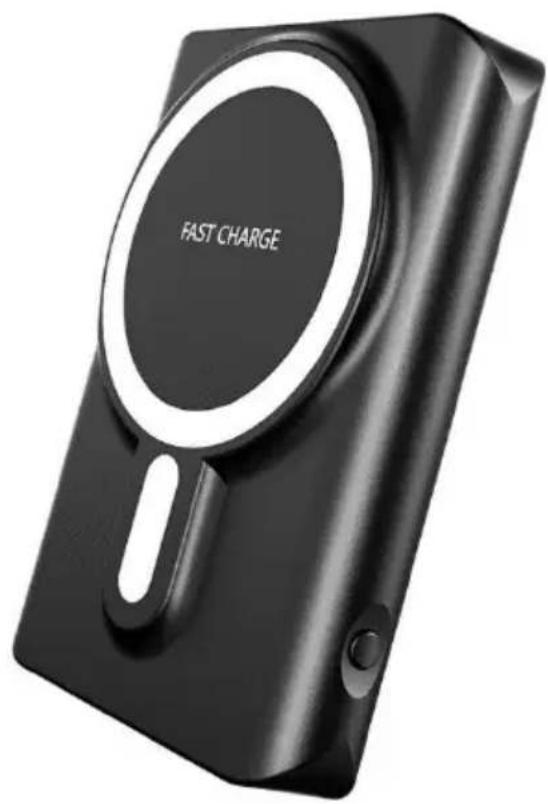
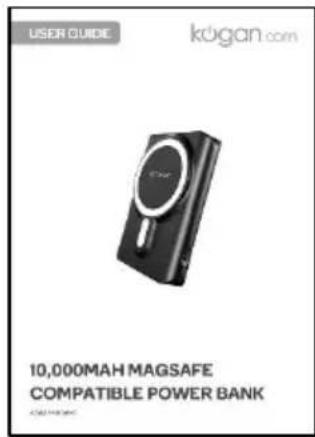
Black compact charging device with 'FAST CHARGE' label on circular cover (no other text or symbols visible)10,000MAH MAGSAFE COMPATIBLE POWER BANK
KAWLPB10MSA
SAFETY & WARNINGS
• The battery of this power bank will need to be fully charged before first use.
- To ensure the power bank meets its life expectancy, do not fully discharge the battery.
• Fully charge the power bank battery at least once a month, even when not in use.
• To avoid damaging this power bank, use only approved accessories.
• Do not dismantle the power bank.
- Do not hit, throw or otherwise use excessive force against this power bank.
• Do not immerse this power bank in water or fire.
• Do not store this power bank in a place that is exposed to:
• Dust.
• Extreme temperatures (lower than -10^ C or higher than 40^ C).
• Humidity and moisture.
• To clean the power bank, use a soft cloth to wipe it.
- Keep this power bank and related accessories away from children.
OVERVIEW
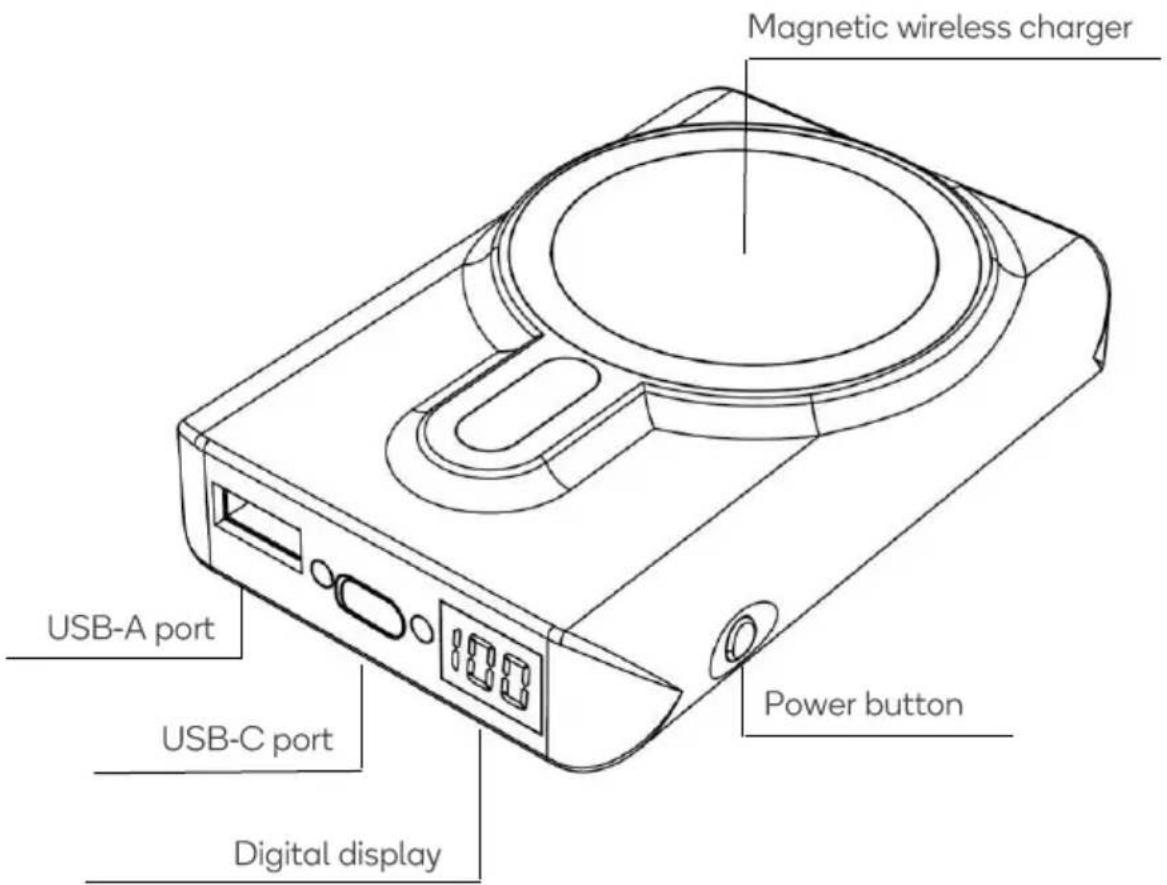
COMPONENTS
natural_image
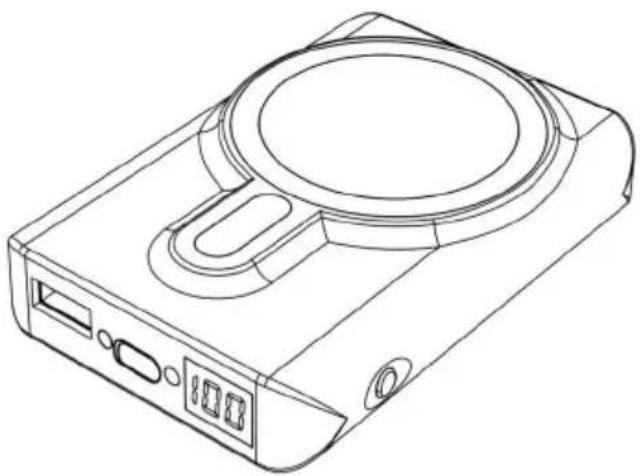
Line drawing of a digital camera case with display and control buttons (no text or symbols)Power bank
natural_image
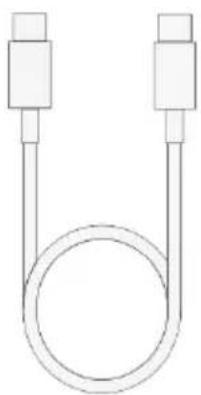
Simple line drawing of two connected cylindrical objects with a coiled tube (no text or symbols)USB-C cable
User guide
OPERATION
Charging The Power Bank
-
The battery of this power bank will need to be fully charged before first use.
-
Connect one end of the provided USB-C cable to the USB-C port on the power bank and the other to a USB power adapter (not provided). Then, plug the adapter in to an electrical outlet.
Note: USB power adapter must support Quick Charge (QC), Power Delivery (PD) and/ or Samsung Adaptive Fast Charging AFC.
-
The power banks battery level will be shown on the digital display. If the battery level is less than 5%, the digital display will begin flashing.
-
The digital display will continue to flash while charging the power bank until it reaches 100% and is fully charged.
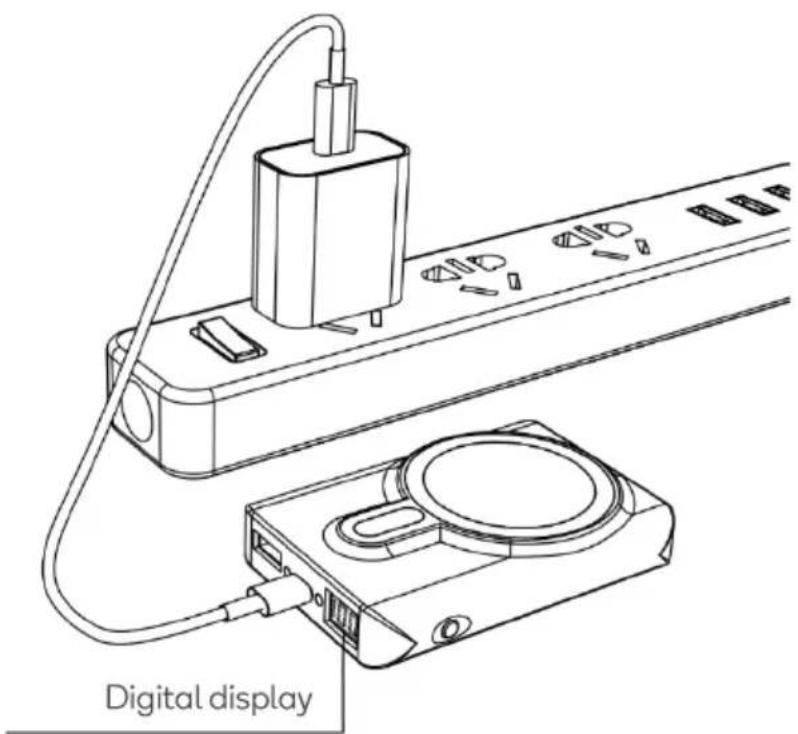
Magnetic Wireless Charging
- Press the power button to activate the power bank.
- Place the device on the magnetic wireless charger.
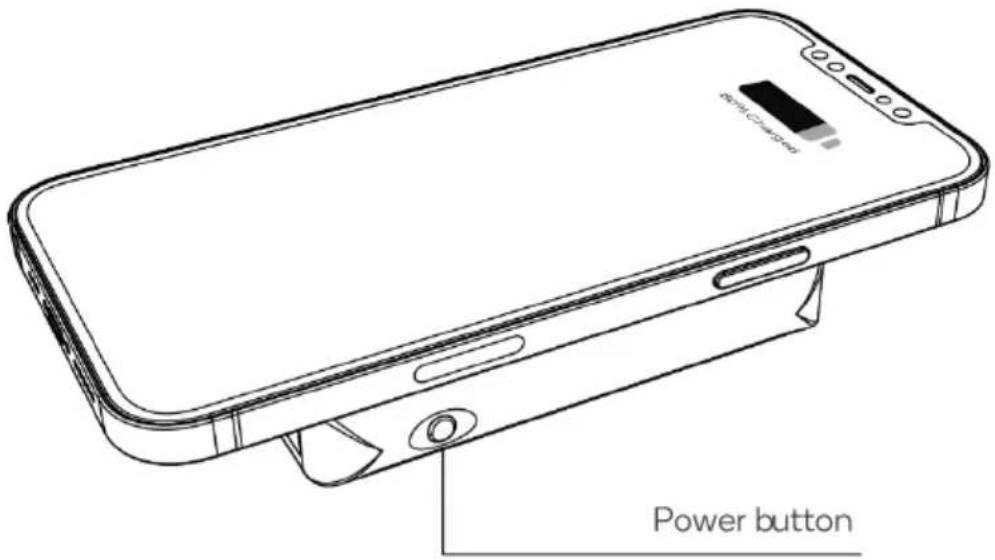
Notes:
- Keep this power bank away from metal objects that might interfere with charging.
• Wireless magnetic charging is only compatible with magnetic phone series. - It is recommended to remove your phone case or use a magnetic phone case when using the magnetic wireless charger.
- If the device is removed from the wireless charger for more than 30 seconds, the power bank will switch off.
Wired Charging
- Wired charging is suitable for tablets, computers, mobile phones, gaming consoles, e-books, digital cameras, etc. Both the USB-C and USB-A ports can be used for wired charging.
- Connect your device to either the USB-C or USB-A ports on the power bank using the relevant USB cable.
Note: If the device does not charge, check the USB-C cable is intact and properly connected.
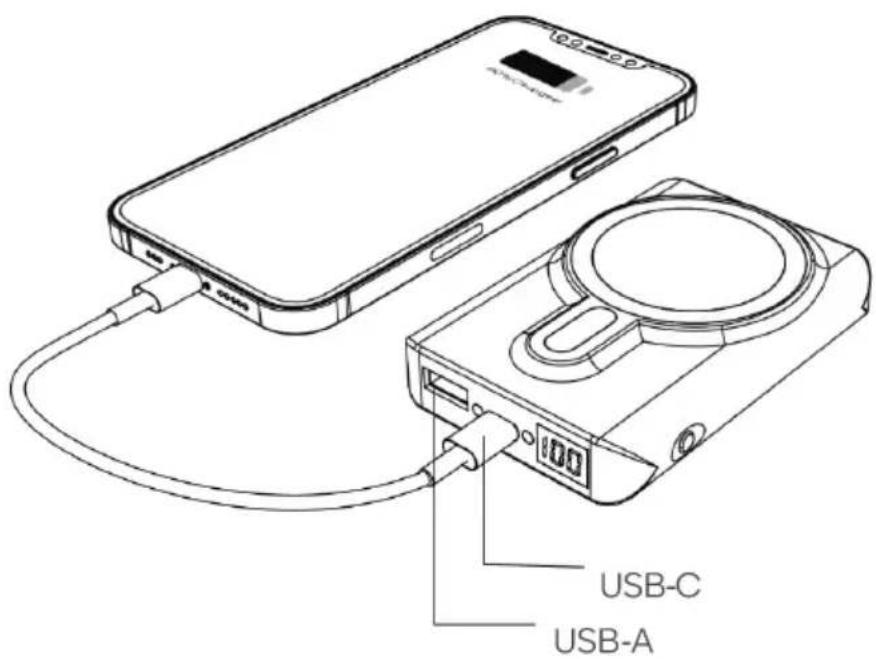
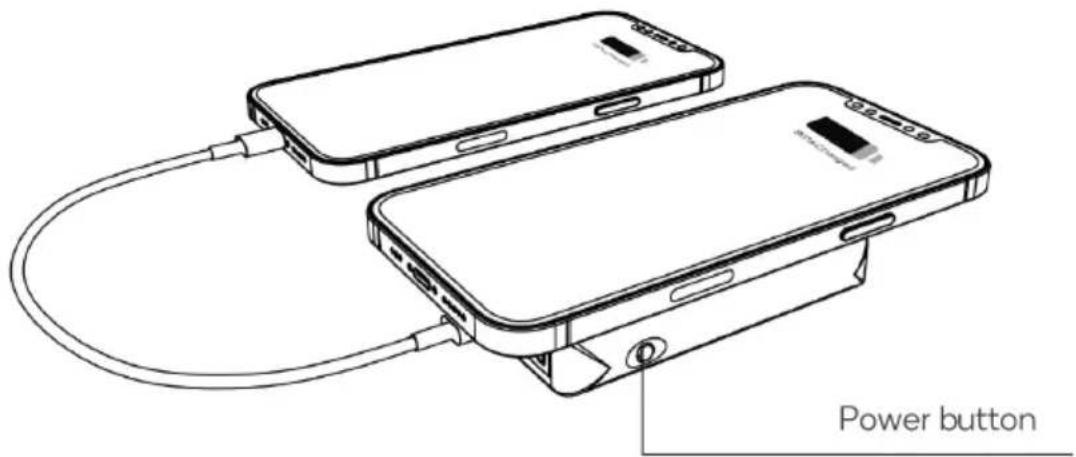
Simultaneous Wireless and Wired Charging
- This power bank can charge two devices at the same time by placing one device on the magnetic wireless charger and connecting the other device using a USB cable.
- If one device is currently fast charging, the other will automatically revert to 5V charging mode.
SPECIFICATIONS
Capacity 10000mAh/38.5Wh
Rated capacity 5500mAh(5V-3A)
Input 5.0V=2.0A 9.0V=2.0A
Output1/output2 5.0V=2.0A 9.0V=2.0A
Wireless output 15W/10W/7.5W/5W
Efficiency ≥75%
Product size 98.5mm x 69.5mm x 17.1mm
NOTES
Need more information?
We hope that this user guide has given you the assistance needed for a simple set-up.
For the most up-to-date guide for your product, as well as any additional assistance you may require, head online to help.kogan.com
kogan.com

Merek : Kogan
Model : KAWLPB10MSA
Kategori : 503