TH-3070-UT-TAA - 17756 Atdec - Panduan pengguna gratis
Temukan panduan perangkat secara gratis TH-3070-UT-TAA Atdec dalam format PDF.


Pertanyaan pengguna tentang TH-3070-UT-TAA Atdec
0 pertanyaan tentang perangkat ini. Jawab yang Anda tahu atau ajukan milik Anda sendiri.
Ajukan pertanyaan baru tentang perangkat ini
Unduh instruksi untuk 17756 dalam format PDF gratis! Temukan panduan Anda TH-3070-UT-TAA - Atdec dan ambil kembali perangkat elektronik Anda. Di halaman ini diterbitkan semua dokumen yang diperlukan untuk penggunaan perangkat Anda. TH-3070-UT-TAA merek Atdec.
PANDUAN PENGGUNA TH-3070-UT-TAA Atdec
Installation Instructions
telehook®
FLAT SCREEN WALL MOUNT | TILTTH-3
Important Notes
• Supports a maximum load of 91kgs (200lbs).
- Suits displays with mounting hole patterns from 180mm to 810mm wide (7"-31 ^3/4 ") by 125mm to 500mm high (5"-19 ^1/2 ).
- The manufacturer does not accept responsibility for incorrect installation.
Component Checklist
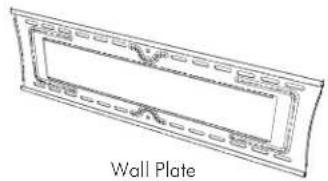
natural_image
Line drawing of a wall plate with decorative border (no text or symbols)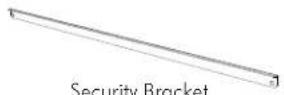
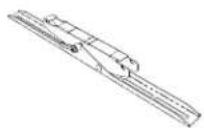
Display Bracket (left)
TOOLS REQUIRED:
- Power Drill
- 12mm ( ^1/2 ), 10mm ( ^3/8 ) or 7mm ( ^1/_4 ) Drill Bit
• Phillips Head Screw Driver - Spirit Level
- 17mm ( ^11/_16 ) Socket Wrench or Shifter
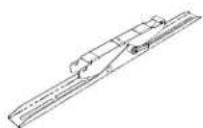
Display Bracket (right)
Bits Bag
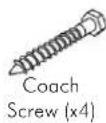
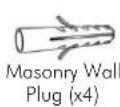
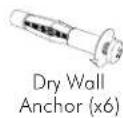
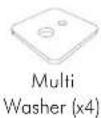
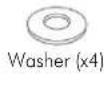
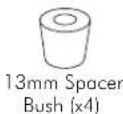
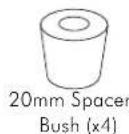
Mounting Screws
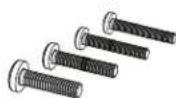
Cross Recessed Screws
M8x15mm / M8x35mm / M8x45mm (x4 each) M6x15mm / M6x35mm / M6x45mm (x4 each) M5x15mm / M5x35mm / M5x45mm (x4 each) M4x15mm / M4x35mm / M4x45mm (x4 each)
Ⓐ Mounting the Wall Plate
Masonry Wall
Note: Ensure the Wall Plate is mounted with the folded tabs pointing upwards.
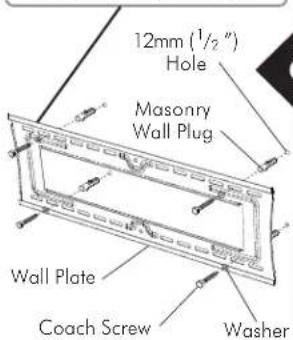
TIP: Use a spirit level to ensure the wall plate is horizontal
It is recommended when mounting directly into masonry wall, that the mounting holes are positioned as far apart as possible.
Dry Wall Timber Stud Wall
Note: Ensure the Wall Plate is mounted with the folded tabs pointing upwards.
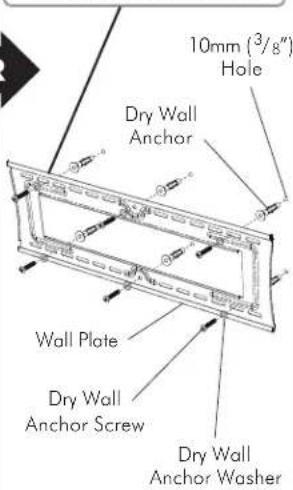
TIP: Use a spirit level to ensure the wall plate is horizontal
The dry wall anchors provided in the bit bag have been tested for this wall mount application and will each hold in excess of 30kg per anchor.
Before using the expanding anchors, please ensure that you: - Check the plaster board wall (dry wall) is in good condition with no cracks, peeling paper or signs of water damage etc.
● Take care installing the anchors, that they are not over tightened or driven into the wall during installation.
- Minimum thickness of drywall should be no less than 12mm ( 12 )
- Recommend to use all 6 anchors even with light monitor applications.
- Only use the anchors supplied in the kit.
- Make sure the 10mm ( ^3/_8 ) pre-drilled hole is as recommended and no smaller or larger.
● The anchors during expansion should not interfere with studs or noggins (cross strengtheners).
OR
Note: Ensure the Wall Plate is mounted with the folded tabs pointing upwards.
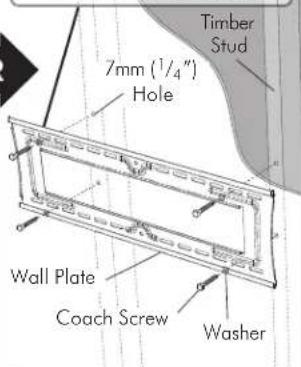
TIP: Use a spirit level to ensure the wall plate is horizontal
Use a stud finder to precisely locate the timber stud and ensure that the mounting holes are located in the centre of the stud.
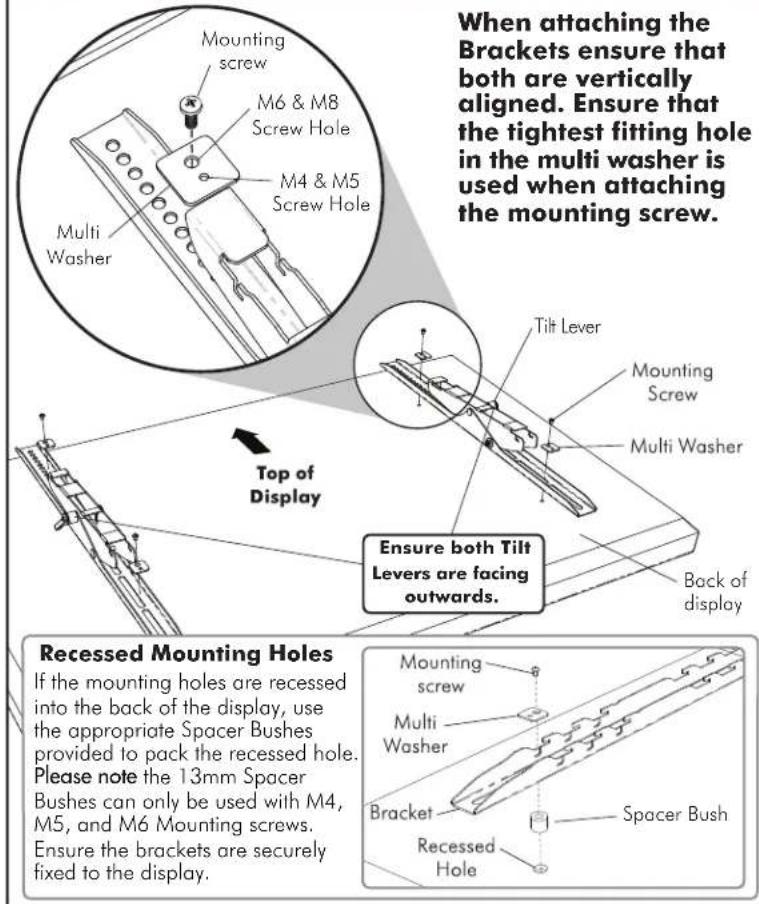
© Mounting the Display Brackets
© Attaching the display to the wall plate
Note: This procedure will require two persons
With the brackets attached to the display, lift the display and hook the brackets onto the Wall Plate as shown.
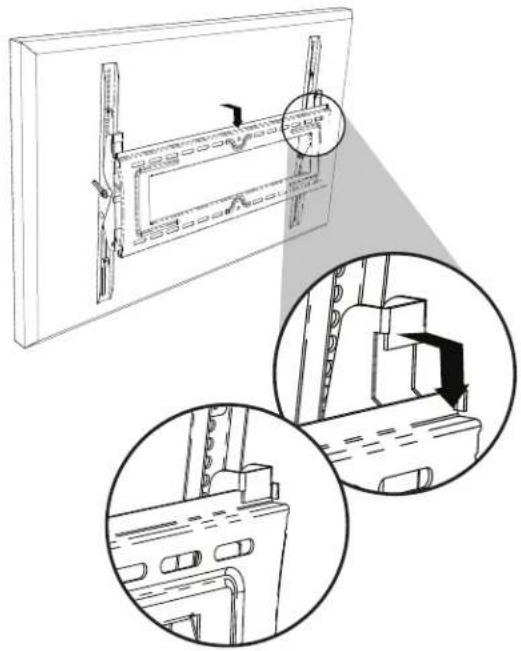
natural_image
Technical line drawing of a mechanical assembly with two circular insets showing internal components (no text or symbols)© Adjusting Tilt
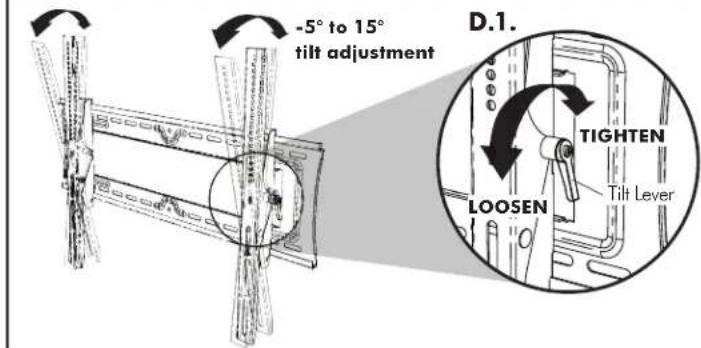
To adjust the angle of the display, loosen the Tilt Lever located on each bracket then adjust to desired angle. Once in position, tighten each lever firmly.
To adjust the Tilt Lever position without tightening or loosening the lever, pull the lever as shown to dis-engage the ratchet mechanism and rotate the lever into the desired position.
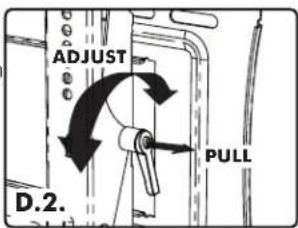
E Security Option
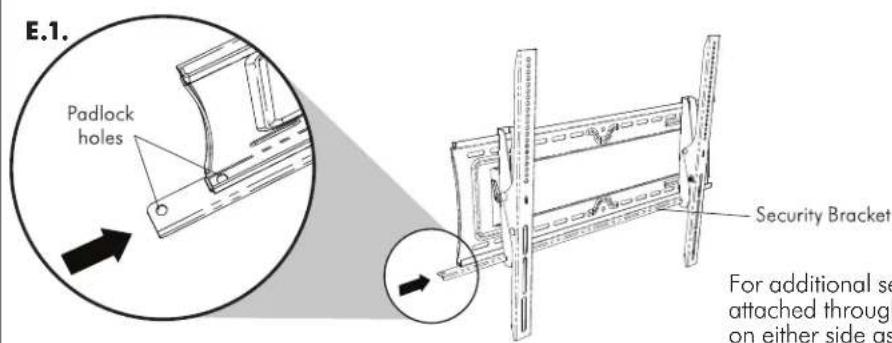
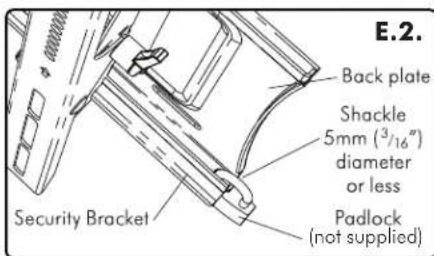
For additional security, it is suggested that a Padlock is attached through the Security Bracket and the Wall Plate on either side as shown. The Padlock (not supplied) should have a shackle diameter no larger than 5mm ( ^3/_16 ).