Katzais Corridors (3DS) - Mäng NINTENDO - Tasuta kasutusjuhend
Leidke seadme juhend tasuta Katzais Corridors (3DS) NINTENDO PDF-formaadis.


Kasutajate küsimused teemal Katzais Corridors (3DS) NINTENDO
0 küsimus selle seadme kohta. Vastake nendele, mida teate, või esitage oma.
Esita uus küsimus selle seadme kohta
Laadige alla juhend oma Mäng PDF-formaadis tasuta! Leidke oma juhend Katzais Corridors (3DS) - NINTENDO ja võtke oma elektrooniline seade uuesti kätte. Sellel lehel on avaldatud kõik teie seadme kasutamiseks vajalikud dokumendid. Katzais Corridors (3DS) kaubamärgi NINTENDO.
KASUTUSJUHEND Katzais Corridors (3DS) NINTENDO
Thank you for choosing Kersploosh!™ for the Nintendo 3DS™ system.
Please note that, for this manual, "Nintendo 3DS" refers to both Nintendo 3DS and Nintendo 3DS XL.
Please read this manual carefully before using the software. Please also read your Operations Manual for more details and tips to help you enjoy your playing experience.
IMPORTANT
Before using this software, read all content within the Health and Safety Information application on the HOME Menu.
To access this application, tap the icon on the HOME Menu, then tap Open and read the contents of each section carefully. When you are finished, press ⚙HOME to return to the HOME Menu.
You should also thoroughly read your Operations Manual, including the "Health and Safety Information" section, before using this software.
IMPORTANT
Your Nintendo 3DS system and this software are not designed for use with any unauthorized device or unlicensed accessory. Such use may be illegal, voids any warranty, and is a breach of your obligations under the User Agreement. Further, such use may lead to injury to yourself or others and may cause performance issues and/or damage to your Nintendo 3DS system and related services. Nintendo (as well as any Nintendo licensee or distributor) is not responsible for any damage or loss caused by the use of such device or unlicensed accessory. Except as authorized, copying of any Nintendo software is illegal and is strictly prohibited by domestic and international intellectual property laws. "Back-up" or "archival" copies are not authorized.
Nintendo respects the intellectual property of others, and we ask Nintendo 3DS software Content Providers to do the same. In accordance with the Digital Millennium Copyright Act in the US, the Electronic Commerce Directive in the EU, and other applicable law, we have adopted a policy of removing, in appropriate circumstances and at our sole discretion, any Nintendo 3DS software that appears to infringe anyone else's intellectual property. If you believe your intellectual property rights are being infringed, please visit www.nintendo.com/ippolicy to view the full policy and understand your rights.
2 Introduction
Kersploosh! lets you experience the perilous journey of an item thrown into a well. Throw in a stone, and safely guide it to the very bottom!
Menu Controls
| Navigate |  |
| Confirm/Continue |  |
| Cancel/Back |  |
| Navigate on High Scores screen |  |
Game Controls
| Move stone |  |
| Next (dialogue) |  |
| Pause/Skip dialogue |  |
Sleep Mode
Close your Nintendo 3DS system during play to activate Sleep Mode, greatly reducing battery consumption. Reopen the system to resume play.

Data can be lost due to user action, such as repeatedly powering off and on the system or removing a Game Card or SD Card while saving. Data loss may also be caused by poor connectivity, due to dirt or dust in the system's ports. Please be aware that in these cases data cannot be restored.
4 Getting Started
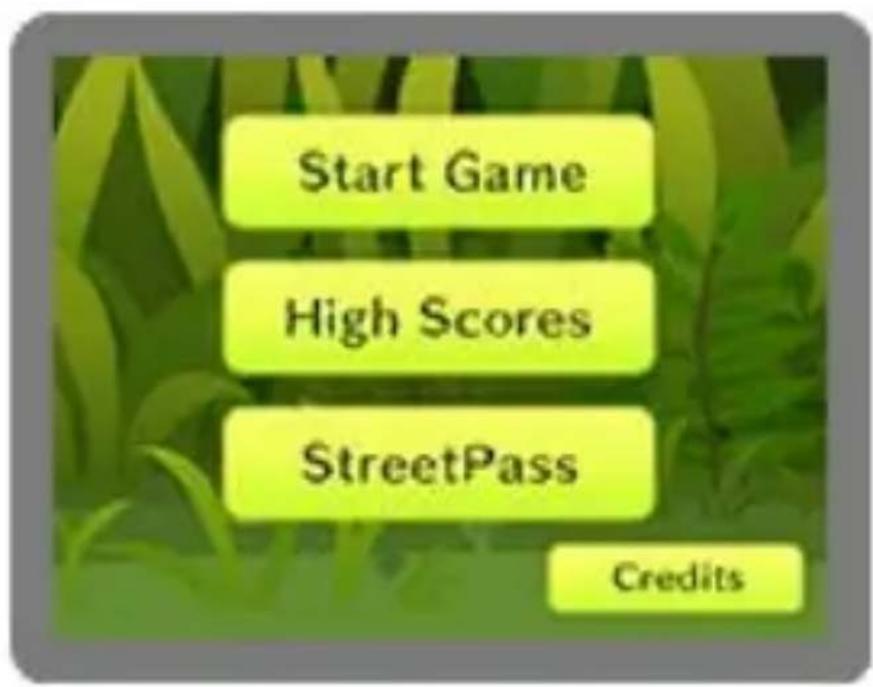
Select Start Game from the main menu, and then select a stone and a well. The game will start after you select a well.
You start at the opening of a well. The water at the bottom of the well is your goal.
Start
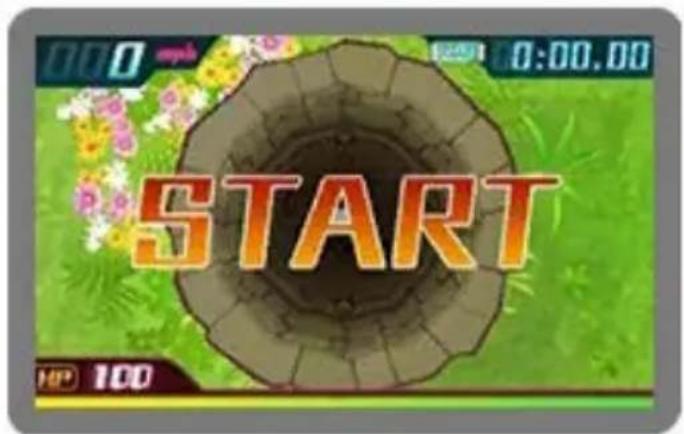
Stones are thrown into wells for a multiplicity of reasons. The path down the well is not as simple as you might have thought—it is riddled with obstacles. There are some speed-boost devices too.
Goal
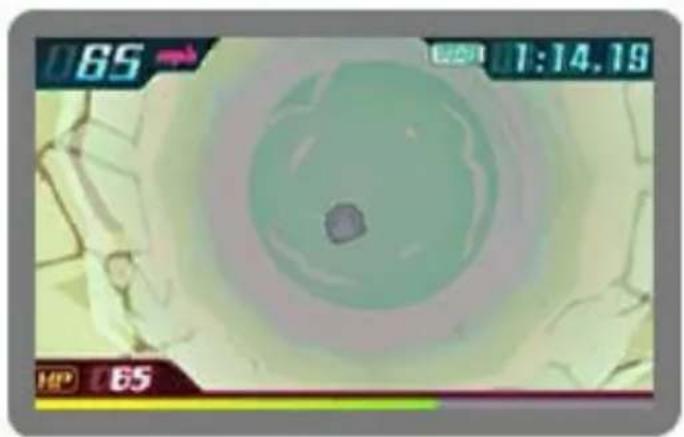
Hitting obstacles or the walls will damage your stone. Skillfully maneuver the stone to guide it to the bottom of the well before it breaks.
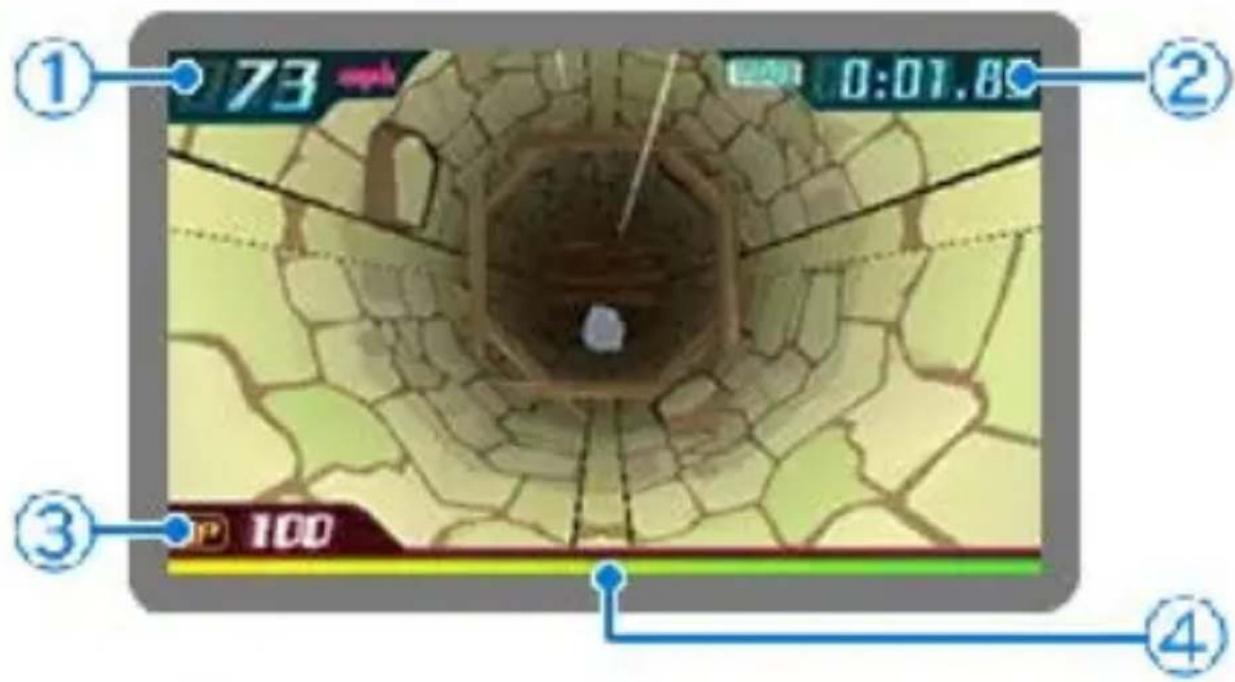
① Speed
The current speed of your stone.
② Time
How much time has passed from the start.
Your clear time will be saved in High Scores if it's in the top 15.
③ HP
Your stone's durability.
④ HP Gauge
The gauge showing your stone's HP.
There are many types of stones you can choose from, and each has its own characteristics. To unlock more stones, you will need to fulfill certain requirements. Some of the stones you will get to play with are described below.
Stones
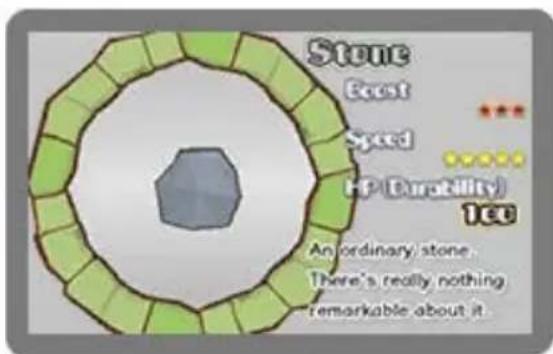
Stone
An ordinary stone with average traits.
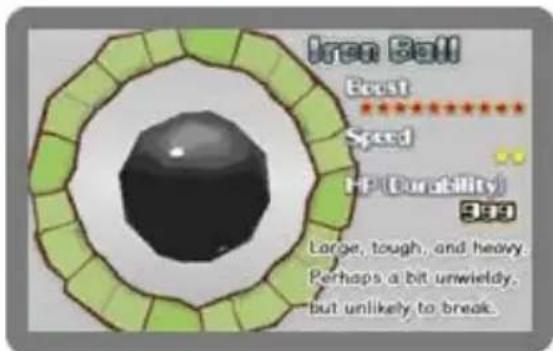
- Iron Ball
It has very high durability, so it doesn't break easily.
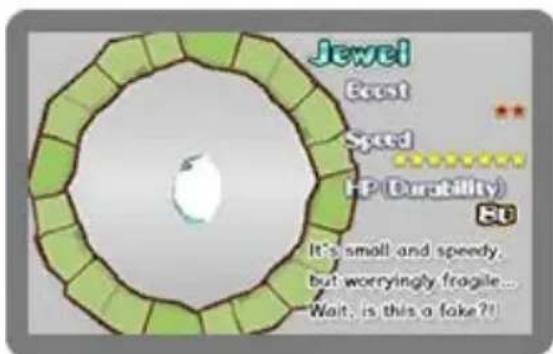
- Jewel
It breaks easily but is very fast. It can fit through narrow spaces thanks to its small size.
The wells are full of obstacles, but there are some useful speed-boost items too. Some of the objects you can find down the well are described below.
Obstacles
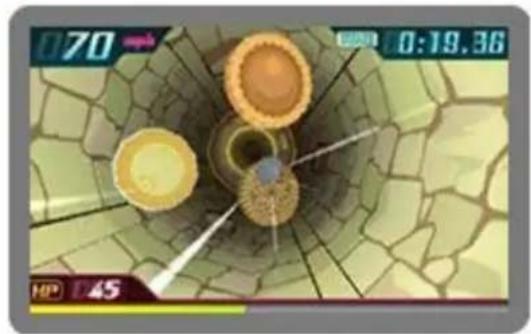
● Cookies
Cookies will home in on your stone. If you hit them, you will lose some time and your stone's HP will decrease.
natural_image
Game interface screenshot showing a circular game with three round pieces and a timer (no readable text or symbols)● Doughnuts
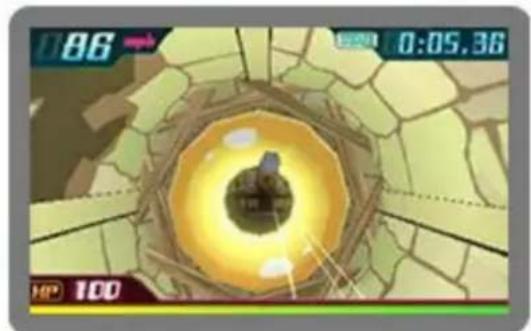
Go through the hole in each doughnut for a temporary speed boost. Be careful not to collide with the doughnuts, though, or you will lose time.
natural_image
Game interface screenshot showing a circular glowing object inside a hexagonal tunnel, with no readable text or symbols.- Balloons
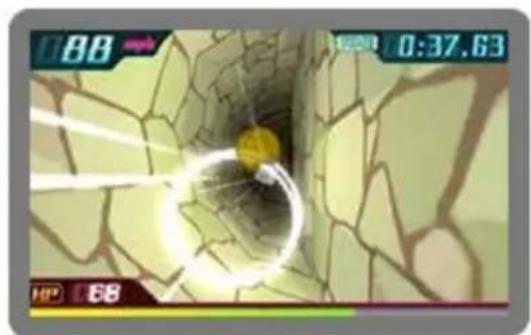
Hit one to pop it and restore your stone's HP by 30.
natural_image
Game interface screenshot showing a character inside a cracked tunnel with time and speed controls (no readable text or symbols)9
Wells
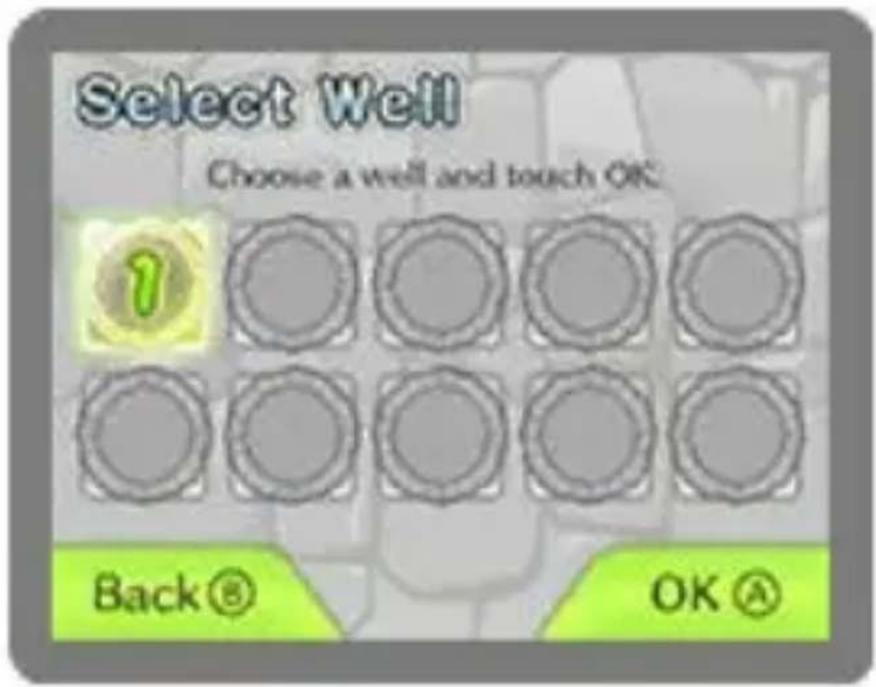
There are several wells you can take on. Clear one well to unlock another.
The 15 best clear times are saved. You can check them in High Scores (page 10).
High Scores Feature
The 15 best scores for each well are saved in High Scores.
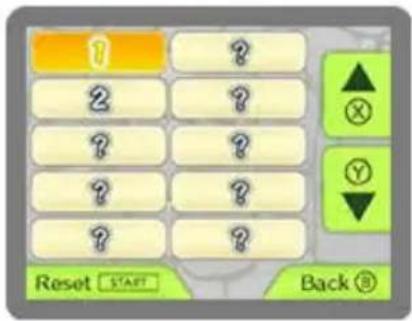
You can exchange high scores with other players using StreetPass™ (page 11).
Your scores will be displayed in blue and other players' scores in black.
To reset the high scores, press START on the High Scores screen.
High Scores Screen
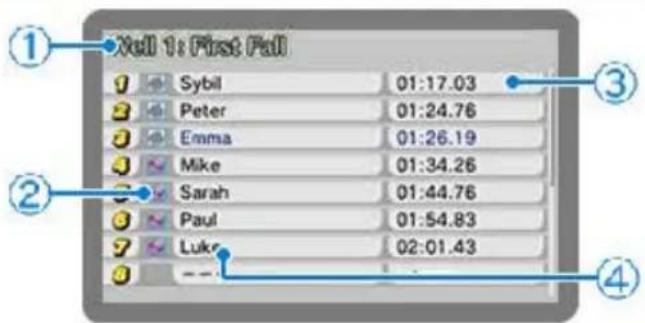
① Well
The name of the well for which the high scores are displayed.
② Stone type
The type of stone used.
③ Time
The clear time.
④ Player's name
The name of the player who achieved that high score. These are Nintendo 3DS user names.
Important
Your best score for each well can be shared with other players via StreetPass. You must have your own scores in High Scores to use this feature. Your high scores will be exchanged as soon as you activate StreetPass.
High Scores Exchange (StreetPass) 🎨
This software uses StreetPass (local wireless communication) for the automatic exchange of high scores with other players when nearby.
To communicate using this feature, all players must activate StreetPass for this software.
● Activating StreetPass
- Select StreetPass from the main menu.
- Select OK and then Activate.
● Deactivating StreetPass
To deactivate StreetPass, open System Settings, select Data Management, and then select StreetPass Management. Tap the icon for this software title, then select Deactivate StreetPass.
You can disable StreetPass functionality via Parental Controls.
Refer to your Operations Manual for information on how to set up Parental Controls.
12 Support Information
Nintendo Customer Service SUPPORT.NINTENDO.COM
USA/Canada: 1-800-255-3700
Latin America/Caribbean: (001) 425-558-7078
1 Important Information
Basic Information
2 Introduction
3 Controls
4 Getting Started
Playing the Game
5 Rules
6 Game Screen
7 Stone Types
8 Obstacles
9 Wells
High Scores
10 About High Scores
11 StreetPass
Troubleshooting
12 Support Information