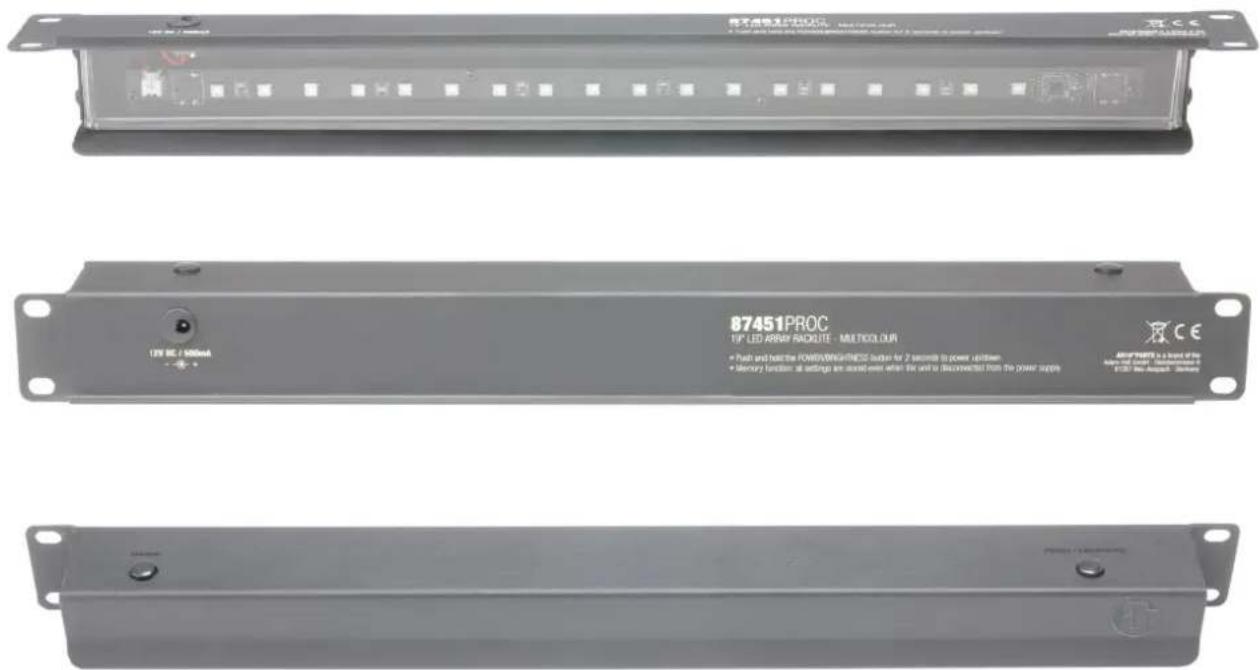
87451PROC - Valgustus Adam Hall - Tasuta kasutusjuhend
Leidke seadme juhend tasuta 87451PROC Adam Hall PDF-formaadis.


Kasutajate küsimused teemal 87451PROC Adam Hall
0 küsimus selle seadme kohta. Vastake nendele, mida teate, või esitage oma.
Esita uus küsimus selle seadme kohta
Laadige alla juhend oma Valgustus PDF-formaadis tasuta! Leidke oma juhend 87451PROC - Adam Hall ja võtke oma elektrooniline seade uuesti kätte. Sellel lehel on avaldatud kõik teie seadme kasutamiseks vajalikud dokumendid. 87451PROC kaubamärgi Adam Hall.
KASUTUSJUHEND 87451PROC Adam Hall
1. Ein und Ausschalten
Um das Racklight ein- bzw. auszuschalten, halten sie den Power/ Brightness Taster gedrückt bis das Gerät einschaltet bzw. ausgeht (ca. 2 Sekunden).
2. Helligkeit einstellen
Es stehen insgesamt 3 Helligkeitsstufen zur Verfügung. Drücken Sie wiederholt auf den Power/ Brightness Taster um die gewünschte Helligkeitsstufe anzuwählen.
3. Farbe einstellen (nur bei 87451PROC)
Bei der Multicolor Version (87451PROC) stehen Ihnen insgesamt 5 Lichtfarben zur Verfügung (Rot, Grün, Blau, Gelb, Weiß). Drücken Sie wiederholt auf die Colour Taste um die gewünschte Farbe auszuwählen.
4. Memory Funktion
Das Racklight ist mit einer Memory Funktion ausgestattet. Dies bedeutet, dass Helligkeits- und Farbeinstellungen (Bei 87451PROC) gespeichert werden und erhalten bleiben, selbst wenn das Gerät vom Netz getrennt wird.
5. Zugentlastung
Stecken Sie das Netzteil in die entsprechende Kleinspannungsbuchse am Racklight. Greifen Sie das Kabel ca. 5cm hinter dem Stecker und bilden Sie eine Schlaufe. Fädeln sie die Kabelschlaufe in den dafür vorgesehenen Ausschnitt.
1. Switching on and off
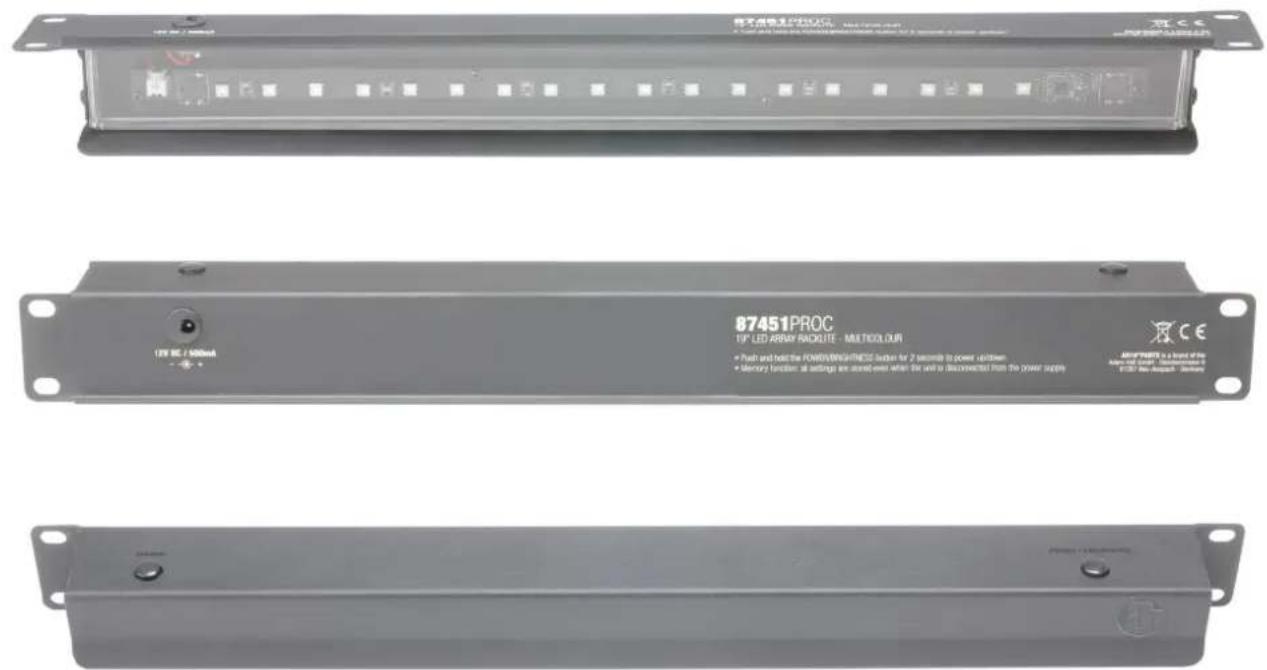
To turn the racklight on or off, press and hold the Power/ Brightness button until the device turns on or off (approx. 2 seconds).
2. Adjusting the brightness
Three brightness levels are available. Press repeatedly on the Power/ Brightness button to select the desired brightness level.
3. Adjusting the colour (for 87451PROC only)
In the multicolour version (87451PROC), 5 light colours are available (red, green, blue, yellow, white). Press repeatedly on the Colour button to select the desired colour.
4. Memory function
The racklight features a memory function. This means that brightness and colour settings (for 87451PROC) are stored and retained even if the device is disconnected from the mains.
5. Strain relief
Plug the power pack into the corresponding small socket on the racklight. Grab the cord about 5 cm from the plug and make a loop. Feed the wire loop in the opening provided for this purpose.