IngoKids - Tahvelarvuti INGO - Tasuta kasutusjuhend
Leidke seadme juhend tasuta IngoKids INGO PDF-formaadis.


Kasutajate küsimused teemal IngoKids INGO
0 küsimus selle seadme kohta. Vastake nendele, mida teate, või esitage oma.
Esita uus küsimus selle seadme kohta
Laadige alla juhend oma Tahvelarvuti PDF-formaadis tasuta! Leidke oma juhend IngoKids - INGO ja võtke oma elektrooniline seade uuesti kätte. Sellel lehel on avaldatud kõik teie seadme kasutamiseks vajalikud dokumendid. IngoKids kaubamärgi INGO.
KASUTUSJUHEND IngoKids INGO
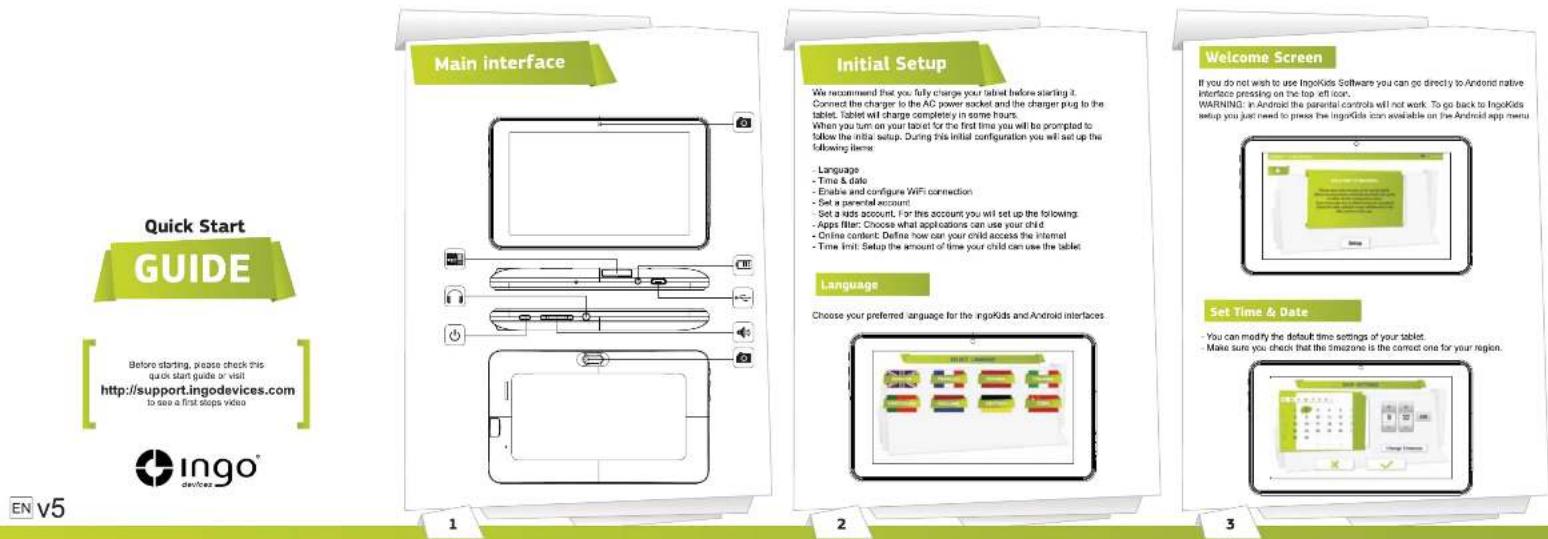
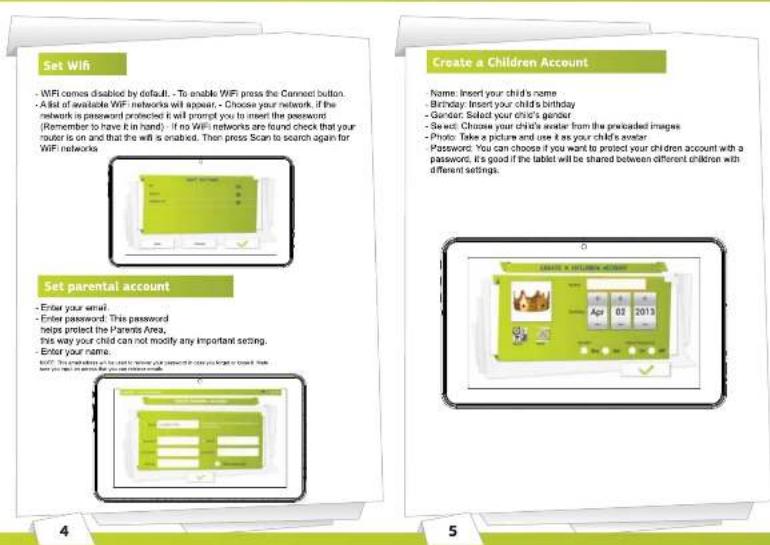
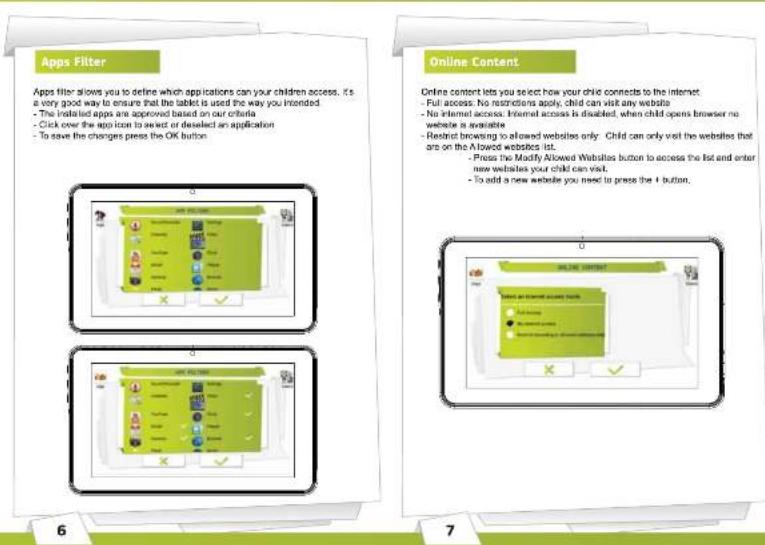
Time Limit
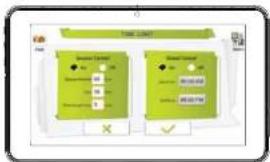
Time Limit is the way to limit how and when your child can use the ingoKids tablet - Session control: When enabled it lets you define for how long and how many times your child can use the tablet per day.
- Session control: Set the maximum time the label can be used at once - Rest: Define the time the child must rest after a session has finished - Sessions per day: Set the maximum number of sessions your child can do per day.
For example: Child can use the tablet 3 times a day for 60 minutes sessions. After 60 minutes the Kid account will be disabled and will rest for 30 minutes. You will set Sessions per day to 3.
Global Control: When enabled lets you define the timeframe when your child will be able to use the tablet.
- Start time: Input the hour of the day your child can start using the tablet. Before that time the tablet will turn on but he will not be able to access the account.
- End time: Input the hour of the day your child will stop using the tablet. After that time the tablet will turn on but he will not be able to access the account. For example: Child can use the tablet from 9:00am (Start time) to 8:00pm (End time).
Kids Zone
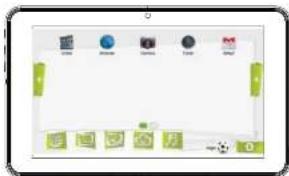
The kids zone is the children interface. After set up is complete tablet will start loading the opening screen (explained in the first image of this guide). When child logs in, pressing his avatar, his Kids Zone will load
Parent Area
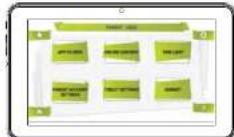
The parent Area is the place where parents can modify the kids settings, create new kid accounts and download apps.
Update Tablet
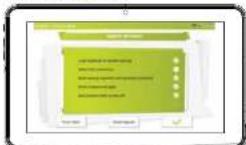
This label is configured to receive updates and improvements by wifi. Please check if you have the latest version available going to Tablet Settings and pressing the button Check for updates.
Modify Kid Settings
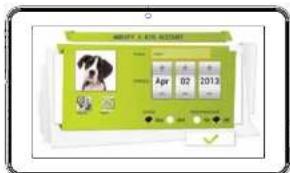
To modify kid settings parent needs to open each function separately (Apps Filter, Online Content and Time Limit): - The kid account that he is modifying is showed in the top right (parent will see the account answer and the account name) - If the tablet has more than one kid account he can choose the kid account to modify in the top right corner.
8
9
10
11
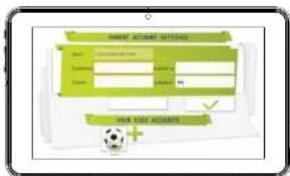
Create another children account
To create a new kid account parent must go to Parent Account settings and press the + symbol. He will then go to the point 6 of the initial setup (Create a children account)
Download more apps
The IngoKids tablet comes with google Play and ingo market prosintalled. To access both markets parent needs to go to the Market section of the Parent Area.
Google Play: The official android app market. Parents need to setup a google account and they will have access to all those apps.
Ingo market: Ingo official children application marketplace. Parents will find custom apps designed especially for IngoKids tablets and accessories.
Support
The tablet contains a more extended product manual. It is available in the ebook reader (See Kids Zone section) IngoKids has a help section that will solve most of your issues. If you still need support you can visit our website http://www.Ingodevices.com where you will find tutorials, video tutorials and answers to the frequent asked questions.
If you need further support there is a dedicated help line for this product.
For help and advice ring: UK 02035147021 FRANCE 0891 65 0101 SPAIN 902 023 951
Please have your receipt ready when you call. You can also contact us via our website http://www.ingodevices.com
Warning
- Packaging material is not part of the product. When unpacking the device makes sure no packaging material is left to the reach of children
- Device is not intended to be dismantled - Only charge the ingoKids tablet with the supplied power adaptor. - Keep the device away from water and moisture. - Clean the screen using a humid tissue. Do not use alcohol, sprays or cleaning products as they may damage the screen. - The tablet is designed to resist soft impacts. We can not guarantee it can resist strong impacts, abuse or inappropriate use.
- To prevent possible heating damage, do not listen at high volume levels for long periods.
The plug on the power supply cord is intended to serve as the disconnect device. The socket-outlet shall be installed near the equipment and shall be easily accessible
Disposal
Electrical and electronic equipment (eble) contains materials, parts and substances which can be dangerous to the environment and harmful to human health if waste of electrical and electronics equipment (W8221) is not adequate of correctly equipment, which is marked with the W8222 logo has shown on the left, should not be thrown away with your household waste. Contact your Local Authority Waste Disposal Department as they will be able to provide details of the recording options available in your area.
Used batteries are hazardous waste and NOT to be disposed of with the household waste. As a consumer you are legally obliged to return all batteries for environmentally responsible recycling - no matter whether or not the batteries contain harmful substances's
Return batteries free of change in public collection points in your community or to those selling batteries of the respective kind.
Only return fully discharged batteries.
* I marled Co = calcium, Fig = mercury, Pb=lead
- Only use mercury and calcium-free batteries.
- Non-electrally electric motors are not so be recharged. - Electrally magnetic motors should be removed from product delivery charging.
- Intangible batteries should be charged under adult supervision.
- Different types of batteries or new and used batteries are not to be mixed.
- Batteries are to be inserted with the correct polarity
- Batteries should be replaced under the supervision on of an adult.
- The supply terminals are not to be short-pacured.
- Used batteries are hazardous waste and NOT to be disposed of the household
West will return the batteries to your dealer or to collection cards in your community
- Keep batteries away from children. Children might swallow
- Thank your beliefs regularly to sell battery in shape.
- Batteries shall not be exposed to excessive heat such as sunshine, fire or the life
- CAUTION: Darger of explosion if battery is in case
Texture only, with the same or equivalent type
CE Ingo Devices assumes no responsibility for any errors that may appear in this manual. Due to our continuous improvement, Ingo Devices reserves the right to change without notice, product offerings, specifications and compatibility

ingo
Inga Devices, St. Barnet Metge, 37-29 08/2016 - Sabadell BARCELONA - SPAIN Inga Devices UK Ltd. D.John's International Group Cenley Road Cambridge CRI 005 United Kingdom
After Sales Service http://support.logodevices.com/ Spain: 902 023 951 UK: 0203 514 7021 France: 0891650101

Ingodevicescom

@ingodevices
www.ingodevices.com
12
13
14
15