TM300 - Server Anttron - Tasuta kasutusjuhend
Leidke seadme juhend tasuta TM300 Anttron PDF-formaadis.


Kasutajate küsimused teemal TM300 Anttron
0 küsimus selle seadme kohta. Vastake nendele, mida teate, või esitage oma.
Esita uus küsimus selle seadme kohta
Laadige alla juhend oma Server PDF-formaadis tasuta! Leidke oma juhend TM300 - Anttron ja võtke oma elektrooniline seade uuesti kätte. Sellel lehel on avaldatud kõik teie seadme kasutamiseks vajalikud dokumendid. TM300 kaubamärgi Anttron.
KASUTUSJUHEND TM300 Anttron
ANTTRON
TM300
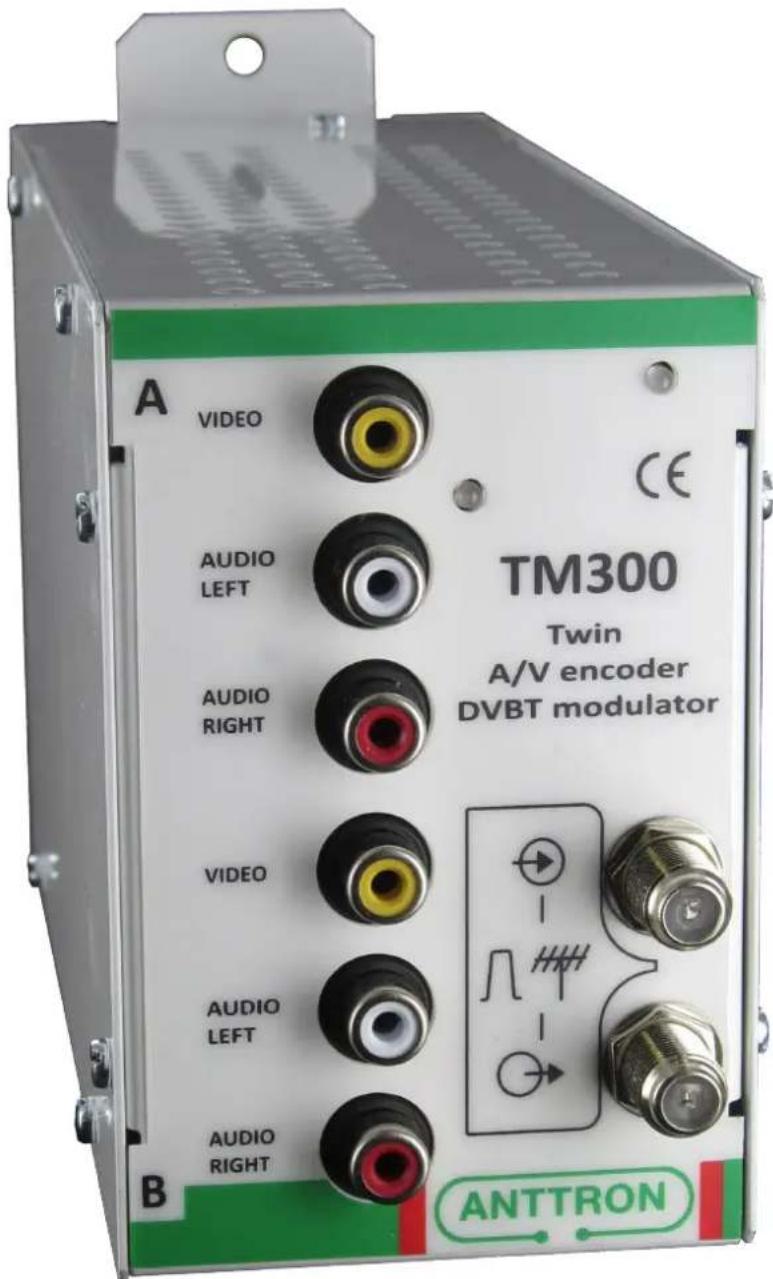
Twin audio/video encoder to DVBT modulator
Safety considerations and installation instructions
1) CONNECTING TO THE MAINS SUPPLY
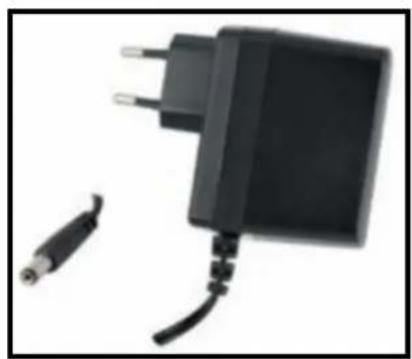
This product has to be connected to the mains supply. If there is the slightest doubt concerning the type of connection available on the installation, please contact your supplier of electricity. Before carrying out maintenance operation or modification of the installation, the modulator has to be disconnected. Remark: only use the supplied power adaptor.
2) OVERVOLTAGE
An overvoltage on the mains supply, can cause shortcircuits or fire. Never overload the power lines.
3) LIQUIDS
This module should be protected from splashes. Please assure yourself that no containers containing liquids are placed on this module. Also be aware of other persons splashing liquids on the module.
4) CLEANING
Disconnect the module before cleaning. Use only a humid cloth without solvent.
5) ACCESSORIES
The use of accessories not manufactured by the manufacturer can cause damage to the module.
7) INSTALLATION OF THE MODULE
The module must be installed in a place well protected from direct sunlight. All measures have to be taken to avoid installation in humid or sunny place. Do not install near heating elements or other devices producing heat. Assure yourself that the module is placed at least 10 cm from other equipment with is susceptible to electromagnetic radiation. Do not install the module on instable items. A fall can cause physical or material damage.
8) VENTILATION AND WAY OF MOUNTING
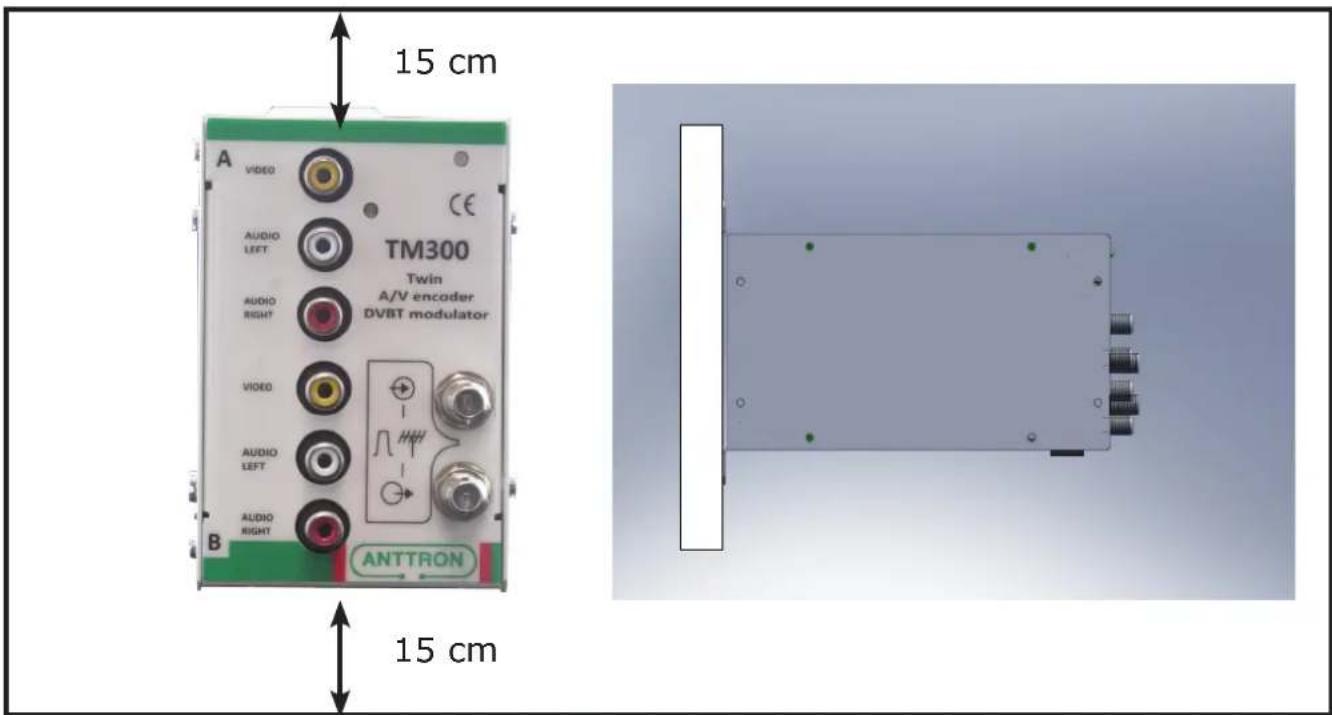
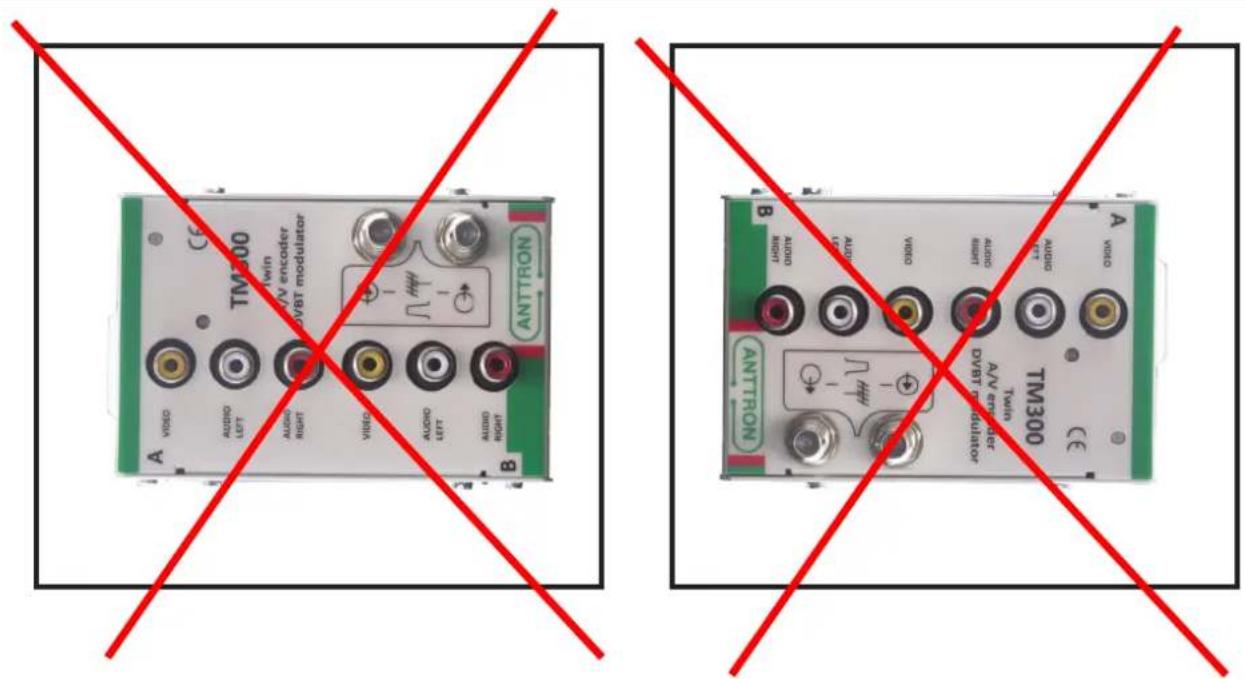
In order to assure an adequate circulation of air and to avoid overheating, the aeration holes of the module may not be obstructed. Please check that the air can freely circulate through the module. The module should not be installed in a hermetically sealed environment. No other electronic apparatus or producers of heat should be placed on the product. Leave a minimum space of 15 cm above and below the product to guarantee an optimal ventilation. The module should be mounted to assure a maximum natural ventilation (see schematic below). The module should be fixed to a wall using the wall fixations on the module.
C1 5 V input
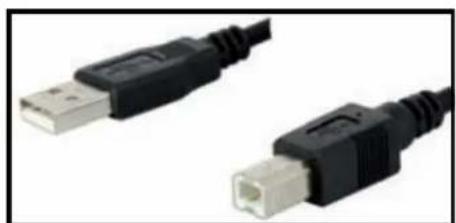
C2 USB input (PC connection)
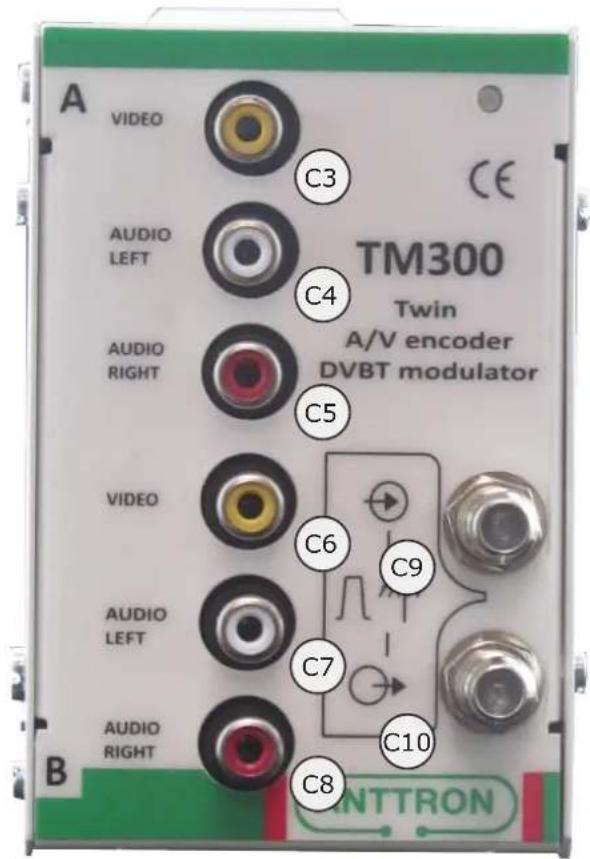
C3 Video A input
C4 Audio A left input
C5 Audio A right input
C6 Video B input
C7 Audio left B input
C8 Audio right B input
C9 DVBT loop in
C10 DVBT output
natural_image
Close-up of two black USB connectors with white port connectors (no text or symbols visible)USB cable (PC connection)
Adaptor +5V / 4A
natural_image
Black and white photo of a charging plug with two cables, no visible text or symbols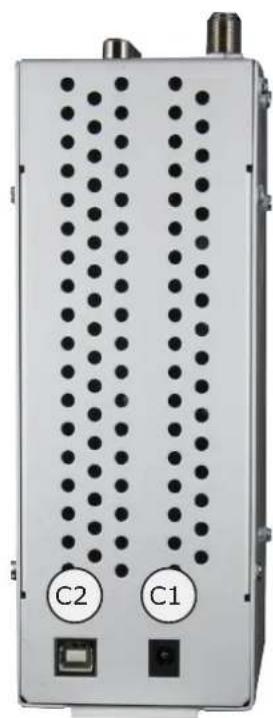
natural_image
Front view of a white electronic device with two labeled buttons (C1 and C2) and two ports, no readable text or symbols beyond labels.Programming the module
As the TM300 is composed of modules DTVAV2 and DTVDM2, we refer to the following instruction manuals to program the TM300
manual DTVIface
manual DTVAV
manual DTVDM2/4
These manuals are available on www.anttron.com