ManualGo.com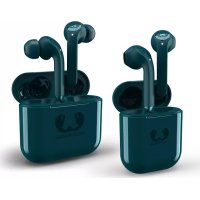
Twins Tip - Helmet Fresh 'n Rebel - Free user manual and instructions
Find the device manual for free Twins Tip Fresh 'n Rebel in PDF.



Download the instructions for your Helmet in PDF format for free! Find your manual Twins Tip - Fresh 'n Rebel and take your electronic device back in hand. On this page are published all the documents necessary for the use of your device. Twins Tip by Fresh 'n Rebel.
USER MANUAL Twins Tip Fresh 'n Rebel
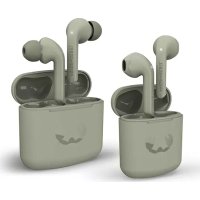
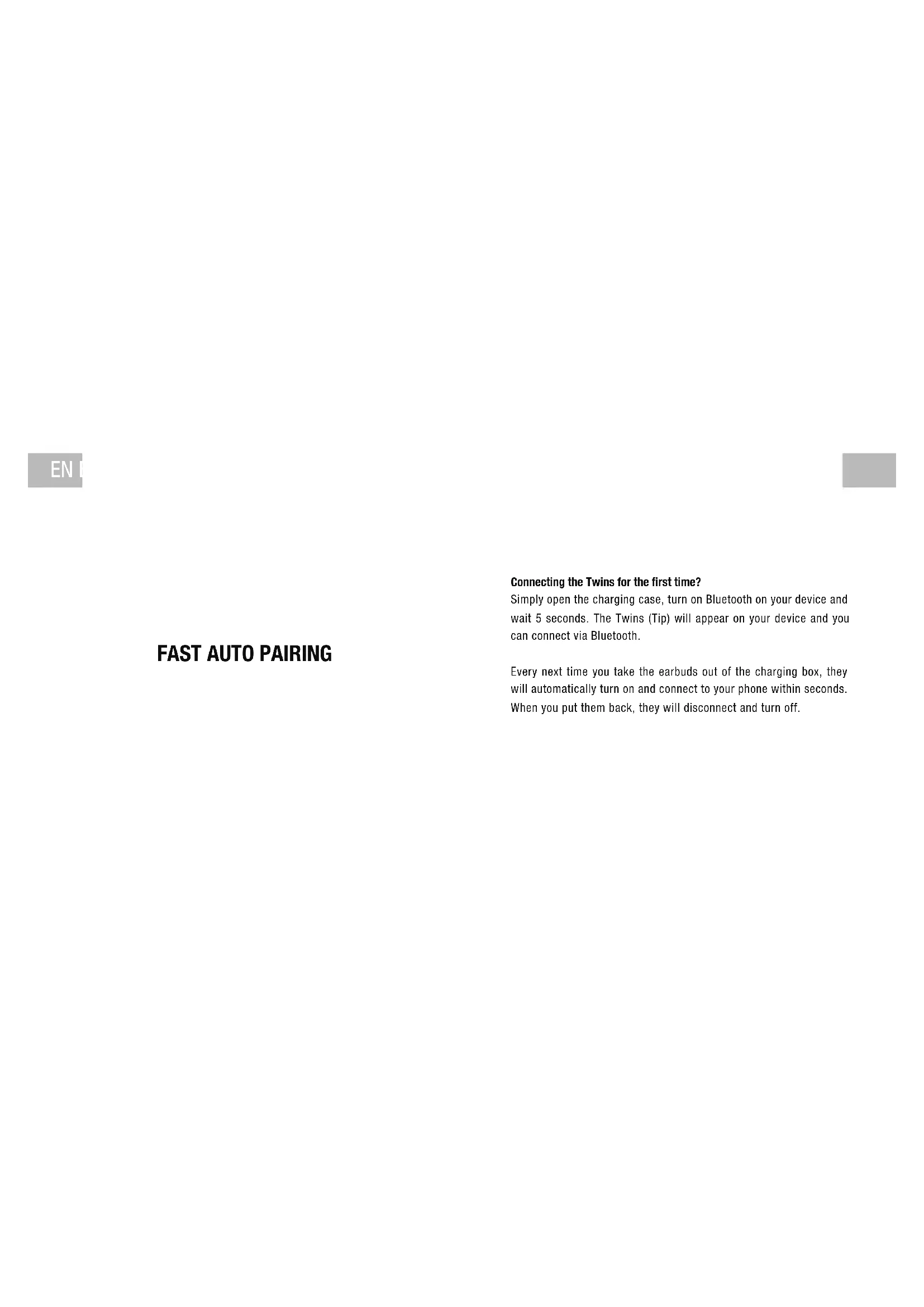
USER MANUALConnecting the Twins for the rst time? Simply open the charging case, turn on Bluetooth on your device and wait 5 seconds. The Twins (Tip) will appear on your device and you can connect via Bluetooth. Every next time you take the earbuds out of the charging box, they will automatically turn on and connect to your phone within seconds. When you put them back, they will disconnect and turn off.
Voice assistant Previous song Next song Play/pause
Use in single mode? (only L or R in use) Tap 2x > Play/Pause Tap 3x > Next Song TOUCH CONTROLS
- Blinking very slowly > Connected Blinking > Searching for connection Blinking very fast > Earbuds are reconnecting to each other Case (outside) On > charging with cable or wirelessly Off > done charging/not charging Case (inside) Battery indicator: 1 LED blinking Case needs to be charged 1 LED 0-25% Battery remaining in case 2 LEDs 25-50% Battery remaining in case 3 LEDs 50-75% Battery remaining in case 4 LEDs 75-100% Battery remaining in caseEN EN FEATURES Playtime earbuds: Double Master: Recharging earbuds: 1 HOUR 1 HOUR Total playtime: Recharging case: Wired & wireless charging: Use the left and right earbudsseparately or together.USB-C cable included.Charging pad not included.At average use for music and phone calls at 50% volume. 4 HOURS
Put the earbuds back in the case, close the lid and wait 10 seconds.
Disable all Bluetooth devices that automatically connect to your Twins.
Connect the charging cable to the case.
Check if the small LED next to the USB-C port lights up.
The LEDs on the earbuds will now start to blink rapidly. Wait until this stops and test the earbuds again. You may need to pair the Twins again to your device.
Open and close the case at least 5 times in 5 seconds. sec. sec.