Gryphon GM4100 - Barcode Reader DATALOGIC - Free user manual and instructions
Find the device manual for free Gryphon GM4100 DATALOGIC in PDF.


User questions about Gryphon GM4100 DATALOGIC
0 question about this device. Answer the ones you know or ask your own.
Ask a new question about this device
Download the instructions for your Barcode Reader in PDF format for free! Find your manual Gryphon GM4100 - DATALOGIC and take your electronic device back in hand. On this page are published all the documents necessary for the use of your device. Gryphon GM4100 by DATALOGIC.
USER MANUAL Gryphon GM4100 DATALOGIC
General Purpose Handheld Linear Imager or Laser Bar Code Readers
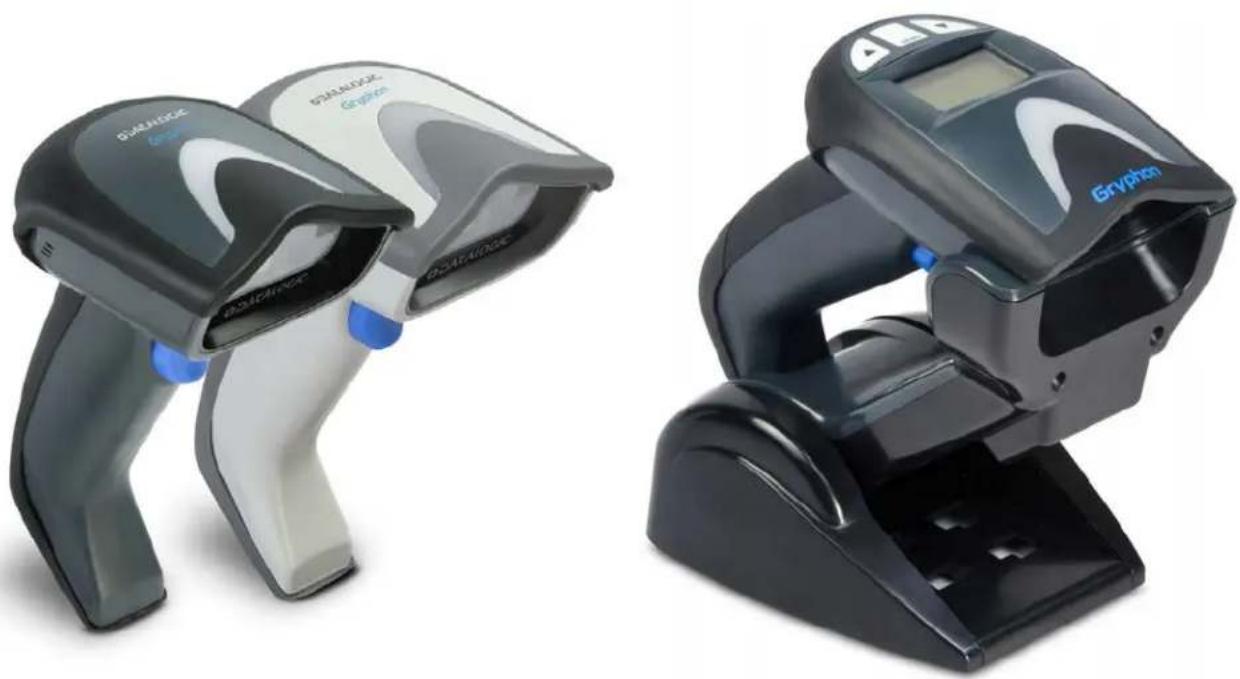
Gryphon I GD4100/GM4100
Gryphon BT4100/ L GD4300
natural_image
Two black and white barcode scanner devices, one with a digital display and blue buttons, the other with a logo (no visible text or symbols on device body)
text_image
Barcode image with blue and gray vertical bars on the left and a QR code on the rightProduct Reference Guide
Datalogic ADC, Inc.
959 Terry Street
Eugene, OR 97402
USA
Telephone: (541) 683-5700
Fax: (541) 345-7140
©2011-2016 Datalogic, Inc.
An Unpublished Work - All rights reserved. No part of the contents of this documentation or the procedures described therein may be reproduced or transmitted in any form or by any means without prior written permission of Datalogic ADC, Inc. or its subsidiaries or affiliates ("Datalogic" or 'Datalogic ADC"). Owners of Datalogic products are hereby granted a non-exclusive, revocable license to reproduce and transmit this documentation for the purchaser's own internal business purposes. Purchaser shall not remove or alter any proprietary notices, including copyright notices, contained in this documentation and shall ensure that all notices appear on any reproductions of the documentation.
Should future revisions of this manual be published, you can acquire printed versions by contacting your Datalogic representative. Electronic versions may either be downloadable from the Datalogic website (www.datalogic.com) or provided on appropriate media. If you visit our website and would like to make comments or suggestions about this or other Datalogic publications, please let us know via the "Contact Datalogic" page.
Disclaimer
Datalogic has taken reasonable measures to provide information in this manual that is complete and accurate, however, Datalogic reserves the right to change any specification at any time without prior notice.
Datalogic and the Datalogic logo are registered trademarks of Datalogic S.p.A. in many countries, including the U.S.A. and the E.U. All other brand and product names may be trademarks of their respective owners.
Patents
See www.patents.datalogic.com for patent list.
Table of Contents
INTRODUCTION 9
About this Manual 9
Overview 9
Manual Conventions 10
References 10
Technical Support 10
Datalogic Website Support 10
Reseller Technical Support 10
Telephone Technical Support 10
About the Reader 11
The BC40xx™ Radio Base 11
Base LEDs 11
Base Button 12
BC40XX UV Counterfeit Detection 12
Display 14
Battery Safety 14
Programming the Reader 16
Configuration Methods 16
SETUP 17
Unpacking 17
Setting Up the Reader 17
Installing the Interface Cable 18
Configuring the Base Station 20
Changing the Base Station Position 21
Connecting the Base Station 22
Connecting the Base when Security Pin is Enabled 25
Linking the Reader to a Base Station 25
Linking a BT Reader to a PC 26
GRYPHON™ I System and Network Layouts 27
Stand Alone Layouts 27
Interface Selection 29
Setting the Interface 29
Customizing Configuration Settings 33
Configure Interface Settings 33
Global Interface Features 33
Configuring Other Features 33
Software Version Transmission 33
Resetting the Product Configuration to Defaults 34
Replacing the Battery 35
CONFIGURATION USING BARCODES 37
Configuration Parameters ....37
Reading Configuration Barcodes 38
GLOBAL INTERFACE FEATURES 39
Host Commands — Obey/Ignore 39
USB Suspend Mode 39
RS-232 ONLY Interface 41
Baud Rate 42
Data Bits 43
Stop Bits 43
Parity 44
Handshaking Control 45
RS-232/USB-Com Interfaces....46
Intercharacter Delay 47
Beep On ASCII BEL 47
Beep On Not on File 48
ACK NAK Options 49
ACK Character 50
NAK Character 50
ACK NAK Timeout Value ....51
ACK NAK Retry Count 51
ACK NAK Error Handling 52
Indicate Transmission Failure 52
Disable Character 53
Enable Character 53
Country Mode 56
Caps Lock State 59
Numlock 60
Send Control Characters 61
Wedge Quiet Interval 62
Intercharacter Delay 63
Intercode Delay 64
USB Keyboard Speed 65
USB Keyboard Numeric Keypad 66
USB-OEM Device Usage 68
Interface Options 68
46xx Number of Host Resets 70
Transmit Labels in Code 39 Format ....72
Interface Options 72
Wand Signal Speed 74
Wand Polarity 74
Wand Idle State 75
Transmit Noise 75
Label Symbology Conversion 76
Global Prefix/Suffix 78
Global AIM ID 79
GS1-128 AIM ID 80
Label ID 81
Label ID: Pre-loaded Sets 81
Label ID: Set Individually Per Symbology 81
Label ID Control 82
Label ID Symbology Selection 83
Set Global Mid Label ID Characters 89
Case Conversion 90
Character Conversion 90
Double Read Timeout 92
Label Gone Timeout 93
Sleep Mode Timeout 94
Power On Alert 96
Good Read: When to Indicate 96
Good Read Beep Type 97
Good Read Beep Frequency 97
Good Read Beep Length 98
Good Read Beep Volume 99
Good Read LED Duration 100
Scan Mode 101
Stand Mode Triggered Timeout 102
Stand Detection 103
Keyboard Interface....55
USB-OEM Interface 67
IBM 46XX Interface....69
Wand Emulation Interface 73
Data Format 77
Reading Parameters 91
LED AND BEEPER INDICATORS 96
SCANNING FEATURES ....101
Stand Mode Sensitivity 104
Scanning Active Time 104
Flash On Time 105
Flash Off Time 105
Green Spot Duration 106
Code Selection 107
DISABLE ALL SYMBOLOGIES 108
CODE EAN/UPC 109
Coupon Control 109
UPC-A 110
UPC-A Enable/Disable 110
UPC-A Check Character Transmission 110
Expand UPC-A to EAN-13 111
UPC-A Number System Character Transmission 111
UPC-A Minimum Reads 112
UPC-E 113
UPC-E Enable/Disable 113
UPC-E Check Character Transmission 113
Expand UPC-E to EAN-13 114
Expand UPC-E to UPC-A 114
UPC-E Number System Character Transmission 115
UPC-E Minimum Reads 115
GTIN FORMATTING 116
EAN 13 (JAN 13) 117
EAN 13 Enable/Disable 117
EAN 13 Check Character Transmission 117
EAN-13 Flag 1 Character 118
EAN-13 ISBN Conversion 118
EAN 13 Minimum Reads 119
ISSN 120
ISSN Enable/Disable 120
EAN 8 (JAN 8) 121
EAN 8 Enable/Disable 121
EAN 8 Check Character Transmission 121
Expand EAN 8 to EAN 13 122
EAN 8 Minimum Reads 122
UPC/EAN GLOBAL SETTINGS 123
UPC/EAN Decoding Level 123
UPC/EAN Correlation 124
UPC/EAN Price Weight Check 124
In-Store Minimum Reads 125
ADD-ONS 126
Optional Add-ons 126
Optional Add-On Timer 127
Optional GS1-128 Add-On Timer 130
P2 Add-Ons Minimum Reads 133
P5 Add-Ons Minimum Reads 134
GS1-128 Add-Ons Minimum Reads 135
CODE 39 136
Code 39 Enable/Disable 136
Code 39 Check Character Calculation ....136
Code 39 Check Character Transmission 137
Code 39 Start/Stop Character Transmission 138
Code 39 Full ASCII 138
Code 39 Quiet Zones 139
Code 39 Minimum Reads 140
Code 39 Decoding Level 141
Code 39 Length Control 142
Code 39 Set Length 1 143
Code 39 Set Length 2 144
Code 39 Interdigit Ratio 145
Code 39 Character Correlation ....147
Code 39 Stitching 147
CODE 32 (ITAL PHARMACEUTICAL CODE) 148
Code 32 Enable/Disable 148
Code 32 Feature Setting Exceptions 148
Code 32 Check Char Transmission 149
Code 32 Start/Stop Character Transmission 149
CODE 39 CIP (FRENCH PHARMACEUTICAL) 150
Code 39 CIP Enable/Disable 150
CODE 128 ....151
Code 128 Enable/Disable .... 151
Expand Code 128 to Code 39 .... 151
Code 128 Check Character Transmission .... 152
Code 128 Function Character Transmission 152
Code 128 Sub-Code Change Transmission 153
Code 128 Quiet Zones 154
Code 128 Minimum Reads 155
Code 128 Decoding Level 156
Code 128 Length Control .... 157
Code 128 Set Length 1 158
Code 128 Set Length 2 159
Code 128 Character Correlation .... 160
Code 128 Stitching 160
GS1-128 161
GS1-128 Enable 161
CODE ISBT 128 162
ISBT 128 Concatenation 162
ISBT 128 Force Concatenation .... 162
ISBT 128 Concatenation Mode .... 163
ISBT 128 Dynamic Concatenation Timeout 164
ISBT 128 Advanced Concatenation Options 164
CODABLOCK F 165
Codablock F Enable/Disable 165
Codablock F EAN Enable/Disable 165
Codablock F AIM Check 166
Codablock F Length Control 166
Codablock F Set Length 1 167
Codablock F Set Length 2 168
INTERLEAVED 2 OF 5 (I 2 OF 5) 169
12 of 5 Enable/Disable 169
12 of 5 Check Character Calculation 169
12 of 5 Check Character Transmission .... 170
12 of 5 Minimum Reads 171
2 of 5 Decoding Level 172
12 of 5 Length Control 173
12 of 5 Set Length 1 174
12 of 5 Set Length 2 175
12 of 5 Character Correlation .... 176
12 of 5 Stitching 176
FOLLETT 2 OF 5 ....177
Follett 2 of 5 Enable/Disable 177
INTERLEAVED 2 OF 5 CIP HR 177
Interleaved 2 of 5 CIP HR Enable/Disable 177
STANDARD 2 OF 5 178
Standard 2 of 5 Enable/Disable 178
Standard 2 of 5 Check Character Calculation .... 178
Standard 2 of 5 Check Character Transmission 179
Standard 2 of 5 Minimum Reads ....179
Standard 2 of 5 Decoding Level 180
Standard 2 of 5 Length Control 180
Standard 2 of 5 Set Length 1 .... 181
Standard 2 of 5 Set Length 2 182
Standard 2 of 5 Character Correlation .... 183
Standard 2 of 5 Stitching 183
INDUSTRIAL 2 OF 5 184
Industrial 2 of 5 Enable/Disable 184
Industrial 2 of 5 Check Character Calculation .... 184
Industrial 2 of 5 Check Character Transmission 185
Industrial 2 of 5 Length Control 185
Industrial 2 of 5 Set Length 1 186
Industrial 2 of 5 Set Length 2 187
Industrial 2 of 5 Minimum Reads 188
Industrial 2 of 5 Stitching 188
Industrial 2 of 5 Character Correlation 189
CODEIATA 190
IATA Enable/Disable 190
IATA Check Character Transmission 190
DATALOGIC 2 OF 5 ....191
Datalogic 2 of 5 Enable/Disable 191
Datalogic 2 of 5 Check Character Calculation .... 191
Datalogic 2 of 5 Minimum Reads 192
Datalogic 2 of 5 Decoding Level 192
Datalogic 2 of 5 Length Control 193
Datalogic 2 of 5 Set Length 1 194
Datalogic 2 of 5 Set Length 2 195
Datalogic 2 of 5 Character Correlation .... 196
Datalogic 2 of 5 Stitching 196
CODABAR 197
Codabar Enable/Disable 197
Codabar Check Character Calculation 197
Codabar Check Character Transmission 198
Codabar Start/Stop Character Transmission 198
Codabar Start/Stop Character Set 199
Codabar Start/Stop Character Match 199
Codabar Quiet Zones 200
Codabar Minimum Reads 201
Codabar Decoding Level 202
Codabar Length Control 203
Codabar Set Length 1 204
Codabar Set Length 2 205
Codabar Interdigit Ratio 206
Codabar Character Correlation 208
Codabar Stitching 208
ABC CODABAR 209
ABC Codabar Enable/Disable 209
ABC Codabar Concatenation Mode 209
ABC Codabar Dynamic Concatenation Timeout 210
ABC Codabar Force Concatenation 211
CODE 11 212
Code 11 Enable/Disable 212
Code 11 Check Character Calculation 212
Code 11 Check Character Transmission 213
Code 11 Minimum Reads 213
Code 11 Length Control 214
Code 11 Set Length 1 215
Code 11 Set Length 2 216
Code 11 Interdigit Ratio 217
Code 11 Decoding Level 219
Code 11 Character Correlation 220
Code 11 Stitching 220
GS1 DATABAR™ OMNIDIRECTIONAL 221
GS1 DataBar™ Omnidirectional Enable/Disable 221
GS1 DataBar™ Omnidirectional GS1-128 Emulation 221
GS1 DataBar™ Omnidirectional Minimum Reads 222
GS1 DATABARTM EXPANDED 223
GS1 DataBar™ Expanded Enable/Disable 223
GS1 DataBar™ Expanded GS1-128 Emulation 223
GS1 DataBar™ Expanded Minimum Reads 224
GS1 DataBar™ Expanded Length Control 224
GS1 DataBar™ Expanded Set Length 1 225
GS1 DataBar™ Expanded Set Length 2 226
GS1 DATABAR™ LIMITED 227
GS1 DataBar™ Limited Enable/Disable 227
GS1 DataBar™ Limited GS1-128 Emulation 227
GS1 DataBar™ Limited Minimum Reads 228
CODE 93 229
Code 93 Enable/Disable 229
Code 93 Check Character Calculation ...... 229
Code 93 Check Character Transmission 230
Code 93 Length Control 230
Code 93 Set Length 1 231
Code 93 Set Length 2 232
Code 93 Minimum Reads 233
Code 93 Decoding Level 234
Code 93 Quiet Zones 235
Code 93 Stitching 236
Code 93 Character Correlation 236
MSI 237
MSI Enable/Disable 237
MSI Check Character Calculation 237
MSI Check Character Transmission 238
MSI Length Control 238
MSI Set Length 1 239
MSI Set Length 2 240
MSI Minimum Reads 241
MSI Decoding Level 242
PLESSEY 243
Plessey Enable/Disable 243
Plessey Check Character Calculation 244
Plessey Check Character Transmission 244
Plessey Length Control 245
Plessey Set Length 1 246
Plessey Set Length 2 247
Plessey Minimum Reads 248
Plessey Decoding Level 249
Plessey Stitching 250
Plessey Character Correlation 250
CODE 4 251
Code 4 Enable/Disable 251
Code 4 Check Character Transmission 251
Code 4 Hex to Decimal Conversion 252
CODE 5 252
Code 5 Enable/Disable 252
Code 5 Check Character Transmission 253
Code 5 Hex to Decimal Conversion 253
CODE 4 AND CODE 5 COMMON CONFIGURATION ITEMS ......254
Code 4 and 5 Decoding Level 254
Code 4 and Code 5 Minimum Reads 255
WIRELESS FEATURES 257
WIRELESS BEEPER FEATURES 259
Good Transmission Beep 259
Beep Frequency 259
Beep Duration 260
Beep Volume 261
Disconnect Beep 261
Base Station Beep 262
Leash Alarm 262
CONFIGURATION UPDATES 264
Automatic Configuration Update 264
Copy Configuration to Scanner 264
Copy Configuration to Base Station 265
Automatic Flash Update 265
Request Flash Update 266
Powerdown Timeout 266
BATCH FEATURES 268
Batch Mode 268
Send Batch 268
Erase Batch Memory 269
RF Batch Mode Transmit Delay 269
DIRECT RADIO AUTOLINK 270
RF ADDRESS STAMPING 270
Source Radio Address Transmission 270
Source Radio Address Delimiter Character 271
Features for Star Models Only 272
STAR Radio Protocol Timeout 272
STAR Radio Transmit Mode 273
DISPLAY FEATURES 274
Contrast 274
Font Size 274
Backlight 275
Display Mode 275
Display Timeout 276
Keypad Select 278
Bluetooth-Only Features....279
BT SECURITY FEATURES 280
BT Security Mode 280
BT Pin Code 281
Select PIN Code Length 281
Set PIN Code 281
BT HID FEATURES 282
BT HID Variable PIN Code 282
BT HID ALT Mode 282
BT HID Send Unkown ASCII Char 283
OTHER BT FEATURES 284
BT Poll Rate 284
LASER FEATURES 287
Laser Scan Angle 288
Laser Idle Mode 288
Bi-Directional Read Decoding 289
Always On Scan Mode Timeout 290
REFERENCES.... 291
RS-232 Parameters 291
RS-232 Only 291
RS-232/USB COM Parameters 292
Keyboard Interface 299
Wedge Quiet Interval 299
Intercharacter Delay 300
Intercode Delay 301
Symbologies 302
Decoding Level 302
Set Length 302
Data Editing 304
Global Prefix/Suffix 305
Global AIM ID 306
Label ID 307
Character Conversion 311
Reading Parameters 312
Contents
Label Gone Timeout 312
Good Read LED Duration 313
Scanning Features 314
Scan Mode 314
Scanning Active Time 315
Flash On Time 316
Flash Off Time 317
Display Settings 318
Display Mode 318
RF Features 318
Configuration Update 318
RF Address Stamping 318
BT-Only Features 321
MESSAGE FORMATTING.... 323
Message Formatting 323
Cursor Control 324
Font Selection 324
Clearing Display 325
LED and Beeper Control 325
Messages from Scanner Command Keys 326
Technical Specifications 327
Standard Cable Pinouts 330
LED and Beeper Indications 331
Error Codes 332
Base Station Indications (Cordless Models ONLY) 333
Base Station Button Indicators 333
Standard Defaults 335
Sample Bar Codes 347
Keypad 351
Scancode Tables 355
Control Character Emulation 355
Single Press and Release Keys 355
Interface Type PC AT PS/2, USB-Keyboard or USB-Keyboard for APPLE 356
Interface type PC AT PS/2 Alt Mode or USB-Keyboard Alt Mode 358
Digital Interface 360
IBM31xx 102-key 361
IBM XT 362
Microsoft Windows Codepage 1252 363
Index 365
Chapter 1 Introduction
About this Manual
z hisvroductx eferencemuideLvx mdisprovidedforusersseekingadvancedtechnicalinformationincludingconnectionprogrammingmaintenanceandspecificationsz hewuickx eferencemuideLwx mandotherpublicationsassociatedwiththisproductaredownloadablefreeofchargefromthewebsitelistedonthebackcoverofthismanual
Overview
i hapterDUPLthis chapter 描述informationaboutmanualconventionsandDanoverviewoftheReaderPitsofeaturesandoperation?
i hapter\V\Pyetup\presents\information\about\unpacking\pcable\connection\information\and\setting\up\the\reader
i hapterDWPG onfiguration' singharcodes provides instructions and barcode labels for customizing your reader here are different sections for interface types general features data formatting symbols methodology specific and model specific features
i hapter[X] irelessl eaturesdescribesoptionsandprogrammingrelatedtoradio communicationfeaturesforthelx l variantsofthelmryphonfamily
i hapter!YPr aserO eaturesdescribesoptionsandprogrammingspecifictolaserOmodels
i hapter0 Pdx eferencesprovidesbackgroundinformationanddetailedinstructionsformorecomplexprogrammingitemsR
i hapter[ P0s essage] ormatting provides details for programming options
g ppendix ^g g Pz echnical?pecifications lists physical and performance characteristics as well as environmental and regulatory specifications not also provides standard cable pinouts and k j s heeper functions
gppendix\hPytandard\j efaults\references\common\factory\default\settings\for\reader\features\andOptions
g ppendixDi PbyampleHardi odesofferssamplebarcodesofseveralcommonsymbologies
g ppendixj 10q eypadincludesnumericbarcodestobeiscannedforcertainparametersettings
gppendixk?ycancodezableslistscontrolcharacteremulationinformationforedgeand'yhqeyboardinterfaces
Manual Conventions
z he following conventions are used in this document
z he'symbols listed below are used in this manual to notify the reader of key issues or procedures that must be observed when using the reader

Notes contain information necessary for properly diagnosing, repairing and operating the reader.

CAUTION
The CAUTION symbol advises you of actions that could damage equipment or property.
References
i urrent versions of this v roduct x eference muide Lx x mPw uick x eference muide Lw x mPthe j atalogic g laddin™ i onfiguration application and any other manuals instruction sheets and utilities for this product can be downloaded from the website listed below g Iternatively printed copies or product support i j s for most products can be purchased through yourj atalogic reseller
Technical Support
Datalogic Website Support
z hej atalogicwebsitewwwdatalogic.comdisthecompletesourcefortechnicalsupportandinformationforj atalogicproductsz heisiteoffersproductsupportwarrantyinformationproductmanualsproducttechnotessoftwareupdatesdemosandinstructionsforreturningproductsforrepair
Reseller Technical Support
g n'excellent source for technical assistance and information disan authorizedj atalogic reseller g reseller is acquainted with specific types of businesses application software and computer systems and can provide individualized assistance
Telephone Technical Support
of you do not have internet or email access you may contact at a logic technical support LYXUOWX^Q V Word check the back cover of your manual for more contact information
About the Reader
Typically, units are factory-programmed for the most common terminal and communications settings. If you need to modify any programmable settings, custom configuration can be accomplished by scanning the programming barcodes within this guide.
Several models of the Gryphon are available, and are covered in this manual:
• Gryphon I GD4100 - Corded linear imager barcode reader
- Gryphon I GM4100 - Cordless linear imager barcode reader with Datalogic STAR™.
• Gryphon L GD4300 - Model with Laser scan engine.
• Gryphon I BT 4100 - Model with Bluetooth options.
Programming can alternatively be performed using the Datalogic Aladdin™ Configuration application which is downloadable from the Datalogic website listed on the back cover of this manual. This multi-platform utility program allows device configuration using a PC. It communicates to the device using a serial or USB cable and can also create configuration barcodes to print.
Advancements in the LED technology used in the imager-based readers significantly improve the illumination of the target field of view, resulting in higher scan efficiency. Whether used in Single Trigger or Continuous Mode, the ergonomic design of the reader will help to promote comfortable handling during extended periods of use.
See "Interface Selection" on page 29 for a listing and descriptions of available interface sets by model type.
The BC40xx™ Radio Base
Base LEDs
LEDs on the Gryphon I Base provide information about the Base's status, as shown in Figure 1.
Figure 1. Gryphon I Base LEDs

text_image
YELLOW LED RED LED / GREEN LED BUTTONz he following table describes the significance of each kj
| LED STATUS | ||
| Power on / Data | Yellow On = Base is poweredYellow Blinking = Base receives data and commands from the Host or the Reader. | |
| Charging Red On = Battery charging is in progress. | ||
| Charge completed Green On = the Battery is completely charged. | ||
| Charging + Charge completed | Red and Green Blinking together = the Reader is not correctly placed onto the Base. | |
yee\haselytationondicationsLi ordlesss odelsBu t r -Donpage[WWW]formore-specificdetailslontheir kj sR
Base Button
z hehase!contains!button!which!isused!primarily!to!perform!a!paging!function!v:ressing!the!button!causes!a!sound!signal!to!be!emitted!by!all!scanners!linked!with!this!hase!has!long!as!the!scanner!is!awake!Lsee!vowerdown!z imeout!on?page!V !and!reception!is!enabled!Lsee!yleep!s odelz imeout!on?page!^X!Rz he!button!can!also!be!used!to!fforce!device!connection!Fvia!the!j atalogic!g laddinl?oftware!tool!available!for#free!download!from!the!j atalogic!website!Dyee!the!g laddinl? nline?n elp!for?details?
yee?haseytationondications?Li ordless's odels?u tr—Don?page?www?for?further?information?on?hase?huttonfunctions?
BC40XX UV Counterfeit Detection
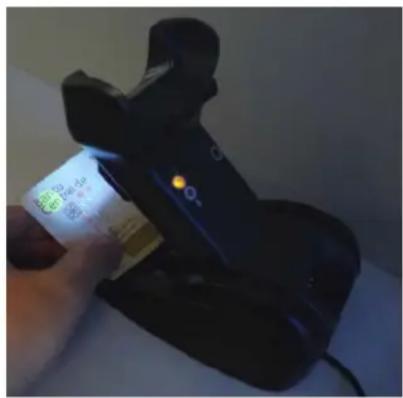
z hehi XT” “ix adiohaseisavailablewithal’ “di counterfeitis oneyj etectortypicallyusedto verifytheauthenticityofbanknotesdu therfusesforcounterfeitdetectionarepassportticketcreditcardtravelers’checkandsimilarapplicationswhereitispossibletodetectfluorescentmarkswith’ “light
z hedetectorcontainsheightspecial" " Dr kj sPhasshownbelow"

text_image
UV LEDsz heli ounterfeitj etectorisbasedon' "fluorescentemissionx eallbanknotesunderultravioletraysusuallyabsorbthe" "lightandwillshowspecialmarksmadewithfluorescentinksu ntheotherhandmostcounterfeitbanknotesonlyreflectthe" "lightswithoutshowingfluorescentmarks
To use:
UWw uicklypressthehasebuttontolighttheD' " Dr kj sR
VOn oldtheitemtobeverifiedundertherkj lightstoensurethatthespecialfluorescentmarksarevisible
text_image
Eco Power O2WRlz heir kj slarelsettoswitchloffautomaticallyafterabout0minutes0z okeepthe1 "lr kj s0 inalwaysqonmodeQuicklypressthehasebuttonasecondtimewithinUTsecondsofthefirstpress0z oswitchthemoffsimplypressthebuttonagain0

An external power supply is necessary for full functionality of the Base station with UV Counterfeit Detector. Use only the recommended AC adapter 12Vdc.
Display
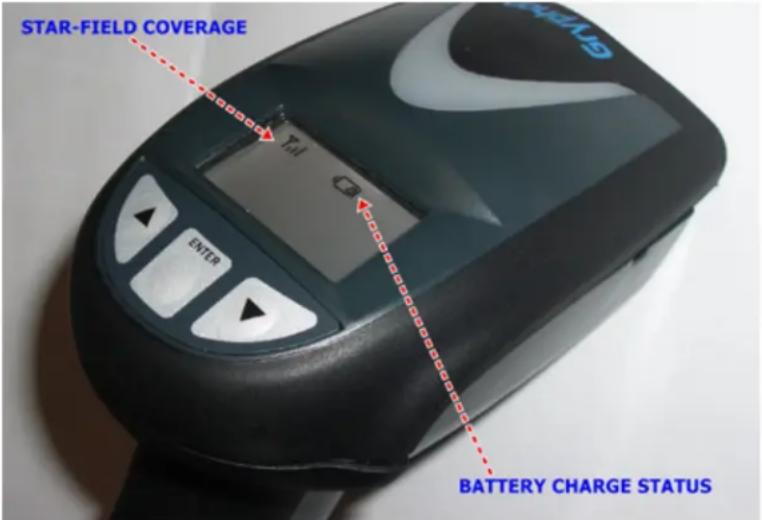
z he|mryphonms XUTT|is|available|with|an|optional|j isplay|z help isplay|features|X|lines|and|U |characters|and|offers|icons|and|three|additional|keys|to|allow|a|better|interaction|with|a|remote|host|00
l onts?contrast?backlightandother?parameters?can?be!configuredforthe?j isplay?yee?j isplay?leatures?onpage?V[X]andis essagell ormatting?onpage?WWW?formoreinformation?
Figure 2. Gryphon™ I Display
text_image
STAR-FIELD COVERAGE Yell G ENTER BATTERY CHARGE STATUSBattery Safety
z o'reinstallchargeandsorperformanyotheractiononthebatteryfollowtheinstructionsinthismanual

Before installing the Battery, read "Battery Safety" on this and the following pages. Datalogic recommends annual replacement of rechargeable battery packs to ensure maximum performance.

WARNING
Do not discharge the battery using any device except for the scanner. When the battery is used in devices other than the designated product, it may damage the battery or reduce its life expectancy. If the device causes an abnormal current to flow, it may cause the battery to become hot, explode or ignite and cause serious injury.
Lithium-ion battery packs may get hot, explode or ignite and cause serious injury if exposed to abusive conditions. Be sure to follow the safety warnings listed below:
- Do not place the battery pack in fire or heat.
- Do not connect the positive terminal and negative terminal of the battery pack to each other with any metal object (such as wire).
- Do not carry or store the battery pack together with metal objects.
- Do not pierce the battery pack with nails, strike it with a hammer, step on it or otherwise subject it to strong impacts or shocks.
- Do not solder directly onto the battery pack.
- Do not expose the battery pack to liquids, or allow the battery to get wet.
- Do not apply voltages to the battery pack contacts.

WARNING

CAUTION
In the event the battery pack leaks and the fluid gets into your eye, do not rub the eye. Rinse well with water and immediately seek medical care. If left untreated, the battery fluid could cause damage to the eye.
- Always charge the battery at 32^ - 104^ (0^ - 40^) temperature range.
- Use only the authorized power supplies, battery pack, chargers, and docks supplied by your Datalogic reseller. The use of any other power supplies can damage the device and void your warranty.
- Do not disassemble or modify the battery. The battery contains safety and protection devices, which, if damaged, may cause the battery to generate heat, explode or ignite.
- Do not place the battery in or near fire, on stoves or other high temperature locations.
- Do not place the battery in direct sunlight, or use or store the battery inside cars in hot weather. Doing so may cause the battery to generate heat, explode or ignite. Using the battery in this manner may also result in a loss of performance and a shortened life expectancy.
- Do not place the battery in microwave ovens, high-pressure containers or on induction cookware.
- Immediately discontinue use of the battery if, while using, charging or storing the battery, the battery emits an unusual smell, feels hot, changes color or shape, or appears abnormal in any other way.
- Do not replace the battery pack when the device is turned on.
- Do not remove or damage the battery pack's label.
- Do not use the battery pack if it is damaged in any part.
- Battery pack usage by children should be supervised.
g s with other types of batteries in thium (oon Lr batteries will lose capacity over time apacity deterioration is noticeable after one year of service whether the battery is in use or not not is difficult to precisely predict the finite life of a r battery but cell manufacturers rate them at YTT charge cycles on other words the batteries should be expected to take YTT full discharge charge cycles before needing replacement his number is higher if partial discharging recharging is adhered to rather than full deep discharging


Storage of batteries for long time at fully charged status or at fully discharged status should be avoided.
Only in case of long storage, to avoid deep discharge of the battery it is recommended to partially recharge the battery every three months to keep the charge status at a medium level.
As a reference, run a fast recharge for 20 minutes every three months on unused products to avoid any performance deterioration of the cell.
z helusefullifeofr o'batteriesdependsonusageandnumberofchargesPetcafterwhichthey shouldberemovedfromserviceespeciallyinmissioncriticalapplicationsj o'notcontinueto usea-batteryshowingexcessivelossofcapacityMitshouldbeproperlyrecycleddisposedofand replaced
i ollectandrecyclewastebatteriesseparatelyfromthedeviceincompliancewithkuropeanj irectiveVTT S Ski PIVTUUS YSk' PIVTTVS^ Ski DandVTUVSU^Sk' Dandsubsequentmodificationsyandi hinaregulatoryandotherslawsandregulationsabouttheenvironment
Programming the Reader
Configuration Methods
Programming Barcodes
z he reader is factory {configured with a standard set of default features g fter scanning the interface barcode you can select other options and customize your reader through use of the instructions and programming barcode labels available in the corresponding features section for your interface customizable settings for many features are found in Fi onfiguration' sing h arcodes starting on page W [
yomeprogramminglabelslikeFx estoreiustomj efaultsFonpageWXrequireonlytheScanofthesinglelabeltolenactthechangeos osthoweverrequirethereadertobeplacedinvrogrammingis odepriortoscanningthemycanlankt z kx Sk" oz barcodeoncetoentervrogrammingis odeu ncethereaderlisinvrogrammingis odePscanlanumberofparametersettingsbeforescanningthekt z kx Sk" oz barcodealsecondtimewhichwillthenacceptyourchangesExitvrogrammingis odeandreturnthereadertonormaloperation

There are some exceptions to the typical programming sequence described above. Please read the description and setting instructions carefully when configuring each programmable feature.
Datalogic Aladdin™
j atalogicg laddin™is|a|multi|platform|utility|program|providing|a|quickland|user|friendly| configuration|method|via|the|x y|VVWS' yhQi u s |interface|g laddin|is|available|on|the|i j Q x u s |provided|with|your|product|and|also|from|the|j atalogic|website|g laddin|allows|you|to| program|the|reader|by|selecting|configuration|commands|through|a|user|friendly|graphical| interface|running|on|a|i |z hesel|commands|are|sent|to|the|reader|over|the|selected| communication|interface|or|they|can|be|printed|as|barcodes|to|be|scanned
g laddinalso provides the ability to perform a software upgrade for the connected device see the j atalogic g laddin™n elplu nqr inefor more details
Chapter 2 Setup
Unpacking
i heckcarefully to ensure the reader and any accessories ordered are present and undamaged of any damage occurred during shipment contactj atalogicz ethnically support nonformation is shown on page UTR
qkkvdzn kvgi qgmot mDyhouldtheuniteverrequireserviceMitshouldBereturnedinDits0originalshippingcontainer?
Setting Up the Reader
j ependingonwhetheryouareusingallordedor's obileversionoftheimryphonfollowthe stepsprovidedinthissectiontoconnectandgetyourreaderuplandcommunicatingwithitshost
UR begin by onstalling the interface able Li orded ordi onnecting the phaseytation Ls obile MD
VRdoToDonterfaceByelectionAndsettheDesiredDinterfaceR
WR i onfigure@interface&settings#only#if#not#using#factory#settings#forthat@interface#
XR modtoDi onfiguringDu therD eaturesDLifModificationsDareNeededfromFactorySettingsM
Installing the Interface Cable
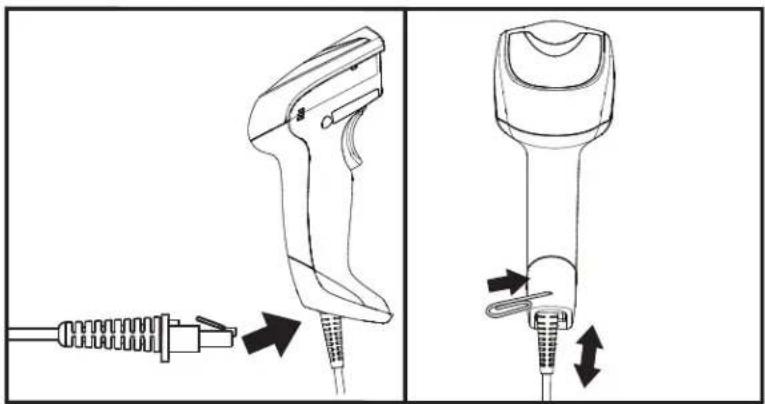
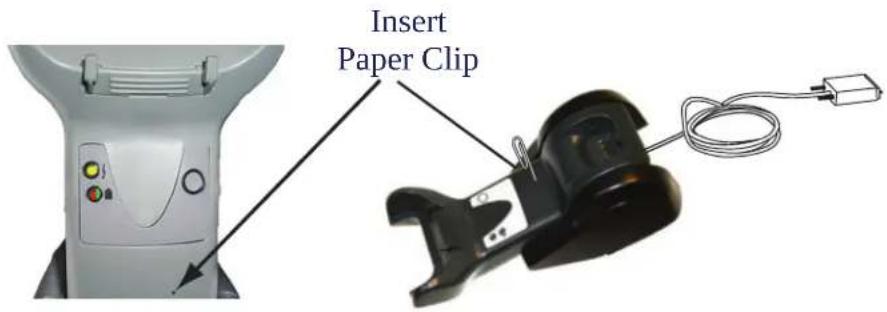
I or! ordered versions?connect the reader cable by inserting the cable into the handle as shown in I figure 100z o remove it insert a paper clip into the release aperture then unplug the cable
Figure 3. Connect/disconnect the cable
natural_image
Technical line drawing of a handheld device with two views showing internal components and directional arrows (no text or symbols)RS-232 Serial Connection

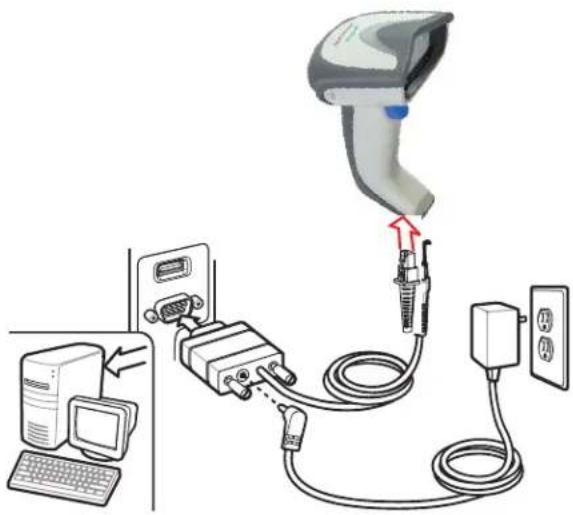
z urnoffpowertotheterminalSvi landconnectthereadertotheterminalSvi [serialportviathe] x y(VWV)cablelasshowninll igureXOftheterminalwillnotsupportby u z Lvoweru ffthe) z erminaltosupplyreaderpowerPluseltheapprovedpowersupplyLg i lg dapterRv lugthelg i g dapterbarrelconnectorintothesocketlontheix y(VWV)cableconnectorandthelg i lg dapter plugintoa1standardpoweroutlet
Figure 4. RS-232 Connection
text_image
Diagram showing medical device connection with labeled components including monitor, keyboard, and power outletKeyboard Wedge Connection

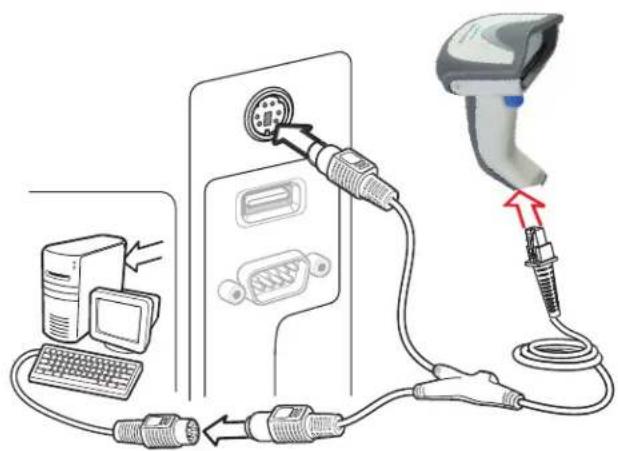
The Keyboard Wedge cable has a 'Y' connection from the reader. Connect the female to the male end from the keyboard and the remaining end at the keyboard port at the terminal/PC. Reference Figure 5.
Figure 5. Keyboard Wedge Interface connection
text_image
Diagram showing connections between a computer, a switch, and a medical device with labeled componentsUSB Connection

Connect the reader to a USB port on the terminal/PC using the correct USB cable for the interface type you ordered. Reference Figure 6.
Figure 6. USB connection

text_image
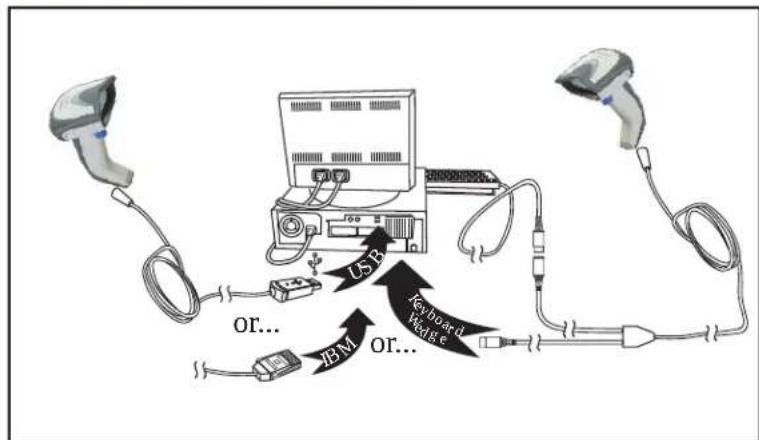
Diagram showing a medical device connected to a computer via cable, with a monitor and keyboard nearby.Other connection types are described below and illustrated in Figure 7.
Figure 7. Other Interface Connections
flowchart
graph TD
    A["User Device"] --> B["USB"]
    B --> C["Keyboard"]
    B --> D["MB"]
    B --> E["or..."]
    C --> F["USB Cable"]
    D --> G["USB Cable"]
    E --> H["USB Cable"]

Specific cables are required for connection to different hosts. The connectors illustrated above are examples only. Actual connectors may vary from those illustrated, but the steps to connect the reader remain the same.
RF Models
z hepowersupplyconnectsdirectlytothebaseNotonthecablejackforallconfigurations1 orallinterfacesExceptix y(VWVDa)powersupplyisrecommendedbutnotnecessarybecause thebasecanbepoweredfromthein osthenthebaseispoweredfromthein ostselectalslowchargeratek
Configuring the Base Station
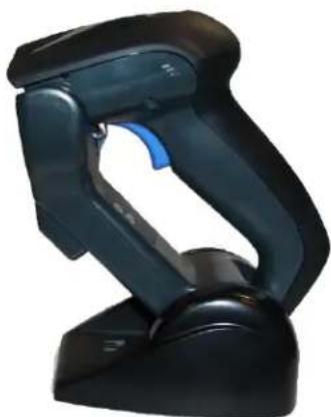
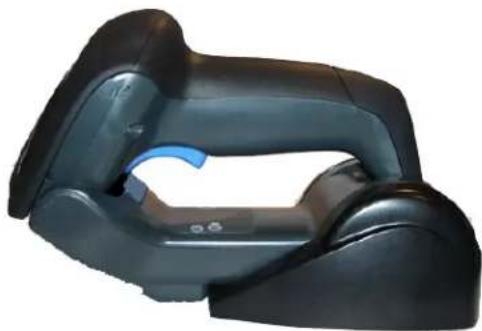
z he base charger station may be configured in desk application to hold the reader in two different positions either a horizontal or standing position in order to provide the most comfortable use depending on needs
natural_image
Black handheld scanner device with blue handle (no visible text or symbols)Standing
natural_image
Close-up of a black automotive headgear device with blue accent (no visible text or symbols)Horizontal
Changing the Base Station Position
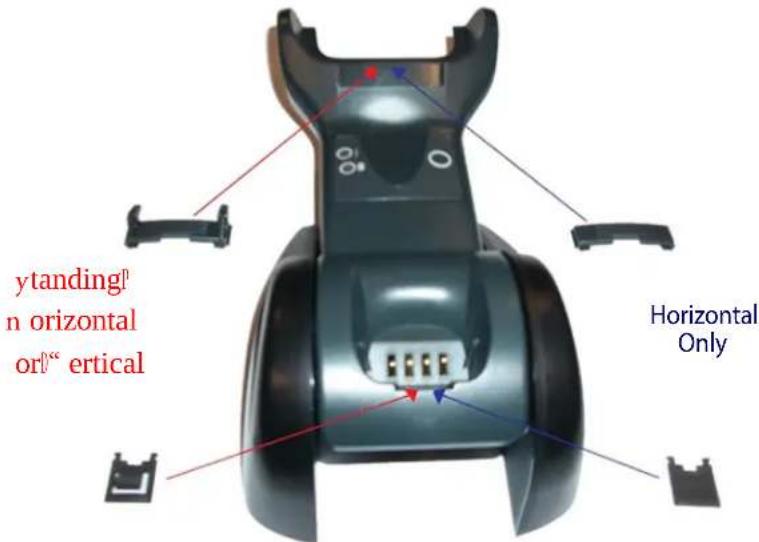
z he base station is configured by installing one of two sets of mechanical parts that come with the cordless kit z he default mounts shown below provide three options vertical wall mounting standing LXY or horizontal mounting with a higher mechanical retention of the scanner set the other mounts only for horizontal mounting with lower retention of the scanner z he different parts maybe interchanged to customize retention preferences

A tool such as a rigid pen or a flat screwdriver can be used to change the mounts. Do not allow it to touch the contacts.
UOnserttheappropriatepartsforthedesiredbasestationpositionhasshownbelow
text_image
ytanding n horizontal or" " ertical Horizontal Only
To ensure best contact and performance, do not intermix the parts of the two different mount sets.
VRD' sing your thumbs push open the plastic tabs on the bottom of the base to free the wing holders

text_image
Tab TabWHOz he?stand?can?now?be?repositioned?in?either?horizontal?or?standing?position?

text_image
Horizontal ytandingConnecting the Base Station
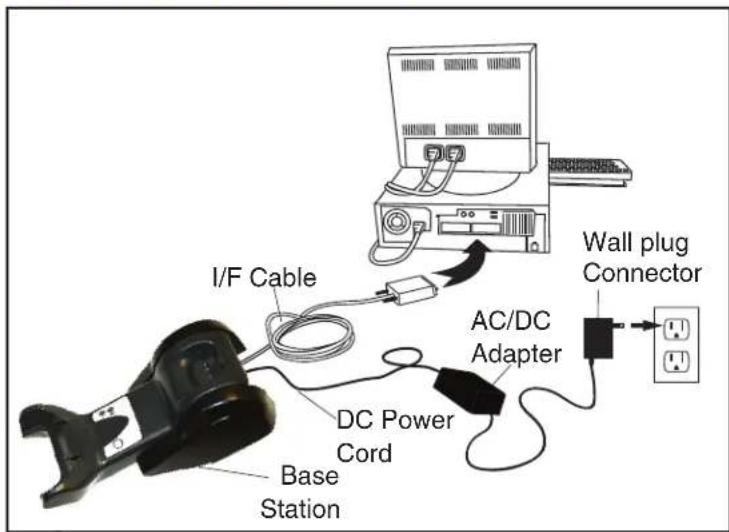
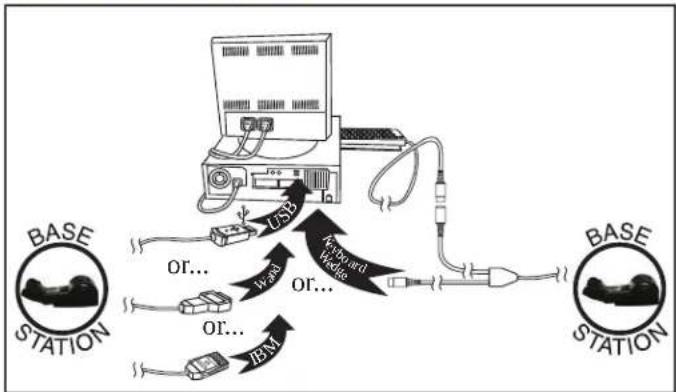
I figure! !shows!how!to!connect!the!haselytation!to!terminal!vi !or!other!host!device!z urn!off! the!host!before!connection!andconsult!the!manual!forthat!equipment!Lif!necessary!before! proceeding!ni onnect!the!interface!cable!before!applying!power!to!the!haselytation!

The Gryphon GBT4100 can be set up to require a PIN code when connecting to the host. To connect to a system that uses a custom security PIN, follow the procedure in "i onnecting the hase when yecurity v in is k nabled F on page V For information on how to configure this feature, see hz yecurity s ode starting on page V T.
Base Station Connection and Routing: I ullyinsertthevoweri ableandinterfaceLoSI MDi able connectorsintotheirrespectiveportsintheundersideofthehaseytationLsee1 igureJ MRz hen0 connecttoanig i lg dapterPandplugtheg i powercordintotheLwallMoutletR

Gryphon Mobile can also be Powered by the Terminal. The external power supply is recommended but not necessary. When powered by the Terminal, the battery charger is automatically set as Slow charge.
For some specific interfaces or hosts or lengths of cable, the use of an external power supply may be recommended for full recharging capability (see "z echnical" ypecifications starting on page WV for more details).
Figure 8. Connecting the Base Station
text_image
I/F Cable AC/DC Adapter Wall plug Connector DC Power Cord Base StationSecuring the DC Power Cord (Optional)
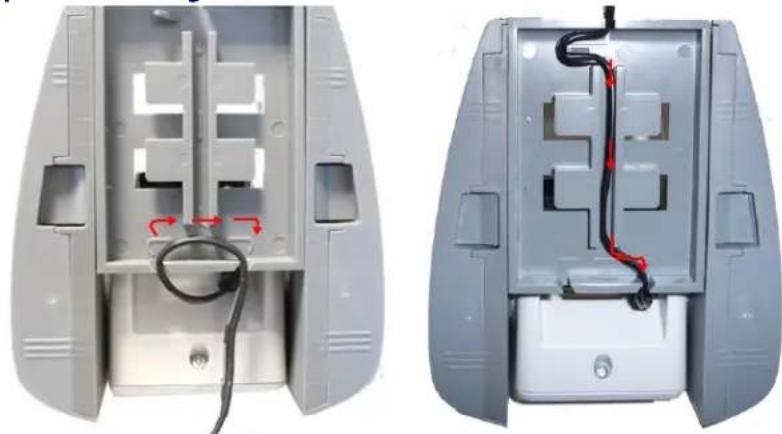
The DC power cord for the adapter can be secured to the bottom of the base in order to maximize the mechanical retention of the cable itself. The routing of the power cord can be changed to accommodate the base station positioning: horizontal, stand or wall mounting. The cables can be looped around to the front of the Base Station, or fed directly out the back of the Base Station, as shown in Figure 9.
Figure 9. Options for routing the DC cord
natural_image
Two views of a gray plastic device showing internal components with black wires and red arrows indicating connection points (no text or symbols)Please refer to the arrows depicted on the bottom of the base when placing the cables, detailed in Figure 10.
Figure 10. Arrows showing routing

natural_image
3D rendering of a gray plastic enclosure with internal cutouts and red directional arrows indicating flow or movement (no text or symbols)Host Connection: "erifybeforeconnectionthatthereader'scabletypeiscompatiblewithyourhostequipmentostconnectionsplugdirectlyintothehostdevicelasshownbelowqeyboaredgeinterfacecableshavea'—'connectionwhereitsfemaleendmateswiththemaleendofthecablefromthekeyboardandtheremainingendlatthekeyboardportiontheterminalsvi"
Figure 11. Connecting to the Host
flowchart
graph TD
    A["Base Station"] --> B["USB"]
    B --> C["USB Cable"]
    C --> D["USB Cable"]
    D --> E["Base Station"]
    F["Base Station"] --> G["USB Cable"]
    G --> H["USB Cable"]
    H --> I["USB Cable"]
    I --> J["USB Cable"]
    J --> K["USB Cable"]
    K --> L["USB Cable"]
    L --> M["USB Cable"]
    M --> N["USB Cable"]
    N --> O["USB Cable"]
    O --> P["USB Cable"]
    P --> Q["USB Cable"]
    Q --> R["USB Cable"]
    R --> S["USB Cable"]
    S --> T["USB Cable"]
    T --> U["USB Cable"]
    U --> V["USB Cable"]
    V --> W["USB Cable"]
    W --> X["USB Cable"]
    X --> Y["USB Cable"]
    Y --> Z["USB Cable"]
Power Connection : v lugtheig i lg dapterlintolanapprovedig i wallsocketwiththelcablef facingdownwardsLasshownlinl iguretopreventlunduestrainonthesocket

Gryphon Mobile can also be Powered by the Terminal. The external power supply is recommended but not necessary. When powered by the Terminal, the battery charger is automatically set as Slow charge.
Disconnecting the Cable:z odetachthe cableinsertal papercliporsimilarobjectintothe hole onthe basehas showninl igureUVR
Figure 12. Disconnecting the Cable
text_image
Insert Paper ClipConnecting the Base when Security Pin is Enabled
hen:connecting theh ase toa system that has la customly ecurity v in enabled follow the steps below in the order shown
U\Vower\down\the\host\system
VR i onnect the appropriate interface cable into the h ase as shown in figure UU on page VX30
WRDv lace the reader in the phase
XvowerdupthehostDz hereaderwilllinktothechasek
YR henthehostcompletelypowersupnewcustomysecurityviniodemaybeseenttothereaderandhasedependingonhostconfigurationiontactj atalogiciz echnicallyupportformoreinformationD

To change security settings or set up a PIN, see hz bysecuritys ode starting on page V T.
Linking the Reader to a Base Station
RF Devices
1 or|x 1 devices before configuring the interface it is necessary to link the handheld with the base z o link the handheld and the base press the trigger to wake it and place it on the base of the reader was previously linked to another base you must first scan the ' nlink action command before linking to the new base
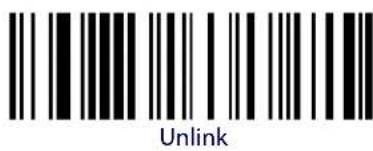
text_image
UnlinkBT Models only
x emember'z hel'mandatory'conditionfor'establishing|a=newLinking|between|a|h z |handheld| and|a|h z |base|is{that|the|handheld|isunlinkedand|they|share|the|same|security|configuration|g |successfulLink|is{indicated|by|three|ascending|tones|from|the|reader|g |high|low|high|low|tone| indicates|the|link|attempt|was|unsuccessful|g |single|green|r kj |flash|after|this|tone|indicates|no| hasetytation|was|discovered|z wolgreen|r kj |flashes|after|this|tone|indicates{that|more|than|tone}| hasetytation|was|discovered|and|the|reader|did|notLink|z hree|r kj |flashes|after|this|tone| indicate|a|security|error}
Linking a BT Reader to a PC
z he reader can optionally be linked to a h bluetooth enabled vi with the serial port profile in either server mode or client mode for with human interface device profile Ln oj MR
Linking to a PC in Server Mode (BT Slave Mode)
z oOlinkaDhz DreaderinServerModelToDah BluetoothEnabledvi PFollowtheseSteps
UrDonstallanydriversprovidedwiththehluetoothadapterR
VBycanthe Link to a PC in Server Mode barcode to make the scanner visible to the host computer

text_image
Link to a PC in Server ModeWR ' selthe#host#computer's#hluetooth#manager#to"j iscover#new#devices"and#select#Fj ataQ logic#canner#R#of#you#receive#an#error#message#itmay#be#necessary#toldisable#security#on# the#device#
XMyelect"connect"lontheVi tolinktheReadertotheVi R' selanx yQVWVterminalprogram toseeIncomingdataonthePortdesignatedbythecomputersh bluetoothmanager
Linking to a PC in Client Mode (BT Master Mode)
z he reader can optionally be linked in client mode to a h bluetooth enabled vi with the serial port profile and do this follow these steps'
UR knsurethevi forterminalcannetworkwithhluetoothdevicesandthatitispoweredon
V0knsurethatbali u s portdisassignedunderyerviceswithinthehluetoothsetupmenu
WRDi reatedaDr inklabelthatcontainstheaddressofthevi Dh bluetoothAdapterR

NOTE
The Bluetooth address can be found under "Properties" within in the Bluetooth setup menu.
z he>link|label|dis|adi ode|UV |function|W|label|with|the|following|format'
[0] 000000000
XRDycantheDlinkDlabelDyouDcreatedDinDstepDWR
Linking to a PC in HID
UrdinstallanydriversprovidedwiththehluetoothadapterR
VR ycan[the]r ink,to[a]vi din]n oj barcodebelowto]make[the]scannervisibleto]thehost computer

text_image
Link to a PC in HIDWR 'settheGhostcomputer's\hluetooth|manager\toFj iscover\new\devicesFand\selectFj ataQlogicycannerFJof\you\receive\an\error\messagePit\may\be\necessary\to\disable\security\onthe\device
XR yelectFconnectFontheIvi tolinktheReadertotheIvi RD' sela text editing program to see incoming data from the reader
GRYPHON™ I System and Network Layouts
Stand Alone Layouts
Figure 13. Single Reader Layout
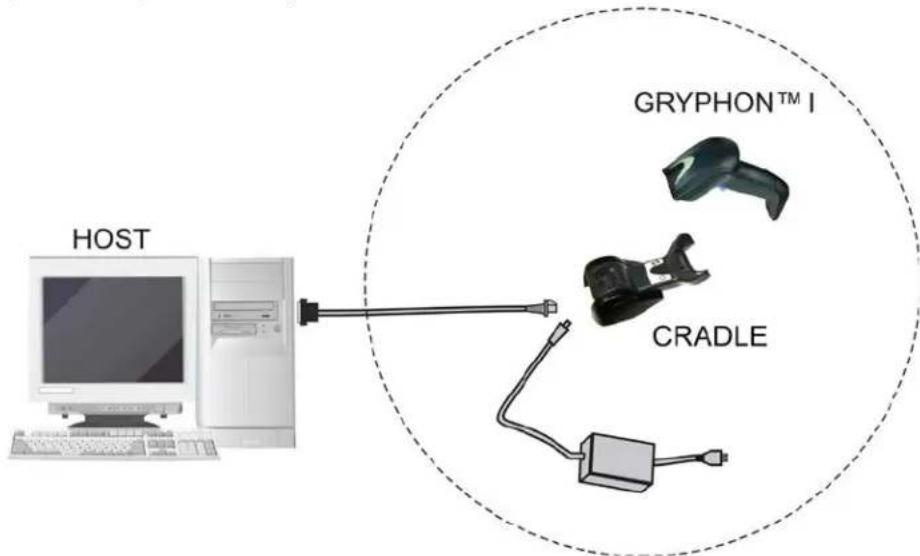
flowchart
graph TD
    A["HOST"] --> B["Network"]
    B --> C["CRADLE"]
    C --> D["GRYPHON™ I"]
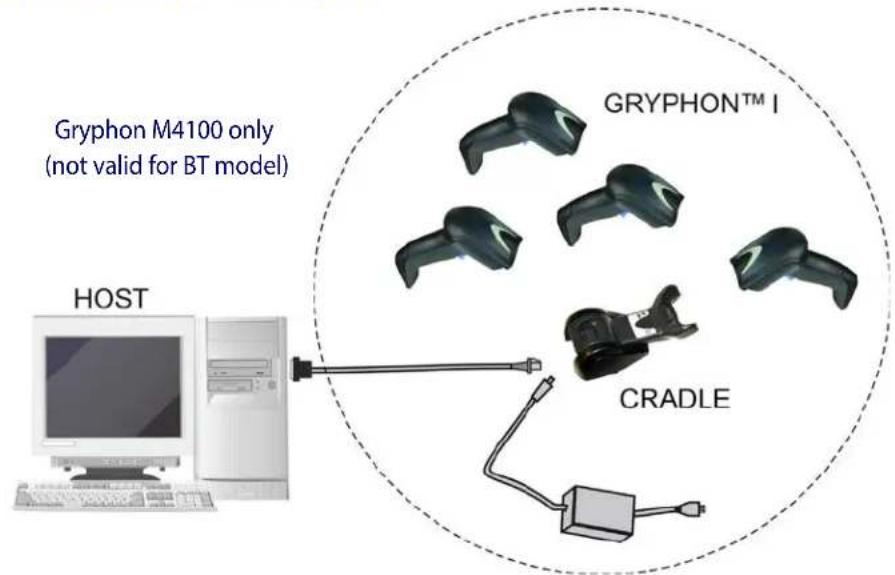
Figure 14. Multiple Reader Layout
text_image
Gryphon M4100 only (not valid for BT model) HOST GRYPHON™ I CRADLEonstandalonesystemsPeachCradleIsconnectedtoalsingleIn ostR
Figure 15. Multiple Stand Alone Layouts

flowchart
graph TD
    A["HOST"] --> B["GRYPHON™ I"]
    B --> C["CRADLE"]
    C --> D["GRYPHON™ I"]
    D --> E["CRADLE"]
    E --> F["GRYPHON™ I"]
    F --> G["CRADLE"]
    G --> H["GRYPHON™ I"]
    H --> I["CRADLE"]
    I --> J["GRYPHON™ I"]
    J --> K["CRADLE"]
    K --> L["GRYPHON™ I"]
    L --> M["CRADLE"]
    M --> N["GRYPHON™ I"]
    N --> O["CRADLE"]
    O --> P["GRYPHON™ I"]
    P --> Q["CRADLE"]
    Q --> R["GRYPHON™ I"]
    R --> S["CRADLE"]
    S --> T["GRYPHON™ I"]
    T --> U["CRADLE"]
    U --> V["GRYPHON™ I"]
    V --> W["CRADLE"]
    W --> X["GRYPHON™ I"]
    X --> Y["CRADLE"]
    Y --> Z["GRYPHON™ I"]
    Z --> AA["CRADLE"]
    AA --> AB["GRYPHON™ I"]
    AB --> AC["CRADLE"]
    AC --> AD["GRYPHON™ I"]
    AD --> AE["CRADLE"]
    AE --> AF["GRYPHON™ I"]
    AF --> AG["CRADLE"]
    AG --> AH["GRYPHON™ I"]
    AH --> AI["CRADLE"]
    AI --> AJ["GRYPHON™ I"]
    AJ --> AK["CRADLE"]
    AK --> AL["GRYPHON™ I"]
    AL --> AM["CRADLE"]
    AM --> AN["GRYPHON™ I"]
    AN --> AO["CRADLE"]
    AO --> AP["GRYPHON™ I"]
    AP --> AQ["CRADLE"]
    AQ --> AR["GRYPHON™ I"]
    AR --> AS["CRADLE"]
    AS --> AT["GRYPHON™ I"]
    AT --> AU["CRADLE"]
    AU --> AV["GRYPHON™ I"]
    AV --> AW["CRADLE"]
    AW --> AX["GRYPHON™ I"]
    AX --> AY["CRADLE"]
    AY --> AZ["GRYPHON™ I"]
    AZ --> BA["CRADLE"]
    BA --> BB["GRYPHON™ I"]
    BB --> BC["CRADLE"]
    BC --> BD["GRYPHON™ I"]
    BD --> BE["CRADLE"]
    BE --> BF["GRYPHON™ I"]
    BF --> BG["CRADLE"]
    BG --> BH["GRYPHON™ I"]
    BH --> BI["CRADLE"]
    BI --> BJ["GRYPHON™ I"]
    BJ --> BK["CRADLE"]
    BK --> BL["GRYPHON™ I"]
    BL --> BM["CRADLE"]
    BM --> BN["GRYPHON™ I"]
    BN --> BO["CRADLE"]
    BO --> BP["GRYPHON™ I"]
    BP --> BQ["CRADLE"]
    BQ --> BR["GRYPHON™ I"]
    BR --> BS["CRADLE"]
    BS --> BT["GRYPHON™ I"]
    BT --> BU["CRADLE"]
    BU --> BV["GRYPHON™ I"]
    BV --> BW["CRADLE"]
    BW --> BX["GRYPHON™ I"]
    BX --> BY["CRADLE"]
    BY --> BZ["GRYPHON™ I"]
    BZ --> CA["CRADLE"]
    CA --> CB["GRYPHON™ I"]
    CB --> CC["CRADLE"]
    CC --> CD["GRYPHON™ I"]
    CD --> CE["CRADLE"]
    CE --> CF["GRYPHON™ I"]
    CF --> CG["CRADLE"]
    CG --> CH["GRYPHON™ I"]
    CH --> CI["Gryphon M4100 only (not valid for BT model)"]
s anystandaloneconnectionscanoperateinthesamephysicalareawithoutinterferenceprovidedallreadersandcradlesinthesystemhavedifferentaddresses
Interface Selection
' ponCompleting the physical connection between the reader and its host proceed to z able JD starting on page W T to select the interface type the reader is connected to L for example 'lx y VWVPD q gy board edge P' yh Petc Y can the appropriate barcode in that section to configure your system's correct interface type D
kachreadermodelwillsupportoneofthefollowingsetsofhostinterfaces
General Purpose Models Retail Point of Sale Models
• RS-232
• RS-232
- RS-232 OPOS
- RS-232 OPOS
- USB
- USB
- Keyboard Wedge
- IBM 46XX
- Wand Emulation
Setting the Interface
ycan the programming barcode from this section which selects the appropriate interface type matching the system the reader will be connected to text proceed to the corresponding section in this manual also listed in z able U starting on page WTO to configure any desired settings and features associated with that interface

Unlike some programming features and options, interface selections require that you scan only one programming barcode label. DO NOT scan an ENTER/EXIT barcode prior to scanning an interface selection barcode.
Some interfaces require the scanner to start in the disabled state when powered up. If additional scanner configuration is desired while in this state, pull the trigger and hold it for five seconds. The scanner will change to a state that allows programming with barcodes.
Table 1. Available Interfaces
| RS-232 | FEATURES | |
| RS-232 standard interface | 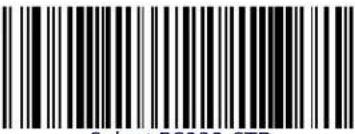 Select RS232-STD Select RS232-STD | Set RS-232 Interface Features startinglon pageXU |
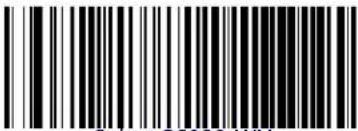 Select RS232-WN Select RS232-WN | RS-232 Wincor-Nixdorf | |
| RS-232 for use with OPOS/UPOS/JavaPOS | 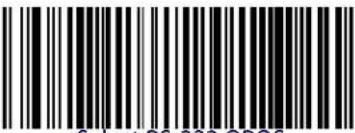 Select RS-232 OPOS Select RS-232 OPOS | |
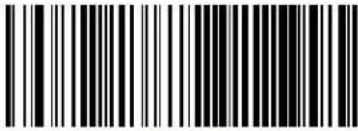 Select USB-COM-STD3 Select USB-COM-STD3 | USB Com to simulate RS-232 standard interface | |
| IBM | FEATURES | |
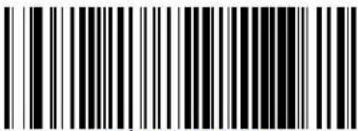 Select IBM-P5B Select IBM-P5B | IBM-46xx Port 5B reader interface | Set IBM Interface Features startinglon page^ |
| IBM-46xx Port 9B reader interface | 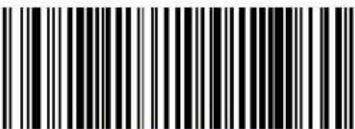 Select IBM-P9B Select IBM-P9B | |
| USB-OEM | FEATURES | |
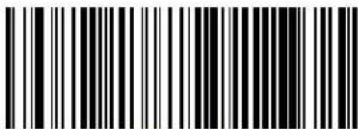 Select USB-OEM Select USB-OEM | USB-OEM(can be used for OPOS/UPOS/JavaPOS) | Set USB-OEM Interface Features startinglon page [ |
an DownloadTheCorrectUSBITComIdriverFromwwwIdatalogic.com
| KEYBOARD | FEATURES | |
| AT, PS/2 25-286, 30-286, 50, 50Z, 60, 70, 80, 90 & 95 w/Standard Key Encoding |  Select KBD-AT Select KBD-AT | Set KEYBOARDWEDGEInterfaceFeaturesstartinglonpageYY |
 Select KBD-AT-NK Select KBD-AT-NK | Keyboard Wedge for IBM AT PS2 with standard key encoding but without external keyboard | |
| AT, PS/2 25-286, 30-286, 50, 50Z, 60, 70, 80, 90 & 95 w/Alternate Key |  Select KBD-AT-ALT Select KBD-AT-ALT | |
 Select KBD-AT-ALT-NK Select KBD-AT-ALT-NK | Keyboard Wedge for IBM AT PS2 with alternate key encoding but without external keyboard | |
| PC/XT w/Standard Key Encoding |  Select KBD-XT Select KBD-XT | |
 Select KBD-IBM-3153 Select KBD-IBM-3153 | Keyboard Wedge for IBM Terminal 3153 | |
| KEYBOARD — cont. | FEATURES | |
| Keyboard Wedge for IBM Terminals 31xx, 32xx, 34xx, 37xx make only keyboard |  Select KBD-IBM-M Select KBD-IBM-M | Set KEYBOARDWEDGEInterfaceFeaturesstarting(on)page)YY |
 Select KBD-IBM-MB Select KBD-IBM-MB | Keyboard Wedge for IBM Terminals 31xx, 32xx, 34xx, 37xx make break keyboard | |
| Keyboard Wedge for DIGITAL Terminals VT2xx, VT3xx, VT4xx |  Select KBD-DIG-VT Select KBD-DIG-VT | |
 Select USB Keyboard Select USB Keyboard | USB Keyboard with standard key encoding | |
| USB Keyboard with alternate key encoding |  Select USB Alternate Keyboard Select USB Alternate Keyboard | |
 Select USB-KBD-APPLE Select USB-KBD-APPLE | USB Keyboard for Apple computers | |
| WAND EMULATION FEATURES | ||
 Select WAND Select WAND | Set WANDInterfaceFeaturesstarting(on)page)[W | |
Customizing Configuration Settings
Configure Interface Settings
of after scanning the interface barcode from the previous table your installation requires you to select options to further customize your reader turn to the appropriate section for your interface type in Fi onfiguration' sing harcodes starting on page [
• Fx yQVWVt u t r—DonterfaceFdonpageDXU
• Fx yQVWVS' yhQi omonterfacesFdonpageOX
• Fq eyboardinterfaceFlonpageYY
• F' yhQu ks DonterfaceFDonpage0 [
- Fohs IX " " DonterfaceFConDpageD ^
• F andk mulationDonterfaceFDonpageD[ W
Global Interface Features
yeeFmlobalinterface1eaturesFlonpageW^forsettingsconfigurablebyallDinterface1typesD
Configuring Other Features
of your installation requires different programming than the standard factory default settings the following sections of this manual allow configuration of non-interface specific settings you might require
x eadingv arametersx eadingv arametersincludeprogrammingforscanningbeeperandrkj indicatorsandotheruniversallsettings
i ode|election| oncludes|options|concerning|the|barcode|label|types|Lsymbologies|Hz z hesed|settings|allow|you|to|enable|disable|symbologies|set|label|lengths|Require|check|digit|etck
irelessl eaturesi containsprogrammingoptionsforlx l andhh bluetoothmodelsonly
raserl eaturesj escribesoptionsandprogrammingspecifictolasermodels
Software Version Transmission
z helsoftware version of the device can be transmitted over the x yQVWV and q keyboard interfaces by scanning the following label
text_image
Black and white barcode image with vertical lines and a central dotTransmit Software Version
Resetting the Product Configuration to Defaults
of you aren't sure what programming options are in your imager for you've changed some options and want to restore theiustomj efaulti onfiguration that may have been saved in the scanner scan thex estoreiustomj efaulti onfiguration barcode below z his will restore the custom configuration for the currently active interface

Custom defaults are based on the interface type. Configure the imager for the correct interface before scanning this label.
Restore Custom Default Configuration
Restore Factory Configuration
ofyou want to restore thel actoryi onfiguration for your imager scan either thex estore' yg l actoryi onfiguration barcode or thex estorek ' ll actoryi onfiguration barcode below both labels restore the scanner configuration to the factory settings including the interface type he ' yg label restoresr abeloj s to those historically used in the' yg hek ' label restoresr abeloj s to those historically used in k uropez helr abeloj sets for' yg landk ' dare shown in the "r abeloj "section on page U of this manual

Restore USA Factory Configuration

Restore EU Factory Configuration
z he?programming?items listed in the following sections show the factory default settings for each of the menu commands
Replacing the Battery

Before replacing the Battery, read Fh artery/yafetyF1starting/on/pageUX Datalogic recommends annual replacement of rechargeable battery packs to ensure maximum performance.
z ochangethebatteryofyourreadercompletethefollowinginstructions
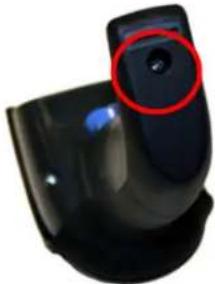
URD ithdscrewdriverPunscrewthebatterycoverscrew
natural_image
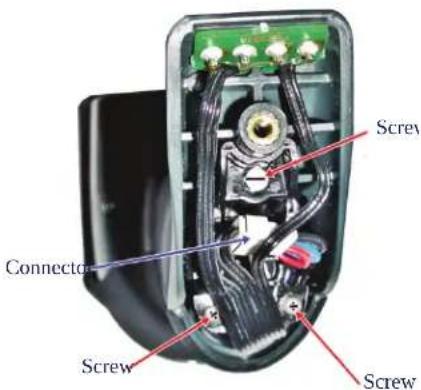
Close-up of a black rubber toilet with a red circular highlight on the lid (no text or symbols visible)VR' nscrewandremovethethreescrewssecuringthebatteryholderandunplugthewhiteconnector
text_image
Screw Connector Screw ScrewWRG arefullyliftoutthegoldcontactscircuitandremovethebatteryholderwhilelettingthewhiteconnectorpassthroughtheholeinthebatteryholderLasshowninthepicturebelow
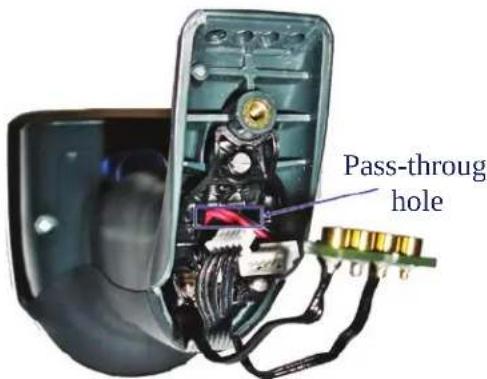
text_image
Pass-through holeXRx emove the cold battery from its place Lif present and insert the new battery in the same position
Ydx eplace(thebatteryholderandthreescrewsplugintheconnectorandreturnthecontactscircuittoitspreviouslocation)

When inserting the new battery into the handle, take care to position the battery and the connector as shown.
Onsert|the|cover|in|the|handle|and|screw|it|back|into|place|

natural_image
Black handheld barcode scanner with blue handle (no text or symbols visible)h attery replacement Dis now complete
Chapter 3
Configuration Using Barcodes
z hisandfollowingsectionsprovideprogrammingbarcodestoconfigureyourreaderbychangingthedefaultsettingsordetailsaboutadditionalmethodsofprogrammingseeConfiguration Methods on page 16

You must first enable your reader to read barcodes in order to use this section. If you have not done this, go to Setup, starting on page 17 and complete the appropriate procedure.
Configuration Parameters
u nce|the|reader|is|setup|you|can|change|the|default|parameters|to|meet|your|application|needs|x efer|to|"Standard Defaults" starting on page 335|for|initial|configuration|in|order|to|set|the|default|values|and|select|the|interface|for|your|application|
z he\following\configuration\parameters\are\applicable\tot\all\mryphon\models\covered\in\this\manual\unless\otherwise\indicated\hz he\items\are\divided\into\logical\groups\making\it\easy\tot\find\the\desired\function\based\on\its\reference\group
Interface Configuration:
• "RS-232 ONLY Interface" on page 41
• "RS-232/USB-Com Interfaces" on page 46
• "Keyboard Interface" on page 55
• "USB-OEM Interface" on page 67
• "IBM 46XX Interface" on page 69
• "Wand Emulation Interface" on page 73
Parameters common to all interface applications:
- "Data Format" on page 77 gives options to control the messages sent to the in ost system
- "Reading Parameters" on page 91:control;various;operating;modes;and;indicators;status;functioning;
Symbology-specific parameters:
- "Code Selection" on page 107 provides configuration of personalized mix of codes code families and their options
Model-specific parameters:
- "Wireless Features" on page 257offersConfigurationofradiocontrolparametersforx1andhluetoothmodelsk
- "Laser Features" on page 287 provides options specific to laser models
Reading Configuration Barcodes

You must first enable your reader to read barcodes in order to use this section. If you have not done this, go to Setup, starting on page 17 and complete the appropriate procedure.
z o program features
URdycantheikt z kx Sk" oz Jvx u mx g s s ot mbarcodeavailableatthetoplofeachproQ grammingpagewhenapplicable
VBy can the barcode to set the desired programming feature -ou may need to cover unused barcodes on the page and possibly the facing page to ensure that the reader reads only the barcode you intend to scan
WR of additional input parameters are needed to appendix D, Keypad and scan the approq priate characters from the keypad

Additional information about many features can be found in the "References" chapter.
If you make a mistake before the last character, scan the CANCEL barcode to abort and not save the entry string. You can then start again at the beginning.
XR i ompletetheprogrammingsequencebyscanningthekt z kx Sk" oz bvx u mx gs Q s ot mbarcodetoexitvrogrammings odeR
1 or detailed descriptions programming information and examples for setting selected configuration items see References, starting on page 291
GLOBAL INTERFACE FEATURES
z helfollowinginterfacefeaturesareconfigurablebyallinterfacetypes
Host Commands — Obey/Ignore
z hisoptionspecifies whether the reader will obey or ignore host commands then set to ignore the reader will ignore all host commands except for those necessary for
- service mode
- flash programming mode
- keeping the interface active
- transmission of labels.
text_image
DEFAULT
text_image
Black and white barcode image with vertical lines and a central dotHost Commands = Obey

text_image
Black and white barcode image with vertical lines and a small number 'n' in the bottom right corner.Host Commands = Ignore
USB Suspend Mode
z hissettingenablesdisablestheabilityof' yhinterfacestoentersuspendmodeR
text_image
DEFAULT
text_image
Black and white barcode image with vertical lines and dots, no readable text or symbolsUSB Suspend Mode = Disable

text_image
Black and white barcode image with vertical lines on both sidesUSB Suspend Mode = Enable
NOTES
RS-232 ONLY INTERFACE
BAUD RATE on page 42
DATA BITS on page 43
STOP BITS on page 43
PARITY on page 44
HANDSHAKING CONTROL on page 45
'setheprogrammingbarcodesinthissectionifmodificationstothestandardx yQVVInterfacesettingsarenecessarytomeetyoursystem'srequirementsggdditionalsettingswhichapplytoboththeIx yQVVand'yhinterfacesareavailableinthenextsection"RS-232/USB-Com Interfaces" starting on page 46
x eferenceAppendix B, Standard Defaultsforalistingofstandardfactorysettings
Baud Rate
yeepage 291 for information on this feature
 Baud Rate = 1200 Baud Rate = 1200 | |
 Baud Rate = 2400 Baud Rate = 2400 | |
 Baud Rate = 4800 Baud Rate = 4800 | |
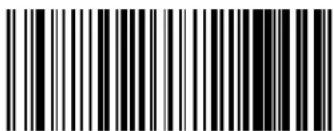 Baud Rate = 9600 Baud Rate = 9600 |  |
 Baud Rate = 19,200 Baud Rate = 19,200 | |
 Baud Rate = 38,400 Baud Rate = 38,400 | |
 Baud Rate = 57,600 Baud Rate = 57,600 | |
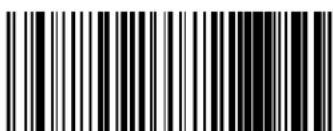 Baud Rate = 115,200 Baud Rate = 115,200 |

ENTER/EXIT PROGRAMMING MODE Data Bits
Data Bits
z hisparameterallowsthereadertointerfacewithdevicesrequiringa[Qbitor Qbitg yi ool protocolfor sending and receiving data]
 7 Data Bits 7 Data Bits | |
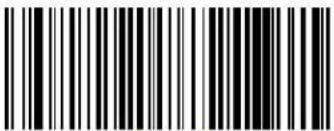 8 Data Bits 8 Data Bits |  |
Stop Bits
yetthenumberofstopbitstomatchhostdevicerequirementsyeepage 291formoreinformationonthisfeature
 | 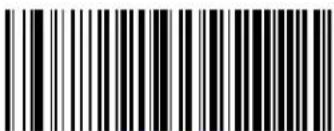 1 Stop Bit 1 Stop Bit |
 2 Stop Bits 2 Stop Bits |
Parity
z his|feature|specifies|parity|required|for|sending|and|receiving|data|yelect|the|parity|type|according|to|host|device|requirements|yee|page 291|for|more|information

text_image
DEFAULT
text_image
Black and white barcode image with vertical lines on both sidesParity = Even
text_image
Black and white barcode image with vertical lines on both sidesParity = None

text_image
Black and white barcode image with vertical lines on both sidesParity = Odd
ENTER/EXIT PROGRAMMING MODE Handshaking Control
Handshaking Control
yeepage 291formoreinformationaboutthisfeature
 | 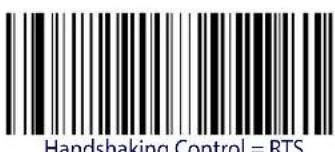 |
| Handshaking control, ITC | |
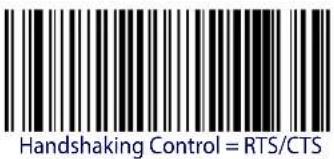 | |
 | |
| H | |
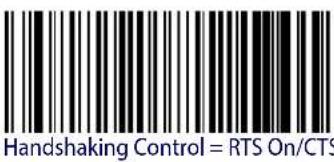 | |
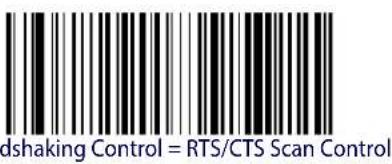 | |
| Han |
RS-232/USB-COM INTERFACES
| INTERCHARACTER DELAY on page 47 |
| BEEP ON ASCII BEL on page 47 |
| BEEP ON NOT ON FILE on page 48 |
| ACK NAK OPTIONS on page 49 |
| ACK CHARACTER on page 50 |
| NAK CHARACTER on page 50 |
| ACK NAK TIMEOUT VALUE on page 51 |
| ACK NAK RETRY COUNT on page 51 |
| ACK NAK ERROR HANDLING on page 52 |
| INDICATE TRANSMISSION FAILURE on page 52 |
| DISABLE CHARACTER on page 53 |
| ENABLE CHARACTER on page 53 |
z helprogramming|barcodes|in|this|chapter|allow|modifications|to|the|standard|x y(VWV|and)
'yhQi ominterfacesx eferenceAppendix B, Standard Defaultsfora listingofstandardfactorysettings
ENTER/EXIT PROGRAMMING MODE Intercharacter Delay
Intercharacter Delay
z his|parameter|specifies|the|intercharacter|delay between|the|end|of|one|character|and|the|beginning|of|the|next|z he|delay|can|bel|set|within|a|range|of|zero|LT|to|^^Tmilliseconds|in|UTms|increments||g|setting|of|zero|specifies|no|delay|
yeepage 292formoreinformation
 Intercharacter Delay = No Delay Intercharacter Delay = No Delay | |
 Select Intercharacter Delay Setting Select Intercharacter Delay Setting | |
| Make a mistake? Scan the CANCEL barcode to abort and not save the entry string. You can then start again at the beginning. |  CANCEL CANCEL |
DEFAULT
00 = No Intercharacter Delay
Beep On ASCII BEL
henthisparameterislenabled[the]readerissuesa]beepwhenabhkr dcharacterisdetectedontheix y(VWVseriallinebhhkr disissuedto|gain|a|useris|attentionto|an|illegal|entry|or|other|important|eventl

text_image
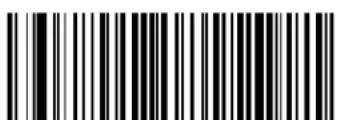
Black and white barcode image with vertical lines and a small number '1' at the bottomBeep On ASCII BEL = Disable
text_image
DEFAULT
text_image
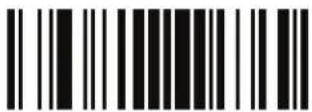
Black and white barcode image with vertical lines and a small number '1' at the bottom center.Beep On ASCII BEL = Enable
Beep On Not on File
z hisoptionenablesdisablestheactionofthereadertosoundathreebeepsequenceuponreceivingaotqu nql ileLt u l hhostcommand
text_image
Black and white barcode image with vertical lines and a small number 'n' in the center.Beep On Not On File = Disable
text_image
DEFAULT
text_image
Black and white barcode image with vertical lines and a central patternBeep On Not On File = Enable
ENTER/EXIT PROGRAMMING MODE ACK NAK Options
ACK NAK Options
z his!enables!disables!the!ability!of!the!reader!to!support!the!x y!VVV!g i q St g q !protocol!yee!page 293!form!more!information!
 |  ACK/NAK Protocol = Disable ACK/NAK ACK/NAK Protocol = Disable ACK/NAK |
 ACK/NAK Protocol = Enable for label transmission ACK/NAK Protocol = Enable for label transmission | |
 ACK/NAK Protocol = Enable for host-command acknowledge ACK/NAK Protocol = Enable for host-command acknowledge | |
 ACK/NAK Protocol = Enable for label transmission and host-command acknowledge ACK/NAK Protocol = Enable for label transmission and host-command acknowledge |
ACK Character
z his|setting|specifies|ang yi oo|character|or|hex|value|to|be|used|as|theg i q|character|g yi oo|characters|any|hex|value|from|T|to|Tx|l |can|be|selected|ye|page 293|for|more|information

Setting to previously defined characters such as XON, XOFF, or host commands conflicts with normal operation of these characters. 8-bit data is not recognized when the option Data Bits has been set as 7 Data Bits.
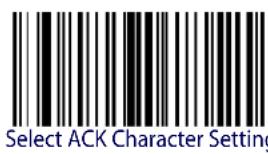
text_image
Select ACK Character SettingDEFAULT
0x06 'ACK' Character
NAK Character
z his|setting|specifies|ang yi oo|character|or|hex|value|to|be|used|as|thelt g q |character|g yi oo|characters|any|hex|value|from|To|Tx1 |can|be|selected|de|page 294|for|more|information

Setting to previously defined characters such as XON, XOFF, or host commands conflicts with normal operation of these characters. 8-bit data is not recognized when the option Data Bits has been set as 7 Data Bits.

text_image
Select NAK Character SettingDEFAULT
0x15 'NAK' Character

ENTER/EXIT PROGRAMMING MODE ACK NAK Timeout Value
ACK NAK Timeout Value
z hisoptionspecifies the amount of time the reader waits for an g i q character from the host following label transmission z he selectable timeout Orange is VTT milliseconds to UYPITTms LUYD seconds in VTTms increments g selection of T disables the timeout
yeepage 295formoreinformationonsettingthisfeature

Select ACK NAK Timeout Value Setting
Make a mistake? Scan the CANCEL barcode to abort and not save the entry string. You can then start again at the beginning.

CANCEL
DEFAULT
01 ACK NAK Timeout value is 200ms
ACK NAK Retry Count
z his|feature|specifies|the|number|of|times|the|reader|retries|a|label|transmission|due|to|a|retry|condition Oz helselectable|range|is|from|U|to|VYX|retries|g|selection|of|T|disables|the|count|and|a|selection|of|VYY|specifies|unlimited|retries|yee|page 296|for|more|information|
Select ACK NAK Retry Count Setting
Make a mistake? Scan the CANCEL barcode to abort and not save the entry string. You can then start again at the beginning.
CANCEL
DEFAULT
003 = 3 Retries
ACK NAK Error Handling
z his|feature|specifies|the|method|the|reader|uses|to|handle|receive|errors|detected|while|waiting|for|ang|i q|character|from|the|host|
 |  ACK NAK Error Handling = Ignore Errors Detected ACK NAK Error Handling = Ignore Errors Detected |
 ACK NAK Error Handling = Process Error as Valid ACK Character ACK NAK Error Handling = Process Error as Valid ACK Character | |
 ACK NAK Error Handling = Process Error as Valid NAK Character ACK NAK Error Handling = Process Error as Valid NAK Character |
Indicate Transmission Failure
z hisoptionlenablesdisablesthereader'sabilitytosoundanerrorbeeptoindicatea transmissionfailurewhileingiqStgqmode
 Indicate Transmission Failure = Disable Indication Indicate Transmission Failure = Disable Indication | |
 Indicate Transmission Failure = Enable Indication Indicate Transmission Failure = Enable Indication |  |
Disable Character
ypecifies the value of the x y (VWV) host command used to disable the reader
gyi oo[characters]oranyhexvaluefromTTtoTx1 1 canbeselectedR

Setting to previously defined characters such as XON, XOFF, or host commands conflicts with normal operation of these characters. 8-bit data is not recognized when the option Data Bits has been set as 7 Data Bits.
yeepage 297formoreinformationonsettingthisfeature

Select Disable Character Setting
DEFAULT
0x44 = Disable Character is 'D'
Enable Character
ypecifiesthevalueoftheIx y(VWV)hostcommandDusedToEnabletheReaderR
gyi oo|characters|or|any|hex|value|from|T|to|Tx|l |can|be|selectedR

Setting to previously defined characters such as XON, XOFF, or host commands conflicts with normal operation of these characters. 8-bit data is not recognized when the option Data Bits has been set as 7 Data Bits.
yeepage 298in“x eferences”formoreinformationonsettingthisfeature

Select Enable Character Setting
DEFAULT
0x45 = Enable Character is 'E'
NOTES
KEYBOARD INTERFACE
| COUNTRY MODE on page 56 |
| CAPS LOCK STATE on page 59 |
| NUMLOCK on page 60 |
| SEND CONTROL CHARACTERS on page 61 |
| WEDGE QUIET INTERVAL on page 62 |
| INTERCHARACTER DELAY on page 63 |
| INTERCODE DELAY on page 64 |
| USB KEYBOARD SPEED on page 65 |
| USB KEYBOARD NUMERIC KEYPAD on page 66 |
'selthe|programming|barcodes|in|this|chapter|to|select|options|for|' yh|q eyboard|and| edge|interfaces|x eferenceAppendix B, Standard Defaults|for|allisting|of|standard|factory|settings|onformation|about|control|character|emulation|which|applies|to|keyboard|interfaces|is listed|in|Appendix E, Scancode Tables
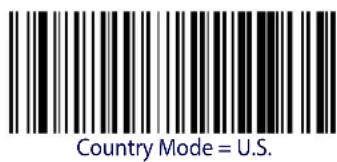
Country Mode
z his|feature|specifies|the|country|slanguage|supported|by|the|keyboard|
u nlythefollowinginterfacessupportgrri countrys odes
- USB Keyboard (without alternate key encoding)
- AT, PS/2 25-286, 30-286, 50, 50Z, 60, 70, 80, 90 & 95 w/Std Key Encoding
- Keyboard Wedge for IBM AT PS2 with standard key encoding but without external key board
- AT, PS/2 25-286, 30-286, 50, 50Z, 60, 70, 80, 90 & 95 without Alternate Key
- Keyboard Wedge for IBM AT PS2 without alternate key encoding but without external keyboard
- Bluetooth HID Profile
g lllotherlinterfacessupportou tr -the followingi ountrys odes 'D' ryRPhelgiumRhritainP I rancePmermanyPotalyPypainMywedenR
text_image
Country Mode = U.S.
text_image
Country Mode = Belgium
text_image
Country Mode = Britain
text_image
Country Mode = CroatiaSupports only the interfaces listed in the Country Mode feature description.

text_image
Country Mode = Czech Republic
ENTER/EXIT PROGRAMMING MODE Country Mode
Country Mode — continued
 Country Mode = Denmark Country Mode = Denmark | Supports only the interfaces listed in the Country Mode feature description. |
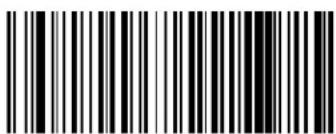 Country Mode = France Country Mode = France | |
 Country Mode = French Canadian Country Mode = French Canadian | |
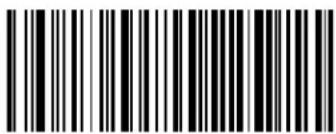 Country Mode = Germany Country Mode = Germany | |
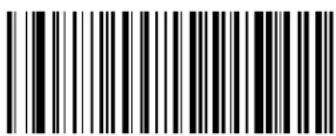 Country Mode = Hungary Country Mode = Hungary | Supports only the interfaces listed in the Country Mode feature description. |
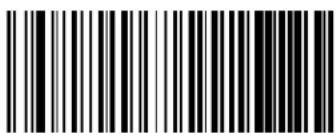 Country Mode = Italy Country Mode = Italy | |
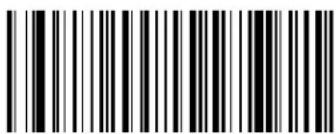 Country Mode = Japanese 106-key Country Mode = Japanese 106-key | Supports only the interfaces listed in the Country Mode feature description. |
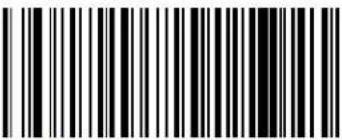 Country Mode = Lithuanian Country Mode = Lithuanian | |
| Supports only the interfaces listed in the Country Mode feature description. | 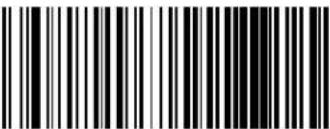 Country Mode = Norway Country Mode = Norway |
 Country Mode = Poland Country Mode = Poland | Supports only the interfaces listed in the Country Mode feature description. |
| Supports only the interfaces listed in the Country Mode feature description. | 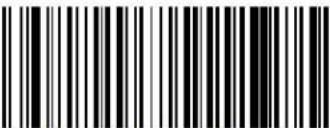 Country Mode = Portugal Country Mode = Portugal |
 Country Mode = Romania Country Mode = Romania | Supports only the interfaces listed in the Country Mode feature description. |
| Supports only the interfaces listed in the Country Mode feature description. |  Country Mode = Slovakia Country Mode = Slovakia |
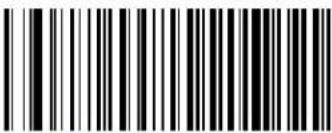 Country Mode = Spain Country Mode = Spain |

ENTER/EXIT PROGRAMMING MODE Caps Lock State
Country Mode — continued
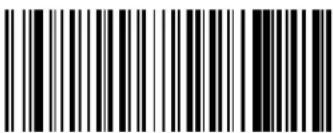 Country Mode = Sweden Country Mode = Sweden | |
 Country Mode = Switzerland Country Mode = Switzerland | Supports only the interfaces listed in the Country Mode feature description. |
Caps Lock State
z hisoptionspecifiestheformatinwhichthereader sendscharacterdataz hisappliestokeyboardwedgelinterfacesandhluetoothn oj tvrofilez hisdoesnotapplywhendanalternatelkeyencodingkeyboardisselected

text_image
DEFAULT
text_image
Black and white barcode image with vertical lines and a small number '1' at the bottom right.
text_image
Black and white barcode image with vertical lines on both sides
text_image
Black and white barcode image with vertical lines and a small number '1' at the bottom right.Caps Lock State = Caps Lock ON
Caps Lock State = AUTO Caps Lock Enable
Numlock
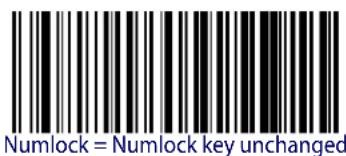
z hisoptionspecifies the setting of the umbers rock umlock key while in keyboard wedge interface z hisonly applies to alternate key encoding interfaces not does not apply to yh keyboard

text_image
Numlock = Numlock key unchanged
text_image
Numlock = Numlock key toggledSend Control Characters
z hisfeaturepecifieshowthereadertransmitsg yi oocontrolcharacterstothehostxEferenceAppendix E, Scancode Tablesformoreinformationaboutcontrolcharacters
u p tionsdaredasfollows'
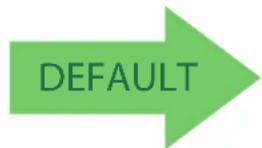
Control Character 00 .i charactersfromTTTtoTxUI [aresent]ascontrolcharactertrloq eyspspecialkeyslarelocatedfromTx TtoTxg UR
Control Character 01 .i charactersfromDTToTxUI [aresentdas]controlcharacterri trlOi apitalD q ey?specialkeys[arelocated]fromTX TtoTxg UR
Control Character 02 . ypecialkeyslarelocatedfromTTtoTxUI landcharactersfromTx TtoTxl klareintendedlasanextendedg yi ooltableLs icrosoft indowsi odepageUVYVD—Isee!"Microsoft Windows Codepage 1252" on page 363MR
text_image
DEFAULT
text_image
Black and white barcode image with vertical lines and a small number 'n' in the center.
text_image
Black and white barcode image with vertical lines and a small number 'n' in the bottom right corner.Wedge Send Control Characters = 01
Wedge Send Control Characters = 00
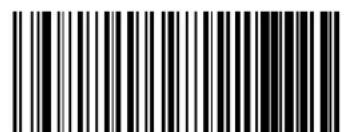
text_image
Black and white barcode image with vertical lines on both sidesWedge Send Control Characters = 02
Wedge Quiet Interval
z his|option|specifies|the|amount|of|time|to|look|for|keyboard|activity|before|the|reader|breaks|the|keyboard|connection|in|order|to|transmit|data|to|host|z h|selectable|range|for|this|feature|is|from|T|to|^Tms|in|UTms|increments|

This feature applies ONLY to the Keyboard Wedge interface.
yeepage 299in“x eferences”for detailedinformationandexamplesforsettingthisfeature

Select Wedge Quiet Interval Setting
Make a mistake? Scan the CANCEL barcode to abort and not save the entry string. You can then start again at the beginning.
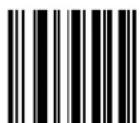
CANCEL
DEFAULT
10 = Quiet Interval of 100 ms
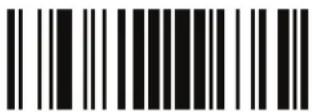
ENTER/EXIT PROGRAMMING MODE Intercharacter Delay
Intercharacter Delay
z hisparameterspecifiestheintercharacterdelay betweentheendofonelcharacterandthelbeginningofthenextHz heldelaycanbelsetwithinarangeofzeroLTtoT^TmillisecondsinUTmsIncrementsgsettingofzerolspecifiesno delay

This feature applies ONLY to the Keyboard Wedge interface and Bluetooth HID Profile.
yeepage 300in“x eferences”fordetailedinformationandexamplesforsettingthisfeature
 Intercharacter Delay = No Delay Intercharacter Delay = No Delay | |
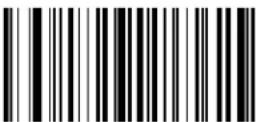 Select Intercharacter Delay Setting Select Intercharacter Delay Setting | |
| Make a mistake? Scan the CANCEL barcode to abort and not save the entry string. You can then start again at the beginning. |  CANCEL CANCEL |
DEFAULT
00 = No Intercharacter Delay
Intercode Delay
pecifics|the|delay|between|labels|transmitted|to|the|host|for|this|interface|z he|selectable|range| for|this|feature|is|from|T|to|^^seconds|
yeepage 301in“x eferences”for detailedinformationandexamplesforsettingthisfeature
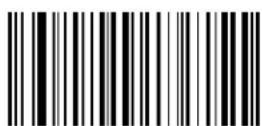
Set Intercode Delay
Make a mistake? Scan the CANCEL barcode to abort and not save the entry string. You can then start again at the beginning.
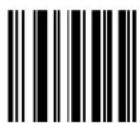
CANCEL
DEFAULT
00 = No Wedge Intercode Delay
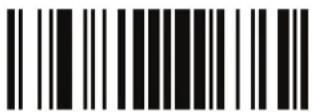
ENTER/EXIT PROGRAMMING MODE USB Keyboard Speed
USB Keyboard Speed
z hisoptionspecifiesthe' yhpollrateforda' yhkeyboard

This feature applies ONLY to the USB Keyboard interface.
text_image
DEFAULT
text_image
Black and white barcode image with vertical lines and a central 'S' character
text_image
Black and white barcode image with vertical lines on both sidesUSB Keyboard Speed = 1ms

text_image
Black and white barcode image with vertical lines and a small number '1' at the bottom right.
text_image
Black and white barcode image with vertical lines and a small number 'n' in the bottom right corner.USB Keyboard Speed = 3ms
USB Keyboard Speed = 4ms
text_image
Black and white barcode image with vertical lines and a central dot
text_image
Black and white barcode image with vertical lines and a small number '1' at the bottom left.USB Keyboard Speed = 5ms
USB Keyboard Speed = 6ms

ENTER/EXIT PROGRAMMING MODE
USB Keyboard Speed — continued
 USB Keyboard Speed = 7ms USB Keyboard Speed = 7ms | |
 USB Keyboard Speed = 8ms USB Keyboard Speed = 8ms | |
 USB Keyboard Speed = 9ms USB Keyboard Speed = 9ms | |
 USB Keyboard Speed = 10ms USB Keyboard Speed = 10ms |
USB Keyboard Numeric Keypad
z hisoptionontrolswhethernumericcharacterswillbesentusingstandardkeysorthenumerickeypad

text_image
DEFAULT
text_image
Black and white barcode image with vertical lines and a small number 'n' in the bottom right corner.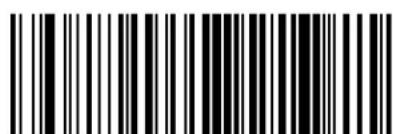
text_image
Black and white barcode image with vertical lines and dots, no readable text or symbolsStandard Keys
Numeric Keypad
USB-OEM INTERFACE
USB-OEM DEVICE USAGE on page 68
INTERFACE OPTIONS on page 68
l eaturesettingsfor' yhinterfacesdifferdependinguponwhichhosttypethereaderwillbeconnectedwith' setthefeaturesettingsinthischapterandFohs IX " 'lonterfaceFonpage69to1specificallyconfigureforthe' yhqks interfaceu ther' yhinterfacesareincludedintheappropriatechapterfortheirhosttype
x eferenceAppendix B, Standard Defaultsforalistingofstandardfactorysettings
USB-OEM Device Usage
z he' yhqu ks protocol allows for the reader to be identified as one of two different types of barcode scanners, j e pending on what other scanners you may already have connected to a 'yhqu ks tvu yyou may need to change this setting to enable all devices to communicate
u p tionsbare'
- Table Top Scanner
- Handheld Scanner

It may be necessary to switch device usage when connecting two readers/scanners of the same type to a POS system.
 USB-OEM Device Usage = Table Top Scanner USB-OEM Device Usage = Table Top Scanner | |
 USB-OEM Device Usage = Handheld Scanner USB-OEM Device Usage = Handheld Scanner |  |
Interface Options
z his ^D feature ^D provides ^D for ^D an ^D interface ^Q specific ^D control ^D mechanism ^R
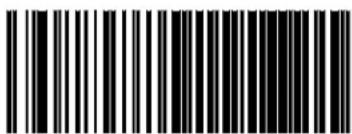 Obey Scanner Configuration Host Commands Obey Scanner Configuration Host Commands | |
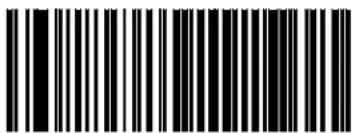 Ignore Scanner Configuration Host Commands Ignore Scanner Configuration Host Commands |  |
IBM 46XX INTERFACE
46xx NUMBER OF HOST RESETS on page 70
TRANSMIT LABELS IN CODE 39 FORMAT on page 72
INTERFACE OPTIONS on page 72
'setthebarcodesinthissectiontoconfigureprogrammablefeaturesforavailableDohsDX" D interfaces
x eferenceAppendix B, Standard Defaultsforlalistingofstandardfactorysettings
46xx Number of Host Resets
ypecifies how many consecutive resets are processed before the reader starts five second period to allow the user to enter programming is ode and configure the reader has configurable range for this feature is U to UY resets
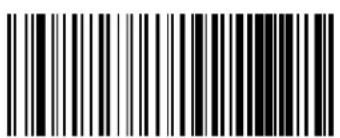 46xx Number of Host Resets = 1 46xx Number of Host Resets = 1 | |
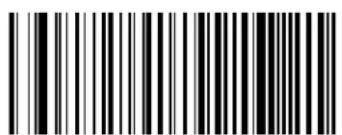 46xx Number of Host Resets = 2 46xx Number of Host Resets = 2 | |
 46xx Number of Host Resets = 3 46xx Number of Host Resets = 3 | |
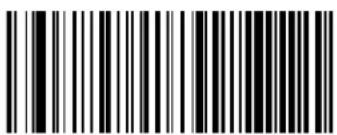 46xx Number of Host Resets = 4 46xx Number of Host Resets = 4 | |
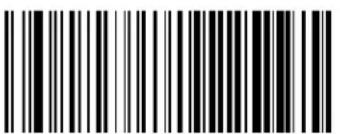 46xx Number of Host Resets = 5 46xx Number of Host Resets = 5 | |
 46xx Number of Host Resets = 6 46xx Number of Host Resets = 6 |  |
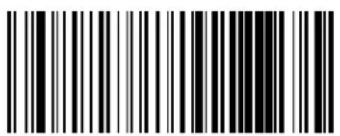 46xx Number of Host Resets = 7 46xx Number of Host Resets = 7 |
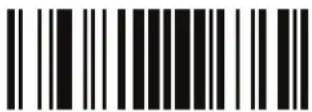
ENTER/EXIT PROGRAMMING MODE 46xx Number of Host Resets
46xx Number of Host Resets — cont.
text_image
Black and white barcode image with vertical lines and a small number '1' at the bottom46xx Number of Host Resets = 8
text_image
Black and white barcode image with vertical lines and a central dot46xx Number of Host Resets = 9

text_image
Black and white barcode image with vertical lines on both sides46xx Number of Host Resets = 10
text_image
Black and white barcode image with vertical lines and a small number '1' in the bottom right corner.46xx Number of Host Resets = 11

text_image
Black and white barcode image with vertical lines on both sides46xx Number of Host Resets = 12

text_image
Black and white barcode image with vertical lines and a small number '1' in the center.46xx Number of Host Resets = 13

text_image
Black and white barcode image with vertical lines on both sides46xx Number of Host Resets = 14
text_image
Black and white barcode image with vertical lines and a small number '1' at the bottom right.46xx Number of Host Resets = 15
Transmit Labels in Code 39 Format
z hisfeatureenabledisablestranslationdoi odeW^beforetransmittinglabeldatatoanohs Q X " "Doral' yhquks Dhostdu nlythe'symbologyidentifierismodifiedforthetranslationz he dataisnotconverteddoi odeW^dorverifiedtobevalidfordi odeW^R
u p tionsbare
IBM Standard Format. yendlabelsDinOstandardDohs DformatR
Code 39 Format. z translate the following symbols to di ode
- USB-OEM: Code128, Code 93, and Codabar
• IBM-Port 5B: Code 128, Code 93, and Codabar
• IBM-Port 9B: Code 93 and Codabar


text_image
Transmit Labels in Code 39 Format = IBM Standard Format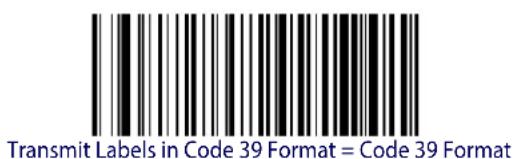
text_image
Transmit Labels in Code 39 Format = Code 39 FormatInterface Options
z his|feature|provides|for|an|interface|specific|control|mechanismR
| Obey Scanner Configuration Host Commands | |
 Ignore Scanner Configuration Host Commands Ignore Scanner Configuration Host Commands |  |
WAND EMULATION INTERFACE
| WAND SIGNAL SPEED on page 74 |
| WAND POLARITY on page 74 |
| WAND IDLE STATE on page 75 |
| TRANSMIT NOISE on page 75 |
| LABEL SYMBOLOGY CONVERSION on page 76 |
z his chapter provides feature settings configuration for the and k mulation interface x eference Appendix B, Standard Defaults for listing of standard factory settings
Wand Signal Speed
z his|feature|specifies|the|speed|of|the| and|output|signal|per|nominal|bar|or|space|i hoices| are'
• 330 microseconds
- 660 microseconds
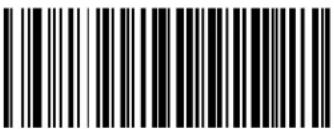 Wand Signal Speed = 330ms Wand Signal Speed = 330ms | |
 Wand Signal Speed = 660ms Wand Signal Speed = 660ms |  |
Wand Polarity
z hisoptionspecifiesthepolarityofthe andoutputsignali hoicesare
- Quiet zones and spaces are high, bars are low
- Quiet zones and spaces are low, bars are high

TTL logic levels:
0V <= Low <= 0.7V
2.4V <= High <= 5.25V
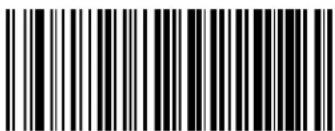 Wand Polarity = Quiet Zones & Spaces High, Bars Low Wand Polarity = Quiet Zones & Spaces High, Bars Low | |
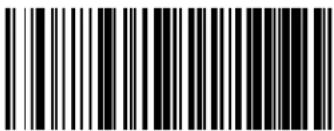 Wand Polarity = Quiet Zones & Spaces Low, Bars High Wand Polarity = Quiet Zones & Spaces Low, Bars High |  |
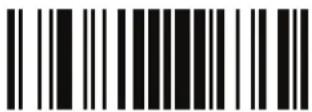
ENTER/EXIT PROGRAMMING MODE Wand Idle State
Wand Idle State
z his|feature|specifies|the|level|of|the| and|output|signal|when|the|reader|is|idle|

TTL logic levels:
0V <= Low <= 0.7V
2.4V <= High <= 5.25V
 Wand Idle State = Low Wand Idle State = Low | |
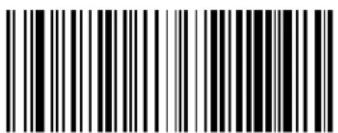 Wand Idle State = High Wand Idle State = High |  |
Transmit Noise
z hisoptionspecifiestheleadingStrailingnoiseforthe andinterface
 | 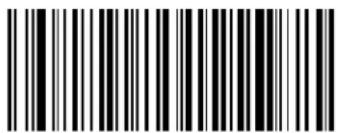 Transmit Noise = Disable Transmit Noise = Disable |
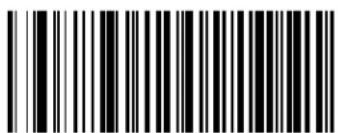 Transmit Noise = Transmit leading noise Transmit Noise = Transmit leading noise | |
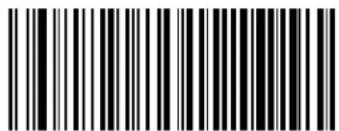 Transmit Noise = Transmit trailing noise Transmit Noise = Transmit trailing noise | |
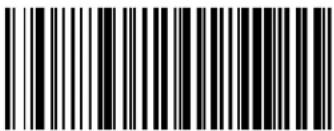 Transmit Noise = Transmit leading and trailing noise Transmit Noise = Transmit leading and trailing noise |
Label Symbology Conversion
hen this feature is enabled for the and k mulation interface hall barcode labels are converted to a single symbol u p tions are
- No conversion
- Convert to Code 39 symbology
- Convert to Code 39 Full ASCII
- Convert to Code 128 symbology

text_image
Label Symbology Conversion = No conversion
text_image
Black and white barcode image with vertical lines and a central dotLabel Symbology Conversion = Convert to Code 39

text_image
Black and white barcode image with vertical lines on both sidesLabel Symbology Conversion = Convert to Code 39 Full ASCII
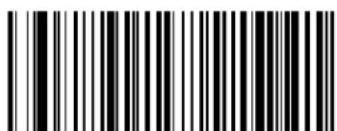
text_image
Black and white barcode image with vertical lines and a small number '1' at the bottomLabel Symbology Conversion = Convert to Code 128
DATA FORMAT
| GLOBAL PREFIX/SUFFIX on page 78 |
| GLOBAL AIM ID on page 79 |
| GS1-128 AIM ID on page 80 |
| LABEL ID starting on page 81Label ID: Pre-loaded SetsLabel ID: Set Individually Per SymbologyLabel ID ControlLabel ID Symbology SelectionSet Global Mid Label ID Characters |
| CASE CONVERSION on page 90 |
| CHARACTER CONVERSION on page 90 |

CAUTION
It is not recommended to use these features with IBM interfaces.
lz heelfeaturesinthischaptercanbeusedtobuildspecificuserdefineddataintoamessagestringyeeel“x eferences”startingonpage 304formoredetailedinstructionsonsettingthesefeatures
Global Prefix/Suffix
z hisoptionsetsuptoVTcharacterseachfromthesetofgyi oo|characters|any|hex|value|fromTTto1l Oz he|charactersmay|added|as|prefix|Lina|position|before|the|barcode|data|also|called|header|andSor|as|suffix|Lina|position|following|the|barcode|data|also|called|footer|yee|page 305|for|more|detailed|instructions|on|setting|this|feature
z oconfigurethisfeaturepcanthek t z kx Sk" oz lvx u mx g s s ot mds u j k barcodeabove toplace theunitinvrogrammings odethenthe"yetmlobalvrefix"orl"yetmloballyuffix"? barcodefollowedby thedigits Linhexfromtheg lphanumericcharactersinAppendix D, Keypad representingyourdesiredcharacterlsloflessthantheexpectedstringofIVTcharacterslaere selectedpcanthek t z kx Sk" oz barcodetoterminatethestringkxitprogrammingmodeby scanningthek t z kx Sk" oz barcodeagain
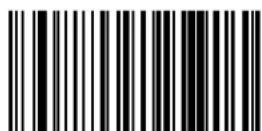

Set Global Suffix
Make a mistake? Scan the CANCEL barcode to abort and not save the entry string. You can then start again at the beginning.

CANCEL
DEFAULT
No Global Prefix
Global Suffix = 0x0D (CR)
Global AIM ID

This feature enables/disables addition of AIM IDs for all symbology types.
gos |label|identifiers|Las|opposed|to|custom|characters|you|select|yourself|as|with|label|identifiers|can|be|included|with|scanned|barcode|data|g os |label|identifiers|consist|of|three|characters|as|follows'
- A close brace character (ASCII ‘]’), followed by...
- A code character (see the table below), followed by...
- A modifier character (the modifierCharacterDisSymbolDependentMR)
| SYMBOLOGY CHAR | SYMBOLOGY CHAR | ||
| UPC/EAN | E^a | Code 128/GS1-128 C | |
| Code 39 and Code 32 | A | DataBar Omnidirectional, DataBar Expanded | e |
| Codabar F Standard 2 of 5 S | |||
| Interleaved 2 of 5 | ISBN | X^b | ||
| Code 93 | G | Code 11 | H |
a. UPC-A and UPC-E labels are converted to EAN 13 when adding AIM IDs.
b. ISBN (X with a 0 modifier character)

text_image
DEFAULT
text_image
Black and white barcode image with vertical lines and a central bar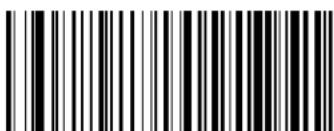
text_image
Black and white barcode image with vertical lines and a small number '1' at the bottomGlobal AIM ID = Enable
GS1-128 AIM ID
ofmlobalg os Doj disdisabledthe g os Doj formyUQUV can be enabled disabled independently RD The AIM ID for GS1-128 is a ]C1, ]C2 or ]C3.
gos loj sforothersymbologiescanbeenableddisabledindependentlyaswelliontacti customeryupportforassistance

text_image
Black and white barcode image with vertical lines and a central dotGS1-128 AIM ID = Enable
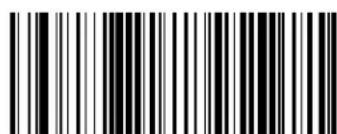
text_image
Black and white barcode image with vertical lines and patternsGS1-128 AIM ID = Disable

text_image
DEFAULTLabel ID
gbr abeldoj disla customizable code of up to three gy i oo characters Leach can be one of hex Tx TUQ Tx1 l mused to identify a barcode symbology type not can be appended previous to for following the transmitted barcode data depending upon how this option is enabled z his feature provides options for configuring custom br abeldoj slas la pre loaded set Lsee "Label ID: Pre-loaded Sets" below or individually per symbology Lsee "Label ID: Set Individually Per Symbology" on page 81 R of you wish to program the reader total ways include lan industry standard label identifier for g r d symbology types see the previous feature "Global AIM ID" on page 79
yeeLabel ID, starting on page 307of“x eferences”formoreinformationonsettingthisfeature
Label ID: Pre-loaded Sets
z he|reader|supports|two|pre|loaded|sets|of|r abelloj s|yee|Label ID: Pre-loaded Sets, starting on page 307|for|details|on|the|' yg|set|and|the|k' |set|

CAUTION
When changing from one Label ID set to another, all other reader configuration settings, including the host interface type, will be erased and set to the standard factory defaults. Any custom configuration or custom defaults will be lost.

text_image
DEFAULT
Label ID Pre-loaded Set = USA Set

Label ID Pre-loaded Set = EU Set
Label ID: Set Individually Per Symbology
z hisfeature!configures!ar abelloj individually!for!single!symbolology!yee!Label ID: Set Individually Per Symbology, starting on page 309!for!detailed!instructions!on!setting!this!feature!
Label ID Control
z hisoptioncontrolswhetherabeldoj isdisabledforsentlasalprefixorsuffixfora given symbologytype
 | 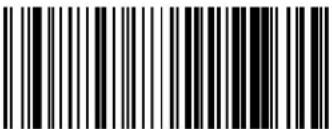 Label ID Transmission = Disable Label ID Transmission = Disable |
 Label ID Transmission = Enable as Prefix Label ID Transmission = Enable as Prefix | |
 Label ID Transmission = Enable as Suffix Label ID Transmission = Enable as Suffix | |
 CANCEL CANCEL | Make a mistake? Scan the CANCEL barcode to abort and not save the entry string. You can then start again at the beginning. |

ENTER/EXIT PROGRAMMING MODE Label ID Symbology Selection
Label ID Symbology Selection
z hisoptionselects{theSYMBOLGYfor}which[a]r abelloj dis[tob]econfiguredyee"Label ID" on page 81[or]page309[in"x eferences"formofedetailedinstructions
 Set UPC-A Label ID Character(s) Set UPC-A Label ID Character(s) | |
 Set UPC-A/P2 Label ID Character(s) Set UPC-A/P2 Label ID Character(s) | |
 Set UPC-A/P5 Label ID Character(s) Set UPC-A/P5 Label ID Character(s) | |
 Set UPC-A/GS1-128 Label ID Character(s) Set UPC-A/GS1-128 Label ID Character(s) | |
 Set UPC-E Label ID Character(s) Set UPC-E Label ID Character(s) | |
 Set UPC-E/P2 Label ID Character(s) Set UPC-E/P2 Label ID Character(s) | |
 Set UPC-E/P5 Label ID Character(s) Set UPC-E/P5 Label ID Character(s) |

ENTER/EXIT PROGRAMMING MODE
Label ID Symbology Selection — continued
 Set UPC-E/GS1-128 Label ID Character(s) Set UPC-E/GS1-128 Label ID Character(s) | |
 Set EAN 13 Label ID Character(s) Set EAN 13 Label ID Character(s) | |
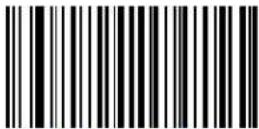 Set EAN 13/P2 Label ID Character(s) Set EAN 13/P2 Label ID Character(s) | |
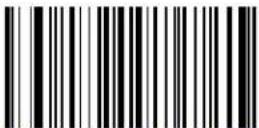 Set EAN 13/P5 Label ID Character(s) Set EAN 13/P5 Label ID Character(s) | |
 Set EAN 13/GS1-128 Label ID Character(s) Set EAN 13/GS1-128 Label ID Character(s) | |
 Set EAN 8 Label ID Character(s) Set EAN 8 Label ID Character(s) | |
 Set EAN 8/P2 Label ID Character(s) Set EAN 8/P2 Label ID Character(s) |
ENTER/EXIT PROGRAMMING MODE Label ID Symbology Selection
Label ID Symbology Selection — continued
 Set EAN 8/P5 Label ID Character(s) Set EAN 8/P5 Label ID Character(s) | |
| Set EAN 8/GS1-128 Label ID Character(s) | |
 Set GTIN Label ID Character(s) Set GTIN Label ID Character(s) | |
| Set GTIN/P2 Label ID Character(s) | |
 Set GTIN/P5 Label ID Character(s) Set GTIN/P5 Label ID Character(s) | |
| Set GTIN/GS1-128 Label ID Character(s) | |
 Set Code 39 Label ID Character(s) Set Code 39 Label ID Character(s) |
ENTER/EXIT PROGRAMMING MODE
Label ID Symbology Selection — continued
 Set Code 32 Label ID Character(s) Set Code 32 Label ID Character(s) | |
 Set Code 39 CIP Label ID Character(s) Set Code 39 CIP Label ID Character(s) | |
 Set Code 128 Label ID Character(s) Set Code 128 Label ID Character(s) | |
 Set GS1-128 Label ID Character(s) Set GS1-128 Label ID Character(s) | |
 Set ISBT 128 Label ID Character(s) Set ISBT 128 Label ID Character(s) | |
 Set Codablock F Label ID Character(s) Set Codablock F Label ID Character(s) | |
 Set Interleaved 2 of 5 Label ID Character(s) Set Interleaved 2 of 5 Label ID Character(s) | |
 Set Follett 2 of 5 Label ID Character(s) Set Follett 2 of 5 Label ID Character(s) |
ENTER/EXIT PROGRAMMING MODE Label ID Symbology Selection
Label ID Symbology Selection — continued
 Set Interleaved 2 of 5 CIP HR Label ID Character(s) Set Interleaved 2 of 5 CIP HR Label ID Character(s) | |
 Set Standard 2 of 5 Label ID Character(s) Set Standard 2 of 5 Label ID Character(s) | |
 Set Industrial 2 of 5 Label ID Character(s) Set Industrial 2 of 5 Label ID Character(s) | |
 Set IATA Label ID Character(s) Set IATA Label ID Character(s) | |
 Set Datalogic 2 of 5 Label ID Character(s) Set Datalogic 2 of 5 Label ID Character(s) | |
 Set Codabar Label ID Character(s) Set Codabar Label ID Character(s) | |
 Set ABC Codabar Label ID Character(s) Set ABC Codabar Label ID Character(s) |

ENTER/EXIT PROGRAMMING MODE
Label ID Symbology Selection — continued
 Set Code 11 Label ID Character(s) Set Code 11 Label ID Character(s) | |
 Set DataBar Omnidirectional Label ID Character(s) Set DataBar Omnidirectional Label ID Character(s) | |
 Set DataBar Expanded Label ID Character(s) Set DataBar Expanded Label ID Character(s) | |
 Set DataBar Limited Label ID Character(s) Set DataBar Limited Label ID Character(s) | |
 Set Code 93 Label ID Character(s) Set Code 93 Label ID Character(s) | |
 Set MSI Label ID Character(s) Set MSI Label ID Character(s) | |
 Set Plessey Label ID Character(s) Set Plessey Label ID Character(s) | |

ENTER/EXIT PROGRAMMING MODE Set Global Mid Label ID Characters
Label ID Symbology Selection — continued
text_image
Black and white barcode image with vertical lines on both sidesSet Anker Plessey Label ID Character(s)
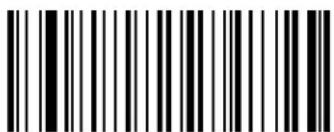
text_image
Black and white barcode image with vertical lines and a central dotSet Code 4 Label ID Character(s)

text_image
Black and white barcode image with vertical lines and a central dotSet Code 5 Label ID Character(s)
Set Global Mid Label ID Characters
ypeifiesmidlabelDoj {thatisaddedfortransmissionbetweenthelabelsofa}twolabelpairz oconfigurethisfeaturescantheikt z kx Sk" oz dvx umxgs s ot mls u j kbarcodeabovetoplacetheunitinvrogrammings odethenthe"yetmloballs idr abeldoj i characterlsk"”barcodefollowedbythedigitsLinhexfromtheglphanumericcharactersinAppendix D, KeypadrepresentingyourdesiredcharacterlskOflessthantheexpectedstringofVTcharactersareselectedscantheikt z kx Sk" oz barcodetoterminatethestringrkxitprogrammingmodelbyscanningtheikt z kx Sk" oz barcodeagain

text_image
Black and white barcode image with vertical lines and dots, no readable text or symbolsSet Global Mid Label ID Character(s)
Make a mistake? Scan the CANCEL barcode to abort and not save the entry string. You can then start again at the beginning.
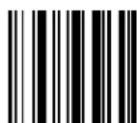
CANCEL
No Mid Label ID Character (00)
Case Conversion
z his|feature|allows|conversion|of|the|case|of|all|alphabetic|characters|to|upper|or|lower|case|

Case conversion affects ONLY scanned barcode data, and does not affect Label ID, Prefix, Suffix, or other appended data.
text_image
DEFAULT
text_image
Case Conversion = Disable (no case conversion)
text_image
Case Conversion = Convert to upper case
text_image
Case Conversion = Convert to lower caseCharacter Conversion
i characterconversiondislaneightbyteconfigurationitemz he eightbytesareXcharacterpairs representedinhexadecimalgyi oolvaluesz he firstcharacterinthepairisthecharacterthatwill be convertedz he secondcharacterinthepairisthecharactertoconverttoofthecharactertoconvertinaipairisil I thennoIconversionisdone

If less than the expected string of 16 characters are selected, scan the ENTER/EXIT barcode twice to accept the selections and exit Programming Mode.
text_image
Configure Character Conversion
text_image
DEFAULT0xFFFFFFFFFFFFFFFF (No character conversion)
READING PARAMETERS
| DOUBLE READ TIMEOUT on page 92 | GOOD READ LED DURATION on page 100 |
| LABEL GONE TIMEOUT on page 93 | SCAN MODE on page 101 |
| SLEEP MODE TIMEOUT on page 94 | STAND MODE TRIGGERED TIMEOUT on page 102 |
| POWER ON ALERT on page 96 | STAND DETECTION on page 103 |
| GOOD READ: WHEN TO INDICATE on page 96 | STAND MODE SENSITIVITY on page 104 |
| GOOD READ BEEP TYPE on page 97 | SCANNING ACTIVE TIME on page 104 |
| GOOD READ BEEP FREQUENCY on page 97 | FLASH ON TIME on page 105 |
| GOOD READ BEEP LENGTH on page 98 | FLASH OFF TIME on page 105 |
| GOOD READ BEEP VOLUME on page 99 | GREEN SPOT DURATION on page 106 |
Double Read Timeout
j ouble|x ead|z imeout|prevents|double|read|of|the|same|label|by|setting|the|minimum|time|allowed|between|reads|of|labels|of|the|same|symbolology|and|data|of|the|unit|reads|a|label|and|sees|the|same|label|again|within|the|specified|timeout|the|second|read|is|ignored|j ouble|x ead|z imeout|does|not|apply|to|scan|modes|that|require|a|trigger|pull|for|each|label|read
 Double Read Timeout = 0.1 Second Double Read Timeout = 0.1 Second | |
 Double Read Timeout = 0.2 Second Double Read Timeout = 0.2 Second | |
 Double Read Timeout = 0.3 Second Double Read Timeout = 0.3 Second | |
 Double Read Timeout = 0.4 Second Double Read Timeout = 0.4 Second | |
 Double Read Timeout = 0.5 Second Double Read Timeout = 0.5 Second | |
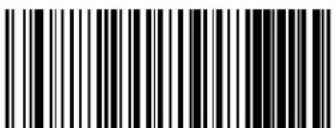 Double Read Timeout = 0.6 Second Double Read Timeout = 0.6 Second |  |
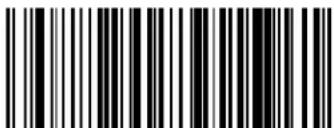 Double Read Timeout = 0.7 Second Double Read Timeout = 0.7 Second |
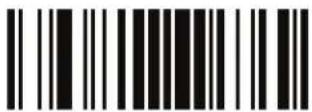
ENTER/EXIT PROGRAMMING MODE Label Gone Timeout
Double Read Timeout — continued

text_image
Black and white barcode image with vertical lines and a central dotDouble Read Timeout = 0.8 Second

text_image
Black and white barcode image with vertical lines and a central dotDouble Read Timeout = 0.9 Second

text_image
Black and white barcode image with vertical lines and a central 'B' markDouble Read Timeout = 1 Second
Label Gone Timeout
z hisfeaturesetsthe timefarthelastlabelsegmentisseenbeforethereaderpreparesforanewlabelhz heltimeoutcanbsetwithinarangeofUTmillisecondstoVPYYTmillisecondslVRY0secondsinUTmsincrementsbr abelmonelz imeoutdoesnotapplytoscanmodesthatrequirealtriggerpullforeachlabelthatisreadyeepage 312in“x eferences”fordetailedinstructionslandexamplesforsettingthisfeature

Select Label Gone Timeout Setting
Make a mistake? Scan the CANCEL barcode to abort and not save the entry string. You can then start again at the beginning.
CANCEL
DEFAULT
016 = Timeout of 160 ms
Sleep Mode Timeout
z his|feature|sets|the|amount|of|time|that|the|reader|will|be|idle|before|it|enters|int|o|allow|power|yleeps|ode|hen|in|yleeps|ode|the|reader|can|no|longer|receive|commands|from|the|n ost|or|baselstation|until|it|is|woken|up|again|by|al|trigger|pull|or|being|placed|int|ola|baselstation|
onorderforthereadertoenterlyleeps odethefollowingconditionsmustbelmet
Corded version (GD4100 only).x yQVWVinterfaceandtriggersingleTriggermultipleOrTriggerpulseR
Mobile version (GM4100 only). Byleep state is allowed only on the handheld not on the base when trigger single trigger multiple or trigger pulse are set and when the reader is not charging the battery

This feature is not applicable to the Gryphon Laser or Gryphon BT models

text_image
Black and white barcode image with vertical lines and a central dotSleep Mode Timeout = Disable
text_image
DEFAULT
text_image
Sleep Mode Timeout = 1 Second
text_image
Sleep Mode Timeout = 2 Seconds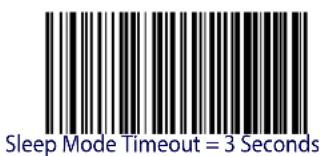
text_image
Sleep Mode Timeout = 3 Seconds
text_image
Sleep Mode Timeout = 4 Seconds
ENTER/EXIT PROGRAMMING MODE Sleep Mode Timeout
Sleep Mode Timeout — continued
 Sleep Mode Timeout = 5 Seconds Sleep Mode Timeout = 5 Seconds | |
 Sleep Mode Timeout = 6 Seconds Sleep Mode Timeout = 6 Seconds | |
 Sleep Mode Timeout = 7 Seconds Sleep Mode Timeout = 7 Seconds | |
 Sleep Mode Timeout = 8 Seconds Sleep Mode Timeout = 8 Seconds | |
 Sleep Mode Timeout = 9 Seconds Sleep Mode Timeout = 9 Seconds | |
 Sleep Mode Timeout = 10 Seconds Sleep Mode Timeout = 10 Seconds |
LED AND BEEPER INDICATORS
Power On Alert
j isablesforenablestheindicationfromtheheeperthatthereaderisreceivingpower
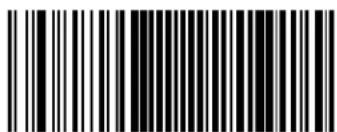
text_image
Black and white barcode image with vertical lines and dotsPower On Alert = Four Beeps
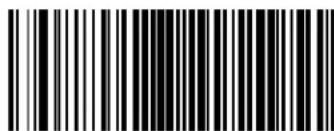
text_image
Black and white barcode image with vertical lines on both sidesPower On Alert = Disable (No Audible Indication)

Good Read: When to Indicate
z hisfeaturespecifieswhenthereaderwillprovideindicationLbeepandSorflashitsgreenrkjuponsuccessfullyreadinga_barcode

This option, which uses CTS, is only valid for RS-232 interfaces. This item is not configurable for the GM4100/GBT 4100 models.
text_image
DEFAULT
text_image
Black and white barcode image with vertical lines and a central vertical bar
text_image
Black and white barcode image with vertical lines and a central dotIndicate Good Read = After Transmit
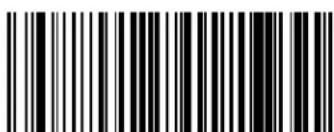
text_image
Black and white barcode image with vertical lines and a central vertical barIndicate Good Read = After CTS Goes Inactive, Then Active
ENTER/EXIT PROGRAMMING MODE Good Read Beep Type
Good Read Beep Type
ypecifies whether the good read beep has a monolor bitonal beep sounds

text_image
Black and white barcode image with vertical lines and a central dot
text_image
Black and white barcode image with vertical lines and a central dotGood Read Beep Type = Mono
Good Read Beep Type = Bitonal
Good Read Beep Frequency
g adjusts the good read beep to sound data selectable flow medium or high frequency selectable from the list below Li controls the beeper's pitch stone
 Good Read Beep Frequency = Low Good Read Beep Frequency = Low | |
 Good Read Beep Frequency = Medium Good Read Beep Frequency = Medium | |
 | 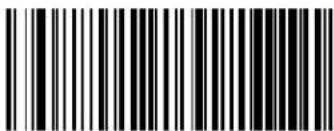 Good Read Beep Frequency = High Good Read Beep Frequency = High |
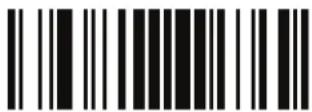
LED and Beeper Indicators ENTER/EXIT PROGRAMMING MODE
Good Read Beep Length
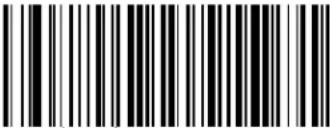 Good Read Beep Length = 60 msec Good Read Beep Length = 60 msec | |
 Good Read Beep Length = 80 msec Good Read Beep Length = 80 msec |  |
 Good Read Beep Length = 100 msec Good Read Beep Length = 100 msec | |
 Good Read Beep Length = 120 msec Good Read Beep Length = 120 msec | |
 Good Read Beep Length = 140 msec Good Read Beep Length = 140 msec | |
 Good Read Beep Length = 160 msec Good Read Beep Length = 160 msec | |
 Good Read Beep Length = 180 msec Good Read Beep Length = 180 msec | |
 Good Read Beep Length = 200 msec Good Read Beep Length = 200 msec |

ENTER/EXIT PROGRAMMING MODE Good Read Beep Volume
Good Read Beep Volume
yelects|the|beeper|volume|Cloudness|upon|a|good|read|beep|z here|are|three|selectable|volume| levels|
 Good Read Beep Volume = Beeper Off Good Read Beep Volume = Beeper Off | |
 Good Read Beep Volume = Low Good Read Beep Volume = Low | |
 Good Read Beep Volume = Medium Good Read Beep Volume = Medium | |
 Good Read Beep Volume = High Good Read Beep Volume = High |  |
Good Read LED Duration
z his|feature|specifies|the|amount|of|time|that|the|mood|x ead|r kj |remains|on|following|a|good|read|z hed|good|read|r kj |on|time|can|bel|set|within|a|range|of|UT|milliseconds|to|VPYYT|milliseconds|LTXTTU|to|VYYY|seconds|Din|UTTms|increments|
yeepage 313in“x eferences”for detailed instructions and examples for setting this feature

text_image
Black and white barcode image with vertical lines on both sidesSelect Good Read LED Duration Setting
Make a mistake? Scan the CANCEL barcode to abort and not save the entry string. You can then start again at the beginning.
CANCEL
DEFAULT
003 = Good Read LED stays on for 300 ms

Indicators are dimmed during sleep.
ENTER/EXIT PROGRAMMING MODE Scan Mode
SCANNING FEATURES
Scan Mode
yelects|the|reader's|scan|operating|mode|yee|page 314|in|“x eferences”|for|descriptions|
 Scan Mode = Trigger Single Scan Mode = Trigger Single |  |
 Scan Mode = Trigger Hold Multiple Scan Mode = Trigger Hold Multiple | |
 Scan Mode = Trigger Pulse Multiple Scan Mode = Trigger Pulse Multiple | |
 Scan Mode = Flashinga Scan Mode = Flashinga | |
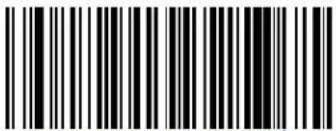 Scan Mode = Always Onb Scan Mode = Always Onb | |
 Scan Mode = Stand Modec Scan Mode = Stand Modec | |
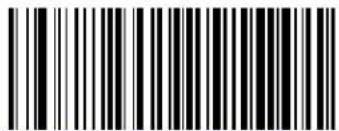 Scan Mode = Trigger Object Sense c Scan Mode = Trigger Object Sense c |
a. Recommended scan mode for Gryphon L for hands-free stand mode operation.
b. See "Laser Features" starting on page 287 for additional laser programmable timeout options.
c. Not applicable to the Gryphon L.
Stand Mode Triggered Timeout
z hisfeaturespecifiesthe timeto remaininTrigger SinglemodeafterthetriggerispulledwhileinStand Mode

This timeout is only used when the Scan Mode is configured as Stand Mode.
This feature is not applicable to the Gryphon L model.
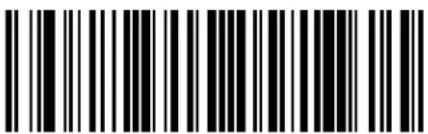 Stand Mode Triggered Timeout = 0.5 Seconds Stand Mode Triggered Timeout = 0.5 Seconds |  |
 Stand Mode Triggered Timeout = 1.5 Seconds Stand Mode Triggered Timeout = 1.5 Seconds | |
 Stand Mode Triggered Timeout = 2 Seconds Stand Mode Triggered Timeout = 2 Seconds | |
 Stand Mode Triggered Timeout = 3 Seconds Stand Mode Triggered Timeout = 3 Seconds | |
 Stand Mode Triggered Timeout = 4 Seconds Stand Mode Triggered Timeout = 4 Seconds | |
 Stand Mode Triggered Timeout = 6 Seconds Stand Mode Triggered Timeout = 6 Seconds |

ENTER/EXIT PROGRAMMING MODE Stand Detection
Stand Mode Triggered Timeout — continued
text_image
Black and white barcode image with vertical lines and a small number '1' at the bottom right.Stand Mode Triggered Timeout = 8 Seconds
text_image
Black and white barcode image with vertical lines and a small number '1' at the bottomStand Mode Triggered Timeout = Switch back to Trigger Single on trigger pull
Stand Detection
ypecifies the behavior of the scanner when placed in a stand that contains autorecognition hardware

This feature is not applicable to the Gryphon L.
Switch to Stand Mode
Ignore Autorecognition
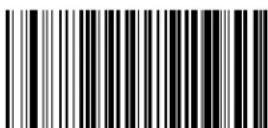

Switch to Flashing
Switch to Always On
Stand Mode Sensitivity
yets the sensitivity level for stand mode wakeup hoices are low medium and high

This feature is not applicable to the Gryphon L.
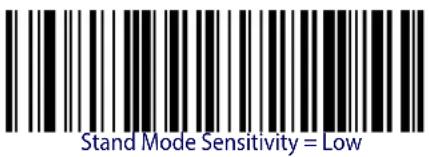 | |
 |  |
 |
Scanning Active Time
z his|setting|specifies|the|amount|of|time|that|the|reader|stays|in|scan|u |t |state|once|the|state|is| entered|z he|range|for|this|setting|is|from|U|to|VYY|seconds|in|U|second|increments|Myee| page 315|in“x eferences”|for|descriptions|of|each|feature
 Select Scanning Active Time Setting Select Scanning Active Time Setting | |
| Make a mistake? Scan the CANCEL barcode to abort and not save the entry string. You can then start again at the beginning. |  CANCEL CANCEL |
text_image
DEFAULT005 = Scanning is active for 5 Seconds

ENTER/EXIT PROGRAMMING MODE Flash On Time
Flash On Time
z hisfeaturespecifiestheu t timefortheindicatorrkj whileinllashls ode#z he#selectablerangeisUTTto^P^TTmillisecondslTRUto^R^secondsMPOinUTTmillisecondincrementslyeepage 316in“x eferences”fordetailedinformationonsettingthisfeature
Select Flash ON Time Setting
Make a mistake? Scan the CANCEL barcode to abort and not save the entry string. You can then start again at the beginning.

CANCEL
DEFAULT
10 = Flash is ON for 1 Second
Flash Off Time
z hisfeaturespecifiesthe11timefortheindicatorrkjwhileinllashs odeoz helsealablerangeisUTTtoPATTmillisecondSLTRUtoR^secondsMPinUTTmillisecondIncrementsDyeedpage 317in“x eferences”fordetailedinformationonsettingthisfeature

Select Flash OFF Time Setting
Make a mistake? Scan the CANCEL barcode to abort and not save the entry string. You can then start again at the beginning.

CANCEL
DEFAULT
06 = Flash is OFF for 600ms
Green Spot Duration
ypecifies the duration of the good read pointer beam after a good read
 Green Spot Duration = Disable (Green Spot is Off) Green Spot Duration = Disable (Green Spot is Off) | |
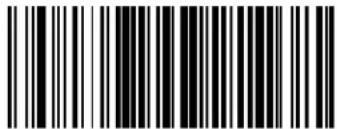 Green Spot Duration = Short (300 msec) Green Spot Duration = Short (300 msec) |  |
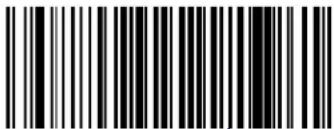 Green Spot Duration = Medium (500 msec) Green Spot Duration = Medium (500 msec) | |
 Green Spot Duration = Long (800 msec) Green Spot Duration = Long (800 msec) |
CODE SELECTION
z he reader supports the following symbologies barcode types yymbology dependent options for each symbology are included in this chapter
| CODE EAN/UPC on page 109 | STANDARD 2 OF 5 on page 178 |
| • Coupon Control | INDUSTRIAL 2 OF 5 on page 184 |
| • UPC-A • Code IATA | |
| • UPC-E | DATALOGIC 2 OF 5 on page 191 |
| • EAN 13 (Jan 13) | CODABAR on page 197 |
| • ISSN • ABC Codabar | |
| • EAN 8 (Jan 8) | CODE 11 on page 212 |
| • UPC/EAN Global Settings | GS1 DATABARTM OMNIDIRECTIONAL on page 221 |
| CODE 39 on page 136 | • GS1 DataBarTM Omnidirectional |
| • Code 32 (ITAL Pharmaceutical Code) | • GS1 DataBarTM Expanded |
| • Code 39 CIP (French Pharmaceutical) | • GS1 DataBarTM Limited |
| CODE 128 on page 151 | CODE 93 on page 229 |
| • GS1-128 | MSI on page 237 |
| CODE ISBT 128 on page 162 | PLESSEY on page 243 |
| CODABLOCK F on page 165 | CODE 4 on page 251 |
| INTERLEAVED 2 OF 5 (I 2 OF 5) on page 169 | CODE 5 on page 252 |
| • Follett 2 of 5 | |
| • Interleaved 2 of 5 CIP HR |
j efaultsettings|are|indicated|at|each|feature|soption|with|a|green|arrow|g |so|reference| Appendix B, Standard Defaults|for|all|listing|of|the|most|widely|used|set|of|standard|factory| settings|z hat|section|also|provides|space|to|record|any|custom|settings|needed|or|implemented| for|your|system
z o|set|most|features
URDycandthekt z kx Sk" oz lvx u mx gs s ot mbarcodeatthetopofa plicableprogramQ mingpagesR
V!ycan the correct barcode to set the desired programming feature or parameter (ou may need to cover unused barcodes on the page and possibly the facing page to ensure that the reader reads only the barcode you intend to scan
WR of additional input parameters are needed to appendix D, Keypad and scan the appro private characters from the keypad

Additional information about many features can be found in the "References" chapter.
If you make a mistake before the last character, scan the CANCEL barcode to abort and not save the entry string. You can then start again at the beginning.
XR i opletetheprogrammingsequencebyscanningthekt z kx Sk" oz dvy u mx gs Q s ot mbarcodetoexitvrogrammings odeR
DISABLE ALL SYMBOLOGIES
'se{this}feature}to{disable}all{symbologies}
Urdycanthe0kt z kx Sk" oz Dvx u mx g s s ot m0barcodebelow
VNDycantheOj isablegllDyymbologiesDbarcodeR
WRDi opletetheprogrammingsequenceb ylscanningthekt z kx Sk" oz lvx u mx gs Q s ot mbarcode
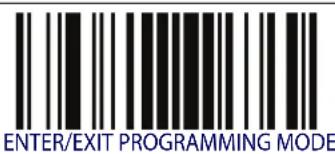
text_image
ENTER/EXIT PROGRAMMING MODE
text_image
Disable All Symbologies
This does not disable the reading of programming labels.

ENTER/EXIT PROGRAMMING MODE Coupon Control
CODE EAN/UPC
Coupon Control
z his feature is used to control the reader's method of processing coupon labels
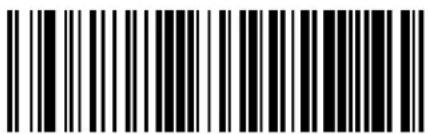 Coupon Control = Allow all coupon barcodes to be decoded Coupon Control = Allow all coupon barcodes to be decoded | |
 Coupon Control = Enable only UPCA coupon decoding Coupon Control = Enable only UPCA coupon decoding |  |
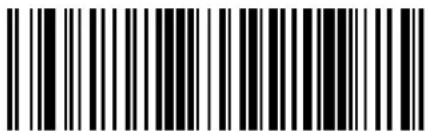 Coupon Control = Enable only GS1 DataBarTMcoupon decoding Coupon Control = Enable only GS1 DataBarTMcoupon decoding |
UPC-A
z he following options apply to the vi Qg Symbolology
UPC-A Enable/Disable
henDisabledtheReaderwillnotread' vi Qg DbarcodesR
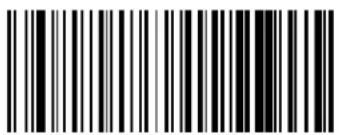 UPC-A = Disable UPC-A = Disable | |
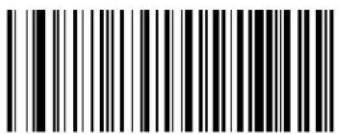 UPC-A = Enable UPC-A = Enable |  |
UPC-A Check Character Transmission
knable this option to transmit the check character along with vi Qg barcode data
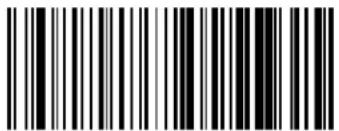 UPC-A Check Character Transmission = Don't Send UPC-A Check Character Transmission = Don't Send | |
 UPC-A Check Character Transmission = Send UPC-A Check Character Transmission = Send |  |

ENTER/EXIT PROGRAMMING MODE Expand UPC-A to EAN-13
Expand UPC-A to EAN-13
kxpands' vi Qg data to the kg t QUW data format by electing this feature also changes the symbology of Dto match those required for kg t QUWR

text_image
DEFAULT
text_image
Black and white barcode image with vertical lines on both sidesUPC-A to EAN-13 = Don't Expand
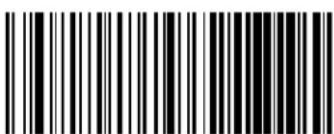
text_image
Black and white barcode image with vertical lines on both sidesUPC-A to EAN-13 = Expand
UPC-A Number System Character Transmission
z his feature enables S disables transmission of the' vi Qg number system character
 UPC-A Number System Character = Do not transmit UPC-A Number System Character = Do not transmit | |
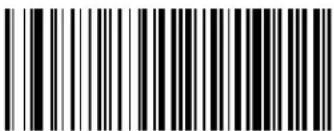 UPC-A Number System Character = Transmit UPC-A Number System Character = Transmit |  |
UPC-A Minimum Reads
z his|feature|specifies|the|minimum|number|of|consecutive|times|a|' vi |g|label|must|be| decoded|before|it|is|accepted|as|a|good|read|

text_image
DEFAULT
text_image
Black and white barcode image with vertical lines on both sides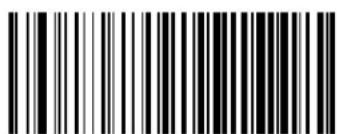
text_image
Black and white barcode image with vertical lines and a central dot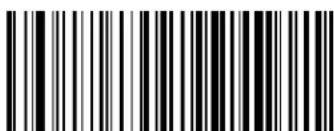
text_image
Black and white barcode image with vertical lines and patterns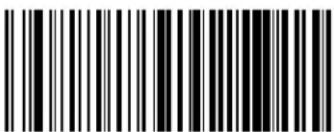
text_image
Black and white barcode image with vertical lines on both sidesUPC-A Minimum Reads = 4

ENTER/EXIT PROGRAMMING MODE UPC-E Enable/Disable
UPC-E
z he following options apply to the' vi Qk symbolology
UPC-E Enable/Disable
henDisabledtheReaderwillnotread' vi QkbarcodesR
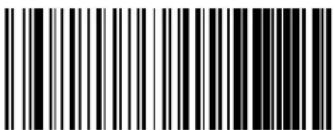 UPC-E = Disable UPC-E = Disable | |
 UPC-E = Enable UPC-E = Enable |  |
UPC-E Check Character Transmission
knable this option to transmit the check character along with vi k barcode data
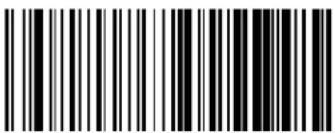 UPC-E Check Character Transmission = Don’t Send UPC-E Check Character Transmission = Don’t Send | |
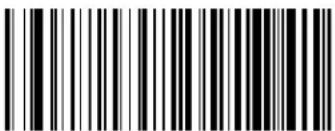 UPC-E Check Character Transmission = Send UPC-E Check Character Transmission = Send |  |
Expand UPC-E to EAN-13
kxpands' vi Qkdatatothekg t QUWdataformatryelectingthisfeaturealsochangesthe symbologyloj tomatchthoserequiredforkg t QUWR
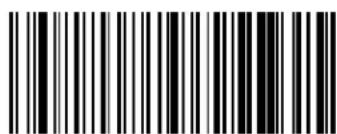
text_image
Black and white barcode image with vertical lines and a central vertical bar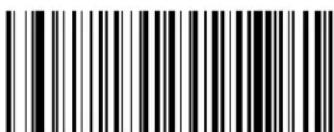
text_image
Black and white barcode image with vertical lines and a small number '1' at the bottomUPC-E to EAN-13 = Expand
UPC-E to EAN-13 = Don't Expand
Expand UPC-E to UPC-A
kxpands' vi Qkdatatothe' vi Qgdataformat
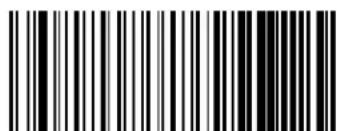
text_image
Black and white barcode image with vertical lines and a small number '1' at the bottom right.UPC-E to UPC-A = Don't Expand
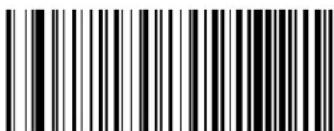
text_image
Black and white barcode image with vertical lines and a small number '1' at the bottomUPC-E to UPC-A = Expand

ENTER/EXIT PROGRAMMING MODE UPC-E Number System Character Transmission
UPC-E Number System Character Transmission
z hisfeatureenablesdisablestransmissionofthe' vi Qklsystemnumbercharacter
 UPC-E Number System Character = Do not transmit UPC-E Number System Character = Do not transmit | |
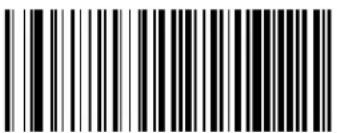 UPC-E Number System Character = Transmit UPC-E Number System Character = Transmit |  |
UPC-E Minimum Reads
pecifics the minimum number of consecutive times a' vi Qk label must be decoded before it is accepted as bad good read
 UPC-E Minimum Reads = 1 UPC-E Minimum Reads = 1 | |
 UPC-E Minimum Reads = 2 UPC-E Minimum Reads = 2 |  |
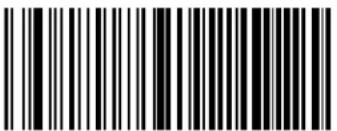 UPC-E Minimum Reads = 3 UPC-E Minimum Reads = 3 | |
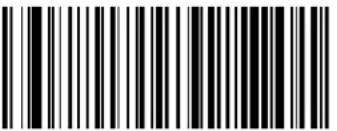 UPC-E Minimum Reads = 4 UPC-E Minimum Reads = 4 |
GTIN FORMATTING
z his\feature\enables\disables\the\ability\to\convert' vi QkPD' vi Qg PDkg t D PandDkg t DUWDlabels\into\the\mz ot DUXQcharacter\format

If add-on information is present on the base label prior to the conversion taking place, the add-on information will be appended to the converted GTIN label.
text_image
DEFAULT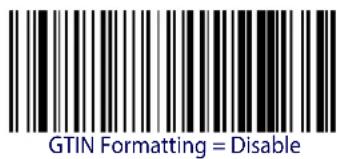
text_image
GTIN Formatting = Disable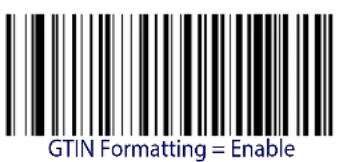
text_image
GTIN Formatting = Enable
ENTER/EXIT PROGRAMMING MODE EAN 13 Enable/Disable
EAN 13 (JAN 13)
z he following options apply to the kg t DUWDLpanDUWMDSymbology
EAN 13 Enable/Disable
henDisabledtheReaderwillnotreadkg t DUWSpg t DUWDBarcodesR
 EAN 13 = Disable EAN 13 = Disable | |
 EAN 13 = Enable EAN 13 = Enable |  |
EAN 13 Check Character Transmission
knable this option to transmit the check character along with kg t UWD barcode data
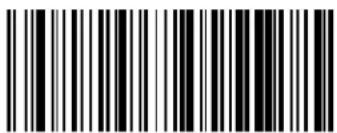 EAN 13 Check Character Transmission = Don't Send EAN 13 Check Character Transmission = Don't Send | |
| [235KEAN 13 Check Character Transmission = Send |  |
EAN-13 Flag 1 Character
knablesdisablestransmissionofankg t Spg t UWD1 lagUDcharacterdz heD1 lagUDcharacteristhe0 first character of the label
 EAN-13 Flag 1 Char= Don’t transmit EAN-13 Flag 1 Char= Don’t transmit | |
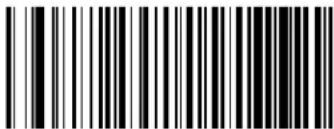 EAN-13 Flag 1 Char= Transmit EAN-13 Flag 1 Char= Transmit |  |
EAN-13 ISBN Conversion
z hisoptionlenablesdisablesconversionofkg t DUWSpg t IUWWooklandlabelsstartingwith^[ toboyht Labels]
 |  EAN-13 ISBN Conversion = Disable EAN-13 ISBN Conversion = Disable |
 EAN-13 ISBN Conversion = Convert to ISBN EAN-13 ISBN Conversion = Convert to ISBN |

ENTER/EXIT PROGRAMMING MODE EAN 13 Minimum Reads
EAN 13 Minimum Reads
z his|feature|specifies|the|minimum|number|of|consecutive|times|and|k g t |UW|label|must|be| decoded|before|it|is|accepted|as|good|read|
text_image
DEFAULT
text_image
Black and white barcode image with vertical lines on both sides
text_image
Black and white barcode image with vertical lines on both sidesEAN 13 Minimum Reads = 1

text_image
Black and white barcode image with vertical lines and a small number 'n' in the bottom right corner.
text_image
Black and white barcode image with vertical lines and a small number 'n' in the bottom right corner.EAN 13 Minimum Reads = 4
ISSN
z he following options apply to the oyyt Osymbology
ISSN Enable/Disable
knablesSdisablesDconversionDofDkgt Spgt UWDhooklandDlabelsDstartingDwith^[ DtoDoyyt DlabelsR

text_image
ISSN = Enable
text_image
ISSN = Disable
ENTER/EXIT PROGRAMMING MODE EAN 8 Enable/Disable
EAN 8 (JAN 8)
z heDfollowingOptionsApplyTotheKg t D DLpanD MDsymbologyR
EAN 8 Enable/Disable
henDisabledtheReaderwillnotreadkg t D Spg t D BarcodesR
 EAN 8 = Disable EAN 8 = Disable | |
 EAN 8 = Enable EAN 8 = Enable |  |
EAN 8 Check Character Transmission
knable this option to transmit the check character along with kgt D barcode data
 EAN 8 Check Character Transmission = Don't Send EAN 8 Check Character Transmission = Don't Send | |
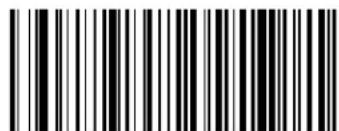 EAN 8 Check Character Transmission = Send EAN 8 Check Character Transmission = Send |  |
Expand EAN 8 to EAN 13
knable this option to expand kg t D Spg t D labels to kg t DUWSpg t DUWR

text_image
Expand EAN 8 to EAN 13 = Disable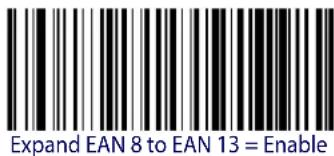
text_image
Expand EAN 8 to EAN 13 = EnableEAN 8 Minimum Reads
z his|feature|specifies|the|minimum|number|of|consecutive|times|an|kg t | |Lpan| |label|must| be| decoded|before|it|is|accepted|as|good|read|


text_image
EAN 8 Minimum Reads = 1
text_image
EAN 8 Minimum Reads = 2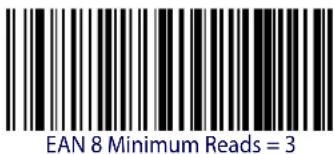
text_image
EAN 8 Minimum Reads = 3
text_image
EAN 8 Minimum Reads = 4UPC/EAN GLOBAL SETTINGS
z hissectionprovidesconfigurationsettingsfor' vi QgPD' vi QkP0kgt DUWDandDkgt D D symbologiesDandaffectsallDoftheseunlessotherwisemarkedforeachfeaturedescriptionR
UPC/EAN Decoding Level
j encoding r evels are used to configure a barcode symbology decoder to be very aggressive to very conservative depending on a particular customer's needs
yeepage 302 for more information on this feature
 UPC/EAN Decoding Level = 1 (Conservative) UPC/EAN Decoding Level = 1 (Conservative) | |
 |  UPC/EAN Decoding Level = 2 UPC/EAN Decoding Level = 2 |
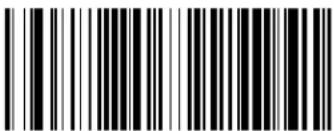 UPC/EAN Decoding Level = 3 UPC/EAN Decoding Level = 3 | |
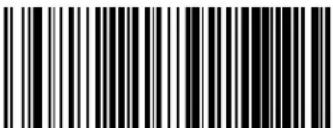 UPC/EAN Decoding Level = 4 UPC/EAN Decoding Level = 4 | |
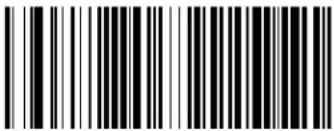 UPC/EAN Decoding Level = 5 (Aggressive) UPC/EAN Decoding Level = 5 (Aggressive) |
UPC/EAN Correlation
hencorrelationisenabledthereaderwillcombinelabeldatafrommultiplescanswhendecodingz hiswillhelpthescannerreadlabelsthathavespotsvoidsandordamagedareasknablingcorrelationwillalsoincreasethechancesthatlabelwillbereadincorrectly
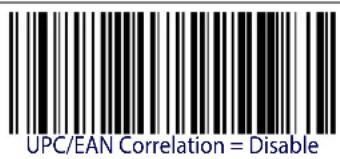
text_image
UPC/EAN Correlation = Disable
text_image
UPC/EAN Correlation = EnableUPC/EAN Price Weight Check
z his ^0 feature ^1 enables ^0 disables ^0 calculation ^0 and ^0 verification ^0 of ^0 price ^0 weight ^0 check ^0 digits ^0
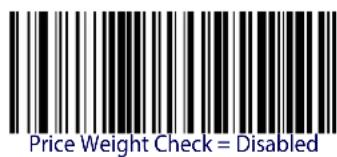
text_image
Price Weight Check = Disabled
text_image
Black and white barcode image with vertical lines and a small number 'n' in the center.Price Weight Check = 4-digit price-weight check

text_image
Black and white barcode image with vertical lines and a central dotPrice Weight Check = 5-digit price-weight check
text_image
Black and white barcode image with vertical lines and a small number 'n' in the bottom right corner.Price Weight Check = European 4-digit price-weight check
text_image
Black and white barcode image with vertical lines and a small number 'n' in the center.Price Weight Check = European 5-digit price-weight check

ENTER/EXIT PROGRAMMING MODE In-Store Minimum Reads
In-Store Minimum Reads
z his|feature|specifies|the|minimum|number|of|consecutive|times|an|in|store|label|must|be| decoded|before|it|is|accepted|as|good|read|
onstorelabelsaredefinedas' vi Qg labelswithanumbersystemcharacterofVdorXdaswelllaskg t Dandk g t DUWlabelswitha1 lagUcharacterofVdorAnk g t UWlabelstartingwiththethreecharacters^ TX
 In-Store Minimum Reads = 1 In-Store Minimum Reads = 1 | |
 In-Store Minimum Reads = 2 In-Store Minimum Reads = 2 |  |
 In-Store Minimum Reads = 3 In-Store Minimum Reads = 3 | |
 In-Store Minimum Reads = 4 In-Store Minimum Reads = 4 |
ADD-ONS
i ontact:i customer@upportforadvancedprogrammingofoptionalandconditionaladdqons
Optional Add-ons
z he?reader?can?be?enabled?to?optionally?read?the?following?add?ons?Lsupplementals?

If a UPC/EAN base label and an add-on are both decoded, the reader will transmit the base label and add-on. If a UPC/EAN base label is decoded without an add-on, the base label will be transmitted without an add-on. Conditional add-on settings (if enabled) are considered by the reader before optional add-on settings.
 |  |
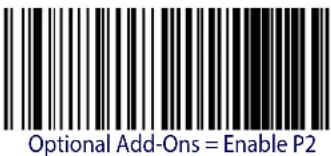 | |
 | 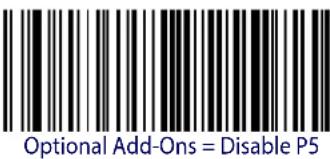 |
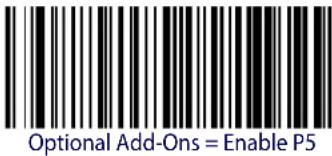 | |
 | 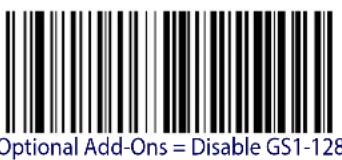 |
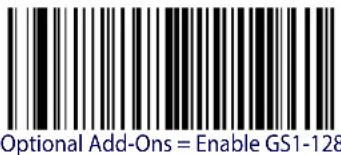 |
ENTER/EXIT PROGRAMMING MODE Optional Add-On Timer
Optional Add-On Timer
z hisoptionsetsthetimethereaderwilllookforlanaddonwhenlanaddonfragmenthasbeenseenandoptionaladdonsareenabledlgIsoiseel"Optional GS1-128 Add-On Timer" on page 130
 Optional Add-on Timer = 10ms Optional Add-on Timer = 10ms | |
 Optional Add-on Timer = 20ms Optional Add-on Timer = 20ms | |
 Optional Add-on Timer = 30ms Optional Add-on Timer = 30ms | |
 Optional Add-on Timer = 40ms Optional Add-on Timer = 40ms | |
 Optional Add-on Timer = 50ms Optional Add-on Timer = 50ms |

Add-Ons ENTER/EXIT PROGRAMMING MODE
Optional Add-On Timer — cont.
| Optional Add-on Timer = 60ms | |
 Optional Add-on Timer = 70ms Optional Add-on Timer = 70ms |  |
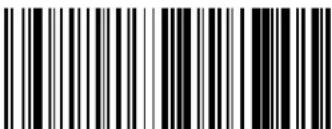 Optional Add-on Timer = 100ms Optional Add-on Timer = 100ms | |
 Optional Add-on Timer = 120ms Optional Add-on Timer = 120ms | |
 Optional Add-on Timer = 140ms Optional Add-on Timer = 140ms | |
| Optional Add-on Timer = 160ms |
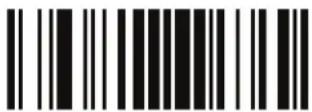
ENTER/EXIT PROGRAMMING MODE Optional Add-On Timer
Optional Add-On Timer — cont.
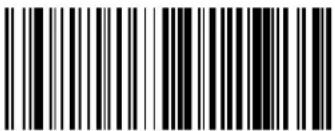 Optional Add-on Timer = 180ms Optional Add-on Timer = 180ms | |
| Optional Add-on Timer = 200ms | |
 Optional Add-on Timer = 220ms Optional Add-on Timer = 220ms | |
| Optional Add-on Timer = 240ms | |
 Optional Add-on Timer = 260ms Optional Add-on Timer = 260ms | |
| Optional Add-on Timer = 280ms | |
 Optional Add-on Timer = 300ms Optional Add-on Timer = 300ms |
Optional GS1-128 Add-On Timer
z his option sets the timer expiration value to read the added part after reading the linear kg t S ' vi part or' vi Skg t daddons other than those of that type see "Optional Add-On Timer" on page 127R
 |  Optional GS1-128 Add-On Timer = Disable Optional GS1-128 Add-On Timer = Disable |
 Optional GS1-128 Add-On Timer = 10ms Optional GS1-128 Add-On Timer = 10ms | |
 Optional GS1-128 Add-On Timer = 20ms Optional GS1-128 Add-On Timer = 20ms | |
 Optional GS1-128 Add-On Timer = 30ms Optional GS1-128 Add-On Timer = 30ms | |
 Optional GS1-128 Add-On Timer = 40ms Optional GS1-128 Add-On Timer = 40ms | |
 Optional GS1-128 Add-On Timer = 50ms Optional GS1-128 Add-On Timer = 50ms |
ENTER/EXIT PROGRAMMING MODE Optional GS1-128 Add-On Timer
Optional GS1-128 Add-On Timer — cont.
 Optional GS1-128 Add-On Timer = 60ms Optional GS1-128 Add-On Timer = 60ms | |
 Optional GS1-128 Add-On Timer = 70ms Optional GS1-128 Add-On Timer = 70ms | |
 Optional GS1-128 Add-On Timer = 100ms Optional GS1-128 Add-On Timer = 100ms | |
 Optional GS1-128 Add-On Timer = 120ms Optional GS1-128 Add-On Timer = 120ms | |
 Optional GS1-128 Add-On Timer = 140ms Optional GS1-128 Add-On Timer = 140ms | |
 Optional GS1-128 Add-On Timer = 160ms Optional GS1-128 Add-On Timer = 160ms |
Add-Ons ENTER/EXIT PROGRAMMING MODE
Optional GS1-128 Add-On Timer — cont.
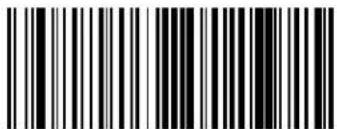 Optional GS1-128 Add-On Timer = 180ms Optional GS1-128 Add-On Timer = 180ms | |
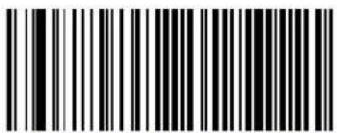 Optional GS1-128 Add-On Timer = 200ms Optional GS1-128 Add-On Timer = 200ms | |
 Optional GS1-128 Add-On Timer = 220ms Optional GS1-128 Add-On Timer = 220ms | |
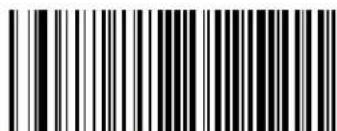 Optional GS1-128 Add-On Timer = 240ms Optional GS1-128 Add-On Timer = 240ms | |
 Optional GS1-128 Add-On Timer = 260ms Optional GS1-128 Add-On Timer = 260ms | |
 Optional GS1-128 Add-On Timer = 280ms Optional GS1-128 Add-On Timer = 280ms | |
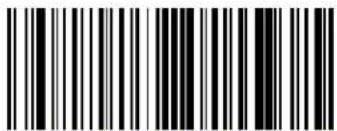 Optional GS1-128 Add-On Timer = 300ms Optional GS1-128 Add-On Timer = 300ms |

ENTER/EXIT PROGRAMMING MODE P2 Add-Ons Minimum Reads
P2 Add-Ons Minimum Reads
z his feature specifies the minimum number of times a v V add on must be read before it is marked as valid and then combined with a base label
 P2 Add-Ons Minimum Reads = 1 P2 Add-Ons Minimum Reads = 1 | |
 P2 Add-Ons Minimum Reads = 2 P2 Add-Ons Minimum Reads = 2 |  |
 P2 Add-Ons Minimum Reads = 3 P2 Add-Ons Minimum Reads = 3 | |
 P2 Add-Ons Minimum Reads = 4 P2 Add-Ons Minimum Reads = 4 |
P5 Add-Ons Minimum Reads
z his|feature|specifies|the|minimum|number|of|times|a|v |add|on|must|be|read|before|it|is|marked|as|valid|and|then|combined|with|a|base|label
 |  P5 Add-Ons Minimum Reads = 1 P5 Add-Ons Minimum Reads = 1 |
 P5 Add-Ons Minimum Reads = 2 P5 Add-Ons Minimum Reads = 2 | |
 P5 Add-Ons Minimum Reads = 3 P5 Add-Ons Minimum Reads = 3 | |
 P5 Add-Ons Minimum Reads = 4 P5 Add-Ons Minimum Reads = 4 |

ENTER/EXIT PROGRAMMING MODE GS1-128 Add-Ons Minimum Reads
GS1-128 Add-Ons Minimum Reads
z his|feature|specifies|the|minimum|number|of|times|an|myUUV |add|on|must|be|read|before|it|is|marked|as|valid|and|then|combined|with|a|basellabel
| [G TXY] |  GS1-128 Add-Ons Minimum Reads = 1 GS1-128 Add-Ons Minimum Reads = 1 |
 GS1-128 Add-Ons Minimum Reads = 2 GS1-128 Add-Ons Minimum Reads = 2 | |
 GS1-128 Add-Ons Minimum Reads = 3 GS1-128 Add-Ons Minimum Reads = 3 | |
 GS1-128 Add-Ons Minimum Reads = 4 GS1-128 Add-Ons Minimum Reads = 4 |
CODE 39
z he following options apply to the i ode W^Isymbology
Code 39 Enable/Disable
 Code 39 = Disable Code 39 = Disable | |
 Code 39 = Enable Code 39 = Enable |  |
Code 39 Check Character Calculation
knable this option to enables disables calculation and verification of an optional di odeW^check character hen disabled any check character in the label dis treated as data character
 |  Code 39 Check Character Calculation = Don’t Calculate Code 39 Check Character Calculation = Don’t Calculate |
 Code 39 Check Character Calculation = Calculate Std Check Code 39 Check Character Calculation = Calculate Std Check | |
 Code 39 Check Character Calculation = Calculate Mod 7 Check Code 39 Check Character Calculation = Calculate Mod 7 Check |

ENTER/EXIT PROGRAMMING MODE Code 39 Check Character Transmission
Code 39 Check Character Calculation — cont.

text_image
Black and white barcode image with vertical lines on both sidesCode 39 Check Character Calculation = Enable Italian Post Check
text_image
Black and white barcode image with vertical lines and a small number '1' at the bottomCode 39 Check Character Calculation = Enable Daimler Chrysler Check
Code 39 Check Character Transmission
knable this option to transmit the check character along with i odeW^ barcode data

text_image
Black and white barcode image with vertical lines and a small number 'n' in the bottom right corner.Code 39 Check Character Transmission = Send

text_image
Black and white barcode image with vertical lines and dotsCode 39 Check Character Transmission = Don't Send

text_image
DEFAULTCode 39 Start/Stop Character Transmission
knable this option to enable disable transmission of i ode w^ start and stop characters


text_image
Black and white barcode image with vertical lines on both sidesCode 39 Start/Stop Character Transmission = Don't Transmit

text_image
Black and white barcode image with vertical lines and a central dotCode 39 Start/Stop Character Transmission = Transmit
Code 39 Full ASCII
knables\disables\the\translation\of\i ode\W^\characters\to\i ode\W^\full\g yi oo\characters\
DEFAULT

text_image
Black and white barcode image with vertical lines and a central dotCode 39 Full ASCII = Disable

text_image
Black and white barcode image with vertical lines and a small number '1' at the topCode 39 Full ASCII = Enable
ENTER/EXIT PROGRAMMING MODE Code 39 Quiet Zones
Code 39 Quiet Zones
z hisfeature specifies the number of quiet zones for i odeW^labels w uiet zones are blank areas at the ends of a barcode typically U1 times the width of the narrowest bar or space in the label
 Code 39 Quiet Zones = Quiet Zone on one side Code 39 Quiet Zones = Quiet Zone on one side | |
 Code 39 Quiet Zones = Quiet Zones on two sides Code 39 Quiet Zones = Quiet Zones on two sides | |
 Code 39 Quiet Zones = Auto Code 39 Quiet Zones = Auto |  |
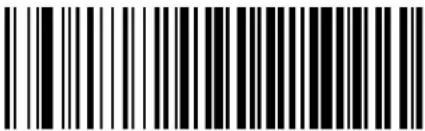 Code 39 Quiet Zones = Virtual Quiet Zones on two sides Code 39 Quiet Zones = Virtual Quiet Zones on two sides | |
 Code 39 Quiet Zones = Small Quiet Zones on two sides Code 39 Quiet Zones = Small Quiet Zones on two sides |
Code 39 Minimum Reads
z his|feature|specifies|the|minimum|number|of|consecutive|times|a|ode|W^|label|must|be| decoded|before|it|is|accepted|as|good|read|
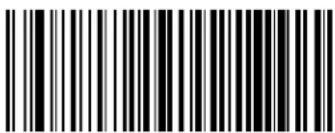 Code 39 Minimum Reads = 1 Code 39 Minimum Reads = 1 | |
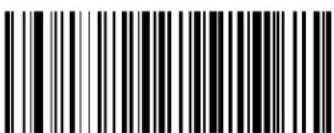 Code 39 Minimum Reads = 2 Code 39 Minimum Reads = 2 |  |
 Code 39 Minimum Reads = 3 Code 39 Minimum Reads = 3 | |
 Code 39 Minimum Reads = 4 Code 39 Minimum Reads = 4 |

ENTER/EXIT PROGRAMMING MODE Code 39 Decoding Level
Code 39 Decoding Level
j encodingr evels|are|used|to|configure|a|barcode|SYMBOLG|decoder|to|be|very|aggressive|to|very|conservative|depending|on|a|particular|customer's|needs|yee|page 302|for|more|information|on|this|feature|

This configuration item applies to Code 39 and Code 32.
 Code 39 Decoding Level = 1 (Conservative) Code 39 Decoding Level = 1 (Conservative) | |
 Code 39 Decoding Level = 2 Code 39 Decoding Level = 2 | |
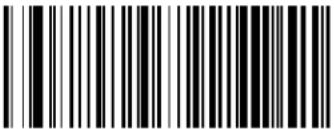 Code 39 Decoding Level = 3 Code 39 Decoding Level = 3 |  |
 Code 39 Decoding Level = 4 Code 39 Decoding Level = 4 | |
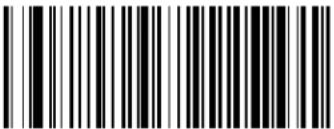 Code 39 Decoding Level = 5 (Aggressive) Code 39 Decoding Level = 5 (Aggressive) |
Code 39 Length Control
z his|feature|specifies|either|variable|length|decoding|or|fixed|length|decoding|for|the|ode|W^| symbology|
Variable Length.l or variableLengthdecoding minimumand maximumlengthmay set
Fixed Length. 1 or fixed length decoding two different lengths may be set
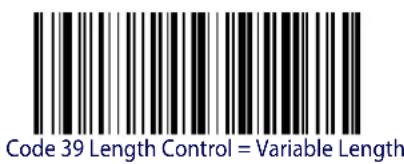
text_image
Code 39 Length Control = Variable Length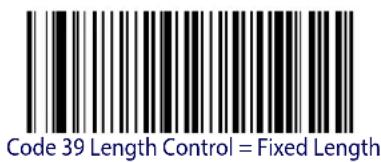
text_image
Code 39 Length Control = Fixed LengthCode 39 Set Length 1
z his feature specifies one of the barcode lengths for Code 39 Length Control or length U is the minimum label length if in Variable Lengths ode for the first fixed length if in Fixed Length
s odeOrengthincludesthebarcode'sdatacharactersonlyOz he&lengthCanBebsetfromYTtoYTD charactersR
z able2 provides examples for setting for length URyee page 302 for detailed instructions on setting this feature
Table 2. Code 39 Length 1 Setting Examples
| STEP ACTION EXAMPLES | ||||
| 1 Desired Setting | 00 Characters 07 | Characters 15 Characters | 50 Characters | |
| 2 Scan ENTER/EXIT PROGRAMMING MODE | ||||
| 3 Scan SELECT CODE 39 LENGTH 1 SETTING | ||||
| 4 | Scan Two Characters FromAppendix D, Keypad | ‘0’ and ‘0’ | ‘0’ and ‘7’ | ‘1’ and ‘5’ |
| 5 Scan ENTER/EXIT PROGRAMMING MODE | ||||

Select Code 39 Set Length 1 Setting
Make a mistake? Scan the CANCEL barcode to abort and not save the entry string. You can then start again at the beginning.
CANCEL
DEFAULT
02 = Length 1 is 2 Characters
Code 39 Set Length 2
z hisfeaturespecifiesoneofthebarcodelengthsforCode 39 Length ControlrengthVisthe maximumlabellengthifinVariable LengthsodeforthesecondfixedlengthifinFixed Length
s odeDr engthincludesthebarcode'scheckdataandfullQgyi oolshiftcharactershz hdlengthd doesnotincludestartStopcharactersR
z able30 provides examples for setting Dr ength NV yee page 303 for detailed instructions on setting this feature
Table 3. Code 39 Length 2 Setting Examples
| STEP ACTION EXAMPLES | ||||
| 1 Desired Setting | 00 (Ignore This Length) | 07 Characters 15 | Characters 50 Characters | Characters |
| 2 Scan ENTER/EXIT PROGRAMMING MODE | ||||
| 3 Scan SELECT CODE 39 LENGTH 2 SETTING | ||||
| 4 | Scan Two Characters From Appendix D, Keypad | ‘0’ and ‘0’ | ‘0’ and ‘7’ | ‘1’ and ‘5’ |
| 5 Scan ENTER/EXIT PROGRAMMING MODE | ||||

Select Code 39Length 2 Setting
Make a mistake? Scan the CANCEL barcode to abort and not save the entry string. You can then start again at the beginning.

CANCEL
DEFAULT
50 = Length 2 is 50 Characters

ENTER/EXIT PROGRAMMING MODE Code 39 Interdigit Ratio
Code 39 Interdigit Ratio
z his|feature|specifies|the|ratio|between|an|intercharacter|space|and|module|for|i ode|W^|labels|
 Code 39 Interdigit Ratio = Disable Code 39 Interdigit Ratio = Disable | |
 Code 39 Interdigit Ratio = 1 Code 39 Interdigit Ratio = 1 | |
 Code 39 Interdigit Ratio = 2 Code 39 Interdigit Ratio = 2 | |
 Code 39 Interdigit Ratio = 3 Code 39 Interdigit Ratio = 3 | |
 |  Code 39 Interdigit Ratio = 4 Code 39 Interdigit Ratio = 4 |
 Code 39 Interdigit Ratio = 5 Code 39 Interdigit Ratio = 5 |
Code 39 ENTER/EXIT PROGRAMMING MODE
Code 39 Interdigit Ratio — cont.
 Code 39 Interdigit Ratio = 6 Code 39 Interdigit Ratio = 6 | |
 Code 39 Interdigit Ratio = 7 Code 39 Interdigit Ratio = 7 | |
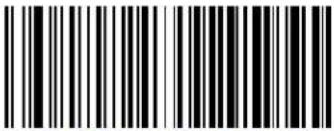 Code 39 Interdigit Ratio = 8 Code 39 Interdigit Ratio = 8 | |
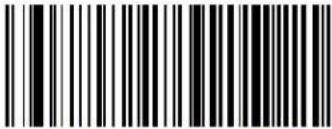 Code 39 Interdigit Ratio = 9 Code 39 Interdigit Ratio = 9 | |
 Code 39 Interdigit Ratio = 10 Code 39 Interdigit Ratio = 10 |

ENTER/EXIT PROGRAMMING MODE Code 39 Character Correlation
Code 39 Character Correlation
hencorrelationisenabledthebarcodereaderwillcombinelabeldatafrommultiplescanswhendecodingknablingcorrelationwillhelpthescannerreadlabelsthathavesomespotsandorvoidsotmayalsohelpreadlabelsthathavedamagedareasknablingcorrelationwillalsoincreasethechancesthatallabelwillbereadincorrectly
text_image
DEFAULT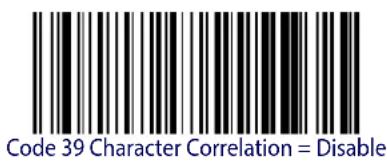
text_image
Code 39 Character Correlation = Disable
text_image
Code 39 Character Correlation = EnableCode 39 Stitching
z hisoptionlenablesdisablesstitchingfori odeW^labelshenpartsofdi odeW^barcodearepresentedtothereaderwiththisfeatureenabledthebarcodepartswillbeassembledbythereader'ssoftwareandthedatawillbe decodedifallbarcodeproofingrequirementsaremet
| Code 39 Stitching = Disable | |
 Code 39 Stitching = Enable Code 39 Stitching = Enable |  |
CODE 32 (ITAL PHARMACEUTICAL CODE)
z he following options apply to the di ode WV Lotalian v pharmaceutical di ode M symbology R
Code 32 Enable/Disable
henDisabledtheReaderwillnotreadiodeWVbarcodesR

text_image
DEFAULT
text_image
Black and white barcode image with vertical lines and a central dotCode 32 = Enable
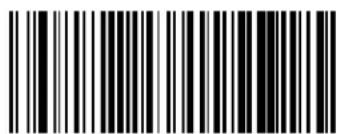
text_image
Black and white barcode image with vertical lines on both sidesCode 32 = Disable
Code 32 Feature Setting Exceptions

The following features are set for Code 32 by using these Code 39 settings:
"Code 39 Quiet Zones" on page 139
"Code 39 Minimum Reads" on page 140
"Code 39 Decoding Level" on page 141
"Code 39 Interdigit Ratio" on page 145
"Code 39 Character Correlation" on page 147
"Code 39 Stitching" on page 147

ENTER/EXIT PROGRAMMING MODE Code 32 Check Char Transmission
Code 32 Check Char Transmission
knable this option to transmit the check character along with i ode DWW barcode data

text_image
Code 32 Check Character Transmission = Don't Send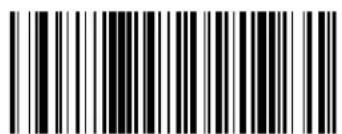
text_image
Black and white barcode image with vertical lines and a small number 'n' in the bottom right corner.Code 32 Check Character Transmission = Send
Code 32 Start/Stop Character Transmission
z hisoptionenablesdisablestransmissionofiodeWVstartandstopcharacters

text_image
Code 32 Start/Stop Character Transmission = Don't Transmit
text_image
Black and white barcode image with vertical lines on both sidesCode 32 Start/Stop Character Transmission = Transmit
CODE 39 CIP (FRENCH PHARMACEUTICAL)
z he following options apply to the i odeW^Di ov Symbology
Code 39 CIP Enable/Disable
knablesSj isablesabilityofthereadertodecodeDi odeW^Di ovLabelsR


text_image
Black and white barcode image with vertical lines and dots, no readable text or symbols
text_image
Barcode image containing encoded digital informationCode 39 CIP = Enable

ENTER/EXIT PROGRAMMING MODE Code 128 Enable/Disable
CODE 128
z he following options apply to the i ode UV symbology
Code 128 Enable/Disable
henDisabledtheReaderwillnotreadi odeUV DbarcodesR
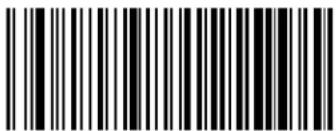 Code 128 = Disable Code 128 = Disable | |
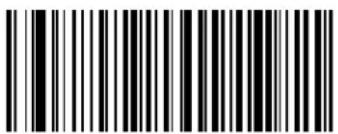 Code 128 = Enable Code 128 = Enable |  |
Expand Code 128 to Code 39
z hisfeatureenablesdisablesexpansionofiodeUV labelstoiodeW^labelsR
 | 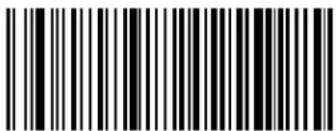 Code 128 to Code 39 = Don't Expand Code 128 to Code 39 = Don't Expand |
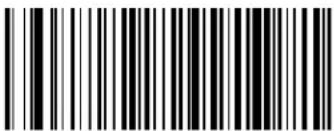 Code 128 to Code 39 = Expand Code 128 to Code 39 = Expand |
Code 128 Check Character Transmission
knable this option to transmit the check character along with i odeUV barcode data

text_image
Black and white barcode image with vertical lines and a small number 'n' in the bottom right corner.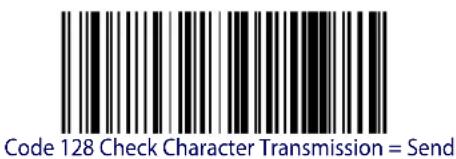
text_image
Code 128 Check Character Transmission = SendCode 128 Check Character Transmission = Don't Send
Code 128 Function Character Transmission
knablesSdisablesTransmissionDofi odeUV DfunctionCharactersDUPDVPOWP0andDXR

text_image
Black and white barcode image with vertical lines and a small white dot at the bottom center.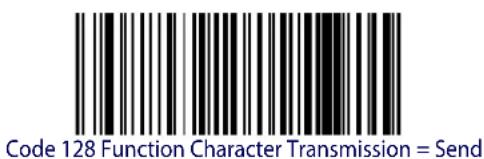
text_image
Code 128 Function Character Transmission = SendCode 128 Function Character Transmission = Don't Send
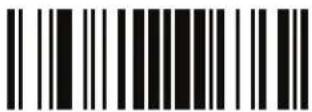
ENTER/EXIT PROGRAMMING MODE Code 128 Sub-Code Change Transmission
Code 128 Sub-Code Change Transmission
knablesDisablestheTransmissionof"yubQiodeexchange"charactersLt u z transmittedby standarddecoding
text_image
DEFAULT
text_image
Black and white barcode image with vertical lines and a small number 'n' in the bottom right corner.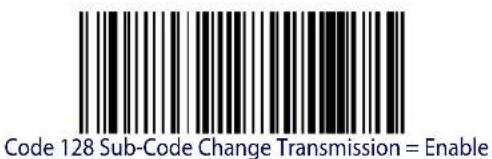
text_image
Code 128 Sub-Code Change Transmission = EnableCode 128 Sub-Code Change Transmission = Disable
Code 128 Quiet Zones
z his|feature|specifies|the|number|of|quiet|zones|for|i ode|UV |labels|w uiet|zones|are|blank|areas| at|the|ends|of|a|barcode|and|are|typically|U1|times|the|width|of|the|narrowest|bar|or|space|in|the|label|
 Code 128 Quiet Zones = No Quiet Zones Code 128 Quiet Zones = No Quiet Zones | |
 Code 128 Quiet Zones = Quiet Zone on one side Code 128 Quiet Zones = Quiet Zone on one side | |
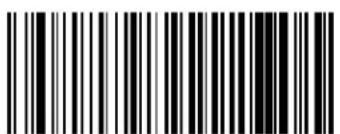 Code 128 Quiet Zones = Quiet Zones on two sides Code 128 Quiet Zones = Quiet Zones on two sides | |
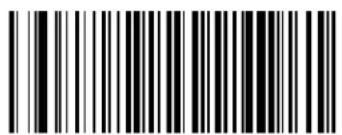 Code 128 Quiet Zones = Auto Code 128 Quiet Zones = Auto |  |
 Code 128 Quiet Zones = Virtual Quiet Zones on two sides Code 128 Quiet Zones = Virtual Quiet Zones on two sides |
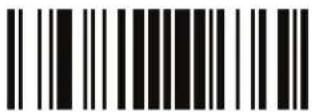
ENTER/EXIT PROGRAMMING MODE Code 128 Minimum Reads
Code 128 Minimum Reads
z his|feature|specifies|the|minimum|number|of|consecutive|times|a|i ode|UV |label|must|be| decoded|before|it|is|accepted|as|good|read|
text_image
DEFAULT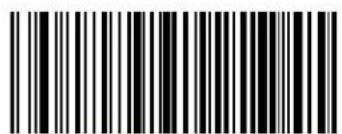
text_image
Black and white barcode image with vertical lines on both sides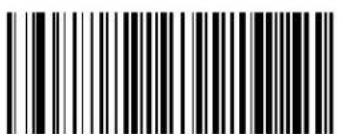
text_image
Black and white barcode image with vertical lines and a central patternCode 128 Minimum Reads = 1

text_image
Black and white barcode image with vertical lines above and below the bars
text_image
Black and white barcode image with vertical lines and a small number 'n' in the bottom right corner.Code 128 Minimum Reads = 4
Code 128 Decoding Level
j encodingr evels|are|used|to|configure|a|barcode|SYMBOLG|decoder|to|belvery|aggressive|to|very|conservative|depending|on|a|particular|customer's|needs|yee|page 302|for|more|information|on|this|feature
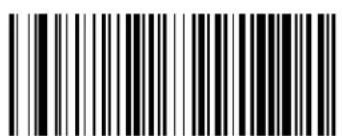 Code 128 Decoding Level = 1 (Conservative) Code 128 Decoding Level = 1 (Conservative) | |
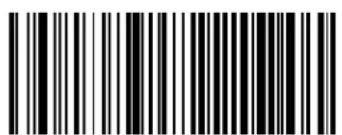 Code 128 Decoding Level = 2 Code 128 Decoding Level = 2 | |
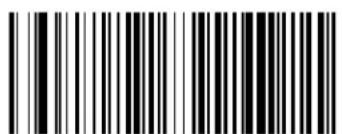 Code 128 Decoding Level = 3 Code 128 Decoding Level = 3 |  |
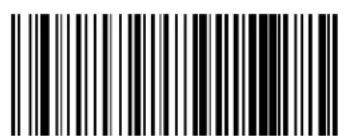 Code 128 Decoding Level = 4 Code 128 Decoding Level = 4 | |
 Code 128 Decoding Level = 5 (Aggressive) Code 128 Decoding Level = 5 (Aggressive) |
ENTER/EXIT PROGRAMMING MODE Code 128 Length Control
Code 128 Length Control
z his|feature|specifies|either|variable|length|decoding|or|fixed|length|decoding|for|the|ode|UV | symbology|yee|page 302|for|more|information

text_image
DEFAULT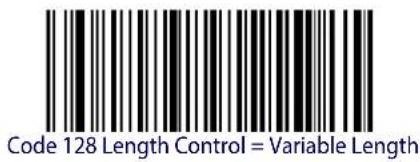
text_image
Code 128 Length Control = Variable Length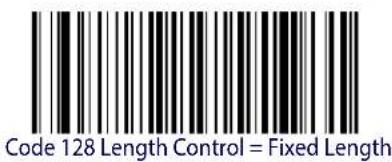
text_image
Code 128 Length Control = Fixed LengthCode 128 Set Length 1
ypeifiesoneofthebarcodelengthsforCode 128 Length ControlrengthUistheminimumlabellengthifinVariable Lengths odeorthefirstfixedlengthifinFixed Lengths odeorengthincludesthebarcode'sdatacharactersonlyz helengthcanbelsetfromUtoTcharactersD
z able4 provides some examples for setting for length your page 302 for detailed instructions on setting this feature?
Table 4. Code 128 Length 1 Setting Examples
| STEP ACTION EXAMPLES | ||||
| 1 Desired Setting | 01 Character | 07 Characters | 15 Characters | 80 Characters |
| 2 Scan ENTER/EXIT PROGRAMMING MODE | ||||
| 3 Scan SELECT CODE 128 LENGTH 1 SETTING | ||||
| 4 | Scan Two Characters From Appendix D, Keypad | ‘0’ and ‘1’ ‘0’ and ‘7’ ‘1’ and ‘5’ ‘8’ | AND ‘0’ | |
| 5 Scan ENTER/EXIT PROGRAMMING MODE | ||||

text_image
Select Code 128 Set Length 1 SettingMake a mistake? Scan the CANCEL barcode to abort and not save the entry string. You can then start again at the beginning.

DEFAULT
01 = Length 1 is 1 Character
Code 128 Set Length 2
z his feature specifies one of the barcode lengths for Code 128 Length Controlr length is the maximum label length if in Variable Lengths ode for the second fixed length if in Fixed Lengths ode r ength includes the barcode's data characters only
z he\length\can\be\set\from\UD\to T\characters\g\setting\of\TT\specifies\to\ignore\this\length\Only\one\fixed\length\AR
z able[5] provides examples for setting for length/Myepage 303 for detailed instructions on setting this feature
Table 5. Code 128 Length 2 Setting Examples
| STEP ACTION EXAMPLES | ||||
| 1 Desired Setting | 00 (Ignore This Length) | 07 Characters 15 | Characters 80 Characters | |
| 2 Scan ENTER/EXIT PROGRAMMING MODE | ||||
| 3 Scan SELECT CODE 128 LENGTH 2 SETTING | ||||
| 4 | Scan Two Characters From Appendix D, Keypad | '0' and '0' '0' and '7' '0' and 'F' '5' AND 0' | ||
| 5 Scan ENTER/EXIT PROGRAMMING MODE | ||||
R

Select Code 128 Length 2 Setting
Make a mistake? Scan the CANCEL barcode to abort and not save the entry string. You can then start again at the beginning.
CANCEL
DEFAULT
80 = Length 2 is 80 Characters
Code 128 Character Correlation
hen correlation is enabled the barcode reader will combine label data from multiple scans when decoding knabling correlation will help the scanner read labels that have some spots and or voids hot may also help read labels that have damaged areas knabling correlation will also increase the chances that a label will be read incorrectly
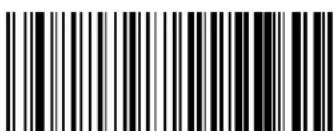
text_image
Black and white barcode image with vertical lines and a central dot
text_image
Code 128 Character Correlation = EnableCode 128 Character Correlation = Disable
Code 128 Stitching
z hisoptionenablesdisablesstitchingfori odeUV labelshenpartsoflaiodeUV barcodearepresentedtothereaderwiththisfeatureenabledthebarcodepartswillbeassembledbythereader'ssoftwareandthedatawillbe decodedifallbarcodeproofingrequirementsaremet

text_image
Black and white barcode image with vertical lines and a central dot
text_image
Black and white barcode image with vertical lines and a central dotCode 128 Stitching = Disable
Code 128 Stitching = Enable

GS1-128
z he following options apply to the my UQUV symbolology lg lso known as ' yyQUV PmyUQUV Pm z ot QUV P' i i QUV Pkg t QUV RM
GS1-128 Enable
z hisoption enables disables the ability of the reader to translate my UQUV labels to the my UQUV data format uptions are
- Transmit GS1-128 labels in Code 128 data format.
- Transmit GS1-128 labels in GS1-128 data format.
- Do not transmit GS1-128 labels.
 GS1-128 = Transmit in Code 128 data format GS1-128 = Transmit in Code 128 data format | |
 GS1-128 = Transmit in GS1-128 data format GS1-128 = Transmit in GS1-128 data format |  |
 GS1-128 = Do not transmit GS1-128 labels GS1-128 = Do not transmit GS1-128 labels |
CODE ISBT 128
z he following options apply to the boy h z DUV Symbolology
ISBT 128 Concatenation
'seltthisOptionToEnableSdisableBoyhz UV DconcatenationOfV0labelsR

text_image
DEFAULT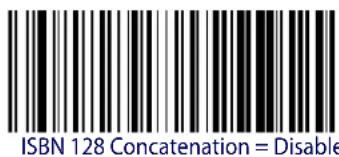
text_image
ISBN 128 Concatenation = Disable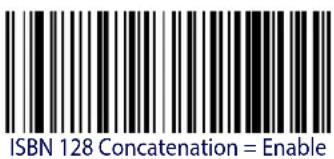
text_image
ISBN 128 Concatenation = EnableISBT 128 Force Concatenation
henEnabledPDthisDfeatureDforcesDconcatenationDforDoyhz R

This option is only valid when ISBT 128 Concatenation is enabled.

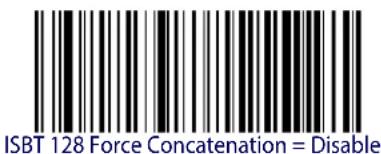
text_image
ISBT 128 Force Concatenation = Disable
text_image
Black and white barcode image with vertical lines on both sidesISBT 128 Force Concatenation = Enable
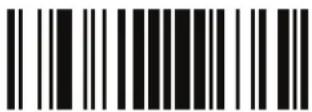
ENTER/EXIT PROGRAMMING MODE ISBT 128 Concatenation Mode
ISBT 128 Concatenation Mode
ypecifies the concatenation model between dyatic and dynamic

This option is only valid when ISBT 128 Concatenation is enabled (see page 162).

text_image
Black and white barcode image with vertical lines and dots, no readable text or symbols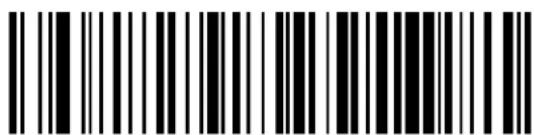
text_image
Black and white barcode image with vertical lines and dots, no readable text or symbolsISBT 128 Concatenation Mode = Dynamic
ISBT 128 Dynamic Concatenation Timeout
ypecifiesthetimeoutusedbytheoyhz UV Dj namicdi oncatenationds oder
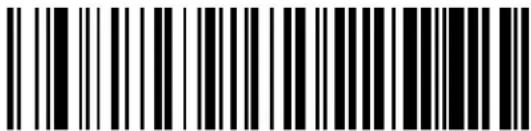 ISBT 128 Dynamic Concatenation Timeout = 50 msec ISBT 128 Dynamic Concatenation Timeout = 50 msec | |
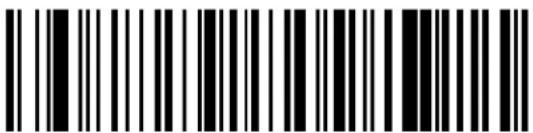 ISBT 128 Dynamic Concatenation Timeout = 100 msec ISBT 128 Dynamic Concatenation Timeout = 100 msec | |
 | 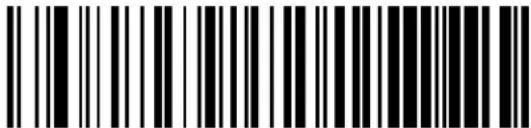 ISBT 128 Dynamic Concatenation Timeout = 200 msec ISBT 128 Dynamic Concatenation Timeout = 200 msec |
 ISBT 128 Dynamic Concatenation Timeout = 500 msec ISBT 128 Dynamic Concatenation Timeout = 500 msec | |
 ISBT 128 Dynamic Concatenation Timeout = 750 msec ISBT 128 Dynamic Concatenation Timeout = 750 msec | |
 ISBT 128 Dynamic Concatenation Timeout = 1 second ISBT 128 Dynamic Concatenation Timeout = 1 second |

ISBT 128 Advanced Concatenation Options
To set up pairs of label types for concatenation, use the Datalogic Aladdin configuration application or contact Datalogic Technical Support, as described on page 10.

ENTER/EXIT PROGRAMMING MODE Codablock F Enable/Disable
CODABLOCK F
z he following options apply to the odablock symbol
Codablock F Enable/Disable
knablesSj isablesDabilityofReaderToDecodeId odablockD labelsR
text_image
DEFAULT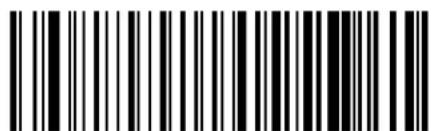
text_image
Black and white barcode image with vertical lines and a small number '1' at the bottom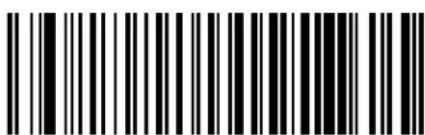
text_image
Black and white barcode image with vertical lines and a small number '1' at the bottomCodablock F = Enable
Codablock F = Disable
Codablock F EAN Enable/Disable
knablesSj isablesthei odablockD kgt subtypeDcodeDwithD t i UdinDtheDfirstDpositionMRR
text_image
DEFAULT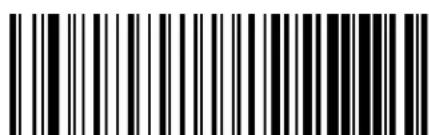
text_image
Black and white barcode image with vertical lines and a central dot
text_image
Black and white barcode image with vertical lines and a small number '1' at the topCodablock F EAN = Disable
Codablock F EAN = Enable
Codablock F AIM Check
ypecifiesifi heckj igitcalculationalgorithmdisg os Icompliantornot
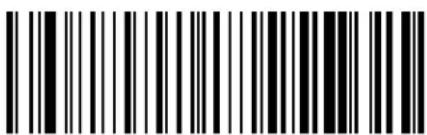 Codablock F AIM Check = Disable Codablock F AIM Check = Disable | |
 Codablock F AIM Check = Enable Check C Codablock F AIM Check = Enable Check C |  |
Codablock F Length Control
z his|feature|specifies|either|variable|length|decoding|or|fixed|length|decoding|for|the|odablock|l|symbology
Variable Length.1 or variablelengthdecoding|minimum|and|maximum|length|maybeset
Fixed Length. 1 or fixed length decoding two different lengths may be set
 | 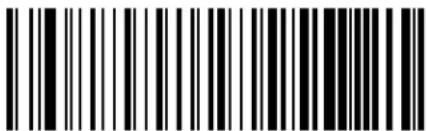 Codablock F Length Control = Variable Length Codablock F Length Control = Variable Length |
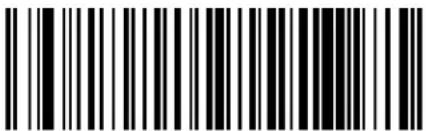 Codablock F = Fixed Length Codablock F = Fixed Length |
Codablock F Set Length 1
ypeifiesoneofthebarcodelengthsforCodablock F Length ControlrengthUistheminimumlabellengthifinVariable Lengths odeForthefirstfixedlengthiflinFixed Lengths odeUrengthincludesthebarcode'sdatacharactersonlyNi characterscanbelsetfromTWtoIVYYcharacters
z able6 provides some examples for setting or length URyepage 302 for detailed instructions on setting this feature
Table 6. CODABLOCK F Length 1 Setting Examples
| STEP ACTION EXAMPLES | ||||
| 1 Desired Setting | 03 Characters 07 | Characters 15 Characters | 50 Characters | |
| 2 Scan ENTER/EXIT PROGRAMMING MODE | ||||
| 3 Scan SELECT CODABLOCK F LENGTH 1 SETTING | ||||
| 4 | Scan Three Characters FromAppendix D, Keypad | ‘0’, ‘0’ and ‘3’ | ‘0’, ‘0’ and ‘7’ | ‘0”,‘1’ and ‘5’ |
| 5Scan ENTER/EXIT PROGRAMMING MODE | ||||
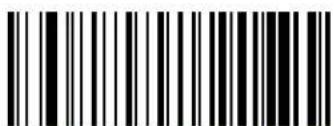
text_image
Black and white barcode image with vertical lines and dots, no readable text or symbolsSelect Codablock F Length 1 Setting
Make a mistake? Scan the CANCEL barcode to abort and not save the entry string. You can then start again at the beginning.

CANCEL
DEFAULT
03 = Length 1 is 3 Characters
Codablock F Set Length 2
z his|feature|specifies|one|of|the|barcode|lengths|for|Codablock F Length Control|r ength|V|is|the|maximum|label|length|ifin|Variable Length|s ode|for|the|second|fixed|length|ifin|Fixed Length|
s ode#r ength#includes#the#barcode's#check#data#and#full#g yi oo#shift#characters#z he#length# does#notinclude#start#stop#characters#
z able77providesexamplesforsettingrengthNMyeelpage 303fordetailedinstructionsonsettingthisfeature
Table 7. CODABLOCK F Length 2 Setting Examples
| STEP ACTION EXAMPLES | |||||
| 1 Desired Setting | 00 (Ignore This Length) | 07 Characters 15 | Characters 50 Characters | ||
| 2 Scan ENTER/EXIT PROGRAMMING MODE | |||||
| 3 Scan SELECT CODABLOCK F LENGTH 2 SETTING | |||||
| 4 | Scan Three Characters From Appendix D, Keypad | ‘0’, ‘0’ and ‘0’ | ‘0’, ‘0’ and ‘7’ | ‘0”,‘1’ and ‘5’ | ‘0”,‘5’ AND ‘0’ |
| 5Scan ENTER/EXIT PROGRAMMING MODE | |||||

text_image
Black and white barcode image with vertical lines and a small number '1' at the bottom right.Select Codablock F Length 2 Setting
Make a mistake? Scan the CANCEL barcode to abort and not save the entry string. You can then start again at the beginning.

CANCEL
DEFAULT
100 = Length 2 is 100 Characters

ENTER/EXIT PROGRAMMING MODE I 2 of 5 Enable/Disable
INTERLEAVED 2 OF 5 (I 2 OF 5)
z he following options apply to the of Ysymbology
I 2 of 5 Enable/Disable
henDisabledtheReaderwillnotreadloVofYbarcodesR

text_image
DEFAULT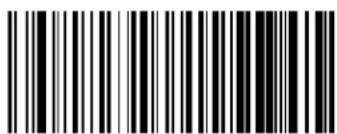
text_image
Black and white barcode image with vertical lines and a small number 'n' in the bottom right corner.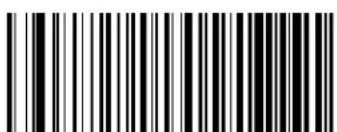
text_image
Black and white barcode image with vertical lines and a small number 'n' in the bottom right corner.12 of 5 = Enable
I 2 of 5 Check Character Calculation
z hisoption enables disables calculation and verification of an optional doV of Y check character.
text_image
DEFAULT
text_image
Black and white barcode image with vertical lines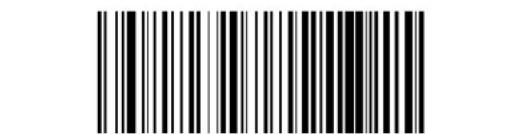
text_image
Black and white barcode image with vertical lines on both sides12 of 5 Check Character Calculation = Disable
text_image
Black and white barcode image with vertical lines and a central dot12 of 5 Check Character Calculation = Check German Parcel
I 2 of 5 Check Character Calculation - cont.
| 12 of 5 Check Character Calculation = Check DHL | |
| 12 of 5 Check Character Calculation = Check Daimler Chrysler | |
| 12 of 5 Check Character Calculation = Check Bosch | |
| 12 of 5 Check Character Calculation = Italian Post |
I 2 of 5 Check Character Transmission
knable this option to transmit the check character along with doV of Y barcode data
| 12 of 5 Check Character Transmission = Don't Send | |
| 12 of 5 Check Character Transmission = Send | DEFAULT |

ENTER/EXIT PROGRAMMING MODE I 2 of 5 Minimum Reads
I 2 of 5 Minimum Reads
z his|feature|specifies|the|minimum|number|of|consecutive|times|an|o|V|of|Y|label|must|be| decoded|before|it|is|accepted|as|good|read|
 12 of 5 Minimum Reads = 1 12 of 5 Minimum Reads = 1 | |
 12 of 5 Minimum Reads = 2 12 of 5 Minimum Reads = 2 |  |
 12 of 5 Minimum Reads = 3 12 of 5 Minimum Reads = 3 | |
 12 of 5 Minimum Reads = 4 12 of 5 Minimum Reads = 4 |
2 of 5 Decoding Level

This configuration item applies to Interleaved 2 of 5, Datalogic 2 of 5 and Standard 2 of 5.
j encodingr evels|arelused|to|configure|a|barcode|SYMBOLG|decoder|to|belvery|aggressive|to|very|conservative|depending|on|a|particular|customer's|needs|yee|page 302|for|more|information|on|this|feature
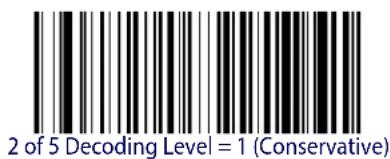
text_image
2 of 5 Decoding Level = 1 (Conservative)
text_image
2 of 5 Decoding Level = 2
text_image
2 of 5 Decoding Level = 3
text_image
DEFAULT
text_image
2 of 5 Decoding Level = 5 (Aggressive)
text_image
2 of 5 Decoding Level = 4
ENTER/EXIT PROGRAMMING MODE | 2 of 5 Length Control
12 of 5 Length Control
z his|feature|specifies|either|variable|length|decoding|or|fixed|length|decoding|for|the|of|V|of|Y|symbology|
Variable Length.1 or variable length decoding minimum and maximum length may be set
Fixed Length. 1 or fixed length decoding two different lengths may be set

text_image
DEFAULT
text_image
12 of 5 Length Control = Variable Length
text_image
1 2 of 5 Length Control = Fixed LengthI 2 of 5 Set Length 1
z his|feature|specifies|one|of|the|barcode|lengths|for| 2 of 5 Length Control|r ength|U|is|the|
minimumlabellengthDifinVariable Lengths odeDorthefirstfixedlengthDifinFixed Length
s odeHz hellengthincludesthebarcode'scheckanddatacharactersHz hellengthcanbelsetfrom
VdtoDYT characters in increments of two
z able8 provides some examples for setting for length you page 302 for detailed instructions on
setting this feature
Table 8.12 of 5 Length 1 Setting Examples
| STEP ACTION EXAMPLES | |||||
| 1 Desired Setting | 2 Characters 6 | Characters 14 | Characters 50 | Characters | |
| 2 | Pad with leading zeroes to yield two digits | 02 06 14 50 | |||
| 3 Scan ENTER/EXIT PROGRAMMING MODE | |||||
| 4 Scan SELECT I 2 of 5 LENGTH 1 SETTING | |||||
| 5 | Scan Two Characters From Appendix D, Keypad | ‘0’ and ‘2’ | ‘0’ and ‘6’ | ‘1’ and ‘4’ | ‘5’ AND ‘0’ |
| 6 Scan ENTER/EXIT PROGRAMMING MODE | |||||
Select 1 2 of 5 Length 1 Setting
Make a mistake? Scan the CANCEL barcode to abort and not save the entry string. You can then start again at the beginning.
CANCEL
DEFAULT
06 = Length 1 is 6 Characters
12 of 5 Set Length 2
z his feature specifies one of the barcode lengths for 2 of 5 Length Controlr lengthV is the maximum label length if in Variable Lengths ode or the second fixed length if in Fixed Length
s ode#z he#lengthincludesthebarcode'scheckanddatacharacters
z he\length\can\be\set\from\V\to\YT\characters\g\setting\of\TT\specifies\to\ignore\this\length\Only\one\fixed\length\AR
z able9 provides examples for setting r length N yee page 303 for detailed instructions on setting this feature
Table 9.12 of 5 Length 2 Setting Examples
| STEP ACTION EXAMPLES | ||||
| 1 Desired Setting | Ignore This Length | 4 Characters 14 | Characters 50 Characters | |
| 2 Pad with leading zeroes to yield two digits | 00 04 14 50 | |||
| 3 Scan ENTER/EXIT PROGRAMMING MODE | ||||
| 4 Scan SELECT I 2 OF 5 LENGTH 2 SETTING | ||||
| 5 Scan Two Characters From Appendix D, Keypad | ‘0’ and ‘0’ ‘0’ and ‘4’ ‘1’ and ‘4’ ‘5’ AND ‘0’ | |||
| 6 Scan ENTER/EXIT PROGRAMMING MODE | ||||

Select 12 of 5 Length 2 Setting
Make a mistake? Scan the CANCEL barcode to abort and not save the entry string. You can then start again at the beginning.

CANCEL
DEFAULT
50 = Length 2 is 50 Characters
I 2 of 5 Character Correlation
hen correlation is enabled the barcode reader will combine label data from multiple scans when decoding knabling correlation will help the scanner read labels that have some spots and or voids hot may also help read labels that have damaged areas knabling correlation will also increase the chances that a label will be read incorrectly

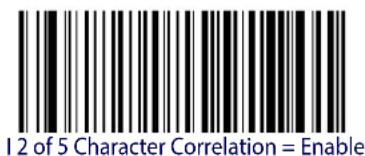
text_image
12 of 5 Character Correlation = Enable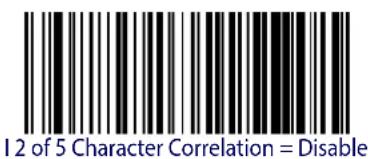
text_image
12 of 5 Character Correlation = DisableI 2 of 5 Stitching
z hisoptionlenablesdisablesstitchingforloVofYlabelshenpartslofaloVofYbarcodearepresentedtothereaderwiththisfeatureenabledthebarcodepartswillbeassembledbythereader'ssoftwareandthedatawillbe decodedifallbarcodeproofingrequirementslaremet
text_image
DEFAULT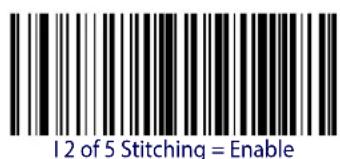
text_image
12 of 5 Stitching = Enable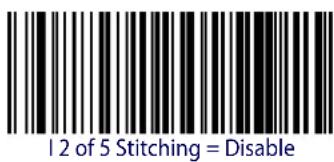
text_image
12 of 5 Stitching = Disable
ENTER/EXIT PROGRAMMING MODE Follett 2 of 5 Enable/Disable
FOLLETT 2 OF 5
z he following options apply to the ollett of Ysymbology
Follett 2 of 5 Enable/Disable
knablesSj isablesabilityofImagertodecodeOllettlVOfYlabelsR
text_image
DEFAULT
text_image
Black and white barcode image with vertical lines and a small number 'n' in the bottom right corner.
text_image
Black and white barcode image with vertical lines and a small number 'n' in the bottom right corner.Follett 2 of 5 = Enable
Follett 2 of 5 = Disable
INTERLEAVED 2 OF 5 CIP HR
z helfollowingoptionsapplytothelonterleavedVofYDiovIn x lsymbolologyR
Interleaved 2 of 5 CIP HR Enable/Disable
knablesSj isablesabilityofreadertodecodenonterleavedVOfYDi ovIn x DlabelsR
text_image
DEFAULT
text_image
Black and white barcode image with vertical lines and a small number '1' at the bottom
text_image
Black and white barcode image with vertical lines and a central dotInterleaved 2 of 5 CIP HR = Enable
Interleaved 2 of 5 CIP HR = Disable
STANDARD 2 OF 5
z he following options apply to the ytandard of Ysymbology
Standard 2 of 5 Enable/Disable
henDisabledtheReaderwillnotreadystandardDVDofYbarcodesR

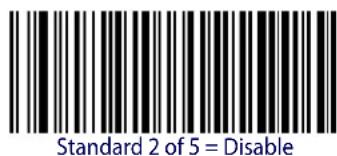
text_image
Standard 2 of 5 = Disable
text_image
Standard 2 of 5 = EnableStandard 2 of 5 Check Character Calculation
z hisoption enables disables calculation and verification of an optionally standard V of Y check character

text_image
Black and white barcode image with vertical lines and patterns
text_image
Standard 2 of 5 Check Character Calculation = EnableStandard 2 of 5 Check Character Calculation = Disable
Standard 2 of 5 Check Character Transmission
z his ^0 feature ^1 enablesSdisables ^2 transmission ^3 of ^4 an ^5 optionallytandard ^6 V ^7 of ^8 Y ^9 check ^10 character ^11
| Standard 2 of 5 Check Character Transmission = Don’t Send | |
 Standard 2 of 5 Check Character Transmission = Send Standard 2 of 5 Check Character Transmission = Send |  |
Standard 2 of 5 Minimum Reads
z his|feature|specifies|the|minimum|number|of|consecutive|times|a|y|tandard|V|of|Y|label|must|be|decoded|before|it|is|accepted|as|good|read|
| Standard 2 of 5 Minimum Reads = 1 | |
 Standard 2 of 5 Minimum Reads = 2 Standard 2 of 5 Minimum Reads = 2 |  |
 Standard 2 of 5 Minimum Reads = 3 Standard 2 of 5 Minimum Reads = 3 | |
 Standard 2 of 5 Minimum Reads = 4 Standard 2 of 5 Minimum Reads = 4 |
Standard 2 of 5 Decoding Level

The Standard 2 of 5 Decoding Level feature is set using "2 of 5 Decoding Level" on page 172.
Standard 2 of 5 Length Control
z his feature specifies either variable length decoding or fixed length decoding for the y standard of Y symbology?
Variable Length.1 or variable length decoding minimum and maximum length may be set?
Fixed Length. 1 or fixed length decoding two different lengths may be set

text_image
Black and white barcode image with vertical lines and dots, no readable text or symbols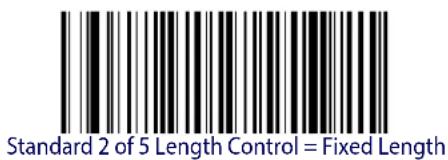
text_image
Standard 2 of 5 Length Control = Fixed LengthStandard 2 of 5 Length Control = Variable Length
Standard 2 of 5 Set Length 1
z his|feature|specifies|one|of|the|barcode|lengths|for|Standard 2 of 5 Length Control|r ength|U|is| the|minimum|label|length|if|in|Variable Length|s ode|or|the|first|fixed|length|if|in|Fixed Length| s ode|r ength|includes|the|barcode's|check|and|data|characters|z hellength|can|be|set|from|U|to|YT|characters|
z able10 provides some examples for setting for length you were page 302 if you want detailed instructions on setting this feature
Table 10. Standard 2 of 5 Length 1 Setting Examples
| STEP ACTION EXAMPLES | ||||
| 1 Desired Setting | 01 Character | 07 Characters | 15 Characters | 50 Characters |
| 2 Scan ENTER/EXIT PROGRAMMING MODE | ||||
| 3 Scan SELECT STANDARD 2 OF 5 LENGTH 1 SETTING | ||||
| 4 | Scan Two Characters From Appendix D, Keypad | ‘0’ and ‘1’ ‘0’ and ‘7’ ‘1’ and ‘5’ ‘5’ AND ‘0’ | ||
| 5 Scan ENTER/EXIT PROGRAMMING MODE | ||||

Select Standard 2 of 5 Length 1 Setting
Make a mistake? Scan the CANCEL barcode to abort and not save the entry string. You can then start again at the beginning.
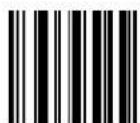
CANCEL
DEFAULT
08 = Length 1 is 8 Characters
Standard 2 of 5 Set Length 2
z his|feature|specifies|one|of|the|barcode|lengths|for|Standard 2 of 5 Length Control|r ength|V|is| the|maximum|label|length|if|in|Variable Length|s ode|or|the|second|fixed|length|if|in|Fixed Length|s ode|r ength|includes|the|barcode's|check|and|data|characters|
z he\length\can\be\set\from\DUD\to\YTT\characters\bg\setting\of\TT\specifies\to\ignore\this\length\Lonly\one\fixed\length\AR
z able11 provides examples for setting r length VYee page 303 for detailed instructions on setting this feature
Table 11. Standard 2 of 5 Length 2 Setting Examples
| STEP ACTION EXAMPLES | |||||
| 1 | Desired Setting (pad with leading zeroes) | 00 (Ignore This Length) | 07 Characters 15 | Characters 50 Characters | |
| 2 Scan ENTER/EXIT PROGRAMMING MODE | |||||
| 3 Scan SELECT STANDARD 2 OF 5 LENGTH 2 SETTING | |||||
| 4 | Scan Two Characters From Appendix D, Keypad | ‘0’ and ‘0’ ‘0’ and ‘7’ ‘1’ and ‘5’ ‘5’ AND ‘0’ | |||
| 5 Scan ENTER/EXIT PROGRAMMING MODE | |||||

text_image
Black and white barcode image with vertical lines and a small number 'n' in the bottom right corner.Select Standard 2 of 5 Length 2 Setting
Make a mistake? Scan the CANCEL barcode to abort and not save the entry string. You can then start again at the beginning.
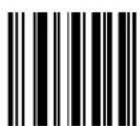
CANCEL
DEFAULT
50 = Length 2 is 50 Characters

ENTER/EXIT PROGRAMMING MODE Standard 2 of 5 Character Correlation
Standard 2 of 5 Character Correlation
hen correlation is enabled the barcode reader will combine label data from multiple scans when decoding knabling correlation will help the scanner read labels that have some spots and or voids may also help read labels that have damaged areas knabling correlation will also increase the chances that a label will be read incorrectly

text_image
DEFAULT
text_image
Standard 2 of 5 Character Correlation = Disable
text_image
Black and white barcode image with vertical lines and a small number 'n' in the bottom right corner.Standard 2 of 5 Character Correlation = Enable
Standard 2 of 5 Stitching
z hisoptionlenablesdisablesstitchingforytandardVofYlabelshenpartsofalytandardVofYbarcodearepresentedtothereaderwiththisfeatureenabledthebarcodepartswillbeassembledbythereader'ssoftwareandthedatawillbe decodedifallbarcodeproofingrequirementslarelmet
text_image
DEFAULT
text_image
Black and white barcode image with vertical lines and a small number 'n' in the bottom right corner.
text_image
Black and white barcode image with vertical lines and a central dotStandard 2 of 5 Stitching = Disable
Standard 2 of 5 Stitching = Enable
INDUSTRIAL 2 OF 5
z he following options apply to the industrial of Ysymbology
Industrial 2 of 5 Enable/Disable
knablesSj isablesabilityofreadertodecodeIndustrialNofYlabels


text_image
Industrial 2 of 5 = Disable
text_image
Industrial 2 of 5 = EnableIndustrial 2 of 5 Check Character Calculation
knablesSj isables?calculationand?verificationof?an?optional?ondustrial?Of?Y?check?character

text_image
DEFAULT
text_image
Industrial 2 of 5 Check Character Calculation = Disable
text_image
Industrial 2 of 5 Check Character Calculation = EnableIndustrial 2 of 5 Check Character Transmission
knables\disables\transmission\of\an\ondustrial\DV\of\Y\check\character\$
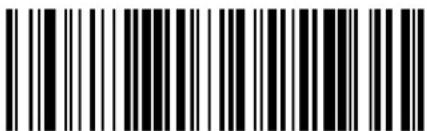 Industrial 2 of 5 Check Character Transmission = Disable Industrial 2 of 5 Check Character Transmission = Disable | |
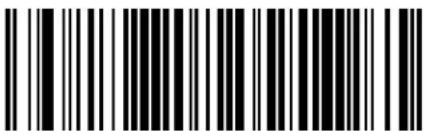 Industrial 2 of 5 Check Character Transmission = Enable Industrial 2 of 5 Check Character Transmission = Enable |  |
Industrial 2 of 5 Length Control
z hisfeaturespecifieseithervariablelengthdecodingforfixedlengthdecodingforthebondustrialVofDYSymbology
Variable Length.1 or variable length decoding minimum and maximum length may be set
Fixed Length. 1 or fixed length decoding two different lengths may be set
 | 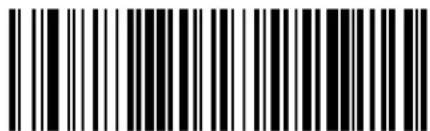 Industrial 2 of 5 Length Control = Variable Length Industrial 2 of 5 Length Control = Variable Length |
 Industrial 2 of 5 = Fixed Length Industrial 2 of 5 = Fixed Length |
Industrial 2 of 5 Set Length 1
z his{feature}specifies{one{ofthe}barcode{lengths}forIndustrial 2 of 5 Length Control{r}ength{U}is{the}minimumlabel{lengthif}in{Variable Lengths}ode{or{first}fixed{lengthif}in{Fixed Length}
s odeOrengthincludesthebarcode'sdatacharactersonlyHzhellengthcanbsetfromTToYTD characters
z able12 provides some examples for setting r length UR yee page 302 if you want detailed instructions on setting this feature
Table 12. Industrial 2 of 5 Length 1 Setting Examples
| STEP ACTION EXAMPLES | ||||
| 1 Desired Setting | 00 Characters 07 | Characters 15 Characters | 50 Characters | |
| 2 Scan ENTER/EXIT PROGRAMMING MODE | ||||
| 3 Scan SELECT INDUSTRIAL 2 OF 5 LENGTH 1 SETTING | ||||
| 4 | Scan Two Characters From Appendix D, Keypad | '0' and '0' | '0' and '7' | '1' and '5' |
| 5 Scan ENTER/EXIT PROGRAMMING MODE | ||||

text_image
Black and white barcode image with vertical lines above and below the barsSelect Industrial 2 of 5 Set Length 1 Setting
Make a mistake? Scan the CANCEL barcode to abort and not save the entry string. You can then start again at the beginning.
CANCEL
DEFAULT
01 = Length 1 is 1 Character
Industrial 2 of 5 Set Length 2
z his feature specifies one of the barcode lengths for Industrial 2 of 5 Length Controlr length Vis the maximum label length if in Variable Lengths ode or the second fixed length if in Fixed Lengths ode r ength includes the barcode's check data and full gy i o shift characters z hel length does not include start stop characters
z he\length\can\be\set\from\U\to\YT\characters\g\setting\of\specifies\to\ignore\this\length\Longly\one\fixed\length\K
z able13 provides examples for setting r length V8yee page 303 for detailed instructions on setting this feature
Table 13. Industrial 2 of 5 Length 2 Setting Examples
| STEP ACTION EXAMPLES | |||||
| 1 Desired Setting | 00 (Ignore This Length) | 07 Characters 15 | Characters 50 Characters | ||
| 2 Scan ENTER/EXIT PROGRAMMING MODE | |||||
| 3 Scan SELECT INDUSTRIAL 2 OF 5 LENGTH 2 SETTING | |||||
| 4 | Scan Two Characters From Appendix D, Keypad | ‘0’ and ‘0’ | ‘0’ and ‘7’ | ‘1’ and ‘5’ | ‘5’ AND ‘0’ |
| 5 Scan ENTER/EXIT PROGRAMMING MODE | |||||

text_image
Black and white barcode image with vertical lines and a small number 'n' in the bottom right corner.Select Industrial 2 of5 Length 2 Setting
Make a mistake? Scan the CANCEL barcode to abort and not save the entry string. You can then start again at the beginning.

CANCEL
DEFAULT
50 = Length 2 is 50 Characters
Industrial 2 of 5 Minimum Reads
z his|feature|specifies|the|minimum|number|of|consecutive|times|an|ondustrial|V|of|Y|label|must|be|decoded|before|it|dis|accepted|as|good|read
 |  Industrial 2 of 5 Minimum Reads = 1 Industrial 2 of 5 Minimum Reads = 1 |
 Industrial 2 of 5 Minimum Reads = 2 Industrial 2 of 5 Minimum Reads = 2 | |
 Industrial 2 of 5 Minimum Reads = 3 Industrial 2 of 5 Minimum Reads = 3 | |
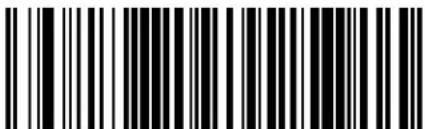 Industrial 2 of 5 Minimum Reads = 4 Industrial 2 of 5 Minimum Reads = 4 |
Industrial 2 of 5 Stitching
knablesSdisablesDfixedDlengthDstitchingDforDondustrialDVDofDYR
 |  |
 | |
 Industrial 2 of 5 Stitching = Enable Industrial 2 of 5 Stitching = Enable |
Industrial 2 of 5 Character Correlation
knableSdisablesDcharacterDcorrelationDforDondustrialDVDofDYR
text_image
DEFAULT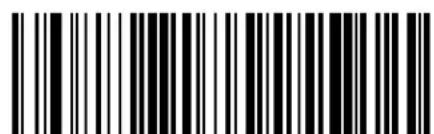
text_image
Black and white barcode image with vertical lines and a central dot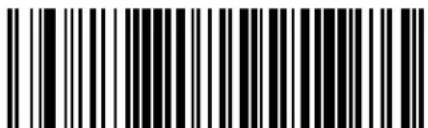
text_image
Black and white barcode image with vertical lines and a central dotIndustrial 2 of 5 Character Correlation = Enable
CODE IATA
z he following options apply to the log z g Symbolology
IATA Enable/Disable
knablesSj isablestheabilityofthereadertodecodeDog z g labelsR
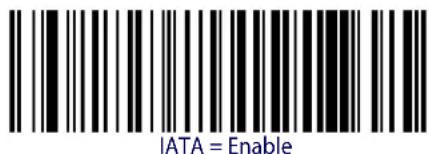
text_image
IATA = Enable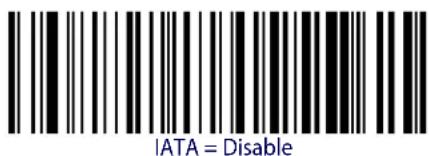
text_image
IATA = DisableIATA Check Character Transmission
knablesSj isables?calculationand?verificationof?an?optional?ondustrial?V?of?Y?check?characterk
| IATA Check Character Transmission = Disable | |
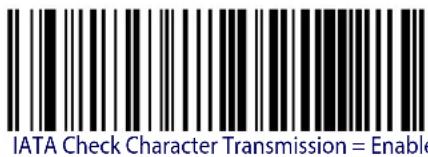 |  |

ENTER/EXIT PROGRAMMING MODE Datalogic 2 of 5 Enable/Disable
DATALOGIC 2 OF 5
z he\following\options\apply\to\the\j atalogic\Vof\Y\symbology\
Datalogic 2 of 5 Enable/Disable
henDisabledthereaderwillnotreadj atalogicV1ofY7barcodesR

text_image
DEFAULT
text_image
Datalogic 2 of 5 = Disable
text_image
Black and white barcode image with vertical lines on both sidesDatalogic 2 of 5 = Enable
Datalogic 2 of 5 Check Character Calculation
z hisoptionlenablesdisablescalculationandverificationofanoptionalj atalogicMofDcheckcharacter

text_image
Black and white barcode image with vertical lines on both sides
text_image
Black and white barcode image with vertical lines on both sidesDatalogic 2 of 5 Check Character Calculation = Disable
Datalogic 2 of 5 Minimum Reads
z hisfeaturespecifiestheminimumnumberofconsecutivetimesandj atalogicOfOfYlabelmustbe decodedbeforeitisacceptedasgoodread
 12 of 5 Minimum Reads = 1 12 of 5 Minimum Reads = 1 | |
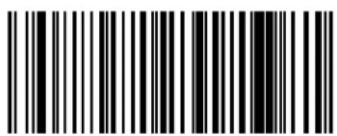 12 of 5 Minimum Reads = 2 12 of 5 Minimum Reads = 2 |  |
 12 of 5 Minimum Reads = 3 12 of 5 Minimum Reads = 3 | |
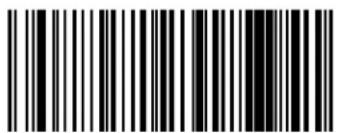 12 of 5 Minimum Reads = 4 12 of 5 Minimum Reads = 4 |
Datalogic 2 of 5 Decoding Level

The Datalogic 2 of 5 Decoding Level feature is set using "2 of 5 Decoding Level" on page 172.
ENTER/EXIT PROGRAMMING MODE Datalogic 2 of 5 Length Control
Datalogic 2 of 5 Length Control
z hisfeaturespecifieseithervariablelengthdecodingorfixedlengthdecodingforthej atalogicVloDYsymbolology?
Variable Length.1 or variable length decoding minimum and maximum length may be set
Fixed Length. 1 or fixed length decoding two different lengths may be set
text_image
DEFAULT
text_image
Black and white barcode image with vertical lines and a central dot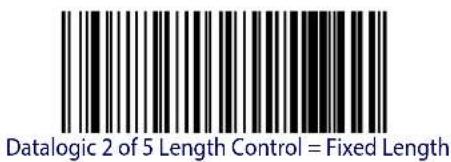
text_image
Datalogic 2 of 5 Length Control = Fixed LengthDatalogic 2 of 5 Length Control = Variable Length
Datalogic 2 of 5 Set Length 1
z his|feature|specifies|one|of|the|barcode|lengths|for|Datalogic 2 of 5 Length Control|r ength|Uis| the|minimum|label|lengthif|in|Variable Length|s |ode|or|the|first|fixed|lengthif|in|Fixed Length|
s ode#z he#length#includes#the#barcode's#checkand#data#characters#z he#length#can#be#set#from#V#to#YT#characters#in#increments#of#two#
z able14 provides some examples for setting for length you page 302 for detailed instructions on setting this feature
Table 14. Datalogic 2 of 5 Length 1 Setting Examples
| STEP ACTION EXAMPLES | |||||
| 1 Desired Setting | 2 Characters 6 | Characters 14 | Characters 50 | Characters | |
| 2 | Pad with leading zeroes to yield two digits | 02 06 14 50 | |||
| 3 Scan ENTER/EXIT PROGRAMMING MODE | |||||
| 4 Scan SELECT Datalogic 2 of 5 LENGTH 1 SETTING | |||||
| 5 | Scan Two Characters From Appendix D, Keypad | ‘0’ and ‘2’ | ‘0’ and ‘6’ | ‘1’ and ‘4’ | ‘5’ AND ‘0’ |
| 6 Scan ENTER/EXIT PROGRAMMING MODE | |||||

text_image
Black and white barcode image with vertical lines and a central dotSelect Datalogic 2 of 5 Length 1 Setting
Make a mistake? Scan the CANCEL barcode to abort and not save the entry string. You can then start again at the beginning.
CANCEL
DEFAULT
06 = Length 1 is 6 Characters
Datalogic 2 of 5 Set Length 2
z his feature specifies one of the barcode lengths for Datalogic 2 of 5 Length Controlr lengthV is the maximum label length if in Variable Lengths ode or the second fixed length if in Fixed Lengths ode z he length includes the barcode's check and data characters
z he\length\can\be\set\from\DV\to\YT\characters\g\setting\of\TT\specifies\to\ignore\this\length\Only\one\fixed\length\AR
z able15 provides examples for settingr lengthVYee page 303for detailed instructions on setting this feature
Table 15. Datalogic 2 of 5 Length 2 Setting Examples
| STEP ACTION EXAMPLES | ||||
| 1 Desired Setting | Ignore This Length | 4 Characters 14 | Characters 50 Characters | |
| 2 Pad with leading zeroes to yield two digits | 00 04 14 50 | |||
| 3 Scan ENTER/EXIT PROGRAMMING MODE | ||||
| 4 Scan SELECT DATALOGIC 2 OF 5 LENGTH 2 SETTING | ||||
| 5 Scan Two Characters From Appendix D, Keypad | ‘0’ and ‘0’ | ‘0’ and ‘4’ | ‘1’ and ‘4’ | ‘5’ AND ‘0’ |
| 6 Scan ENTER/EXIT PROGRAMMING MODE | ||||
text_image
Black and white barcode image with vertical lines on both sidesSelect Datalogic 2 of 5 Length 2 Setting
Make a mistake? Scan the CANCEL barcode to abort and not save the entry string. You can then start again at the beginning.

CANCEL
DEFAULT
50 = Length 2 is 50 Characters
Datalogic 2 of 5 Character Correlation
hen correlation is enabled the barcode reader will combine label data from multiple scans when decoding knabling correlation will help the scanner read labels that have some spots and or voids hot may also help read labels that have damaged areas knabling correlation will also increase the chances that a label will be read incorrectly

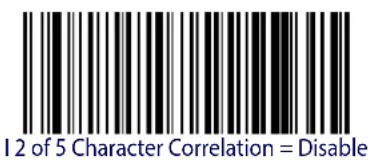
text_image
12 of 5 Character Correlation = Disable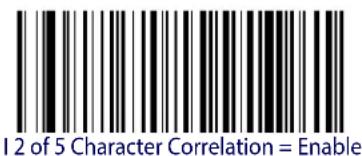
text_image
12 of 5 Character Correlation = EnableDatalogic 2 of 5 Stitching
z hisoptionlenablesdisablesstitchingforj atalogicN0ffYlabels0 henpartsofaj atalogicN0ofYbarcodearepresentedtothereaderwiththisfeatureenabledthebarcodepartswillbe assembledbythereader'ssoftwareandthedatawillbe decodedifallbarcodeproofingrequirementslaredmet

text_image
Datalogic 2 of 5 Stitching = Disable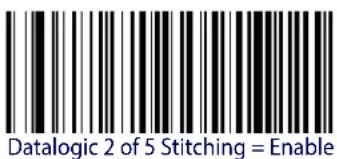
text_image
Datalogic 2 of 5 Stitching = Enable
ENTER/EXIT PROGRAMMING MODE Codabar Enable/Disable
CODABAR
z he following options apply to the i odabar symbology
Codabar Enable/Disable
henDisabledtheReaderwillnotreadi odabarbarcodesR

text_image
Black and white barcode image with vertical lines and a central bar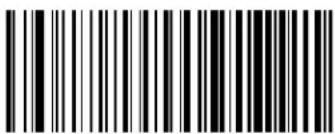
text_image
Black and white barcode image with vertical lines and a small number '1' at the bottom right.Codabar = Enable
Codabar = Disable
Codabar Check Character Calculation
knable this option to enable disables calculation and verification of an optional odabar check character then disabled any check character in the label is treated as data character
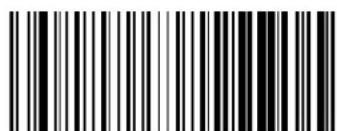
text_image
Black and white barcode image with vertical lines and a central dotCodabar Check Character Calculation = Don't Calculate

text_image
Black and white barcode image with vertical lines and a small number 'n' in the bottom right corner.Codabar Check Character Calculation = Enable AIM standard check char.
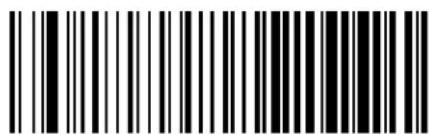
text_image
Black and white barcode image with vertical lines and a small number '1' at the bottom right.Codabar Check Character Calculation = Enable Modulo 10 check char.
Codabar Check Character Transmission
knable this option to transmit the check character along with i odabar barcode data
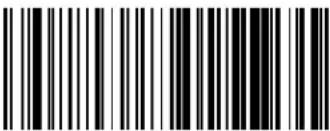 Codabar Check Character Transmission = Don’t Send Codabar Check Character Transmission = Don’t Send | |
 Codabar Check Character Transmission = Send Codabar Check Character Transmission = Send |  |
Codabar Start/Stop Character Transmission
knable this option to enable disable transmission of i odabar start and stop characters
 Codabar Start/Stop Character Transmission = Don’t Transmit Codabar Start/Stop Character Transmission = Don’t Transmit | |
 Codabar Start/Stop Character Transmission = Transmit Codabar Start/Stop Character Transmission = Transmit |  |

ENTER/EXIT PROGRAMMING MODE Codabar Start/Stop Character Set
Codabar Start/Stop Character Set
z hisoptionspecifiestheformatoftransmittedi odabarstartStopcharacters
 Codabar Check Character Set = ABCD/TN*E Codabar Check Character Set = ABCD/TN*E | |
 Codabar Check Character Set = ABCD/ABCD Codabar Check Character Set = ABCD/ABCD | |
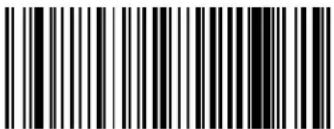 Codabar Check Character Set = abcd/tn*e Codabar Check Character Set = abcd/tn*e | |
 Codabar Check Character Set = abcd/abcd Codabar Check Character Set = abcd/abcd |  |
Codabar Start/Stop Character Match
henenabledthisoptionrequiresthatstartandstopcharactersmatch
 |  Codabar Start/Stop Character Match = Don’t Require Match Codabar Start/Stop Character Match = Don’t Require Match |
 Codabar Start/Stop Character Match = Require Match Codabar Start/Stop Character Match = Require Match |
Codabar Quiet Zones
pecifics the number of quiet zones for i odabar labels w uiet zones are blank areas at the ends of a barcode and are typically UT times the width of the narrowest bar or space in the label
 Codabar Quiet Zones = Quiet Zone on one side Codabar Quiet Zones = Quiet Zone on one side | |
 Codabar Quiet Zones = Quiet Zones on two sides Codabar Quiet Zones = Quiet Zones on two sides | |
 Codabar Quiet Zones = Auto Codabar Quiet Zones = Auto |  |
 Codabar Quiet Zones = Virtual Quiet Zones on two sides Codabar Quiet Zones = Virtual Quiet Zones on two sides | |
 Codabar Quiet Zones = Small Quiet Zones on two sides Codabar Quiet Zones = Small Quiet Zones on two sides |

ENTER/EXIT PROGRAMMING MODE Codabar Minimum Reads
Codabar Minimum Reads
z his|feature|specifies|the|minimum|number|of|consecutive|times|a|i odabar|label|must|be| decoded|before|it|is|accepted|as|good|read|
 Codabar Minimum Reads = 1 Codabar Minimum Reads = 1 | |
 Codabar Minimum Reads = 2 Codabar Minimum Reads = 2 |  |
 Codabar Minimum Reads = 3 Codabar Minimum Reads = 3 | |
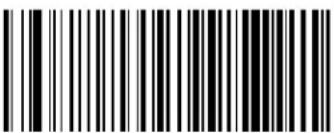 Codabar Minimum Reads = 4 Codabar Minimum Reads = 4 |
Codabar Decoding Level
j encodingr evels|are|used|to|configure|a|barcode|SYMBOLG|decoder|to|bel|very|aggressive|to|very|conservative|depending|on|a|particular|customer's|needs|yee|page 302|for|more|information|on|this|feature
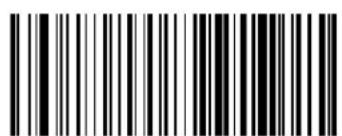 Codabar Decoding Level = 1 (Conservative) Codabar Decoding Level = 1 (Conservative) | |
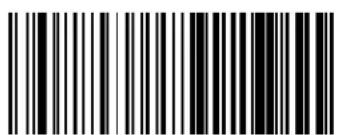 Codabar Decoding Level = 2 Codabar Decoding Level = 2 | |
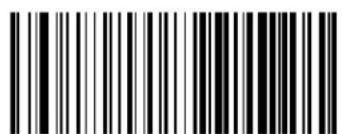 Codabar Decoding Level = 3 Codabar Decoding Level = 3 |  |
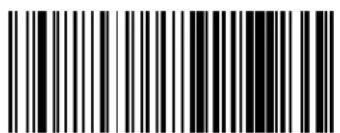 Codabar Decoding Level = 4 Codabar Decoding Level = 4 | |
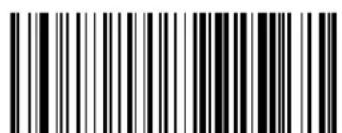 Codabar Decoding Level = 5 Codabar Decoding Level = 5 |
ENTER/EXIT PROGRAMMING MODE Codabar Length Control
Codabar Length Control
z his|feature|specifies|either|variable|length|decoding|on|fixed|length|decoding|for|the|odabar|SYMBOLGY
Variable Length.1 or variable length decoding minimum and maximum length may be set
Fixed Length. 1 or fixed length decoding two different lengths may be set
text_image
DEFAULT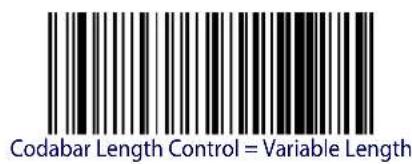
text_image
Codabar Length Control = Variable Length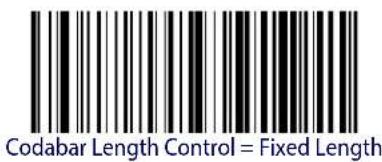
text_image
Codabar Length Control = Fixed LengthCodabar Set Length 1
z his feature specifies one of the barcode lengths for Codabar Length Control, length is the minimum label length if in Variable Lengths ode for the first fixed length if in Fixed Length
s odeOr lengthincludesthe|barcode's|start|stop|check|and|data|characters Oz helength|must|include|at least done|data|character Oz helength|can|be|set|from|W|to|YT|charactersR
z able16 provides some examples for setting for length you page 302 for detailed instructions on setting this feature
Table 16. Codabar Length 1 Setting Examples
| STEP ACTION EXAMPLES | |||||
| 1 | Desired Setting (and pad with leading zeroes) | 03 Characters 09 | Characters 15 Characters | 50 Characters | |
| 2 Scan ENTER/EXIT PROGRAMMING MODE | |||||
| 3 Scan SELECT CODABAR LENGTH 1 SETTING | |||||
| 4 | Scan Two Characters From Appendix D, Keypad | ‘0’ and ‘3’ ‘0’ and ‘9’ ‘1’ and ‘5’ ‘5’ AND ‘0’ | |||
| 5 Scan ENTER/EXIT PROGRAMMING MODE | |||||
Select Codabar Length 1 Setting
Make a mistake? Scan the CANCEL barcode to abort and not save the entry string. You can then start again at the beginning.

CANCEL
DEFAULT
03 = Length 1 is 3 Characters
Codabar Set Length 2
z his feature specifies one of the barcode lengths for Codabar Length Control length (V is the) maximum label length if in Variable Length's ode for the second fixed length if in Fixed Length
s odeHz hellengthincludesthebarcode'sstartstopcheckanddatacharactersHz hellengthmustincludeatleastdonedatacharacter
z hélength can be set from W to Y characters g setting of T specifies to ignore this length Only one fixed length MR
z able17 provides examples for settingr lengthVYeepage 303for detailed instructions on settingthisfeature
Table 17. Codabar Length 2 Setting Examples
| STEP ACTION EXAMPLES | |||||
| 1 | Desired Setting (and pad with leading zeroes) | 00 Ignore This Length | 07 Characters 15 | Characters 50 Characters | |
| 2 Scan ENTER/EXIT PROGRAMMING MODE | |||||
| 3 Scan SELECT CODABAR LENGTH 2 SETTING | |||||
| 4 | Scan Two Characters From Appendix D, Keypad | ‘0’ and ‘0’ ‘0’ and ‘7’ ‘1’ and ‘5’ ‘5’ AND ‘0’ | |||
| 5 Scan ENTER/EXIT PROGRAMMING MODE | |||||

Select Codabar Length 2 Setting
Make a mistake? Scan the CANCEL barcode to abort and not save the entry string. You can then start again at the beginning.
CANCEL
DEFAULT
50 = Length 2 is 50 Characters
Codabar Interdigit Ratio
z his|feature|specifies|the|ratio|between|an|intercharacter|space|and|module|for|i odabar|labels|
 Codabar Interdigit Ratio = Disable Codabar Interdigit Ratio = Disable | |
 Codabar Interdigit Ratio = 1 Codabar Interdigit Ratio = 1 | |
 Codabar Interdigit Ratio = 2 Codabar Interdigit Ratio = 2 | |
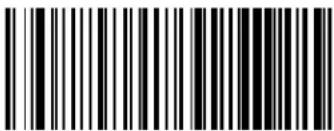 Codabar Interdigit Ratio = 3 Codabar Interdigit Ratio = 3 | |
 | 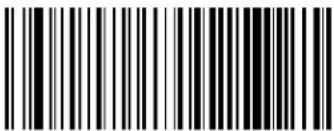 Codabar Interdigit Ratio = 4 Codabar Interdigit Ratio = 4 |
 Codabar Interdigit Ratio = 5 Codabar Interdigit Ratio = 5 |
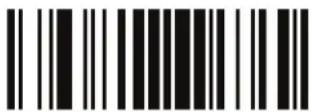
ENTER/EXIT PROGRAMMING MODE Codabar Interdigit Ratio
Codabar Interdigit Ratio — cont.
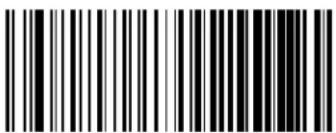 Codabar Interdigit Ratio = 6 Codabar Interdigit Ratio = 6 | |
 Codabar Interdigit Ratio = 7 Codabar Interdigit Ratio = 7 | |
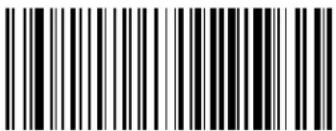 Codabar Interdigit Ratio = 8 Codabar Interdigit Ratio = 8 | |
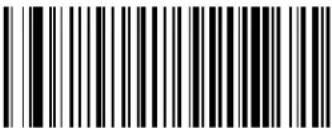 Codabar Interdigit Ratio = 9 Codabar Interdigit Ratio = 9 | |
 Codabar Interdigit Ratio = 10 Codabar Interdigit Ratio = 10 |
Codabar Character Correlation
hen correlation is enabled the barcode reader will combine label data from multiple scans when decoding knabling correlation will help the scanner read labels that have some spots and or voids hot may also help read labels that have damaged areas knabling correlation will also increase the chances that a label will be read incorrectly
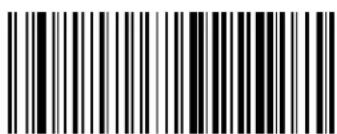
text_image
Black and white barcode image with vertical lines and a central dot
text_image
Codabar Character Correlation = EnableCodabar Character Correlation = Disable
Codabar Stitching
z hisoption enables disables stitching for odabar labels hen parts of all odabar barcode are presented to the reader with this feature enabled the barcode parts will be assembled by the reader's software and the data will be decoded if all barcode proofing requirements are met

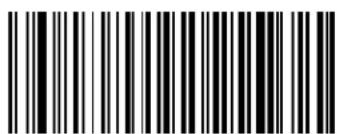
text_image
Black and white barcode image with vertical lines and a central dot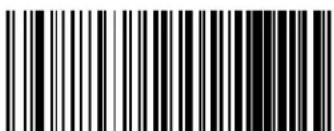
text_image
Black and white barcode image with vertical lines and a central vertical barCodabar Stitching = Disable
Codabar Stitching = Enable

ENTER/EXIT PROGRAMMING MODE ABC Codabar Enable/Disable
ABC CODABAR
z he following options apply to the g hi di odabar symbology
ABC Codabar Enable/Disable
knablesSj isablesDabilityofReaderToIdecodeDghiDi odabarDlabelsR

text_image
DEFAULT
text_image
Black and white barcode image with vertical lines above and below the bars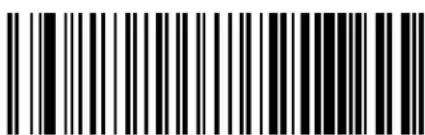
text_image
Black and white barcode image with vertical lines and a small number '1' at the bottomABC Codabar = Enable
ABC Codabar = Disable
ABC Codabar Concatenation Mode
ypecifiestheconcatenationmodebetweenytaticandj namic

text_image
DEFAULT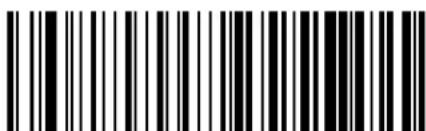
text_image
Black and white barcode image with vertical lines and dots, no readable text or symbolsABC Codabar Concatenation Mode = Static
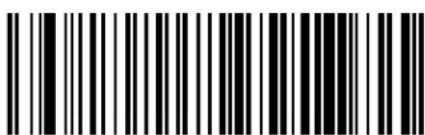
text_image
Black and white barcode image with vertical lines and a small number '1' at the topABC Codabar Concatenation Mode = Dynamic
ABC Codabar Dynamic Concatenation Timeout
ypecifiesthetimeoutinOUTQmillisecondticksusedbytheghi di odabarj dynamici oncatenations odeR
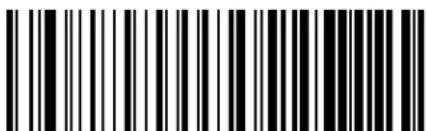 ABC Codabar Dynamic Concatenation Timeout = 50 msec ABC Codabar Dynamic Concatenation Timeout = 50 msec | |
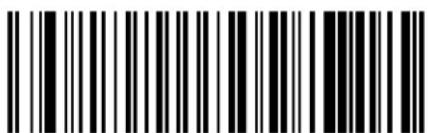 ABC Codabar Dynamic Concatenation Timeout = 100 msec ABC Codabar Dynamic Concatenation Timeout = 100 msec | |
 | 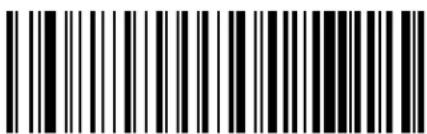 ABC Codabar Dynamic Concatenation Timeout = 200 msec ABC Codabar Dynamic Concatenation Timeout = 200 msec |
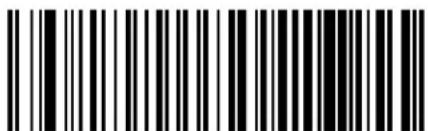 ABC Codabar Dynamic Concatenation Timeout = 500 msec ABC Codabar Dynamic Concatenation Timeout = 500 msec | |
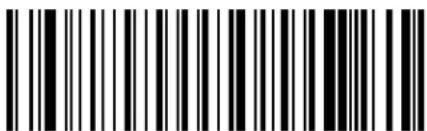 ABC Codabar Dynamic Concatenation Timeout = 750 msec ABC Codabar Dynamic Concatenation Timeout = 750 msec | |
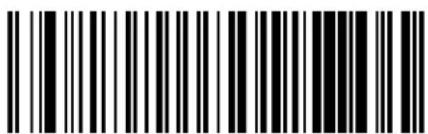 ABC Codabar Dynamic Concatenation Timeout = 1 Second ABC Codabar Dynamic Concatenation Timeout = 1 Second |

ENTER/EXIT PROGRAMMING MODE ABC Codabar Force Concatenation
ABC Codabar Force Concatenation
1 orces|labels|starting|or|ending|with|j |to|be|concatenated|
text_image
DEFAULT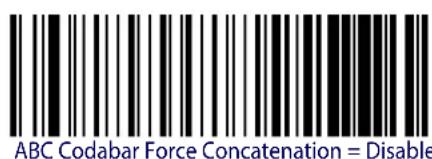
text_image
ABC Codabar Force Concatenation = Disable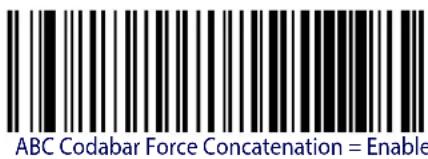
text_image
ABC Codabar Force Concatenation = EnableCODE 11
z he following options apply to the i ode UU symbology
Code 11 Enable/Disable
henDisabledtheReaderwillnotreadiodeUUUbarcodesR
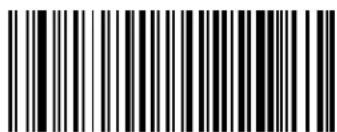
text_image
Black and white barcode image with vertical lines and a small number 'n' in the bottom right corner.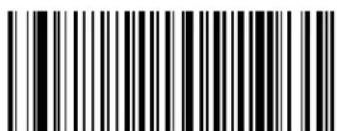
text_image
Black and white barcode image with vertical lines and a small number '1' at the bottomCode 11 = Enable
Code 11 = Disable
Code 11 Check Character Calculation
z hisOptionEnablesSdisablesCalculationandVerificationOfOptionalDiodeUUCheckCharacterR
 Code 11 Check Character Calculation = Disable Code 11 Check Character Calculation = Disable | |
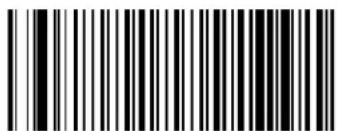 Code 11 Check Character Calculation = Check C Code 11 Check Character Calculation = Check C | |
 Code 11 Check Character Calculation = Check K Code 11 Check Character Calculation = Check K | |
 Code 11 Check Character Calculation = Check C and K Code 11 Check Character Calculation = Check C and K |  |

ENTER/EXIT PROGRAMMING MODE Code 11 Check Character Transmission
Code 11 Check Character Transmission
z hisfeatureenablesdisablestransmissionofanoptionaliodeUUcheckcharacter
 Code 11 Check Character Transmission = Don’t Send Code 11 Check Character Transmission = Don’t Send | |
 Code 11 Check Character Transmission = Send Code 11 Check Character Transmission = Send |  |
Code 11 Minimum Reads
z his|feature|specifies|the|minimum|number|of|consecutive|times|a|ode|UU|label|must|be| decoded|before|it|is|accepted|as|good|read|
 Code 11 Minimum Reads = 1 Code 11 Minimum Reads = 1 | |
 Code 11 Minimum Reads = 2 Code 11 Minimum Reads = 2 |  |
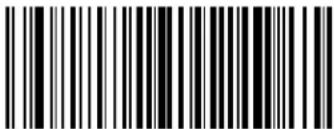 Code 11 Minimum Reads = 3 Code 11 Minimum Reads = 3 | |
 Code 11 Minimum Reads = 4 Code 11 Minimum Reads = 4 |
Code 11 Length Control
z his|feature|specifies|either|variable|length|decoding|or|fixed|length|decoding|for|the|ode|UU|symbolology|
Variable Length.l or variableLengthdecoding minimumand maximumlengthmay set
Fixed Length. 1 or fixed length decoding two different lengths may be set


text_image
Code 11 Length Control = Variable Length
text_image
Code 11 Length Control = Fixed LengthCode 11 Set Length 1
z his feature specifies one of the barcode lengths for Code 11 Length Control length is the
minimumlabelLengthifinVariable Lengths odeNorthefirstfixedlengthifinFixed Length
s odeOrengthincludesthebarcode'scheckanddatacharactersHz hellengthcanbelsetfromVtoYTcharactersR
z able18 provides some examples for setting r length UR yee page 302 for detailed instructions on setting this feature
Table 18. Code 11 Length 1 Setting Examples
| STEP ACTION EXAMPLES | |||||
| 1 | Desired Setting (pad with leading zeroes) | 02 Characters 07 | Characters 15 Characters | 50 Characters | |
| 2 Scan ENTER/EXIT PROGRAMMING MODE | |||||
| 3 Scan SELECT CODE 11 LENGTH 1 SETTING | |||||
| 4 | Scan Two Characters From Appendix D, Keypad | ‘0’ and ‘2’ ‘0’ and ‘7’ ‘1’ and ‘5’ ‘5’ AND ‘0’ | |||
| 5 Scan ENTER/EXIT PROGRAMMING MODE | |||||

Select Code 11 Set Length 1 Setting
Make a mistake? Scan the CANCEL barcode to abort and not save the entry string. You can then start again at the beginning.
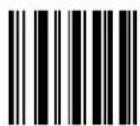
CANCEL
DEFAULT
04 = Length 1 is 4 Characters
Code 11 Set Length 2
z his feature specifies one of the barcode lengths for Code 11 Length Control or length V is the maximum label length if in Variable Lengths ode for the second fixed length if in Fixed Length
s ode Dr ength includes the barcode's check and data characters
z he\length can be set from to YT characters g setting of T specifies to ignore this length Only one fixed length
z able19 provides examples for setting r length V0yee page 303 for detailed instructions on setting this feature
Table 19. Code 11 Length 2 Setting Examples
| STEP ACTION EXAMPLES | |||||
| 1 | Desired Setting (pad with leading zeroes) | 00 (Ignore This Length) | 07 Characters 15 | Characters 50 Characters | |
| 2 Scan ENTER/EXIT PROGRAMMING MODE | |||||
| 3 Scan SELECT CODE 11 LENGTH 2 SETTING | |||||
| 4 | Scan Two Characters From Appendix D, Keypad | ‘0’ and ‘0’ ‘0’ and ‘7’ ‘0’ and ‘F’ ‘3’ AND 2’ | |||
| 5 Scan ENTER/EXIT PROGRAMMING MODE | |||||

Select Code 11 Length 2 Setting
Make a mistake? Scan the CANCEL barcode to abort and not save the entry string. You can then start again at the beginning.
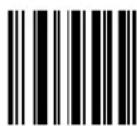
CANCEL
DEFAULT
50 = Length 2 is 50 Characters

ENTER/EXIT PROGRAMMING MODE Code 11 Interdigit Ratio
Code 11 Interdigit Ratio
z his|feature|specifies|the|ratio|between|an|intercharacter|space|and|module|for|i ode|UUU|labels|
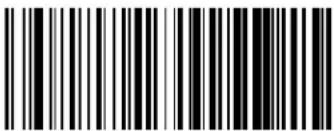 Code 11 Interdigit Ratio = Disable Code 11 Interdigit Ratio = Disable | |
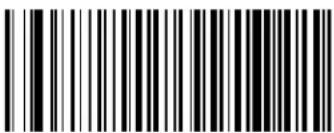 Code 11 Interdigit Ratio = 1 Code 11 Interdigit Ratio = 1 | |
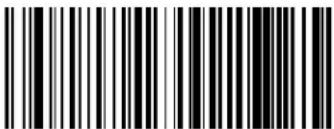 Code 11 Interdigit Ratio = 2 Code 11 Interdigit Ratio = 2 | |
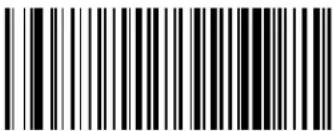 Code11 Interdigit Ratio = 3 Code11 Interdigit Ratio = 3 | |
 |  Code 11 Interdigit Ratio = 4 Code 11 Interdigit Ratio = 4 |
 Code 11 Interdigit Ratio = 5 Code 11 Interdigit Ratio = 5 |

Code 11 ENTER/EXIT PROGRAMMING MODE
Code 11 Interdigit Ratio — cont.
 Code 11 Interdigit Ratio = 6 Code 11 Interdigit Ratio = 6 | |
 Code 11 Interdigit Ratio = 7 Code 11 Interdigit Ratio = 7 | |
 Code 11 Interdigit Ratio = 8 Code 11 Interdigit Ratio = 8 | |
 Code 11 Interdigit Ratio = 9 Code 11 Interdigit Ratio = 9 | |
 Code 11 Interdigit Ratio = 10 Code 11 Interdigit Ratio = 10 |

ENTER/EXIT PROGRAMMING MODE Code 11 Decoding Level
Code 11 Decoding Level
j encodingr evels|are|used|to|configure|a|barcode|SYMBOLG|decoder|to|be|very|aggressive|to|very|conservative|depending|on|a|particular|customer's|needs|yee|page 302|for|more|information|on|this|feature|
 Codabar Decoding Level = 1 (Conservative) Codabar Decoding Level = 1 (Conservative) | |
 Codabar Decoding Level = 2 Codabar Decoding Level = 2 | |
 Codabar Decoding Level = 3 Codabar Decoding Level = 3 |  |
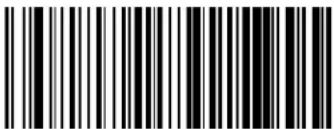 Codabar Decoding Level = 4 Codabar Decoding Level = 4 | |
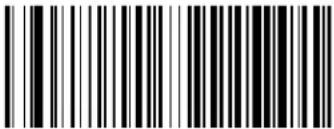 Codabar Decoding Level = 5 (Aggressive) Codabar Decoding Level = 5 (Aggressive) |
Code 11 Character Correlation
hen correlation is enabled the barcode reader will combine label data from multiple scans when decoding knabling correlation will help the scanner read labels that have some spots and or voids hot may also help read labels that have damaged areas knabling correlation will also increase the chances that a label will be read incorrectly

text_image
Black and white barcode image with vertical lines and dots, no readable text or symbols
text_image
Code 11 Character Correlation = EnableCode 11 Character Correlation = Disable
Code 11 Stitching
z hisoptionenablesdisablesstitchingfori odeUUlabelshenpartsofaii odeUUbarcodearepresentedtothereaderwiththisfeatureenabledthebarcodepartswillbeassembledbythereader'ssoftwareandthedatawillbe decodedifallbarcodeproofingrequirementslaremet

text_image
Black and white barcode image with vertical lines and a small number 'n' in the bottom right corner.
text_image
Code 11 Stitching = EnableCode 11 Stitching = Disable

ENTER/EXIT PROGRAMMING MODE GS1 DataBar™ Omnidirectional Enable/Disable
GS1 DATABAR™ OMNIDIRECTIONAL
z helfollowingoptionsapplytothemyUj atah arTMu mnidirectionalDlformerlyx yyQUXID symbology
GS1 DataBar™ Omnidirectional Enable/Disable
hendisabledthereaderwillnotreadmyUj atah arTMu mnidirectionalbarcodes

text_image
DEFAULT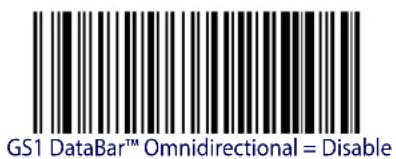
text_image
GS1 DataBar™ Omnidirectional = Disable
text_image
Black and white barcode image with vertical lines and a small number 'n' in the bottom right corner.GS1 DataBar™ Omnidirectional = Enable
GS1 DataBar™ Omnidirectional GS1-128 Emulation
henEnabledMyU0j atah arTMu mnidirectionalbarcodeswillbetranslatedtothemyUQUV labeldataformatk
text_image
DEFAULT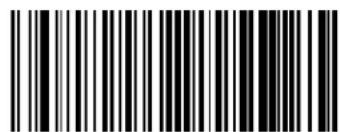
text_image
Black and white barcode image with vertical lines and a central dotGS1 DataBar™ Omnidirectional GS1-128 Emulation = Disable

text_image
Black and white barcode image with vertical lines and a small number '1' at the bottom right.GS1 DataBar™ Omnidirectional GS1-128 Emulation = Enable
GS1 DataBar™ Omnidirectional Minimum Reads
z his|feature|specifies|the|minimum|number|of|consecutive|times|a|myU|j atah ar™|
u mnidirectionallabelmustbe decodedbeforeitisacceptedasgoodread

text_image
DEFAULT
text_image
Black and white barcode image with vertical lines on both sides
text_image
Black and white barcode image with vertical lines and a small number '1' at the topGS1 DataBar™ Omnidirectional Minimum Reads = 1
GS1 DataBar™ Omnidirectional Minimum Reads = 2

text_image
Black and white barcode image with vertical lines on both sidesGS1 DataBar™ Omnidirectional Minimum Reads = 3

text_image
Black and white barcode image with vertical lines and dots, no readable text or symbolsGS1 DataBar™ Omnidirectional Minimum Reads = 4

ENTER/EXIT PROGRAMMING MODE GS1 DataBar™ Expanded Enable/Disable
GS1 DATABAR™ EXPANDED
z he\following\options\apply\to\the\myUj\ atah arTMk x panded\ formerly\x yy\k x panded\ symboly
GS1 DataBar™ Expanded Enable/Disable
hendisabledthereaderwillnotreadmyUj atah ar™k x panded barcodes
text_image
DEFAULT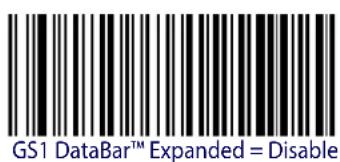
text_image
GS1 DataBar™ Expanded = Disable
text_image
GS1 DataBar™ Expanded = EnableGS1 DataBar™ Expanded GS1-128 Emulation
henenabledPmyU0j atah arTMk x pandedbarcodeswillbetranslatedtotheMyUQUV labelD dataformatR
text_image
DEFAULT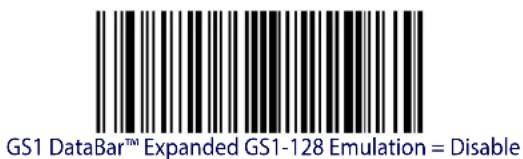
text_image
GS1 DataBar™ Expanded GS1-128 Emulation = Disable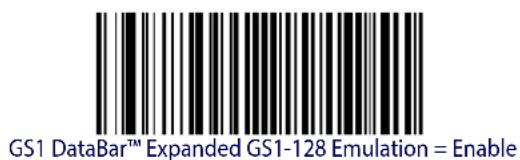
text_image
GS1 DataBar™ Expanded GS1-128 Emulation = EnableGS1 DataBar™ Expanded Minimum Reads
z his|feature|specifies|the|minimum|number|of|consecutive|times|a|myUj |atah ar™|k x panded|label|must|be|decoded|before|it|is|accepted|as|good|read
 | 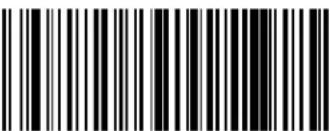 GS1 DataBarTM Expanded Minimum Reads = 1 GS1 DataBarTM Expanded Minimum Reads = 1 |
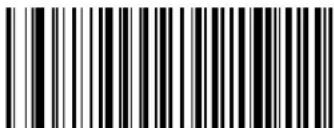 GS1 DataBarTM Expanded Minimum Reads = 2 GS1 DataBarTM Expanded Minimum Reads = 2 | |
 GS1 DataBarTM Expanded Minimum Reads = 3 GS1 DataBarTM Expanded Minimum Reads = 3 | |
 GS1 DataBarTM Expanded Minimum Reads = 4 GS1 DataBarTM Expanded Minimum Reads = 4 |
GS1 DataBar™ Expanded Length Control
z hisfeaturespecifieseithervariablelengthdecodingorfixedlengthdecodingforthemyUjatah ar™kxpandedsymbology
Variable Length.1 or variableLengthdecodingdaminimumlengthmaybesetR
Fixed Length. 1 or fixed length decoding two different lengths may be set
text_image
Black and white barcode image with vertical lines on both sides
text_image
Black and white barcode image with vertical lines and dots, no readable text or symbolsGS1 DataBar™ Expanded Length Control = Fixed Length
GS1 DataBar™ Expanded Length Control = Variable Length
GS1 DataBar™ Expanded Set Length 1
z his feature specifies one of the barcode length for GS1 DataBar™ Expanded Length Control
r ength is the minimum label length if in Variable Lengths ode or the first fixed length if in
Fixed Lengths ode r ength includes the barcode's data characters only z he length can be set from U to [ X characters]
z able20providessomeexamplesforsettingrengthDUDyeepage 302fordetailedinstructionson settingthisfeaturek
Table 20. GS1 DataBar™ Expanded Length 1 Setting Examples
| STEP ACTION EXAMPLES | ||||
| 1 Desired Setting | 01 Character | 07 Characters | 52 Characters | 74 Characters |
| 2 Scan ENTER/EXIT PROGRAMMING MODE | ||||
| 3 Scan SELECT GS1 DataBarTM EXPANDED LENGTH 1SETTING | ||||
| 4 | Scan Two Characters From Appendix D, Keypad | ‘0’ and ‘1’ | ‘0’ and ‘7’ | ‘5’ and ‘2’ |
| 5 Scan ENTER/EXIT PROGRAMMING MODE | ||||

Select GS1 DataBar™ Expanded Set Length 1 Setting
Make a mistake? Scan the CANCEL barcode to abort and not save the entry string. You can then start again at the beginning.
DEFAULT
01 = Length 1 is 1 Character
GS1 DataBar™ Expanded Set Length 2
z his|feature|specifies|one|of|the|barcode|lengths|for|GS1 DataBar™ Expanded Length Control|r length|V|is|the|maximum|label|length|if|in|Variable Length|s ode|for|the|second|fixed|length|if|in|Fixed Length|s ode|r ength|includes|the|barcode's|data|characters|only|Hz hel|length|can|be|set|from|U|to|D X|characters|g |setting|of|T|specifies|to|ignore|this|length|only|one|fixed|length|AR z able|21|provides|examples|for|setting|r ength|V|yee|page 303|for|detailed|instructions|on|setting|this|feature
Table 21. GS1 DataBar™ Expanded Length 2 Setting Examples
| STEP ACTION EXAMPLES | ||||
| 1 Desired Setting | 00 (ignore second length) | 07 Characters 52 | Characters 74 Characters | Characters |
| 2 Scan ENTER/EXIT PROGRAMMING MODE | ||||
| 3 Scan SELECT GS1 DataBarTM EXPANDED LENGTH 2 SETTING | ||||
| 4 | Scan Two Characters From Appendix D, Keypad | '0' and '0' '0' and '7' '5' and '2' '7' and '4' | ||
| 5 Scan ENTER/EXIT PROGRAMMING MODE | ||||
Select GS1 DataBar™ Expanded Set Length 2 Setting
Make a mistake? Scan the CANCEL barcode to abort and not save the entry string. You can then start again at the beginning.
CANCEL
DEFAULT
74 = Length 2 is 74 Characters

ENTER/EXIT PROGRAMMING MODE GS1 DataBar™ Limited Enable/Disable
GS1 DATABAR™ LIMITED
z he\following\options\apply\to\the\myUj\ atah arTM\dr imited\Lformerlylx yy\dr imited\MD symbology\R
GS1 DataBar™ Limited Enable/Disable
henDisabledtheReaderwillnotreadmyUj atah ar™r imitedbarcodesR

text_image
DEFAULT
text_image
GS1 DataBar™ Limited = Disable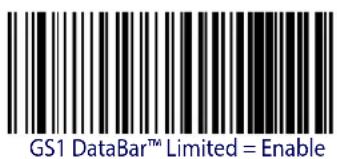
text_image
GS1 DataBar™ Limited = EnableGS1 DataBar™ Limited GS1-128 Emulation
henEnabledPmyUj atah ar™r imitedDbarcodeswillbetranslatedtotheMyUQUV labeldataformatR

text_image
GS1 DataBar™ Limited GS1-128 Emulation = Disable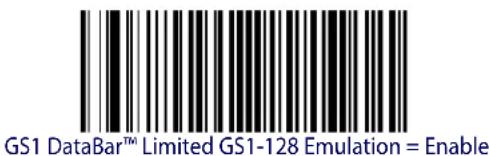
text_image
GS1 DataBar™ Limited GS1-128 Emulation = EnableGS1 DataBar™ Limited Minimum Reads
z his|feature|specifies|the|minimum|number|of|consecutive|times|a|myU|j atah ar™|r imited|label|must|be|decoded|before|it|is|accepted|as|good|read
 |  GS1 DataBarTM Limited Minimum Reads = 1 GS1 DataBarTM Limited Minimum Reads = 1 |
 GS1 DataBarTM Limited Minimum Reads = 2 GS1 DataBarTM Limited Minimum Reads = 2 | |
 GS1 DataBarTM Limited Minimum Reads = 3 GS1 DataBarTM Limited Minimum Reads = 3 | |
 GS1 DataBarTM Limited Minimum Reads = 4 GS1 DataBarTM Limited Minimum Reads = 4 |

ENTER/EXIT PROGRAMMING MODE Code 93 Enable/Disable
CODE 93
z he following options apply to the i ode^W symbology
text_image
Black and white barcode image with vertical lines and dots
text_image
Black and white barcode image with vertical lines and a small number 'n' in the bottom right corner.Code 93 = Enable
Code 93 = Disable
Code 93 Check Character Calculation
knablesSdisablesCalculationandVerificationofanOptionaliode^Wcheckcharacter
 Code 93 Check Character Calculation = Disable Code 93 Check Character Calculation = Disable | |
 Code 93 Check Character Calculation = Enable Check C Code 93 Check Character Calculation = Enable Check C | |
 Code 93 Check Character Calculation = Enable Check K Code 93 Check Character Calculation = Enable Check K | |
 Code 93 Check Character Calculation = Enable Check C and K Code 93 Check Character Calculation = Enable Check C and K |  |
Code 93 Check Character Transmission
knables\disables\transmission\of\an\optional\i ode^W\check\character\$

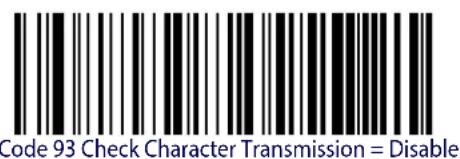
text_image
Code 93 Check Character Transmission = Disable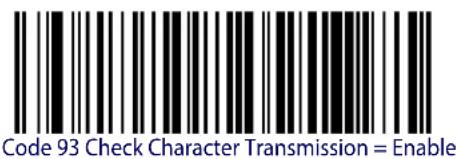
text_image
Code 93 Check Character Transmission = EnableCode 93 Length Control
z his|feature|specifies|either|variable|length|decoding|or|fixed|length|decoding|for|the|ode|^W symbology|
Variable Length.l or variableLengthdecoding[minimum] and maximumlengthmaybeiset
Fixed Length. 1 or fixed length decoding two different lengths may be set

text_image
Code 93 Length Control = Variable Length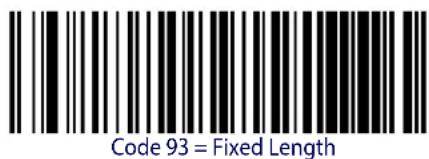
text_image
Code 93 = Fixed LengthCode 93 Set Length 1
ypeifiesoneofthebarcodelengthsforCode 93 Length ControlrengthUistheminimumlabellengthifinVariable Lengths odeNorthefirstfixedlengthifinFixed Lengths odeUrengthincludesthebarcode'sdatacharactersonly Oz helengthcanbelsefromTUtoYTcharacters
z able22 provides some examples for setting r length DURyee page 302 for detailed instructions on setting this feature
Table 22. Code 93 Length 1 Setting Examples
| STEP ACTION EXAMPLES | ||||
| 1 Desired Setting | 01 Characters 07 | Characters 15 Characters | 50 Characters | |
| 2 Scan ENTER/EXIT PROGRAMMING MODE | ||||
| 3 Scan SELECT CODE 93 LENGTH 1 SETTING | ||||
| 4 | Scan Two Characters FromAppendix D, Keypad | ‘0’ and ‘1’ | ‘0’ and ‘7’ | ‘1’ and ‘5’ |
| 5Scan ENTER/EXIT PROGRAMMING MODE | ||||
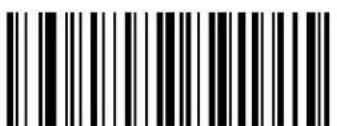
text_image
Black and white barcode image with vertical lines and a small number 'n' in the bottom right corner.Select Code 93 Set Length 1 Setting
Make a mistake? Scan the CANCEL barcode to abort and not save the entry string. You can then start again at the beginning.

CANCEL
DEFAULT
01 = Length 1 is 1 Character
Code 93 Set Length 2
z his|feature|specifies|one|of|the|barcode|lengths|for|Code 93 Length Control|r ength|Vois|the|maximum|label|length|if|in|Variable Length|s ode|for|the|second|fixed|length|if|in|Fixed Length|s ode|R ength|includes|the|barcode's|check|data|and|full|g yi oodshift|characters||z he|length| does|not|include|start|stop|characters||z he|length|can|be|set|from|U|to|YT|characters||g |setting|of|T|specifies|to|ignore|this|length|Lonly|one|fixed|lengthAR
z able23 provides examples for setting r length N yee page 303 for detailed instructions on setting this feature
Table 23. CODE 93 Length 2 Setting Examples
| STEP ACTION EXAMPLES | ||||
| 1 Desired Setting | 00 (Ignore This Length) | 07 Characters 15 | Characters 50 Characters | Characters |
| 2 Scan ENTER/EXIT PROGRAMMING MODE | ||||
| 3 Scan SELECT CODE 93 LENGTH 2 SETTING | ||||
| 4 | Scan Two Characters From Appendix D, Keypad | ‘0’ and ‘0’ | ‘0’ and ‘7’ | ‘1’ and ‘5’ |
| 5 Scan ENTER/EXIT PROGRAMMING MODE | ||||
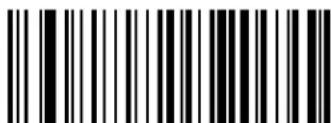
text_image
Black and white barcode image with vertical lines and a horizontal bar at the bottomSelect Code 93 Length 2 Setting
Make a mistake? Scan the CANCEL barcode to abort and not save the entry string. You can then start again at the beginning.

CANCEL
DEFAULT
50 = Length 2 is 50 Characters

ENTER/EXIT PROGRAMMING MODE Code 93 Minimum Reads
Code 93 Minimum Reads
z his|feature|specifies|the|minimum|number|of|consecutive|times|a|ode|^W|label|must|be| decoded|before|it|is|accepted|as|good|read|
 | 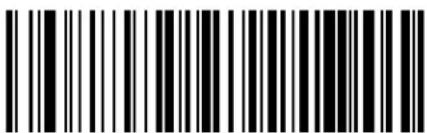 Code 93 Minimum Reads = 1 Code 93 Minimum Reads = 1 |
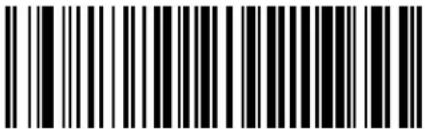 Code 93 Minimum Reads = 2 Code 93 Minimum Reads = 2 | |
 Code 93 Minimum Reads = 3 Code 93 Minimum Reads = 3 | |
 Code 93 Minimum Reads = 4 Code 93 Minimum Reads = 4 |
Code 93 Decoding Level
ypeifies the decoding level for i ode^W0j encoding r evels are used to configure a barcode symbology decoder to be very aggressive to very conservative depending on a particular customer's needs yee page 302 for more information on this feature
 Code 93 Decoding Level = Disable Code 93 Decoding Level = Disable | |
 Code 93 Decoding Level = 1 (Conservative) Code 93 Decoding Level = 1 (Conservative) | |
 Code 93 Decoding Level = 2 Code 93 Decoding Level = 2 | |
 Code 93 Decoding Level = 3 Code 93 Decoding Level = 3 |  |
 Code 93 Decoding Level = 4 Code 93 Decoding Level = 4 | |
 Code 93 Decoding Level = 5 (Aggressive) Code 93 Decoding Level = 5 (Aggressive) |

ENTER/EXIT PROGRAMMING MODE Code 93 Quiet Zones
Code 93 Quiet Zones
knablesSdisablesDquietDzonesDforDi odeD^WR
 Code 93 Quiet Zones = No Quiet Zones Code 93 Quiet Zones = No Quiet Zones | |
 Code 93 Quiet Zones = Quiet Zone on one side Code 93 Quiet Zones = Quiet Zone on one side | |
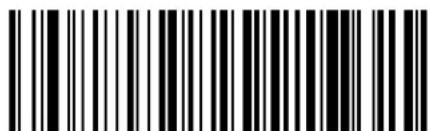 Code 93 Quiet Zones = Quiet Zones on two sides Code 93 Quiet Zones = Quiet Zones on two sides | |
 Code 93 Quiet Zones = Auto Code 93 Quiet Zones = Auto |  |
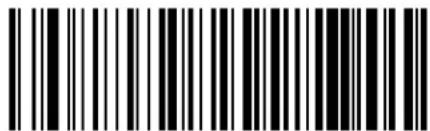 Code 93 Quiet Zones = Virtual Quiet Zones on two sides Code 93 Quiet Zones = Virtual Quiet Zones on two sides |
Code 93 Stitching
j isableEnableFixedOrvariableLengthStitchingForDi ode^WR
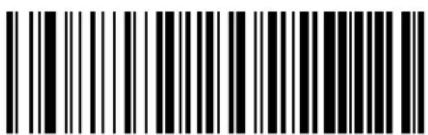 Code 93 Stitching = Disable Code 93 Stitching = Disable | |
 Code 93 Stitching = Enable Code 93 Stitching = Enable |  |
Code 93 Character Correlation
knablesSdisablesDi caracterDi orrelationForDi odeD^WR
 | 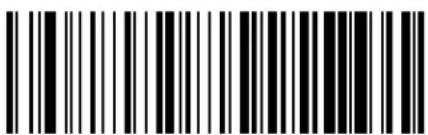 Code 93 Character Correlation = Disable Code 93 Character Correlation = Disable |
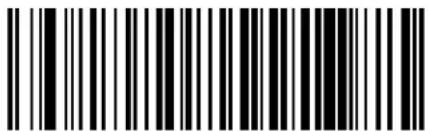 Code 93 Character Correlation = Enable Code 93 Character Correlation = Enable |
ENTER/EXIT PROGRAMMING MODE MSI Enable/Disable
MSI
z helfollowingoptionsapplytotheys yo)symbology
MSI Enable/Disable
knablesSj isablesabilityofreadertodecodes yolabelsR

text_image
DEFAULT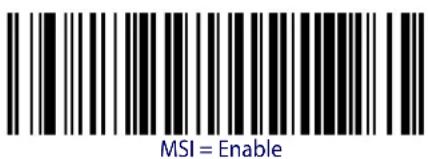
text_image
MSI = Enable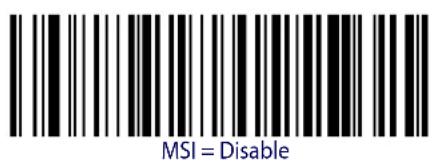
text_image
MSI = DisableMSI Check Character Calculation
knablesSj isables?calculationand?verificationof?an?optionals yo?check?character
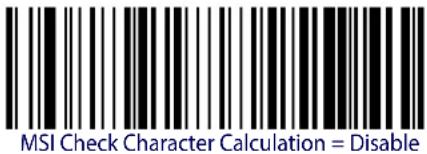 | |
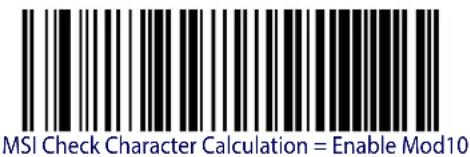 |  |
 | |
 |
MSI Check Character Transmission
knablesSdisablesTransmissionDofands yocheckCharacterR
 MSI Check Character Transmission = Disable MSI Check Character Transmission = Disable | |
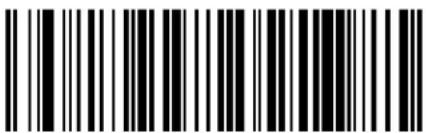 MSI Check Character Transmission = Enable MSI Check Character Transmission = Enable |  |
MSI Length Control
z his|feature|specifies|either|variable|length|decoding|or|fixed|length|decoding|for|the|s yo|symbology|
Variable Length.1 or variable length decoding minimum and maximum length maybe set
Fixed Length. 1 or fixed length decoding two different lengths may be set
text_image
DEFAULT
text_image
Black and white barcode image with vertical lines and dots
text_image
Black and white barcode image with vertical lines and a central dotMSI Length Control = Variable Length
MSI Set Length 1
z his|feature|specifies|one|of|the|barcode|lengths|for|MSI Length Control|r length|U|is|the|minimum|label|length|if|in|Variable Length|s |ode|or|the|first|fixed|length|if|in|Fixed Length|
s odeOrengthincludesthebarcode'sdatacharactersonlyHz he#lengthcanbesetfromJTUD toDYTcharactersR
z able24 provides some examples for setting for length you page 302 for detailed instructions on setting this feature
Table 24. MSI Length 1 Setting Examples
| STEP ACTION EXAMPLES | ||||
| 1 Desired Setting | 01 Characters 07 | Characters 15 Characters | 50 Characters | |
| 2 Scan ENTER/EXIT PROGRAMMING MODE | ||||
| 3 Scan SELECT MSI LENGTH 1 SETTING | ||||
| 4 | Scan Two Characters FromAppendix D, Keypad | '0' and '1' | '0' and '7' | '1' and '5' |
| 5Scan ENTER/EXIT PROGRAMMING MODE | ||||

text_image
Black and white barcode image with vertical lines and a central dotSelect MSI Set Length 1 Setting
Make a mistake? Scan the CANCEL barcode to abort and not save the entry string. You can then start again at the beginning.
CANCEL
DEFAULT
01 = Length 1 is 1 Character
MSI Set Length 2
z hisfeaturespecifiesoneofthebarcodelengthsforMSI Length ControlrengthDisthe maximumlabellengthDifinVariable Lengths odeOrthesecondfixedlengthDifinFixed Lengths odeOrengthincludesthebarcode'scheckDataandfullQgyi ooshiftcharacters
z he\length\does\not\include\DstartSstop\charactersR
z hélength can belset from UU to YT characters g setting of IT specifies to ignore this length Lonly done fixed length AR
z able25 provides examples for setting r length VYee page 303 for detailed instructions on setting this feature
Table 25. MSI Length 2 Setting Examples
| STEP ACTION EXAMPLES | |||||
| 1 Desired Setting | 00 (Ignore This Length) | 07 Characters 15 | Characters 50 Characters | ||
| 2 Scan ENTER/EXIT PROGRAMMING MODE | |||||
| 3 Scan SELECT MSI LENGTH 2 SETTING | |||||
| 4 | Scan Two Characters From Appendix D, Keypad | ‘0’ and ‘0’ | ‘0’ and ‘7’ | ‘1’ and ‘5’ | ‘5’ AND ‘0’ |
| 5 Scan ENTER/EXIT PROGRAMMING MODE | |||||
text_image
Black and white barcode image with vertical lines on both sidesSelect MSI Length 2 Setting
Make a mistake? Scan the CANCEL barcode to abort and not save the entry string. You can then start again at the beginning.

CANCEL
DEFAULT
50 = Length 2 is 50 Characters

ENTER/EXIT PROGRAMMING MODE MSI Minimum Reads
MSI Minimum Reads
z his ^feature specifies the minimum number of consecutive times and y label must be decoded before it is accepted as good read
 MSI Minimum Reads = 1 MSI Minimum Reads = 1 | |
 MSI Minimum Reads = 2 MSI Minimum Reads = 2 | |
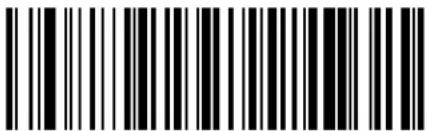 MSI Minimum Reads = 3 MSI Minimum Reads = 3 | |
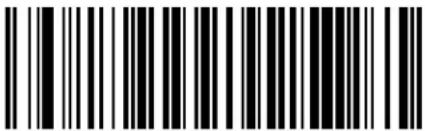 MSI Minimum Reads = 4 MSI Minimum Reads = 4 |  |
MSI Decoding Level
ypeifiesthedecodinglevelforms yoj encodingr evelsareusedtoconfigureabarcode symbologydecodertobeveryaggressivetoveryconservativedependingondaparticular customer'sneedsyeepage 302formoreinformationonthisfeaturek
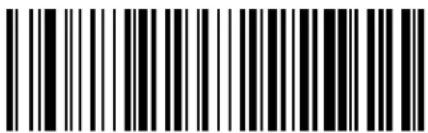 MSI Decoding Level = Disable MSI Decoding Level = Disable | |
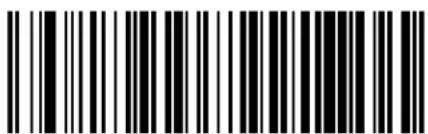 MSI Decoding Level = 1 (conservative) MSI Decoding Level = 1 (conservative) | |
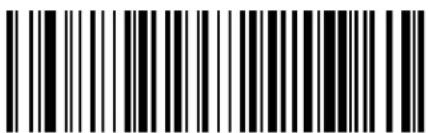 MSI Decoding Level = 2 MSI Decoding Level = 2 | |
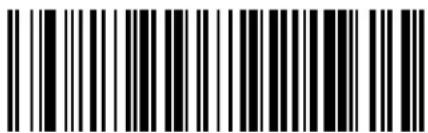 MSI Decoding Level = 3 MSI Decoding Level = 3 |  |
 MSI Decoding Level = 4 MSI Decoding Level = 4 | |
 MSI Decoding Level = 5 (aggressive) MSI Decoding Level = 5 (aggressive) |

ENTER/EXIT PROGRAMMING MODE Plessey Enable/Disable
PLESSEY
z he following options apply to the v lessey symbology
Plessey Enable/Disable
knablesSj isablesabilityofreadertodecodev lesseylabelsR
text_image
DEFAULT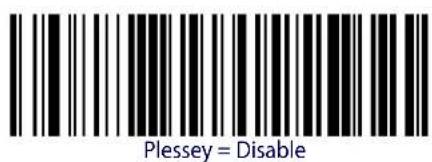
text_image
Plessey = Disable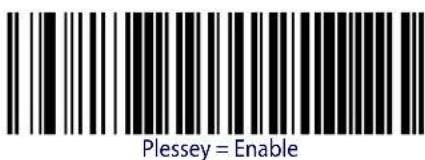
text_image
Plessey = EnablePlessey Check Character Calculation
knablesSj isablescalculationandverificationofanoptionalv lesseycheckcharacterR
 Plessey Check Character Calculation = Disable Plessey Check Character Calculation = Disable | |
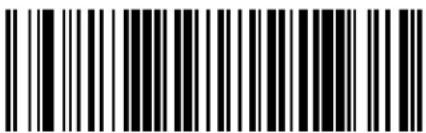 Plessey Check Character Calculation = Enable Plessey std. check char. verification Plessey Check Character Calculation = Enable Plessey std. check char. verification |  |
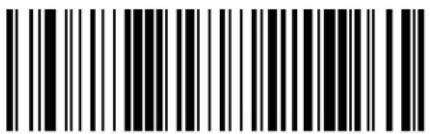 Plessey Check Character Calculation = Enable Anker check char. verification Plessey Check Character Calculation = Enable Anker check char. verification | |
 Plessey Check Character Calculation = Enable Plessey std. and Anker check char verification Plessey Check Character Calculation = Enable Plessey std. and Anker check char verification |
Plessey Check Character Transmission
knables\disables\transmission\of\and\s yo\check\character\
 Plessey Check Character Transmission = Disable Plessey Check Character Transmission = Disable | |
 Plessey Check Character Transmission = Enable Plessey Check Character Transmission = Enable |  |

ENTER/EXIT PROGRAMMING MODE Plessey Length Control
Plessey Length Control
z his ^feature specifies either variable length decoding or fixed length decoding for the v lessey symbology
Variable Length.1 or variable length decoding minimum and maximum length may be set
Fixed Length. 1 or fixed length decoding two different lengths may be set
text_image
DEFAULT
text_image
Black and white barcode image with vertical lines and a central dot
text_image
Black and white barcode image with vertical lines and a central dotPlessey Length Control = Variable Length
Plessey = Fixed Length
Plessey Set Length 1
z his|feature|specifies|one|of|the|barcode|lengths|for|Plessey Length Control|r ength|U|is|the|minimum|label|length|if|in|Variable Length|s ode|for|the|first|fixed|length|if|in|Fixed Length|
s odeOr lengthincludesthebarcode'sdatacharactersonlyHz helengthcanbesetfromITUtoYTD charactersR
z able26 provides some examples for setting or length you were page 302 for detailed instructions on setting this feature
Table 26. Plessey Length 1 Setting Examples
| STEP ACTION EXAMPLES | ||||
| 1 Desired Setting | 01 Characters 07 | Characters 15 Characters | 50 Characters | |
| 2 Scan ENTER/EXIT PROGRAMMING MODE | ||||
| 3 Scan SELECT Plessey LENGTH 1 SETTING | ||||
| 4 | Scan Two Characters From Appendix D, Keypad | '0' and '1' | '0' and '7' | '1' and '5' |
| 5 Scan ENTER/EXIT PROGRAMMING MODE | ||||
text_image
Black and white barcode image with vertical lines and a central dotSelect Plessey Set Length 1 Setting
Make a mistake? Scan the CANCEL barcode to abort and not save the entry string. You can then start again at the beginning.
CANCEL
DEFAULT
01 = Length 1 is 1 Character
Plessey Set Length 2
z his feature specifies one of the barcode lengths for Plessey Length Control for length is the maximum label length if in Variable Lengths ode or the second fixed length if in Fixed Lengths ode or length includes the barcode's check data and full gy i o shift characters z hel length does not include start stop characters
z he\length\can\be\set\from\U\to\YT\characters\g\setting\of\specifies\to\ignore\this\length\Longly\one\fixed\length\K
z able27 provides examples for setting r length V8yee page 303 for detailed instructions on setting this feature
Table 27. Plessey Length 2 Setting Examples
| STEP ACTION EXAMPLES | |||||
| 1 Desired Setting | 00 (Ignore This Length) | 07 Characters 15 | Characters 50 Characters | ||
| 2 Scan ENTER/EXIT PROGRAMMING MODE | |||||
| 3 Scan SELECT PLESSEY LENGTH 2 SETTING | |||||
| 4 | Scan Two Characters From Appendix D, Keypad | ‘0’ and ‘0’ | ‘0’ and ‘7’ | ‘1’ and ‘5’ | ‘5’ AND ‘0’ |
| 5Scan ENTER/EXIT PROGRAMMING MODE | |||||
text_image
Black and white barcode image with vertical lines and patternsSelect Plessey Length 2 Setting
Make a mistake? Scan the CANCEL barcode to abort and not save the entry string. You can then start again at the beginning.
CANCEL
DEFAULT
50 = Length 2 is 50 Characters
Plessey Minimum Reads
z his|feature|specifies|the|minimum|number|of|consecutive|times|a|v|lessey|label|must|be| decoded|before|it|is|accepted|as|good|read|
 Plessey Minimum Reads = 1 Plessey Minimum Reads = 1 | |
 Plessey Minimum Reads = 2 Plessey Minimum Reads = 2 | |
 Plessey Minimum Reads = 3 Plessey Minimum Reads = 3 | |
 Plessey Minimum Reads = 4 Plessey Minimum Reads = 4 |  |

ENTER/EXIT PROGRAMMING MODE Plessey Decoding Level
Plessey Decoding Level
ypecifies the decoding level for v lessey j encoding r evels are used to configure a barcode symbology decoder to be very aggressive to very conservative depending on a particular customer's needs yee page 302 for more information on this feature
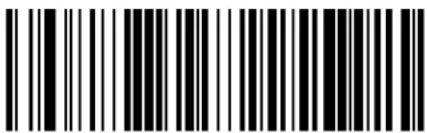 Plessey Decoding Level = Disable Plessey Decoding Level = Disable | |
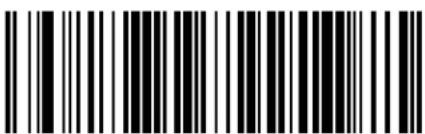 Plessey Decoding Level = 1 (conservative) Plessey Decoding Level = 1 (conservative) | |
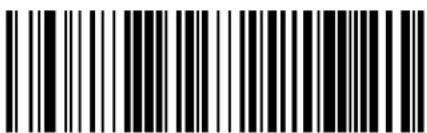 Plessey Decoding Level = 2 Plessey Decoding Level = 2 | |
 Plessey Decoding Level = 3 Plessey Decoding Level = 3 |  |
 Plessey Decoding Level = 4 Plessey Decoding Level = 4 | |
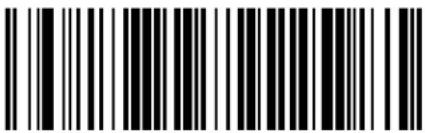 Plessey Decoding Level = 5 (aggressive) Plessey Decoding Level = 5 (aggressive) |
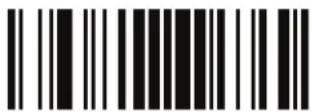
Plessey ENTER/EXIT PROGRAMMING MODE
Plessey Stitching
knablesSdisablesDfixedDlengthDstitchingDforDv lesseyR

text_image
Black and white barcode image with vertical lines and dots, no readable text or symbols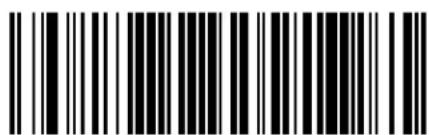
text_image
Black and white barcode image with vertical lines and a central dotPlessey Stitching = Enable
Plessey Stitching = Disable
Plessey Character Correlation
knablesSdisablesDi characterDi orrelationDforDv lesseyR

text_image
Black and white barcode image with vertical lines on both sides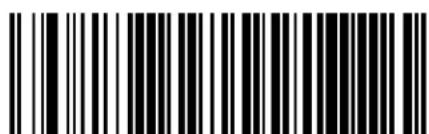
text_image
Black and white barcode image with vertical lines and a central dotPlessey Character Correlation = Disable
Plessey Character Correlation = Enable

ENTER/EXIT PROGRAMMING MODE Code 4 Enable/Disable
CODE 4
z he following options apply to the i ode X Symbolology
text_image
Black and white barcode image with vertical lines and a horizontal bar at the bottom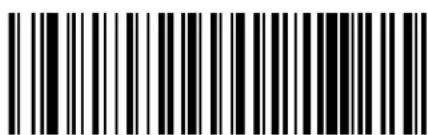
text_image
Black and white barcode image with vertical lines and a central dotCode 4 = Enable
Code 4 = Disable
Code 4 Check Character Transmission
z his ^D feature ^D enables ^S disables ^D transmission ^D of ^D an ^D optional ^D i ^D ode ^D X ^D check ^D character ^R
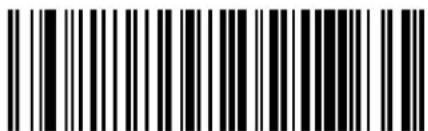
text_image
Black and white barcode image with vertical lines and a small number '1' at the bottomCode 4 Check Character Transmission = Send

text_image
Black and white barcode image with vertical lines and dots, no readable text or symbolsCode 4 Check Character Transmission = Don't Send

Code 4 Hex to Decimal Conversion
z his|feature|enables|disables|the|conversion|of|hexidecimal|label|data|to|decimal|label|data|
 Code 4 Hex to Decimal Conversion = Disable Code 4 Hex to Decimal Conversion = Disable | |
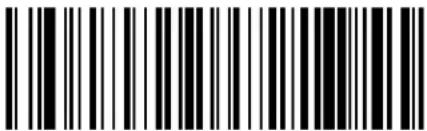 Code 4 Hex to Decimal Conversion = Enable Code 4 Hex to Decimal Conversion = Enable |  |
CODE 5
z he following options apply to the i ode Y symbology
 | 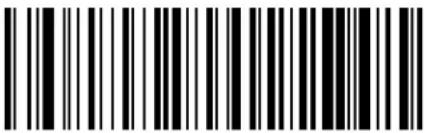 Code 5 = Disable Code 5 = Disable |
 Code 5 = Enable Code 5 = Enable |

ENTER/EXIT PROGRAMMING MODE Code 5 Check Character Transmission
Code 5 Check Character Transmission
z hisfeatureenablesdisablestransmissionofanoptionalDi odeYcheckcharacterR
| Code 5 Check Character Transmission = Don't Send | |
 Code 5 Check Character Transmission = Send Code 5 Check Character Transmission = Send |  |
Code 5 Hex to Decimal Conversion
z hisfeature enables disables the conversion of hexadecimal label data to decimal label data
| Code 5 Hex to Decimal Conversion = Disable | |
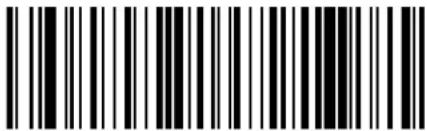 Code 5 Hex to Decimal Conversion = Enable Code 5 Hex to Decimal Conversion = Enable |  |
CODE 4 AND CODE 5 COMMON CONFIGURATION ITEMS
z he following options apply to both i ode X and i ode Y symbols
Code 4 and 5 Decoding Level
j encodingr evelslarelusedtoconfigurea|barcode|SYMBOLG|decoder|to|belvery|aggressive|to|very|conservative|dependingon|a|particular|customer's|needs|yee|page 291|for|more|information|on this|feature

This configuration item applies to Code 4 and Code 5.
 Code 4 and Code 5 Decoding Level = 1 (conservative) Code 4 and Code 5 Decoding Level = 1 (conservative) | |
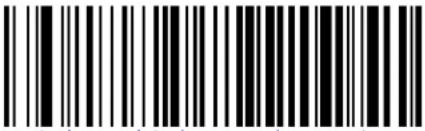 Code 4 and Code 5 Decoding Level = 2 Code 4 and Code 5 Decoding Level = 2 | |
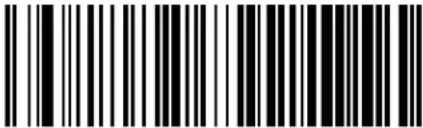 Code 4 and Code 5 Decoding Level = 3 Code 4 and Code 5 Decoding Level = 3 |  |
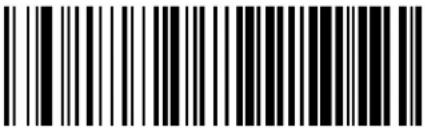 Code 4 and Code 5 Decoding Level = 4 Code 4 and Code 5 Decoding Level = 4 | |
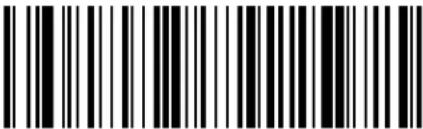 Code 4 and Code 5 Decoding Level = 5 (aggressive) Code 4 and Code 5 Decoding Level = 5 (aggressive) |

ENTER/EXIT PROGRAMMING MODE Code 4 and Code 5 Minimum Reads
Code 4 and Code 5 Minimum Reads
z his|feature|specifies|the|minimum|number|of|consecutive|times|a|i ode|Xor|i ode|Y|label|must|be|decoded|before|it|is|accepted|as|good|read|
 |  Code 4 or Code 5 Minimum Reads = 1 Code 4 or Code 5 Minimum Reads = 1 |
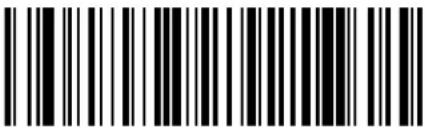 Code 4 or Code 5 Minimum Reads = 2 Code 4 or Code 5 Minimum Reads = 2 | |
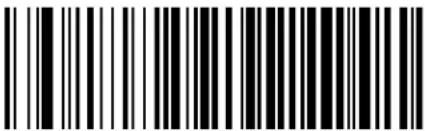 Code 4 or Code 5 Minimum Reads = 3 Code 4 or Code 5 Minimum Reads = 3 | |
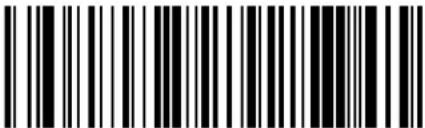 Code 4 or Code 5 Minimum Reads = 4 Code 4 or Code 5 Minimum Reads = 4 |
NOTES
Chapter 4
Wireless Features

The features in this section are valid only for the GM4100 and GBT4100 models.
z his|section|provides|options|and|programming|related|to|the|reader's|yz g x |and|h bluetooth|| communication|features||x eference|Appendix B, Standard Defaults|for|a|listing|of|standard|factory|settings|
| WIRELESS BEEPER FEATURES starting on page 259 | |
| • Good Transmission Beep | • Disconnect Beep |
| • Beep Frequency | • Base Station Beep |
| • Beep Duration | • Leash Alarm |
| • Beep Volume | • |
| CONFIGURATION UPDATES starting on page 264 | |
| • Automatic Configuration Update | • Automatic Flash Update |
| • Copy Configuration to Scanner | • Request Flash Update |
| • Copy Configuration to Base Station | • |
| POWERDOWN TIMEOUT starting on page 266 | |
| BATCH FEATURES starting on page 268 | |
| • Batch Mode | • Erase Batch Memory |
| • Send Batch | • RF Batch Mode Transmit Delay |
| DIRECT RADIO AUTOLINK starting on page 270 | |
| RF ADDRESS STAMPING starting on page 270 | |
| • Source Radio Address Transmission | • Source Radio Address Delimiter Character |
| FEATURES FOR STAR MODELS ONLY starting on page 272 | |
| • STAR Radio Protocol Timeout | • STAR Radio Transmit Mode |
| DISPLAY FEATURES starting on page 274 | |
| • Contrast | • Display Mode |
| • Font Size • Display Timeout | |
| • Backlight • Keypad Select | |
| BLUETOOTH-ONLY FEATURES starting on page 279 | |
| BT SECURITY FEATURES | |
| • BT Security Mode • Select PIN Code Length | |
| • BT Pin Code • Set PIN Code | |
| BT HID FEATURES | |
| • BT HID Variable PIN Code | • BT HID Send Unkown ASCII Char |
| • BT HID ALT Mode • | |
| OTHER BT FEATURES | • |
| BT Poll Rate • | |

ENTER/EXIT PROGRAMMING MODE Good Transmission Beep
WIRELESS BEEPER FEATURES
yeveralloptionslareavailabletoconfigurebeeperbehaviorforx1operation
Good Transmission Beep
knablesdisablestheimoodzransmissionheepindicationhenenabledMabbeepoccurswhendaarabeldiscorrectlytransmittedtothebase
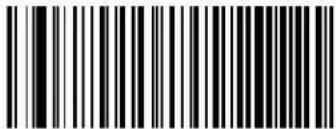 Good Transmission Beep = Disable Good Transmission Beep = Disable | |
 Good Transmission Beep = Enable Good Transmission Beep = Enable |  |
Beep Frequency
g djustsradiospecificbeepindicationstosoundataallowmediumorhighfrequencyselectablefromtheListbelowLiontrolsthebeeper'spitchStoneM
 |  Beep Frequency = Low Beep Frequency = Low |
 Beep Frequency = Medium Beep Frequency = Medium | |
 Beep Frequency = High Beep Frequency = High |
Beep Duration
z his|feature|controls|the|duration|of|radio|specific|beep|indications.
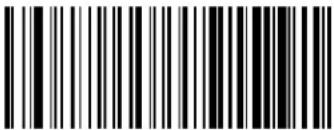 Beep Duration = 60 msec Beep Duration = 60 msec | |
 Beep Duration = 80 msec Beep Duration = 80 msec |  |
 Beep Duration = 100 msec Beep Duration = 100 msec | |
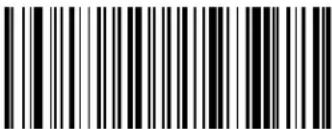 Beep Duration = 120 msec Beep Duration = 120 msec | |
 Beep Duration = 140 msec Beep Duration = 140 msec | |
 Beep Duration = 160 msec Beep Duration = 160 msec | |
 Beep Duration = 180 msec Beep Duration = 180 msec | |
 Beep Duration = 200 msec Beep Duration = 200 msec |
ENTER/EXIT PROGRAMMING MODE Beep Volume
Beep Volume
yelects{the}beeper-volumeCloudnessofradio{specific}beepindicationszhereare{three}selectablevolumelevelsk
text_image
Black and white barcode image with vertical lines above and below the barsBeep Volume = Low
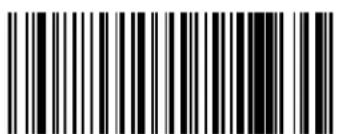
text_image
Black and white barcode image with vertical lines on both sidesBeep Volume = Medium
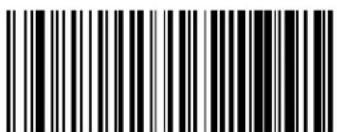
text_image
Black and white barcode image with vertical lines above and below the barsBeep Volume = High
Disconnect Beep
knablesdisablesthebeepindicationthatahandheldhasbecomeconnectedordisconnectedfromahaselytation

The defaults are different for the STAR and BT models.

GM 4100 STAR default
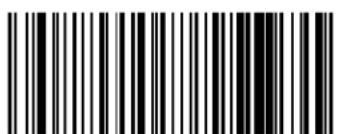
text_image
Black and white barcode image with vertical lines and a central barDisconnect Beep = Disable
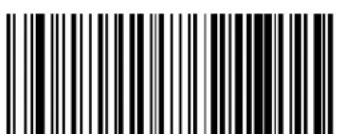
text_image
Black and white barcode image with vertical lines and a central patternDisconnect Beep = Enable
text_image
DEFAULTBT default
Base Station Beep
knables\disables\a\beep\indication\when\thehandheld\isplaced\in\theh\ase\ytation\
 BT Base Station Beep = Disable BT Base Station Beep = Disable | |
 BT Base Station Beep = Enable BT Base Station Beep = Enable |  |
Leash Alarm
z hissettingspecifiesthenumberofsecondstosoundtheireashs odeibeepsthreepersecond whenthehandheldgoesoutofrangeHz hisisespeciallyusefulininstanceswherethereader mightinadvertentlyhavebeenplacedinlabaglorcart
1 or this mode to be effective reader must be linked to the aseylation and Sleep Mode Timeout on page 94 must be disabled of the reader is asleep or disconnected from the aseylation there is no way for it to know where it is relative to the aseylation because communication is not active between the devices
 |  Leash Alarm = Disabled Leash Alarm = Disabled |
 Leash Alarm = 1 Second Leash Alarm = 1 Second | |
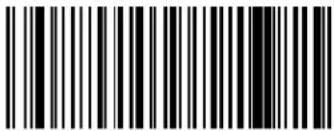 Leash Alarm = 2 Seconds Leash Alarm = 2 Seconds |

ENTER/EXIT PROGRAMMING MODE Leash Alarm
Leash Alarm — cont.
 Leash Alarm = 3 Seconds Leash Alarm = 3 Seconds | |
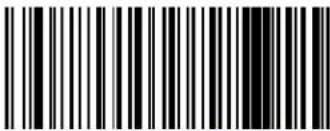 Leash Alarm = 4 Seconds Leash Alarm = 4 Seconds | |
 Leash Alarm = 5 Seconds Leash Alarm = 5 Seconds | |
 Leash Alarm = 10 Seconds Leash Alarm = 10 Seconds | |
 Leash Alarm = 25 Seconds Leash Alarm = 25 Seconds | |
 Leash Alarm = 30 Seconds Leash Alarm = 30 Seconds |
Automatic Configuration Update
henthisfeatureisenabledPareaderanditslinkedhaselytationcanautomaticallyensuretheystayinsyncwithregardtolapplicationhardwareandSorconfigurationyeepage 318formoreinformationonthisfeature0
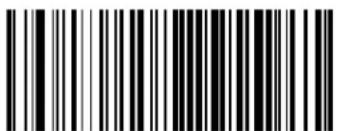 Automatic Configuration Update = Disable Automatic Configuration Update = Disable | |
 Automatic Configuration Update = Enable Automatic Configuration Update = Enable |  |
Copy Configuration to Scanner
ycan the following label to copy the current h aseytation configuration to the scanner ' set this method when the g utoli onfiguration' pdate feature is disabled and you want alone time configuration update to be performed on the scanner

Do not scan an ENTER/EXIT PROGRAMMING MODE label in conjunction with this barcode.
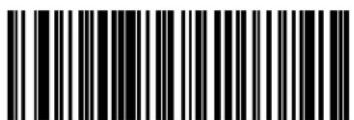
text_image
Black and white barcode image with vertical lines on both sidesCopy Configuration to Scanner
Copy Configuration to Base Station
ycan the following label to copy the current scanner configuration to the hasylation' set this method when the g uto i onfiguration' pdate feature is disabled and you want alone time configuration update to be performed on the hasylation
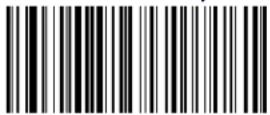
Copy Configuration to Base Station

Do not scan an ENTER/EXIT PROGRAMMING MODE label with this barcode.
Automatic Flash Update
z his ^D feature ^D enables ^S disables ^D the ^A automatic ^D flash ^D update ^D of ^D a ^D reader ^R

This item is valid only with POS version of Base Station (model 4010).
text_image
DEFAULT
text_image
Black and white barcode image with vertical lines on both sides
text_image
Black and white barcode image with vertical lines and a central dotAutomatic Flash Update = Disable
Automatic Flash Update = Enable
Request Flash Update
ycan(this)barcode to request a flash update from a h asetytation

NOTE
Do not scan an ENTER/EXIT PROGRAMMING MODE label in conjunction with this barcode.
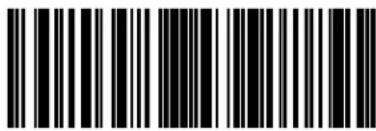
text_image
Black and white barcode image with vertical lines on both sidesRequest Flash Update
Powerdown Timeout
z hervowerdownz imeoutfeaturesetsthetimeforautomaticallyswitchingtheunitoffwhentheimagerhasbeenidle
 Powerdown Timeout = Disable Powerdown Timeout = Disable | |
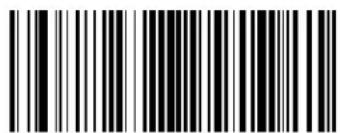 Powerdown Timeout = 10 minutes Powerdown Timeout = 10 minutes | |
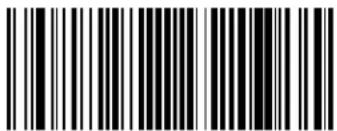 Powerdown Timeout = 20 minutes Powerdown Timeout = 20 minutes | |
 Powerdown Timeout = 30 minutes Powerdown Timeout = 30 minutes |  |
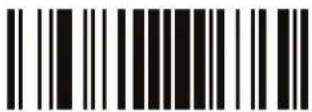
ENTER/EXIT PROGRAMMING MODE Powerdown Timeout
Powerdown Timeout — continued
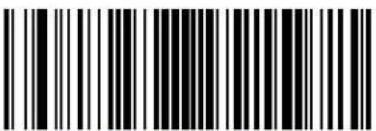 Powerdown Timeout = 60 Minutes (1 Hour) Powerdown Timeout = 60 Minutes (1 Hour) | |
 Powerdown Timeout = 120 Minutes (2 Hours) Powerdown Timeout = 120 Minutes (2 Hours) | |
 Powerdown Timeout = 4 Hours Powerdown Timeout = 4 Hours | |
 Powerdown Timeout = 6 Hours Powerdown Timeout = 6 Hours | |
 Powerdown Timeout = 8 Hours Powerdown Timeout = 8 Hours | |
 Powerdown Timeout = 16 Hours Powerdown Timeout = 16 Hours | |
 Powerdown Timeout = 24 Hours Powerdown Timeout = 24 Hours |
BATCH FEATURES
Batch Mode
z his|option|specifies{whether|to|store|labels|in|the|handheld|while|disconnected|from|the|base|u p tions|are|as|follows'
- Disabled — The handheld will not store/batch labels.
- Automatic — The handheld will store labels to RAM when the handheld goes out of range and is disconnected from the remote device
- Manual — The handheld will always store labels to allash memory and user must manage ally send the stored labels to the remote device using a special batch send label
text_image
DEFAULT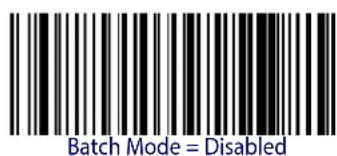
text_image
Batch Mode = Disabled
text_image
Batch Mode = Automatic
text_image
Batch Mode = ManualSend Batch
'sel this barcode to initiate sending of labels stored in batch memory

Do not scan an ENTER/EXIT PROGRAMMING MODE label in conjunction with this barcode.

text_image
Send Batch
ENTER/EXIT PROGRAMMING MODE Erase Batch Memory
Erase Batch Memory
'sethisbarcode]toeraseanylabelsstoredinbatchmemory?

Do not scan an ENTER/EXIT PROGRAMMING MODE label in conjunction with this barcode.

text_image
Black and white barcode image with vertical lines and a small number 'n' in the bottom right corner.Erase Batch Memory
RF Batch Mode Transmit Delay
ypecifies the delay in UT msec increments between transmitting labels stored in batch memory
 | 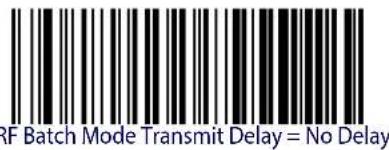 |
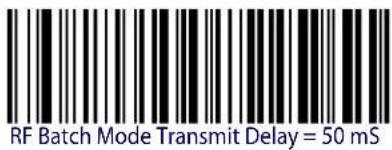 | |
 | |
 | |
 | |
 |
DIRECT RADIO AUTOLINK
z his ^feature enables ^disables the ^ability to ^link ^wireless handheld ^to ^base station ^without scanning ^the 'nlink ^label first ^first

text_image
DEFAULT
text_image
Direct Radio Link = Unlink Label Required
text_image
Direct Radio Link = Automatic UnlinkingRF ADDRESS STAMPING
z heselfeaturesallowconfigurationofsourceradiodatainclusion
Source Radio Address Transmission
knablesdisablestheabilityofsourceradioaddressinformationtobetransmittedtothehostandifisophatwhatpositionwithrespecttothelabeldatayeepage 318in"x eferences"fordetailedinformationandexamplesforsettingthisfeature

When included as a prefix, the source-radio ID is displayed after all label formatting has been applied. The 6 byte hex address is sent as 12 ascii characters, i.e., an address of 00 06 66 00 1A ED will be sent as (shown in hex): 30 30 30 36 36 36 30 30 31 41 45 44
text_image
DEFAULT
text_image
Source Radio Address Transmission = Do Not Include
text_image
Source Radio Address Transmission = PrefixENTER/EXIT PROGRAMMING MODE Source Radio Address Delimiter Character
Source Radio Address Delimiter Character
This option specifies the delimiter character to be placed between the label data and radio address when address stamping is enabled.
This feature only applies if "Source Radio Address Transmission" on page 270 is enabled.
Set Source Radio Address Delimiter Character
Make a mistake? Scan the CANCEL barcode to abort and not save the entry string. You can then start again at the beginning.
CANCEL
DEFAULT
00 = No Delimiter Character
Features for Star Models Only
z hefeaturesinthissectionarevalidonlyforthemryphonoms XUTTytarmodel
• STAR Radio Protocol Timeout
• STAR Radio Transmit Mode
DISPLAY FEATURES starting on page 274
- Contrast
- Font Size
- Backlight
- Display Mode
- Display Timeout
- Keypad Select
STAR Radio Protocol Timeout
z his|parameter|sets|the|valid|wait|time|before|transmission|between|the|handheld|reader|and|h ase|ytation|is|considered|failed|
hensetting this parameter take into consideration the radio traffic number of readers in the same area z he selectable range for this feature is from TV to VY seconds yee page 320 in "x references" for detailed information and examples for setting this feature
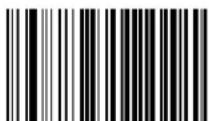
Set Radio Protocol Timeout
Make a mistake? Scan the CANCEL barcode to abort and not save the entry string. You can then start again at the beginning.

CANCEL
DEFAULT
02 = 2 Seconds Radio Protocol Timeout
STAR Radio Transmit Mode
ypecifies the transmission protocol for tar communications
u p tionsDare'
- ACK from cradle to scanner — signals a good transmission (as soon as the assayation) receives all label
- ACK when sent to host — scanner signals a good transmission as soon as the Base Station has sent the label to the host
- ACK from host — scanner signals a good transmis sionas!soonas!thehasetytationhassent thelabelto!thehostandhosthasrepliedwithanlacknowledgemeagage
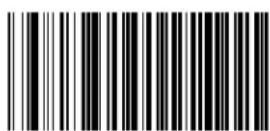
ACK from cradle
ACK when sent to host

ACK from host

ACK from host works only for RS232 or USB-COM interfaces with ACK/NACK disabled. If ACK from host is configured with any other interface conditions, it works like ACK when sent to host.
See "Message Formatting" on page 323 for details.
DISPLAY FEATURES
Contrast
x eaddtheCodeuntilthedesiredcontrastdisreached
 | |
 |
Font Size

text_image
DEFAULT
text_image
Font size = Small
text_image
Font size = Medium
text_image
Font size = Large
ENTER/EXIT PROGRAMMING MODE Backlight
Backlight
 |  Display backlight = off Display backlight = off |
 Display backlight = on Display backlight = on |
Display Mode
z he\user\can\control\the\reader\display\behavior\according\to\various\selections\Myee\page 318\in
“x eferences”Dfor detailedinformationabouteachfeature



Display Timeout
ypecifieshowlongthe|displaywillremainon|after|adisplay|writej isplayisforcedon|afterany|display|writeor|afterany|reading|phasej isplayandbacklightare|turnedoff|afterthis|timeout|expires
 Display Timeout = Disable Display Timeout = Disable | |
 Display Timeout = 1 Second Display Timeout = 1 Second | |
 Display Timeout = 2 Seconds Display Timeout = 2 Seconds | |
 Display Timeout = 3 Seconds Display Timeout = 3 Seconds | |
 Display Timeout = 4 Seconds Display Timeout = 4 Seconds |
ENTER/EXIT PROGRAMMING MODE Display Timeout
Display Timeout - cont.
 Display Timeout = 5 Seconds Display Timeout = 5 Seconds | |
 Display Timeout= 6 Seconds Display Timeout= 6 Seconds | |
 Display Timeout = 7 Seconds Display Timeout = 7 Seconds | |
 Display Timeout = 8 Seconds Display Timeout = 8 Seconds |  |
 Display Timeout = 9 Seconds Display Timeout = 9 Seconds | |
 Display Timeout = 9.9 Seconds (9,900ms max.) Display Timeout = 9.9 Seconds (9,900ms max.) |
Keypad Select
z his|parameter|specifies|the|character|that|has|to|b|sent|from|the|scanner|when|done|of|the|three|keys|are|pressed|or|example|when|key|dis|pressed|a|Tx|wi |D|b|character|d|sent|
I allow these instructions to set this feature
URDj eterminethedesiredsettingR
VDDycanthe0kt z kx Sk" oz Dvx u mx g s s ot m0s u j kDbarcode0toenterDvrogramming0 s odeR
WRDycanthebarcode'Dj oyvrg-Dq k-vgj Dykrki z R
XR z henreadDNk” charactersDintheOrangeTUQL kfromthekeypadDinAppendix D, KeypadD correspondingtotherightcenterandleftkeysrespectively

If you make a mistake before the last character, scan the CANCEL barcode to abort and not save the entry string. You can then start again at the beginning.
ycanthekt z kx Sk" oz lvx u mx gs s ot mls u j kJbarcodetoExitvrogrammings ode
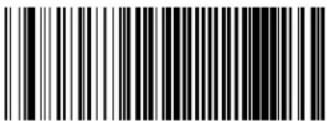 Disable Keypad Disable Keypad | |
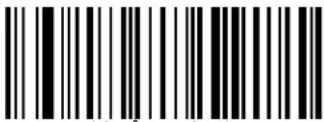 Enable Keypad Select Enable Keypad Select | |
| Make a mistake? Scan the CANCEL barcode to abort and not save the entry string. You can then start again at the beginning. |  CANCEL CANCEL |
Disable Keypad
text_image
DEFAULTCANCEL
3C3D3E
Bluetooth-Only Features
z hellofeatures in this section are valid only for mryphon h bluetooth models g Iso reference the setup section for instructions on Linking a BT Reader to a PC, starting on page 26
v leaseupdatethelistdasbelow
BT SECURITY FEATURES
- BT Security Mode
- BT Pin Code
- Select PIN Code Length
- Set PIN Code
BT HID FEATURES
• BT HID Variable PIN Code
- BT HID ALT Mode
• BT HID Send Unkown ASCII Char
OTHER BT FEATURES
- BT Poll Rate
BT SECURITY FEATURES
z he!hz [system]can!be!set!up!to!require!a!configurable!vot [code]to!authenticateSconnect!hz ] devices!and?encrypt!the!data!nz his!can!be!donelin!one!oftwo!ways'
- The scanner can be programmed with a PIN code using the bar codes in this section.
- The Host can be set up to specify a custom security PIN code when a scanner attempts to connect or more information about this feature? contact; atalogic; echnically support?

The Gryphon GBT4100 can be set up to require a PIN code when connecting to the host. If you are adding new equipment to a system that uses a custom security PIN, please read this section for information before proceeding.
1 ollow these steps to set the v ot code for a scanner
UdknableHz (ysecurity)s ode|by|scanning|the|Fknable"dbarcode|belowR
VByelectaAvot codeLengthofEitherXOrU charactersbyscanningtheappropriatebarcode in"Select PIN Code Length" on page 281R
wc ycantherelevantbarcodefrom"Set PIN Code" on page 281thenscanthedesiredalphaQ numericcharactersfromthekeypadinAppendix D, KeypadtosettheIvot Icode
yee"BT-Only Features" on page 321DinDfx eferences"formoredetailedinformationandexamplesforthisfeature
BT Security Mode
z his|feature|enables|disables|authentication|and|encryption|of|the|hz |link|’ set|the|feature|”BT Pin Code" on page 281|to|specify|the|pin|code|used|to|authenticate|the|hz |r ink|

NOTE
Changing the security mode setting will unlink the devices. If the Automatic Configuration Update is set to the default enabled setting, the devices must only be relinked. If the Automatic Configuration Update is set to the disabled setting, the Security Mode setting must also be updated in the Base Station using Aladdin. After the Base Station has been updated the devices must be relinked.
text_image
DEFAULT
text_image
BT Security Mode = Disable
text_image
BT Security Mode = EnableBT Pin Code
g fterenabling|security|s ode|see|FBT Security Mode on page 280|specify|whether|you want|to|set|a|X|digit|or|a|U (digit|vot Di ode|yee|page 321|for|detailed|information|and|examples|for|setting|this|feature|
Select PIN Code Length

text_image
DEFAULT
text_image
Black and white barcode image with vertical lines and a small number 'n' in the bottom right corner.
text_image
Select 16-character BT PIN CodeSelect 4-character BT PIN Code
Set PIN Code
j etermine the desired characters for the v or code then convert to hexadecimal using the gy i ooli hart on the inside back cover of this manual yee page 321 for detailed information and examples for setting this feature

text_image
Black and white barcode image with vertical lines and dots, no readable text or symbolsSet 4-character BT Pin Code
To configure this feature, scan the ENTER/EXIT PROGRAMMING MODE bar code above, then the desired bar code, followed by the digits from the Alphanumeric characters in Appendix D. Keypad representing your desired character(s). End by scanning the ENTER/EXIT bar code again.
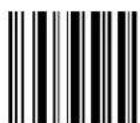
text_image
DEFAULT
text_image
Black and white barcode image with vertical lines and a small number '1' at the bottom right.Set 16-character BT PIN Code
Make a mistake? Scan the CANCEL barcode to abort and not save the entry string. You can then start again at the beginning.
BT HID FEATURES
BT HID Variable PIN Code
z his|feature|specifies|the|selection|available|for|ytatic|or|“ ariable|v indi ode|when|hz |n oj |profile|is|configured|
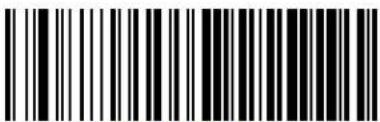 Use Static PIN Code Use Static PIN Code |  |
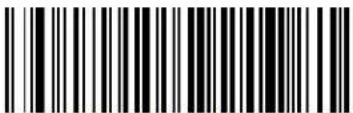 Use Variable PIN Code Use Variable PIN Code |
BT HID ALT Mode
z hisfeatureknablesj isablestheabilityto|transmit|correctly|label|contentto|the|host| regardlessofthe|hz In oj |i ountrys ode|selected|when|hz In oj |profile|is|configuredR
 HID ALT Mode = Disable HID ALT Mode = Disable |  |
 HID ALT Mode = Enable HID ALT Mode = Enable |
BT HID Send Unkown ASCII Char
z hisfeatureknableSj isabletheabilityofaHz In n Ito transmitdaLabelcontaininganUnknowncharacteritothehostwhenHz In oj profileisconfigured
 HID Send Unkown ASCII Char = Disable HID Send Unkown ASCII Char = Disable |  |
 HID Send Unkown ASCII Char = Enable HID Send Unkown ASCII Char = Enable |
OTHER BT FEATURES
BT Poll Rate
z hisfeaturespecifiesthetimebetweenhh z Dpolls
 BT Poll Rate = Maximum BT Poll Rate BT Poll Rate = Maximum BT Poll Rate | |
 BT Poll Rate = 10 ms BT Poll Rate = 10 ms | |
 BT Poll Rate = 20 ms BT Poll Rate = 20 ms |  |
 BT Poll Rate = 30 ms BT Poll Rate = 30 ms | |
 BT Poll Rate = 50 ms BT Poll Rate = 50 ms | |
 BT Poll Rate = 100 ms BT Poll Rate = 100 ms | |
 BT Poll Rate = 150 ms BT Poll Rate = 150 ms | |
 BT Poll Rate = 200 ms BT Poll Rate = 200 ms | |
 BT Poll Rate = 500 ms BT Poll Rate = 500 ms | |
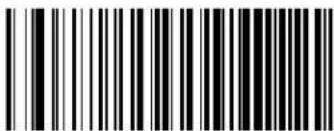 BT Poll Rate = 990 ms BT Poll Rate = 990 ms |
NOTES
Chapter 5
Laser Features
z heelfeaturesinthissectionarevalidfortheImryphonDrlmj XWTTmodelonlyR
LASER SCAN ANGLE on page 288
LASER IDLE MODE on page 288
BI-DIRECTIONAL READ DECODING on page 289
ALWAYS ON SCAN MODE TIMEOUT on page 290
z his|section|provides|options|and|programming|related|to|the|reader's|laser|features|x eference|Appendix B, Standard Defaults|for|a|listing|of|standard|factory|settings

For hands-free or stand operations, it is recommended that Flashing scan mode be used. See "Scan Mode" on page 101 for programming labels for this feature. For more information, go to page 314 in "References".
Laser Scan Angle
z his|feature|sets|the|scan|angle|for|the|laser|z helt arrow|scan|angle|is|helpful|for|selecting|and|reading|specific|barcode|among|tight|grouping|of|labels|
text_image
DEFAULT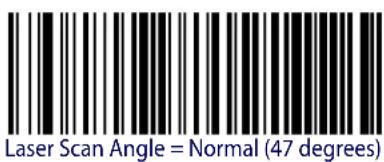
text_image
Laser Scan Angle = Normal (47 degrees)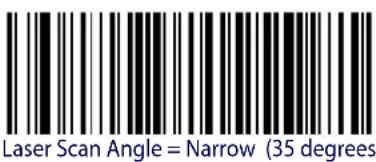
text_image
Laser Scan Angle = Narrow (35 degrees)Laser Idle Mode
raserodlels odeoptiondisapplicablefortriggeringinglez riggern oldMultiple & Trigger Pulses multipleonly
z his|configuration|provides|control|over|the|laser|scanning|motor|when|the|laser|is|not|actively|scanning||z he|options|are'
Dither Disable .yhutsdownthemotorlaser mirr dithering during laser engine idle time to reduce overall scanner power consumption
Dither Enable. lgllowsthelaserenginemotortocontinueditheringwhenlaserisnotactiveallmayprovideanimprovedreadresponsetime
text_image
DEFAULT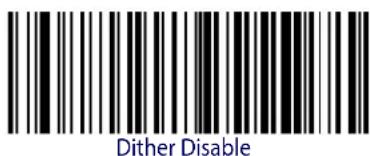
text_image
Dither Disable
text_image
Dither Enable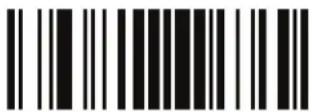
ENTER/EXIT PROGRAMMING MODE Bi-Directional Read Decoding
Bi-Directional Read Decoding
z hisconfigurationprovidescontroloverthegoodreadandbarcodelabelrequirementz hisprogrammingoptionformyphonraseraffectsallbarcodesymbolologies
Bi-Directional Read Disable. henhidirectionalreadingisdisabledthelaserscanisonlyrequiredtoobtainaValidlabelreadinlonescanningdirection
Bi-Directional Read Enable. I hen enabled the reader is must obtain valid good read in both scanning directions as part of the label reads decode process, k nabled will provides increased decode reliability
 Bi-Directional Read Disable Bi-Directional Read Disable | |
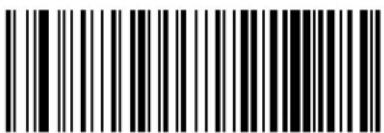 Bi-Directional Read Enable Bi-Directional Read Enable |  |
Always On Scan Mode Timeout
hen the mryphon or aserising lwaysu nscanningmodetimeoutperiodscanbeconfigured of the programmed g lwaysu nz imeoutelapses the reader will shutdown and a trigger pull is required to resume operation
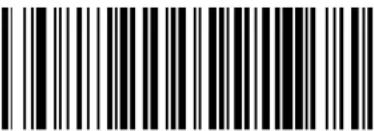 Always On Timeout: 1 Hour Always On Timeout: 1 Hour | |
 Always On Timeout: 2 Hours Always On Timeout: 2 Hours | |
 Always On Timeout: 3 Hours Always On Timeout: 3 Hours | |
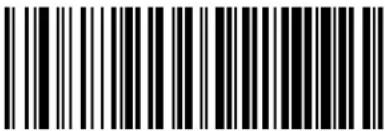 Always On Timeout: 4 Hours Always On Timeout: 4 Hours | |
 |  Always On Timeout: 5 Hours Always On Timeout: 5 Hours |
Chapter 6 References
z hissectioncontainsexplanationsandexamplesofselectedbarcodefeaturesyeethei onfigurationsectionfortheactualbarcodelabelsusedtoconfigurethereader
RS-232 Parameters
RS-232 Only
Baud Rate
haudrateisthenumberofbitsofdatatransmittedpersecondyetthereaderisbaudrateto matchthebaudratesettingofthehostdeviceithanimproperbaudratesettingdatamaynotreachthehostcorrectly
Stop Bits
z helstopbitls@atthe|endofeach|transmitted|character|marks|the|endof|transmission|one|character|and|prepares|the|receiving|device|for|the|next|character|in|the|serial|data|stream|z|hel|number|of|stopbits|selected|one|or|two|depends|on|the|number|the|receiving|terminal|is|programmed|to|accommodate|yet|the|number|of|stopbits|to|match|host|device|requirements|
Parity
z hisfeaturespecifiesparityrequiredforsendingandreceivingdatagparitycheckbitisthemostsignificantbitofeachgyi oolcodedcharacteryelectthelparitytypeaccordingtohostdevicerequirements
- Select None when no parity bit is required.
- Select Odd parity and the parity bit value is set to 0 or 1, based on data, to ensure that an odd-number of Ubits are contained in the coded character
- Select Even parity and the parity bit value is set to 0 or 1, based on data, to ensure that an even number of Ubits are contained in the coded character
Handshaking Control
z heldatainterfaceconsistsofanlx yVWVportdesignedtooperateeitherwithorwithoutthehardwarehandshakinglinesRequest to Sendlx z yWANDClear to Send Li z yWNDn andshakingiontrollincludesthefollowingoptions'
- RTS — RTS is asserted during transmissions. CTS is ignored.
-
RTS/CTS — RTS is asserted during transmissions. CTS gates transmissions.
-
RTS/XON/XOFF — RTS is asserted during transmissions. CTS is ignored. XON and "u11 gate transmissions"
- RTS On/CTS — RTS is always asserted. CTS gates transmissions.
x z ySi z ylycanDi ontrol—Ix z yldisasserted during transmissionsDi z ygatestransmissionsand controlsdenableanddisablestateofscanner
RS-232/USB COM Parameters
Intercharacter Delay
z his|parameter|specifies|the|intercharacter|delay between|the|end|of|one|character|and|the|beginning|of|the|next|z heldelay|can|belset|within|a|range|of|zero|LT|to|^T|milliseconds|in|UTms|increments|g |setting|of|zero|specifies|no|delay|
z o set the delay
URdj eterminethedesiredsettingdinmillisecondsR
VRj ividethedesiredsettingbyUTOLsettingdisDinDUTmsIncrementsMDv adtheresultwithleadQ ingzeroestoyieldtwodigitsR01 orexampleDTcDTTPY0cDTYPNT0cNTPDetc
WRDycanthe0kt z kx Sk" oz Dvx u mx gs s ot mds u j kDbarcode1toenterDvrogramming1s odeK
XR mo to page X[ band scan the barcode 'ykr ki z lot z kxi n gx gi z kx j kr g - ykz Q z ot m]
Yr ycan the appropriate tw oldigits from the keypad in g ppendix j q eypad that represent the duration which was determined in the steps above -ou will hear a two beep indica tion after the last character

If you make a mistake before the last character, scan the CANCEL barcode to abort and not save the entry string. You can then start again at the beginning.
RbycantheOkt z kx Sk" oz Dvx u mx g s s ot mds u j kDbarcodeDtoDexitR
z his completes the procedure yee z able IV for some examples of how to set this feature
Table 28. Intercharacter Delay Setting Examples
| STEP ACTION EXAMPLES | ||||
| 1 Desired Setting | 50ms 150ms | 600ms 850ms | ||
| 2 Divide by 10 (pad with leading zeroes to yield two-digits) | 05 15 60 | 85 | ||
| 3 Scan ENTER/EXIT PROGRAMMING MODE | ||||
| 4 Scan SELECT INTERCHARACTER DELAY SETTING | ||||
| 5 Scan Two Characters From g ppendix Dj Pq eypad | '0' and '5' | '5' and '0' | '6' and '0' | '8' and '5' |
| 6 Scan ENTER/EXIT PROGRAMMING MODE | ||||
ACK NAK Options
z hisenablesdisablestheabilityofthereadertosupporttheix yQVWVg i q St g q protocolhenconfiguredthereaderandsorhostsendslan“g i q ”whenditreceivesdataproperlymandsendst“t g q ”whenthedataisinerror
u p tionsDare
- Disable
- Enable for label transmission — The reader expects an ACK/NAK response from the host when[label]sent
- Enable for host-command acknowledge — The reader will respond with ACK/NAK when the host sends a command
- Enable for label transmission and host-command acknowledge
ACK Character
z hissettingspecifiesanlg yi oo|characterorhexvalueltobeused|as|thelg i q characterg yi oo| charactersoranyhexvalueltromTtoTx1 l canbe|selected

Setting to previously defined characters such as XON, XOFF, or host commands conflicts with normal operation of these characters. 8-bit data is not recognized when the option j ataħitshas been set as 7 Data Bits.
Urdj etermine the desired character value
VR ' selthe|gyi ooli hart|on|the|inside|back|cover|of|this|manual|to|find|the|hex|equivalent| for|the|desired|character\$value
WR moDtoDpageYTDandDscanDkt z kx Sk" oz Dvx u mx g s s ot mls u j kDtoDenterDvrogramQ mingDs odeR
Xrycanthebarcode‘Dykr ki z Dgi q Di n gx gi z kx Dykzz ot mR
Ydycantheappropriatetwoalpha(numeric)ch aractersfromthekeypadinlgppendixj Dq eyq padthatrepresenttheidesiredcharactersvaluedinstepDZ aboveHz helsecondcharacterwill causealtwo@beepindication
RdycandtheOkt z kx Sk" oz Dvx u mx g s s ot mls u j kDbarcodeDtoDexitR
yeelz ableV^forsomeexamplesofhowtosetthisfeature
Table 29. ACK Character Setting Examples
| STEP ACTION EXAMPLES | |||||
| 1 Desired Character/Value2 | Hex equivalent from gy i oo]i hart | ACK $ @ >0x06 0x24 0x40 | 0x3E | ||
| 3 | Scan ENTER/EXIT PROGRAMMING MODE | ||||
| 4 | Scan SELECT ACK CHARACTER SETTING | ||||
| 5 | Scan Two Characters fromg ppendix]j Mq eypad | ‘0’ and ‘6’ | ‘2’ and ‘4’ | ‘4’ and ‘0’ | ‘3’ AND ‘E’ |
| 6 | Scan ENTER/EXIT PROGRAMMING MODE | ||||
NAK Character
z his|setting|specifies|an|g yi oo|character|or|hex|value|to|be|used|as|thelt g q |character|g yi oo|characters|or|any|hex|value|from|T|to|Tx|l |can|be|selected|R

Setting to previously defined characters such as XON, XOFF, or host commands conflicts with normal operation of these characters. 8-bit data is not recognized when the option j ata0h its has been set as 7 Data Bits.
z o\set\this\feature'
URdj eterminethedesiredcharacterdorvalueR
VR ' setthe ^g yi oo'i hart ^on the ^inside back cover of this manual to find the hex equivalent for the desired character value?
WR mo#to#page#YT#and#scan#the#kt z kx Sk" oz #vx u mx gs s ot m#s u j k#barcode#to#enter# vrogramming#s ode#
XRDycanDtheDbarcode'Dykr ki z Dt g q Di n g x gi z kx Dykz z ot mR
YDycan the appropriate two alpha numeric characters from the keypading ppendixj q eyq pad that represent the desired character value in step above z helsecond character will cause a two beep indication
Bycan the k t z k x Sk" oz Dvx u mx g s s ot mls u j k barcode to exit v programming d s ode
z his completes the procedure yee z able W T for some examples of how to set this feature
Table 30. NAK Character Setting Examples
| STEP ACTION EXAMPLES | |||||
| 1 Desired Character/Value2 | Hex equivalent from gy i oo0i hart | NAK $ @ >0x15 0x24 0x40 0x3E | |||
| 3 Scan ENTER/EXIT PROGRAMMING MODE | |||||
| 4 | Scan SELECT ACK CHARACTER SETTING | ||||
| 5 | Scan Two Characters Fromg ppendix0j 0q eypad | '1' and '5' | '2' and '4' | '4' and '0' | '3' AND 'E' |
| 6 Scan ENTER/EXIT PROGRAMMING MODE | |||||
ACK NAK Timeout Value
z hisoptionspecifies the amount of time the reader waits for and i q character from the host following label transmission z h selectionable timeout Orange is VTT milliseconds to UYPTTmsLUY seconds in VTTms increments g selection of T disables the timeout
z oDsetDthisDvalue
URdj eterminethedesiredsettinginmillisecondsR
VRIj ividethedesiredsettingbyVTTILsettingdisdinVTTmsincrementsMDv adtheresultwithleadingzeroestoyieldtwodigitsM orexampleDTcDTTPYcDTYPVTlcIVTPetck
WR mo@to#page#YUDand#scan#the#kt z kx Sk" oz [vx u mx g s s ot m#s u j k#barcode#to#enter] vrogramming#s ode#
XRDycantheObarcode‘Dykr ki z Dgi q Dt g q Dz os ku ' z D“ gr ' kDykzz z ot mR
Yr ycan the appropriate two digits from the keypad in g ppendix j q eypad that represent the duration which was determined in the steps above -ou will hear a two beep indication after the last character

If you make a mistake before the last character, scan the CANCEL barcode to abort and not save the entry string. You can then start again at the beginning.
bycanthekt z kx Sk" oz vx u mx g s s ot mls u j k barcodetoexitvrogrammings ode
z his completes the procedure yee z able WU for some examples of how to set this feature
Table 31. ACK NAK Timeout Value Setting Examples
| STEP ACTION EXAMPLES | ||||
| 1 Desired Setting | 200ms 1,000ms (1 sec.) 5200ms (5.2 sec.) 15,000ms (15 sec.) | |||
| 2 Divide by 200 | 01 05 26 | 75 | ||
| 3 | Scan ENTER/EXIT PROGRAMMING MODE | |||
| 4 | Scan SELECT ACK NAK TIMEOUT VALUE SETTING | |||
| 5 | Scan Two Characters From g ppendixj q eypad | '0' and '1' | '0' and '5' | '2' and '6' |
| 6 | Scan ENTER/EXIT PROGRAMMING MODE | |||
ACK NAK Retry Count
z his|feature|specifies|the|number|of|times|the|reader|retries|all|label|transmission|due|to|a|retry|condition|z he|selectable|range|is|from|U|to|VYX|retries|g |selection|of|T|disables|the|count|and|a|selection|of|VYY|specifies|unlimited|retries
z o\set\this\feature
UROj eterminethedesiredsettingR
Vrdadthenumberwithleadingzeroestolyieldthreedigits01 orexample'VTcTTTPOYbcMTTPDVTcDTVTPDetcR
WR mo?to?page!YUDand#scan#the#kt z kx Sk" oz Dvx u mx gs s ot m#s u j k#barcode#to#enter# vrogramming#s ode#
XHycantheBarcode‘Dykr ki z Dgi q Dt g q Dx kz x—Di u ’ t z Dykz z ot mR
Y can the appropriate three digits from the keypad in g ppendix j q eypad that represent the number which was determined in the steps above—ou will hear two beep indication after the last character

If you make a mistake before the last character, scan the CANCEL barcode to abort and not save the entry string. You can then start again at the beginning.
Rbycanthe0kt z kx Sk" oz Dvx u mx g s s ot mls u j kDbarcodetoexitDvrogrammings ode
z his completes the procedure yee z able WV for some examples of how to set this feature
Table 32. ACK NAK Retry Count Setting Examples
| STEP ACTION EXAMPLES | ||||
| 1 Desired Setting | Disable Retry Count | 3 Retries 54 Retries Unlimited Retries | ||
| 2 Pad with leading zero(es) | 000 003 054 255 | |||
| 3 Scan ENTER/EXIT PROGRAMMING MODE | ||||
| 4 | Scan SELECT ACK NAK RETRY COUNT SETTING | |||
| 5 | Scan Three Characters From g ppendixj q eypad | ‘0’, ‘0’ and ‘0’ | ‘0’, ‘0’ and ‘3’ | ‘0’, ‘5’ and ‘4’ |
| 6 Scan ENTER/EXIT PROGRAMMING MODE | ||||
Disable Character
ypecifiesthevalueoftheix yVWWhostcommandusedtodisablethereader
gyi oo|characters|or|any|hex|value|from|T|to|Tx|1 |can|be|selected|

Setting to previously defined characters such as XON, XOFF, or host commands conflicts with normal operation of these characters. 8-bit data is not recognized when the option j ata\hhits has been set as 7 Data Bits.
z o|set|the|value'
UR j etermine the desired character value g setting of Tx1 l indicates the j is able i harac Q ter dis not dused D not available MR
VR ' setthe|gyi ooli hart|on|the|inside|back|cover|of|this|manual|to|find|the|hex|equivalent| for|the|desired|character}svalue
WR mo@to#page#YWDand#scan#the#kt z kx Sk" oz #vx u mx g s s ot m#s u j k#barcode#to#enter# vrogramming#s ode#
XRDycanDtheDbarcode‘Dykrki z Dj oyghr kDi n gx gi z kx Dykzz ot mR
Yocantheappropriatetwoalpha#numericch aractersfromthekeypadinlg ppendixj q eyq padthatrepresentthedesiredcharactersvalueinstepUUaboveHz helsecondcharacterwill causeaaltwo@beepindication?
Rycan the kt z kx Sk" oz [vx u mx g s s ot mls u j k]barcode[to]exit[vrogramming] s ode[k
z his completes the procedure yee z able WWW for some examples of how to set this feature
Table 33. Disable Character Setting Examples
| STEP ACTION EXAMPLES | |||||
| 1 Desired character/value2 | Hex equivalent from gy i ooj i hart | ‘d’ ’’ ‘D’0x64 0x7D | 0x44 0xFF | Disable Command Not Used | |
| 3 Scan ENTER/EXIT PROGRAMMING MODE | |||||
| 4 | Scan SELECT DISABLE CHARACTER VALUE SETTING | ||||
| 5 | Scan Two Characters From g ppendixj q eypad | ‘6’ and ‘4’ | ‘7’ and ‘D’ | ‘4’ and ‘4’ | ‘F’ AND ‘F’ |
| 6 Scan ENTER/EXIT PROGRAMMING MODE | |||||
Enable Character
ypecifiesthevalueofthedx yQVWVhostcommandusedtoenablethereader
gyi oocharactersoranyhexvaluefromTTtoTx1 canbeselected

Setting to previously defined characters such as XON, XOFF, or host commands conflicts with normal operation of these characters. 8-bit data is not recognized when the option j ata0h its has been set as 7 Data Bits.
z o\set\this\feature'
j etermine the desired character value g setting off Tx1 indicates the knable i character is not used not available
URDj eterminethedesiredcharacterDorDvalueR
VR ' setthe gy i ooli hart on the inside back cover of this manual to find the hex equivalent for the desired character value
WR mo!to!page!YW!and!scan!the!kt z kx Sk" oz [vx u mx g s s ot m]s u j k!barcode!to!enter! vrogramming!s ode!
XRDycantheObarcode‘Dykrki z Dkt ghrkDin gxgi z kxDykzz z ot mR
YDycan the appropriate two alpha numeric characters from the keypad in g ppendix j q ey q pad that represent the desired character s value in step JV above z helsecond character will cause la two beep indication
Bycanthekt z kx Sk" oz Dvx umxgs s ot mls u j kDbarcodeToExitVrogrammingD s odeK
z his completes the procedure yee z able WX for some examples of how to set this feature
Table 34. Enable Character Setting Examples
| STEP ACTION EXAMPLES | |||||
| 1 Desired character/value2 | Hex equivalent from gy i oo0i hart | ‘e’ }’ ‘E’0x65 0x7D | 0x45 0xFF | Enable Command Not Used | |
| 3 Scan ENTER/EXIT PROGRAMMING MODE | |||||
| 4 Scan SELECT DISABLE CHARACTER VALUE SETTING | |||||
| 5 | Scan Two Characters Fromg ppendix0j 0q eypad | ‘6’ and ‘5’ | ‘7’ and ‘D’ | ‘4’ and ‘5’ | ‘F’ AND ‘F’ |
| 6 Scan ENTER/EXIT PROGRAMMING MODE | |||||
Keyboard Interface
Wedge Quiet Interval
pecifics the amount of time the reader looks for keyboard activity before it breaks the keyboard connection in order to transmit data to host z herange is from T to ^ Tms in UTms increments

This feature applies ONLY to the Keyboard Wedge interface.
URDj etermine the desired setting in milliseconds
VDDj divide the desired setting by OUTLsetting disin OUTms increments KIDv add the result with leadQ ing zeroes to yield two digits RDI or example 'DTc DTTPDYc DTYPDVTc DVTPDetc
WR mo[to]page Vbandiscandtheikt z kx Sk" oz [vx u mx gs s ot mls u j kbarcode[to]enter] vrogOs odek
Xrycanthebarcode‘Dykr ki z D kj mkDw’ okz Dot z kx “gr Dykzz ot mR
Yr ycan{the}appropriate{two}digits{from{the}keypad{in}g ppendix{j }q eypad{that}represent{ the}duration{which}was{determined{in{the}steps{above}{ou}will{hear}{two}beep{indica}tion{after{the}last{character}k

If you make a mistake before the last character, scan the CANCEL barcode to abort and not save the entry string. You can then start again at the beginning.
Dycanthekt z kx Sk" oz Dvx u mx g s s ot mls u j kJbarcodetoJexitR
z his completes the procedure to set the edge w uiet on tervall yee z able WY for some examples of how to set this feature
Table 35. Wedge Quiet Interval Setting Examples
| STEP ACTION EXAMPLES | ||||
| 1 Desired Setting | 10ms 150ms | 600ms 850ms | ||
| 2 Divide by 10 (and pad with leading zeroes) | 01 15 60 | 85 | ||
| 3 Scan ENTER/EXIT PROGRAMMING MODE | ||||
| 4 Scan SELECT WEDGE QUIET INTERVAL SETTING | ||||
| 5 Scan Two Characters From g ppendixj q eypad | ‘0’ and ‘1’ | ‘1’ and ‘5’ | ‘6’ and ‘0’ | ‘8’ and ‘5’ |
| 6 Scan ENTER/EXIT PROGRAMMING MODE | ||||
Intercharacter Delay
z his|parameter|specifies|the|intercharacter|delay between|the|end|of|one|character|and|the|beginning|of|the|next|z heldelay|can|belset|within|a|range|of|zero|LT|to|^T|milliseconds|in|UTms|increments|g |setting|of|zero|specifies|no|delay|

This feature applies ONLY to the Keyboard Wedge interface.
z o\set\the\delay'
UNDj etermine the desired setting in milliseconds
VR Dj ivide the desired setting by OUTLsetting disin OUTms increments RDv ad the result with leadQ ing zeroes to yield two digits OR or example 'T0cDTPD0cDTYPEVTDcVTPdetcR
WR mo10pageW and1scantheikt z kx Sk" oz Ivx u mx gs s ot mls u j kIbarcode1toenterV programming's odeR
XRDycanthebarcode‘Dykr ki z Dot z kxi n gx gi z kx Dj kr g—Dykzz ot mR
Yr ycan the appropriate two digits from the keypad in g ppendix j q eypad that represent the duration which was determined in the steps above -ou will hear a two beep indica tion after the last character

If you make a mistake before the last character, scan the CANCEL barcode to abort and not save the entry string. You can then start again at the beginning.
Rbycancthe k t z k x Sk" oz Dv x u mx g s s ot mds u j k barcode to exit v programming s ode
z his completes the procedure yee z able W for some examples of how to set this feature
Table 36. Intercharacter Delay Setting Examples
| STEP ACTION EXAMPLES | |||||
| 1 Desired Setting | 50ms 150ms | 600ms 850ms | |||
| 2 | Divide by 10 (and pad with leading zeroes to yield two-digits) | 05 15 60 85 | |||
| 3 | Scan ENTER/EXIT PROGRAMMING MODE | ||||
| 4 | Scan SELECT INTERCHARACTER DELAY SETTING | ||||
| 5 | Scan Two Characters From g ppendixj Mq eypad | ‘0’ and ‘5’ | ‘1’ and ‘5’ | ‘6’ and ‘0’ | ‘8’ and ‘5’ |
| 6 | Scan ENTER/EXIT PROGRAMMING MODE | ||||
Intercode Delay
pecifics the delay between labels transmitted to the host for this interface z h selectionable range for this feature is from T to ^ seconds
1 allow these instructions to set this feature
URDJ etermine the desired setting
VRv addtheNumberwithleadingzeroes todayyieldtwodigits01 orexample 'TTcITTPOYcITYPVTbCVTPetc
WR mo[to]page X[and]scan[the]kt z kx Sk" oz [vx u mx gs s ot mls u j k[kbarcode][to]enter] vrogramming[s ode]
XRDycandthe?barcode‘Dykr ki z Dot z kxi u j kDj kr g—Dykzz ot mR
Yr ycan the appropriate two digits from the keypad in g ppendix j q eypad that represent the duration which was determined in the steps above -ou will hear a two beep indica tion after the last character

If you make a mistake before the last character, scan the CANCEL barcode to abort and not save the entry string. You can then start again at the beginning.
Bycanthekt z kx Sk" oz lvx u mx gs s ot mls u j kJbarcodetoExitvrogrammings ode
z his?completes?the?procedure?yee?z able?W[?for?some?examples?of?how?to?set?this?feature?
Table 37. Wedge Intercode Delay Examples
| STEP ACTION EXAMPLES | ||||
| 1 Desired Setting | No Delay 5 Seconds 60 Seconds 99 Seconds | |||
| 2 Pad with leading zero(es) | 00 05 60 | 99 | ||
| 3 | Scan ENTER/EXIT PROGRAMMING MODE | |||
| 4 | Scan SELECT INTERCODE DELAY SETTING | |||
| 5 | Scan Two Characters From g ppendixj q eypad | ‘0’ and ‘0’ | ‘0’ and ‘5’ | ‘6’ and ‘0’ |
| 6 | Scan ENTER/EXIT PROGRAMMING MODE | |||
Symbologies
Decoding Level
j encodingr evels|are|used|to|configure|a|barcode|SYMBOLG|decoder|to|belvery|aggressive|to|very|conservative|depending|on|a|particular|customer's|needs|
- Level 1 results in a very conservative decoder at the expense of not being able to read poorly printed or damaged labels
- Level 5 results in a very aggressive decoder. z hisaggressivebehaviorallowsdecodingofpoorlyprintedanddamagedlabelsattheexpenseofincreasingthelikelihoodofdecodingerrors
- Level 3, which is the default setting allows the majority of product labels to be decoded
z here|are|many|factors|that|determine|when|to|change|the|decoding|level|for|a|particular| symbology|z hese|factors|include|spots|voids|non|uniform|bar|space|widths|damaged|labels|etc|that|maybe|experienced|in|some|barcode|labels|of|there|are|many|hard|to|read|or|damaged|labels|that|cannot|be| decoded|using|a|conservative|setting|increase|the|decoding|level|to|be|more|aggressive|of|the|majority|of|labels|are|very|good|quality|labels|or|there|is|a|need|to|decrease|the|possibility|of|a|decoder|error|lower|the|decoding|level|to|a|more|conservative|level
Set Length
rength ^i ontroll allows you to select either variable length decoding or fixed length decoding for the specified symbology
Variable Length.1 or variable length decoding minimum and maximum length may be set
Fixed Length. 1 or fixed length decoding two different lengths may be set
Set Length 1
z hisfeaturespecifiesoneofthebarcodelengthsforrengthiontrolOrengthUistheminimumlabellengthifin"ariablerengthIsodeForthefirstfixedlengthifinlixedrengthIsodeRengthincludesthebarcode'sdatacharactersonly
z he-numberofcharactersthatcanbelsetvariesdependingontheSYMBOLOxyferencethepageforyourselectedSYMBOLYtoseelspecificvariables
URj determine the desired character length varies depending on symbology and the number with leading zeroes to yield two digits or example 'DTcTTPYdCITYIVTicNTPetcR
VrmoltotheIyetErengthpageforyourselectedsymbologyandscantheikt z kx Sk" oz Ivx u Q mxgs s ot mls u j kbarcodetoentervrogrammings ode
WRDycanthebarcodetoykr ki z Dr kt mz n DUpykz z ot mfordyourselectedsymbologyR
X can the appropriate two digits from the keypad in g ppendix j q eypad that represent the length setting which was determined in the steps above -ou will hear a two beep indi cation after the last character

If you make a mistake before the last character, scan the CANCEL barcode to abort and not save the entry string. You can then start again at the beginning.
YRbycandtheOkt z kx Sk" oz Dvx u mx g s s ot mJs u j kDbarcodeToDexitDvrogDs odeR
Set Length 2
z hisfeatureallowsyoutosetoneofthebarcodelengthsforthelspecifiedsymbologyforengthV0isthemaximumlabellengthifin"ariablerengthsodeforthesecondfixedlengthifinlixedrengthsodeyeethepageforthelspecificsymbologyforparameters
z he\lengththat\can\be\set\varies\depending\on\the\symbology\kg\setting\of\TT\specifies\to\ignore\this\length\only\one\fixed\length\K
1 allow these instructions to set this feature
UR j etermine the desired character length from U to YTD—for TO to ignore this length and the number with leading zeroes to yield two digits or example OTc OTTPDc DTYPWTc IVTP etc
Vrmo to the yetr engthlpage for your selected symbology and scan the kt z kx Sk" oz lvx u Q mx gs s ot mls u j kJ barcode to enter vrogramming is ode
WRDycantheObarcodeOtoYkr ki z Dr kt mz n DVykz z ot mDforDyourDselectedDsymbolologyR
Xr ycan[the]appropriate[two]digits[from]the|keypad[ing]ppendix[j] q eypad[that]represent[the]length[setting]which[was]determined[in]theteps[above]-ouwill[hear]a[two]beep[indi]cation[after]the[last]character

If you make a mistake, before the last character scan the CANCEL barcode to abort and not save the entry string. You can then start again at the beginning.
YRycanthekt z kx Sk" oz vx u mx g s s ot mbs u j k barcode to exit v programming s ode
z his ^D completes ^D the ^D procedure ^R
Data Editing

CAUTION
It is not recommended to use these features with IBM interfaces.
hen[a]barcode|is|scanned|additional|information|can|belsent|to|the|host|computer|along|with|the|barcode|data|z his|combination|of|barcode|data|and|supplementary|user|defined|data|is called|a|“message|string|”|z helj ata|k diting|features|can|be|used|to|build|specific|user|defined|data|into|a|message|string|
z here|are|several|types|of|selectable|data|characters|that|can|be|sent|before|and|after|scanned|data||—ou|can|specify|if|they|should|be|sent|with|all|symbologies|nor|only|with|specific|symbologies||igure|U |shows|the|available|elements|you|can|add|to|a|message|string'
Figure 16. Breakdown of a Message String

flowchart
graph TD
    A["LabelTID Transmission"] --> B["Enable thisToptionTo transmittheLabelTIDYou configure for theScanned Symbolgyn"]
    B --> C["ORnnn"]
    D["Prefix"] --> E["LabelTID"]
    E --> F["AIMTID"]
    F --> G["BarCodeData"]
    G --> H["LabelTID"]
    H --> I["Suffix"]
    I --> J["ppTm t pCharactersIf ASCIIg"]
    J --> K["AIMTID: This function is used to identify and display the common label identifier for its Symbolgyn When enabled this TIDcode will be transmitted before the scanned bar code datan"]

Additional advanced editing is available. See the Advanced formatting features in the Datalogic Aladdin configuration software, or contact Technical Support (described on page) for more information.
Please Keep In Mind...
- Modifying a message string is not a mandatory requirement. Data editing is a sophistiQ catedfeatureallowinghighlycustomizableoutputforadvancedusersQ1actorydefaultsetQ tingsfordataeditingistypicallysettoItutkR
- A prefix or suffix may be applied only to a specified symbology reference i ode yelection starting on page OUT [Moracross all symbologies set via the global features in this chapter]
- You can add any character from the g yi oo'i hart'LfromITTQ1 1 MontheinsideBackcoverOf thismanualasdaprefixDssuffixDorr abelDoj R
- Enter prefixes and suffixes in the order in which you want them to appear on the output
Global Prefix/Suffix
' pitoVTg yi oocharactersmaybeaddedaslaprefixLinlapositionbeforethebarcodedataandorasalsuffixLinlapositionfollowingthebarcodedataasindicatedinl igureU[R
Figure 17. Prefix and Suffix Positions
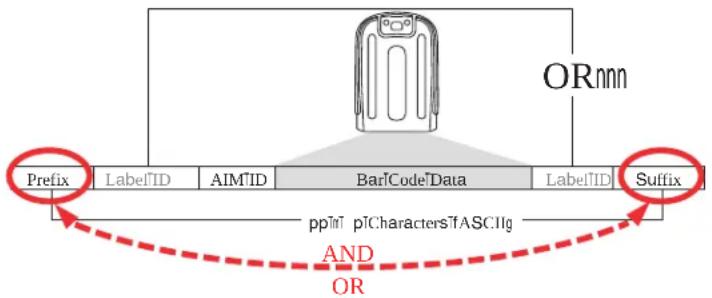
flowchart
graph TD
    A["ORnnn"] --> B["LabelID"]
    B --> C["AIMID"]
    C --> D["BarCodeData"]
    D --> E["LabelID"]
    E --> F["Suffix"]
    G["Prefix"] --> H["ppIn1 pICharactersTASCIIg"]
    I["AND OR"] --> J["OR"]
Example: Setting a Prefix
on this example we'll set a prefix for all symbologies
URj eterminewhichg yi oocharacterlsdaretobeaddedtoscannedbarcodedataDonthisexampleWe'lladdaoddollarsignDL'H'lasdaprefix?
VR mo#to#page[ band#scan#the#kt z kx Sk" oz #vx u mx gs s ot m#s u j k#barcode]
WRDycanDtheDykz Dmr u hgr Dvx k1 o" DbarcodeR
XR x eference the gy i oo'i hart on the inside back cover of this manual to find the hex value assigned to the desired character he corresponding hex number for the 'H' character is VXz olenter this selection code scan the 'V' and 'X' barcodes from g ppendix j q eypad

If you make a mistake before the last character, scan the CANCEL barcode to abort and not save the entry string. You can then start again at the beginning.
Yr of less than the expected string of VT characters are selected scan the kt z kx Sk" oz 3bar code to terminate the string
Bycanthekt z kx Sk" oz barcode once again to exit vrogrammings ode
[ Rz he resulting message string would appear as follows
ycannedbarcodedata12345
x esultingmessagestringoutput\$12345
Global AIM ID

This feature enables/disables addition of AIM IDs for all symbology types.
g os |label|identifiers|las|opposed|to|custom|characters|you|select|yourself|as|with|label|identifiers|can|be|included|with|scanned|barcode|data|g os |label|identifiers|consist|of|three|characters|as|follows'
- A close brace character (ASCII ']), followed by...
- A code character (see the table below), followed by...
- A modifier character (the modifier characterdissymboldependentMR)
| SYMBOLOGY CHAR | SYMBOLOGY CHAR | ||
| UPC/EAN | E^a | Code 128/GS1-128 C | |
| Code 39 and Code 32 | A | DataBar Omnidirectional, DataBar Expanded | e |
| Codabar | F | Standard 2 of 5 | S |
| Interleaved 2 of 5 I ISBN | x^b | ||
| Code 93 | G | Code 11 | H |
a. UPC-A and UPC-E labels are converted to EAN 13 when adding AIM IDs. b. ISBN (X with a 0 modifier character)
Figure 18. AIM ID
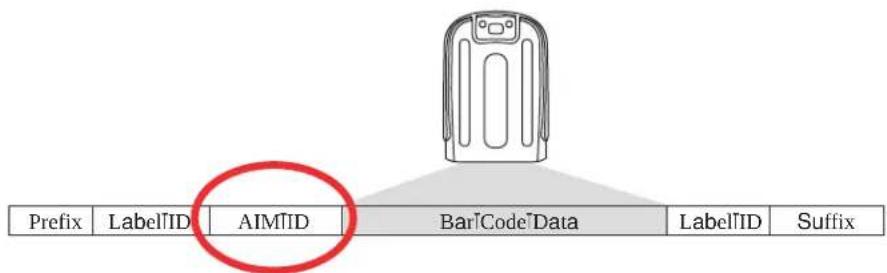
flowchart
graph TD
    A["LabelID"] --> B["AIMID"]
    B --> C["CodeData"]
    C --> D["LabelID"]
    C --> E["Suffix"]
Label ID
g dr abelDoj disda customizablecodeofduptothreegyi oo0charactersLeachcanbeoneofhexTxTUQ Tx1 MPusedtoIdentifyabarcodeLsymbologyTypeMotcanbeappendedprevioustoorfollowing thetransmittedbarcodedatadependinguponhowthisoptiondisenabledz hisfeatureprovides optionsforconfiguringcustomr abelDoj slasda preloadedsetLseeFr abelDoj 'vreloadedyetsFD belowIndividuallyperlsymbologyLseeFr abelDoj 'yetlondividuallyveryymbologyFon pageWT^RDofyouwishtoprogramthereadertolalwaysincludeanindustrystandardlabelD identifierforgr r LsymbologytypesPseeFmlobalg os Doj Fonpage[ ^R
Label ID: Pre-loaded Sets
z he\reader\supports\two\pre\loaded\sets\lofr abelloj sRiz ableW shows the' yg\land\the2k' sets R

CAUTION
When changing from one Label ID set to another, all other reader configuration settings, including the host interface type, will be erased and set to the standard factory defaults. Any custom configuration or custom defaults will be lost.
Table 38. Label ID Pre-loaded Sets
| Symbology | USA Label ID set EU Label ID set | |||
| ASCII character | Hexidecimal value | ASCII character | Hexidecimal value | |
| ABC Codabar | S 530000 | S 530000 | ||
| Anker Plessey | o 6F0000 | o 6F0000 | ||
| CODABAR | % 250000 | R 520000 | ||
| Codablock F | I 6C0000 | m 6D0000 | ||
| CODE11 | CE 434500 | b 620000 | ||
| CODE128 | # 230000 | T 540000 | ||
| CODE32 | A 410000 | X 580000 | ||
| CODE39 | * 2A0000 | V 560000 | ||
| CODE39 CIP | Y 590000 | Y 590000 | ||
| CODE4 | 4 340000 | 4 340000 | ||
| CODE5 | j 6A0000 | j 6A0000 | ||
| CODE93 | & | 260000 | U | 550000 |
| DATALOGIC 2OF5 | s | 730000 | s | 730000 |
| EAN13 | F 460000 | B 420000 | ||
| EAN13 P2 | F 460000 | L 4C0000 | ||
| EAN13 P5 | F 460000 | M 4D0000 | ||
| EAN13 P8 | F 460000 | # 230000 | ||
| Symbology USA Label ID | set EU Label ID set | |||
| ASCII character | Hexidecimal value | ASCII character | Hexidecimal value | |
| EAN8 | FF 464600 | A 410000 | ||
| EAN8 P2 | FF 464600 | J 4A0000 | ||
| EAN8 P5 | FF 464600 | K 4B0000 | ||
| EAN8 P8 | FF 464600 | * 2A0000 | ||
| FOLLETT 2OF5 | O 4F0000 | O 4F0000 | ||
| GS1 DATABAR EXPANDED | RX 525800 | t 740000 | ||
| GS1 DATABAR LIMITED | RL 524C00 | v 760000 | ||
| GS1 DATABAR OMNIDIRECTIONAL | R4 523400 | u 750000 | ||
| GS1-128 | 000000 k 6B0000 | |||
| GTIN | G 470000 | A 244100 | ||
| GTIN2 | G2 473200 | B 244200 | ||
| GTIN5 | G5 473500 | C 244300 | ||
| GTIN8 | G8 473800 | D 244400 | ||
| IATA | IA 494100 | & 260000 | ||
| Industrial 2 of 5 | W 570000 | W 570000 | ||
| Interleaved 2 of 5 | i | 690000 N 4E0000 | ||
| Interleaved 2 of 5 CIP HR | e | 650000 | e | 650000 |
| ISBN | l | 490000 | @ | 400000 |
| ISBT128 | f | 660000 | f | 660000 |
| ISSN | n | 6E0000 | n | 6E0000 |
| MSI | @ 400000 | Z 5A0000 | ||
| Plessey | a | 610000 | a | 610000 |
| S25 | s | 730000 | P | 500000 |
| UPCA | A | 410000 C 430000 | ||
| UPCA P2 | A | 410000 | F | 460000 |
| UPCA P5 | A | 410000 G 470000 | ||
| UPCA P8 | A | 410000 | Q | 510000 |
Label ID: Set Individually Per Symbology
z oconfigureabr abelloj ñindividuallyforalsinglesymbology
UR moDtoDpageUBandDscanDtheDkt z kx Sk" oz Dbarcode
V^R yelectr abelDoj position as either hkl u x kLknableas v refixMorg1 z kx Lknableas sufQ fixMbyscanningthe appropriate barcode in the section Fr abelDoj i ontrolfonpage VRD x eference l igureU^forr abelDoj positioning options if multiple identification features are enabled R
WRycana|a|barcode|to|select|the|symbology|for|which|you|wish|to|configure|a|custom|r abel|oj |from|the|section|Fr abel|oj |yymbology|yelectionFon|page| WR
XRDj etermine the desired character lsADlyou may choose up to three AD which will represent the r abeloj for the selected symbology
YR z urntotheg yi oo'i hartontheinsidebackcoverofthismanualandfindtheequivalenthexdigitsassociatedwithyourchoiceofr abelloj 0l orexampleifyouwishtoselectandequalsignLcDaslaDr abelloj thechartindicatesbitsassociatedhexcharactersdasWj 0z urntoq eypadstartingonpageWYUandscanthebarcodesrepresentingthehexcharactersdeterQ mined0l ortheexamplegiventhecharacters'W'and'j 'wouldbe scannedos oreexamplesofr abelloj settingsareprovidedinz ableW^R

If you make a mistake before the last character, scan the CANCEL barcode to abort and not save the entry string. You can then start again at the beginning.
Dycanthekt z kx Sk" oz DbarcodetoExitr abelDoj DentryR
[Ocyanthekt z kx Sk” oz barcodeonceagaintolexitvrogrammings oder z hiscompletesthestepstoconfigurear abeldoj foralgivensymbology]
Figure 19. Label ID Position Options
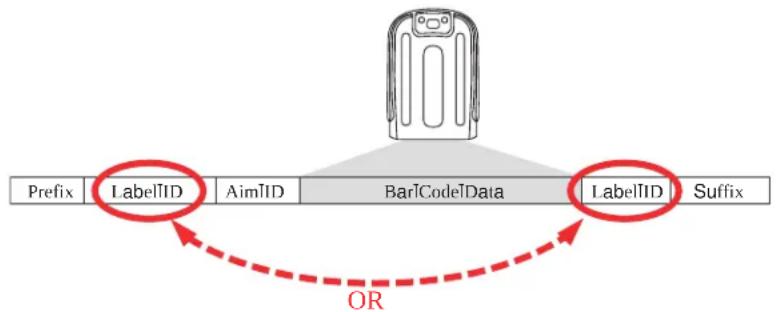
flowchart
graph TD
    A["Prefix"] --> B["LabelIID"]
    B --> C["AimIID"]
    C --> D["BarCodeData"]
    D --> E["LabelIID"]
    E --> F["Suffix"]
    style A fill:#f9f,stroke:#333
    style B fill:#ccf,stroke:#333
    style C fill:#cfc,stroke:#333
    style D fill:#fcc,stroke:#333
    style E fill:#cff,stroke:#333
    style F fill:#ffc,stroke:#333
    linkStyle 0 stroke:#ff0000,stroke-width:2px
    linkStyle 1 stroke:#ff0000,stroke-width:2px
    linkStyle 2 stroke:#ff0000,stroke-width:2px
    linkStyle 3 stroke:#ff0000,stroke-width:2px
    linkStyle 4 stroke:#ff0000,stroke-width:2px
    linkStyle 5 stroke:#ff0000,stroke-width:2px
    linkStyle 6 stroke:#ff0000,stroke-width:2px
    linkStyle 7 stroke:#ff0000,stroke-width:2px
    linkStyle 8 stroke:#ff0000,stroke-width:2px
    linkStyle 9 stroke:#ff0000,stroke-width:2px
    linkStyle 10 stroke:#ff0000,stroke-width:2px
    linkStyle 11 stroke:#ff0000,stroke-width:2px
    linkStyle 12 stroke:#ff0000,stroke-width:2px
    linkStyle 13 stroke:#ff0000,stroke-width:2px
    linkStyle 14 stroke:#ff0000,stroke-width:2px
    linkStyle 15 stroke:#ff0000,stroke-width:2px
    linkStyle 16 stroke:#ff0000,stroke-width:2px
    linkStyle 17 stroke:#ff0000,stroke-width:2px
    linkStyle 18 stroke:#ff0000,stroke-width:2px
    linkStyle 19 stroke:#ff0000,stroke-width:2px
    linkStyle 20 stroke:#ff0000,stroke-width:2px
Table 39. Label ID Examples
| STEP ACTION EXAMPLES | |||||
| 1. Scan the ENTER/EXIT barcode | (Scanner enters Programming Mode) | ||||
| 2. | Determine placement of the Label ID characters BEFORE or AFTER with regard to scanned data using r abelloj i ontrol@startinglonpage# V | Enable as Prefix | Enable as Suffix | Enable as Prefix | Enable as Suffix |
| 3. | Scan the barcode selecting the symbology type you wish to designate label ID characters for using r abelloj #ymbology yelection@startinglonpage# V | DataBar Omnidirectional | Code 39 Interleaved 2 of 5 Code 32 | ||
| 4. | Custom Label ID example (desired characters): | D B *=C3 + P H | |||
| 5. | Find hex equivalents from the g yi oo#i hart (inside back cover), then scan in these digits/characters using the barcodes in the section: q eypad@ startinglonpageWYU If you make a mistake before the last character, scan the CANCEL barcode to abort and not save the entry string. You can then start again at the beginning. | 44 42 2A | 3D 43 33 | 2B | 50 48 |
| 6. Scan the ENTER/EXIT barcode | (Scanner exits Label ID entry) | ||||
| 7. | Scan the ENTER/EXIT barcode once again | (Scanner exits Programming Mode) | |||
| Result: | DB*[barcode data] | [barcode data]=C3 | +[barcode data] | [barcode data]PH | |
Character Conversion
i character conversiondisan eight byte configurationitem dz he eight bytes are X character pairs represented in hexadecimal gy i oo values dz he first character in the pair is the character that will be converted dz he second character in the pair is the character to convert to of the character to convert in da pair disl 1 then no conversion is done
1 or example?if you have the character conversion configuration item set to the following *
XUXVWUWVI 1111111
z he\first\pair\is\DXUV\org h\DLXUDhex\dis\ang yi oo\capital\g POXV\hex\dis\ang yi oo\capital\h\and\the\second\pair\is\WUWV\or\OUVDLWUChex\dis\ang yi oo\UPDW\dis\ang yi oo\VRRz he\other\two\pairs\arel1111\dand\ll111R
iththelabelP0g h UVh g VUPit would look as follows after the character conversion 'Oh h VWh h VVR
z help [characters]were converted to [characters]and the [U]characters]were converted to [U]characters; othing is done with the last two character pairs since they are all 1 R
z o ^D set ^D i character ^D i onversion'
UR moltopage^T and scan the kt z kx Sk” oz Dbarcode
VDDycandthe“i onfigureDi caracterDi onversion”Dbarcode
WRO determine the desired string yixteen positions must be determined as in the above exam plus extturn to the gy i ooli hart on the inside back cover of this manual and find the equivalent hex digits needed to fulfill the string
XR z urnto@g ppendixj PQ eypadandscanthebarcodesrepresentingthehexcharactersdeterQ minedinthepreviousstepR
YRycandthekt z kx Sk" oz ObarcodetoExitvrogrammings odeR

If less than the expected string of 16 characters are selected, scan the ENTER/EXIT barcode twice to accept the selections and exit Programming Mode.
Reading Parameters
Label Gone Timeout
z his|feature|sets|the|time|after|the|last|label|segment|seen|before|the|reader|prepares|for|a|new|label|z he|timeout|can|bel|set|within|a|range|of|UT|m milliseconds|to|VPYYT|m milliseconds|LVRYYt seconds|Din|UTms|increments|r abel|mone|z imeout|does|not|apply|to|scan|modes|that|require|a| trigger|pull|for|each|label|that|isread
I allow these instructions to set this feature
UNDj etermine the desired setting in milliseconds
VDDj ivide the desired setting by OUTLsetting dis in OUTms increments RDv ad the result with leadQ ing zeroes to yield three digits RD or example DTc TTTTPDc CTTYPDTCd VTPetc
WR mo10page^Wand|scan|the|kt z kx Sk" oz |vx u mx g s s ot mls u j k|barcode|to|enter|vrogramming|s odeR
XRDycantheObarcode‘Dykr ki z Drg hkr Dmu t kDz os ku’ z Dykzz ot mR
Ybycantheappropriatethreealpha(numeric) charactersfromthekeypadingppendixj pq eypadrepresentingthedurationwhichwasdeterminedinthestepsaboveoutwillhearaltwo(beep)indicationafterthelastcharacter

If you make a mistake before the last character, scan the CANCEL barcode to abort and not save the entry string. You can then start again at the beginning.
Rbycanthek t z kx Sk" oz Dvx u mx g s s ot mls u j kDbarcodetoexitDvrogrammingD s odeR
z his completes the procedure yee z able X T for some examples of how to set this feature
Table 40. Timeout Setting Examples
| STEP ACTION EXAMPLES | |||||
| 1 Desired Setting | 50ms 150ms | 1800ms (1.8 sec.) | 2550ms (2.55 sec.) | ||
| 2 | Divide by 10 (and pad with leading zeroes) | 005 015 180 | 255 | ||
| 3 Scan ENTER/EXIT PROGRAMMING MODE | |||||
| 4 | Scan SELECT LABEL GONE TIMEOUT SETTING | ||||
| 5 | Scan Three Characters From g ppendixj Mq eypad | ‘0’, ‘0’ and ‘5’ | ‘0’, ‘1’ and ‘5’ | ‘1’, ‘8’ and ‘0’ | ‘2’, ‘5’ and ‘5’ |
| 6 Scan ENTER/EXIT PROGRAMMING MODE | |||||
Good Read LED Duration
z hisfeaturespecifiestheamountoftimethattheimoodx eaddr kj remainslonfollowingalgoodreadzhegoodreadrkj lontimecanbelsetwithinalrangeofUTmillisecondstoIVYYT millisecondsLTITTUtoIVYYsecondsDinUTTmsIncrementsk
1 allow these instructions to set this feature
URj determine the desired setting in milliseconds g setting of time means that the good read rkj stays on until the next time the trigger is pulled
VR j ividethedesiredsettingbyOUTLsettingdisDinDUTTmsIncrementsRdVadtheresultWwithDleadQingzeroesDtoYieldthreedigitsRdI orexampleDTcDTTTPYDcDTTTPDvTDcDTVTPdetcR
WR mo!to!page!UTT!and!scan!the!kt z kx Sk" oz Ivx u mx g s s ot m!s u j k!barcode!to! enter!vrogramming!s ode!
XRDycantheDbarcode'Dykr ki z Dmu u j Dx kgj Dr kj Dj ' x gz ou t Dykz z ot mR
Yr ycan the appropriate three digits from the keypad ppendix j q eypad representing the duration which was determined in the steps above -ou will hear two bee indica tion after the last character

If you make a mistake before the last character, scan the CANCEL barcode to abort and not save the entry string. You can then start again at the beginning.
Dycanthekt z kx Sk" oz vx u mx gs s ot mls u j k barcodetoexitvrogrammings ode
z his completes the procedure yee z able XU for some examples of how to set this feature
Table 41. Good Read LED Duration Setting Examples
| STEP ACTION EXAMPLES | |||||
| 1 Desired Setting | Good Read LED stays on until next trigger pull (00) | 20ms 150ms | 2550ms (2.55 sec.) | ||
| 2 | Divide by 10 (and pad with leading zeroes) | 000 002 015 255 | |||
| 3 Scan ENTER/EXIT PROGRAMMING MODE | |||||
| 4 | Scan SELECT LABEL GONE TIMEOUT SETTING | ||||
| 5 | Scan Three Characters From g ppendixj q eypad | ‘0’, ‘0’ and ‘0’ | ‘0’, ‘0’ and ‘2’ | ‘0’, ‘1’ and ‘5’ | ‘2’, ‘5’ and ‘5’ |
| 6 Scan ENTER/EXIT PROGRAMMING MODE | |||||
Scanning Features
Scan Mode
z hismodeislassociatedwithtypicalhandheldreaderoperationyelectsthescanoperatingmodelforthereaderHzhefollowingselectionsarevalidforallmodels'
Trigger Single. then the trigger is pulled Scanning is activated until done of the following occurs
Qy canningg ctivez imehaselapsed
QaDlabelDhasDbeenDread
QtheDtriggerDisDreleased
Trigger Hold Multiple. hen the trigger is pulled scanning starts and the product scans until the trigger is released by canning g ctive z ime has elapsed x eading a label does not disable scanning j ouble x ead z imeout prevent undesired multiple reads of the same label while in this mode
Trigger Pulse Multiple. hen the trigger is pulled continuous scanning is activated until y canning g ctive z ime has elapsed or the trigger has been released and pulled again j ouble x ead z ime out prevents undesired multiple reads of the same label while in this mode
Flashing. z he reader flashe son and off regardless of the trigger status lashrate is controlled by lashu niz ime and lashu ffz ime hen lashislu t the imager reads continuously when lashislu 11 scanning is deactivated

Flashing is the recommended scan mode for Gryphon L hands-free (stand mode) of operation
Always On. t o trigger pull dis required to read a barcode y canning is continually on of the trigger is pulled the reader acts as if it is in z rigger yingle is ode j ouble x ead z imeout prevents undesired multiple reads of the same label while in this model
z he\following\two\features\are\valid\only\for\the\mryphon\r desk\and\mobile\pp\but\not\the\mryphon\r aser\model\yee\Fr aser\l eaturesFon\page\V [ for specific\parameters\for\their aser\ model
Stand Mode. t o trigger pull is required to read a barcode by canning is turned on automatically when an item is placed in the reader's field of view of the trigger is pulled the reader acts as if it in single read mode j ouble x ead z imeout prevent undesired multiple reads while in this mode
Trigger Object Sense. z his|mode|is|similar|tolytand|s ode|except|that|altrigger|pull|is|required|to|activate|the|decoder|
URDi ontrolledByl lashDu nDz imeR
Scanning Active Time
z hissettingspecifiestheamountoftimethatthereaderstaysdinscandu t stateoncethestateisenteredhz herangeforthissettingisfromUJtoVYYsecondsdinUQsecondIncrements
I allow these instructions to set this feature
URDJ etermine the desired setting
Vrdv addthe result with leading zeroes to yield three digits or example 'TTc OTTTPOYc OTTYPVTD cOTVTRetck
WR mo@to#pageUTXand#scan#the#kt z kx Sk" oz Dvx u mx g s s ot m#s u j k#barcode#to#enter#vrogramming#s ode#
XRDycantheObarcode‘Dykrki z Dyi g t t ot mDg i z o“ kDz os kDykzz z ot mR
Yr ycan the appropriate three digits from the keypad in g ppendix j q eypad that represent the duration which was determined in the steps above -ou will hear a two beep indication after the last character

If you make a mistake before the last character, scan the CANCEL barcode to abort and not save the entry string. You can then start again at the beginning.
Bycanthekt z kx Sk" oz [vx u mx g s s ot mls u j k]barcode[to]exit[vrogramming]s ode
z his completes the procedure yee z able XV for some examples of how to set this feature
Table 42. Scanning Active Time Setting Examples
| STEP ACTION EXAMPLES | ||||
| 1 Desired Setting | 1 Second | 90 Sec. (1.5 min.) | 180 Sec. (3 min.) | 255 Seconds (4.25 min.) |
| 2 Pad leading zero(es) | 001 090 180 | 255 | ||
| 3 | Scan ENTER/EXIT PROGRAMMING MODE | |||
| 4 | Scan SELECT SCANNING ACTIVE TIME SETTING | |||
| 5 | Scan Three Characters From g ppendixj q eypad | ‘0’, ‘0’ and ‘1’ | ‘0’, ‘9’ and ‘0’ | ‘1’, ‘8’ and ‘0’ |
| 6 | Scan ENTER/EXIT PROGRAMMING MODE | |||
Flash On Time
z hisfeaturespecifiestheu t timefortheindicatorrkj whileinl lashs ode0z heselectablerangeisUTTto|^P^TTmillisecondsLTRUto|^R^secondsMPinUTTmillisecondIncrements
I allow these instructions to set this feature
URj etermine the desired setting in milliseconds
VR Dj ivide the desired setting by UTTDL setting dis in UTTms increments MRv ad the result with leading zeroes to yield two digits or example DTcDTTPYcDTYPNTDcWTPetcR
WR moJtoJpageJUTYandJscanJtheJkt z kx Sk" oz Jvx u mx g s s ot mds u j kJbarcodeJtoJ enterJvrogrammingJs odeK
Xrycanthebarcode‘Dykr ki z dl rgyn Du t Dz os kDykz z ot mk
Ybcan{the}appropriate{two}digits{from{the}keypad{ing ppendix}j {pq} eypad{representing{the}duration{which}was{determined{in{the}steps{above}k—ou{will{hear}{a}two{beep{indication}after{the}last{character}}

If you make a mistake before the last character, scan the CANCEL barcode to abort and not save the entry string. You can then start again at the beginning.
Rbycanthekt z kx Sk" oz Dvx umx g s s ot mls u j k barcodetoexitvrogrammings ode
z his completes the procedure yee z able IXV for some examples of how to set this feature
Table 43. Flash On Time Setting Examples
| STEP ACTION EXAMPLES | |||||
| 1 Desired Setting | 500ms | 1,000ms (1 sec.) | 5200ms (5.2 sec.) | 9,900ms (9.9 sec.) | |
| 2 | Divide by 100 (and pad with leading zeroes to yield two digits) | 05 10 52 99 | |||
| 3 Scan ENTER/EXIT PROGRAMMING MODE | |||||
| 4 | Scan SELECT FLASH OFF TIME SETTING | ||||
| 5 | Scan Two Characters From g ppendixj Mq eypad | ‘0’ and ‘5’ | ‘1’ and ‘0’ | ‘5’ and ‘2’ | ‘9’ and ‘9’ |
| 6 Scan ENTER/EXIT PROGRAMMING MODE | |||||
Flash Off Time
z hisfeaturespecifiesthe11 [time]fortheindicatorrkj [whilein] lashs odeHz he selectable rangeDisUTTto^P^TTmillisecondsLTRUto^R^secondsMPDinUTTmillisecondIncrements
1 allow these instructions to set this feature
URDj etermine the desired setting in milliseconds
VRIj ividethedesiredsettingbyUTTILsettingdisdinUTTmsIncrementsMDv adtheresultwithleadingzeroestoyieldtwodigitsDI orexampleDTDcDTPDYcDTYPNVTdCIVTPdetck
WR mo@to@page!UTYand&scan#the#kt z kx Sk" oz Dvx u mx g s s ot m#s u j k#barcode#to#enter#vrogramming#s ode#
XRDycantheDbarcode‘Dykr ki z Dl rgyn Du ll Dz os kDykzz ot mR
Yr ycan the appropriate two digits from the keypad in g ppendix j q eypad that represent the duration which was determined in the steps above -ou will hear a two beep indica tion after the last character

If you make a mistake before the last character, scan the CANCEL barcode to abort and not save the entry string. You can then start again at the beginning.
Bycanthekt z kx Sk" oz [vx u mx g s s ot mls u j k]barcode[to]exit[vrogramming]s ode
z his completes the procedure yee z able XX for some examples of how to set this feature
Table 44. Flash Off Time Setting Examples
| STEP ACTION EXAMPLES | |||||
| 1 Desired Setting | 500ms | 1,000ms (1 sec.) | 5200ms (5.2 sec.) | 9,900ms (9.9 sec.) | |
| 2 | Divide by 100 (and pad with leading zeroes to yield two digits) | 05 10 52 99 | |||
| 3 | Scan ENTER/EXIT PROGRAMMING MODE | ||||
| 4 | Scan SELECT FLASH OFF TIME SETTING | ||||
| 5 | Scan Two Characters From g ppendixj Mq eypad | ‘0’ and ‘5’ | ‘1’ and ‘0’ | ‘5’ and ‘2’ | ‘9’ and ‘9’ |
| 6 | Scan ENTER/EXIT PROGRAMMING MODE | ||||
Display Settings
Display Mode
z he\user\can\control\the\reader\display\behavior\according\to\the\following\selections'
Local Echo mode: henbabarcodeisreadwiththereader
• z helcodebissenttotheDn ostR
• z heReader@displaydiscleared
- z heCodeBisAlsoSentTotheReaderDisplayLr ocalDkchoMR
- z hel cursor dispositioned after the last printed character on the reader display
Normal mode: hena barcodeisreadwiththereader
• z heCodeIsSenttotheOn ostR
- z he|reader|display|is|not|cleared|z herefore|if|any|previous|data|was|displayed|on|the|reader|screen|it|remains|
• z here!dis?no?r ocal?k cho?to?the?reader?display?
Clear Display After Decode mode: hen\a\barcode\is\read\with\the\reader
• z heCodeDissenttotheIn ostR
- z he!reader!display!dis!cleared!z herefore!if?any!previous!data!was!displayed!on!the!reader!screen!it!is!cancelled!and!the!screen!remains!blank!
- z here!dis!no!r ocal!k cho!of!the!code!to!the!reader!display!
n ost messages sent to the reader are always written to the reader display
RF Features
Configuration Update
Automatic Configuration Update
hen(this)featureisenabledthe(basestationandreaderwillkeeptheirconfigurations) synchronizedofalreaderisconfigurationisalteredbyreadingprogramminglabelsthischangeis automaticallytransferredandupdatedinallinkedbasestationorikewiseifthebasestations configurationischangedusinglg laddinorbyhostcommandsthenthereaderisconfiguration willautomaticallybeupdatedifthisfeatureisenabledR
RF Address Stamping
Source Radio Address Delimiter Character
z his|option|specifies|the|delimiter|character|to|be|placed|between|the|label|data|and|radio|address|when|address|stamping|is|enabled|

This feature only applies if [yource] x adio g ddress z ransmissionFon page[V] Tis enabled.
I allow these instructions to select the delimiter character
UR j etermine the desired character then find its hexadecimal equivalent on the g yi oo fi hart on the inside back cover g setting of TT specifies no delimiter character
VR mo#to#page#V[ U#and#scan#the#kt z kx Sk" oz Dvx u mx g s s ot m#s u j k#barcode#to#enter#vrogramming#s ode#
WRDycantheDbarcode‘Dykz Dyu’ xi kDx gj ou Dgj j x kyyDj kros oz kxDi n gxgi z kxR
Xr ycan the appropriate two digits from the keypad in g ppendix j q eypad that represent the hexadecimal characters which were determined the steps above -ou will hear a two beep indication after the last character

If you make a mistake before the last character, scan the CANCEL barcode to abort and not save the entry string. You can then start again at the beginning.
YRdycanthe0kt z kx Sk" oz Dvx u mx g s s ot mls u j kJbarcodetojexitvrogrammings odeI
z his!completes!the!procedure!yee!z able!XY!for!some!examples!of!how!to!set!this!feature!
Table 45. Source Radio Address Delimiter Character Setting Examples
| STEP ACTION EXAMPLES | ||||
| 1 Desired Setting | No delimiter character | , (comma) - (dash) / (slash) | ||
| 2 Scan ENTER/EXIT PROGRAMMING MODE | ||||
| 3 Scan SET SOURCE RADIO ADDRESS DELIMITER CHARACTER | ||||
| 4 | Scan Two Characters From g ppendixj q eypad | ‘0’ and ‘0’ ‘2’ and ‘C’ | ‘2’ and ‘D’ | ‘2’ AND ‘F’ |
| 5 Scan ENTER/EXIT PROGRAMMING MODE | ||||
STAR Radio Protocol Timeout
z his|parameter|sets|the|valid|wait|time|before|transmission|between|the|handheld|reader|and|h ase|ytation|is|considered|failed|
hensetting this parameter take into consideration the radio traffic number of readers in the same area MDz he selectable range for this feature is from TV to VY seconds
I allow these instructions to set this feature
URdj eterminethedesiredsetting
VDDadthenumberwithleadingzeroestoyieldtwodigits01 orexample'VDCVTVPYDCTYPDVYDC)VYDetc
WR mo10pageIV[Vandscanycanthetkt z kx Sk" oz Dvx u mx g s s ot mls u j k barcode to] entervrogramming's ode
Xycanthebarcode‘Dykr ki z Dx gj ou Dvx u z u i u r Dzos ku’ z R
Yr ycan the appropriate two digits from the keypad in g ppendix j q eypad that represent the duration which was determined in the steps above -ou will hear a two beep indica tion after the last character

If you make a mistake before the last character, scan the CANCEL barcode to abort and not save the entry string. You can then start again at the beginning.
Rbycanthekt z kx Sk" oz Dvx u mx g s s ot mds u j k barcodetoexitvrogrammings ode
z his completes the procedure yee z able IX for some examples of how to set this feature
Table 46. STAR Radio Protocol Timeout Examples
| STEP ACTION EXAMPLES | ||||
| 1 Desired Setting | 2 Seconds 5 Seconds | 25 Seconds | ||
| 2 Pad with leading zero(es) | 02 05 10 | 25 | ||
| 3 | Scan ENTER/EXIT PROGRAMMING MODE | |||
| 4 | Scan SELECT INTERCODE DELAY SETTING | |||
| 5 | Scan Two Characters From g ppendixj Mq eypad | ‘0’ and ‘2’ | ‘0’ and ‘5’ | ‘1’ and ‘0’ |
| 6 | Scan ENTER/EXIT PROGRAMMING MODE | |||
BT-Only Features
BT Pin Code
z hisoptionspecifiesthepincodeLeitherXQorU (characterstobeusedforauthenticationof) thehzlink
z osettheDpinDcode'
Udycanthekt z kx Sk" oz vx u mx gs s ot mls u j kbarcodetoentervrogrammings odethenenableFhz ysecuritys odeFonpageV T0
VtypeifythedesiredpincodelengthLXdorU byscanningtheappropriatebarcodeinD Fyelectlvot Di odeIrengthFlonpageV UR
WRDJ etermine the desired characters or example PJ VYXorz u x UVWXY [ UWYs
XRCi onvertthecharacterstohexadecimalusingthegyi ooii hartontheinsidebackcoverofthismanual
YR mo1to1pageIV U1andDycanthe1bar1code1Dykz IX1ngx1vot Di u j k1dorykz DU Qi ngx1vot Di u j k1
R ycan the appropriate alphanumeric characters from the keypad in g ppendix j q eypad representing the hexadecimal entries determined in the steps above -ou will hear two beep indication after the last character

If you make a mistake before the last character, scan the CANCEL barcode to abort and not save the entry string. You can then start again at the beginning.
[ Dycanthekt z kx Sk" oz Jvx umxgs s ot mls u j kbarcodetoexitvrogramming] s odeR

Changing the pin code setting will unlink the devices. If the Automatic Configuration Update is set to the default enabled setting, the devices must only be relinked. If the Automatic Configuration Update is set to the disabled setting, the Pin Code setting must also be updated in the Base Station using Aladdin. After the Base Station has been updated, the devices must be relinked.
Table 47. BT Pin Code Setting Examples
| STEP ACTION EXAMPLES | |||
| 1 | Desired Setting | D254 | STOR12345678135M |
| 2 | Convert the characters to hexadecimal | 44 32 35 34 53 | 54 4F 52 31 32 33 34 35 36 37 38 31 33 35 4D |
| 3 Scan ENTER/EXIT PROGRAMMING MODE | |||
| 4 Scan SET BT PIN CODE | |||
| 5 | Scan 8 or 32 Alphanumeric Characters From g ppendixj Mq eypad | 44323534 5354 | 4F5231323334353637383133354D |
| 6Scan ENTER/EXIT PROGRAMMING MODE | |||
NOTES
Message Formatting

Message Formatting is only available for the Gryphon™ Mobile model.
g \message from the in ost to the basel must follow these rules
- If Address stamping options or address delimiter are enabled on the base the n ost replay must have address field and delimiter too that wise the message will be ignored g address delimiter is present only when address stamping is enabled
- Address stamping is necessary to correctly route the message to the mryphon to especially when more than one handheld is linked to the same base g address stamping could be dis abled if the system is in point to point configuration of address stamping is not enabled the messages are addressed to the first handheld linked to the base
- Messages end with "CR" 0x0D ASCII character ^2 z heli x character cannot be contained in the middle
- Messages cannot start with '\$' or # because these are reserved for Service mode command
- Base station can receive host message only if Host Commands Obey/Ignore is set to ognorel
- Message could be sent to the HH in response to a Label when “Transmit mode” require g ckfromn ostlsee transmitmodeparameterMoratanytimehenmessagesaresentnotinresponsetoalabelmuststartwithj i VITxUVg yi oocharacterandcouldbelsentdanytransmitmodesetting
- Message could be sent to all HH linked to base by using a Multicast message: "00 00 00 00 2A AA"
- In order to receive a message, handhelds must not be in sleep state
z heformationofthelgi q fromn ostmessageUsedfortransmissionmodeDTVDis
[Scanner_Addr] [Scanner_Addr_delimiter] MESSAGE
z helformatlofbalgenericmessagel romln osttoln n dis
[Scanner_Addr] [Scanner_Addr_delimiter] DC2 MESSAGE
wherej i Vdisg yi ooTxUVDL^x MDcharacterR
[Items in square brackets are optional.]
- If you want to control the Scanner's beeper from the host you will also probably want to disable the good transmission beep that is emitted when the code is received from the craicle Lyee ireless heeper features on page VY^R
- Escape sequences are interpreted as commands.
- Plain text is directly printed on the display. If writing beyond the end of line, the display does not wrap automatically xtr characters are ignored; it is not interpreted like 1 P01 Petc
Cursor Control
ESC [n A Up n rows, no scroll
ESC [n B Down n rows, no scroll
ESC [n C Right n columns
ESC [n D Left n columns
ESC [G] CR
ESC[r;cH Move to row r, column c (ESC[1;1H is the upper left character position of the display)
ESC D Down 1 row, with scroll
ESC E CR and cursor down 1 row with scroll
ESC M Up 1 row and scroll
NOTES:
- Since CR is used as the message terminator?youmustusekyi ?m#orkyi Dk#toprintaD i x RD
- The cursor row position is not affected by the currently selected font. he display always has Xrows so when writing with the large font actually two rows are written to the current rentone and the lone below it—ou will need two key commands to step from one row to the next when using the large font
- The cursor column position is affected by the currently selected font z herefore column disW pixels from the left border only if you last selected the x font otherwise it could be X port [Vpixels from the left border]
Font Selection
ESC [0 m Normal mode
ESC [7 m] Reverse mode
ESC # 4 Large font: subsequent characters are written on the current row and the row below it using the 12x16 font which allows for two rows of eight characters on the display.
ESC # 5 Normal font: subsequent characters are written using the 6x8 font, which allows for four rows of sixteen characters on the display.
ESC #7 Medium font: subsequent characters are written using the 8x8 font, which allows for 4 rows of 12 characters on the display.
Clearing Display
| ESC [0 K | From cursor position to end of line inclusive |
| ESC [1 K | From beginning of line to cursor position (not inclusive) |
| ESC [2 K | Entire line |
| ESC [0 J | From cursor position to end of display inclusive |
| ESC [1 J | From beginning of display to cursor position (not inclusive) |
| ESC [2 J | Entire display; moves cursor to upper left corner on display |
LED and Beeper Control
| ESC [0 q | Emit short High tone + short delay |
| ESC [1 q | Emit short Low tone + short delay |
| ESC [2 q | Emit long Low tone + short delay |
| ESC [3 q | Emit good read tone |
| ESC [4 q | Emit bad tx tone |
| ESC [5 q | Wait 100 ms |
| ESC [6 q | Turn on the green LED |
| ESC [7 q | Turn off the green LED |
| ESC [8 q | Turn on the green spot |
| ESC [9 q | Turn off the green spot |
| ESC [0 r | Beep for Find me function (new) |
| ESC [1 r | Power-off (new) |
z heir kj [control]escapesequences are intended to activate their kj for short periods of time and can be used in combination with the h eeper z heir kj [and h eeper will be controlled by the system after the entire command sequence is interpreted
Example:
ESC [6 q ESC [3 q ESC [7 q] Turns on the green LED, emits a good read tone, and turns off the green LED.
ESC [6 q ESC [5 q ESC [7 q] Turns on the green LED for 100 ms and then turns off the green LED.
Messages from Scanner Command Keys
z he|mryphon™|series|scanners|with|display|have|command|keys|that|can|each|be|associated|with|a|character|to|send|to|the|host|
hypressing the keys on the scanner the associated character with its relative message formatting is sent to the in ost ol or example keys can be used to select items from a menu sent to the scanner display by the application program
z he messages are handled by the system as if they were barcodes that is why q eyoj can have so many fields appended to it of in your application there is some chance of reading la U char barcode identical to q eyoj the way you can distinguish between the two is to enable the i ode j 'z he q eyoj dis the only U character long kg t D code
z he!default!characters!associated!with!each!key!Lq eyoj !Dare!shown!in!the!following!table!
| (left) Key '<' | |
| (center) Key '=' | |
| (right) Key '>' |
Appendix A
Technical Specifications
z able48containsv hysicalandv erformancei characteristicsD' serkenvironmentandx egulatoryinformationAz able49providesytandardi ableivinoutsR
Table 48. Technical Specifications
| Item Description | ||
| Physical Characteristics | ||
| Color White/Gray | Gray/Gray | |
| Dimensions Height 7.1"/181 mm | Length 3.9"/100 mmWidth 2.8"/71 mm | |
| Weight (without cable) GD 41x0/GD4300: Approximately 6.0 ounces/169 gGM4100/GBT4100: Approximately 8.7 ounces/246 gBC40x0: Approximately 8.7 ounces/246 gBC40x0-CF: Approximately 10.1 ounces/290 g | ||
| Electrical Characteristics | ||
| Voltage & Current | GD4130 model:5V±5% Input range. 1.9W max.360 mA (max) at 5V2.5 mA RS-232 sleep mode/ USB suspendGD4110 model:4.5÷14V Input range. Power 1.8W max.340 mA (max) at 5V.2.5 mA (RS-232 sleep mode / USB suspend)BC40x0 base:4.75-14V; Input range. Power 8W max^a ;Imax 500mA when in host/bus powered mode^a . | GD4330 model:Input current at 5V±5% = 260 mA (max)2.5 mA (USB suspend)Standby (typical) <= 30mAGD4310 model:Input Power =1.2W max in the 4.5÷14V range2.5 mA (USB suspend)Standby (typical): 30mA @5V (90mA @5V for IBM46xx)BC40x0-CF base:10-14V; Input range. Power 8W max^a ;Imax 800mA . |
| Battery Type Li-Ion battery pack | ||
| Charge time for full charge from full discharge | 4 hours with 12v external power supply adapter^b | |
| Max 22h hours with Host power(In this case no supply adapter is needed) ^b | ||
| Item | Description | |
| Operating autonomy(continuous reading) | GM4100: 50,000 reads (typical)GBT4100: 30,000 reads (typical) | |
| Performance Characteristics GD41x0 model: GD43x0 model: | ||
| Light Source Dual LEDs 650nm C | ass 2 Laser | |
| Roll (Tilt) Tolerance ± 35° from normal | ||
| Pitch Tolerance GD 41x0/GM4100/GBT4100: ± 65°GD4300: ± 50° | ||
| Skew (Yaw) Tolerance ± 65° | ||
| Field of View 10" (25.4cm) wide at 12.5" (31.8cm)from the reader | Scan Angle: 47° (normal) or 35° (narrow) | |
| Depth of Field (Typical)C (3 mil - 2.9" to 4.7" (7.5cm to 12cm)13 milC - 1.2" to 23.6" (3cm to 60cm)20 mil - 1.2" to 31.5" (3cm to 80cm) | 5 mil - 1.4" to 6.22" (3,6cm to 15,8cm)13 milC - 0.87" to 18.7" (2,2cm to 47,5cm)20 mil - up to 27.1" (to 69cm) | |
| Minimum Element Width 3 mil 4 mil | ||
| Print Contrast Minimum 15% minimum reflectance | ||
| Decode Capability | UPC/EAN/JAN, P2 /P5, ISBN/ISSN; Code 39, Code39 FullASCII; Italian Pharmacode 39, Code39 CIP; Code 128, GS1-128; C128 ISBT; Code 128 addons;l 2 of 5; Standard 2 of 5; I 2 of 5 CIP HR; Industrial 2 of 5; IATA; Datalogic 2 of 5; Follet 2 of 5; Code 11; Plessey, Anker Plessey; Codabar, ABC Codabar ; Code 93; MSI; GS1 DataBarTM Omnidirectional, GS1 DataBarTM Limited, GS1 DataBarTM Expanded; Code 4, Code 5; Codablock F, Codablock F EAN; | |
| Interfaces Supportedd | RS-232 Std, RS-232 Wincor-Nixdorf, RS-232 OPOS, IBM 46xx (ports 5B and 9B), USB Com Std., USB Keyboard, USB Alternate Keyboard,USB OEM, Keyboard Wedge (AT with or w/o Alternate Key, IBM AT PS2 with or w/o Alternate Key, PC-XT, IBM 3153, IBM Terminals 31xx, 32xx,34xx, 37xx make only and make break keyboard, Digital Terminals VT2x, VT3xx, VT4xx, and Apple) and Wand Emulation. | |
| User Environment | ||
| Operating Temperature | GD 41x0: 32° to 131° F (0° to 55°C)GM4100/GBT4100/GD4300: 32° to 122° F (0° to 50°C) | |
| Charging Temperature | 32° to 104° F (0° to 40°C) | |
| Storage Temperature | -4° to 158° F (-20° to 70°C) | |
| Humidity | Operating: 5% to 90% relative humidity, non-condensing | |
| Drop Specifications | 18 drops from 1.8 meters (5.9 feet) to concrete | |
| Ambient Light Immunity | Up to 100,000 Lux | |
| Contaminants Spray/Rain/Dust/Particulates | IP52 | |
| ESD Level | 16 KV | |
| Item Description | ||
| Regulatory | ||
| Electrical Safety | See the Quick Reference Guide for each specific product for details. | |
| EMI/RFI | ||
| Laser Safety | ||
| LED class safety | ||
a. Typical input current measured under factory default configuration.
b. Charge Times are much lower when battery is within daily typical operating condition.
c. 13 mils DOF based on EAN. All others are Code 39. All labels grade A, typical environmental light, 20°C, label inclination 10°
d. See "Interface Selection" on page 29 for a listing of available interface sets by model type.
| Radio Features | Model | ||
| 433MHz model 910 Mhz BT | |||
| Working Center Frequency | 433.920 MHz | 910.000 MHz | 2400 to 2483.5 MHz |
| Range (in open air) 30 m 15 m 30 m | |||
| Max. number of devices per base station | 16 | 16 | 1 |
Standard Cable Pinouts
Figure 20 and z able49 provide standard pinout information for the h aseylation's interface cable
Figure 20. Standard Cable Pinouts
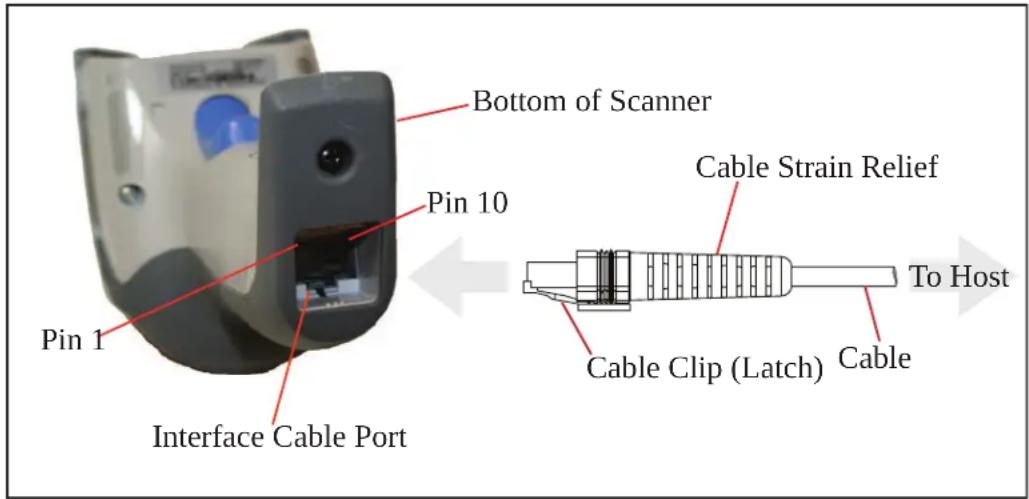
text_image
Bottom of Scanner Pin 10 Pin 1 Interface Cable Port Cable Strain Relief To Host Cable Clip (Latch) Cablez he|signal|descriptions|inz able|49|apply|to|the|connector|on|the|reader|and|are|for|reference|only
Table 49. Standard Cable Pinouts — Reader Side
| Pin RS-232 OEM USB Keyboard Wedge | ||||
| 1 RTS (out) | ||||
| 2 D+ | CLKIN (KBD side) | |||
| 3 D- | DATAIN (KBD side) | |||
| 4 GND | GND GND GND | |||
| 5 | RX | |||
| 6 | TX | |||
| 7 | VCC | VCC | VCC | VCC |
| 8 | IBM_B | CLKOUT (PC side) | ||
| 9 | IBM_A | DATAOUT (PC side) | ||
| 10 | CTS (in) | |||
LED and Beeper Indications
z he|reader's|beeper|sounds|and|its|r kj |illuminates|to|indicate|various|functions|or|errors|on|the|reader|g n|optional|“mreen|ypot”|also|performs|useful|functions|z heltables|below|list|these|indications|u ne|exception|to|the|behaviors|listed|in|the|tables|is|that|the|reader's|functions|are|programmable|and|may|or|may|not|be|turned|on| or|example|certain|indications|such|as|the|power|up|beep|can|be|disabled|using|programming|barcode|labels
Table 50. LED and Beeper Indications
| INDICATION DESCRIPTION LED BEEPER | |||
| Power-up Beep The reader is in the process of power-ing-up. | Reader beeps four times at highest frequency and volume upon power-up. | ||
| Good Read Beep A label has been successfully scanned by the reader. | LED behavior for this indication is configurable via the feature "Good Read: When to Indicate" | The reader will beep once at current frequency, volume, mono/bi-tonal setting and duration upon a successful label scan. | |
| ROM Failure There is an error in the reader's software/programming | Flashes | Reader sounds one error beep at highest volume. | |
| Limited Scanning Label Read | Indicates that a host connection is not established when the IBM or USB interface is enabled. | N/A | Reader 'chirps' six times at the highest frequency and current volume. |
| Reader Active Mode | The reader is active and ready to scan. | The LED is lit steadilya | N/A |
| Reader Disabled | The reader has been disabled by the host. | The LED blinks continuously | N/A |
| Green Spot is on continuously | While in Stand Mode or Trigger Stand Mode the green spot shall be on while in stand watch state. | N/A N/A | |
| Green Spota flashes momentarily | Upon successful read of a label, the software shall turn the green spot on for the time specified by the configured value. | N/A N/A | |
a. Except when in sleep mode or when a Good Read LED Duration other than 00 is selected
Table 51. Programming Mode Indications
| Programming Mode - The following indications ONLY occur when the reader is in Programming Mode. | |||
| Label Programming Mode Entry | A valid programming label has been scanned. | LED blinks continuously | Reader sounds four low frequency beeps. |
| Label Programming Mode Rejection of Label | A label has been rejected. | N/A | Reader sounds three times at lowest frequency & current volume. |
| Label Programming Mode Acceptance of Partial Label | In cases where multiple labels must be scanned to program one feature, this indication acknowledges each portion as it is successfully scanned. | N/A | Reader sounds one short beep at highest frequency & current volume. |
| Label Programming Mode Acceptance of Programming | Configuration option(s) have been successfully programmed via labels and the reader has exited Programming Mode. | N/A | Reader sounds one high frequency beep and 4 low frequency beeps followed by reset beeps. |
| Label Programming Mode Cancel Item Entry | Cancel label has been scanned. | N/A | Reader sounds two times at low frequency and current volume. |
Error Codes
' pon startup if the reader sounds a long tone this means the reader has not passed its automatic yelftest and has entered x ' ll ieldx eplaceable' nit Disolation mode of the reader is reset the sequence will be repeated z he following table describes the r kj flashes beep codes associated with an error found
| NUMBER OF LED FLASHES/BEEPS | ERROR CORRECTIVE | ACTION |
| 1 Configuration | Contact Helpdesk for assistance | |
| 2 Interface PCB | ||
| 4 Reader Module | ||
| 5 Laser Pointer (if so equipped) | ||
| 6 Digital PCB | ||
| 14 CPLD/Code Mismatch |
Base Station Indications (Cordless Models ONLY)
| INDICATION LEDS | |
| Power-up Complete Yellow LED on | |
| Reader Disabled by the HOST or the communication with HOST is not established | Yellow LED blinking ~1Hz |
| Data/labels are transmitted to the HOST | Yellow LEDs turned off for 100mSec |
| Programming Mode Yellow LED blinks quickly | |
| Base and handheld are exchanging data Red LED blinks quickly | |
| Battery charging in progress Red LED on | |
| Battery charging complete Green LED on | |
| Battery charger error Green LED and Red LEDs blink alterna-tively ~1Hz | |
| No handheld is placed on the cradle Red and Green LEDs off |
Base Station Button Indicators
| BUTTON PUSH EVENT | CORDLESS | YELLOW INDICATOR | RED INDICATOR | GREEN INDICATOR |
| Push at power-up | Force device connection (Aladdin) | Off | Off | Slow blinkFast blink |
| < 1 sec (*) | UV LED On/Off | Off | Off | Off |
| 1 to 5 sec | Paging | Off | Off | Fast blink |
| 5 to 10 sec | Unlink (Only BT) | Off | Off | Slow blink |
| 10 to 20 sec | Reset | Off | Fast blink | Off |
| > 20 sec | Restore factory defaults | Off | Slow blink | Off |
(*) Only for models with UV Counterfeit Money Detector. See page 12 for more details
NOTES
Appendix B
Standard Defaults
z he|most|common|configuration|settings|are|listed|in|the|“j eault”|column|of|the|table|below|vage|references|are|also|provided|for|feature|descriptions|and|programming|barcodes|for|each|parameter|g |column|has|also|been|provided|for|recording|of|your|preferred|default|settings|for these|same|configurable|features
Table 52. Standard Defaults
| Parameter Default Your Setting | Page Number | ||
| GLOBAL INTERFACE FEATURES | |||
| Host Commands — Obey/Ignore | Obey 39 | ||
| USB Suspend Mode | Disable 39 | ||
| RS-232 ONLY | |||
| Baud Rate | 9600 42 | ||
| Data Bits | 8 Data Bits 43 | ||
| Stop Bits | 1 Stop Bit 43 | ||
| Parity | None 44 | ||
| Handshaking Control | RTS 45 | ||
| RS-232/USB-Com | |||
| Intercharacter Delay | No Delay 47 | ||
| Beep On ASCII BEL | Disable 47 | ||
| Beep On Not on File | Enable 48 | ||
| ACK Character | 'ACK' 50 | ||
| NAK Character | 'NAK' 50 | ||
| ACK NAK Timeout Value | 200 ms | 51 | |
| ACK NAK Retry Count | 3 Retries | 51 | |
| ACK NAK Error Handling | Ignore Errors Detected | 52 | |
| Parameter | Default | Your Setting | Page Number |
| Indicate Transmission Failure | Enable 52 | ||
| Disable Character | ‘D’ 53 | ||
| Enable Character | ‘E’ 53 | ||
| KEYBOARD WEDGE | |||
| Country Mode | U.S. Keyboard 56 | ||
| Caps Lock State | Caps Lock OFF 59 | ||
| Numlock | Numlock Key Unchanged 60 | ||
| Send Control Characters | Control Character 00 61 | ||
| Wedge Quiet Interval | 100 ms 62 | ||
| Intercharacter Delay | No Delay 63 | ||
| Intercode Delay | 100 ms 64 | ||
| USB Keyboard Speed | 1 ms 65 | ||
| USB Keyboard Numeric Keypad | Standard Keys 66 | ||
| USB-OEM | |||
| USB-OEM Device Usage | Handheld Scanner 68 | ||
| Interface Options | Ignore Host Configuration Commands | 68 | |
| IBM 46xx | |||
| 46xx Number of Host Resets | 6 | 70 | |
| Transmit Labels in Code 39 Format | IBM Standard Format | 72 | |
| Interface Options | Ignore Scanner Configura-tion Host Commands | 72 | |
| Wand Emulation | |||
| Wand Signal Speed | 660 ms 74 | ||
| Wand Polarity | Quiet Zones & Spaces High, Bars Low | 74 | |
| Wand Idle State | High 75 | ||
| Transmit Noise | Disable 75 | ||
| Label Symbology Conversion | No conversion 76 | ||
| Data Format | |||
| Global Prefix/Suffix | No Global Prefix Global Suffix = 0x0D (CR) | 78 | |
| Global AIM ID | Disable 79 | ||
| GS1-128 AIM ID | Enable 80 | ||
| Label ID: Pre-loaded Sets | USA Set 81 | ||
| Label ID Control | Disable 82 | ||
| Set Global Mid Label ID Characters | No Mid Label ID Character 89 | ||
| Case Conversion | Disable 90 | ||
| Character Conversion | No Char Conversion 90 | ||
| READING PARAMETERS | |||
| Double Read Timeout | 0.6 Second 91 | ||
| Label Gone Timeout | 160 ms 93 | ||
| Sleep Mode Timeout | Disable 94 | ||
| Power On Alert | 4 Beeps 96 | ||
| Good Read: When to Indicate | After Decode 96 | ||
| Good Read Beep Type | Mono 97 | ||
| Good Read Beep Frequency | Medium 97 | ||
| Good Read Beep Length | 80 ms 98 | ||
| Good Read Beep Volume | High 99 | ||
| Good Read LED Duration | 300 ms 100 | ||
| Scan Mode | Trigger Single | 101 | |
| Stand Mode Triggered Timeout | 0.5 second | 102 | |
| Stand Detection | Switch to Stand mode | 103 | |
| Stand Mode Sensitivity | Medium | 104 | |
| Scanning Active Time | 5 Seconds | 104 | |
| Flash On Time | 1 Second | 105 | |
| Flash Off Time | 600 ms 105 | ||
| Green Spot Duration | 300 ms 106 | ||
| Code Selection | |||
| Coupon Control | Enable UPCA coupon decoding | 109 | |
| UPC-A | |||
| UPC-A Enable/Disable | Enable 110 | ||
| UPC-A Check Character Transmission | Enable 110 | ||
| Expand UPC-A to EAN-13 | Don't Expand | 111 | |
| Parameter Default Your Setting | Page Number | ||
| UPC-A Number System Character Transmission | Transmit 111 | ||
| UPC-A Minimum Reads | 1 112 | ||
| UPC-E | |||
| UPC-E Enable/Disable | Enable 113 | ||
| UPC-E Check Character Transmission | Send 113 | ||
| Expand UPC-E to EAN-13 | Don't Expand 114 | ||
| Expand UPC-E to UPC-A | Don't Expand 114 | ||
| UPC-E Number System Character Transmission | Transmit 115 | ||
| UPC-E Minimum Reads | 2 115 | ||
| GTIN | |||
| GTIN Formatting | Disable 116 | ||
| EAN 13 (Jan 13) | |||
| EAN 13 Enable/Disable | Enable 117 | ||
| EAN 13 Check Character Transmission | Send 117 | ||
| EAN-13 Flag 1 Character | Transmit 118 | ||
| EAN-13 ISBN Conversion | Disable 118 | ||
| EAN 13 Minimum Reads | 1 119 | ||
| ISSN | |||
| ISSN Enable/Disable | Disable 120 | ||
| EAN 8 | |||
| EAN 8 Enable/Disable | Enable 121 | ||
| EAN 8 Check Character Transmission | Send 121 | ||
| Expand EAN 8 to EAN 13 | Disable 122 | ||
| EAN 8 Minimum Reads | 1 122 | ||
| UPC/EAN Global Settings | |||
| UPC/EAN Decoding Level | 2 123 | ||
| UPC/EAN Correlation | Disable 124 | ||
| UPC/EAN Price Weight Check | Disable 124 | ||
| In-Store Minimum Reads | 2 125 | ||
| Add-Ons | |||
| Optional Add-ons | Disable P2, P5 and GS1-128 126 | ||
| Optional Add-On Timer | 70 ms 127 | ||
| Parameter | Default | Your Setting | Page Number |
| Optional GS1-128 Add-On Timer | Disable 130 | ||
| P2 Add-Ons Minimum Reads | 2 133 | ||
| P5 Add-Ons Minimum Reads | 1 134 | ||
| GS1-128 Add-Ons Minimum Reads | 1 135 | ||
| Code 39 | |||
| Code 39 Enable/Disable | Enable 136 | ||
| Code 39 Check Character Calculation | Don't Calculate 136 | ||
| Code 39 Check Character Transmission | Don't Send 137 | ||
| Code 39 Start/Stop Character Transmission | Don't Transmit 138 | ||
| Code 39 Full ASCII | Disable 138 | ||
| Code 39 Quiet Zones | Auto 139 | ||
| Code 39 Minimum Reads | 2 140 | ||
| Code 39 Decoding Level | 3 141 | ||
| Code 39 Length Control | Variable 142 | ||
| Code 39 Set Length 1 | 2 143 | ||
| Code 39 Set Length 2 | 50 144 | ||
| Code 39 Interdigit Ratio | 4 145 | ||
| Code 39 Character Correlation | Disable 147 | ||
| Code 39 Stitching | Enable 147 | ||
| Code 32 (Italian Pharmaceutical Code) | |||
| Code 32 Enable/Disable | Disable 148 | ||
| Code 32 Feature Setting Exceptions | N/A 148 | ||
| Code 32 Check Char Transmission | Don't Send 149 | ||
| Code 32 Start/Stop Character Transmission | Don't Transmit 149 | ||
| Code 39 CIP (French Pharmaceutical Code) | |||
| Code 39 CIP Enable/Disable | Disable 148 | ||
| Code 128 | |||
| Code 128 Enable/Disable | Enable 151 | ||
| Expand Code 128 to Code 39 | Don't Expand 151 | ||
| Code 128 Check Character Transmission | Send 152 | ||
| Code 128 Function Character Transmission | Don't Send 152 | ||
| Code 128 Sub-Code Change Transmission | Disable 153 | ||
| Parameter Default Your Setting | Page Number | ||
| Code 128 Quiet Zones | Auto 154 | ||
| Code 128 Minimum Reads | 1 155 | ||
| Code 128 Decoding Level | 3 156 | ||
| Code 128 Length Control | Variable 157 | ||
| Code 128 Set Length 1 | 1 158 | ||
| Code 128 Set Length 2 | 80 159 | ||
| Code 128 Character Correlation | Disable 160 | ||
| Code 128 Stitching | Enable 160 | ||
| GS1-128 | |||
| GS1-128 Enable | Transmit in GS1-128 data format | 161 | |
| ISBT 128 | |||
| ISBT 128 Concatenation | Disable 162 | ||
| ISBT 128 Force Concatenation | Disable 162 | ||
| ISBT 128 Concatenation Mode | Static 163 | ||
| ISBT 128 Dynamic Concatenation Timeout | 200 msec 164 | ||
| ISBT 128 Advanced Concatenation Options | Disable 164 | ||
| Codablock F | |||
| Codablock F Enable/Disable | Disable 165 | ||
| Codablock F EAN Enable/Disable | Disable 165 | ||
| Codablock F AIM Check | Enable check C 166 | ||
| Codablock F Length Control | Variable 166 | ||
| Codablock F Set Length 1 | 3 characters 167 | ||
| Codablock F Set Length 2 | 100 characters 168 | ||
| Interleaved 2 of 5 | |||
| I 2 of 5 Enable/Disable | Disable 169 | ||
| I 2 of 5 Check Character Calculation | Disable 169 | ||
| I 2 of 5 Check Character Transmission | Send 170 | ||
| I 2 of 5 Minimum Reads | 2 192 | ||
| 2 of 5 Decoding Level | 3 192 | ||
| I 2 of 5 Length Control | Variable 173 | ||
| I 2 of 5 Set Length 1 | 6 174 | ||
| 1 2 of 5 Set Length 2 | 50 175 | ||
| 1 2 of 5 Character Correlation | Disable 176 | ||
| 1 2 of 5 Stitching | Disable 176 | ||
| Follett 2 of 5 | |||
| Follett 2 of 5 Enable/Disable | Disable 177 | ||
| Interleaved 2 of 5 CIP HR | |||
| Interleaved 2 of 5 CIP HR Enable/Disable | Disable 177 | ||
| Standard 2 of 5 | |||
| Standard 2 of 5 Enable/Disable | Disable 178 | ||
| Standard 2 of 5 Check Character Calculation | Disable 178 | ||
| Standard 2 of 5 Check Character Transmission | Send 179 | ||
| Standard 2 of 5 Minimum Reads | 2 179 | ||
| Standard 2 of 5 Decoding Level | 3 180 | ||
| Standard 2 of 5 Length Control | Variable 180 | ||
| Standard 2 of 5 Set Length 1 | 8 181 | ||
| Standard 2 of 5 Set Length 2 | 50 182 | ||
| Standard 2 of 5 Character Correlation | Disable 183 | ||
| Standard 2 of 5 Stitching | Disable 183 | ||
| Industrial 2 of 5 | |||
| Industrial 2 of 5 Enable/Disable | Disable 184 | ||
| Industrial 2 of 5 Check Character Calculation | Disable 184 | ||
| Industrial 2 of 5 Check Character Transmission | Enable 185 | ||
| Industrial 2 of 5 Length Control | Variable 185 | ||
| Industrial 2 of 5 Set Length 1 | 1 186 | ||
| Industrial 2 of 5 Set Length 2 | 50 187 | ||
| Industrial 2 of 5 Minimum Reads | 1 188 | ||
| Industrial 2 of 5 Stitching | Disable 188 | ||
| Industrial 2 of 5 Character Correlation | Disable 189 | ||
| Code IATA | |||
| IATA Enable/Disable | Disable 190 | ||
| IATA Check Character Transmission | Enable 190 | ||
| Parameter | Default | Your Setting | Page Number |
| Datalogic 2 of 5 | |||
| Datalogic 2 of 5 Enable/Disable | Disable 191 | ||
| Datalogic 2 of 5 Check Character Calculation | Disable 191 | ||
| Datalogic 2 of 5 Minimum Reads | 2 192 | ||
| Datalogic 2 of 5 Decoding Level | 3 192 | ||
| Datalogic 2 of 5 Length Control | Variable 193 | ||
| Datalogic 2 of 5 Set Length 1 | 6 characters 194 | ||
| Datalogic 2 of 5 Set Length 2 | 50 195 | ||
| Datalogic 2 of 5 Character Correlation | Disable 196 | ||
| Datalogic 2 of 5 Stitching | Disable 196 | ||
| Codabar | |||
| Codabar Enable/Disable | Disable 197 | ||
| Codabar Check Character Calculation | Don't Calculate 197 | ||
| Codabar Check Character Transmission | Send 198 | ||
| Codabar Start/Stop Character Transmission | Transmit 198 | ||
| Codabar Start/Stop Character Set | abcd/abcd 199 | ||
| Codabar Start/Stop Character Match | Don't Require Match 199 | ||
| Codabar Quiet Zones | Auto 200 | ||
| Codabar Minimum Reads | 2 201 | ||
| Codabar Decoding Level | 3 202 | ||
| Codabar Length Control | Variable 202 | ||
| Codabar Set Length 1 | 3 204 | ||
| Codabar Set Length 2 | 50 205 | ||
| Codabar Interdigit Ratio | 4 206 | ||
| Codabar Character Correlation | Disable 208 | ||
| Codabar Stitching | Disable 208 | ||
| ABC Codabar | |||
| ABC Codabar Enable/Disable | Disable 209 | ||
| ABC Codabar Concatenation Mode | Static 209 | ||
| ABC Codabar Dynamic Concatenation Timeout | 200 msec 210 | ||
| ABC Codabar Force Concatenation | Disable 211 | ||
| Parameter Default Your Setting | Page Number | ||
| Code 11 | |||
| Code 11 Enable/Disable | Disable 212 | ||
| Code 11 Check Character Calculation | Check C and K 212 | ||
| Code 11 Check Character Transmission | Send 213 | ||
| Code 11 Minimum Reads | 2 213 | ||
| Code 11 Length Control | Variable 214 | ||
| Code 11 Set Length 1 | 4 215 | ||
| Code 11 Set Length 2 | 50 216 | ||
| Code 11 Interdigit Ratio | 4 217 | ||
| Code 11 Decoding Level | 3 219 | ||
| Code 11 Character Correlation | Disable 220 | ||
| Code 11 Stitching | Disable 220 | ||
| GS1 DataBarTM Omnidirectional | |||
| GS1 DataBarTM Omnidirectional Enable/Disable | Disable 221 | ||
| GS1 DataBarTM Omnidirectional GS1-128 Emulation | Disable 221 | ||
| GS1 DataBarTM Omnidirectional Minimum Reads | 1 222 | ||
| GS1 DataBarTM Expanded | |||
| GS1 DataBarTM Expanded Enable/Disable | Disable 223 | ||
| GS1 DataBarTM Expanded GS1-128 Emulation | Disable 223 | ||
| GS1 DataBarTM Expanded Minimum Reads | 1 224 | ||
| GS1 DataBarTM Expanded Length Control | Variable 224 | ||
| GS1 DataBarTM Expanded Set Length 1 | 1 225 | ||
| GS1 DataBarTM Expanded Set Length 2 | 74 226 | ||
| GS1 DataBarTM Limited | |||
| GS1 DataBarTM Limited Enable/Disable | Disable 227 | ||
| GS1 DataBarTM Limited GS1-128 Emulation | Disable 227 | ||
| GS1 DataBarTM Limited Minimum Reads | 1 228 | ||
| Code 93 | |||
| Code 93 Enable/Disable | Disable 229 | ||
| Code 93 Check Character Calculation | Enable Check C and K 229 | ||
| Code 93 Check Character Transmission | Disable 230 | ||
| Code 93 Length Control | Variable 230 | ||
| Code 93 Set Length 1 | 1 231 | ||
| Code 93 Set Length 2 | 50 232 | ||
| Code 93 Minimum Reads | 1 233 | ||
| Code 93 Decoding Level | 3 234 | ||
| Code 93 Quiet Zones | Auto 235 | ||
| Code 93 Stitching | Enable 236 | ||
| Code 93 Character Correlation | Disable 236 | ||
| MSI | |||
| MSI Enable/Disable | Disable 237 | ||
| MSI Check Character Calculation | Enable Mod10 237 | ||
| MSI Check Character Transmission | Enable 238 | ||
| MSI Length Control | Variable 239 | ||
| MSI Set Length 1 | 1 239 | ||
| MSI Set Length 2 | 50 240 | ||
| MSI Minimum Reads | 4 241 | ||
| MSI Decoding Level | 3 242 | ||
| Plessey | |||
| Plessey Enable/Disable | Disable 243 | ||
| Plessey Check Character Calculation | Enable Plessey std. check char. verification | 244 | |
| Plessey Check Character Transmission | Enable 244 | ||
| Plessey Length Control | Variable 245 | ||
| Plessey Set Length 1 | 1 246 | ||
| Plessey Set Length 2 | 50 247 | ||
| Plessey Minimum Reads | 4 248 | ||
| Plessey Decoding Level | 3 249 | ||
| Plessey Stitching | Disable 250 | ||
| Plessey Character Correlation | Disable 250 | ||
| Code 4 | |||
| Code 4 Enable/Disable | Disable 251 | ||
| Code 4 Check Character Transmission | Send 251 | ||
| Code 4 Hex to Decimal Conversion | Enable 252 | ||
| Parameter | Default | Your Setting | Page Number |
| Code 5 | |||
| Code 5 Enable/Disable | Disable 252 | ||
| Code 5 Check Character Transmission | Send 253 | ||
| Code 5 Hex to Decimal Conversion | Enable 253 | ||
| Code 4 and 5 Common Configuration Items | |||
| Code 4 and 5 Decoding Level | 3 254 | ||
| Code 4 and Code 5 Minimum Reads | 1 255 | ||
| WIRELESS Features | |||
| Good Transmission Beep | Enable 259 | ||
| Beep Frequency | Low 259 | ||
| Beep Duration | 80 msec 260 | ||
| Beep Volume | High 261 | ||
| Disconnect Beep | Enable 261 | ||
| Base Station Beep | Enable 262 | ||
| Leash Alarm | Disable 262 | ||
| Automatic Configuration Update | Enable 264 | ||
| Automatic Flash Update | Disable 265 | ||
| Powerdown Timeout | 30 minutes 266 | ||
| Batch Mode | Disable 268 | ||
| RF Batch Mode Transmit Delay | No Delay 269 | ||
| Direct Radio AutoLink | Unlink label required 270 | ||
| Source Radio Address Transmission | Do not include 270 | ||
| Source Radio Address Delimiter Character | No Delimiter Character 271 | ||
| Features for Star Models Only | |||
| STAR Radio Protocol Timeout | 2 seconds | 272 | |
| STAR Radio Transmit Mode | ACK from cradle | 272 | |
| Display (STAR model only) | |||
| - Contrast | 274 | ||
| - Font Size | Small | 274 | |
| - Backlight | Off | 275 | |
| - Display Mode | Local Echo mode | 275 | |
| - Display Timeout | 8 seconds | 276 | |
| Parameter Default Your Setting | Page Number | ||
| Keypad Select | 3C3D3E 278 | ||
| Bluetooth-Only Features | |||
| BT Security Mode | Disable 280 | ||
| Select PIN Code Length | Select 4-character BT PIN Code | 281 | |
| Set PIN Code | 31323334 = Default PIN Code is 1234 | 281 | |
| BT HID Variable PIN Code | Use Static PIN Code 282 | ||
| BT HID ALT Mode | Disable 282 | ||
| BT HID Send Unkown ASCII Char | Disable 283 | ||
| BT Poll Rate | 20 ms 284 | ||
| Laser Features | |||
| Laser Scan Angle | 47 degrees 288 | ||
| Laser Idle Mode | Disable 288 | ||
| Bi-Directional Read Decoding | Enable 289 | ||
| Always On Scan Mode Timeout | 5 Hours 290 | ||
z he[sample]bar codes in this appendix are typical representations for their symbology types
1D Bar Codes
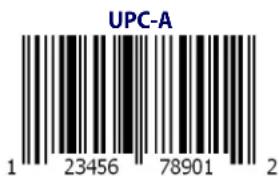
text_image
UPC-A 1 23456 78901 2
text_image
EAN-13 978033029095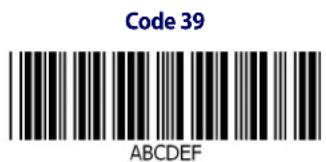
text_image
Code 39 ABCDEF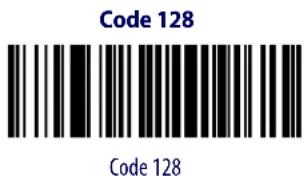
text_image
Code 128 Code 128
Sample Bar Codes — continued
DD
GS1 DataBar™ (RSS)

GS1 DataBar ^™ variants must be enabled to read the bar codes below (see GS1 DataBar ^™ Omnidirectional on page 221).
GS1 DataBar™ Expanded Stacked
text_image
Black and white barcode image with vertical stripes and a central diamond shape10293847560192837465019283746029478450366523
GS1 DataBar™ Expanded

text_image
Barcode image with black and white vertical bars, no visible text or symbols beyond the pattern1234890hjio9900mnb
GS1 DataBar™ Limited
08672345650916
GS1 DataBar™-14
GS1 DataBar™ Omnidirectional Truncated

55432198673467
GS1 DataBar™ Omnidirectional Stacked

90876523412674
GS1 DataBar™ Omnidirectional Stacked

78123465709811
NOTES
Appendix D Keypad
'sethe:barcodes:in this appendix to enter numbers as you would select digits characters from a keypad
 | |
 | |
 | |
 | |
 | |
 |
Keypad
 | |
 | |
 | |
 |
HID Variable PIN Code
 Cancel an incomplete HID Variable PIN Code Cancel an incomplete HID Variable PIN Code | |
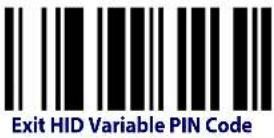 | |
 | |
 | |
 | |
 | |
 | |
 |
NOTES
Appendix E
Scancode Tables
Control Character Emulation
i ontrol character emulation selects from different scancode tables has listed in this appendix kach of the control character sets below are detailed by interface type in the tables z hese apply to edge and y h q ey board platforms
Control Character 00 .i charactersfromTTTtoTxUl [are[sent]as]controlcharacterdi trlOq eysPD specialkeysbarelocatedfromTx TtoTxg UR
Control Character 01 .i charactersfromTTtoTxUl daresentlascontrolcharacterdi trlOi apitalD q eyspecialkeysdarelocatedfromTx TtoTxg UR
Control Character 02 . ypecialkeyslarelocatedfromTTtoTxUI landcharactersfromTx TtoTxI klareintendedlaslanextendedgyi ooltableLs icrosoft indowsi odepageUVYV—lyeeD pageW VM
Single Press and Release Keys
on the following tables g r↓ means g lt right pressed and g r↑ means g lt right released and s o n R j efinitions for other keys are g ldg lt left DNDi rLi onrolx ight DNDi lLi onrolr eft DNDy hDL shift NRD z his method can be used for combining g lt p i onrold or ly hift with other keys
kexample 'cis onsidera'i ontrol character set to TTto of g ltx ight Og dis required before sending a label to the host it could be done by setting threelv prefix keys in this way 'Tx^^TxXUTx^g
Interface Type PC AT PS/2, USB-Keyboard or USB-Keyboard for APPLE
Table 53. Scancode Set When Control Character is 00 or 01
| x0 x1 x2 x3 x4 x5 x6 x7 x8 x9 xA xB xC xD xE xF | ||||||||||||||||
| 0x | NULL C+@ | SOH C(S)+A | STX C(S)+B | ETX C(S)+C | EOT C(S)+D | ENQ C(S)+E | ACK C(S)+F | BEL C(S)+G | BS | HT TAB | LF C(S)+J | VT C(S)+K | FF C(S)+L | CR Enter | SO C(S)+N | SI C(S)+O |
| 1x | DLE C(S)+P | DC1 C(S)+Q | DC2 C(S)+R | DC3 C(S)+S | DC4 C(S)+T | NAK C(S)+U | SYN C(S)+V | ETB C(S)+W | CAN C(S)+X | EM C(S)+Y | SUB C(S)+Z | ESC Esc | FS C+\ | GS C+] | RS C+^ | US C(S)+_ |
| 2x | SP | ! | " | # | S | % | & | ' | ( | ) | * | ⊥ | , | = | , | / |
| 3x | 0 | 1 | 2 | 3 | 4 | 5 | 6 | 7 | 8 | 9 | : | ; | ≤ | = | ≥ | ? |
| 4x | @ | A | B | C | D | E | F | G | H | I | J | K | L | M | N | Q |
| 5x | P | Q | R | S | T | U | V | W | X | Y | Z | [ | \ | ] | ^ | - |
| 6x | : | a | b | c | d | e | f | g | h | i | j | k | l | m | n | o |
| 7x | p | q | r | s | t | u | v | w | x | y | z | l | l | l | = | Del |
| 8x | € | Sh↓ | Sh↑ | Ins | Ent (keyp) | F1 | F2 | F3 | F4 | F5 | F6 | F7 | F8 | F9 | F10 | F11 |
| 9x | F12 | Home | End | Pg Up | Pg Dwn | ↑ | ↓ | ← | → | Ar↓ | Ar↑ | Al↓ | Al↑ | Cl↓ | Cl↑ | Cr↓ |
| Ax | Cr↑ | , | / | ,, | ... | † | ‡ | ^ | ‰ | Š | < | Š | < | Ø | ||
| Bx | = | ⊥ | 2 | 3 | , | μ | ¶ | , | ' | ° | » | 1⁄4 | 1⁄2 | 3⁄4 | ; | |
| Cx | À | Á | À | Ä | Ä | Ä | Æ | Ç | É | É | É | É | Î | Î | Î | Î |
| Dx | Đ | Ò O Ô | Ò O × | ∅ Ù Û | Ù Ú | Ý | þ ß | |||||||||
| Ex | à | á | â | ã | ã | á | æ | ç | è | é | è | ë | ì | í | î | ï |
| Fx | ð | ñ | ò | ó | ó | ô | ö | ÷ | ø | ù | ú | ù | ü | ý | þ | ÿ |
Extended characters (sky blue) are sent through dedicated keys (when available in the selected country mode) or by using an Alt Mode sequence.
Interface Type PC AT PS/2, USB-Keyboard or USB-Keyboard for APPLE — cont.
Table 54. Scancode Set When Control Character is 02
| x0 x1 x2 x3 x4 x5 x6 x7 x8 x9 xA xB xC xD xE xF | ||||||||||||||||
| 0x | Ar↓ | Ar↑ | Al↓ | Al ↑ | Cl ↓ | Cl ↑ | Cr ↓ | Cr ↑ | BS | Tab | → | S+ Tab | Enter Keypd | Enter Ins | Pg Up | |
| 1x | Pg Dwn | Home | ← | ↓ | ↑ | F6 | F1 | F2 | F3 | F4 | F5 | ESC | F7 | F8 | F9 | F10 |
| 2x | Space | ! | " | # | S | % | & | ' | ( | ) | * | + | , | - | . | / |
| 3x | 0 | 1 | 2 | 3 | 4 | 5 | 6 | 7 | 8 | 9 | : | ; | < | - | > | ? |
| 4x | @ | A | B | C | D | E | F | G | H | I | J | K | L | M | N | O |
| 5x | P | Q | R | S | T | U | V | W | X | Y | Z | | | \ | | | ^ | _ |
| 6x | ` | a | b | c | d | e | f | g | h | i | j | k | l | m | n | o |
| 7x | p | q | r | s | t | u | v | w | x | y | z | { | | | } | ~ | Del |
| 8x € | ' | f | " | ... | † | ‡ | ^ | ‰ | Š | < | Š | < | Œ | |||
| 9x | , | , | " | " | • | - | — | ^ | TM | § | , | œ | ž | Ÿ | ||
| Ax | NBSP | ¡ | ¢ | £ | ¿ | ¥ | | | § | " | © | " | « | - | - | ® | - |
| Bx | ° | ± | ? | ? | ' | μ | ¶ | . | . | ' | ° | » | 1⁄2 | 1⁄2 | 3⁄4 | ¿ |
| Cx | À | Á | Â | Ã | Ã | Ã | Æ | Ç | Ê | Ł | Ê | Ê | ì | Í | Î | Î |
| Dx | Đ | Ô | Ó | Ô | Õ | Õ | × | ∅ | Ù | Ù | Ù | Û | Ÿ | þ | ß | |
| Ex | à | á | â | ã | ã | à | æ | ç | è | é | è | ë | ì | í | î | ï |
| Fx | ð | ñ | ò | ó | ô | ô | ô | ø | ù | ú | ù | ù | ÿ | þ | ÿ | |
Interface type PC AT PS/2 Alt Mode or USB-Keyboard Alt Mode
Table 55. Scancode Set When Control Character is 00 or 01
| x0 x1 x2 x3 x4 x5 X6 x7 x8 x9 xA xB xC xD xE Xf | ||||||||||||||||
| 0x | Alt+000 | Alt+001 | Alt+002 | Alt+003 | Alt+004 | Alt+005 | Alt+006 | Alt+007 | BS | HT TAB | Alt+010 | Alt+011 Alt+012 | CR Enter | Alt+014 Alt+015 | ||
| 1x | Alt+016 | Alt+017 | Alt+018 | Alt+019 | Alt+020 | Alt+021 | Alt+022 | Alt+023 | Alt+024 | Alt+025 | Alt+026 | ESC Esc | Alt+028 Alt+029 Alt+030 Alt+031 | |||
| 2x | A+032 | A+033 | A+034 | A+035 | A+036 | A+037 | A+038 | A+039 | A+040 | A+041 | A+042 | A+043 | A+044 | A+045 | A+046 | A+047 |
| 3x | A+048 | A+049 | A+050 | A+051 | A+052 | A+053 | A+054 | A+055 | A+056 | A+057 | A+058 | A+059 | A+060 | A+061 | A+062 | A+063 |
| 4x | A+064 | A+065 | A+066 | A+067 | A+068 | A+069 | A+070 | A+071 | A+072 | A+073 | A+074 | A+075 | A+076 | A+077 | A+078 | A+079 |
| 5x | A+080 | A+081 | A+082 | A+083 | A+084 | A+085 | A+086 | A+087 | A+088 | A+089 | A+090 | A+091 | A+092 | A+093 | A+094 | A+095 |
| 6x | A+096 | A+097 | A+098 | A+099 | A+100 | A+101 | A+102 | A+103 | A+104 | A+105 | A+106 | A+107 | A+108 | A+109 | A+110 | A+111 |
| 7x | A+112 | A+113 | A+114 | A+115 | A+116 | A+117 | A+118 | A+119 | A+120 | A+121 | A+122 | A+123 | A+124 | A+125 | A+126 | A+127 |
| 8x | € | Sh↓ | Sh↑ | Ins | Ent (keyp) | F1 | F2 | F3 | F4 | F5 | F6 | F7 | F8 | F9 | F10 | F11 |
| 9x | F12 | Home | End | Pg Up | Pg Dwn | ↑ | ↓ | ← | → | Ar↓ | Ar↑ | Al↓ | Al↑ | Cl↓ | Cl↑ | Cr↓ |
| Ax | Cr↑ | A+0161 | A-0162 | A+0163 | A+0164 | A+0165 | A+0166 | A+0167 | A+0168 | A-0169 | A+0170 | A+0171 | A-0172 | A+0173 | A+0174 | A+0175 |
| Bx | A-0176 | A+0177 | A+0178 | A+0179 | A+0180 | A+0181 | A-0182 | A+0183 | A+0184 | A+0185 | A+0186 | A+0187 | A+0188 | A+0189 | A+0190 | A-0191 |
| Cx | A+0192 | A+0193 | A+0194 | A+0195 | A-0196 | A+0197 | A+0198 | A-0199 | A+0200 | A+0201 | A+0202 | A-0203 | A+0204 | A+0205 | A+0206 | A+0207 |
| Dx | A+0208 | A+0209 | A+0210 | A+0211 | A-0212 | A+0213 | A+0214 | A-0215 | A+0216 | A+0217 | A+0218 | A-0219 | A+0220 | A+0221 | A+0222 | A+0223 |
| Ex | A-0224 | A+0225 | A+0226 | A+0227 | A+0228 | A+0229 | A+0230 | A+0231 | A+0232 | A+0233 | A+0234 | A+0235 | A+0236 | A+0237 | A+0238 | A-0239 |
| Fx | A-0240 | A+0241 | A+0242 | A-0243 | A+0244 | A+0245 | A+0246 | A-0247 | A+0248 | A+0249 | A-0250 | A+0251 | A-052 | A+0253 | A+0254 | A+0255 |
Interface type PC AT PS/2 Alt Mode or USB-Keyboard Alt Mode — cont.
Table 56. Scancode Set When Control Character is 02
| x0 x1 x2 x3 x4 x5 X6 x7 x8 x9 xA xB xC xD xE xF | ||||||||||||||||
| 0x | Ar↓ | Ar↑ | Al↓ | Al ↑ | Cl ↓ | Cl ↑ | Cr ↓ | Cr ↑ | BS | Tab | → | S+ Tab | Enter Keypd | Enter | Ins | Pg Up |
| 1x | Pg Dwn | Home | ← | ↓ | ↑ | F6 | F1 | F2 | F3 | F4 | F5 | ESC | F7 | F8 | F9 | F10 |
| 2x | A-032 | A+033 | A+034 | A+035 | A-036 | A+037 | A+038 | A+039 | A+040 | A+041 | A+042 | A+043 | A+044 | A-045 | A+046 | A+047 |
| 3x | A-048 | A+049 | A+050 | A+051 | A-052 | A+053 | A+054 | A+055 | A+056 | A+057 | A+058 | A+059 | A+060 | A-061 | A+062 | A+063 |
| 4x | A-064 | A+065 | A+066 | A+067 | A-068 | A+069 | A+070 | A+071 | A+072 | A+073 | A+074 | A+075 | A+076 | A-077 | A+078 | A+079 |
| 5x | A-080 | A+081 | A+082 | A+083 | A-084 | A+085 | A+086 | A+087 | A+088 | A+089 | A-090 | A+091 | A+092 | A-093 | A+094 | A+095 |
| 6x | A-096 | A+097 | A+098 | A+099 | A-100 | A+101 | A+102 | A+103 | A+104 | A+105 | A-106 | A+107 | A+108 | A-109 | A+110 | A+111 |
| 7x | A-112 | A+113 | A+114 | A+115 | A-116 | A+117 | A+118 | A+119 | A+120 | A+121 | A-122 | A+123 | A+124 | A-125 | A+126 | A+127 |
| 8x | A+0128 | A-0129 | A+0130 | A+0131 | A-0132 | A-0133 | A+0134 | A+0135 | A-0136 | A+0137 | A+0138 | A+0139 | A+0140 | A+0141 | A-0142 | A+0143 |
| 9x | A+0144 | A-0145 | A+0146 | A+0147 | A-0148 | A-0149 | A+0150 | A+0151 | A-0152 | A+0153 | A+0154 | A+0155 | A+0156 | A+0157 | A-0158 | A+0159 |
| Ax | A+0160 | A+0161 | A-0162 | A+0163 | A+0164 | A+0165 | A-0166 | A+0167 | A+0168 | A-0169 | A+0170 | A+0171 | A-0172 | A+0173 | A+0174 | A+0175 |
| Bx | A+0176 | A+0177 | A-0178 | A+0179 | A+0180 | A+0181 | A-0182 | A+0183 | A+0184 | A-0185 | A+0186 | A+0187 | A-0188 | A+0189 | A+0190 | A+0191 |
| Cx | A-0192 | A+0193 | A+0194 | A+0195 | A+0196 | A-0197 | A+0198 | A+0199 | A-0200 | A+0201 | A+0202 | A+0203 | A+0204 | A+0205 | A+0206 | A-0207 |
| Dx | A-0208 | A+0209 | A+0210 | A+0211 | A+0212 | A-0213 | A+0214 | A+0215 | A-0216 | A+0217 | A+0218 | A+0219 | A+0220 | A+0221 | A+0222 | A-0223 |
| Ex | A+0224 | A+0225 | A-0226 | A+0227 | A+0228 | A-0229 | A+0230 | A+0231 | A+0232 | A-0233 | A+0234 | A+0235 | A-0236 | A+0237 | A+0238 | A+0239 |
| Fx | A+0240 | A-0241 | A+0242 | A+0243 | A+0244 | A+0245 | A-0246 | A+0247 | A+0248 | A-0249 | A+0250 | A+0251 | A-052 | A+0253 | A-0254 | A+0255 |
Digital Interface
Table 57. Scancode Set When Control Character is 00 or 01
| X0 x1 x2 x3 x4 x5 x6 x7 x8 x9 xA xB xC xD xE xF | ||||||||||||||||
| 0x | NULL C+@ | SOH C(S)+A | STX C(S)+B | ETX C(S)+C | EOT C+D | ENQ C(S)+E | ACK C(S)+F | BEL C(S)+G | BS | HT TAB | LF C(S)+J | VT C(S)+K | FF C(S)+L | CR Enter | SO C(S)+N | SI C(S)+O |
| 1x | DLE C(S)+P | DC1 C(S)+Q | DC2 C(S)+R | DC3 C(S)+S | DC4 C(S)+T | NAK C(S)+U | SYN C(S)+V | ETB C(S)+W | CAN C(S)+X | EM C(S)+Y | SUB C(S)+Z | ESC Esc | FS C(S)+\ | GS C+] | RS C(S)+^ | US C(S)+_ |
| 2x | Space | ! | “ | # | S | % | & | ‘ | ( | ) | * | + | , | - | . | / |
| 3x 0 | | 2 3 4 5 6 7 | 8 9 : | ;<=>? | |||||||||||||
| 4x | @ | A | B | C | D | E | F | G | H | I | J | K | L | M | N | O |
| 5x | P | Q | R | S | T | U | V | W | X | Y | Z | [ | \ | ] | ^ | _ |
| 6x ' a | b c d e f g h i | j k l m n o | ||||||||||||||
| 7x | p | q | r | s | t | u | v | w | x | y | z | { | | | } | ~ | Del |
| 8x | Sh↓ | Sh↑ | Ins | Ent (keyp) | F1 | F2 | F3 | F4 | F5 | F6 | F7 | F8 | F9 | F10 | F11 | |
| 9x | F12 | F13 | F14 | F15 | F16 | ↑ | ↓ | ← | → | Cl ↓ | Cl ↑ | |||||
Table 58. Scancode Set When Control Character is 02
| X0 x1 x2 x3 x4 x5 x6 x7 x8 x9 xA xB xC xD xE xF | ||||||||||||||||
| 0x | Cl ↓ | Cl ↑ | BS | Tab | à | S+ Tab | Enter Keypd | Enter | Ins | |||||||
| 1x | ← | ↓ | ↑ | F6 | F1 | F2 | F3 | F4 | F5 | ESC | F7 | F8 | F9 | F10 | ||
| 2x | Space | ! | “ | # | S | % | & | * | ( | ) | * | + | , | - | . | / |
| 3x | 0 | 1 | 2 | 3 | 4 | 5 | 6 | 7 | 8 | 9 | ; | ; | < | = | > | ? |
| 4x | @ | A | B | C | D | E | F | G | H | I | J | K | L | M | N | O |
| 5x | P | Q | R | S | T | U | V | W | X | Y | Z | [ | \ | ] | ^ | _ |
| 6x a b c d e f g h i | j k l m n o | |||||||||||||||
| 7x | p | q | r | s | t | u | v | w | x | y | z | { | | | } | ~ | Del |
IBM31xx 102-key
Table 59. Scancode Set When Control Character is 00 or 01
| X0 x1 x2 x3 x4 x5 x6 x7 x8 x9 xA xB xC xD xE xF | ||||||||||||||||
| 0x | NULL C+@ | SOH C(S)+A | STX C(S)+B | ETX C(S)+C | EOT C+D | ENQ C(S)+E | ACK C(S)+F | BEL C(S)+G | BS | HT TAB | LF C(S)+J | VT C(S)+K | FF C(S)+L | CR Enter | SO C(S)+N | SI C(S)+O |
| 1x | DLE C(S)+P | DC1 C(S)+Q | DC2 C(S)+R | DC3 C(S)+S | DC4 C(S)+T | NAK C(S)+U | SYN C(S)+V | ETB C(S)+W | CAN C(S)+X | EM C(S)+Y | SUB C(S)+Z | ESC Esc | FS C(S)+\ | GS C+] | RS C(S)+^ | US C(S)+_ |
| 2x | Space | ! | “ | # | S | % | & | ‘ | ( | ) | * | + | , | - | . | / |
| 3x 0 | | 2 3 4 5 6 7 | 8 9 : | ;<=>? | |||||||||||||
| 4x | @ | A | B | C | D | E | F | G | H | I | J | K | L | M | N | O |
| 5x | P | Q | R | S | T | U | V | W | X | Y | Z | [ | \ | ] | ^ | _ |
| 6x | ‘ | a | B | c | d | e | f | g | h | i | j | k | l | m | n | o |
| 7x | p | q | R | s | t | u | v | w | x | y | z | { | | | } | Del | |
| 8x | Sh↓ | Sh↑ | Ins | Ent (keyp) | F1 | F2 | F3 | F4 | F5 | F6 | F7 | F8 | F9 | F10 | F11 | |
| 9x | F12 | Enter | Reset | Inscrt | Delete | Field - | Field + | Enter paddle | Printl | Ar↓ | Ar↑ | Al↓ | Al ↑ | Cl ↓ | Cl ↑ | Cr ↓ |
| Ax | Cr ↑ | |||||||||||||||
Table 60. Scancode Set When Control Character is 02
| X0 x1 x2 x3 x4 x5 x6 x7 x8 x9 xA xB xC xD xE xF | ||||||||||||||||
| 0x | Ar↓ | Ar↑ | Al↓ | Al ↑ | Cl ↓ | Cl ↑ | Cr ↓ | Cr ↑ | BS | Tab | → | S+ Tab | Enter Keypd | Enter | Ins | Pg Up |
| 1x | Pg Dwn | Homc | ← | ↓ | ↑ | F6 | F1 | F2 | F3 | F4 | F5 | ESC | F7 | F8 | F9 | F10 |
| 2x | Space | ! | “ | // | S | % | & | * | ( | ) | * | + | , | - | . | / |
| 3x | 0 | 1 | 2 | 3 | 4 | 5 | 6 | 7 | 8 | 9 | : | ; | < | = | > | ? |
| 4x | @ | A | B | C | D | E | F | G | H | I | J | K | L | M | N | O |
| 5x | P | Q | R | S | T | U | V | W | X | Y | Z | [ | \ | ] | ^ | _ |
| 6x | ‘ | a | B | c | d | c | f | g | h | i | j | k | l | m | n | o |
| 7x | p | q | R | s | t | u | v | w | x | y | z | { | | | } | Del | |
IBM XT
Table 61. Scancode Set When Control Character is 00 or 01
| X0 x1 x2 x3 x4 x5 x6 x7 x8 x9 xA xB xC xD xE xF | ||||||||||||||||
| 0x | NULL C+@ | SOH C(S)+A | STX C(S)+B | ETX C(S)+C | EOT C+D | ENQ C(S)+E | ACK C(S)+F | BEL C(S)+G | BS C(S)+H | HT TAB | LF C(S)+J | VT C(S)+K | FF C(S)+L | CR Enter | SO C(S)+N | SI C(S)+O |
| 1x | DLE C(S)+P | DC1 C(S)+Q | DC2 C(S)+R | DC3 C(S)+S | DC4 C(S)+T | NAK C(S)+U | SYN C(S)+V | ETB C(S)+W | CAN C(S)+X | EM C(S)+Y | SUB C(S)+Z | ESC Esc | FS C(S)+\ | GS C+] | RS C(S)+^ | US C(S)+_ |
| 2x | Space | ! | “ | # | S | % | & | ‘ | ( | ) | * | + | , | - | . | / |
| 3x 0 | | 2 3 4 5 6 7 | 8 9 : | ;<=>? | |||||||||||||
| 4x | @ | A | B | C | D | E | F | G | H | I | J | K | L | M | N | O |
| 5x | P | Q | R | S | T | U | V | W | X | Y | Z | [ | \ | ] | ^ | _ |
| 6x | ‘ | a | B | c | d | e | f | g | h | i | j | k | l | m | n | o |
| 7x | p | q | R | s | t | u | v | w | x | y | z | { | | | } | Del | |
| 8x | Sh↓ | Sh↑ | Ins | Ent (keyp) | F1 | F2 | F3 | F4 | F5 | F6 | F7 | F8 | F9 | F10 | F11 | |
| 9x | F12 | IHome | End | Pg Up | Pg Dwn | ↑ | ↓ | ← | → | Ar↓ | Ar↑ | Al↓ | Al ↑ | Cl ↓ | Cl ↑ | Cr ↓ |
| Ax | Cr ↑ | |||||||||||||||
Table 62. Scancode Set when Control Character 02
| X0 x1 x2 x3 x4 x5 x6 x7 x8 x9 xA xB xC xD xE xF | ||||||||||||||||
| 0x | Ar↓ | Ar↑ | Al↓ | Al ↑ | Cl ↓ | Cl ↑ | Cr ↓ | Cr ↑ | BS | Tab | → | S+ Tab | Enter Keypd | Enter | Ins | Pg Up |
| 1x | Pg Dwn | Home | ← | ↓ | ↑ | F6 | F1 | F2 | F3 | F4 | F5 | ESC | F7 | F8 | F9 | F10 |
| 2x | Space | ! | " | # | S | % | & | ' | ( | ) | * | + | , | - | . | / |
| 3x | 0 | 1 | 2 | 3 | 4 | 5 | 6 | 7 | 8 | 9 | : | ; | < | - | > | ? |
| 4x | @ | A | B | C | D | E | F | G | H | I | J | K | L | M | N | O |
| 5x | P | Q | R | S | T | U | V | W | X | Y | Z | [ | \ | ] | ^ | _ |
| 6x | ' | a | B | c | d | e | f | g | h | i | j | k | l | m | n | o |
| 7x | p | q | R | s | t | u | v | w | x | y | z | { | | | } | Del | |
Microsoft Windows Codepage 1252
Windows-1252 is a character encoding of the Latin alphabet, used by default in the legacy components of Microsoft Windows in English and some other Western languages.
| 00 | 01 | 02 | 03 | 04 | 05 | 06 | 07 | 08 | 09 | 0A | 0B | 0C | 0D | 0E | 0F | |
| 00 | NUL0000 | STX0001 | SOT0002 | ETX0003 | EOT0004 | ENQ0005 | ACK0006 | BEL0007 | BS0008 | HT0009 | LF000A | VT000B | FF000C | CR000D | SO000E | SI000F |
| 10 | DLE0010 | DC10011 | DC20012 | DC30013 | DC40014 | NAK0015 | SYN0016 | ETB0017 | CAN0018 | EM0019 | SUB001A | ESC001B | FS001C | GS001D | RS001E | US001F |
| 20 | SP0020 | !0021 | "0022 | #0023 | $0024 | %0025 | &0026 | '0027 | (0028 | )0029 | *002A | +002B | ,002C | -002D | .002E | /002F |
| 30 | 0030 | 10031 | 20032 | 30033 | 40034 | 50035 | 60036 | 70037 | 80038 | 90039 | :003A | ;003B | <003C | =003D | >003E | ?003F |
| 40 | @0040 | A0041 | B0042 | C0043 | D0044 | E0045 | F0046 | G0047 | H0048 | I0049 | J004A | K004B | L004C | M004D | N004E | O004F |
| 50 | P0050 | Q0051 | R0052 | S0053 | T0054 | U0055 | V0056 | W0057 | X0058 | Y0059 | Z005A | [005B | \005C | ]005D | ^005E | _005F |
| 60 | `0060 | a0061 | b0062 | c0063 | d0064 | e0065 | f0066 | g0067 | h0068 | i0069 | j006A | k006B | l006C | m006D | n006E | o006F |
| 70 | p0070 | q0071 | r0072 | s0073 | t0074 | u0075 | v0076 | w0077 | x0078 | y0079 | z007A | {007B | |007C | }007D | ~007E | DEL007F |
| 80 | €20AC | ,201A | f0192 | ,,201E | ...2026 | †2020 | ‡2021 | ^02C6 | %2030 | Š0160 | <2039 | CE0152 | Ž017D | |||
| 90 | ,2018 | ,2019 | "201C | "201D | •2022 | -2013 | -2014 | ^02DC | m2122 | Š0161 | >203A | oe0153 | Ž017E | Ÿ0178 | ||
| A0 | NBSP00A0 | ;00A1 | ¢00A2 | £00A3 | ¤00A4 | ¥00A5 | |00A6 | §00A7 | "00A8 | @00A9 | a00AA | «00AB | -00AC | -00AD | ®00AE | -00AF |
| B0 | °00B0 | ±00B1 | 200B2 | 300B3 | '00B4 | μ00B5 | ¶00B6 | ·00B7 | ,00B8 | 100B9 | °00BA | »00BB | 1⁄400BC | 1⁄200BD | 3⁄400BE | ¿00BF |
| C0 | À00C0 | Á00C1 | Ã00C2 | Ã00C3 | Ä00C4 | Â00C5 | Â00C6 | Ç00C7 | È00C8 | É00C9 | Ê00CA | È00CB | Ì00CC | Í00CD | Î00CE | Ï00CF |
| D0 | Đ00D0 | Ñ00D1 | Ò00D2 | Ó00D3 | Õ00D4 | Õ00D5 | Õ00D6 | ×00D7 | ∅00D8 | Ù00D9 | Ù00DA | Û00DB | Ù00DC | Ý00DD | Þ00DE | ß00DF |
| E0 | à00E0 | á00E1 | ã00E2 | ã00E3 | ã00E4 | ã00E5 | æ00E6 | ç00E7 | è00E8 | é00E9 | ê00EA | ê00EB | ì00EC | í00ED | î00EE | ì00EF |
| F0 | õ00F0 | ñ00F1 | ò00F2 | ó00F3 | ô00F4 | õ00F5 | ö00F6 | ÷00F7 | ø00F8 | ù00F9 | ú00FA | û00FB | ù00FC | ý00FD | þ00FE | ý00FF |
NOTES
A
Aladdin™ Tr w
B
barcodes
cancelTTtvr
numeric barcodesΠt vr
RS-232
baudTrate Twv
RS-232 parameters
parity ^T v9lTrxxlTvrIITvIITVV
battery
WARNINGSTrv
Beeper
Pitch, Good ReadTT9x
Volume, Good ReadTT99
Beeper, Good ReadTT9w
C
Cable PinoutsTt t p
Clear to Send 9r
Code 39 FormatTx
Conversion, caseTT9p
Conversion, character ^T 9pl ^t rr
Convert to Code 128TTxw
Convert to Code 39TTxw
Coupon Control r p9
CTS TT 9r
D
Datalogic Aladdin™ Tr w
DefaultsTTt t v
Dimensions t x
E
Error Codes t t
ErrorsTTt t
G
Good Read, BeeperTT9w
PitchTT9x
VolumeTT99
Good Read, Beeper -Π9w
Good Read, Beeper Pitch -T9x
Good Read, Beeper Volume -TT99
Green SpotTt tr
H
Handheld ScannerTtwy
Host ResetsTTxp
I
IBM interface selectionTTt p
IBM Standard Format x
Idle State (wand)TTxv
IndicationsTTt tr
Interface CableTTr y
ISSN ^T Tr p
K
keyboard supportTTvw
KEYBOARD WEDGE (KBW) interface selectionTt r
Keyboard Wedge Connection Tr 9
M
Mixed OEM Standard + Code 39 Format x
N
numbers lock keyTTwp
Index
P
Performance Characteristics t y
Physical Characteristics t x Pitch - Good Read, Beeper 9x
Polarity (wand) x
Prefix/Suffix ^T xylIt pv
Product Specifications t x
Programming Barcodes r w
R
Read, Beeper - GoodTT9w
Read, Beeper Pitch - GoodTT9x
Read, Beeper Volume - GoodT99
Reading Configuration Barcodes y
Request to Send 9r
RS-232 interface selectionTTp
RS-232 Serial Connection Try
RTSTT 9r
S
sample barcodes
code 128TTt x
code 39 t x
interleaved 2 of 5TTt y
Scancode Tables t vv
select digits/characters t vr
Serial OutputTTt t p
Signal Speed (wand) x
Standard Cable Pinouts t t p
SuffixTxyIt pv
Symbology ConversionTTxw
symbology types t x
T
Table Top ScannerTwy
U
UPCTTrrp
USB ConnectionTr 9
USB interface selection t p
V
Volume – Good Read, BeeperT99
W
Weight t x
X
XON/XOFFT 9
ASCII Chart
| ASCII Char. | Hex No. | ASCII Char. | Hex No. | ASCII Char. | Hex No. | ASCII Char. | Hex No. |
| NUL | 00 | SP | 20 | @ | 40 | ' | 60 |
| SOH | 01 | ! | 21 | A | 41 | a | 61 |
| STX | 02 | ' | 22 | B | 42 | b | 62 |
| ETX | 03 | # | 23 | C | 43 | c | 63 |
| EOT | 04 | $ | 24 | D | 44 | d | 64 |
| ENQ | 05 | % | 25 | E | 45 | e | 65 |
| ACK | 06 | & | 26 | F | 46 | f | 66 |
| BEL | 07 | ' | 27 | G | 47 | g | 67 |
| BS | 08 | ( | 28 | H | 48 | h | 68 |
| HT | 09 | ) | 29 | I | 49 | i | 69 |
| LF | 0A | * | 2A | J | 4A | j | 6A |
| VT | 0B | + | 2B | K | 4B | k | 6B |
| FF | 0C | , | 2C | L | 4C | l | 6C |
| CR | 0D | - | 2D | M | 4D | m | 6D |
| SO | 0E | . | 2E | N | 4E | n | 6E |
| SI | 0F | / | 2F | O | 4F | o | 6F |
| DLE | 10 | 0 | 30 | P | 50 | p | 70 |
| DC1 | 11 | 1 | 31 | Q | 51 | q | 71 |
| DC2 | 12 | 2 | 32 | R | 52 | r | 72 |
| DC3 | 13 | 3 | 33 | S | 53 | s | 73 |
| DC4 | 14 | 4 | 34 | T | 54 | t | 74 |
| NAK | 15 | 5 | 35 | U | 55 | u | 75 |
| SYN | 16 | 6 | 36 | V | 56 | v | 76 |
| ETB | 17 | 7 | 37 | W | 57 | w | 77 |
| CAN | 18 | 8 | 38 | X | 58 | x | 78 |
| EM | 19 | 9 | 39 | Y | 59 | y | 79 |
| SUB | 1A | : | 3A | Z | 5A | z | 7A |
| ESC | 1B | ; | 3B | [ | 5B | { | 7B |
| FS | 1C | < | 3C | \ | 5C | | | 7C |
| GS | 1D | = | 3D | ] | 5D | } | 7D |
| RS | 1E | > | 3E | ^ | 5E | ~ | 7E |
| US | 1F | ? | 3F | _ | 5F | DEL | 7F |
DATALOGIC
www.datalogic.com
©2011-2016 Datalogic, Inc. All rights reserved. Datalogic and the Datalogic logo are registered trademarks of Datalogic S.p.A. in many countries, including the U.S.A. and the E.U.
Datalogic ADC, Inc.
959 Terry Street | Eugene | OR 97402 | USA
Telephone: (1) 541-683-5700 | Fax: (1) 541-345-7140
text_image
Black and white barcode image with vertical lines representing text or data820050514 (Rev H) February 2016