97-864 - Support d'ordinateur Ergotron - Free user manual and instructions
Find the device manual for free 97-864 Ergotron in PDF.


| Type de produit | Monitor Mount (Support d'ordinateur) |
| Marque | Ergotron |
| Modèle | 97-864 |
| Capacité de charge maximale | 8 kg (17.6 lbs) |
| Compatibilité VESA | 75x75 mm and 100x100 mm |
| Type de montage | Clamp ou grommet (trou de passage) |
| Épaisseur de desserte maximale (clamp) | 50 mm (2 in) |
| Diamètre de trou pour grommet | 10-50 mm (0.4-2 in) |
| Inclinaison (tilt) | +90° / -90° |
| Rotation (pivot) | 360° |
| Rotation paysage/portrait | Oui, 360° |
| Extension du bras | Jusqu'à 50 cm (19.7 in) |
| Matériau principal | Acier et aluminium |
| Gestion des câbles | Intégrée (clip ou canal) |
| Dimensions du socle | 50 x 200 x 300 mm (2 x 8 x 12 in) |
| Poids du produit | 2.8 kg (6.2 lbs) |
| Couleur | Noir |
| Garantie | 10 ans |
| Entretien | Nettoyer avec un chiffon doux et sec. Ne pas utiliser de solvants. |
| Contenu de l'emballage | Support mural, instructions de montage, kit de fixation |
Frequently Asked Questions - 97-864 Ergotron
User questions about 97-864 Ergotron
0 question about this device. Answer the ones you know or ask your own.
Ask a new question about this device
Download the instructions for your Support d'ordinateur in PDF format for free! Find your manual 97-864 - Ergotron and take your electronic device back in hand. On this page are published all the documents necessary for the use of your device. 97-864 by Ergotron.
USER MANUAL 97-864 Ergotron
StyleView® SV43/44 Storage Drawer
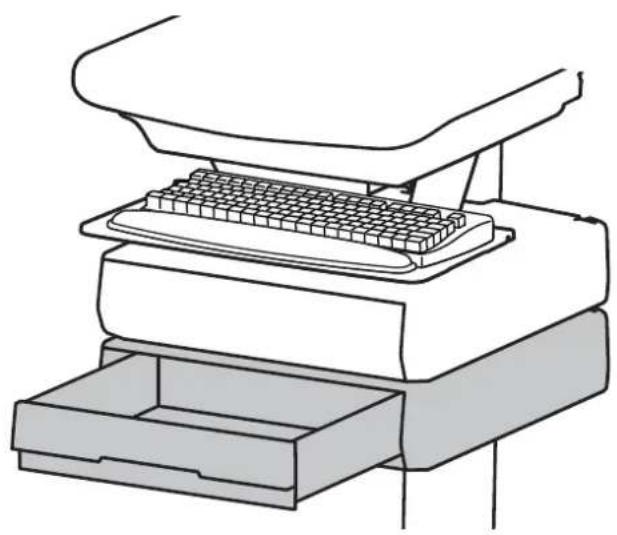
natural_image
Line drawing of a printer with a grid-patterned keyboard inserted into a base drawer (no text or symbols)
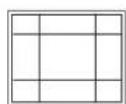
Total weight capacity per drawer. Total weight capacity per drawer.
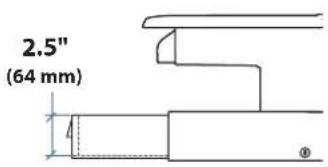
text_image
2.5" (64 mm)
text_image
10.5" (267 mm) 12.5"(315 mm)
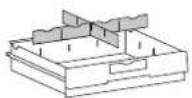
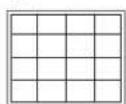


or
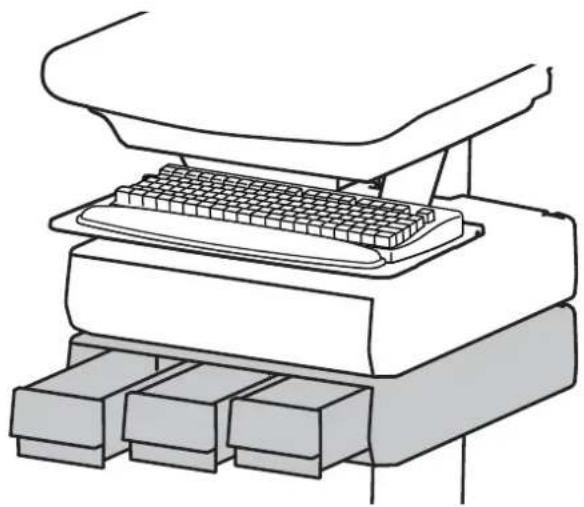
natural_image
Line drawing of a computer setup with a keyboard and three storage bins (no text or symbols)
≤0.25 lbs (0.1 kg) < 2 lbs (1 kg)
text_image
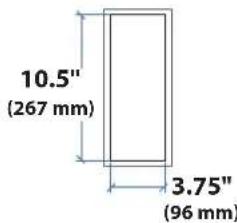
10.5" (267 mm) 3.75" (96 mm)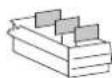

For the latest User Installation Guide please visit: www.ergotron.com

User's Guide - English
text_image
Two circular signs with traffic safety symbols: one indicating a road sign, the other prohibiting a van or ramp.CAUTION:
Close worksurface before opening drawers.
Open only one drawer at a time.
Do Not push cart when drawers or worksurface are open.
When adding more than 3 drawer rows to a LiFe cart, max loading is:
LCD: 11 lbs (5 kg)
CPU: 10 lbs (4.5 kg)
Keyboard/mouse: 2 lbs (0.9 kg)
Worksurface: 0 lbs (0 kg)
Drawer contents: 2 lbs (0.9 kg) max per drawer row
Failure to follow these instructions may cause the cart to be unstable.

text_image
WARNING IMPACT HAZARD! MOVING PARTS CAN CRUSH AND CUT. Minimize Lift Tension BEFORE: • Removing Mounted Equipment. • Shipping Cart • Storing Cart To Minimize Lift Tension 1. Lower worksurface to lowest position. 2. Turn adjustment nut at top of riser counterclockwise until it stops (Adjustment may require 40-60 revolutions). Failure to heed this warning may result in serious personal injury or property damage! For More information and instructions refer to product guide at http://support.ergotron.com or contact Ergotron Customer Care at 1-800-888-8458. 822-052
text_image
1 Drawer 3 Drawers 1x 3x or 1x 9x 1 2 1x 2x M4 x 12mm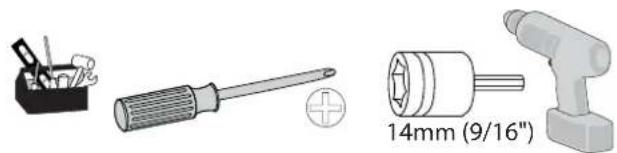
natural_image
Illustration of three hardware components: a pencil holder, a screwdriver with a plus symbol, and a 14mm (9/16") tool (no text or symbols on parts)1 a
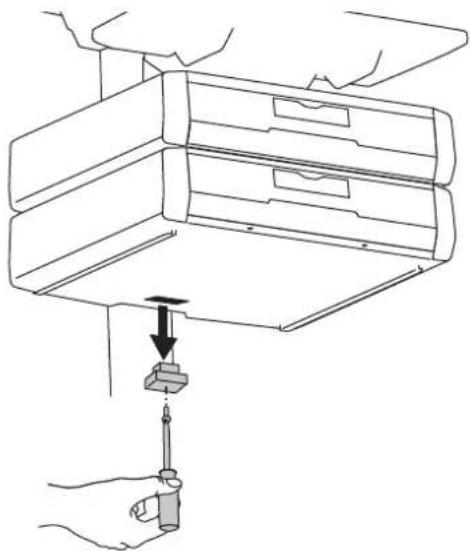
Remove the cover in the jack on the bottom of the lowest drawer.
natural_image
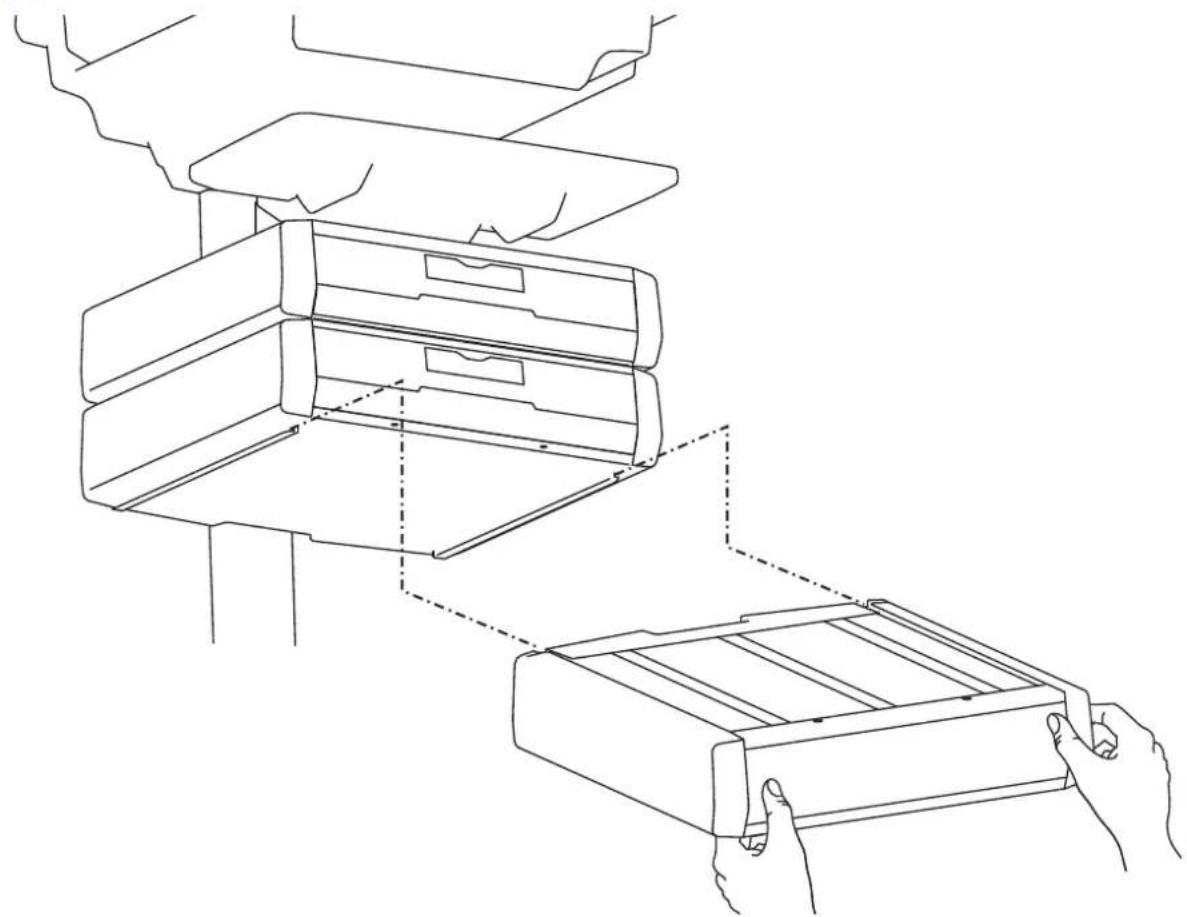
Line drawing of a hand using a screwdriver to adjust or install an air conditioner unit (no text or symbols present)b Slide the drawer onto the bottom tracks of the last drawer.
natural_image
Line drawing of a mechanical device with hands holding a tray, showing internal components and assembly (no text or symbols)2
Remove the top drawer(s).
natural_image
Line drawing of a hand placing a stack of boxes into a multi-tiered storage unit (no text or symbols)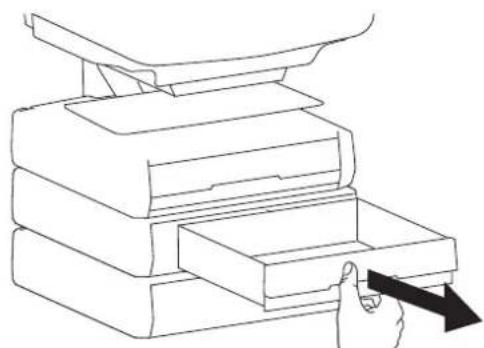
natural_image
Line drawing of a hand inserting a card into a stack of books (no text or symbols)3 Secure the bottom drawer by attaching the two screws.
2x
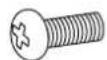
M4 x 12mm
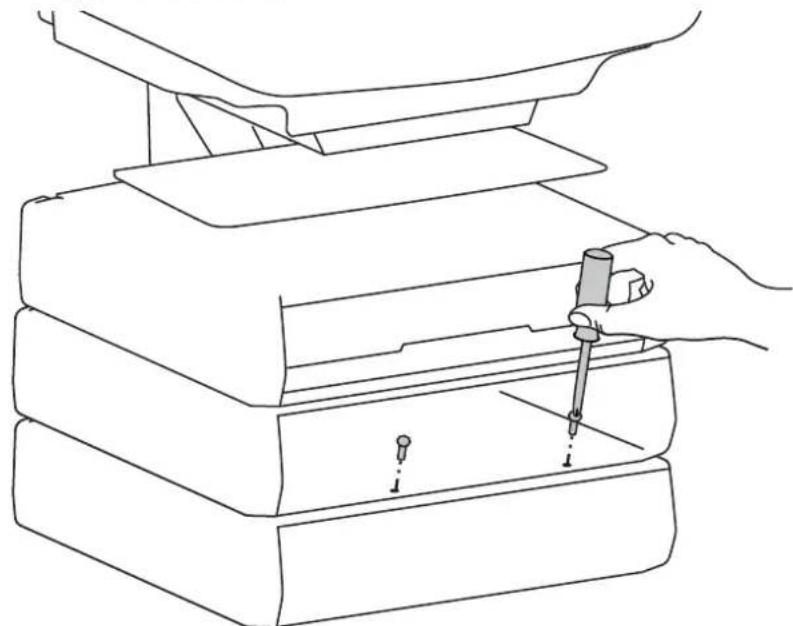
natural_image
Line drawing of a hand using a pipette to press down an open base (no text or symbols)4 Replace the top drawer(s).
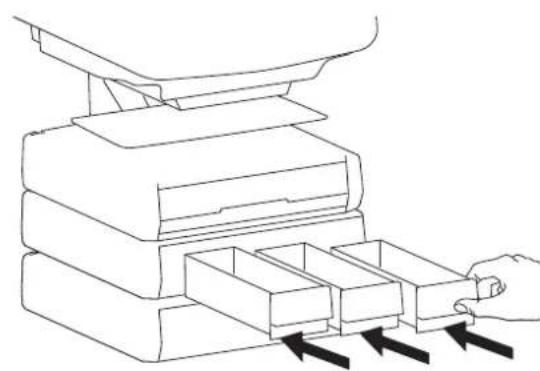
natural_image
Line drawing of a hand inserting into a stack of boxes with arrows indicating direction (no text or symbols)
natural_image
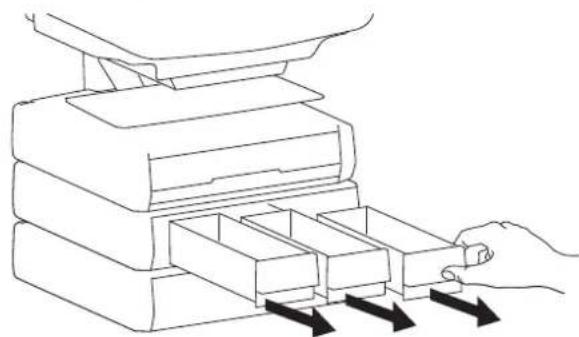
Line drawing of a hand inserting a card into a stack of documents (no text or symbols)5 To unlock the storage drawer, turn key counter clockwise 1/4 turn.
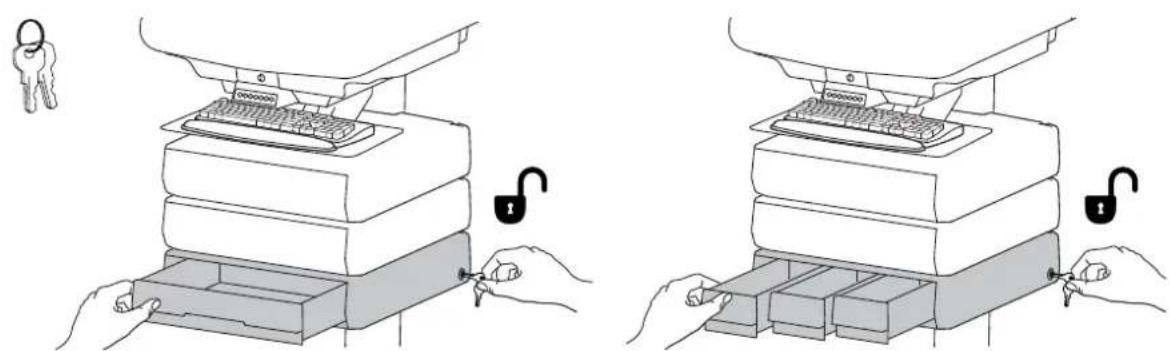
natural_image
Illustration of two hands inserting keys into a stacker machine, showing lock and padlock mechanism (no text or symbols)It is important that you adjust this product according to the weight of the mounted equipment as described in the following steps. Any time equipment is added or removed from this product, resulting in a change in the weight of the mounted load, you should repeat these adjustment steps to ensure safe and optimum operation.
Adjustments should move smoothly and easily through the full range of motion and stay where you set it. If adjustments are difficult and do not stay in the desired position, follow the instructions to loosen or tighten the tension to create a smooth, easy adjustment motion. Depending on your product and the adjustment, it may take several turns to notice a difference.

text_image
Lift - Up and down Release Brake to move riser.
text_image
Follow these instructions to tighten or loosen tension. 14mm (9/16") NOTE: Adjustment may require 40 - 60 revolutions.NOTE: Adding more than 3 rows of drawers per cart may mean balanced lift adjustment of the cart may not be possible without reducing weight of LCD, laptop, CPU, and/or drawer contents.

While Ergotron, Inc. makes every effort to provide accurate and complete information on the installation and use of its products, it will not be held liable for any editorial errors or omissions (including those made in the process of translation from English to another language), or for incidental, special or consequential damages of any nature resulting from furnishing this instruction and performance of equipment in connection with this instruction. Ergotron, Inc. reserves the right to make changes in the product design and/or product documentation without notification to its users. For the most current product information, or to know if this document is available in languages other than those herein, please contact Ergotron. No part of this publication may be reproduced, stored in a retrieval system, or transmitted in any form or by any means, electronic, mechanical, photocopying, recording or otherwise without the prior written consent of Ergotron, Inc., 1181 Trapp Road, Eagan, Minnesota, 55121, USA Patents Pending and Patented U.S. & Foreign. Ergotron is a registered trademark of Ergotron, Inc.
Americas Sales and
Corporate Headquarters
EMEA Sales
St. Paul, MN USA
(800) 888-8458
+1-651-681-7600
www.ergotron.com
sales@ergotron.com
Amersfoort, The Netherlands
+31 33 45 45 600
www.ergotron.com
info.eu@ergotron.com
APAC Sales
Tokyo, Japan
www.ergotron.com
apaccustomerservice@ergotron.com
Worldwide OEM Sales
www.ergotron.com
info.oem@ergotron.com