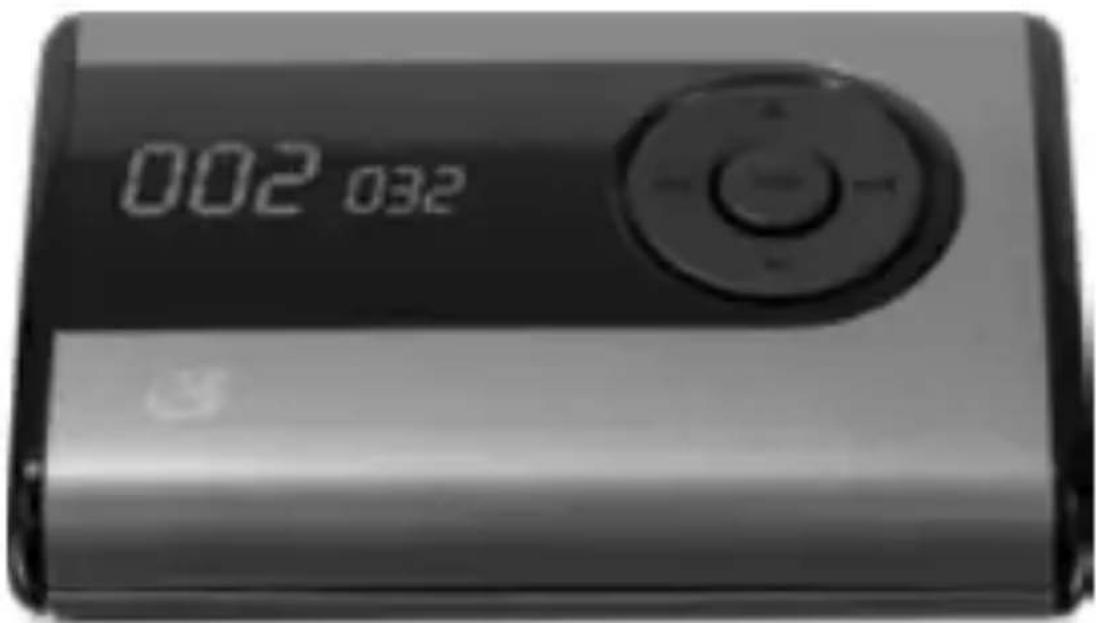
MW240S - Mp3 player GPX - Free user manual and instructions
Find the device manual for free MW240S GPX in PDF.


User questions about MW240S GPX
0 question about this device. Answer the ones you know or ask your own.
Ask a new question about this device
Download the instructions for your Mp3 player in PDF format for free! Find your manual MW240S - GPX and take your electronic device back in hand. On this page are published all the documents necessary for the use of your device. MW240S by GPX.
USER MANUAL MW240S GPX
WARNING: Changes or modifications to this unit not expressly approved by the party responsible for compliance could void the user's authority to operate the equipment.
NOTE: This equipment has been tested and found to comply with the limits for a Class B digital device, pursuant to Part 15 of the FCC Rules. These limits are designed to provide reasonable protection against harmful interference in a residential installation. This equipment generates, uses, and can radiate radio frequency energy and, if not installed and used in accordance with the instructions, may cause harmful interference to radio communications. However, there is no guarantee that interference will not occur in a particular installation. If this equipment does cause harmful interference to radio or television reception, which can be determined by turning the equipment off and on, the user is encouraged to try to correct the interference by one or more of the following measures:
- Reorient or relocate the receiving antenna.
- Increase the separation between the equipment and receiver.
- Connect the equipment into an outlet on a circuit different from that to which the receiver is connected.
- Consult the dealer or an experienced radio/TV technician for help.
FEATURES
- 2GB installed flash memory
- USB thumb drive storage
• Supports: MP3 and WMA - Preset EQ
- LCD display with white lit characters
- ID3 tag compatible
- Stereo headphone jack
INCLUDED
- MW240
- USB cable
• One set of stereo earbuds - Warranty card
- User's guide
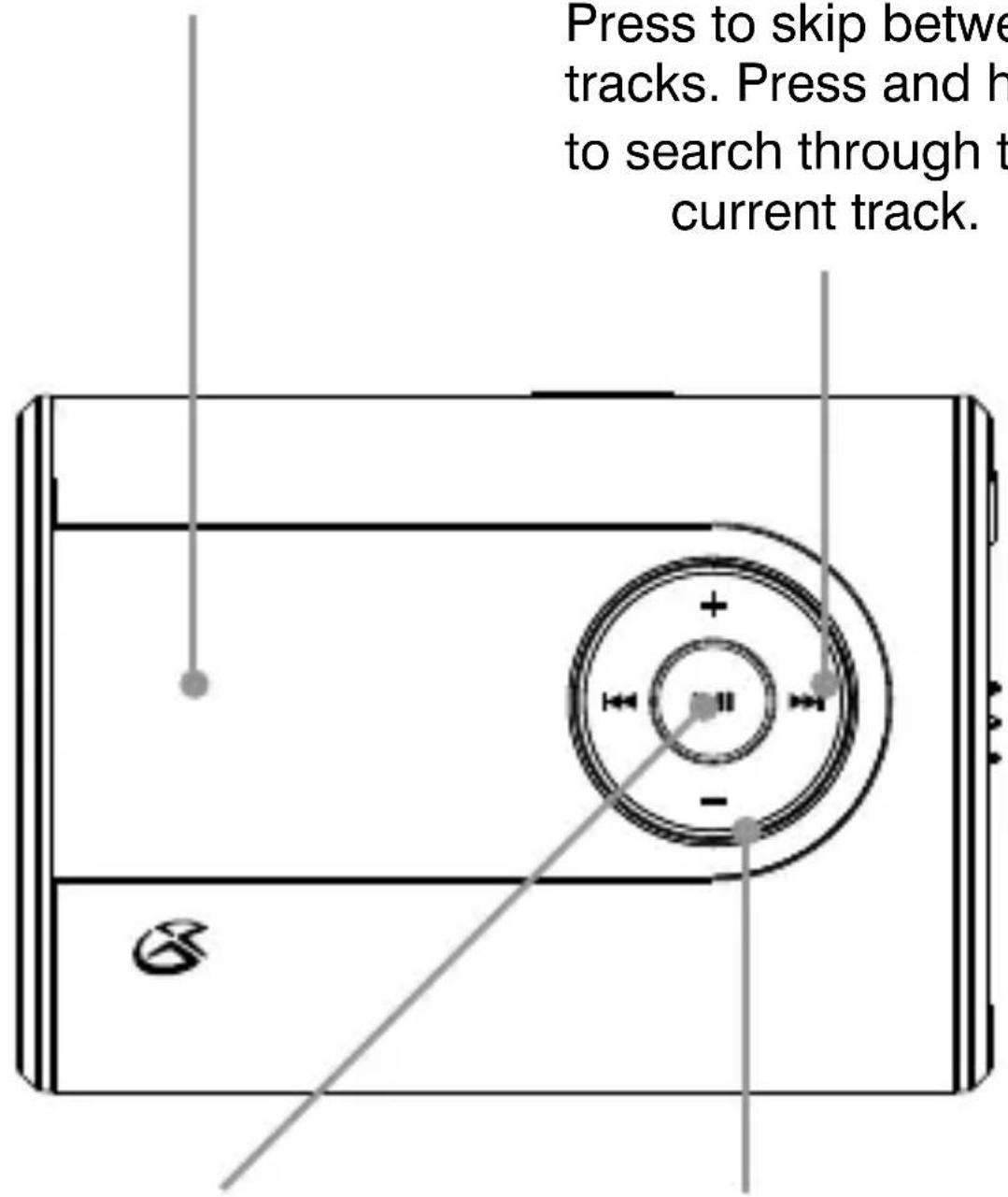
DISPLAY
text_image
Press to skip between tracks. Press and h to search through t current track.SKIP/SEARCH
Press to skip between tracks. Press and hold to search through the current track.
PLAY/PAUSE
Press to play or pause the MP3 player.
VOLUME
Press to adjust the volume.
STEREO HEADPHONE JACK
OFF/ON/HOLD Adjust to power the MP3 player off or on, or to lock the buttons from being accidentally pressed.

text_image
ON/OH USBMINI-USB PORT
MODE
Press to switch between NORMAL, REPEAT 1, REPEAT ALL, and RANDOM play modes. In PAUSE mode, press and hold to access the search feature. In PLAY mode, press and hold to cycle through the EQ presets.

natural_image
Simple line drawing of a rectangular object with a central label 'M' and a small protrusion, no text or symbols present.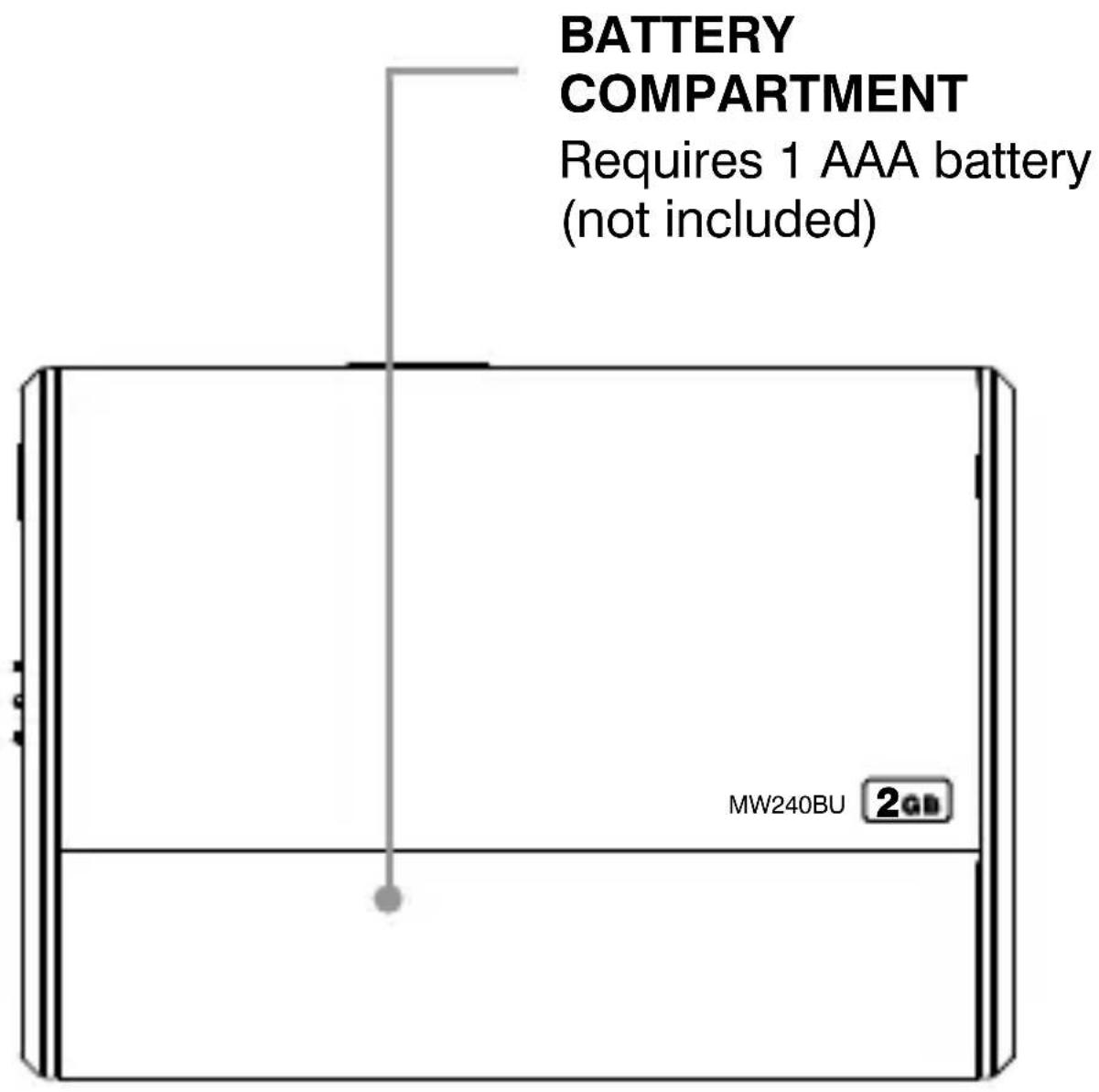
text_image
BATTERY COMPARTMENT Requires 1 AAA battery (not included) MW240BU 2GBBATTERY
COMPARTMENT
Requires 1 AAA battery (not included)
International Support
To download this User's Guide in English, Spanish, or French, visit the support section at www.gpx.com.
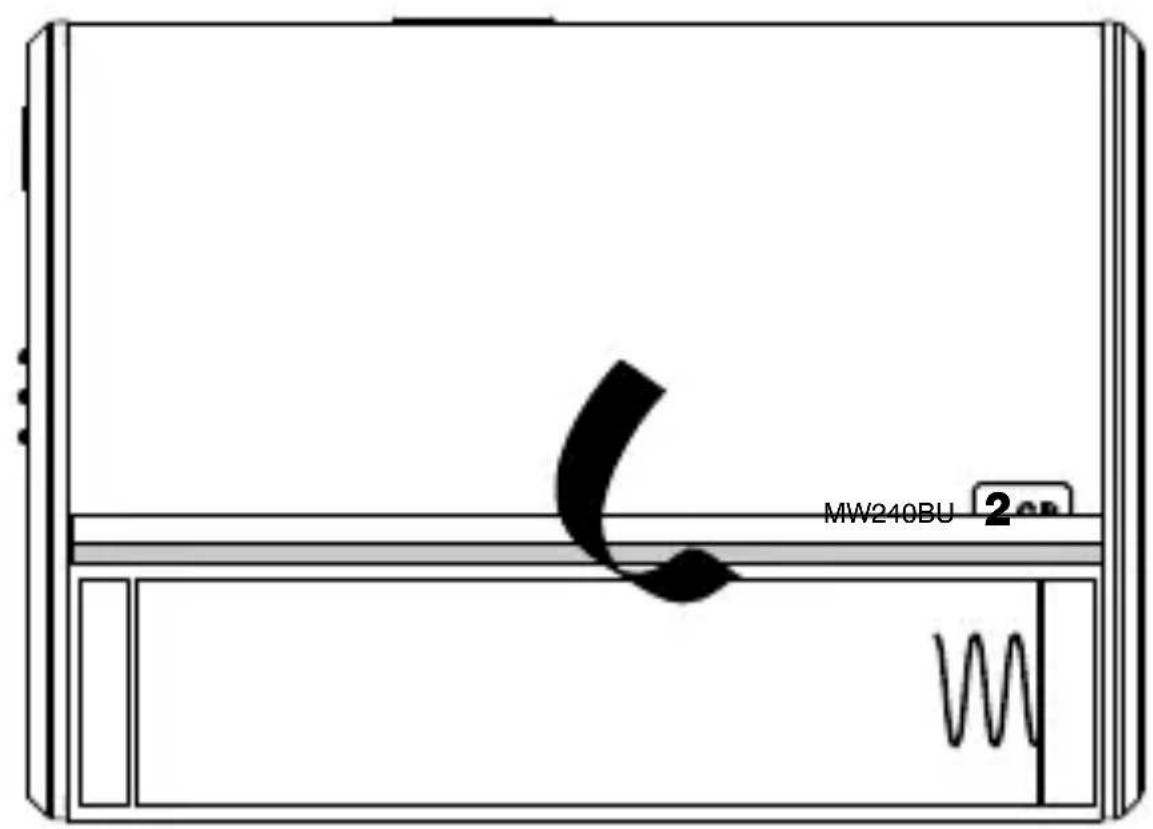
Requires 1 AAA battery (not included)
text_image
MW240BU 2
natural_image
Solid black upward-pointing arrow shape on white background (no text or symbols)
natural_image
3D rendering of a cylindrical battery with a metallic connector (no text or symbols visible)LOADING MUSIC
Requires Windows XP, Windows Vista, or Windows 7.
1 Connect the MP3 player to a computer using the included USB cable.
2 If prompted, select “OPEN FOLDER TO VIEW FILES USING WINDOWS EXPLORER”. Otherwise, go to MY COMPUTER and click on the drive named GPX.
3 To load music onto the MP3 player, simplay drag the MP3 or WMA files into the opened folder, GPX.
• Media can also be synced to the MP3 player by using Windows Media Player, version 10 or above. For information on syncing a device with Windows Media Player, open Windows Media Player, and go to the help page.
PLAYING MUSIC
1 Follow the instructions for LOADING MUSIC.
2 Adjust the ON/OFF/HOLD switch to the ON position.
3 Connect a set of earbuds or headphones to the STEREO HEADPHONE JACK.
4 Press the PLAY/PAUSE button to begin playing audio from the MP3 player.
PRESET EQ
1 While playing music, press and hold the MODE button to switch between the preset equalizer modes; Normal, Pop, Rock, Classic, Jazz, and Bass.
PLAY MODES
1 While playing music, press the MODE button to switch between NORMAL, REPEAT 1, REPEAT ALL, and RANDOM play modes.
SEARCHING FOR MUSIC
1 While playing music, press the PLAY/PAUSE button to pause the MP3 player.
2 Press and hold the MODE button to access the SEARCH feature.
3 Press the MODE button repeatedly to switch between searching for SONG, ARTIST, or ALBUM.
4 Press the PLAY/PAUSE button.
5 Press the SKIP/SEARCH buttons to change the characters, and press the MODE button to select the chosen character.
6 Repeat step 5 until the SONG, ARTIST, or ALBUM you are searching for has been completely spelled out.
7 Press the PLAY/PAUSE button.
MW240S/MW240P/MW240BU/MW240B/MW240PR
Digital Audio Player