U-Band 116HR Color - Smartwatch UMAX - Free user manual and instructions
Find the device manual for free U-Band 116HR Color UMAX in PDF.


| Product Type | Smartwatch / Fitness Tracker |
| Brand | UMAX |
| Model | U-Band 116HR Color |
| Display | Color touchscreen, 0.96 inch (typical) |
| Dimensions | Approx. 40 x 35 x 10 mm (main unit) |
| Weight | Approx. 35 g (including band) |
| Battery | Lithium-polymer, 90 mAh (typical) |
| Charging | USB charging clip, 5V, 0.5A |
| Standby Time | Up to 7 days (typical usage) |
| Connectivity | Bluetooth 4.0 BLE |
| Compatibility | iOS 8.0+ / Android 4.4+ |
| Sensors | Optical heart rate, 3-axis accelerometer |
| Water Resistance | IP67 (splash/rain proof, not for swimming) |
| Main Functions | Step counting, heart rate, sleep monitoring, call/message notifications, sedentary reminder, stopwatch, alarm |
| Material | TPU band, plastic case |
| Cleaning and Care | Clean with soft damp cloth; avoid solvents; dry before charging |
| Safety | Do not wear while swimming or in sauna; keep away from children; do not attempt to repair |
| Spare Parts & Repairability | Bands replaceable; battery not user-replaceable; contact support for repairs |
| General Information | UMAX U-Band 116HR Color is a budget-friendly activity tracker with color display and heart rate monitoring. |
Frequently Asked Questions - U-Band 116HR Color UMAX
User questions about U-Band 116HR Color UMAX
0 question about this device. Answer the ones you know or ask your own.
Ask a new question about this device
Download the instructions for your Smartwatch in PDF format for free! Find your manual U-Band 116HR Color - UMAX and take your electronic device back in hand. On this page are published all the documents necessary for the use of your device. U-Band 116HR Color by UMAX.
USER MANUAL U-Band 116HR Color UMAX
text_image
QR code image containing encoded data, no visible human-readable text
text_image
QR code image containing encoded data, no visible human-readable textAndroidiOS
Aktivace zařízení
natural_image
Close-up of hands holding a small black plastic component (no text or symbols visible)
natural_image
Close-up of a black electronic device with two buttons and a display, marked with red checkmarks (no text or symbols visible)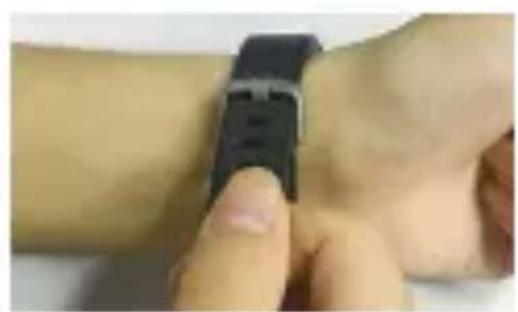
natural_image
Close-up of a hand holding a smartwatch on a wrist (no visible text or symbols)
natural_image
Close-up of hands holding a black smartwatch with a white display showing '12' (no readable text or symbols beyond the display)Dotykové tlačítko
natural_image
Simple line drawing of a car with a finger pointing at the screen (no text or symbols)natural_image
Top-down illustration of a hand interacting with a device (no text or symbols visible)text_image
Bike Long press to starttext_image
Short training session! Not savenatural_image
Orange circular icon with a white thumbs-up symbol on black background (no text or symbols)text_image
NO action quit in 15s
text_image
MEMORY FULL
natural_image
Green battery icon with lightning bolt symbol on black background (no text or numbers)natural_image
Green icon of a camera on black background (no text or symbols)
natural_image
Green camera icon on black background (no text or symbols)text_image
Martin: Hi! Lunch together today?text_image
Time to move!text_image
Achieve goalstext_image
QR code image containing encoded data, no visible human-readable text
text_image
QR code image containing encoded data, no visible human-readable textAndroidiOS
natural_image
Close-up of hands holding a small black square object (no text or symbols visible)
natural_image
Close-up of a device with two black buttons and a small display, marked with red arrows and a red X (no text or symbols)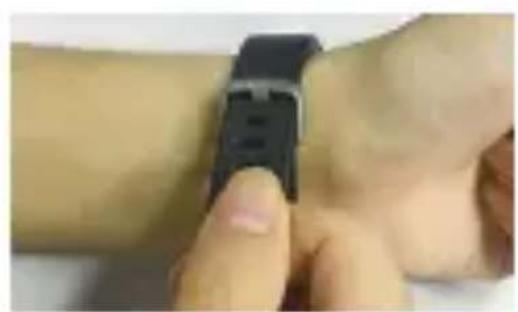
natural_image
Close-up of hands interacting with a smartwatch on a wrist (no visible text or symbols)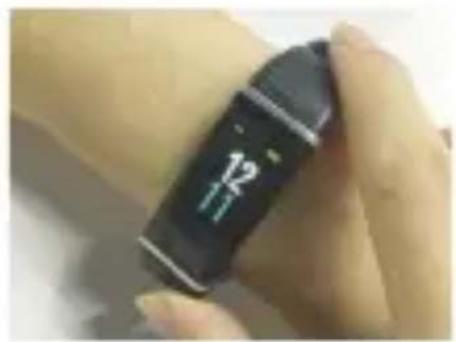
natural_image
Close-up of a hand holding a black smartwatch with a white display showing '12' (no readable text or symbols beyond the display)Przycisk dotykowy
natural_image
Simple line drawing of a car with a finger pointing at the screen (no text or symbols)natural_image
Top-down diagram of a device with a hand cursor pointing at the screen (no text or symbols)natural_image
Simple graphic with a red heart above a white ECG line on black background (no text or symbols)Puls
text_image
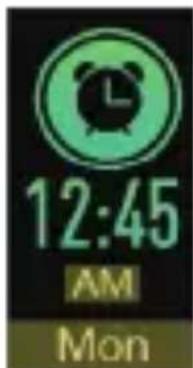
12:45 AM Mon
text_image
Bike Long press to startTryb sportówBudzik
text_image
Bike Long press to starttext_image
Short training session! Not savenatural_image
Orange circular icon with a thumbs-up symbol, no text or numbers presenttext_image
NO action quit in 15s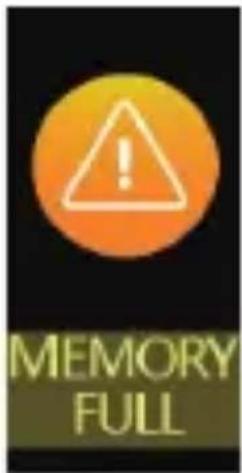
text_image
MEMORY FULL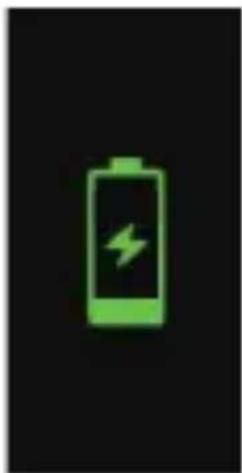
natural_image
Green battery icon with lightning bolt symbol on black background (no text or numbers)natural_image
Green icon of a camera on black background (no text or symbols)
natural_image
Green camera icon on black background (no text or symbols)text_image
Martin: Hi! Lunch together today?text_image
Time to move!text_image
Achieve goalsnatural_image
Green wrench icon on black background with white number '-09' below (no text or symbols on the wrench itself)Wsparcie techniczne
Infolinia: 800 118 629
Email: support@umax.cz
Siedziba serwisu
ConQuest entertainment a. s
Hloubětínská 11
198 00 Praha 9
Republika Czeska
+420 284 000 111
Godziny otwarcia
po-čt 9:00 - 17:00
pá 9:00 - 16:00
Telefon párosítás
text_image
QR code image containing encoded data, no visible human-readable text
text_image
QR code image containing encoded data, no visible human-readable textAndroidiOS
natural_image
Close-up of hands holding a small black square object (no text or symbols visible)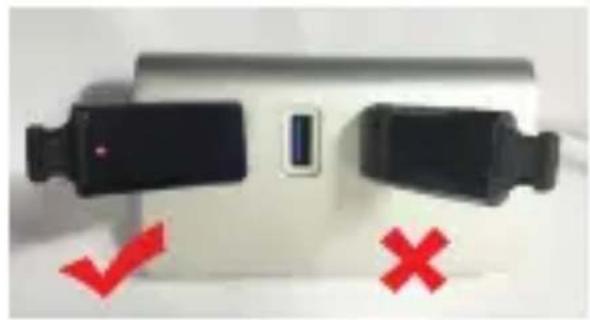
natural_image
Close-up of a device with two black buttons and a small display, marked with red arrows and a red X (no text or symbols)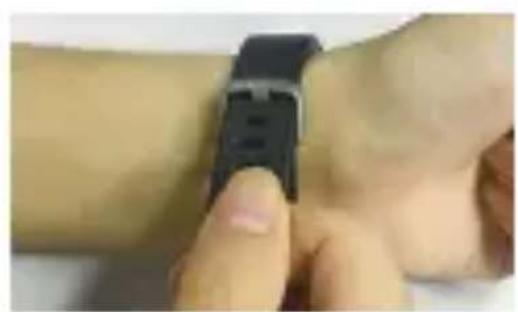
natural_image
Close-up of hands interacting with a smartwatch on a wrist (no visible text or symbols)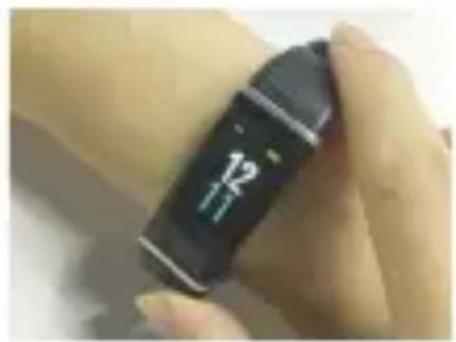
natural_image
Close-up of a hand holding a black smartwatch with a white display showing '12' (no readable text or symbols beyond the display)Érintógomb
natural_image
Simple line drawing of a car with a finger pointing at the screen (no text or symbols)natural_image
Top-down diagram of a device with a hand cursor pointing at the screen (no text or symbols)natural_image
Simple graphic with a red heart above a white ECG line on black background (no text or symbols)Pulzus

text_image
12:45 AM Mon
text_image
Bike Long press to startSportÉbresztőóra
Aktivitásmérés
text_image
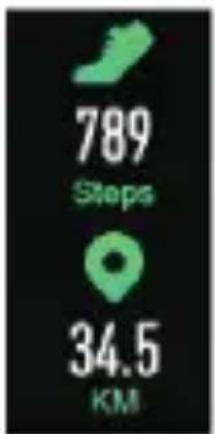
789 Steps 34.5 KM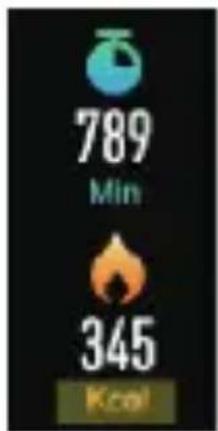
text_image
789 Min 345 Kcalnatural_image
Simple graphic with a red heart above a white ECG line on black background (no text or symbols)natural_image
Orange circular icon with a clock and exclamation mark, set against a black background (no text or symbols)text_image
Bike Long press to starttext_image
Short training session! Not savenatural_image
Orange circular icon with a thumbs-up symbol on black background (no text or symbols)text_image
NO action quit in 15s
text_image
MEMORY FULL
natural_image
Green battery icon with lightning bolt symbol on black background (no text or numbers)natural_image
Two identical green camera icons on black background, no text or symbols presenttext_image
Martin: Hi! Lunch together today?text_image
Time to move!text_image
Achieve goalsThank you for buying smart wristband UMAX. The wristband has modern design and it is easy to use. Not only it motivates you for more activity, but you can also see quality of your sleep and history of all activites in the application. The wristband has large display with a touch screen for convenient use and you can charge it directly from USB port in your computer. There are many other functions, such as notifications on incoming calls, text messages, and notifications from social media sites such as Facebook, Twitter, WhatsApp and others.
Heart rate measuring 24 hours a day
The wristband measures your heart rate for 24 hours a day in short intervals. Specially designed photoelectric sensor combined with an advanced and innovative algorithm provides accurate data for the whole day during any activity.
Measuring your activity all day and night
Wherever you are the embedded sensor measures your steps, distance, activity and burned calories. If your turn on the function for long sitting notification, you will be notified after a long period of inactivity.
Sport activity
The wristband has a function to measure one-time sport activity. You can choose from different sports, such as exercise, running, badminton, basketball and others. After the activity ends you can see details in the application on your smartphone.
Automatic measuring of sleep quality and alarm clock
The wristband automatically recognizes quality of your sleep and also tracks awake time during the night. After synchronizing with the smartphone application you can see details and chart of your sleep quality. You can also set up a silent alarm to wake up in the morning.
Incoming phone call notifications
The wristband vibrates and shows the name or a phone number of an incoming call if your phone is connected and within 10 metres. You will not miss any important call.
Remote shooting
You can activate smartphone shutter by touching the button on your wristband or by turning your wrist.
Smart application in several languages
The application used to synchronize data between your wristband and smartphone is very easy to use. You can see your activity during the day and previous weeks and months. You can set up goals for steps per day, sleep time, inactivity time. You also have an option to set up several alarms. In case there are any updates, the wristband can be automatically updated via the application. The application is also compatible with Google-Fit and HealthKit to share details of your activity.
Sharing screenshots on social media
Any screen from the application can be easy shared on social media by one click. You can also easily share it by email.
Connecting to a phone
Use an application VeryFitPro on iOS and Android to connect your wristband to your phone.
Note - following hardware and software requirements must be met:

iOS 7.1 and above Android 4.4 and above Bluetooth 4.0
Download VeryFitPro
Search for and download „VeryFitPro“ from the Apple Store and Google Play.
text_image
QR code image containing encoded data, no visible human-readable text
text_image
QR code image containing encoded data, no visible human-readable textAndroidiOS
Connecting the device
We suggest charging the device before its first use. Carefully take the main unit out of the strap and connect it to a USB charger or laptop (5V/0,5A). Time to fully charge the battery is about 60 minutes.

natural_image
Close-up of hands holding a small black square object (no text or symbols visible)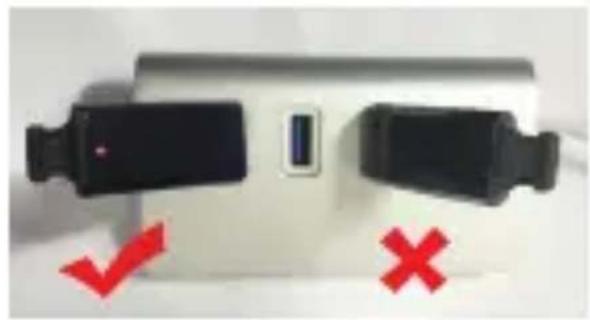
natural_image
Close-up of a device with two black buttons and a small display, marked with red arrows and a red X (no text or symbols)
natural_image
Close-up of hands interacting with a smartwatch on a wrist (no visible text or symbols)
natural_image
Close-up of a hand holding a black smartwatch with a white display showing '12' (no readable text or symbols beyond the display)Touch button
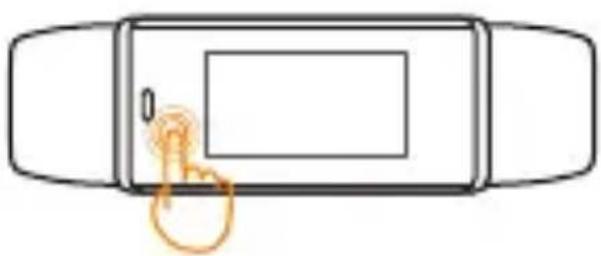
Touching the touch button area switches between modes. The screen automatically turns off after a short time.
natural_image
Simple line drawing of a car with a finger pointing at the screen (no text or symbols)One click switches between modes.

natural_image
Top-down diagram of a device with a hand cursor pointing at the screen (no text or symbols)Long press to confirm selection.
Way of wearing
Wear the writband on your wrist just like a regular watch.
Measuring heart rate
For an accurate heart rate reading wear the writsband on the top of your wrist. During an exercise make the strap a bit tighter.
Automatic all day monitoring is turned on by default. You can turn it off in the settings.
Battery
The battery lasts about 8 days

text_image
09 30 Sun 20Time and date
text_image
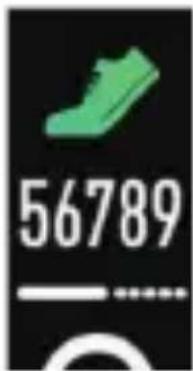
56789Steps

natural_image
Simple graphic with a red heart above a white ECG line on black background (no text or symbols)Heart rate

text_image
12:45 AM Mon
text_image
Bike Long press to startSport modeAlarm
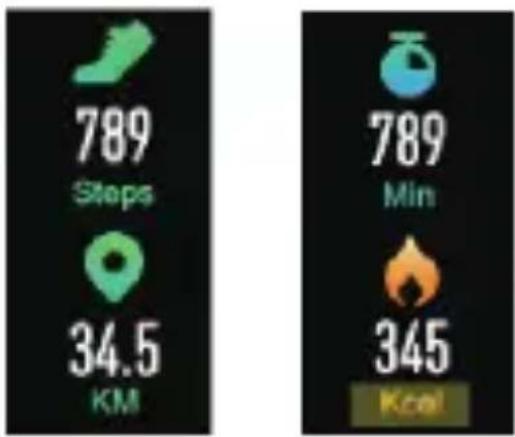
Activity overview
other
| Metric | Value | | :--- | :--- | | Steps | 789 | | KM | 34.5 | | Min | 789 | | Kcal | 345 |Pressing the touch button switches between time, steps, calories, distance, heart rate, alarm, and sport mode.
Heart rate
text_image
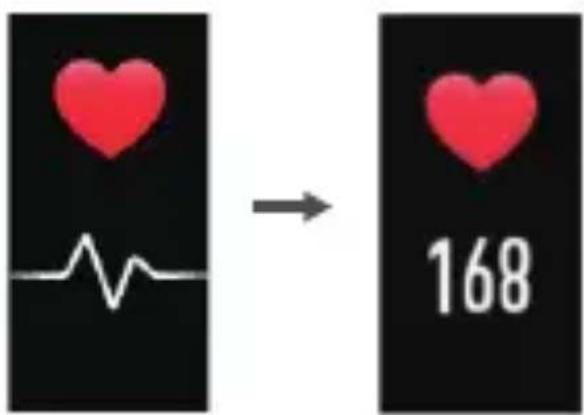
→ 168Getting data
Heart rate (updated every 0,5s)
Alarm

text_image
12:45 AM MonAlarm clock can be turned on inside the application.
Holding the touch button for 2s turn off the alarm.
Sport mode
text_image
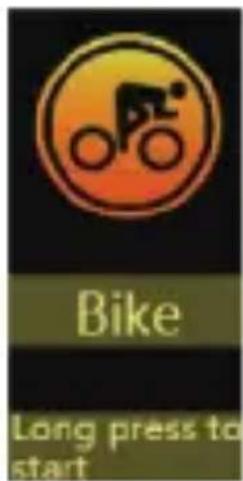
Bike Long press to startHold the touch button for 2s to turn on sport mode.
Pressing the button switches between types of sport.
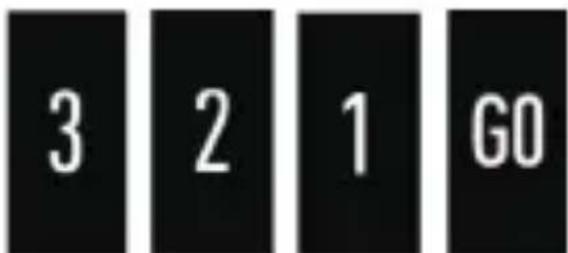
Countdown 3-2-1-GO and sport measuring starts.
text_image
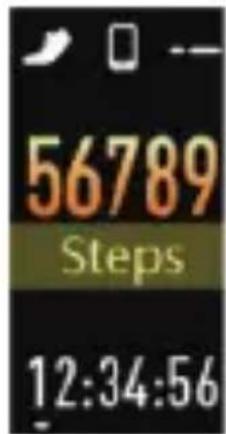
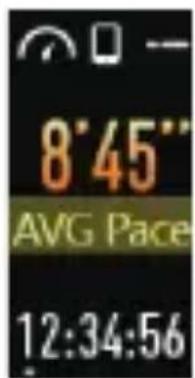
3 2 1 GOPressing the touch button shows various information about ongoing sport activity.

text_image
68 BPM 12:34:56Heart rate
text_image
56789 Steps 12:34:56Steps Calories

text_image
1245 Kcal 12:34:56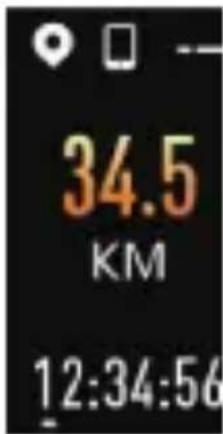
text_image
34.5 KM 12:34:56Distance
text_image
8'45" AVG Pace 12:34:56Average pace
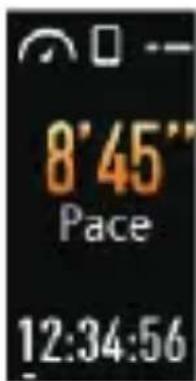
text_image
8'45" Pace 12:34:56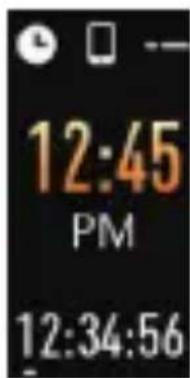
text_image
12:45 PM 12:34:56TimePace
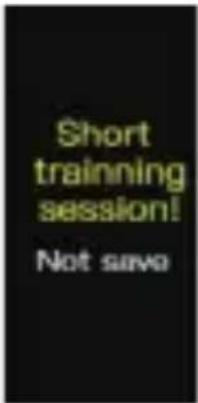
Press the button for 2s to turn off sports mode.
text_image
Short training session! Not saveSport activity shorter than 1 minute is not saved.

natural_image
Orange circular icon with a white thumbs-up symbol on black background (no text or symbols)Longer activity is saved.
Sport overview is shown after activity ends.

text_image
789 Steps 34.5 KM
text_image
789 Min 345 Kcal
text_image
8'45" AVG Pace 89 BPMSport mode automatically turns off for several reasons.

text_image
NO action quit in 15s
text_image
MEMORY FULL
natural_image
Green battery icon with lightning bolt symbol on black background (no text or numbers)No activity Full memory Low battery
Remote shooting
natural_image
Green icon of a camera on black background (no text or symbols)
natural_image
Green camera icon on black background (no text or symbols)Pressing the touch button or turning your wrist activates your smartphone camera shutter.
This function can be set up in the application.
Alarm

text_image
12:53 AMYou can set up the time for the alarm clock in the applications. Several types of alarms can be chosen from.
Incoming call notifications
text_image
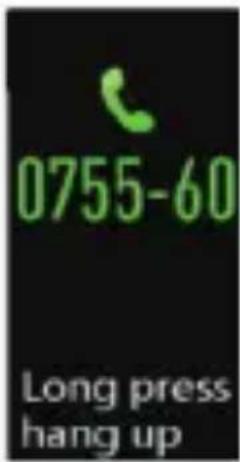
0755-60 Long press hang upYou can be notified of an incoming call.
Pressing the touch button hides the notification.
Long press of touch button rejects the phone call.
Message notification

text_image
Martin: Hi! Lunch together today?Notifications for text messages and various applications can be set up in the application.
Pressing the touch button shows following notifications.
Long sitting notification
text_image
Time to move!You can be notified after a long time of sitting.
Reaching your goals
text_image
Achieve goalsAfter reaching your daily goal for steps you will see a notification.
How to find a device for pairing?
- Make sure that Bluetooth is turned on and that your smartphone runs Android 4.4 and higher or iOS 7.0 and higher.
- Make sure that the distance between your smartphone and wristband is less than 0,5 meters during pairing. After pairing you can use the device within 10 metres.
- Make sure that the wristband has enough battery.
Pairing fails?
- Restart your smartphone or restart Bluetooth service.
How to restore factory settings?
Make sure the device is connected to your smartphone via Bluetooth. In the application click on device > system settings > reboot device.
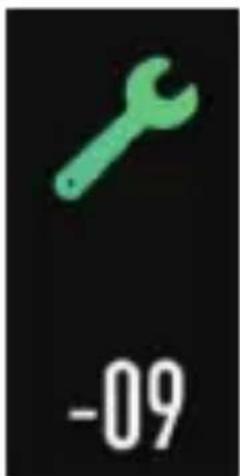
Hardware errors?
In case any hardware errors happens the following screen is shows with a number identifying the type of an error.
text_image
-09Technical support
Phone: 800 118 629
Email: support@umax.cz
Service center
ConQuest entertainment a. s
Hloubětínská 11
198 00 Praha 9
Czech Republic
+420 284 000 111
Opening hours
MO-TH 9:00 - 17:00
FR 9:00 - 16:00