
830 - Nicht kategorisiert FLUKE - Kostenlose Bedienungsanleitung
Finden Sie kostenlos die Bedienungsanleitung des Geräts 830 FLUKE als PDF.


| Produkttyp | Laser-Ausrichtungswerkzeug |
| Modell | 830 |
| Marke | Fluke |
| Einsatzbereich | Wellenausrichtung von Maschinen |
| Lasertyp | Klasse 2, sichtbarer roter Laser |
| Reichweite | Bis zu 10 m (typisch) |
| Genauigkeit | ±0,1 mm / m |
| Abmessungen (Gerät) | Ca. 200 x 100 x 50 mm |
| Gewicht | Ca. 1,0 kg inkl. Batterien |
| Stromversorgung | 4 x AA-Batterien (nicht im Lieferumfang) |
| Batterielebensdauer | Ca. 20 Stunden Dauerbetrieb |
| Display | LCD mit Hintergrundbeleuchtung, 128x64 Pixel |
| Datenspeicherung | Interner Speicher für bis zu 100 Messungen |
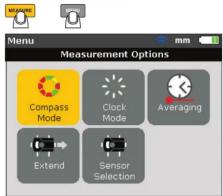
| Messmodi | Kompassmodus, Klickmodus, Mittelwertbildung |
| Schnittstellen | USB (Mini-B) zur Datenübertragung |
| Softwarekompatibilität | Fluke Alignment Tool PC-Software |
| Schutzklasse | IP54 (staub- und spritzwassergeschützt) |
| Sturzhöhe | 1 m Falltest auf Beton |
| Betriebstemperatur | -10 °C bis +40 °C |
| Lagertemperatur | -20 °C bis +50 °C |
| Luftfeuchtigkeit | 10 % bis 90 % nicht kondensierend |
| Lieferumfang | Ausrichtgerät, Zieltafel, Imbusschlüssel, Kurzanleitung, Tragetasche |
| Garantie | 2 Jahre (Herstellergarantie) |
| Reinigung | Gehäuse mit weichem Tuch abwischen, Linsen nicht berühren |
| Wartung | Batterien regelmäßig wechseln, Linsen reinigen |
| Reparierbarkeit | Batteriewechsel durch Benutzer; Lasermodul nur durch Fachpersonal |
| Entsorgung | Gemäß lokalen Vorschriften für Elektronikschrott |
Häufig gestellte Fragen - 830 FLUKE
Benutzerfragen zu 830 FLUKE
0 Frage zu diesem Gerät. Beantworten Sie die, die Sie kennen, oder stellen Sie Ihre eigene.
Eine neue Frage zu diesem Gerät stellen
Laden Sie die Anleitung für Ihr Nicht kategorisiert kostenlos im PDF-Format! Finden Sie Ihr Handbuch 830 - FLUKE und nehmen Sie Ihr elektronisches Gerät wieder in die Hand. Auf dieser Seite sind alle Dokumente veröffentlicht, die für die Verwendung Ihres Geräts notwendig sind. 830 von der Marke FLUKE.
BEDIENUNGSANLEITUNG 830 FLUKE
FLUKE
830
Laser Alignment Tool
Quick Reference Guide
Warning
To prevent possible electrical shock, fire, or personal
injury, read the "830 Safety Sheet" before you use this Product.
Go to www.fluke.com to register your product, download manuals,
and find more information.
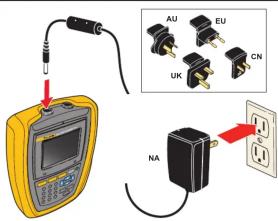
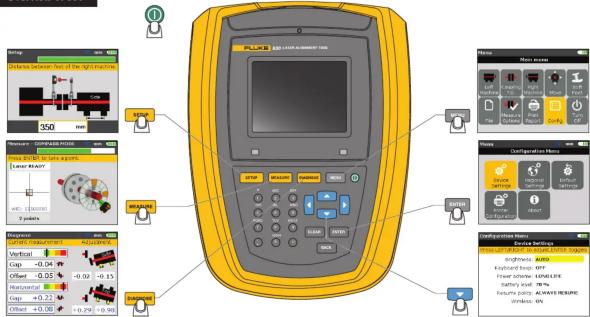
Overview of 830
PN 4473130 July 2014
© 2014 Fluke Corporation. All rights reserved.
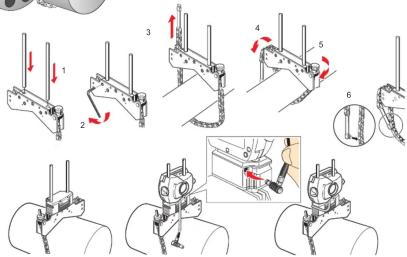
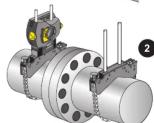
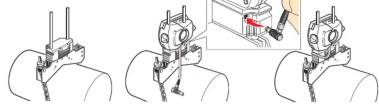
Preparation
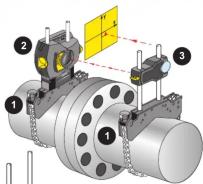
[Non-Text]

!
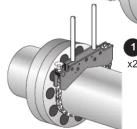
,
natural_image
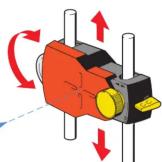
Technical line drawing of a mechanical clamp or bracket assembly with an inset showing a close-up of the component (no text or symbols present)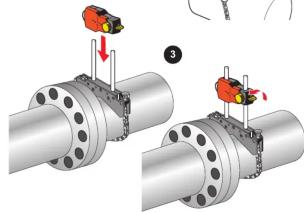
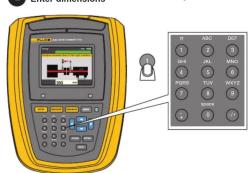
Step 1 Setup: Enter Machine Dimensions
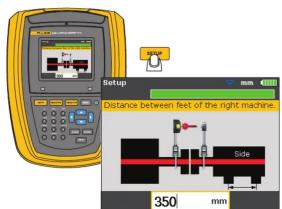
1
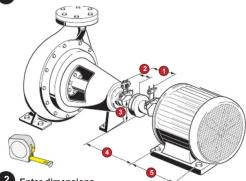
2
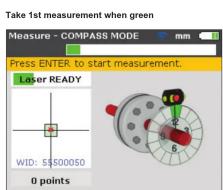
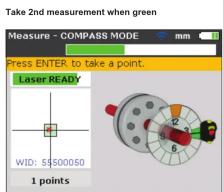
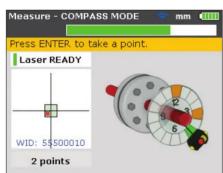
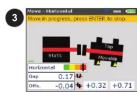
Step 2 Measure: Take 3 Readings
1
3
5
2
Adjust prism OR
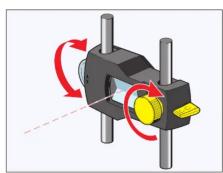
4
Rotate shaft
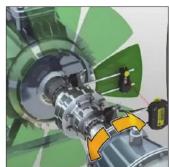
6
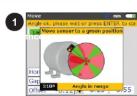
Rotate shaft and take 3rd measurement when green
1
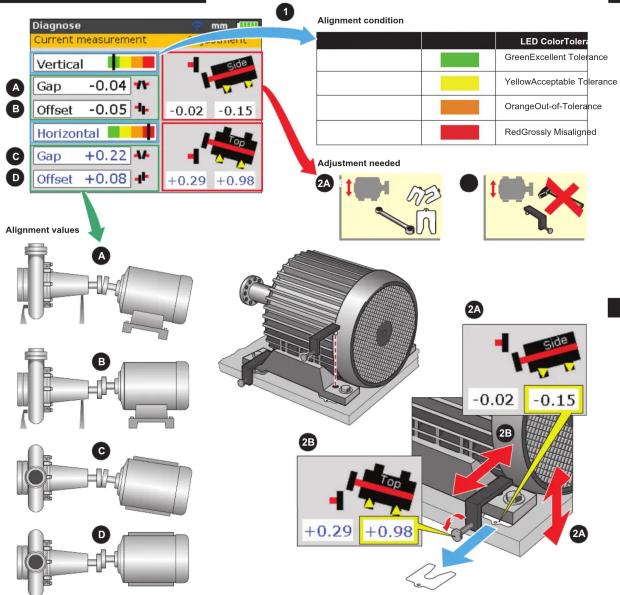
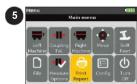
Final CheckStep
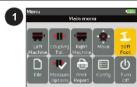
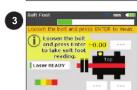
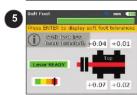
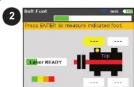
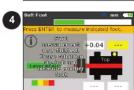
Optional Check: Soft Foot

Marke : FLUKE
Modell : 830
Kategorie : Nicht kategorisiert